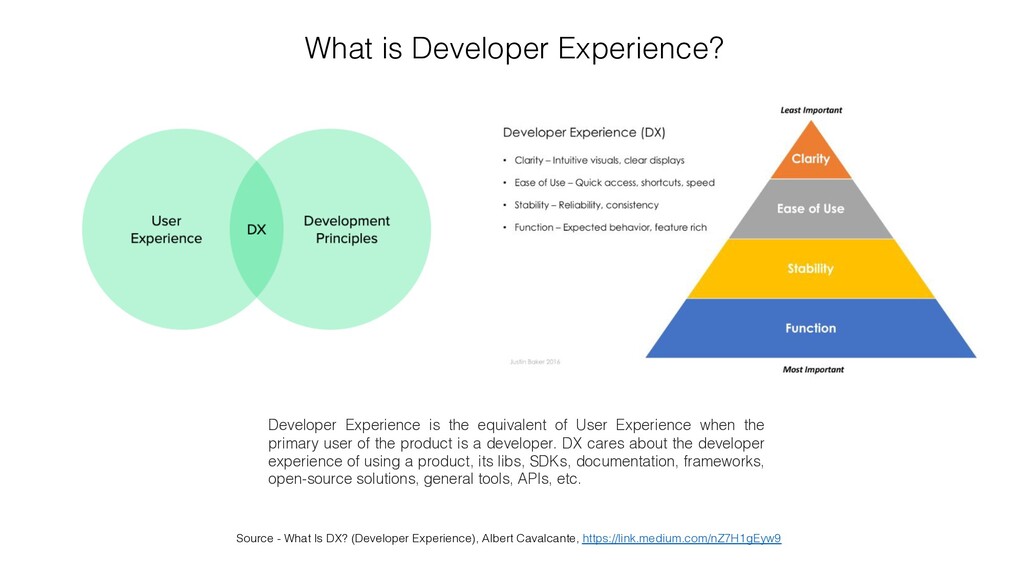
What is Developer Experience? Developer Experience is the equivalent of User Experience when the primary user of the product is a developer. DX cares about the developer experience of using a product, its libs, SDKs, documentation, frameworks, open-source solutions, general tools, APIs, etc.
what’s business really needs • Accelerate innovation and time-to-market • Gain onboarding agility and integration with fewer efforts • Increase developer satisfaction ☺
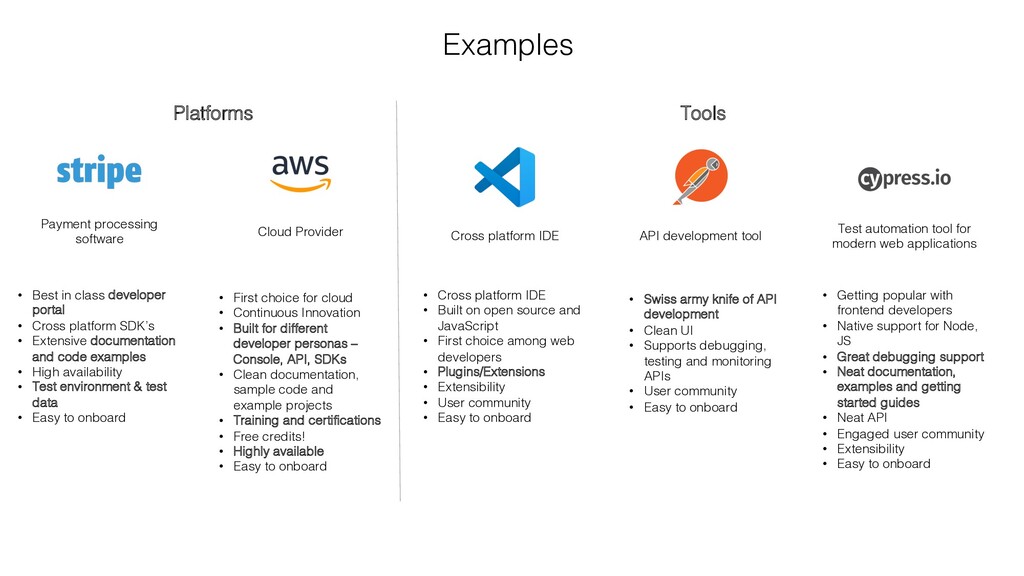
• Cross platform SDK’s • Extensive documentation and code examples • High availability • Test environment & test data • Easy to onboard Cross platform IDE • Cross platform IDE • Built on open source and JavaScript • First choice among web developers • Plugins/Extensions • Extensibility • User community • Easy to onboard API development tool • Swiss army knife of API development • Clean UI • Supports debugging, testing and monitoring APIs • User community • Easy to onboard Test automation tool for modern web applications • Getting popular with frontend developers • Native support for Node, JS • Great debugging support • Neat documentation, examples and getting started guides • Neat API • Engaged user community • Extensibility • Easy to onboard Cloud Provider • First choice for cloud • Continuous Innovation • Built for different developer personas – Console, API, SDKs • Clean documentation, sample code and example projects • Training and certifications • Free credits! • Highly available • Easy to onboard Platforms Tools
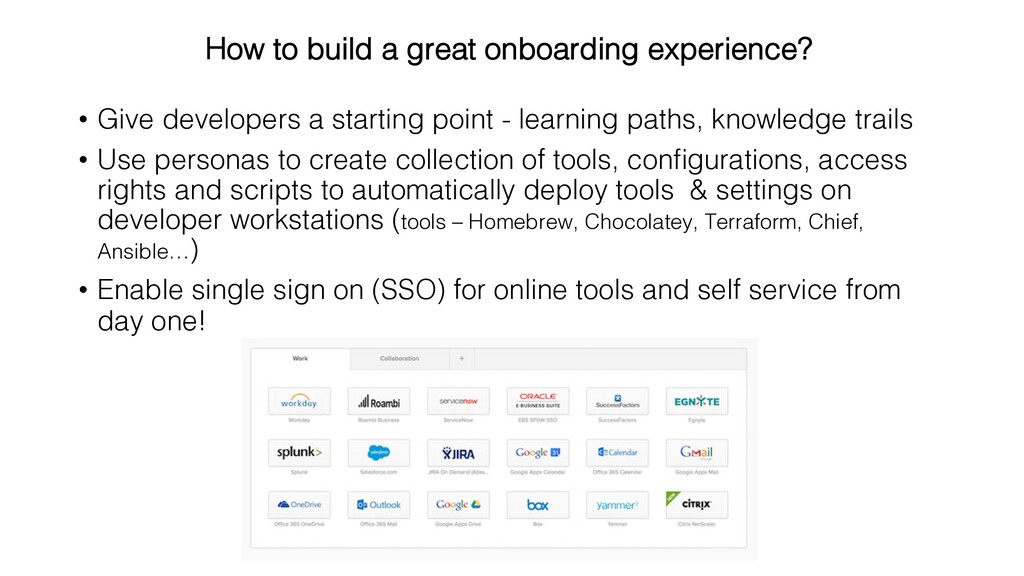
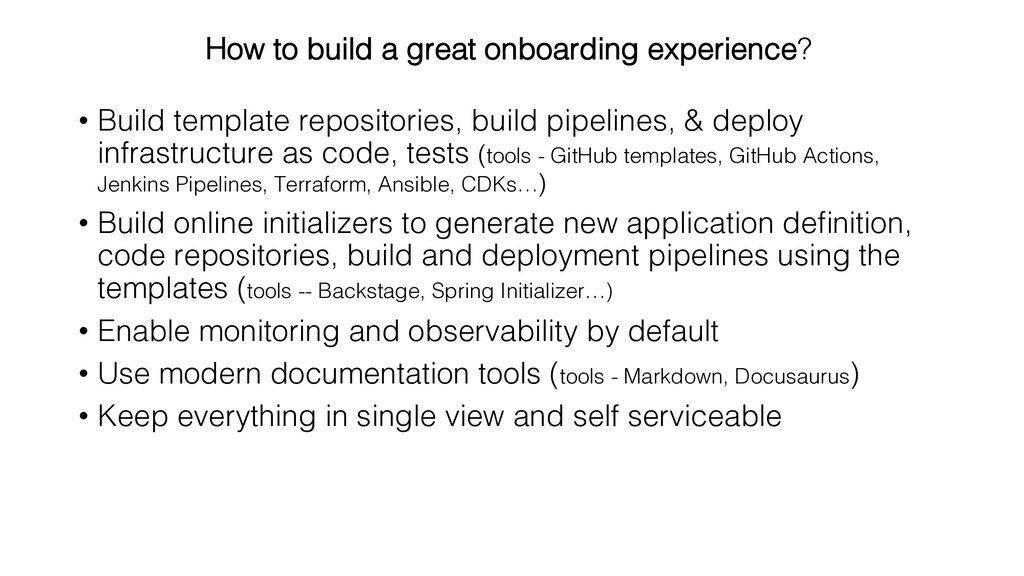
trails • Use personas to create collection of tools, configurations, access rights and scripts to automatically deploy tools & settings on developer workstations (tools – Homebrew, Chocolatey, Terraform, Chief, Ansible…) • Enable single sign on (SSO) for online tools and self service from day one! How to build a great onboarding experience?
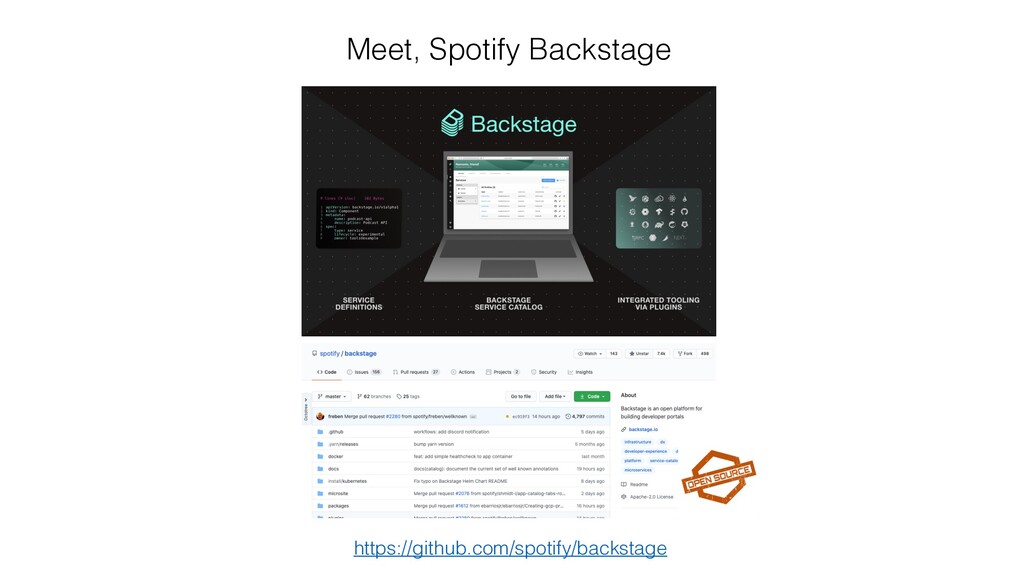
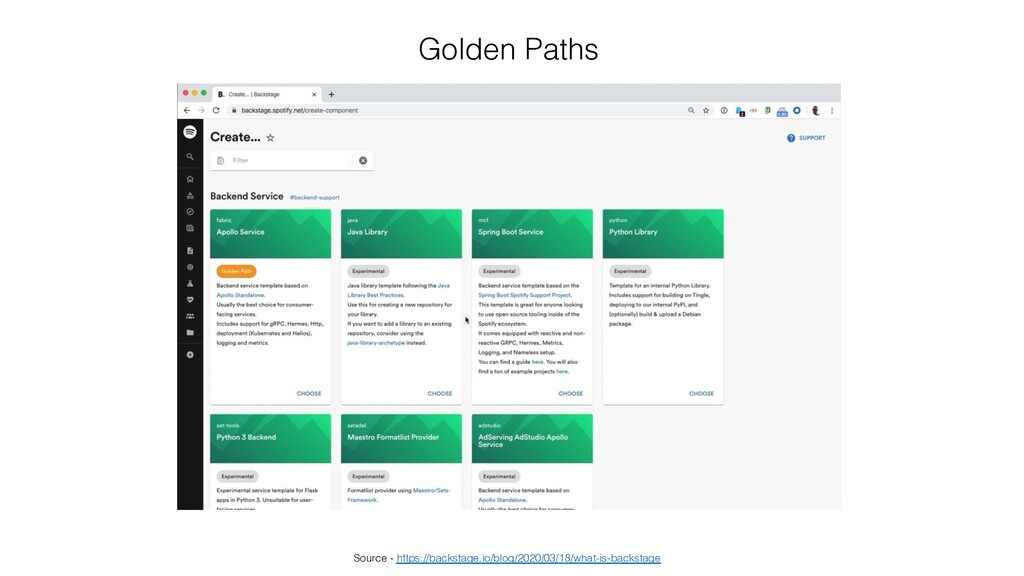
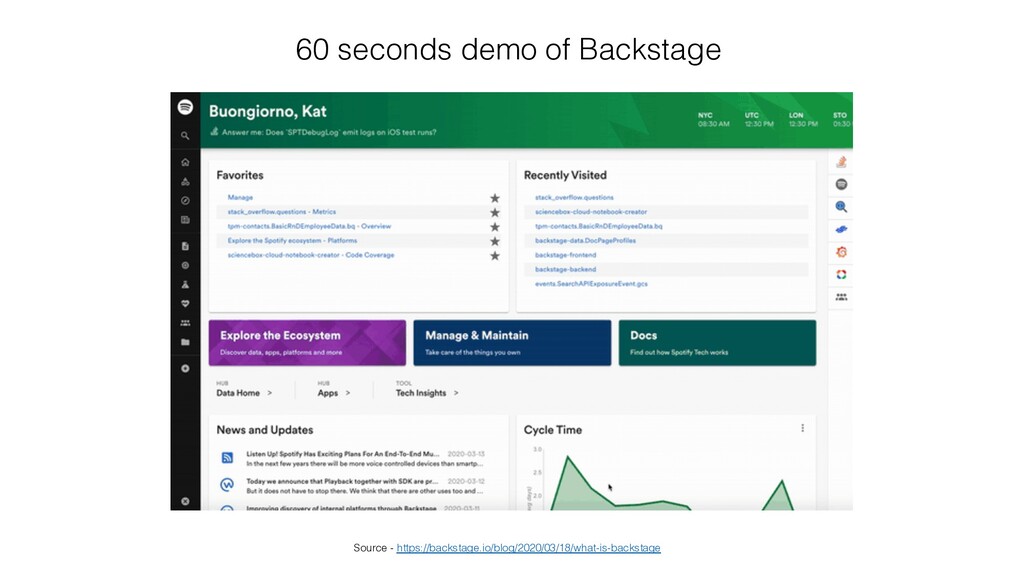
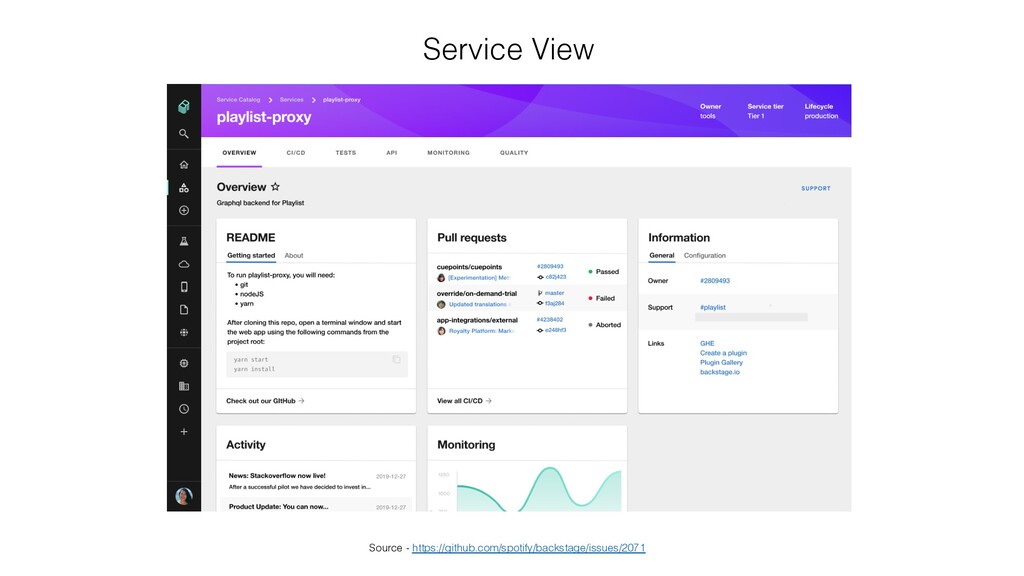
code, tests (tools - GitHub templates, GitHub Actions, Jenkins Pipelines, Terraform, Ansible, CDKs…) • Build online initializers to generate new application definition, code repositories, build and deployment pipelines using the templates (tools -- Backstage, Spring Initializer…) • Enable monitoring and observability by default • Use modern documentation tools (tools - Markdown, Docusaurus) • Keep everything in single view and self serviceable How to build a great onboarding experience?


 upgundecha
 teamlab
 kizawa2020
 yuuuuuuu168
 masakiokuda
 rfdnxbro
 taketakekaho
 pfn
pfn
 takanorip
 keeg
keeg
 raspython3
 kaminashi
 shuta13
 jcasabona
 tessaabrams
 dougneiner
 ianozsvald
 destraynor
 coloredviolet
 aleyda
 popppiees
 mfonobong
 rakko
rakko
 skipperchong
 badams





![• Usability • Accessibility • Findability • Credibility • [DX]](https://files.speakerdeck.com/presentations/0e6c2ab02d4e4225b700fe19333b73e9/slide_19.jpg)