$30 off During Our Annual Pro Sale. View Details »

Concept to Code – AI in Flutter Apps

Avatar for Urvashi Kharecha Urvashi Kharecha
June 18, 2025
16

Concept to Code – AI in Flutter Apps

Discover how AI can supercharge your Flutter app development process—from ideation to implementation. In this session, we’ll explore how tools like DartPad, Firebase Studio, and Cursor can accelerate coding, automate repetitive tasks using AI, and streamline your overall development workflow.

Avatar for Urvashi Kharecha

Urvashi Kharecha

June 18, 2025
Tweet

Transcript

  1. Concept to Code – AI in Flutter Apps Urvashi Kharecha

    Lead Software Engineer, 7Span Shweta Butani Lead Software Engineer, 7Span
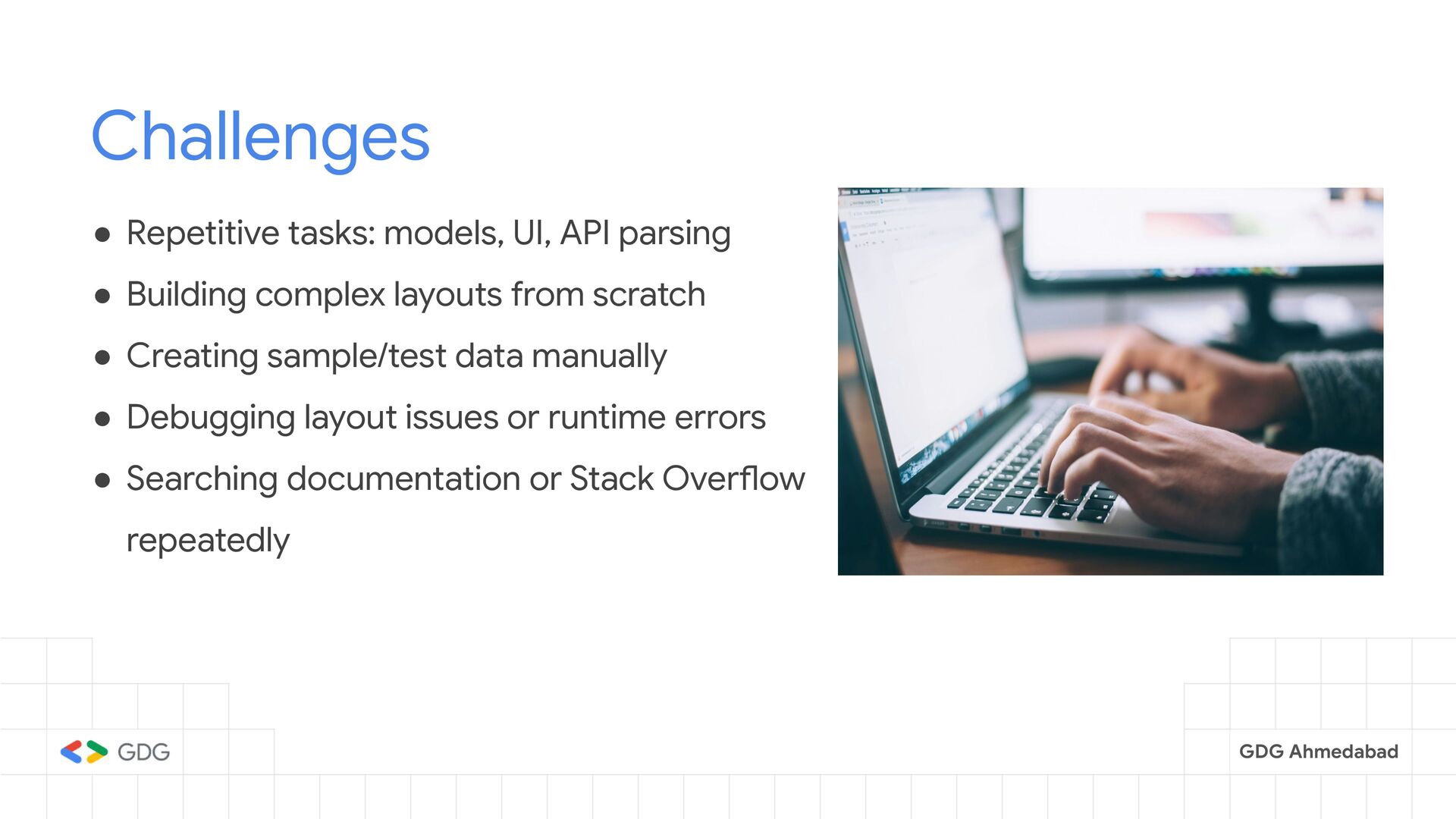
  2. GDG Ahmedabad Challenges • Repetitive tasks: models, UI, API parsing

    • Building complex layouts from scratch • Creating sample/test data manually • Debugging layout issues or runtime errors • Searching documentation or Stack Overflow repeatedly
  3. GDG Ahmedabad What is Prompt Engineering? • Prompt engineering is

    the art and science of crafting effective prompts. • It guides AI models, especially LLMs, to generate desired responses. • Careful prompt design provides context, instructions, and examples. • This helps the model understand intent and respond meaningfully.
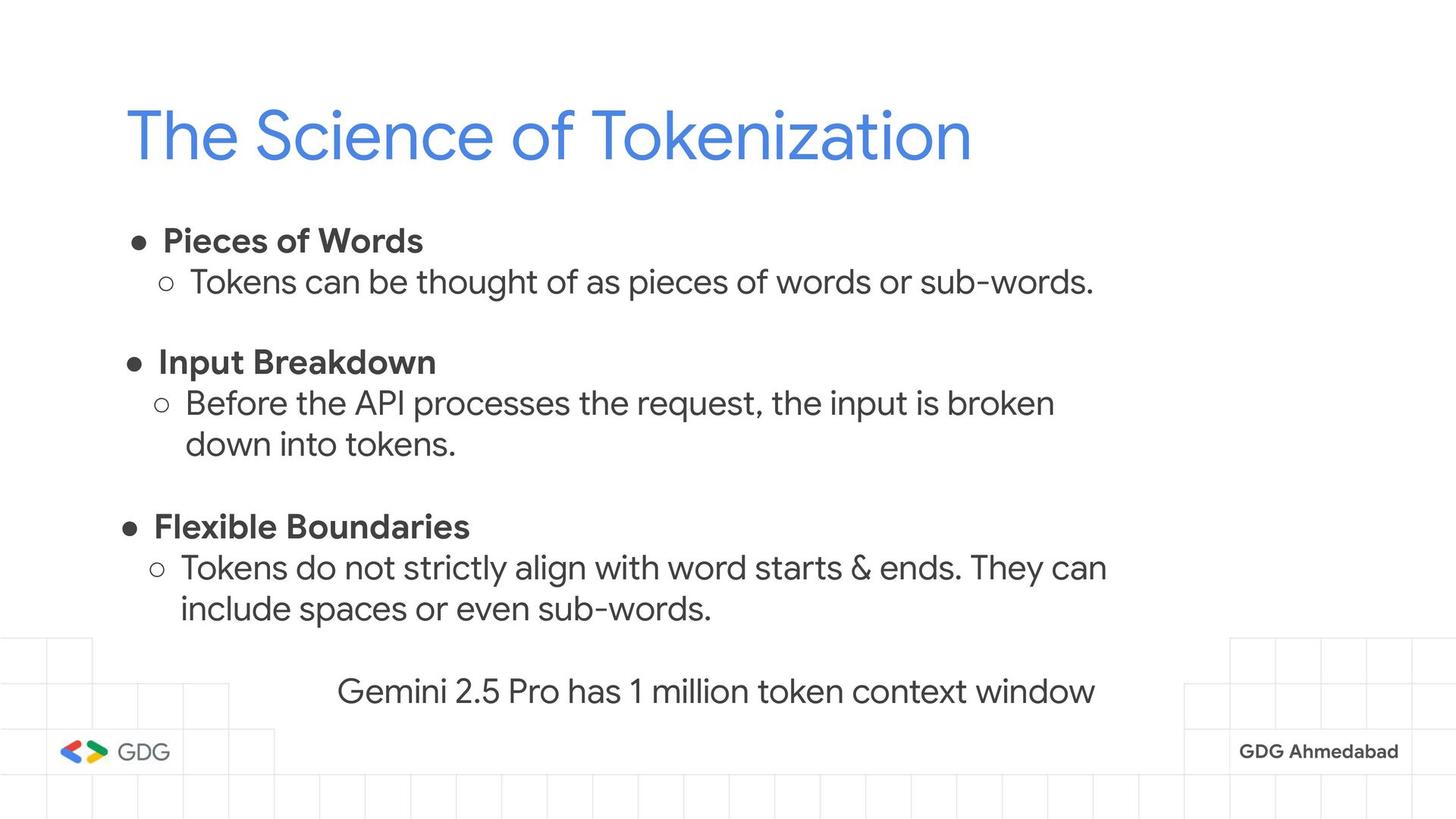
  4. GDG Ahmedabad The Science of Tokenization • Pieces of Words

    ◦ Tokens can be thought of as pieces of words or sub-words. • Input Breakdown ◦ Before the API processes the request, the input is broken down into tokens. • Flexible Boundaries ◦ Tokens do not strictly align with word starts & ends. They can include spaces or even sub-words. Gemini 2.5 Pro has 1 million token context window
  5. GDG Ahmedabad [The] [ developer] [ smiled] [.] "The developer

    smiled." [The] [ Developer] [ Sm] [iled] [.] "The Developer Smiled."
  6. GDG Ahmedabad The Problem • Sometimes, when we ask AI

    to perform a task, it doesn’t always get it right. • And when we express our frustration by saying things like: "This is useless." "This feature isn't supported." • The AI often responds with something like: "You're right!" • It is always nice to be Right. But I also wish the model/AI could work right.
  7. GDG Ahmedabad DartPad • DartPad is an online editor for

    writing and running Dart code. • No setup needed, just open and start coding. • Great for trying out Flutter widgets, experimenting, and even testing AI generated code. • Create with Gemini helps generate code directly.
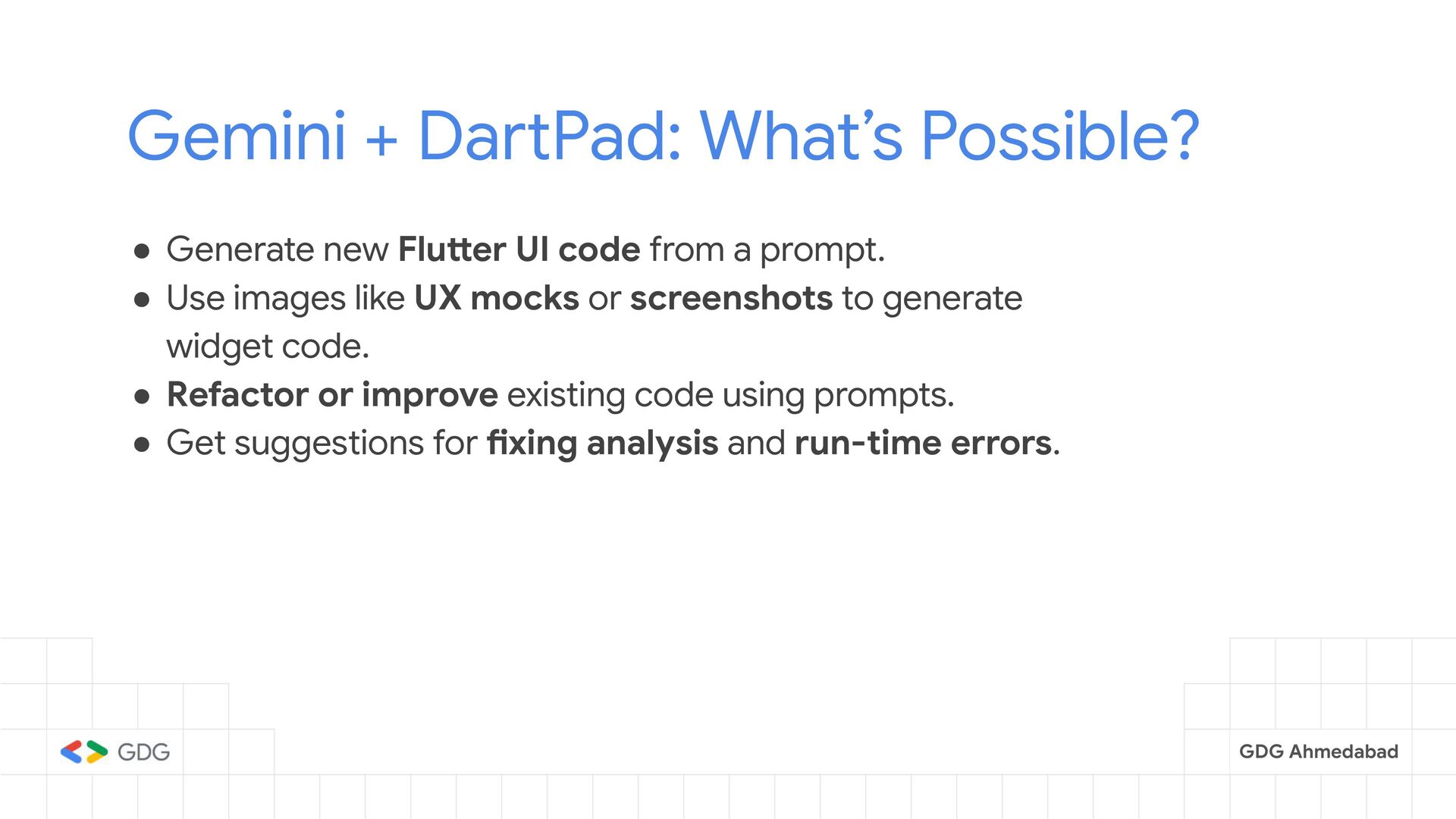
  8. GDG Ahmedabad Gemini + DartPad: What’s Possible? • Generate new

    Flutter UI code from a prompt. • Use images like UX mocks or screenshots to generate widget code. • Refactor or improve existing code using prompts. • Get suggestions for fixing analysis and run-time errors.
  9. GDG Ahmedabad Tips for Using Gemini in DartPad • Break

    down the UI into smaller parts (e.g., header, card, list item). • Generate each component separately, then combine and customize. • Use clear images to get more accurate widget code. • Try different prompt styles to improve results. • Don’t hesitate to ask Gemini to regenerate, refactor, or explain the code.
  10. GDG Ahmedabad Cursor • Cursor is an AI-powered code editor,

    built on top of VS Code. • It integrates with models like GPT-4 or Gemini, allowing you to chat directly with your codebase. • You can select code, ask for improvements, generate components, and fix bugs, all from within the editor. • It supports framework-aware AI help (like for Flutter, React, etc.).
  11. GDG Ahmedabad What can Cursor do? • Write Flutter UI

    code from a prompt (just describe what you want). • Complete your code based on what you’ve written. • Refactor code (like extract widgets or rename variables). • Explain code in simple words. • Write tests for your widgets. • Add comments and documentation to your code.
  12. GDG Ahmedabad Custom Rules • Why custom rules required? •

    Start by checking the Docs or ReadMe. • Stick to the same context throughout the conversation. • Define your custom rules. • Check cursor.directory for all types of Rules
  13. GDG Ahmedabad IDE (Global-Level) Rules Project-Level & Global AI Rules

    Project-Level Rules • Create rules under .cursor/rules directory of your project. • Use it to define custom AI behavior specific to your project. • User-defined rules live in your Cursor IDE under: • Settings > Rules
  14. GDG Ahmedabad Types of Rules • Always: Rules that are

    always applied regardless of the situation. • Auto-Attached: Automatically added based on the detected context or files. • Agent Requested: Applied when the AI agent explicitly requests additional context. • Manual: Triggered only when manually added by the user.
  15. Keep Rules Focused Good rules are focused, actionable and scoped:

    Keep rules concise, under 500 line is a good target. Best Practices
  16. GDG Ahmedabad What AI Seems? vs. What It Does? •

    AI will replace developers entirely • It's a powerful co-pilot, NOT auto-pilot • AI writes flawless, complete apps • AI solves every complex problem. • Using AI means you're not skilled enough • It generates helpful code snippets, not full apps • AI just speeds you up — you still solve the problem. • Smart developers use AI to save time and stay sharp
  17. “AI isn’t here to replace developers, it’s here to remove

    the boring parts so we can build with more focus and flow.”
  18. GDG Ahmedabad Bonus 🎉 • Jules with Git Repo •

    Firebase Studio with flutter • Android Studio + Gemini • Windsurf • Trae