as e-commerce, ecommerce, eCommerce or e- comm, refers to the buying and selling of products or services over electronic systems such as the Internet and other computer networks. “wikipedia” Vladislav Altanov
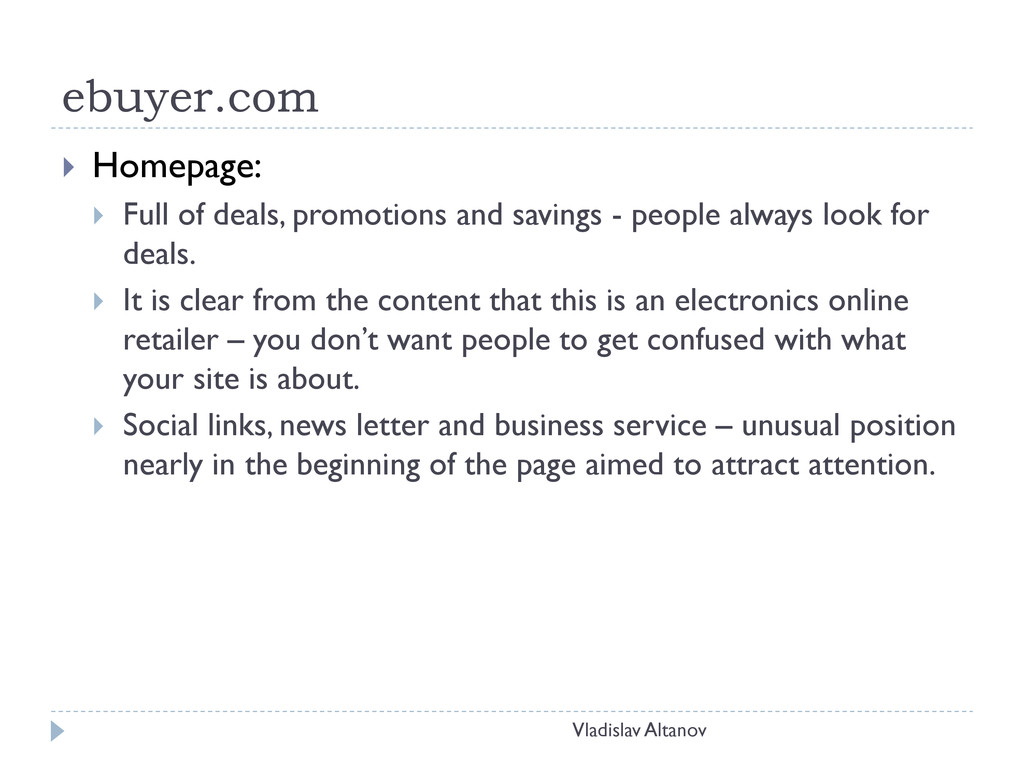
- people always look for deals. It is clear from the content that this is an electronics online retailer – you don’t want people to get confused with what your site is about. Social links, news letter and business service – unusual position nearly in the beginning of the page aimed to attract attention. Vladislav Altanov
below the fold, but partially above it just enough to make you wander what more is there on the page. Popular brands section just before the footer – brings a lot of credibility to the site, because of the well known brands. Footer – organised, full and helpful – expected to provide more detailed information about the service on the website (sitemap, FAQ, About us, etc.) Vladislav Altanov
the product a short description accompanies it – enables the user to quickly find the particular item he needs Obvious pricing with price reduction – creates the feeling that u are spending less. Free delivery – free service is always a good way to attract customers. Add to Basket button – a very easy to notice CTA Vladislav Altanov
– more information is needed in order to enable the user to form a final decision about the current product – buy it or not. More images of the item – people like to see what they get (show as many images as possible) More CTA buttons – warranties (no one want his possessions to break), floating checkout button (makes it easy to buy the product no matter where you are on the page) Vladislav Altanov
important thing to have. People trust what other people say about the products. Related items section – a good way to continue browsing for a better product (again based on peer’s decision of which item to check next) Because of the lengthy page convenient got top shortcuts are available – make it easy for the user or u may lose a customer. Vladislav Altanov
major product categories and the other with account information, help and bread crumbs - it is very important for the user that the navigation is clear and easy to understand and navigate. Categorising the navigation makes it easy to find what you are looking for. The navigation is very clean and tidy (very appealing to the eye) but when you hover a whole range of subcategories appears. (it is good to show the user that you have a wide range of products to offer including the one they are looking for) Vladislav Altanov
is very important because this is the way that people find the products they need. You do not want to frustrate the user with longwinded navigations which end up in losing a customer. A filtering systems is also introduced – most of the time people are not quite sure what exactly do they want, the filtering systems provides the means to filter out the unnecessary products and leave just a few which qualify for the needs of the user. This way a choice can be made faster and easier. Vladislav Altanov
standard information but in a clear way. In addition there is option to choose a specific day or interval of delivery -incredibly convenient for the customer who are very busy and have little time to wait for deliveries. Even though this is checkout a CTA button stills offers you to continue shopping – giving this kind of shopping flexibility to the user is always positive, it even might achieve an extra sell. Vladislav Altanov
the page there is the option to set up a monthly payment scheme – the perfect solution to satisfy a variety of customers’ needs. Even though a bright distinctive colour is used this service is not presented as obviously as it should have been. Present in the checking out session are some logos of the payment types and some accreditations – they are very important for the credibility of the website. The customer automatically trusts the service more. Vladislav Altanov
ebuyer here we have a cleaner display of elegance – the aim here is not to show that you have every product possible, but to portray the quality and beauty of women’s clothing. Interactive layout – manages to fit more content above the fold without making the page crowded Vladislav Altanov
this is the front window of the shop and by its appearance you decide whether you want to go in or not. Barely above the fold you can find headings for news, news letter signup and other detailed information – although it is mostly hidden it gives the idea to the user of what is hidden below the fold and lets him/her decide if they should scroll down. Vladislav Altanov
images and little textual information – this kind of products do not need the technical specifications of the electronics, the ability to visually inspect the product is more valuable here. Related items – standard approach. CTA on this page is the “ADD TO SHOPPING BAG” button – although it has bold text and is black it could have been more noticeable. Vladislav Altanov
apparent is the checkout – when you add an item to your shopping bag you are usually forwarded to your shoping bag, however here you have no indication on how to finalise your shopping experience. It could be aimed to force the user to shop more, but in my opinion a frustrated user would just close the website. No information on delivery – the users do not like uncertain services. Vladislav Altanov
in ebuyer Logos of payment methods to convey credibility Security logo – a good way to make people trust the service. Information about delivery and return policy is barely visible – such information is important to the buyer and need to be highlighted. 3-step checkout status – informs the user of the length of the process. Vladislav Altanov


 samanthasiow
 smashingmag
 mayunak
 nikkihalliwell
 bryan
bryan
 holman
 notwaldorf
 stuffmc
 lauravandoore
 dougneiner
 vanstee
 cassininazir