Upgrade to Pro — share decks privately, control downloads, hide ads and more …

What If Flutter can’t do what you want?

What If Flutter can’t do what you want?

An insight into Flutter Platform Channel and how you can access Android and iOS specific APIs with it?

Slides Designer: Ismail Ahmad (https://dribbble.com/theIsmailAh)

Avatar for Wilberforce Uwadiegwu

Wilberforce Uwadiegwu

January 12, 2019

Other Decks in Programming

Transcript

  1. But what happens when that crazy feature you want to

    build into your app isn’t supported by the Flutter SDK?
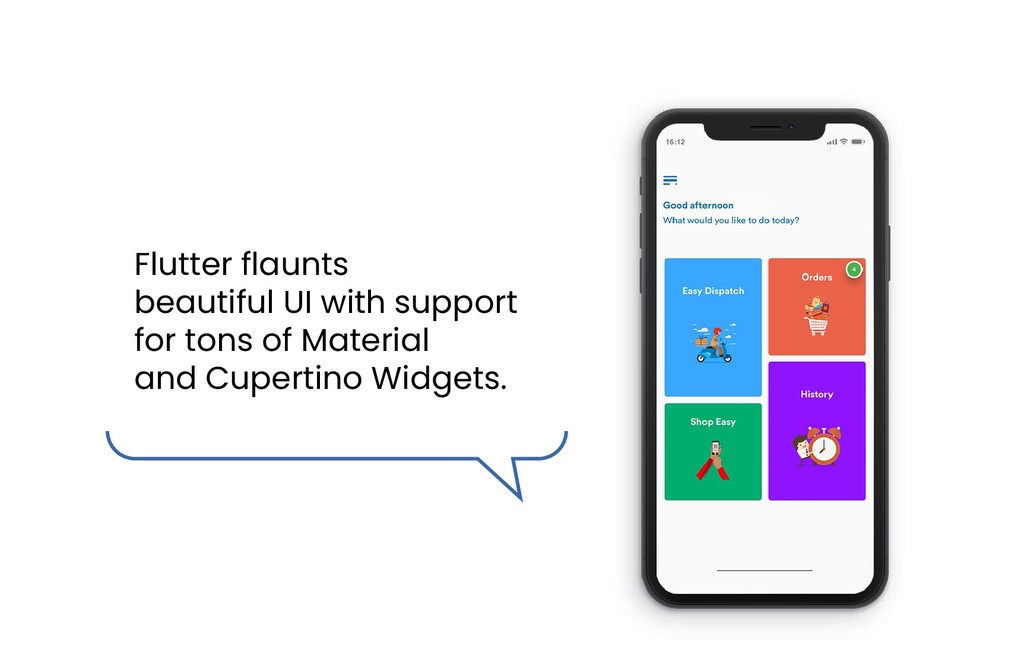
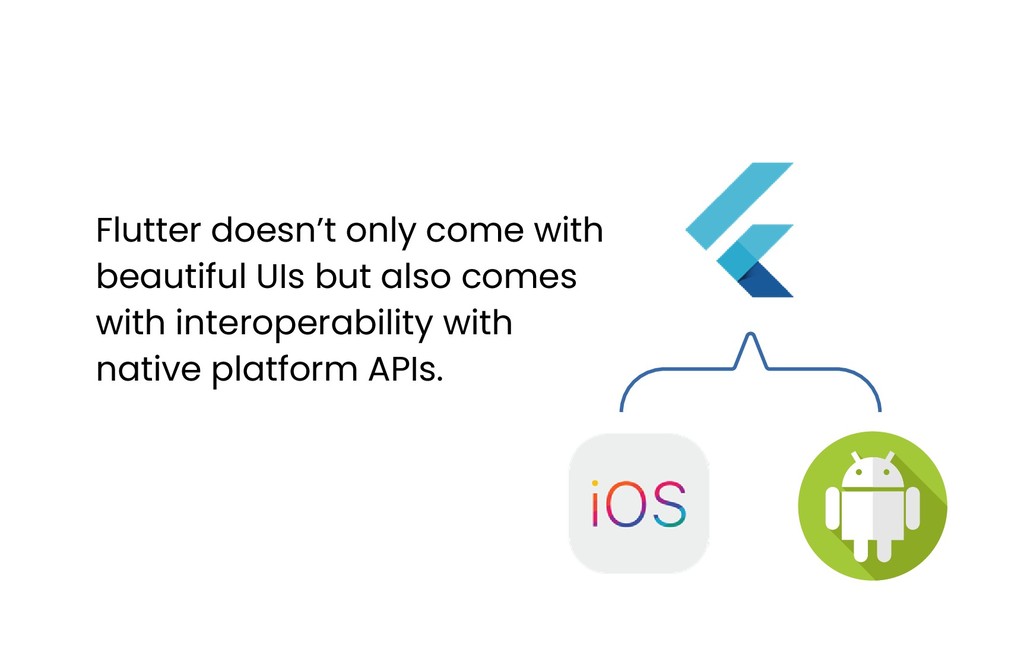
  2. Flutter doesn’t only come with beautiful UIs but also comes

    with interoperability with native platform APIs.
  3. So while all the features your app needs might not

    be supported, Flutter has Platform Channels.
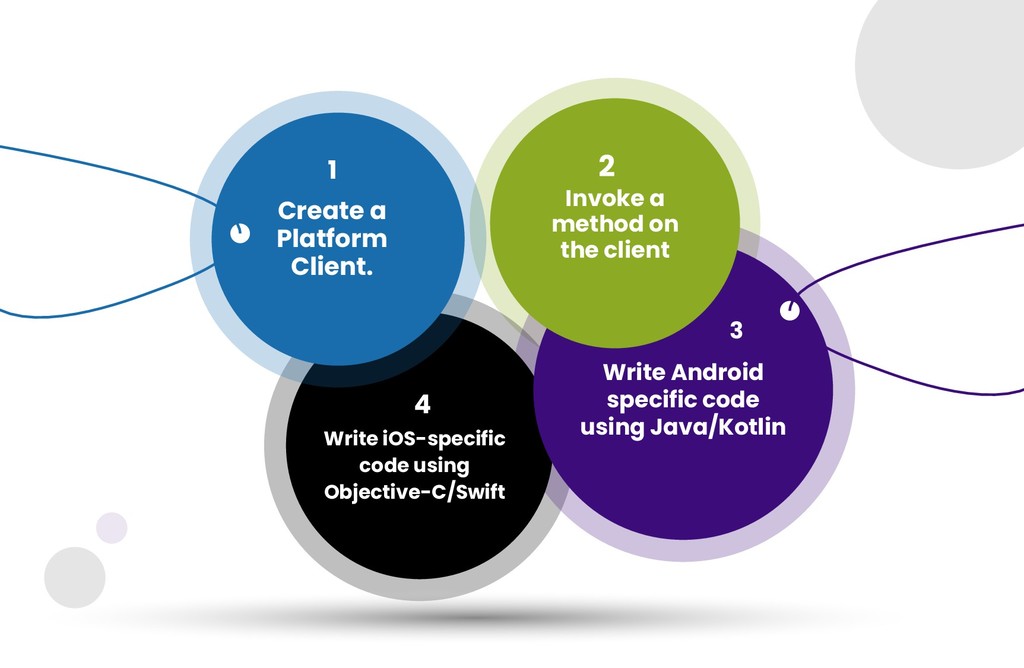
  4. Invoke a method on the client Write Android specific code

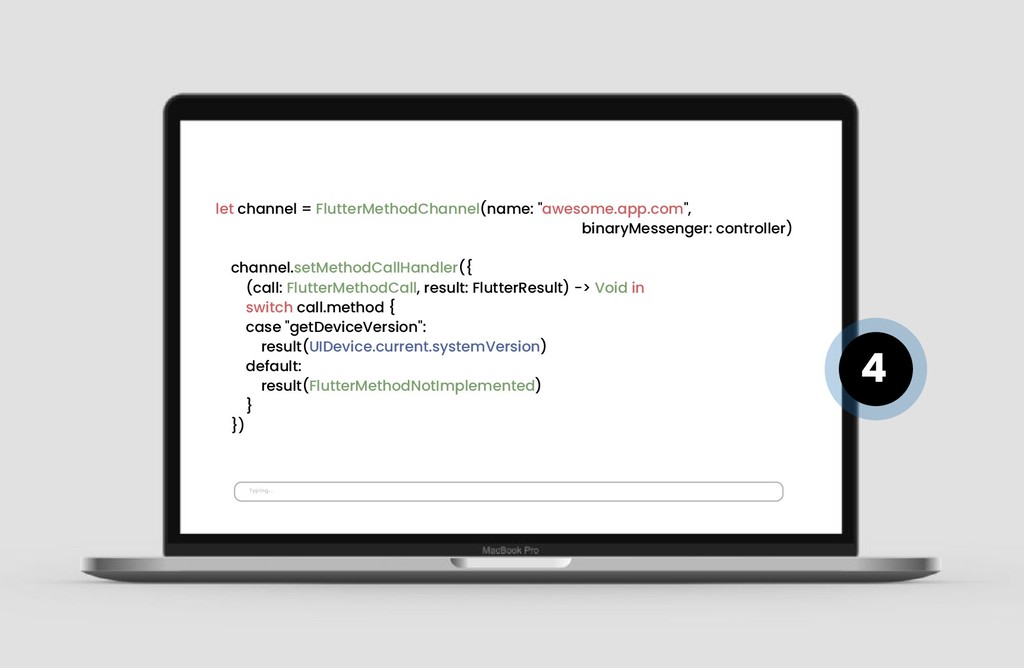
    using Java/Kotlin 2 3 4 Write iOS-specific code using Objective-C/Swift Create a Platform Client. 1
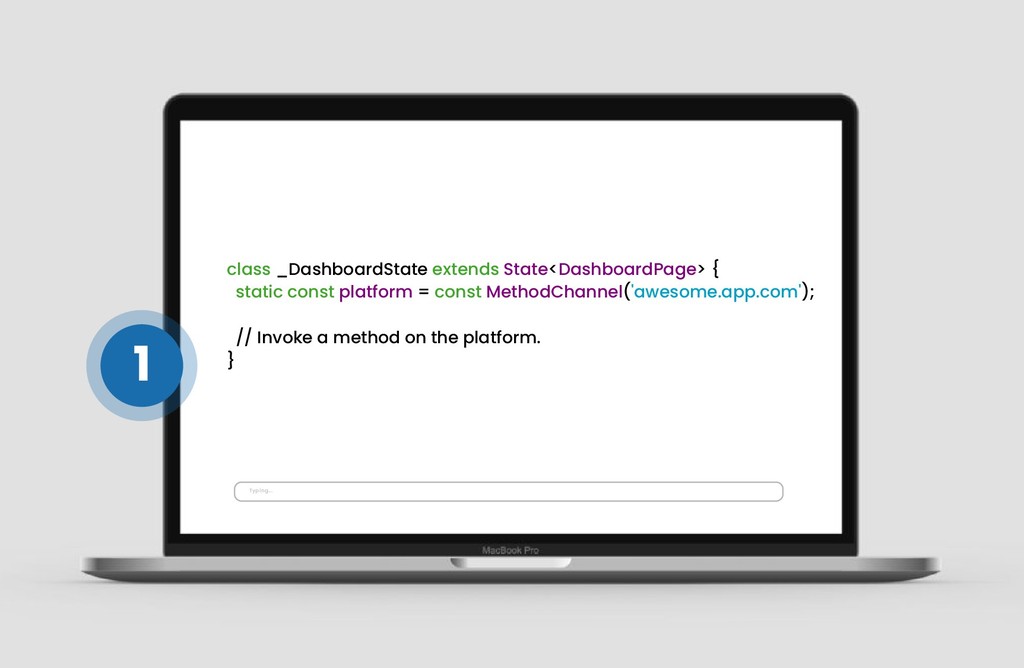
  5. class _DashboardState extends State<DashboardPage> { static const platform = const

    MethodChannel('awesome.app.com'); // Invoke a method on the platform. } Typing... 1
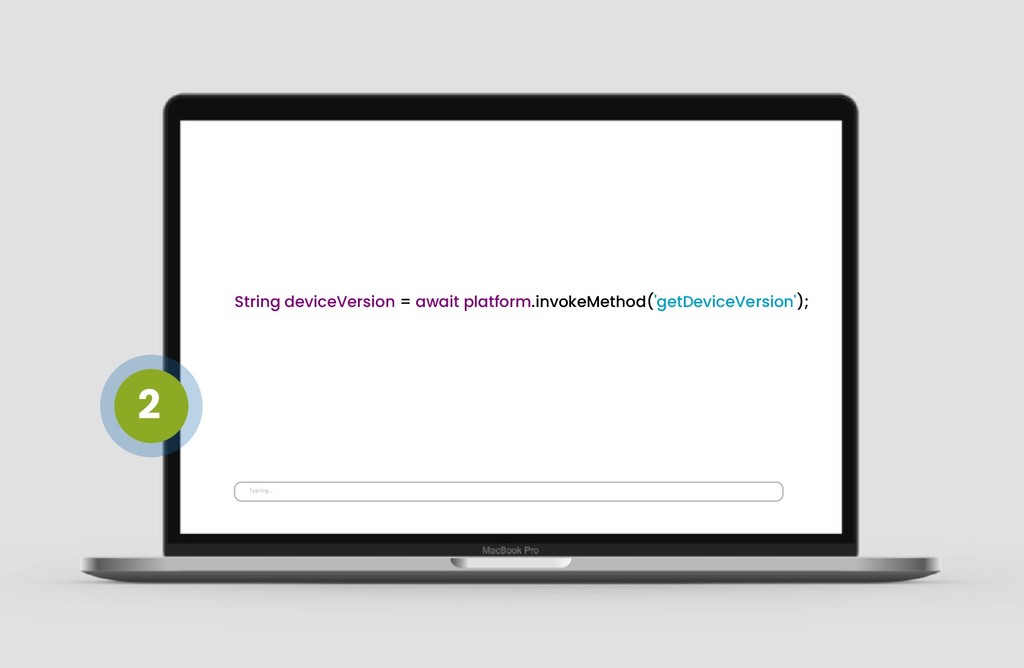
  6. private val CHANNEL = "awesome.app.com" MethodChannel(flutterView, CHANNEL).setMethodCallHandler { call, result

    -> when (call.method) { "getDeviceVersion" -> { result.success(BuildConfig.VERSION_CODE.toString() else - > result.notImplemented() } } Typing... 3
  7. let channel = FlutterMethodChannel(name: "awesome.app.com", binaryMessenger: controller) channel.setMethodCallHandler({ (call: FlutterMethodCall,

    result: FlutterResult) -> Void in switch call.method { case "getDeviceVersion": result(UIDevice.current.systemVersion) default: result(FlutterMethodNotImplemented) } }) Typing... 4