Upgrade to Pro — share decks privately, control downloads, hide ads and more …

報告

Avatar for chou chou
June 19, 2014
47

 報告

報告

Avatar for chou

chou

June 19, 2014

Transcript

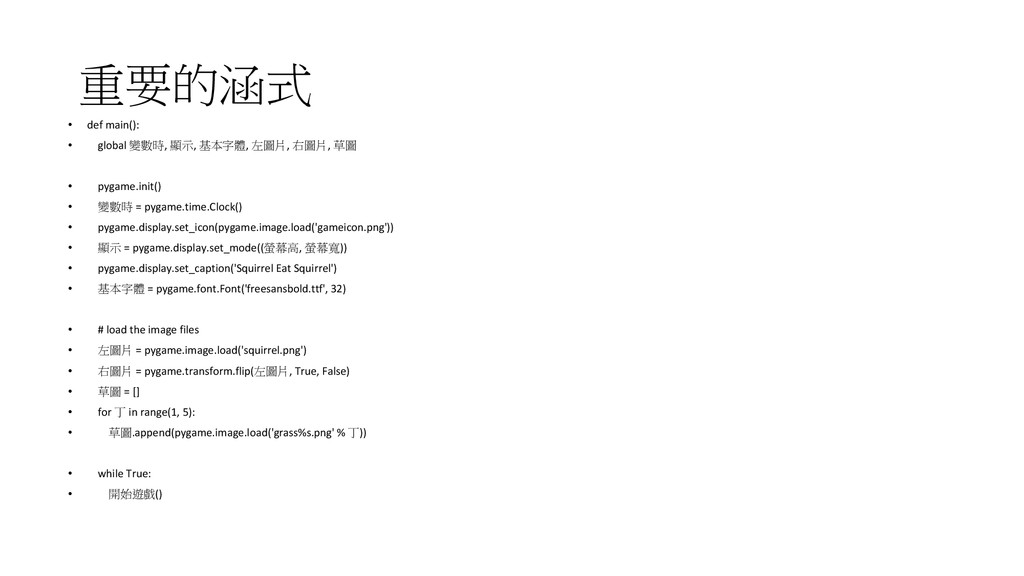
  1. 重要的涵式 • def main(): • global 變數時, 顯示, 基本字體, 左圖片,

    右圖片, 草圖 • pygame.init() • 變數時 = pygame.time.Clock() • pygame.display.set_icon(pygame.image.load('gameicon.png')) • 顯示 = pygame.display.set_mode((螢幕高, 螢幕寬)) • pygame.display.set_caption('Squirrel Eat Squirrel') • 基本字體 = pygame.font.Font('freesansbold.ttf', 32) • # load the image files • 左圖片 = pygame.image.load('squirrel.png') • 右圖片 = pygame.transform.flip(左圖片, True, False) • 草圖 = [] • for 丁 in range(1, 5): • 草圖.append(pygame.image.load('grass%s.png' % 丁)) • while True: • 開始遊戲()
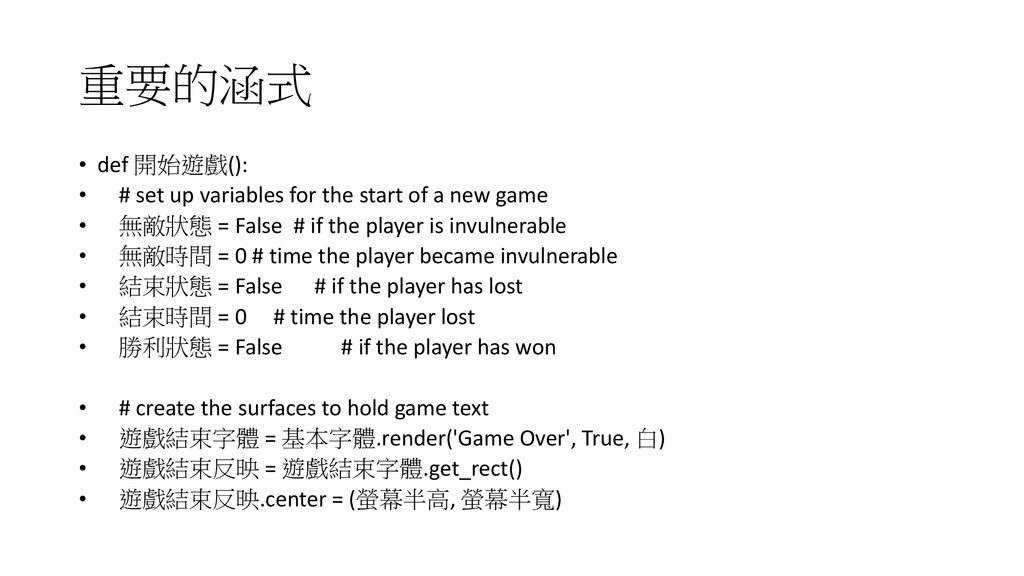
  2. 重要的涵式 • def 開始遊戲(): • # set up variables for

    the start of a new game • 無敵狀態 = False # if the player is invulnerable • 無敵時間 = 0 # time the player became invulnerable • 結束狀態 = False # if the player has lost • 結束時間 = 0 # time the player lost • 勝利狀態 = False # if the player has won • # create the surfaces to hold game text • 遊戲結束字體 = 基本字體.render('Game Over', True, 白) • 遊戲結束反映 = 遊戲結束字體.get_rect() • 遊戲結束反映.center = (螢幕半高, 螢幕半寬)
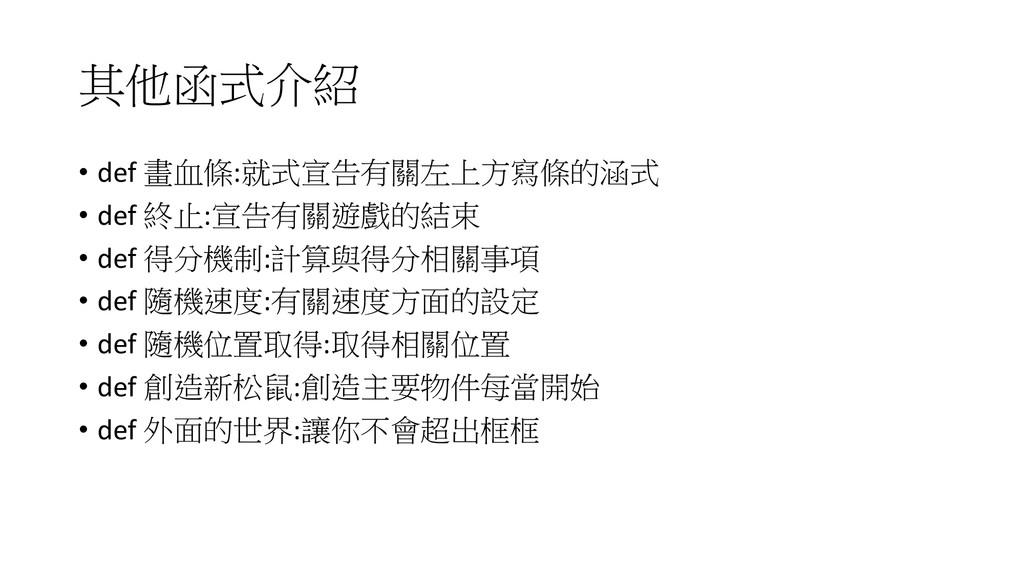
  3. 其他函式介紹 • def 畫血條:就式宣告有關左上方寫條的涵式 • def 終止:宣告有關遊戲的結束 • def 得分機制:計算與得分相關事項

    • def 隨機速度:有關速度方面的設定 • def 隨機位置取得:取得相關位置 • def 創造新松鼠:創造主要物件每當開始 • def 外面的世界:讓你不會超出框框