Upgrade to Pro
— share decks privately, control downloads, hide ads and more …
Speaker Deck
Sign up for free
Menu
Search
Features
All features
Private URLs
Password Protection
Custom URLS
Scheduled publishing
Remove Branding
Restrict embedding
Deck Collections
Notes
Features
All features
Private URLs
Password Protection
Custom URLS
Scheduled publishing
Remove Branding
Restrict embedding
Deck Collections
Notes
Explore
Featured decks
Featured speakers
Programming
Technology
Storyboards
Explore
Featured decks
Featured speakers
Programming
Technology
Storyboards
Pricing
Search
Sign in
Sign up for free
Sketchのすゝめ
Search
Yu Nagamine
January 30, 2020
15
0
Share
Embed
Copy iframe code
Copy JS code
Copy link
Start on current slide
Sketchのすゝめ
Yu Nagamine
January 30, 2020
Featured
See All Featured
How to train your dragon (web standard)
notwaldorf
96
6.9k
A Modern Web Designer's Workflow
chriscoyier
699
190k
Design in an AI World
tapps
1
350
Practical Orchestrator
shlominoach
192
12k
The innovator’s Mindset - Leading Through an Era of Exponential Change - McGill University 2025
jdejongh
PRO
1
380
Visual Storytelling: How to be a Superhuman Communicator
reverentgeek
2
710
We Are The Robots
honzajavorek
0
400
[Rails World 2023 - Day 1 Closing Keynote] - The Magic of Rails
eileencodes
38
3.1k
16th Malabo Montpellier Forum Presentation
akademiya2063
PRO
0
410
The SEO identity crisis: Don't let AI make you average
varn
0
590
Designing Dashboards & Data Visualisations in Web Apps
destraynor
232
55k
Being A Developer After 40
akosma
92
590k
Transcript
Sketch のすヽめ Sketch のすヽめ 2020.1.30 TR: Yu Nagamine
Sketch って便利! Sketch って便利!
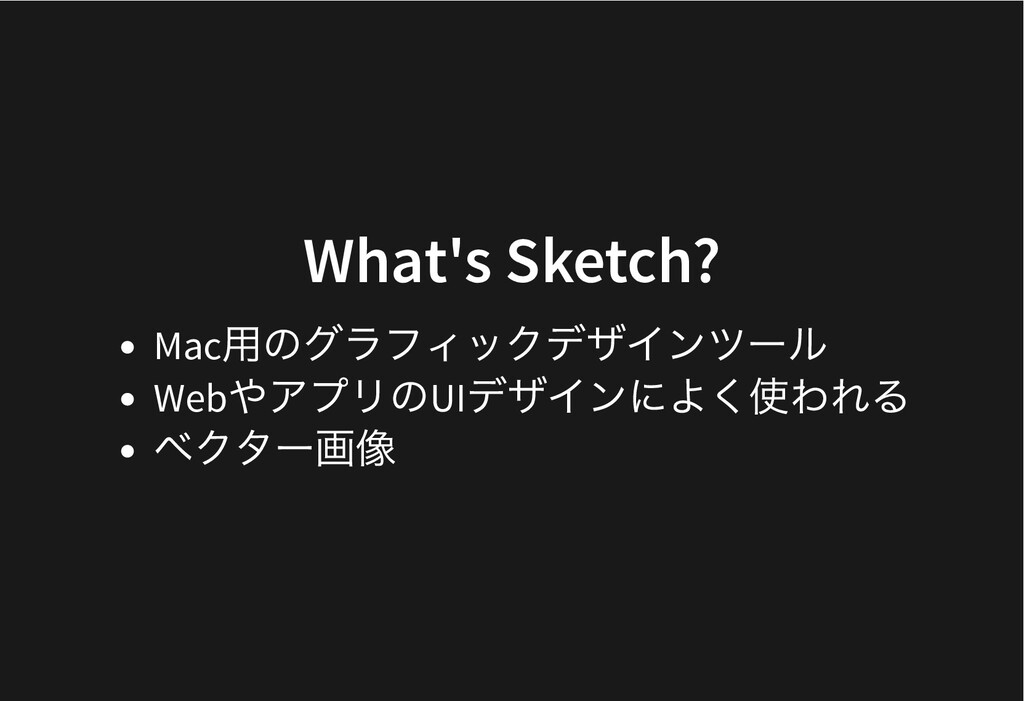
What's Sketch? What's Sketch? Mac ⽤のグラフィックデザインツール Web やアプリのUI デザインによく使われる ベクター画像
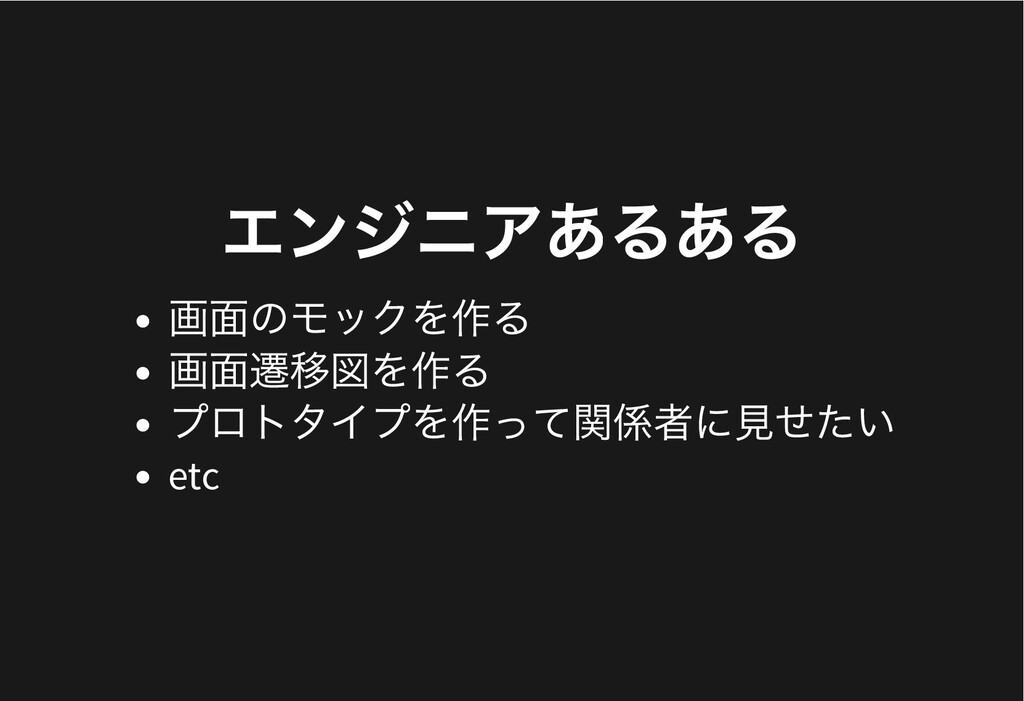
エンジニアあるある エンジニアあるある 画⾯のモックを作る 画⾯遷移図を作る プロトタイプを作って関係者に⾒せたい etc
できます。 できます。 しかも簡単 & はやい しかも簡単 & はやい
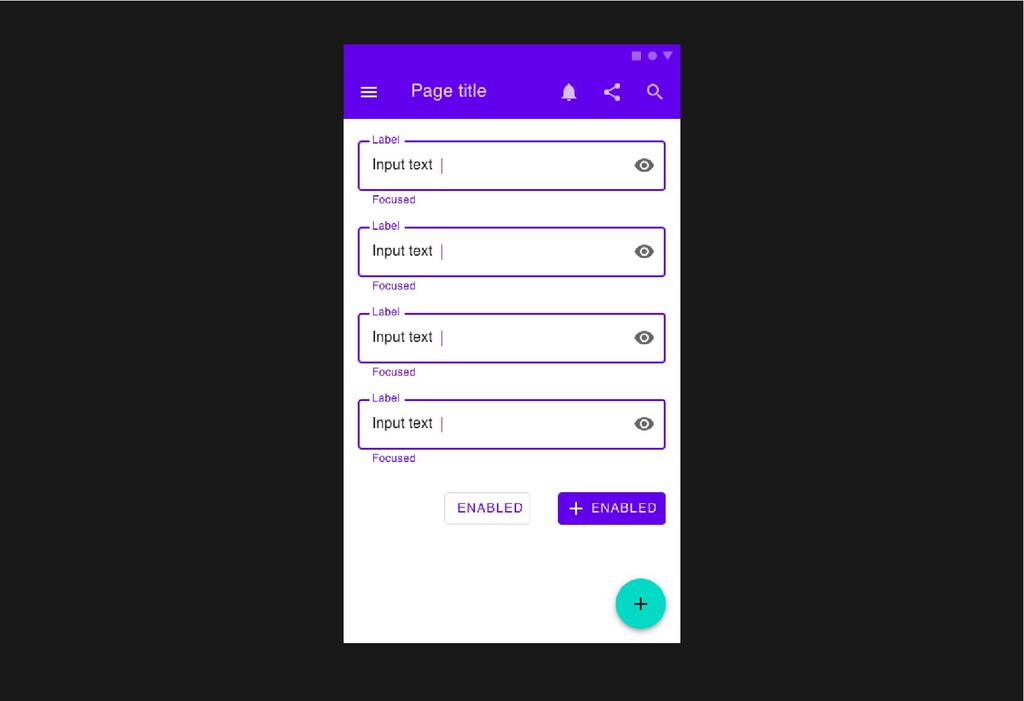
Case#1 モック Case#1 モック
None
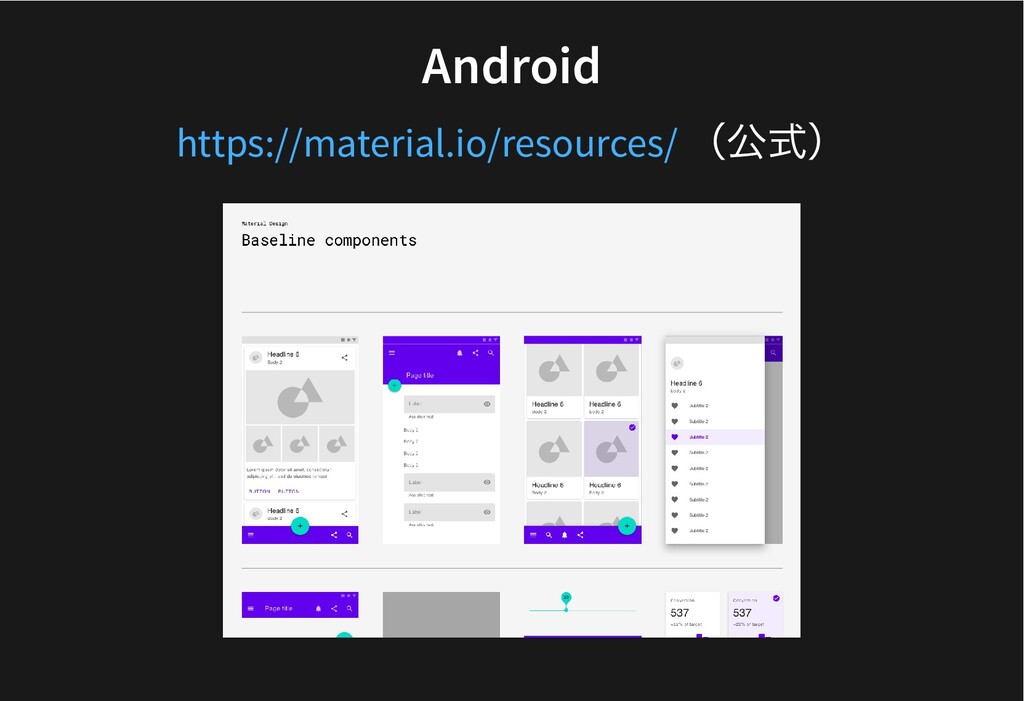
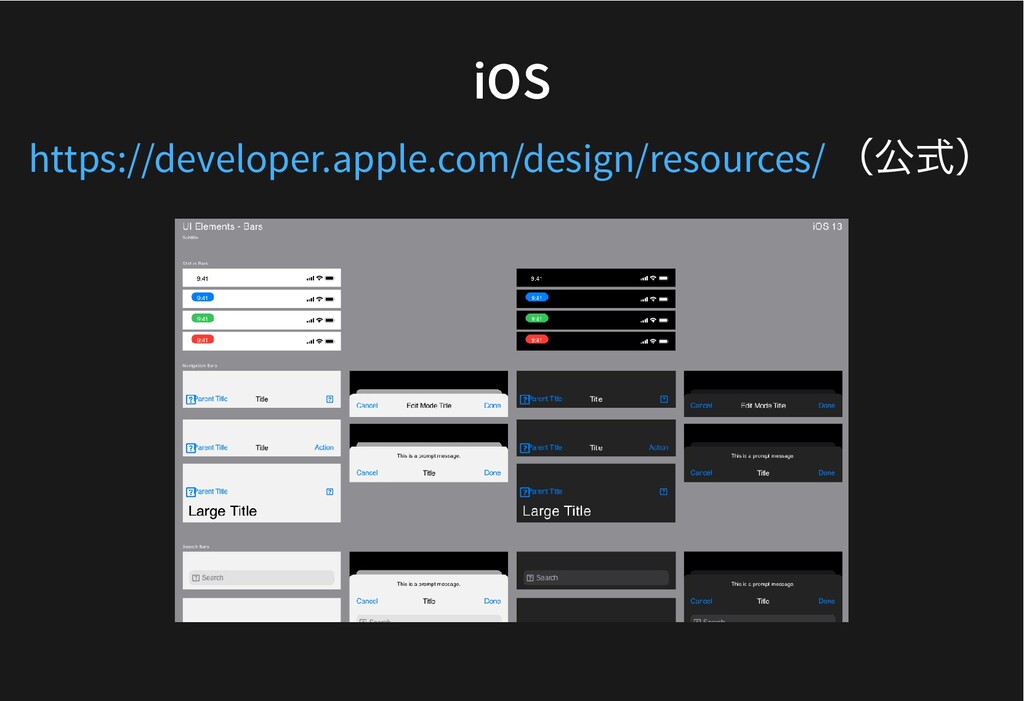
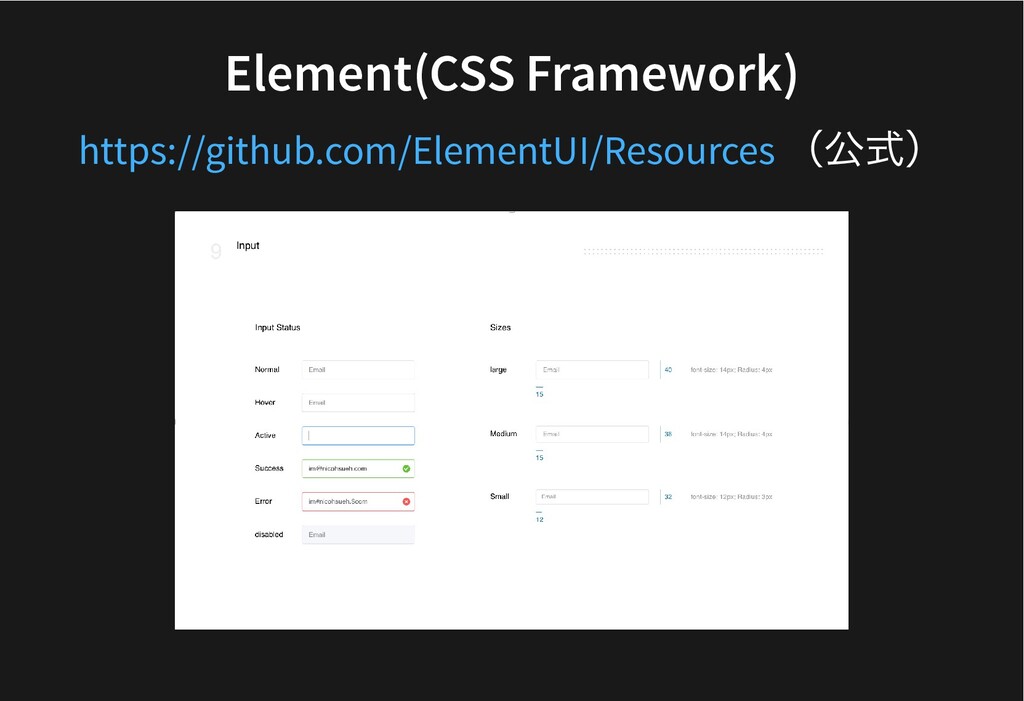
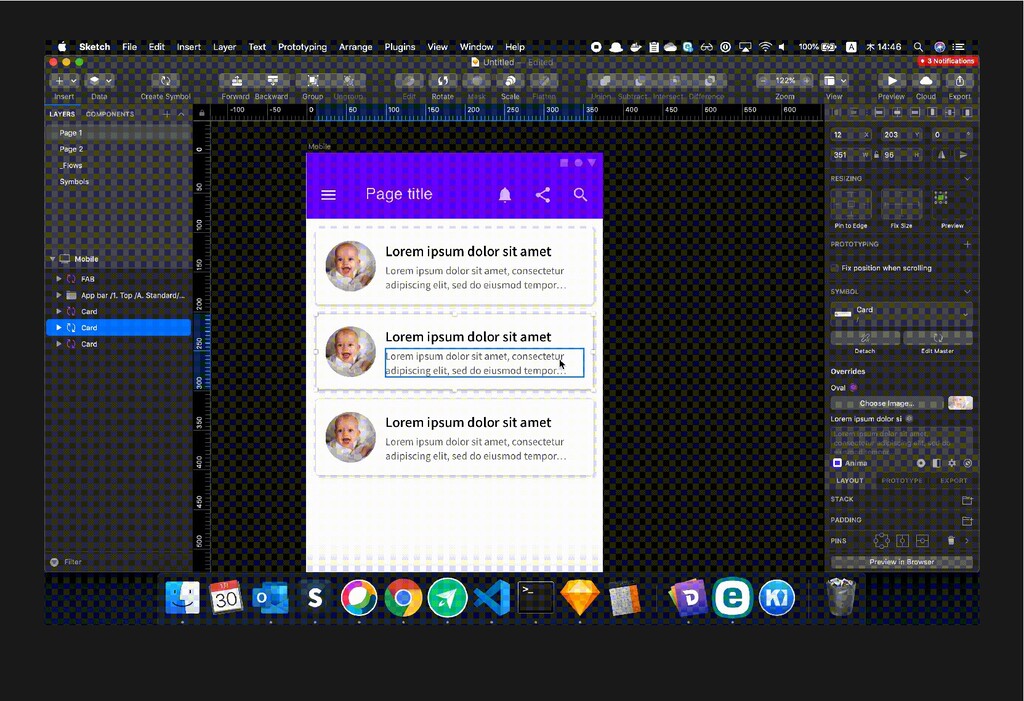
UI Kit UI Kit 各デバイス向けのUI パーツ集が⽤意されている ↓ コピペするだけで画⾯(ほぼ)完成
Android Android (公式) https://material.io/resources/
iOS iOS (公式) https://developer.apple.com/design/resources/
Element(CSS Framework) Element(CSS Framework) (公式) https://github.com/ElementUI/Resources
Symbol Symbol UI を再利⽤できる
None
Case#2 プロトタイプ Case#2 プロトタイプ
None
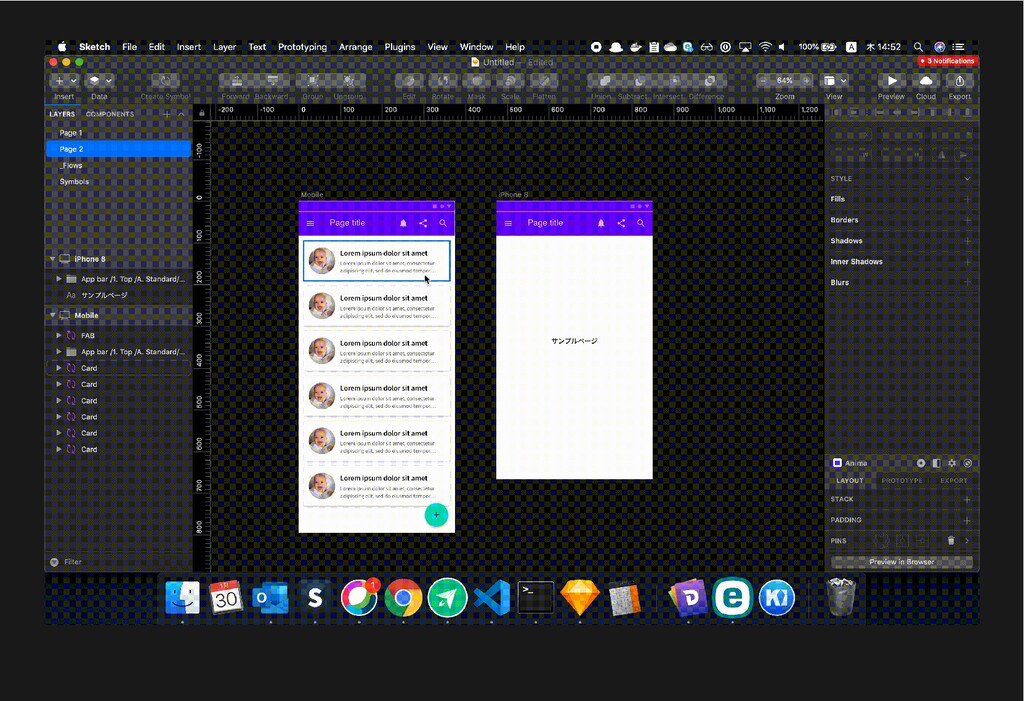
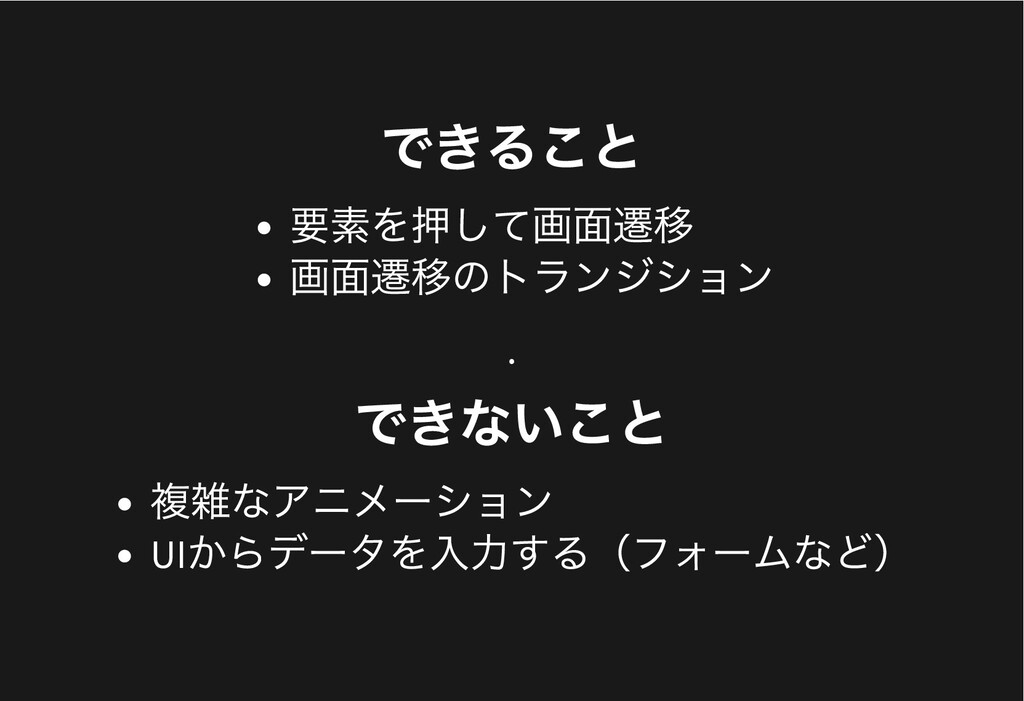
できること できること 要素を押して画⾯遷移 画⾯遷移のトランジション . できないこと できないこと 複雑なアニメーション UI からデータを⼊⼒する(フォームなど)
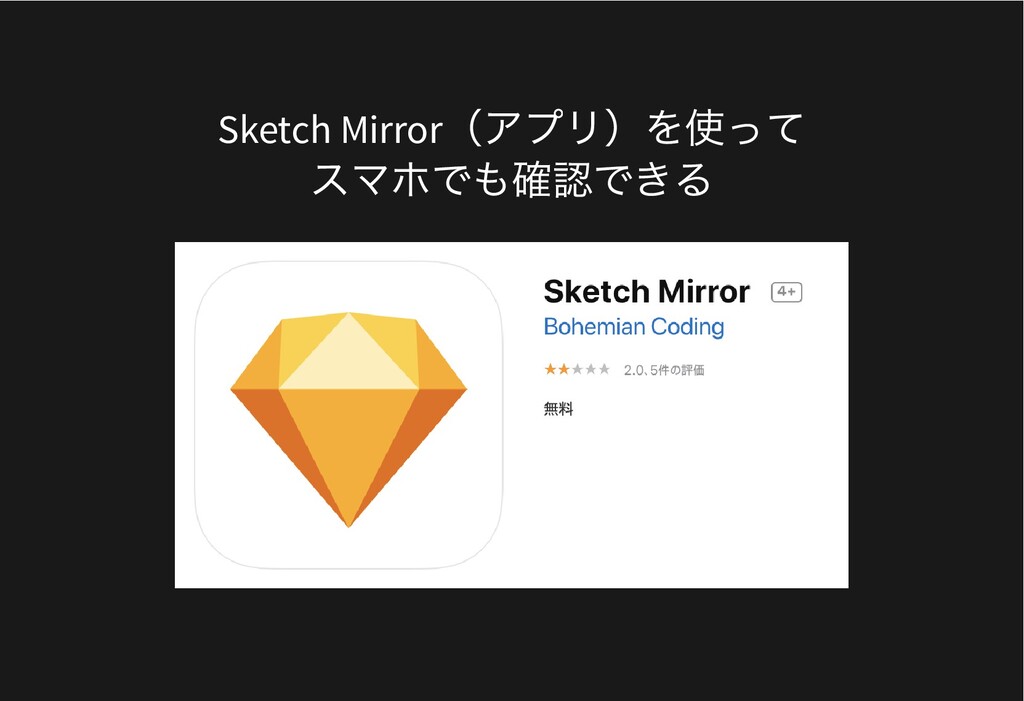
Sketch Mirror (アプリ)を使って スマホでも確認できる
Case#3 画⾯遷移図 Case#3 画⾯遷移図
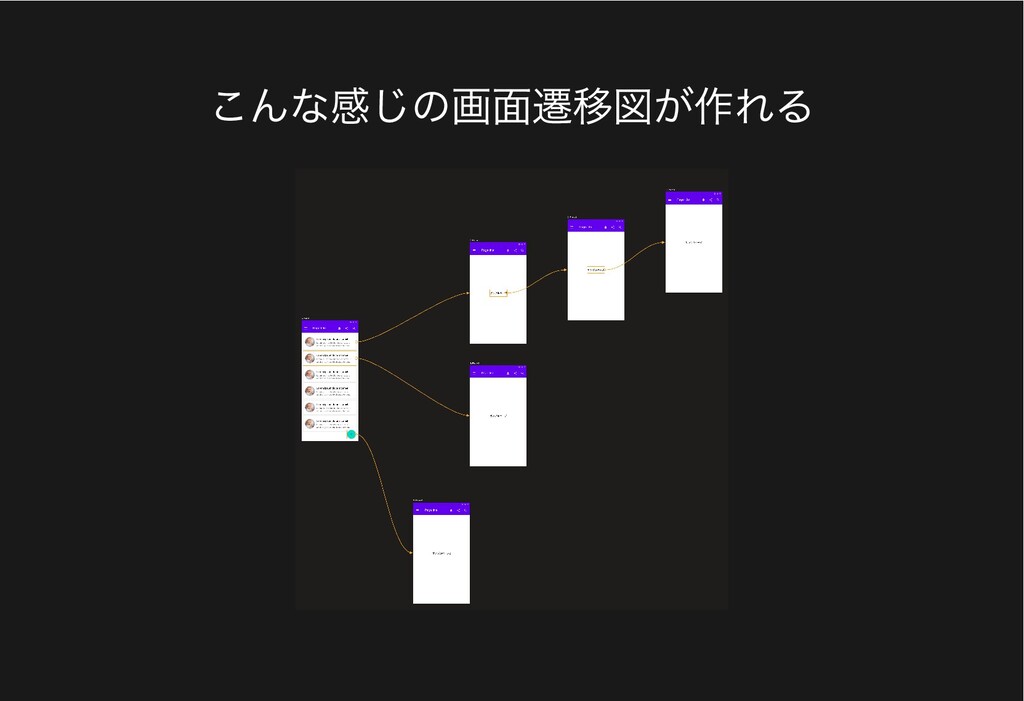
こんな感じの画⾯遷移図が作れる
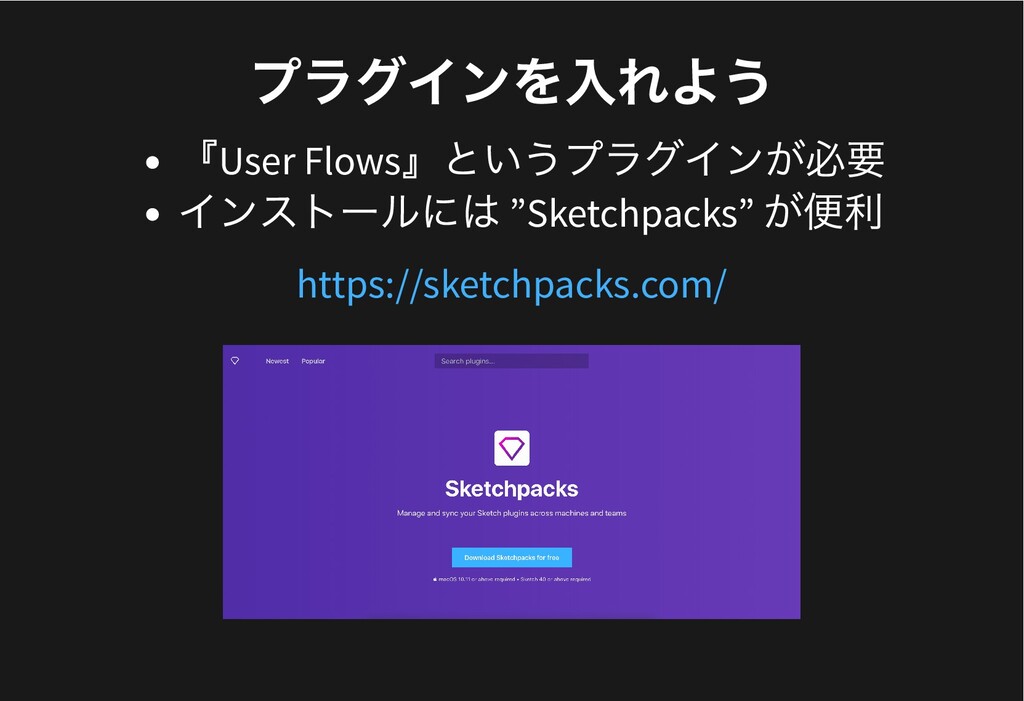
プラグインを⼊れよう プラグインを⼊れよう 『User Flows 』というプラグインが必要 インストールには ”Sketchpacks” が便利 https://sketchpacks.com/
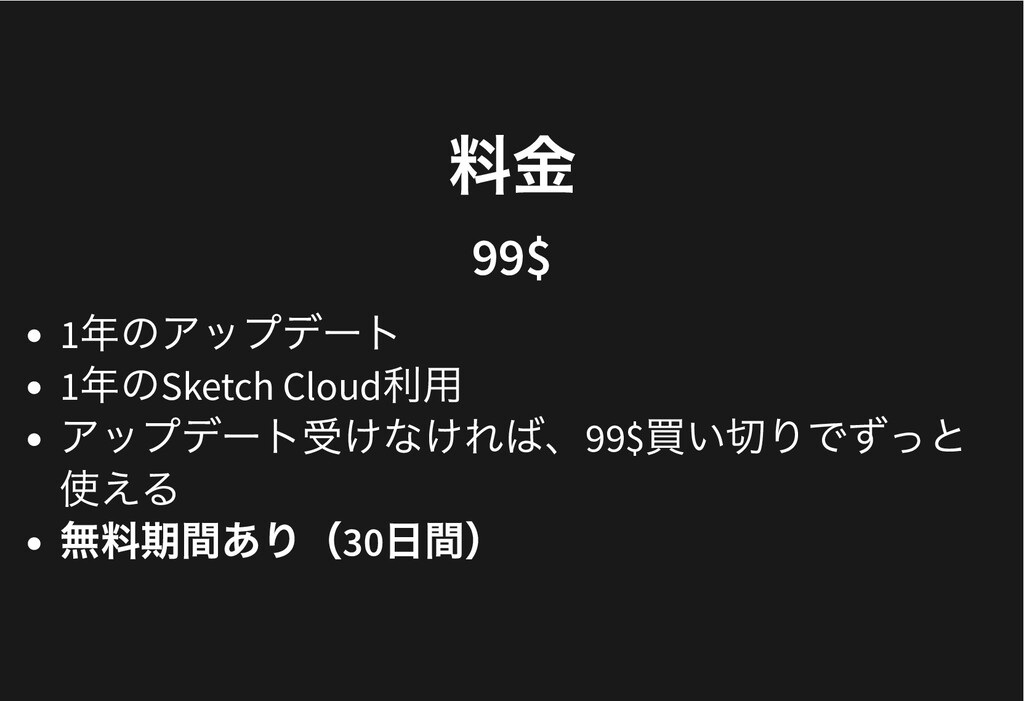
料⾦ 料⾦ 99$ 99$ 1 年のアップデート 1 年のSketch Cloud 利⽤
アップデート受けなければ、99$ 買い切りでずっと 使える 無料期間あり( 30 ⽇間)
まとめ まとめ Sketch を使えば、 モック、プロトタイプなどが簡単にできる!
個⼈的おすすめプラグイン 個⼈的おすすめプラグイン
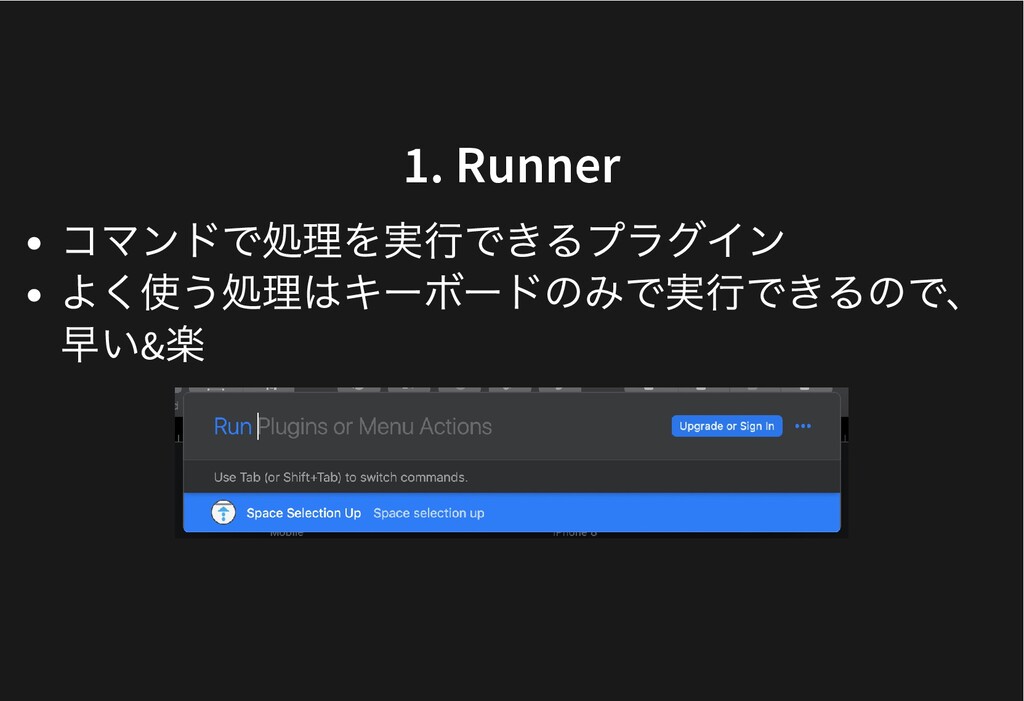
1. Runner 1. Runner コマンドで処理を実⾏できるプラグイン よく使う処理はキーボードのみで実⾏できるので、 早い& 楽
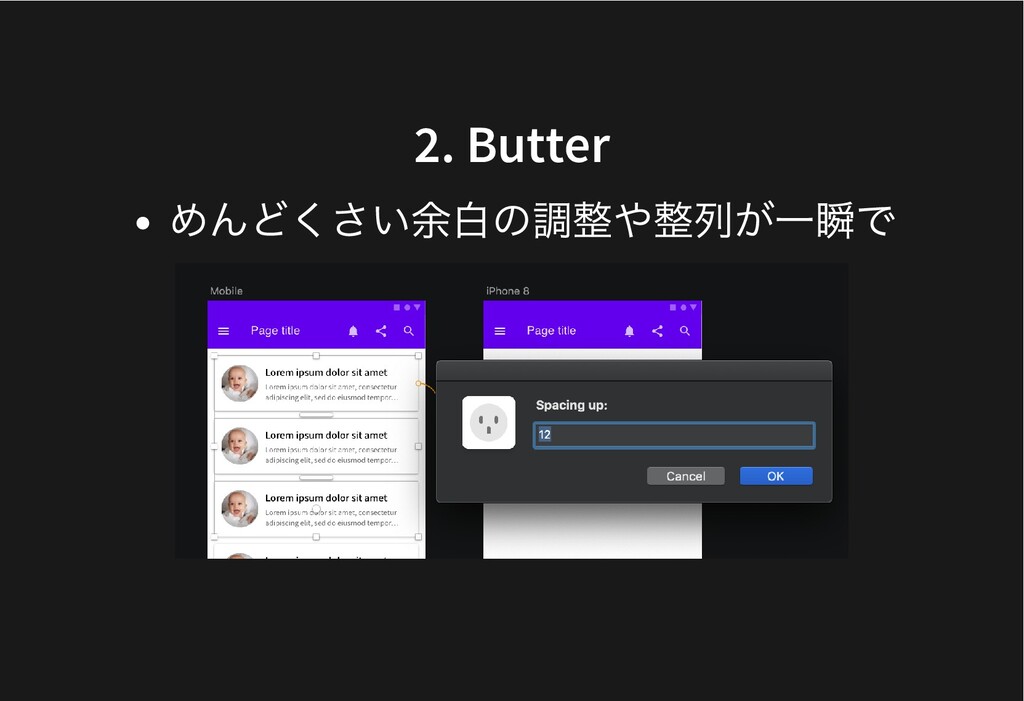
2. Butter 2. Butter めんどくさい余⽩の調整や整列が⼀瞬で
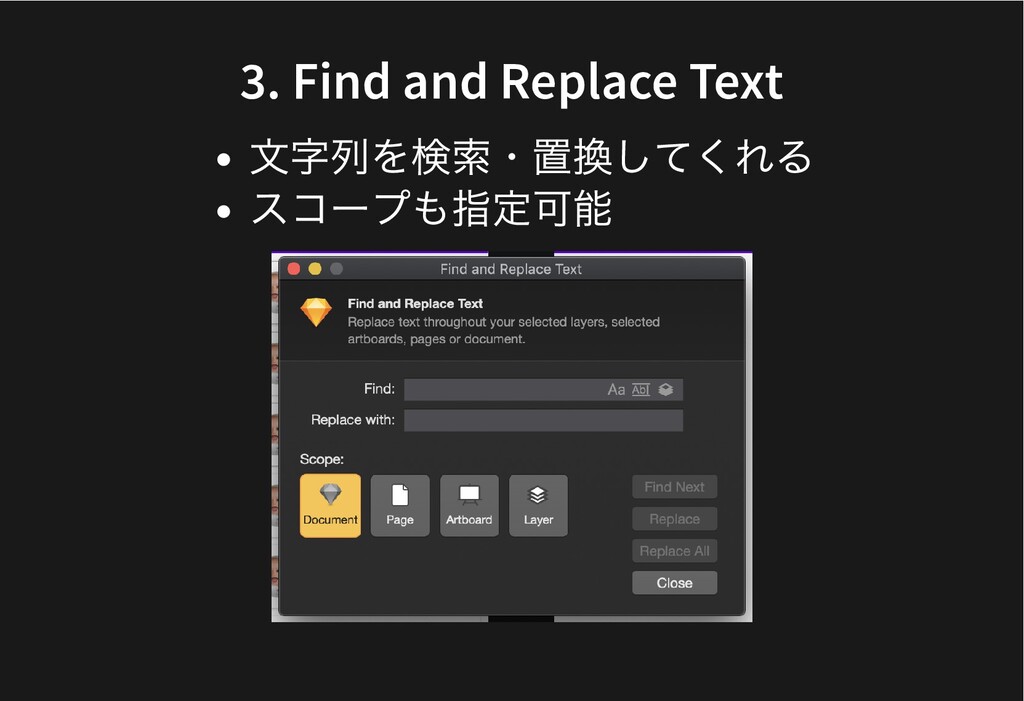
3. Find and Replace Text 3. Find and Replace Text
⽂字列を検索・置換してくれる スコープも指定可能
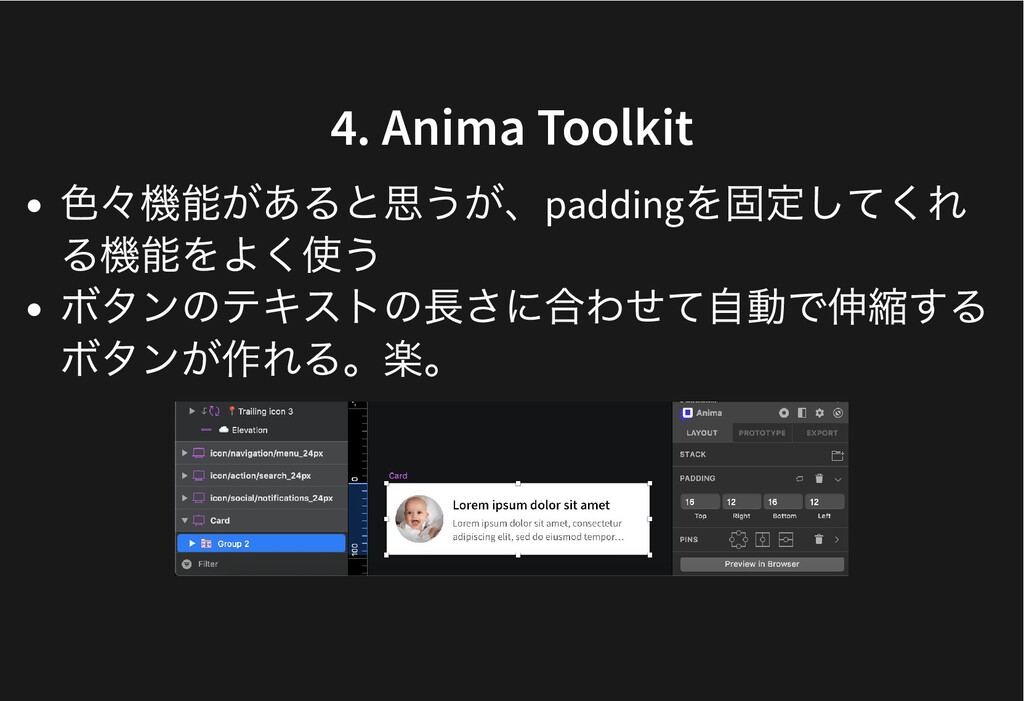
4. 4. Anima Toolkit Anima Toolkit ⾊々機能があると思うが、padding を固定してくれ る機能をよく使う ボタンのテキストの⻑さに合わせて⾃動で伸縮する
ボタンが作れる。楽。


 notwaldorf
 chriscoyier
 tapps
tapps
 shlominoach
 jdejongh
 reverentgeek
 honzajavorek
 eileencodes
 akademiya2063
 varn
varn
 destraynor
 akosma