Upgrade to Pro
— share decks privately, control downloads, hide ads and more …
Speaker Deck
Sign up for free
Menu
Search
Features
All features
Private URLs
Password Protection
Custom URLS
Scheduled publishing
Remove Branding
Restrict embedding
Deck Collections
Notes
Features
All features
Private URLs
Password Protection
Custom URLS
Scheduled publishing
Remove Branding
Restrict embedding
Deck Collections
Notes
Explore
Featured decks
Featured speakers
Programming
Technology
Storyboards
Explore
Featured decks
Featured speakers
Programming
Technology
Storyboards
Pricing
Search
Sign in
Sign up for free
篠田真大
Search
mahiro
June 20, 2016
110
0
Share
Embed
Copy iframe code
Copy JS code
Copy link
Start on current slide
篠田真大
mahiro
June 20, 2016
Featured
See All Featured
The Myth of the Modular Monolith - Day 2 Keynote - Rails World 2024
eileencodes
28
3.7k
AI in Enterprises - Java and Open Source to the Rescue
ivargrimstad
0
1.5k
Building Applications with DynamoDB
mza
96
7.2k
Build The Right Thing And Hit Your Dates
maggiecrowley
39
3.5k
The Illustrated Children's Guide to Kubernetes
chrisshort
51
53k
Design of three-dimensional binary manipulators for pick-and-place task avoiding obstacles (IECON2024)
konakalab
0
620
svc-hook: hooking system calls on ARM64 by binary rewriting
retrage
2
630
SEO in 2025: How to Prepare for the Future of Search
ipullrank
3
3.9k
The State of eCommerce SEO: How to Win in Today's Products SERPs - #SEOweek
aleyda
2
12k
Getting science done with accelerated Python computing platforms
jacobtomlinson
2
540
A better future with KSS
kneath
240
18k
What’s in a name? Adding method to the madness
productmarketing
PRO
24
4.2k
Transcript
マッピング作業マニュアル 空間情報システム入門I
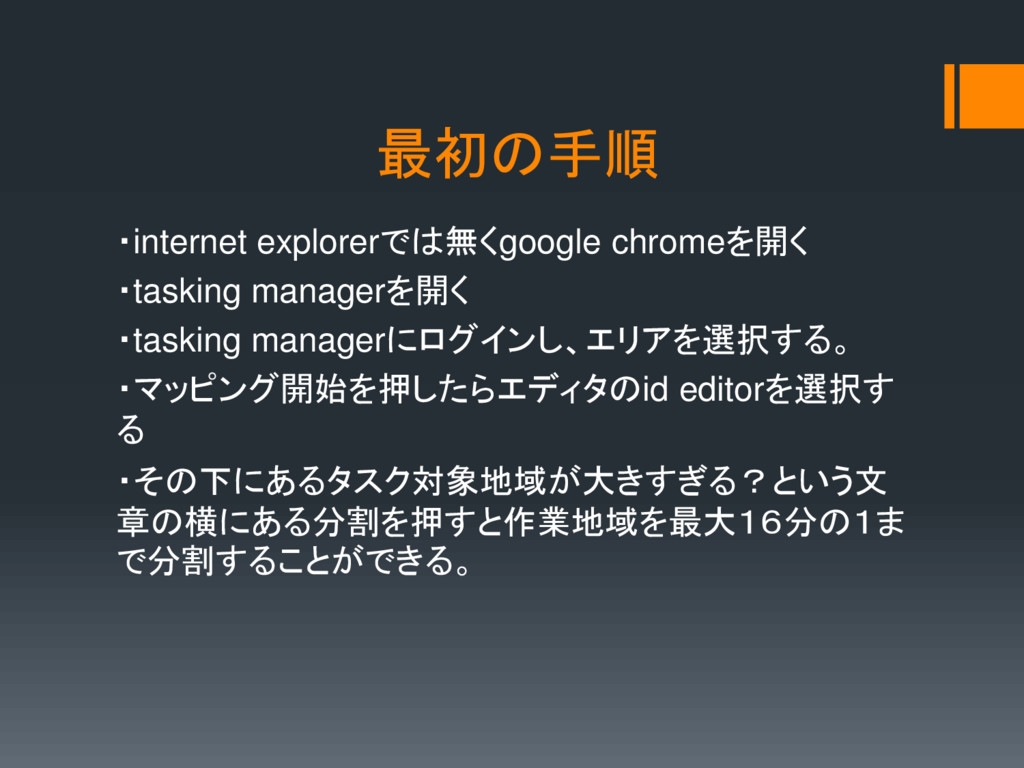
最初の手順 ・internet explorerでは無くgoogle chromeを開く ・tasking managerを開く ・tasking managerにログインし、エリアを選択する。 ・マッピング開始を押したらエディタのid editorを選択す
る ・その下にあるタスク対象地域が大きすぎる?という文 章の横にある分割を押すと作業地域を最大16分の1ま で分割することができる。
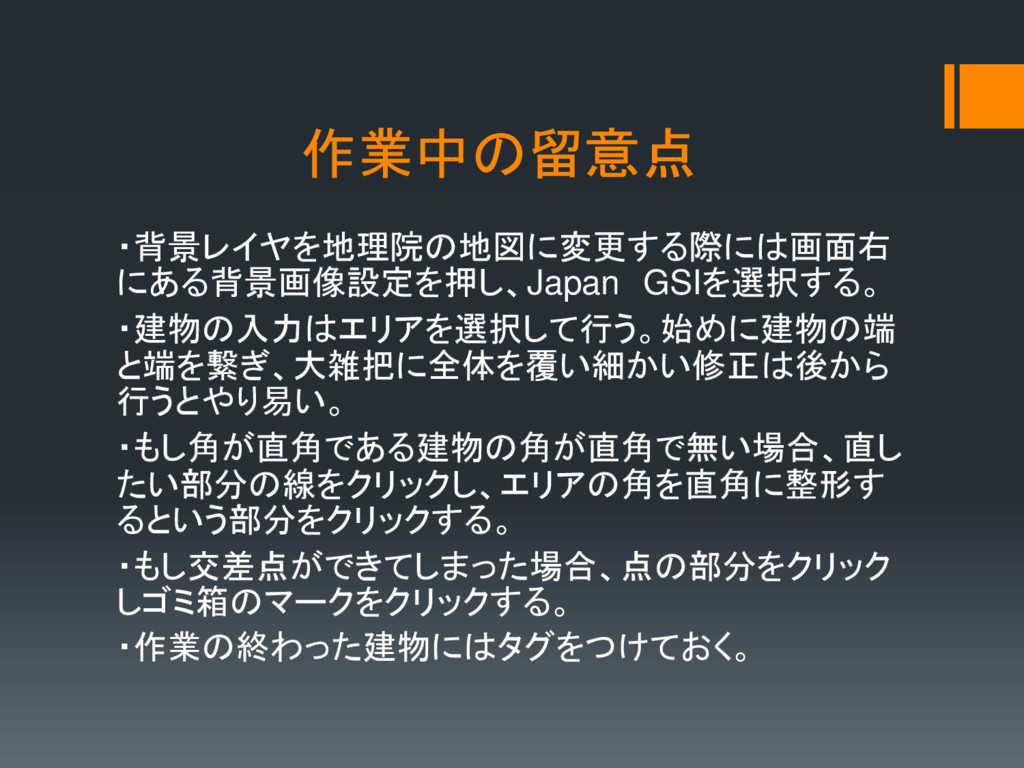
作業中の留意点 ・背景レイヤを地理院の地図に変更する際には画面右 にある背景画像設定を押し、Japan GSIを選択する。 ・建物の入力はエリアを選択して行う。始めに建物の端 と端を繋ぎ、大雑把に全体を覆い細かい修正は後から 行うとやり易い。 ・もし角が直角である建物の角が直角で無い場合、直し たい部分の線をクリックし、エリアの角を直角に整形す るという部分をクリックする。
・もし交差点ができてしまった場合、点の部分をクリック しゴミ箱のマークをクリックする。 ・作業の終わった建物にはタグをつけておく。
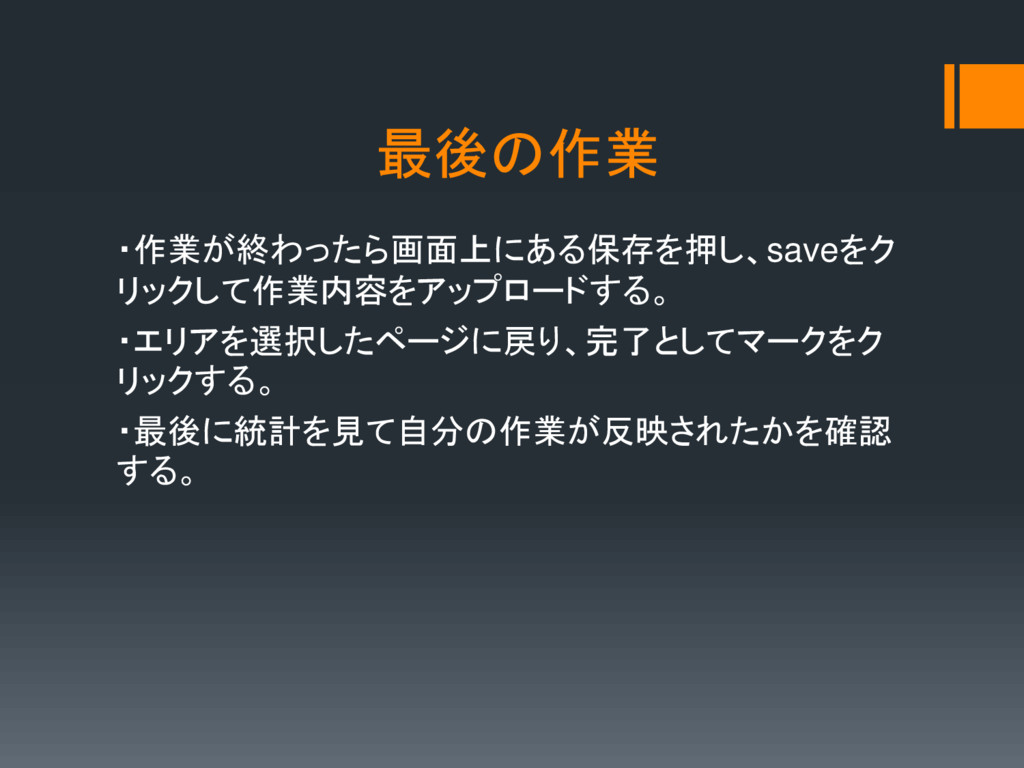
最後の作業 ・作業が終わったら画面上にある保存を押し、saveをク リックして作業内容をアップロードする。 ・エリアを選択したページに戻り、完了としてマークをク リックする。 ・最後に統計を見て自分の作業が反映されたかを確認 する。


 eileencodes
 ivargrimstad
 mza
mza
 maggiecrowley
 chrisshort
 konakalab
 retrage
 ipullrank
 aleyda
 jacobtomlinson
 kneath
 productmarketing