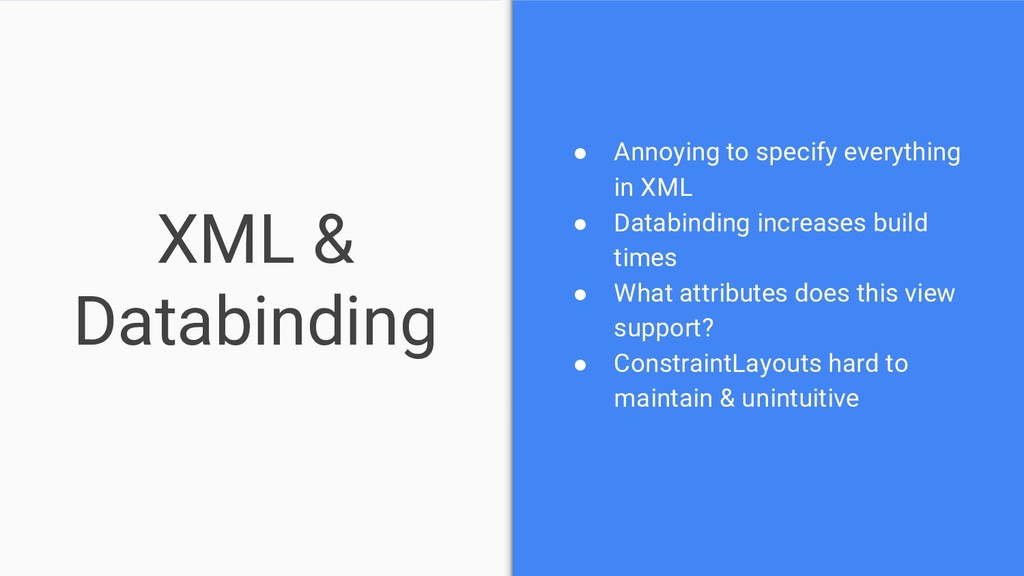
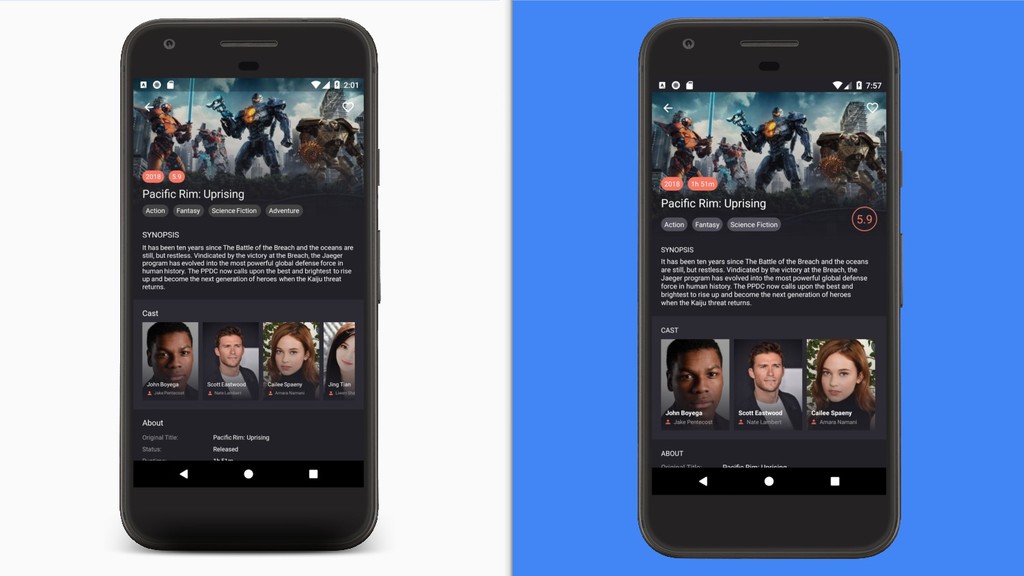
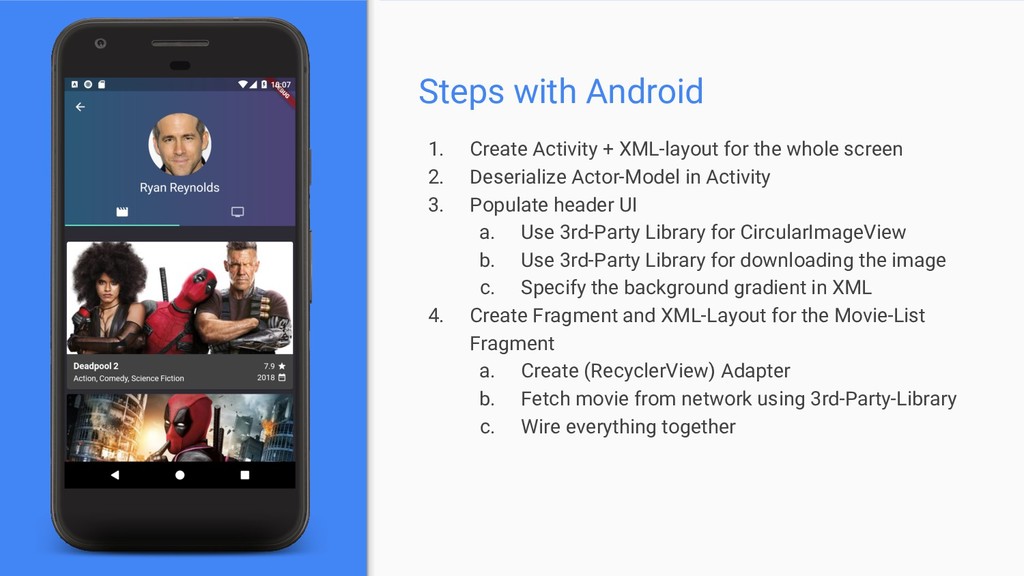
whole screen 2. Deserialize Actor-Model in Activity 3. Populate header UI a. Use 3rd-Party Library for CircularImageView b. Use 3rd-Party Library for downloading the image c. Specify the background gradient in XML 4. Create Fragment and XML-Layout for the Movie-List Fragment a. Create (RecyclerView) Adapter b. Fetch movie from network using 3rd-Party-Library c. Wire everything together
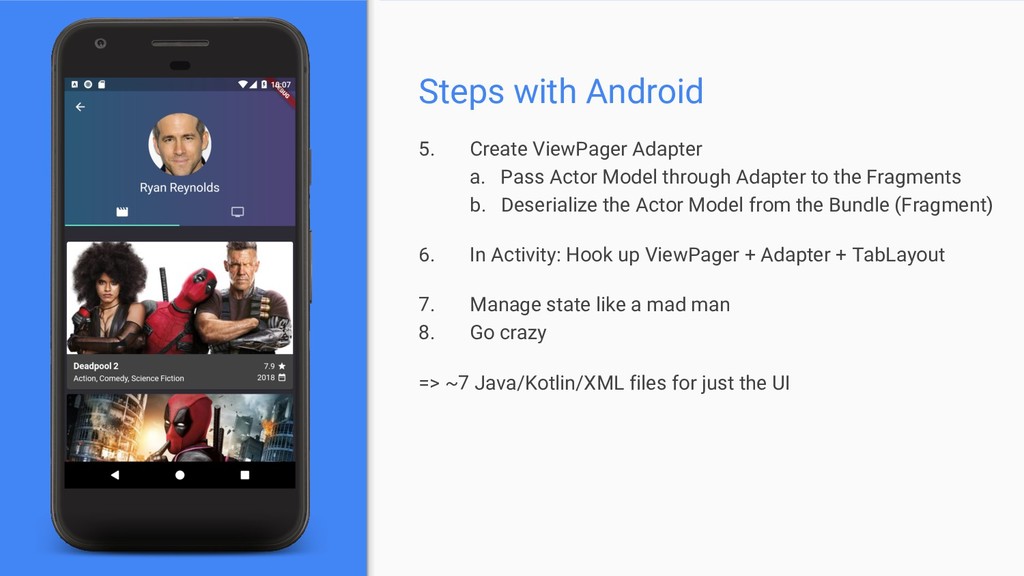
Model through Adapter to the Fragments b. Deserialize the Actor Model from the Bundle (Fragment) 6. In Activity: Hook up ViewPager + Adapter + TabLayout 7. Manage state like a mad man 8. Go crazy => ~7 Java/Kotlin/XML files for just the UI
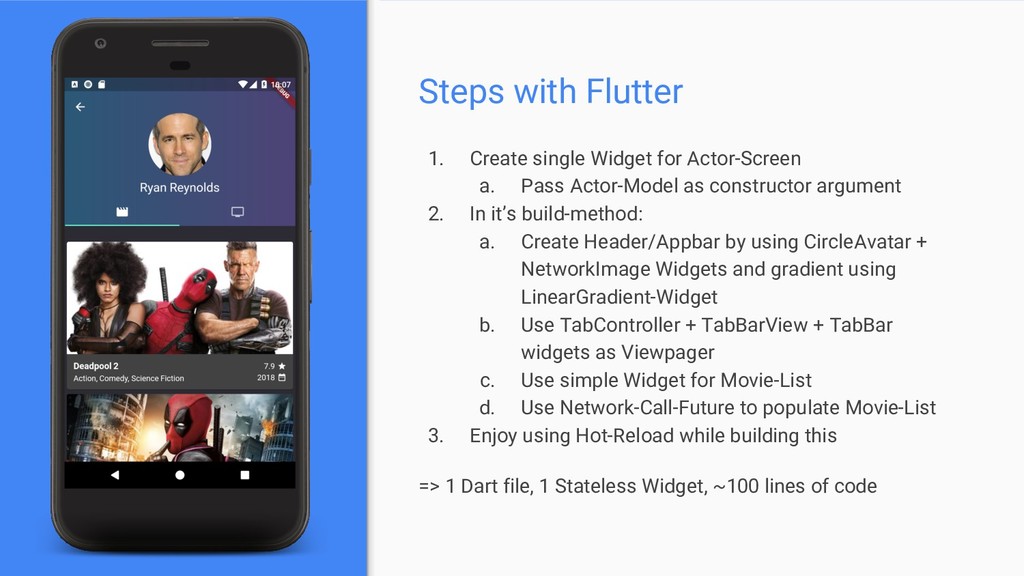
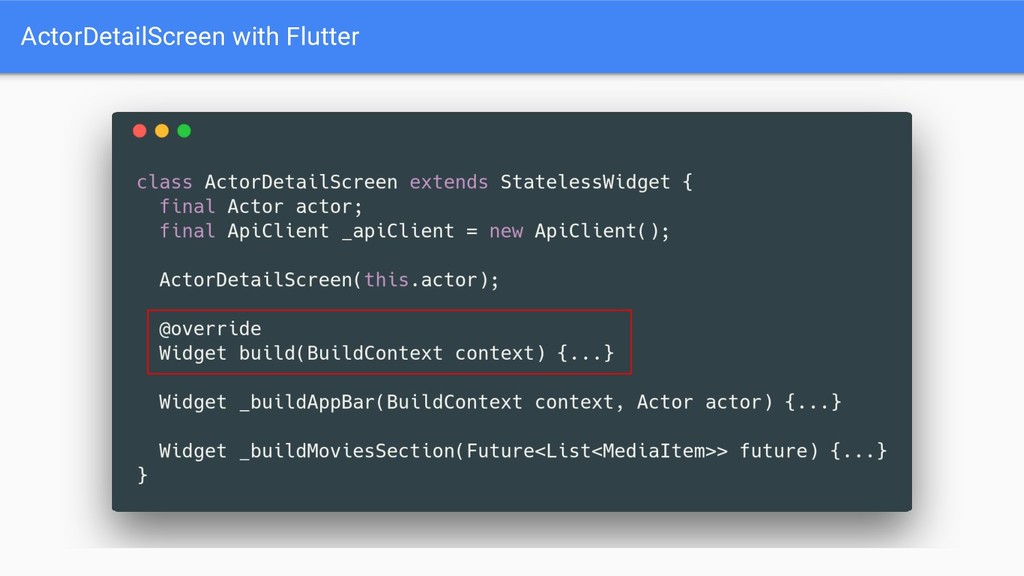
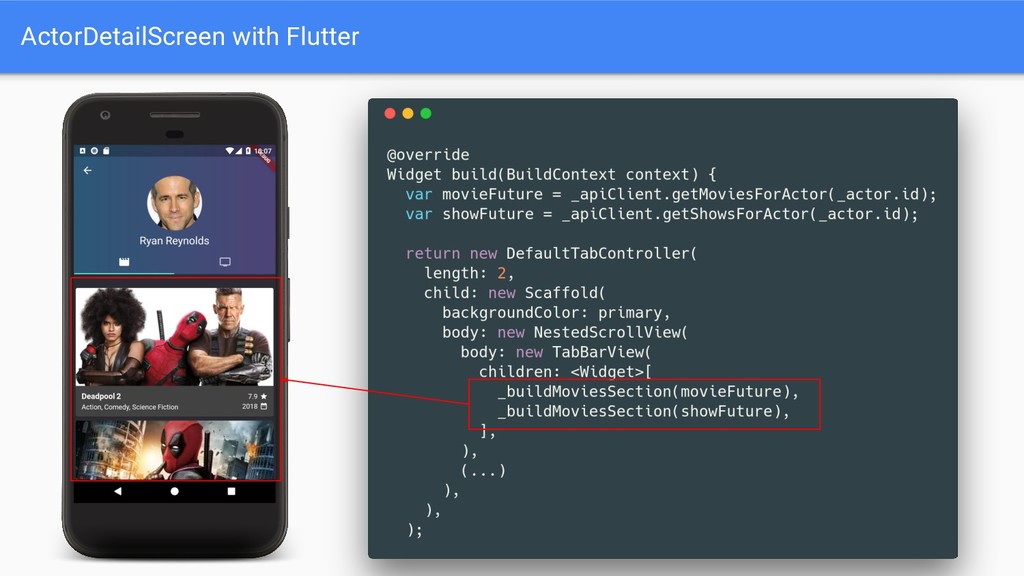
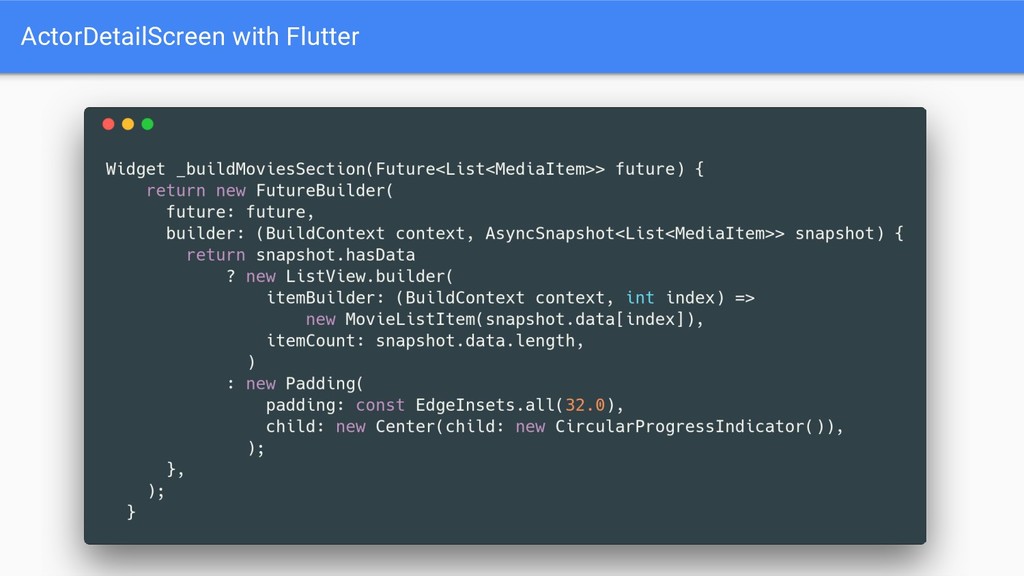
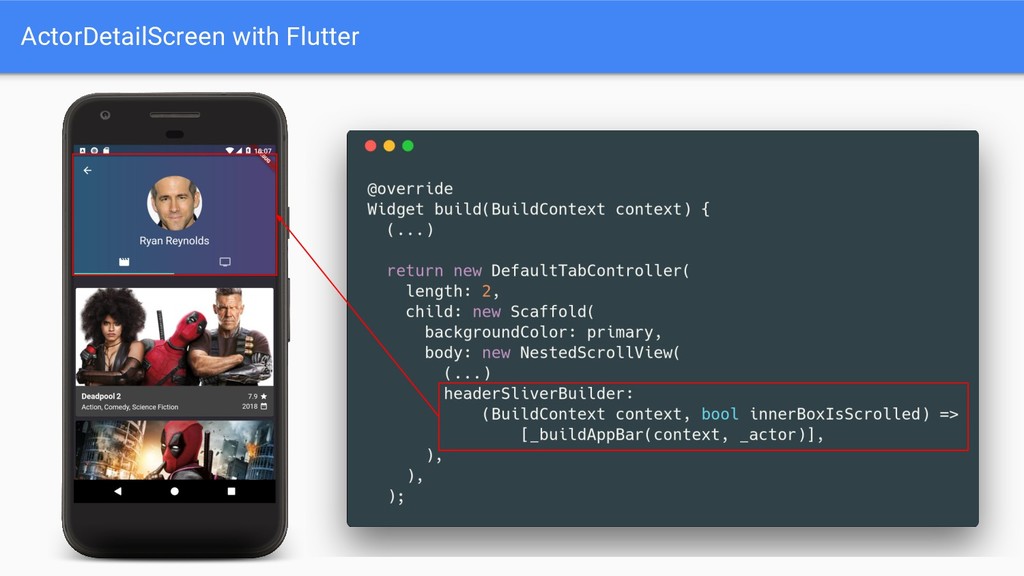
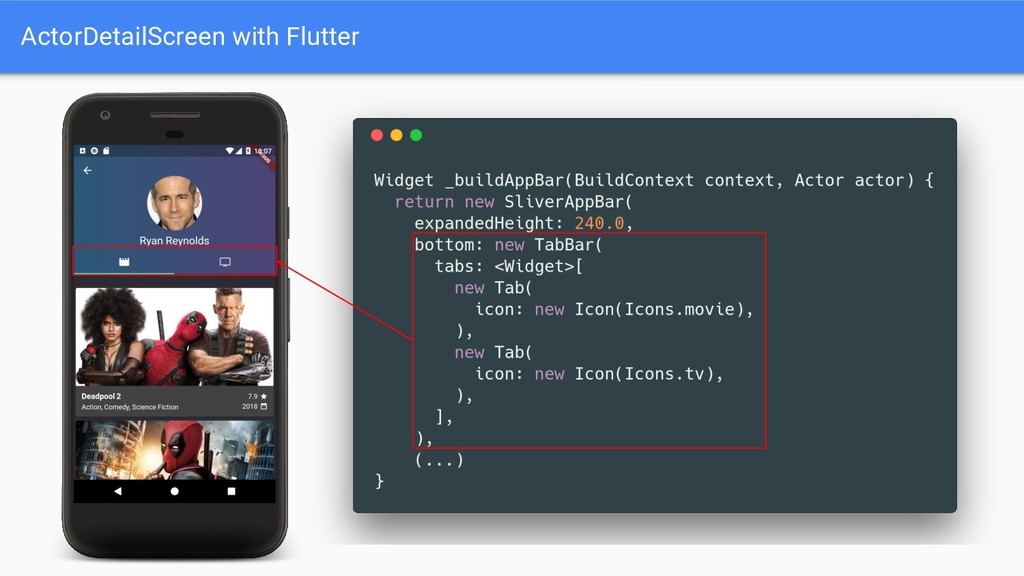
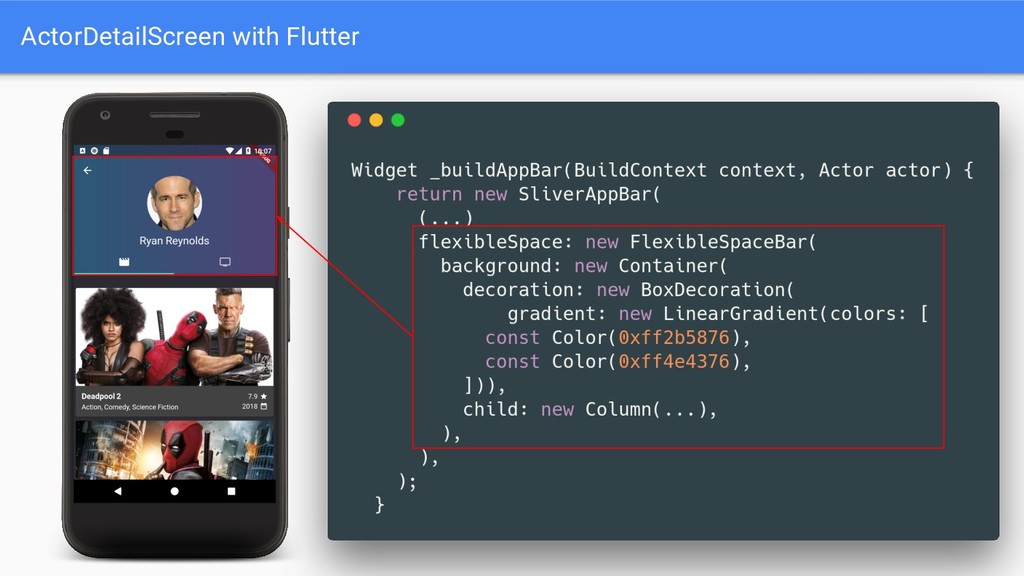
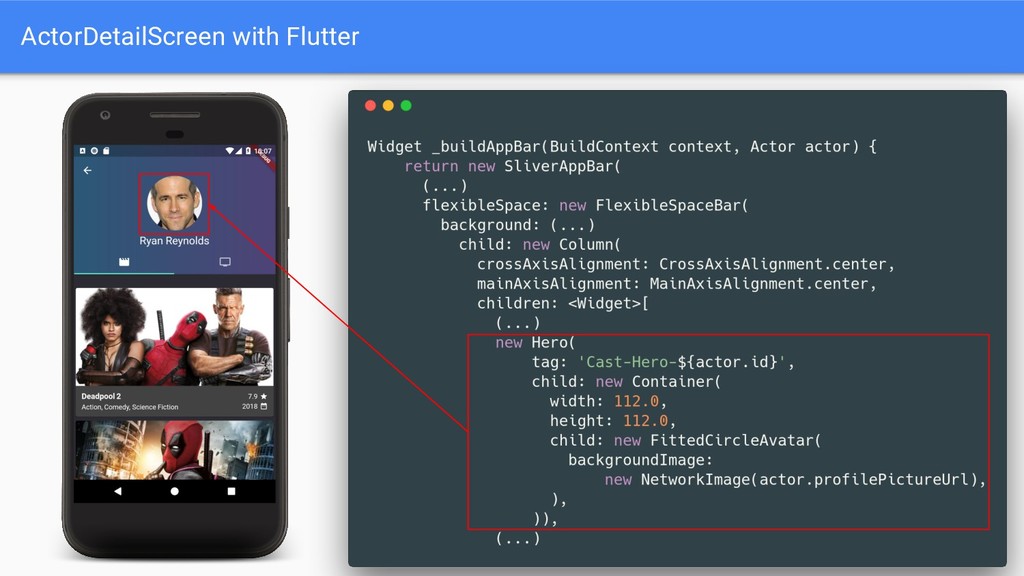
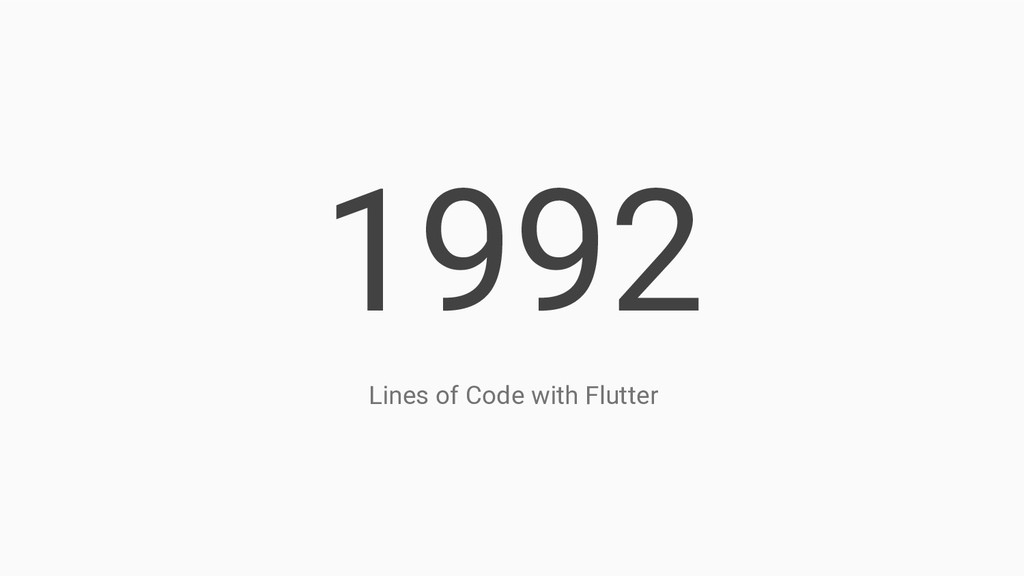
Pass Actor-Model as constructor argument 2. In it’s build-method: a. Create Header/Appbar by using CircleAvatar + NetworkImage Widgets and gradient using LinearGradient-Widget b. Use TabController + TabBarView + TabBar widgets as Viewpager c. Use simple Widget for Movie-List d. Use Network-Call-Future to populate Movie-List 3. Enjoy using Hot-Reload while building this => 1 Dart file, 1 Stateless Widget, ~100 lines of code


 tokuty
 pfn
pfn
 keeg
keeg
 yahonda
 hiracky16
 rfdnxbro
 mohab1
 yut0naga1_fa
 yuuuuuuu168
 jyouryuusui
 willnet
 kenichiodo
 rasagy
 panda_program
 dugsong
 productmarketing
 codingconduct
 lemiorhan
 katarinadahlin
 sstephenson
 kimpetersen
 twada
twada
 notwaldorf
 morganepeng