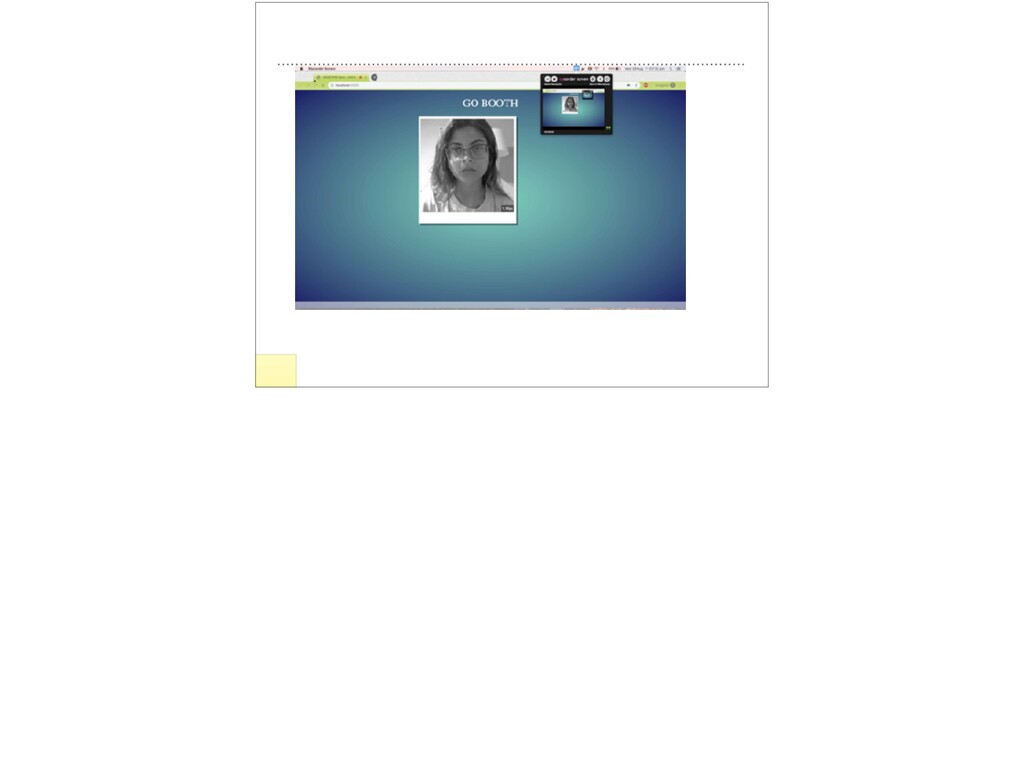
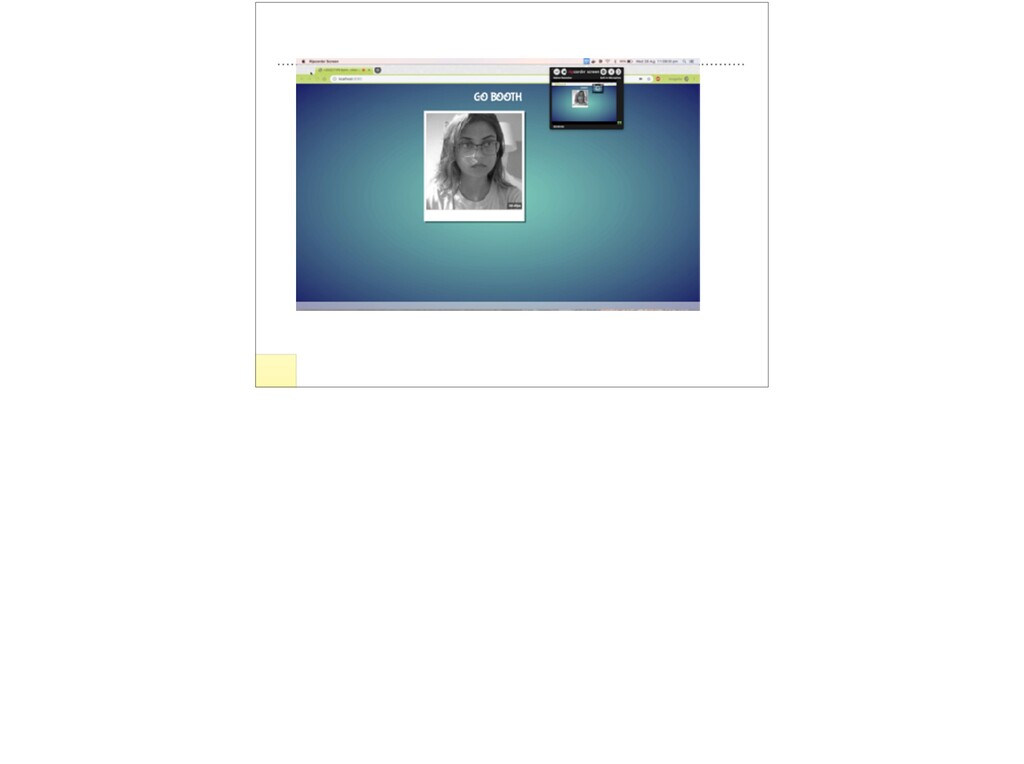
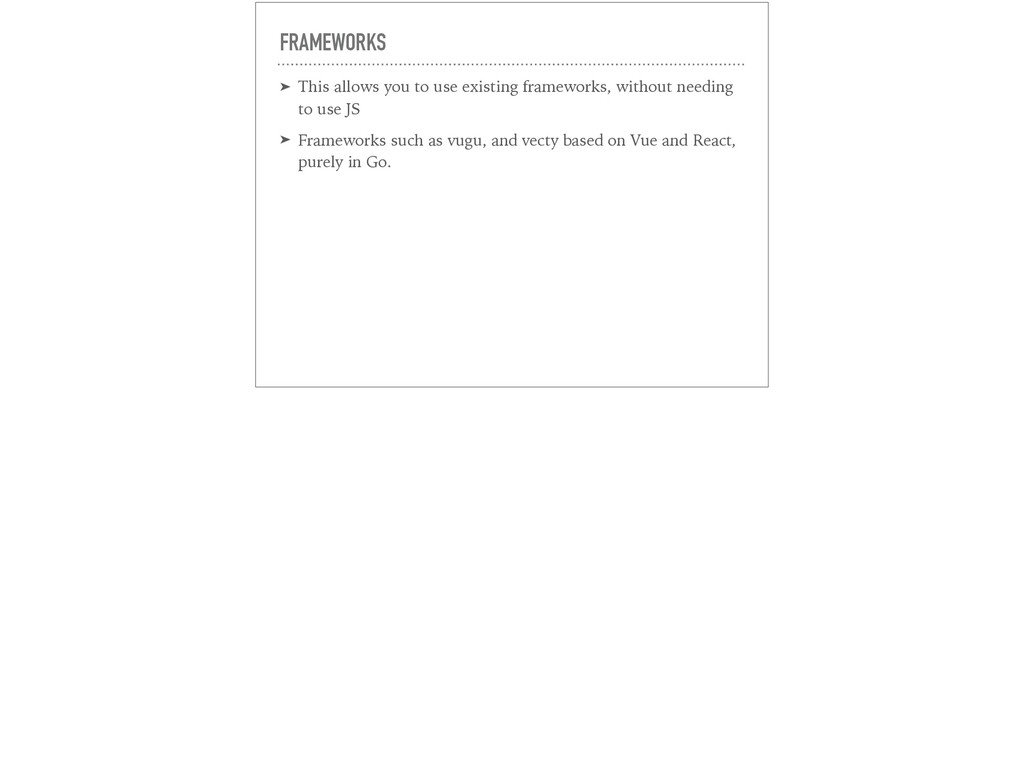
my name is Aarushi, I’ve been a Go engineer for about a year and half now, and after attending JSConf I got really interested in front end development, but I didn’t want to just learn JS or a new JS framework, so I started dabbling in webassembly. • In this presentation I want to introduce go and web assembly and the ecosystem around it.
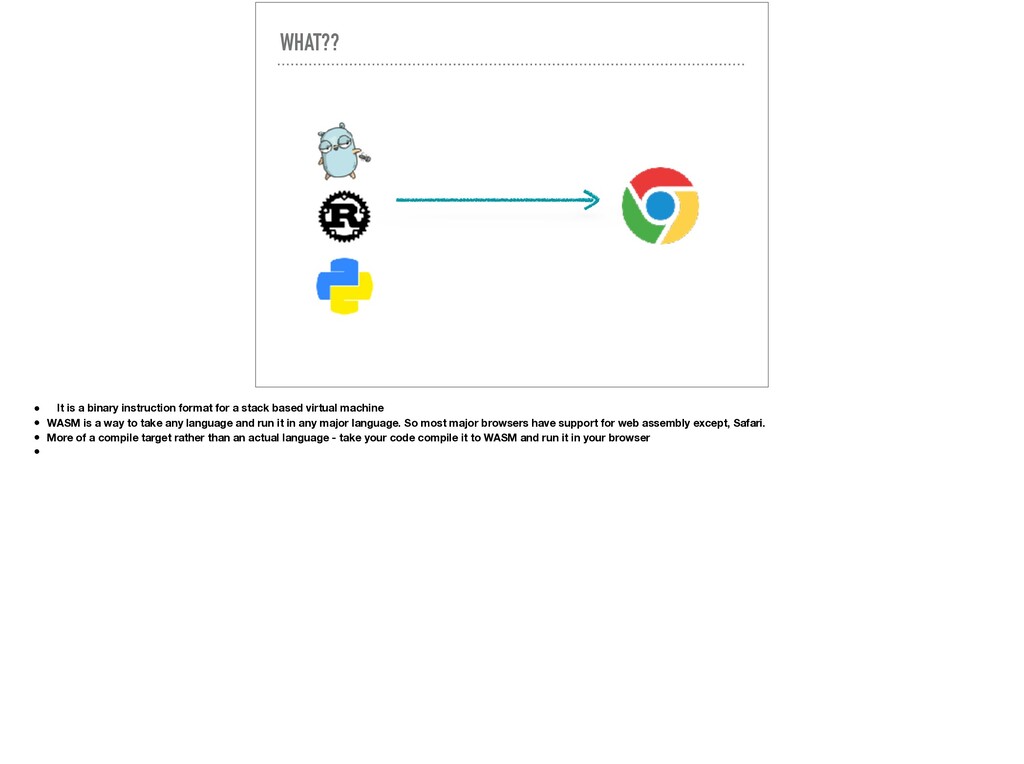
stack based virtual machine • WASM is a way to take any language and run it in any major language. So most major browsers have support for web assembly except, Safari. • More of a compile target rather than an actual language - take your code compile it to WASM and run it in your browser •
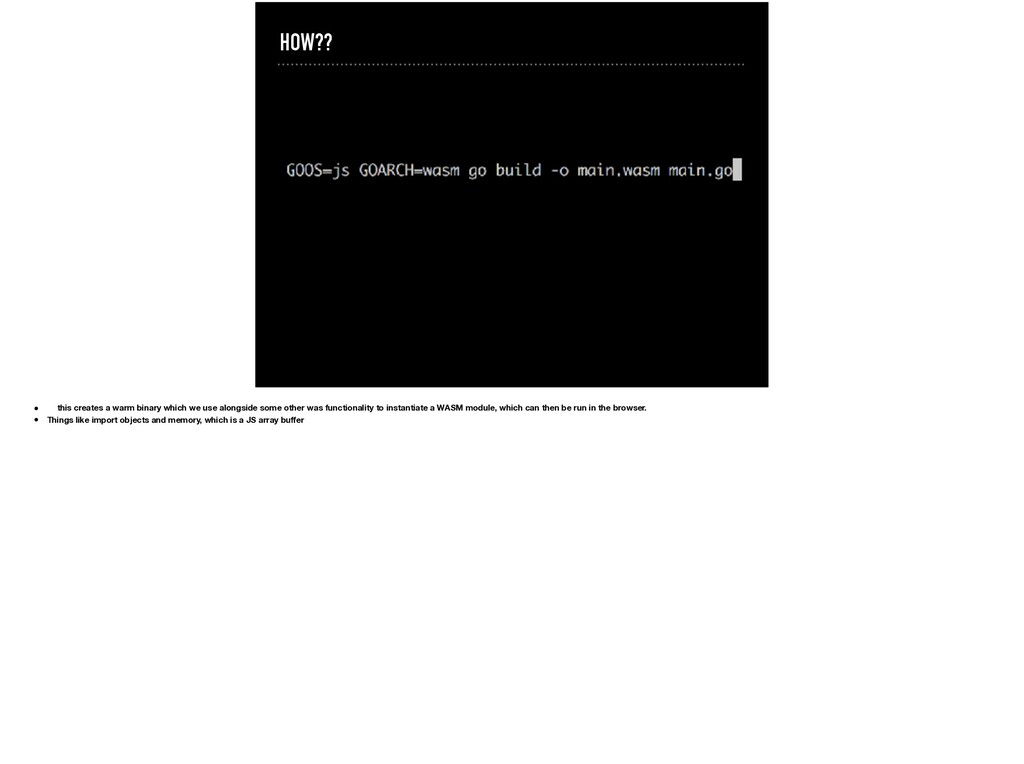
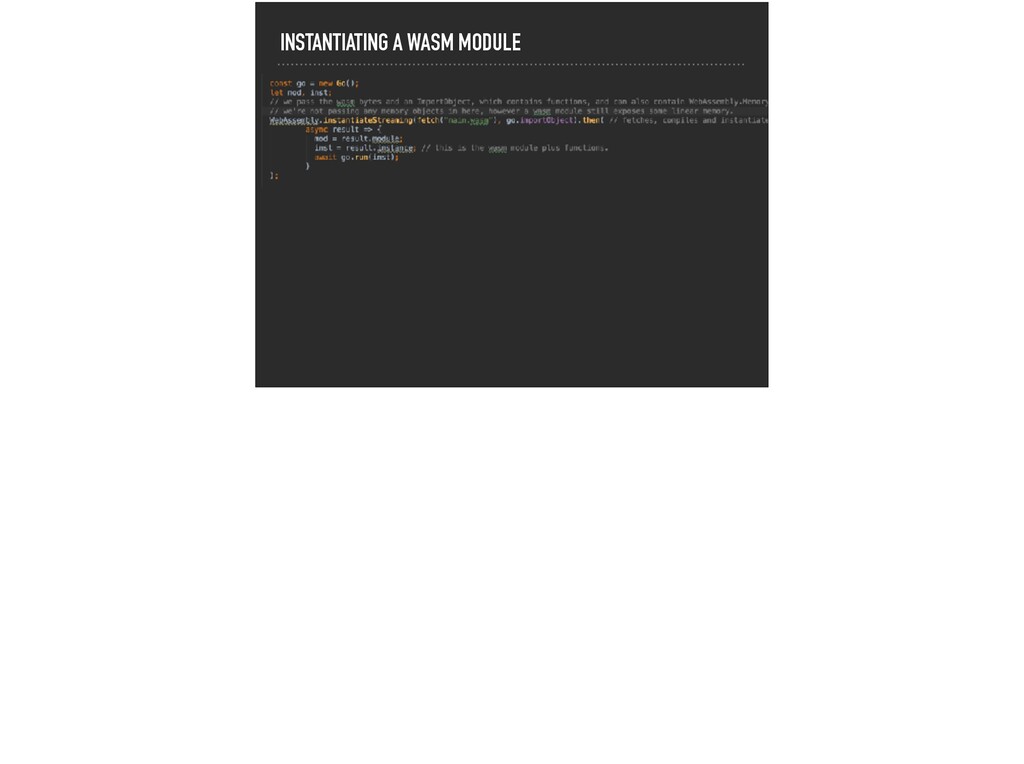
alongside some other was functionality to instantiate a WASM module, which can then be run in the browser. • Things like import objects and memory, which is a JS array buffer
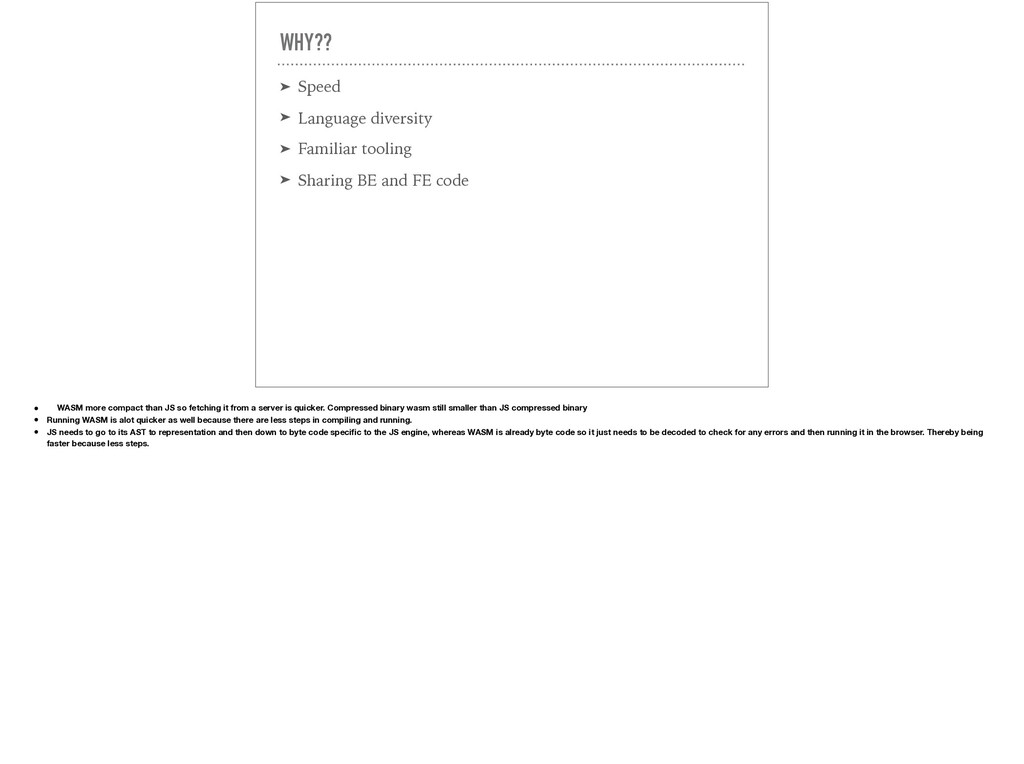
Sharing BE and FE code • WASM more compact than JS so fetching it from a server is quicker. Compressed binary wasm still smaller than JS compressed binary • Running WASM is alot quicker as well because there are less steps in compiling and running. • JS needs to go to its AST to representation and then down to byte code specific to the JS engine, whereas WASM is already byte code so it just needs to be decoded to check for any errors and then running it in the browser. Thereby being faster because less steps.
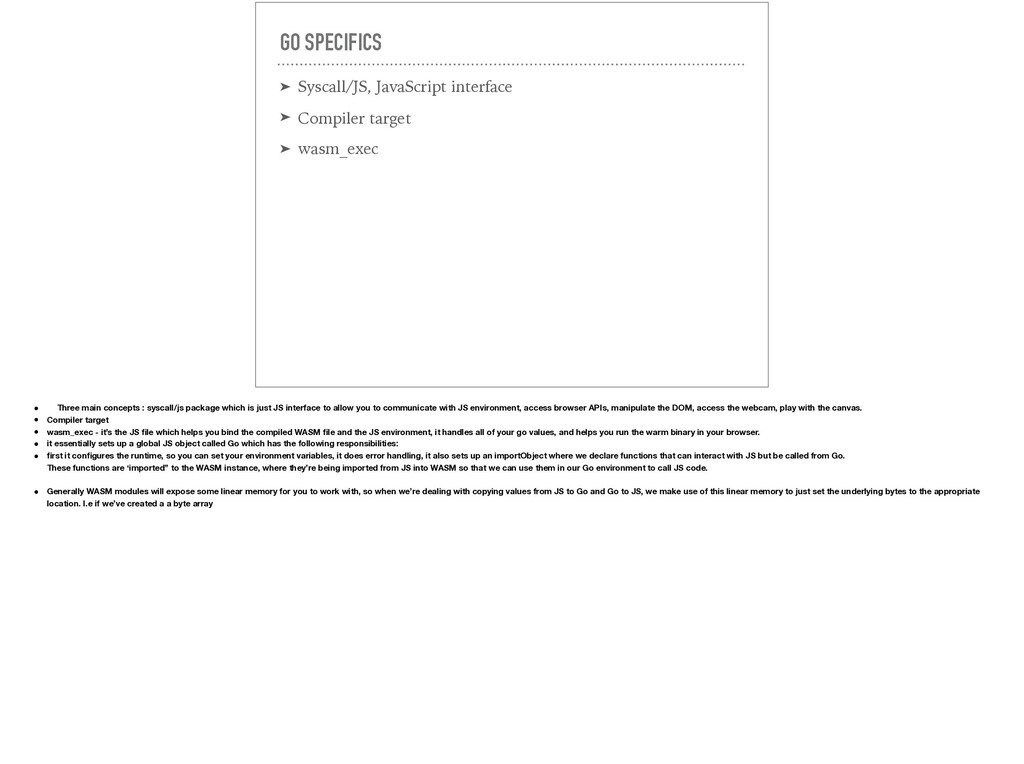
wasm_exec • Three main concepts : syscall/js package which is just JS interface to allow you to communicate with JS environment, access browser APIs, manipulate the DOM, access the webcam, play with the canvas. • Compiler target • wasm_exec - it’s the JS file which helps you bind the compiled WASM file and the JS environment, it handles all of your go values, and helps you run the warm binary in your browser. • it essentially sets up a global JS object called Go which has the following responsibilities: • first it configures the runtime, so you can set your environment variables, it does error handling, it also sets up an importObject where we declare functions that can interact with JS but be called from Go. These functions are ‘imported” to the WASM instance, where they’re being imported from JS into WASM so that we can use them in our Go environment to call JS code. • Generally WASM modules will expose some linear memory for you to work with, so when we’re dealing with copying values from JS to Go and Go to JS, we make use of this linear memory to just set the underlying bytes to the appropriate location. I.e if we’ve created a a byte array
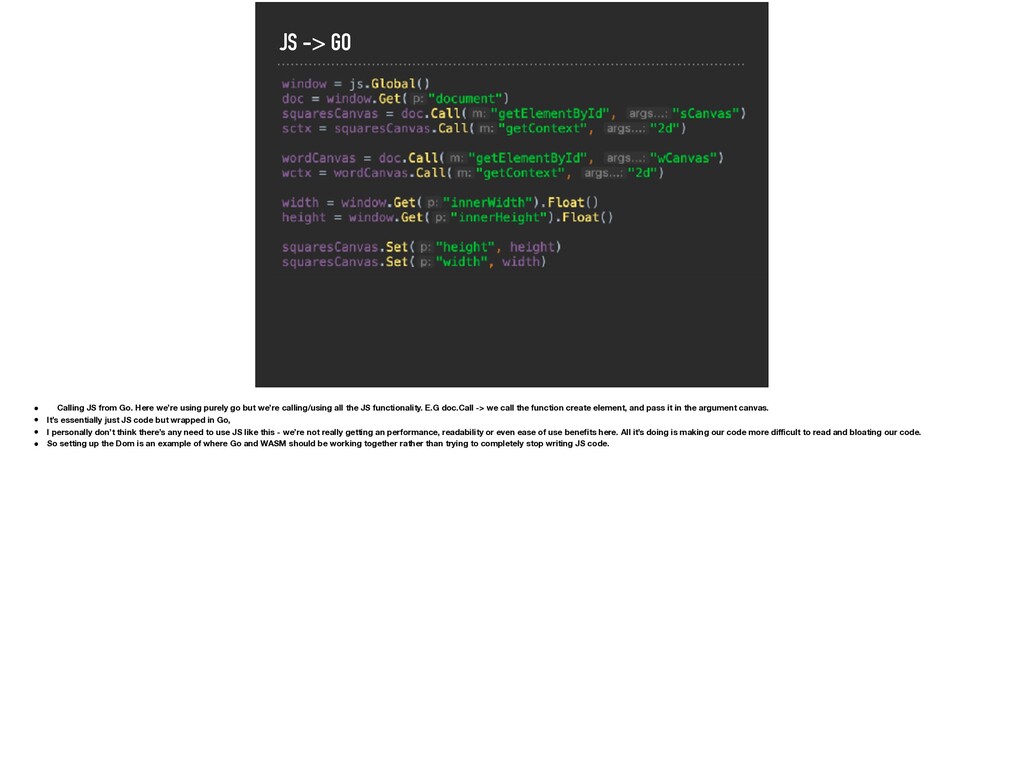
using purely go but we’re calling/using all the JS functionality. E.G doc.Call -> we call the function create element, and pass it in the argument canvas. • It’s essentially just JS code but wrapped in Go, • I personally don’t think there’s any need to use JS like this - we’re not really getting an performance, readability or even ease of use benefits here. All it’s doing is making our code more difficult to read and bloating our code. • So setting up the Dom is an example of where Go and WASM should be working together rather than trying to completely stop writing JS code.
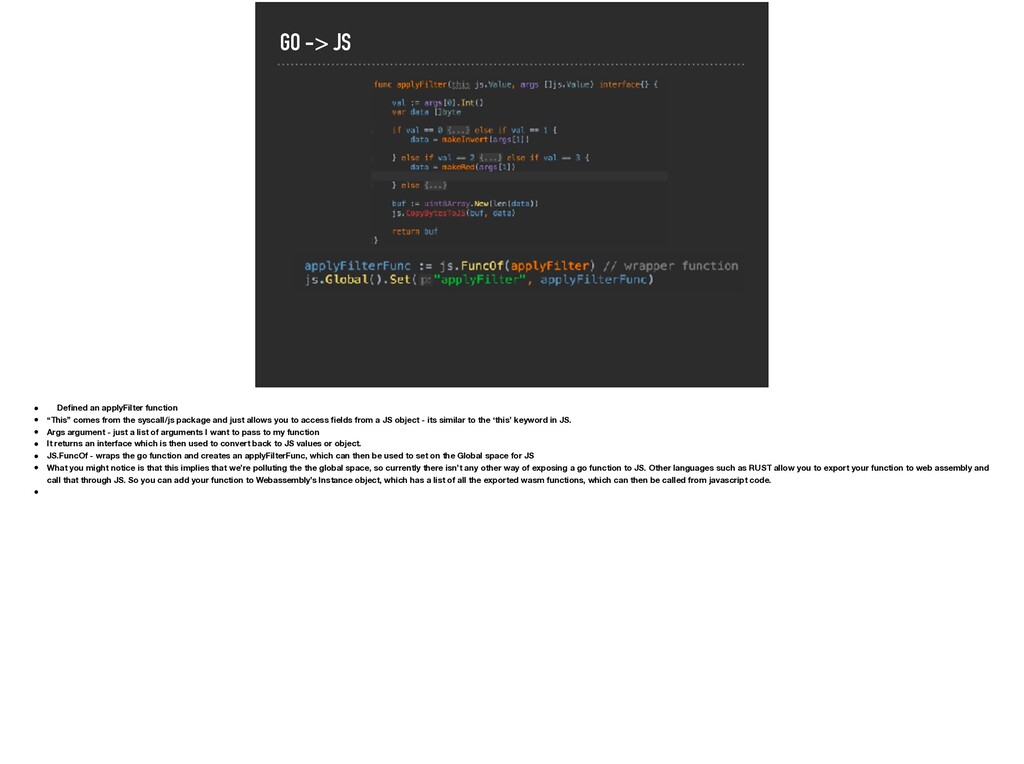
comes from the syscall/js package and just allows you to access fields from a JS object - its similar to the ‘this’ keyword in JS. • Args argument - just a list of arguments I want to pass to my function • It returns an interface which is then used to convert back to JS values or object. • JS.FuncOf - wraps the go function and creates an applyFilterFunc, which can then be used to set on the Global space for JS • What you might notice is that this implies that we’re polluting the the global space, so currently there isn’t any other way of exposing a go function to JS. Other languages such as RUST allow you to export your function to web assembly and call that through JS. So you can add your function to Webassembly’s Instance object, which has a list of all the exported wasm functions, which can then be called from javascript code. •
really slow. It takes ages to load firstly, then even the circles are really slow to grow and then when you click to create a new word again it loads really slow so lets take a look at whats happening under the hood
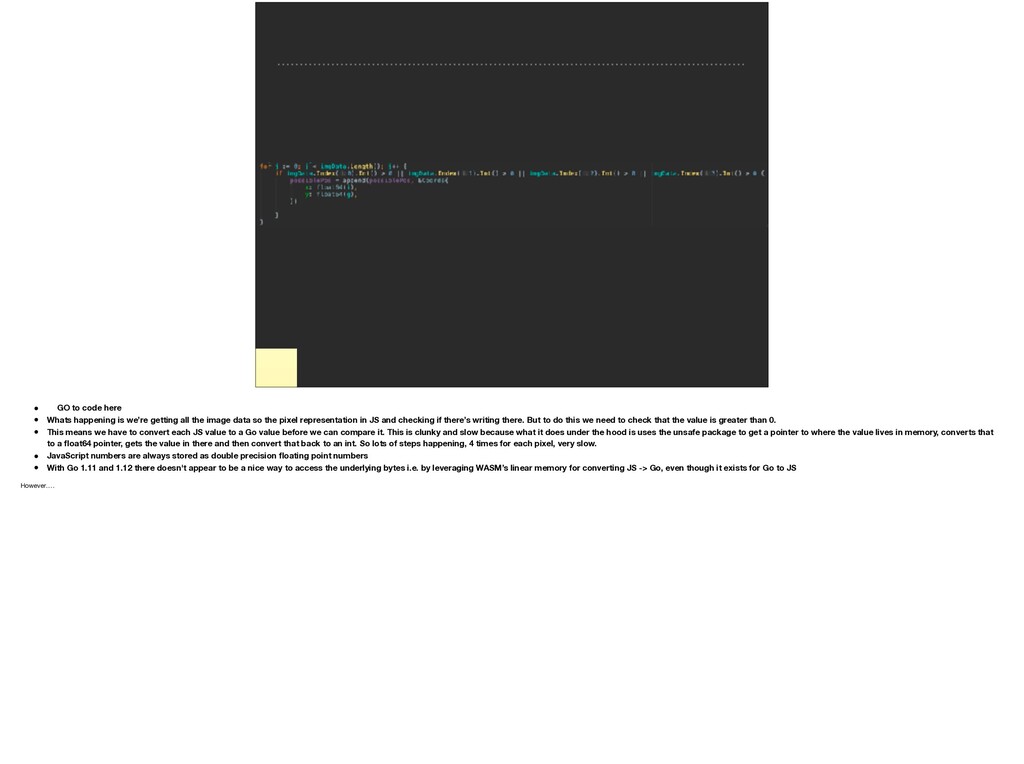
happening is we’re getting all the image data so the pixel representation in JS and checking if there’s writing there. But to do this we need to check that the value is greater than 0. • This means we have to convert each JS value to a Go value before we can compare it. This is clunky and slow because what it does under the hood is uses the unsafe package to get a pointer to where the value lives in memory, converts that to a float64 pointer, gets the value in there and then convert that back to an int. So lots of steps happening, 4 times for each pixel, very slow. • JavaScript numbers are always stored as double precision floating point numbers • With Go 1.11 and 1.12 there doesn't appear to be a nice way to access the underlying bytes i.e. by leveraging WASM’s linear memory for converting JS -> Go, even though it exists for Go to JS However….
lets you do is create a go slice and copy the JS values into directly by leverage WASM’s linear memory. So under the hood, we load the slice into JS by getting the location in memory of the go slice, create an Uint8Array or a byte array so we can copy the values in there We grab the value from memory, load those values into the array we got earlier
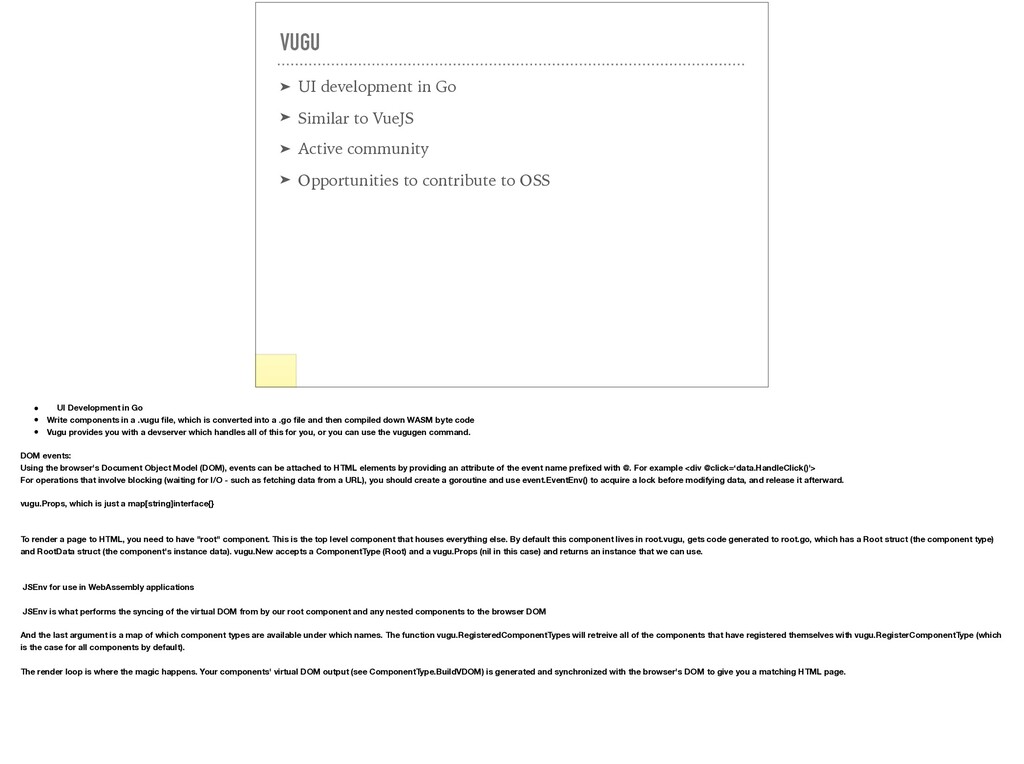
➤ Active community ➤ Opportunities to contribute to OSS Show some of the features • UI Development in Go • Write components in a .vugu file, which is converted into a .go file and then compiled down WASM byte code • Vugu provides you with a devserver which handles all of this for you, or you can use the vugugen command. DOM events: Using the browser's Document Object Model (DOM), events can be attached to HTML elements by providing an attribute of the event name prefixed with @. For example <div @click=‘data.HandleClick()'> For operations that involve blocking (waiting for I/O - such as fetching data from a URL), you should create a goroutine and use event.EventEnv() to acquire a lock before modifying data, and release it afterward. vugu.Props, which is just a map[string]interface{} To render a page to HTML, you need to have "root" component. This is the top level component that houses everything else. By default this component lives in root.vugu, gets code generated to root.go, which has a Root struct (the component type) and RootData struct (the component's instance data). vugu.New accepts a ComponentType (Root) and a vugu.Props (nil in this case) and returns an instance that we can use. JSEnv for use in WebAssembly applications JSEnv is what performs the syncing of the virtual DOM from by our root component and any nested components to the browser DOM And the last argument is a map of which component types are available under which names. The function vugu.RegisteredComponentTypes will retreive all of the components that have registered themselves with vugu.RegisterComponentType (which is the case for all components by default). The render loop is where the magic happens. Your components' virtual DOM output (see ComponentType.BuildVDOM) is generated and synchronized with the browser's DOM to give you a matching HTML page.
GOARCH=wasm go test ➤ Run tests headless in the browser • wasmbrowsertest to run tests inside your browser. It automates the job of spinning up a webserver and uses headless Chrome to run the tests inside it and relays the logs to your console. • just go get github.com/agnivade/wasmbrowsertest to get a binary. Rename that to go_js_wasm_exec and place it to your PATH


 techseoconnect
 reverentgeek
 katarinadahlin
 trallard
 panda_program
.png) helenjbeal
helenjbeal
 inesmontani
 sabderemane
 csswizardry
 sergeychernyshev
 mayunak