Upgrade to PRO for Only $50/Year—Limited-Time Offer! 🔥

A productive Frontend Stack with Symfony UX - ...

Avatar for Alexander Schranz Alexander Schranz
November 29, 2025
120

A productive Frontend Stack with Symfony UX - Amsterdam 2025

Backend-rendered HTML is back. With the rise of Symfony UX, Twig is becoming more and more important. In this talk, we will look at how you can structure your Twig files without them becoming a mess, and what kind of tricks Twig offers to create reusable components. We'll explore how Symfony Form Theming works and why JavaScript frameworks like Hotwire Turbo with Stimulus and Tailwind make for a productive frontend stack for your next project.

Avatar for Alexander Schranz

Alexander Schranz

November 29, 2025
Tweet

Transcript

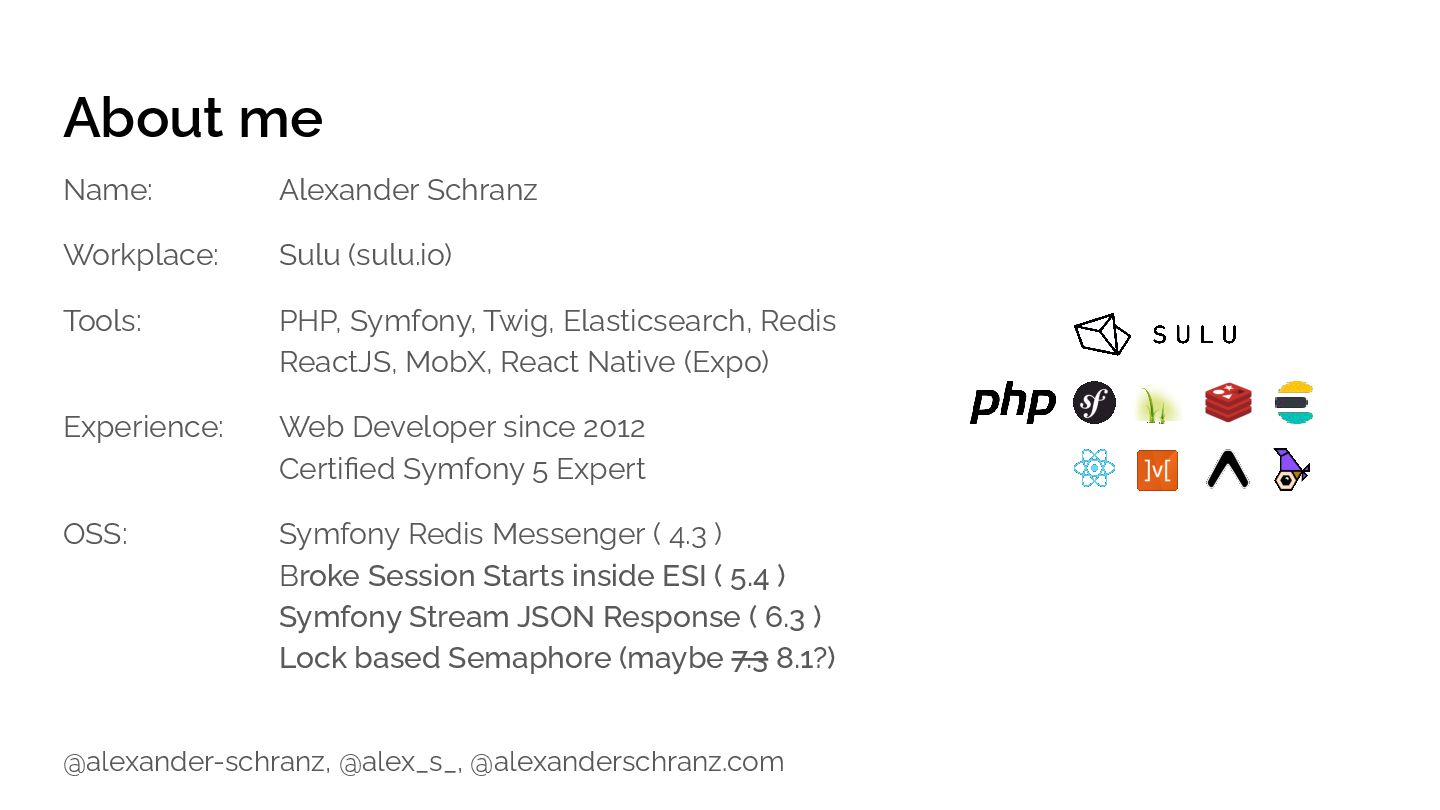
  1. About me Name: Alexander Schranz Workplace: Sulu (sulu.io) Tools: PHP,

    Symfony, Twig, Elasticsearch, Redis ReactJS, MobX, React Native (Expo) Experience: Web Developer since 2012 Certified Symfony 5 Expert OSS: Symfony Redis Messenger ( 4.3 ) Broke Session Starts inside ESI ( 5.4 ) Symfony Stream JSON Response ( 6.3 ) Lock based Semaphore (maybe 7.3 8.1?) @alexander-schranz, @alex_s_, @alexanderschranz.com
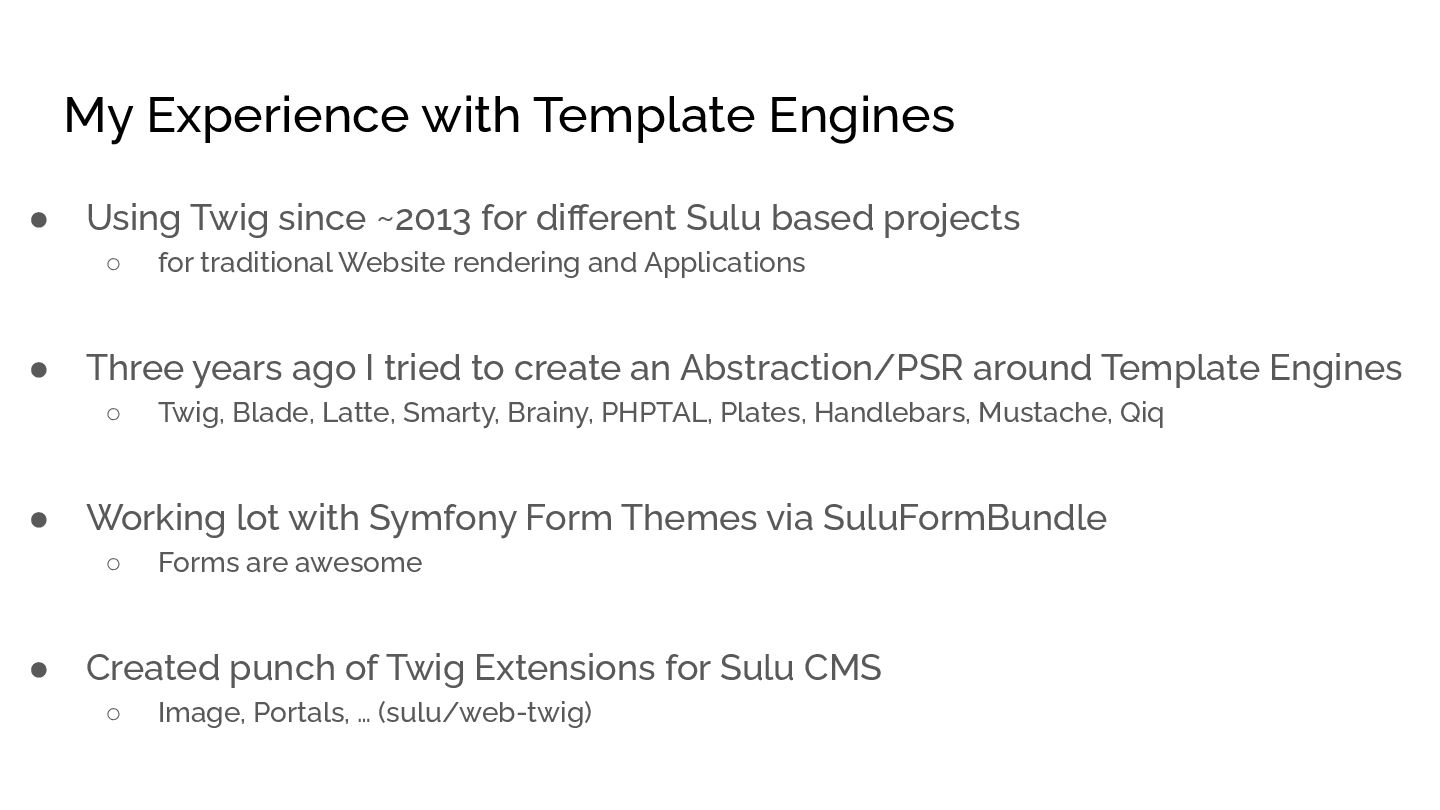
  2. My Experience with Template Engines • Using Twig since ~2013

    for different Sulu based projects ◦ for traditional Website rendering and Applications • Three years ago I tried to create an Abstraction/PSR around Template Engines ◦ Twig, Blade, Latte, Smarty, Brainy, PHPTAL, Plates, Handlebars, Mustache, Qiq • Working lot with Symfony Form Themes via SuluFormBundle ◦ Forms are awesome • Created punch of Twig Extensions for Sulu CMS ◦ Image, Portals, … (sulu/web-twig)
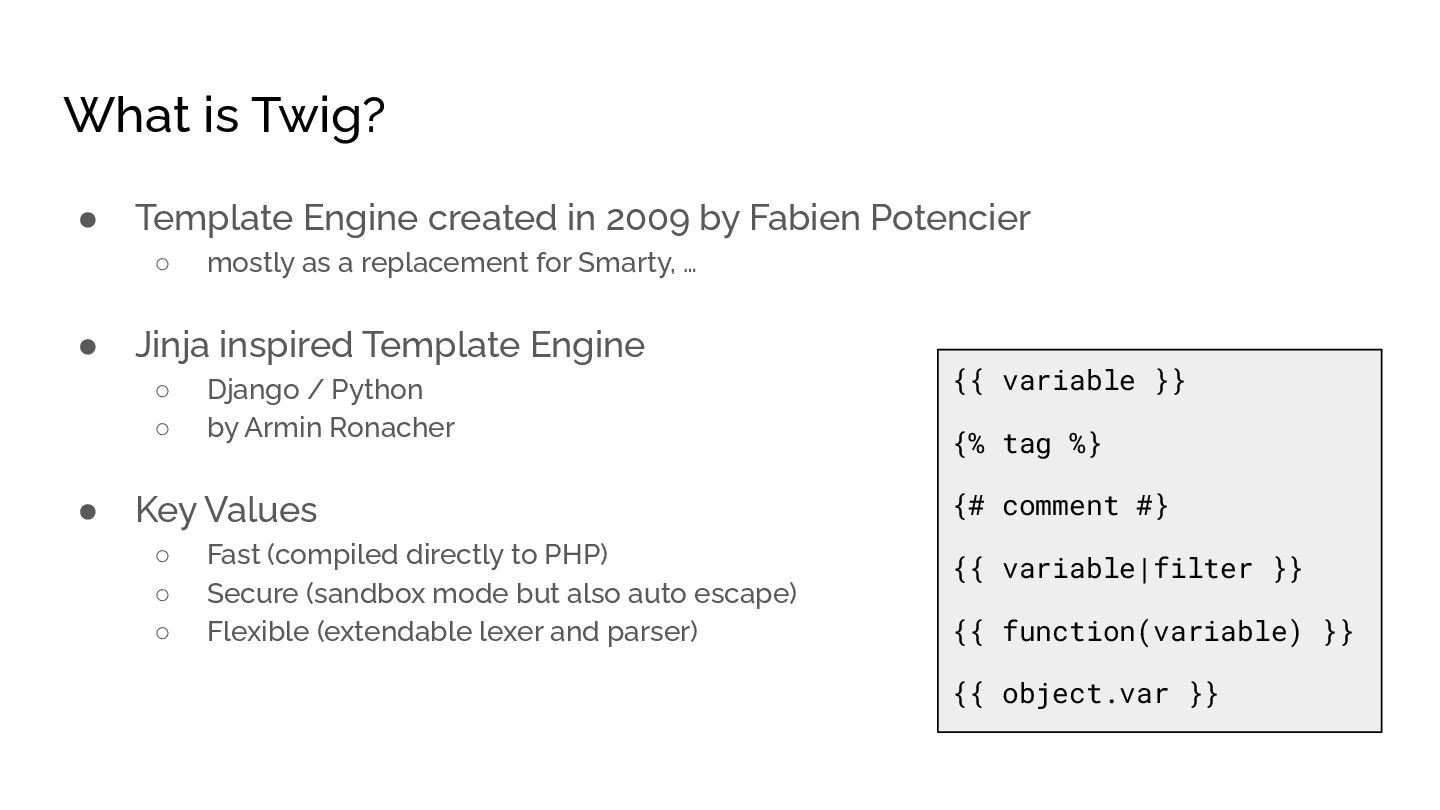
  3. What is Twig? • Template Engine created in 2009 by
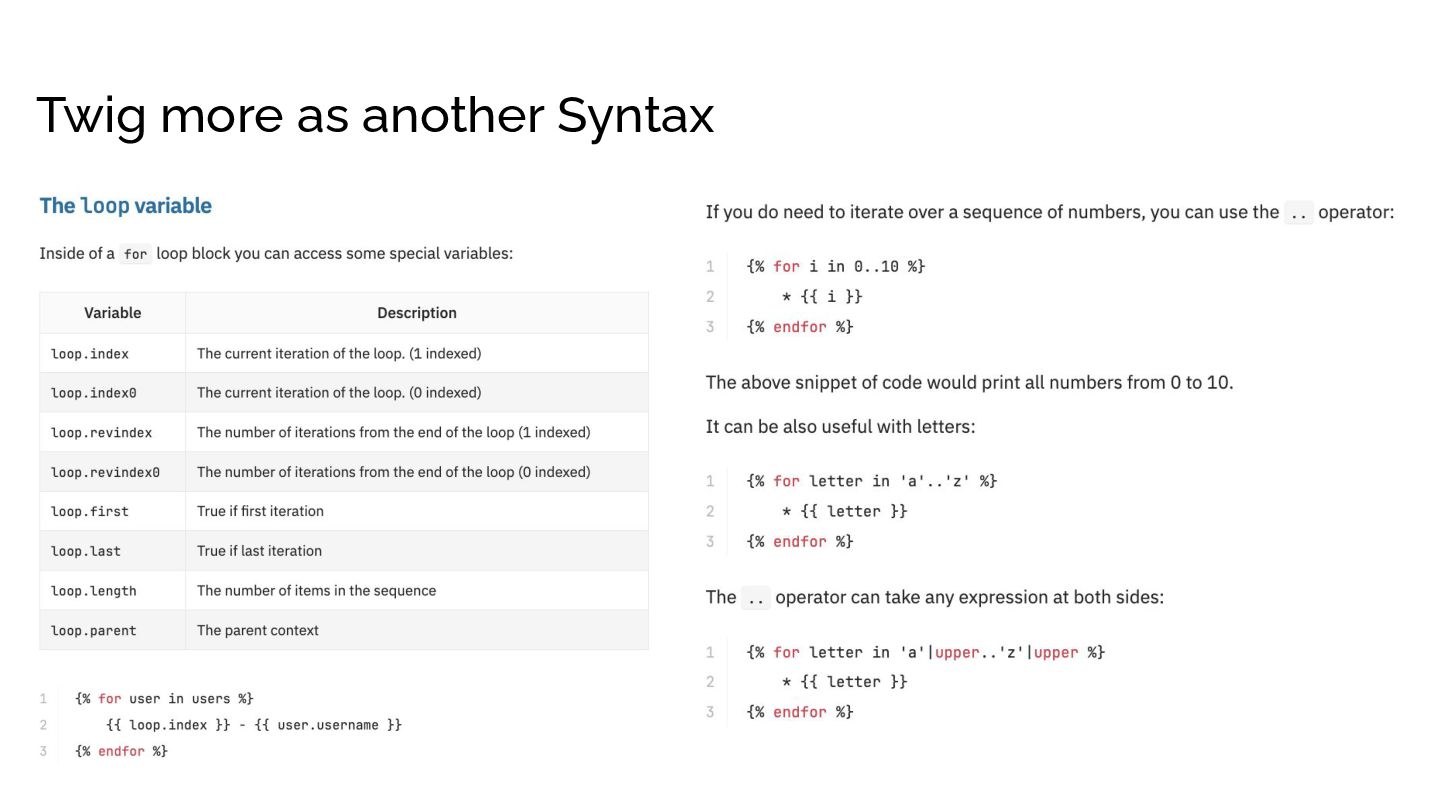
    Fabien Potencier ◦ mostly as a replacement for Smarty, … • Jinja inspired Template Engine ◦ Django / Python ◦ by Armin Ronacher • Key Values ◦ Fast (compiled directly to PHP) ◦ Secure (sandbox mode but also auto escape) ◦ Flexible (extendable lexer and parser) {{ variable }} {% tag %} {# comment #} {{ variable|filter }} {{ function(variable) }} {{ object.var }}
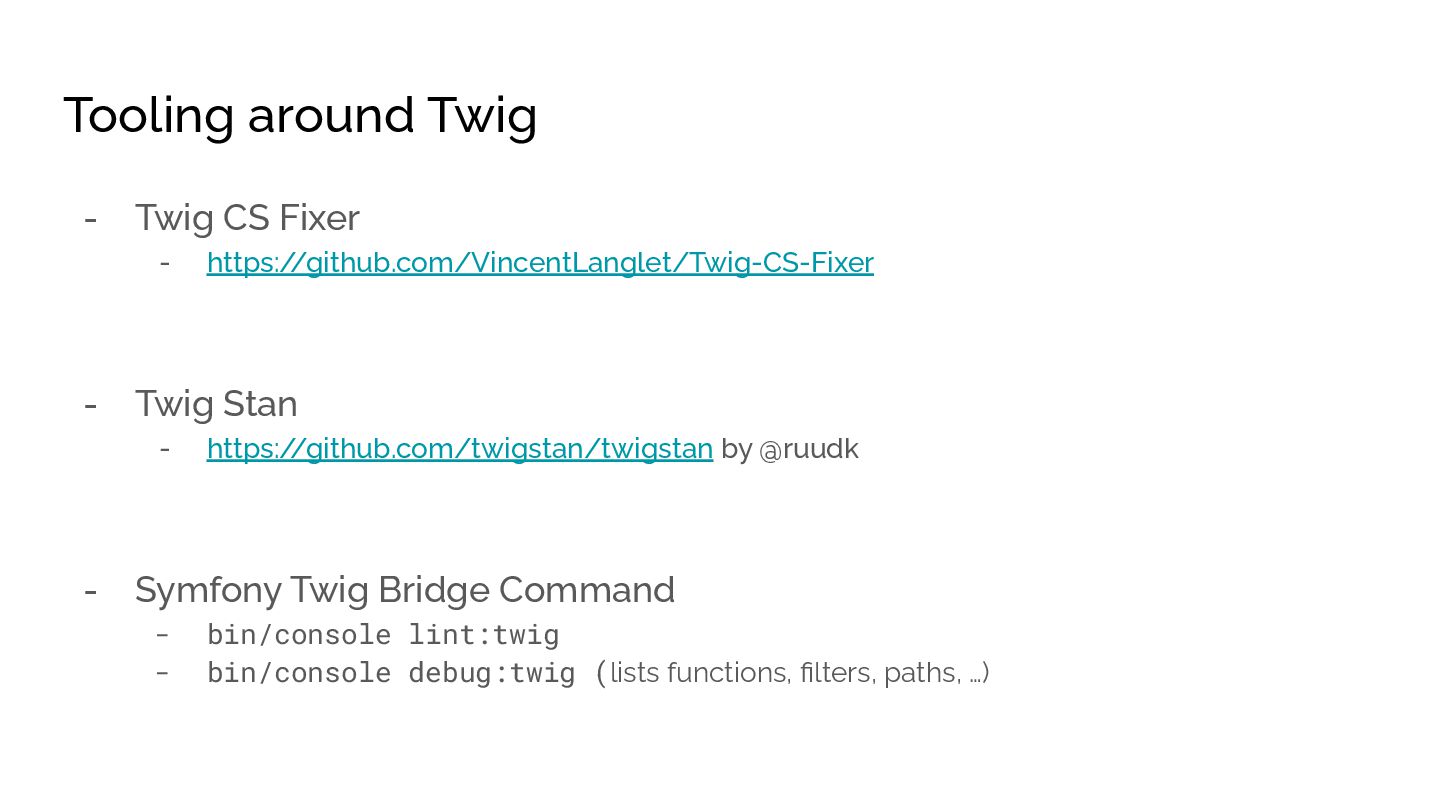
  4. Tooling around Twig - Twig CS Fixer - https:/ /github.com/VincentLanglet/Twig-CS-Fixer

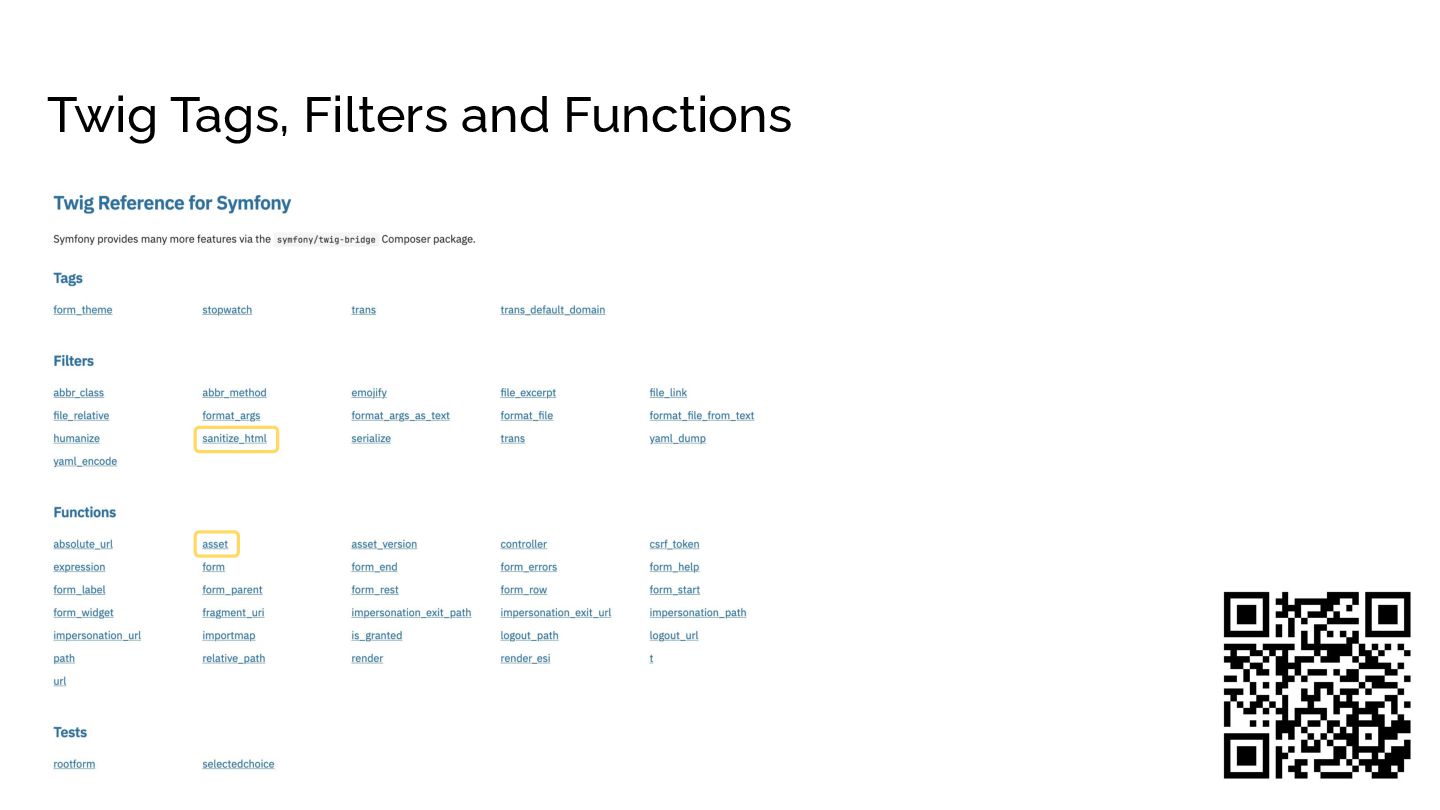
    - Twig Stan - https:/ /github.com/twigstan/twigstan by @ruudk - Symfony Twig Bridge Command - bin/console lint:twig - bin/console debug:twig (lists functions, filters, paths, …)
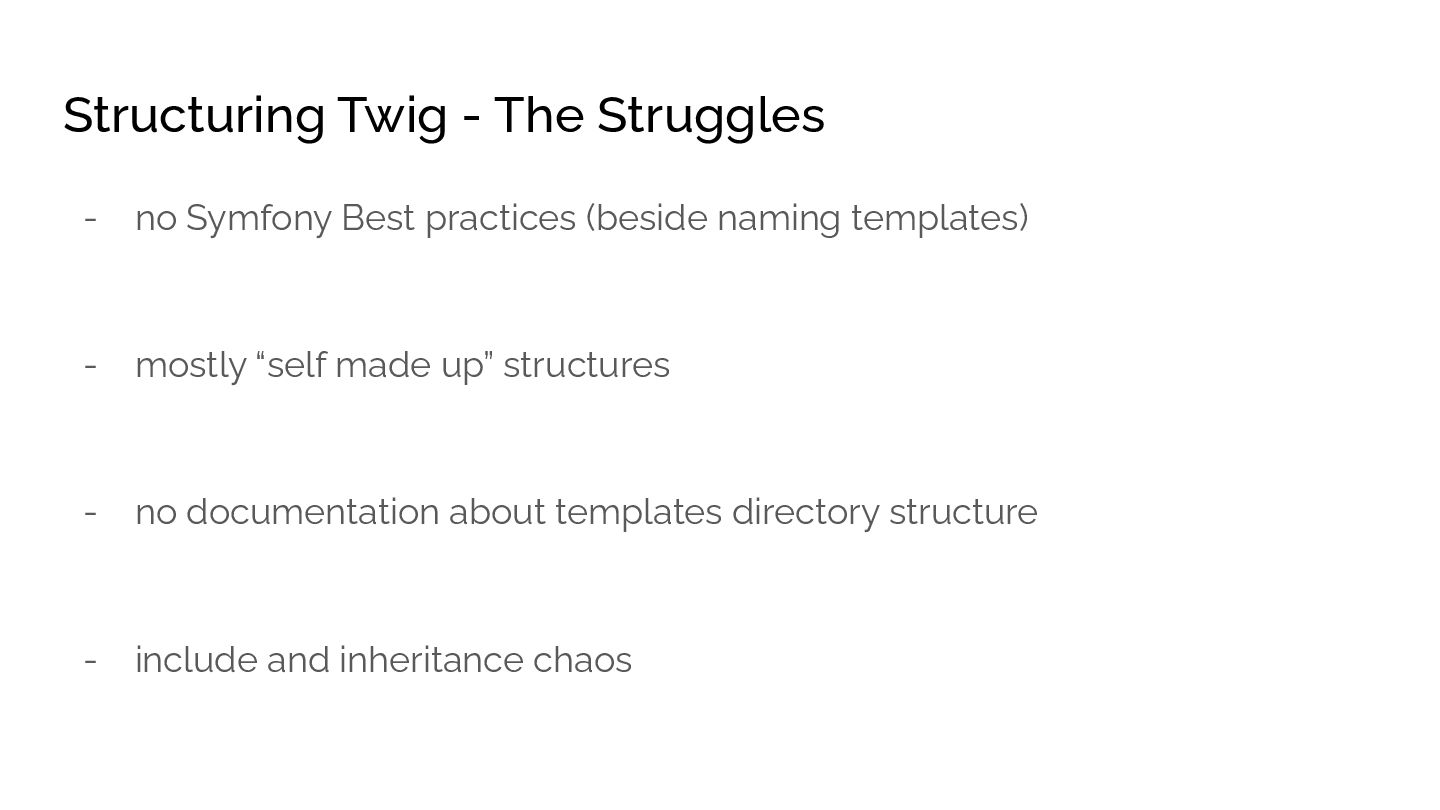
  5. Structuring Twig - The Struggles - no Symfony Best practices

    (beside naming templates) - mostly “self made up” structures - no documentation about templates directory structure - include and inheritance chaos
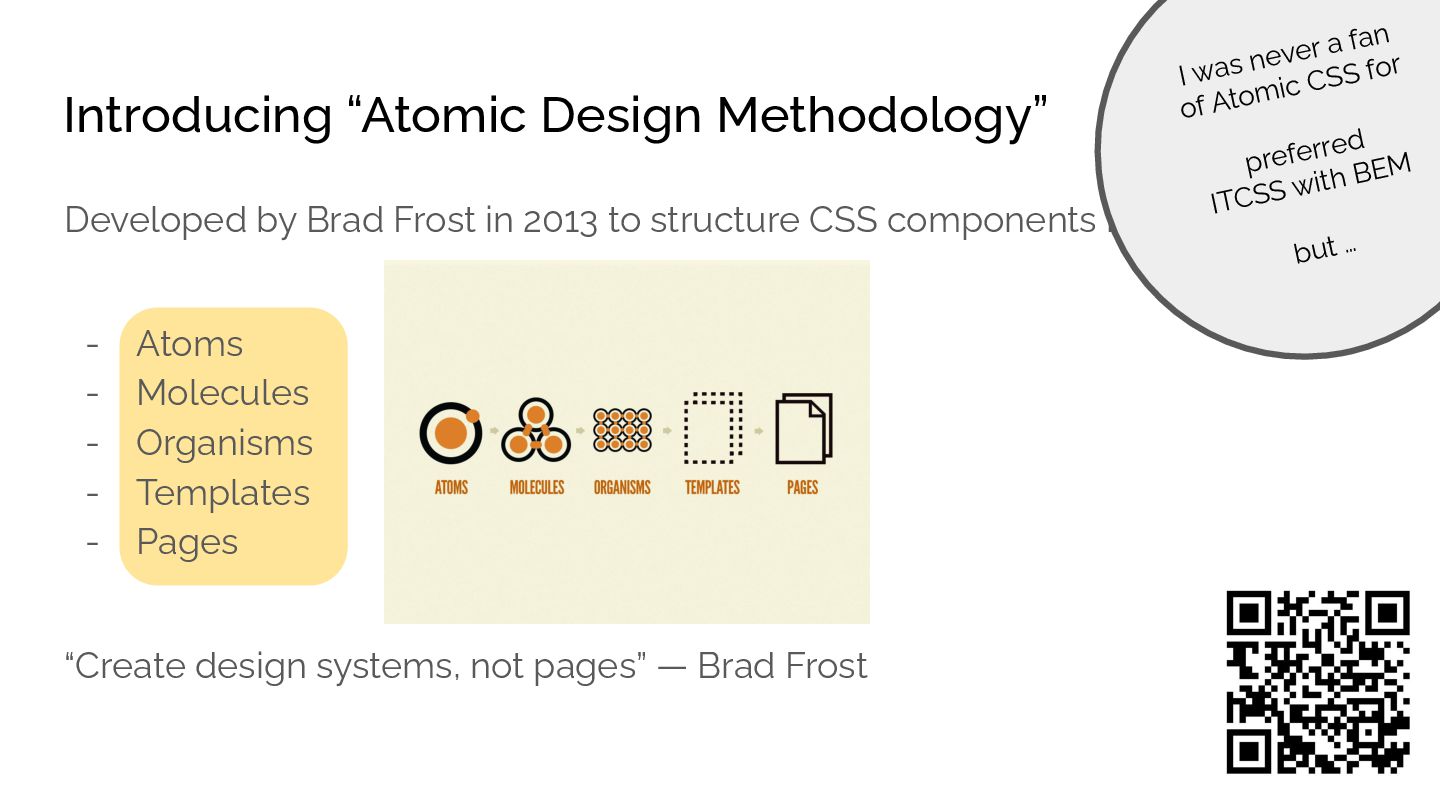
  6. Introducing “Atomic Design Methodology” Developed by Brad Frost in 2013

    to structure CSS components in: - Atoms - Molecules - Organisms - Templates - Pages “Create design systems, not pages” — Brad Frost I was never a fan of Atomic CSS for preferred ITCSS with BEM but …
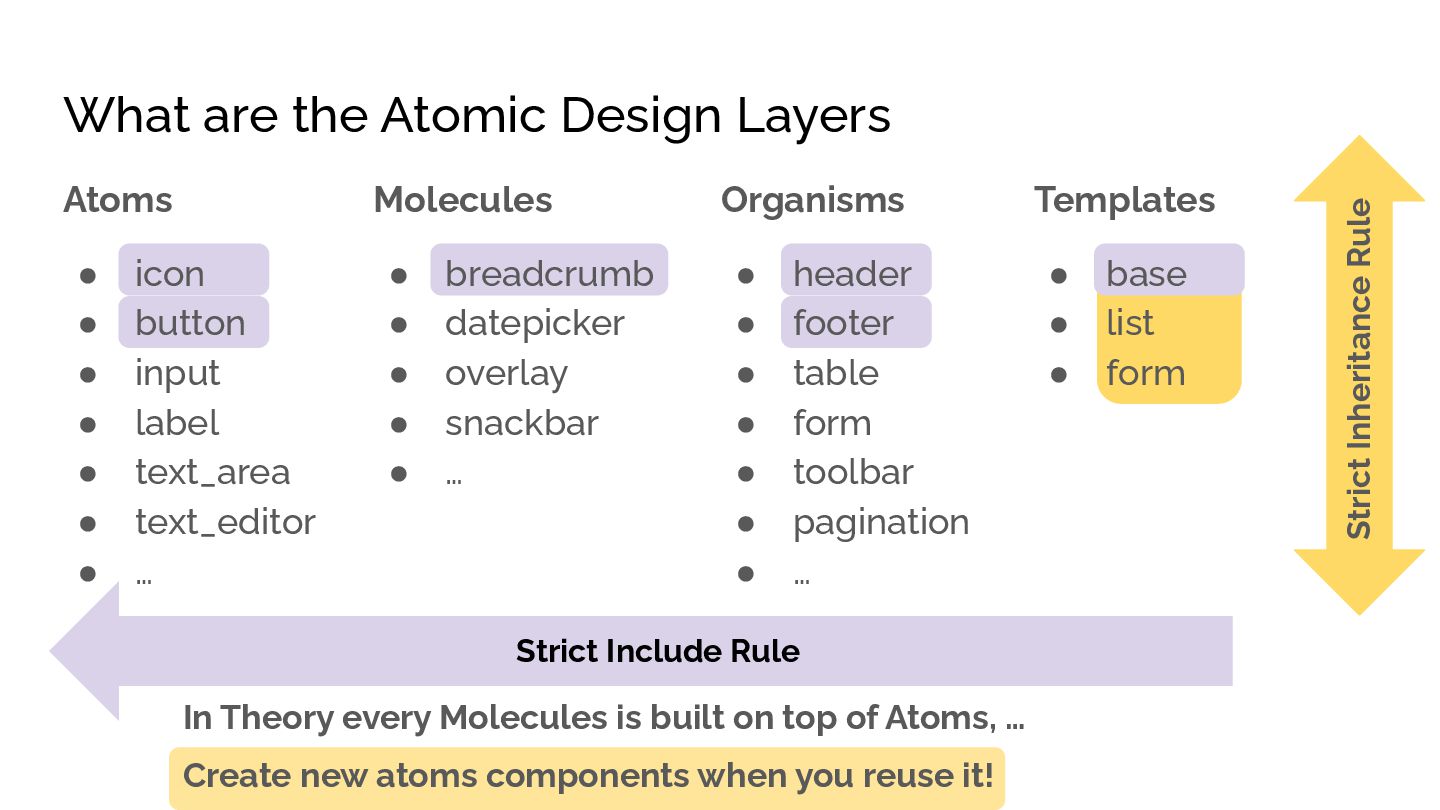
  7. What are the Atomic Design Layers Atoms • icon •

    button • input • label • text_area • text_editor • … Molecules • breadcrumb • datepicker • overlay • snackbar • … Organisms • header • footer • table • form • toolbar • pagination • … Templates • base • list • form Strict Include Rule Strict Inheritance Rule In Theory every Molecules is built on top of Atoms, … Create new atoms components when you reuse it!
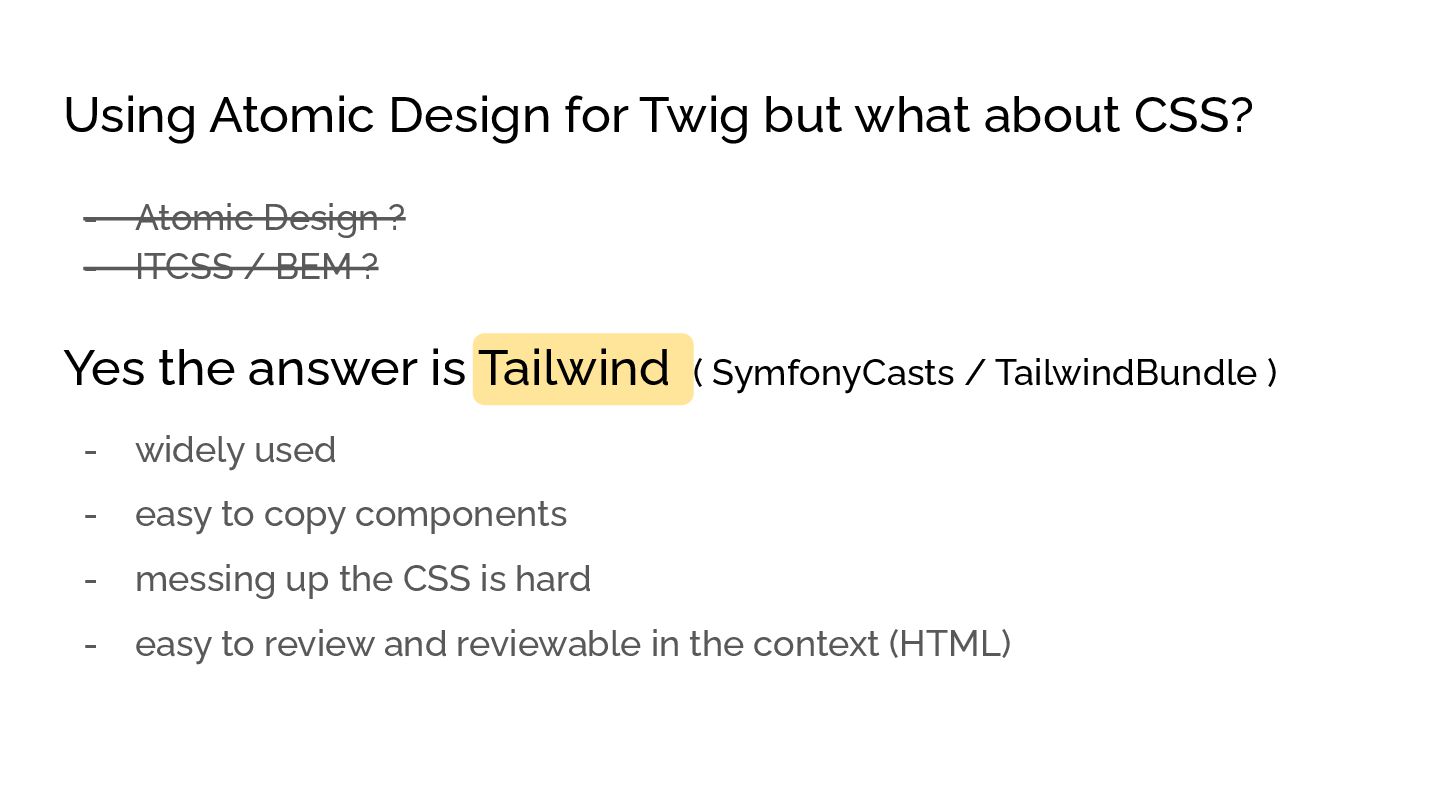
  8. Using Atomic Design for Twig but what about CSS? -

    Atomic Design ? - ITCSS / BEM ? Yes the answer is Tailwind ( SymfonyCasts / TailwindBundle ) - widely used - easy to copy components - messing up the CSS is hard - easy to review and reviewable in the context (HTML)
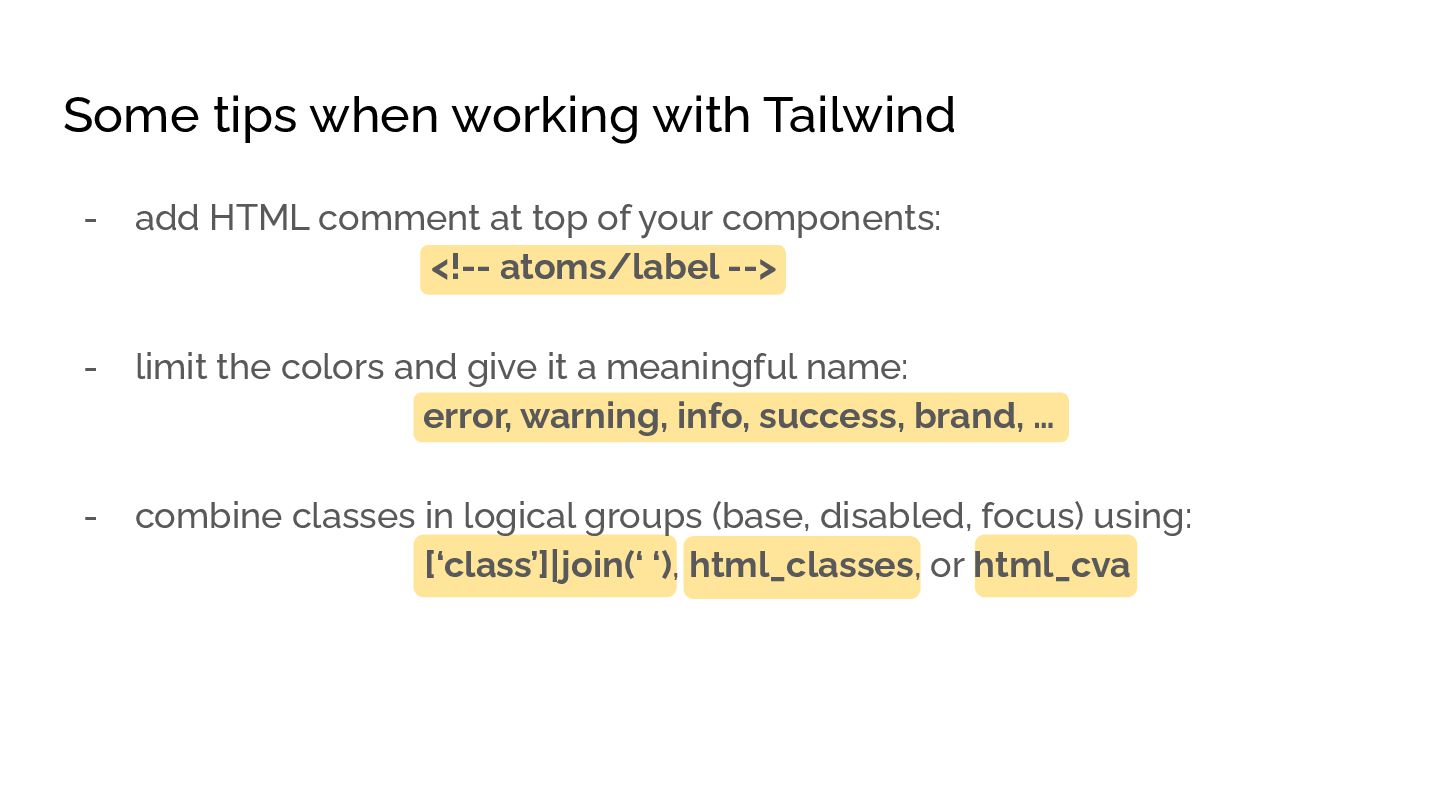
  9. Some tips when working with Tailwind - add HTML comment

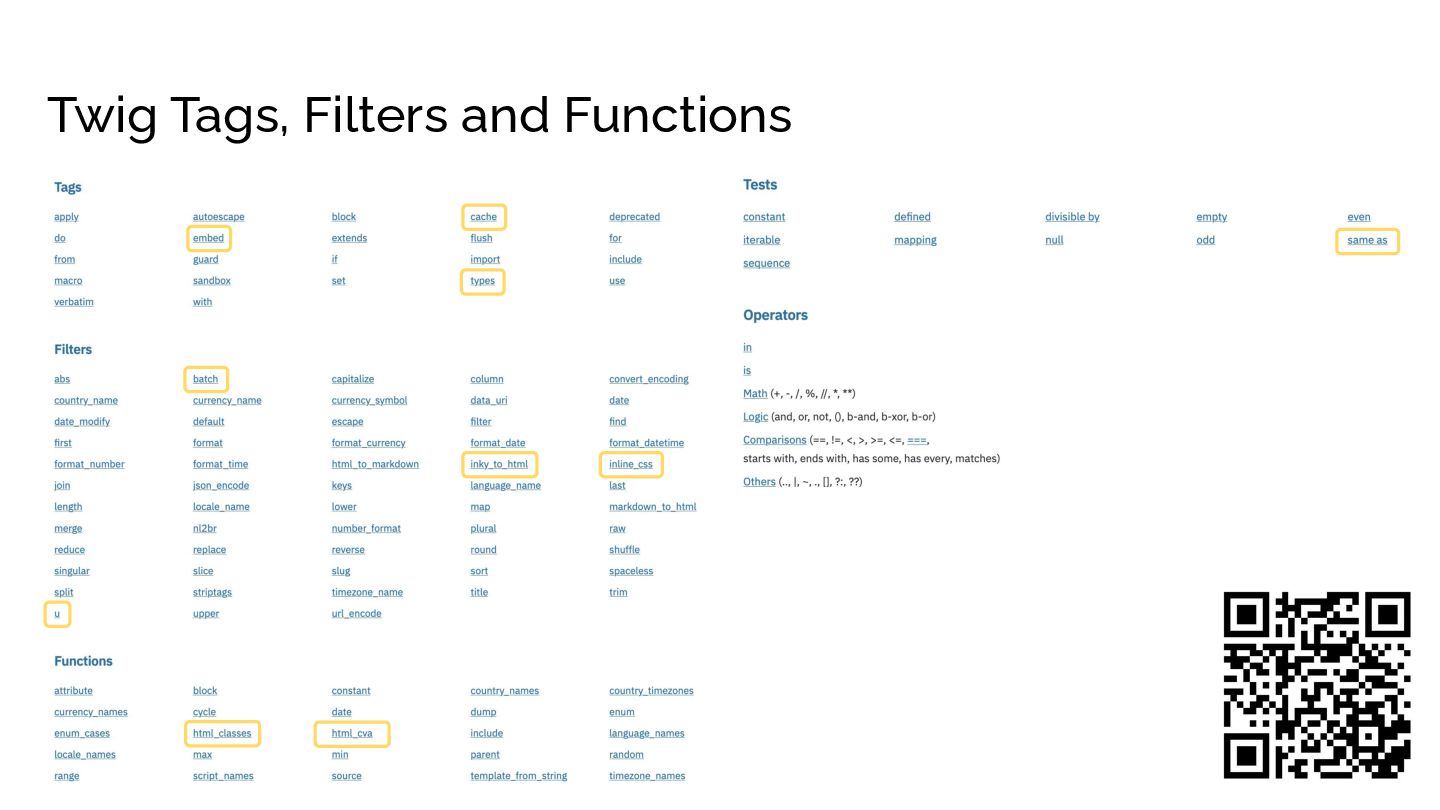
    at top of your components: <!-- atoms/label --> - limit the colors and give it a meaningful name: error, warning, info, success, brand, … - combine classes in logical groups (base, disabled, focus) using: [‘class’]|join(‘ ‘), html_classes, or html_cva
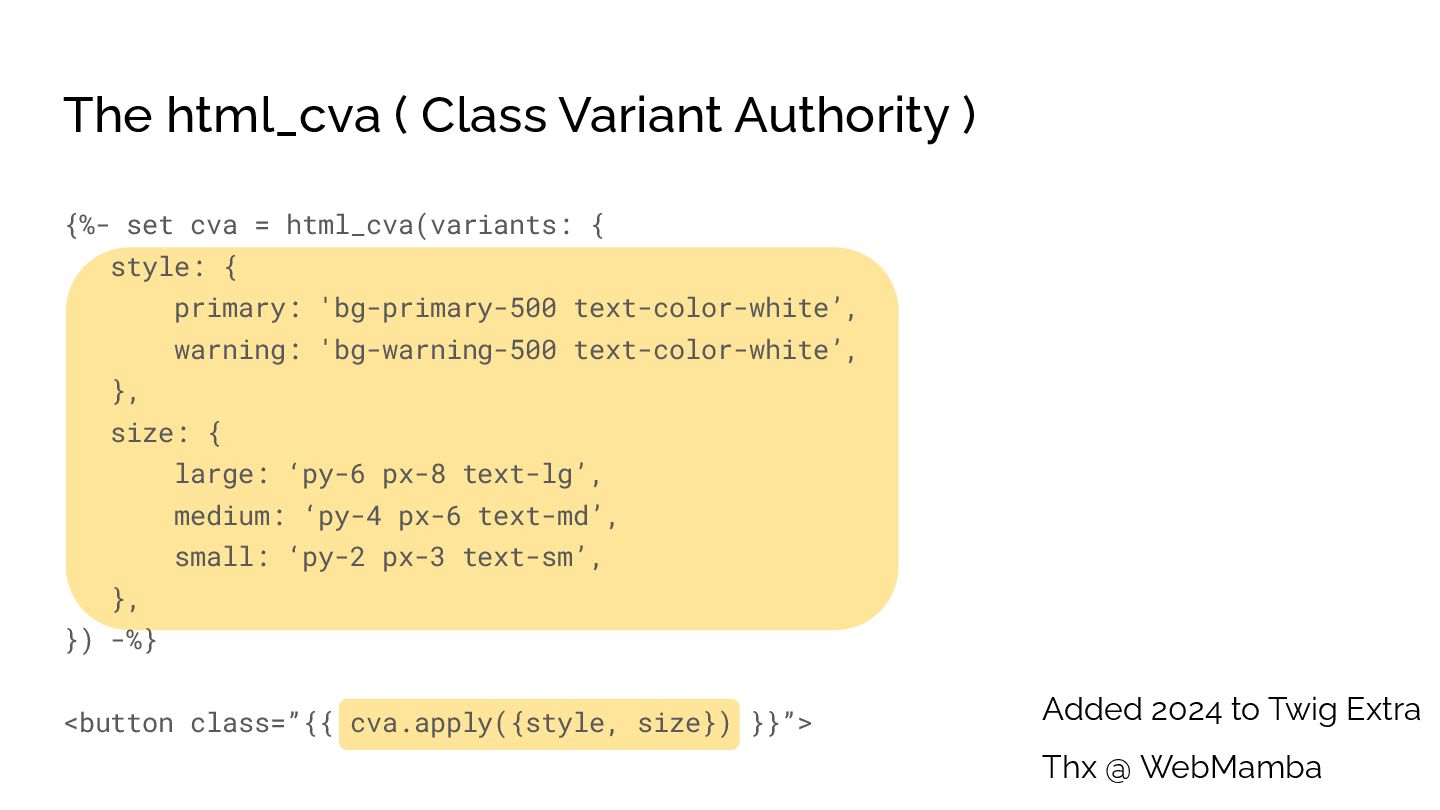
  10. {%- set cva = html_cva(variants: { style: { primary: 'bg-primary-500

    text-color-white’, warning: 'bg-warning-500 text-color-white’, }, size: { large: ‘py-6 px-8 text-lg’, medium: ‘py-4 px-6 text-md’, small: ‘py-2 px-3 text-sm’, }, }) -%} <button class=”{{ cva.apply({style, size}) }}”> The html_cva ( Class Variant Authority ) Added 2024 to Twig Extra Thx @ WebMamba
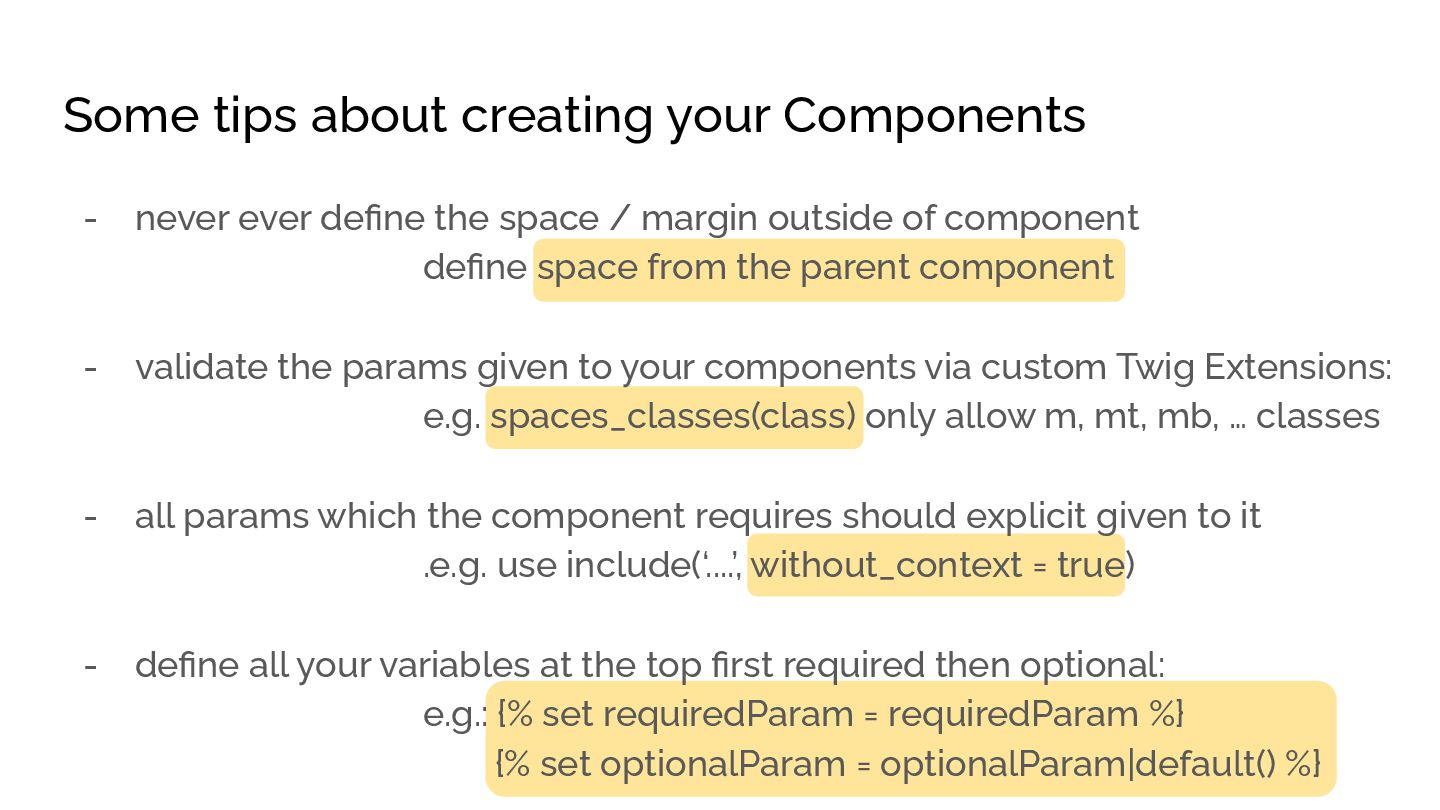
  11. Some tips about creating your Components - never ever define

    the space / margin outside of component define space from the parent component - validate the params given to your components via custom Twig Extensions: e.g. spaces_classes(class) only allow m, mt, mb, … classes - all params which the component requires should explicit given to it .e.g. use include(‘....’, without_context = true) - define all your variables at the top first required then optional: e.g.: {% set requiredParam = requiredParam %} {% set optionalParam = optionalParam|default() %}
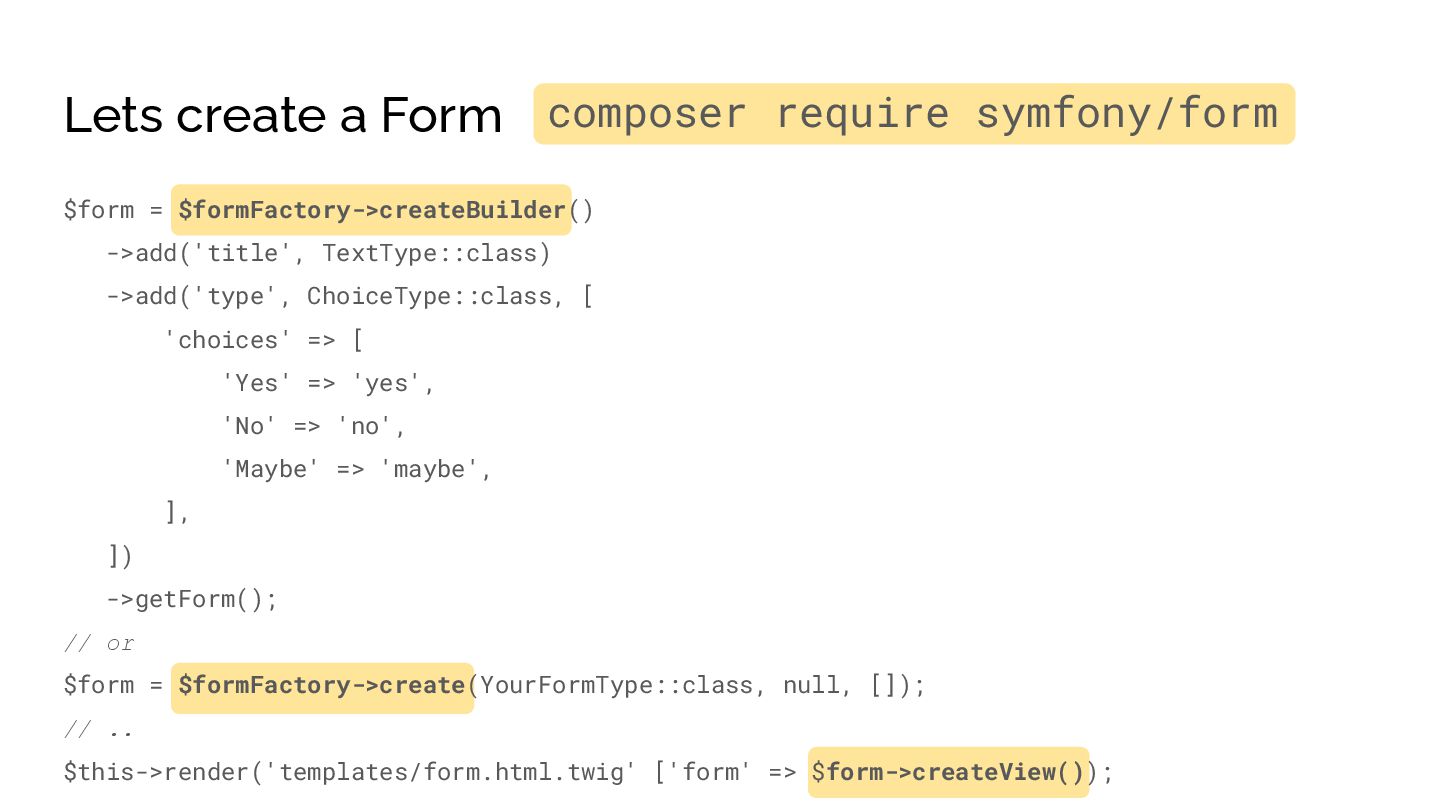
  12. Lets create a Form $form = $formFactory->createBuilder() ->add('title', TextType::class) ->add('type',

    ChoiceType::class, [ 'choices' => [ 'Yes' => 'yes', 'No' => 'no', 'Maybe' => 'maybe', ], ]) ->getForm(); // or $form = $formFactory->create(YourFormType::class, null, []); // .. $this->render('templates/form.html.twig' ['form' => $form->createView()); composer require symfony/form
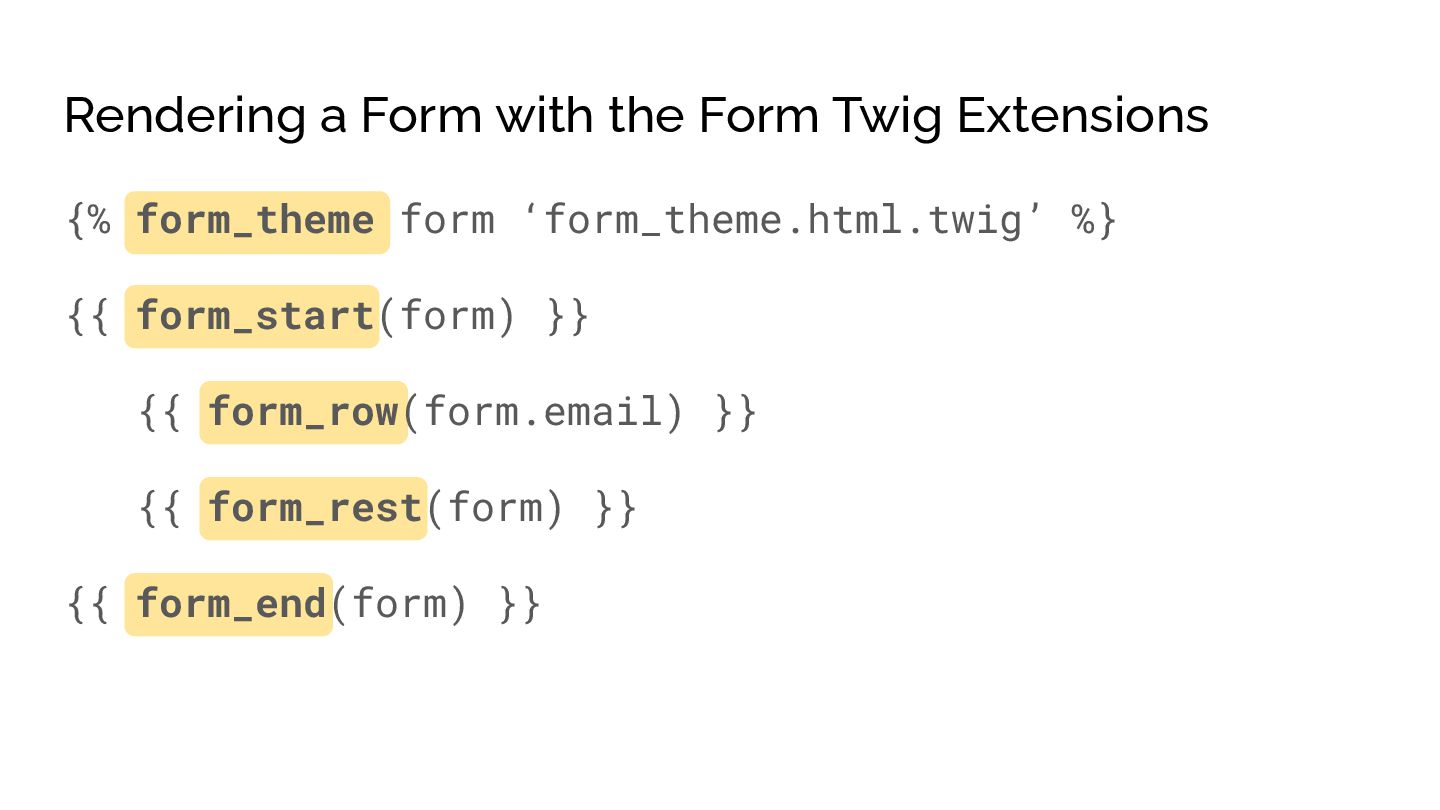
  13. Rendering a Form with the Form Twig Extensions {% form_theme

    form ‘form_theme.html.twig’ %} {{ form_start(form) }} {{ form_row(form.email) }} {{ form_rest(form) }} {{ form_end(form) }}
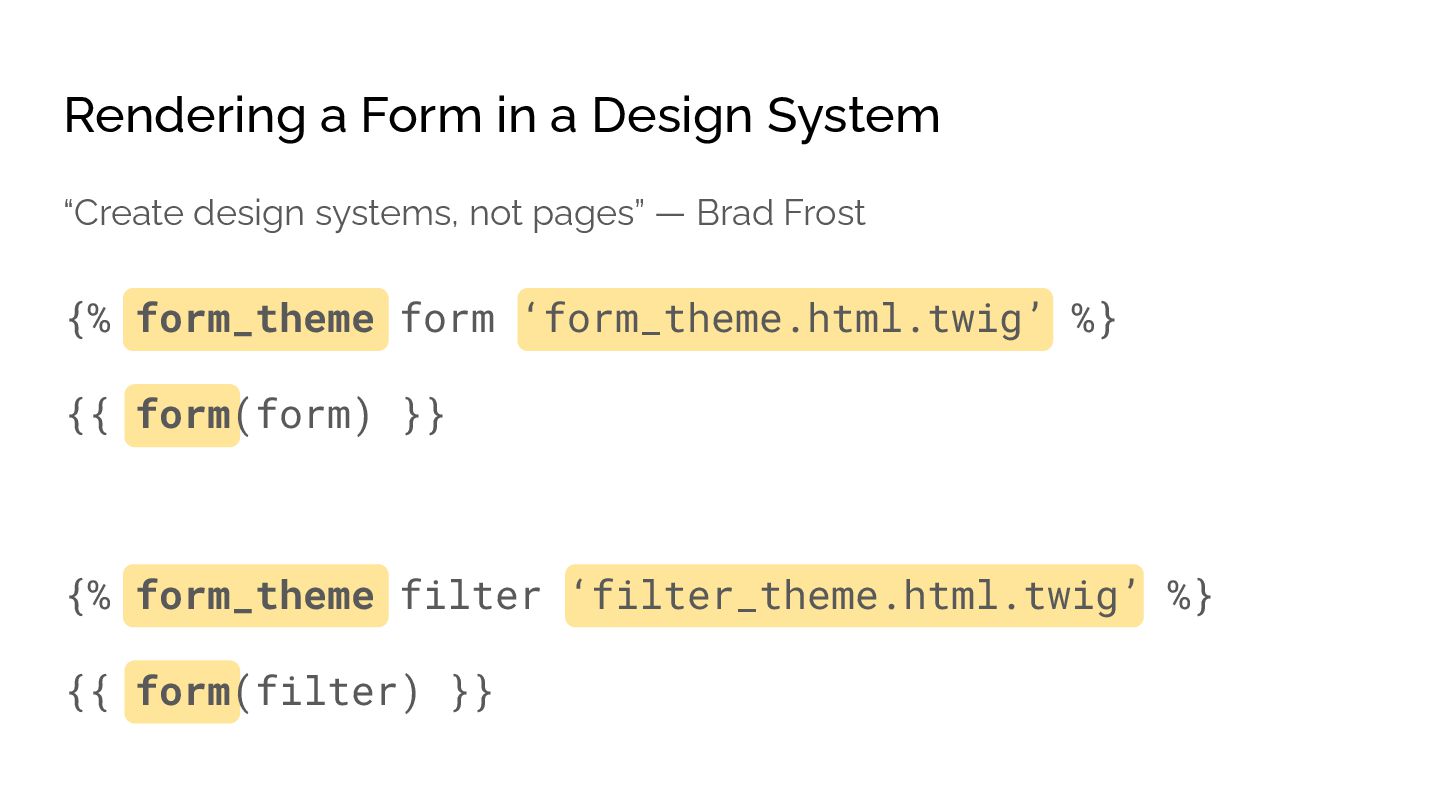
  14. Rendering a Form in a Design System {% form_theme form

    ‘form_theme.html.twig’ %} {{ form(form) }} “Create design systems, not pages” — Brad Frost {% form_theme filter ‘filter_theme.html.twig’ %} {{ form(filter) }}
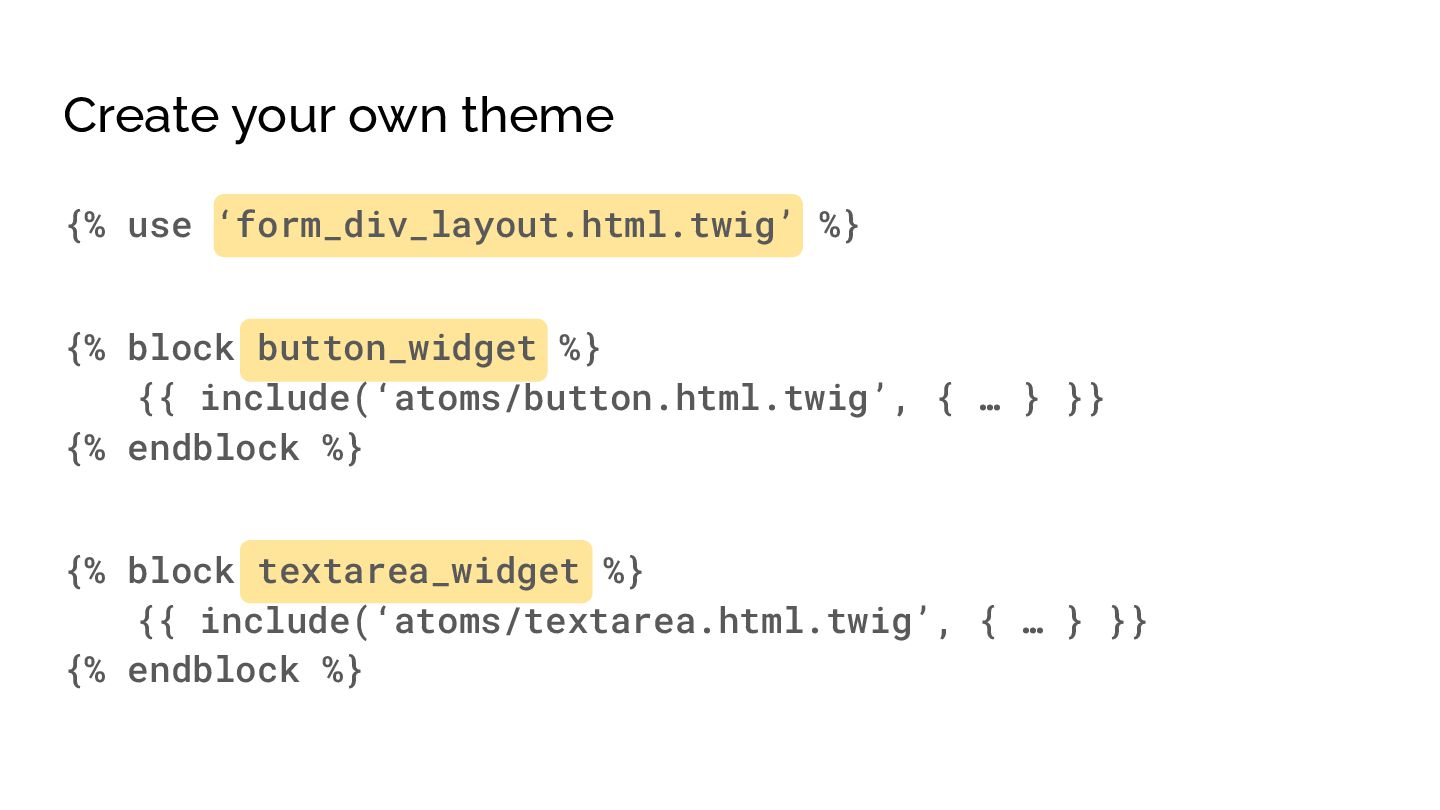
  15. Create your own theme {% use ‘form_div_layout.html.twig’ %} {% block

    button_widget %} {{ include(‘atoms/button.html.twig’, { … } }} {% endblock %} {% block textarea_widget %} {{ include(‘atoms/textarea.html.twig’, { … } }} {% endblock %}
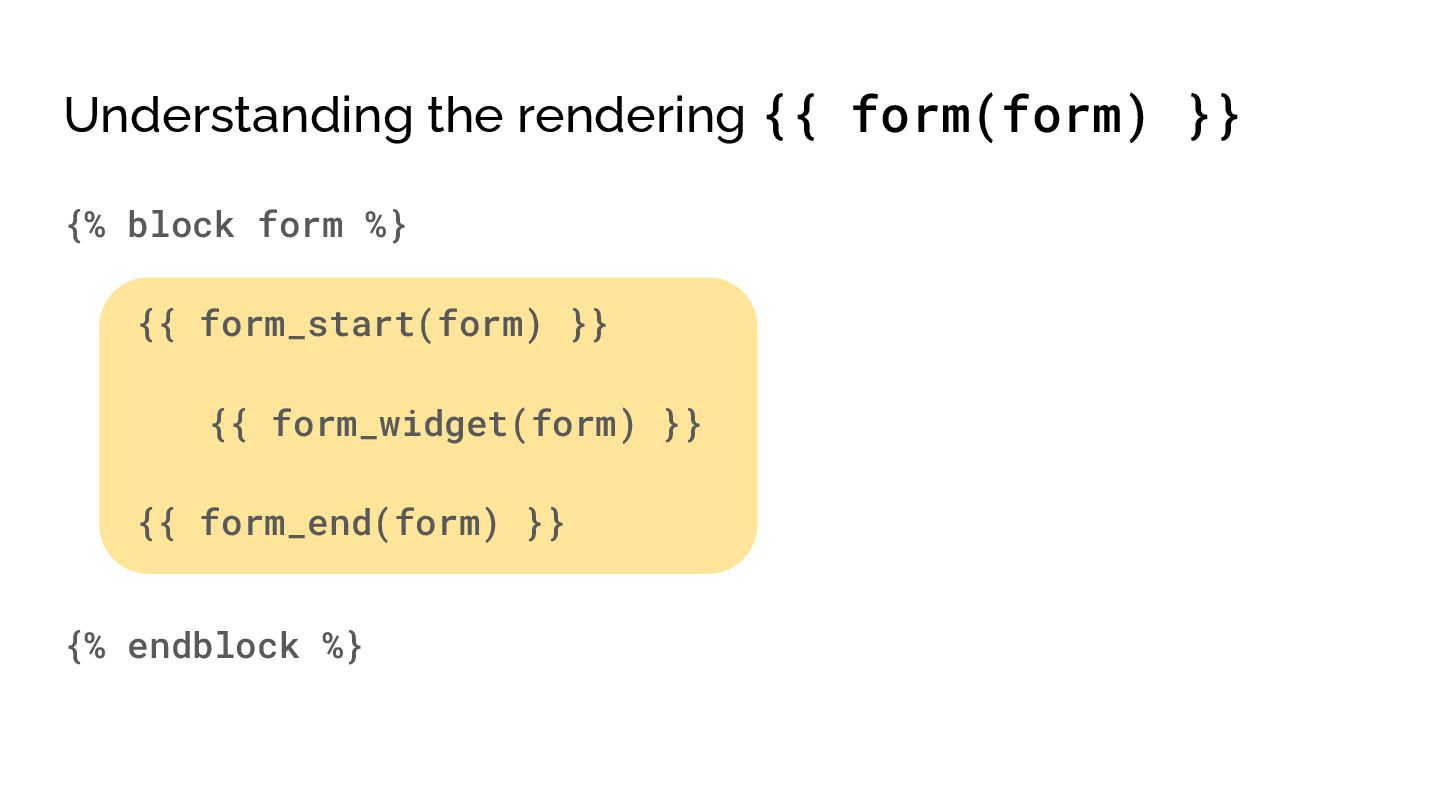
  16. Understanding the rendering {{ form(form) }} {% block form %}

    {{ form_start(form) }} {{ form_widget(form) }} {{ form_end(form) }} {% endblock %}
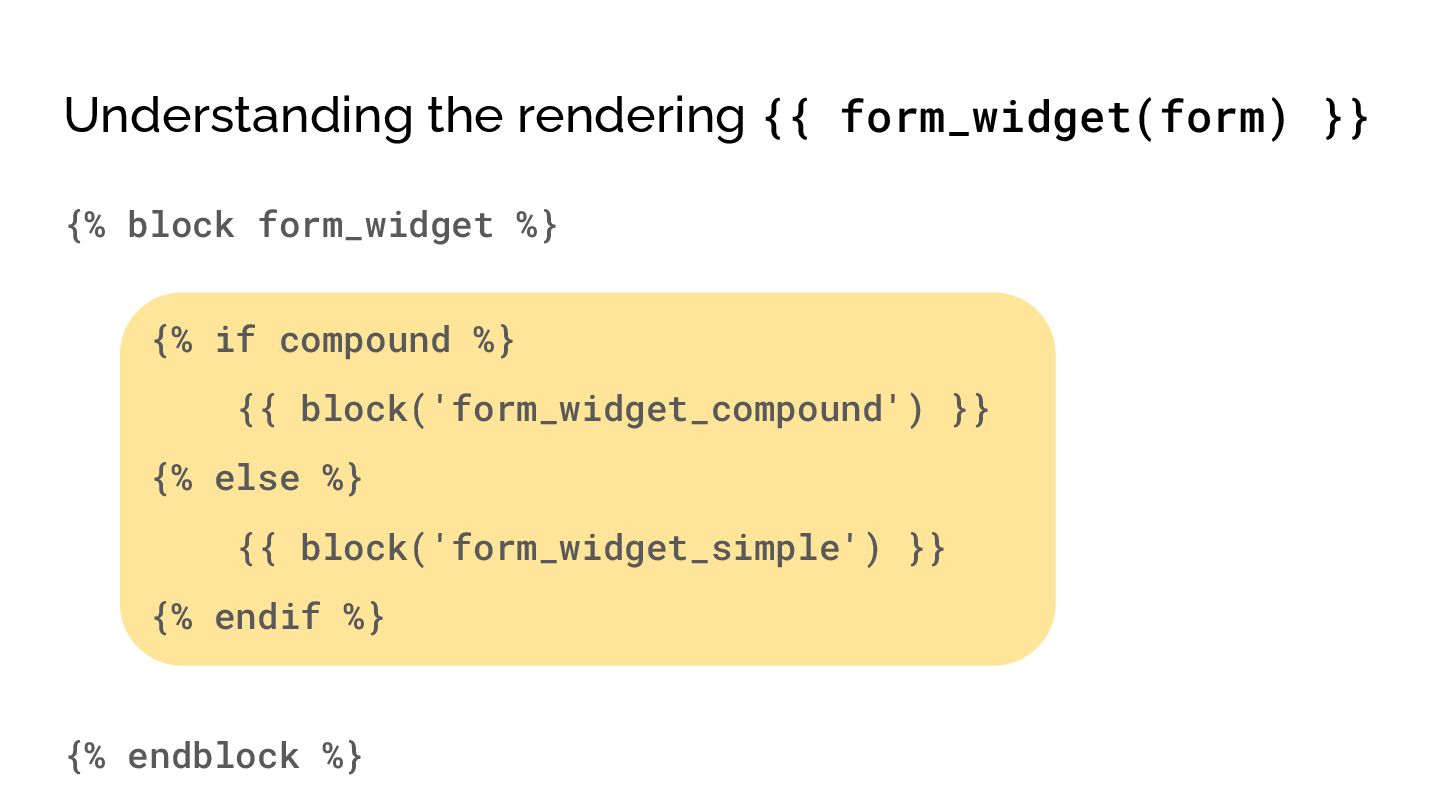
  17. Understanding the rendering {{ form_widget(form) }} {% block form_widget %}

    {% if compound %} {{ block('form_widget_compound') }} {% else %} {{ block('form_widget_simple') }} {% endif %} {% endblock %}
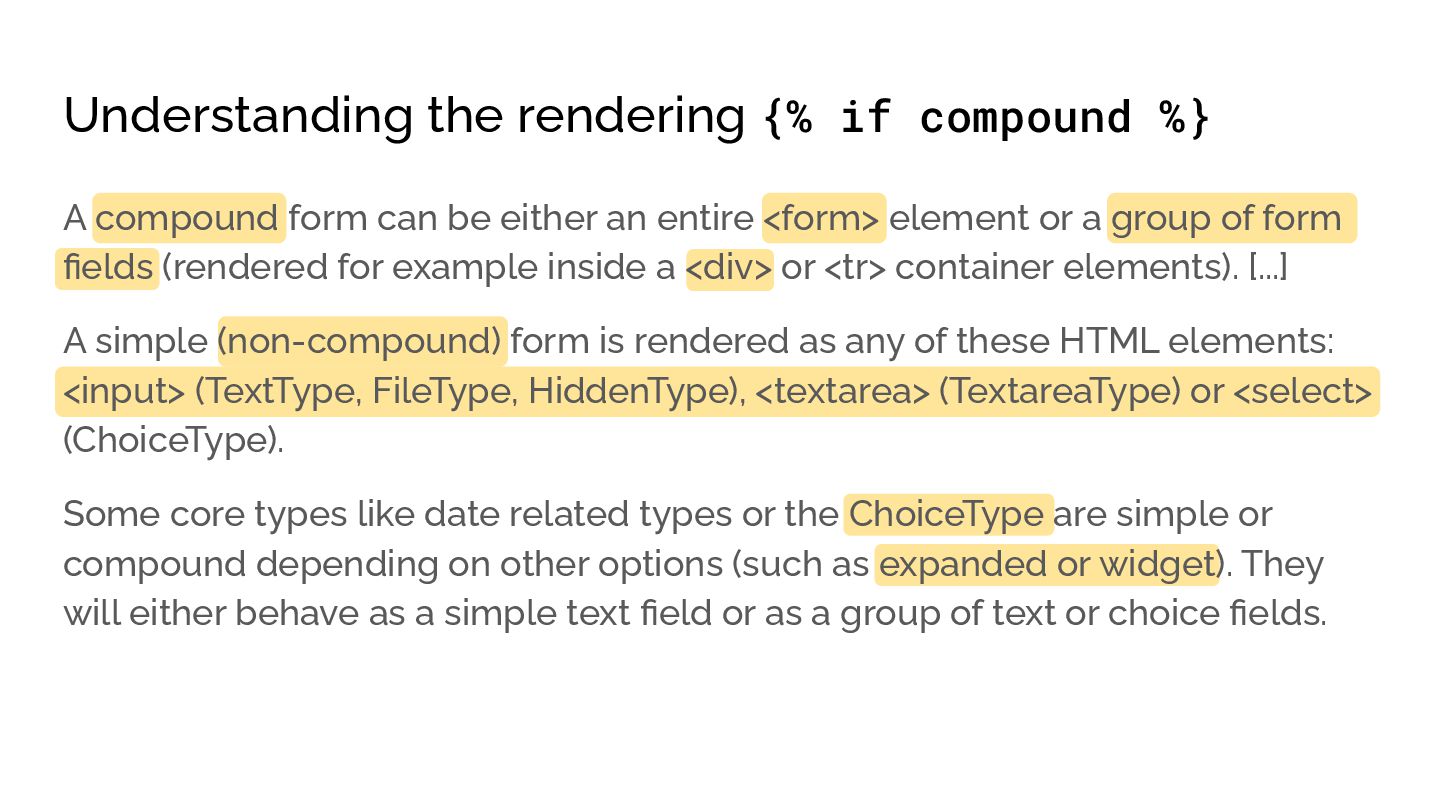
  18. Understanding the rendering {% if compound %} A compound form

    can be either an entire <form> element or a group of form fields (rendered for example inside a <div> or <tr> container elements). [...] A simple (non-compound) form is rendered as any of these HTML elements: <input> (TextType, FileType, HiddenType), <textarea> (TextareaType) or <select> (ChoiceType). Some core types like date related types or the ChoiceType are simple or compound depending on other options (such as expanded or widget). They will either behave as a simple text field or as a group of text or choice fields.
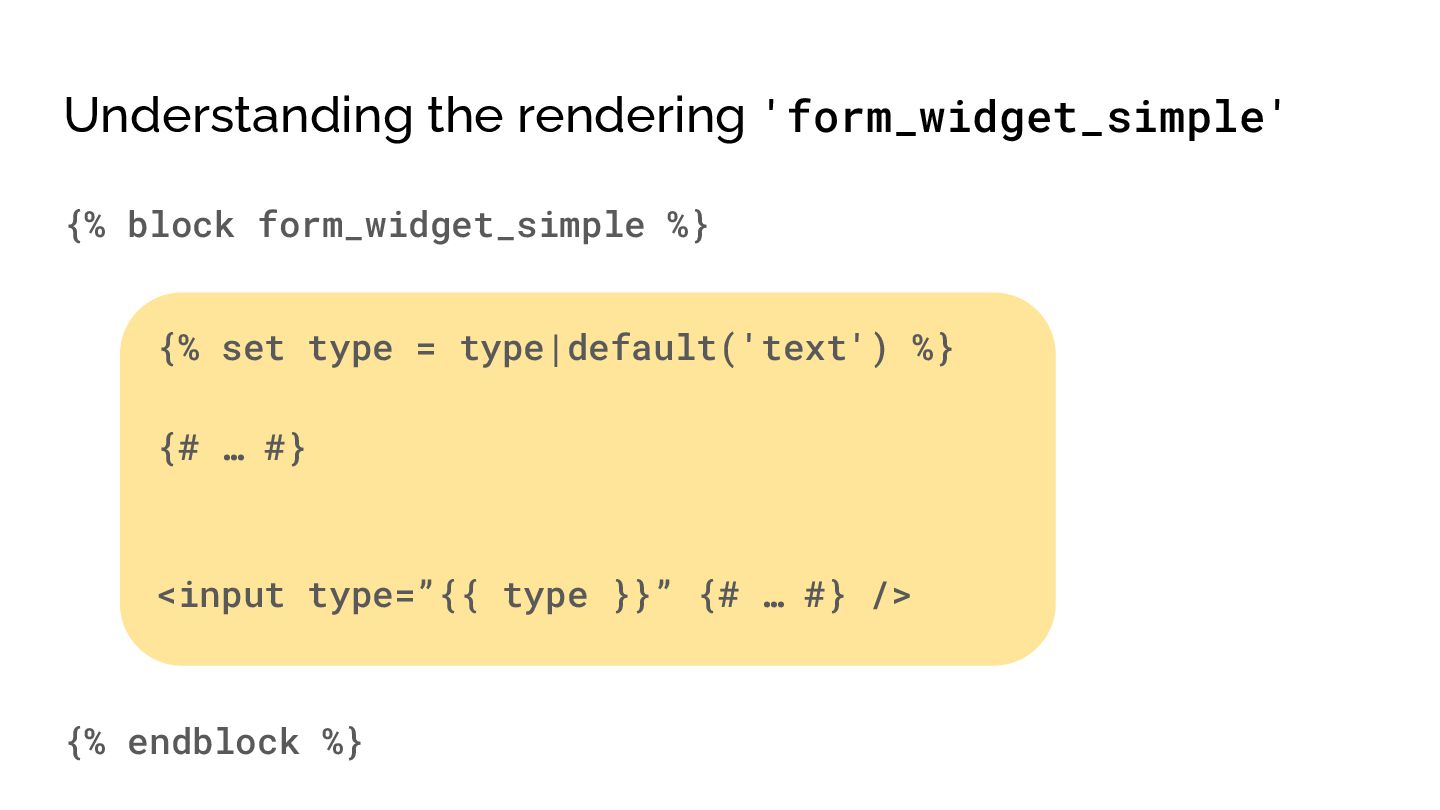
  19. Understanding the rendering 'form_widget_simple' {% block form_widget_simple %} {% set

    type = type|default('text') %} {# … #} <input type=”{{ type }}” {# … #} /> {% endblock %}
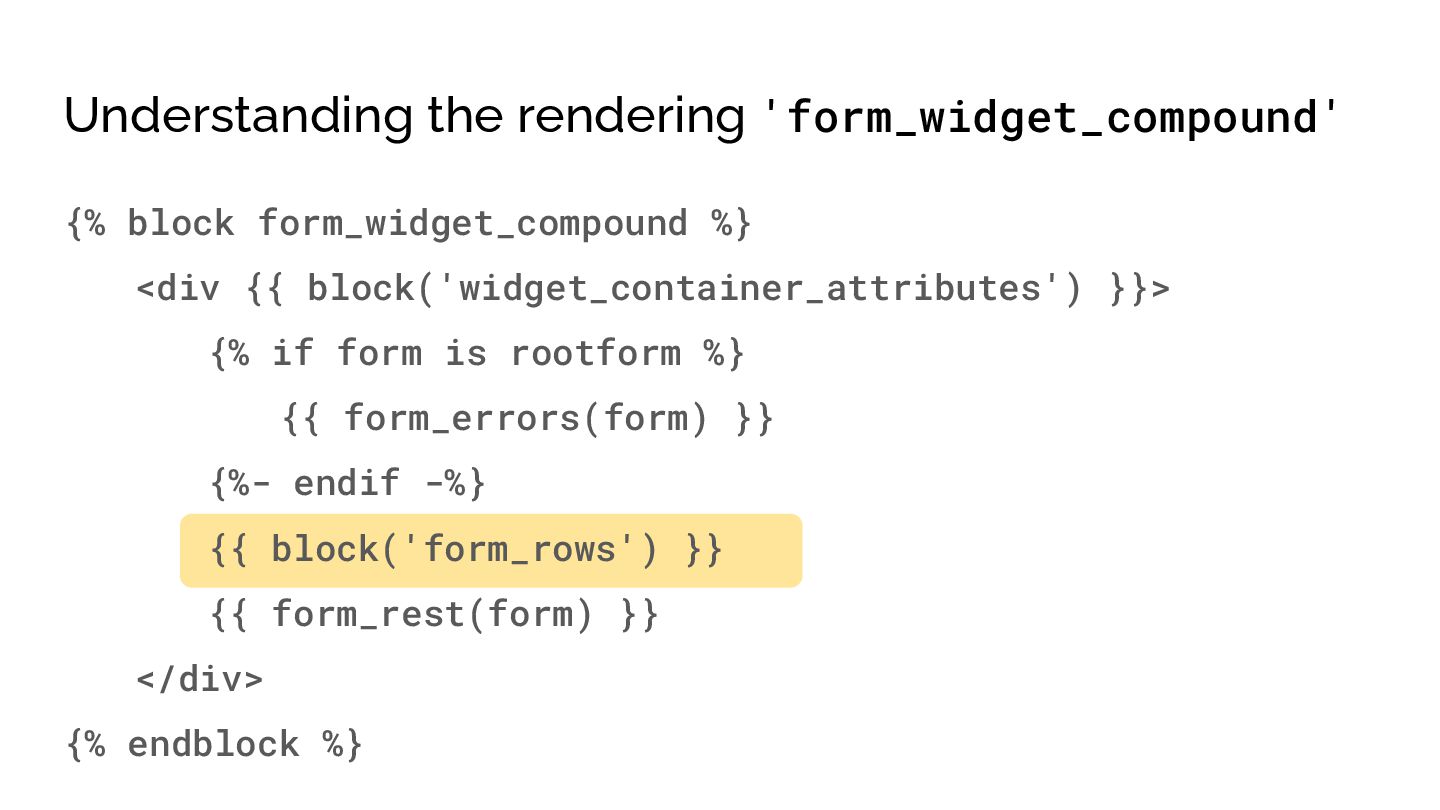
  20. Understanding the rendering 'form_widget_compound' {% block form_widget_compound %} <div {{

    block('widget_container_attributes') }}> {% if form is rootform %} {{ form_errors(form) }} {%- endif -%} {{ block('form_rows') }} {{ form_rest(form) }} </div> {% endblock %}
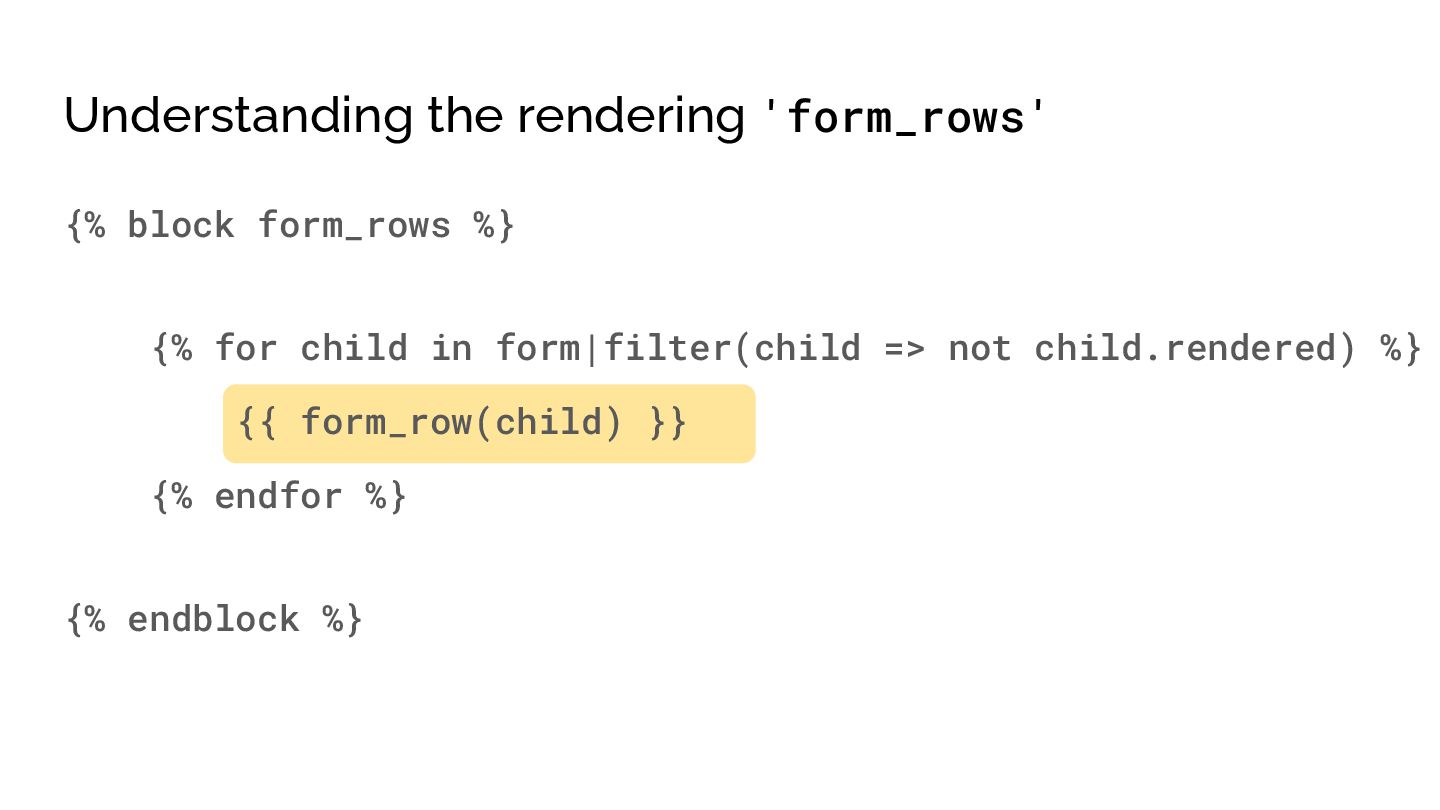
  21. Understanding the rendering 'form_rows' {% block form_rows %} {% for

    child in form|filter(child => not child.rendered) %} {{ form_row(child) }} {% endfor %} {% endblock %}
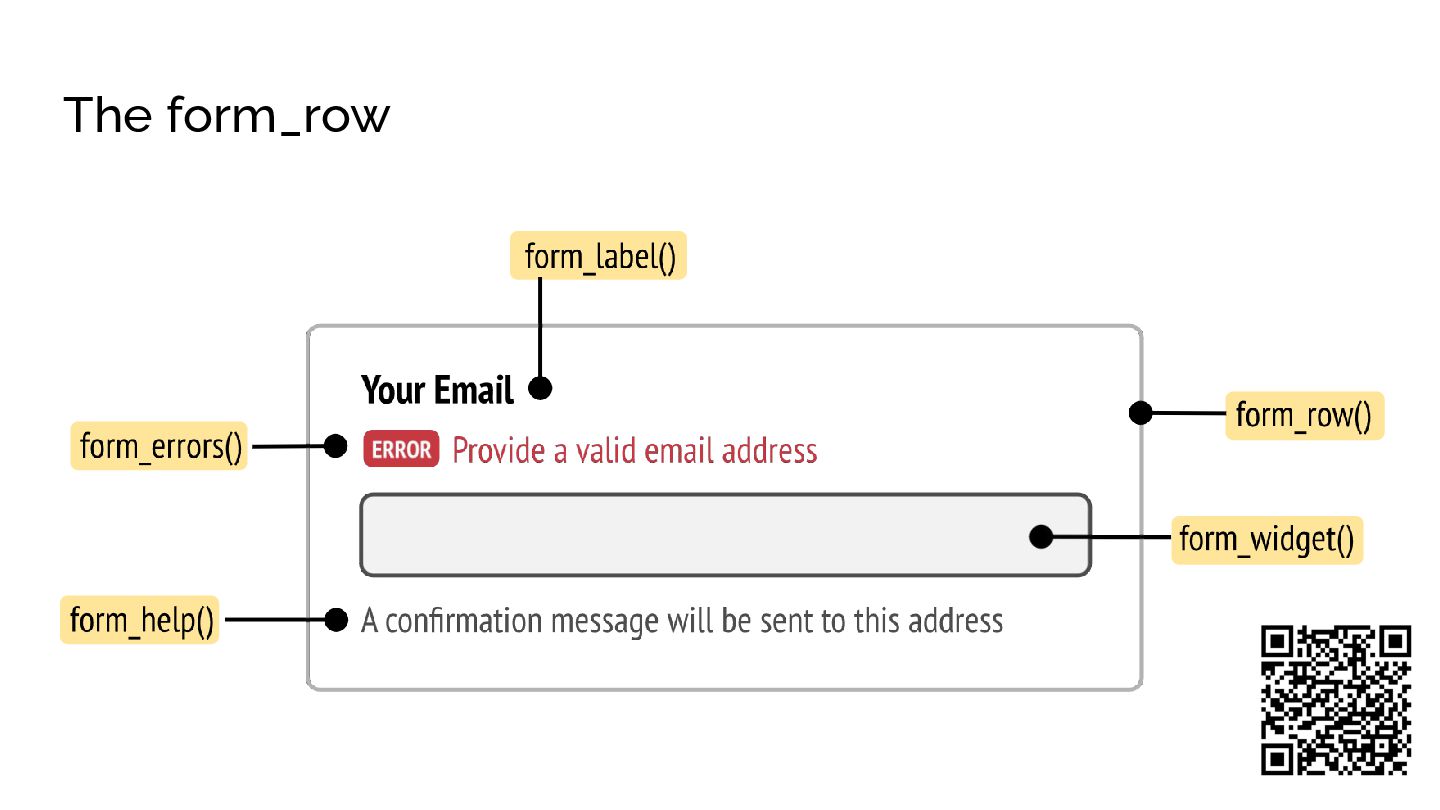
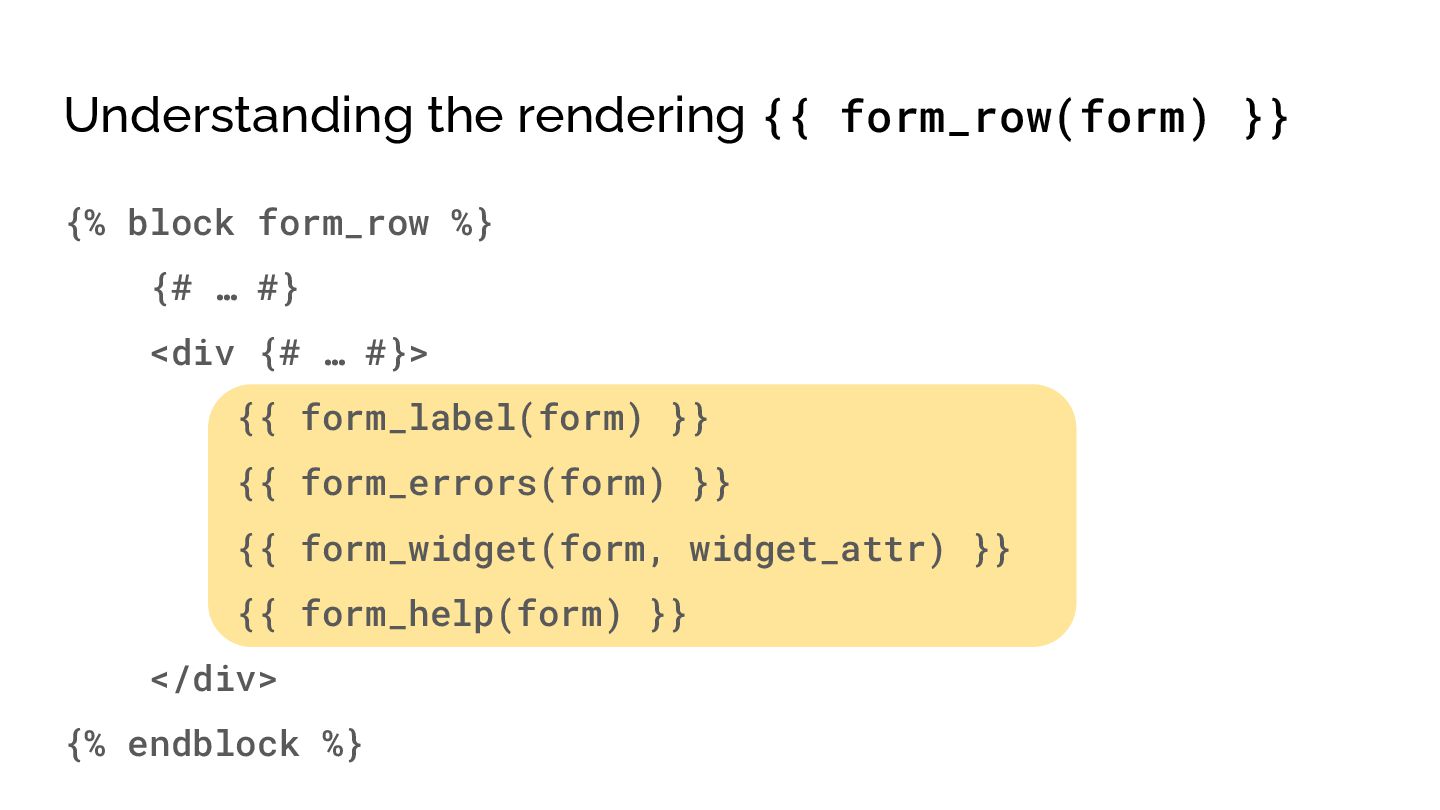
  22. Understanding the rendering {{ form_row(form) }} {% block form_row %}

    {# … #} <div {# … #}> {{ form_label(form) }} {{ form_errors(form) }} {{ form_widget(form, widget_attr) }} {{ form_help(form) }} </div> {% endblock %}
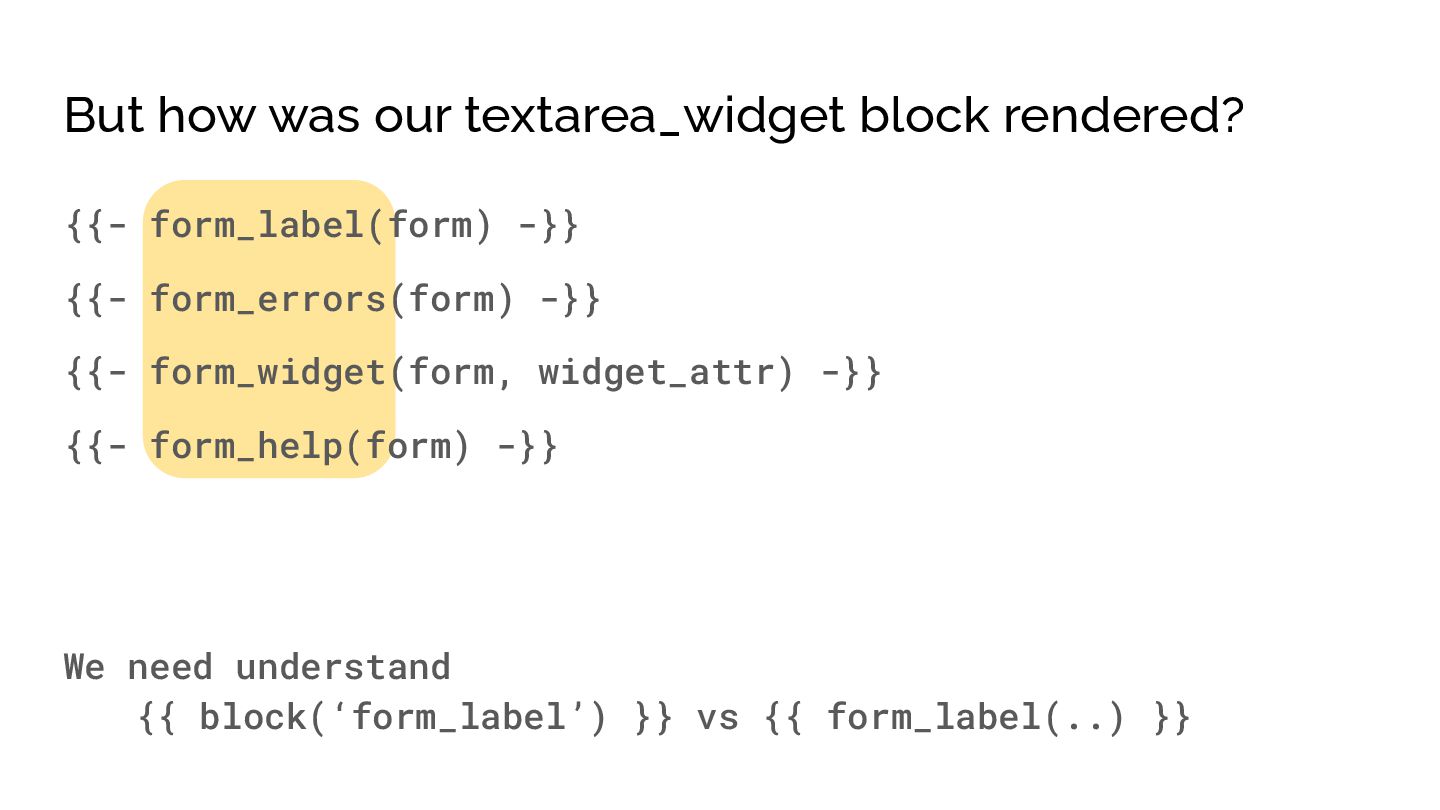
  23. But how was our textarea_widget block rendered? {{- form_label(form) -}}

    {{- form_errors(form) -}} {{- form_widget(form, widget_attr) -}} {{- form_help(form) -}} We need understand {{ block(‘form_label’) }} vs {{ form_label(..) }}
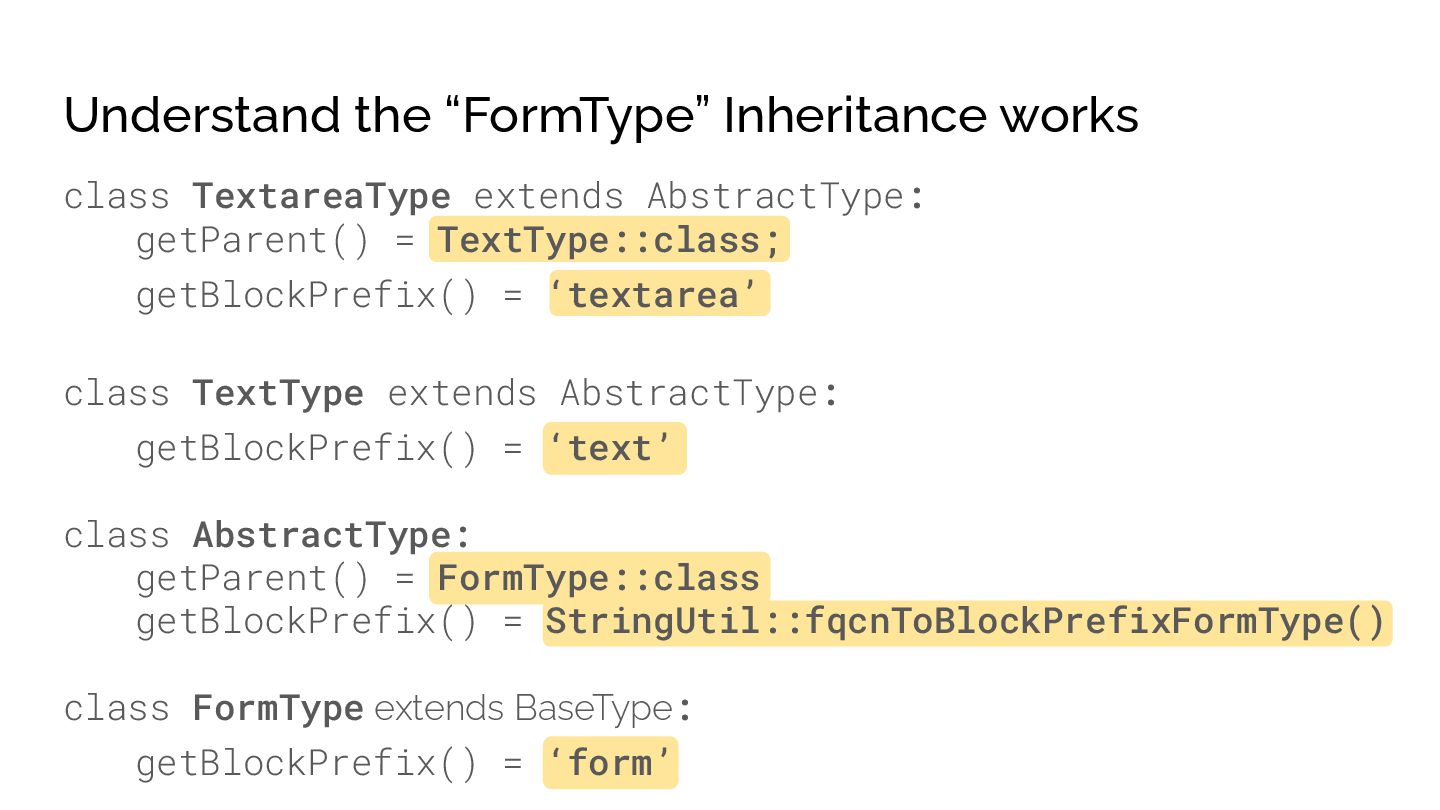
  24. Understand the “FormType” Inheritance works class TextareaType extends AbstractType: getParent()

    = TextType::class; getBlockPrefix() = ‘textarea’ class TextType extends AbstractType: getBlockPrefix() = ‘text’ class AbstractType: getParent() = FormType::class getBlockPrefix() = StringUtil::fqcnToBlockPrefixFormType() class FormType extends BaseType: getBlockPrefix() = ‘form’
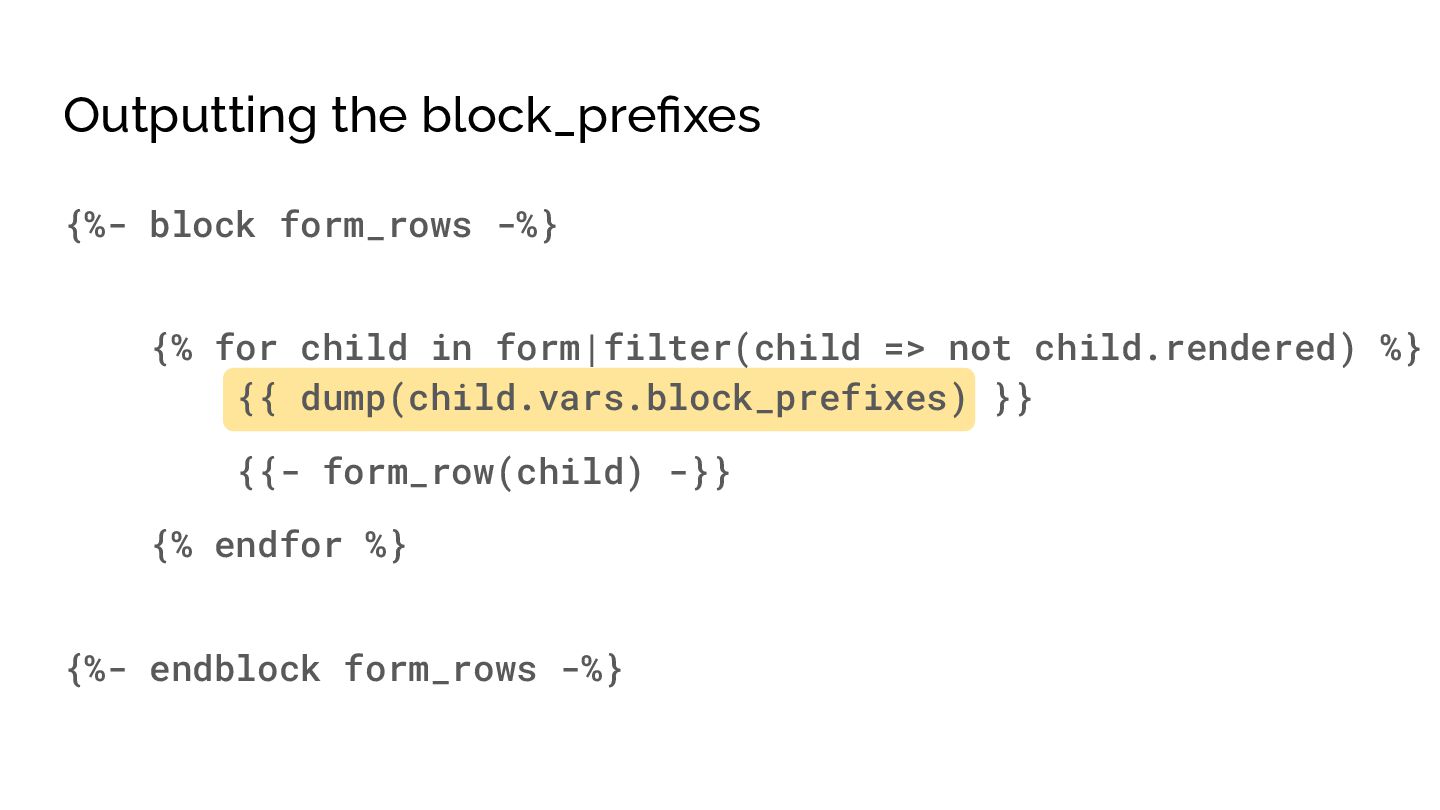
  25. Outputting the block_prefixes {%- block form_rows -%} {% for child

    in form|filter(child => not child.rendered) %} {{ dump(child.vars.block_prefixes) }} {{- form_row(child) -}} {% endfor %} {%- endblock form_rows -%}
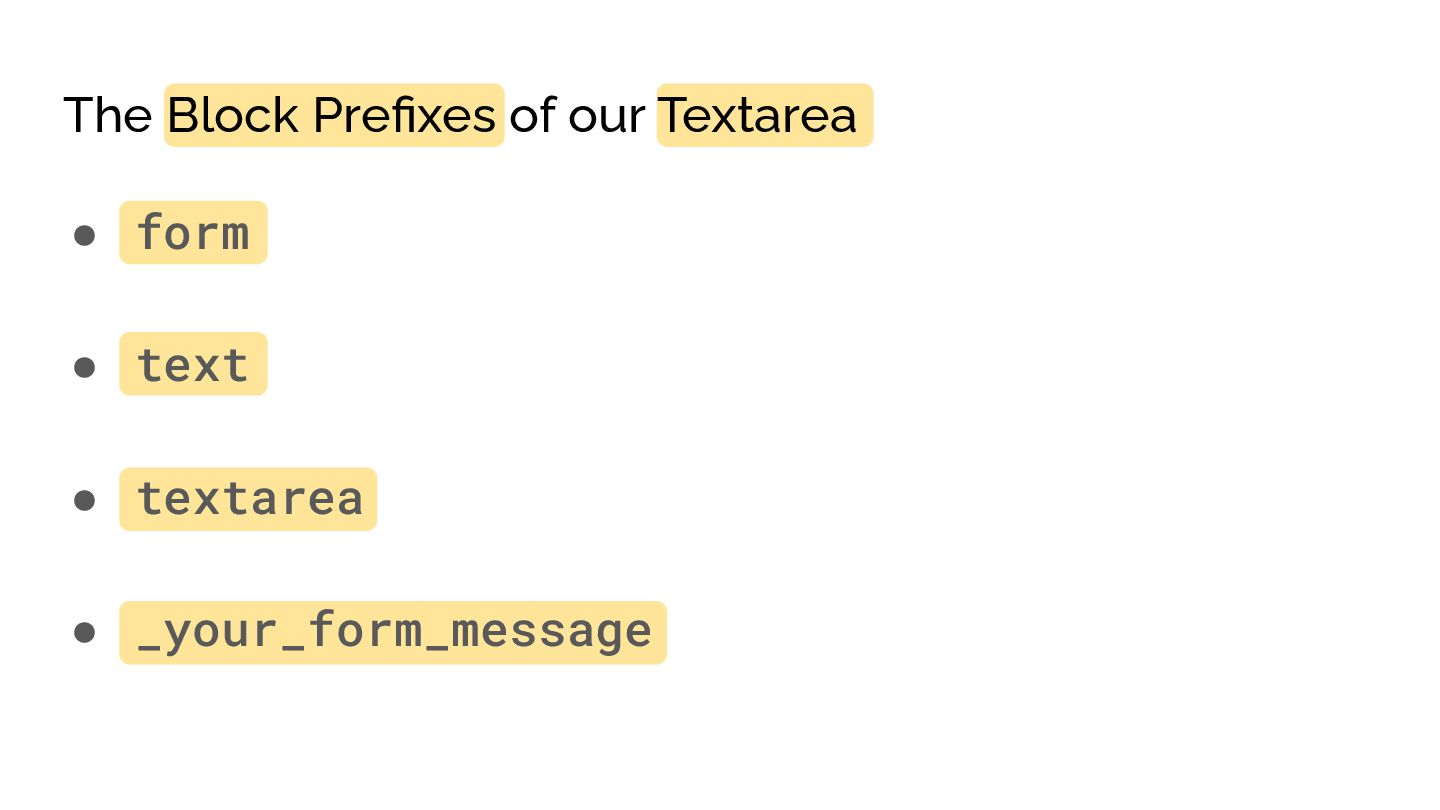
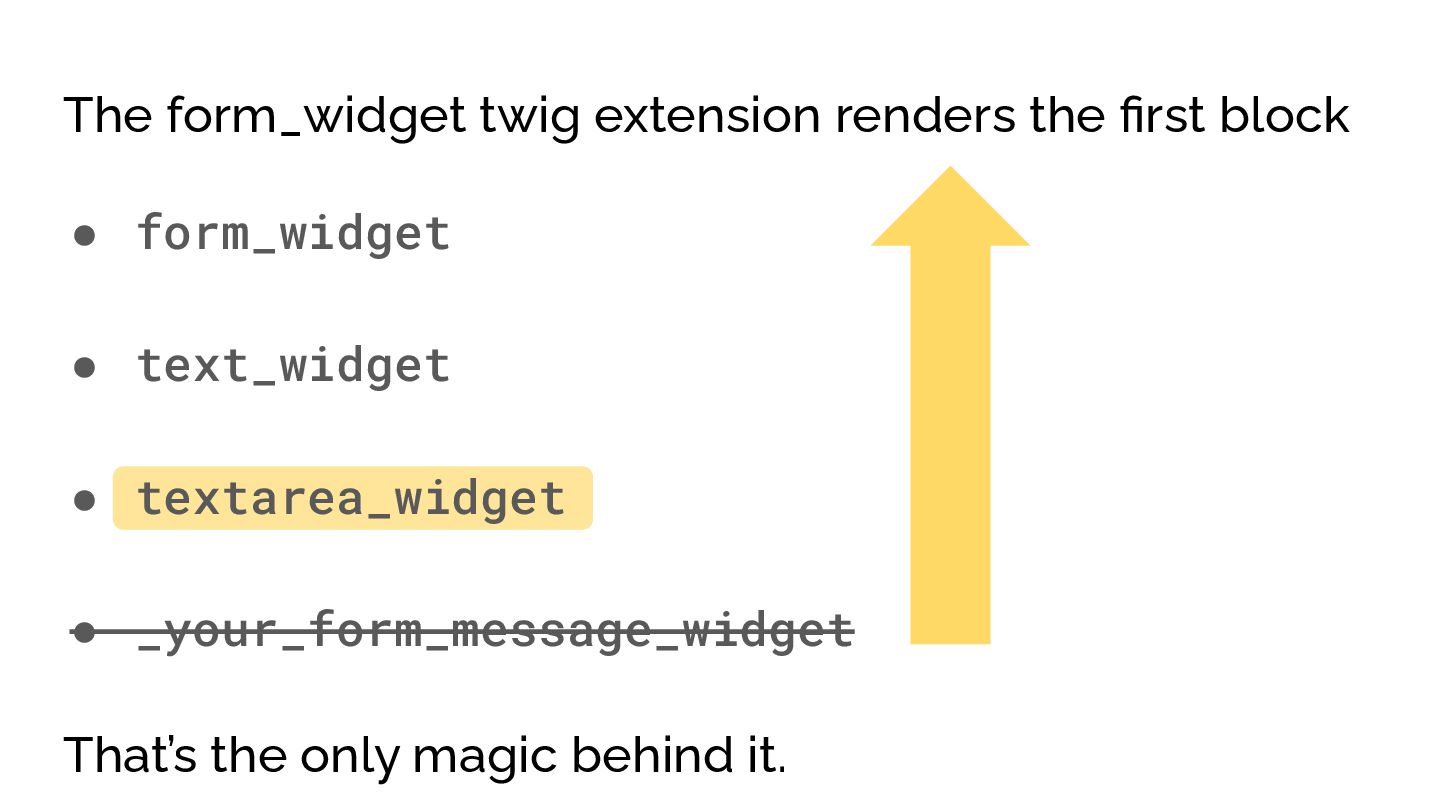
  26. The Block Prefixes of our Textarea • form • text

    • textarea • _your_form_message
  27. The form_widget twig extension renders the first block • form_widget

    • text_widget • textarea_widget • _your_form_message_widget That’s the only magic behind it.
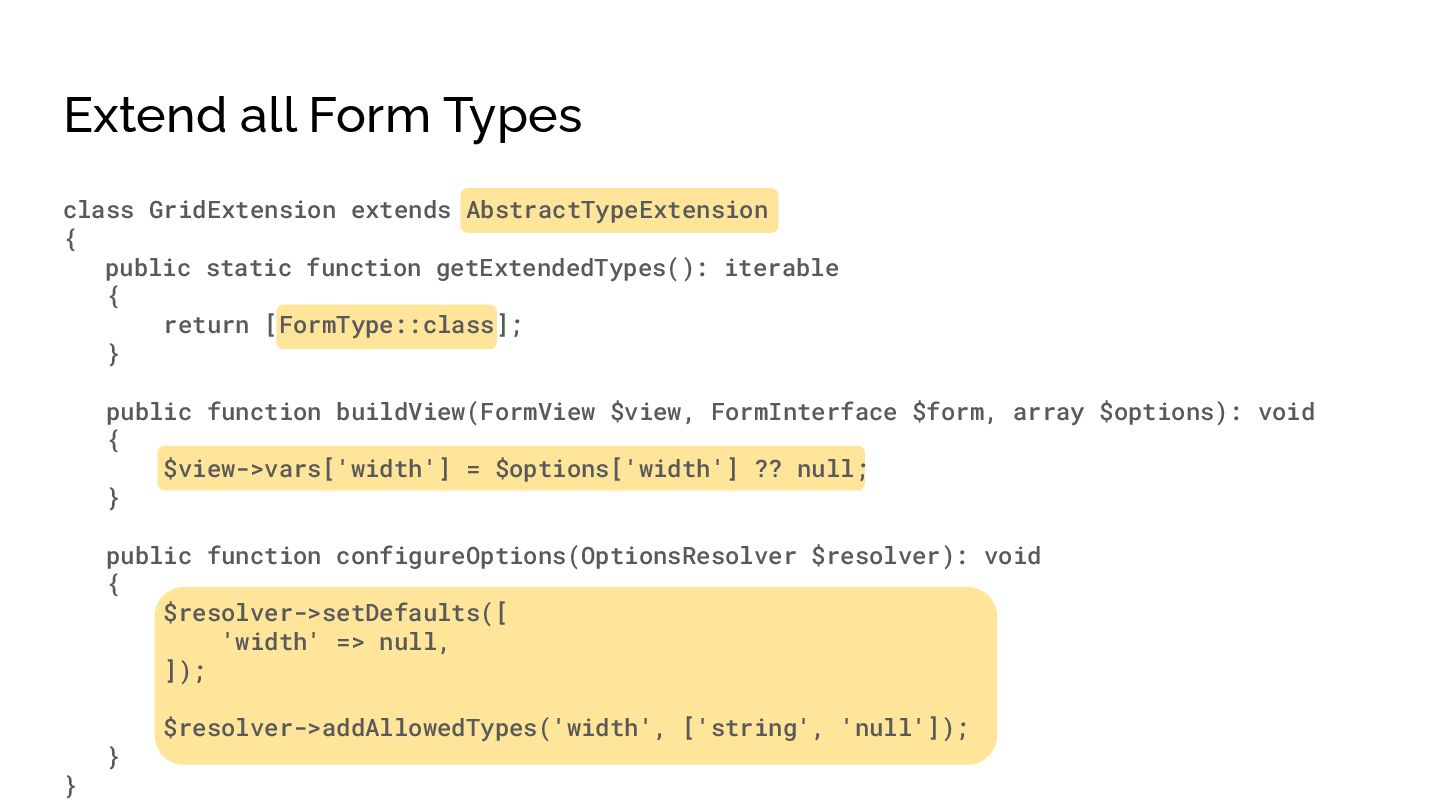
  28. Extend all Form Types class GridExtension extends AbstractTypeExtension { public

    static function getExtendedTypes(): iterable { return [FormType::class]; } public function buildView(FormView $view, FormInterface $form, array $options): void { $view->vars['width'] = $options['width'] ?? null; } public function configureOptions(OptionsResolver $resolver): void { $resolver->setDefaults([ 'width' => null, ]); $resolver->addAllowedTypes('width', ['string', 'null']); } }
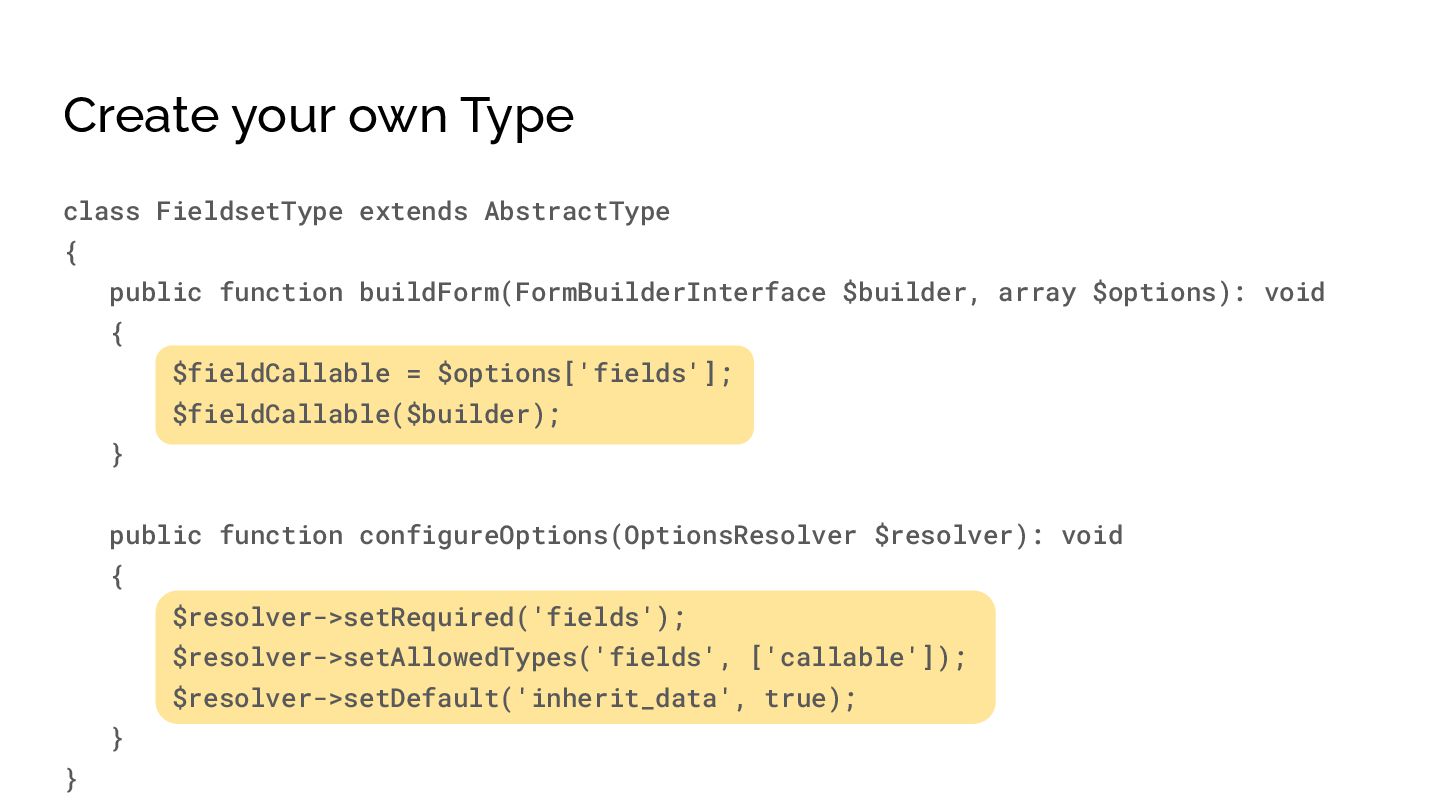
  29. Create your own Type class FieldsetType extends AbstractType { public

    function buildForm(FormBuilderInterface $builder, array $options): void { $fieldCallable = $options['fields']; $fieldCallable($builder); } public function configureOptions(OptionsResolver $resolver): void { $resolver->setRequired('fields'); $resolver->setAllowedTypes('fields', ['callable']); $resolver->setDefault('inherit_data', true); } }
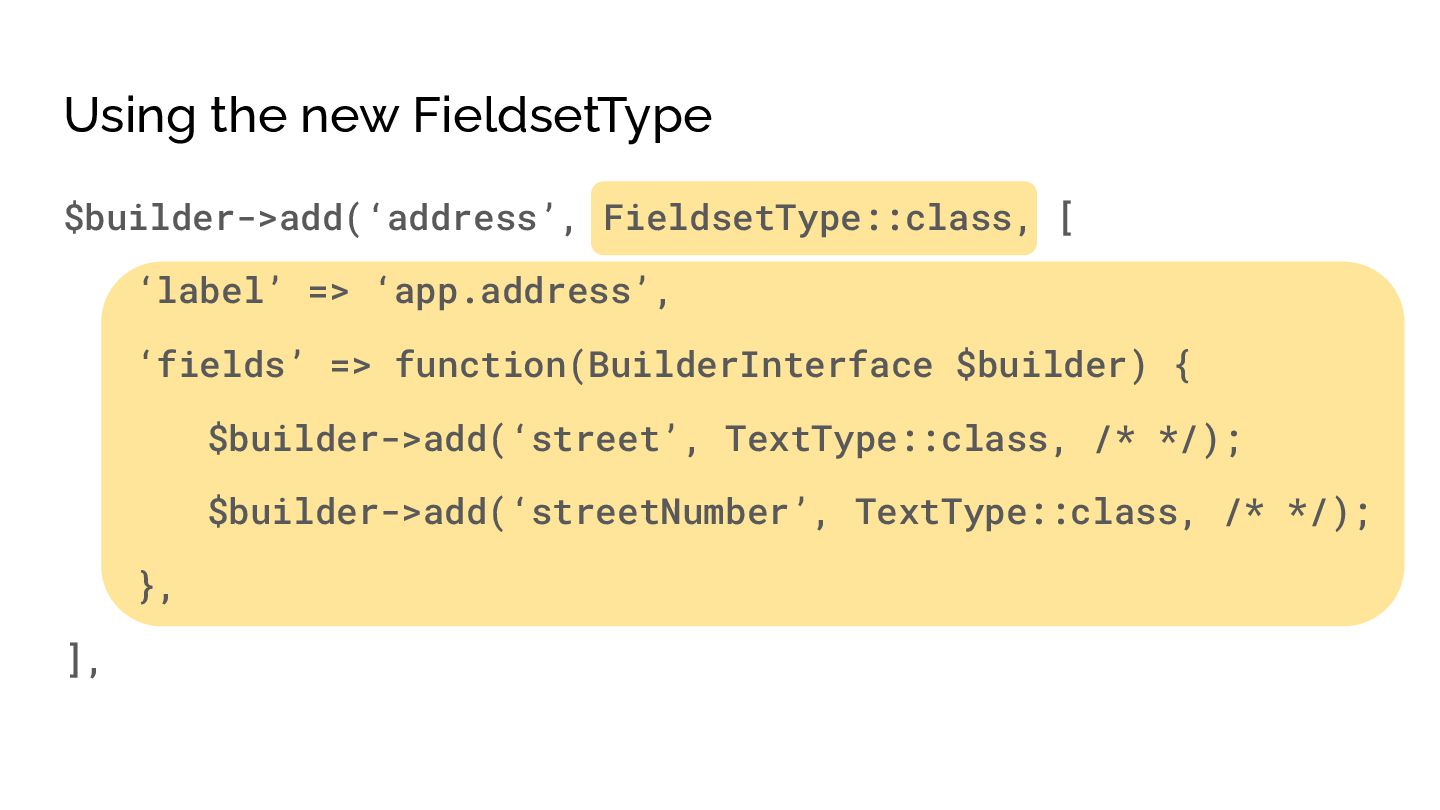
  30. Using the new FieldsetType $builder->add(‘address’, FieldsetType::class, [ ‘label’ => ‘app.address’,

    ‘fields’ => function(BuilderInterface $builder) { $builder->add(‘street’, TextType::class, /* */); $builder->add(‘streetNumber’, TextType::class, /* */); }, ],
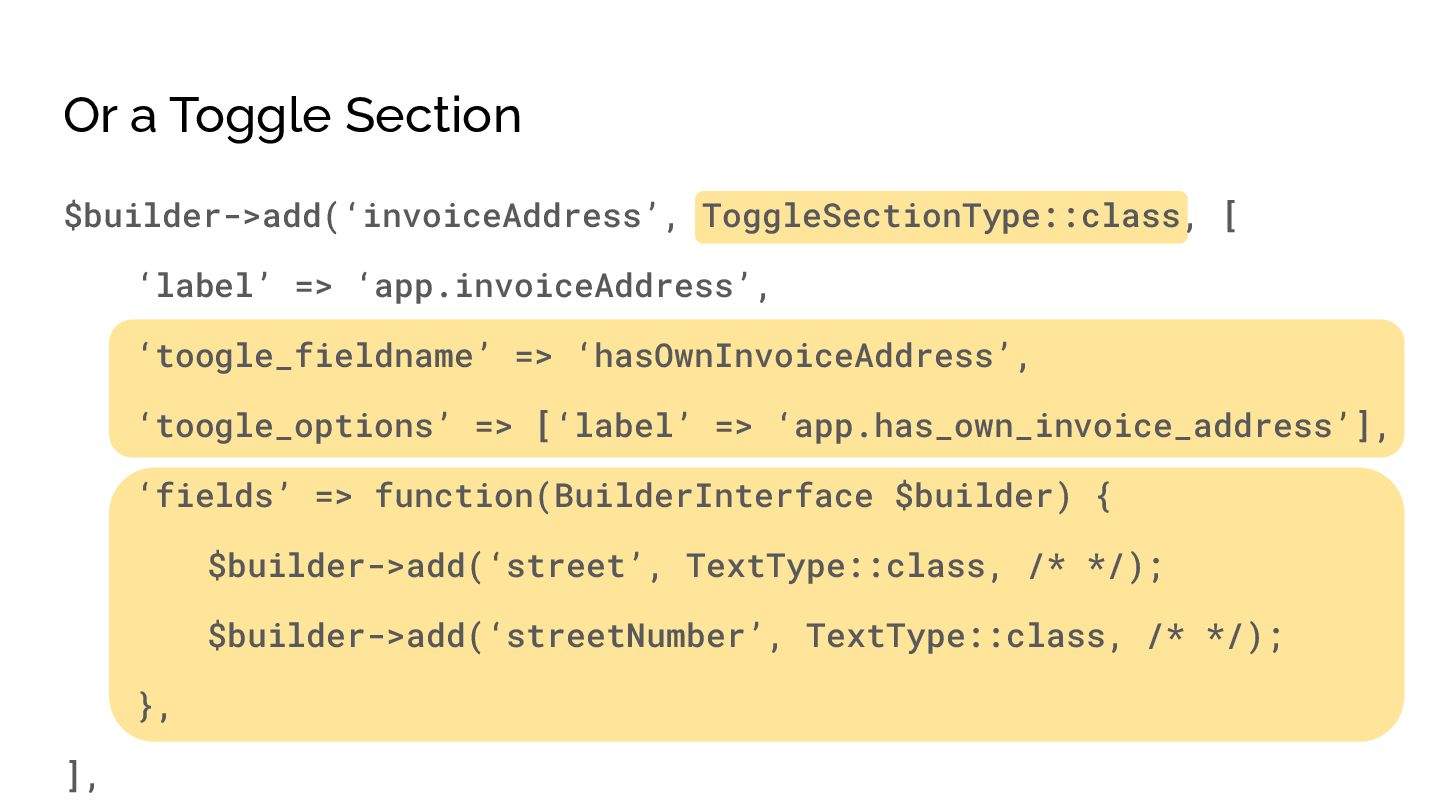
  31. Or a Toggle Section $builder->add(‘invoiceAddress’, ToggleSectionType::class, [ ‘label’ => ‘app.invoiceAddress’,

    ‘toogle_fieldname’ => ‘hasOwnInvoiceAddress’, ‘toogle_options’ => [‘label’ => ‘app.has_own_invoice_address’], ‘fields’ => function(BuilderInterface $builder) { $builder->add(‘street’, TextType::class, /* */); $builder->add(‘streetNumber’, TextType::class, /* */); }, ],
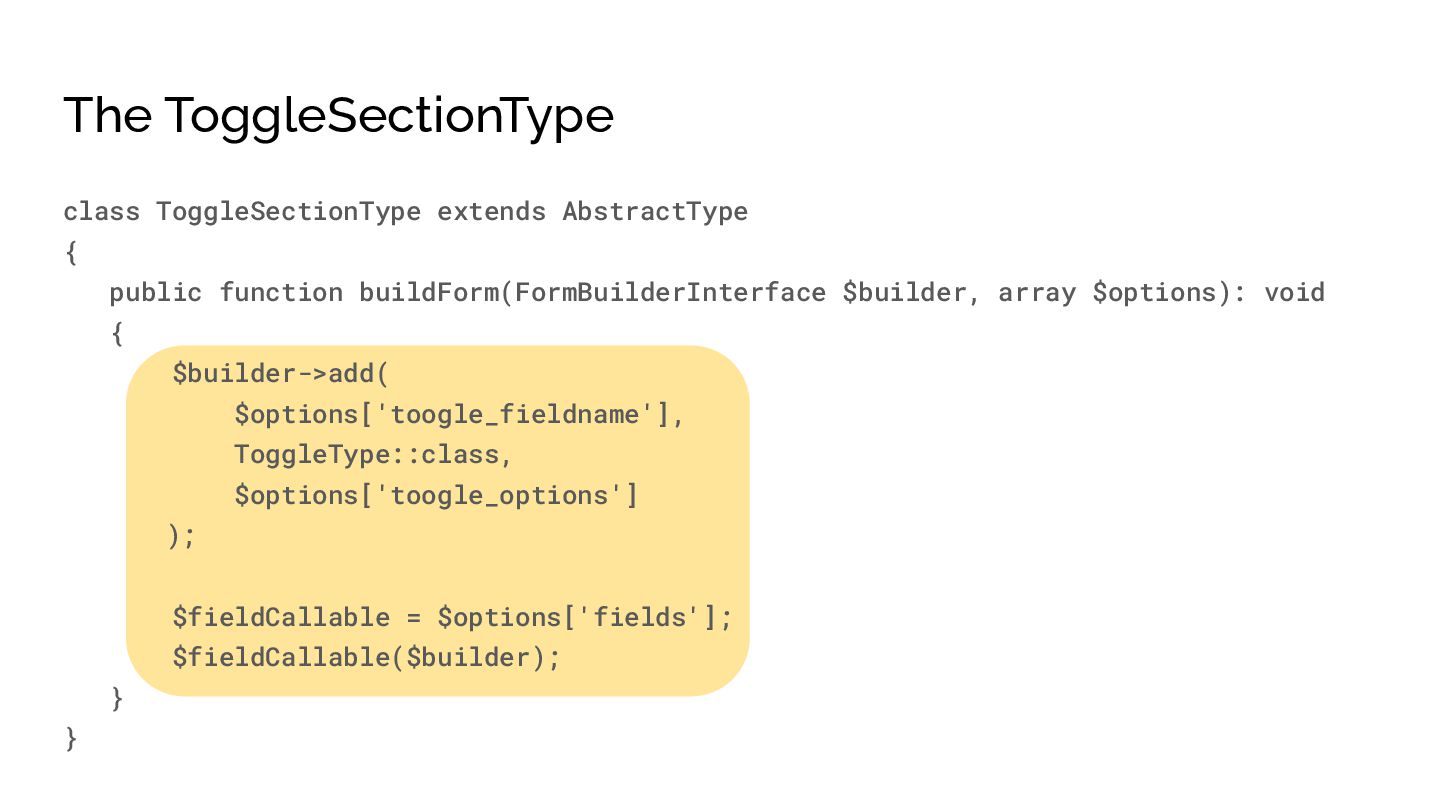
  32. The ToggleSectionType class ToggleSectionType extends AbstractType { public function buildForm(FormBuilderInterface

    $builder, array $options): void { $builder->add( $options['toogle_fieldname'], ToggleType::class, $options['toogle_options'] ); $fieldCallable = $options['fields']; $fieldCallable($builder); } }
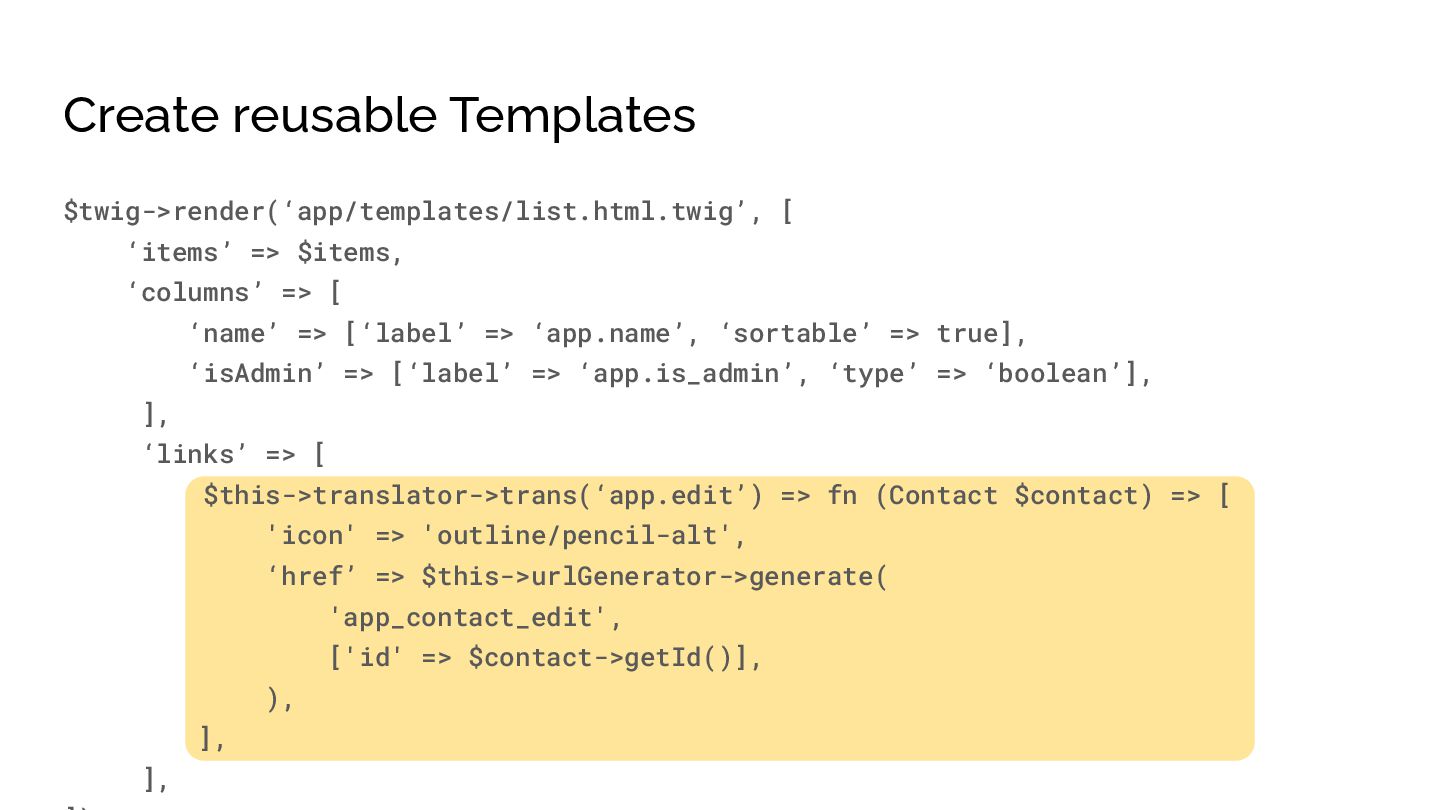
  33. Create reusable Templates $twig->render(‘app/templates/list.html.twig’, [ ‘items’ => $items, ‘columns’ =>

    [ ‘name’ => [‘label’ => ‘app.name’, ‘sortable’ => true], ‘isAdmin’ => [‘label’ => ‘app.is_admin’, ‘type’ => ‘boolean’], ], ‘links’ => [ $this->translator->trans(‘app.edit’) => fn (Contact $contact) => [ 'icon' => 'outline/pencil-alt', ‘href’ => $this->urlGenerator->generate( 'app_contact_edit', ['id' => $contact->getId()], ), ], ],
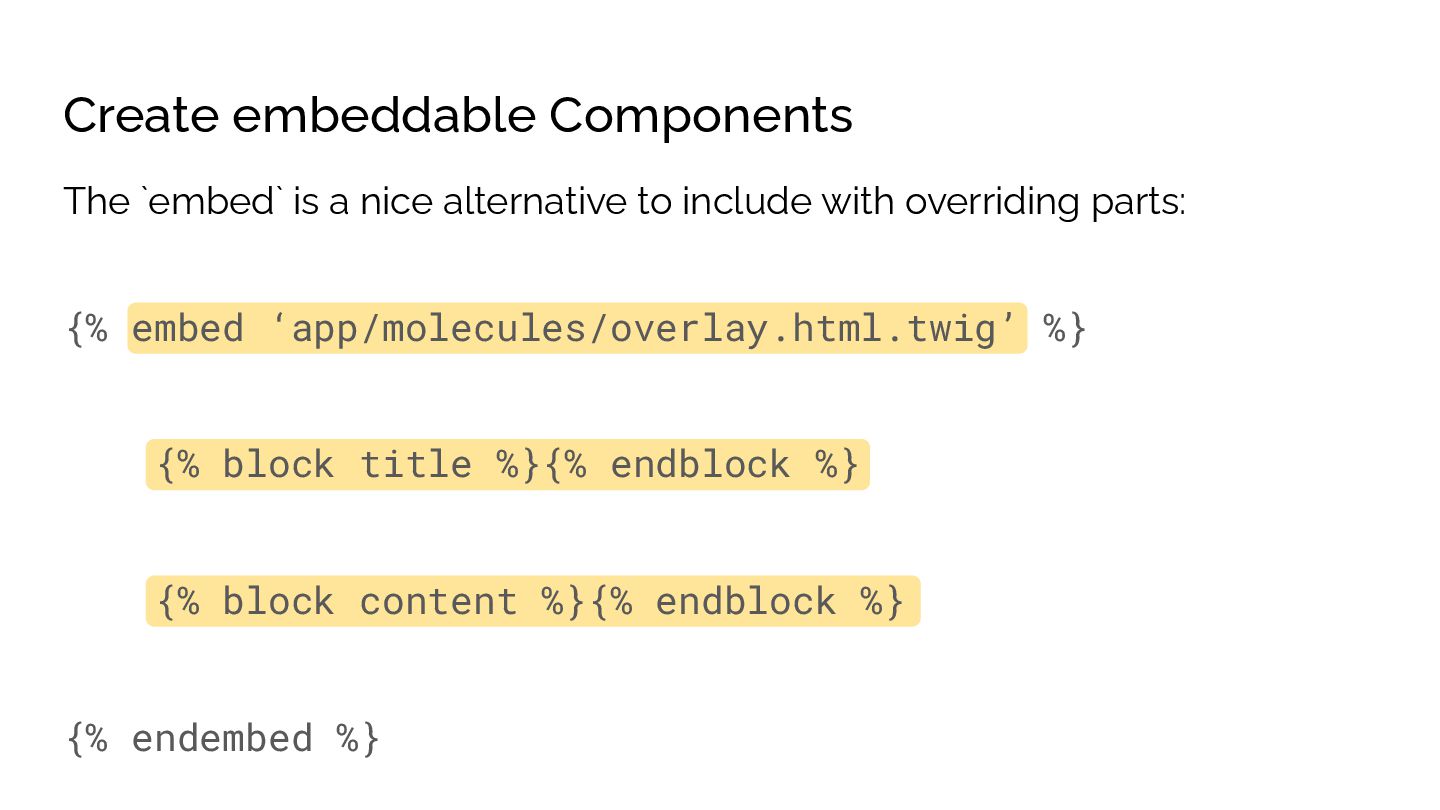
  34. Create embeddable Components {% embed ‘app/molecules/overlay.html.twig’ %} {% block title

    %}{% endblock %} {% block content %}{% endblock %} {% endembed %} The `embed` is a nice alternative to include with overriding parts:
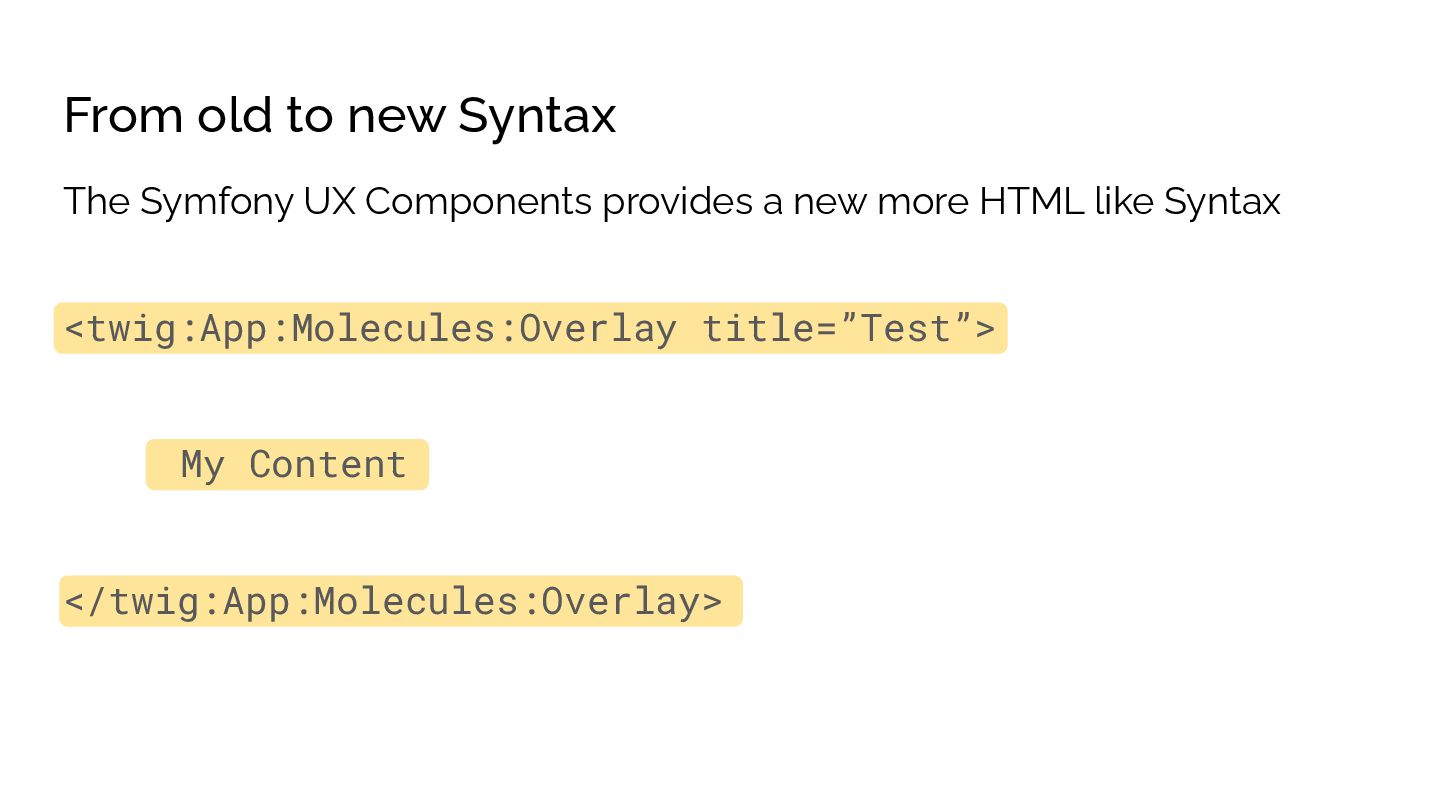
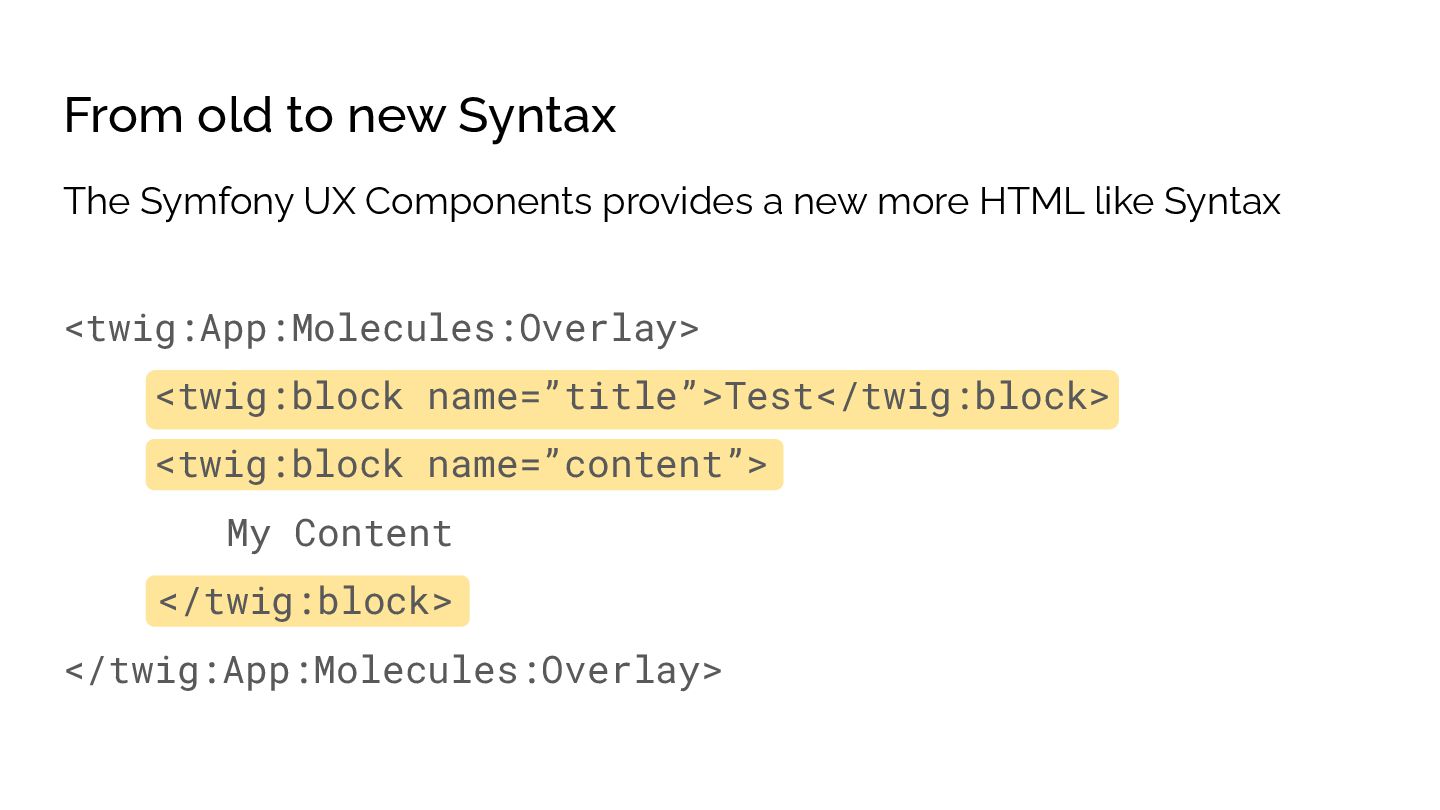
  35. From old to new Syntax <twig:App:Molecules:Overlay> <twig:block name=”title”>Test</twig:block> <twig:block name=”content”>

    My Content </twig:block> </twig:App:Molecules:Overlay> The Symfony UX Components provides a new more HTML like Syntax
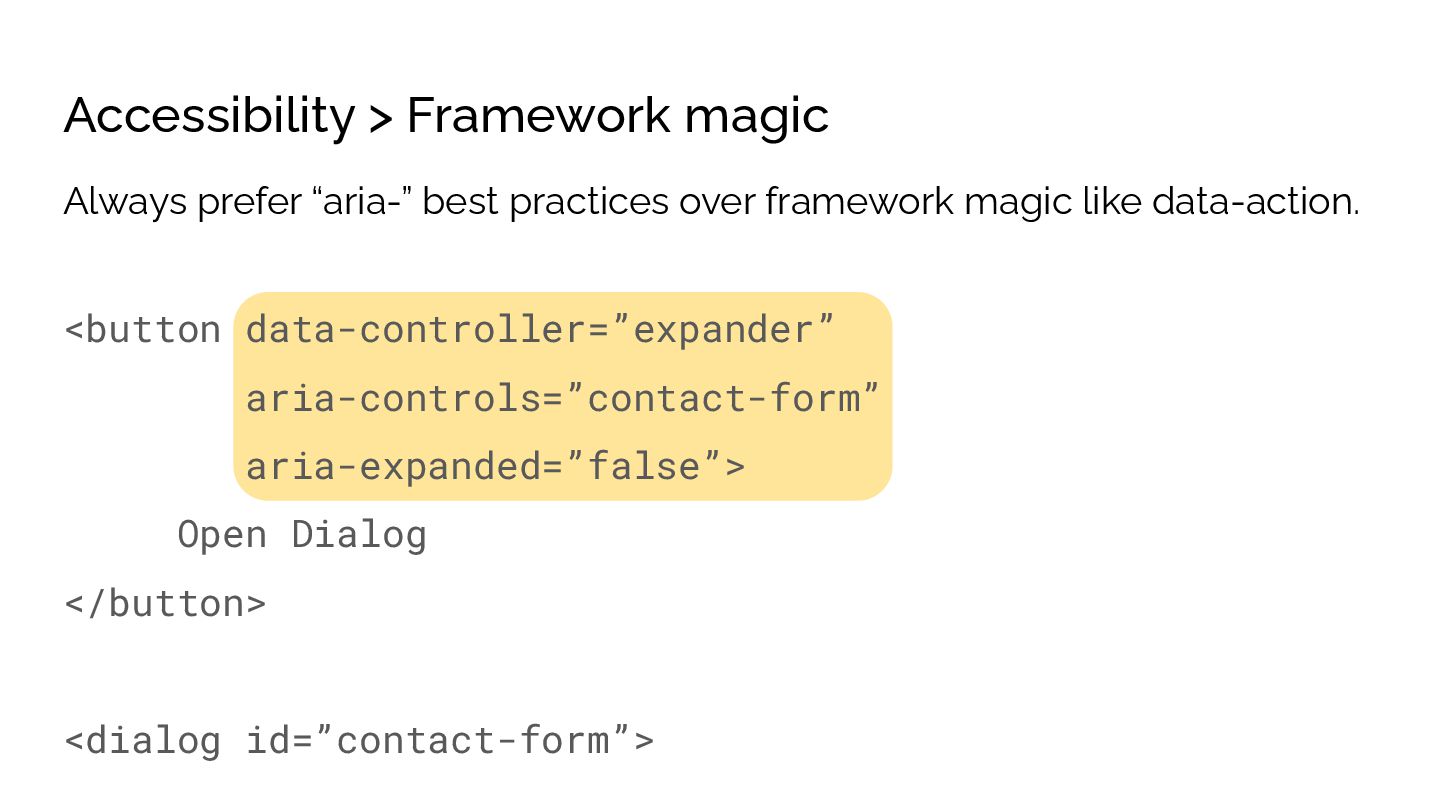
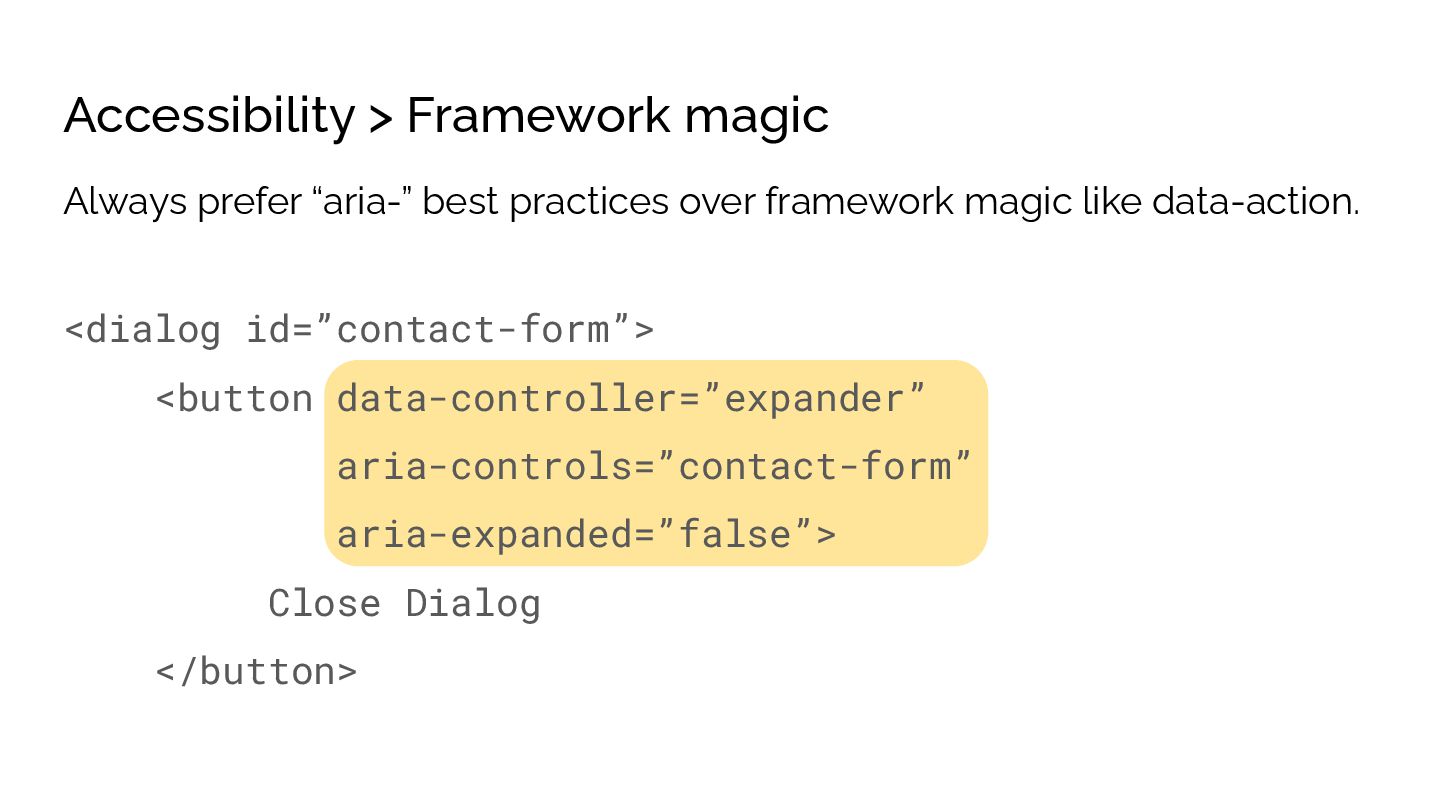
  36. Accessibility > Framework magic <button data-controller=”expander” aria-controls=”contact-form” aria-expanded=”false”> Open Dialog

    </button> <dialog id=”contact-form”> Always prefer “aria-” best practices over framework magic like data-action.
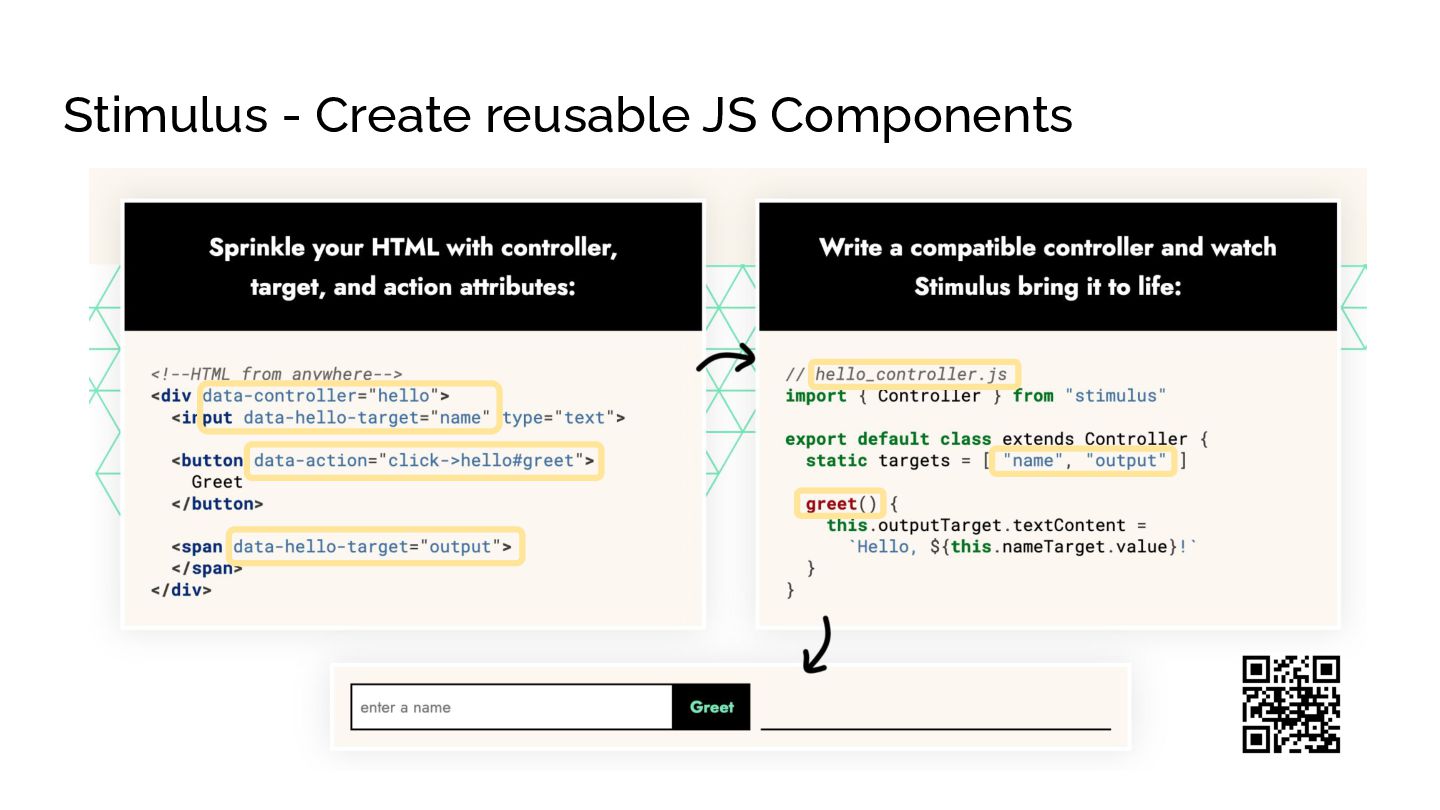
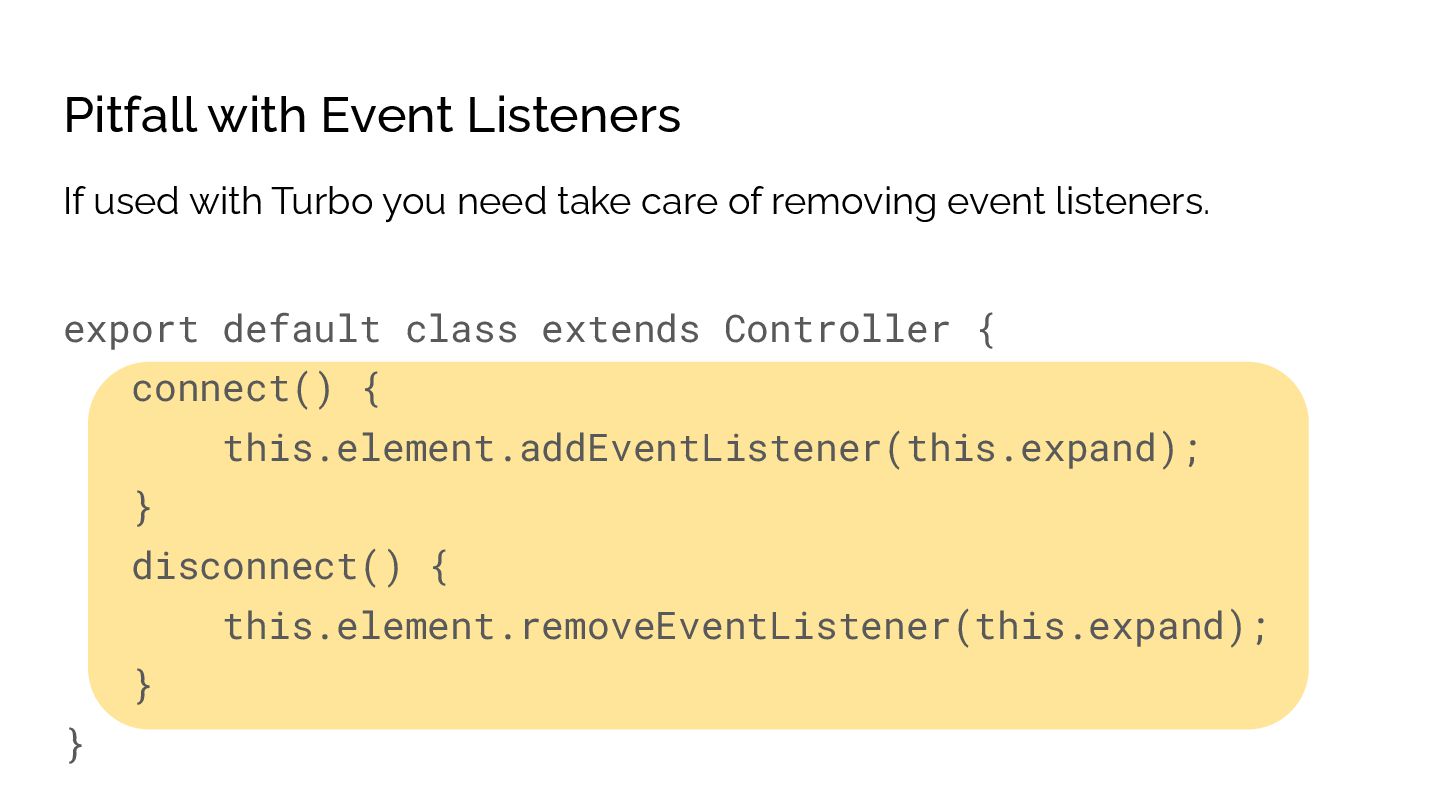
  37. Pitfall with Event Listeners export default class extends Controller {

    connect() { this.element.addEventListener(this.expand); } disconnect() { this.element.removeEventListener(this.expand); } } If used with Turbo you need take care of removing event listeners.
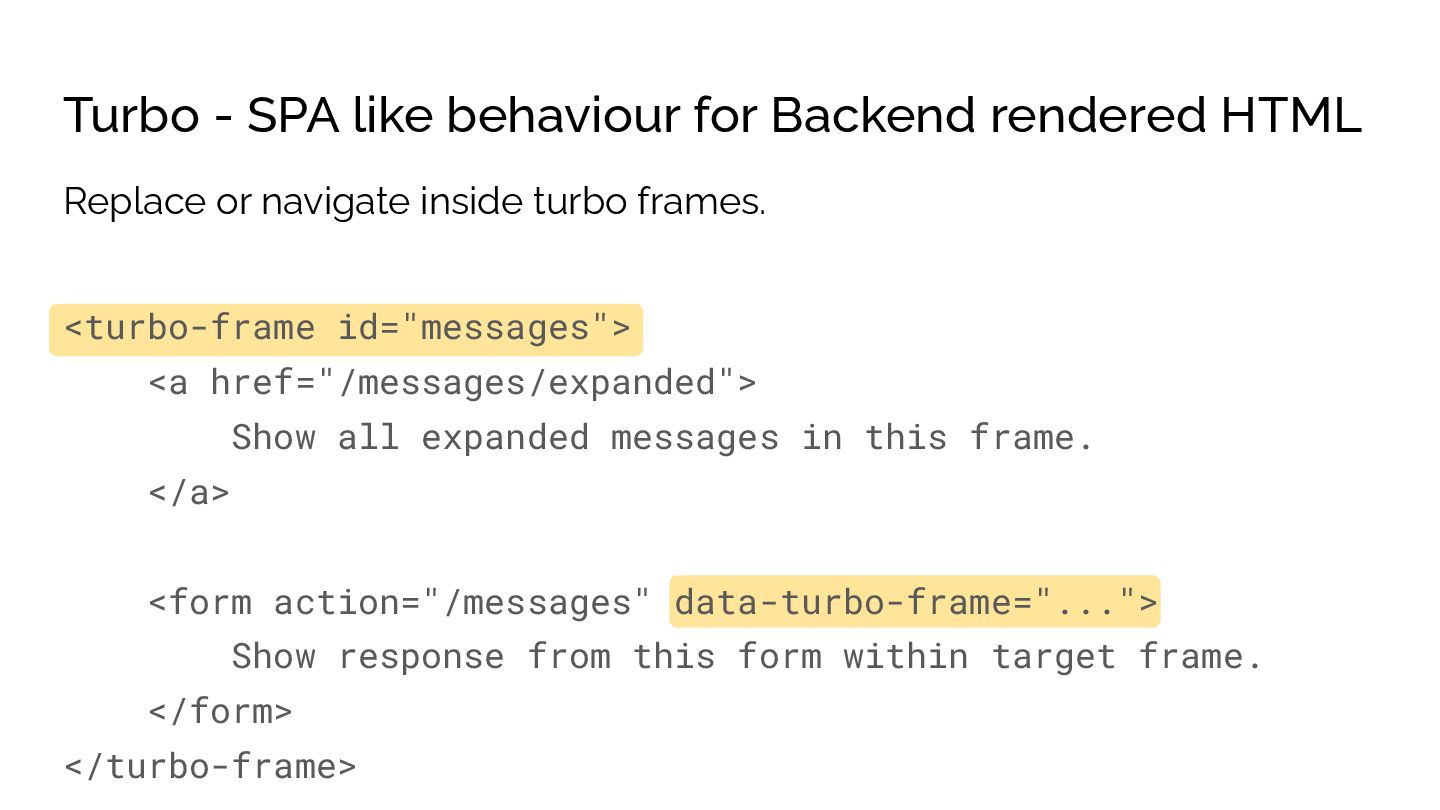
  38. Turbo - SPA like behaviour for Backend rendered HTML <turbo-frame

    id="messages"> <a href="/messages/expanded"> Show all expanded messages in this frame. </a> <form action="/messages" data-turbo-frame="..."> Show response from this form within target frame. </form> </turbo-frame> Replace or navigate inside turbo frames.
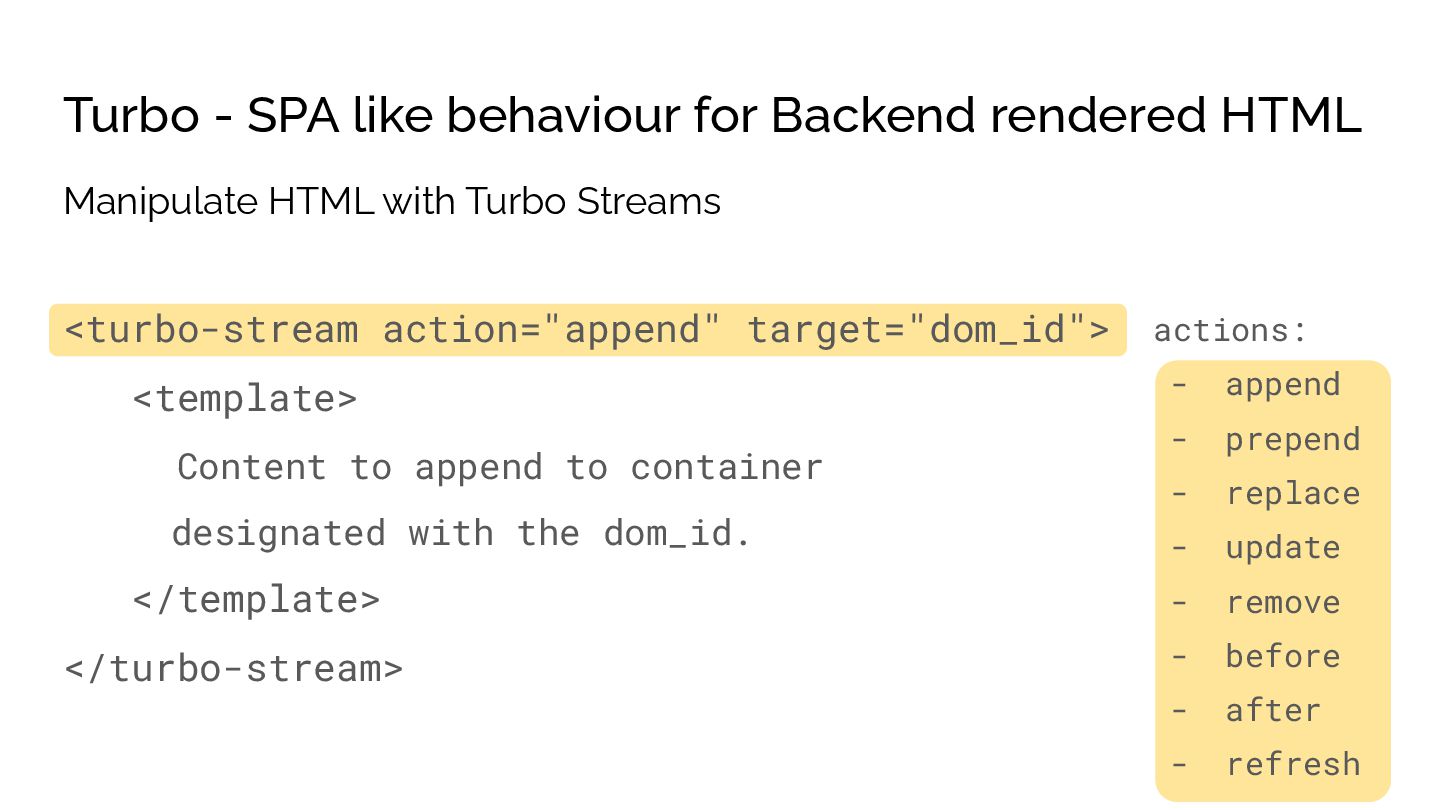
  39. Turbo - SPA like behaviour for Backend rendered HTML <turbo-stream

    action="append" target="dom_id"> <template> Content to append to container designated with the dom_id. </template> </turbo-stream> Manipulate HTML with Turbo Streams actions: - append - prepend - replace - update - remove - before - after - refresh
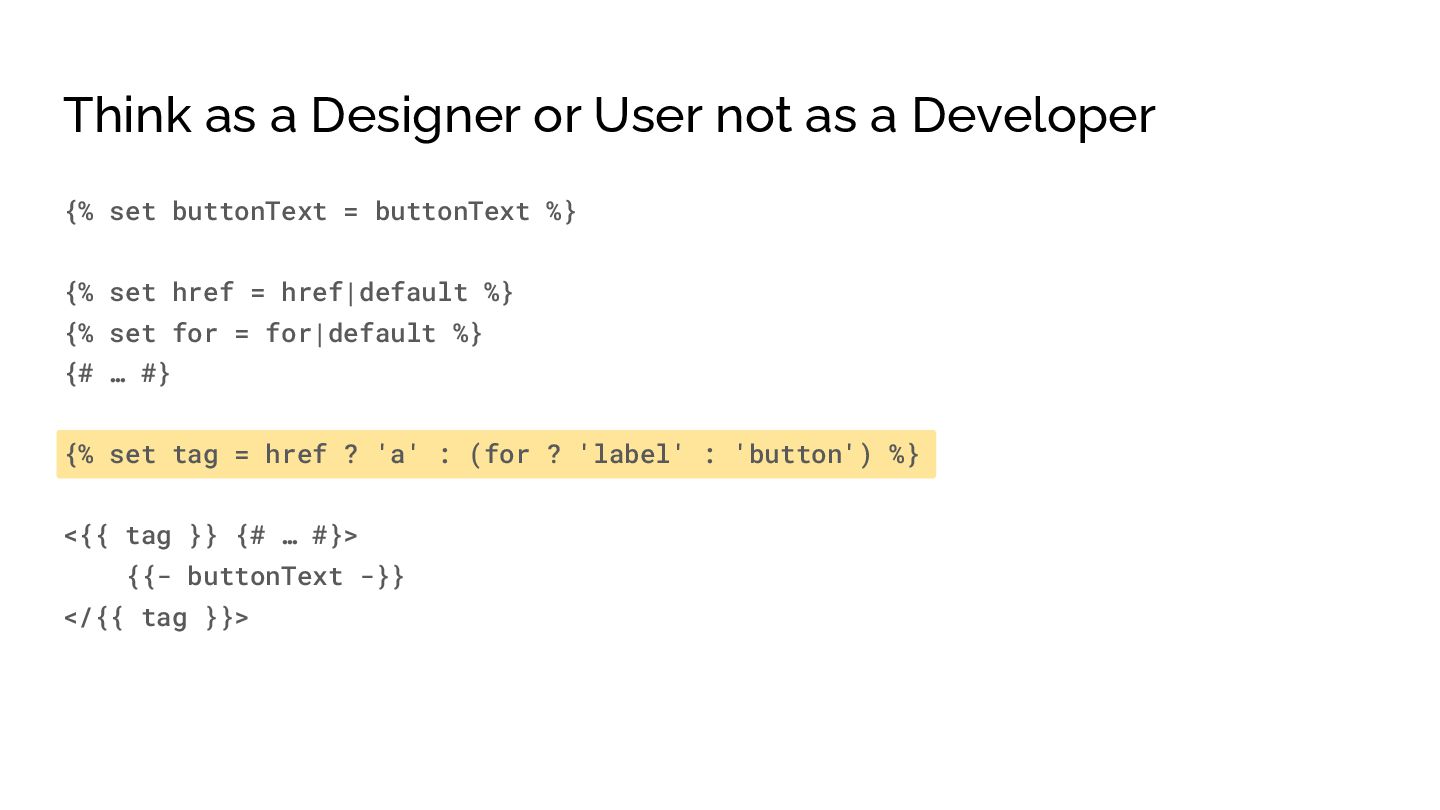
  40. Think as a Designer or User not as a Developer

    {% set buttonText = buttonText %} {% set href = href|default %} {% set for = for|default %} {# … #} {% set tag = href ? 'a' : (for ? 'label' : 'button') %} <{{ tag }} {# … #}> {{- buttonText -}} </{{ tag }}>
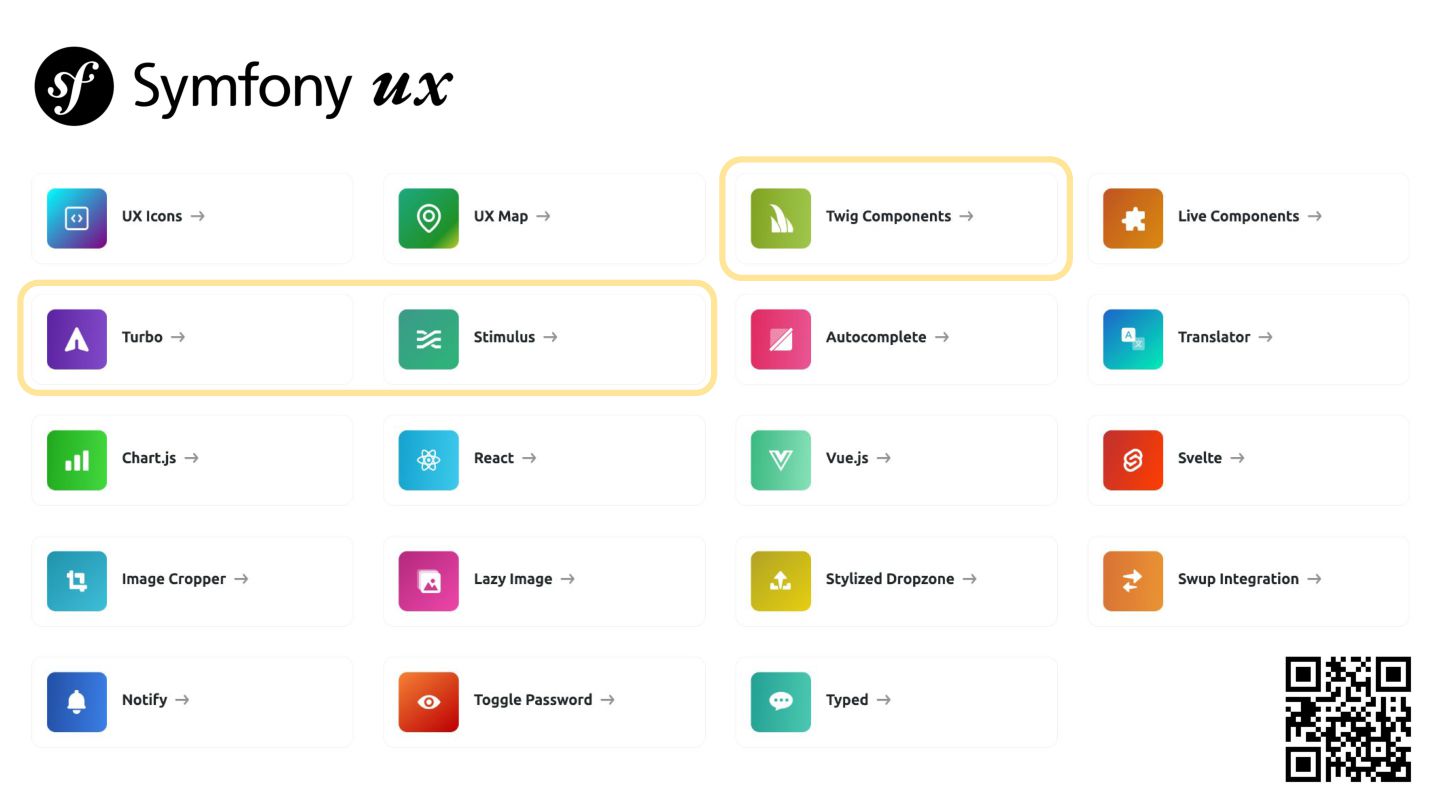
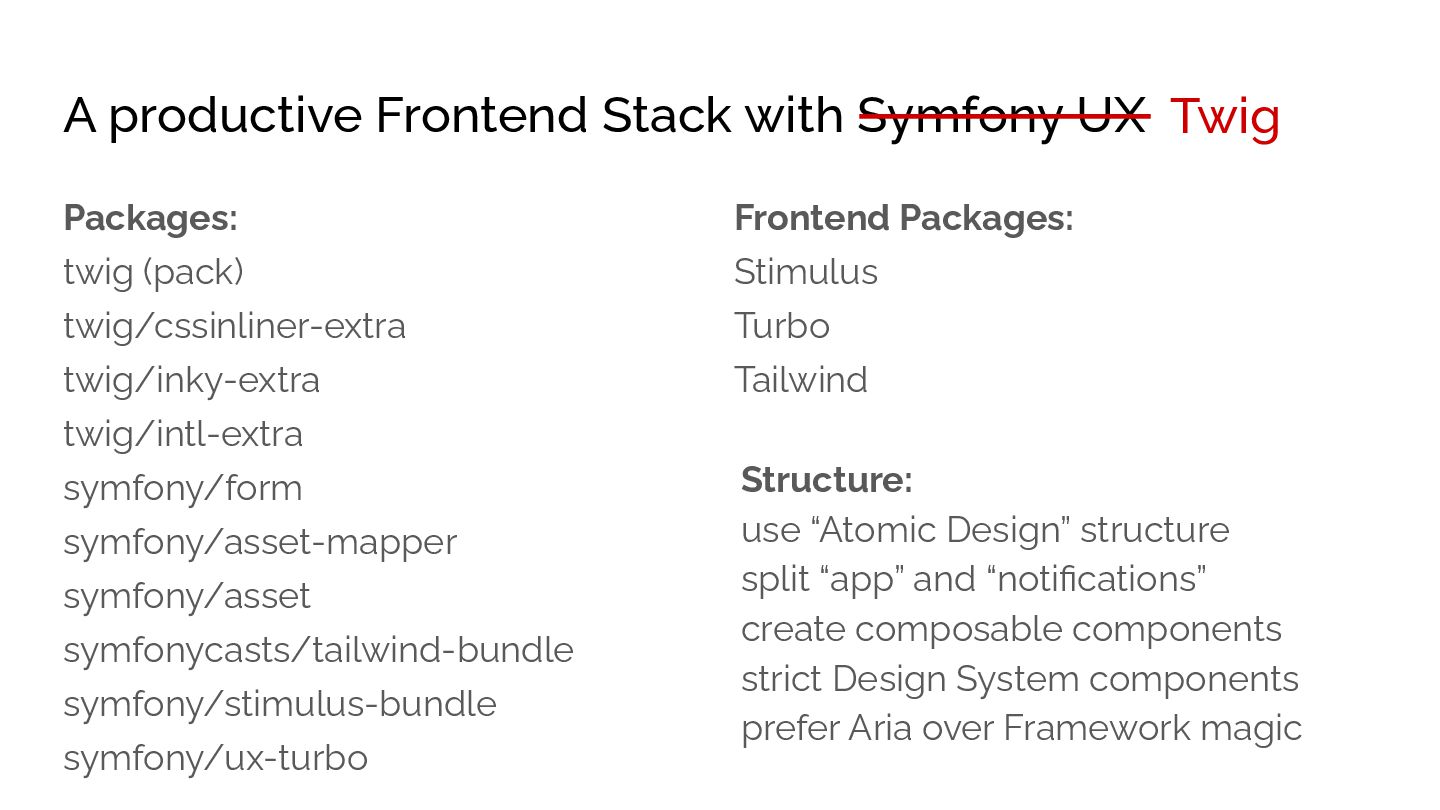
  41. A productive Frontend Stack with Symfony UX Packages: twig (pack)

    twig/cssinliner-extra twig/inky-extra twig/intl-extra symfony/form symfony/asset-mapper symfony/asset symfonycasts/tailwind-bundle symfony/stimulus-bundle symfony/ux-turbo Structure: use “Atomic Design” structure split “app” and “notifications” create composable components strict Design System components prefer Aria over Framework magic Frontend Packages: Stimulus Turbo Tailwind Twig
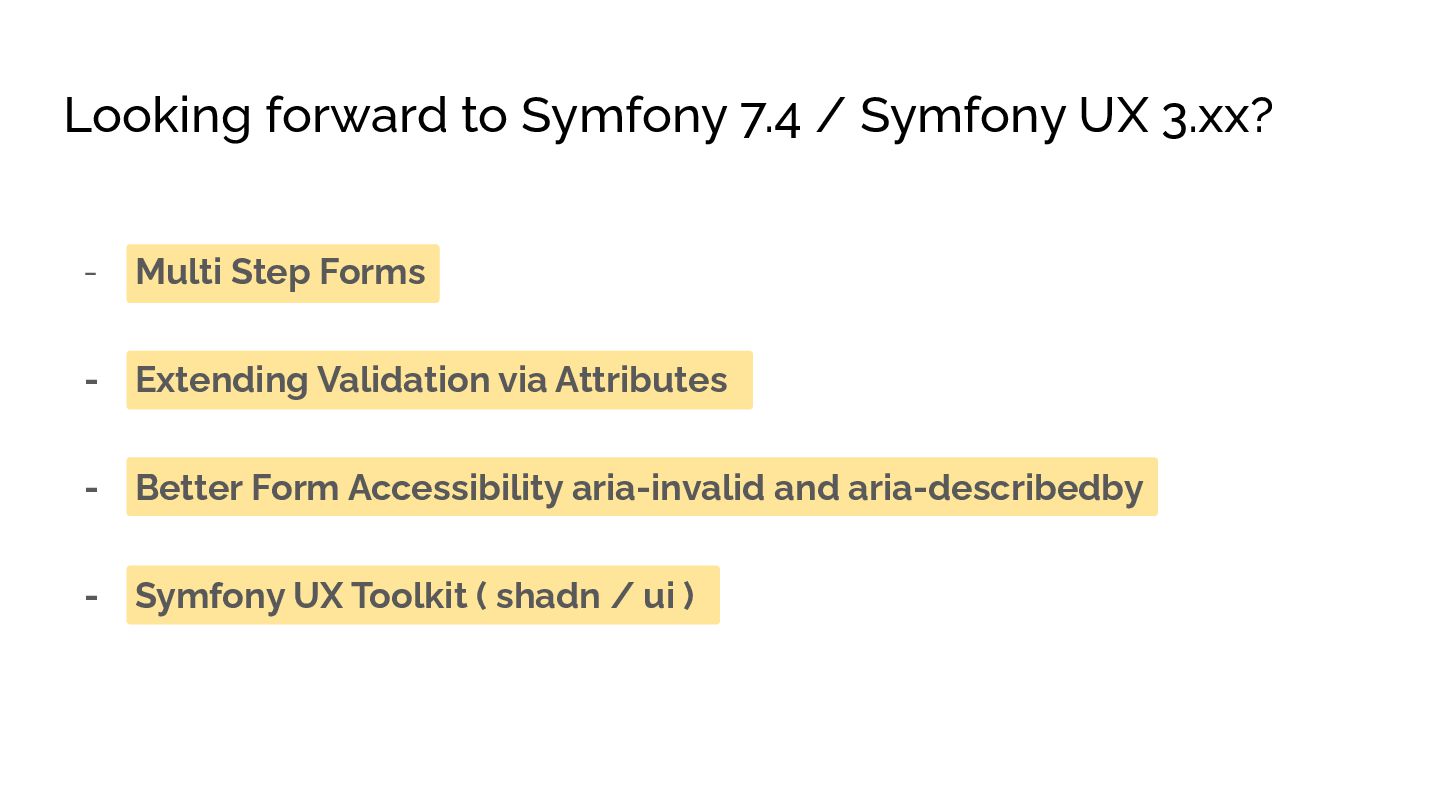
  42. Looking forward to Symfony 7.4 / Symfony UX 3.xx? -

    Multi Step Forms - Extending Validation via Attributes - Better Form Accessibility aria-invalid and aria-describedby - Symfony UX Toolkit ( shadn / ui )
  43. Thank you for listening Want to talk about: - Twig,

    Stimulus, Hotwire, Symfony Forms - SEAL – Search Engine Abstraction Layer ( grab a Sticker ) - Sulu 3.0 and its new Content Storage - Redis Messenger integration - or other things Catch me at the hallway or during breaks.