• Building HPC-type environments since 2007 (454 Life Sciences/Roche) • In IT since 1995 (coaxial networks, b-tree databases, DOS 6.0, RH 4.0) • Consultant for 2 years focusing on cloud and data management and assessments • Built a couple of life sciences HPC infrastructures from scratch and revamped others • Bioinformatics Analyst • Java/perl/CGI/HTML/CSS, and recently Python, Go, Rust, Scala, Haskell • Systems Engineer https://www.pomona.edu/directory/people/asya-shklyar
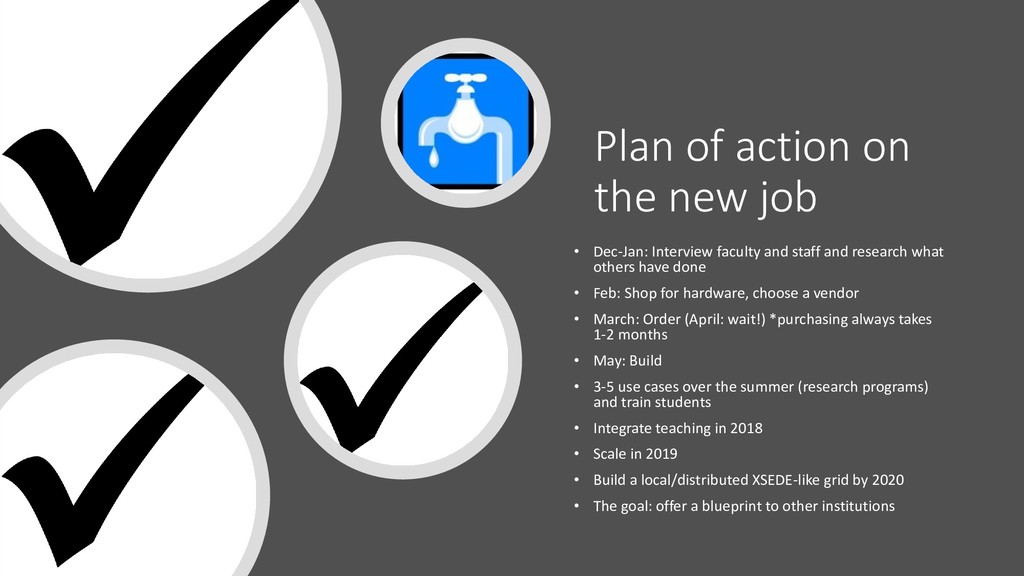
faculty and staff and research what others have done • Feb: Shop for hardware, choose a vendor • March: Order (April: wait!) *purchasing always takes 1-2 months • May: Build • 3-5 use cases over the summer (research programs) and train students • Integrate teaching in 2018 • Scale in 2019 • Build a local/distributed XSEDE-like grid by 2020 • The goal: offer a blueprint to other institutions
HPC (and associated concepts) • Software not parallelized or version-controlled in most cases • Remote visualization does not exist; no GPUs • Data silos (local disk, permissions all over the place) • Authentication not using AD • Not benchmarked/profiled; no idea how long anything is supposed to take • Research and teaching combined • External collaborators, even international (GDPR) • Politics (5c/7c) • Pomona IT “seeding” the environment
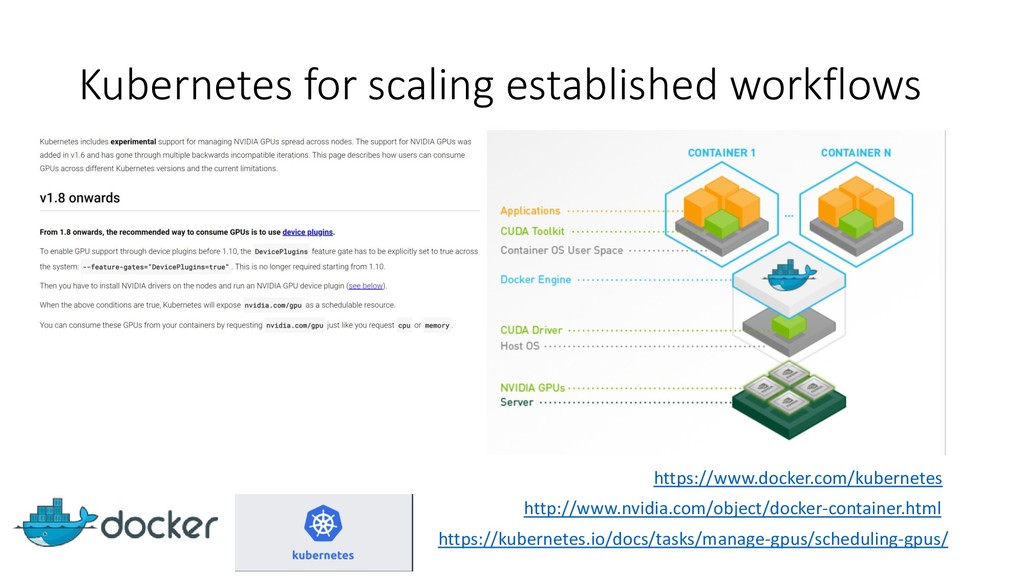
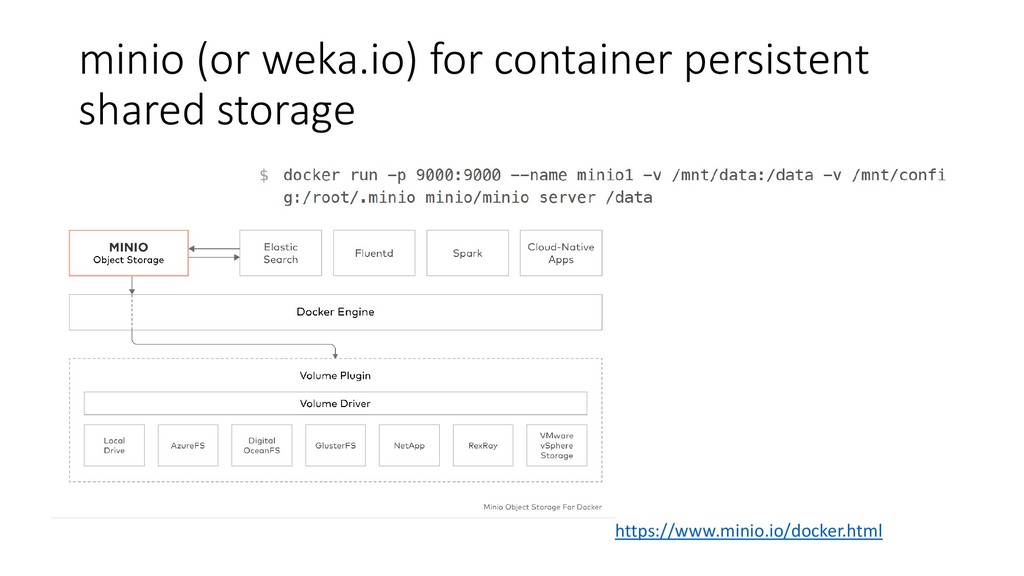
- and the software will vary • As high as possible core count but also a high Ghz server • GPUs to augment CPU cores; NVLINK’ed for DL • Fast shared storage for when you don’t want to shuffle data or local scratch is not enough • Central authentication • Versioning • Configuration Control • Dockerized-everything for portability; virtualization too slow
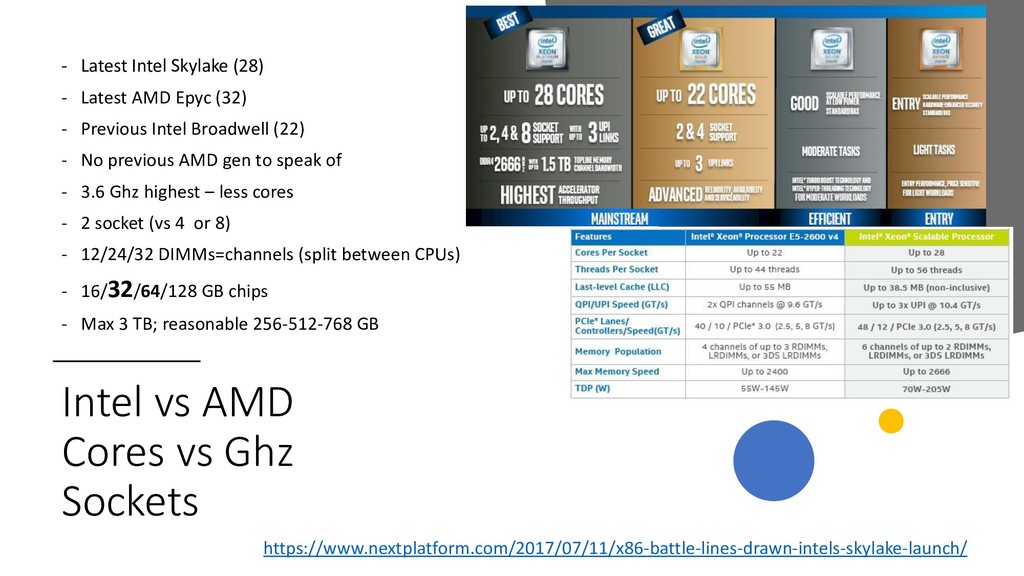
cheaper? More cores in the latest Epyc • x86 for software compatibility • GPUs for CPU augmentation • Cray, PowerPC, Itanium not considered because of the budget/complexity • Same goes for ARM, FPGA, ASICs
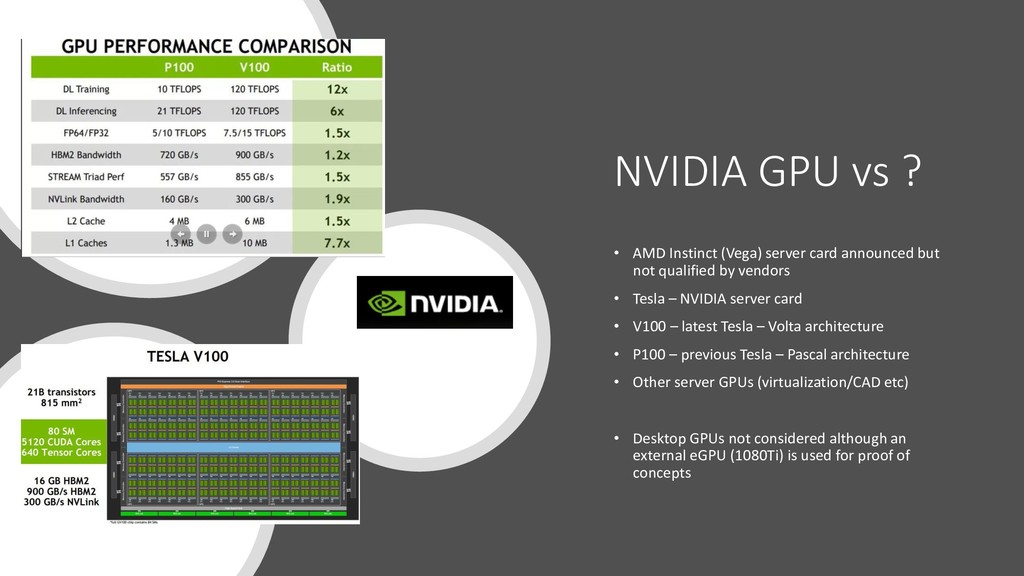
announced but not qualified by vendors • Tesla – NVIDIA server card • V100 – latest Tesla – Volta architecture • P100 – previous Tesla – Pascal architecture • Other server GPUs (virtualization/CAD etc) • Desktop GPUs not considered although an external eGPU (1080Ti) is used for proof of concepts
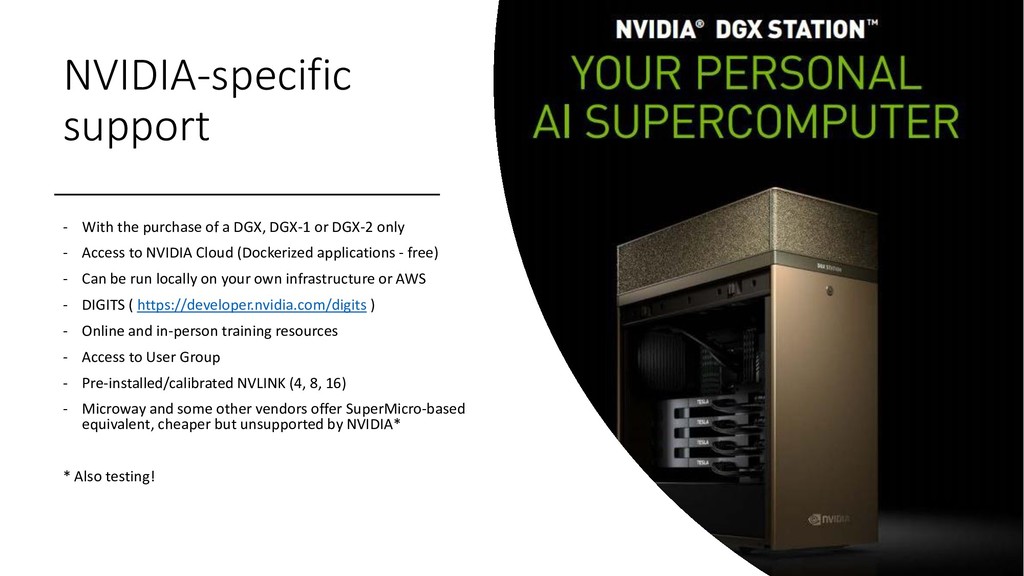
or DGX-2 only - Access to NVIDIA Cloud (Dockerized applications - free) - Can be run locally on your own infrastructure or AWS - DIGITS ( https://developer.nvidia.com/digits ) - Online and in-person training resources - Access to User Group - Pre-installed/calibrated NVLINK (4, 8, 16) - Microway and some other vendors offer SuperMicro-based equivalent, cheaper but unsupported by NVIDIA* * Also testing!
non-SuperMicro • NVIDIA rolls its own, no avoiding that but the chosen vendor is a reseller (NVIDIA certifies resellers) • NVLINK support either way • Cheapest chosen, and majority of equipment from same vendor to simplify purchasing and support • 1 year vs 3 year support consideration • OS is free (but would not be with Red Hat) • CMU also from the same vendor
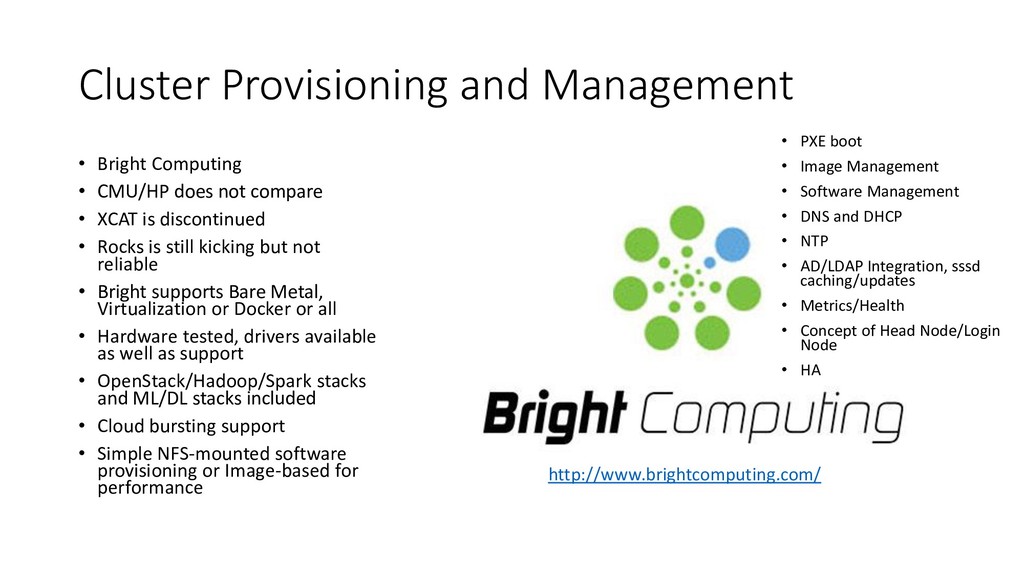
not compare • XCAT is discontinued • Rocks is still kicking but not reliable • Bright supports Bare Metal, Virtualization or Docker or all • Hardware tested, drivers available as well as support • OpenStack/Hadoop/Spark stacks and ML/DL stacks included • Cloud bursting support • Simple NFS-mounted software provisioning or Image-based for performance http://www.brightcomputing.com/ • PXE boot • Image Management • Software Management • DNS and DHCP • NTP • AD/LDAP Integration, sssd caching/updates • Metrics/Health • Concept of Head Node/Login Node • HA
software works on CentOS/Red Hat/Scientific Linux/Fedora • Ubuntu inevitable (NVIDIA DGX) • Older OS support (Legacy Software); DOCKERIZE! • Windows if necessary
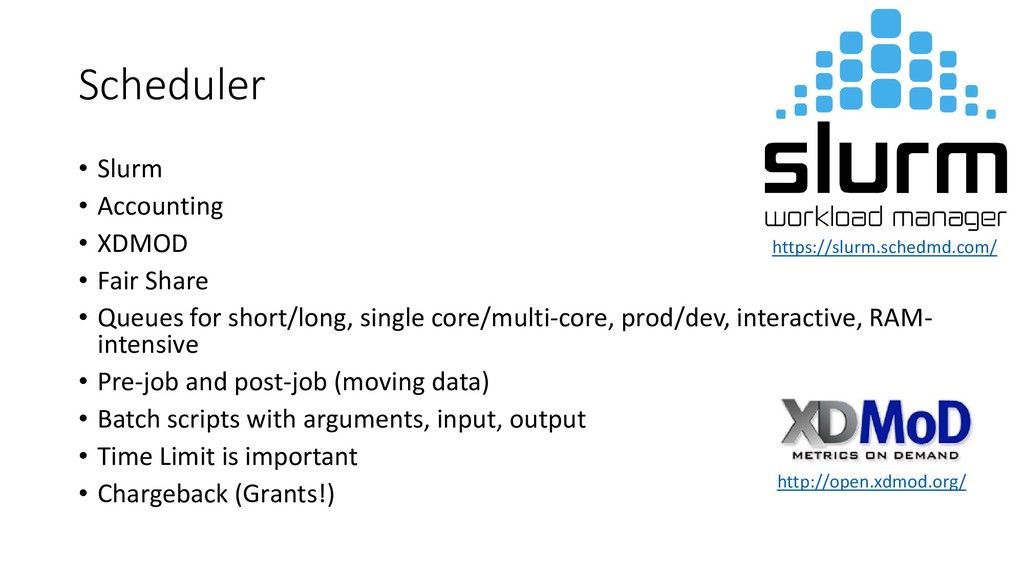
• Queues for short/long, single core/multi-core, prod/dev, interactive, RAM- intensive • Pre-job and post-job (moving data) • Batch scripts with arguments, input, output • Time Limit is important • Chargeback (Grants!) https://slurm.schedmd.com/ http://open.xdmod.org/
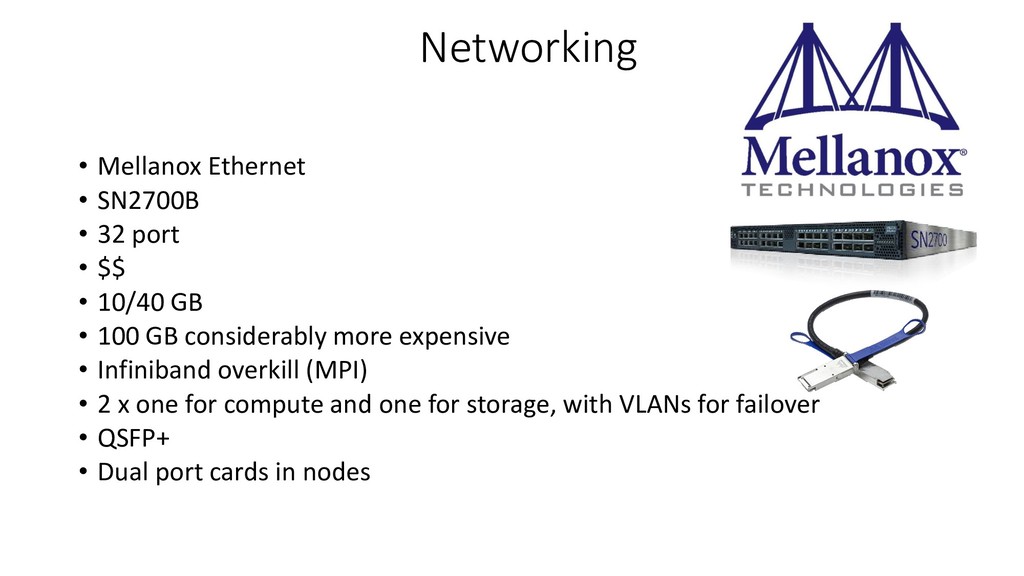
$$ • 10/40 GB • 100 GB considerably more expensive • Infiniband overkill (MPI) • 2 x one for compute and one for storage, with VLANs for failover • QSFP+ • Dual port cards in nodes
supports historical • Slurm accounting+XDMOD for “how long do the jobs run” and “how many”, and “what type”, and “who is hogging the queue” • Hosted ELK for logs and anomaly detection • check_mk for pulse/alarms • Nessus Pro/Tenable – vulnerability/patching • Future: Riemann for correlation
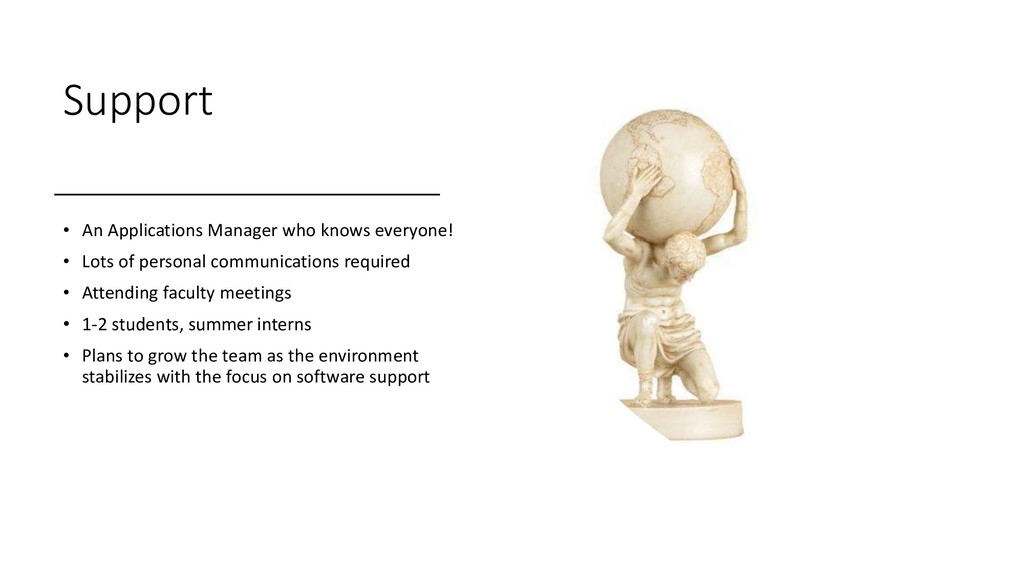
of personal communications required • Attending faculty meetings • 1-2 students, summer interns • Plans to grow the team as the environment stabilizes with the focus on software support


 alsosystems
 iktakahiro
 kentarofujii
 riyaamemiya
 satomasahiro2005
 teamlab
 ueponx
 jyouryuusui
 ivry_presentationmaterials
 kizawa2020
 takuroabe
 puhitaku
 occhi
occhi
 addyosmani
 aleyda
 ryanjones
 baasie
 mkilby
 tenderlove
 sergeychernyshev
 rkaga
rkaga
 rkendrick25
 427marketing
![Questions-Comments? • [email protected]](https://files.speakerdeck.com/presentations/2ae6f16b19e3456abed31c04f9785fd1/slide_25.jpg)