Upgrade to Pro — share decks privately, control downloads, hide ads and more …

Incrementally Open Sourcing

Sponsored · SiteGround - Reliable hosting with speed, security, and support you can count on. →

Incrementally Open Sourcing

Given at Swift Summit on October 30th, 2017.
http://swiftsummit.com

Anat Gilboa

October 30, 2017

Transcript

72 slides
  1. timeline 1. idea 2. defining questions 3. development 4. additional

    questions 5. more development 6. repeat steps 4 & 5 as needed 7. fin.
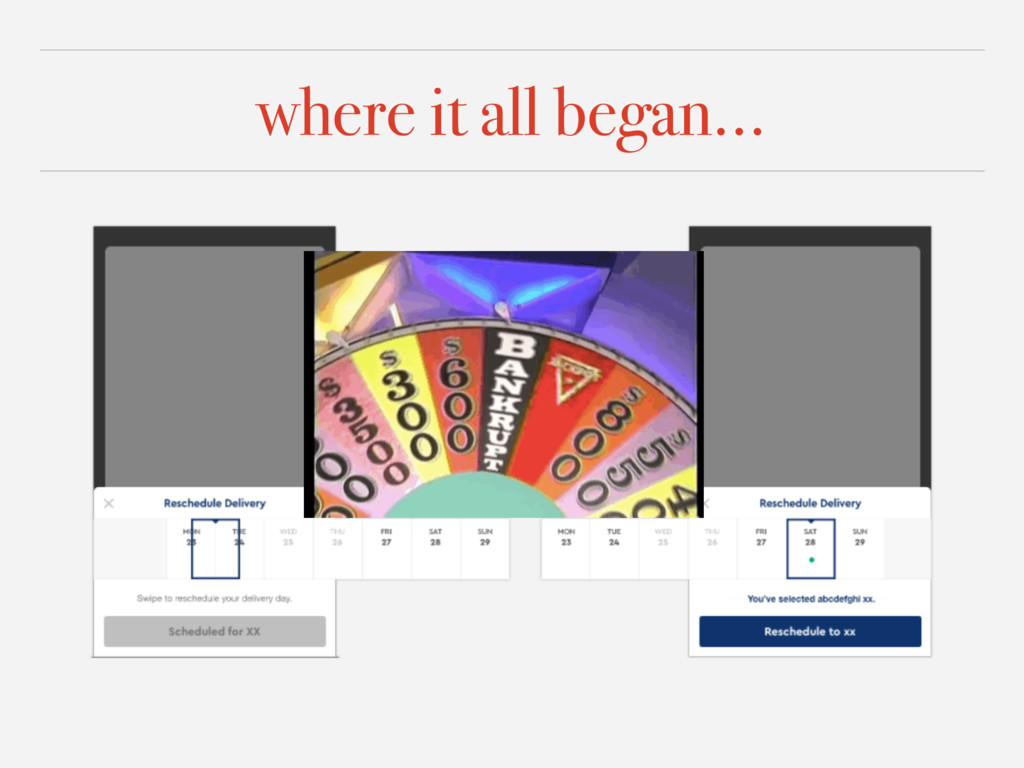
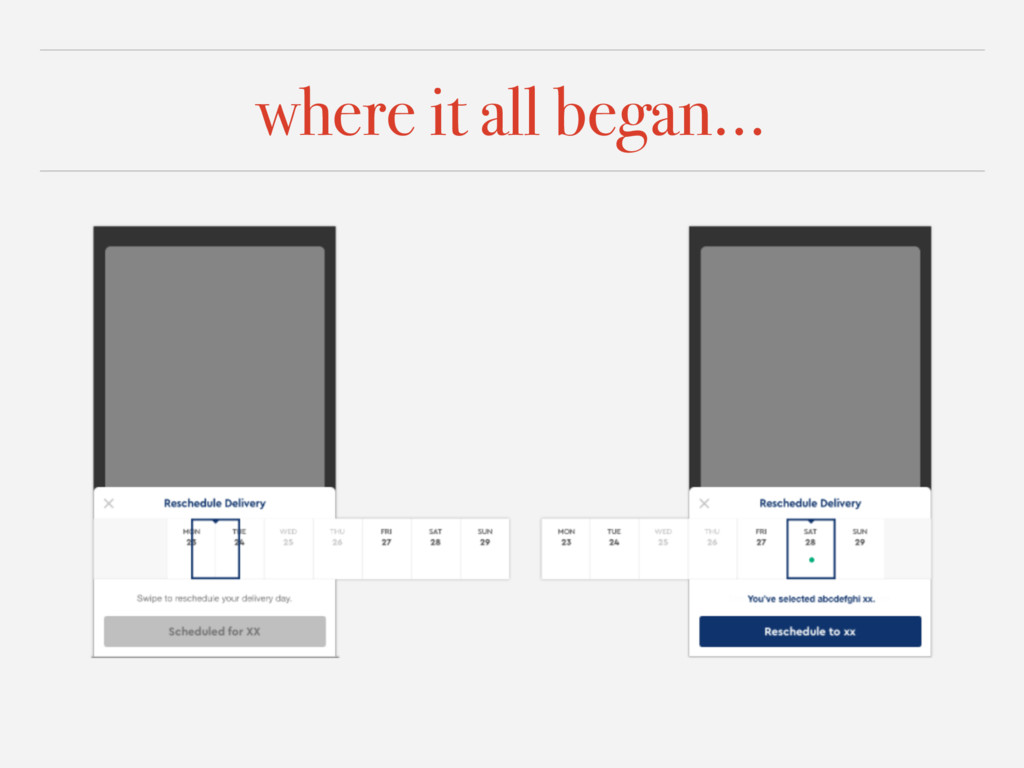
  2. where it all began… ❖ meal rescheduler ❖ date picker

    initialized by a set of available delivery windows for an order shipment
  3. defining questions ❖ presentation requirements? ❖ custom transition animation ❖

    cell requirements? ❖ use protocols? ❖ dated ❖ selectable ❖ overlay requirements? ❖ customizability
  4. class RescheduleDeliveryViewController: UIViewController { fileprivate let calendarView: UICollectionView fileprivate let

    titleLabel: UILabel fileprivate let messageLabel: UILabel fileprivate let rescheduleButton: UIButton fileprivate let selectedDayOverlay: RescheduleDeliveryOverlayView fileprivate let viewModel: RescheduleDeliveryViewModel 
 } development
  5. class HorizontalScrollingPickerView: UIView { fileprivate let calendarView: UICollectionView fileprivate let

    selectedDayOverlay: HorizontalScrollingPickerOverlayView fileprivate let viewModel: HorizontalScrollingPickerViewModel 
 } development
  6. HorizontalScrollingPickerView/ - Assets/ - Classes/ Example/ - HorizontalScrollingPickerView/ - HorizontalScrollingPickerView.xcodeproj

    - HorizontalScrollingPickerView.xcworkspace - Podfile - Podfile.lock - Pods/ - Tests/ README.md LICENSE HorizontalScrollingPickerView.podspec
  7. lessons ‣ take the first step: create the cocoapod, carthage

    framework, swift package ‣ take your time
  8. question Dated Not Dated protocol Dated { let date: Date

    { get set } } how are we going to present each cell?
  9. question Dated Not Dated protocol Dated { let date: Date

    { get set } } ❓ how are we going to present each cell?
  10. func scrollViewDidScroll(_ scrollView: UIScrollView) { // HorizontalScrollingPickerView magic UIView.transition(with: rescheduleButton,

    duration: 0.1, options: [.beginFromCurrentState, .transitionCrossDissolve], animations: { [weak self] _ in guard let `self` = self else { return } if (some condition is true) { self.rescheduleButton.isEnabled = true self.rescheduleButton.setTitle(self.viewModel.rescheduleButtonText, for: .normal) } else { self.rescheduleButton.isEnabled = false self.rescheduleButton.setTitle(self.viewModel.rescheduleButtonText, for: .disabled) } self.generateFeedback() }, completion: nil) }
  11. lessons ‣ make the first step: create the cocoapod, carthage

    framework, swift package ‣ take your time ‣ design the api as one you would want to use
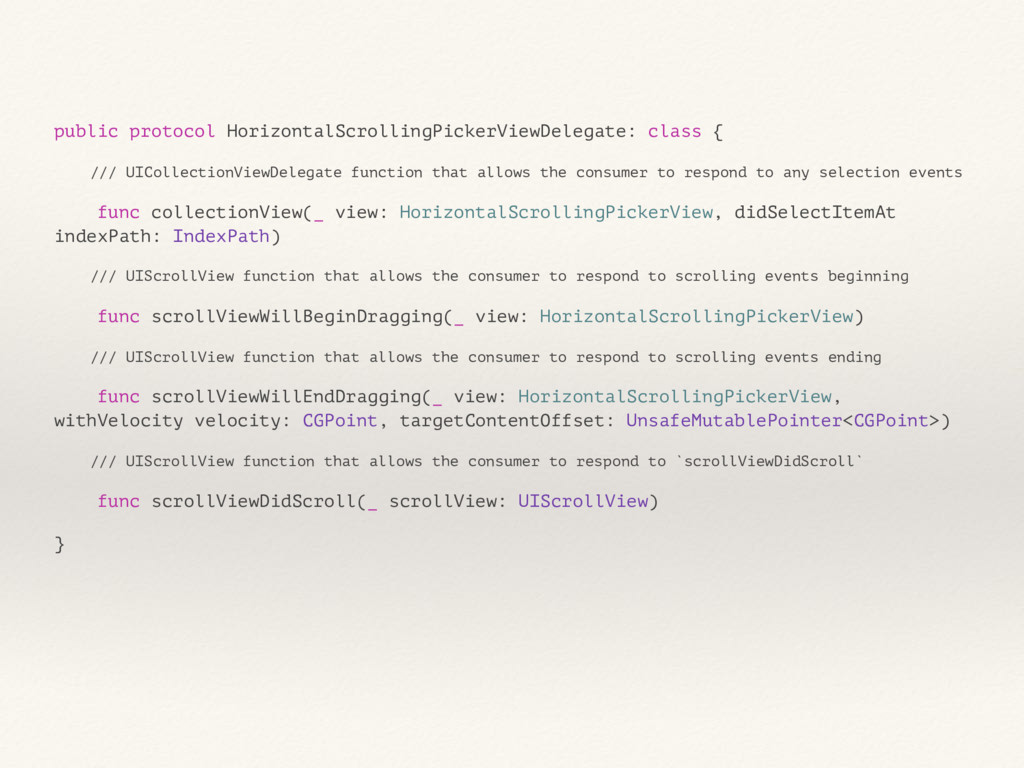
  12. public protocol HorizontalScrollingPickerViewDelegate: class { /// UICollectionViewDelegate function that allows

    the consumer to respond to any selection events func collectionView(_ view: HorizontalScrollingPickerView, didSelectItemAt indexPath: IndexPath) /// UIScrollView function that allows the consumer to respond to scrolling events beginning func scrollViewWillBeginDragging(_ view: HorizontalScrollingPickerView) /// UIScrollView function that allows the consumer to respond to scrolling events ending func scrollViewWillEndDragging(_ view: HorizontalScrollingPickerView, withVelocity velocity: CGPoint, targetContentOffset: UnsafeMutablePointer<CGPoint>) /// UIScrollView function that allows the consumer to respond to `scrollViewDidScroll` func scrollViewDidScroll(_ scrollView: UIScrollView) }
  13. public protocol HorizontalScrollingPickerViewDelegate: class { /// Configuration function to be

    called with consumer's implemented custom UICollectionViewCell. func configure(cell: UICollectionViewCell, for: IndexPath) }
  14. public protocol HorizontalScrollingPickerViewDelegate: class { /// Configuration function to be

    called with consumer's implemented custom UICollectionViewCell. func configure(cell: UICollectionViewCell, for: IndexPath) } public func collectionView(_ collectionView: UICollectionView, cellForItemAt indexPath: IndexPath) -> UICollectionViewCell { let cell = collectionView.dequeueReusableCell(withReuseIdentifier: "DayCell", for: indexPath) // PROBLEM: HorizontalScrollingPickerViewCell -> we need to use a protocol instead… guard let scrollableCell = cell as? HorizontalScrollingPickerViewCell else { return cell } scrollableCell.viewModel = viewModel?.cellViewModels[indexPath.item] return scrollableCell }
  15. public class HorizontalScrollingPickerViewModel { public let cellViewModels: [HorizontalScrollingPickerViewCellViewModel] var selectedCellViewModel:

    HorizontalScrollingPickerViewCellViewModel? func select(cellViewModel: HorizontalScrollingPickerViewCellViewModel) { selectedCellViewModel = cellViewModel } public init(cellViewModels: [HorizontalScrollingPickerViewCellViewModel]) { self.cellViewModels = cellViewModels } }
  16. class HorizontalScrollingPickerViewModel { var cellViewModels: [Selectable] var selectedCellViewModel: Selectable? func

    select(cellViewModel: Selectable) { selectedCellViewModel = cellViewModel } init(cellViewModels: [Selectable]) { self.cellViewModels = cellViewModels } }
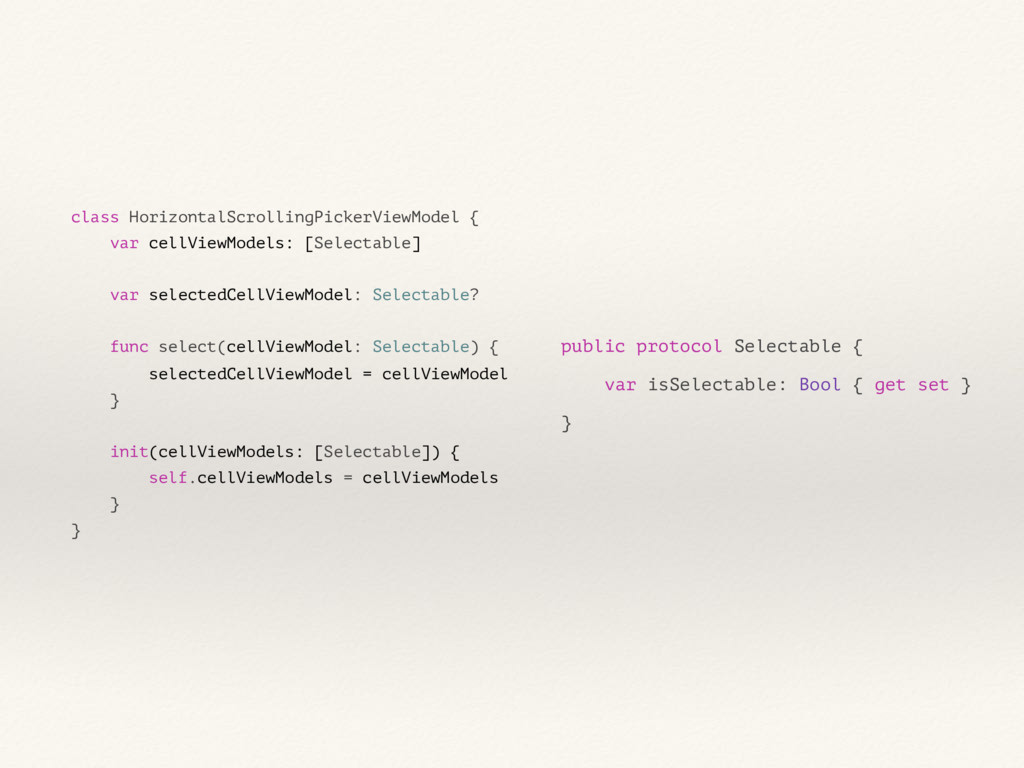
  17. class HorizontalScrollingPickerViewModel { var cellViewModels: [Selectable] var selectedCellViewModel: Selectable? func

    select(cellViewModel: Selectable) { selectedCellViewModel = cellViewModel } init(cellViewModels: [Selectable]) { self.cellViewModels = cellViewModels } } public protocol Selectable { var isSelectable: Bool { get set } }
  18. class HorizontalScrollingPickerViewModel { var cells: [Selectable] var selectedCell: Selectable? func

    select(cell: Selectable) { selectedCell = cell } init(cells: [Selectable]) { self.cells = cells } } public protocol Selectable { var isSelectable: Bool { get set } }
  19. public class HorizontalScrollingPickerViewCell: UICollectionViewCell, Selectable { public var isSelectable =

    true static let cellSize = CGSize(width: 76, height: 94) public override init(frame: CGRect) { super.init(frame: frame) backgroundColor = .white contentView.layer.borderColor = UIColor.black.withAlphaComponent(0.08).cgColor contentView.layer.borderWidth = 1.0 } public required init?(coder aDecoder: NSCoder) { fatalError("init(coder:) has not been implemented") } } HorizontalScrollingPickerViewCell
  20. public class HorizontalScrollingPickerView: UIView { public var cellSize: CGSize? {

    didSet { guard let size = cellSize else { return } selectedItemOverlay.snp.updateConstraints { make in make.size.equalTo(size) } collectionView.snp.updateConstraints { make in make.height.equalTo(size.height) } setNeedsLayout() } } } extension HorizontalScrollingPickerView: UICollectionViewDelegateFlowLayout { public func collectionView(_ collectionView: UICollectionView, layout collectionViewLayout: UICollectionViewLayout, sizeForItemAt indexPath: IndexPath) -> CGSize { return cellSize ?? PickerViewCell.cellSize } } HorizontalScrollingPickerViewCell
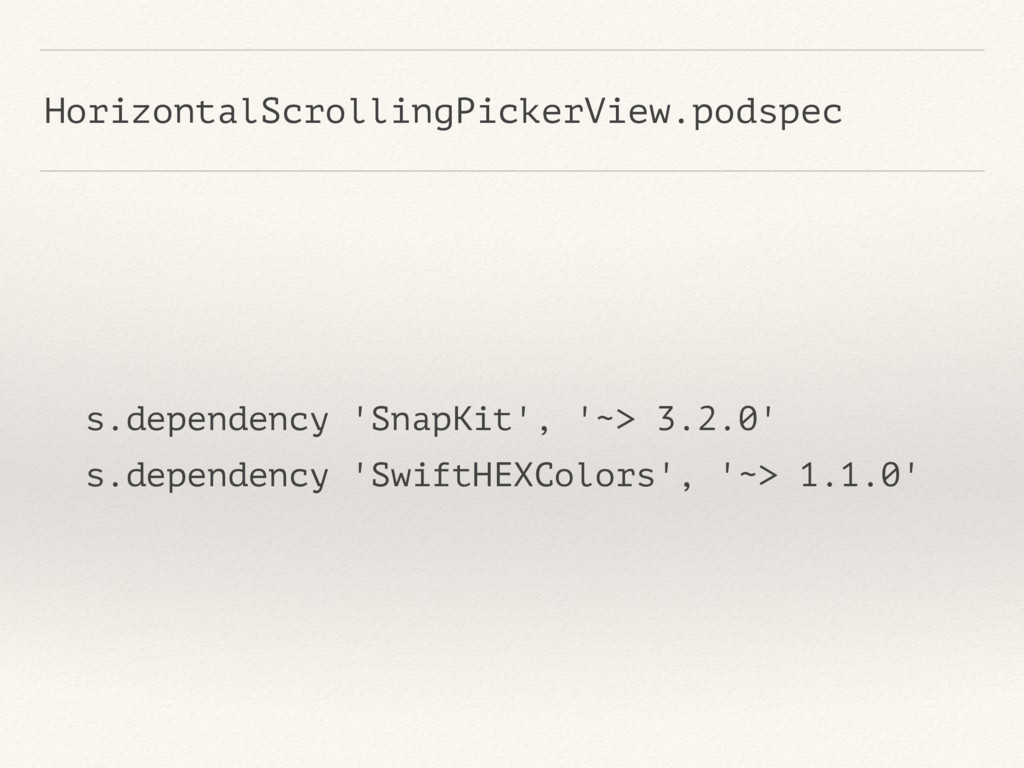
  21. lessons ‣ make the first step: create the cocoapod, carthage

    framework, swift package ‣ take your time ‣ design the api as one you would want to use ‣ choose your dependencies wisely
  22. lessons ‣ make the first step: create the cocoapod, carthage

    framework, swift package ‣ take your time ‣ design the api as one you would want to use ‣ choose your dependencies wisely
  23. lessons ‣ make the first step: create the cocoapod, carthage

    framework, swift package ‣ take your time ‣ design the api as one you would want to use ‣ choose your dependencies wisely ‣ (recommended) get another pair of on it
  24. ‣ try to figure out the name of your library

    in the first shot ‣ renaming sucks tips & tricks
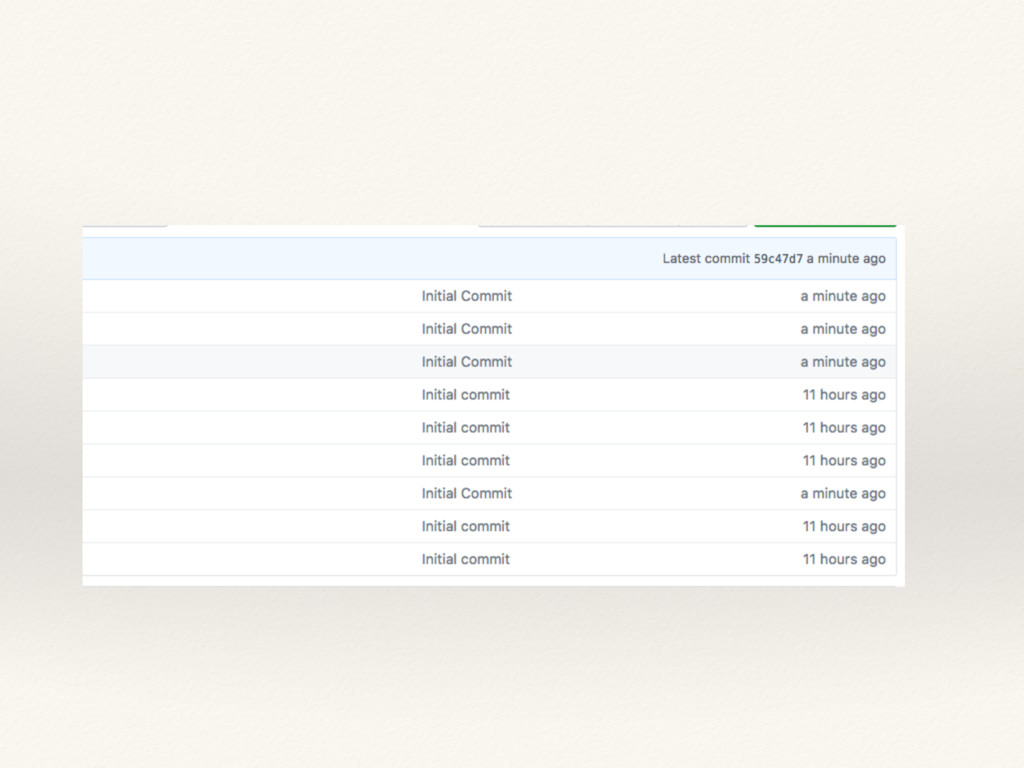
  25. ‣ try to figure out the name of your library

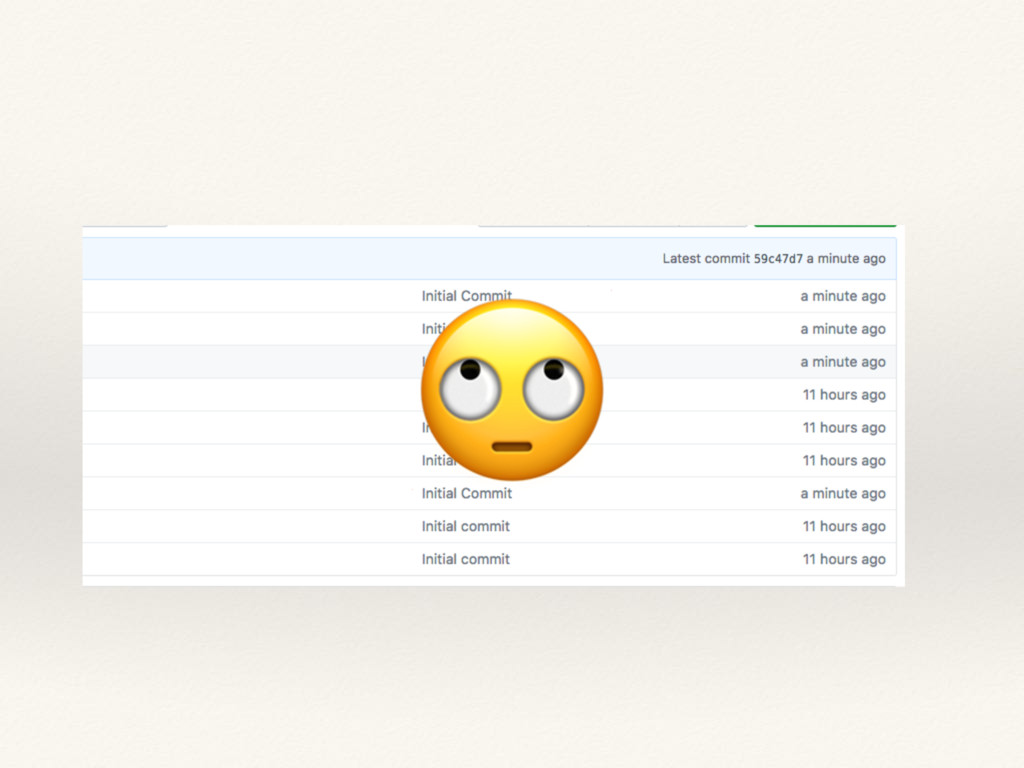
    in the first shot ‣ renaming sucks ‣ CocoaPods does this funny thing where it makes an initial commit for you tips & tricks

More Decks by Anat Gilboa

Other Decks in Programming