Upgrade to Pro — share decks privately, control downloads, hide ads and more …

How to make your app lose weight

How to make your app lose weight

For a ton of reasons, we want our apps to be lighter. To take less storage space? To be quicker to download? To get the next billion users? But yes, it takes time to do everything… But... NO. I promise it can be really easy to lose weight! (At least for your app) I want to show you, with only a few hours, your app can be smaller and everybody can do it. WEBP, R8, Lint, so many tools to help us achieve this, I’ll explain everything to you.

Avatar for Antoine Danois

Antoine Danois

April 20, 2020

More Decks by Antoine Danois

Other Decks in Programming

Transcript

  1. HOW TO MAKE YOUR APP LOSE WEIGHT A N TO

    I N E DA N O I S C I T Y M A P P E R , L O N D O N
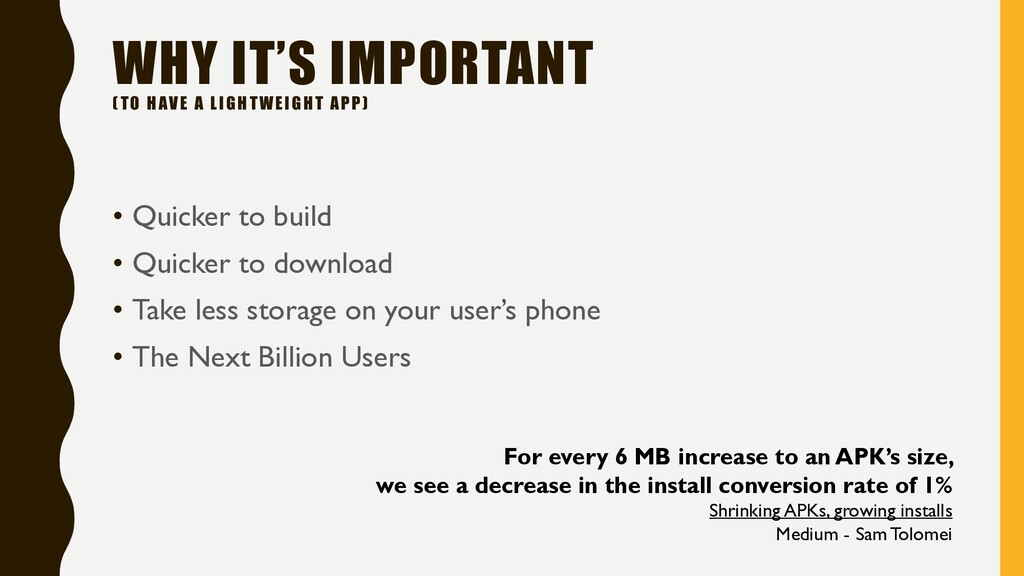
  2. WHY IT’S IMPORTANT (TO HAVE A LIGHTWEIGHT APP) • Quicker

    to build • Quicker to download • Take less storage on your user’s phone • The Next Billion Users For every 6 MB increase to an APK’s size, we see a decrease in the install conversion rate of 1% Shrinking APKs, growing installs Medium - Sam Tolomei
  3. HOW

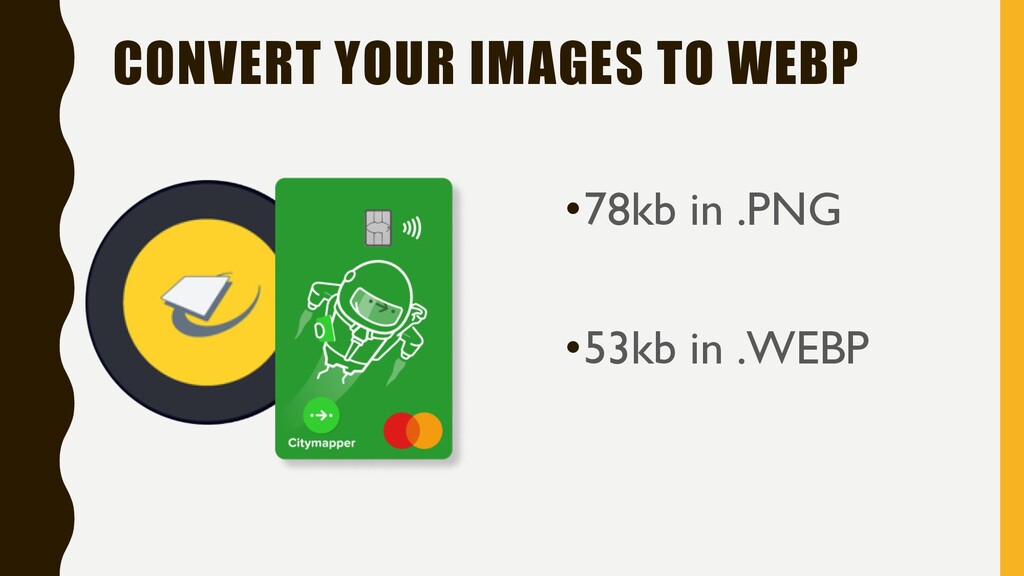
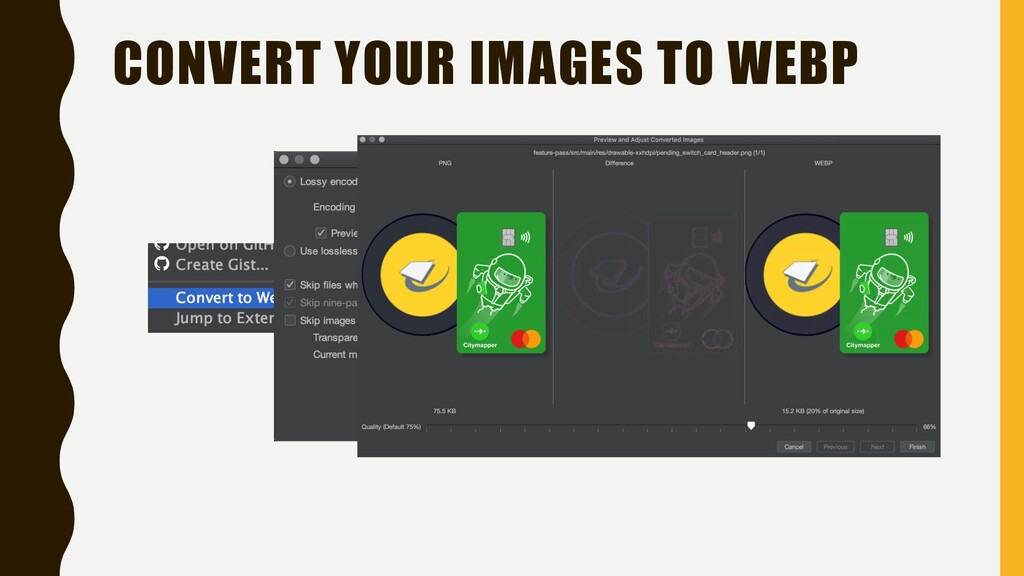
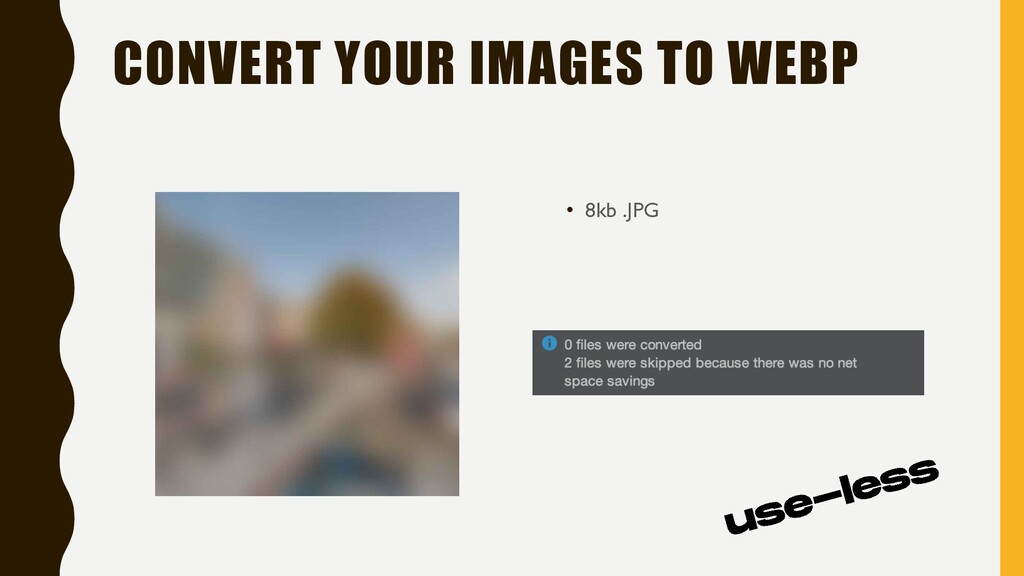
  4. USE .WEBP I N S T E A D O

    F . J P G & . P N G
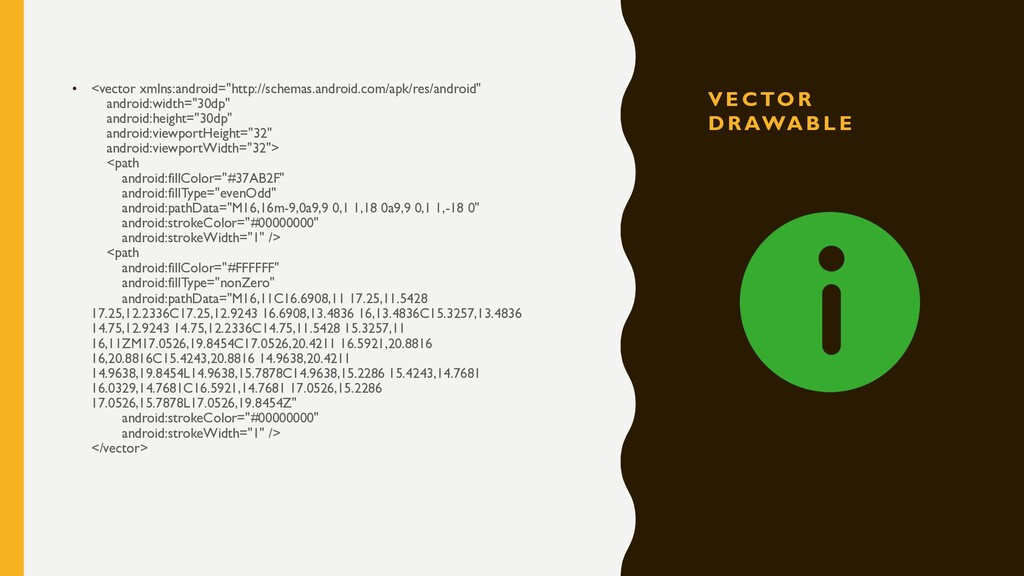
  5. V E C TO R D R AWA B L

    E • <vector xmlns:android="http://schemas.android.com/apk/res/android" android:width="30dp" android:height="30dp" android:viewportHeight="32" android:viewportWidth="32"> <path android:fillColor="#37AB2F" android:fillType="evenOdd" android:pathData="M16,16m-9,0a9,9 0,1 1,18 0a9,9 0,1 1,-18 0" android:strokeColor="#00000000" android:strokeWidth="1" /> <path android:fillColor="#FFFFFF" android:fillType="nonZero" android:pathData="M16,11C16.6908,11 17.25,11.5428 17.25,12.2336C17.25,12.9243 16.6908,13.4836 16,13.4836C15.3257,13.4836 14.75,12.9243 14.75,12.2336C14.75,11.5428 15.3257,11 16,11ZM17.0526,19.8454C17.0526,20.4211 16.5921,20.8816 16,20.8816C15.4243,20.8816 14.9638,20.4211 14.9638,19.8454L14.9638,15.7878C14.9638,15.2286 15.4243,14.7681 16.0329,14.7681C16.5921,14.7681 17.0526,15.2286 17.0526,15.7878L17.0526,19.8454Z" android:strokeColor="#00000000" android:strokeWidth="1" /> </vector>
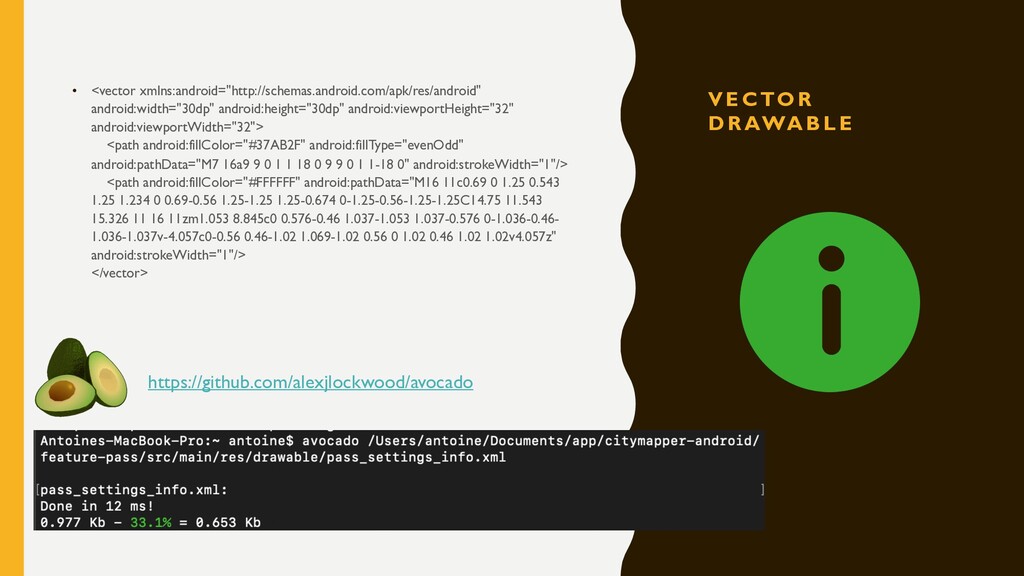
  6. V E C TO R D R AWA B L

    E • <vector xmlns:android="http://schemas.android.com/apk/res/android" android:width="30dp" android:height="30dp" android:viewportHeight="32" android:viewportWidth="32"> <path android:fillColor="#37AB2F" android:fillType="evenOdd" android:pathData="M7 16a9 9 0 1 1 18 0 9 9 0 1 1-18 0" android:strokeWidth="1"/> <path android:fillColor="#FFFFFF" android:pathData="M16 11c0.69 0 1.25 0.543 1.25 1.234 0 0.69-0.56 1.25-1.25 1.25-0.674 0-1.25-0.56-1.25-1.25C14.75 11.543 15.326 11 16 11zm1.053 8.845c0 0.576-0.46 1.037-1.053 1.037-0.576 0-1.036-0.46- 1.036-1.037v-4.057c0-0.56 0.46-1.02 1.069-1.02 0.56 0 1.02 0.46 1.02 1.02v4.057z" android:strokeWidth="1"/> </vector> https://github.com/alexjlockwood/avocado
  7. DON’T PUT YOUR IMAGES IN YOUR APK • Download your

    images from your server • Cache them • Use low-res when needed • Use Thumbor https://<thumbor-server>/300x200/smart/en/latest/images/android-makers.webp
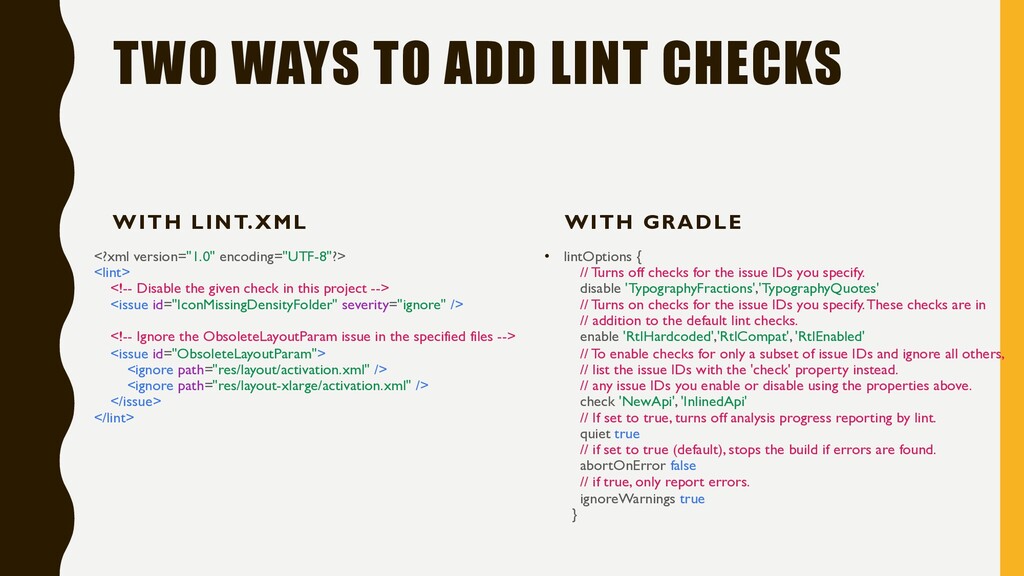
  8. TWO WAYS TO ADD LINT CHECKS WITH LINT.XML <?xml version="1.0"

    encoding="UTF-8"?> <lint> <!-- Disable the given check in this project --> <issue id="IconMissingDensityFolder" severity="ignore" /> <!-- Ignore the ObsoleteLayoutParam issue in the specified files --> <issue id="ObsoleteLayoutParam"> <ignore path="res/layout/activation.xml" /> <ignore path="res/layout-xlarge/activation.xml" /> </issue> </lint> WITH GRADLE • lintOptions { // Turns off checks for the issue IDs you specify. disable 'TypographyFractions','TypographyQuotes' // Turns on checks for the issue IDs you specify. These checks are in // addition to the default lint checks. enable 'RtlHardcoded','RtlCompat', 'RtlEnabled' // To enable checks for only a subset of issue IDs and ignore all others, // list the issue IDs with the 'check' property instead. // any issue IDs you enable or disable using the properties above. check 'NewApi', 'InlinedApi' // If set to true, turns off analysis progress reporting by lint. quiet true // if set to true (default), stops the build if errors are found. abortOnError false // if true, only report errors. ignoreWarnings true }
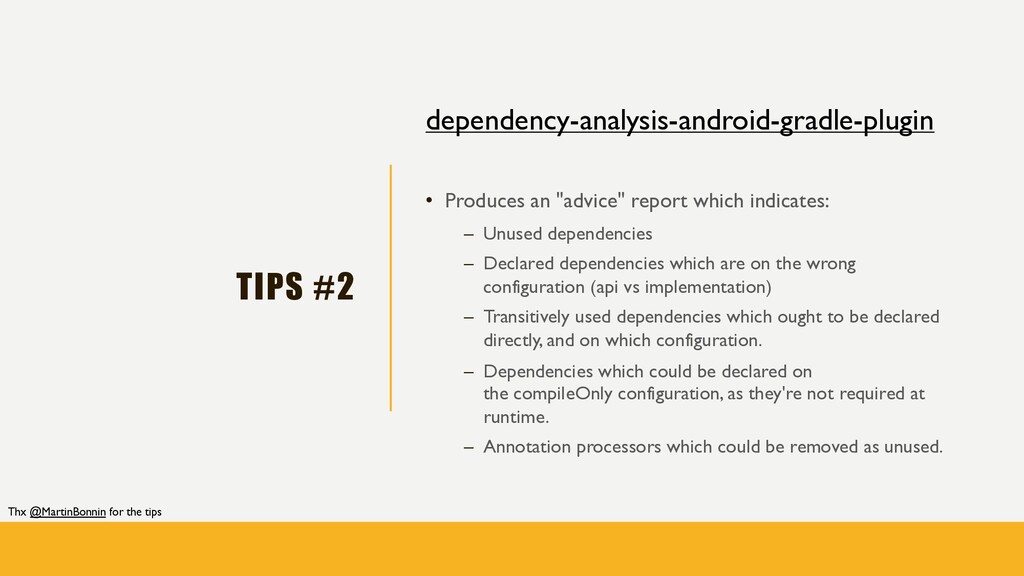
  9. TIPS #2 dependency-analysis-android-gradle-plugin • Produces an "advice" report which indicates:

    – Unused dependencies – Declared dependencies which are on the wrong configuration (api vs implementation) – Transitively used dependencies which ought to be declared directly, and on which configuration. – Dependencies which could be declared on the compileOnly configuration, as they're not required at runtime. – Annotation processors which could be removed as unused. Thx @MartinBonnin for the tips
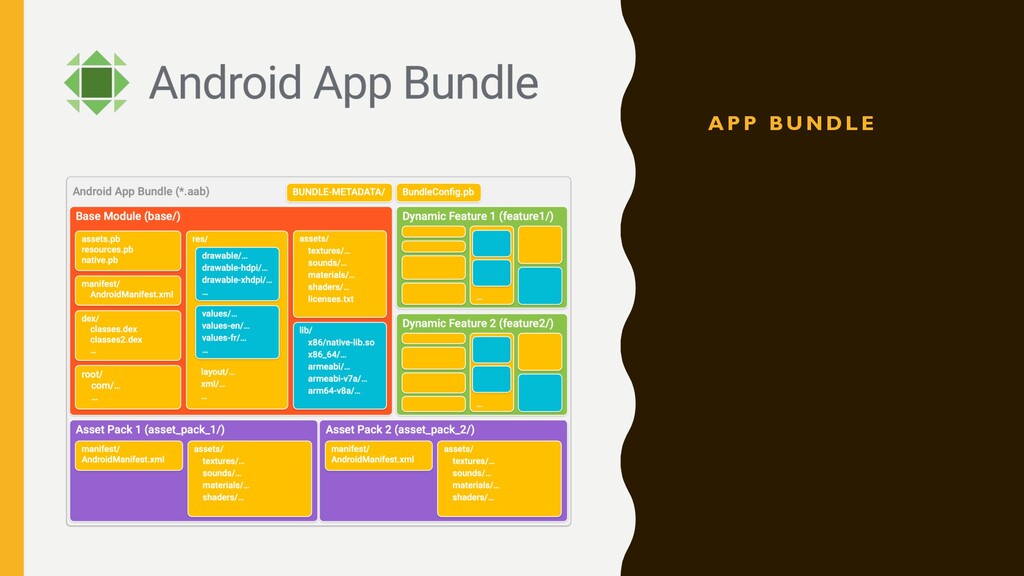
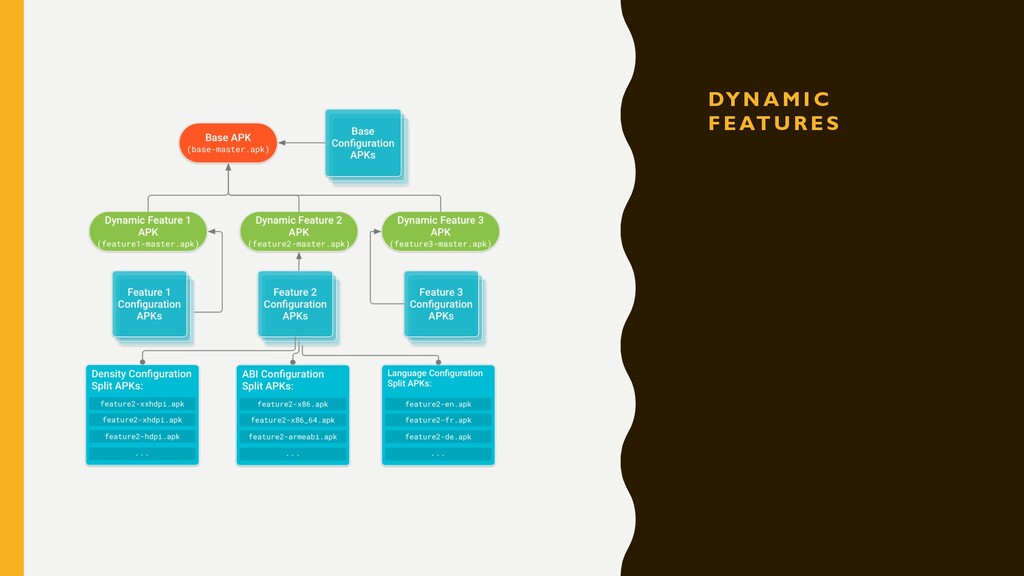
  10. CUT YOUR APP W I T H A P P

    B U N D L E & DY N A M I C F E AT U R E
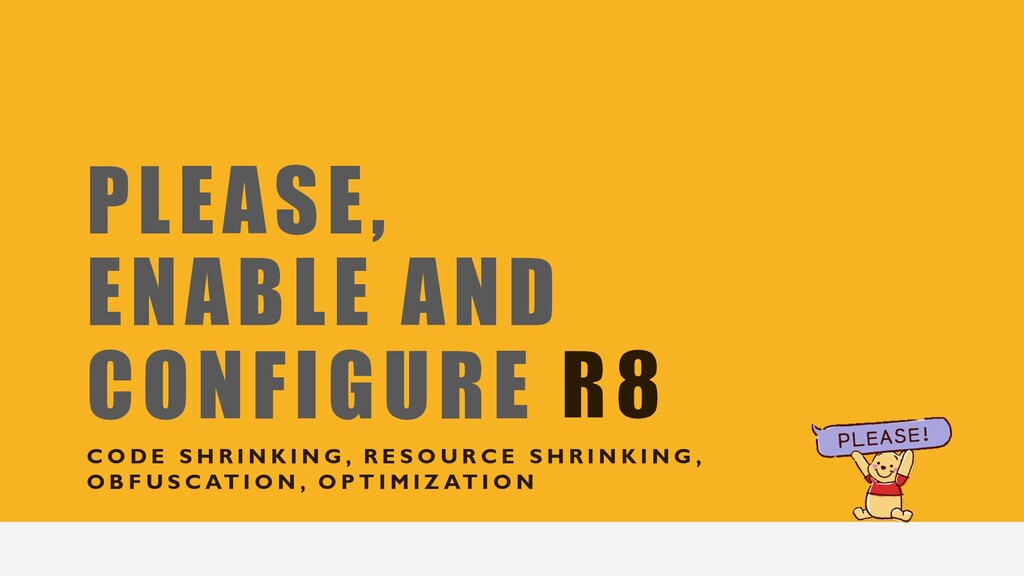
  11. PLEASE, ENABLE AND CONFIGURE C O D E S H

    R I N K I N G , R E S O U R C E S H R I N K I N G , O B F U S C AT I O N , O P T I M I Z AT I O N
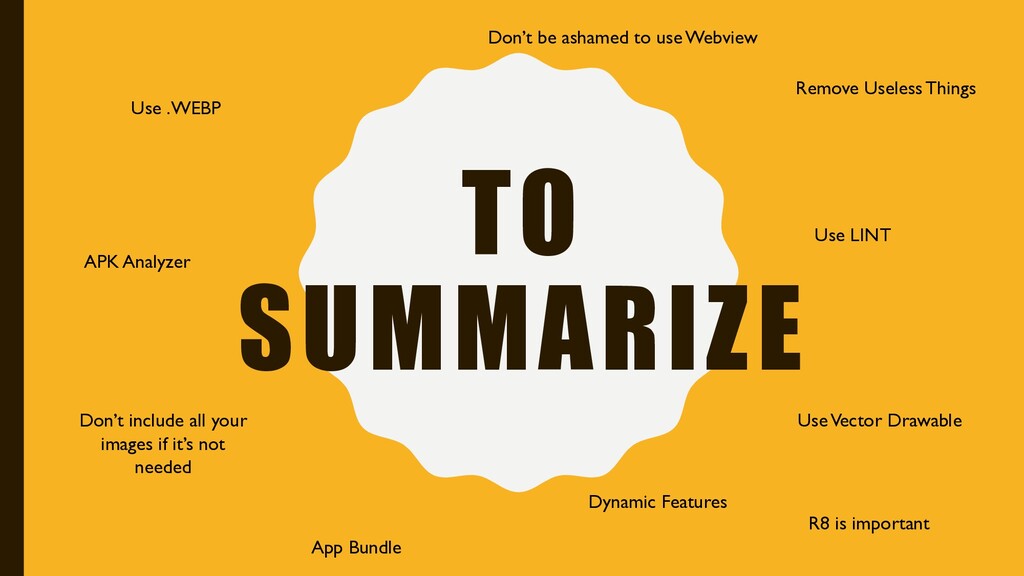
  12. TO SUMMARIZE Use .WEBP Use Vector Drawable Don’t include all

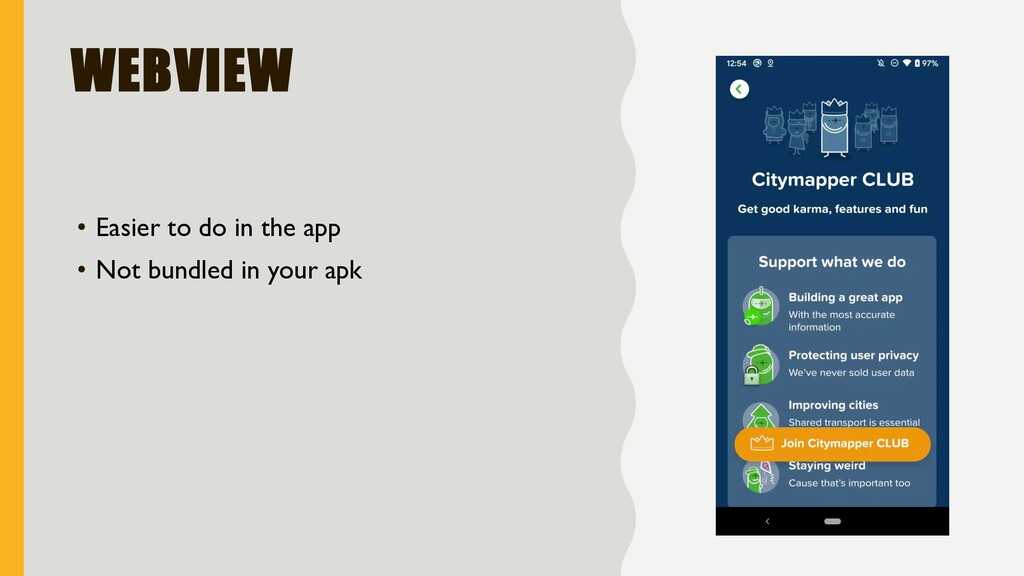
    your images if it’s not needed Remove Useless Things Use LINT APK Analyzer Don’t be ashamed to use Webview App Bundle Dynamic Features R8 is important