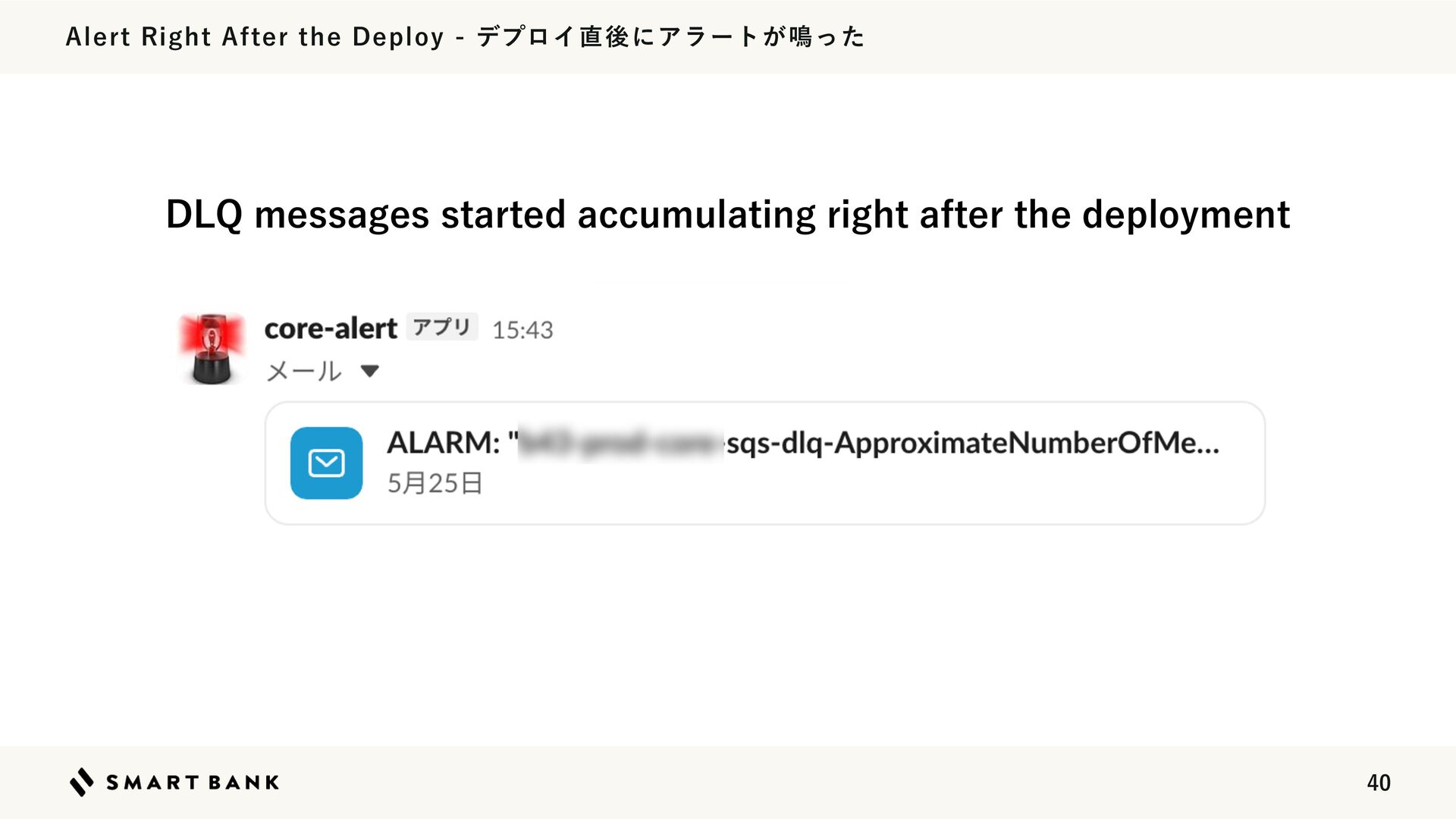
Upgrade to Pro — share decks privately, control downloads, hide ads and more …

作れる、でも消せるか?──安全に「枯らして消す」機能削除術 / Drain, Then Delete

作れる、でも消せるか?──安全に「枯らして消す」機能削除術 / Drain, Then Delete

Avatar for chobishiba

chobishiba

October 16, 2026

More Decks by chobishiba

Other Decks in Programming

Transcript

  1. 3

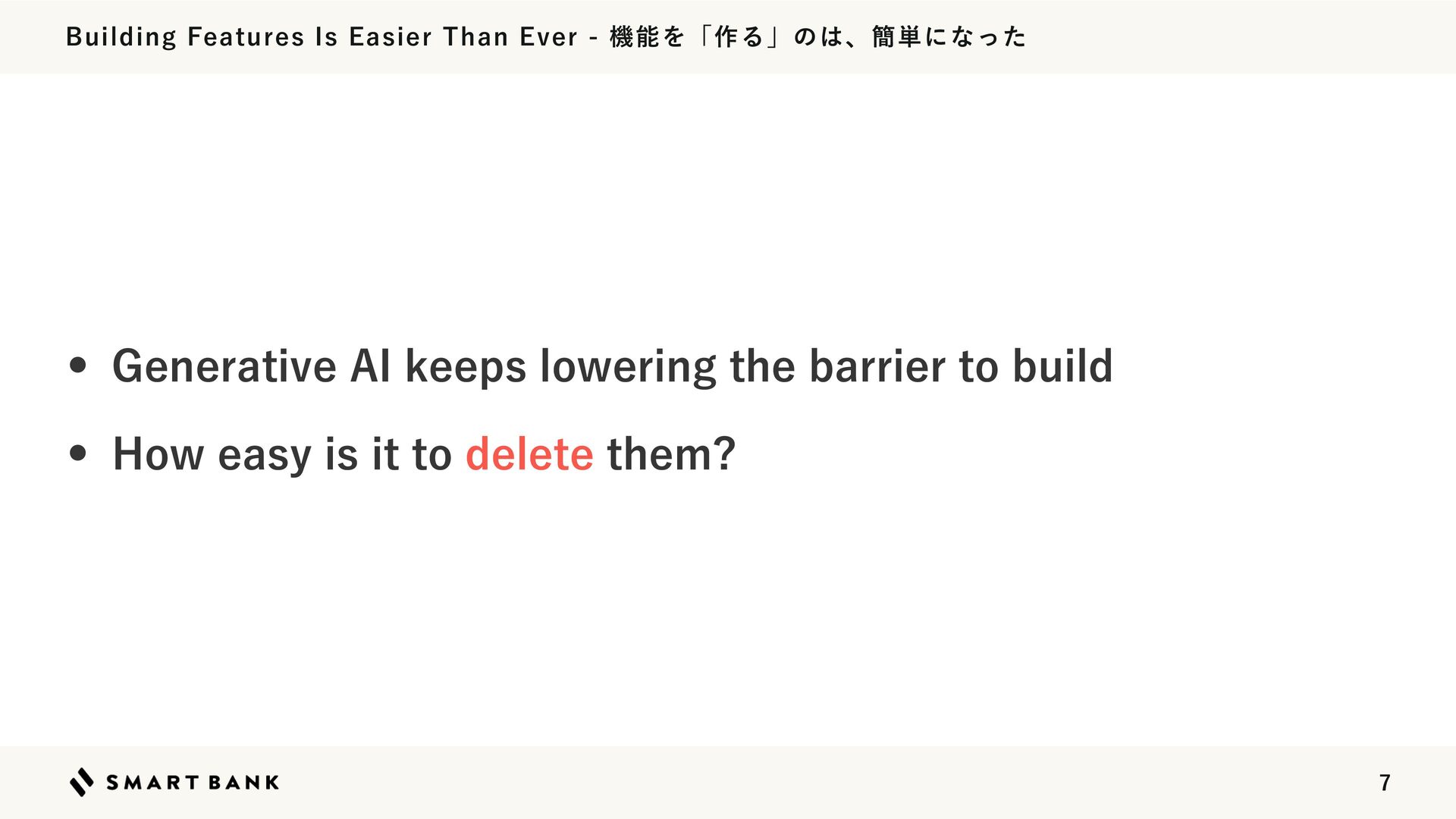
  2. Building Features Is Easier Than Ever - 機能を「作る」のは、簡単になった • Generative

    AI keeps lowering the barrier to build • How easy is it to delete them? 7
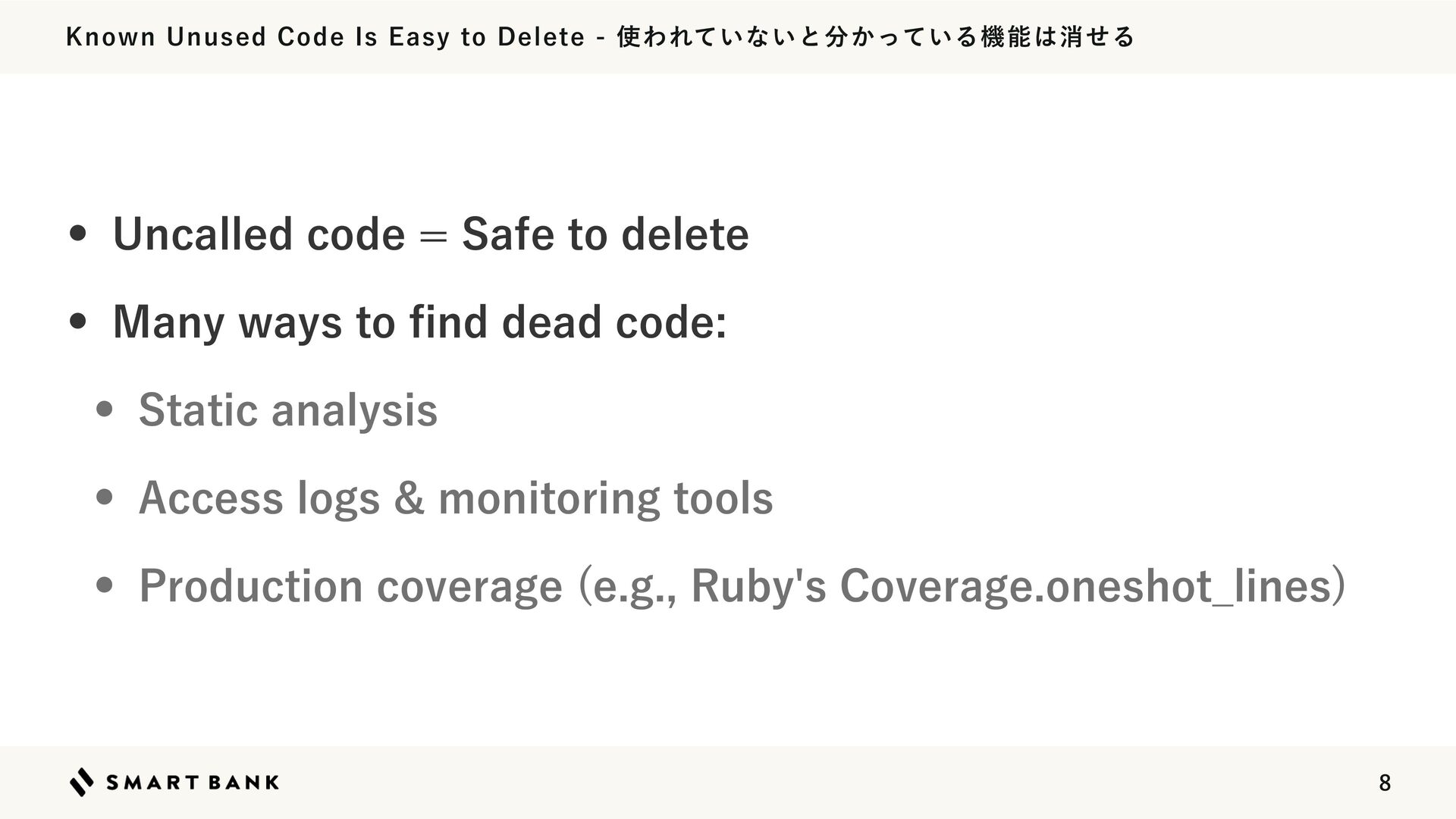
  3. Known Unused Code Is Easy to Delete - 使われていないと分かっている機能は消せる •

    Uncalled code = Safe to delete • Many ways to nd dead code: • Static analysis • Access logs & monitoring tools • Production coverage (e.g., Ruby's Coverage.oneshot̲lines) fi 8
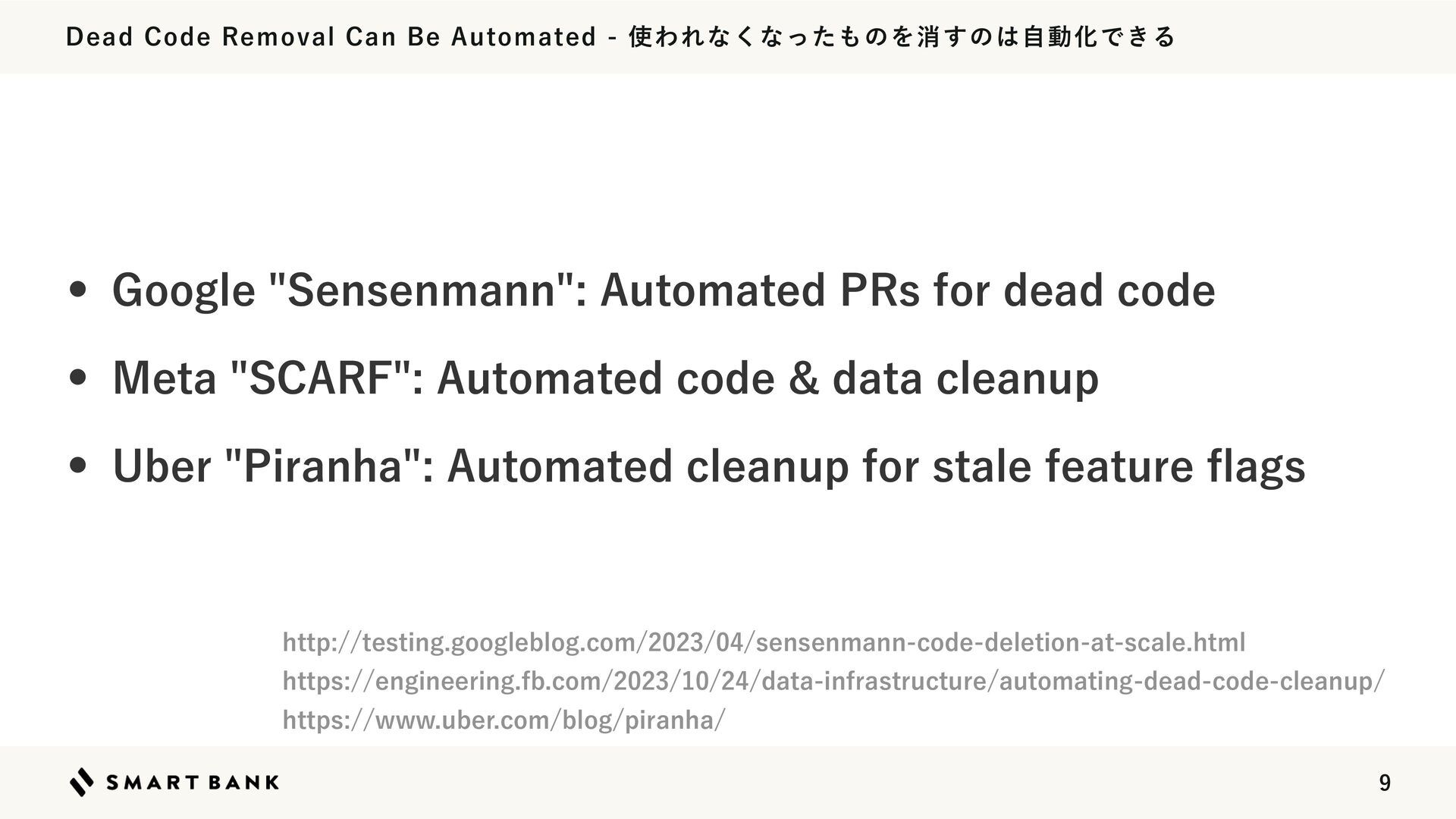
  4. Dead Code Removal Can Be Automated - 使われなくなったものを消すのは自動化できる • Google

    "Sensenmann": Automated PRs for dead code • Meta "SCARF": Automated code & data cleanup • Uber "Piranha": Automated cleanup for stale feature ags http://testing.googleblog.com/2023/04/sensenmann-code-deletion-at-scale.html https://engineering.fb.com/2023/10/24/data-infrastructure/automating-dead-code-cleanup/ https://www.uber.com/blog/piranha/ fl 9
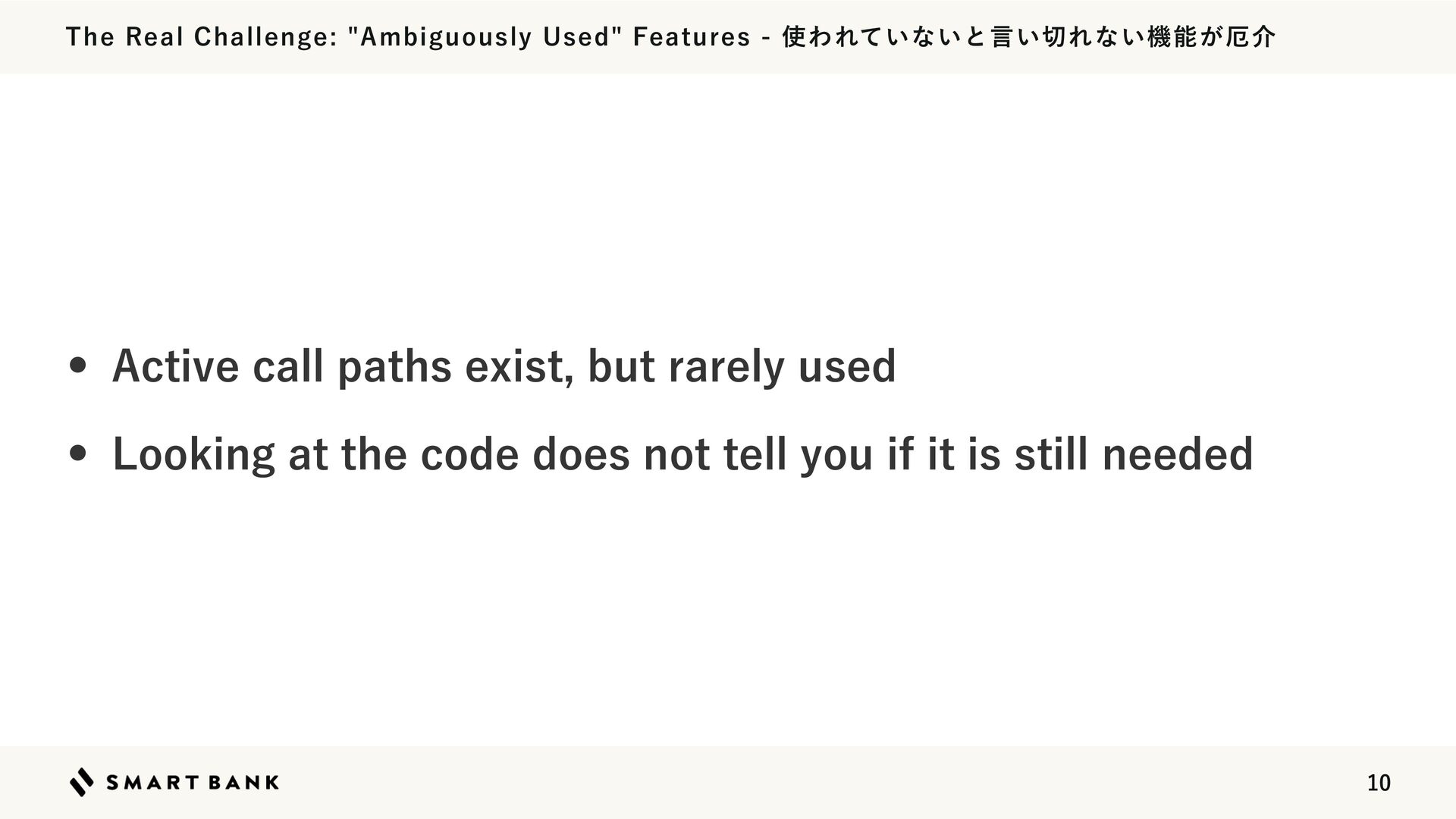
  5. The Real Challenge: "Ambiguously Used" Features - 使われていないと言い切れない機能が厄介 • Active

    call paths exist, but rarely used • Looking at the code does not tell you if it is still needed 10
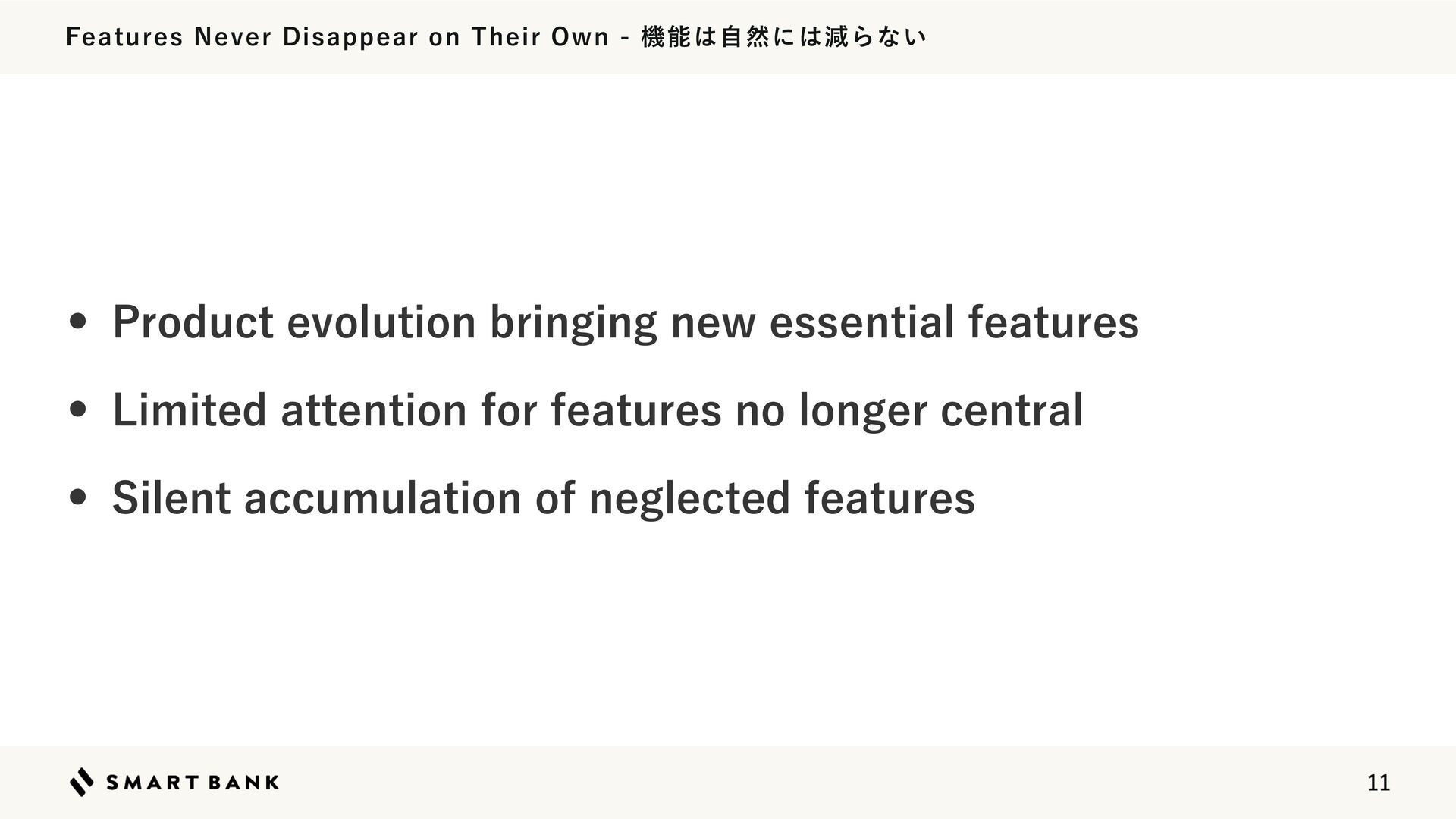
  6. Features Never Disappear on Their Own - 機能は自然には減らない • Product

    evolution bringing new essential features • Limited attention for features no longer central • Silent accumulation of neglected features 11
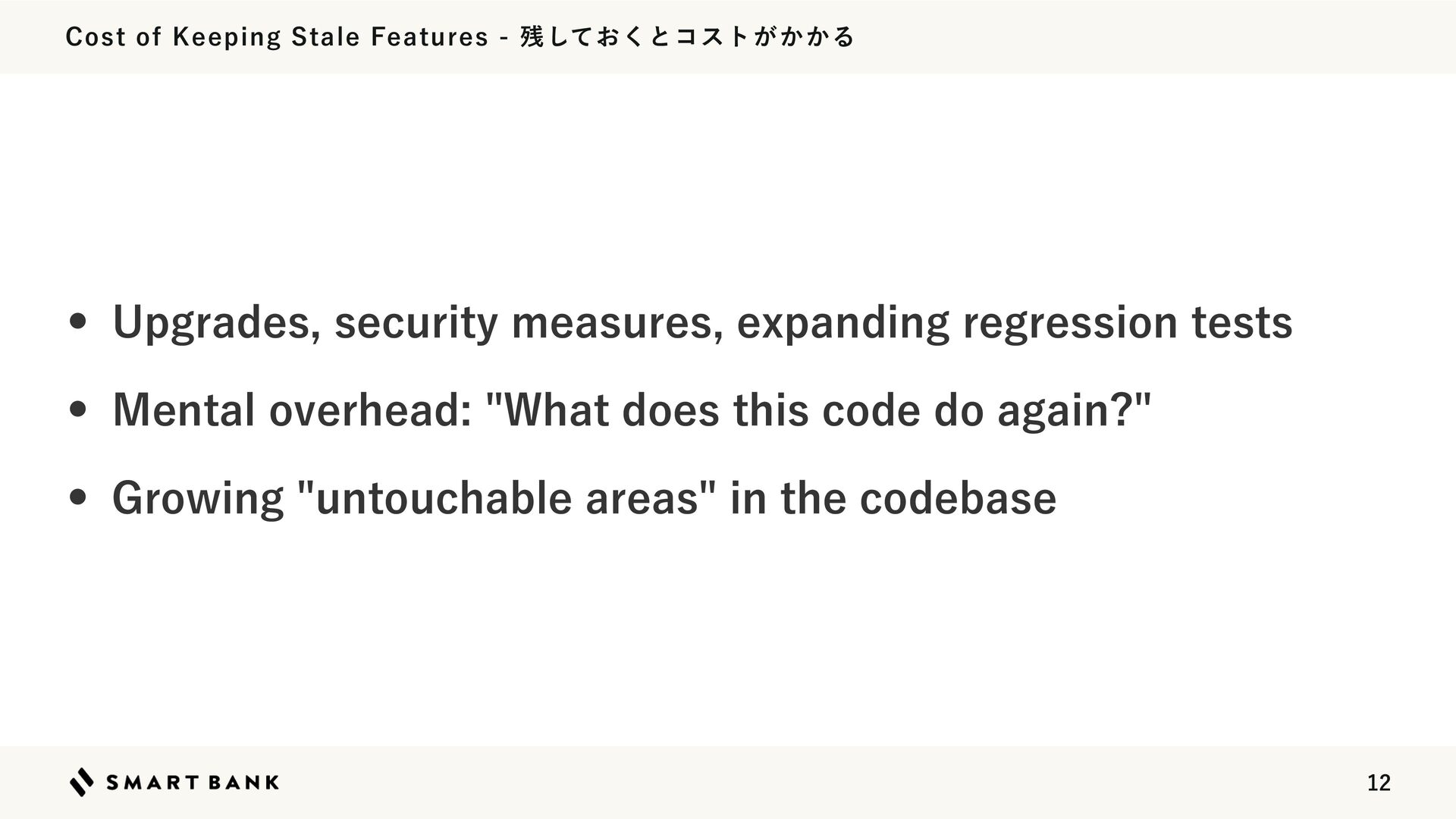
  7. Cost of Keeping Stale Features - 残しておくとコストがかかる • Upgrades, security

    measures, expanding regression tests • Mental overhead: "What does this code do again?" • Growing "untouchable areas" in the codebase 12
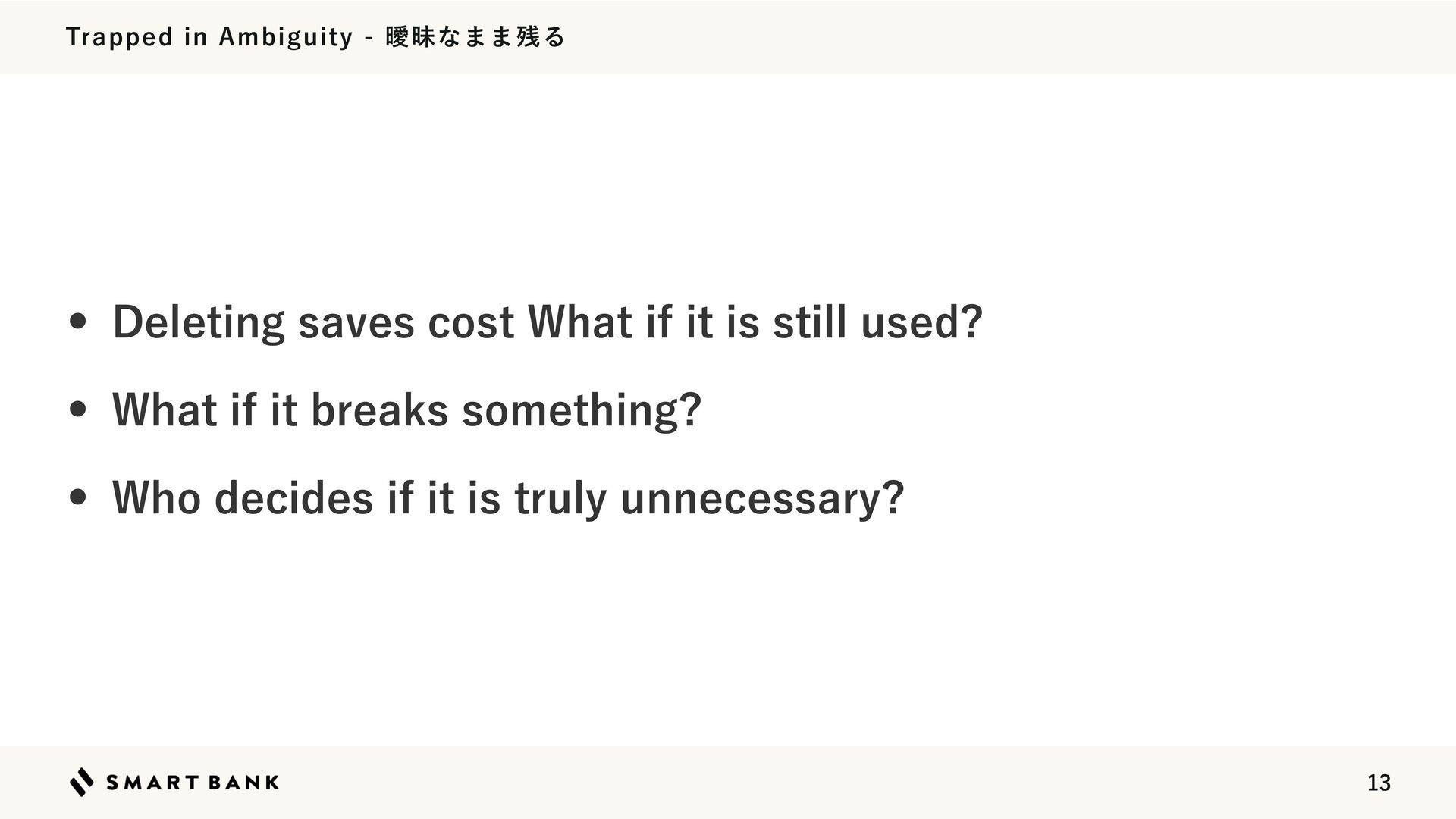
  8. Trapped in Ambiguity - 曖昧なまま残る • Deleting saves cost What

    if it is still used? • What if it breaks something? • Who decides if it is truly unnecessary? 13
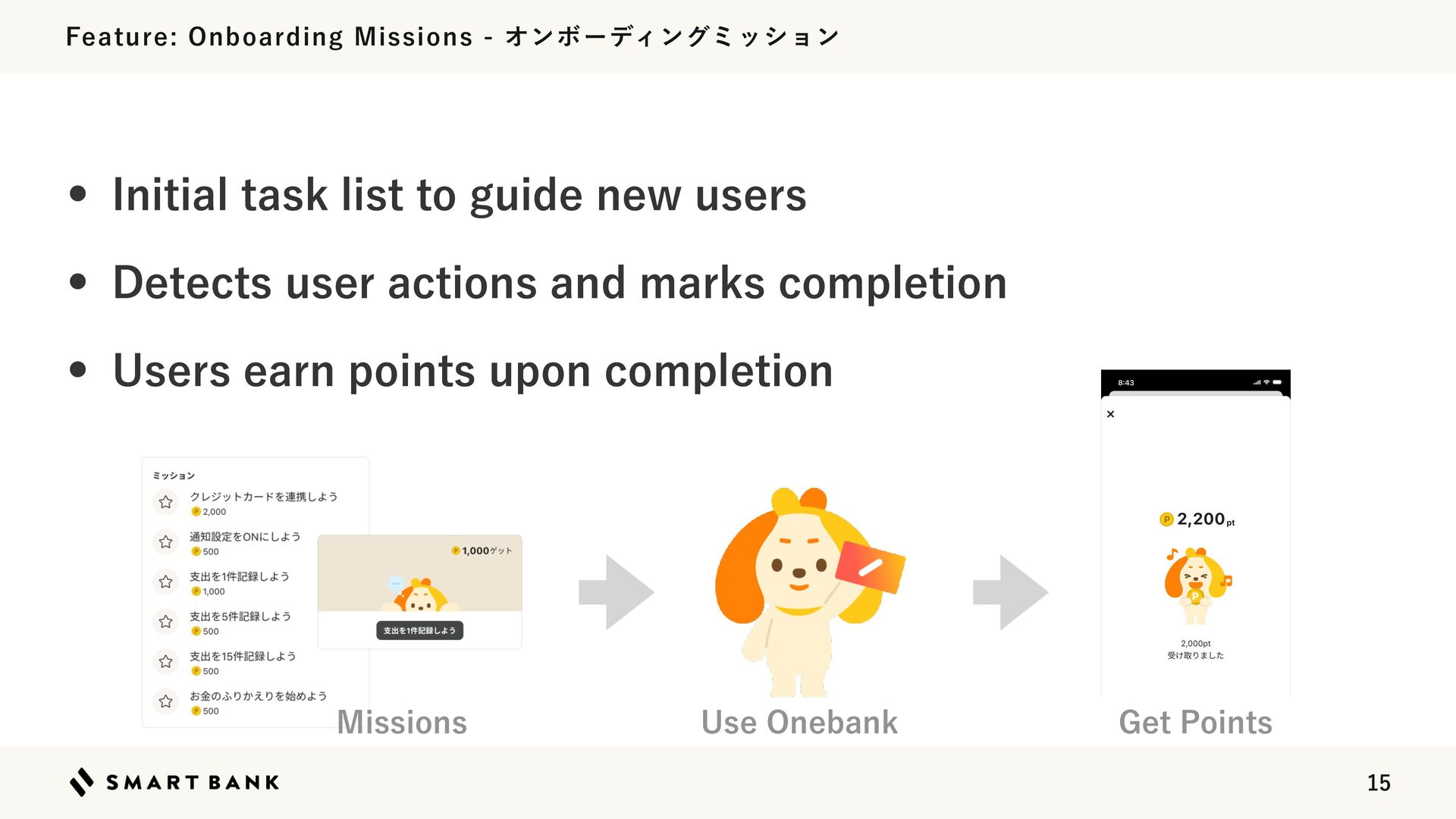
  9. Feature: Onboarding Missions - オンボーディングミッション • Initial task list to

    guide new users • Detects user actions and marks completion • Users earn points upon completion Missions Use Onebank Get Points 15
  10. A Feature Turned Maintenance Burden - メンテしづらい機能になっていた • Built quickly

    to validate an onboarding idea • Unexpected operational complexity after release • Team consensus: "Refactor if we keep it" 16
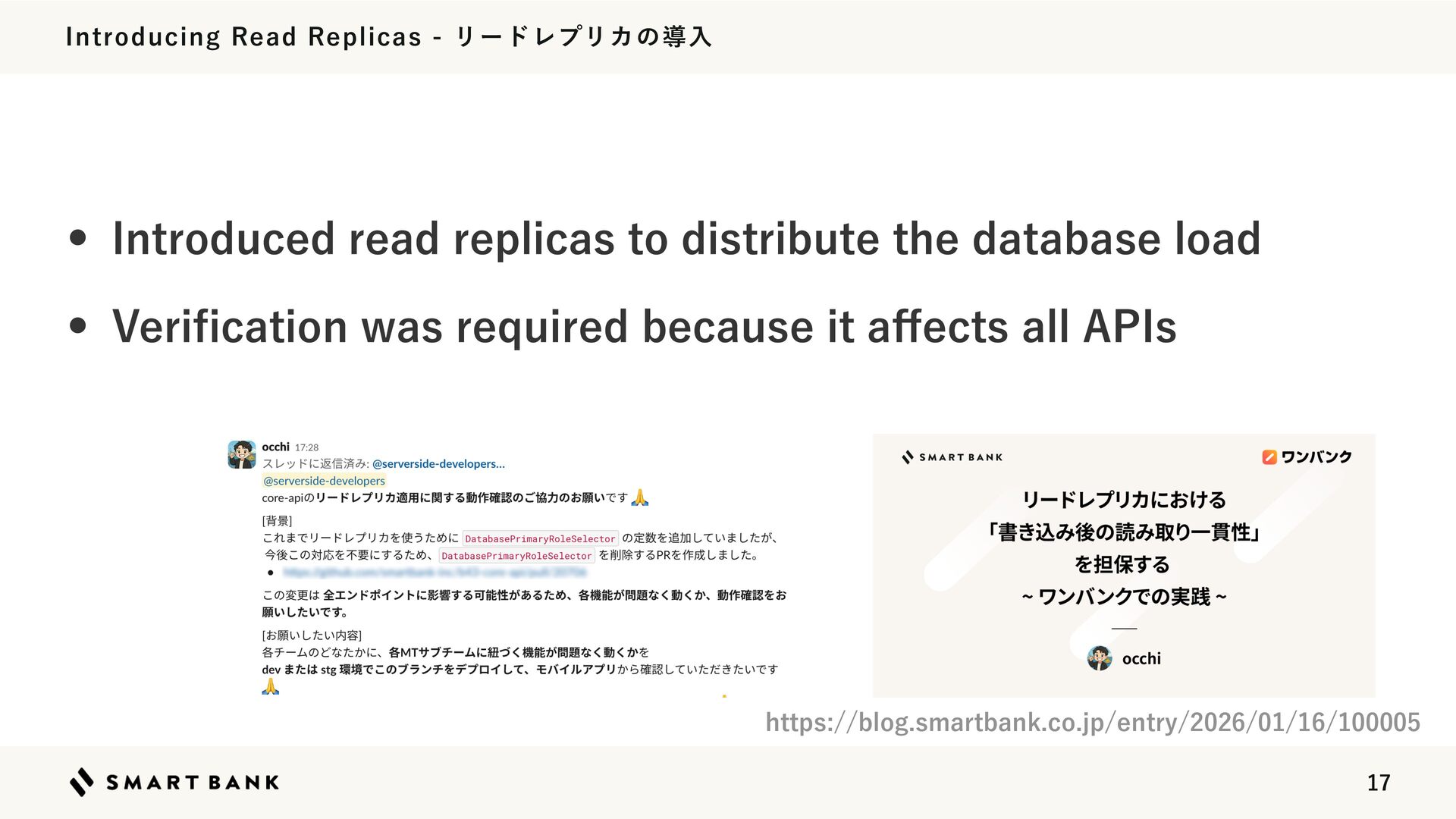
  11. Introducing Read Replicas - リードレプリカの導入 • Introduced read replicas to

    distribute the database load • Veri cation was required because it a ects all APIs https://blog.smartbank.co.jp/entry/2026/01/16/100005 ff fi 17
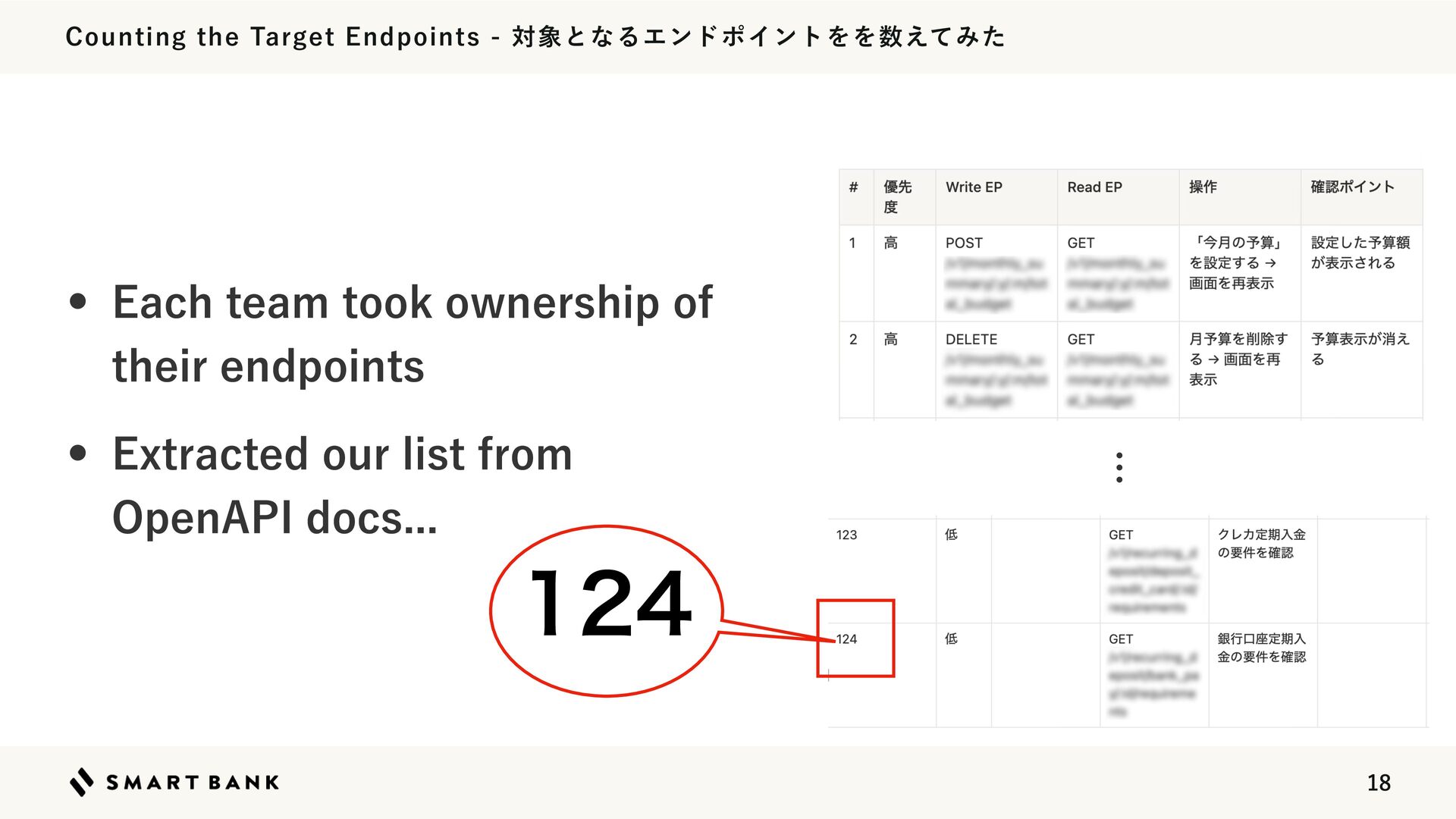
  12. Counting the Target Endpoints - 対象となるエンドポイントをを数えてみた • Each team took

    ownership of their endpoints … • Extracted our list from OpenAPI docs... 124 18
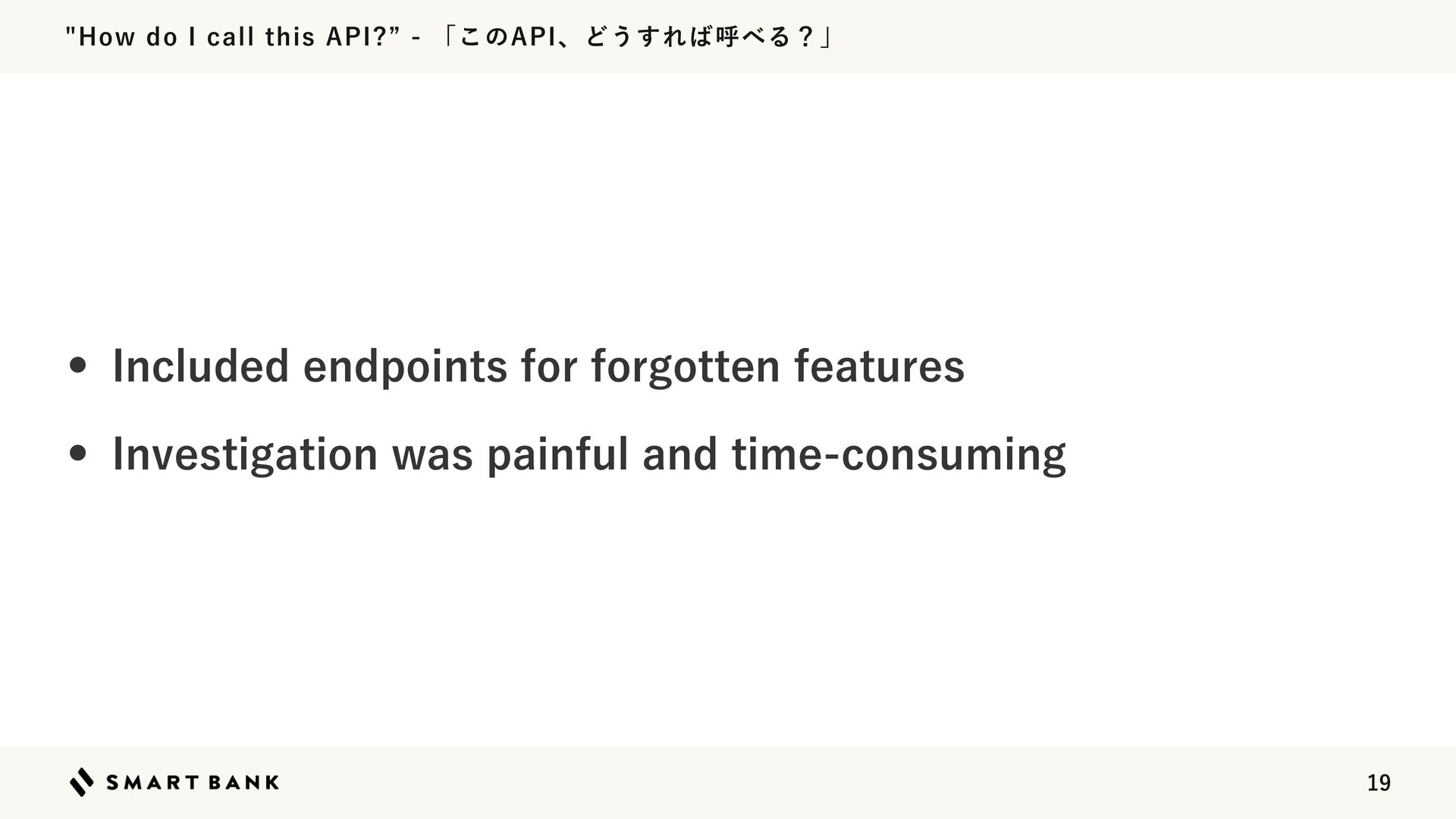
  13. "How do I call this API?” - 「このAPI、どうすれば呼べる?」 • Included

    endpoints for forgotten features • Investigation was painful and time-consuming 19
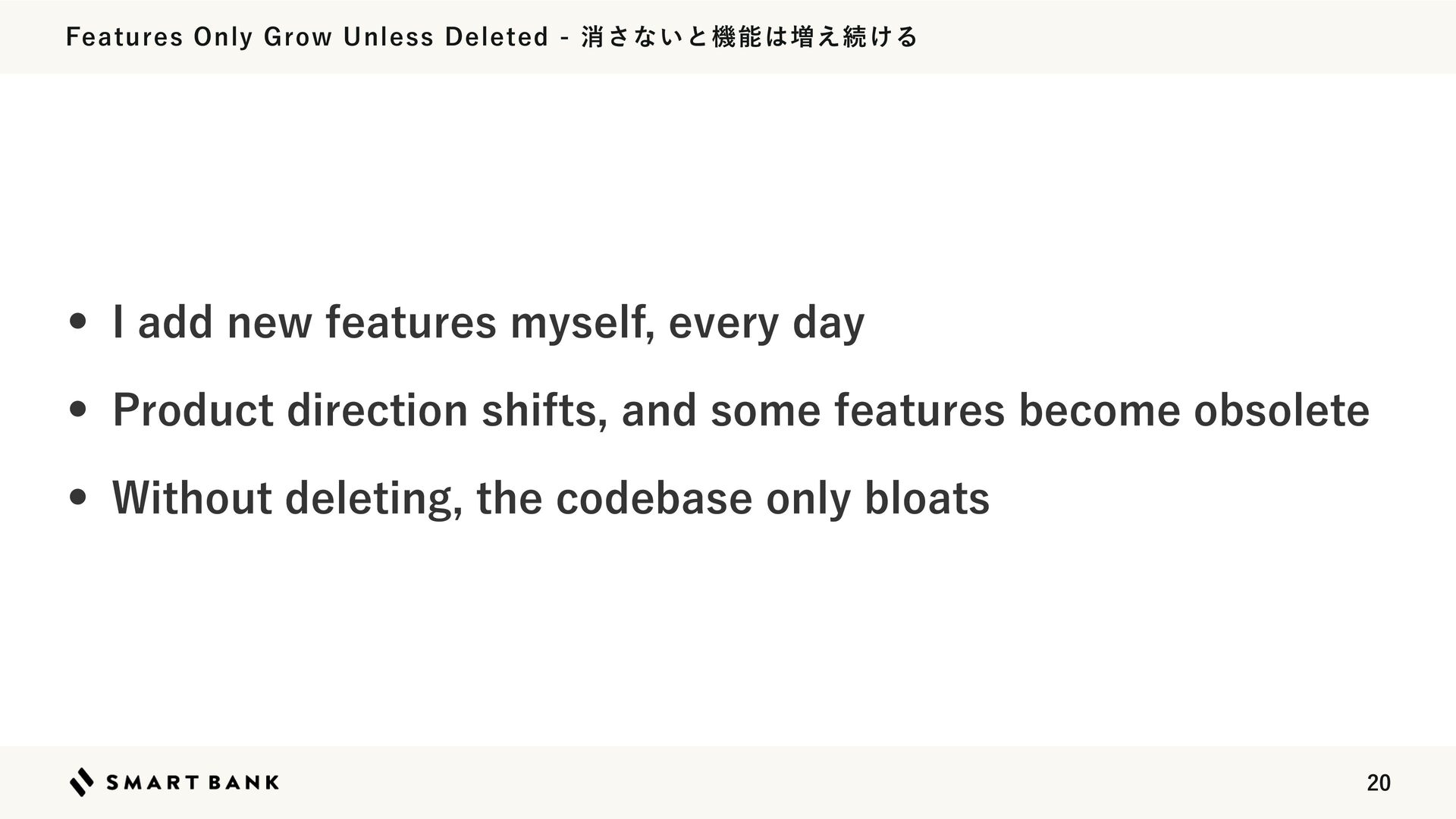
  14. Features Only Grow Unless Deleted - 消さないと機能は増え続ける • I add

    new features myself, every day • Product direction shifts, and some features become obsolete • Without deleting, the codebase only bloats 20
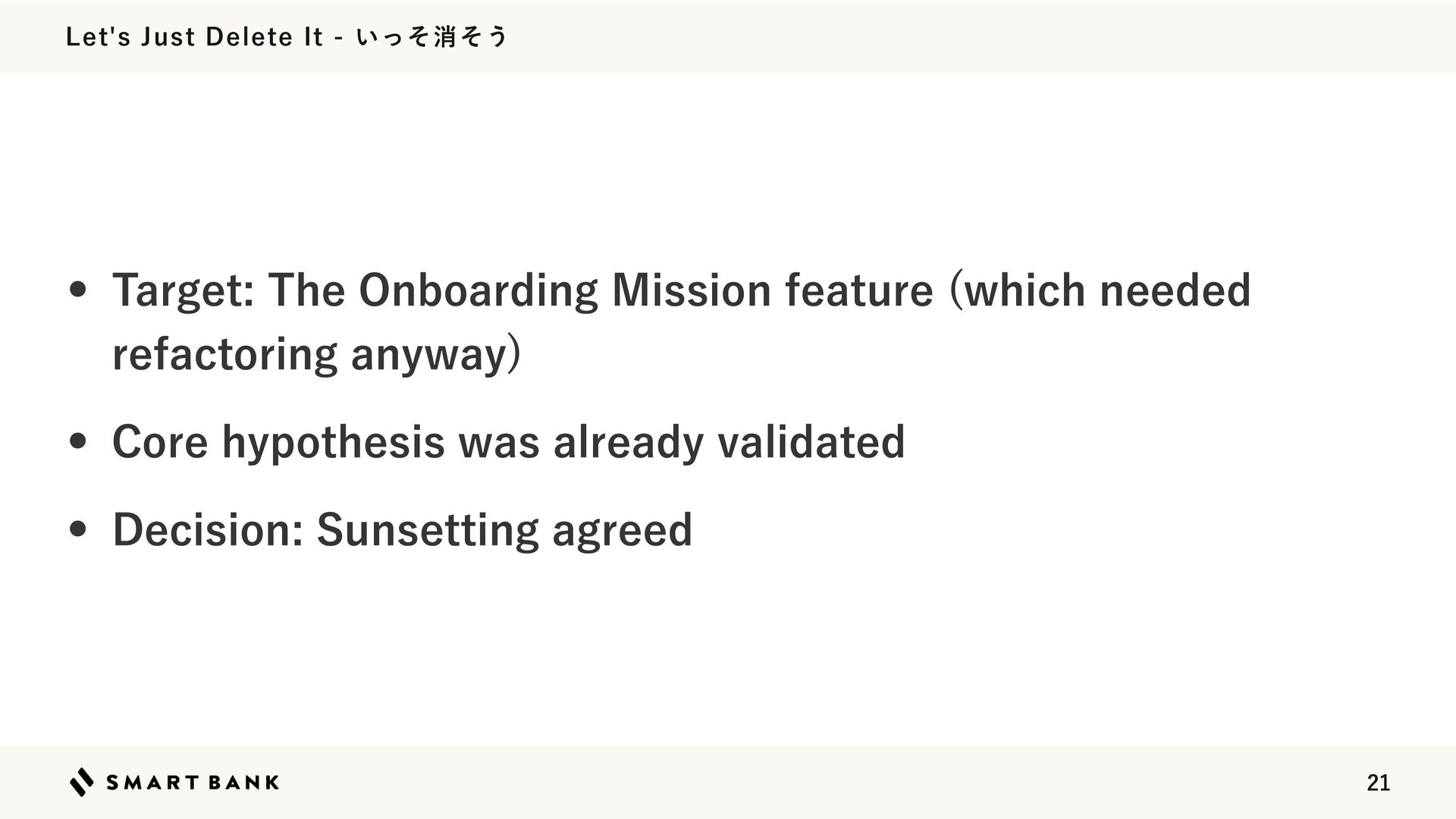
  15. Let's Just Delete It - いっそ消そう • Target: The Onboarding

    Mission feature (which needed refactoring anyway) • Core hypothesis was already validated • Decision: Sunsetting agreed 21
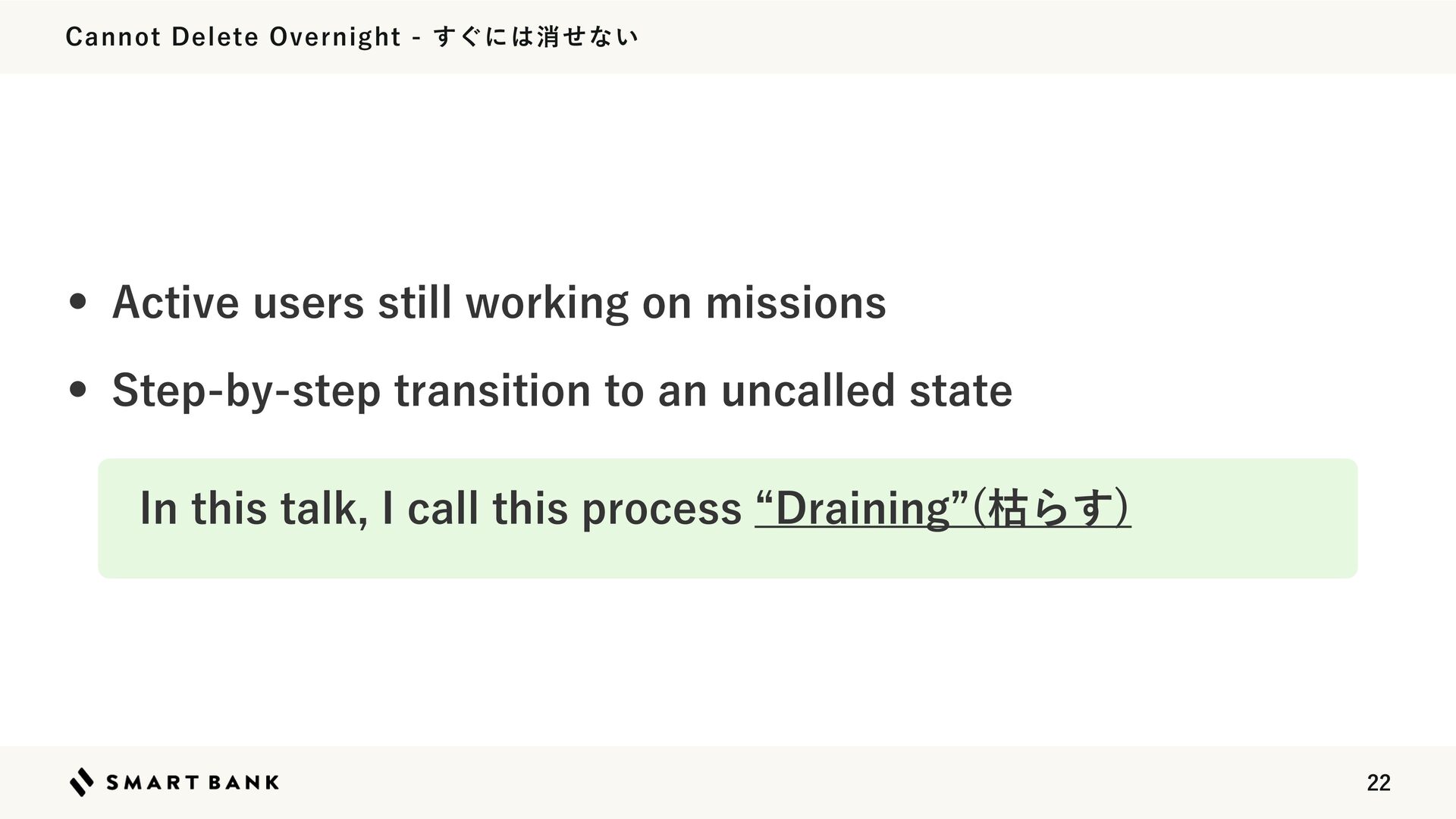
  16. Cannot Delete Overnight - すぐには消せない • Active users still working

    on missions • Step-by-step transition to an uncalled state In this talk, I call this process “Draining”(枯らす) 22
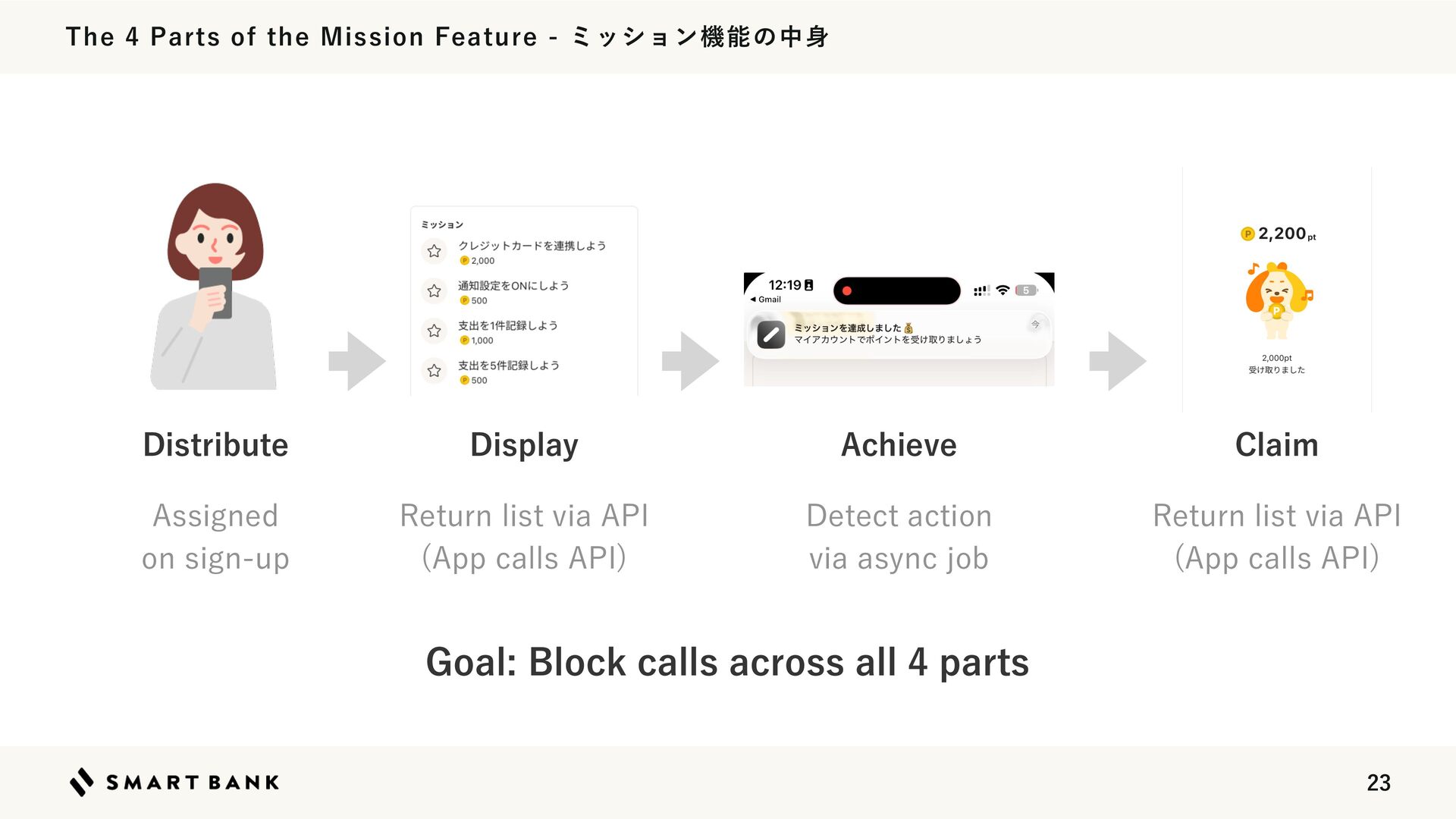
  17. The 4 Parts of the Mission Feature - ミッション機能の中身 Distribute

    Display Achieve Claim Assigned on sign-up Return list via API (App calls API) Detect action via async job Return list via API (App calls API) Goal: Block calls across all 4 parts 23
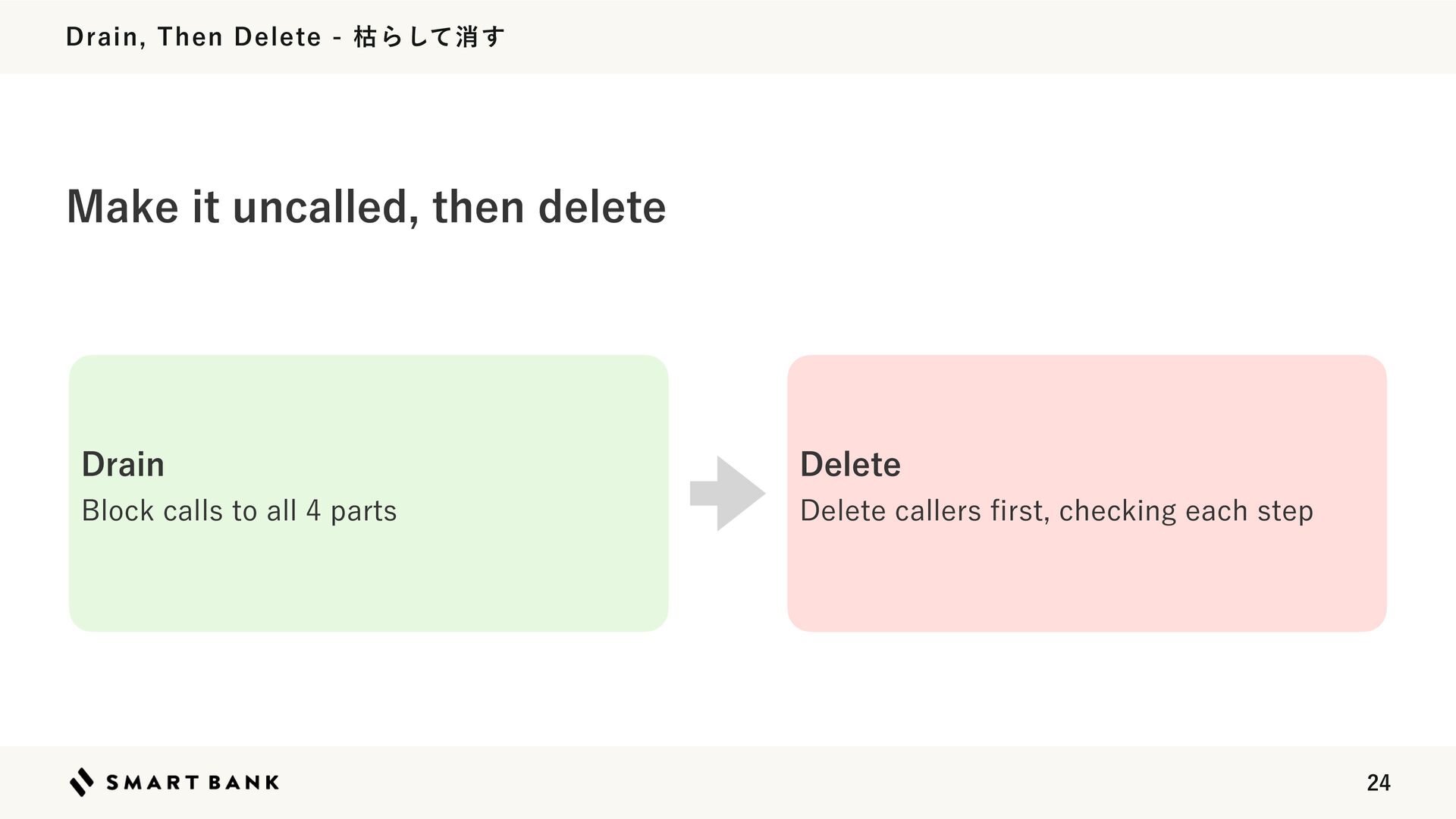
  18. Drain, Then Delete - 枯らして消す Make it uncalled, then delete

    Drain Delete Block calls to all 4 parts Delete callers rst, checking each step fi 24
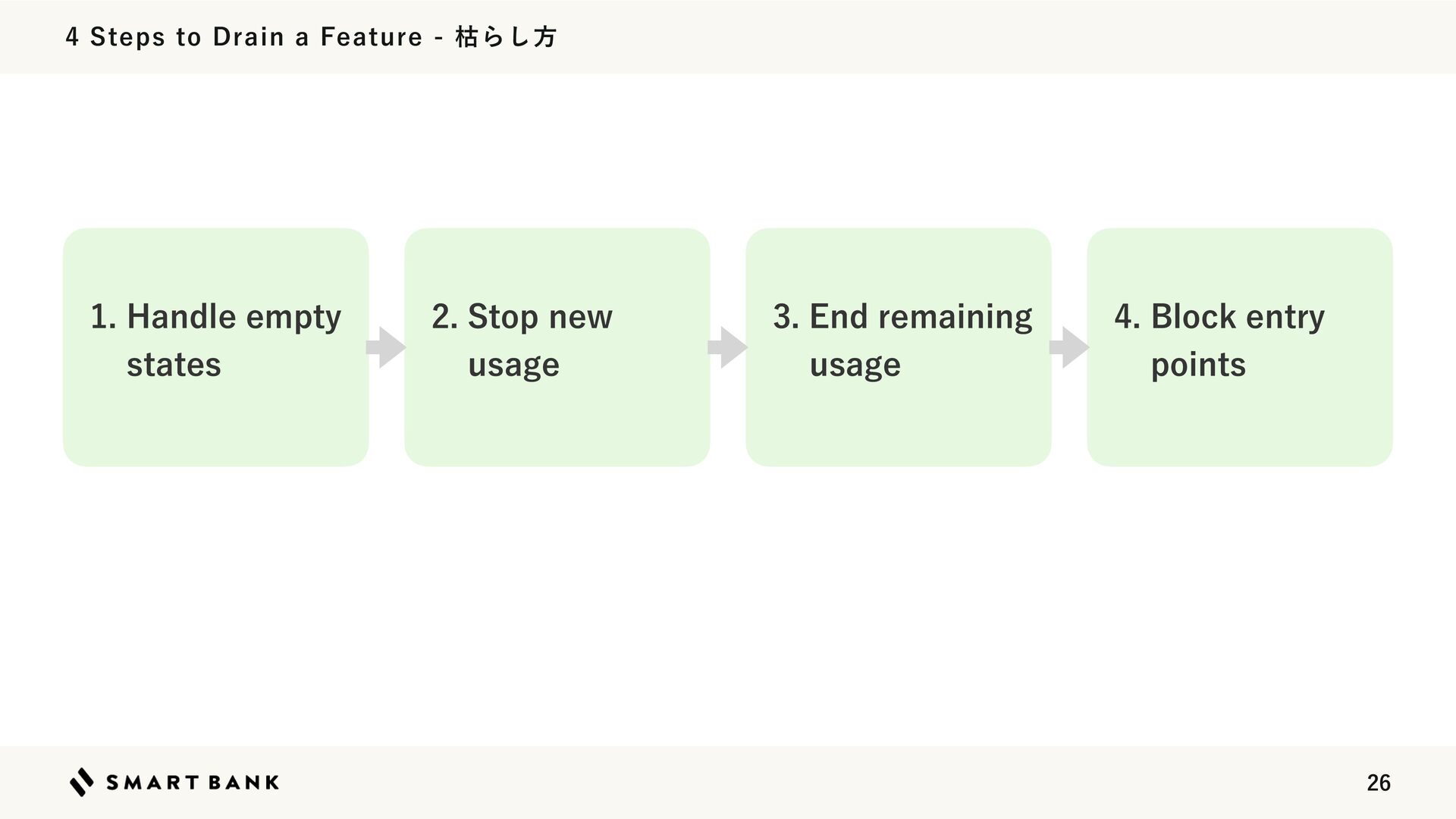
  19. 4 Steps to Drain a Feature - 枯らし方 1. Handle

    empty states 2. Stop new usage 3. End remaining usage 4. Block entry points 26
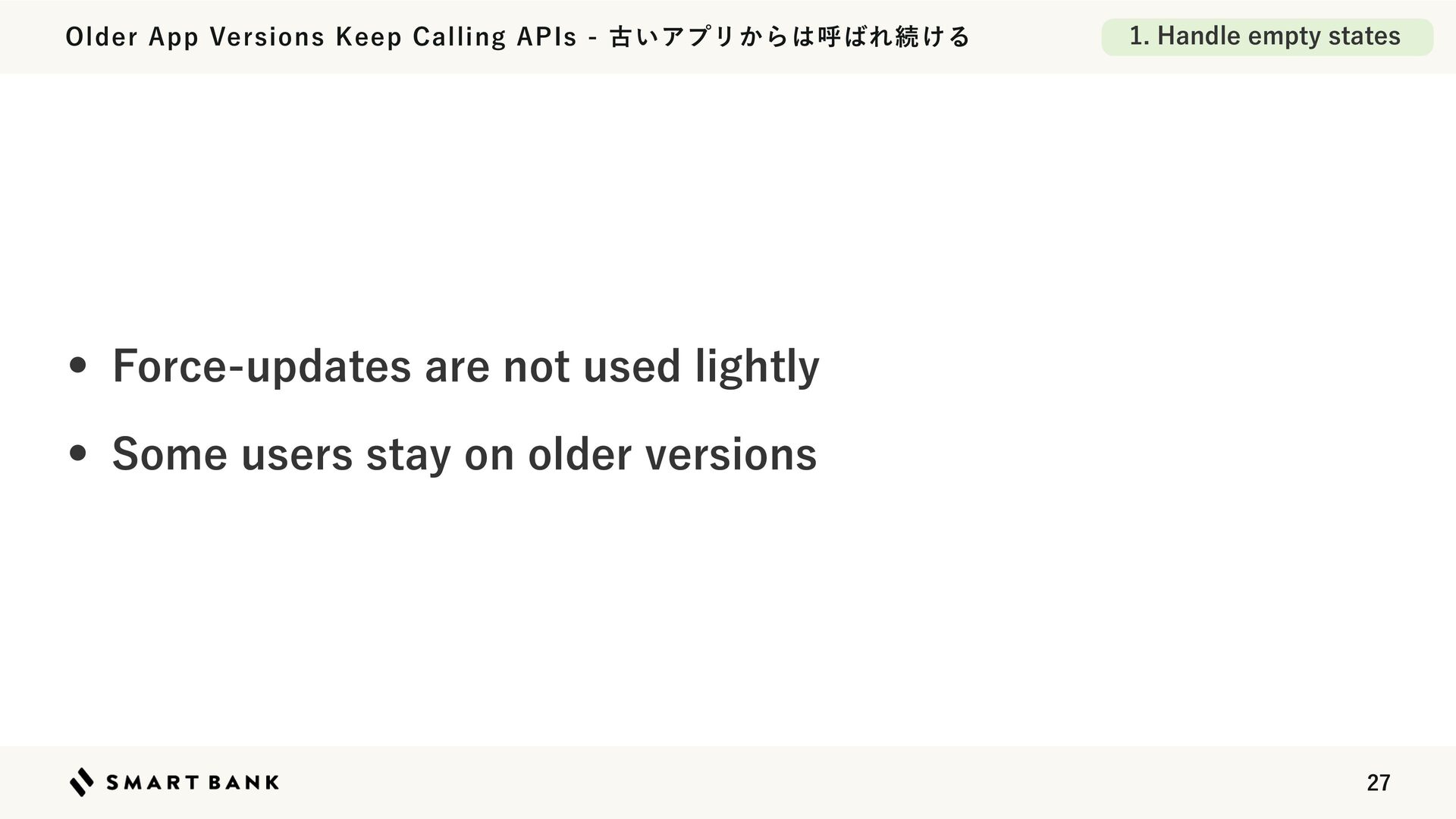
  20. Older App Versions Keep Calling APIs - 古いアプリからは呼ばれ続ける 1. Handle

    empty states • Force-updates are not used lightly • Some users stay on older versions 27
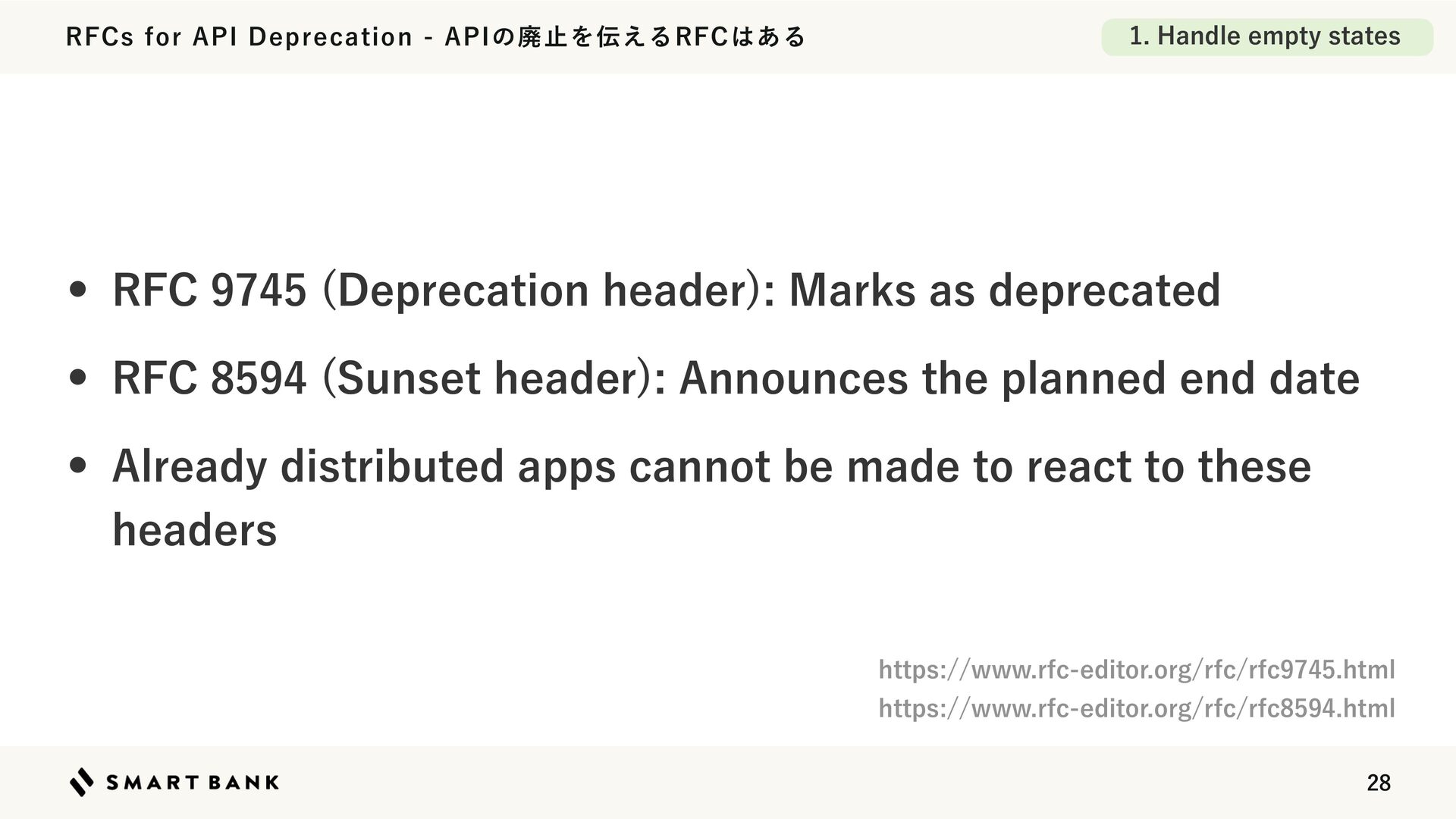
  21. RFCs for API Deprecation - APIの廃止を伝えるRFCはある 1. Handle empty states

    • RFC 9745 (Deprecation header): Marks as deprecated • RFC 8594 (Sunset header): Announces the planned end date • Already distributed apps cannot be made to react to these headers https://www.rfc-editor.org/rfc/rfc9745.html https://www.rfc-editor.org/rfc/rfc8594.html 28
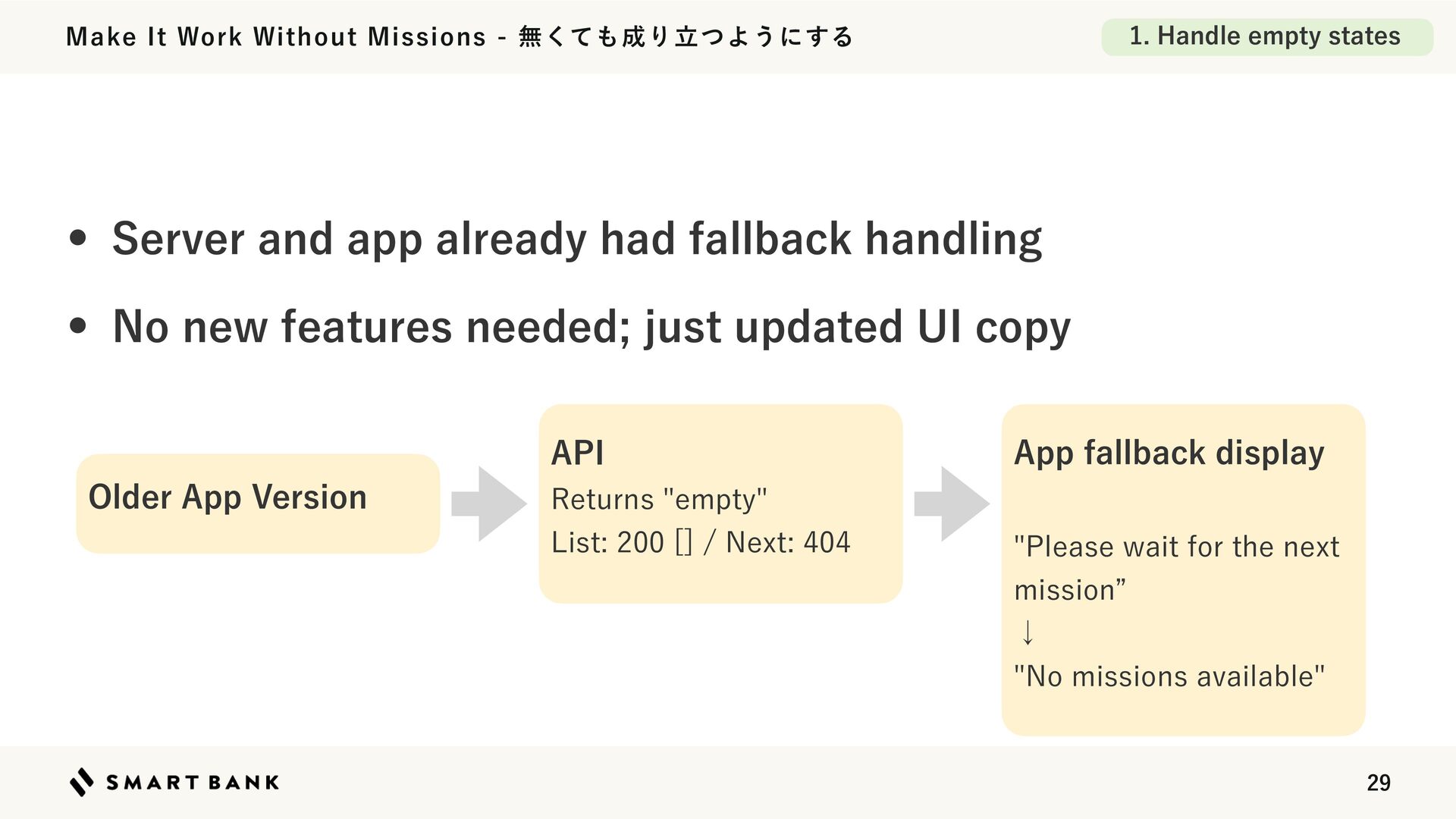
  22. 1. Handle empty states Make It Work Without Missions -
    無くても成り立つようにする • Server and app already had fallback handling • No new features needed; just updated UI copy API Older App Version Returns "empty" List: 200 [] / Next: 404 App fallback display "Please wait for the next mission” ↓ "No missions available" 29
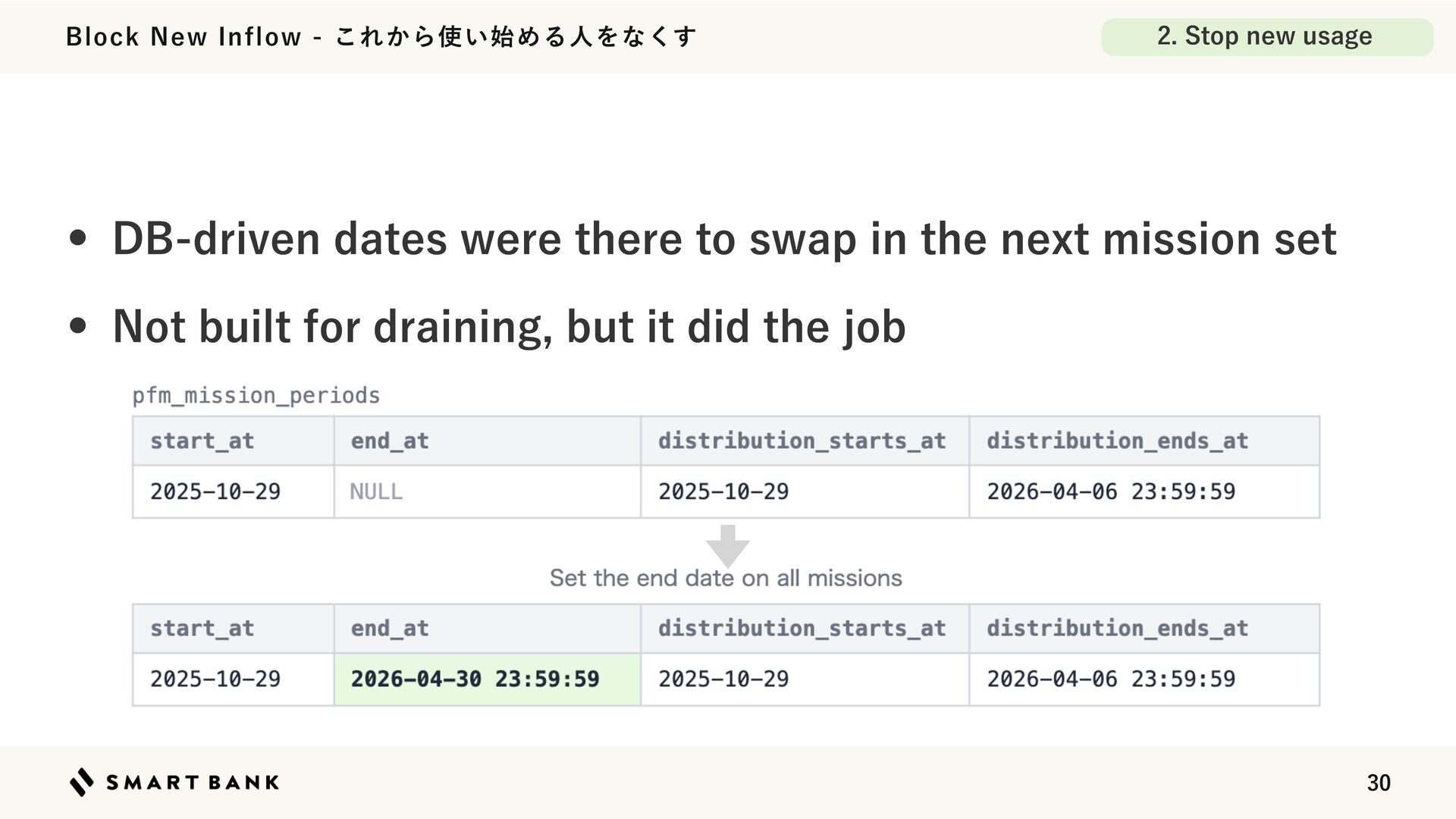
  23. Block New Inflow - これから使い始める人をなくす 2. Stop new usage •

    DB-driven dates were there to swap in the next mission set • Not built for draining, but it did the job 30
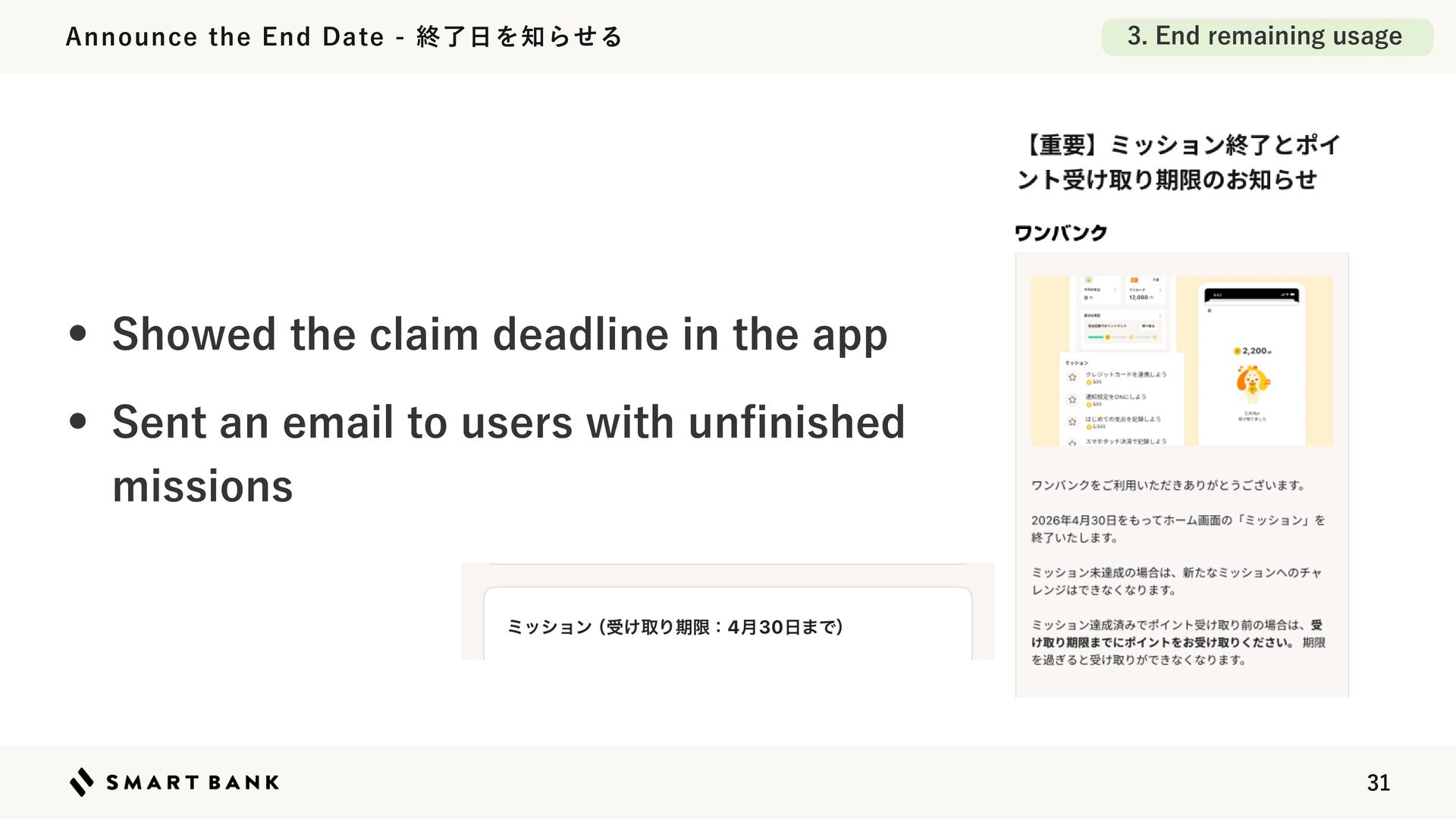
  24. 3. End remaining usage Announce the End Date - 終了日を知らせる

    • Showed the claim deadline in the app • Sent an email to users with un nished missions fi 31
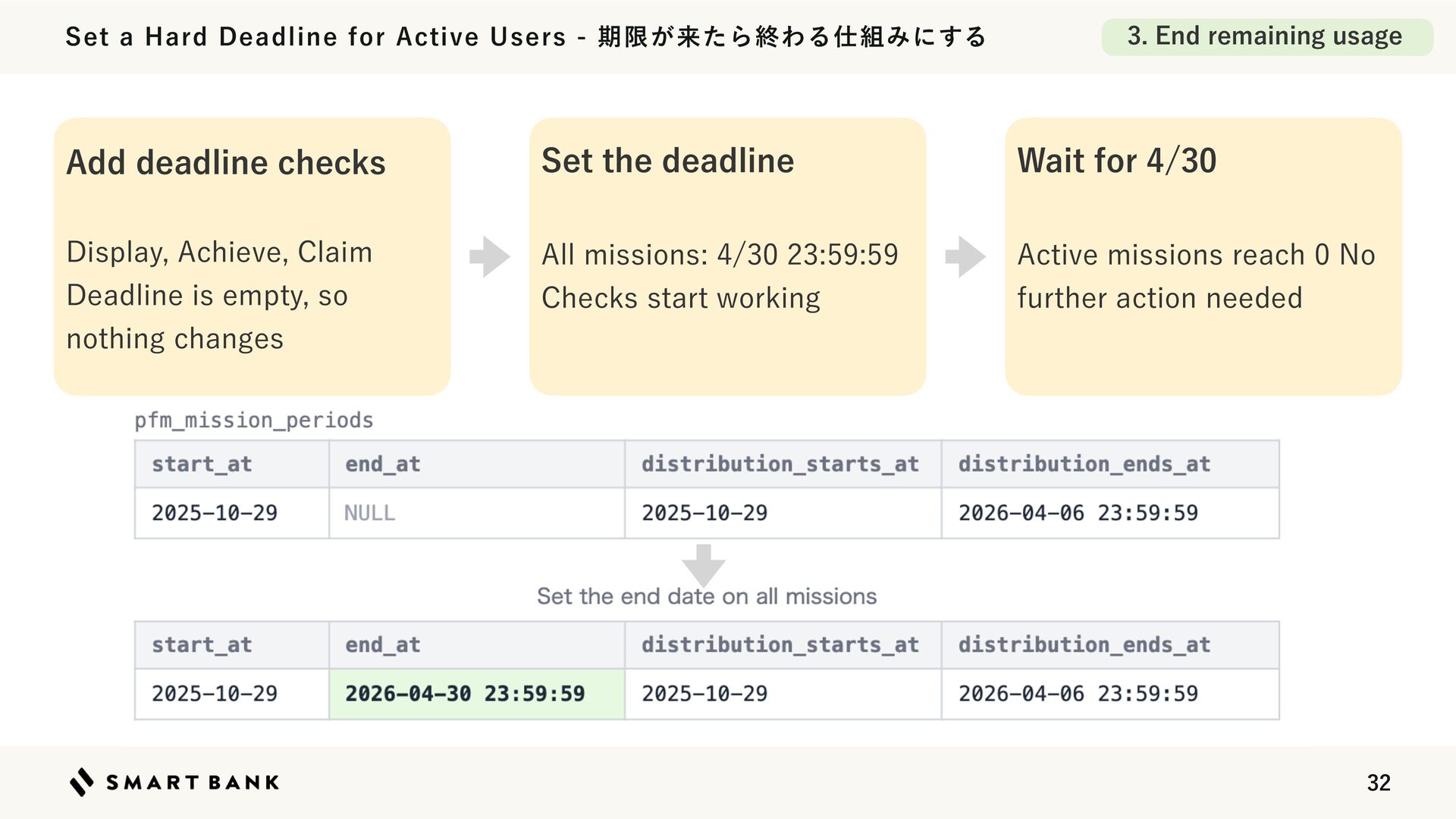
  25. Set a Hard Deadline for Active Users - 期限が来たら終わる仕組みにする 3.

    End remaining usage Add deadline checks Set the deadline Wait for 4/30 Display, Achieve, Claim Deadline is empty, so nothing changes All missions: 4/30 23:59:59 Checks start working Active missions reach 0 No further action needed 32
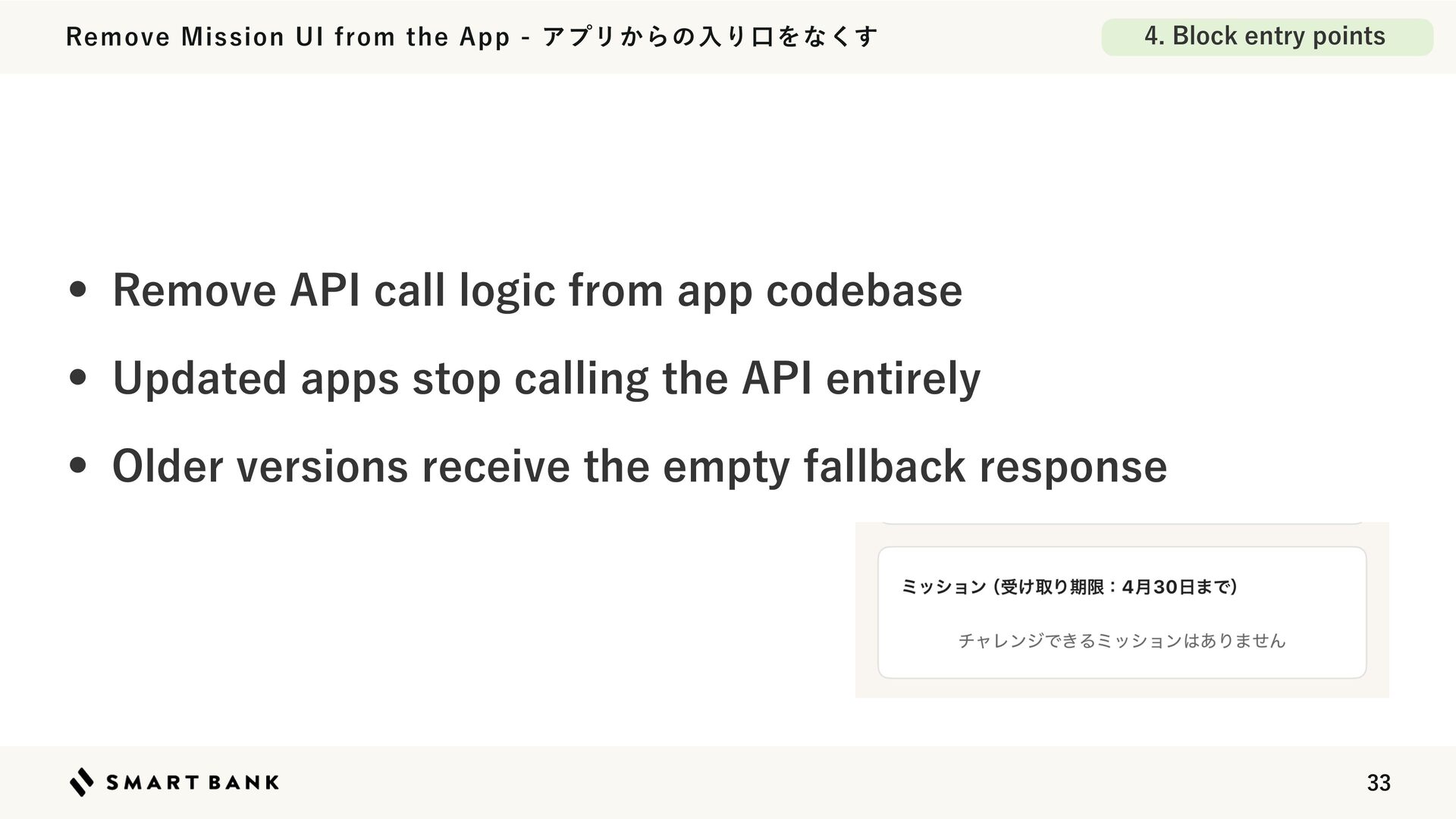
  26. Remove Mission UI from the App - アプリからの入り口をなくす 4. Block

    entry points • Remove API call logic from app codebase • Updated apps stop calling the API entirely • Older versions receive the empty fallback response 33
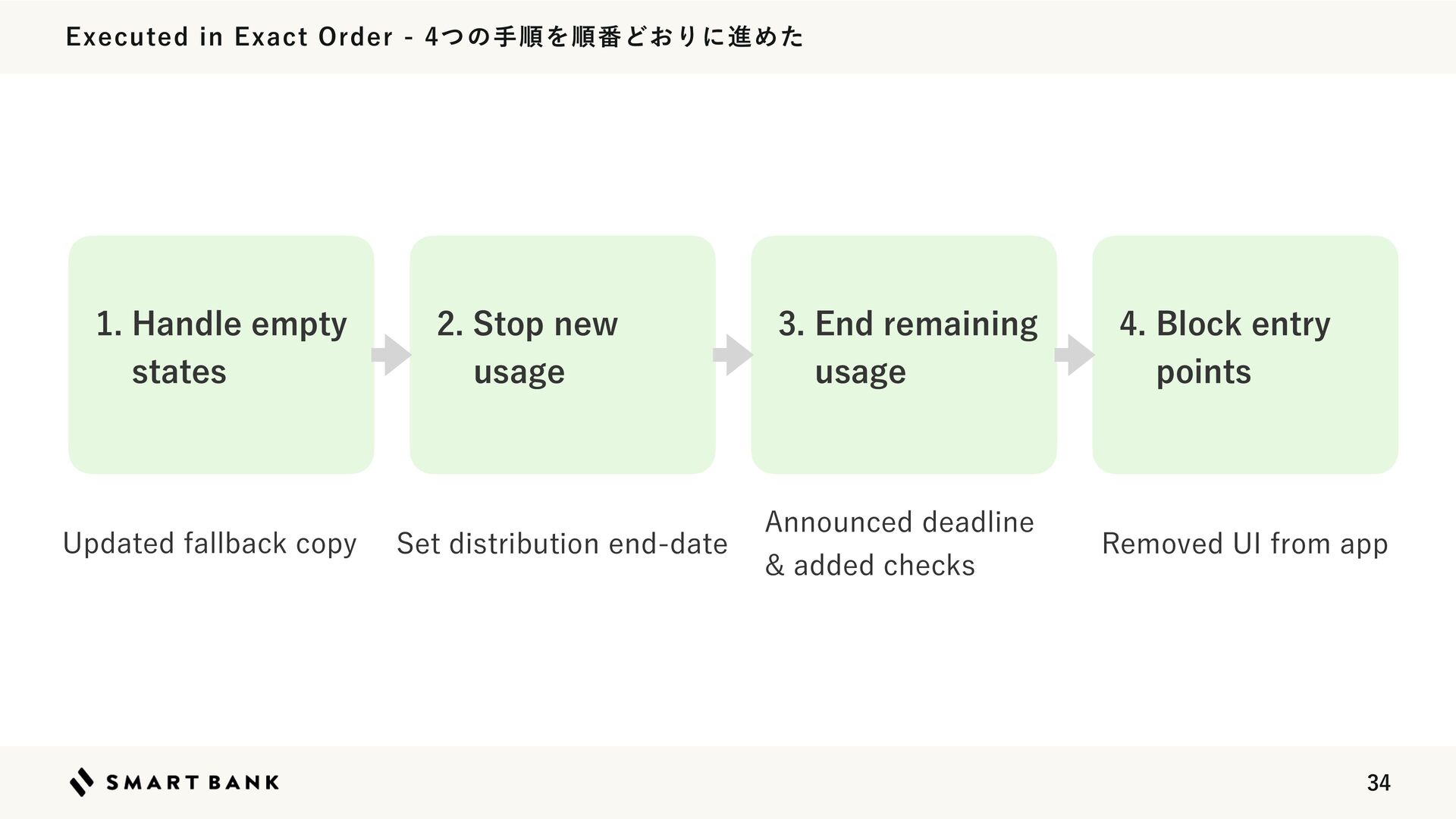
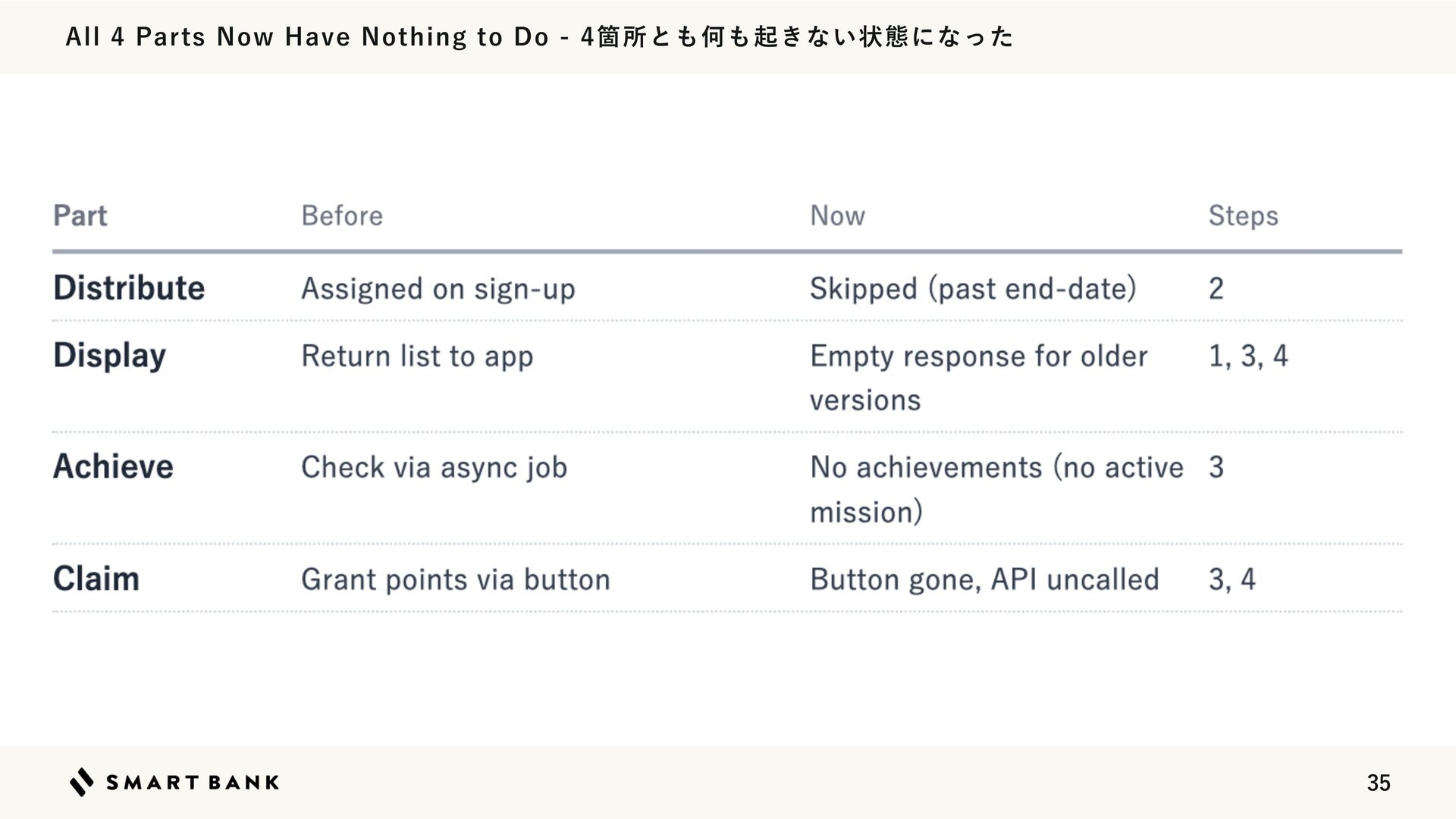
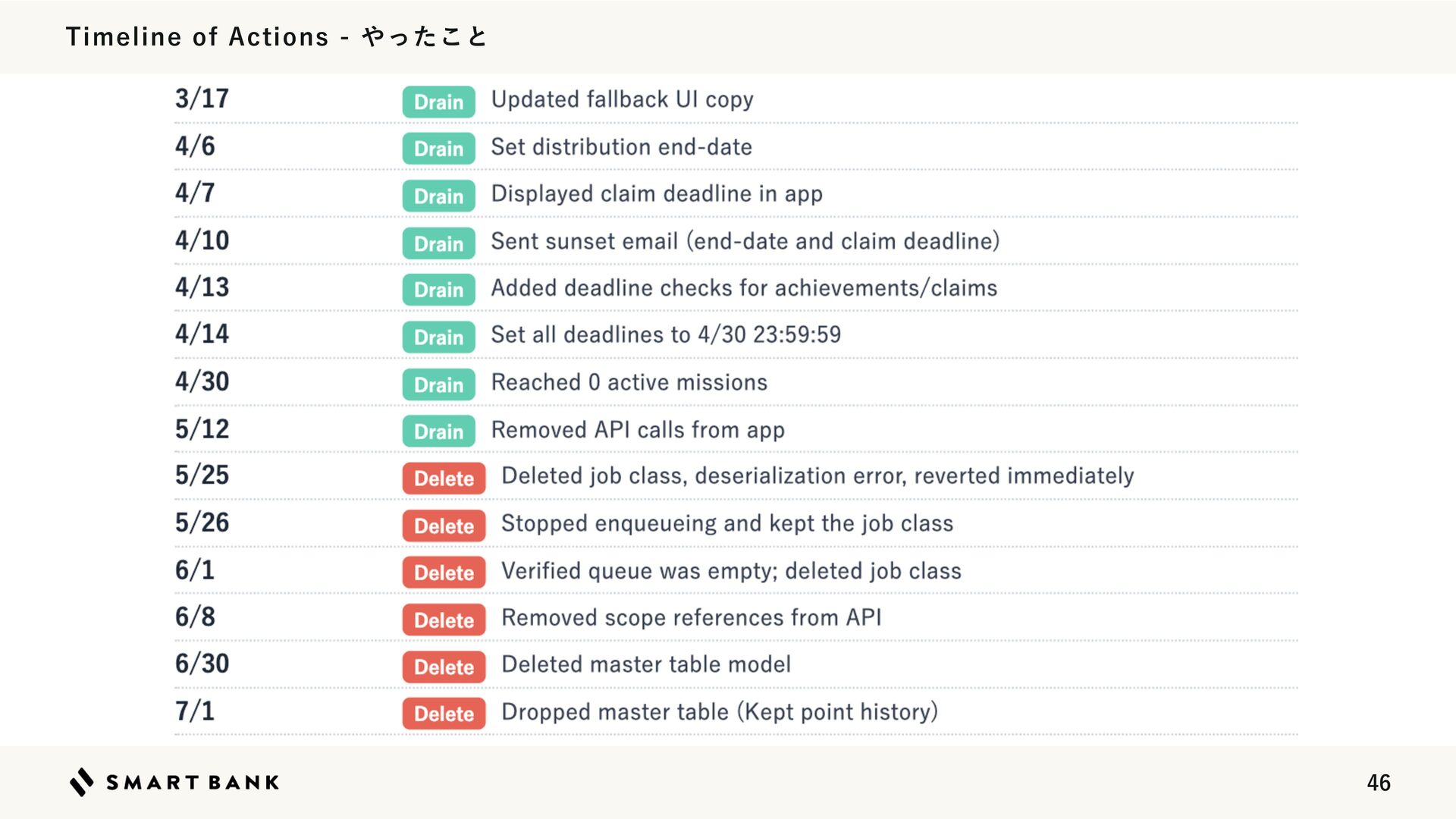
  27. Executed in Exact Order - 4つの手順を順番どおりに進めた 1. Handle empty states

    Updated fallback copy 2. Stop new usage Set distribution end-date 3. End remaining usage 4. Block entry points Announced deadline & added checks Removed UI from app 34
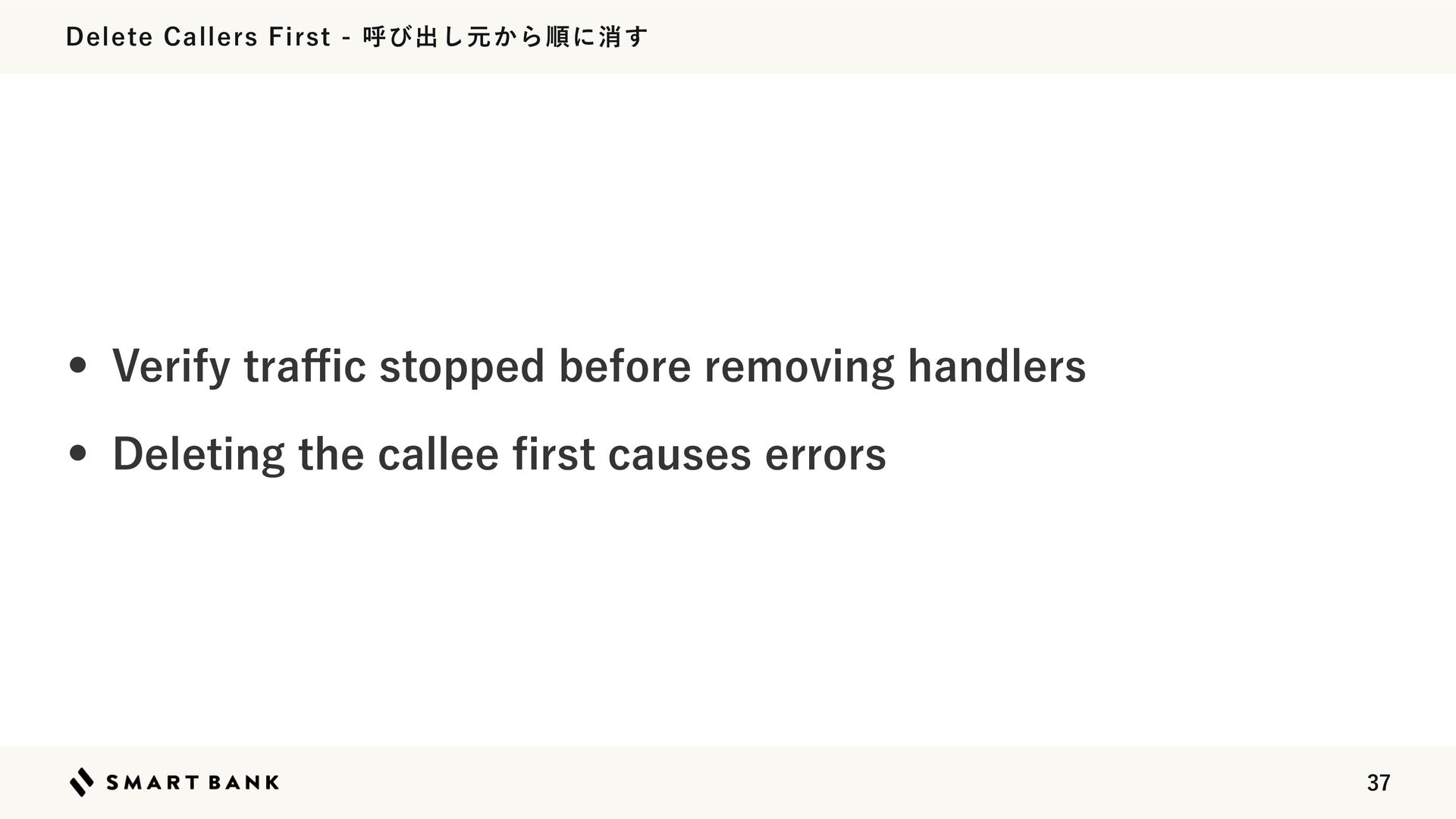
  28. Delete Callers First - 呼び出し元から順に消す • Verify tra c stopped

    before removing handlers • Deleting the callee rst causes errors fi ffi 37
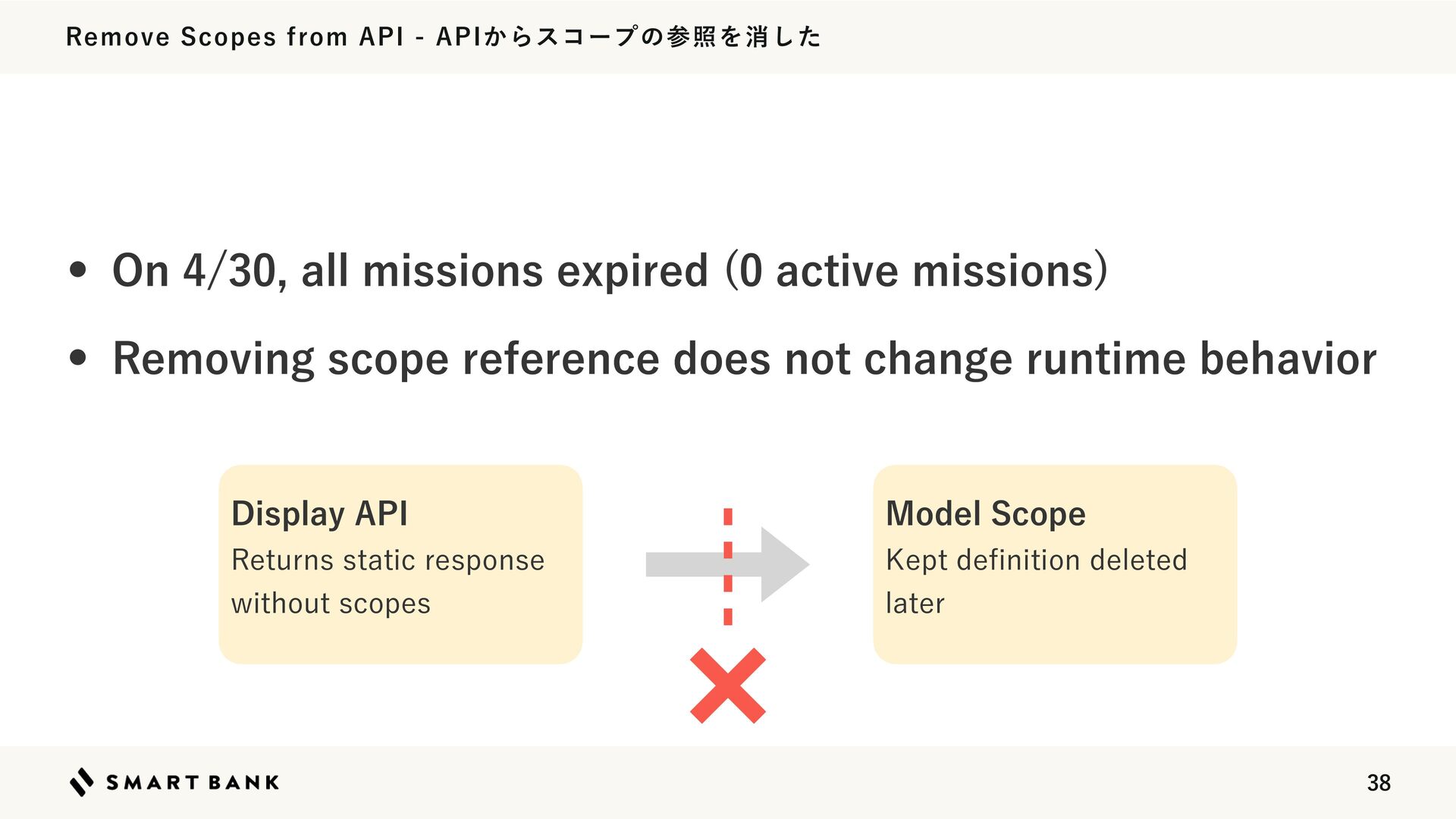
  29. Remove Scopes from API - APIからスコープの参照を消した • On 4/30, all

    missions expired (0 active missions) • Removing scope reference does not change runtime behavior Display API Model Scope Returns static response without scopes Kept de nition deleted later fi 38
  30. Delete Job - ジョブを消した • Completion logic was executed by

    an async job • 20+ days passed with zero eligible users • Assumed it was safe to delete caller + job class together 39
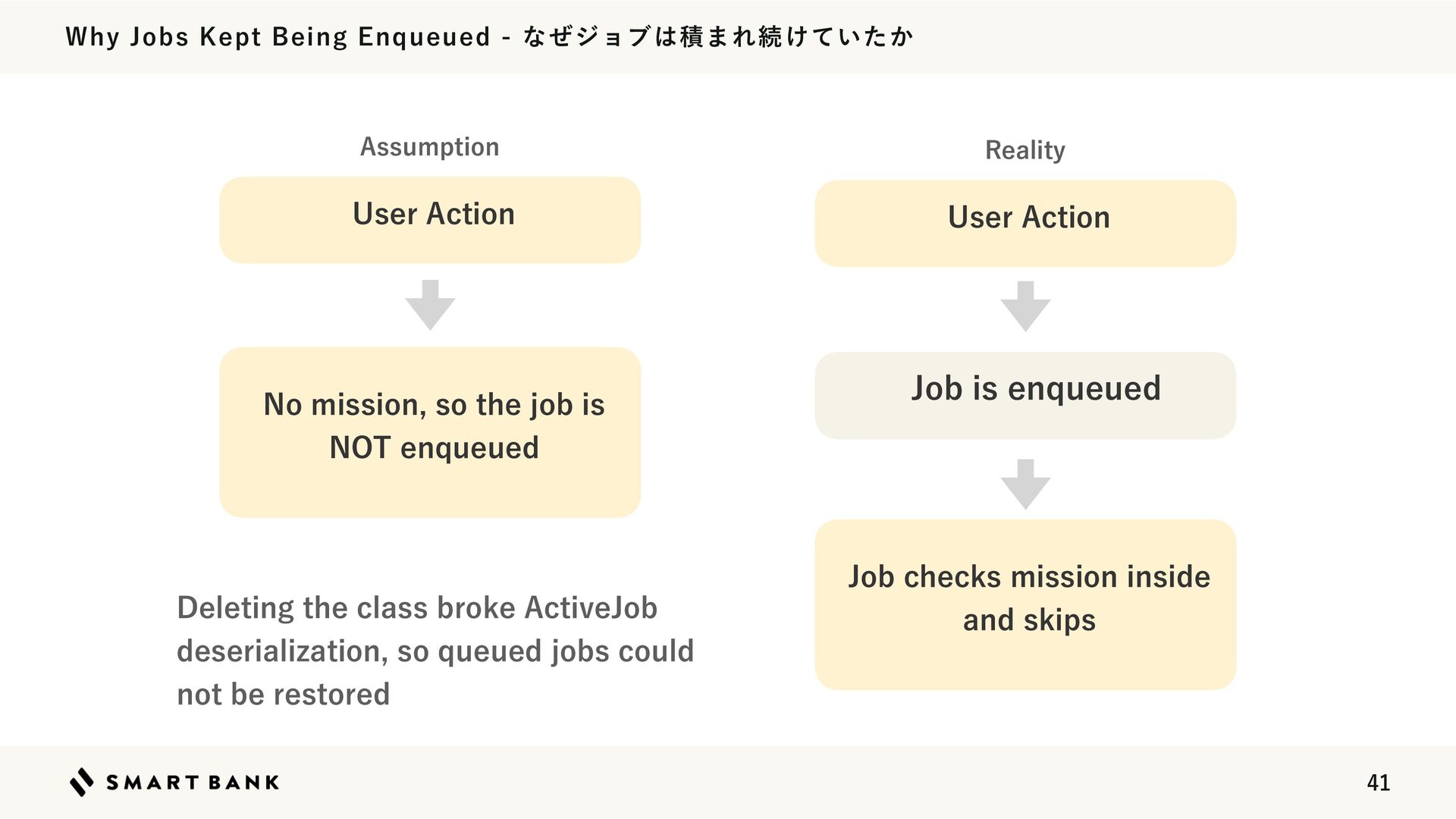
  31. Why Jobs Kept Being Enqueued - なぜジョブは積まれ続けていたか Assumption Reality User

    Action User Action No mission, so the job is Job is enqueued NOT enqueued Deleting the class broke ActiveJob deserialization, so queued jobs could not be restored Job checks mission inside and skips 41
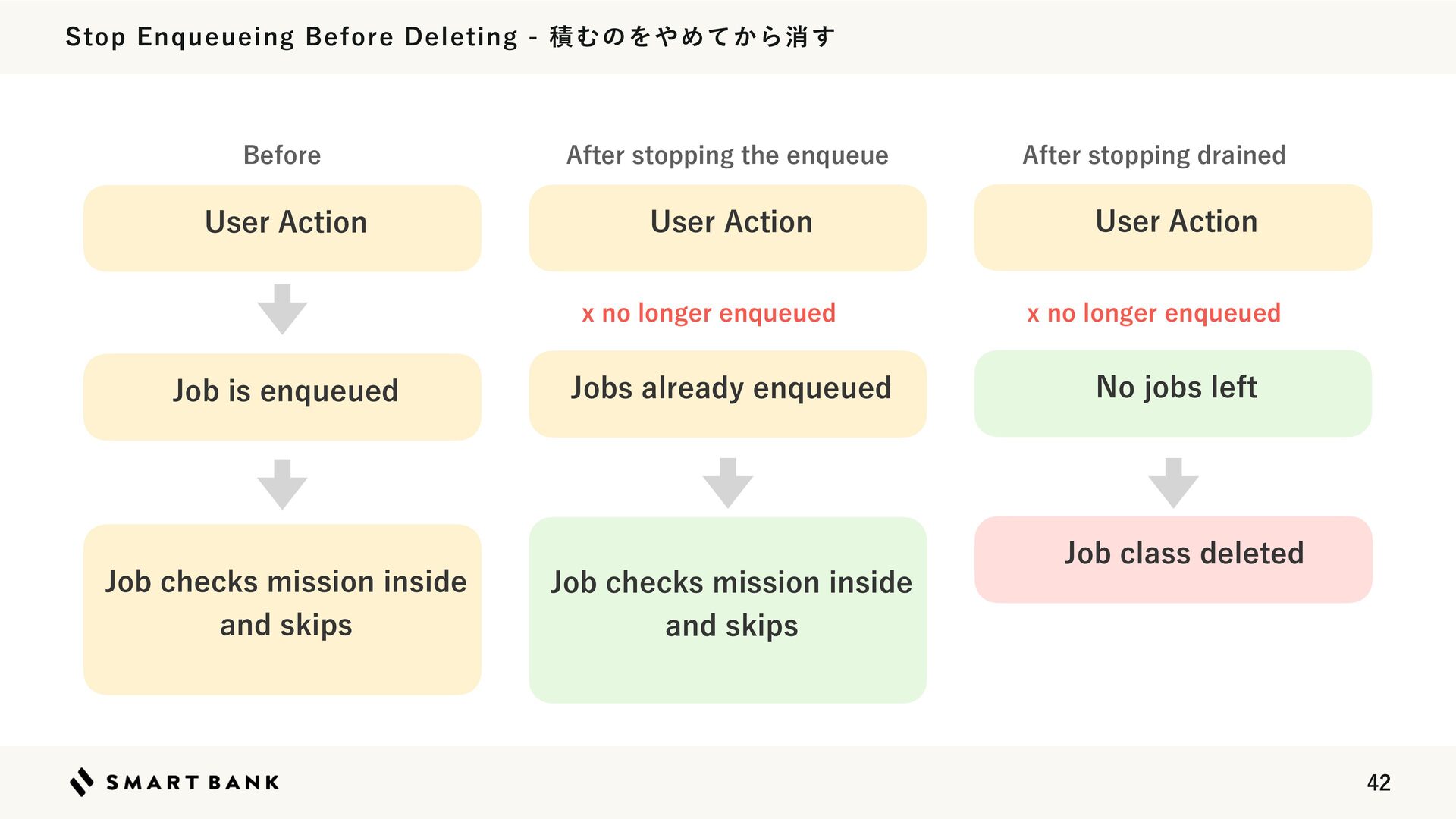
  32. Stop Enqueueing Before Deleting - 積むのをやめてから消す Before After stopping the

    enqueue User Action User Action x no longer enqueued Job is enqueued Job checks mission inside and skips Jobs already enqueued After stopping drained User Action x no longer enqueued No jobs left Job class deleted Job checks mission inside and skips 42
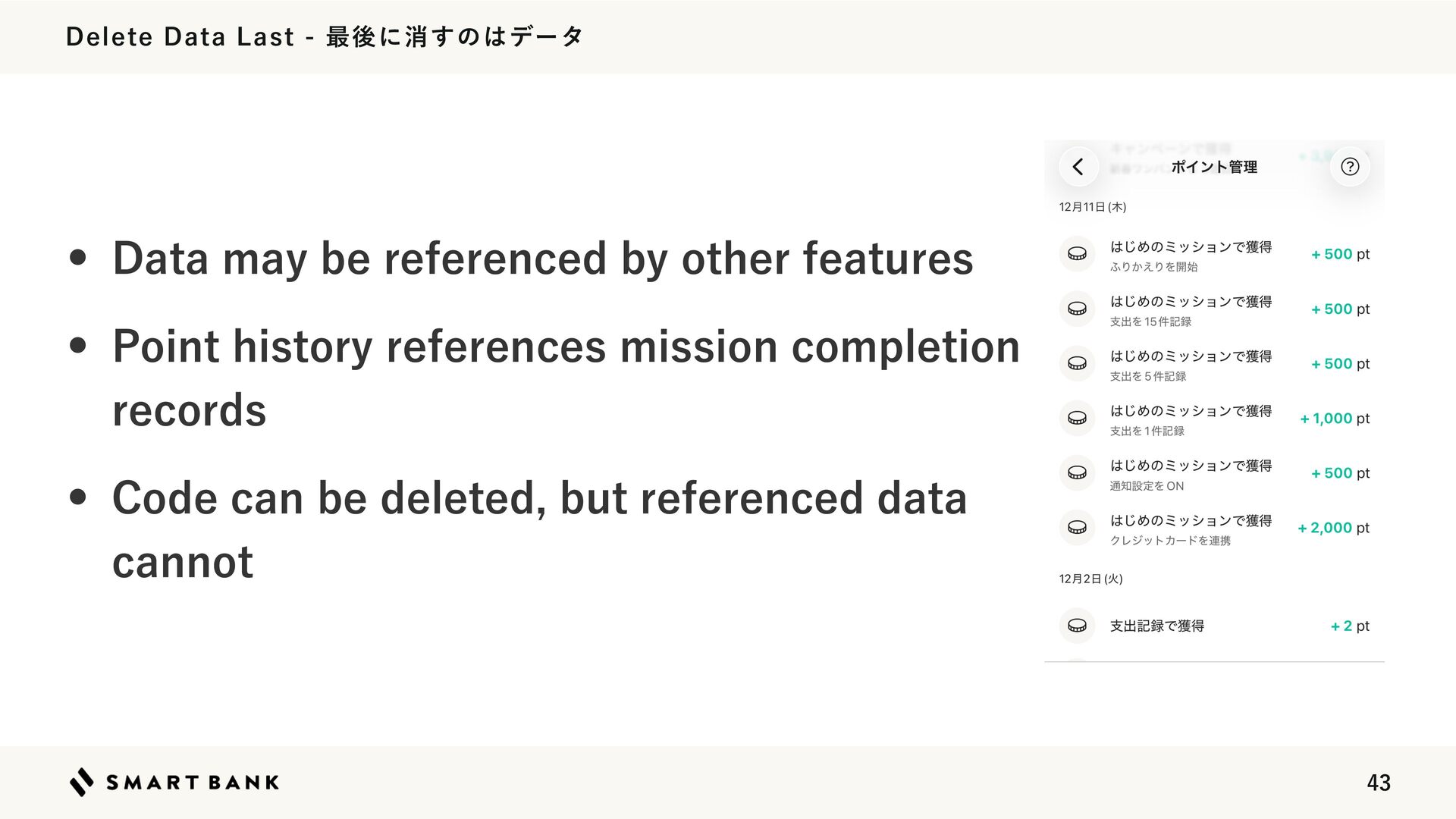
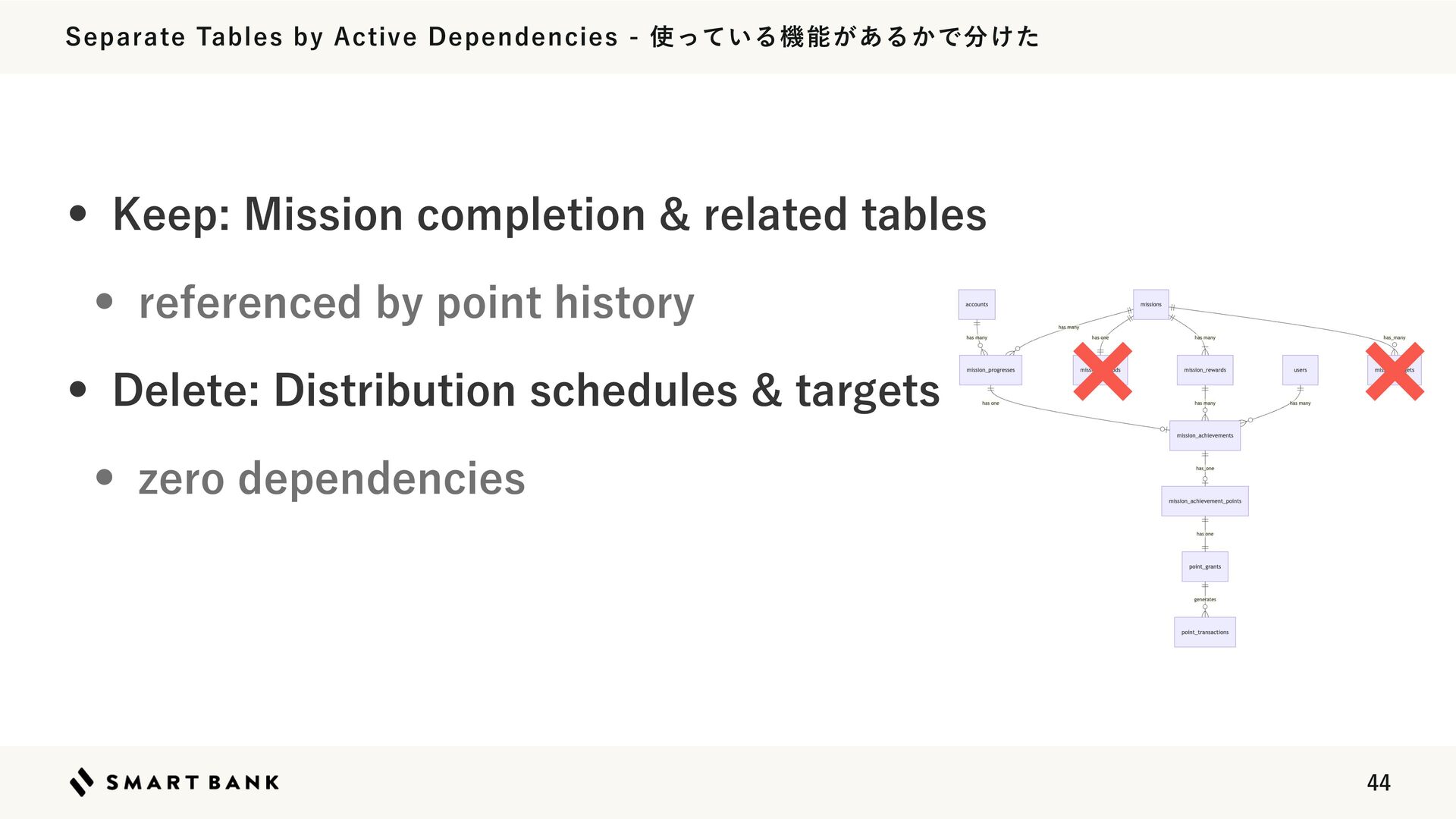
  33. Delete Data Last - 最後に消すのはデータ • Data may be referenced

    by other features • Point history references mission completion records • Code can be deleted, but referenced data cannot 43
  34. Separate Tables by Active Dependencies - 使っている機能があるかで分けた • Keep: Mission

    completion & related tables • referenced by point history • Delete: Distribution schedules & targets • zero dependencies 44
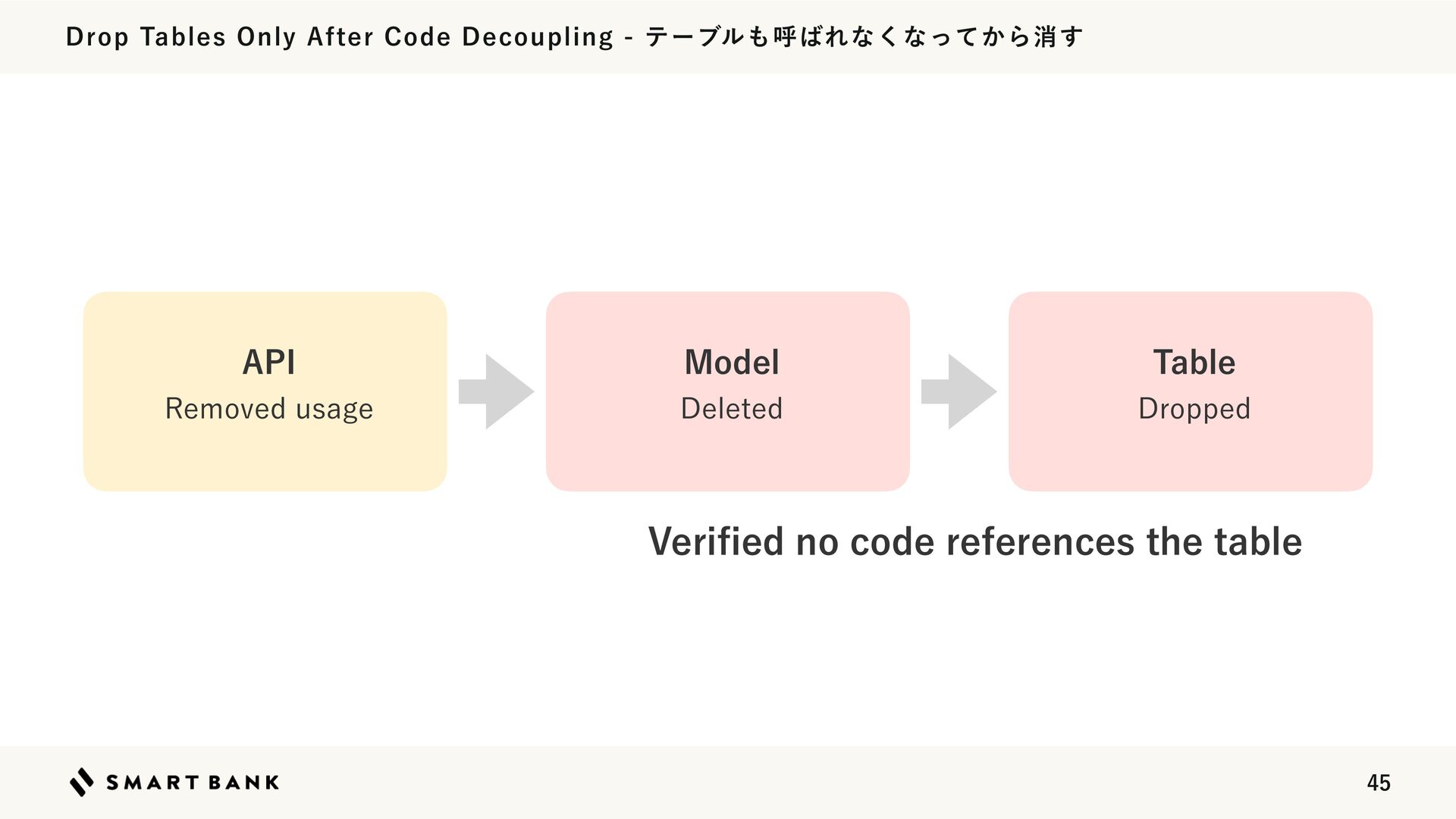
  35. Drop Tables Only After Code Decoupling - テーブルも呼ばれなくなってから消す API Model

    Table Removed usage Deleted Dropped Veri ed no code references the table fi 45
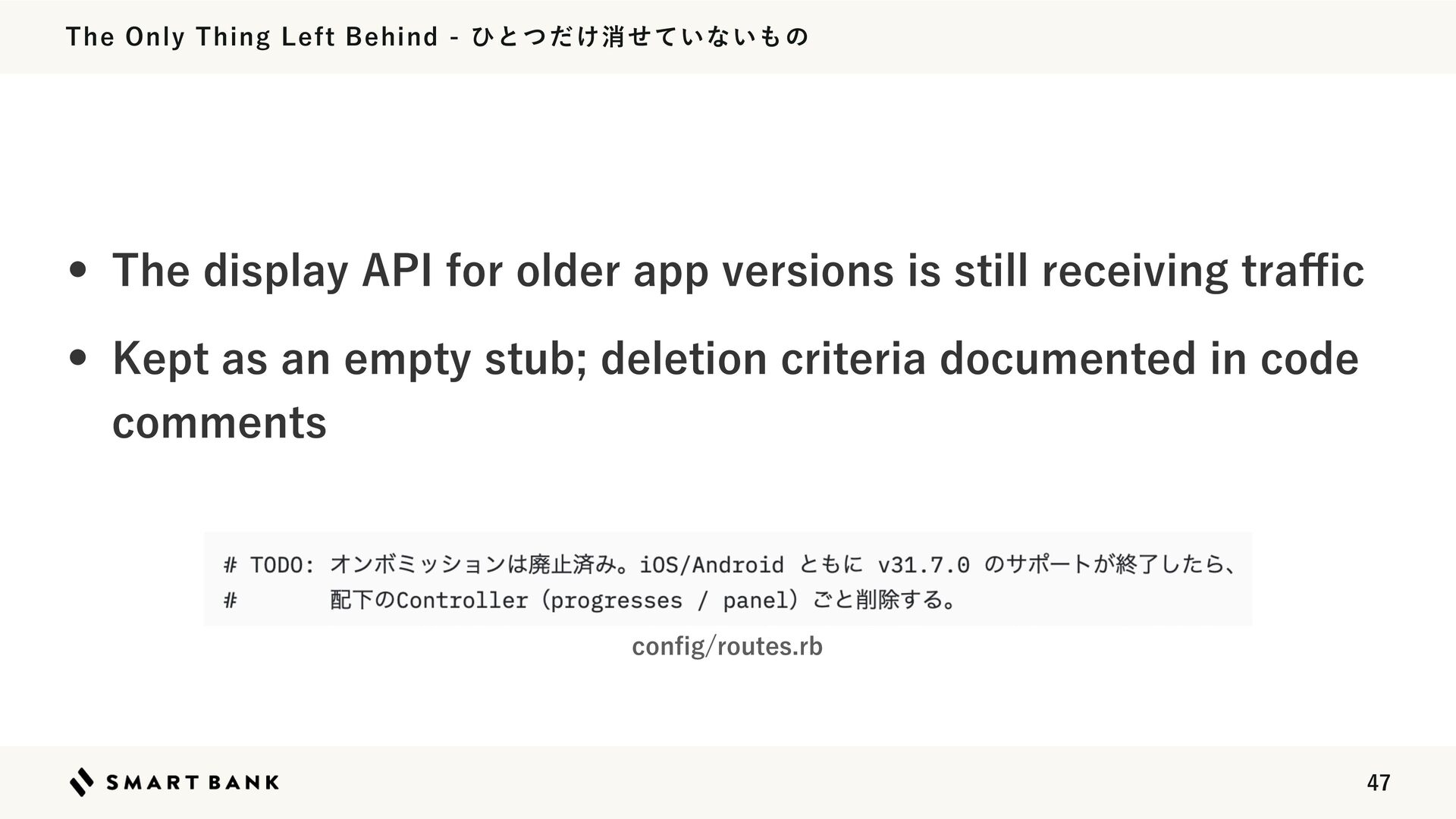
  36. The Only Thing Left Behind - ひとつだけ消せていないもの • The display

    API for older app versions is still receiving tra c • Kept as an empty stub; deletion criteria documented in code comments con g/routes.rb ffi fi 47
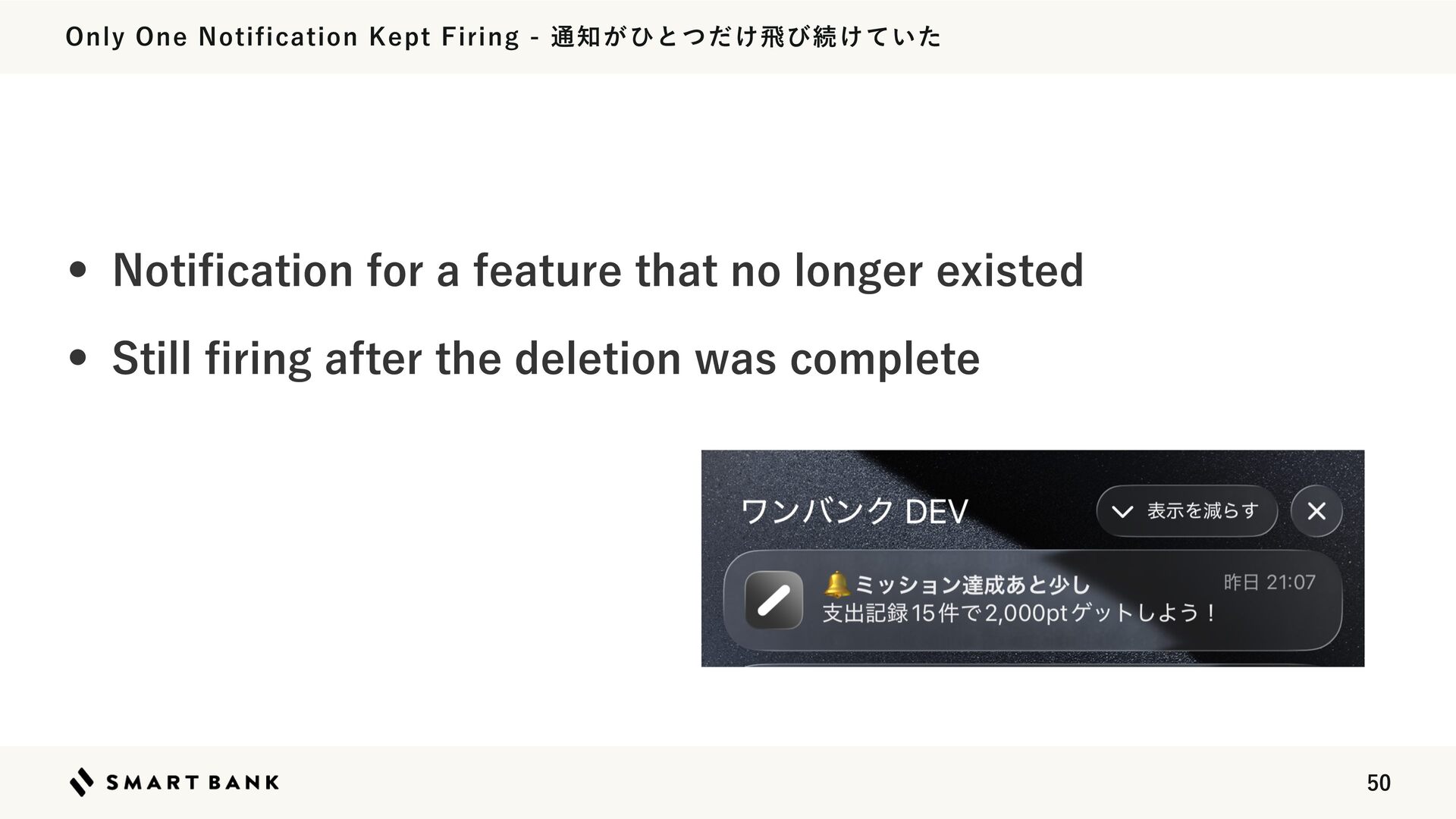
  37. Only One Notification Kept Firing - 通知がひとつだけ飛び続けていた • Noti cation

    for a feature that no longer existed • Still ring after the deletion was complete fi fi 50
  38. Hidden Coupling Beyond Code References - 参照が無い関連は依存関係に出てこない • Noti cation

    batch assumed missions existed • Triggered by spending events, not mission tables • Target screen itself existed, so it never threw an error fi 51
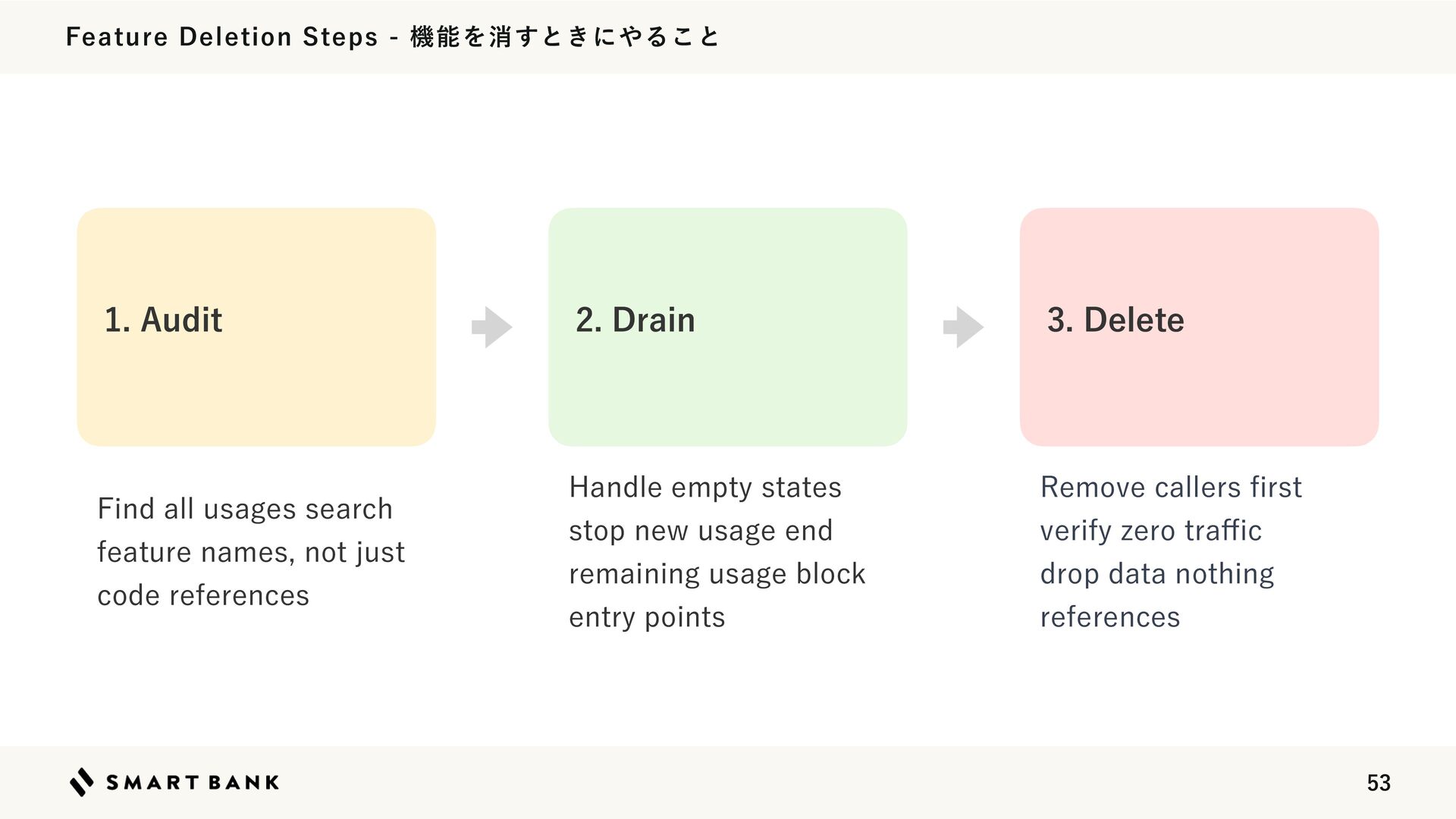
  39. Feature Deletion Steps - 機能を消すときにやること 1. Audit 2. Drain 3.

    Delete Find all usages search feature names, not just code references Handle empty states stop new usage end remaining usage block entry points Remove callers rst verify zero tra c drop data nothing references fi ffi 53
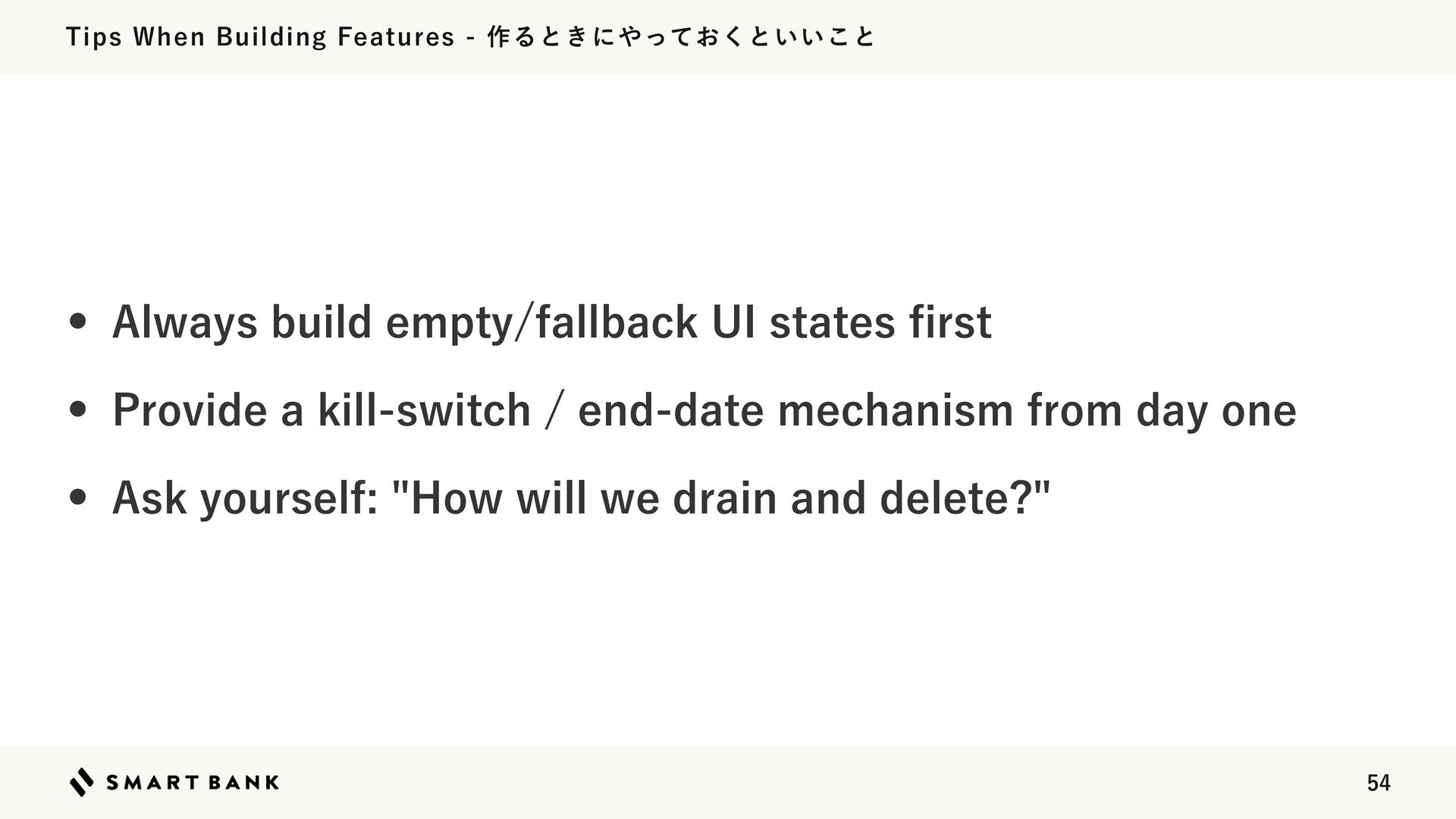
  40. Tips When Building Features - 作るときにやっておくといいこと • Always build empty/fallback

    UI states rst • Provide a kill-switch / end-date mechanism from day one • Ask yourself: "How will we drain and delete?" fi 54
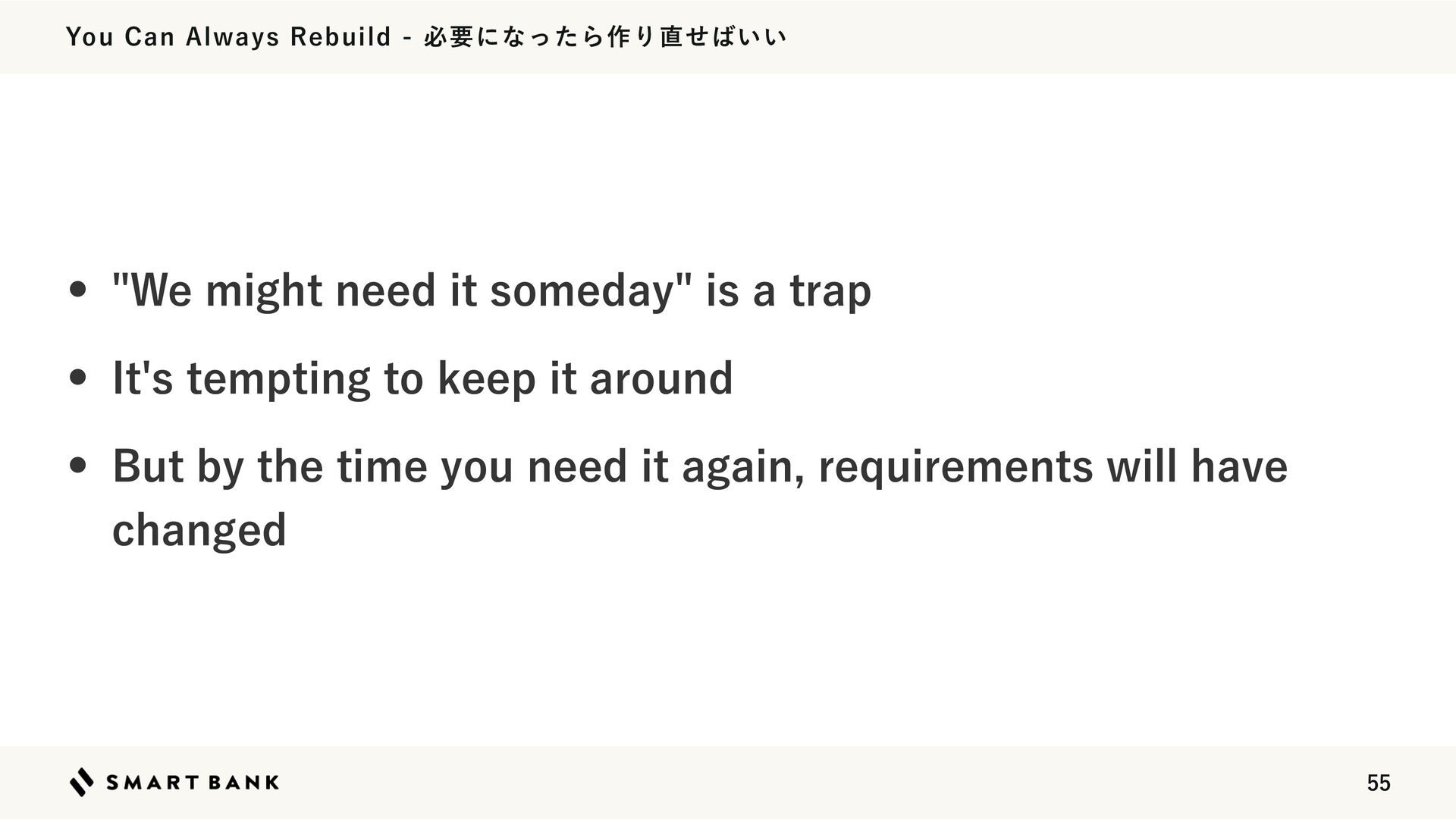
  41. You Can Always Rebuild - 必要になったら作り直せばいい • "We might need

    it someday" is a trap • It's tempting to keep it around • But by the time you need it again, requirements will have changed 55
  42. Delete Between Features - 機能開発の合間に消せる • Even active features can

    be safely deleted with the Drain approach • Once standardized, you can run it alongside regular development • Regular deletion keeps your product healthy 56