Upgrade to Pro — share decks privately, control downloads, hide ads and more …

Android Support Library

Sponsored · SiteGround - Reliable hosting with speed, security, and support you can count on. →

Android Support Library

Presentation on the features of the Android Support Library. Originally created for a Tokyo Android Meetup event.
www.meetup.com/Japandroid/

Topics covered:
- Fragments
- Loaders
- ViewPagers
- NavUtils
- NotificationCompat
- ShareCompat
- Nested Fragments
- DrawerLayout
- GridLayout
- WakefulBroadcastReceiver
- ActionBarCompat
- SwipeRefreshLayout

Code for the demos accompanying this talk can be found at: https://github.com/antonyt/AndroidSupportLibraryDemos

Avatar for Antony Tran

Antony Tran

April 28, 2014

Other Decks in Programming

Transcript

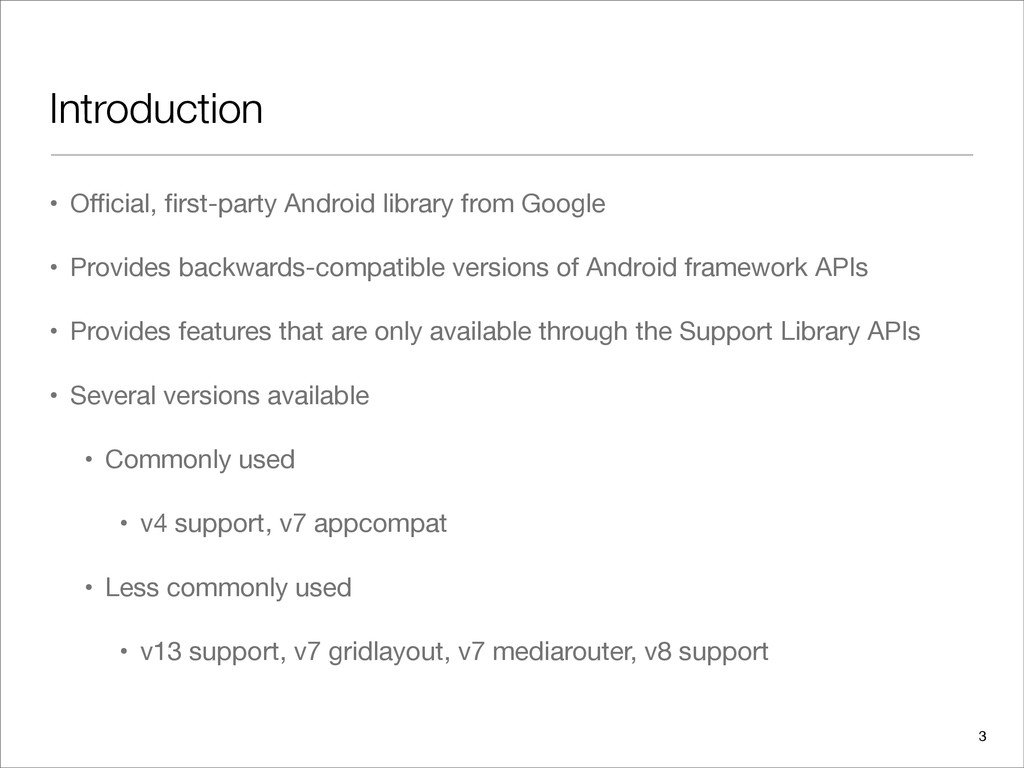
  1. Introduction • Official, first-party Android library from Google • Provides

    backwards-compatible versions of Android framework APIs • Provides features that are only available through the Support Library APIs • Several versions available • Commonly used • v4 support, v7 appcompat • Less commonly used • v13 support, v7 gridlayout, v7 mediarouter, v8 support 3
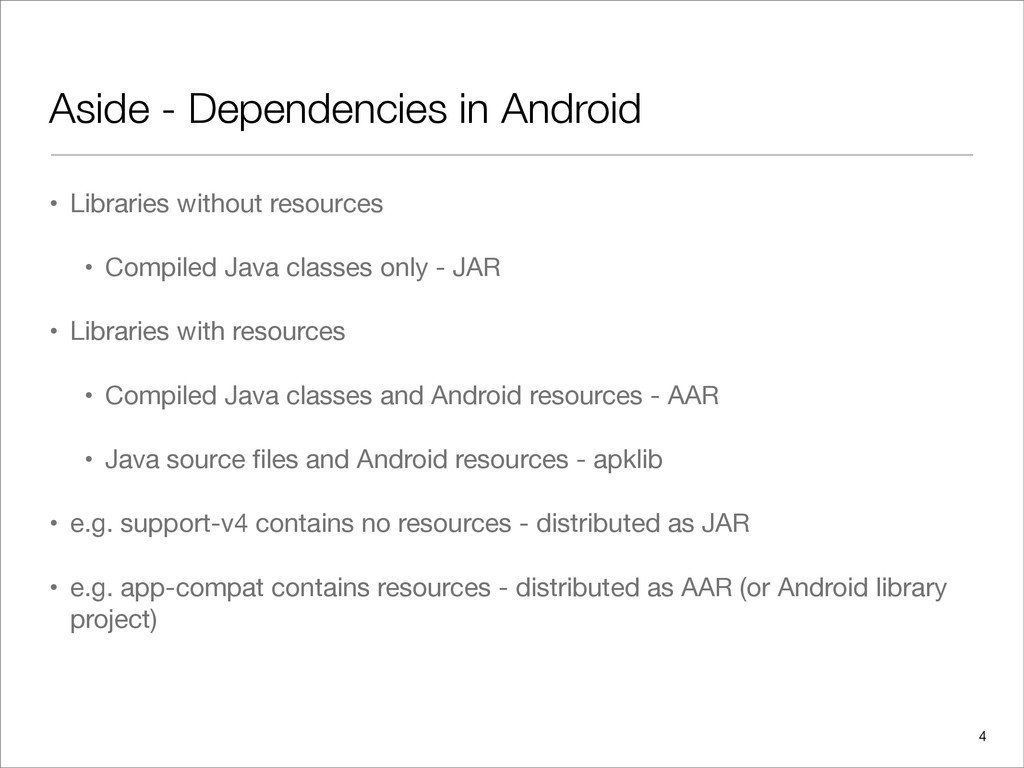
  2. Aside - Dependencies in Android • Libraries without resources •

    Compiled Java classes only - JAR • Libraries with resources • Compiled Java classes and Android resources - AAR • Java source files and Android resources - apklib • e.g. support-v4 contains no resources - distributed as JAR • e.g. app-compat contains resources - distributed as AAR (or Android library project) 4
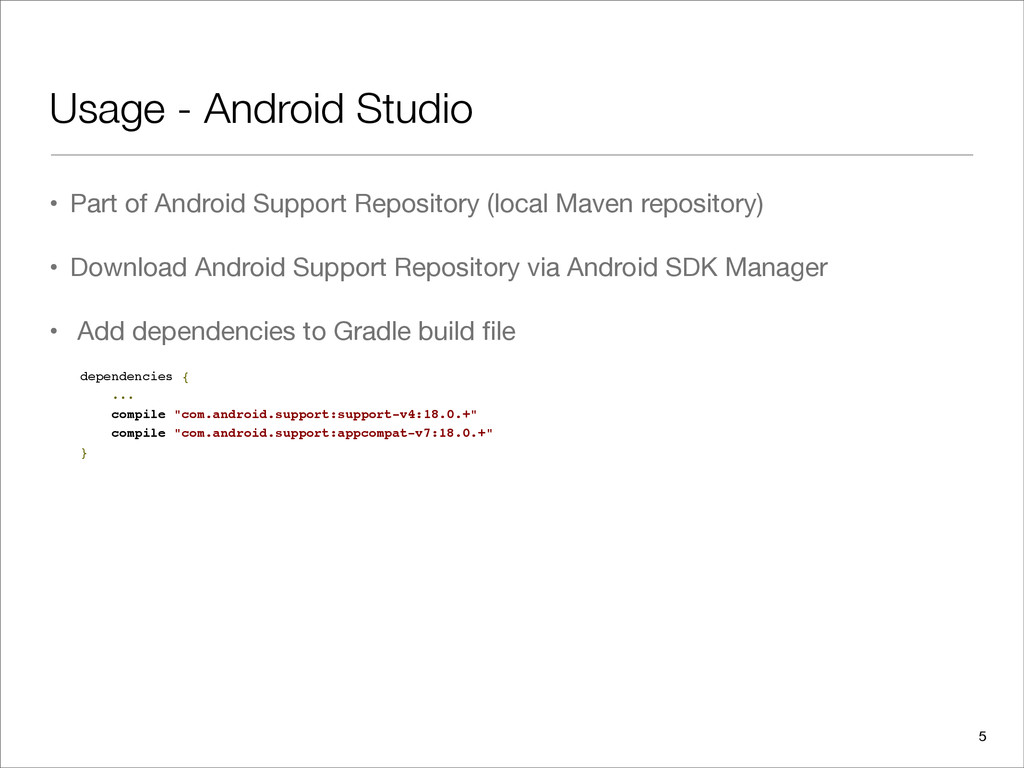
  3. Usage - Android Studio • Part of Android Support Repository

    (local Maven repository) • Download Android Support Repository via Android SDK Manager • Add dependencies to Gradle build file dependencies { ... compile "com.android.support:support-v4:18.0.+" compile "com.android.support:appcompat-v7:18.0.+" } 5
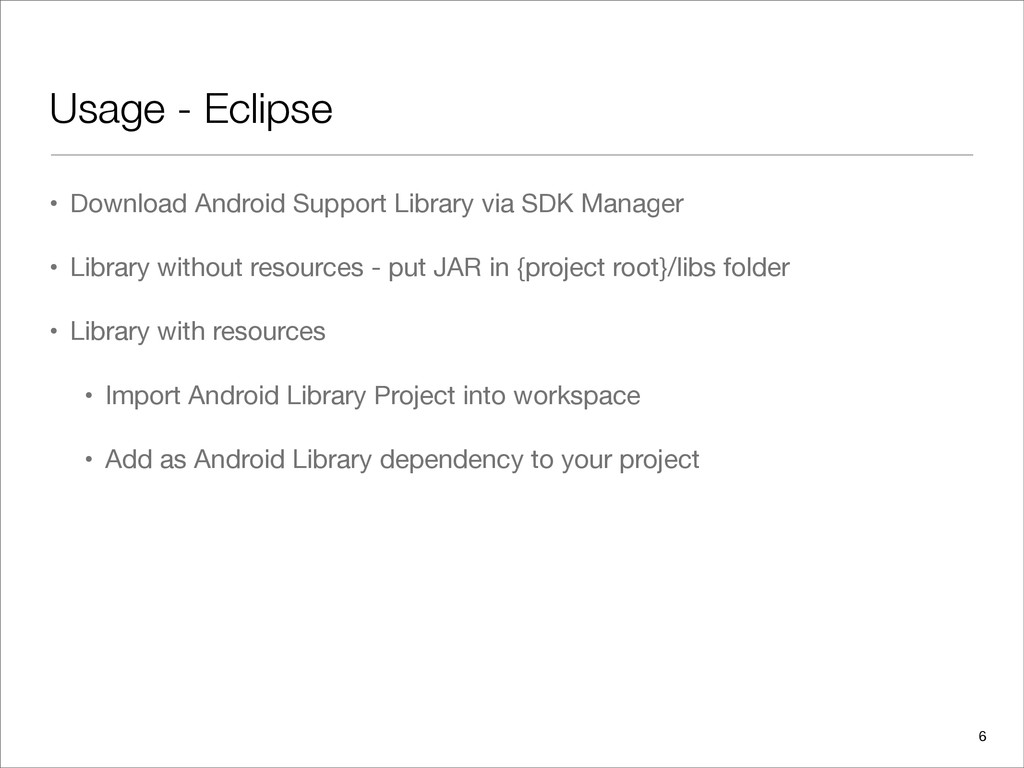
  4. Usage - Eclipse • Download Android Support Library via SDK

    Manager • Library without resources - put JAR in {project root}/libs folder • Library with resources • Import Android Library Project into workspace • Add as Android Library dependency to your project 6
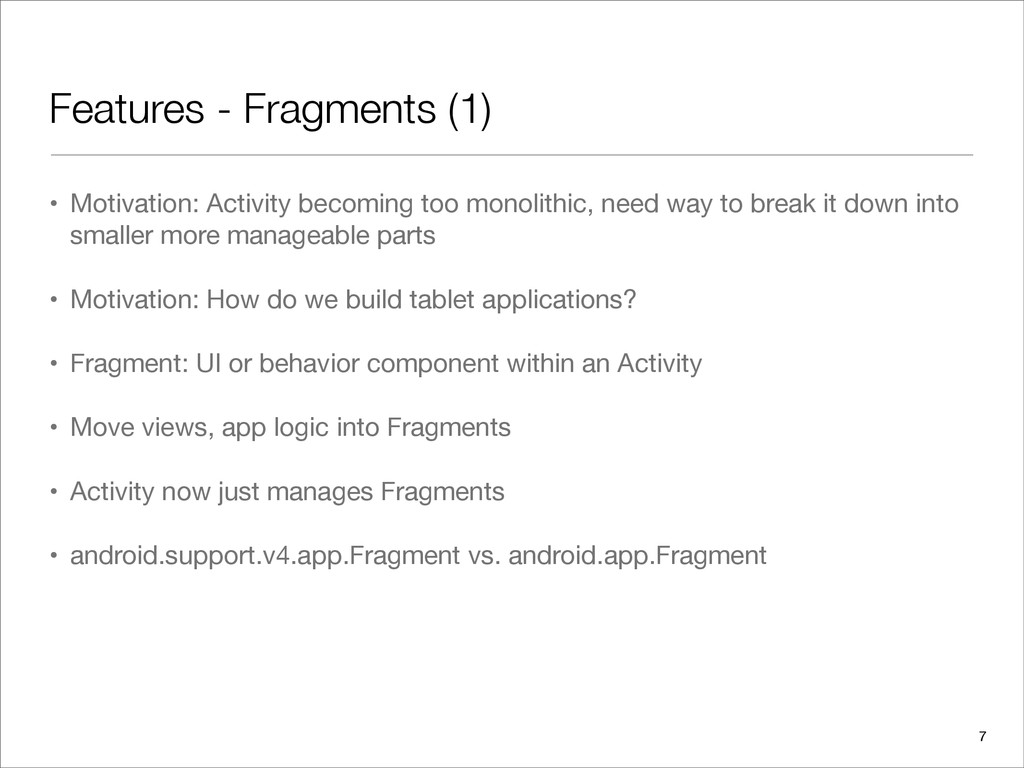
  5. Features - Fragments (1) • Motivation: Activity becoming too monolithic,

    need way to break it down into smaller more manageable parts • Motivation: How do we build tablet applications? • Fragment: UI or behavior component within an Activity • Move views, app logic into Fragments • Activity now just manages Fragments • android.support.v4.app.Fragment vs. android.app.Fragment 7
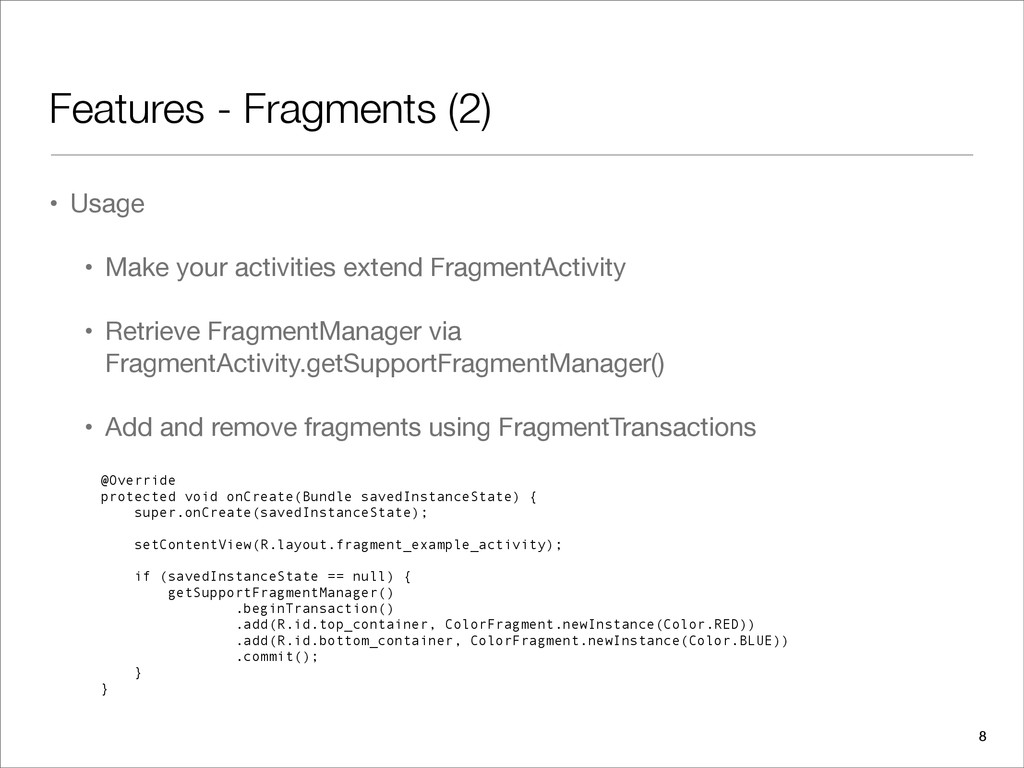
  6. Features - Fragments (2) • Usage • Make your activities

    extend FragmentActivity • Retrieve FragmentManager via FragmentActivity.getSupportFragmentManager() • Add and remove fragments using FragmentTransactions @Override protected void onCreate(Bundle savedInstanceState) { super.onCreate(savedInstanceState); setContentView(R.layout.fragment_example_activity); if (savedInstanceState == null) { getSupportFragmentManager() .beginTransaction() .add(R.id.top_container, ColorFragment.newInstance(Color.RED)) .add(R.id.bottom_container, ColorFragment.newInstance(Color.BLUE)) .commit(); } } 8
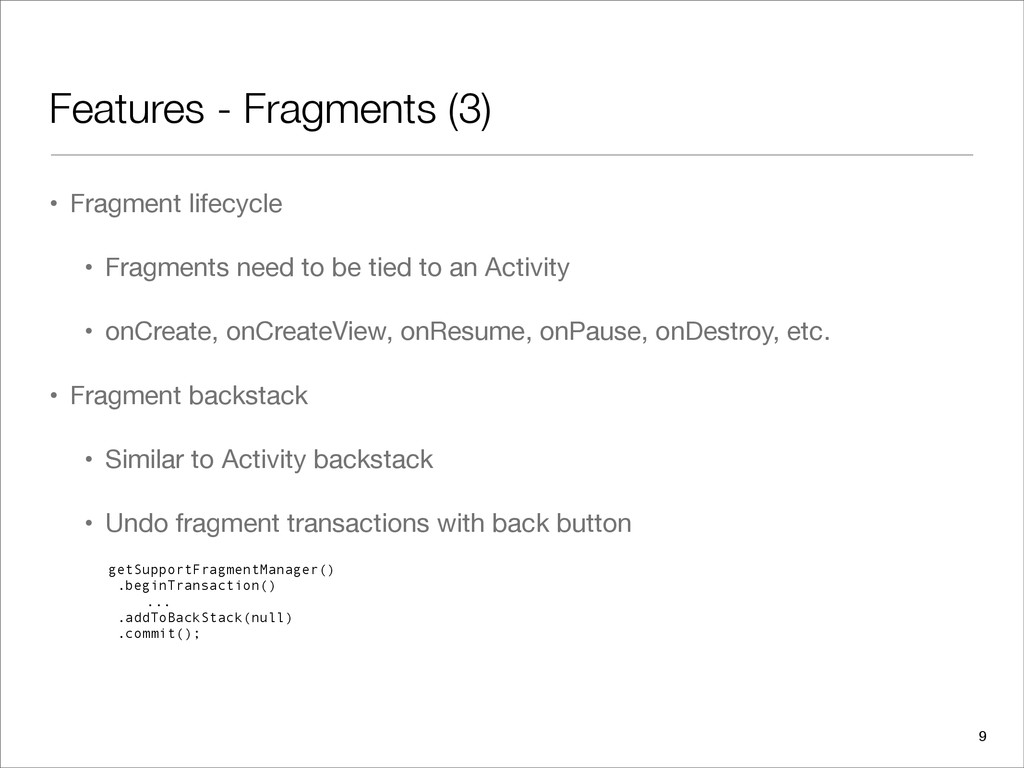
  7. Features - Fragments (3) • Fragment lifecycle • Fragments need

    to be tied to an Activity • onCreate, onCreateView, onResume, onPause, onDestroy, etc. • Fragment backstack • Similar to Activity backstack • Undo fragment transactions with back button getSupportFragmentManager() .beginTransaction() ... .addToBackStack(null) .commit(); 9
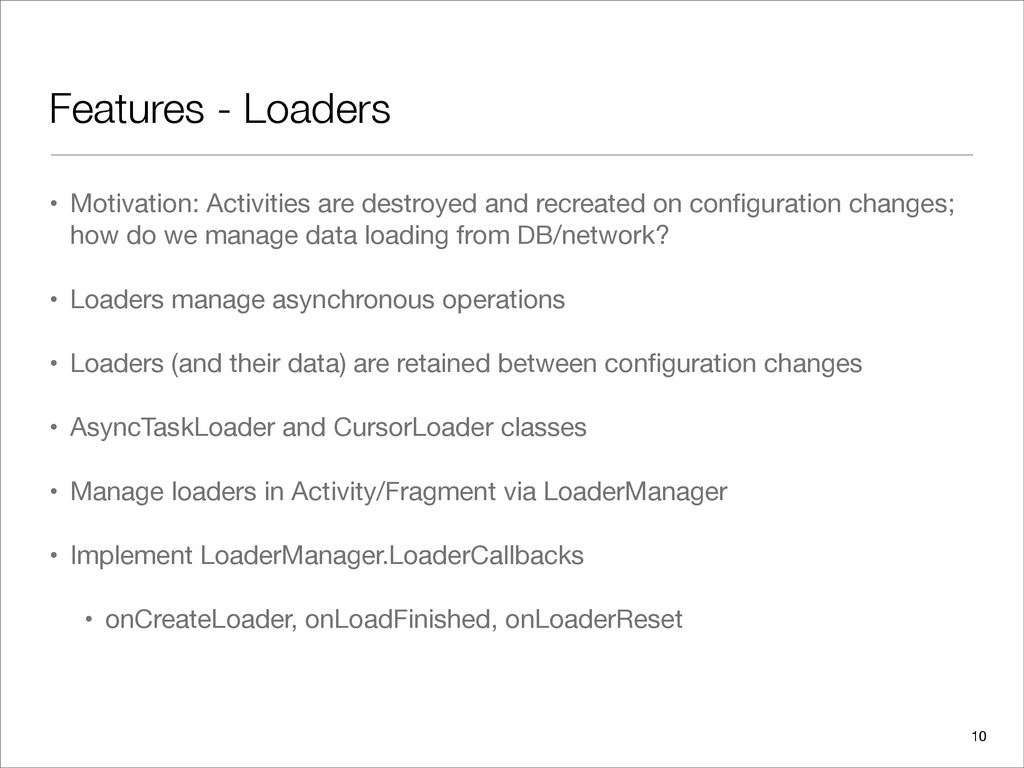
  8. Features - Loaders • Motivation: Activities are destroyed and recreated

    on configuration changes; how do we manage data loading from DB/network? • Loaders manage asynchronous operations • Loaders (and their data) are retained between configuration changes • AsyncTaskLoader and CursorLoader classes • Manage loaders in Activity/Fragment via LoaderManager • Implement LoaderManager.LoaderCallbacks • onCreateLoader, onLoadFinished, onLoaderReset 10
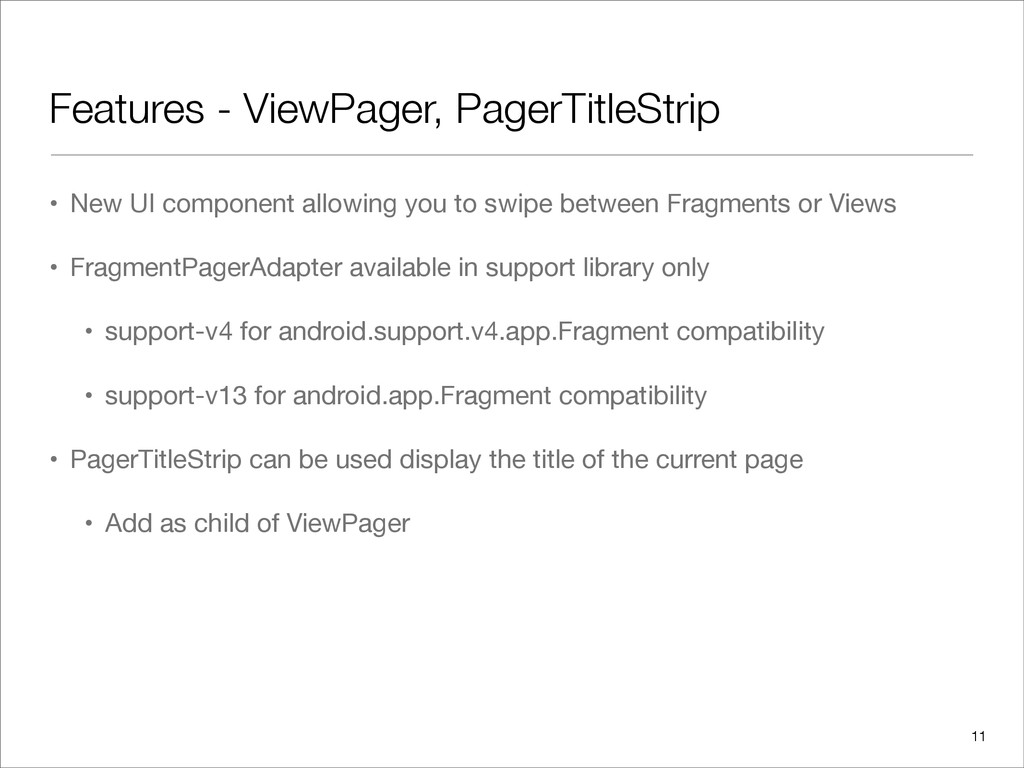
  9. Features - ViewPager, PagerTitleStrip • New UI component allowing you

    to swipe between Fragments or Views • FragmentPagerAdapter available in support library only • support-v4 for android.support.v4.app.Fragment compatibility • support-v13 for android.app.Fragment compatibility • PagerTitleStrip can be used display the title of the current page • Add as child of ViewPager 11
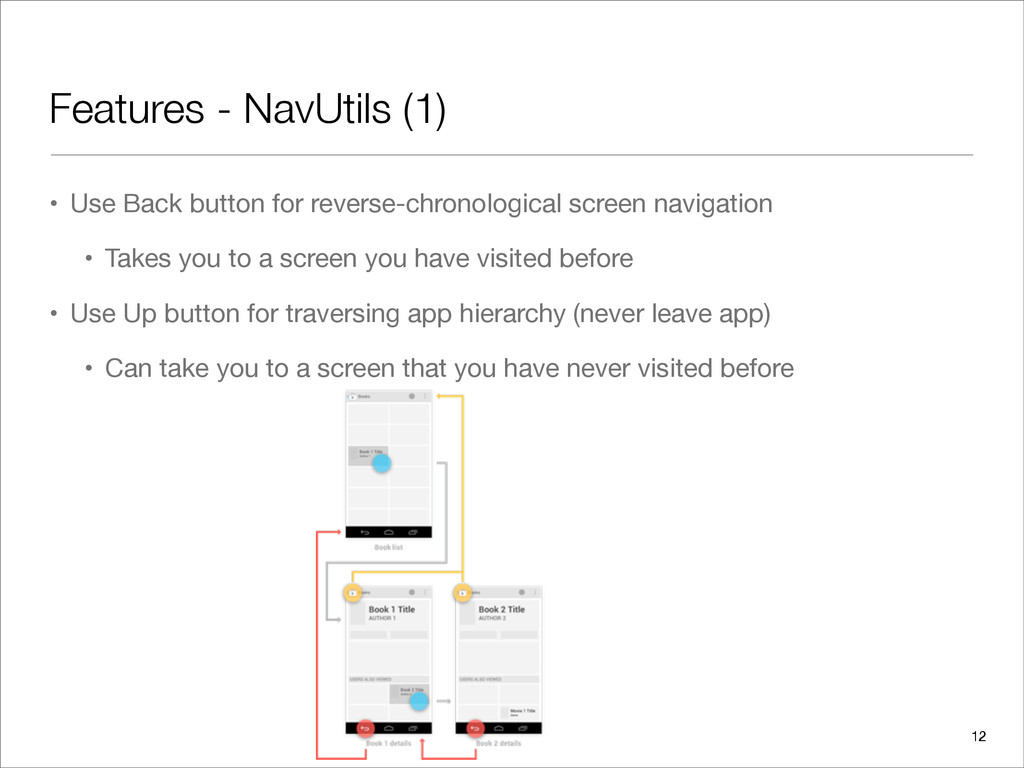
  10. Features - NavUtils (1) • Use Back button for reverse-chronological

    screen navigation • Takes you to a screen you have visited before • Use Up button for traversing app hierarchy (never leave app) • Can take you to a screen that you have never visited before 12
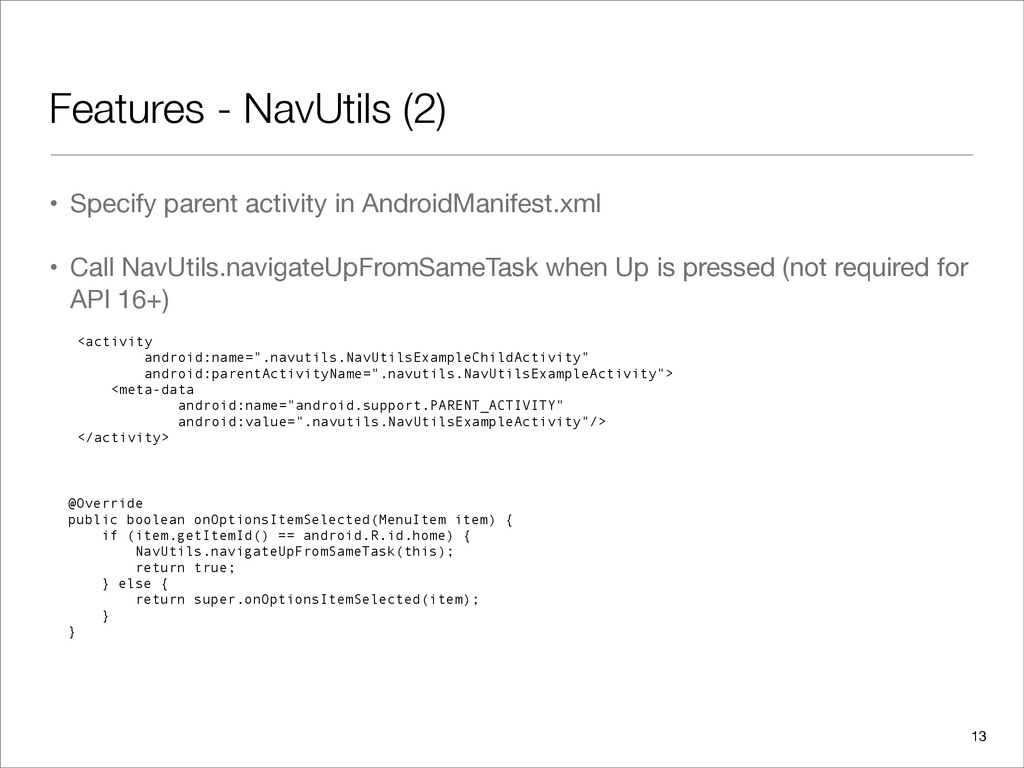
  11. Features - NavUtils (2) • Specify parent activity in AndroidManifest.xml

    • Call NavUtils.navigateUpFromSameTask when Up is pressed (not required for API 16+) <activity android:name=".navutils.NavUtilsExampleChildActivity" android:parentActivityName=".navutils.NavUtilsExampleActivity"> <meta-data android:name="android.support.PARENT_ACTIVITY" android:value=".navutils.NavUtilsExampleActivity"/> </activity> @Override public boolean onOptionsItemSelected(MenuItem item) { if (item.getItemId() == android.R.id.home) { NavUtils.navigateUpFromSameTask(this); return true; } else { return super.onOptionsItemSelected(item); } } 13
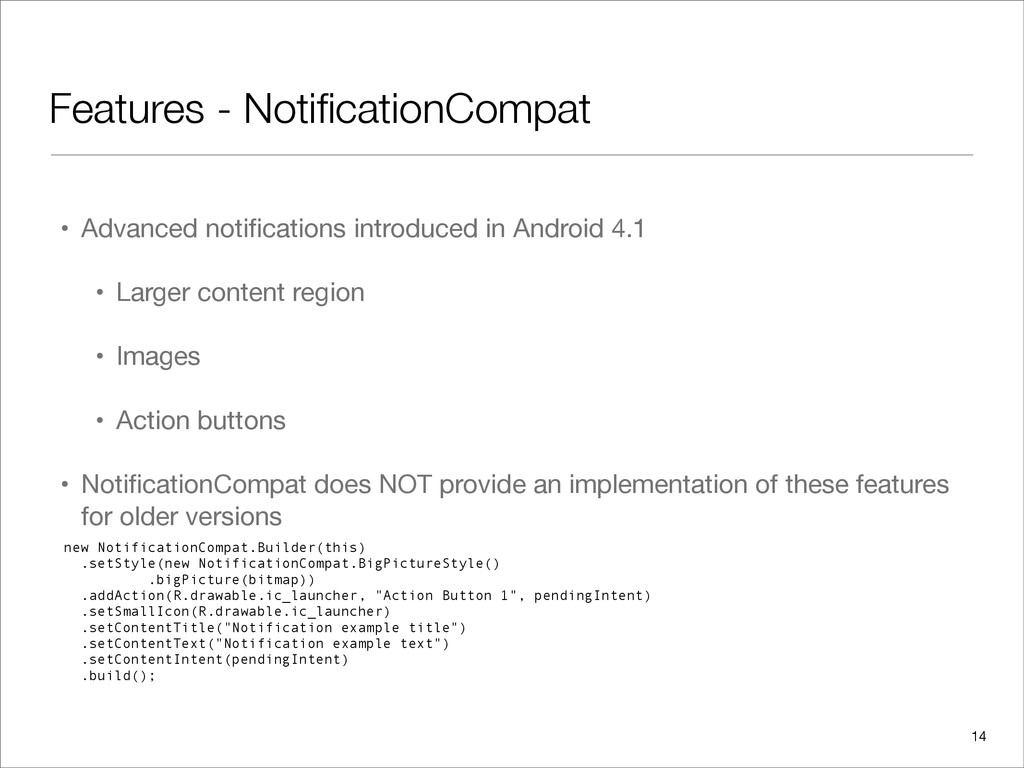
  12. Features - NotificationCompat • Advanced notifications introduced in Android 4.1

    • Larger content region • Images • Action buttons • NotificationCompat does NOT provide an implementation of these features for older versions new NotificationCompat.Builder(this) .setStyle(new NotificationCompat.BigPictureStyle() .bigPicture(bitmap)) .addAction(R.drawable.ic_launcher, "Action Button 1", pendingIntent) .setSmallIcon(R.drawable.ic_launcher) .setContentTitle("Notification example title") .setContentText("Notification example text") .setContentIntent(pendingIntent) .build(); 14
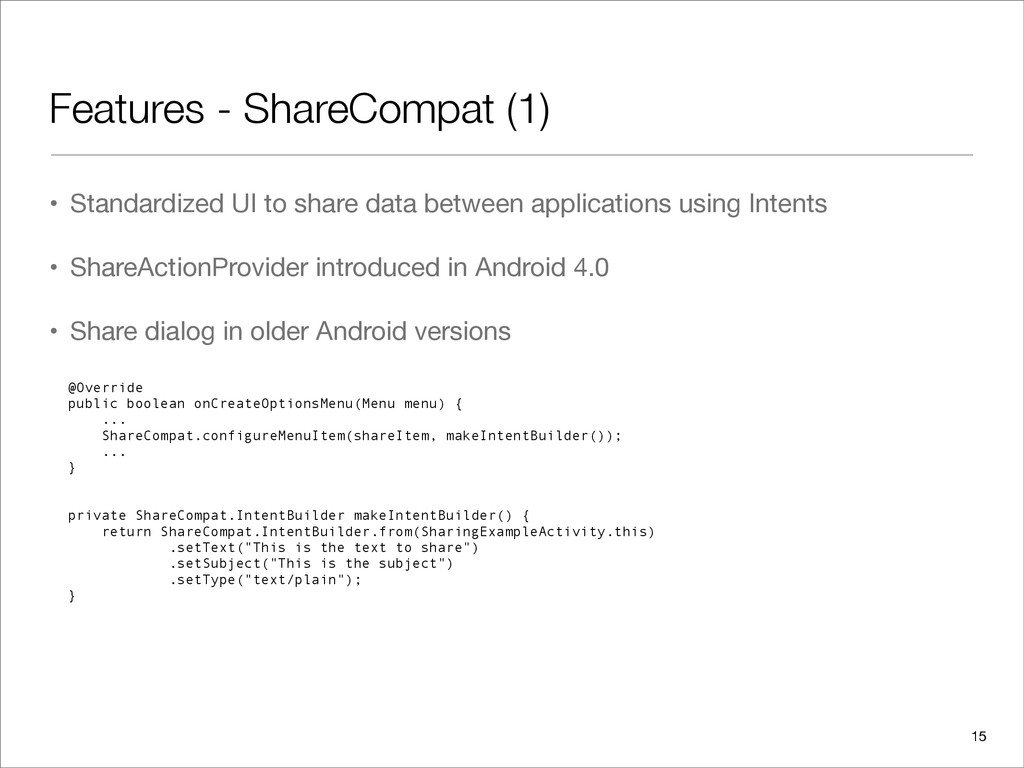
  13. Features - ShareCompat (1) • Standardized UI to share data

    between applications using Intents • ShareActionProvider introduced in Android 4.0 • Share dialog in older Android versions @Override public boolean onCreateOptionsMenu(Menu menu) { ... ShareCompat.configureMenuItem(shareItem, makeIntentBuilder()); ... } private ShareCompat.IntentBuilder makeIntentBuilder() { return ShareCompat.IntentBuilder.from(SharingExampleActivity.this) .setText("This is the text to share") .setSubject("This is the subject") .setType("text/plain"); } 15
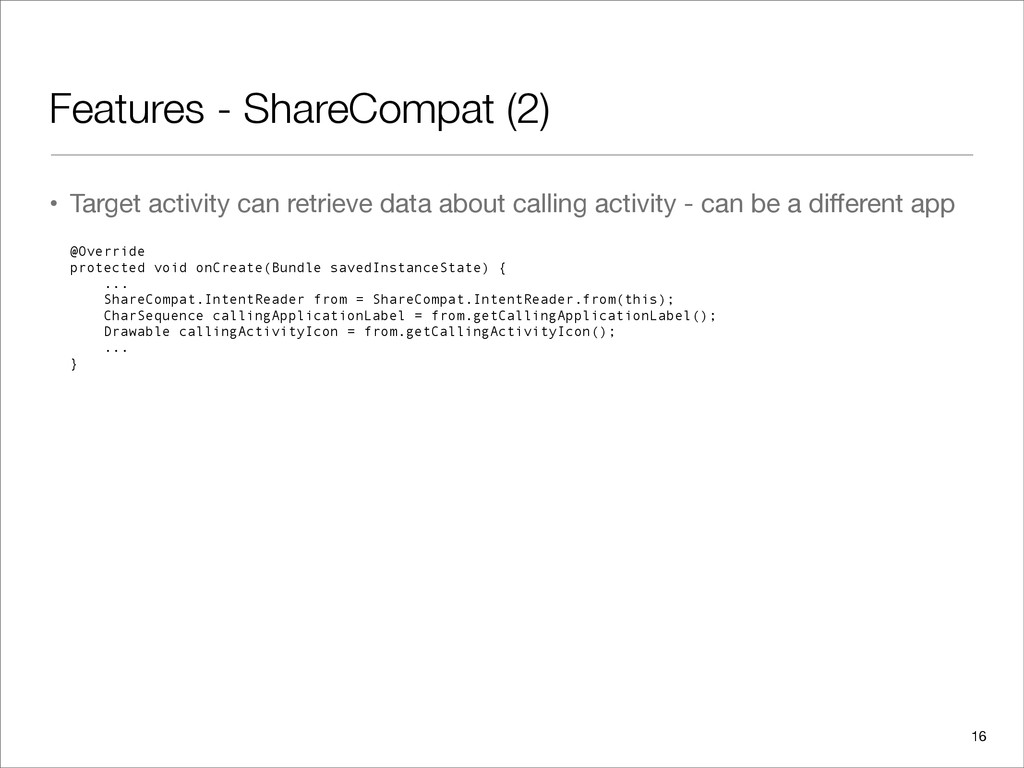
  14. Features - ShareCompat (2) • Target activity can retrieve data

    about calling activity - can be a different app 16 @Override protected void onCreate(Bundle savedInstanceState) { ... ShareCompat.IntentReader from = ShareCompat.IntentReader.from(this); CharSequence callingApplicationLabel = from.getCallingApplicationLabel(); Drawable callingActivityIcon = from.getCallingActivityIcon(); ... }
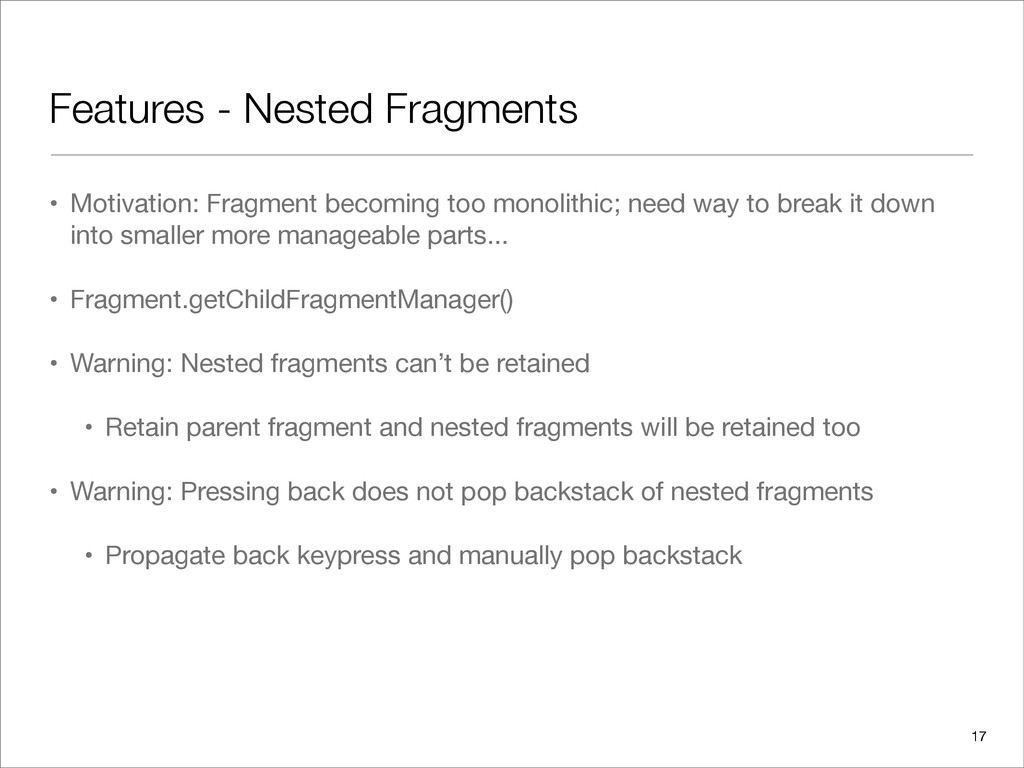
  15. Features - Nested Fragments • Motivation: Fragment becoming too monolithic;

    need way to break it down into smaller more manageable parts... • Fragment.getChildFragmentManager() • Warning: Nested fragments can’t be retained • Retain parent fragment and nested fragments will be retained too • Warning: Pressing back does not pop backstack of nested fragments • Propagate back keypress and manually pop backstack 17
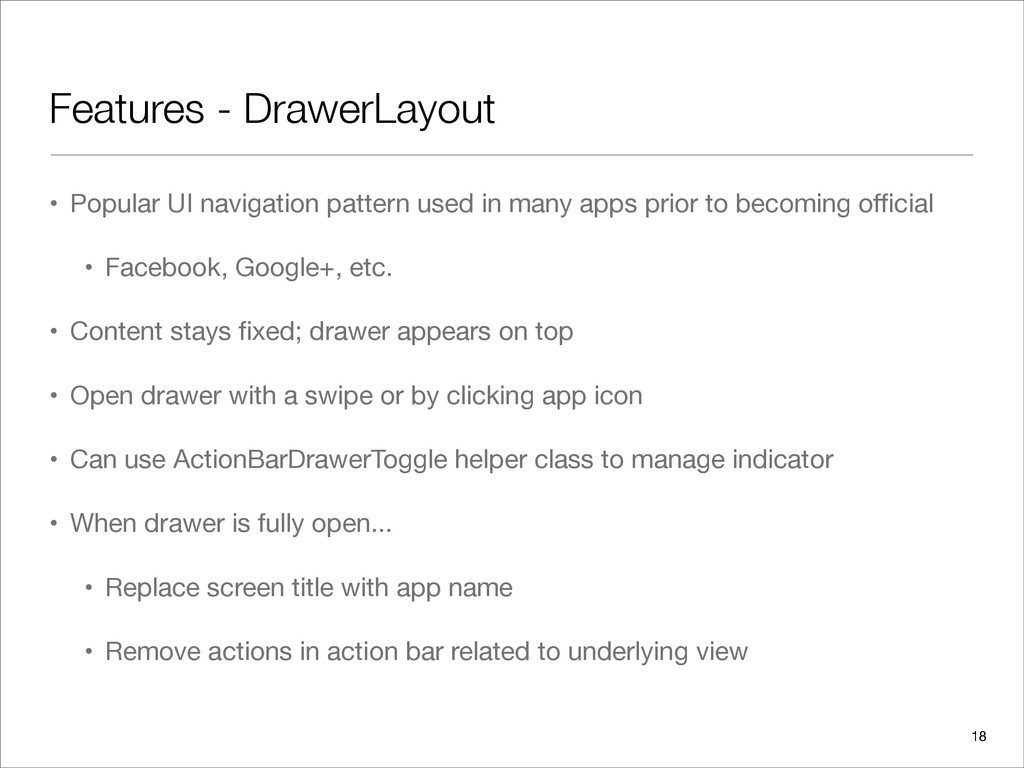
  16. Features - DrawerLayout • Popular UI navigation pattern used in

    many apps prior to becoming official • Facebook, Google+, etc. • Content stays fixed; drawer appears on top • Open drawer with a swipe or by clicking app icon • Can use ActionBarDrawerToggle helper class to manage indicator • When drawer is fully open... • Replace screen title with app name • Remove actions in action bar related to underlying view 18
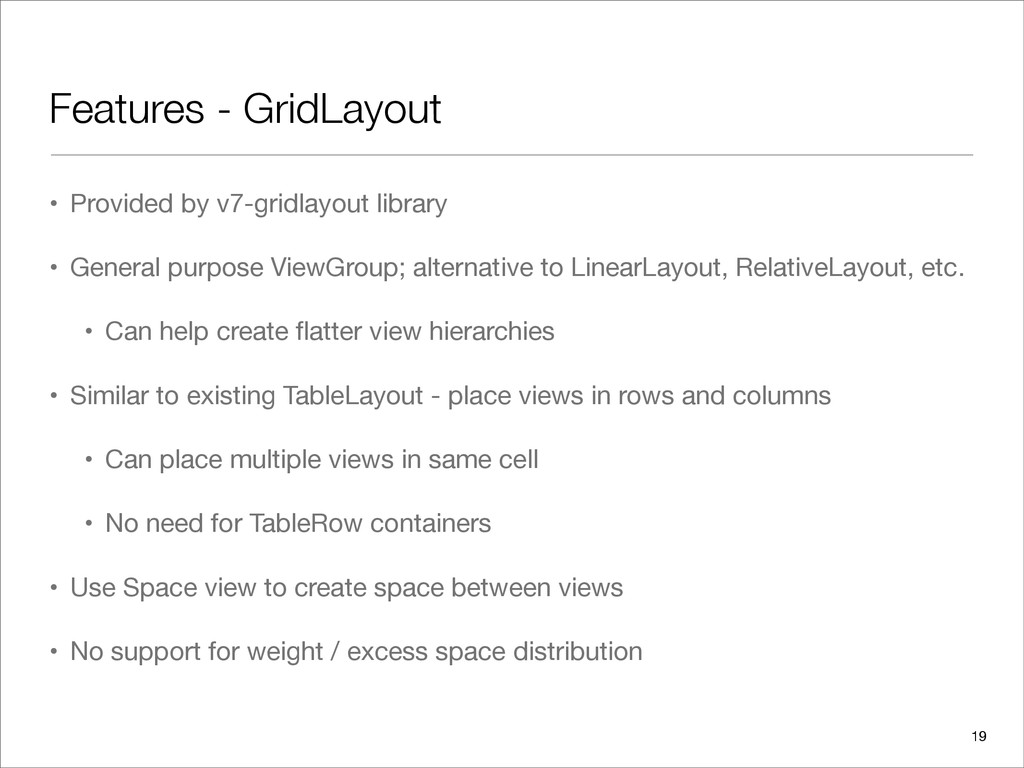
  17. Features - GridLayout • Provided by v7-gridlayout library • General

    purpose ViewGroup; alternative to LinearLayout, RelativeLayout, etc. • Can help create flatter view hierarchies • Similar to existing TableLayout - place views in rows and columns • Can place multiple views in same cell • No need for TableRow containers • Use Space view to create space between views • No support for weight / excess space distribution 19
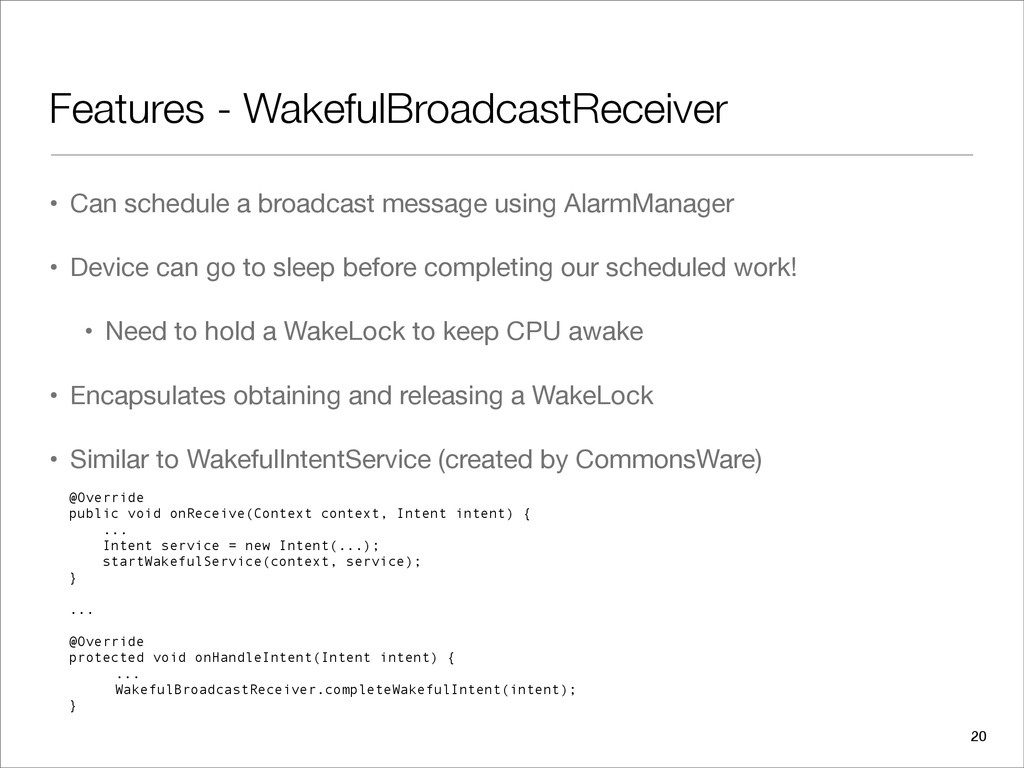
  18. Features - WakefulBroadcastReceiver • Can schedule a broadcast message using

    AlarmManager • Device can go to sleep before completing our scheduled work! • Need to hold a WakeLock to keep CPU awake • Encapsulates obtaining and releasing a WakeLock • Similar to WakefulIntentService (created by CommonsWare) @Override public void onReceive(Context context, Intent intent) { ... Intent service = new Intent(...); startWakefulService(context, service); } ... @Override protected void onHandleIntent(Intent intent) { ... WakefulBroadcastReceiver.completeWakefulIntent(intent); } 20
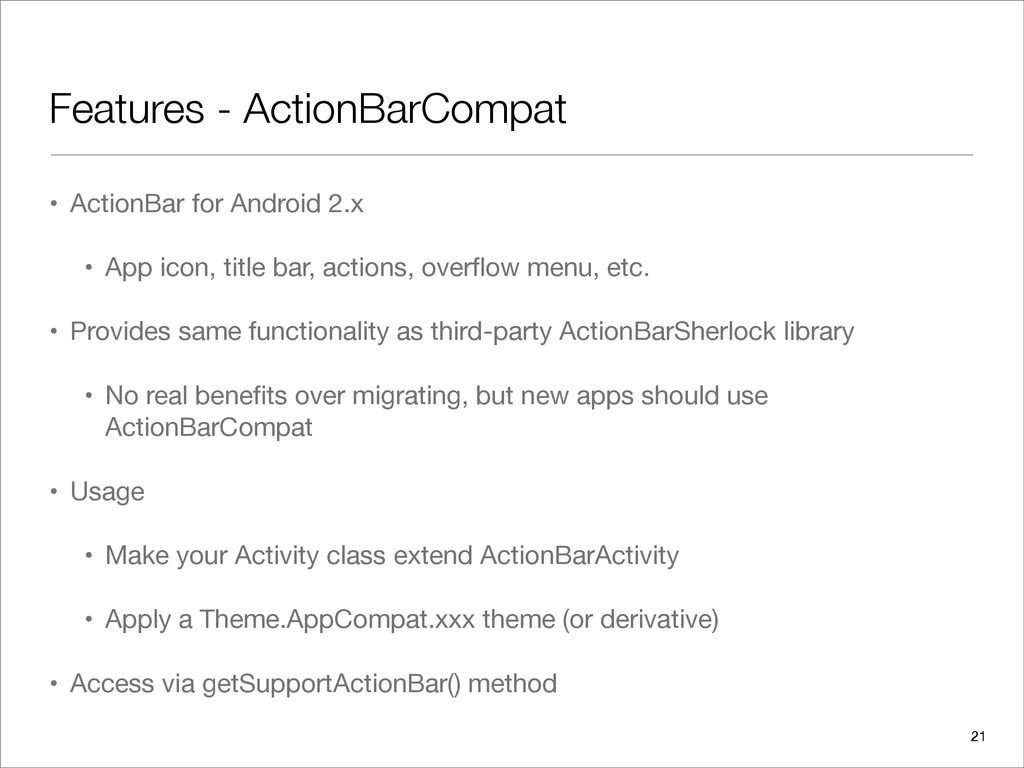
  19. Features - ActionBarCompat • ActionBar for Android 2.x • App

    icon, title bar, actions, overflow menu, etc. • Provides same functionality as third-party ActionBarSherlock library • No real benefits over migrating, but new apps should use ActionBarCompat • Usage • Make your Activity class extend ActionBarActivity • Apply a Theme.AppCompat.xxx theme (or derivative) • Access via getSupportActionBar() method 21
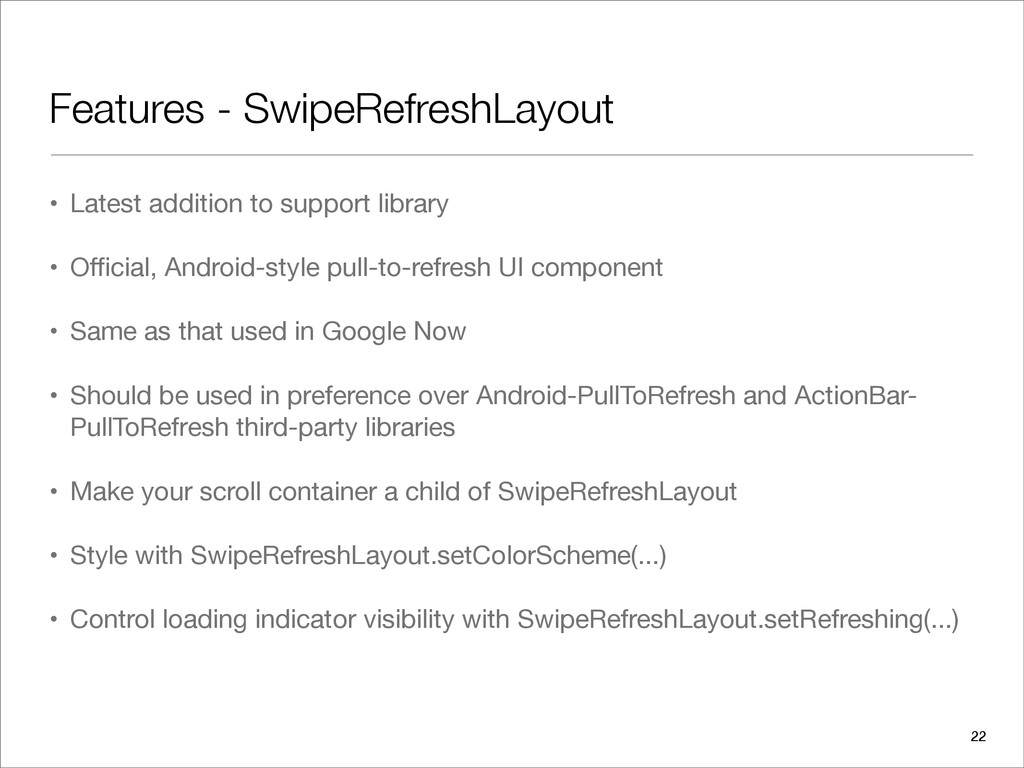
  20. Features - SwipeRefreshLayout • Latest addition to support library •

    Official, Android-style pull-to-refresh UI component • Same as that used in Google Now • Should be used in preference over Android-PullToRefresh and ActionBar- PullToRefresh third-party libraries • Make your scroll container a child of SwipeRefreshLayout • Style with SwipeRefreshLayout.setColorScheme(...) • Control loading indicator visibility with SwipeRefreshLayout.setRefreshing(...) 22
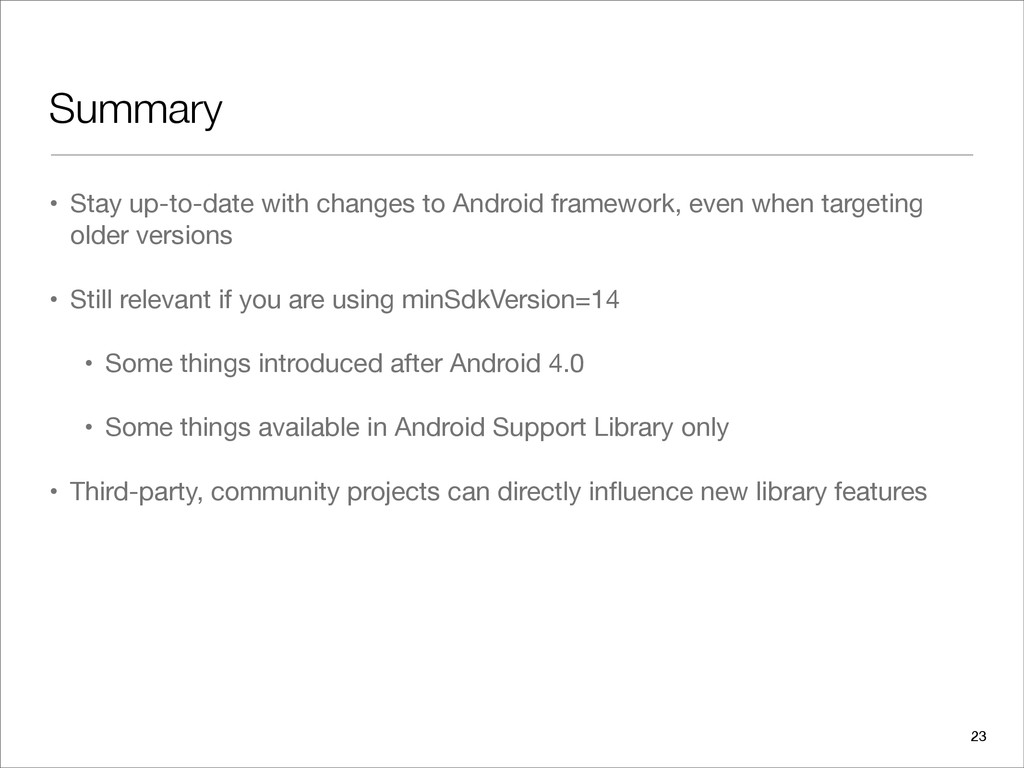
  21. Summary • Stay up-to-date with changes to Android framework, even

    when targeting older versions • Still relevant if you are using minSdkVersion=14 • Some things introduced after Android 4.0 • Some things available in Android Support Library only • Third-party, community projects can directly influence new library features 23