Upgrade to Pro
— share decks privately, control downloads, hide ads and more …
Speaker Deck
Sign up for free
Menu
Search
Features
All features
Private URLs
Password Protection
Custom URLS
Scheduled publishing
Remove Branding
Restrict embedding
Deck Collections
Notes
Features
All features
Private URLs
Password Protection
Custom URLS
Scheduled publishing
Remove Branding
Restrict embedding
Deck Collections
Notes
Explore
Featured decks
Featured speakers
Programming
Technology
Storyboards
Explore
Featured decks
Featured speakers
Programming
Technology
Storyboards
Pricing
Search
Sign in
Sign up for free
HTML / CSS part 2
Search
Axel Bouaziz
March 12, 2013
Programming
67
0
Share
Embed
Copy iframe code
Copy JS code
Copy link
Start on current slide
HTML / CSS part 2
Formation faite le 12 mars 2013 en collaboration avec Leeaarn.
Axel Bouaziz
March 12, 2013
More Decks by Axel Bouaziz
See All by Axel Bouaziz
HTML / CSS part 1
axelbouaziz
1
170
Formation HTML / CSS
axelbouaziz
0
210
Other Decks in Programming
See All in Programming
GemmaをJevのように使ってみる / Use Gemma like Jev
kishida
5
790
Compiling a real-world CLI tool to native with Static Hermes
tmikov2023
0
120
SREの越境 / SRE Collaboration
y0hgi
2
310
動作中のプログラムの中身をリアルタイムに覗く / Realtime Debugger for CSharp with Roslyn
prota
1
1.9k
KiroのSpecで「五目並べ」を作ってみる
satoshi256kbyte
1
380
R8 の設定見直しでアプリサイズ削減
andpad
0
220
RAG の “R” を Swift で覗いてみる 〜「意味から探す」検索の仕組み〜
nao_randd
0
160
AI主導のプログラミング学習アプリを作ってみた
econanringo
0
180
作って学ぶSpring BootのAuto Configuration / JJUG Night Seminar 2026-10-19
rshindo
0
140
SalesForceを内製化!? ~ HR事業を支える顧客管理基盤のインフラを大公開 ~
oku053
0
180
IBM Bob でAI駆動開発『QC-Playbook』
ichirokano2
0
110
Jetpack Compose Mechanisms
skydoves
3
820
Featured
See All Featured
What the history of the web can teach us about the future of AI
inesmontani
PRO
2
740
Visualizing Your Data: Incorporating Mongo into Loggly Infrastructure
mongodb
50
10k
Building a Scalable Design System with Sketch
lauravandoore
464
34k
Have SEOs Ruined the Internet? - User Awareness of SEO in 2025
akashhashmi
0
520
Building the Perfect Custom Keyboard
takai
2
910
The Director’s Chair: Orchestrating AI for Truly Effective Learning
tmiket
1
330
Getting science done with accelerated Python computing platforms
jacobtomlinson
2
540
sira's awesome portfolio website redesign presentation
elsirapls
0
450
Darren the Foodie - Storyboard
khoart
PRO
4
4k
A brief & incomplete history of UX Design for the World Wide Web: 1989–2019
jct
2
530
GraphQLとの向き合い方2022年版
quramy
50
15k
Producing Creativity
orderedlist
PRO
348
41k
Transcript
Axel Bouaziz en collaboration avec Leeaarn @axelbouaziz @leeaarn LES BASES
DE LA PROGRAMMATION WEB HTML - PARTIE 2
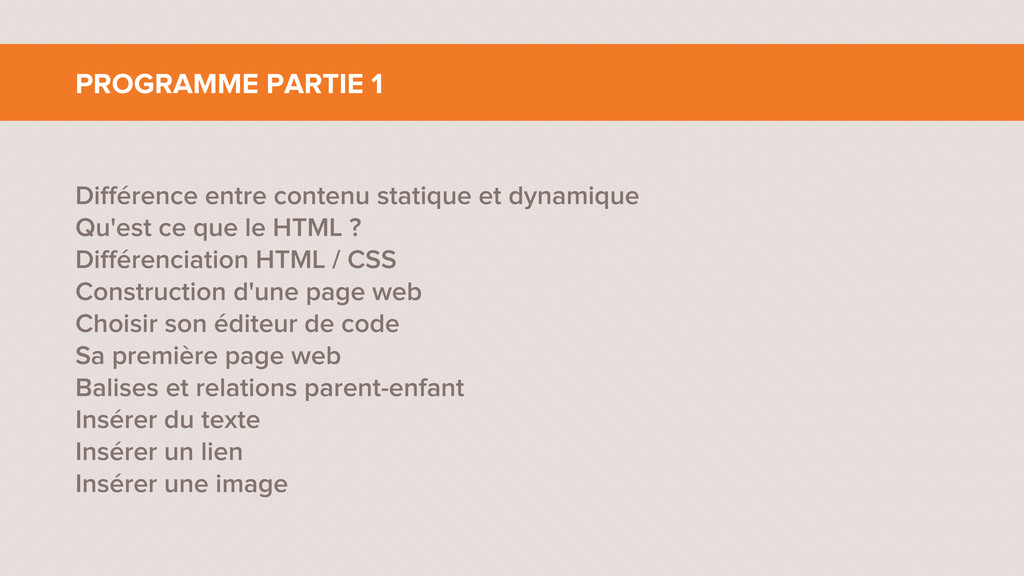
Différence entre contenu statique et dynamique Qu'est ce que le
HTML ? Différenciation HTML / CSS Construction d'une page web Choisir son éditeur de code Sa première page web Balises et relations parent-enfant Insérer du texte Insérer un lien Insérer une image PROGRAMME PARTIE 1
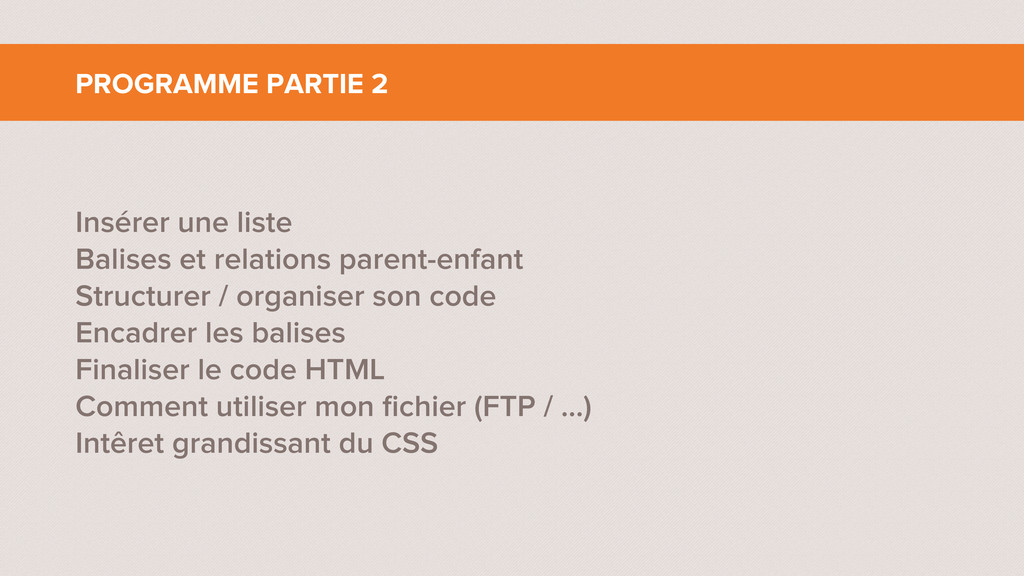
Insérer une liste Balises et relations parent-enfant Structurer / organiser
son code Encadrer les balises Finaliser le code HTML Comment utiliser mon fichier (FTP / ...) Intêret grandissant du CSS PROGRAMME PARTIE 2
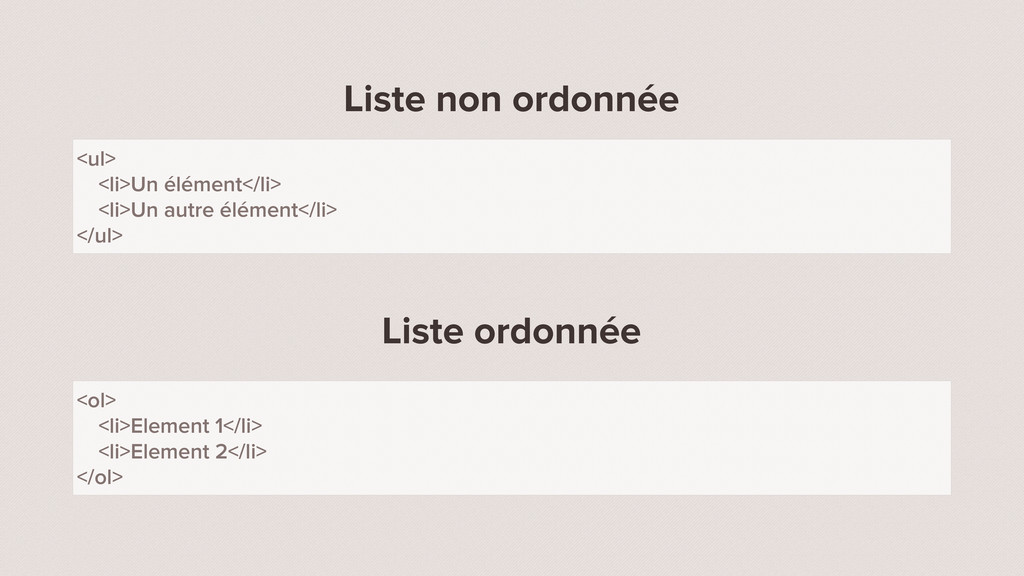
INSÉRER UNE LISTE
Liste non ordonnée Liste ordonnée <ul> <li>Un élément</li> <li>Un autre
élément</li> </ul> <ol> <li>Element 1</li> <li>Element 2</li> </ol>
BALISES ET RELATIONS PARENT-ENFANT
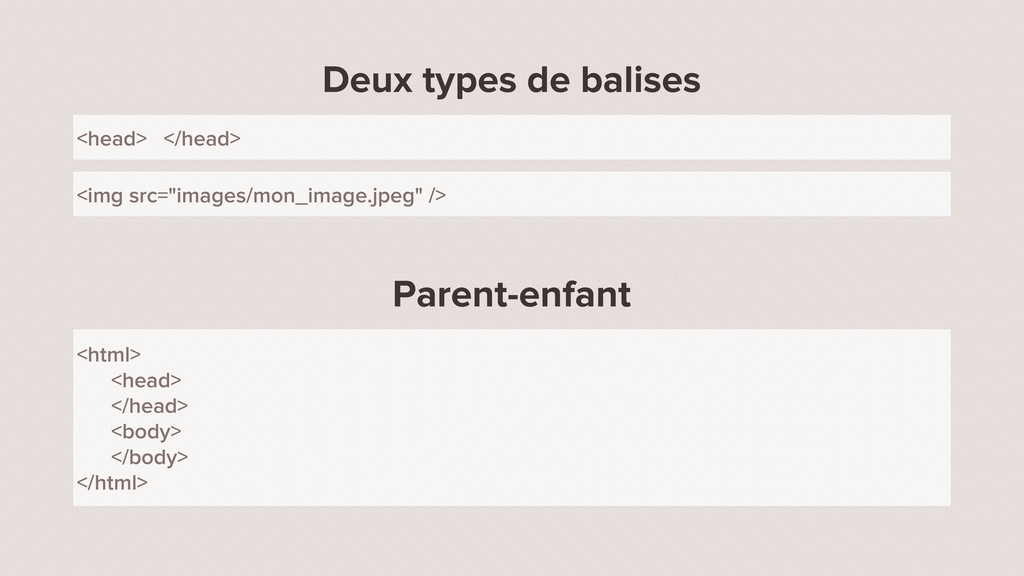
Deux types de balises Parent-enfant <head> </head> <img src="images/mon_image.jpeg" />
<html> <head> </head> <body> </body> </html>
STRUCTURER / ORGANISER SON CODE
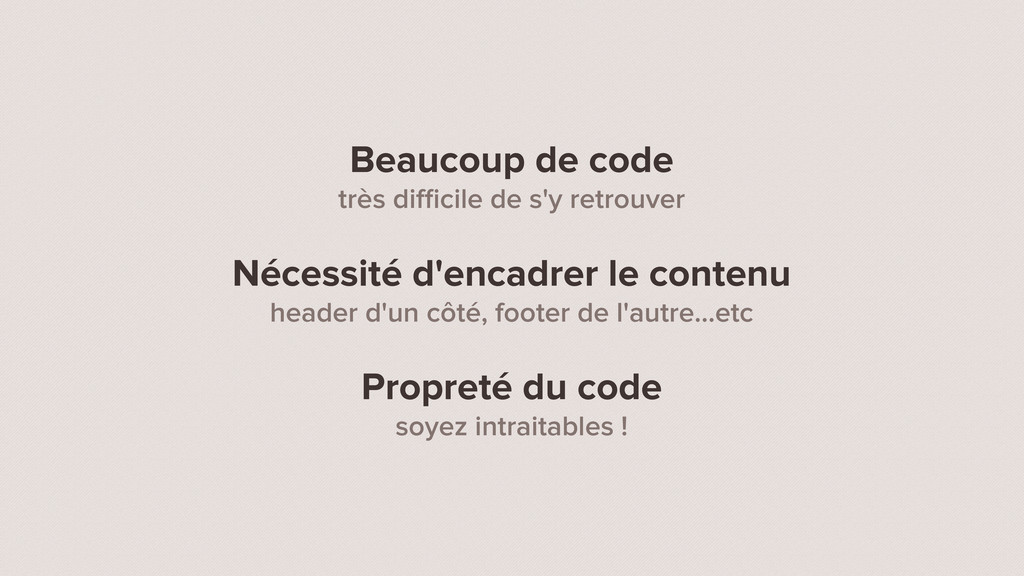
Beaucoup de code très difficile de s'y retrouver Nécessité d'encadrer
le contenu header d'un côté, footer de l'autre...etc Propreté du code soyez intraitables !
Apparition des div Qu'est ce que c'est ? A quoi
ça sert ? Comment ça marche ? Ce qui est une div et ce qui n'en est pas ?
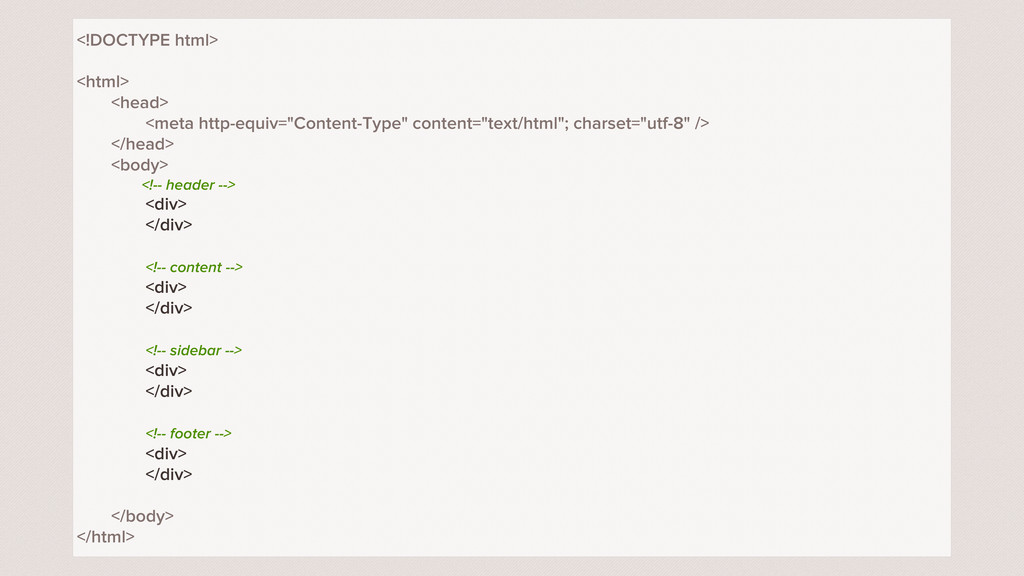
<!DOCTYPE html> <html> <head> <meta http-equiv="Content-Type" content="text/html"; charset="utf-8" /> </head>
<body> <!-- header --> <div> </div> <!-- content --> <div> </div> <!-- sidebar --> <div> </div> <!-- footer --> <div> </div> </body> </html>
ENCADRER LES BALISES
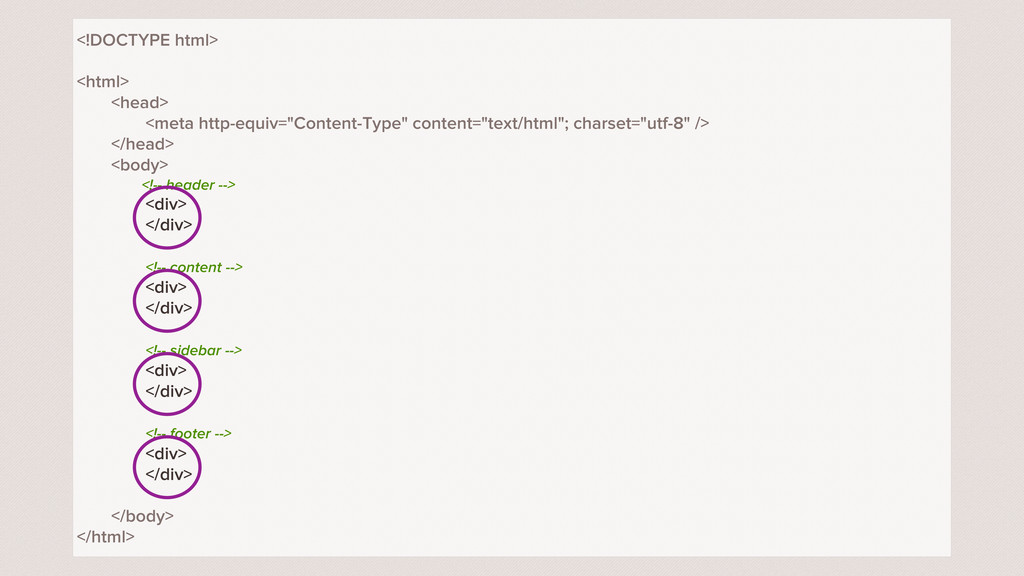
<!DOCTYPE html> <html> <head> <meta http-equiv="Content-Type" content="text/html"; charset="utf-8" /> </head>
<body> <!-- header --> <div> </div> <!-- content --> <div> </div> <!-- sidebar --> <div> </div> <!-- footer --> <div> </div> </body> </html>
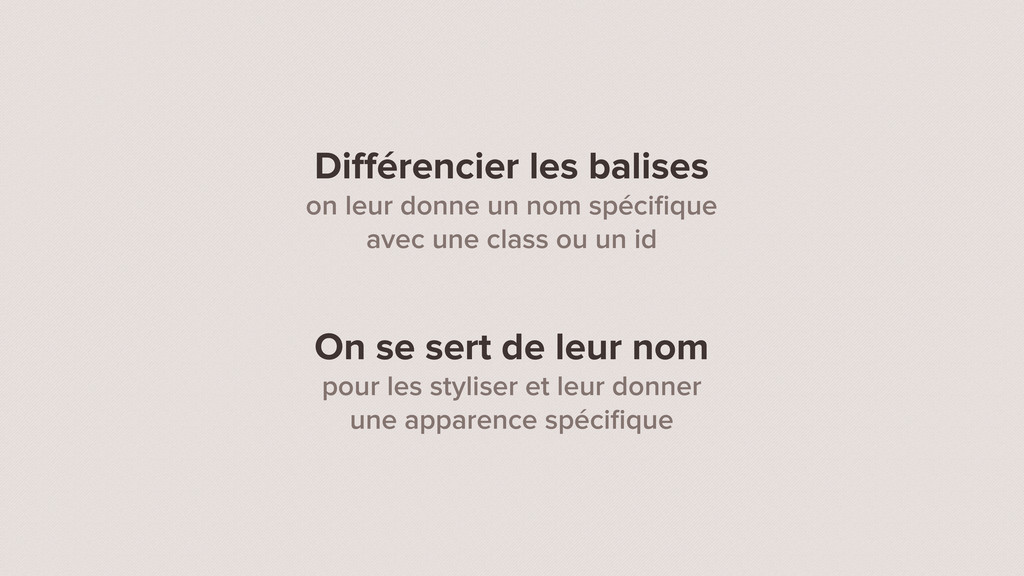
Différencier les balises on leur donne un nom spécifique avec
une class ou un id On se sert de leur nom pour les styliser et leur donner une apparence spécifique
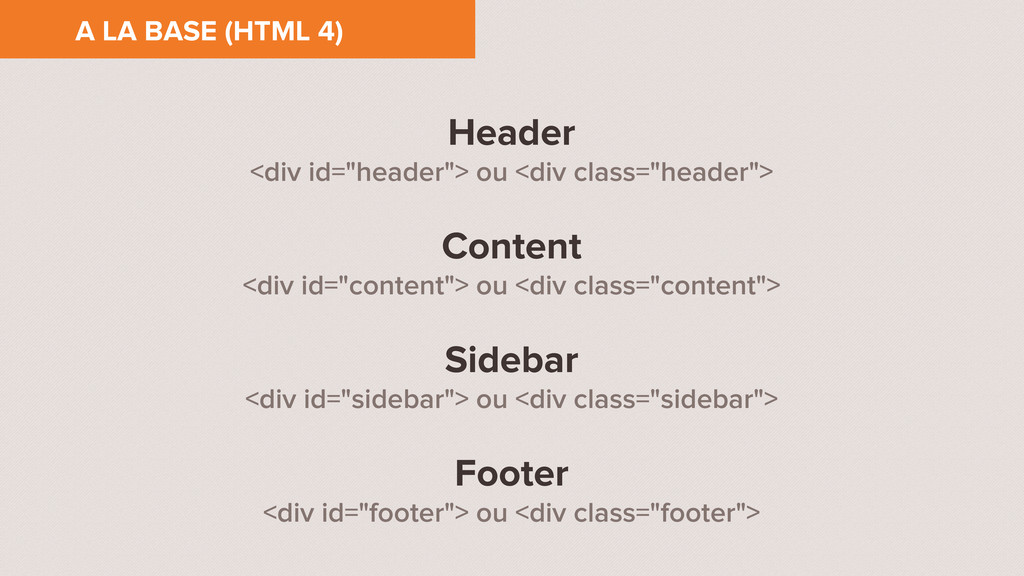
Header <div id="header"> ou <div class="header"> Content <div id="content"> ou
<div class="content"> Sidebar <div id="sidebar"> ou <div class="sidebar"> Footer <div id="footer"> ou <div class="footer"> A LA BASE (HTML 4)
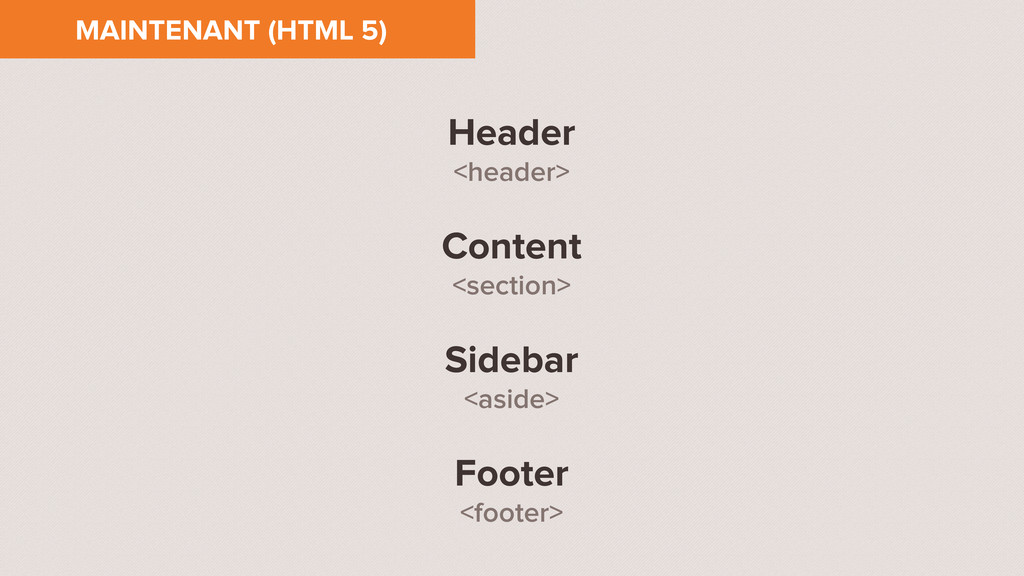
Header <header> Content <section> Sidebar <aside> Footer <footer> MAINTENANT (HTML
5)
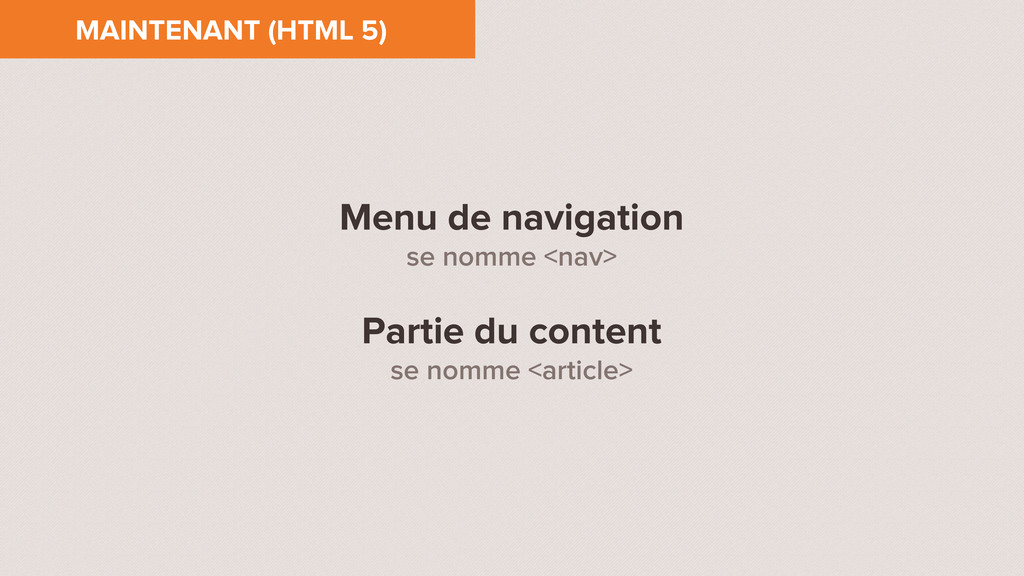
Menu de navigation se nomme <nav> Partie du content se
nomme <article> MAINTENANT (HTML 5)
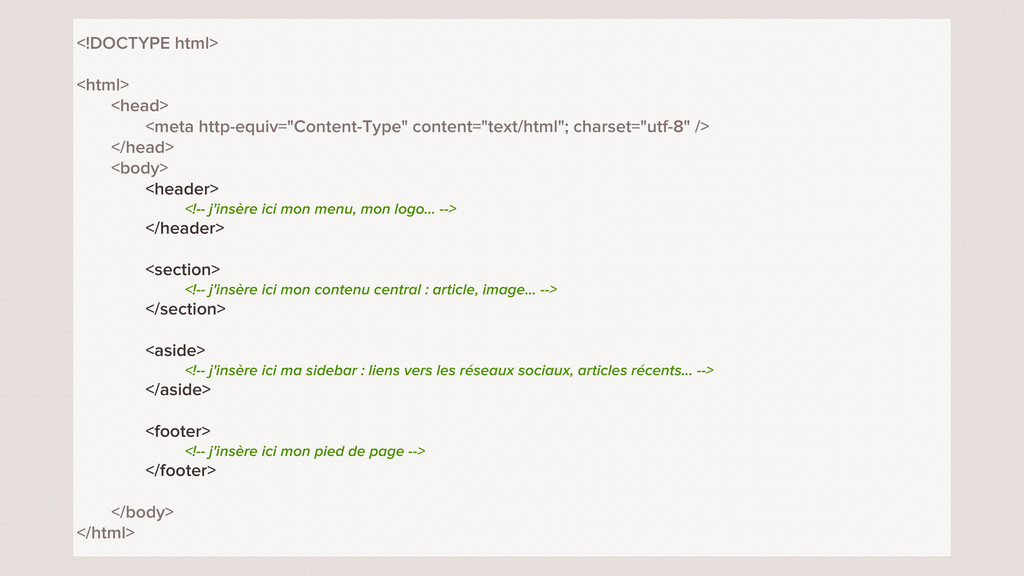
<!DOCTYPE html> <html> <head> <meta http-equiv="Content-Type" content="text/html"; charset="utf-8" /> </head>
<body> <header> <!-- j'insère ici mon menu, mon logo... --> </header> <section> <!-- j'insère ici mon contenu central : article, image... --> </section> <aside> <!-- j'insère ici ma sidebar : liens vers les réseaux sociaux, articles récents... --> </aside> <footer> <!-- j'insère ici mon pied de page --> </footer> </body> </html>
FINALISER LE CODE HTML
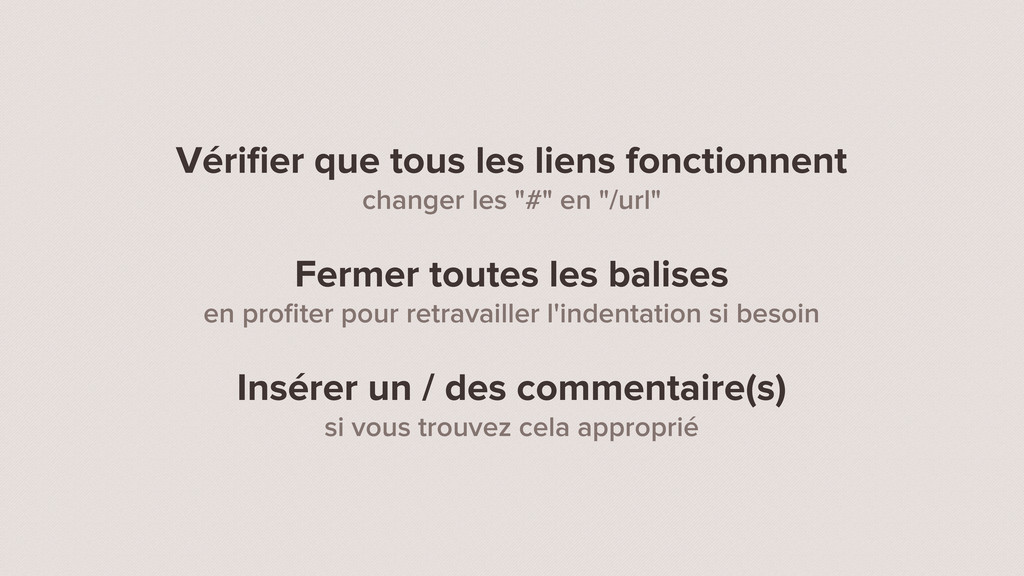
Vérifier que tous les liens fonctionnent changer les "#" en
"/url" Fermer toutes les balises en profiter pour retravailler l'indentation si besoin Insérer un / des commentaire(s) si vous trouvez cela approprié
COMMENT UTILISER MON FICHIER
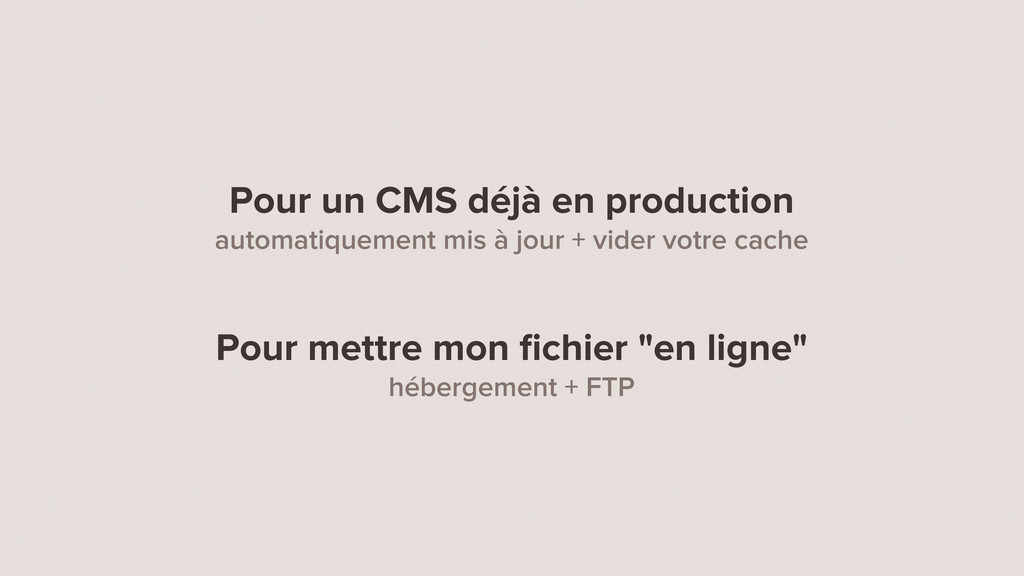
Pour un CMS déjà en production automatiquement mis à jour
+ vider votre cache Pour mettre mon fichier "en ligne" hébergement + FTP
INTÊRET GRANDISSANT DU CSS
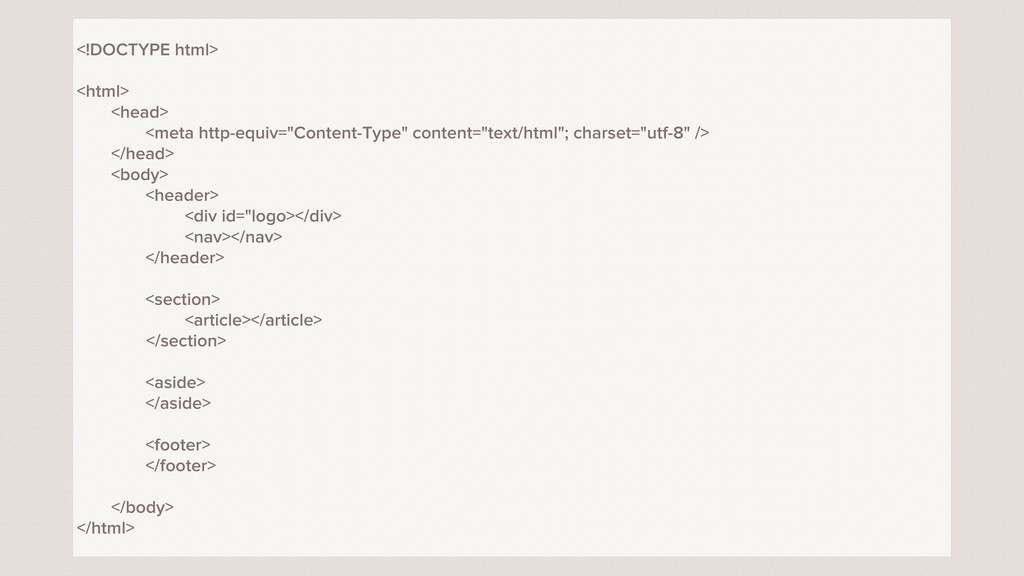
<!DOCTYPE html> <html> <head> <meta http-equiv="Content-Type" content="text/html"; charset="utf-8" /> </head>
<body> <header> <div id="logo></div> <nav></nav> </header> <section> <article></article> </section> <aside> </aside> <footer> </footer> </body> </html>
J'ai besoin de points de repère pour styliser mon code
HTML id VS class deux indicateurs essentiels réutilisés dans le code CSS
MERCI QUESTIONS ?


 axelbouaziz
 kishida
 tmikov2023
 y0hgi
y0hgi
 prota
prota
 satoshi256kbyte
 andpad
 nao_randd
 econanringo
 rshindo
 oku053
 ichirokano2
 skydoves
 inesmontani
 mongodb
 lauravandoore
 akashhashmi
 takai
takai
 tmiket
 jacobtomlinson
 elsirapls
 khoart
 jct
jct
 quramy
 orderedlist