Upgrade to Pro — share decks privately, control downloads, hide ads and more …

Don’t Let Attackers Hijack Your App’s Task // n...

Don’t Let Attackers Hijack Your App’s Task // next.app devCon / masCon Berlin 2026

My presentation about StrandHogg and other task hijacking exploitation on Android and their mitigations as presented at next.app devCon / masCon Berlin on October 7, 2026.

Intro
Task hijacking is when a malicious app launches its Activity into the task of another. The trivial counter to the simplest form is to set an empty task affinity for your Activity. That's not all, as the more serious Strandhogg 2.0 exploit doesn't rely on Manifest-based configuration and can dynamically target multiple applications. There is also the fact that the system still allows background apps to launch their Activity on top of others in certain circumstances.

There are mitigations for most attacks on newer Android versions, but if your app needs to be backward compatible, it is entirely on you to apply defense in depth, and I'll show you how, including a quick demo.

Links
Android Security Evolution:
https://github.com/balazsgerlei/AndroidSecurityEvolution​

USENIX Security '15 - Towards Discovering and Understanding Task Hijacking in Android​:
https://youtu.be/IYGwXFIYdS8​

Promon’s blog posts about StrandHogg
https://promon.io/security-news/the-strandhogg-vulnerability
https://promon.io/resources/downloads/strandhogg-2-0-new-serious-android-vulnerability

HackTricks - Android Task Hijacking​:
https://book.hacktricks.wiki/en/mobile-pentesting/android-app-pentesting/android-task-hijacking.html​

USENIX Security '25 - TapTrap: Animation-Driven Tapjacking on Android
https://youtu.be/dRM5cBu3fJ8

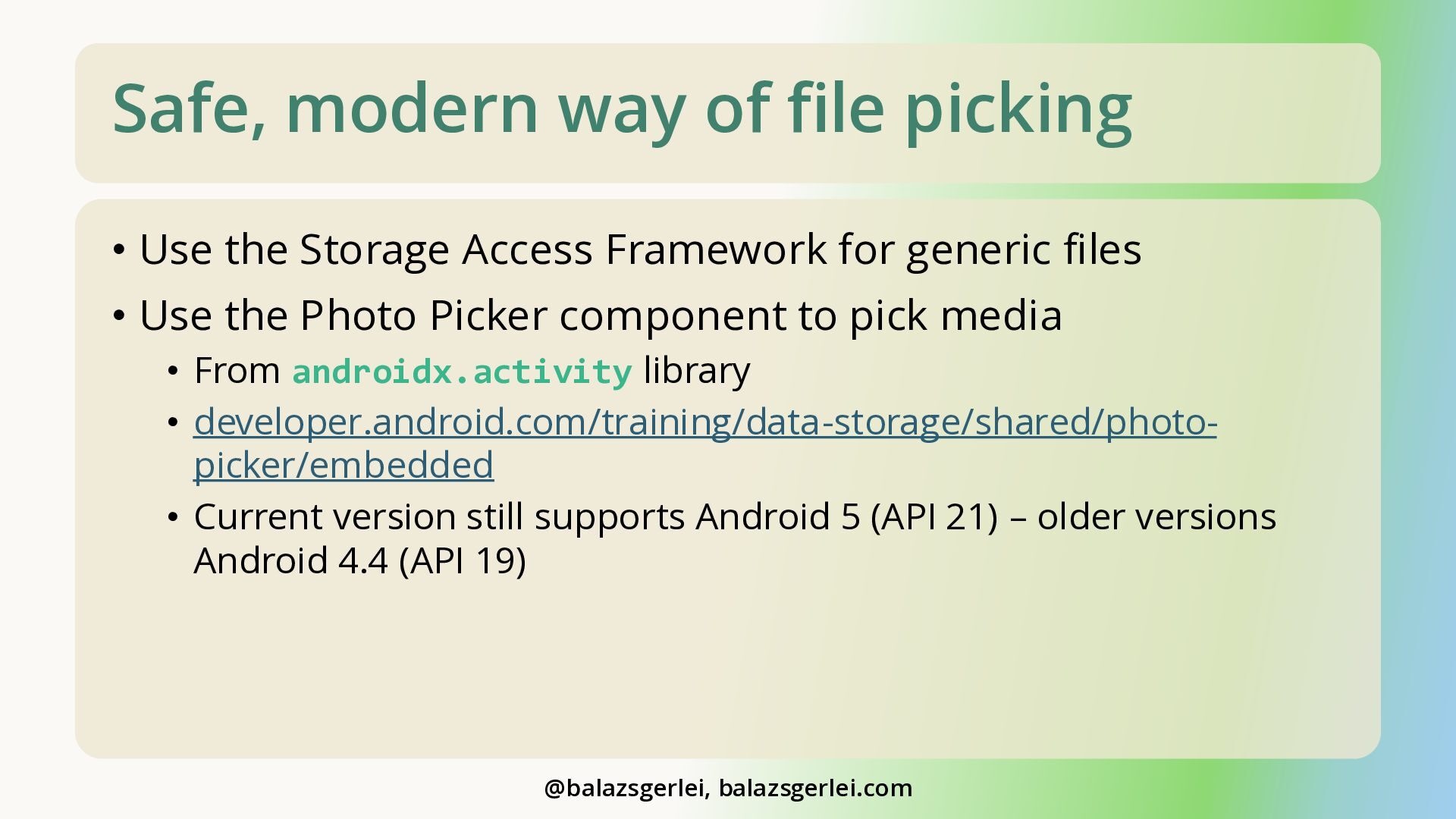
Embedded photo picker
https://developer.android.com/training/data-storage/shared/photo-picker/embedded

Avatar for Balázs Gerlei

Balázs Gerlei

October 08, 2026

More Decks by Balázs Gerlei

Other Decks in Programming

Transcript

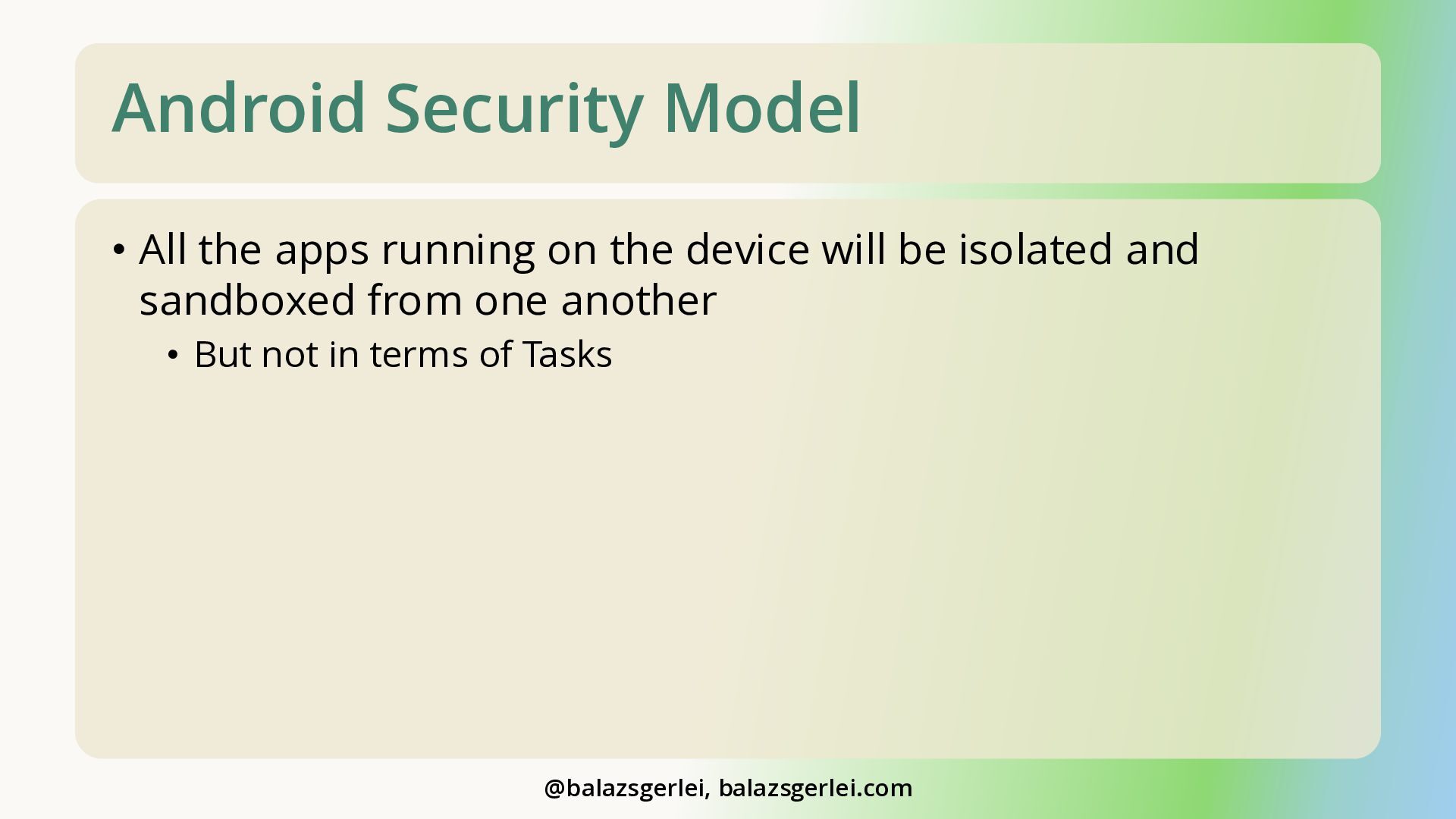
  1. Android Security Model • All the apps running on the

    device will be isolated and sandboxed from one another • But not in terms of Tasks @balazsgerlei, balazsgerlei.com
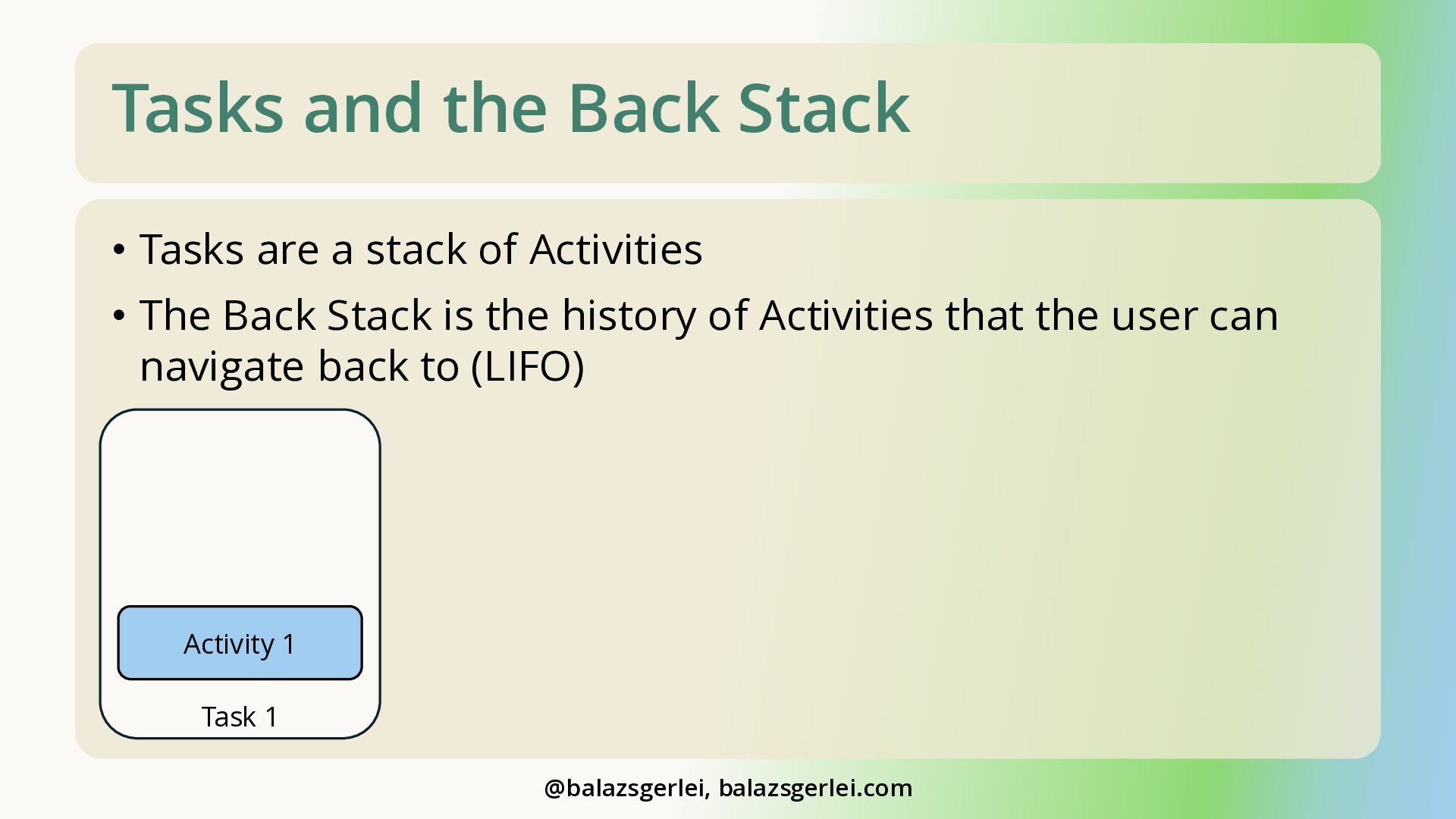
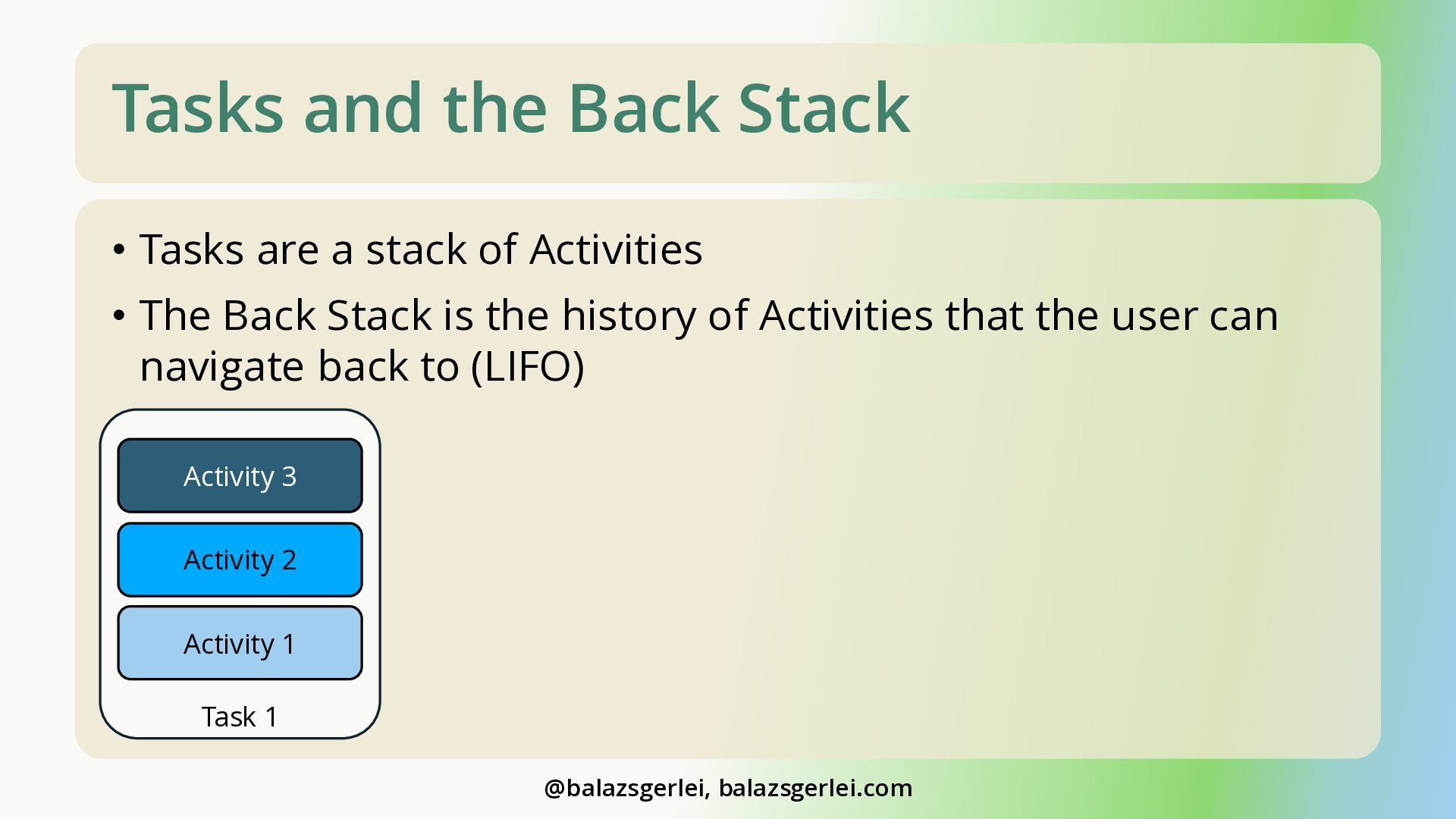
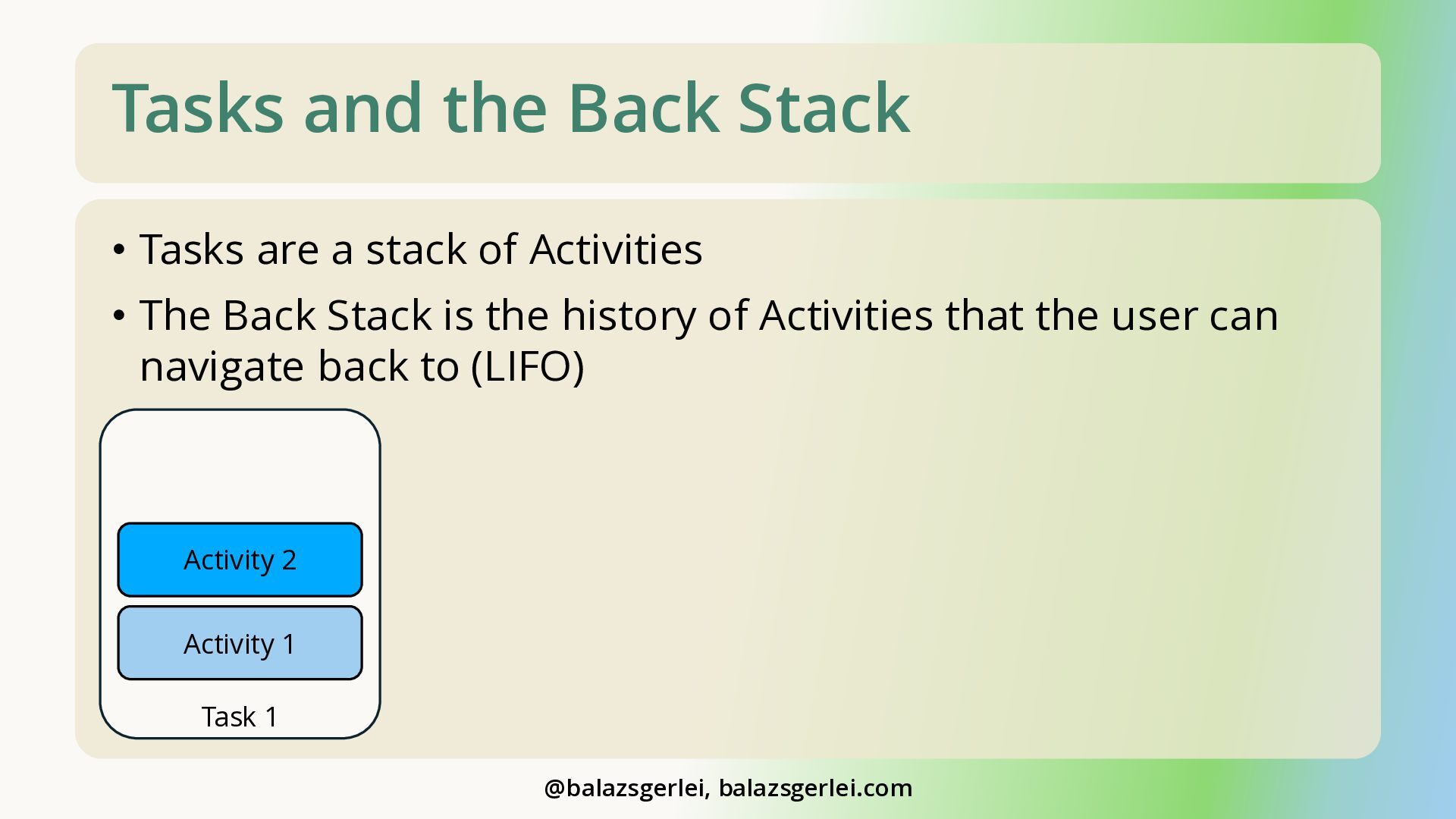
  2. Tasks and the Back Stack • Tasks are a stack

    of Activities • The Back Stack is the history of Activities that the user can navigate back to (LIFO) Activity 1 Task 1 @balazsgerlei, balazsgerlei.com
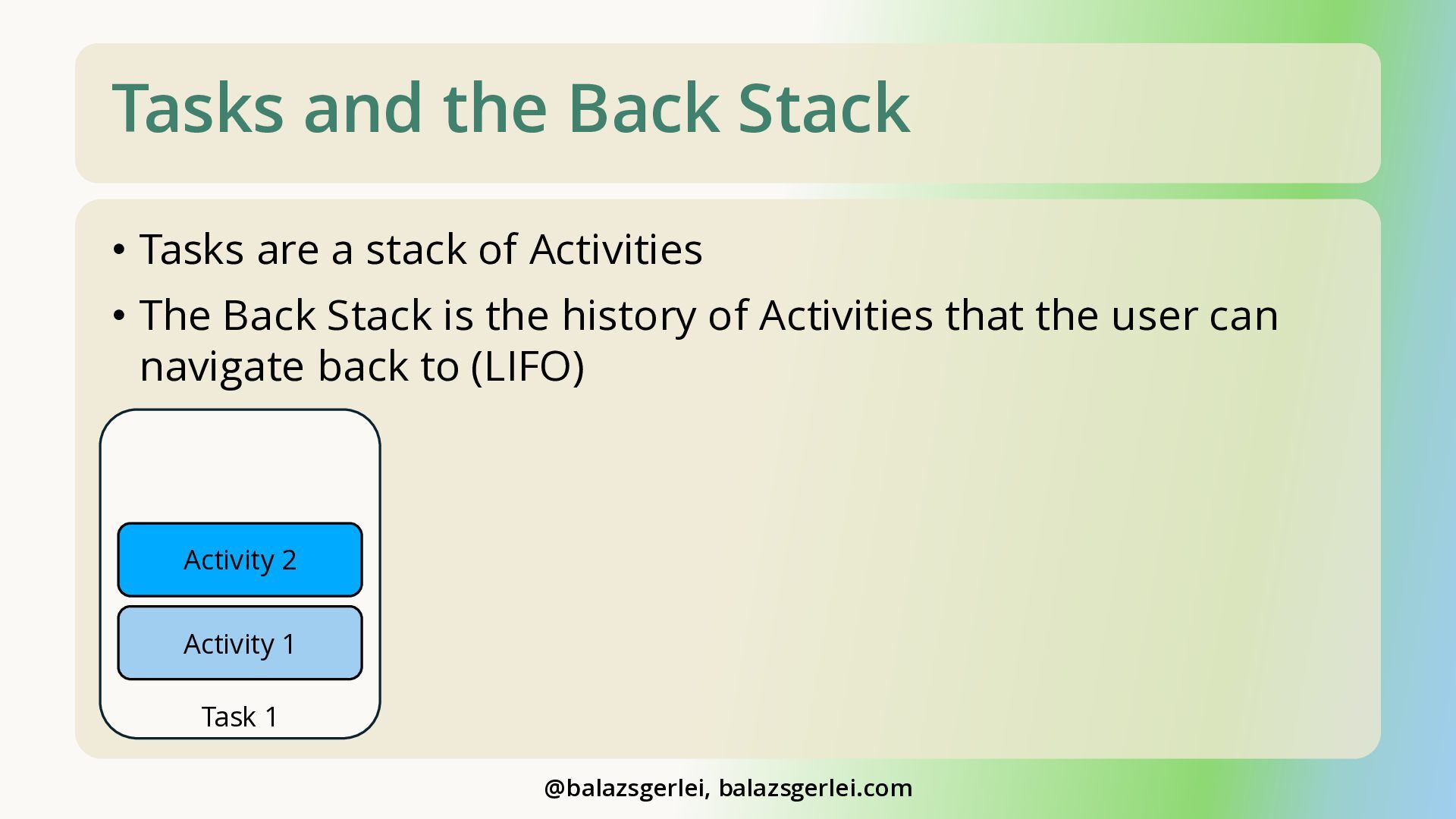
  3. Tasks and the Back Stack • Tasks are a stack

    of Activities • The Back Stack is the history of Activities that the user can navigate back to (LIFO) Activity 2 Activity 1 Task 1 @balazsgerlei, balazsgerlei.com
  4. Tasks and the Back Stack • Tasks are a stack

    of Activities • The Back Stack is the history of Activities that the user can navigate back to (LIFO) Activity 3 Activity 2 Activity 1 Task 1 @balazsgerlei, balazsgerlei.com
  5. Tasks and the Back Stack • Tasks are a stack

    of Activities • The Back Stack is the history of Activities that the user can navigate back to (LIFO) Activity 2 Activity 1 Task 1 @balazsgerlei, balazsgerlei.com
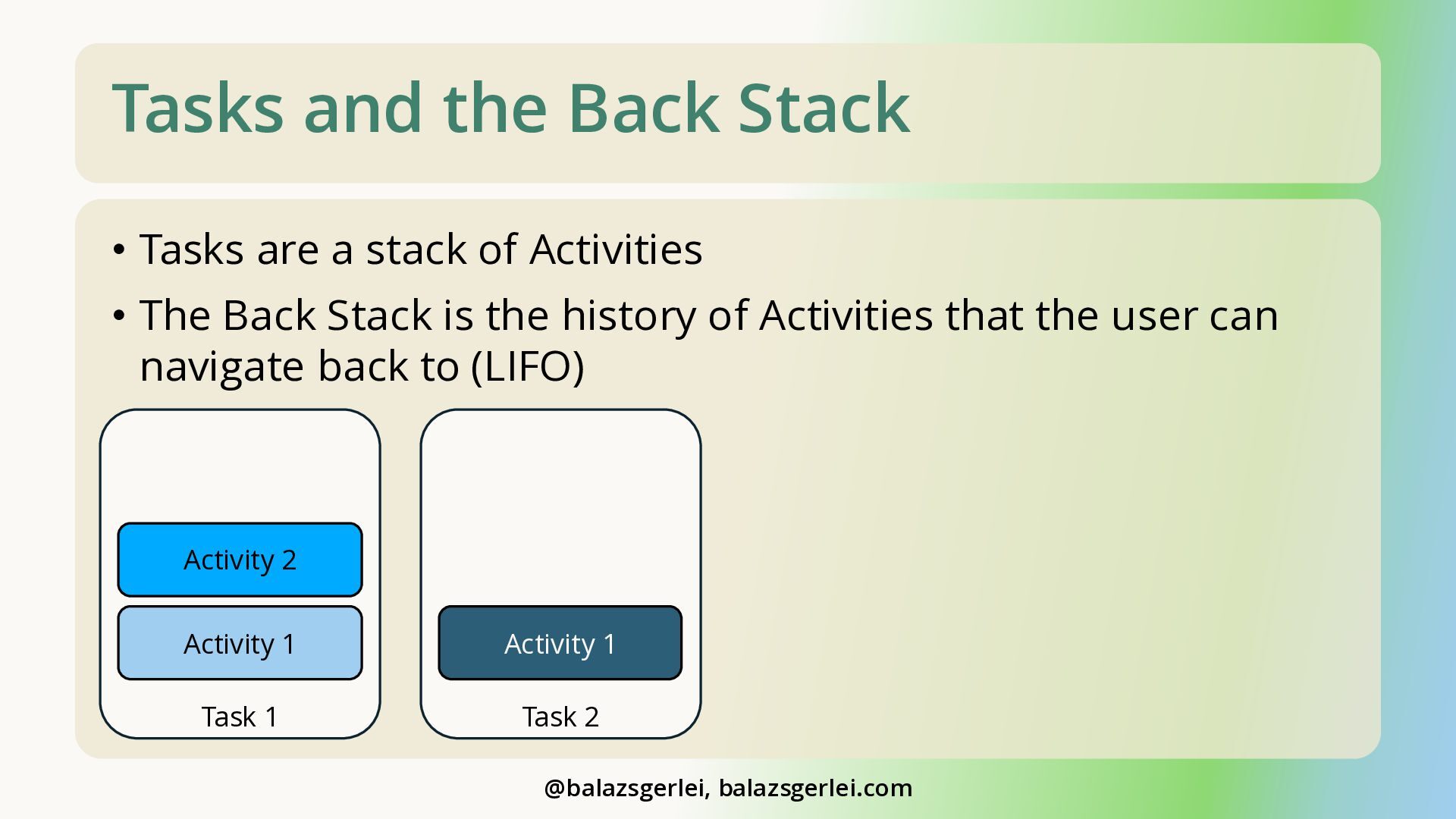
  6. Tasks and the Back Stack • Tasks are a stack

    of Activities • The Back Stack is the history of Activities that the user can navigate back to (LIFO) Activity 2 Activity 1 Activity 1 Task 1 Task 2 @balazsgerlei, balazsgerlei.com
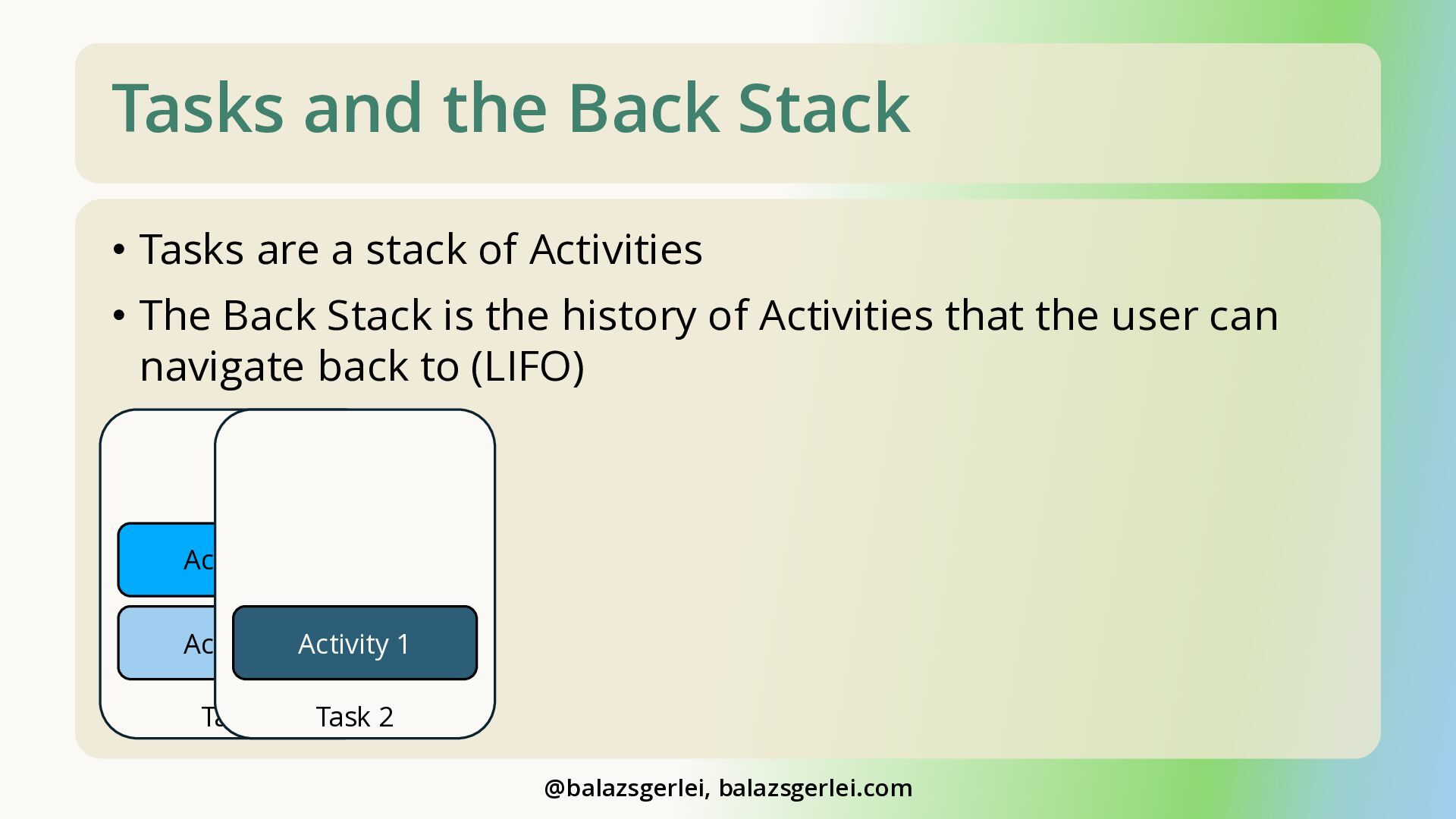
  7. Tasks and the Back Stack • Tasks are a stack

    of Activities • The Back Stack is the history of Activities that the user can navigate back to (LIFO) Activity 2 Activity 1 Activity 1 Task 1 Task 2 @balazsgerlei, balazsgerlei.com
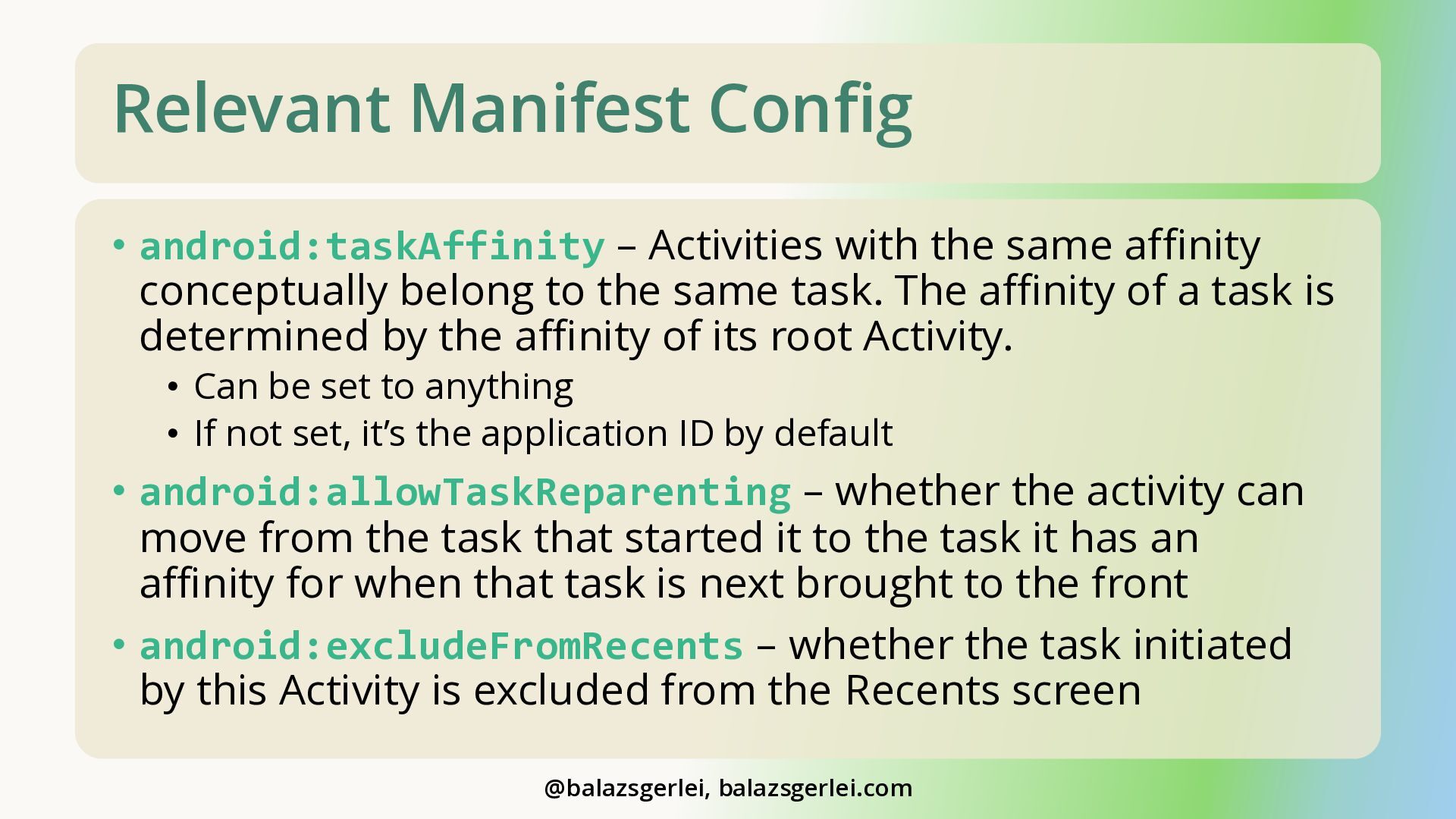
  8. Relevant Manifest Config • android:taskAffinity – Activities with the same

    affinity conceptually belong to the same task. The affinity of a task is determined by the affinity of its root Activity. • Can be set to anything • If not set, it’s the application ID by default • android:allowTaskReparenting – whether the activity can move from the task that started it to the task it has an affinity for when that task is next brought to the front • android:excludeFromRecents – whether the task initiated by this Activity is excluded from the Recents screen @balazsgerlei, balazsgerlei.com
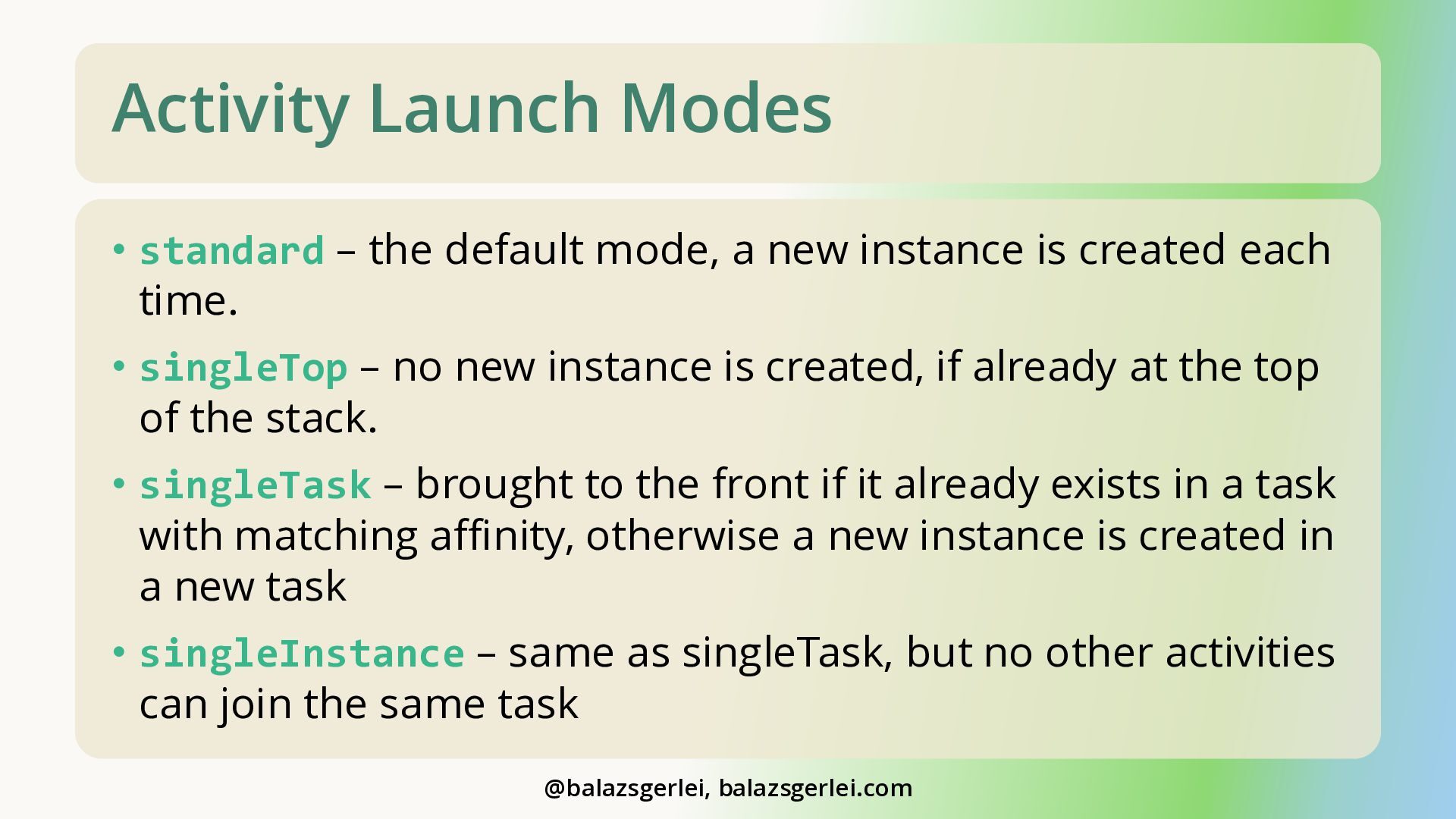
  9. Activity Launch Modes • standard – the default mode, a

    new instance is created each time. • singleTop – no new instance is created, if already at the top of the stack. • singleTask – brought to the front if it already exists in a task with matching affinity, otherwise a new instance is created in a new task • singleInstance – same as singleTask, but no other activities can join the same task @balazsgerlei, balazsgerlei.com
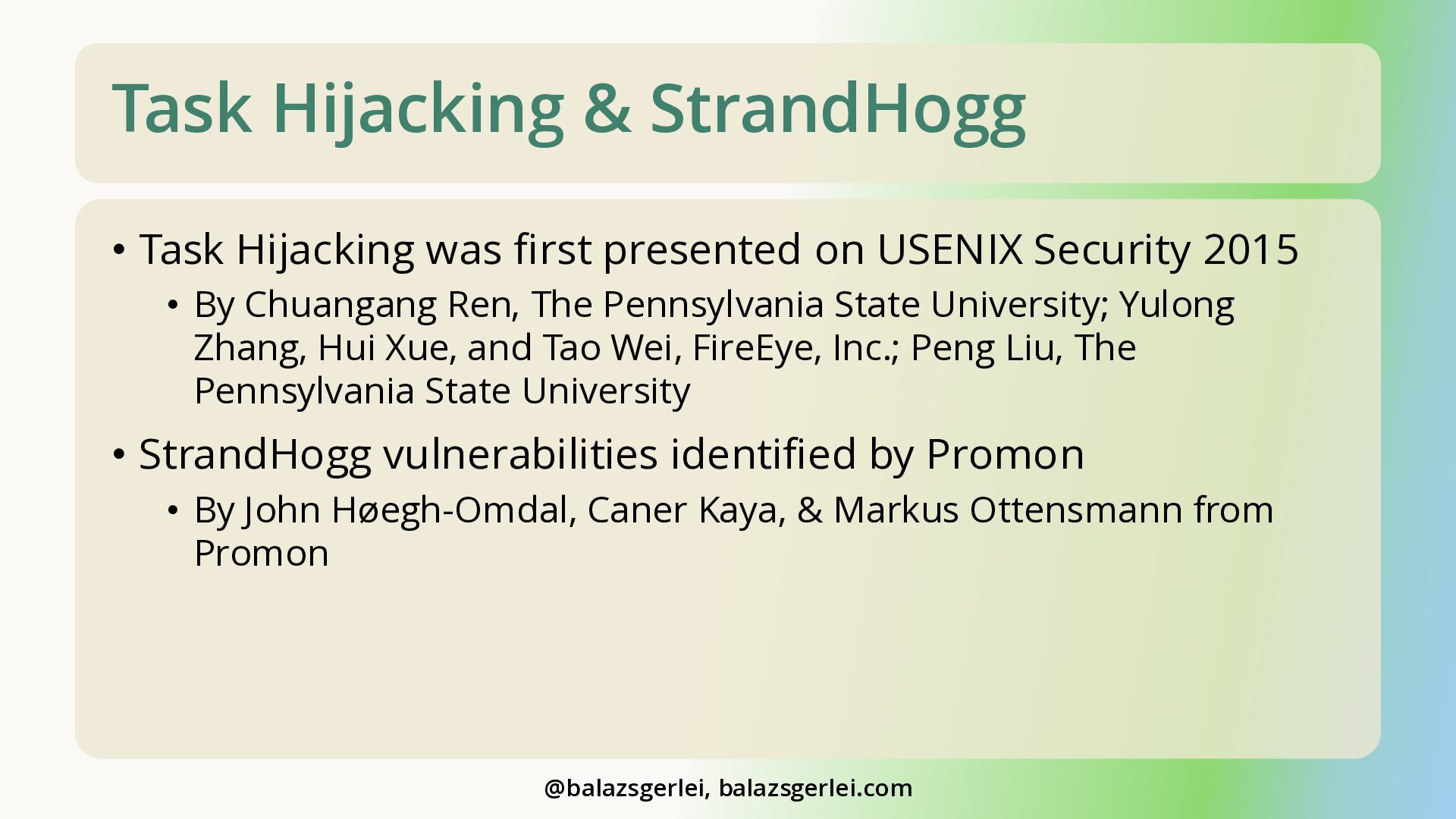
  10. Task Hijacking & StrandHogg • Task Hijacking was first presented

    on USENIX Security 2015 • By Chuangang Ren, The Pennsylvania State University; Yulong Zhang, Hui Xue, and Tao Wei, FireEye, Inc.; Peng Liu, The Pennsylvania State University • StrandHogg vulnerabilities identified by Promon • By John Høegh-Omdal, Caner Kaya, & Markus Ottensmann from Promon @balazsgerlei, balazsgerlei.com
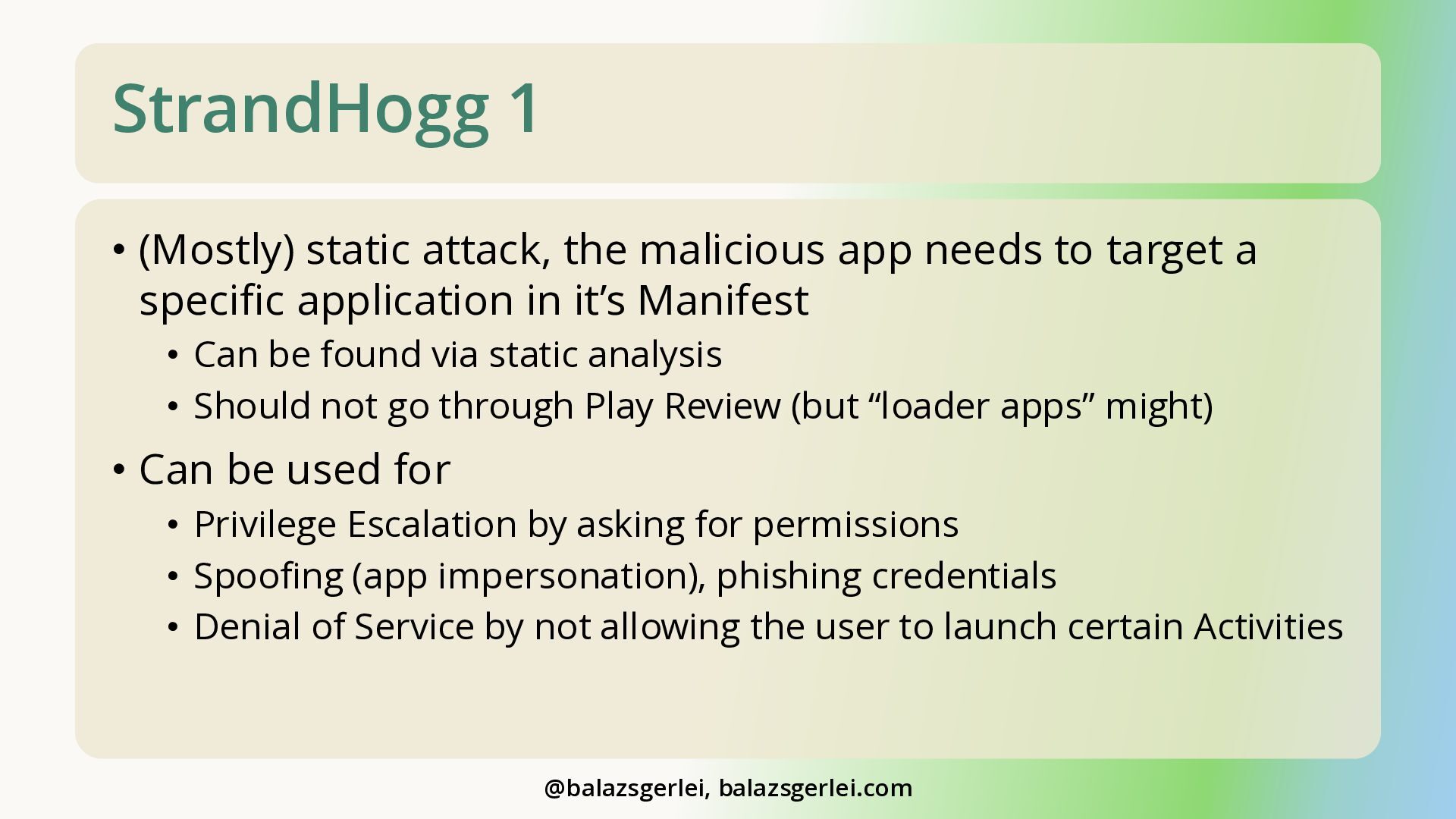
  11. StrandHogg 1 • (Mostly) static attack, the malicious app needs

    to target a specific application in it’s Manifest • Can be found via static analysis • Should not go through Play Review (but “loader apps” might) • Can be used for • Privilege Escalation by asking for permissions • Spoofing (app impersonation), phishing credentials • Denial of Service by not allowing the user to launch certain Activities @balazsgerlei, balazsgerlei.com
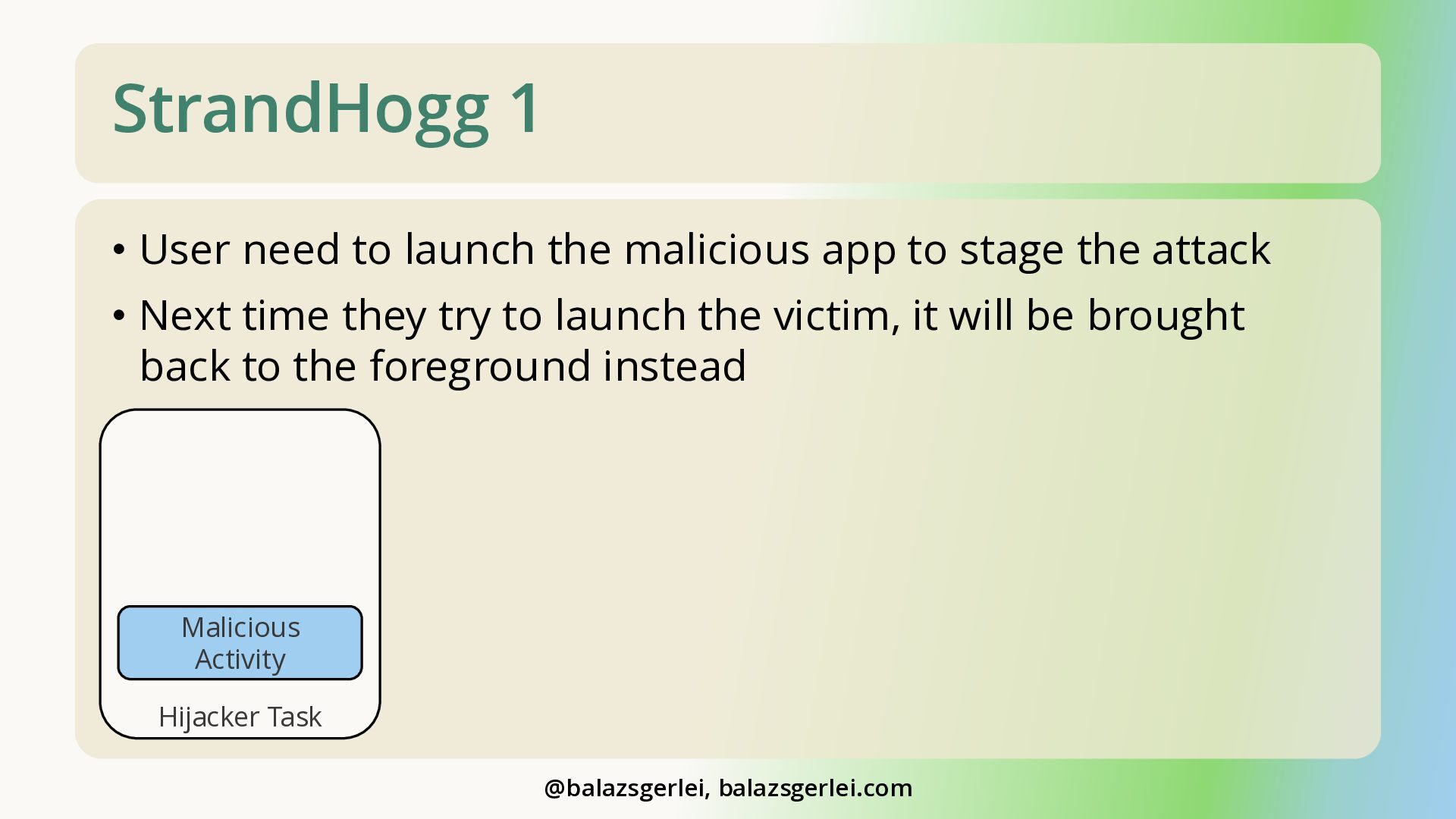
  12. StrandHogg 1 • User need to launch the malicious app

    to stage the attack • Next time they try to launch the victim, it will be brought back to the foreground instead Malicious Activity Hijacker Task @balazsgerlei, balazsgerlei.com
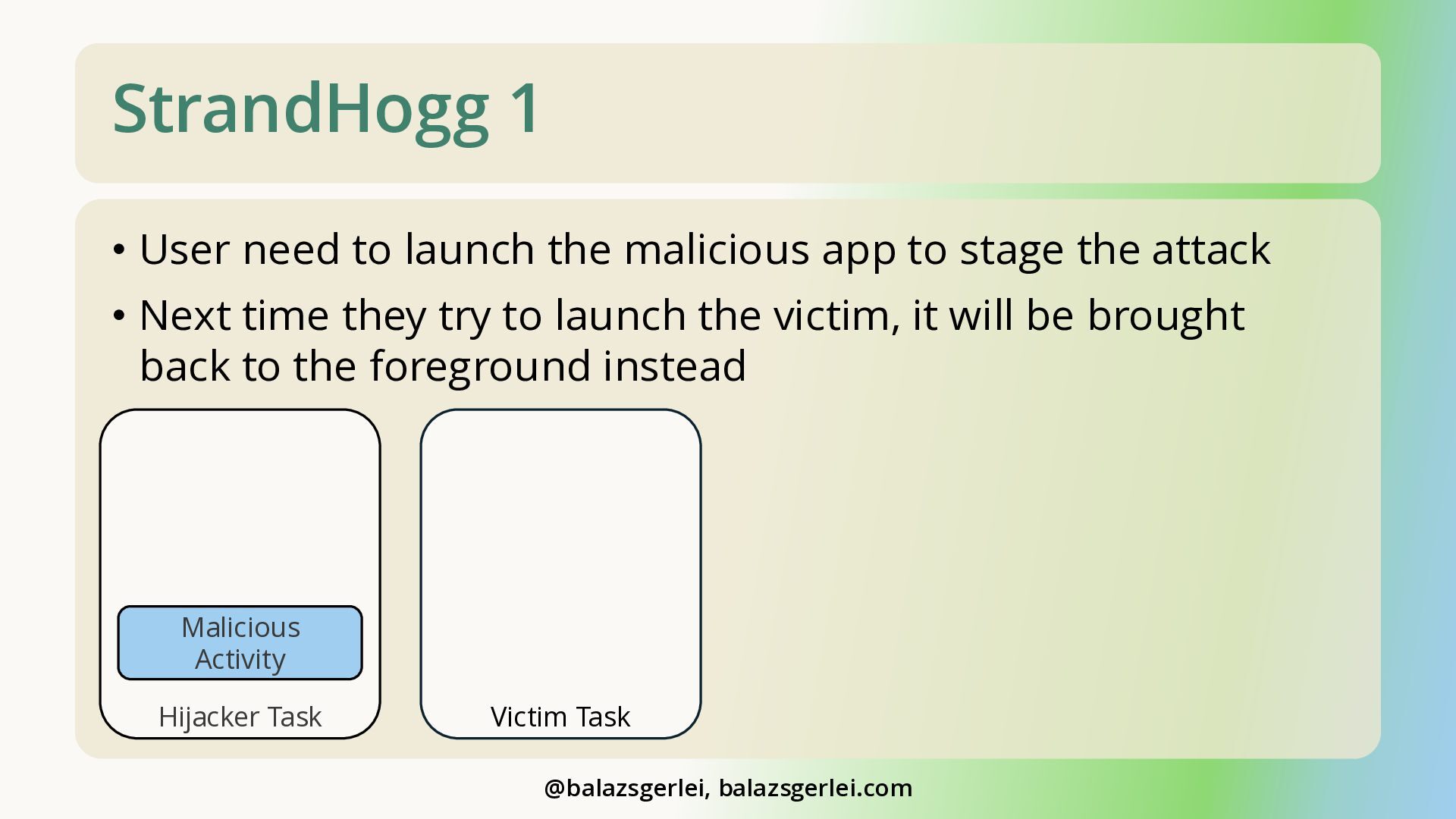
  13. StrandHogg 1 • User need to launch the malicious app

    to stage the attack • Next time they try to launch the victim, it will be brought back to the foreground instead Malicious Activity Hijacker Task Victim Task @balazsgerlei, balazsgerlei.com
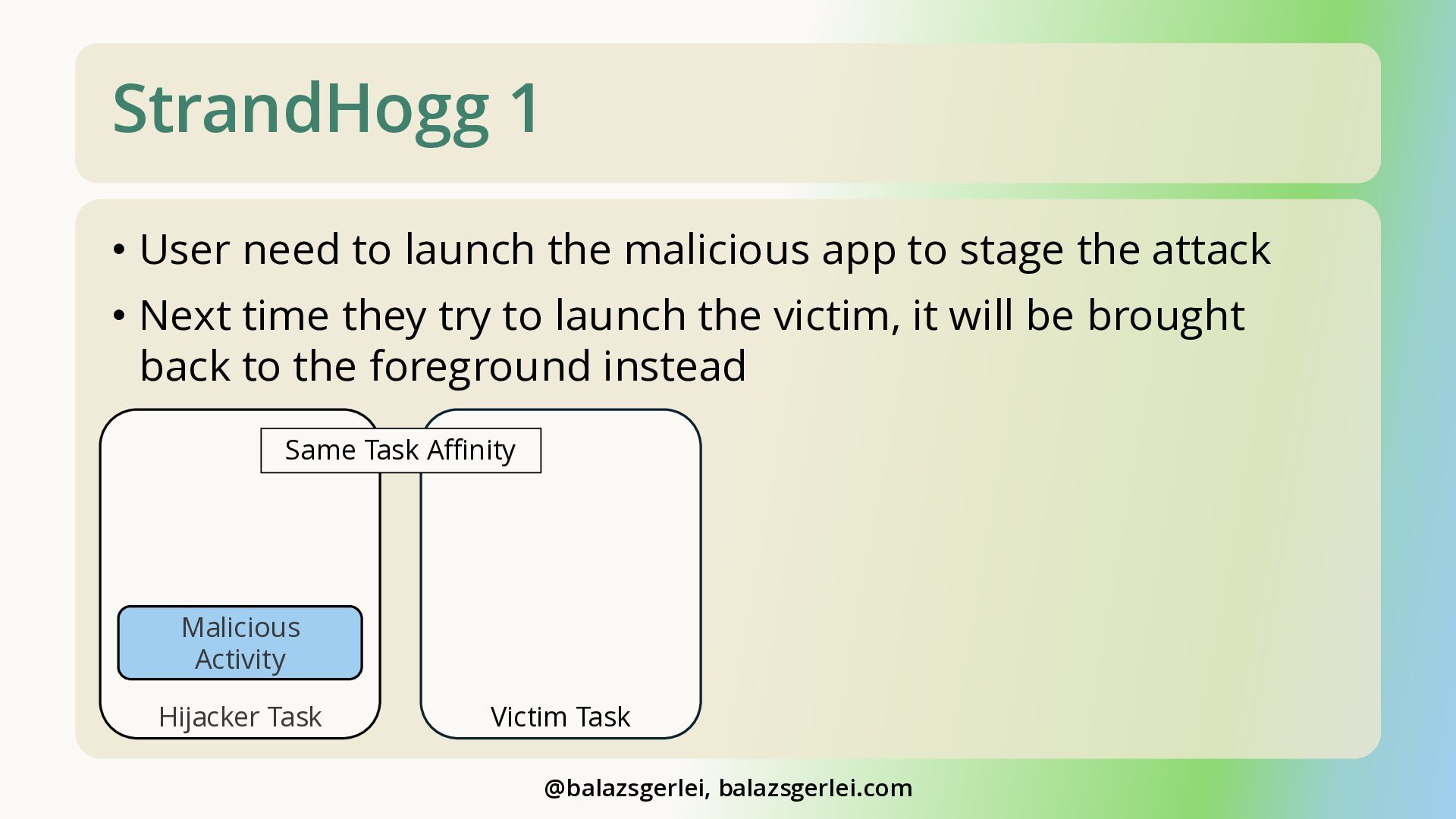
  14. StrandHogg 1 • User need to launch the malicious app

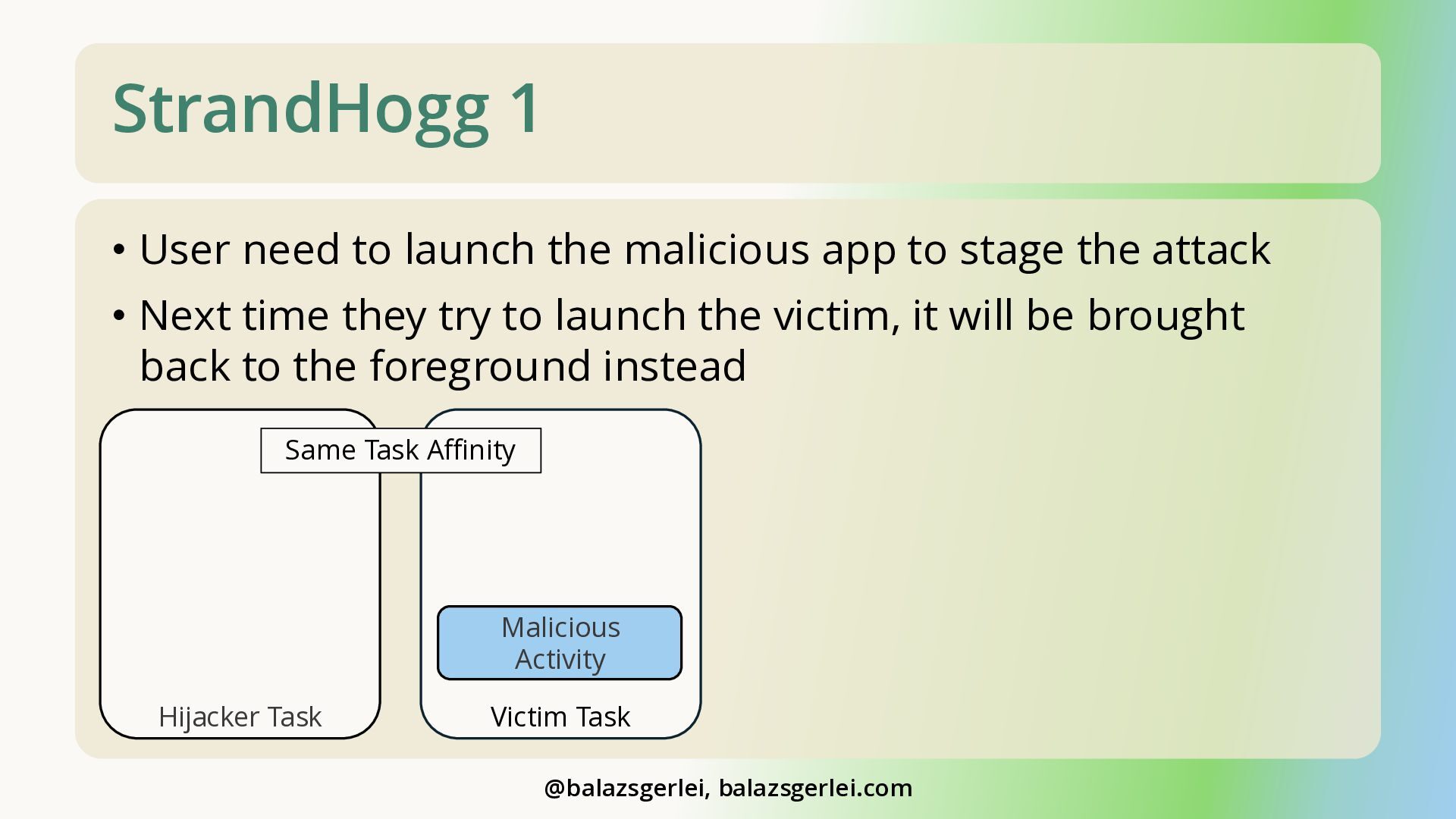
    to stage the attack • Next time they try to launch the victim, it will be brought back to the foreground instead Same Task Affinity Malicious Activity Hijacker Task Victim Task @balazsgerlei, balazsgerlei.com
  15. StrandHogg 1 • User need to launch the malicious app

    to stage the attack • Next time they try to launch the victim, it will be brought back to the foreground instead Same Task Affinity Malicious Activity Hijacker Task Victim Task @balazsgerlei, balazsgerlei.com
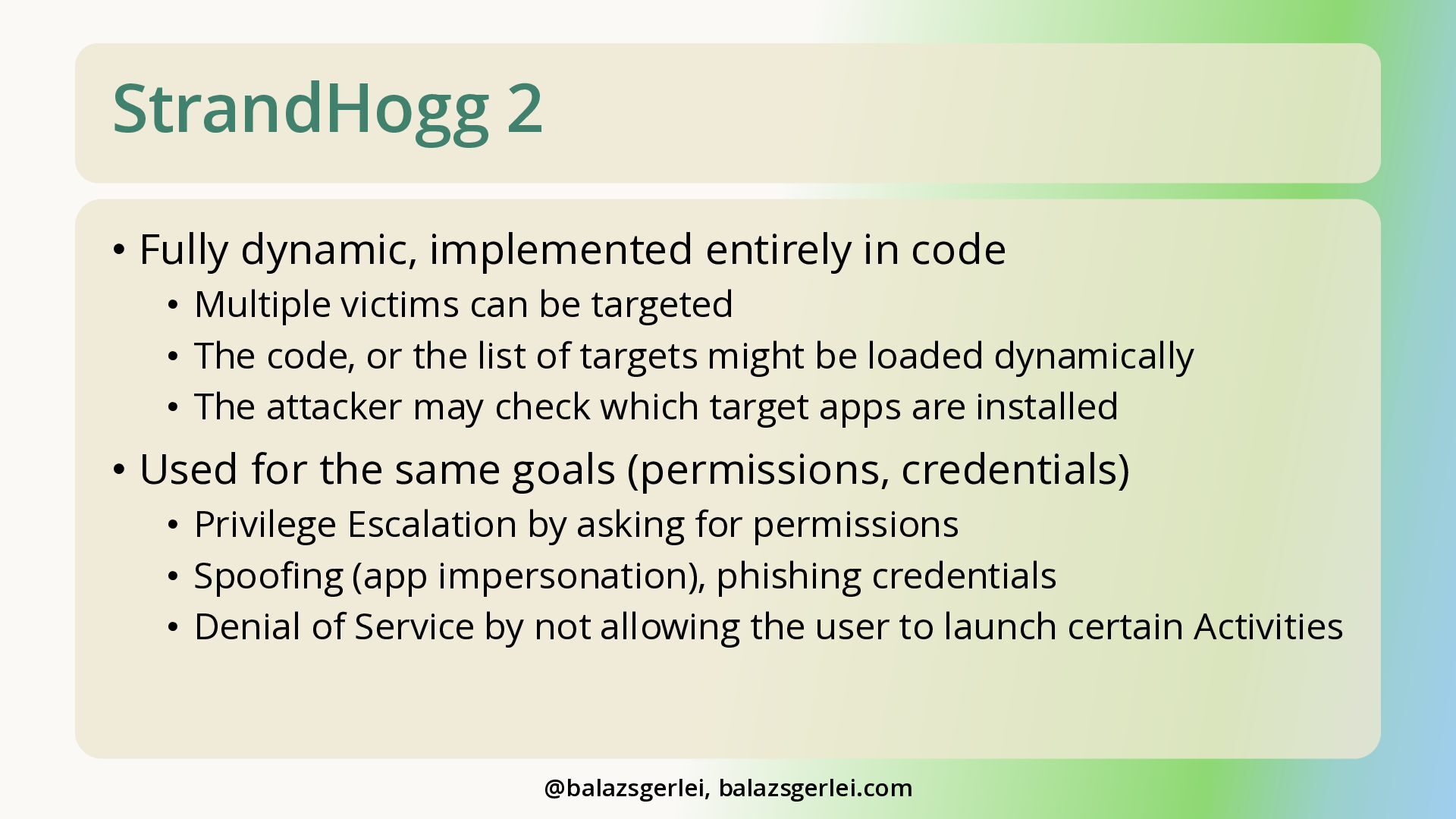
  16. StrandHogg 2 • Fully dynamic, implemented entirely in code •

    Multiple victims can be targeted • The code, or the list of targets might be loaded dynamically • The attacker may check which target apps are installed • Used for the same goals (permissions, credentials) • Privilege Escalation by asking for permissions • Spoofing (app impersonation), phishing credentials • Denial of Service by not allowing the user to launch certain Activities @balazsgerlei, balazsgerlei.com
  17. StrandHogg 2 • User need to launch the malicious app

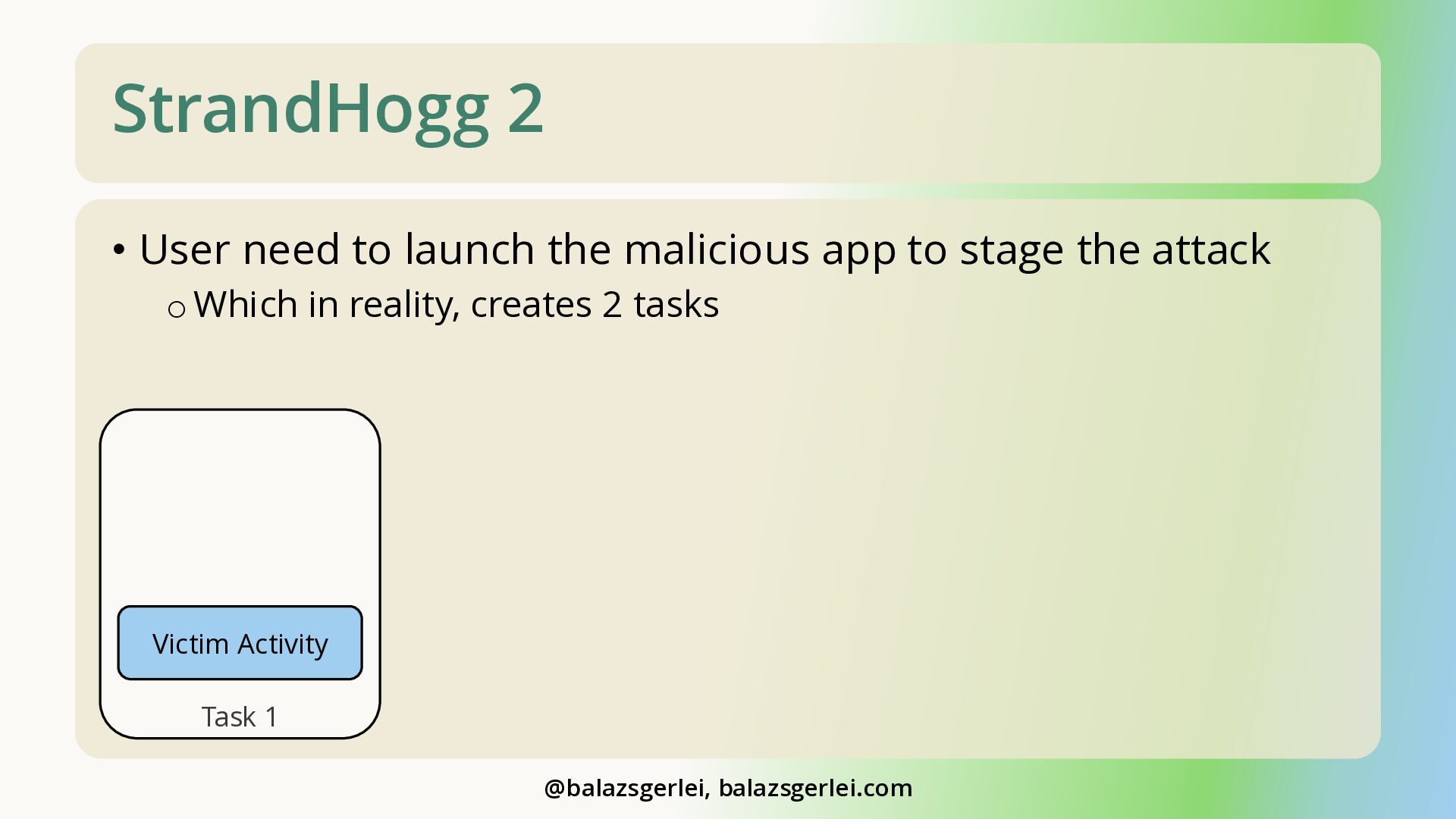
    to stage the attack o Which in reality, creates 2 tasks Victim Activity Task 1 @balazsgerlei, balazsgerlei.com
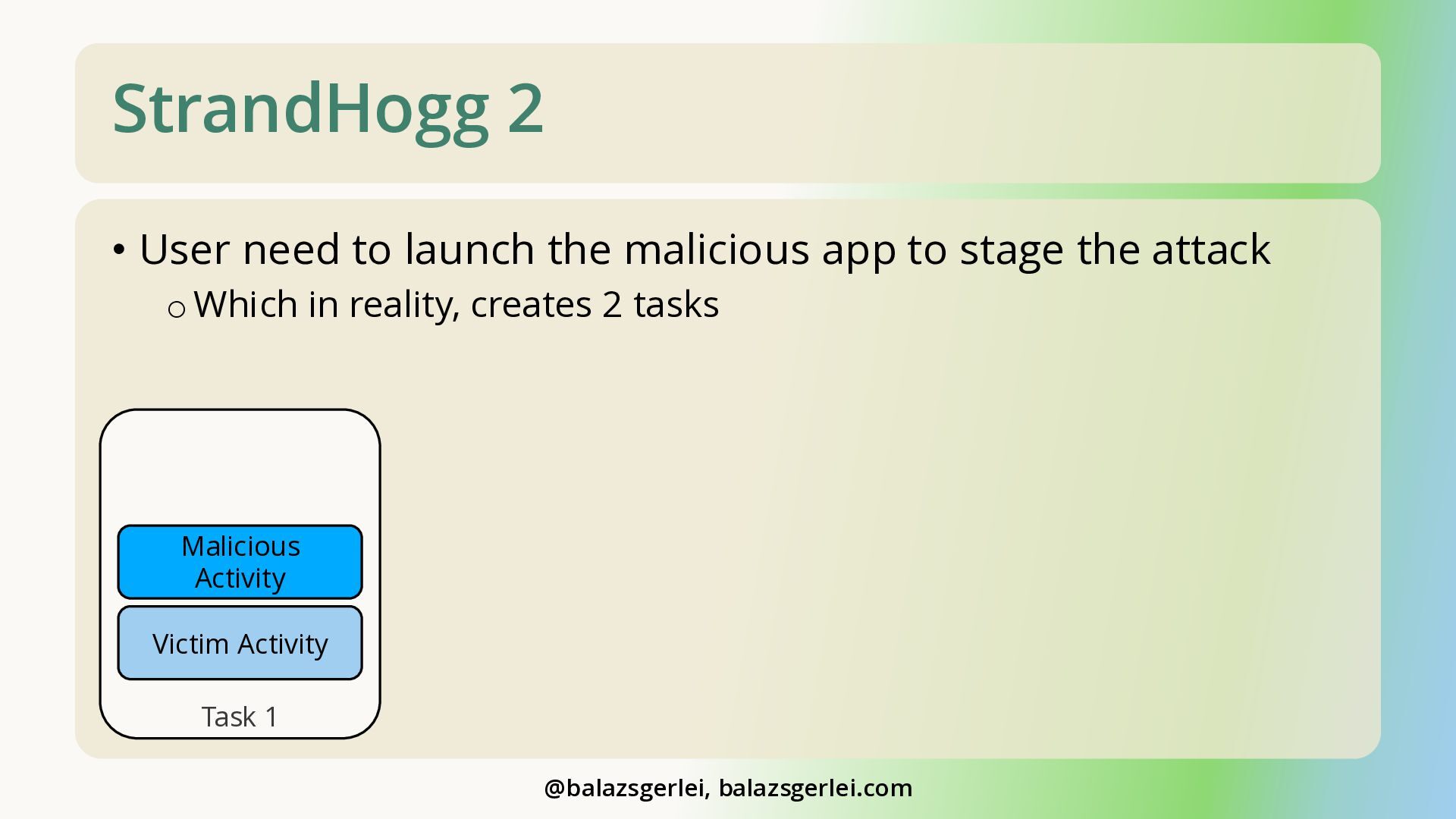
  18. StrandHogg 2 • User need to launch the malicious app

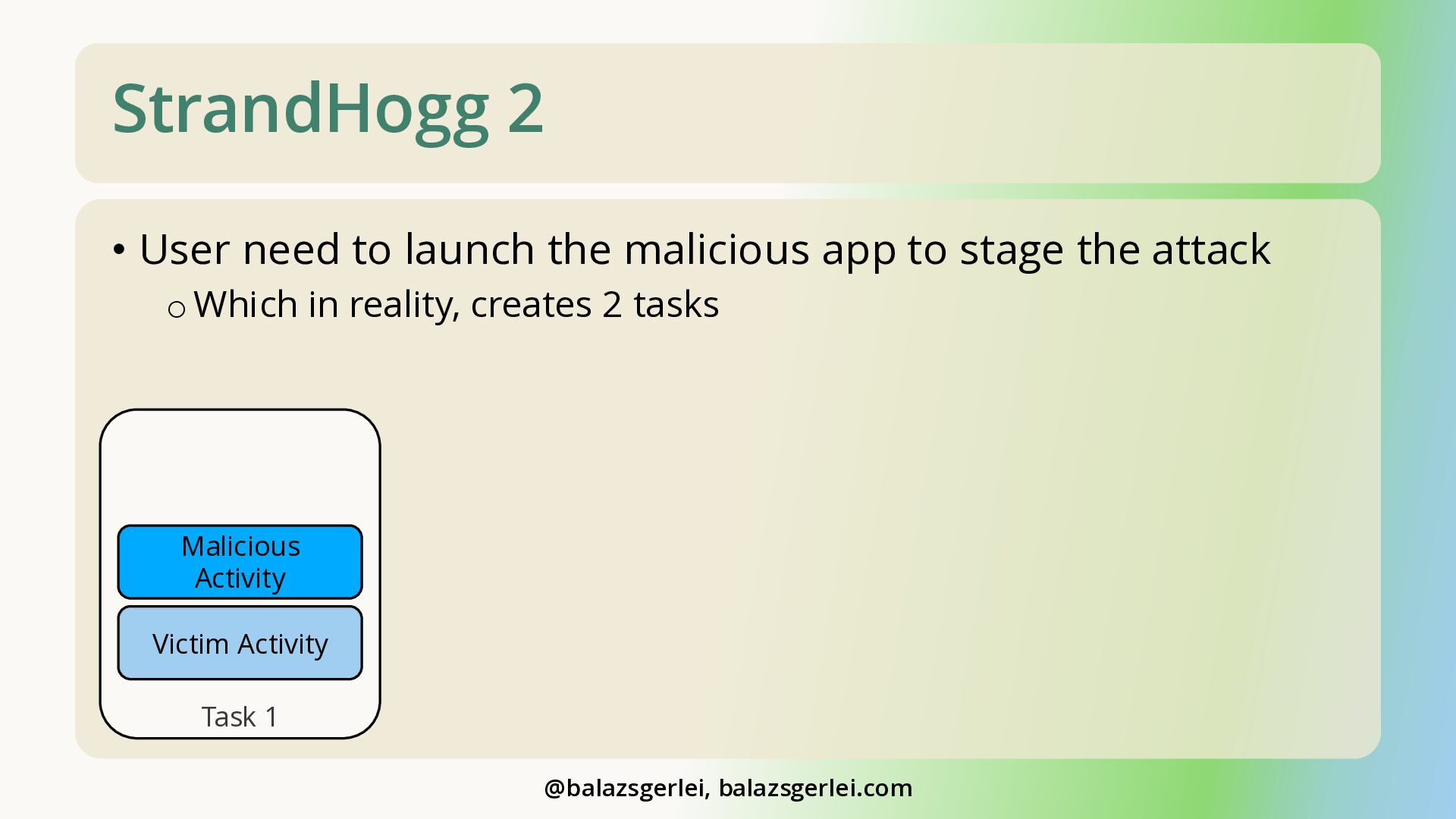
    to stage the attack o Which in reality, creates 2 tasks Malicious Activity Victim Activity Task 1 @balazsgerlei, balazsgerlei.com
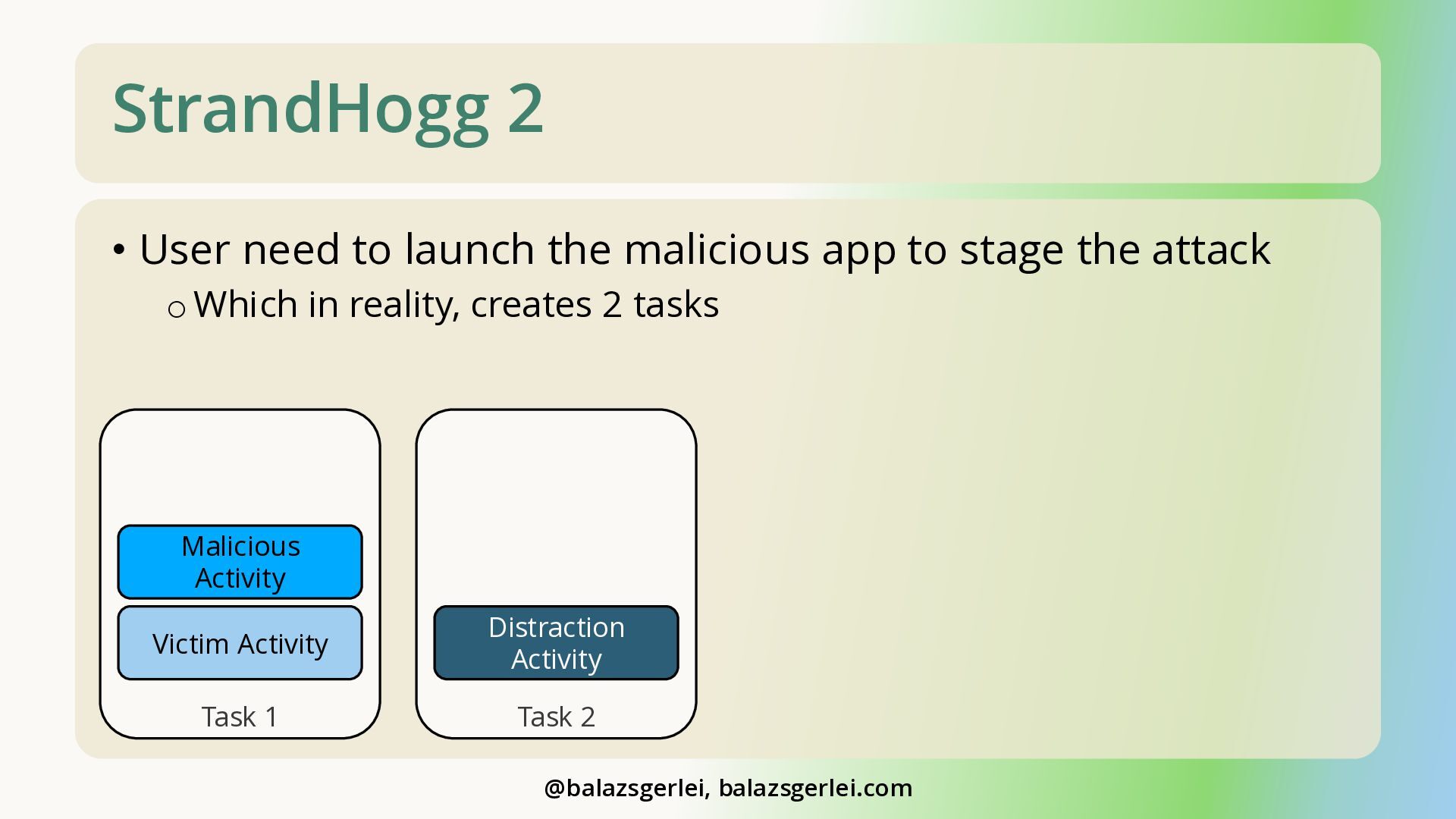
  19. StrandHogg 2 • User need to launch the malicious app

    to stage the attack o Which in reality, creates 2 tasks Malicious Activity Victim Activity Distraction Activity Task 1 Task 2 @balazsgerlei, balazsgerlei.com
  20. StrandHogg 2 • User need to launch the malicious app

    to stage the attack o Which in reality, creates 2 tasks Malicious Activity Victim Activity Task 1 @balazsgerlei, balazsgerlei.com
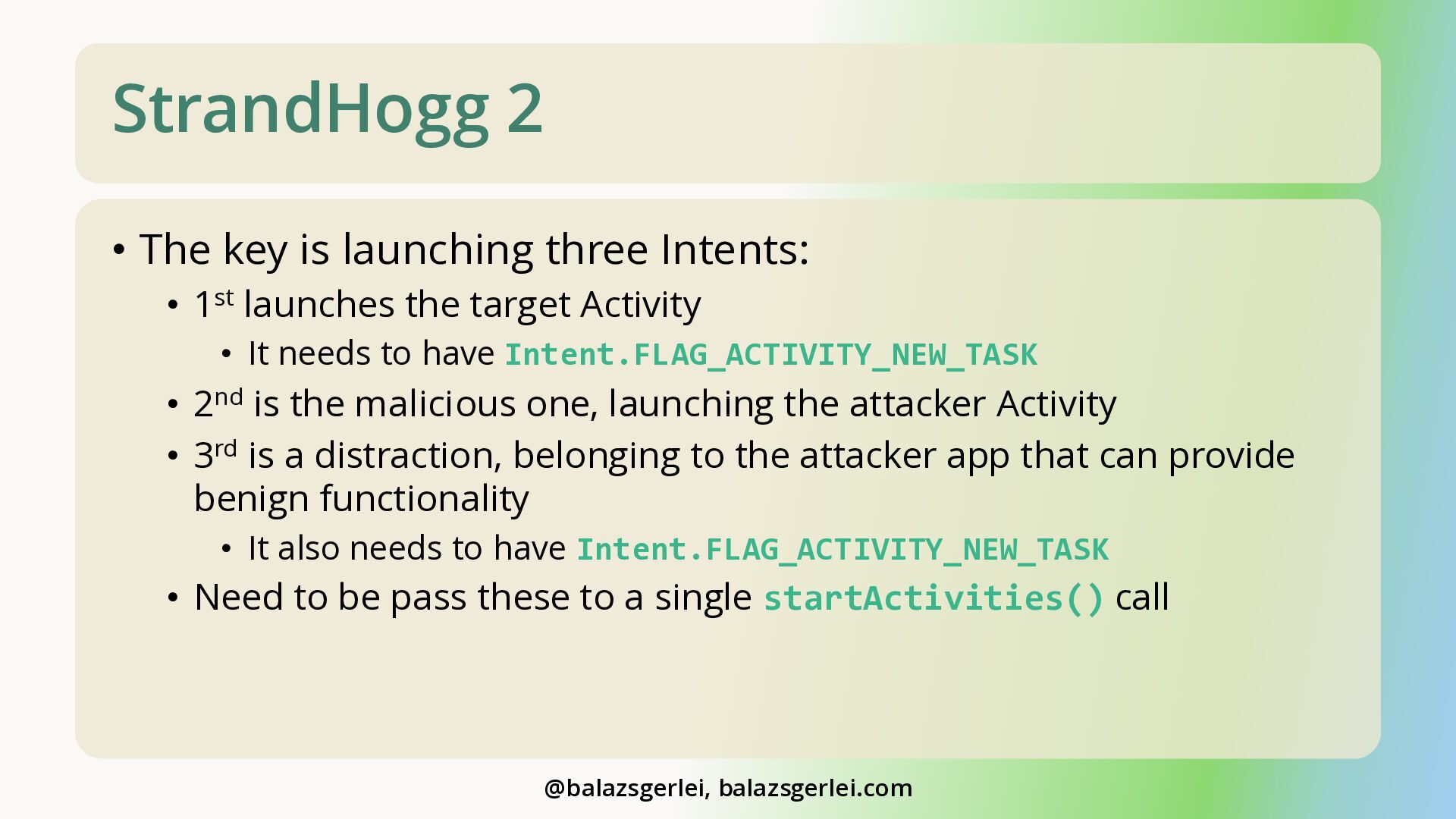
  21. StrandHogg 2 • The key is launching three Intents: •

    1st launches the target Activity • It needs to have Intent.FLAG_ACTIVITY_NEW_TASK • 2nd is the malicious one, launching the attacker Activity • 3rd is a distraction, belonging to the attacker app that can provide benign functionality • It also needs to have Intent.FLAG_ACTIVITY_NEW_TASK • Need to be pass these to a single startActivities() call @balazsgerlei, balazsgerlei.com
  22. Seriousness of StrandHogg Attacks • They are easy to implement,

    but hard to detect and mitigate • Malicious app may be delivered through a loader app • It can also provide benign functionality as a “cover” • The user may not even know they fell victim • Can be combined with other exploits • E.g., “TapTrap” from USENIX 2025: youtu.be/dRM5cBu3fJ8 @balazsgerlei, balazsgerlei.com
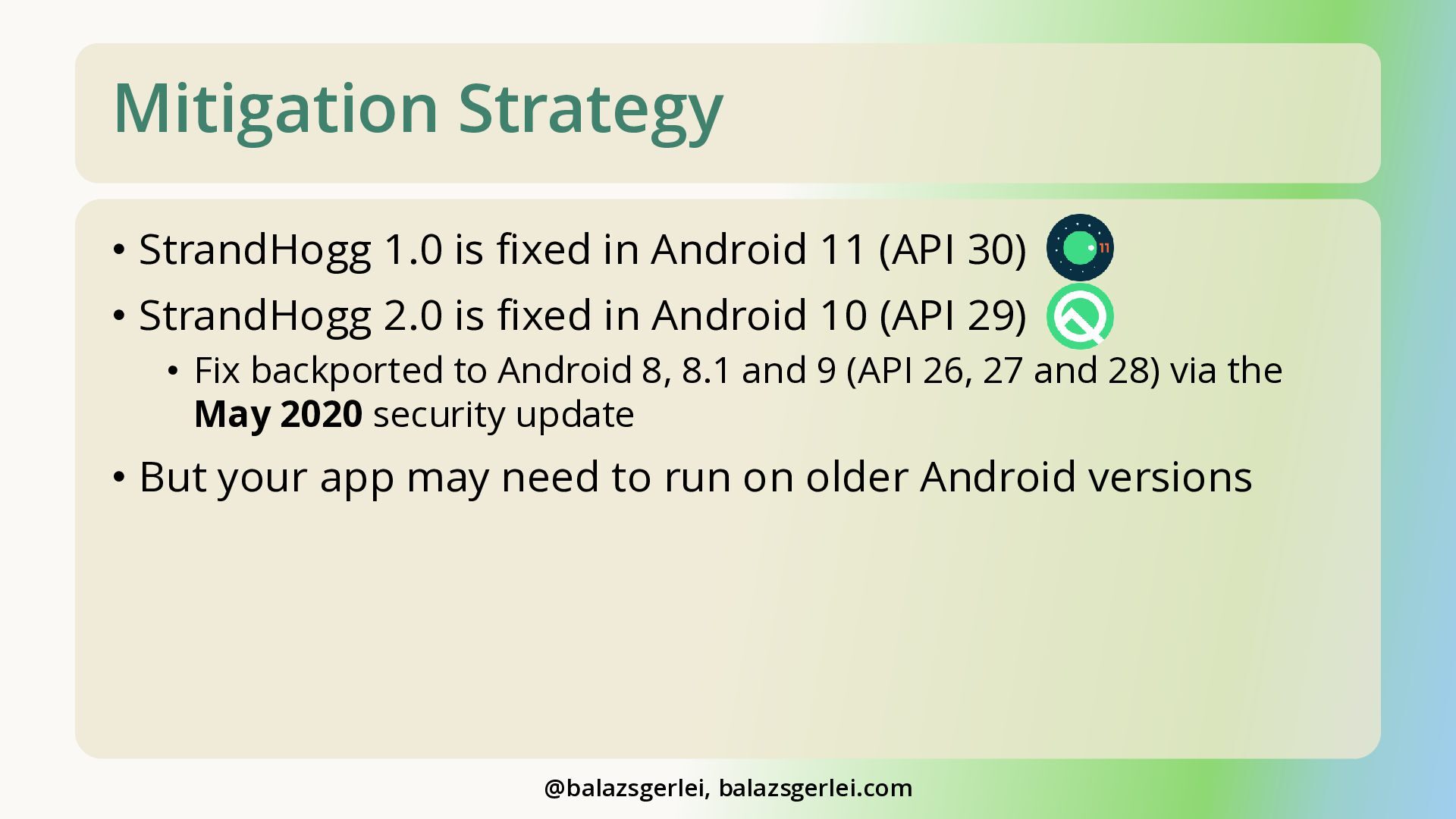
  23. Mitigation Strategy • StrandHogg 1.0 is fixed in Android 11

    (API 30) • StrandHogg 2.0 is fixed in Android 10 (API 29) • Fix backported to Android 8, 8.1 and 9 (API 26, 27 and 28) via the May 2020 security update • But your app may need to run on older Android versions @balazsgerlei, balazsgerlei.com
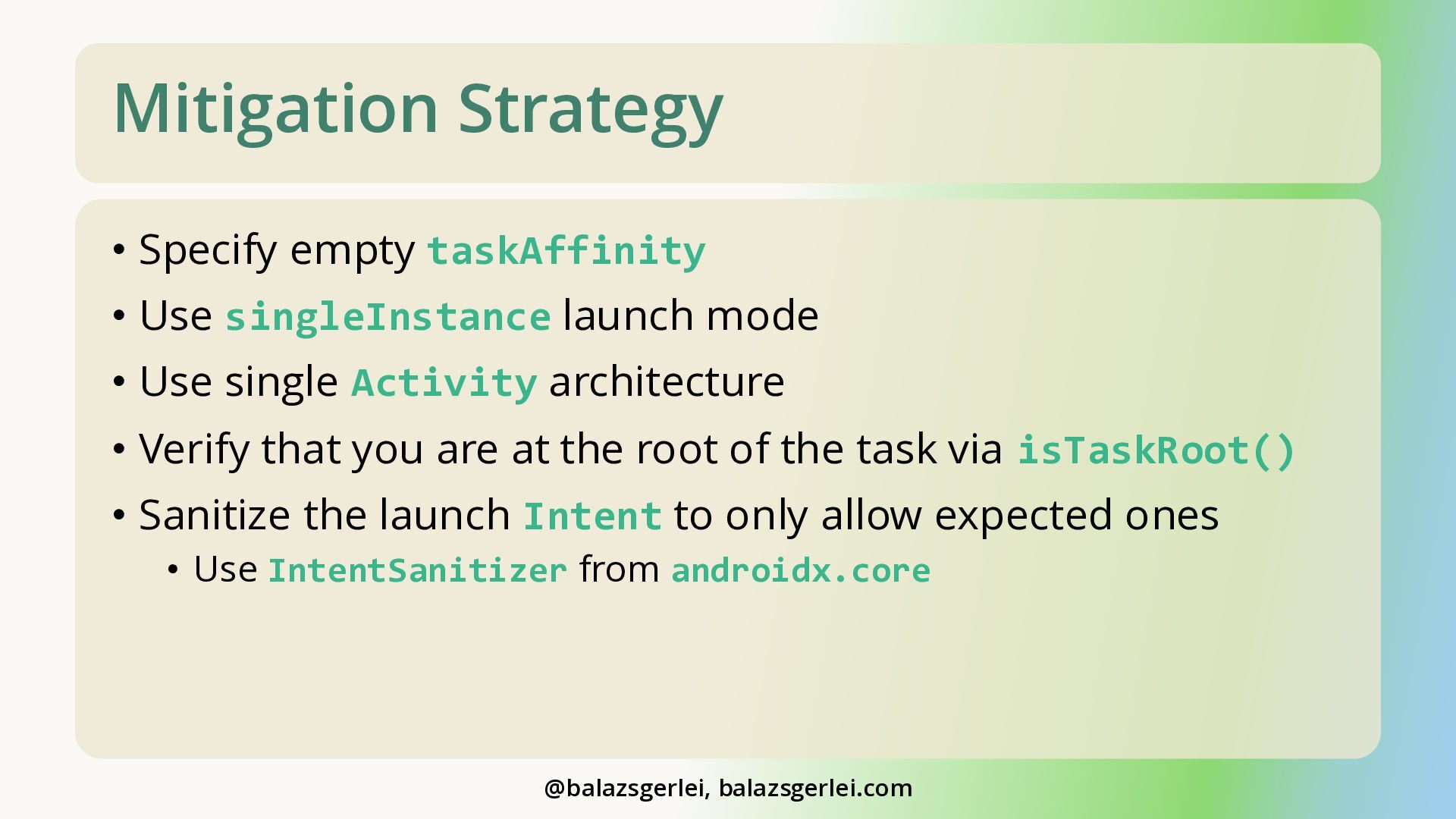
  24. Mitigation Strategy • Specify empty taskAffinity • Use singleInstance launch

    mode • Use single Activity architecture • Verify that you are at the root of the task via isTaskRoot() • Sanitize the launch Intent to only allow expected ones • Use IntentSanitizer from androidx.core @balazsgerlei, balazsgerlei.com
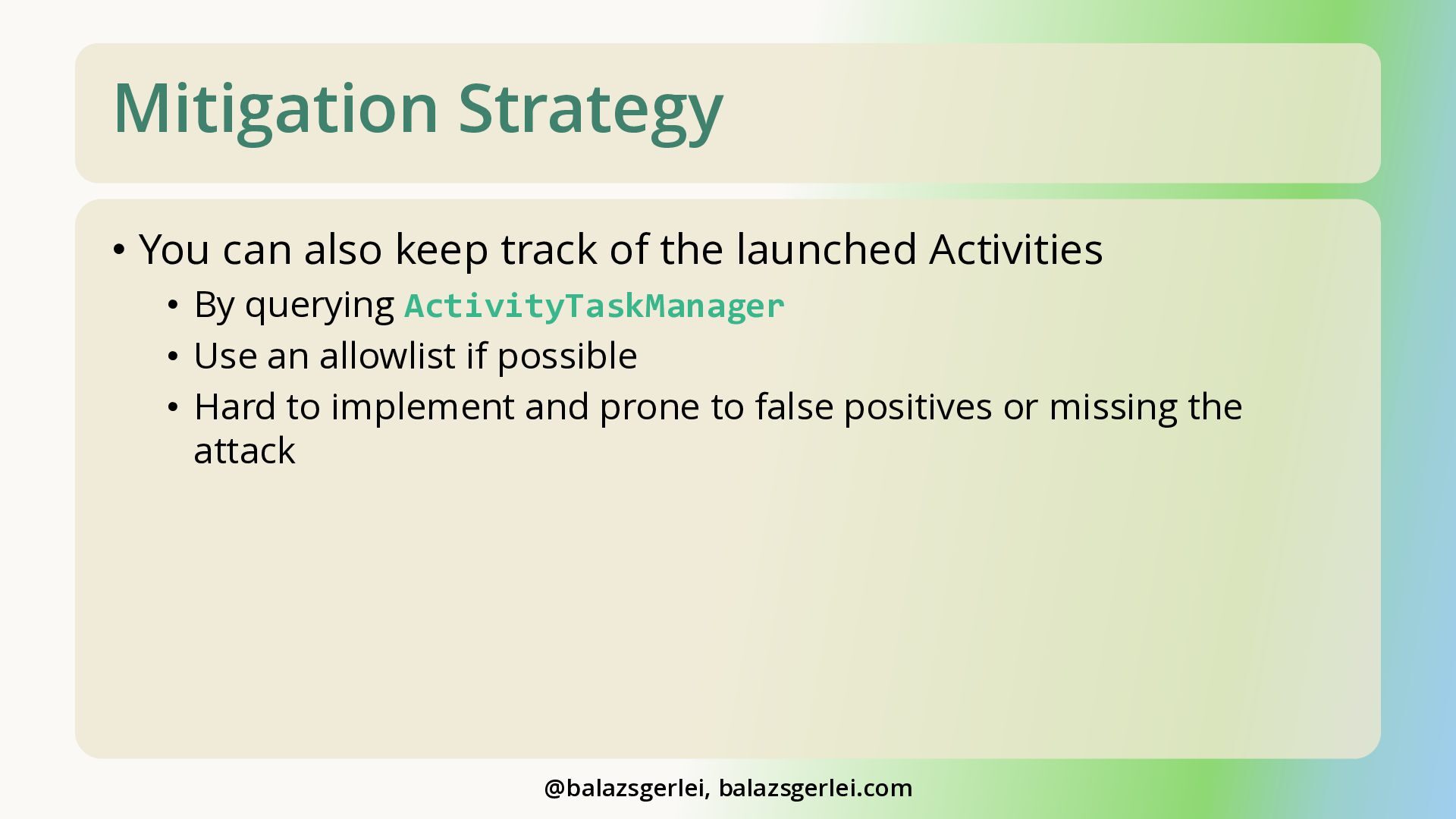
  25. Mitigation Strategy • You can also keep track of the

    launched Activities • By querying ActivityTaskManager • Use an allowlist if possible • Hard to implement and prone to false positives or missing the attack @balazsgerlei, balazsgerlei.com
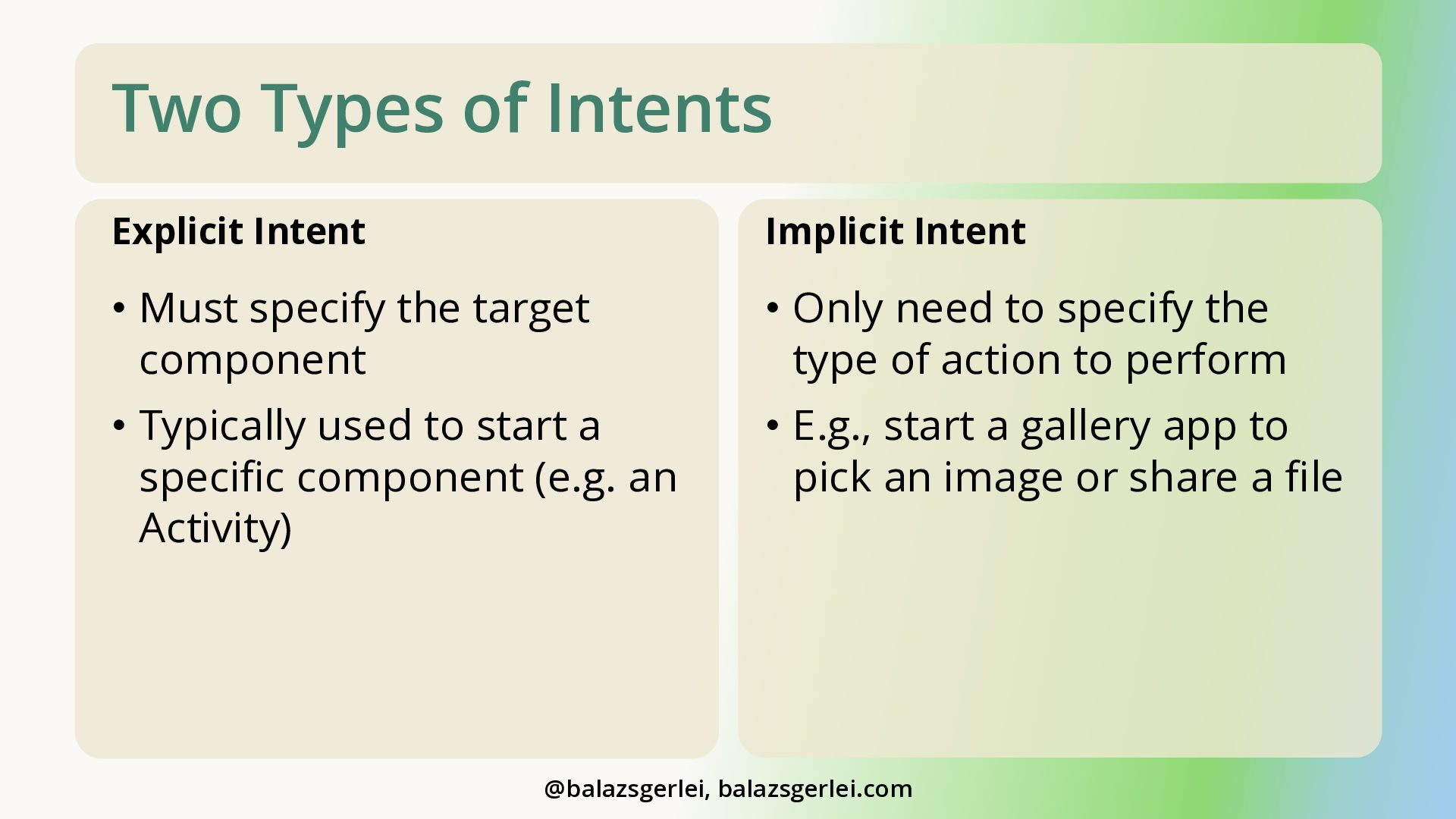
  26. Two Types of Intents Explicit Intent Implicit Intent • Must

    specify the target component • Only need to specify the type of action to perform • Typically used to start a specific component (e.g. an Activity) • E.g., start a gallery app to pick an image or share a file @balazsgerlei, balazsgerlei.com
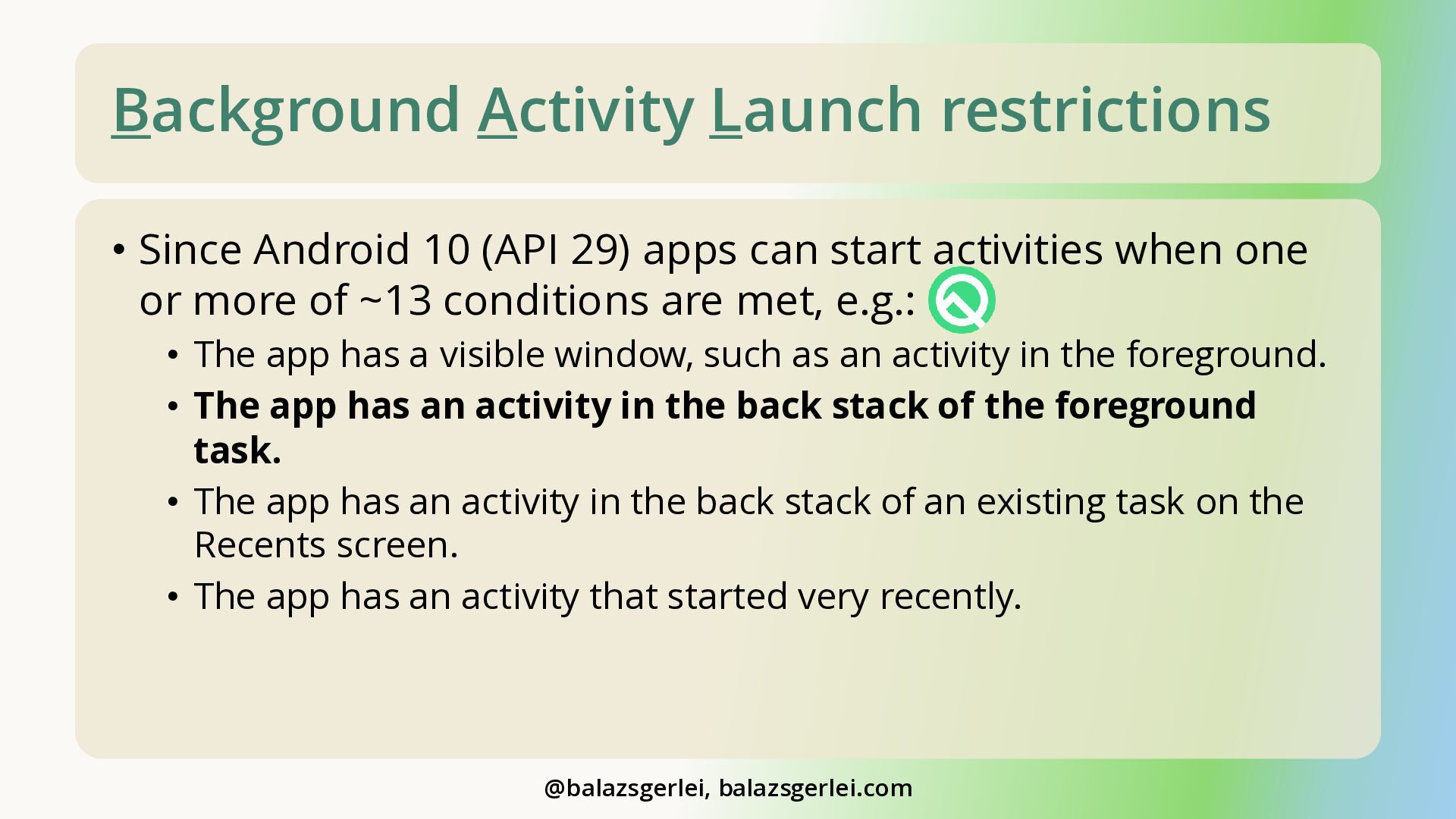
  27. Background Activity Launch restrictions • Since Android 10 (API 29)

    apps can start activities when one or more of ~13 conditions are met, e.g.: • The app has a visible window, such as an activity in the foreground. • The app has an activity in the back stack of the foreground task. • The app has an activity in the back stack of an existing task on the Recents screen. • The app has an activity that started very recently. @balazsgerlei, balazsgerlei.com
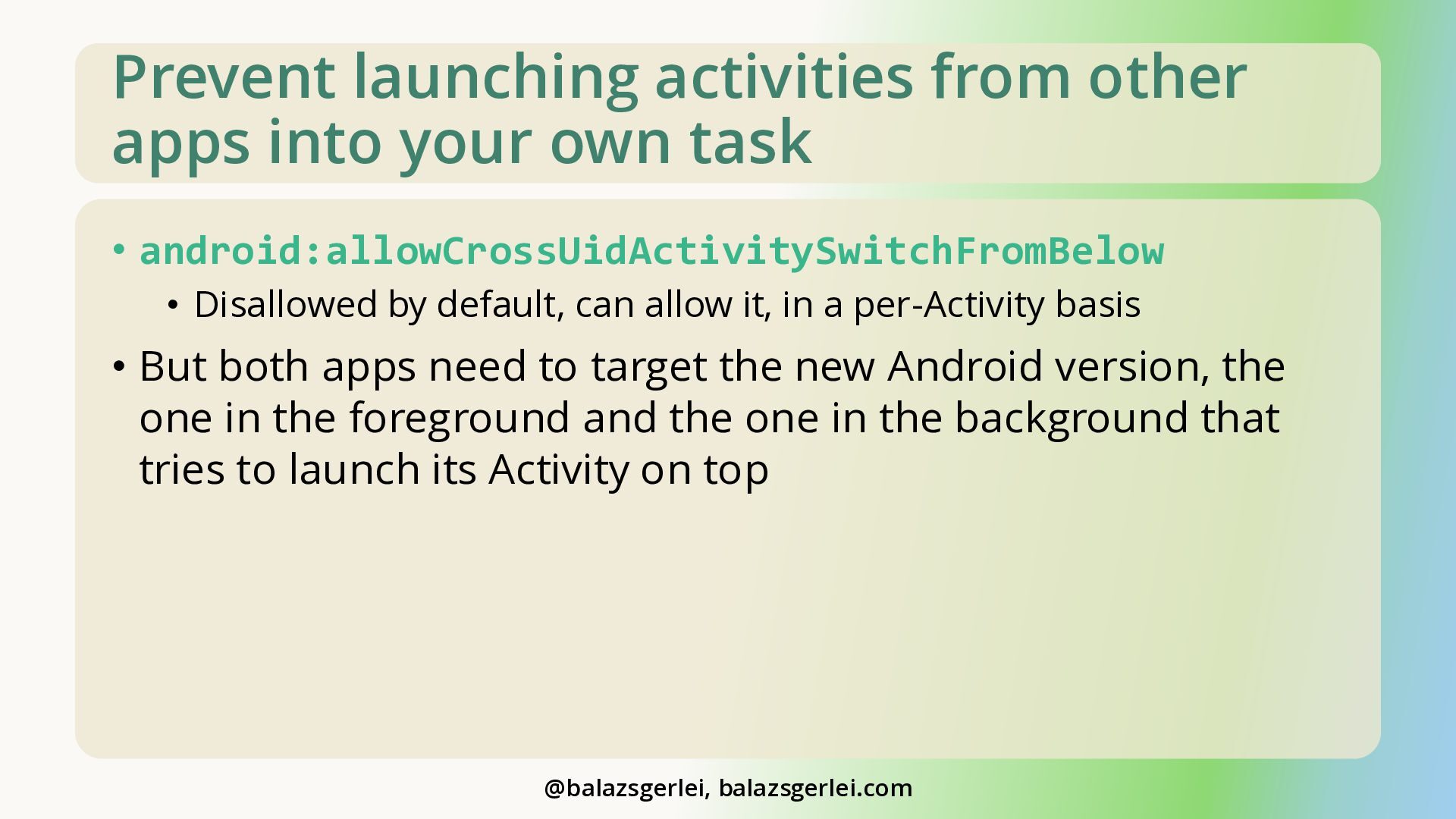
  28. Prevent launching activities from other apps into your own task

    • android:allowCrossUidActivitySwitchFromBelow • Disallowed by default, can allow it, in a per-Activity basis • But both apps need to target the new Android version, the one in the foreground and the one in the background that tries to launch its Activity on top @balazsgerlei, balazsgerlei.com
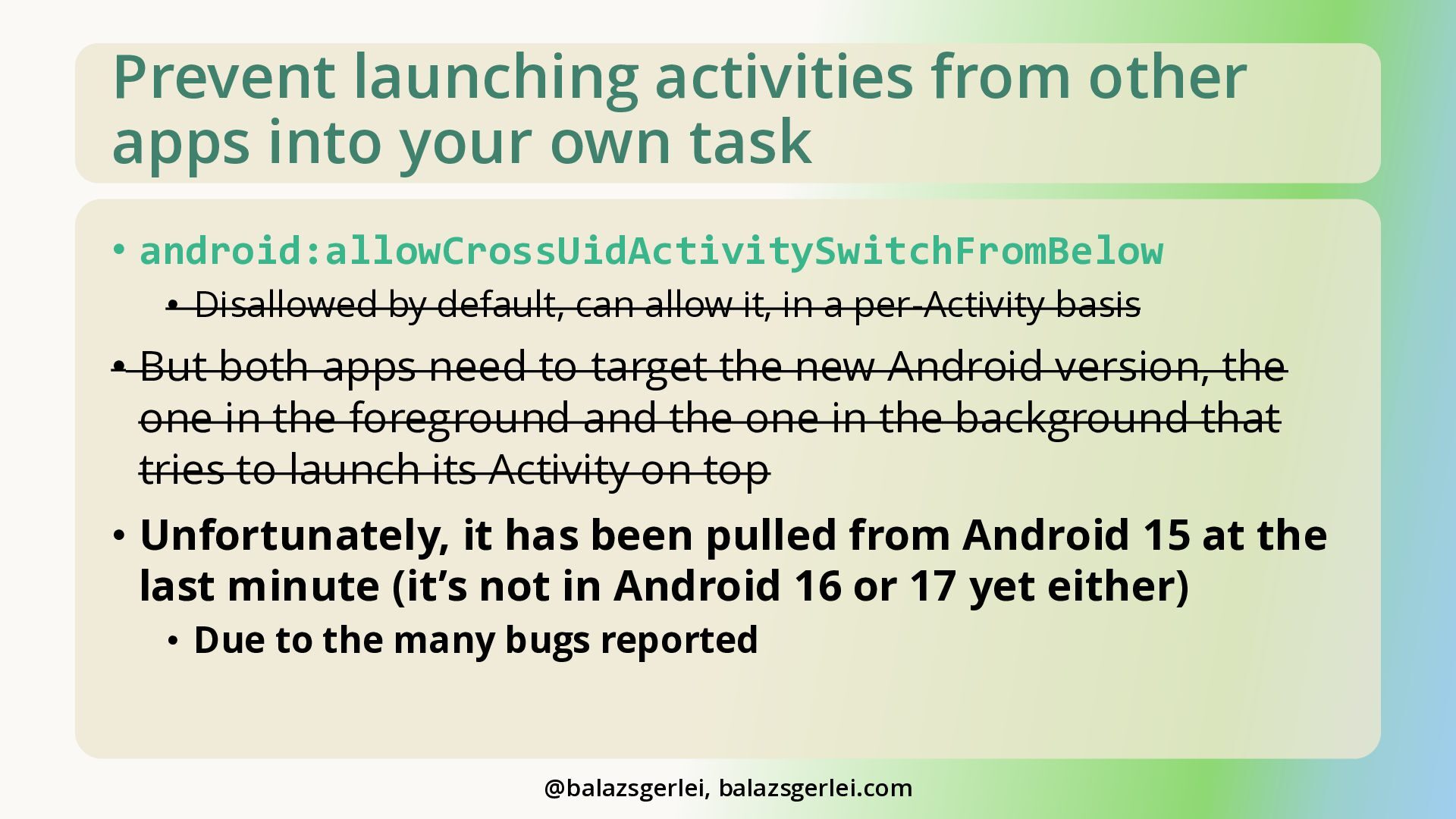
  29. Prevent launching activities from other apps into your own task

    • android:allowCrossUidActivitySwitchFromBelow • Disallowed by default, can allow it, in a per-Activity basis • But both apps need to target the new Android version, the one in the foreground and the one in the background that tries to launch its Activity on top • Unfortunately, it has been pulled from Android 15 at the last minute (it’s not in Android 16 or 17 yet either) • Due to the many bugs reported @balazsgerlei, balazsgerlei.com
  30. Safe, modern way of file picking • Use the Storage

    Access Framework for generic files • Use the Photo Picker component to pick media • From androidx.activity library • developer.android.com/training/data-storage/shared/photopicker/embedded • Current version still supports Android 5 (API 21) – older versions Android 4.4 (API 19) @balazsgerlei, balazsgerlei.com
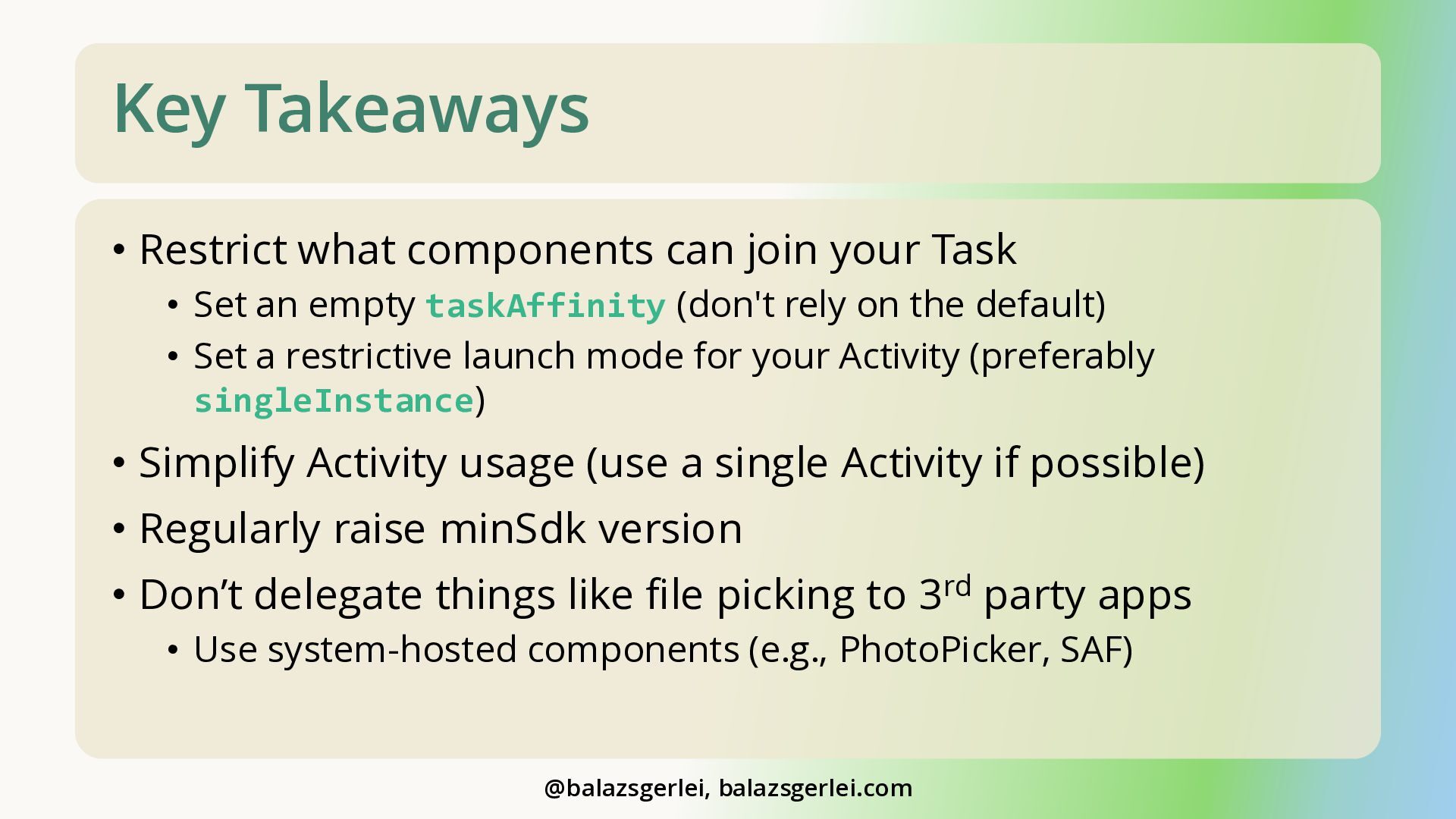
  31. Key Takeaways • Restrict what components can join your Task

    • Set an empty taskAffinity (don't rely on the default) • Set a restrictive launch mode for your Activity (preferably singleInstance) • Simplify Activity usage (use a single Activity if possible) • Regularly raise minSdk version • Don’t delegate things like file picking to 3rd party apps • Use system-hosted components (e.g., PhotoPicker, SAF) @balazsgerlei, balazsgerlei.com
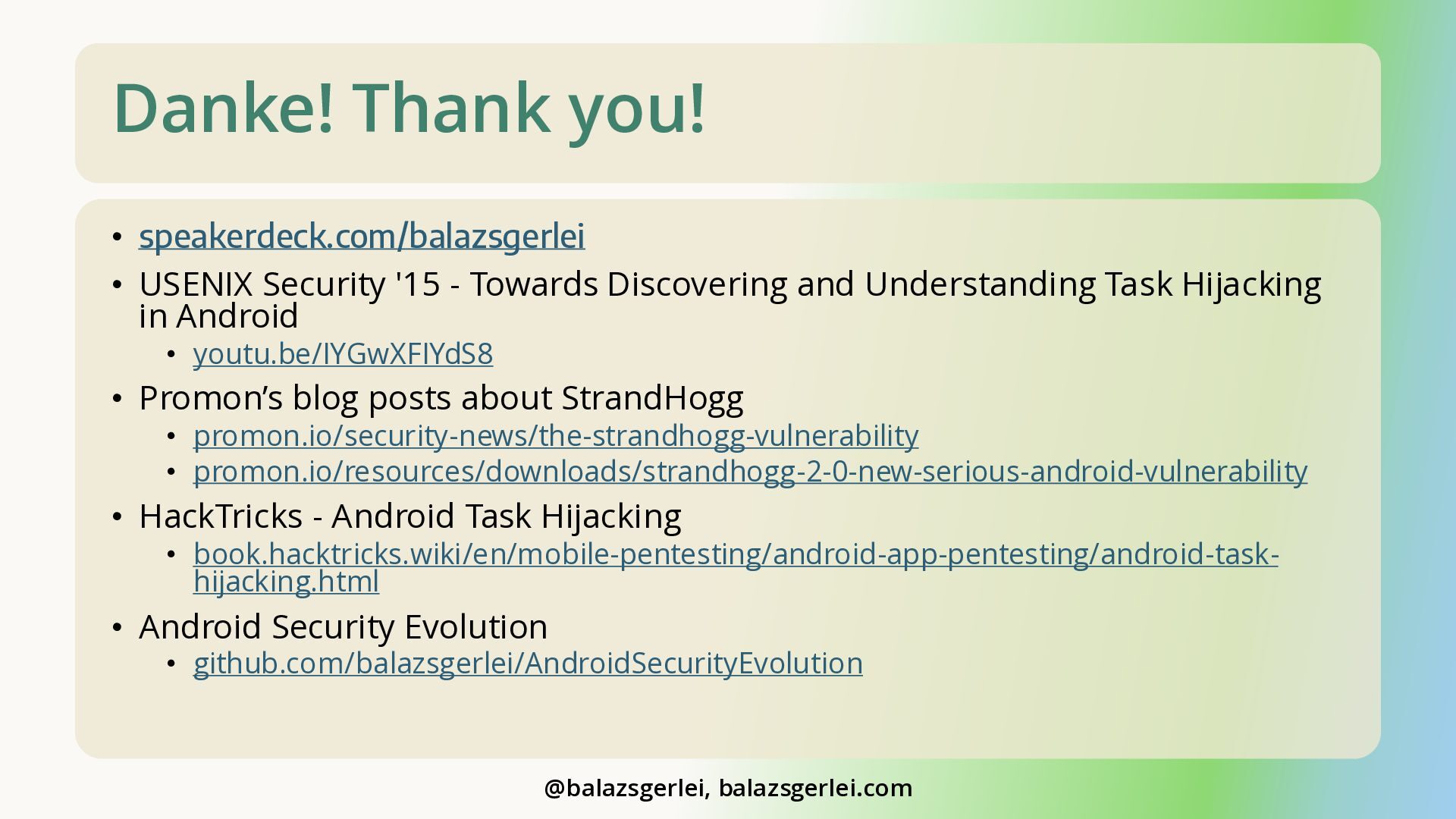
  32. Danke! Thank you! • speakerdeck.com/balazsgerlei • USENIX Security '15 -

    Towards Discovering and Understanding Task Hijacking in Android • youtu.be/IYGwXFIYdS8 • Promon’s blog posts about StrandHogg • promon.io/security-news/the-strandhogg-vulnerability • promon.io/resources/downloads/strandhogg-2-0-new-serious-android-vulnerability • HackTricks - Android Task Hijacking • book.hacktricks.wiki/en/mobile-pentesting/android-app-pentesting/android-taskhijacking.html • Android Security Evolution • github.com/balazsgerlei/AndroidSecurityEvolution @balazsgerlei, balazsgerlei.com