Upgrade to Pro — share decks privately, control downloads, hide ads and more …

No Two Biometrics (APIs) Are Alike // Appdevcon...

No Two Biometrics (APIs) Are Alike // Appdevcon 2026

Our joint presentation with my colleague Josu Vergara Lecue about the Android Biometric API, KeyStore and Key Attestation as presented at Appdevcon on March 13, 2026.

Intro
Do you need to protect some functionality or store sensitive data in your Android app? Biometric authentication seems both convenient and secure at face value. However under the skin of standardized APIs like androidx.biometric lies a web of strange edge cases and security vulnerabilities caused by API misuse in many cases.

Based on extensive research and development of security-sensitive apps, we will discuss the quirks and features of Biometrics API and the Keystore system of Android. Among many others, you will learn:

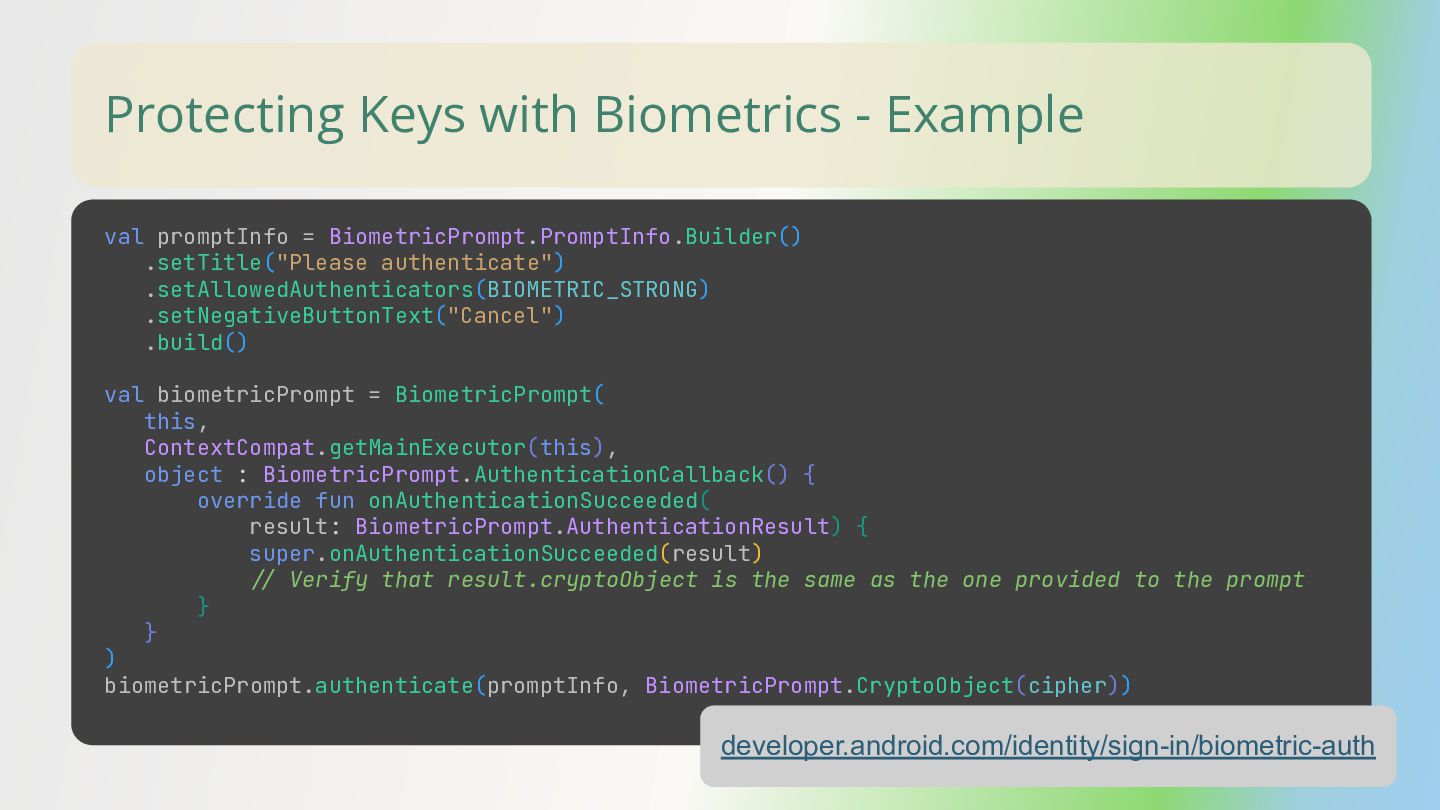
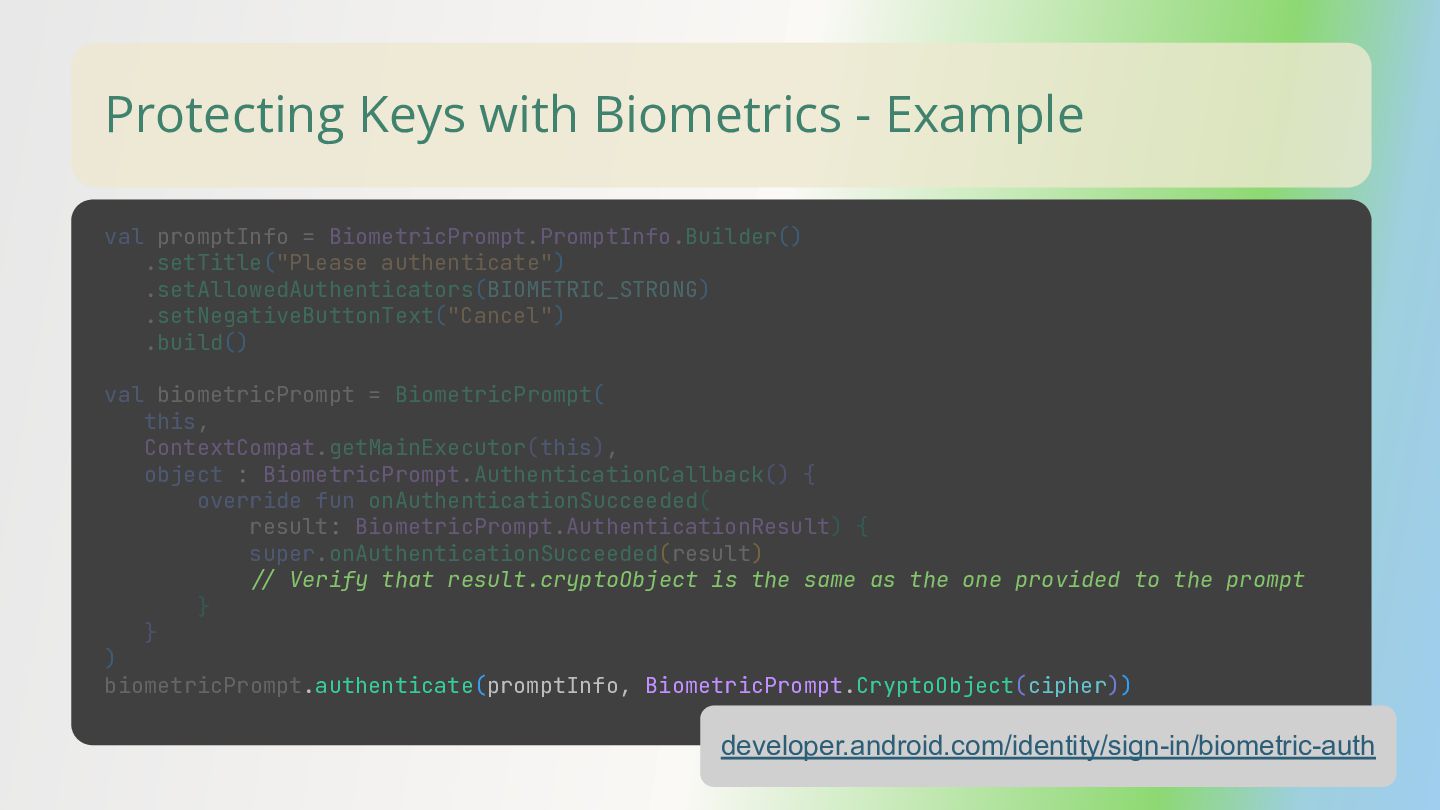
– How Biometric authentication can be bypassed without proper usage of the CryptoObject.
– Which are the obvious (and not so obvious) usability implications of making Android invalidate keys when new (biometric) credentials are added?
– How do we require user authentication for accessing keys and what it means? Also, what does the timeout parameter mean in this case?
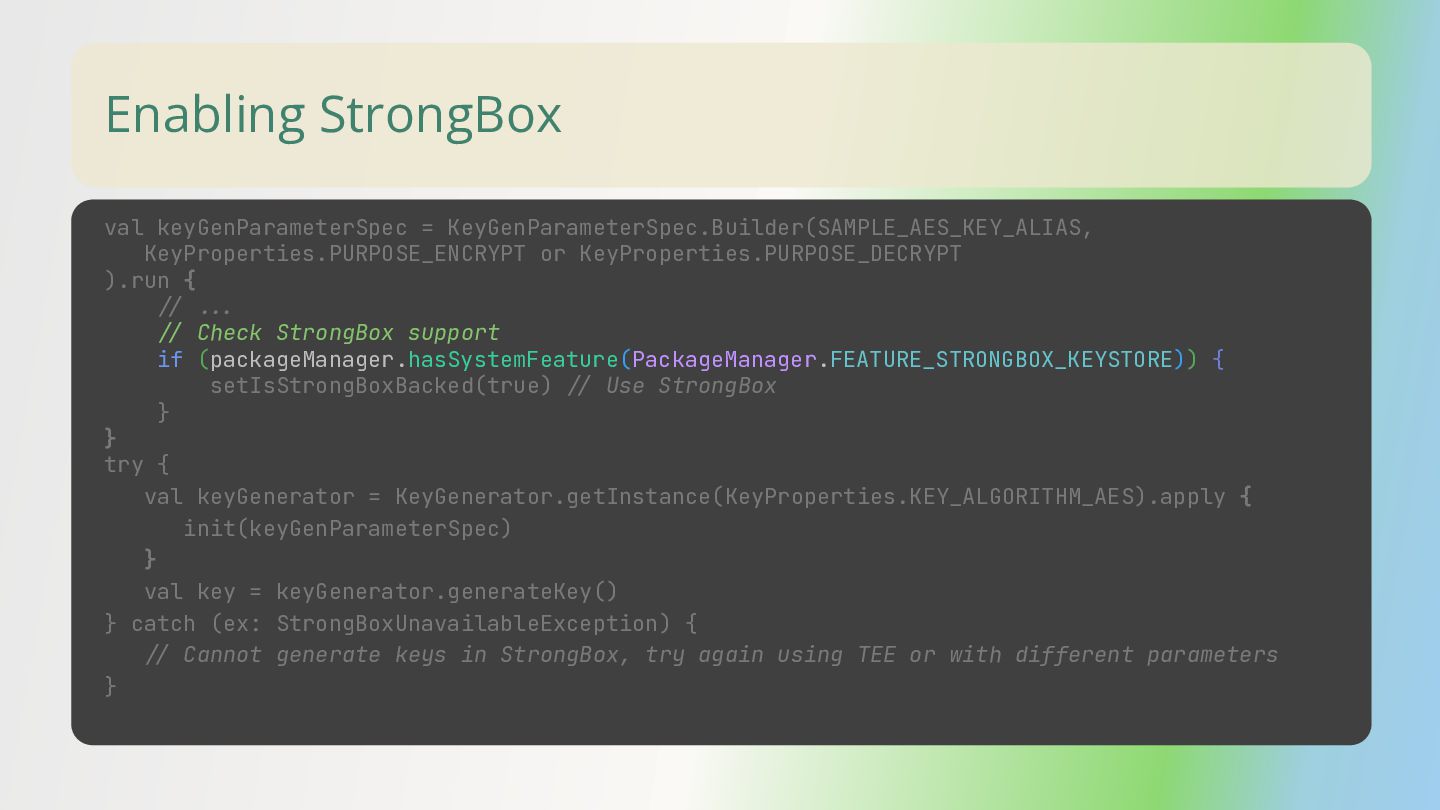
– How to use hardware-backed key storage, Strongbox, and how to verify them via key attestation.

Links
Open source library to wrap different biometric APIs (only use if you can trust it):
https://github.com/sergeykomlach/AdvancedBiometricPromptCompat

Jetpack Biometric Library:
https://developer.android.com/jetpack/androidx/releases/biometric

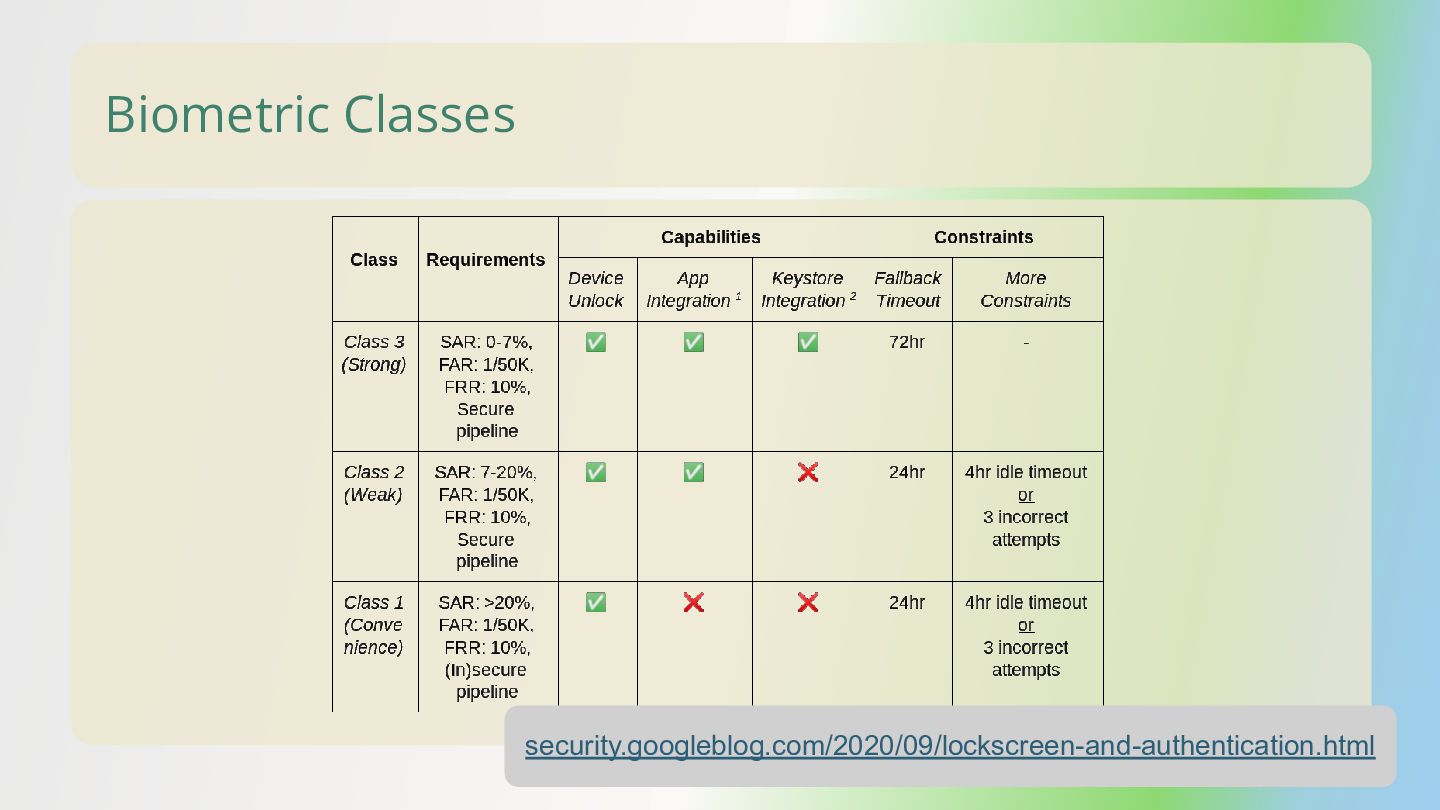
Blogpost announcing Biometric API changes (including the introduction of Biometric Classes) in Android 11:
https://security.googleblog.com/2020/09/lockscreen-and-authentication.html

Official Android documentation about showing a BiometricPrompt and authenticating with it:
https://developer.android.com/identity/sign-in/biometric-auth

Android Device Security Database research project listing some devices that has a StrongBox Secure Element:
https://www.android-device-security.org/database/?realMeasurementsOnly=true&show=Strongbox&sortBy=COUNT%20Lab%20Strongbox%20True

Official Android documentation about Key Attestation
https://developer.android.com/privacy-and-security/security-key-attestation

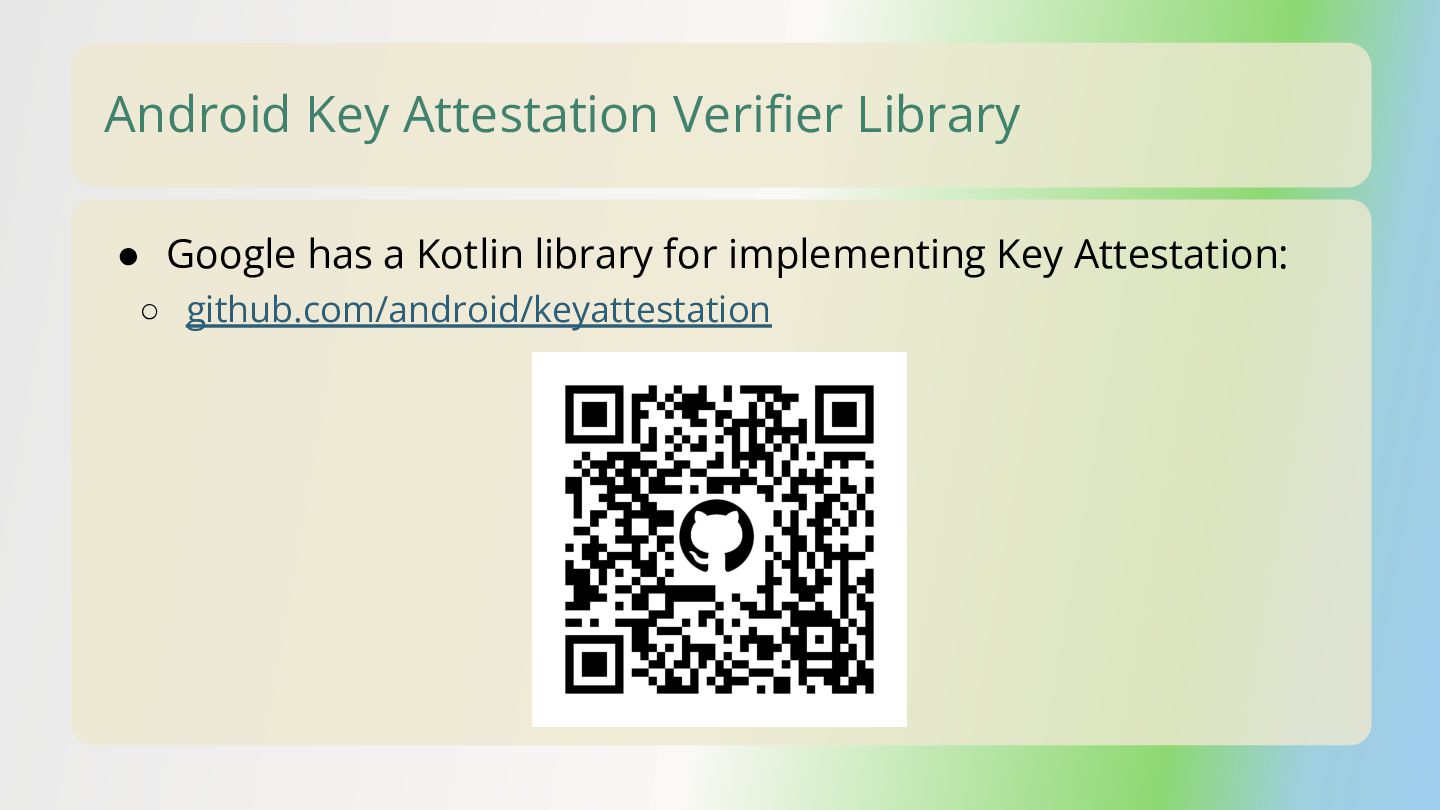
Google's Key Attestation implementation:
https://github.com/android/keyattestation

Avatar for Balázs Gerlei

Balázs Gerlei

March 13, 2026
Tweet

More Decks by Balázs Gerlei

Other Decks in Programming

Transcript

  1. No Two Biometrics (APIs) Are Alike Balázs Gerlei Josu Vergara

    Lecue Staff Software Engineer Senior Software Engineer
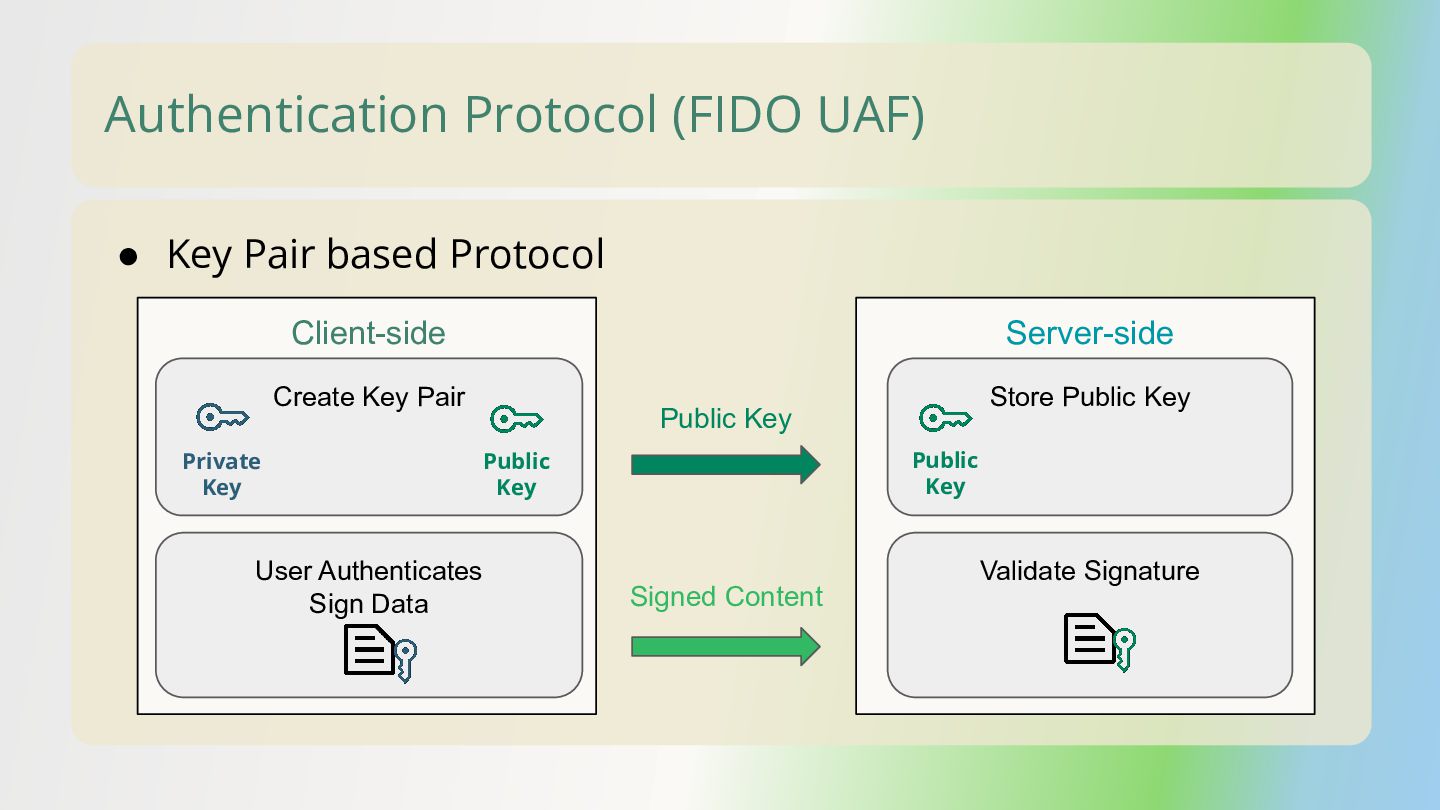
  2. • Key Pair based Protocol Authentication Protocol (FIDO UAF) Create

    Key Pair Client-side Server-side Public Key User Authenticates Sign Data Store Public Key Validate Signature Private Key Public Key Signed Content Public Key
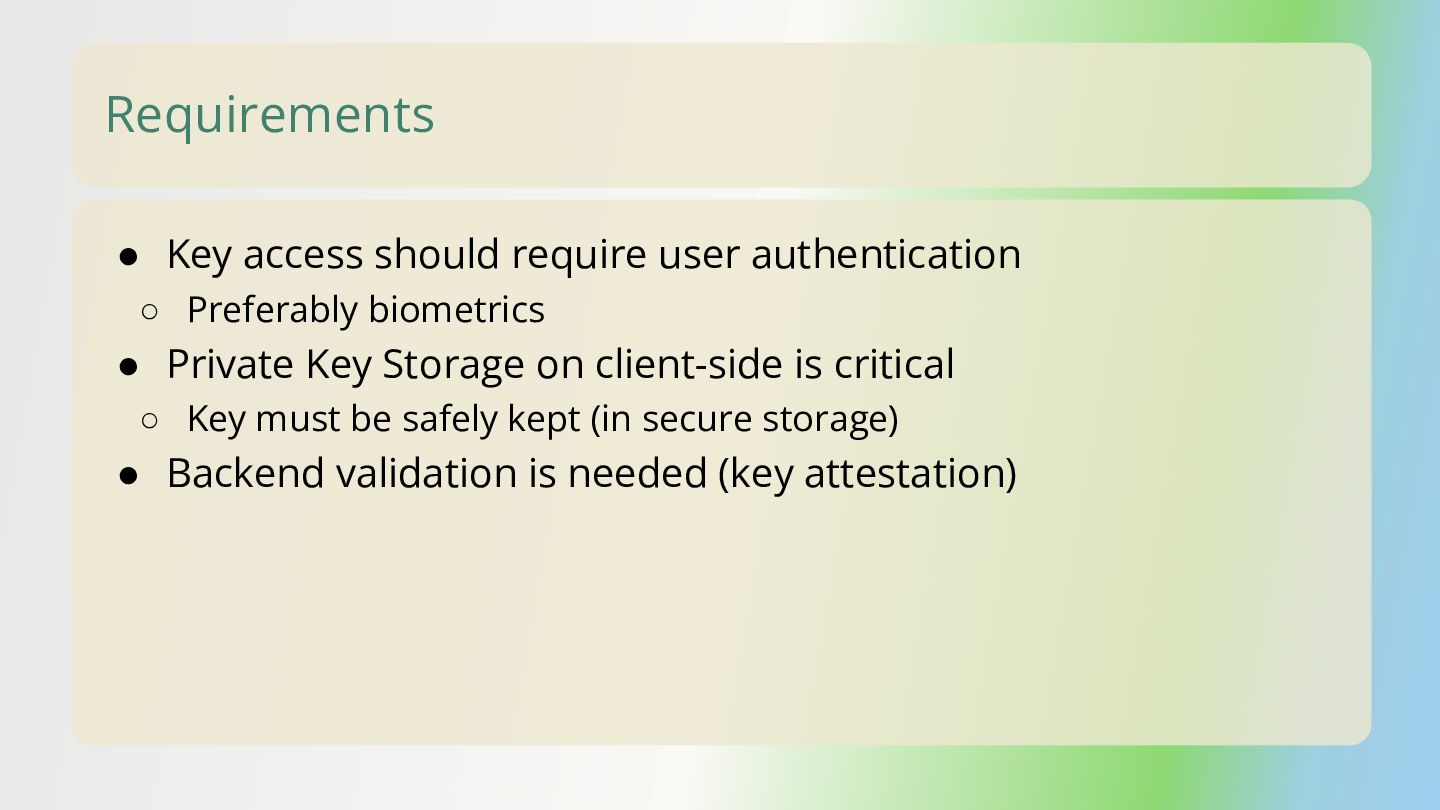
  3. Requirements • Key access should require user authentication ◦ Preferably

    biometrics • Private Key Storage on client-side is critical ◦ Key must be safely kept (in secure storage) • Backend validation is needed (key attestation)
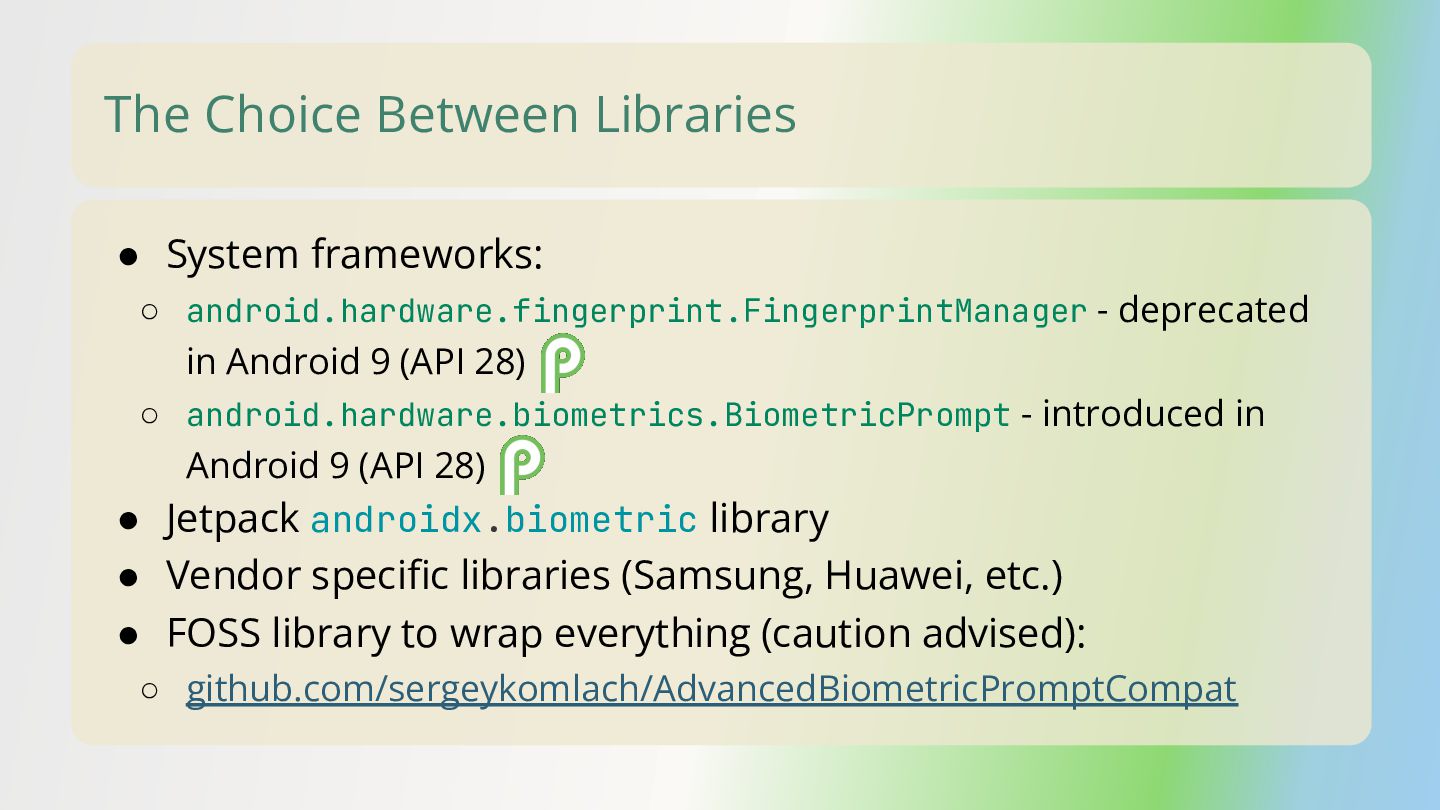
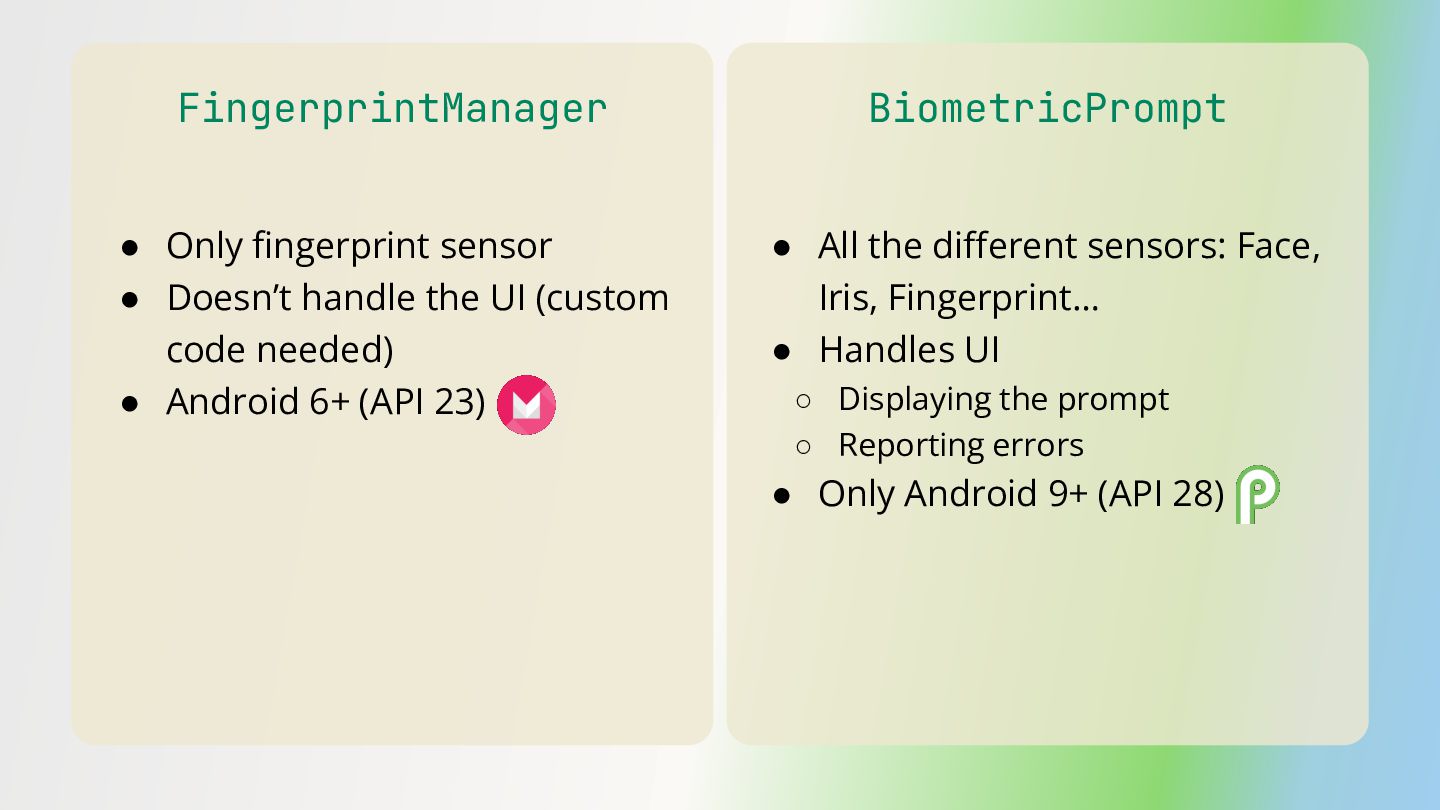
  4. The Choice Between Libraries • System frameworks: ◦ android.hardware.fingerprint.FingerprintManager -

    deprecated in Android 9 (API 28) ◦ android.hardware.biometrics.BiometricPrompt - introduced in Android 9 (API 28) • Jetpack androidx.biometric library • Vendor specific libraries (Samsung, Huawei, etc.) • FOSS library to wrap everything (caution advised): ◦ github.com/sergeykomlach/AdvancedBiometricPromptCompat
  5. FingerprintManager • Only fingerprint sensor • Doesn’t handle the UI

    (custom code needed) • Android 6+ (API 23) • All the different sensors: Face, Iris, Fingerprint… • Handles UI ◦ Displaying the prompt ◦ Reporting errors • Only Android 9+ (API 28) BiometricPrompt
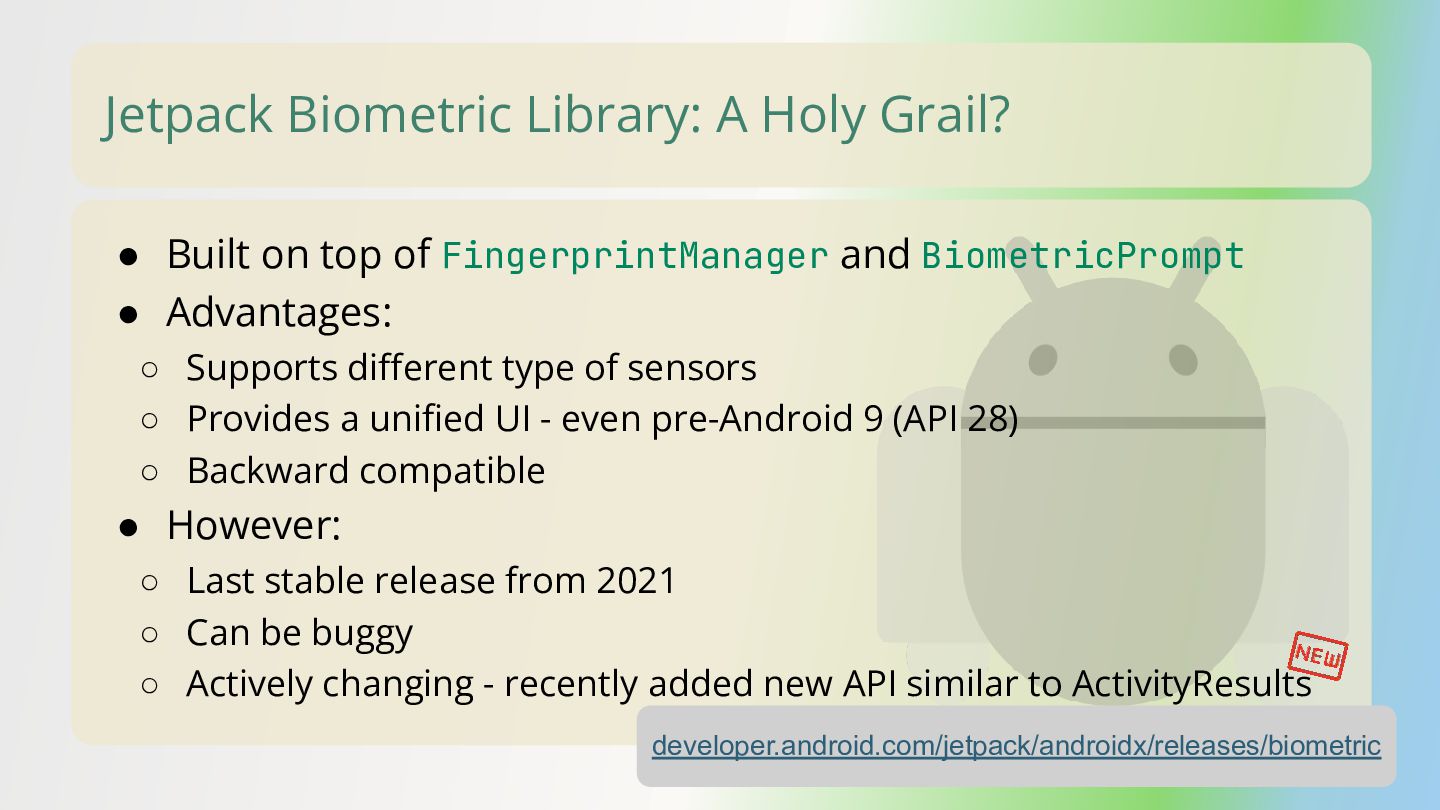
  6. Jetpack Biometric Library: A Holy Grail? • Built on top

    of FingerprintManager and BiometricPrompt • Advantages: ◦ Supports different type of sensors ◦ Provides a unified UI - even pre-Android 9 (API 28) ◦ Backward compatible • However: ◦ Last stable release from 2021 ◦ Can be buggy ◦ Actively changing - recently added new API similar to ActivityResults developer.android.com/jetpack/androidx/releases/biometric
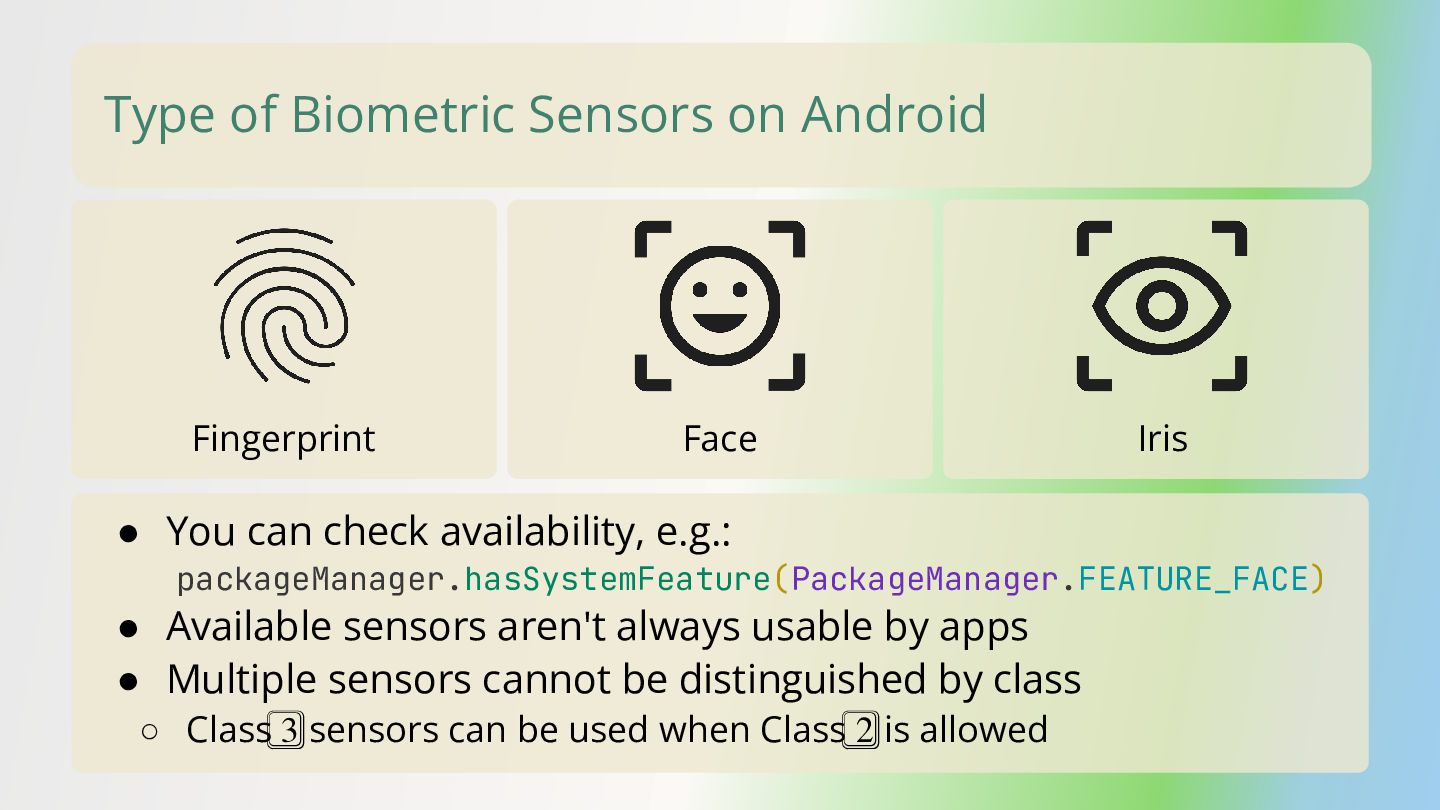
  7. Fingerprint Face Iris • You can check availability, e.g.: packageManager.hasSystemFeature(PackageManager.FEATURE_FACE)
    • Available sensors aren't always usable by apps • Multiple sensors cannot be distinguished by class ◦ Class 3⃣ sensors can be used when Class 2⃣ is allowed Type of Biometric Sensors on Android
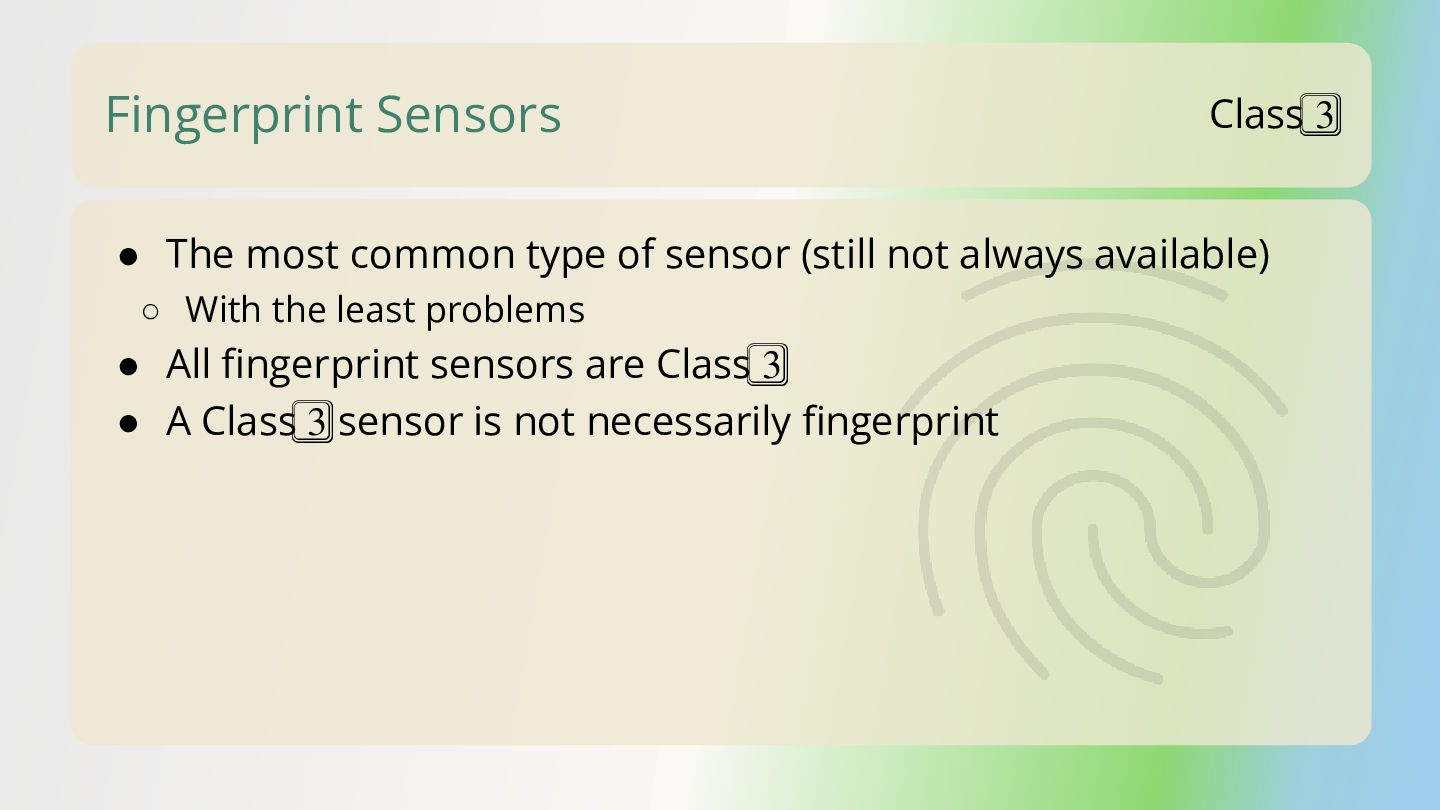
  8. Fingerprint Sensors • The most common type of sensor (still

    not always available) ◦ With the least problems • All fingerprint sensors are Class 3⃣ • A Class 3⃣ sensor is not necessarily fingerprint Class 3⃣
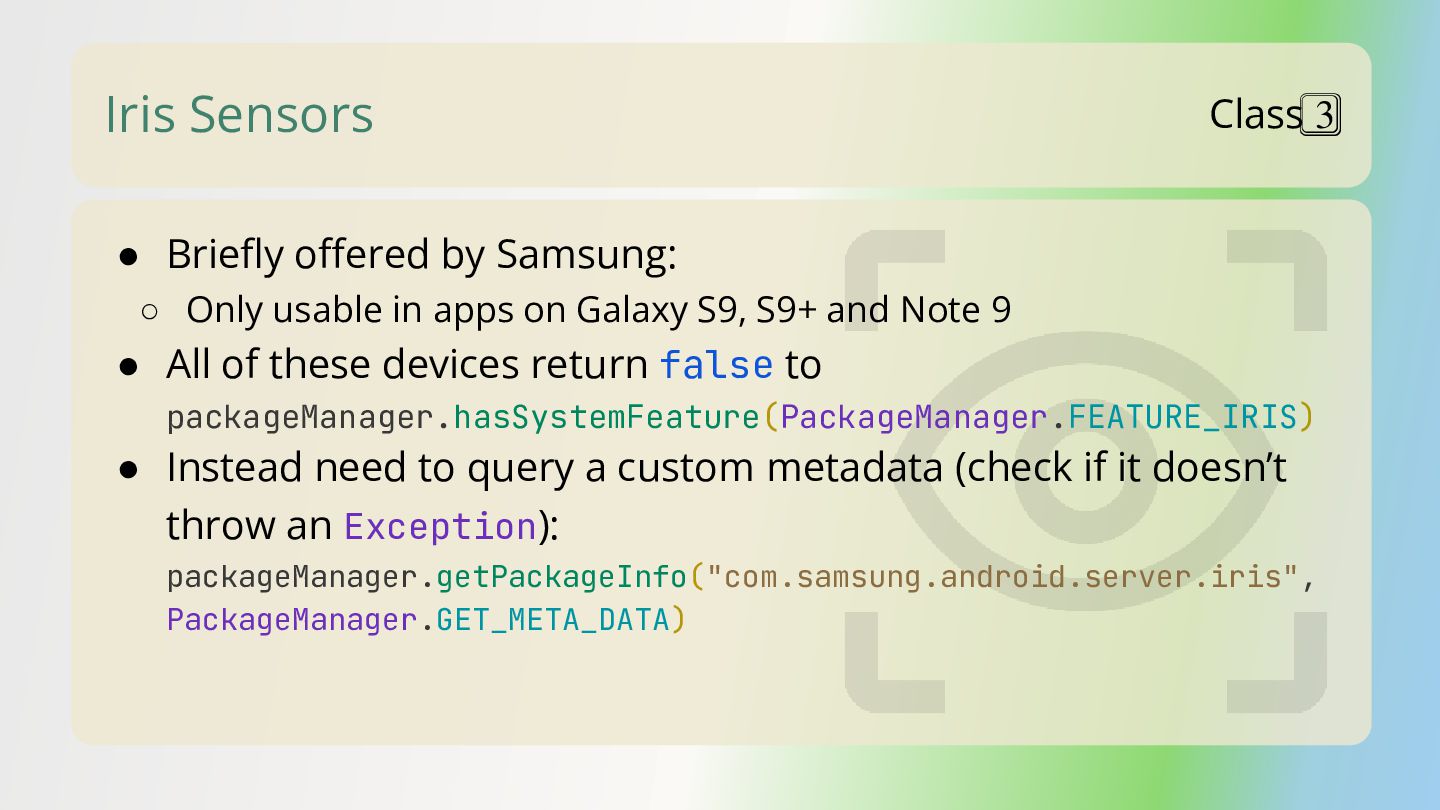
  9. Iris Sensors • Briefly offered by Samsung: ◦ Only usable

    in apps on Galaxy S9, S9+ and Note 9 • All of these devices return false to packageManager.hasSystemFeature(PackageManager.FEATURE_IRIS) • Instead need to query a custom metadata (check if it doesn’t throw an Exception): packageManager.getPackageInfo("com.samsung.android.server.iris", PackageManager.GET_META_DATA) Class 3⃣
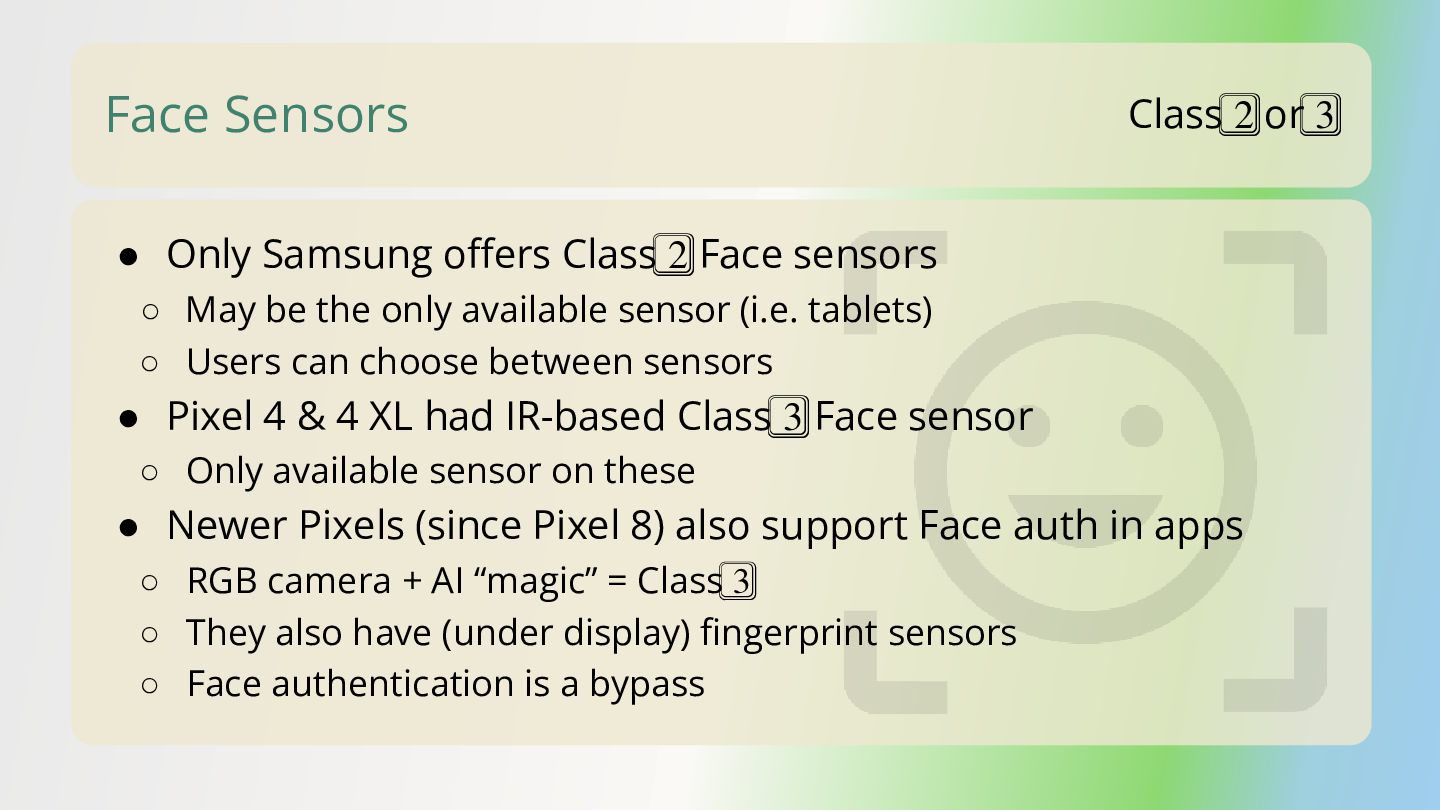
  10. Face Sensors • Only Samsung offers Class 2⃣ Face sensors

    ◦ May be the only available sensor (i.e. tablets) ◦ Users can choose between sensors • Pixel 4 & 4 XL had IR-based Class 3⃣ Face sensor ◦ Only available sensor on these • Newer Pixels (since Pixel 8) also support Face auth in apps ◦ RGB camera + AI “magic” = Class 3⃣ ◦ They also have (under display) fingerprint sensors ◦ Face authentication is a bypass Class 2⃣ or 3⃣
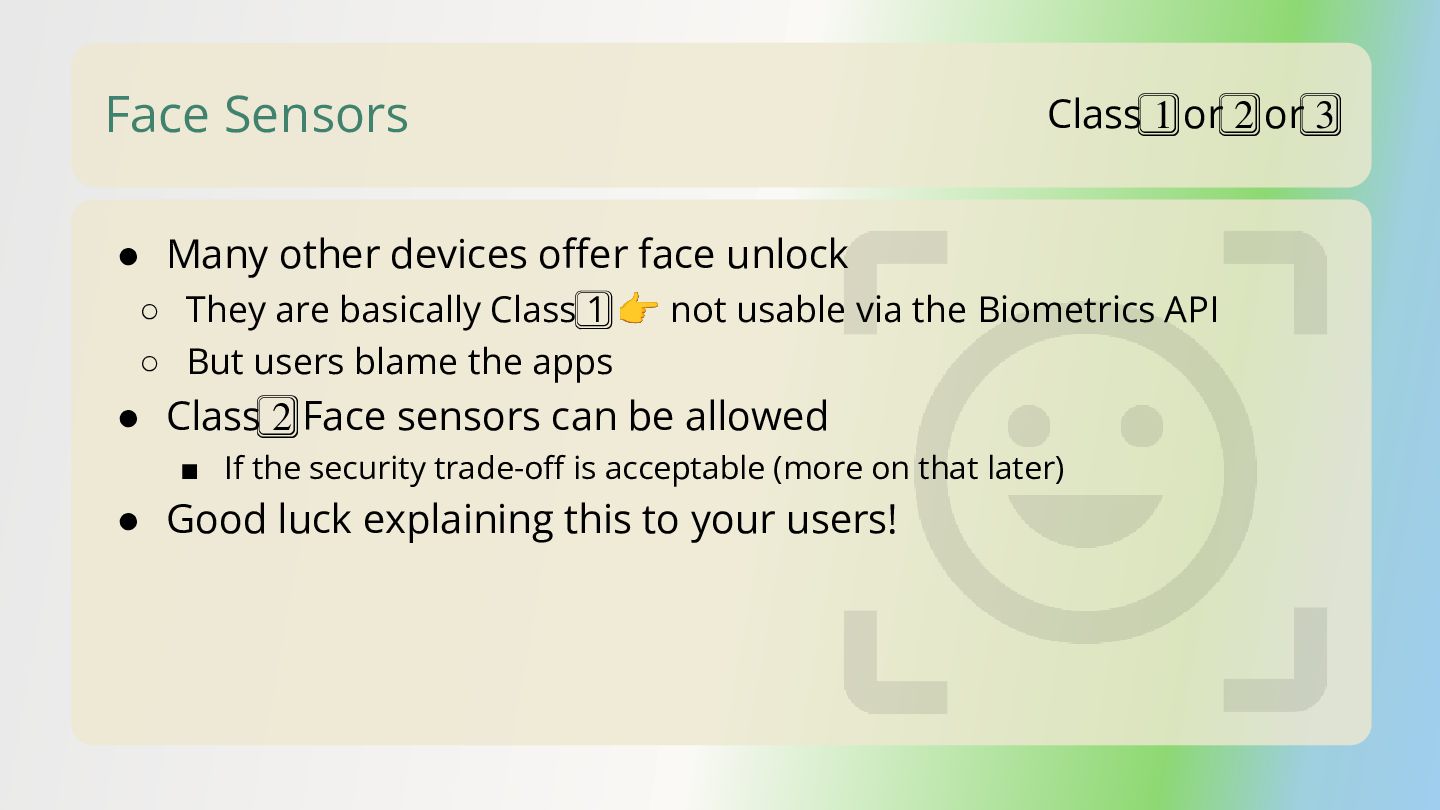
  11. Face Sensors • Many other devices offer face unlock ◦

    They are basically Class 1⃣ 👉 not usable via the Biometrics API ◦ But users blame the apps • Class 2⃣ Face sensors can be allowed ▪ If the security trade-off is acceptable (more on that later) • Good luck explaining this to your users! Class 1⃣ or 2⃣ or 3⃣
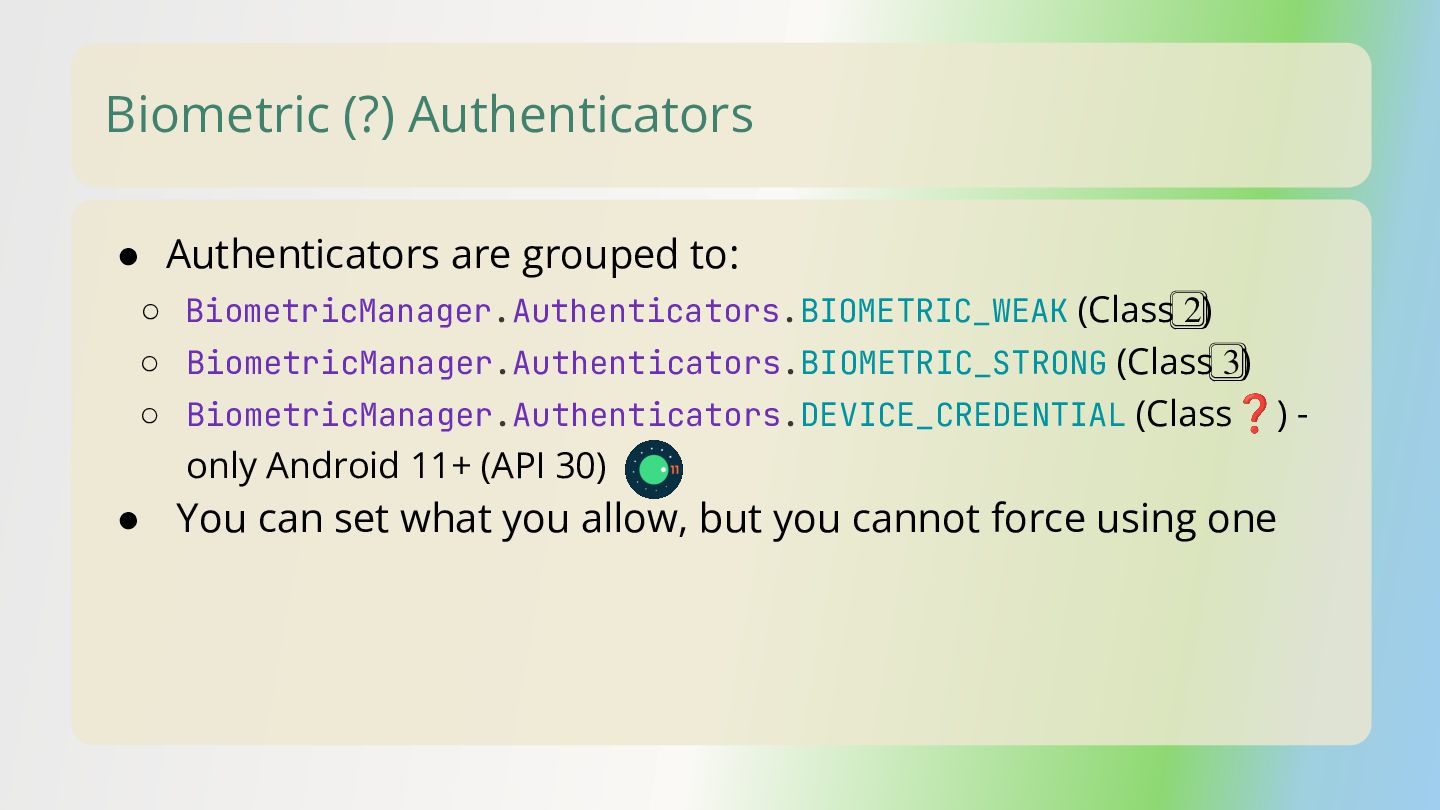
  12. Biometric (?) Authenticators • Authenticators are grouped to: ◦ BiometricManager.Authenticators.BIOMETRIC_WEAK

    (Class 2⃣) ◦ BiometricManager.Authenticators.BIOMETRIC_STRONG (Class 3⃣) ◦ BiometricManager.Authenticators.DEVICE_CREDENTIAL (Class❓) - only Android 11+ (API 30) • You can set what you allow, but you cannot force using one
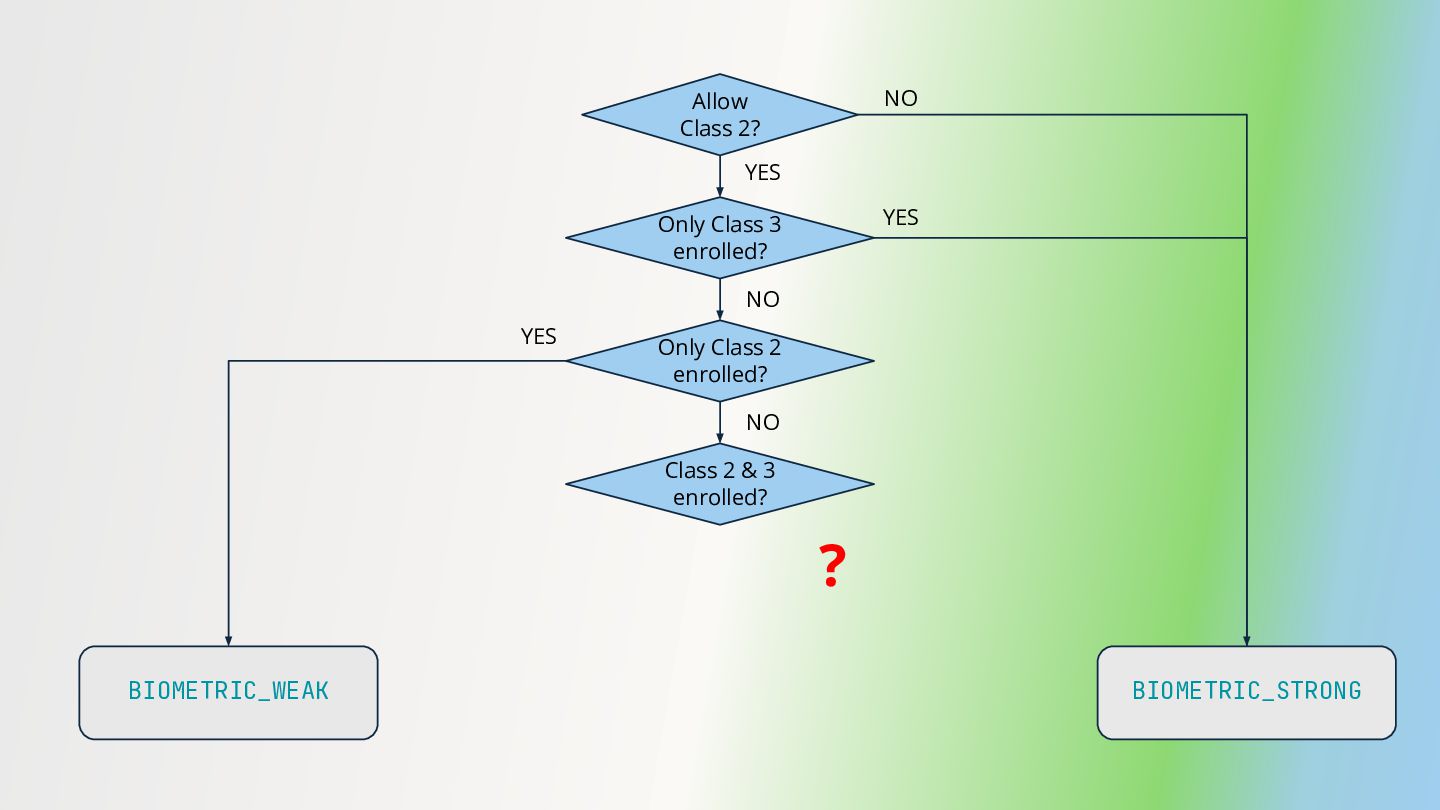
  13. Allow Class 2? BIOMETRIC_STRONG Only Class 3 enrolled? NO YES

    BIOMETRIC_WEAK YES Only Class 2 enrolled? NO YES Class 2 & 3 enrolled? NO ?
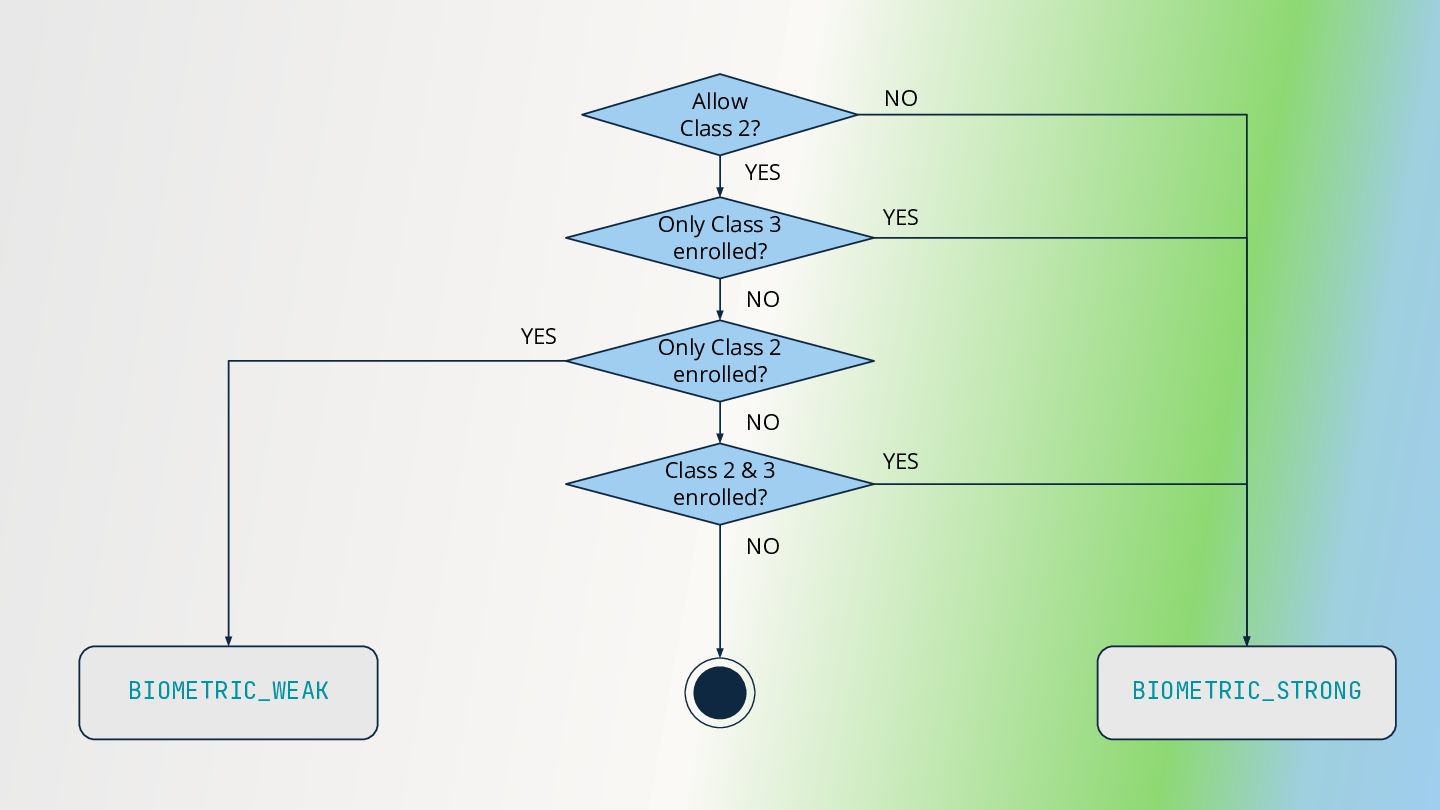
  14. Allow Class 2? BIOMETRIC_STRONG Only Class 3 enrolled? NO YES

    BIOMETRIC_WEAK YES Only Class 2 enrolled? NO YES Class 2 & 3 enrolled? NO NO YES
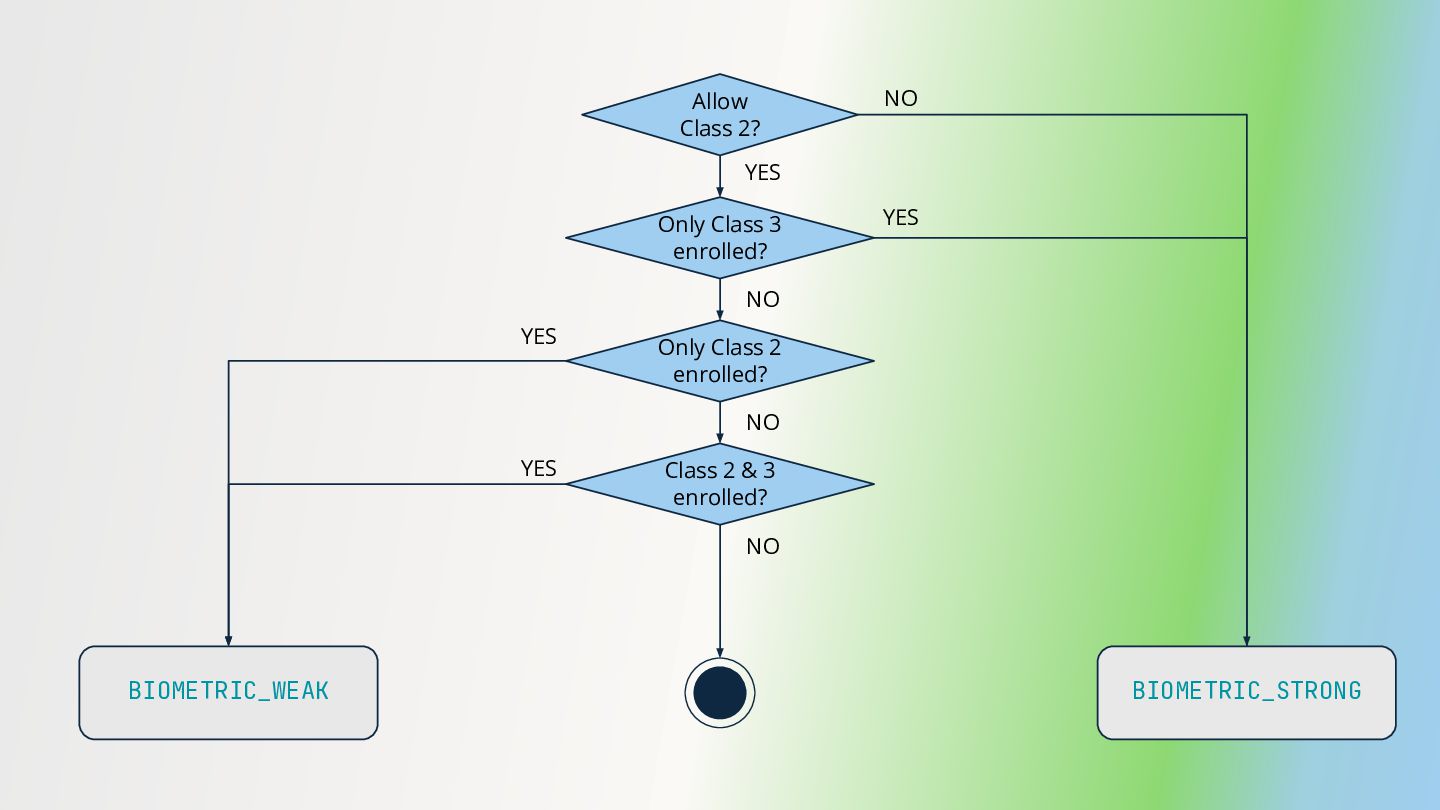
  15. Allow Class 2? BIOMETRIC_STRONG Only Class 3 enrolled? NO YES

    BIOMETRIC_WEAK YES Only Class 2 enrolled? NO YES Class 2 & 3 enrolled? NO NO YES
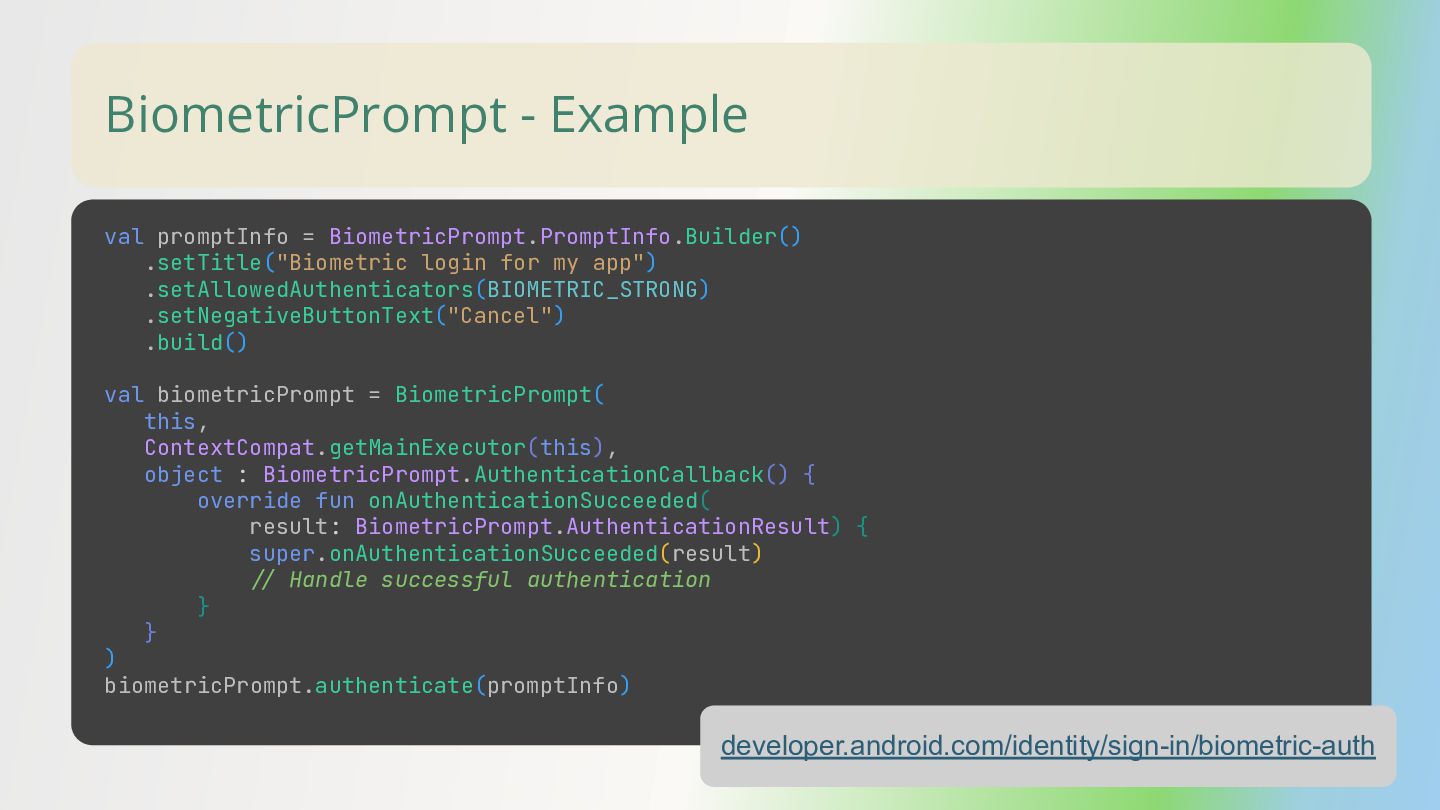
  16. BiometricPrompt - Example developer.android.com/identity/sign-in/biometric-auth val promptInfo = BiometricPrompt.PromptInfo.Builder() .setTitle("Biometric login

    for my app") .setAllowedAuthenticators(BIOMETRIC_STRONG) .setNegativeButtonText("Cancel") .build() val biometricPrompt = BiometricPrompt( this, ContextCompat.getMainExecutor(this), object : BiometricPrompt.AuthenticationCallback() { override fun onAuthenticationSucceeded( result: BiometricPrompt.AuthenticationResult) { super.onAuthenticationSucceeded(result) // Handle successful authentication } } ) biometricPrompt.authenticate(promptInfo)
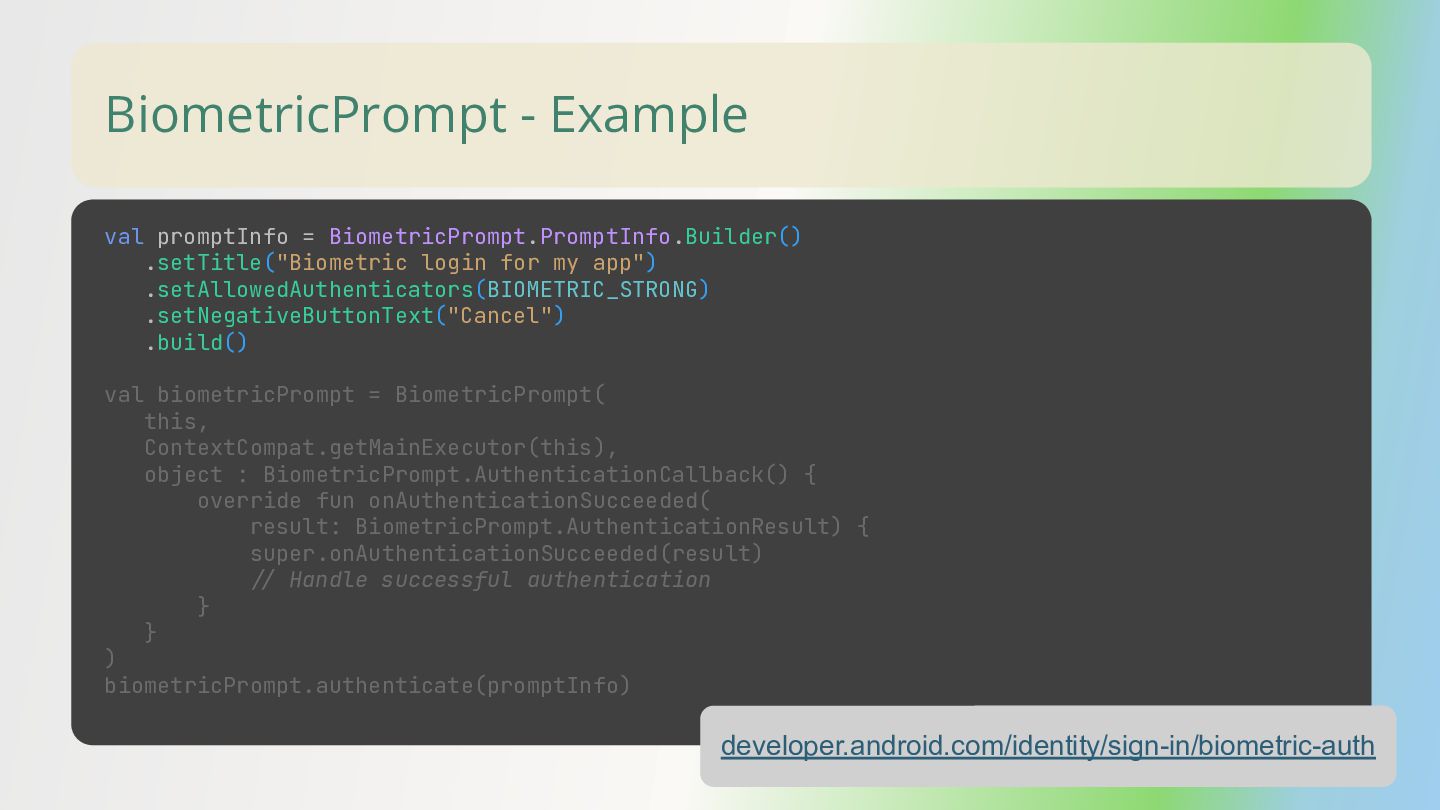
  17. BiometricPrompt - Example developer.android.com/identity/sign-in/biometric-auth val promptInfo = BiometricPrompt.PromptInfo.Builder() .setTitle("Biometric login

    for my app") .setAllowedAuthenticators(BIOMETRIC_STRONG) .setNegativeButtonText("Cancel") .build() val biometricPrompt = BiometricPrompt( this, ContextCompat.getMainExecutor(this), object : BiometricPrompt.AuthenticationCallback() { override fun onAuthenticationSucceeded( result: BiometricPrompt.AuthenticationResult) { super.onAuthenticationSucceeded(result) // Handle successful authentication } } ) biometricPrompt.authenticate(promptInfo)
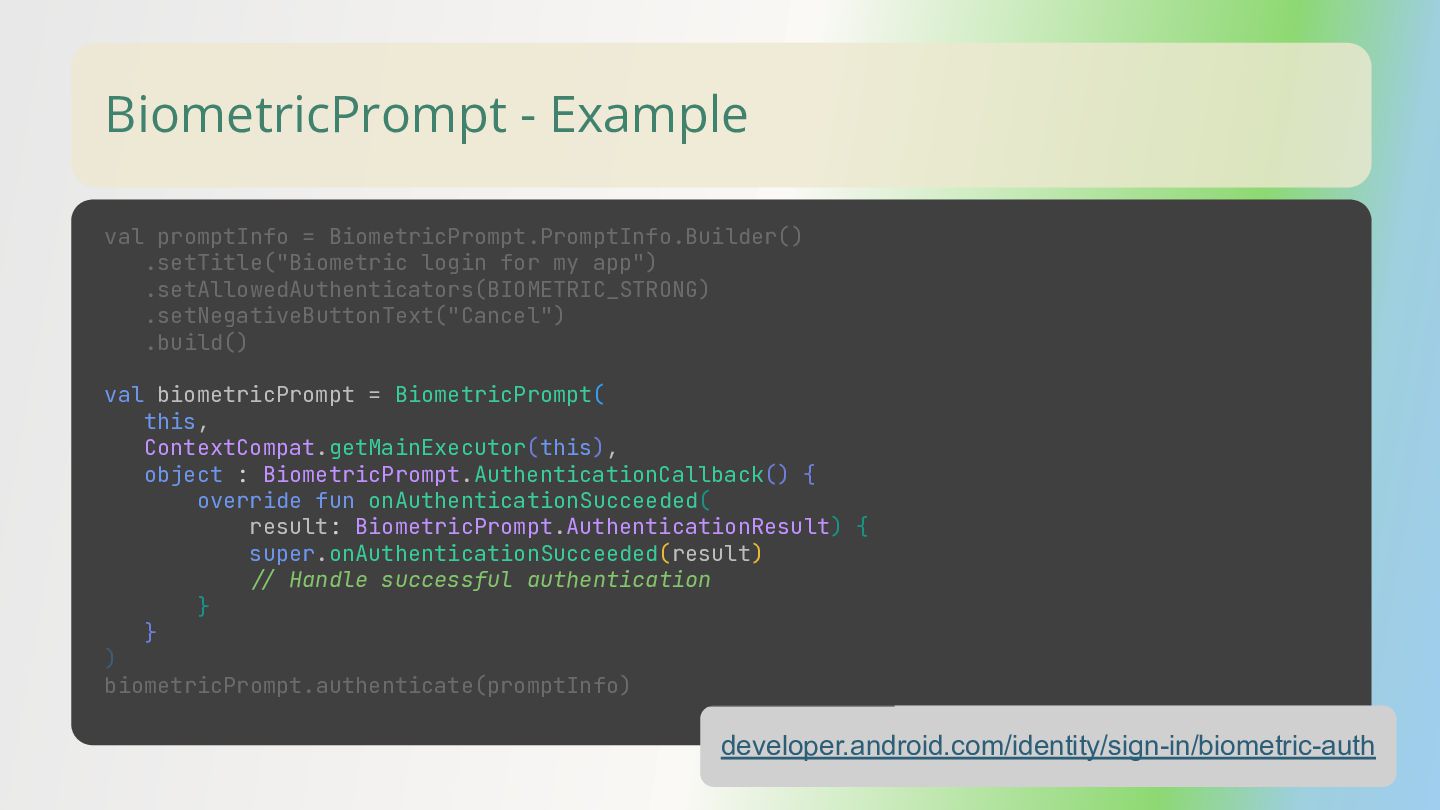
  18. BiometricPrompt - Example developer.android.com/identity/sign-in/biometric-auth val promptInfo = BiometricPrompt.PromptInfo.Builder() .setTitle("Biometric login

    for my app") .setAllowedAuthenticators(BIOMETRIC_STRONG) .setNegativeButtonText("Cancel") .build() val biometricPrompt = BiometricPrompt( this, ContextCompat.getMainExecutor(this), object : BiometricPrompt.AuthenticationCallback() { override fun onAuthenticationSucceeded( result: BiometricPrompt.AuthenticationResult) { super.onAuthenticationSucceeded(result) // Handle successful authentication } } ) biometricPrompt.authenticate(promptInfo)
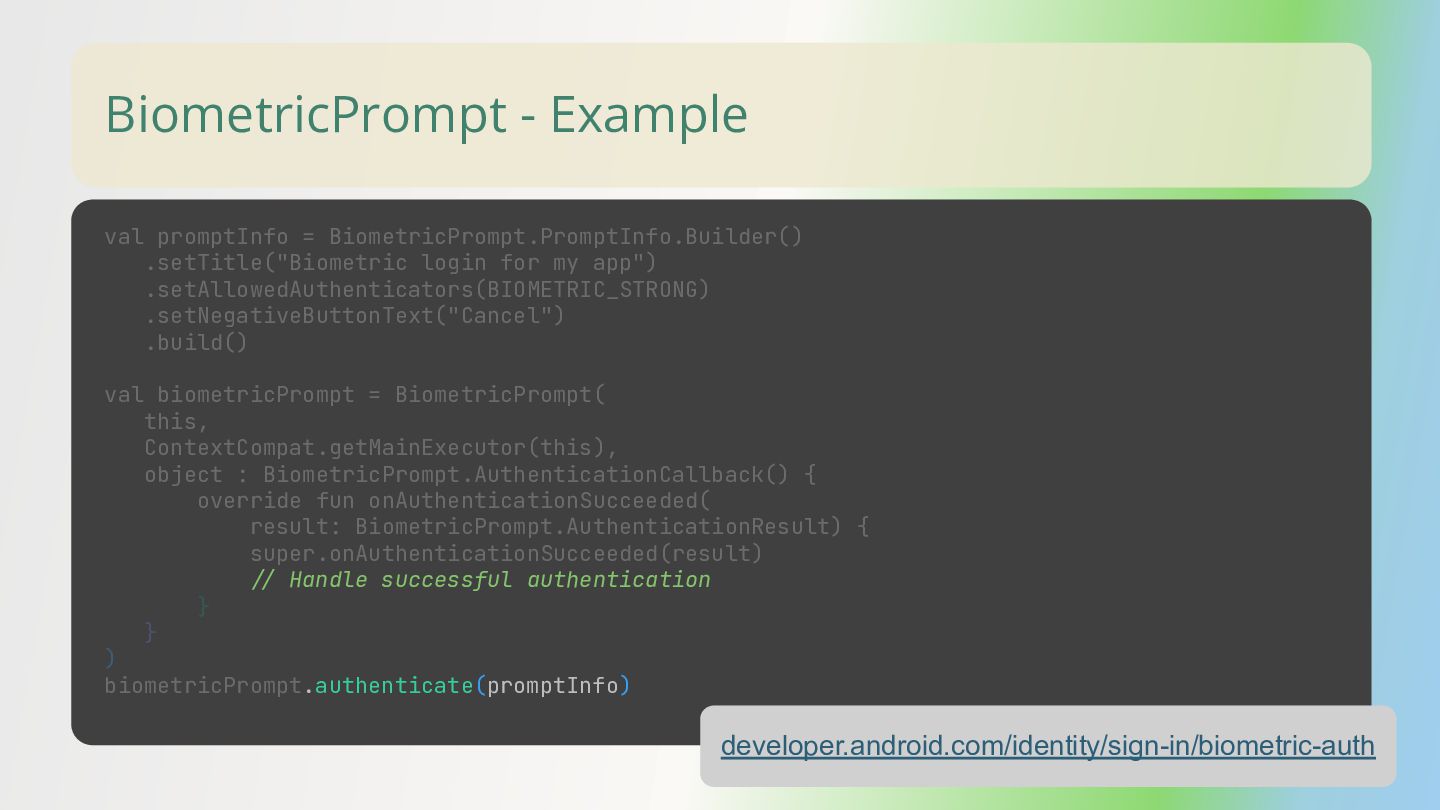
  19. BiometricPrompt - Example developer.android.com/identity/sign-in/biometric-auth val promptInfo = BiometricPrompt.PromptInfo.Builder() .setTitle("Biometric login

    for my app") .setAllowedAuthenticators(BIOMETRIC_STRONG) .setNegativeButtonText("Cancel") .build() val biometricPrompt = BiometricPrompt( this, ContextCompat.getMainExecutor(this), object : BiometricPrompt.AuthenticationCallback() { override fun onAuthenticationSucceeded( result: BiometricPrompt.AuthenticationResult) { super.onAuthenticationSucceeded(result) // Handle successful authentication } } ) biometricPrompt.authenticate(promptInfo)
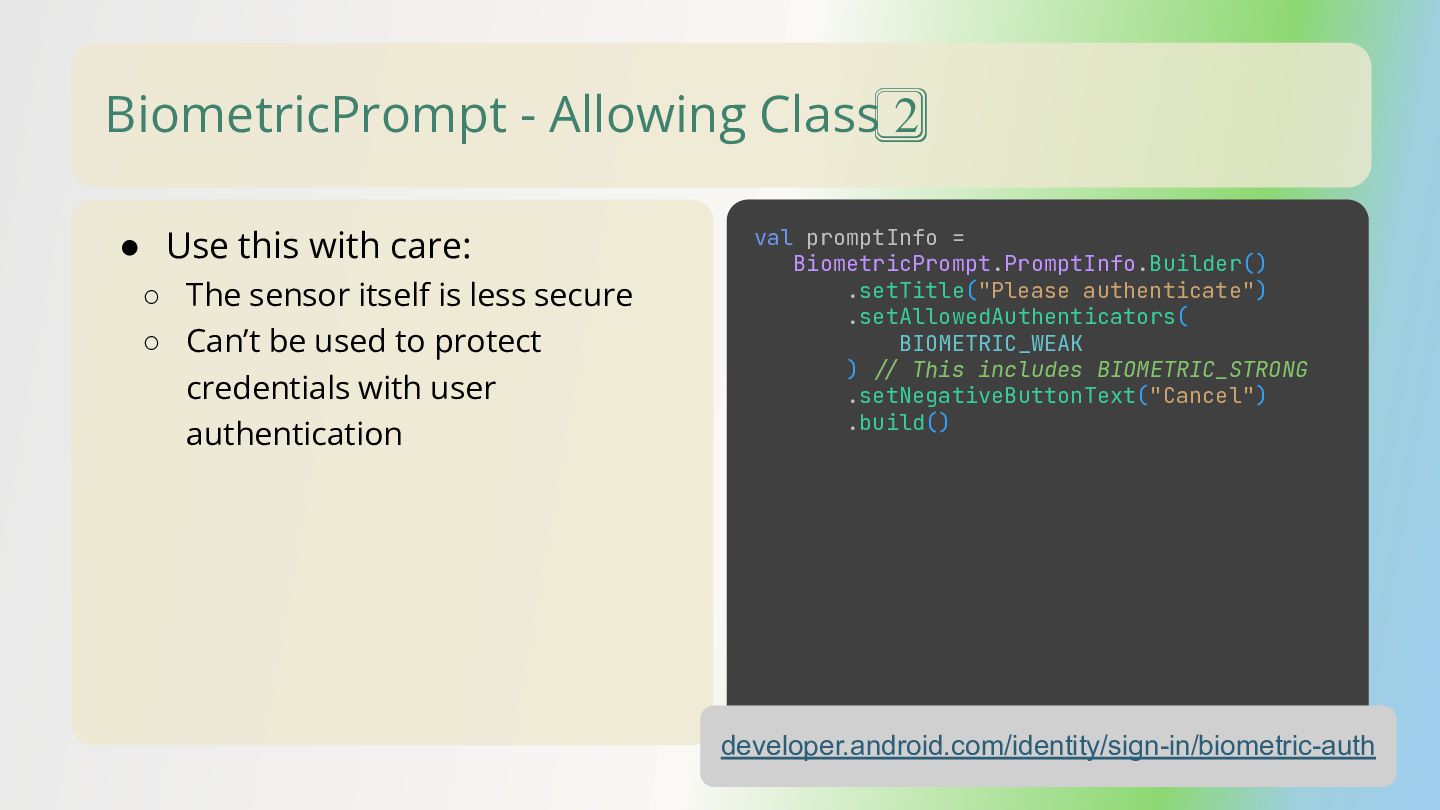
  20. BiometricPrompt - Allowing Class 2⃣ • Use this with care:

    ◦ The sensor itself is less secure ◦ Can’t be used to protect credentials with user authentication developer.android.com/identity/sign-in/biometric-auth val promptInfo = BiometricPrompt.PromptInfo.Builder() .setTitle("Please authenticate") .setAllowedAuthenticators( BIOMETRIC_WEAK ) // This includes BIOMETRIC_STRONG .setNegativeButtonText("Cancel") .build()
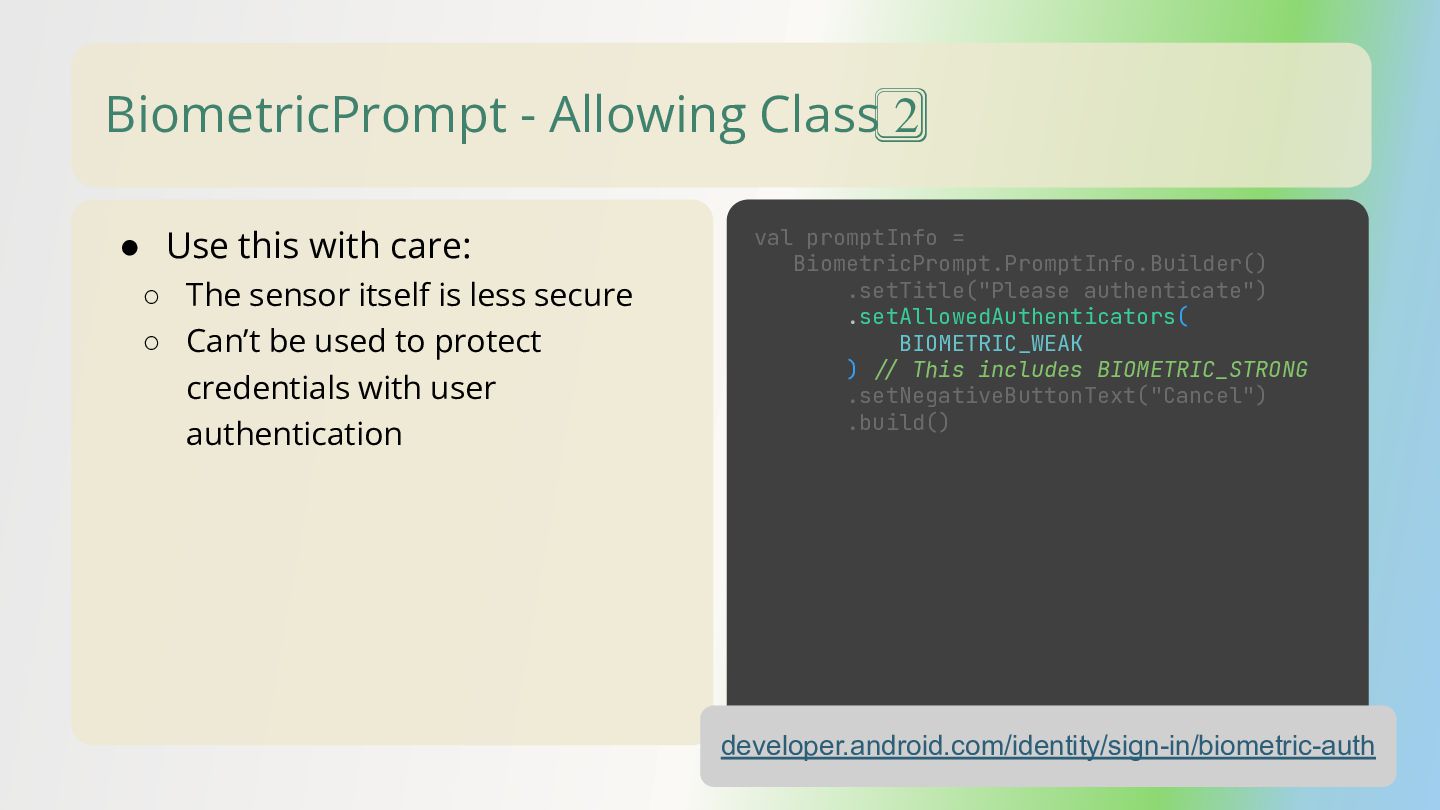
  21. BiometricPrompt - Allowing Class 2⃣ • Use this with care:

    ◦ The sensor itself is less secure ◦ Can’t be used to protect credentials with user authentication developer.android.com/identity/sign-in/biometric-auth val promptInfo = BiometricPrompt.PromptInfo.Builder() .setTitle("Please authenticate") .setAllowedAuthenticators( BIOMETRIC_WEAK ) // This includes BIOMETRIC_STRONG .setNegativeButtonText("Cancel") .build()
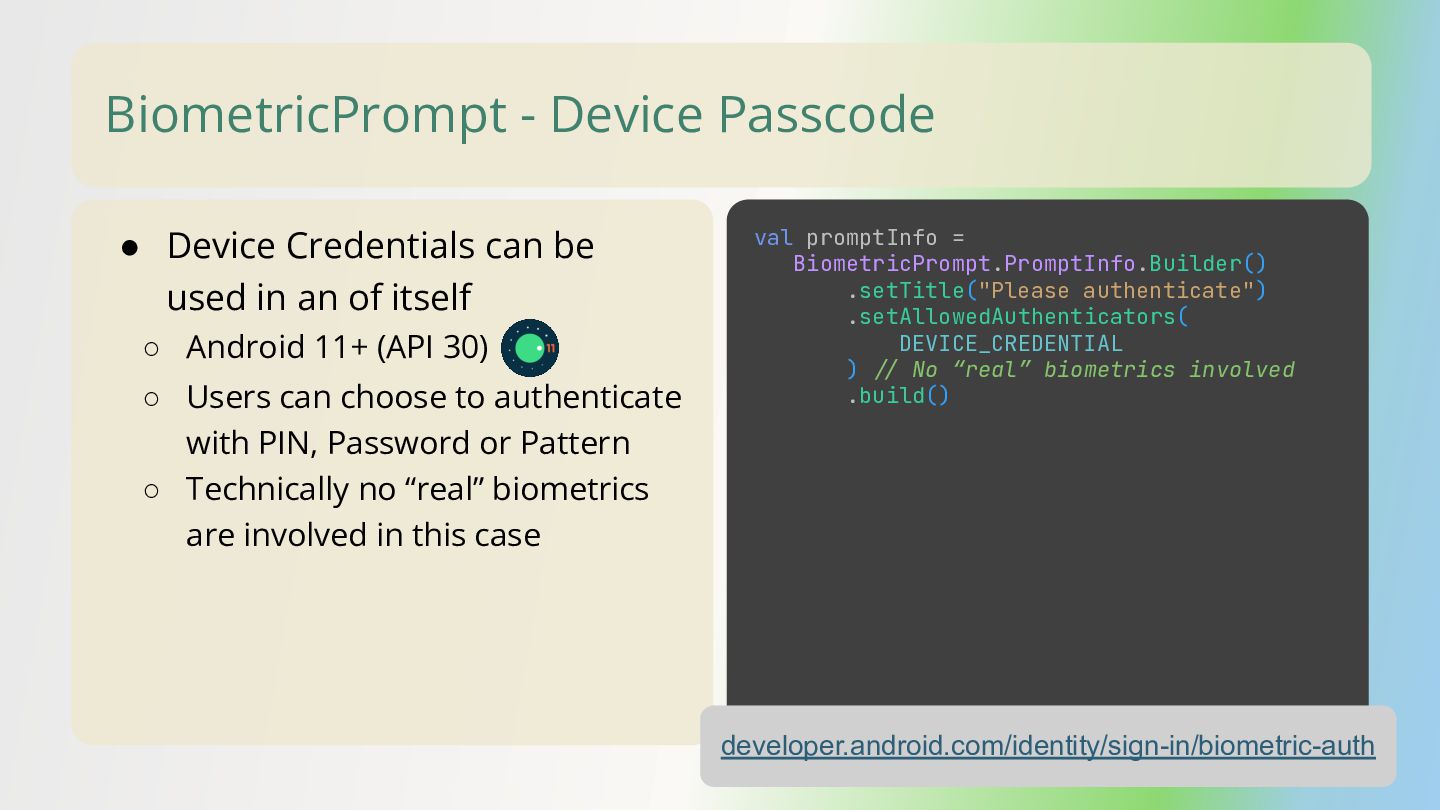
  22. BiometricPrompt - Device Passcode • Device Credentials can be used

    in an of itself ◦ Android 11+ (API 30) developer.android.com/identity/sign-in/biometric-auth val promptInfo = BiometricPrompt.PromptInfo.Builder() .setTitle("Please authenticate") .setAllowedAuthenticators( DEVICE_CREDENTIAL ) // No “real” biometrics involved .build() ◦ Users can choose to authenticate with PIN, Password or Pattern ◦ Technically no “real” biometrics are involved in this case
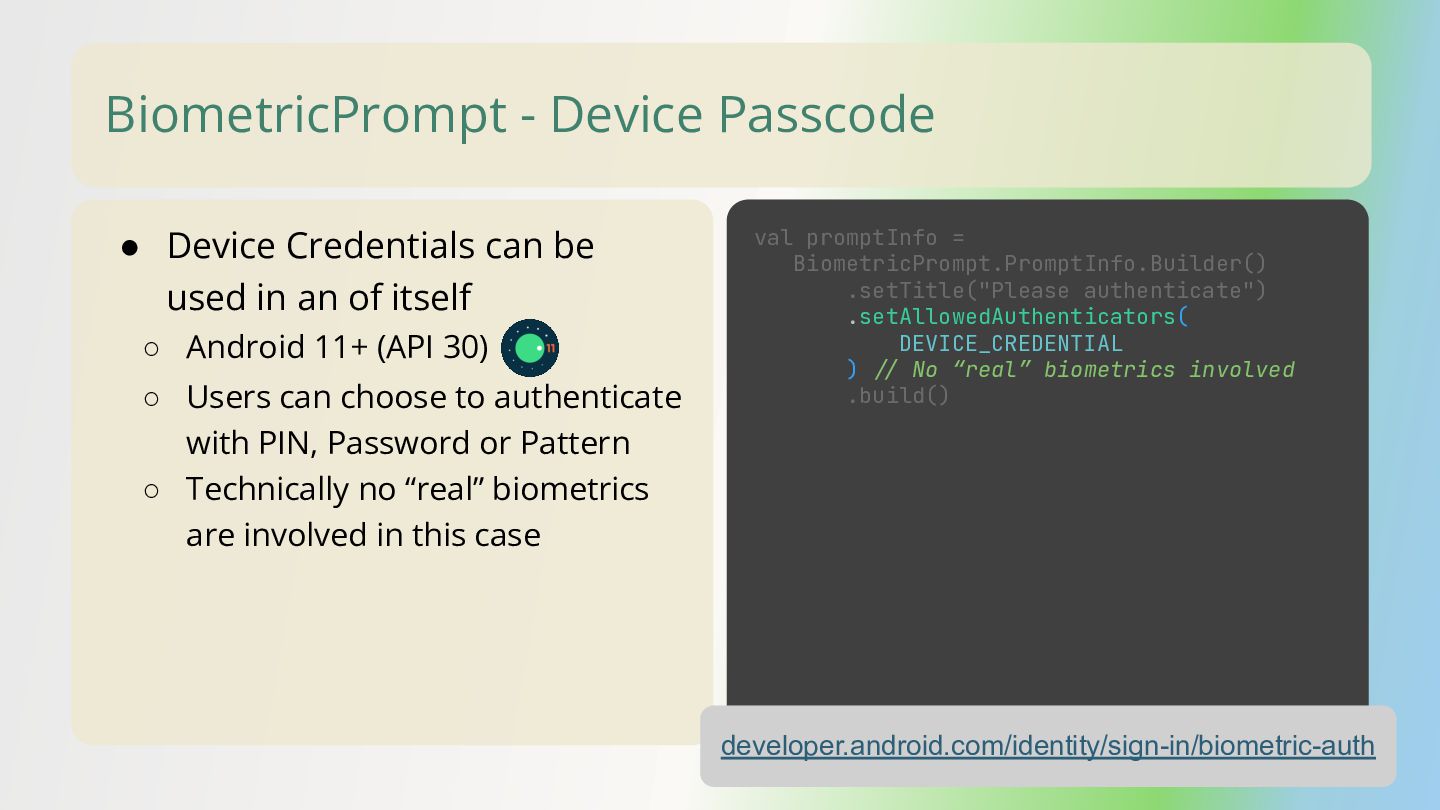
  23. BiometricPrompt - Device Passcode • Device Credentials can be used

    in an of itself ◦ Android 11+ (API 30) developer.android.com/identity/sign-in/biometric-auth val promptInfo = BiometricPrompt.PromptInfo.Builder() .setTitle("Please authenticate") .setAllowedAuthenticators( DEVICE_CREDENTIAL ) // No “real” biometrics involved .build() ◦ Users can choose to authenticate with PIN, Password or Pattern ◦ Technically no “real” biometrics are involved in this case
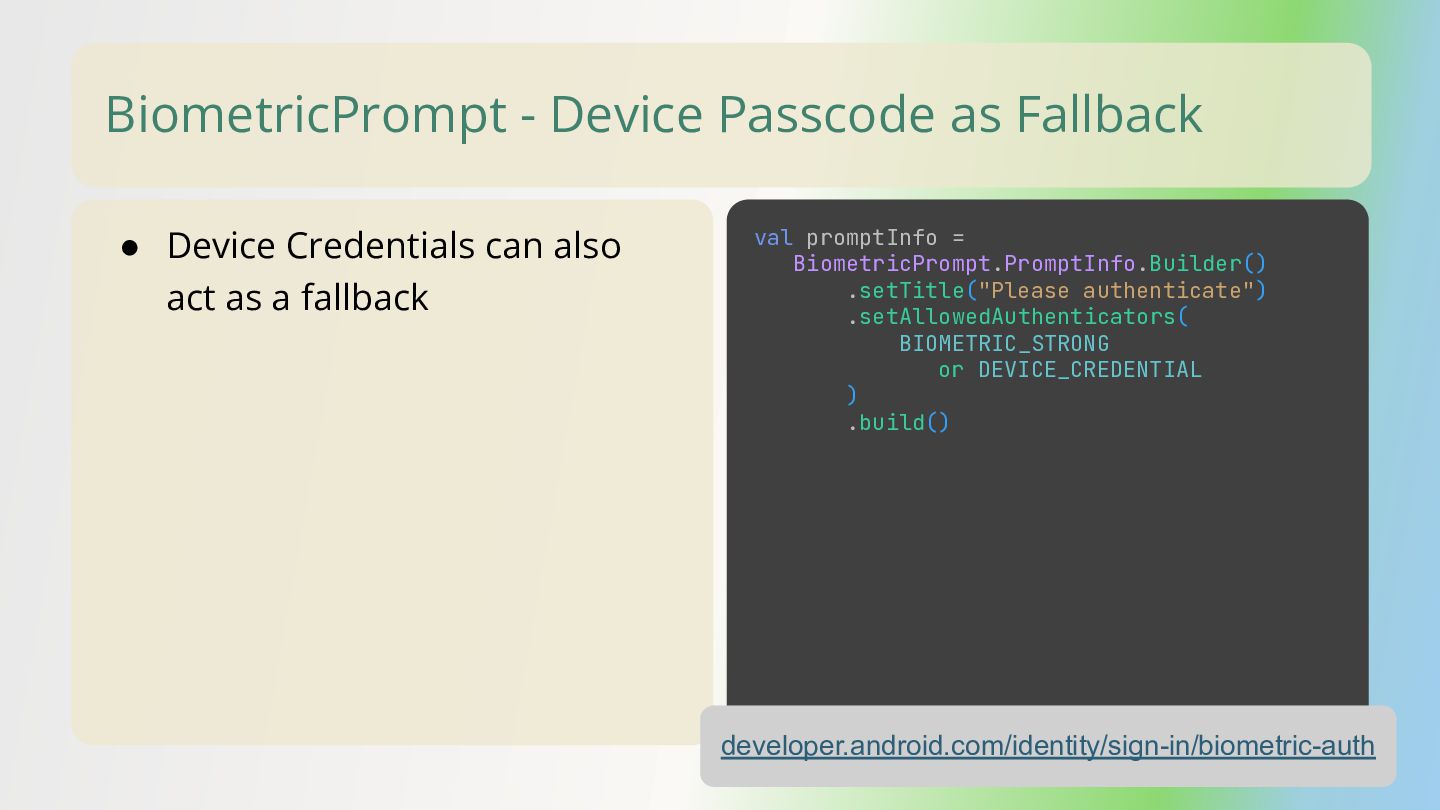
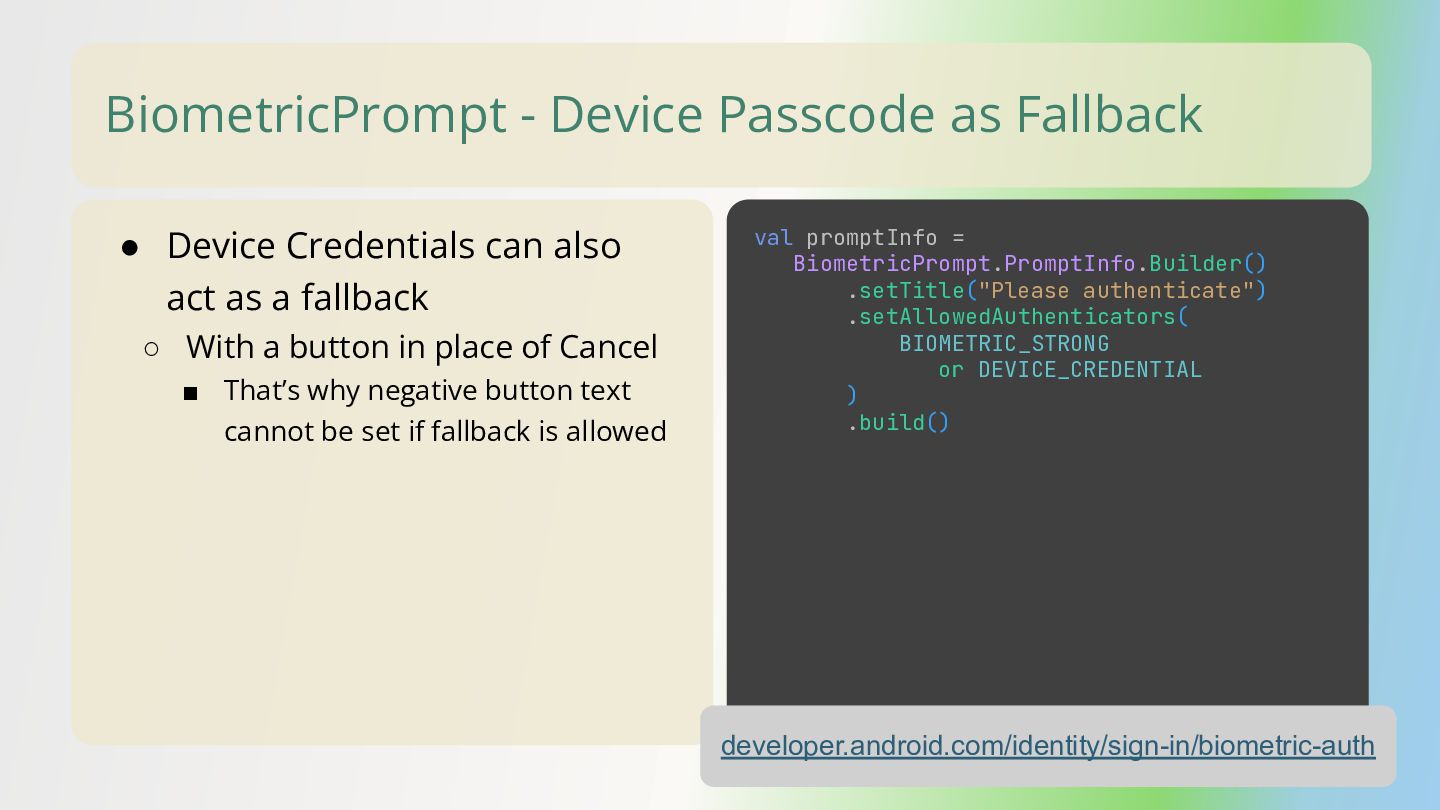
  24. BiometricPrompt - Device Passcode as Fallback • Device Credentials can

    also act as a fallback developer.android.com/identity/sign-in/biometric-auth val promptInfo = BiometricPrompt.PromptInfo.Builder() .setTitle("Please authenticate") .setAllowedAuthenticators( BIOMETRIC_STRONG or DEVICE_CREDENTIAL ) .build()
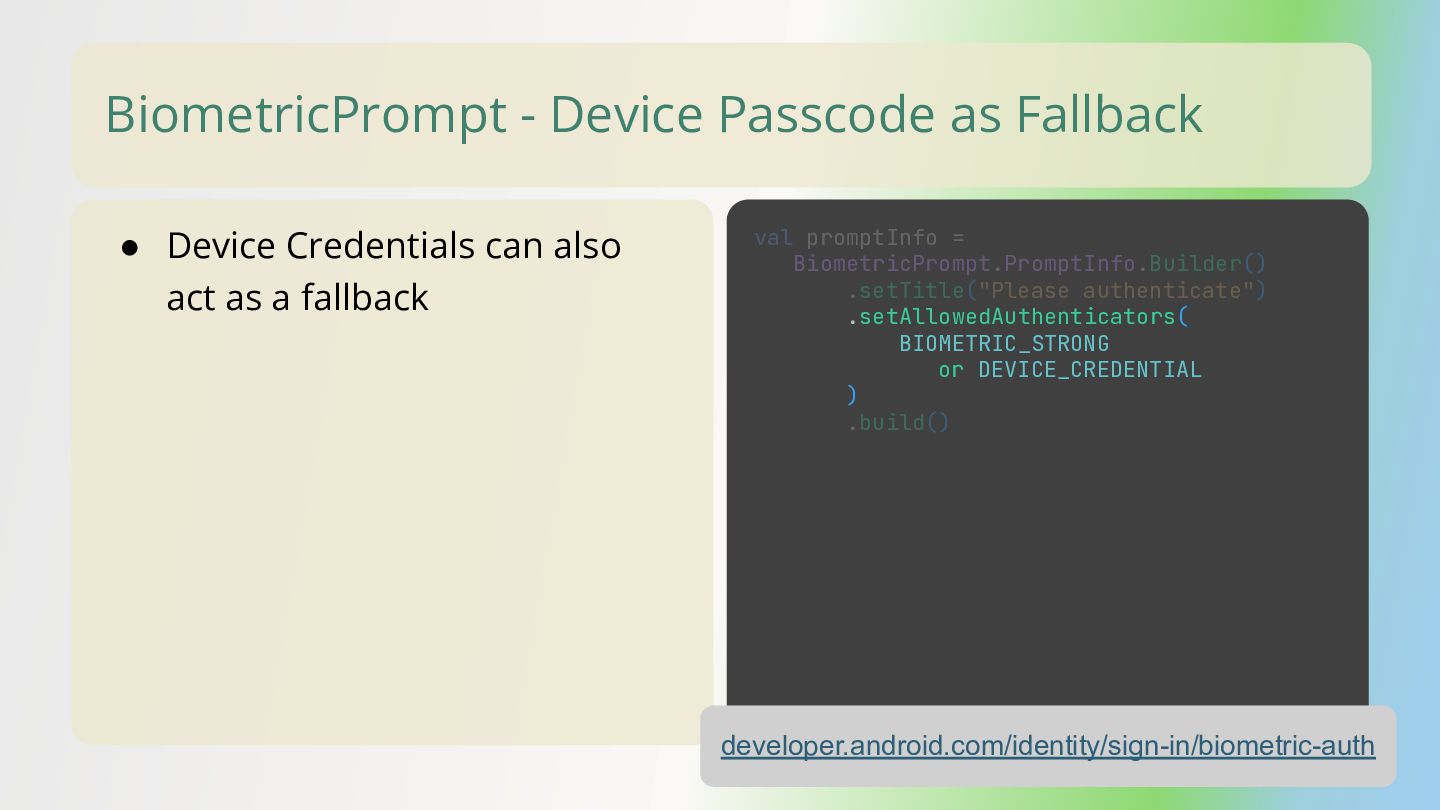
  25. BiometricPrompt - Device Passcode as Fallback • Device Credentials can

    also act as a fallback developer.android.com/identity/sign-in/biometric-auth val promptInfo = BiometricPrompt.PromptInfo.Builder() .setTitle("Please authenticate") .setAllowedAuthenticators( BIOMETRIC_STRONG or DEVICE_CREDENTIAL ) .build()
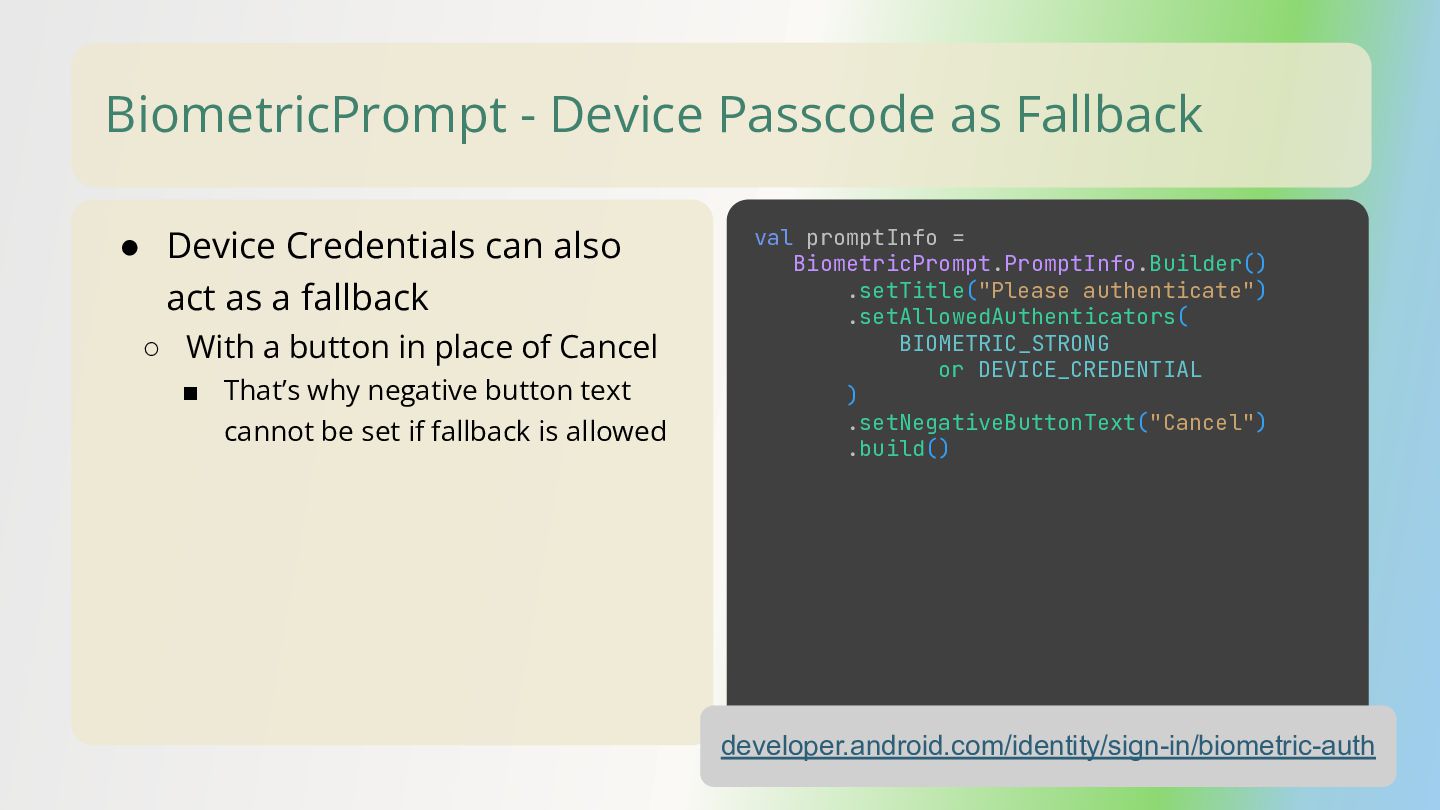
  26. BiometricPrompt - Device Passcode as Fallback • Device Credentials can

    also act as a fallback ◦ With a button in place of Cancel ▪ That’s why negative button text cannot be set if fallback is allowed developer.android.com/identity/sign-in/biometric-auth val promptInfo = BiometricPrompt.PromptInfo.Builder() .setTitle("Please authenticate") .setAllowedAuthenticators( BIOMETRIC_STRONG or DEVICE_CREDENTIAL ) .setNegativeButtonText("Cancel") .build()
  27. BiometricPrompt - Device Passcode as Fallback • Device Credentials can

    also act as a fallback ◦ With a button in place of Cancel ▪ That’s why negative button text cannot be set if fallback is allowed developer.android.com/identity/sign-in/biometric-auth val promptInfo = BiometricPrompt.PromptInfo.Builder() .setTitle("Please authenticate") .setAllowedAuthenticators( BIOMETRIC_STRONG or DEVICE_CREDENTIAL ) .setNegativeButtonText("Cancel") .build()
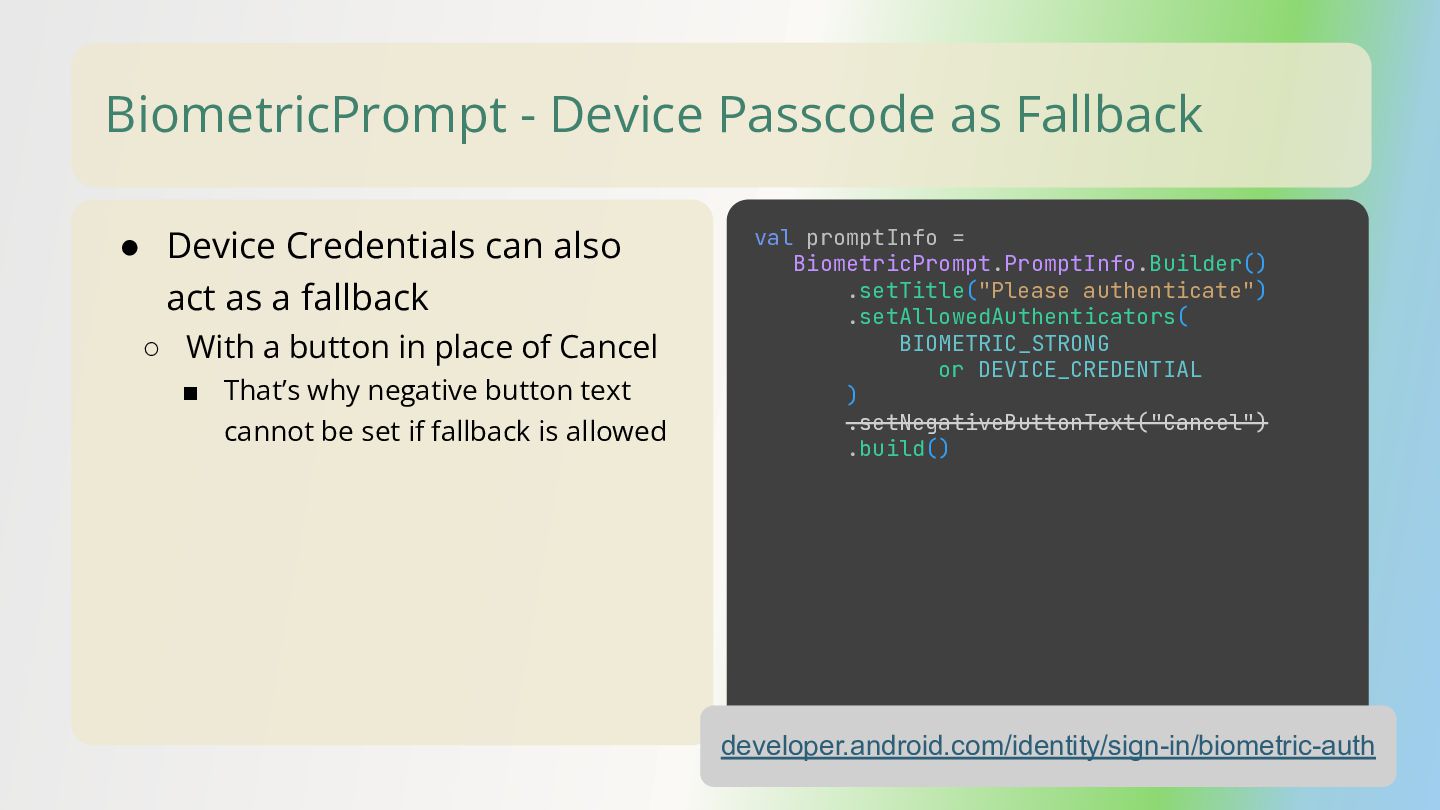
  28. BiometricPrompt - Device Passcode as Fallback • Device Credentials can

    also act as a fallback ◦ With a button in place of Cancel ▪ That’s why negative button text cannot be set if fallback is allowed developer.android.com/identity/sign-in/biometric-auth val promptInfo = BiometricPrompt.PromptInfo.Builder() .setTitle("Please authenticate") .setAllowedAuthenticators( BIOMETRIC_STRONG or DEVICE_CREDENTIAL ) .build()
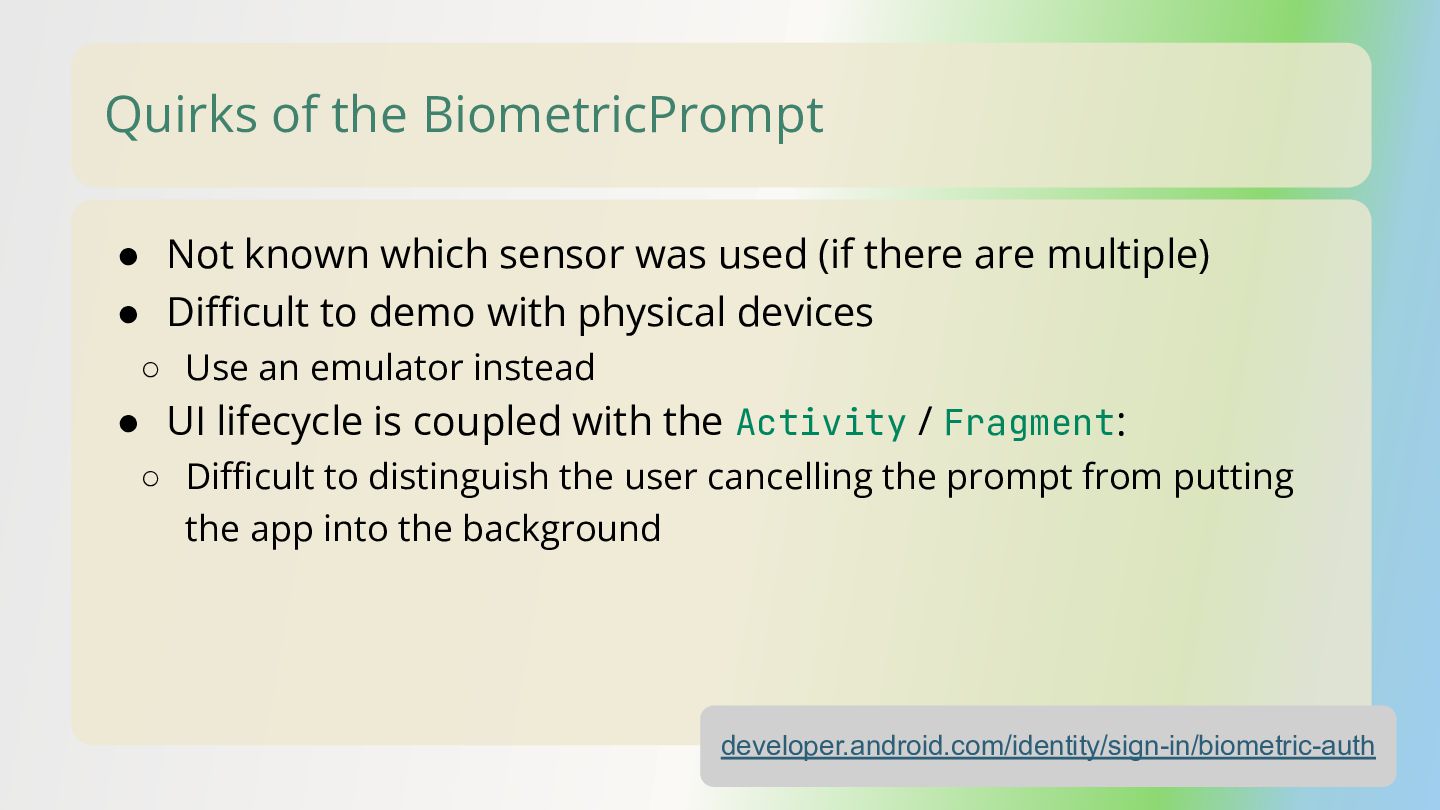
  29. Quirks of the BiometricPrompt • Not known which sensor was

    used (if there are multiple) • Difficult to demo with physical devices ◦ Use an emulator instead • UI lifecycle is coupled with the Activity / Fragment: ◦ Difficult to distinguish the user cancelling the prompt from putting the app into the background developer.android.com/identity/sign-in/biometric-auth
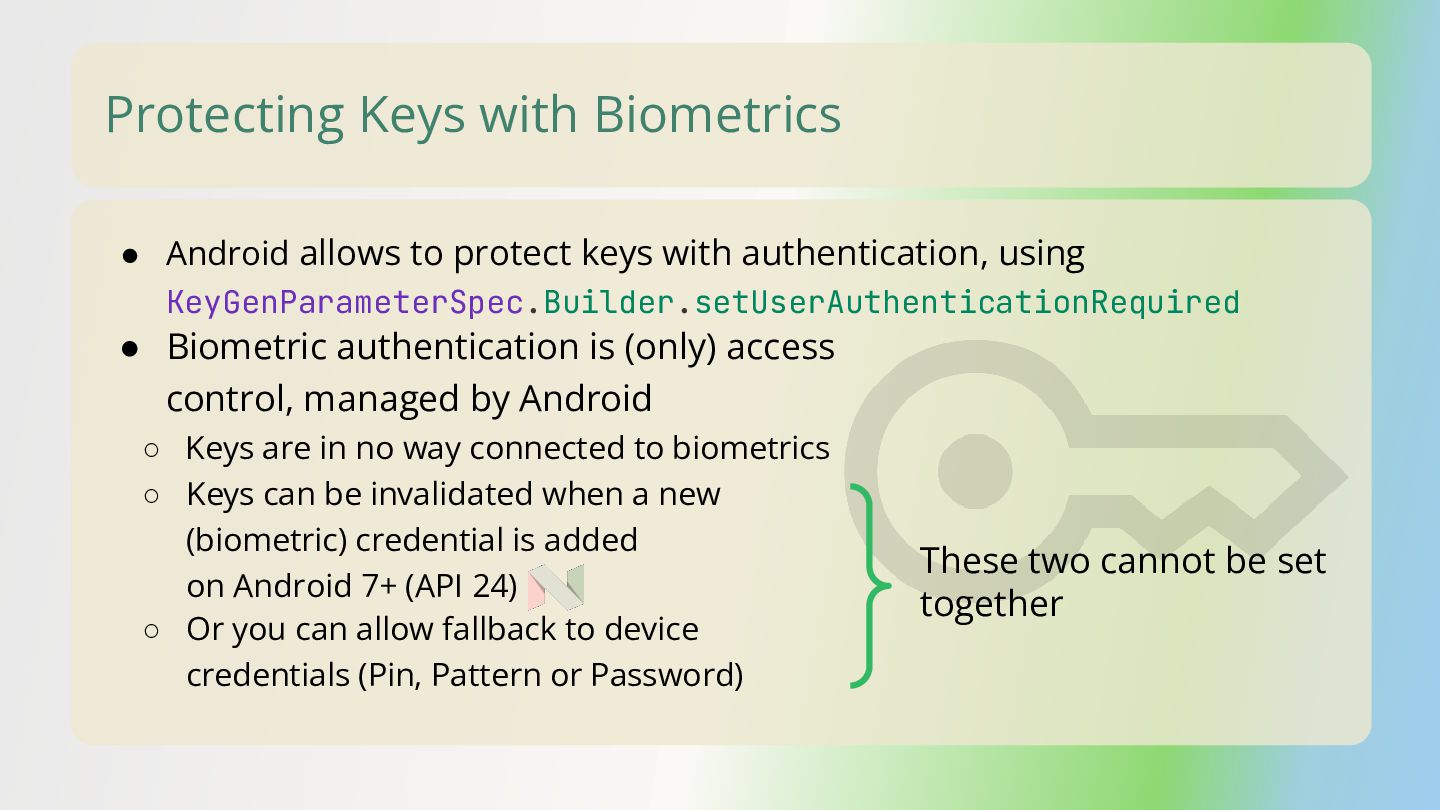
  30. Protecting Keys with Biometrics • Biometric authentication is (only) access

    control, managed by Android ◦ Keys are in no way connected to biometrics ◦ Keys can be invalidated when a new (biometric) credential is added on Android 7+ (API 24) ◦ Or you can allow fallback to device credentials (Pin, Pattern or Password) These two cannot be set together • Android allows to protect keys with authentication, using KeyGenParameterSpec.Builder.setUserAuthenticationRequired
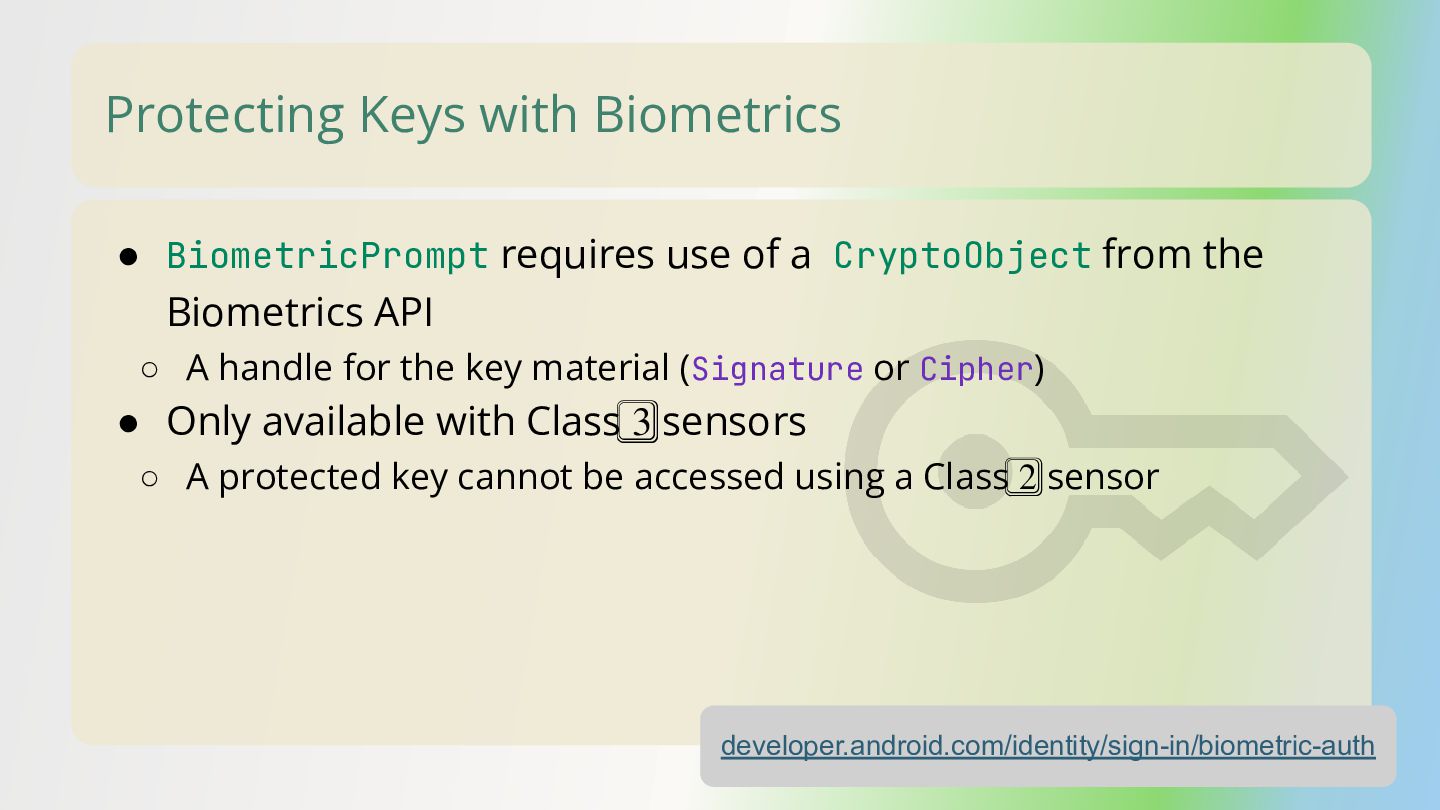
  31. Protecting Keys with Biometrics • BiometricPrompt requires use of a

    CryptoObject from the Biometrics API ◦ A handle for the key material (Signature or Cipher) • Only available with Class 3⃣ sensors ◦ A protected key cannot be accessed using a Class 2⃣ sensor developer.android.com/identity/sign-in/biometric-auth
  32. Protecting Keys with Biometrics - Example developer.android.com/identity/sign-in/biometric-auth val promptInfo =

    BiometricPrompt.PromptInfo.Builder() .setTitle("Please authenticate") .setAllowedAuthenticators(BIOMETRIC_STRONG) .setNegativeButtonText("Cancel") .build() val biometricPrompt = BiometricPrompt( this, ContextCompat.getMainExecutor(this), object : BiometricPrompt.AuthenticationCallback() { override fun onAuthenticationSucceeded( result: BiometricPrompt.AuthenticationResult) { super.onAuthenticationSucceeded(result) // Verify that result.cryptoObject is the same as the one provided to the prompt } } ) biometricPrompt.authenticate(promptInfo, BiometricPrompt.CryptoObject(cipher))
  33. Protecting Keys with Biometrics - Example developer.android.com/identity/sign-in/biometric-auth val promptInfo =

    BiometricPrompt.PromptInfo.Builder() .setTitle("Please authenticate") .setAllowedAuthenticators(BIOMETRIC_STRONG) .setNegativeButtonText("Cancel") .build() val biometricPrompt = BiometricPrompt( this, ContextCompat.getMainExecutor(this), object : BiometricPrompt.AuthenticationCallback() { override fun onAuthenticationSucceeded( result: BiometricPrompt.AuthenticationResult) { super.onAuthenticationSucceeded(result) // Verify that result.cryptoObject is the same as the one provided to the prompt } } ) biometricPrompt.authenticate(promptInfo, BiometricPrompt.CryptoObject(cipher))
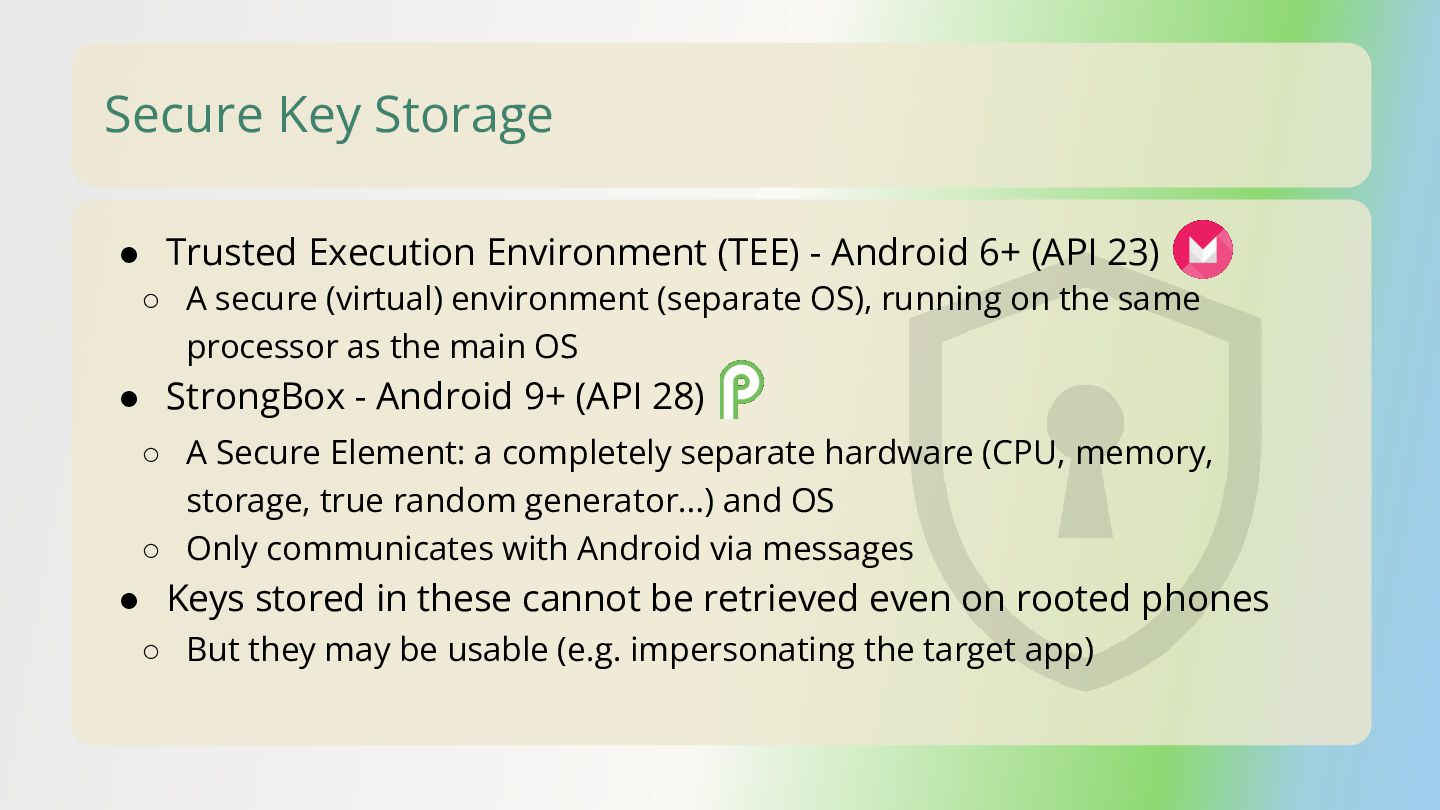
  34. Secure Key Storage • Trusted Execution Environment (TEE) - Android

    6+ (API 23) ◦ A Secure Element: a completely separate hardware (CPU, memory, storage, true random generator…) and OS ◦ Only communicates with Android via messages • Keys stored in these cannot be retrieved even on rooted phones ◦ But they may be usable (e.g. impersonating the target app) ◦ A secure (virtual) environment (separate OS), running on the same processor as the main OS • StrongBox - Android 9+ (API 28)
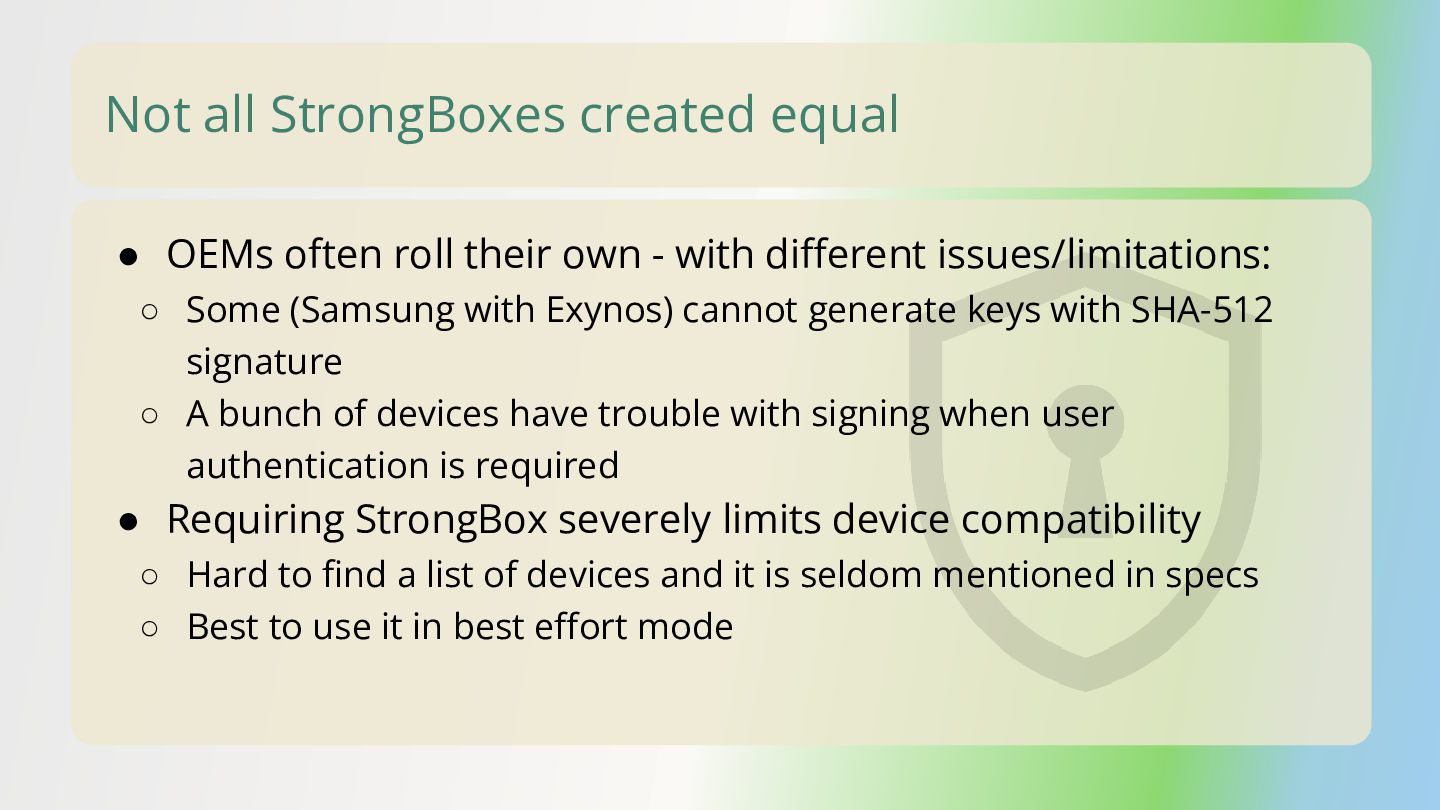
  35. Not all StrongBoxes created equal • OEMs often roll their

    own - with different issues/limitations: ◦ Some (Samsung with Exynos) cannot generate keys with SHA-512 signature ◦ A bunch of devices have trouble with signing when user authentication is required • Requiring StrongBox severely limits device compatibility ◦ Hard to find a list of devices and it is seldom mentioned in specs ◦ Best to use it in best effort mode
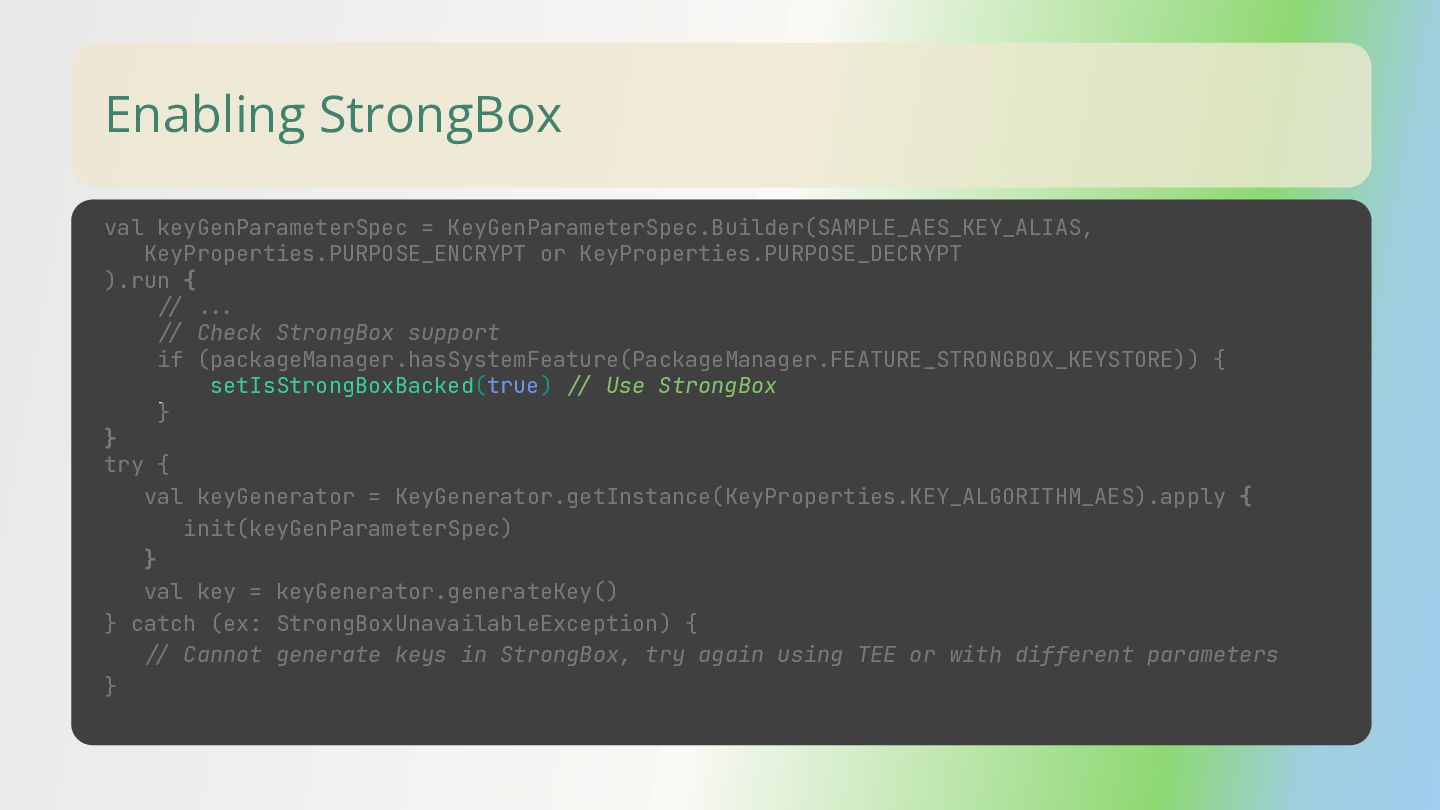
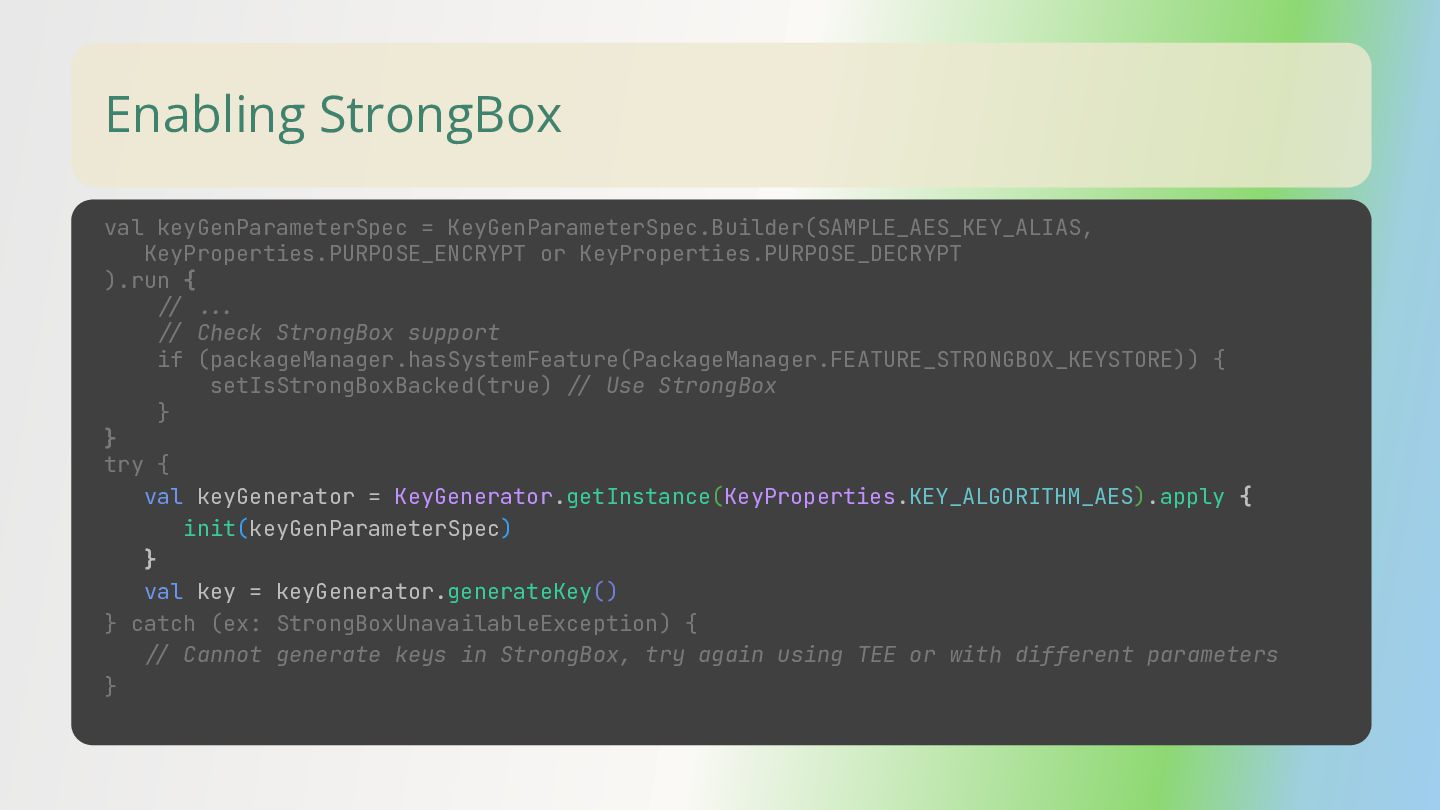
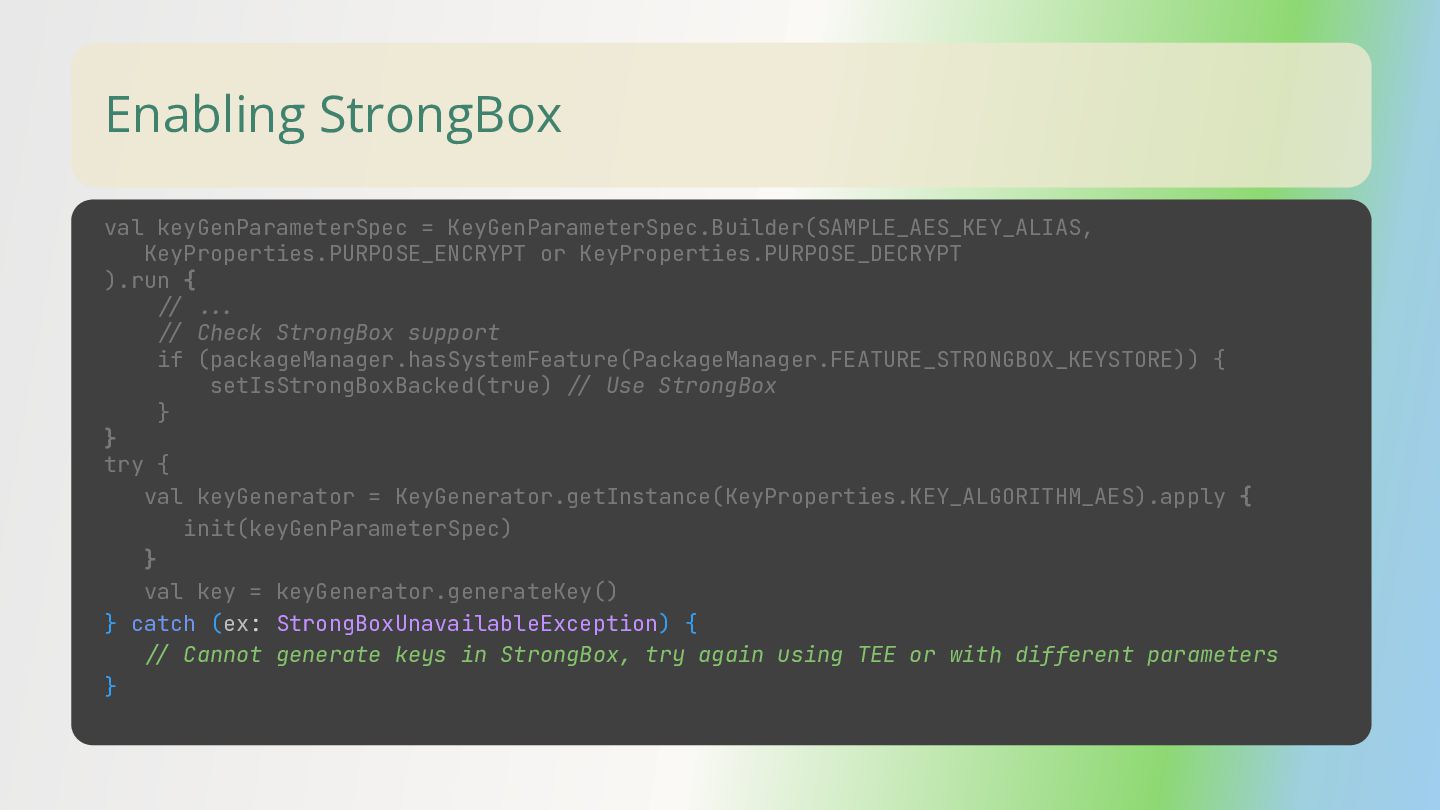
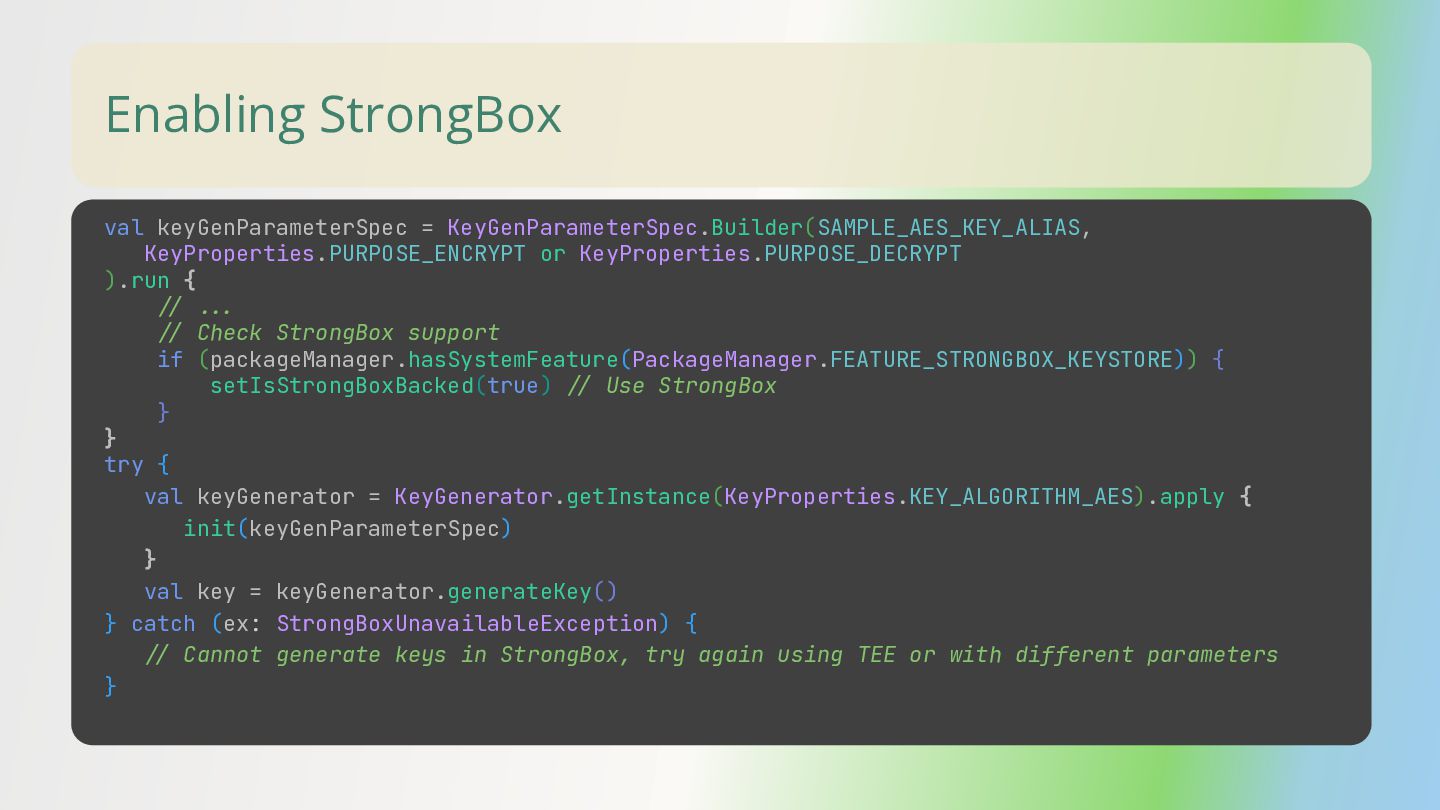
  36. Enabling StrongBox val keyGenParameterSpec = KeyGenParameterSpec.Builder(SAMPLE_AES_KEY_ALIAS, KeyProperties.PURPOSE_ENCRYPT or KeyProperties.PURPOSE_DECRYPT ).run

    { // //. // Check StrongBox support if (packageManager.hasSystemFeature(PackageManager.FEATURE_STRONGBOX_KEYSTORE)) { setIsStrongBoxBacked(true) // Use StrongBox } } try { val keyGenerator = KeyGenerator.getInstance(KeyProperties.KEY_ALGORITHM_AES).apply { init(keyGenParameterSpec) } val key = keyGenerator.generateKey() } catch (ex: StrongBoxUnavailableException) { // Cannot generate keys in StrongBox, try again using TEE or with different parameters }
  37. Enabling StrongBox val keyGenParameterSpec = KeyGenParameterSpec.Builder(SAMPLE_AES_KEY_ALIAS, KeyProperties.PURPOSE_ENCRYPT or KeyProperties.PURPOSE_DECRYPT ).run

    { // //. // Check StrongBox support if (packageManager.hasSystemFeature(PackageManager.FEATURE_STRONGBOX_KEYSTORE)) { setIsStrongBoxBacked(true) // Use StrongBox } } try { val keyGenerator = KeyGenerator.getInstance(KeyProperties.KEY_ALGORITHM_AES).apply { init(keyGenParameterSpec) } val key = keyGenerator.generateKey() } catch (ex: StrongBoxUnavailableException) { // Cannot generate keys in StrongBox, try again using TEE or with different parameters }
  38. Enabling StrongBox val keyGenParameterSpec = KeyGenParameterSpec.Builder(SAMPLE_AES_KEY_ALIAS, KeyProperties.PURPOSE_ENCRYPT or KeyProperties.PURPOSE_DECRYPT ).run

    { // //. // Check StrongBox support if (packageManager.hasSystemFeature(PackageManager.FEATURE_STRONGBOX_KEYSTORE)) { setIsStrongBoxBacked(true) // Use StrongBox } } try { val keyGenerator = KeyGenerator.getInstance(KeyProperties.KEY_ALGORITHM_AES).apply { init(keyGenParameterSpec) } val key = keyGenerator.generateKey() } catch (ex: StrongBoxUnavailableException) { // Cannot generate keys in StrongBox, try again using TEE or with different parameters }
  39. Enabling StrongBox val keyGenParameterSpec = KeyGenParameterSpec.Builder(SAMPLE_AES_KEY_ALIAS, KeyProperties.PURPOSE_ENCRYPT or KeyProperties.PURPOSE_DECRYPT ).run

    { // //. // Check StrongBox support if (packageManager.hasSystemFeature(PackageManager.FEATURE_STRONGBOX_KEYSTORE)) { setIsStrongBoxBacked(true) // Use StrongBox } } try { val keyGenerator = KeyGenerator.getInstance(KeyProperties.KEY_ALGORITHM_AES).apply { init(keyGenParameterSpec) } val key = keyGenerator.generateKey() } catch (ex: StrongBoxUnavailableException) { // Cannot generate keys in StrongBox, try again using TEE or with different parameters }
  40. Enabling StrongBox val keyGenParameterSpec = KeyGenParameterSpec.Builder(SAMPLE_AES_KEY_ALIAS, KeyProperties.PURPOSE_ENCRYPT or KeyProperties.PURPOSE_DECRYPT ).run

    { // //. // Check StrongBox support if (packageManager.hasSystemFeature(PackageManager.FEATURE_STRONGBOX_KEYSTORE)) { setIsStrongBoxBacked(true) // Use StrongBox } } try { val keyGenerator = KeyGenerator.getInstance(KeyProperties.KEY_ALGORITHM_AES).apply { init(keyGenParameterSpec) } val key = keyGenerator.generateKey() } catch (ex: StrongBoxUnavailableException) { // Cannot generate keys in StrongBox, try again using TEE or with different parameters }
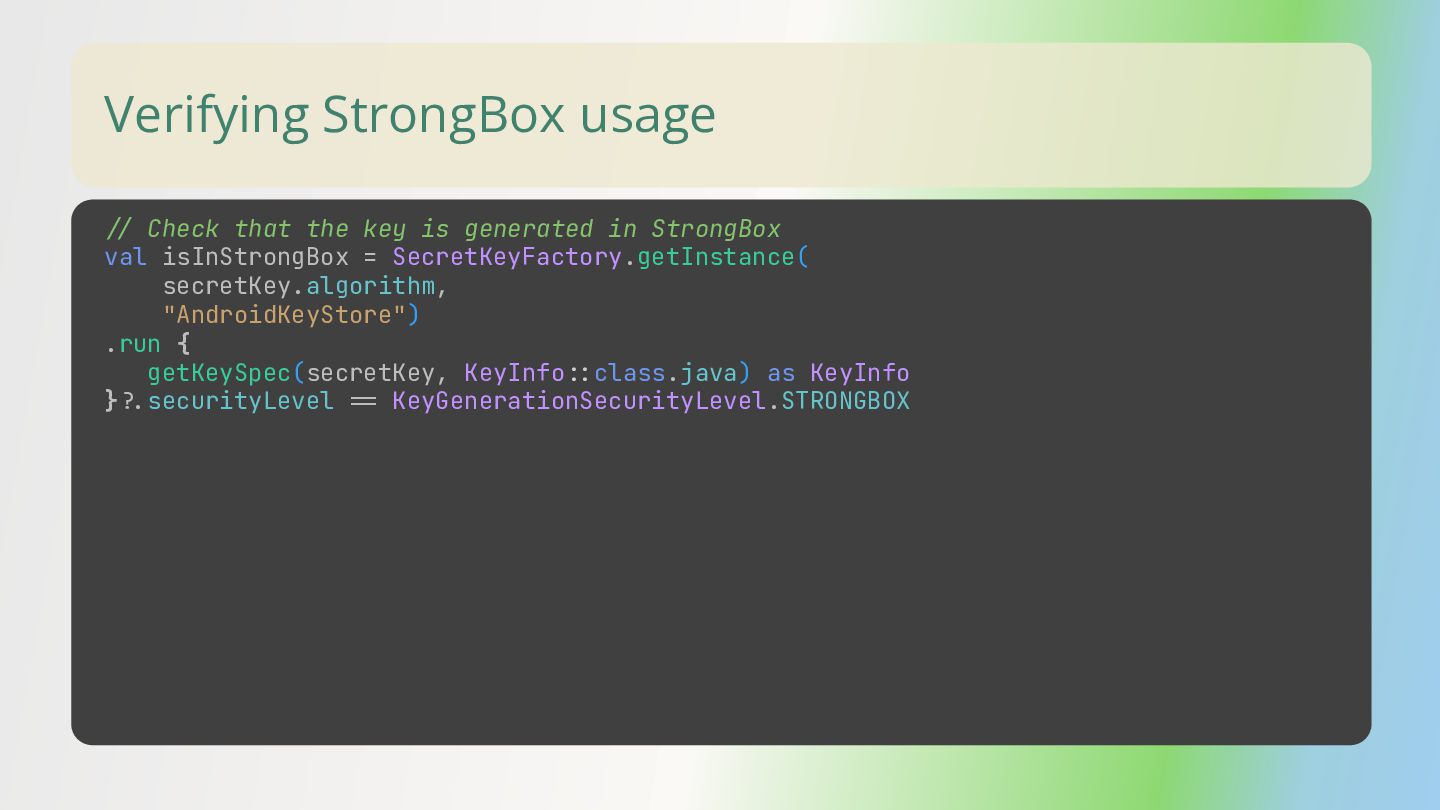
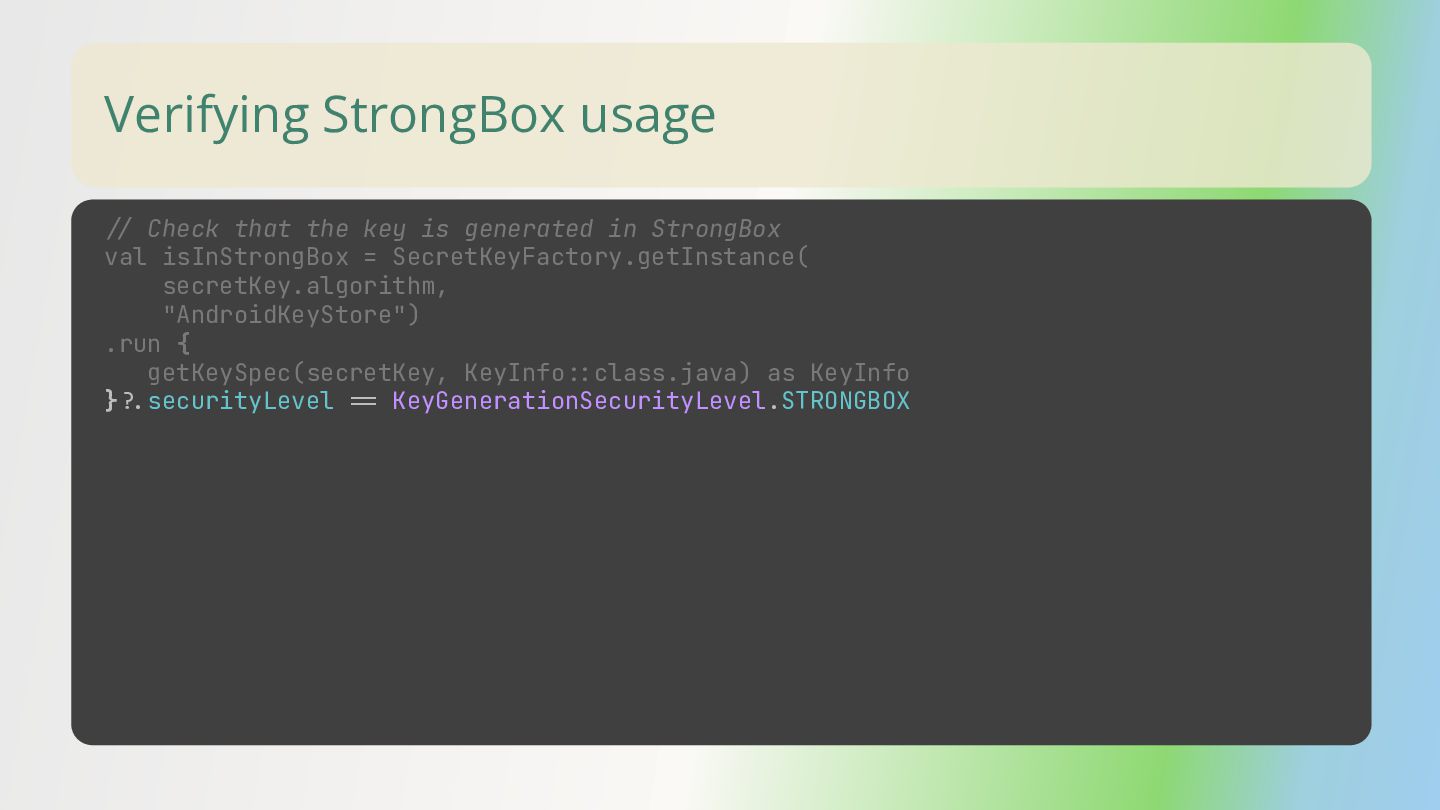
  41. Verifying StrongBox usage // Check that the key is generated

    in StrongBox val isInStrongBox = SecretKeyFactory.getInstance( secretKey.algorithm, "AndroidKeyStore") .run { getKeySpec(secretKey, KeyInfo=:class.java) as KeyInfo }=.securityLevel == KeyGenerationSecurityLevel.STRONGBOX
  42. Verifying StrongBox usage // Check that the key is generated

    in StrongBox val isInStrongBox = SecretKeyFactory.getInstance( secretKey.algorithm, "AndroidKeyStore") .run { getKeySpec(secretKey, KeyInfo=:class.java) as KeyInfo }=.securityLevel == KeyGenerationSecurityLevel.STRONGBOX
  43. Key Attestation Key attestation gives you more confidence that the

    keys you use in your app are stored in a device's hardware-backed keystore. developer.android.com/privacy-and-security/security-key-attestation
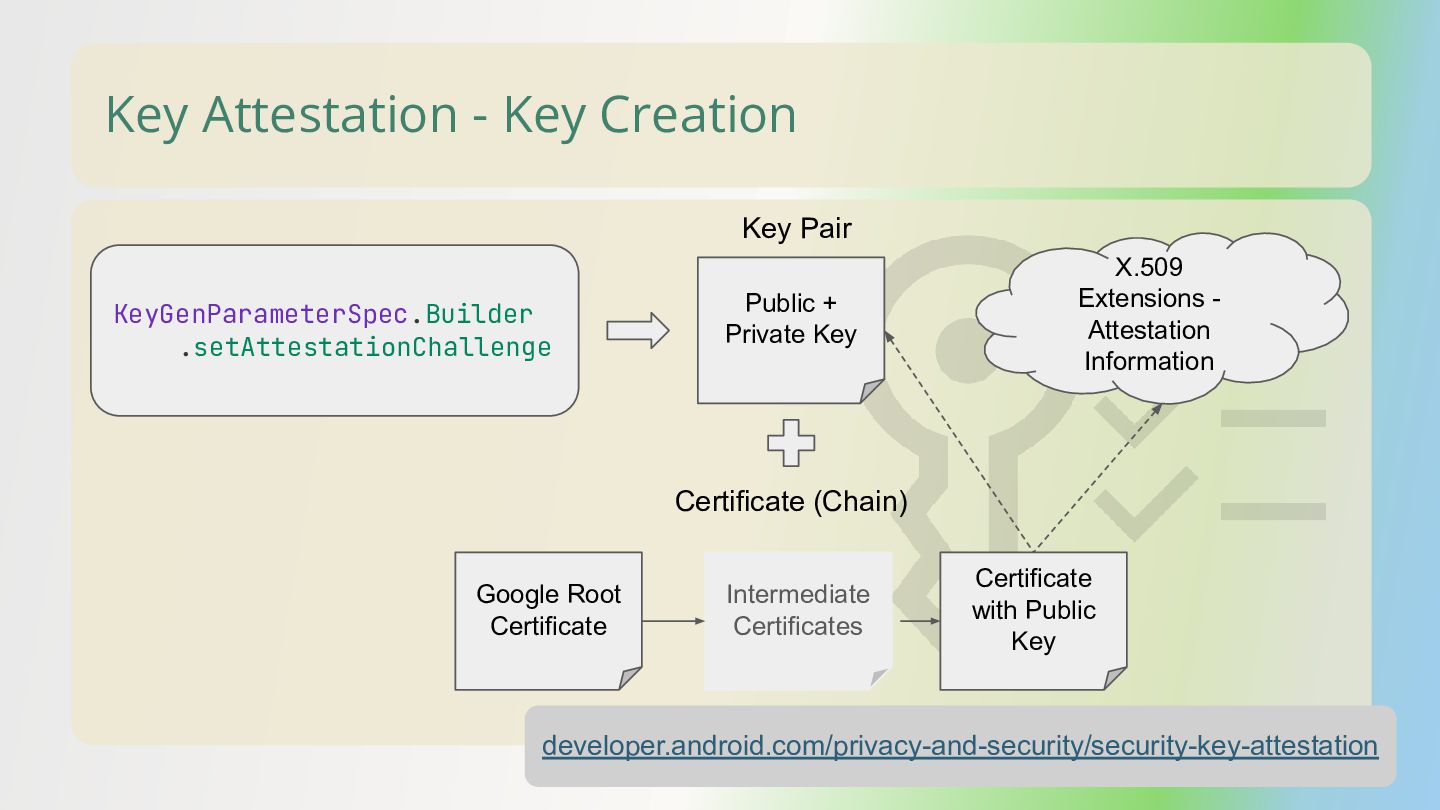
  44. Key Attestation - Key Creation KeyGenParameterSpec.Builder .setAttestationChallenge Public + Private

    Key Intermediate Certificates Certificate with Public Key Google Root Certificate Key Pair Certificate (Chain) X.509 Extensions - Attestation Information developer.android.com/privacy-and-security/security-key-attestation
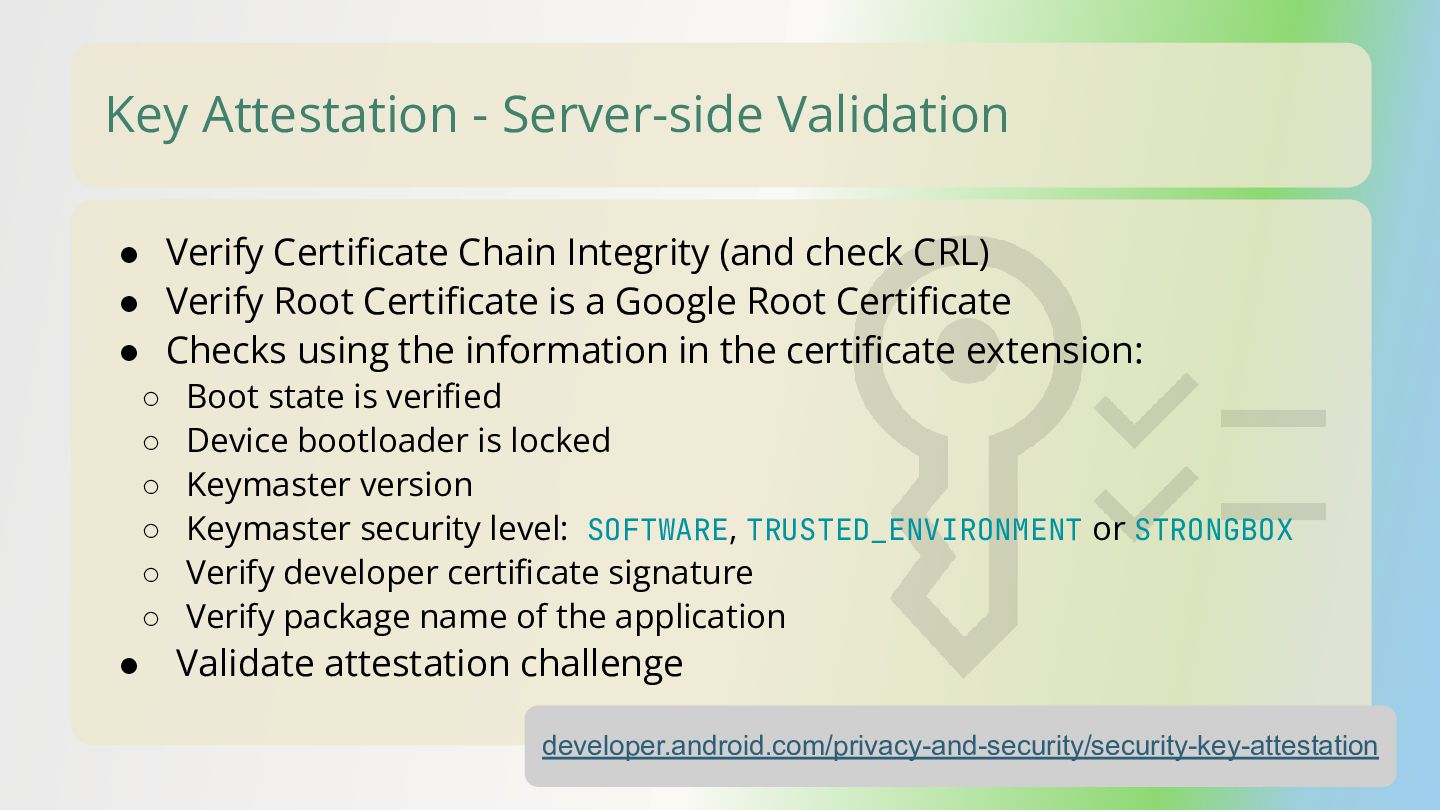
  45. Key Attestation - Server-side Validation • Verify Certificate Chain Integrity

    (and check CRL) • Verify Root Certificate is a Google Root Certificate • Checks using the information in the certificate extension: ◦ Boot state is verified ◦ Device bootloader is locked ◦ Keymaster version ◦ Keymaster security level: SOFTWARE, TRUSTED_ENVIRONMENT or STRONGBOX ◦ Verify developer certificate signature ◦ Verify package name of the application • Validate attestation challenge developer.android.com/privacy-and-security/security-key-attestation
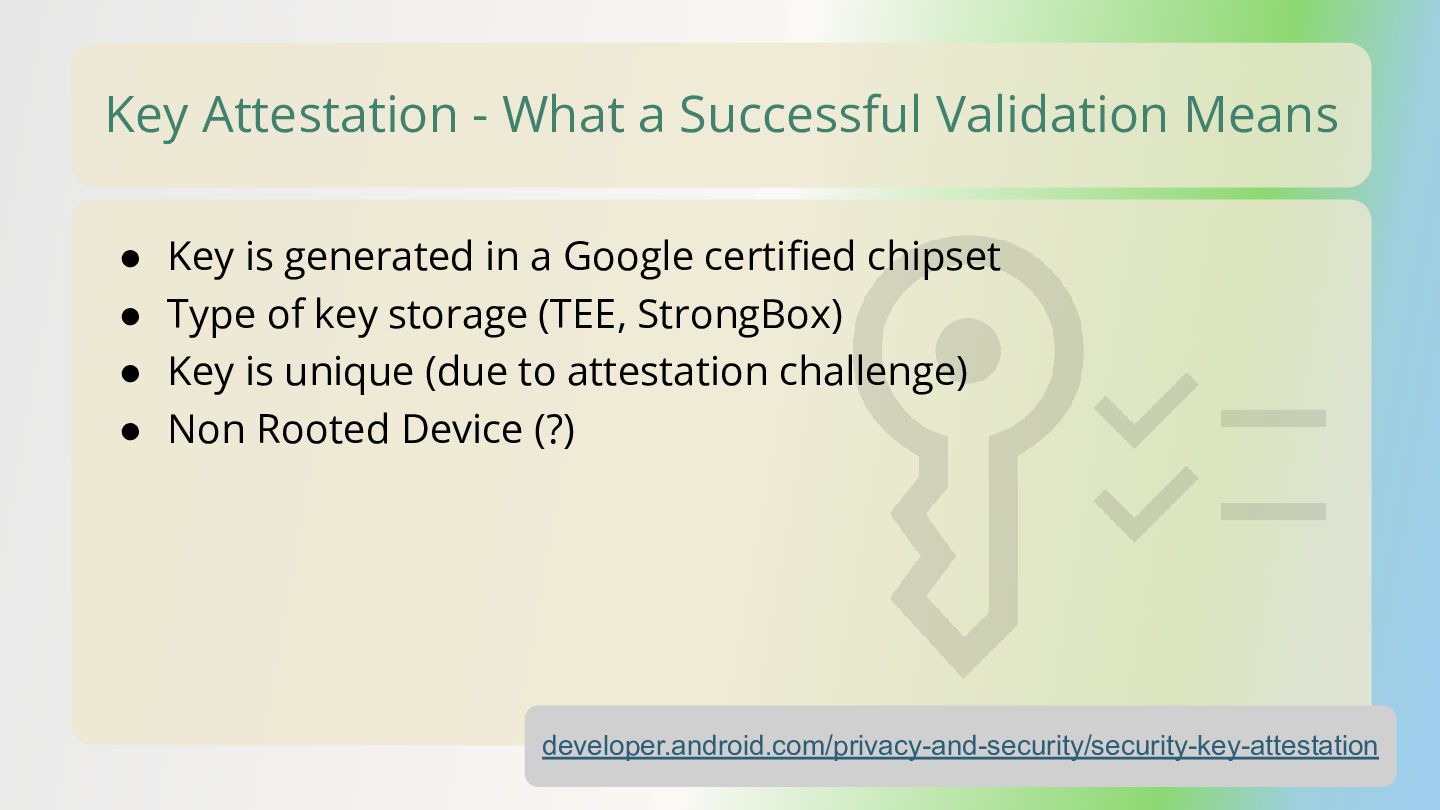
  46. Key Attestation - What a Successful Validation Means • Key

    is generated in a Google certified chipset • Type of key storage (TEE, StrongBox) • Key is unique (due to attestation challenge) • Non Rooted Device (?) developer.android.com/privacy-and-security/security-key-attestation
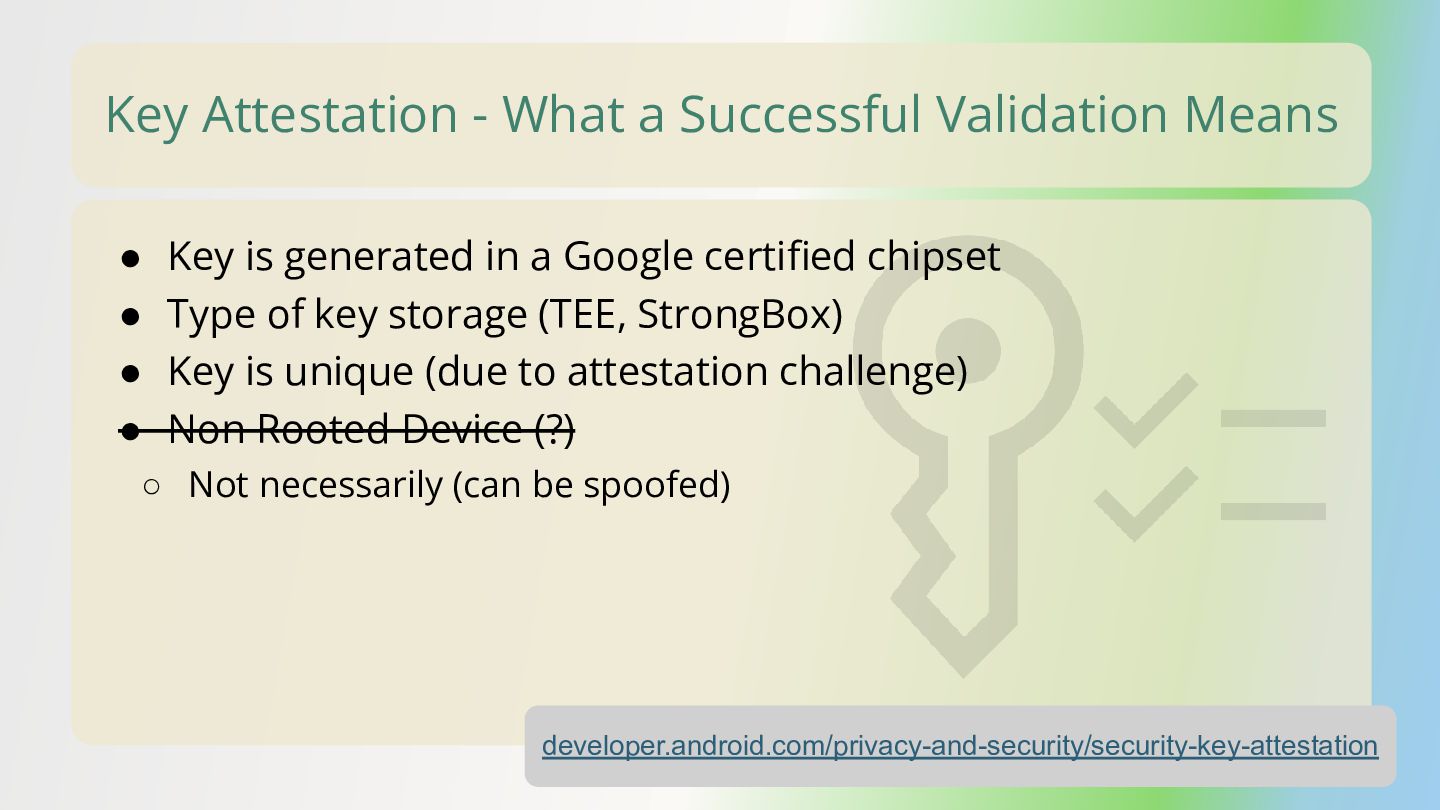
  47. Key Attestation - What a Successful Validation Means • Key

    is generated in a Google certified chipset • Type of key storage (TEE, StrongBox) • Key is unique (due to attestation challenge) • Non Rooted Device (?) ◦ Not necessarily (can be spoofed) developer.android.com/privacy-and-security/security-key-attestation
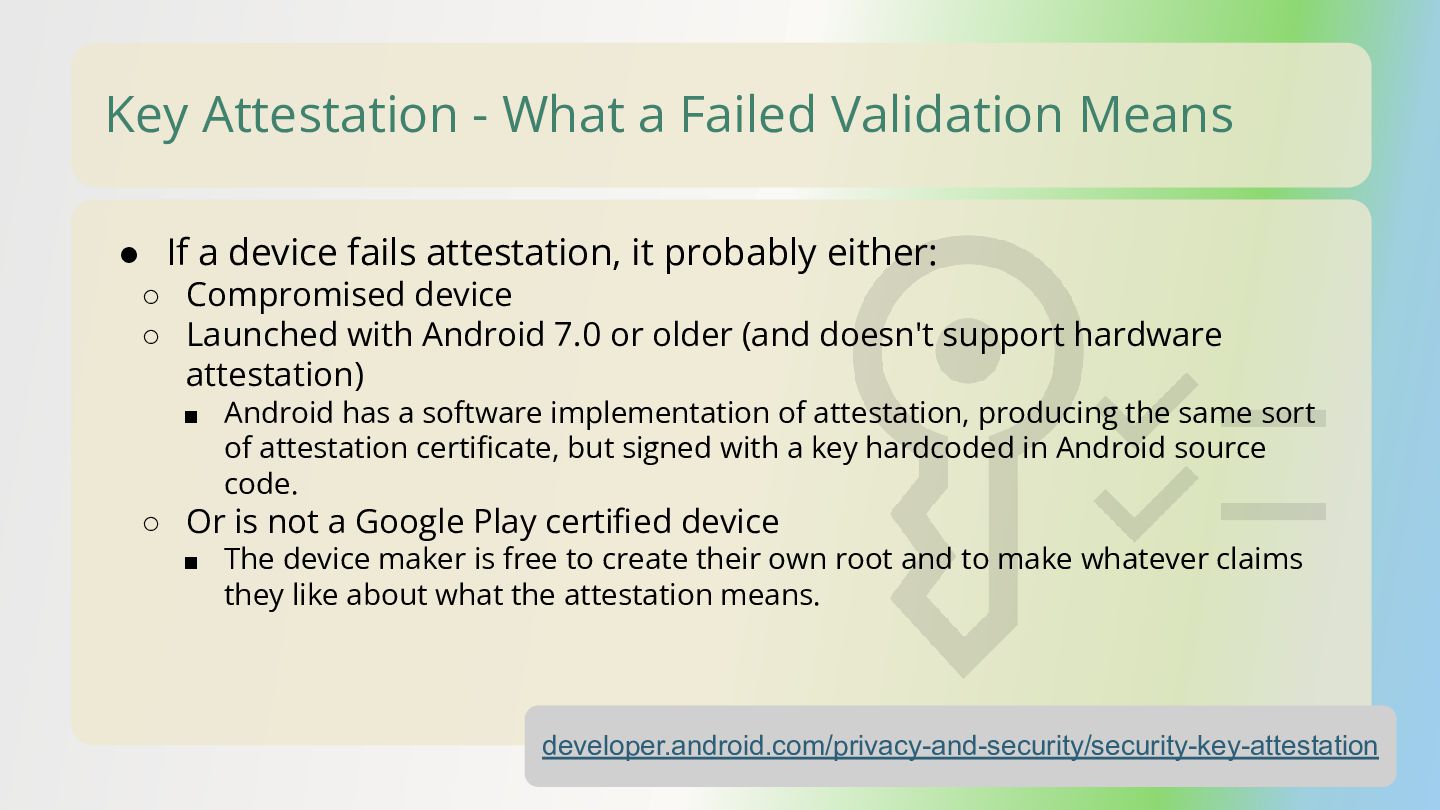
  48. Key Attestation - What a Failed Validation Means • If

    a device fails attestation, it probably either: ◦ Compromised device ◦ Launched with Android 7.0 or older (and doesn't support hardware attestation) ▪ Android has a software implementation of attestation, producing the same sort of attestation certificate, but signed with a key hardcoded in Android source code. ◦ Or is not a Google Play certified device ▪ The device maker is free to create their own root and to make whatever claims they like about what the attestation means. developer.android.com/privacy-and-security/security-key-attestation
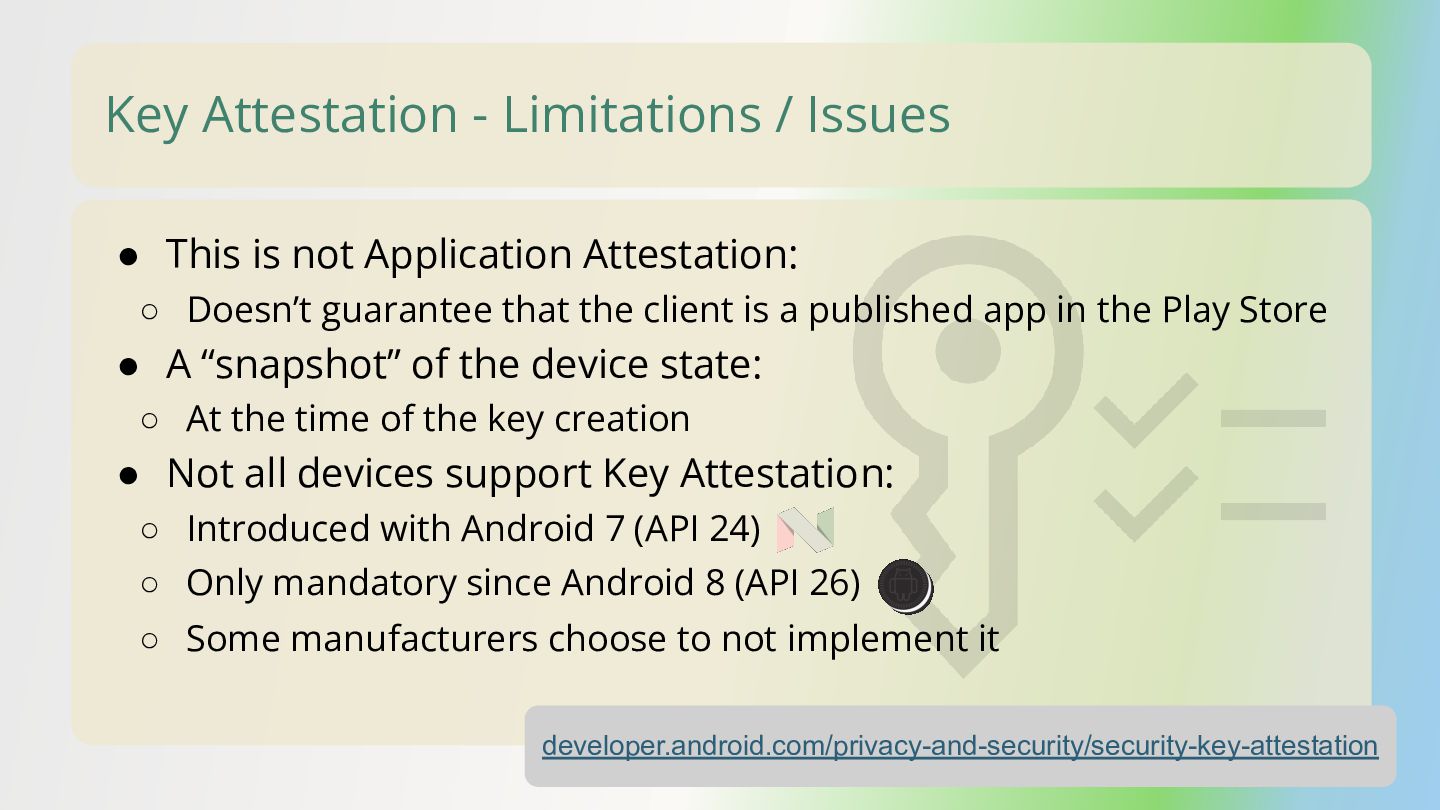
  49. Key Attestation - Limitations / Issues • This is not

    Application Attestation: ◦ Doesn’t guarantee that the client is a published app in the Play Store • A “snapshot” of the device state: ◦ At the time of the key creation • Not all devices support Key Attestation: ◦ Introduced with Android 7 (API 24) developer.android.com/privacy-and-security/security-key-attestation ◦ Only mandatory since Android 8 (API 26) ◦ Some manufacturers choose to not implement it
  50. Android Key Attestation Verifier Library • Google has a Kotlin

    library for implementing Key Attestation: ◦ github.com/android/keyattestation
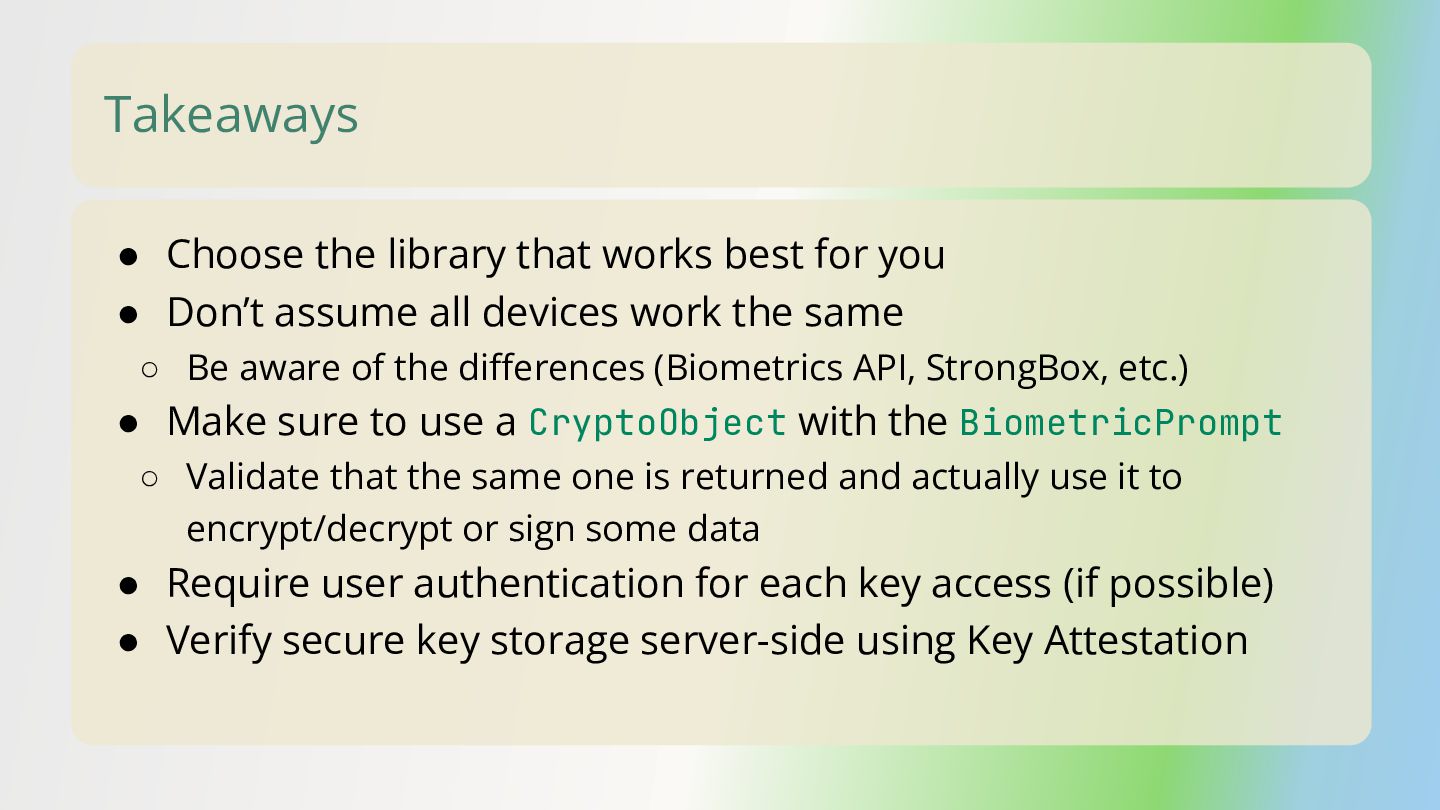
  51. Takeaways • Choose the library that works best for you

    • Don’t assume all devices work the same ◦ Be aware of the differences (Biometrics API, StrongBox, etc.) • Make sure to use a CryptoObject with the BiometricPrompt ◦ Validate that the same one is returned and actually use it to encrypt/decrypt or sign some data • Require user authentication for each key access (if possible) • Verify secure key storage server-side using Key Attestation