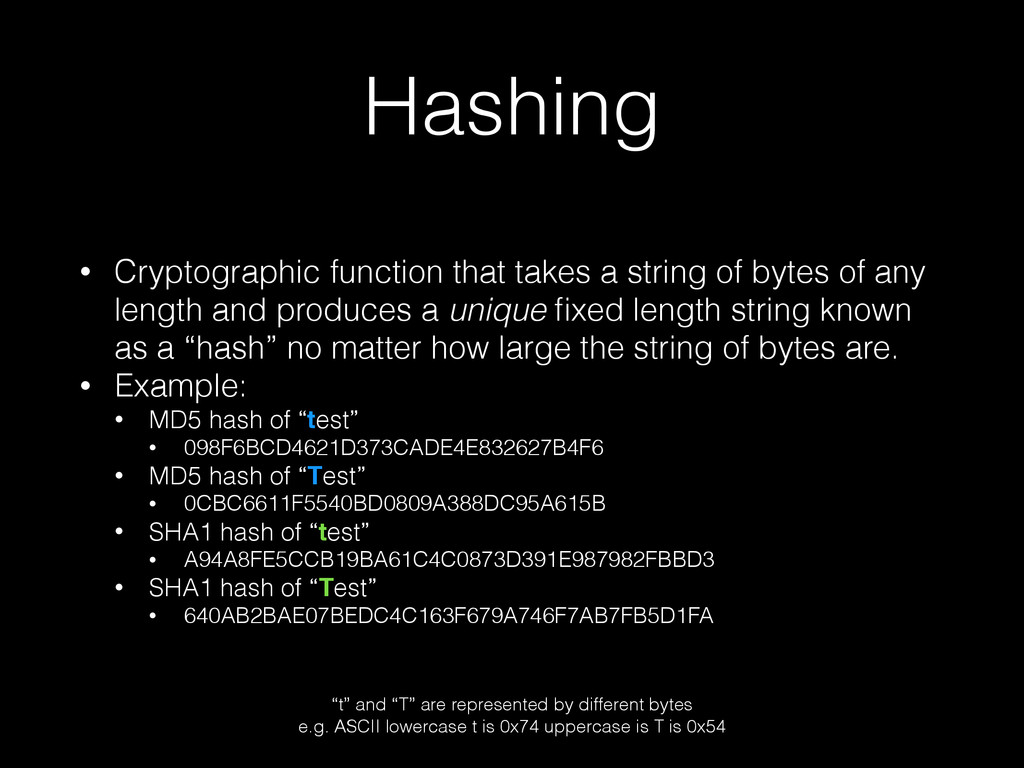
of any length and produces a unique fixed length string known as a “hash” no matter how large the string of bytes are. • Example: • MD5 hash of “test” • 098F6BCD4621D373CADE4E832627B4F6 • MD5 hash of “Test” • 0CBC6611F5540BD0809A388DC95A615B • SHA1 hash of “test” • A94A8FE5CCB19BA61C4C0873D391E987982FBBD3 • SHA1 hash of “Test” • 640AB2BAE07BEDC4C163F679A746F7AB7FB5D1FA “t” and “T” are represented by different bytes e.g. ASCII lowercase t is 0x74 uppercase is T is 0x54
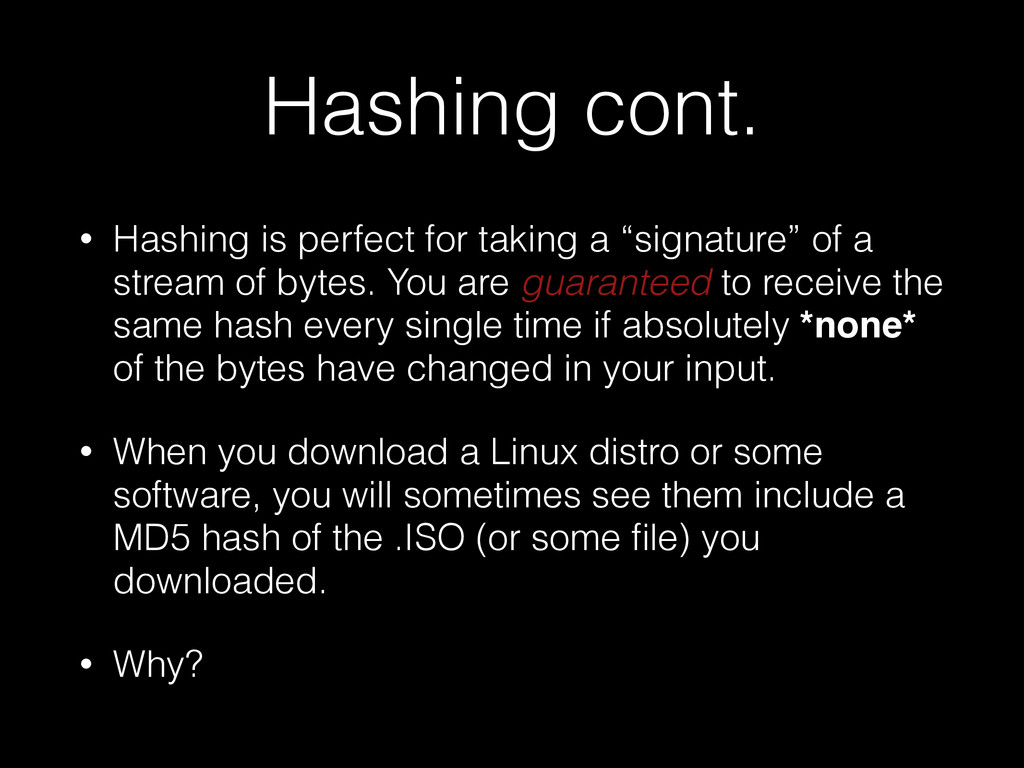
of a stream of bytes. You are guaranteed to receive the same hash every single time if absolutely *none* of the bytes have changed in your input. • When you download a Linux distro or some software, you will sometimes see them include a MD5 hash of the .ISO (or some file) you downloaded. • Why?
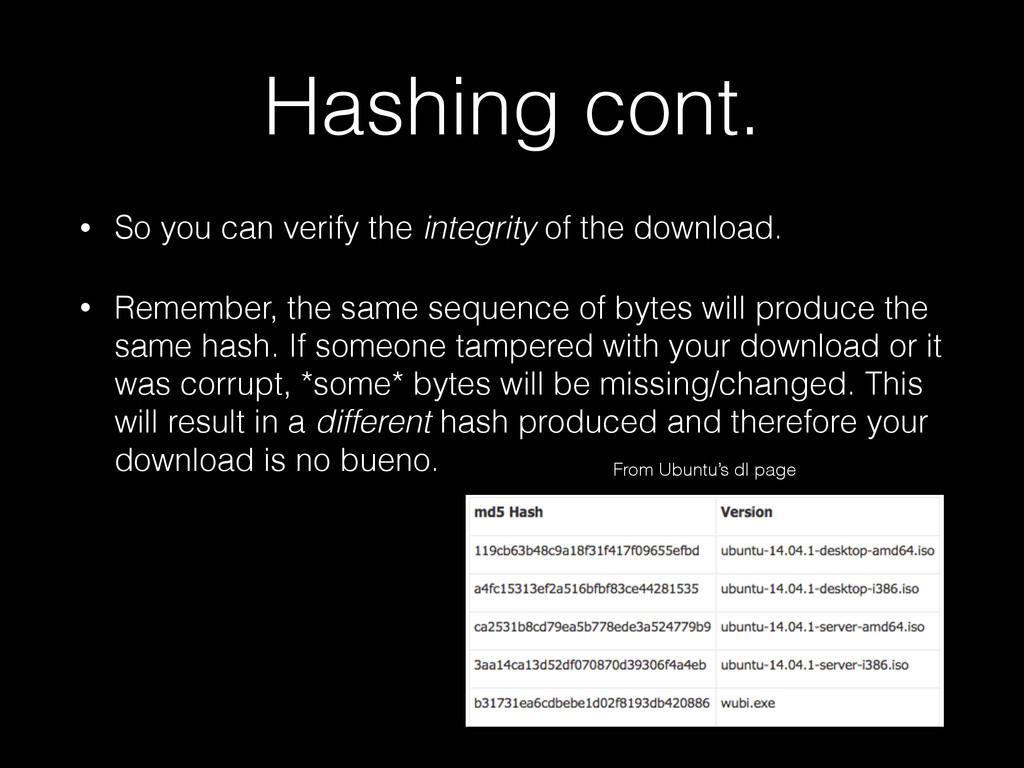
the download. • Remember, the same sequence of bytes will produce the same hash. If someone tampered with your download or it was corrupt, *some* bytes will be missing/changed. This will result in a different hash produced and therefore your download is no bueno. From Ubuntu’s dl page
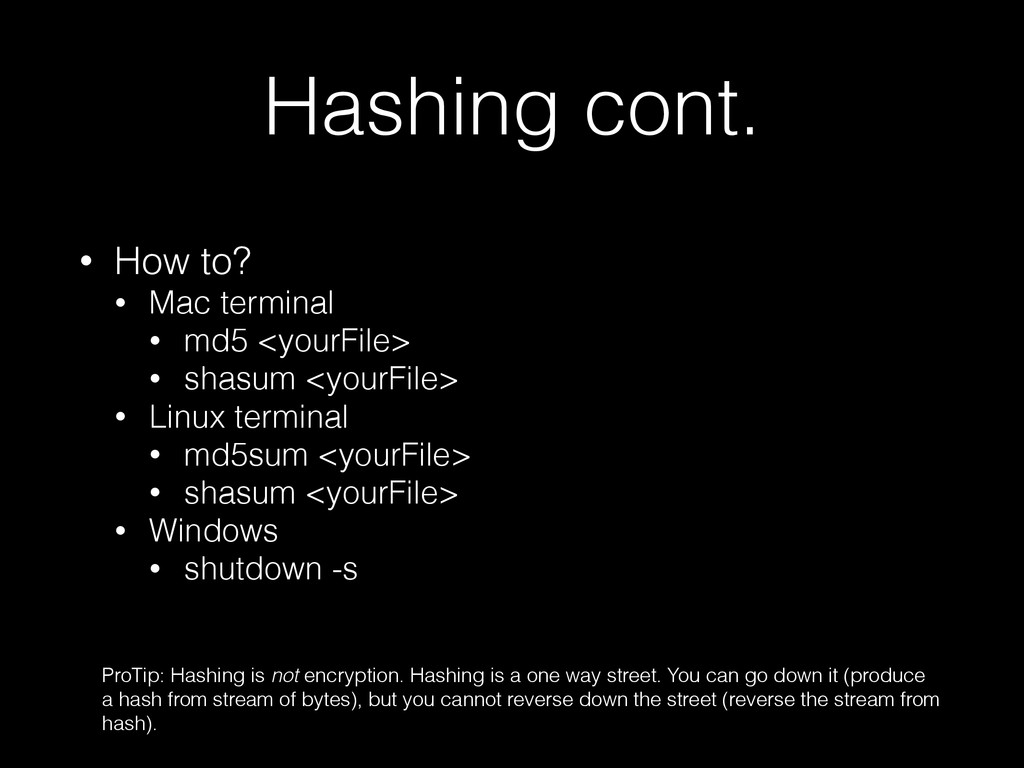
<yourFile> • shasum <yourFile> • Linux terminal • md5sum <yourFile> • shasum <yourFile> • Windows • shutdown -s ProTip: Hashing is not encryption. Hashing is a one way street. You can go down it (produce a hash from stream of bytes), but you cannot reverse down the street (reverse the stream from hash).
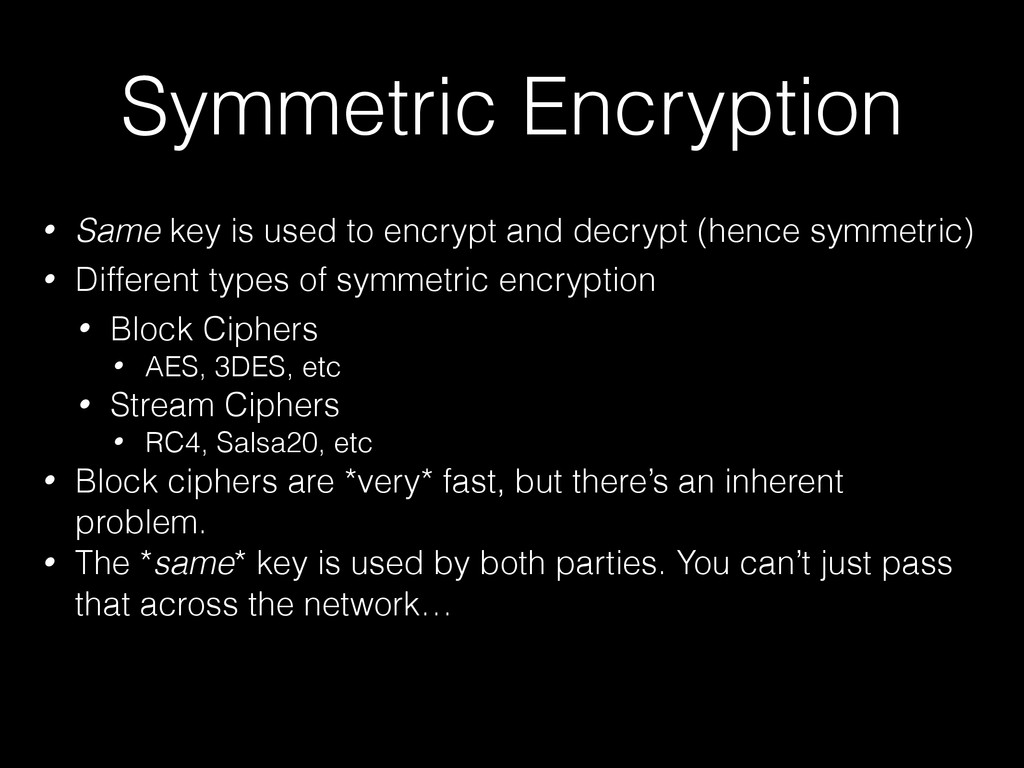
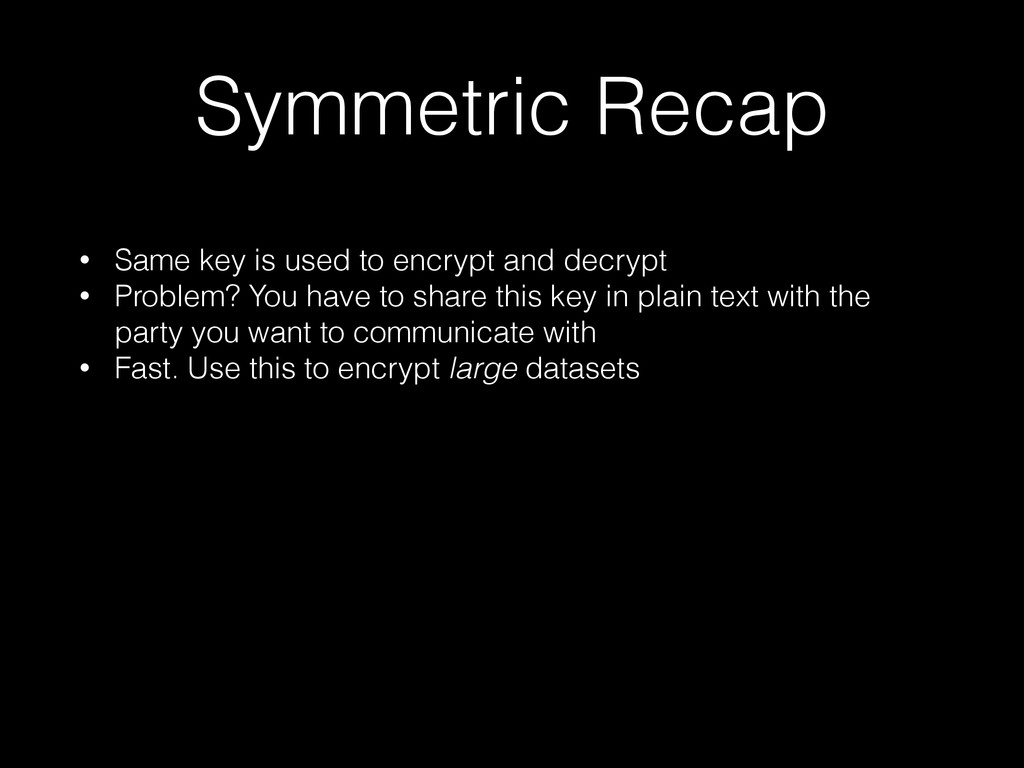
decrypt (hence symmetric) • Different types of symmetric encryption • Block Ciphers • AES, 3DES, etc • Stream Ciphers • RC4, Salsa20, etc • Block ciphers are *very* fast, but there’s an inherent problem. • The *same* key is used by both parties. You can’t just pass that across the network…
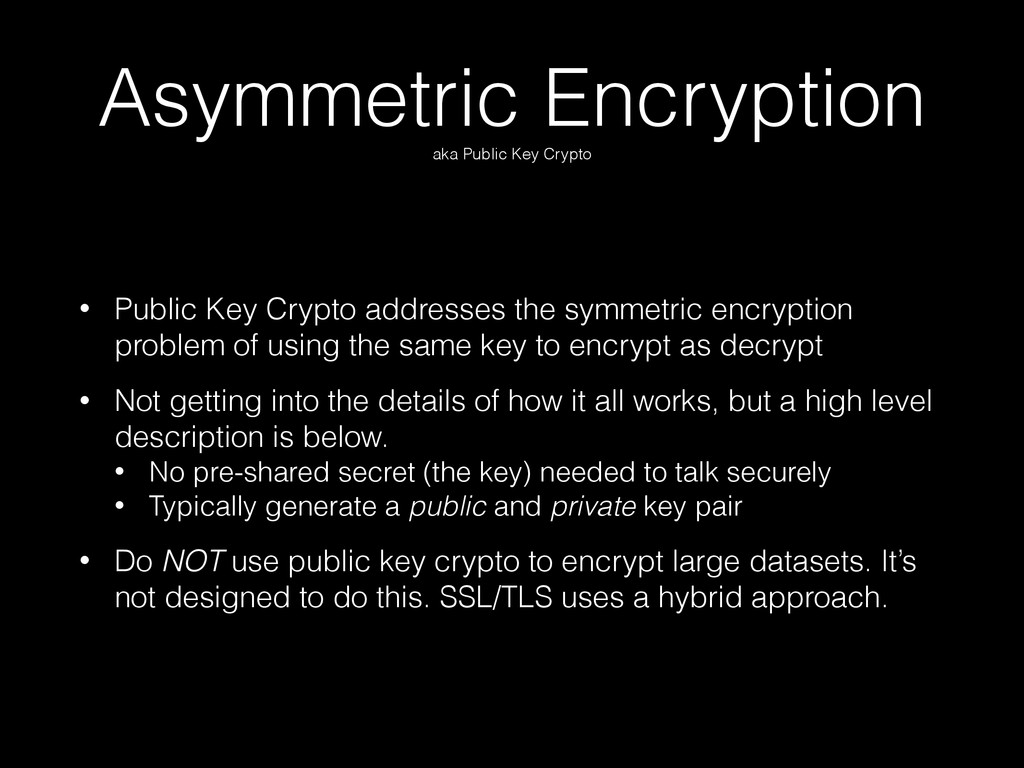
addresses the symmetric encryption problem of using the same key to encrypt as decrypt • Not getting into the details of how it all works, but a high level description is below. • No pre-shared secret (the key) needed to talk securely • Typically generate a public and private key pair • Do NOT use public key crypto to encrypt large datasets. It’s not designed to do this. SSL/TLS uses a hybrid approach.
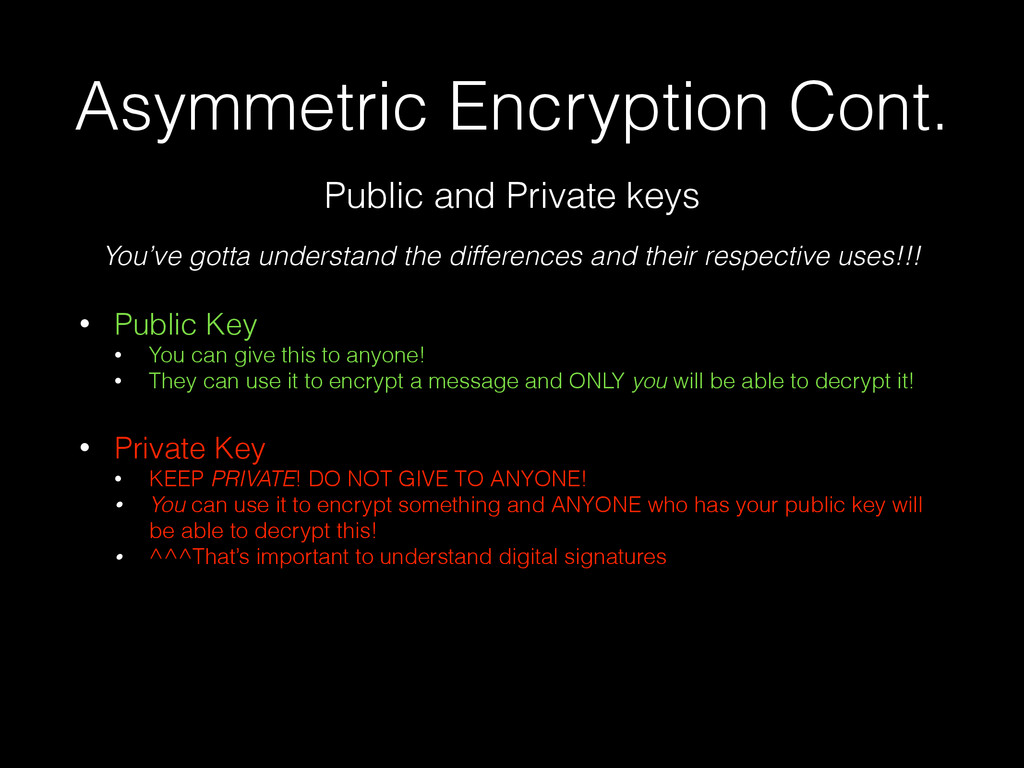
this to anyone! • They can use it to encrypt a message and ONLY you will be able to decrypt it! ! • Private Key • KEEP PRIVATE! DO NOT GIVE TO ANYONE! • You can use it to encrypt something and ANYONE who has your public key will be able to decrypt this! • ^^^That’s important to understand digital signatures Public and Private keys You’ve gotta understand the differences and their respective uses!!!
your private key PRIVATE • Public key can be given to the public • Public key can decrypt data that was encrypted with private key • Therefore this isn’t really secure if your goal is secure communication. • Private key allows you and only you to decrypt because YOU have the private key.
signing something digital and you trusting that it was in fact me that signed it and it hasn’t been tampered with. • Think buying an SSL certificate… • You’re paying for “trust” or “their digital signature” to let other people know you’re who you say you are! • They don’t have some fancy crypto algorithm that you’re paying for..everything’s about trust. ! • How does it work? • Remember hashing and public key crypto? • Let’s combine these two…
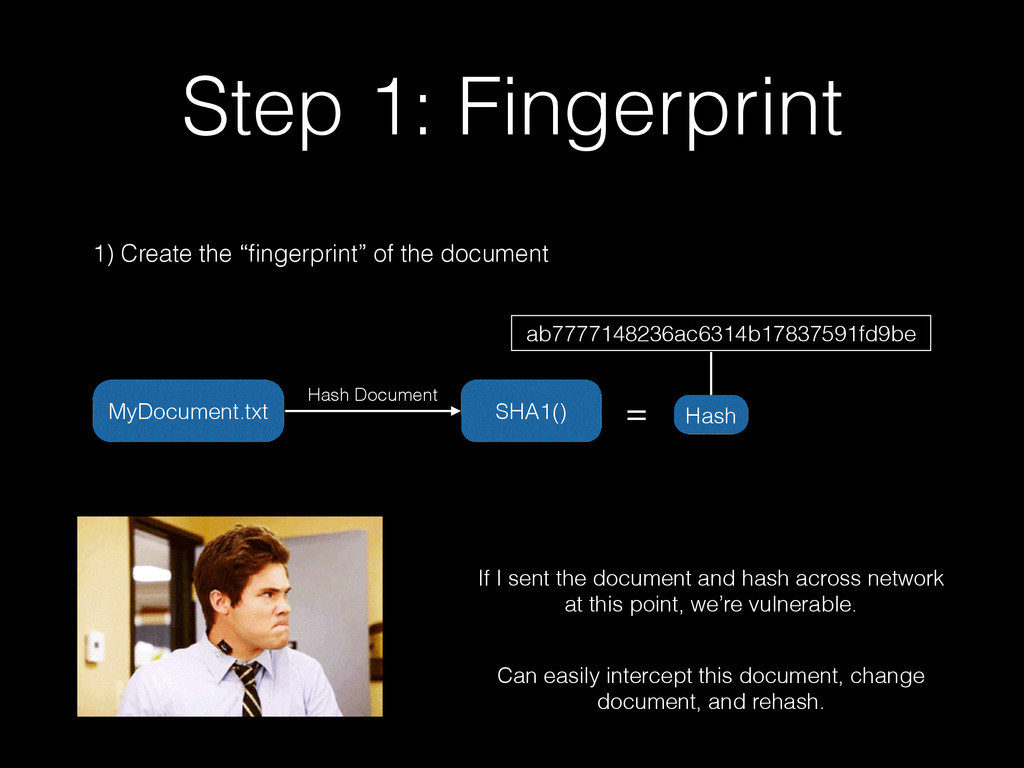
“fingerprint” of the document If I sent the document and hash across network at this point, we’re vulnerable. Can easily intercept this document, change document, and rehash. Hash MyDocument.txt ab7777148236ac6314b17837591fd9be
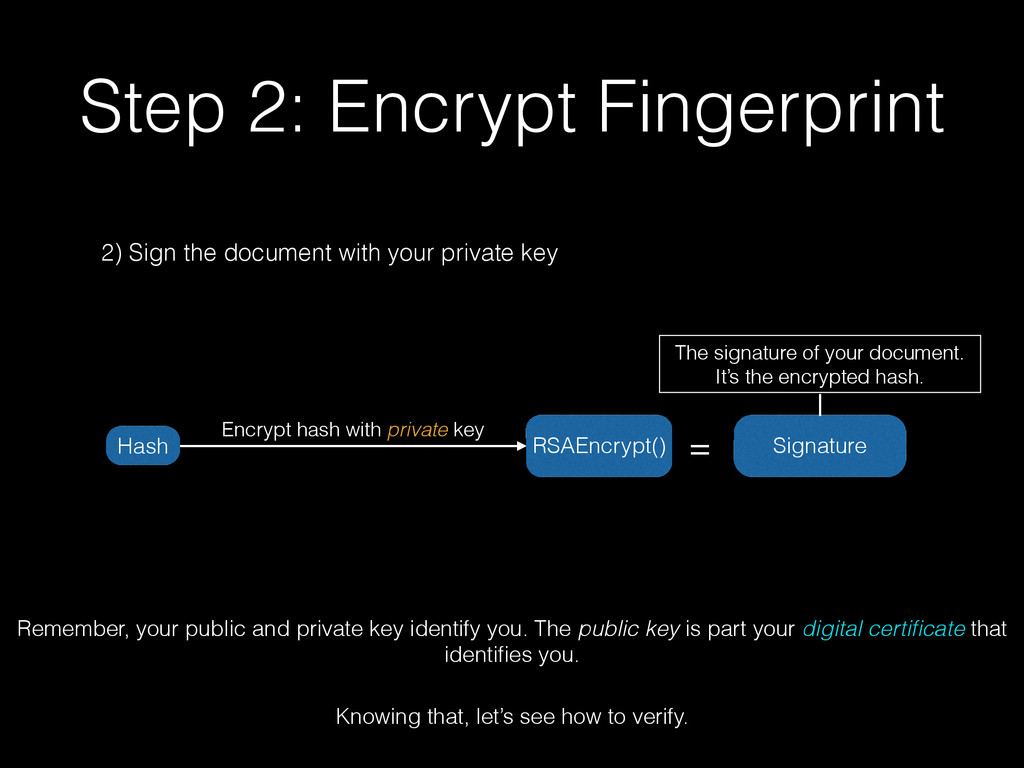
private key Encrypt hash with private key RSAEncrypt() = The signature of your document. It’s the encrypted hash. Remember, your public and private key identify you. The public key is part your digital certificate that identifies you. Knowing that, let’s see how to verify. Signature Hash
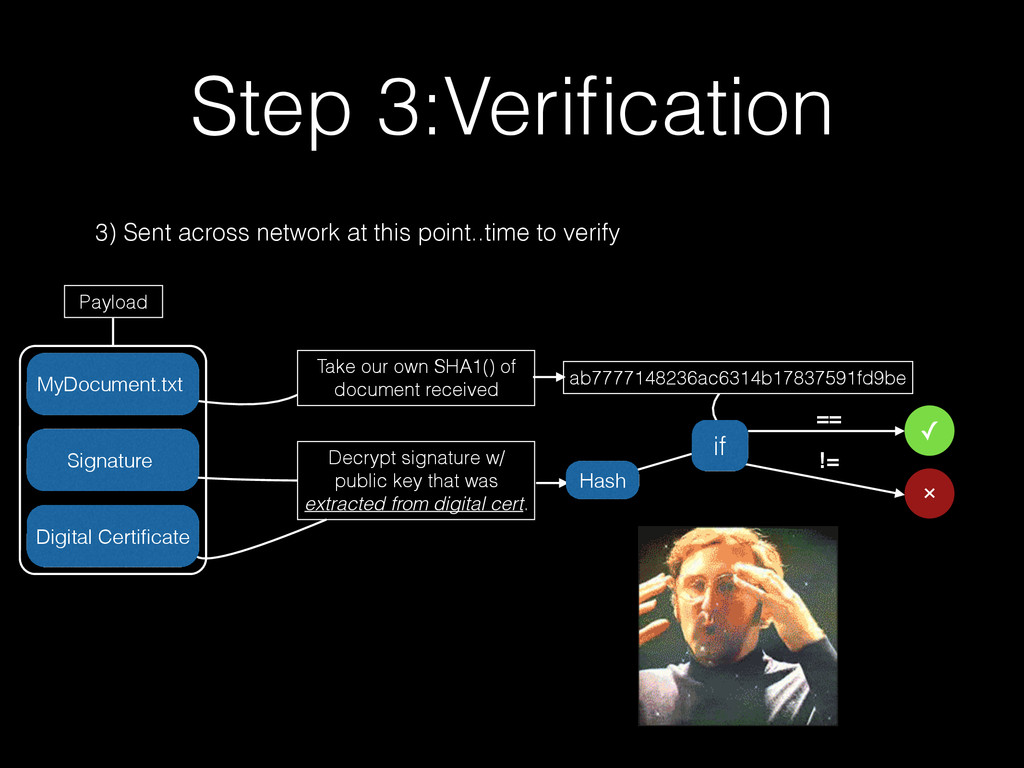
verify MyDocument.txt Signature Take our own SHA1() of document received Decrypt signature w/ public key that was extracted from digital cert. ab7777148236ac6314b17837591fd9be Hash if == != ✓ Digital Certificate Payload
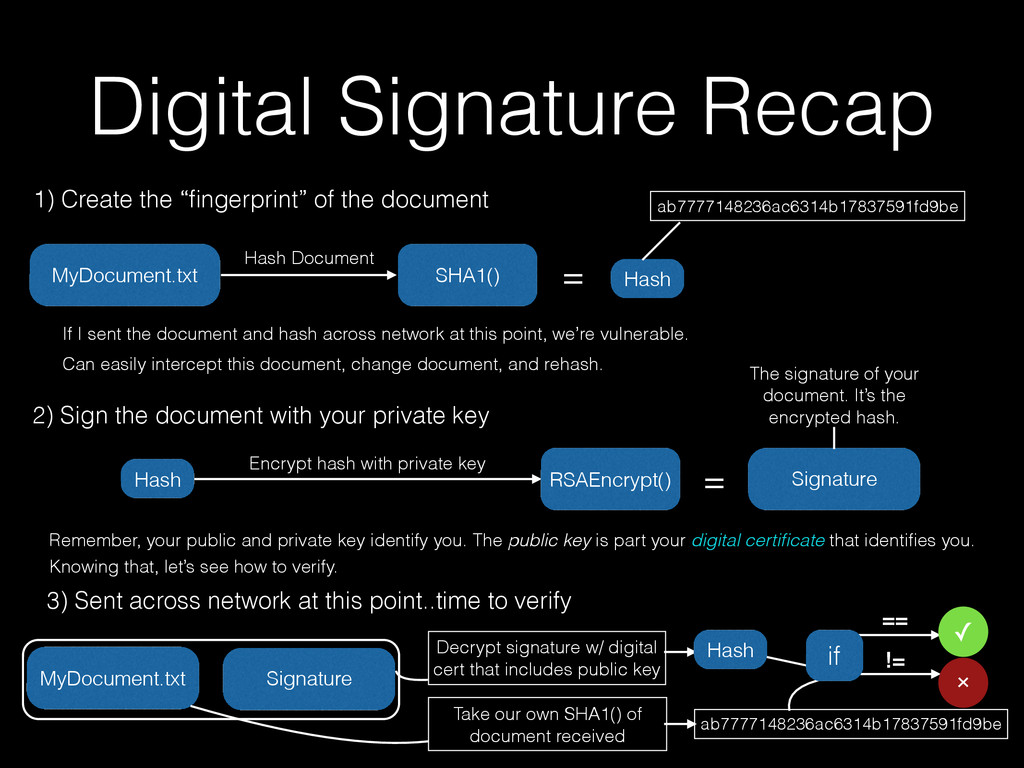
the “fingerprint” of the document If I sent the document and hash across network at this point, we’re vulnerable. Can easily intercept this document, change document, and rehash. 2) Sign the document with your private key Encrypt hash with private key RSAEncrypt() = The signature of your document. It’s the encrypted hash. Remember, your public and private key identify you. The public key is part your digital certificate that identifies you. Knowing that, let’s see how to verify. 3) Sent across network at this point..time to verify MyDocument.txt Signature Take our own SHA1() of document received Signature Decrypt signature w/ digital cert that includes public key ab7777148236ac6314b17837591fd9be Hash ab7777148236ac6314b17837591fd9be Hash Hash if == != ✓
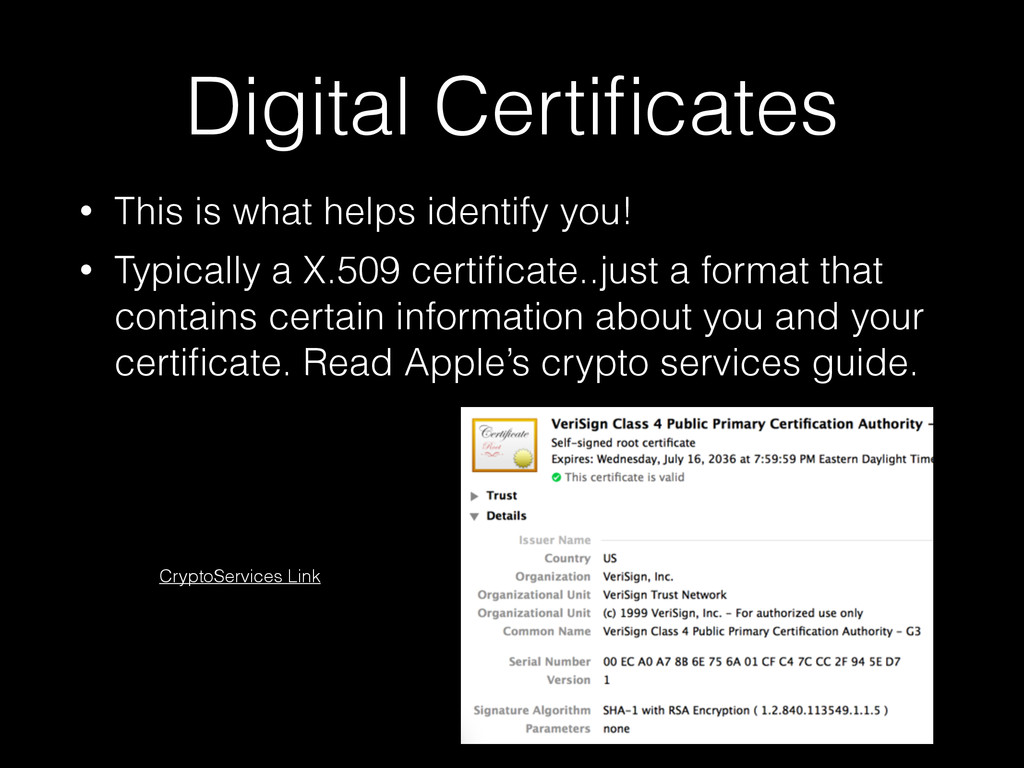
• Typically a X.509 certificate..just a format that contains certain information about you and your certificate. Read Apple’s crypto services guide. CryptoServices Link
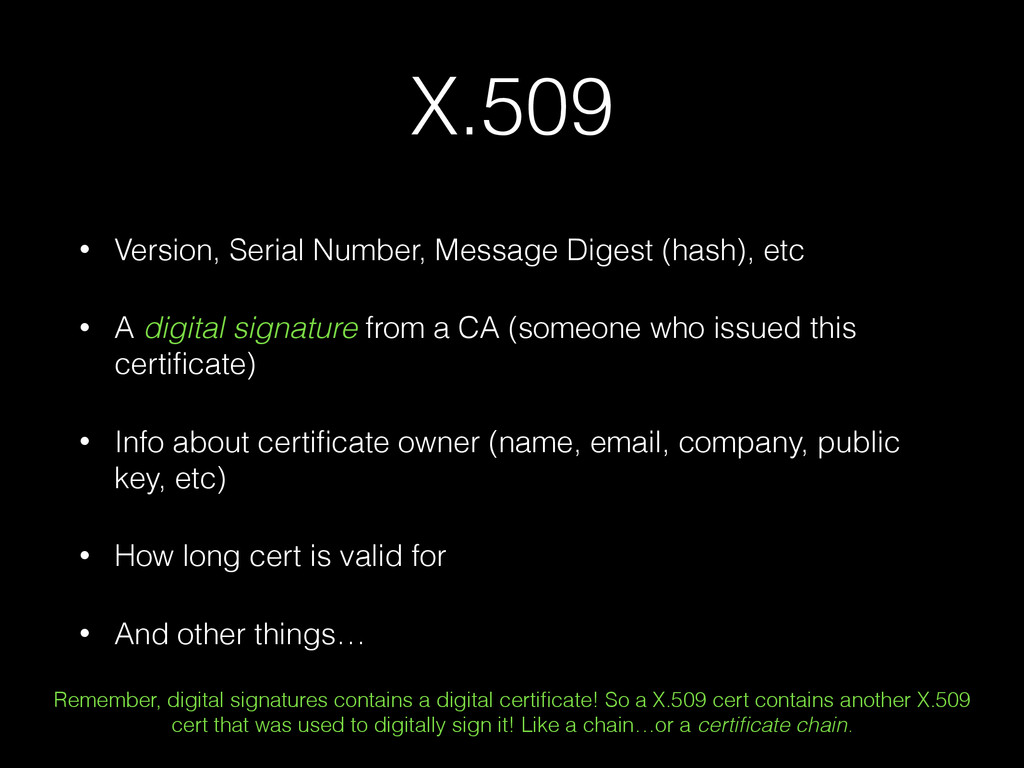
A digital signature from a CA (someone who issued this certificate) • Info about certificate owner (name, email, company, public key, etc) • How long cert is valid for • And other things… Remember, digital signatures contains a digital certificate! So a X.509 cert contains another X.509 cert that was used to digitally sign it! Like a chain…or a certificate chain.
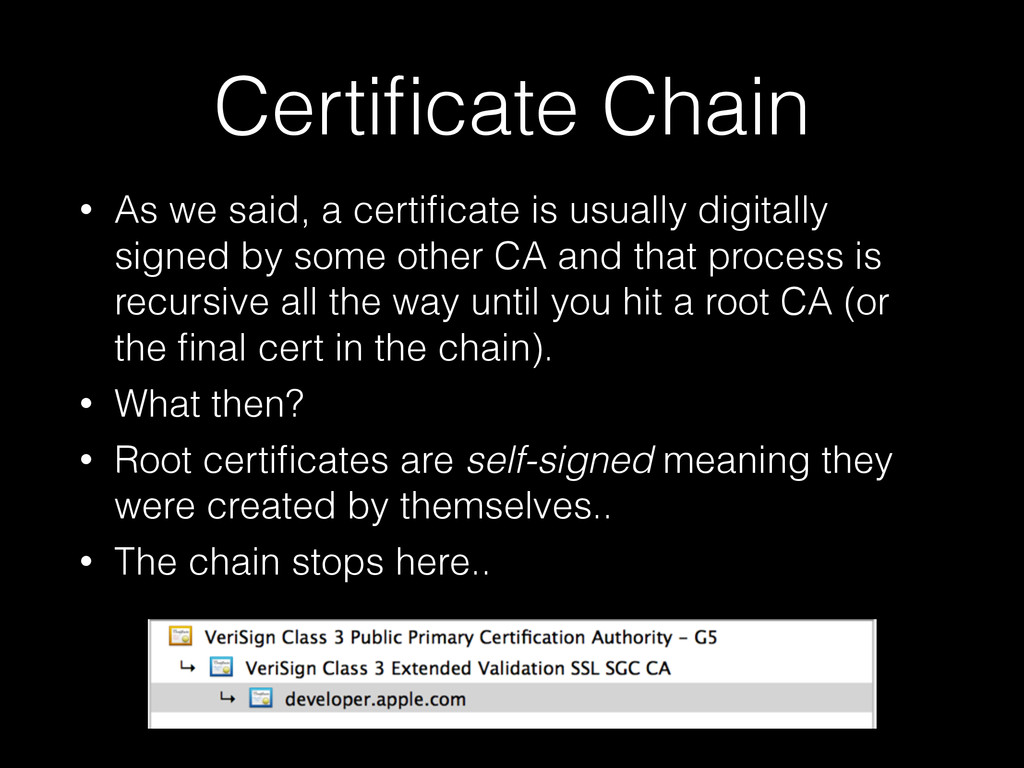
digitally signed by some other CA and that process is recursive all the way until you hit a root CA (or the final cert in the chain). • What then? • Root certificates are self-signed meaning they were created by themselves.. • The chain stops here..
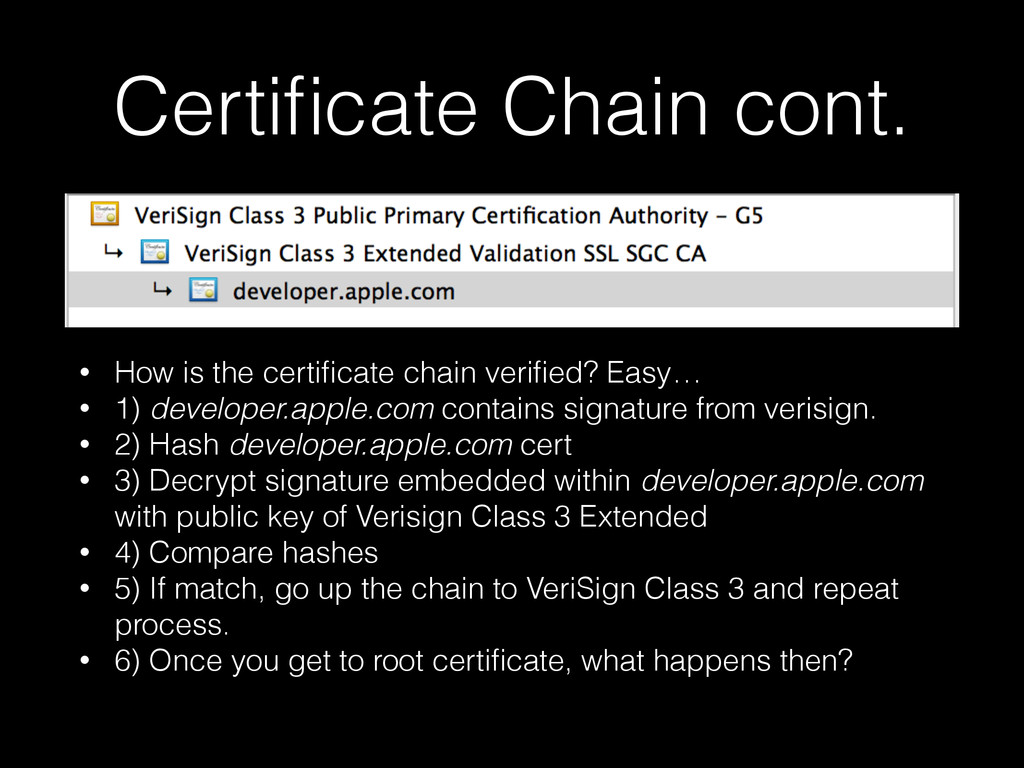
Easy… • 1) developer.apple.com contains signature from verisign. • 2) Hash developer.apple.com cert • 3) Decrypt signature embedded within developer.apple.com with public key of Verisign Class 3 Extended • 4) Compare hashes • 5) If match, go up the chain to VeriSign Class 3 and repeat process. • 6) Once you get to root certificate, what happens then?
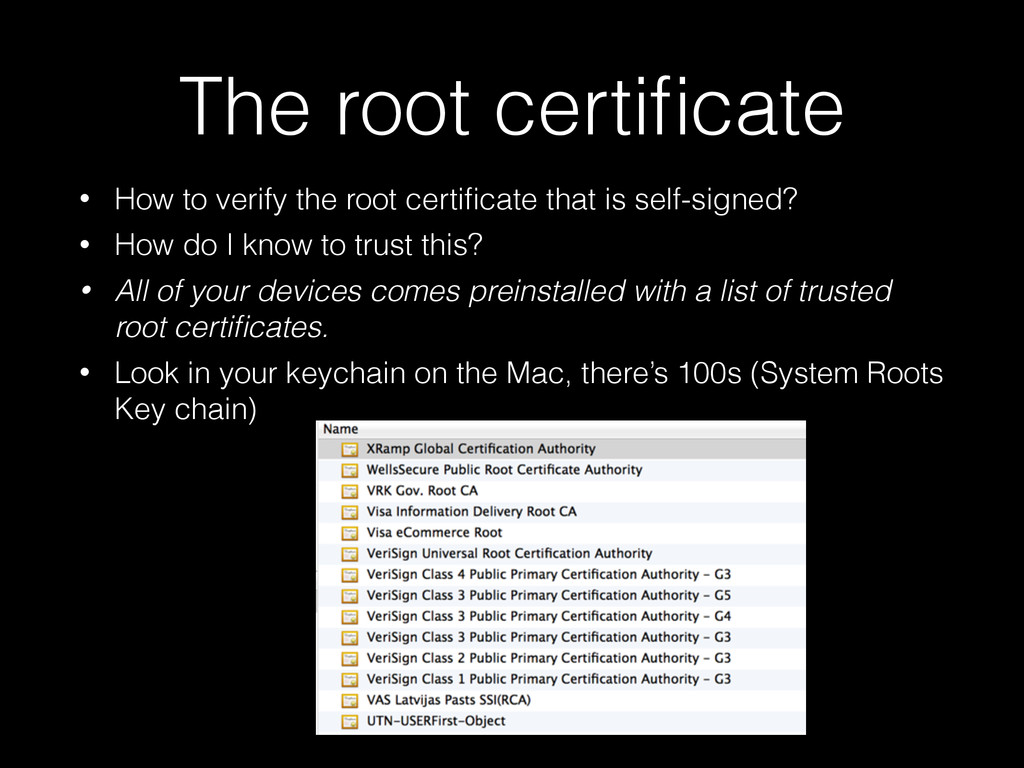
that is self-signed? • How do I know to trust this? • All of your devices comes preinstalled with a list of trusted root certificates. • Look in your keychain on the Mac, there’s 100s (System Roots Key chain)
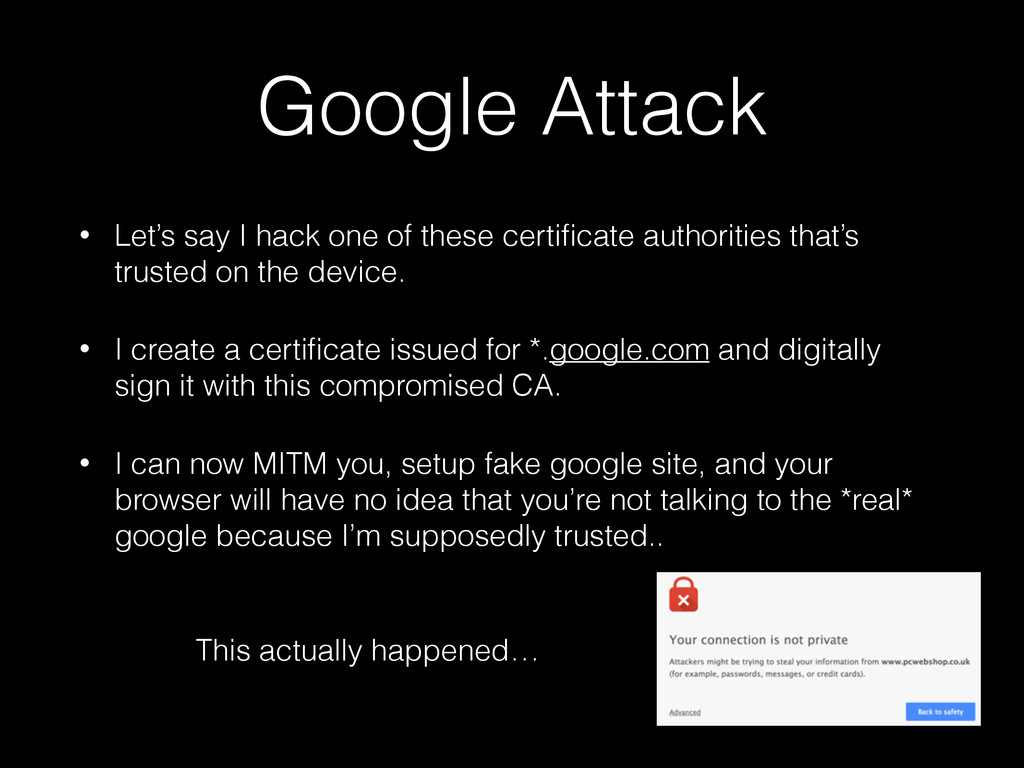
certificate authorities that’s trusted on the device. • I create a certificate issued for *.google.com and digitally sign it with this compromised CA. • I can now MITM you, setup fake google site, and your browser will have no idea that you’re not talking to the *real* google because I’m supposedly trusted.. This actually happened…
short, you take a servers certificate or a certificate in their certificate chain, store it locally on your device, when connection is initiated, you compare the certs returned from the server against this “pinned” cert in your app. • Pinned is just a fancy term that means “compare my certificate to the one the server presented.” Note: You can compare public keys of the certs (typically embedded in the cert itself), but this presentation is about comparing the actual certs. Also you don’t have to just compare against one cert, you can pin a set of certs.
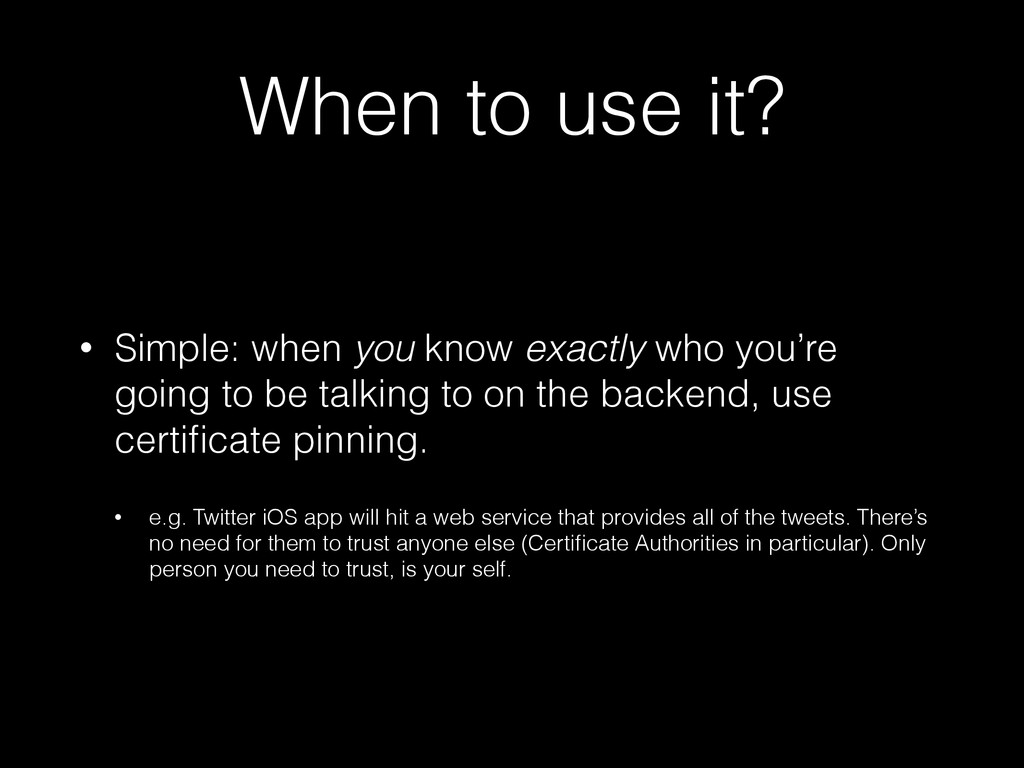
who you’re going to be talking to on the backend, use certificate pinning. • e.g. Twitter iOS app will hit a web service that provides all of the tweets. There’s no need for them to trust anyone else (Certificate Authorities in particular). Only person you need to trust, is your self.
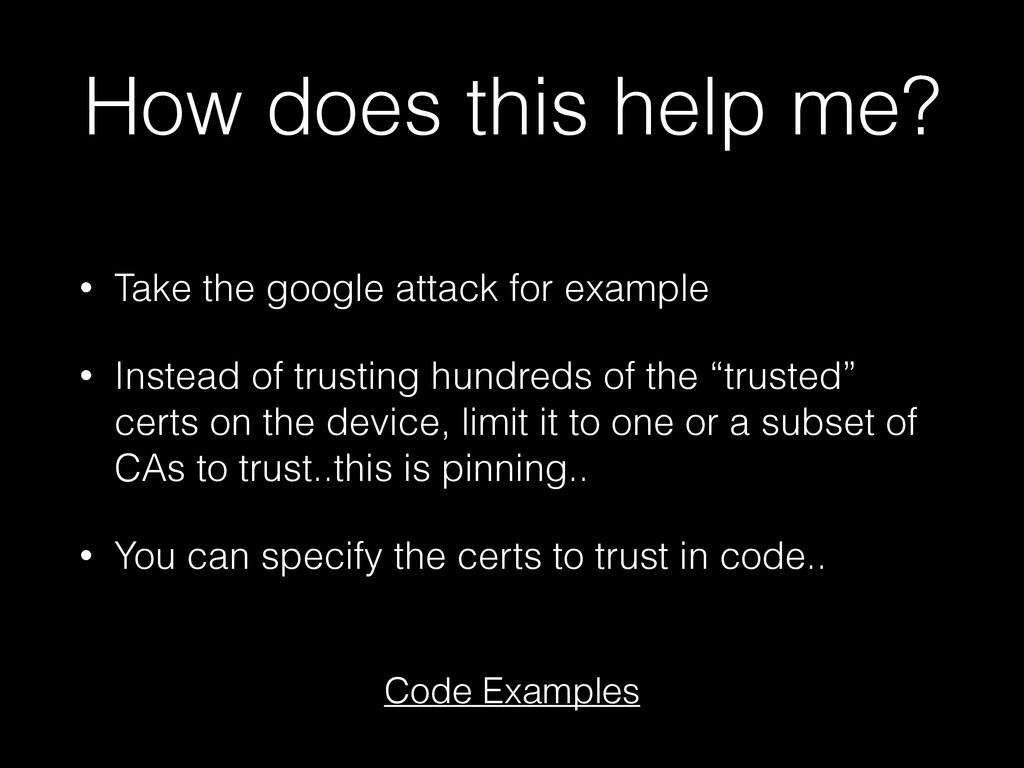
for example • Instead of trusting hundreds of the “trusted” certs on the device, limit it to one or a subset of CAs to trust..this is pinning.. • You can specify the certs to trust in code.. Code Examples
on buying an SSL cert from one of these “trusted” CAs. • This actually could open you up to more attacks if you don’t pin against the CA your purchased the cert from.. • Trust in yourself, create your own certs..
this is fine, but if the cert changes, your app will break and you will need to update. ! If we pin against the root cert VeriSign Class 3 Public Primary Certification Authority - G5, the cert on the server *can* change as long as the certificate chain still has the same root CA.
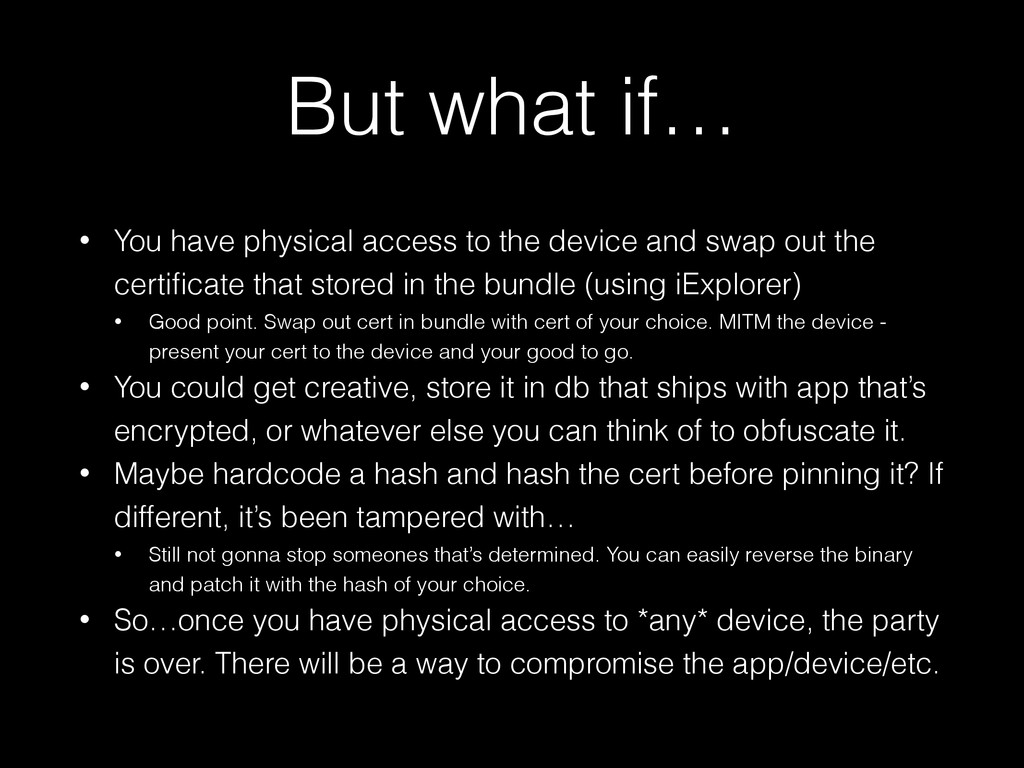
device and swap out the certificate that stored in the bundle (using iExplorer) • Good point. Swap out cert in bundle with cert of your choice. MITM the device - present your cert to the device and your good to go. • You could get creative, store it in db that ships with app that’s encrypted, or whatever else you can think of to obfuscate it. • Maybe hardcode a hash and hash the cert before pinning it? If different, it’s been tampered with… • Still not gonna stop someones that’s determined. You can easily reverse the binary and patch it with the hash of your choice. • So…once you have physical access to *any* device, the party is over. There will be a way to compromise the app/device/etc.
mark for implementation • https://www.owasp.org/index.php/Certificate_and_Public_Key_Pinning • http://www.thoughtcrime.org/blog/authenticity-is-broken-in-ssl-but-your- app-ha/


 tanahiro2010
 timakin
 florets1
 kawashimo0
 akit37
 yub0n
yub0n
 andpad
 y0hgi
y0hgi
 marcoroth
.jpg) yumnumm
yumnumm
 steliosf
 eed3si9n
 aleyda
 jcasabona
 tapps
tapps
 aarron
 tammyeverts
 skipperchong
 axbom
axbom
 lauravandoore
 eileencodes
 colly
colly
 shlominoach