Upgrade to Pro — share decks privately, control downloads, hide ads and more …

COSCUP 2017 - Face off

COSCUP 2017 - Face off

How to build a high-performance and accuracy face-detection camera app.

Avatar for Prada Hsiung

Prada Hsiung

August 06, 2017

Other Decks in Technology

Transcript

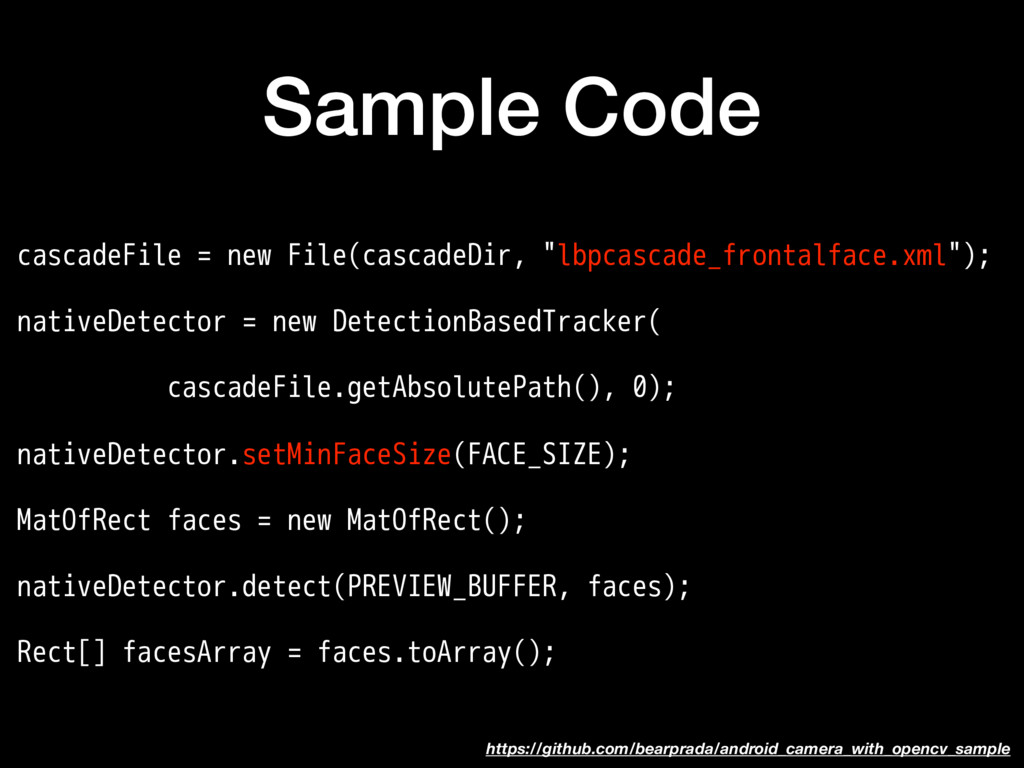
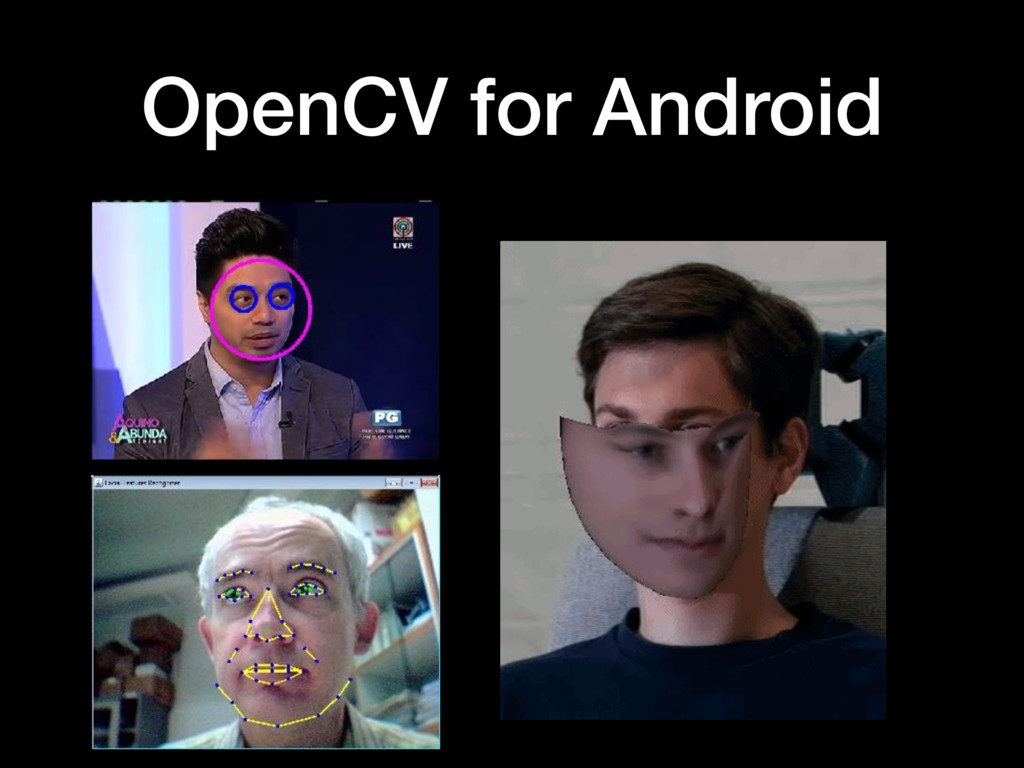
  1. Sample Code cascadeFile = new File(cascadeDir, "lbpcascade_frontalface.xml"); nativeDetector = new

    DetectionBasedTracker( cascadeFile.getAbsolutePath(), 0); nativeDetector.setMinFaceSize(FACE_SIZE); MatOfRect faces = new MatOfRect(); nativeDetector.detect(PREVIEW_BUFFER, faces); Rect[] facesArray = faces.toArray(); https://github.com/bearprada/android_camera_with_opencv_sample
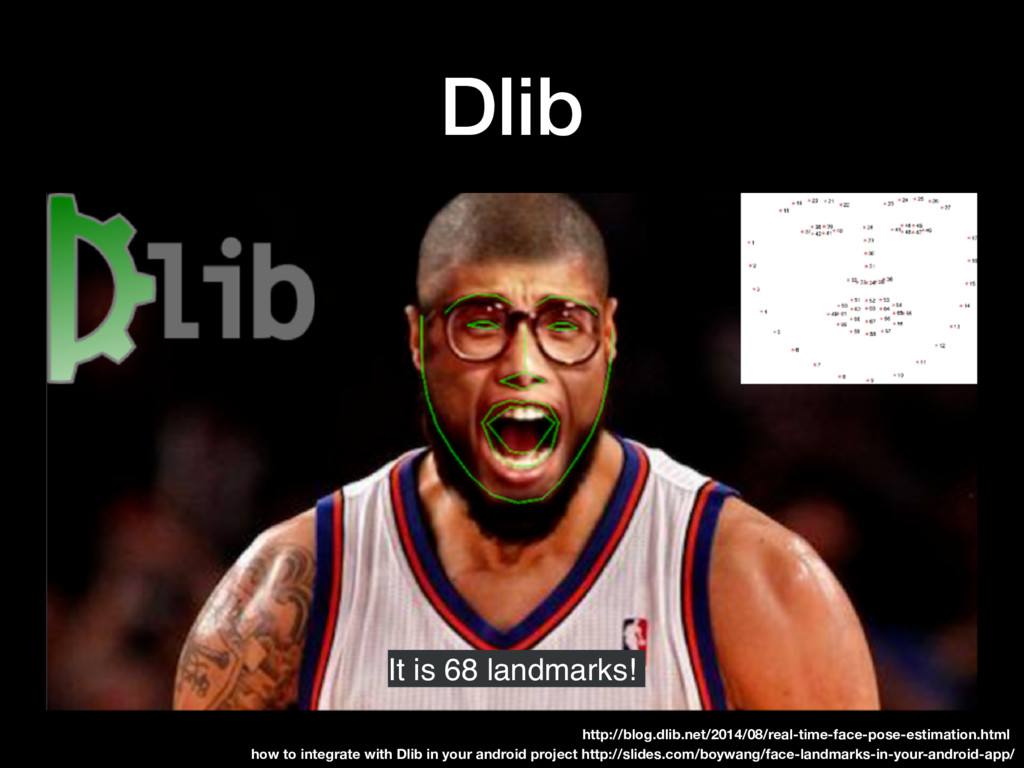
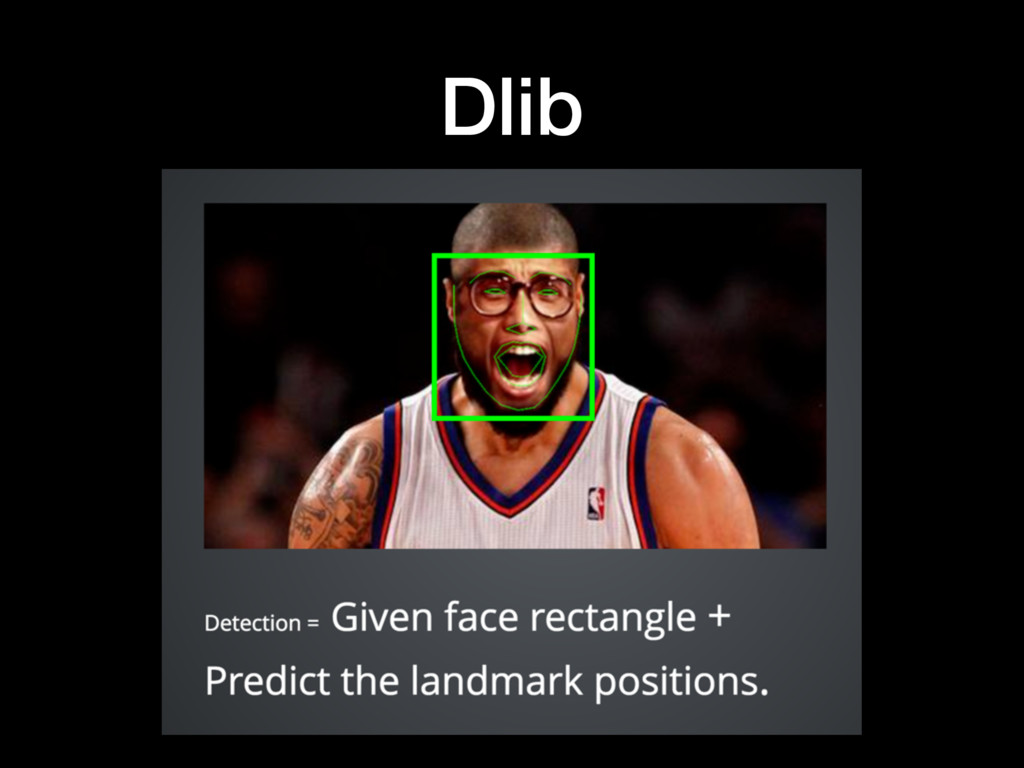
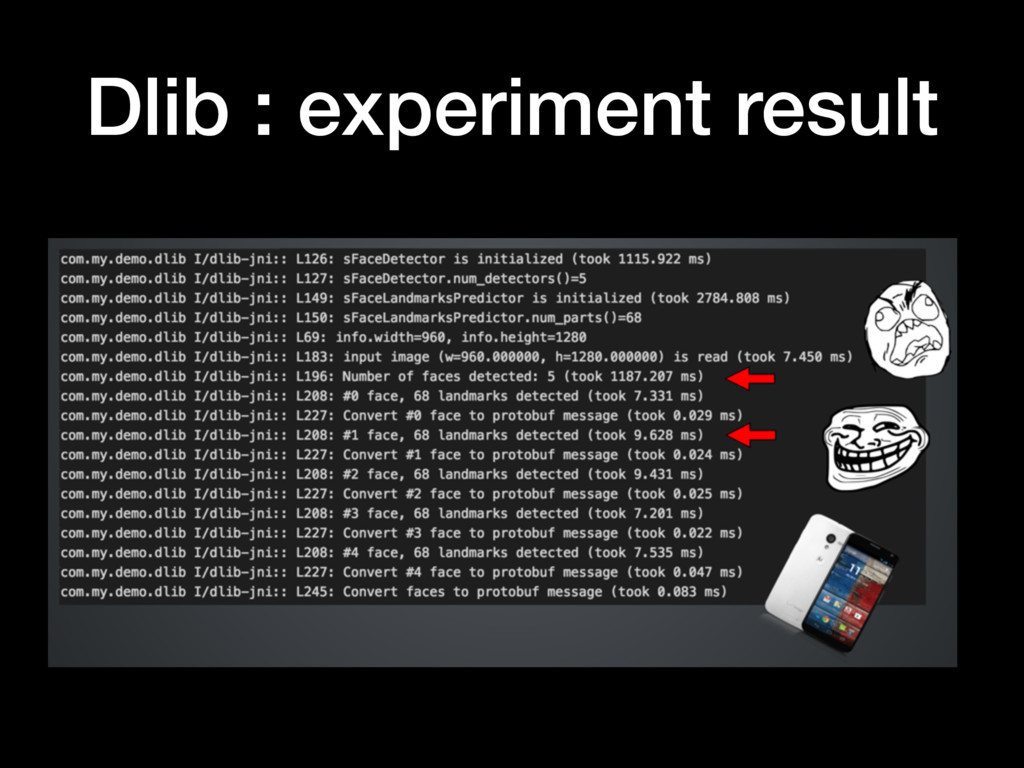
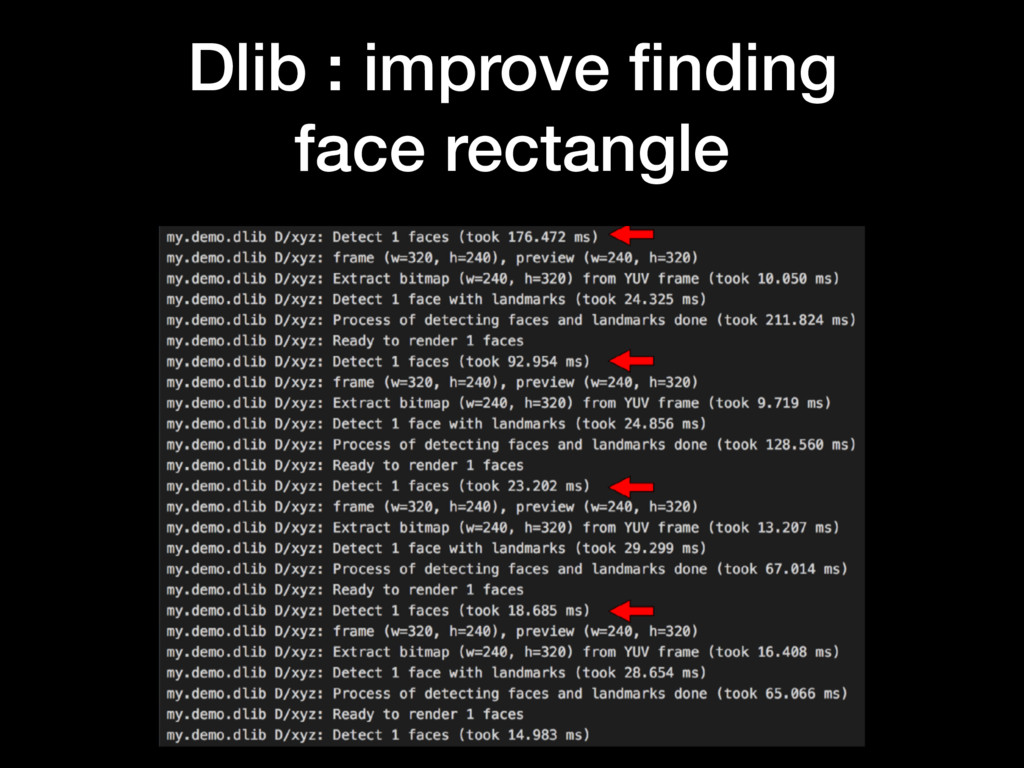
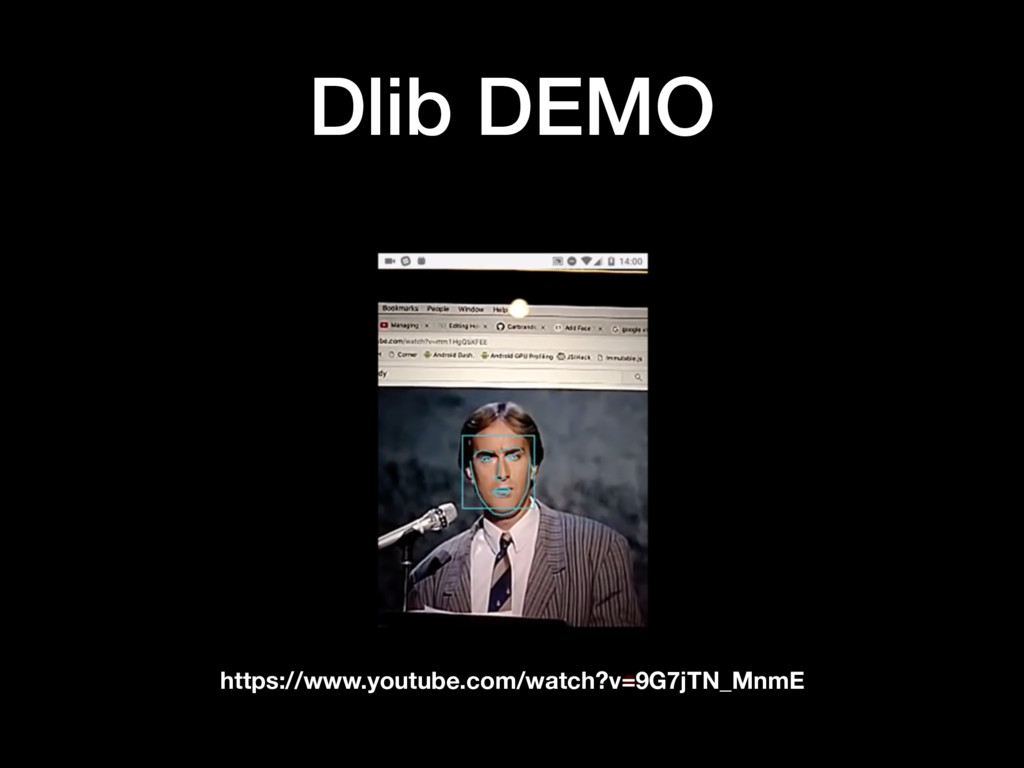
  2. Dlib It is 68 landmarks! how to integrate with Dlib

    in your android project http://slides.com/boywang/face-landmarks-in-your-android-app/ http://blog.dlib.net/2014/08/real-time-face-pose-estimation.html
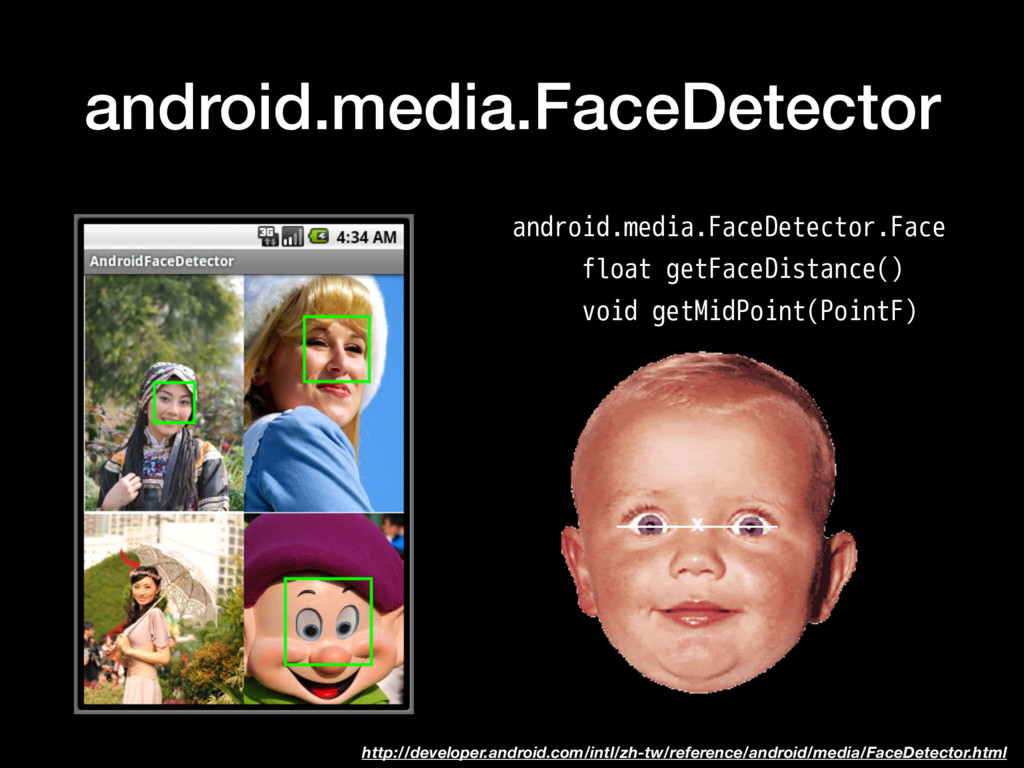
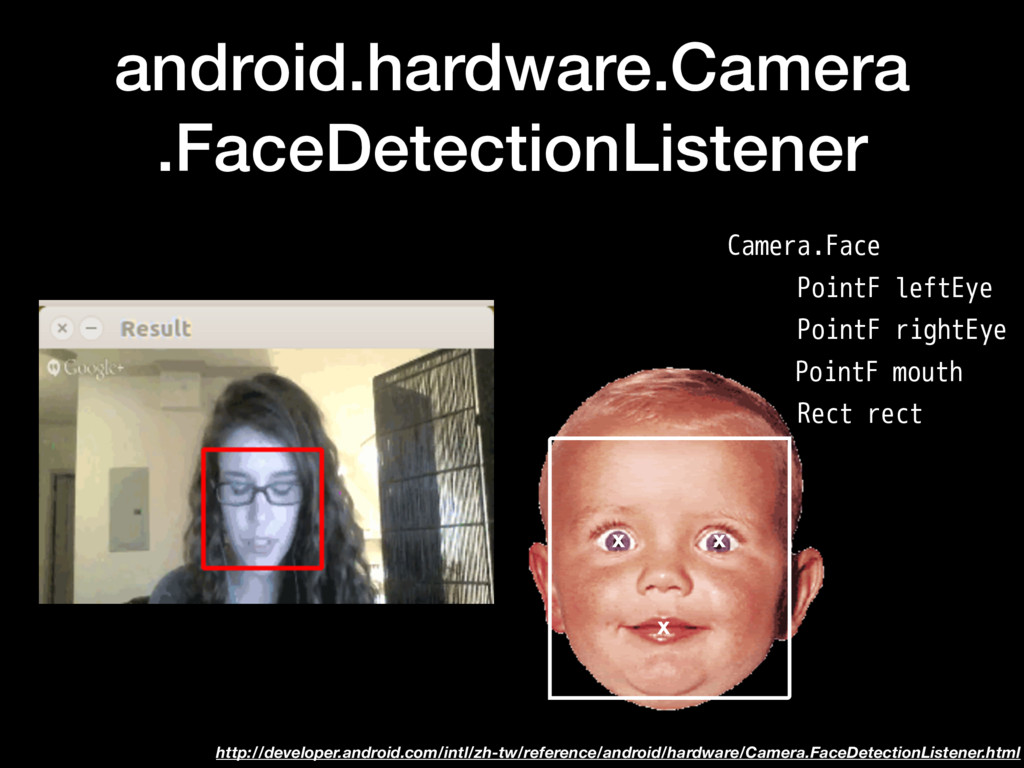
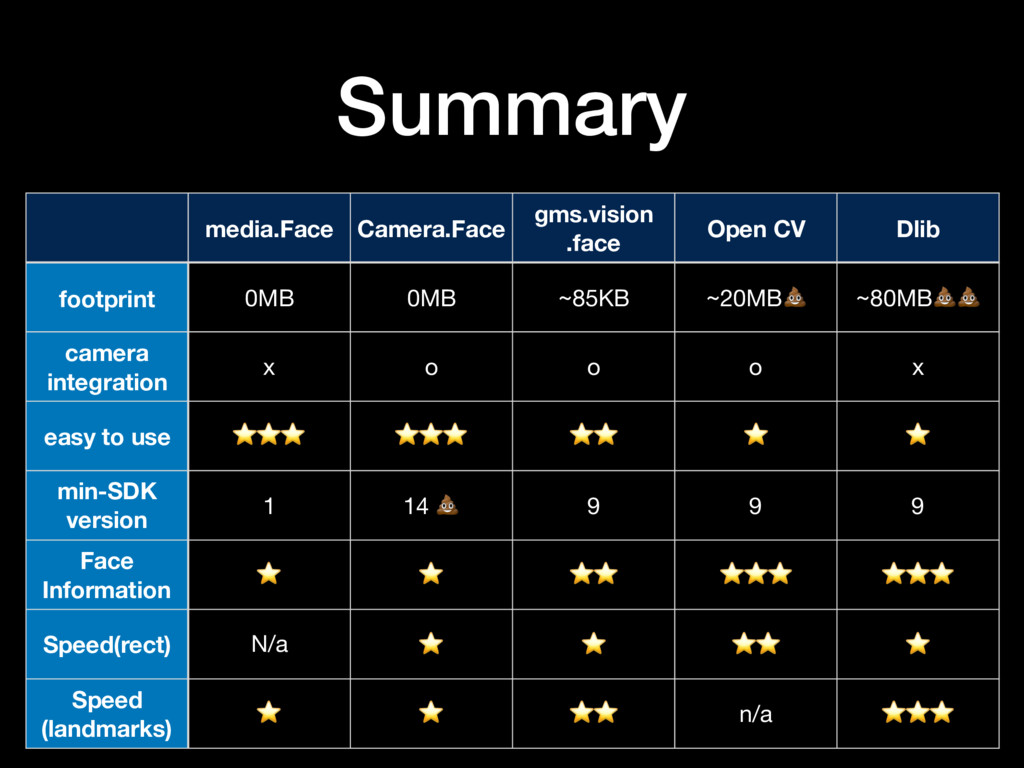
  3. Summary media.Face Camera.Face gms.vision .face Open CV Dlib footprint 0MB

    0MB ~85KB ~20MB ~80MB camera integration x o o o x easy to use ⭐⭐⭐ ⭐⭐⭐ ⭐⭐ ⭐ ⭐ min-SDK version 1 14 9 9 9 Face Information ⭐ ⭐ ⭐⭐ ⭐⭐⭐ ⭐⭐⭐ Speed(rect) N/a ⭐ ⭐ ⭐⭐ ⭐ Speed (landmarks) ⭐ ⭐ ⭐⭐ n/a ⭐⭐⭐
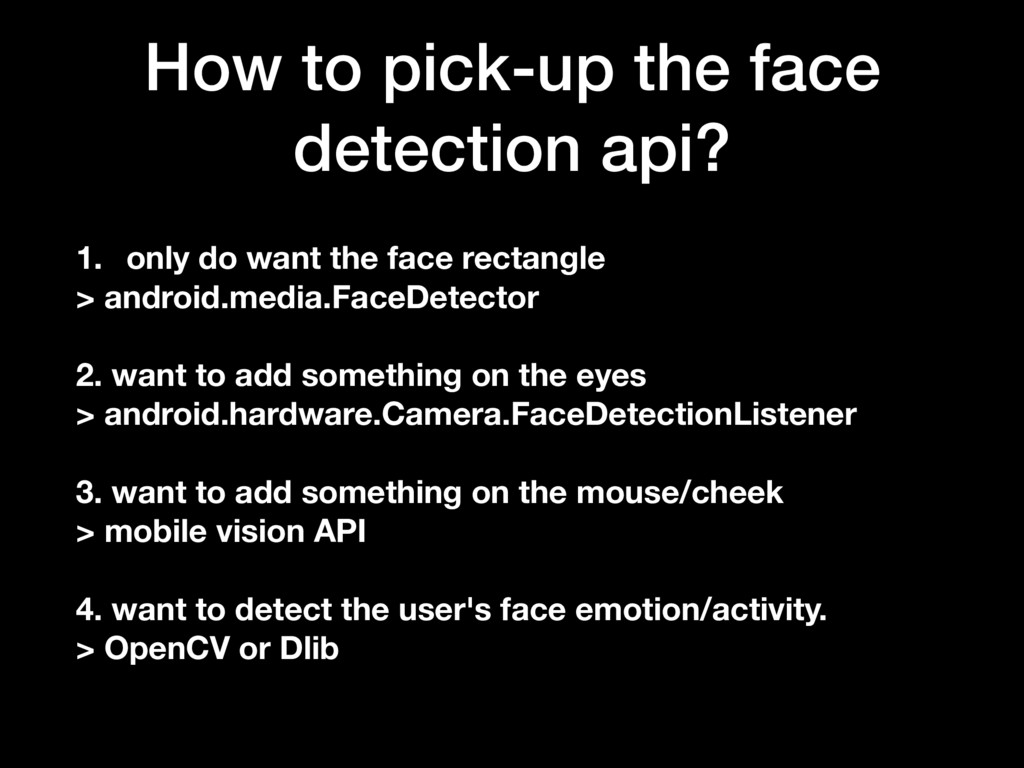
  4. How to pick-up the face detection api? 1. only do

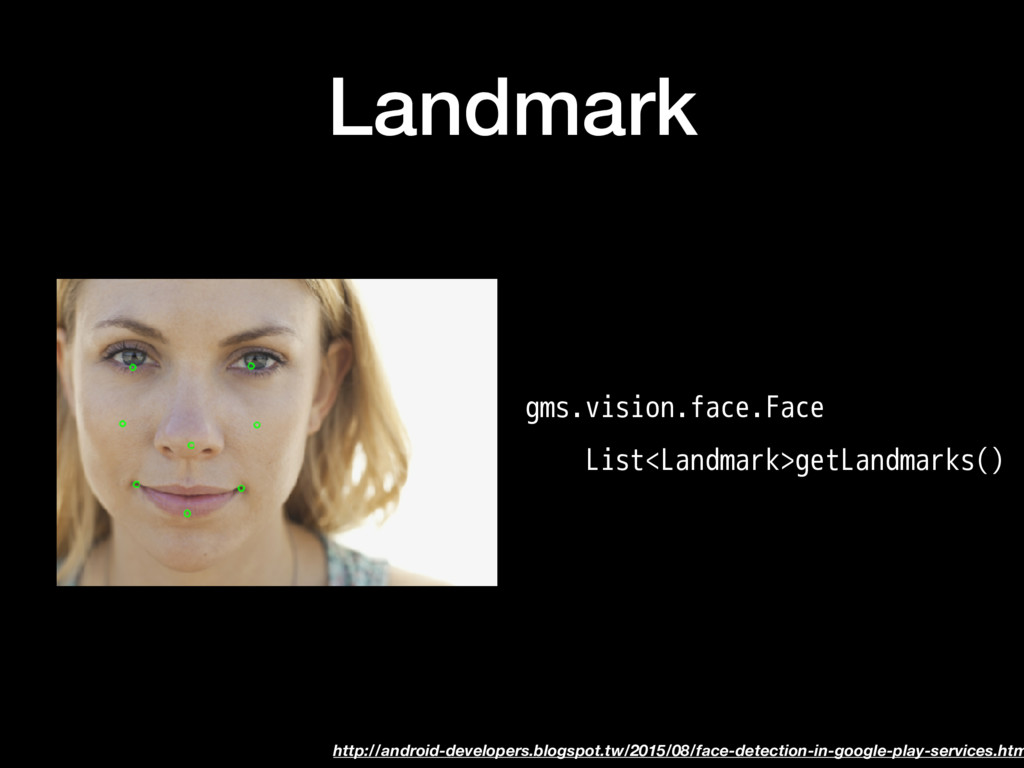
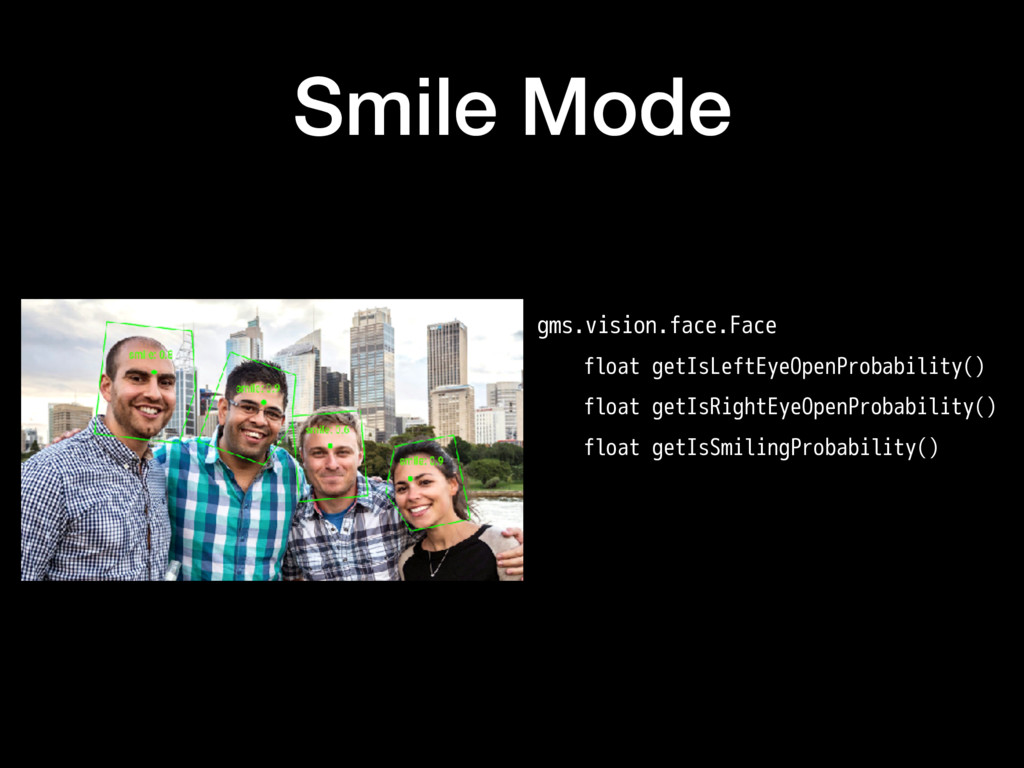
    want the face rectangle > android.media.FaceDetector 2. want to add something on the eyes > android.hardware.Camera.FaceDetectionListener 3. want to add something on the mouse/cheek > mobile vision API 4. want to detect the user's face emotion/activity. > OpenCV or Dlib
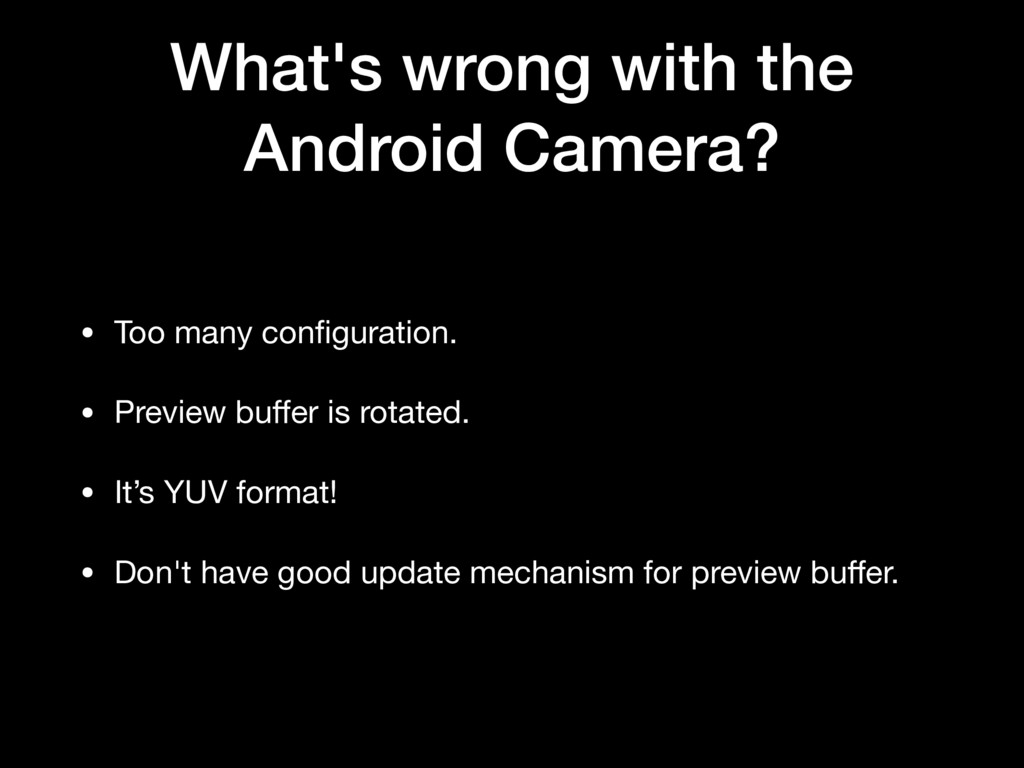
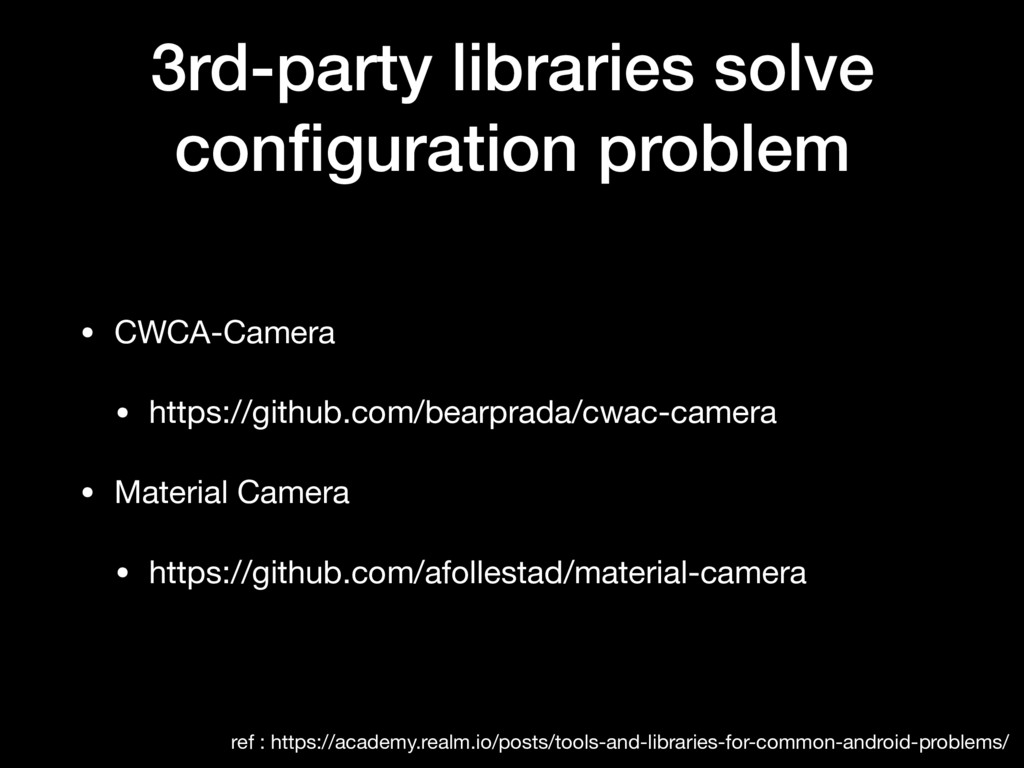
  5. What's wrong with the Android Camera? • Too many configuration.

    • Preview buffer is rotated. • It’s YUV format! • Don't have good update mechanism for preview buffer.
  6. 3rd-party libraries solve configuration problem • CWCA-Camera • https://github.com/bearprada/cwac-camera •

    Material Camera • https://github.com/afollestad/material-camera ref : https://academy.realm.io/posts/tools-and-libraries-for-common-android-problems/
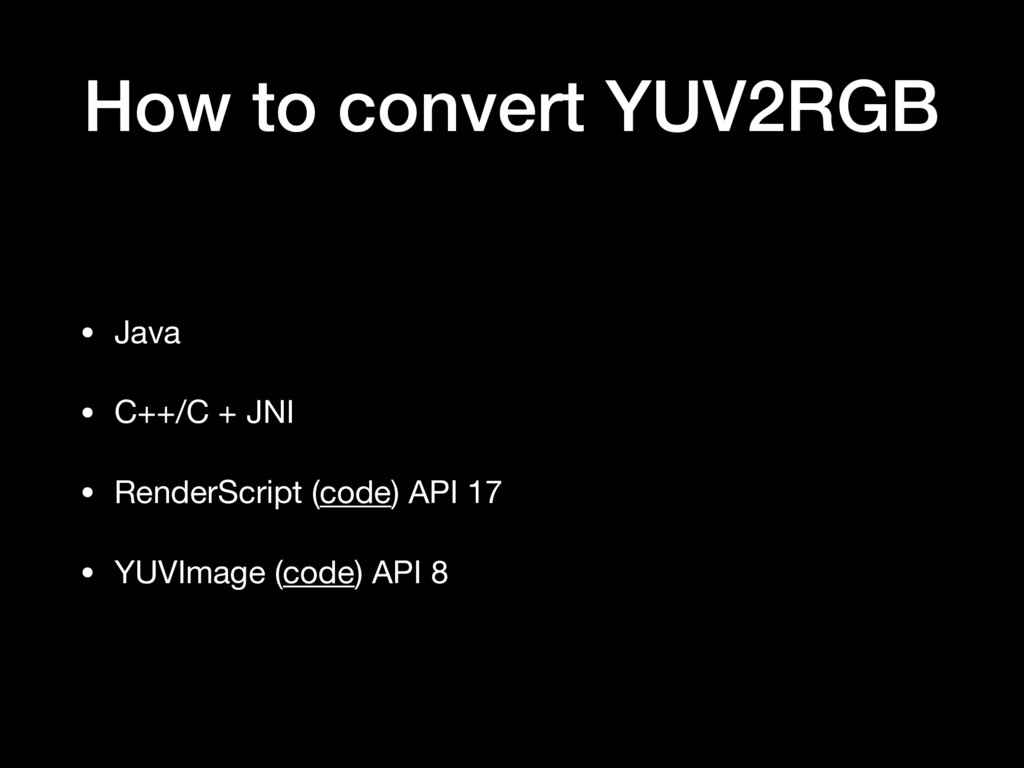
  7. How to convert YUV2RGB • Java • C++/C + JNI

    • RenderScript (code) API 17 • YUVImage (code) API 8
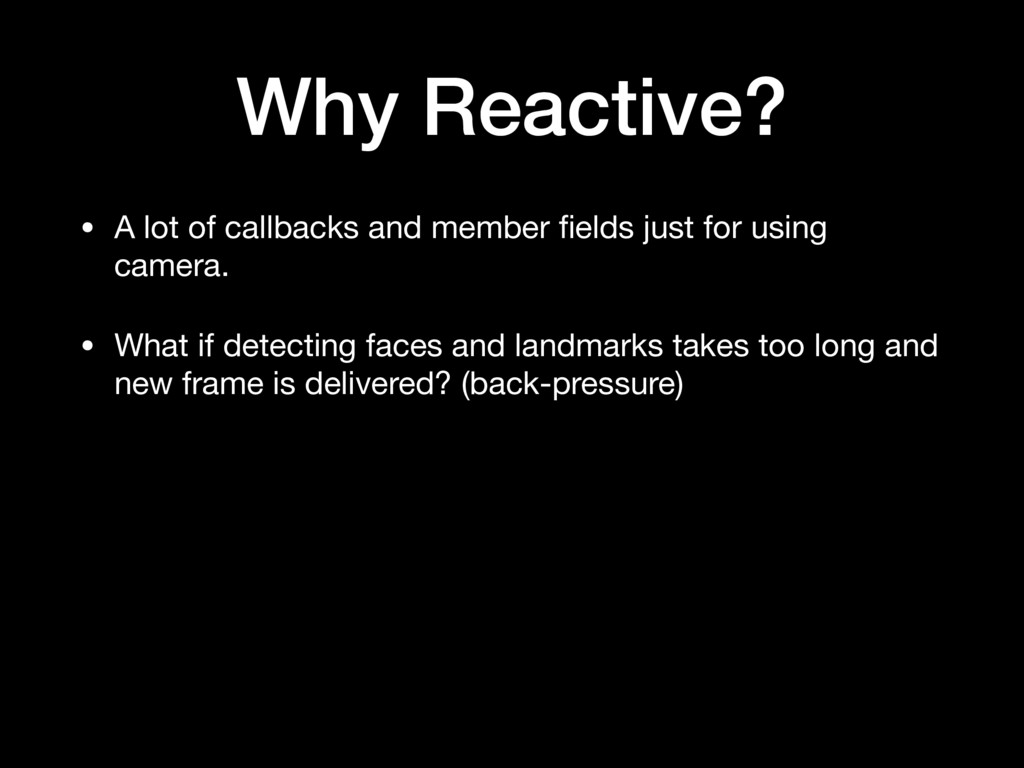
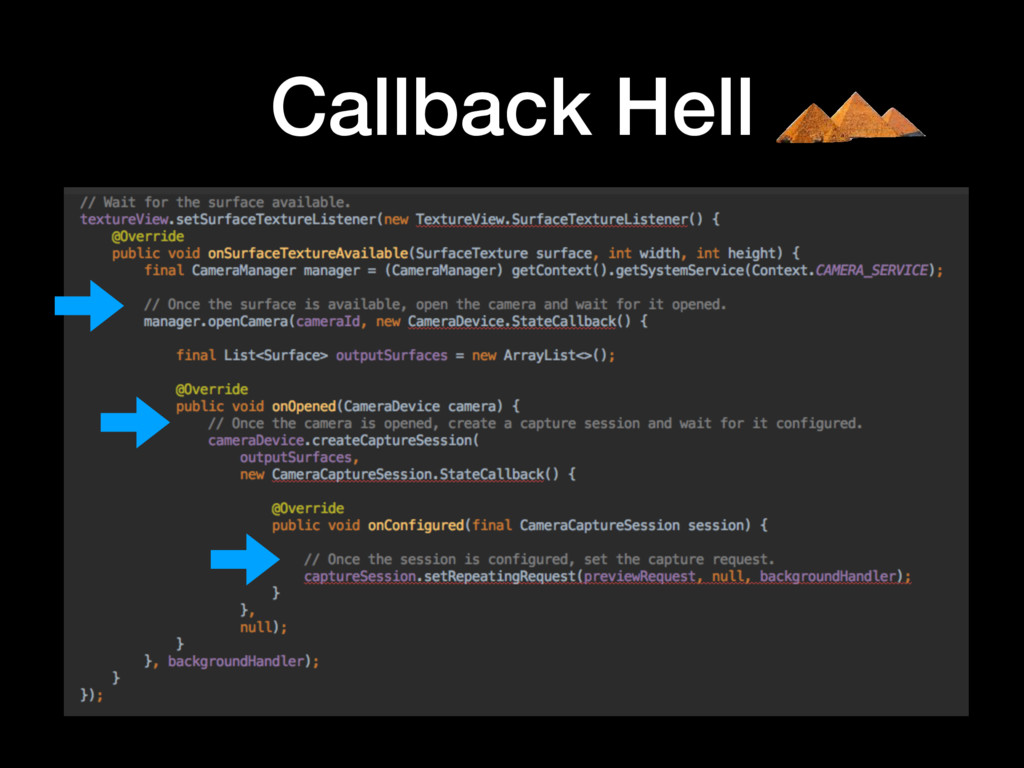
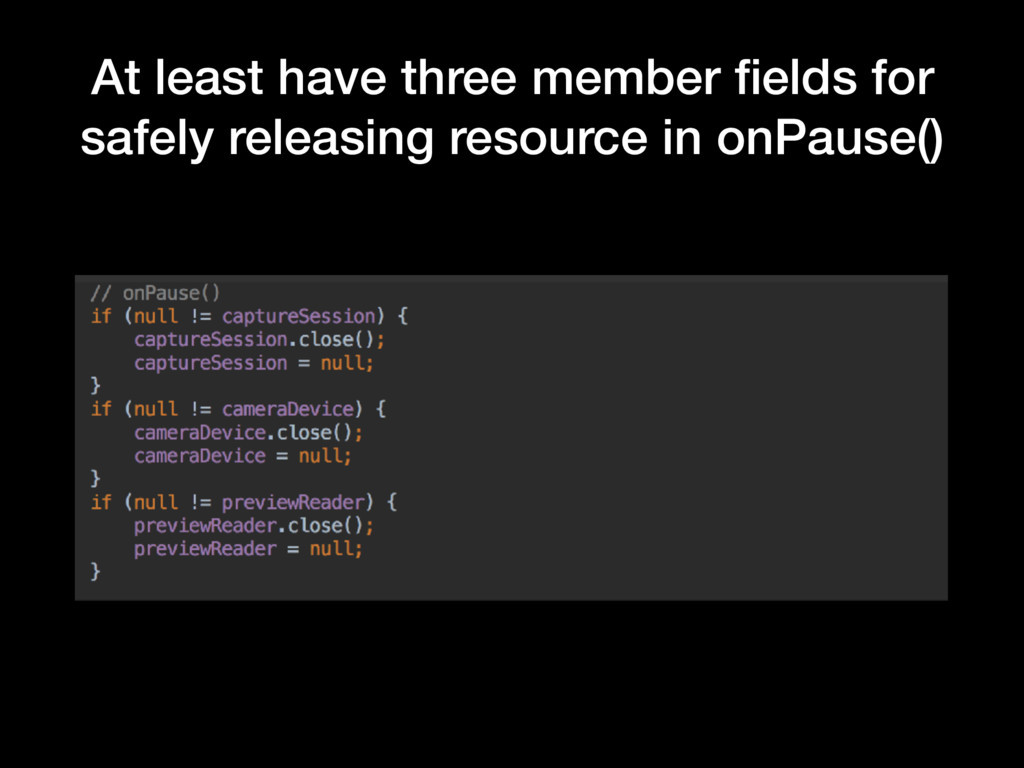
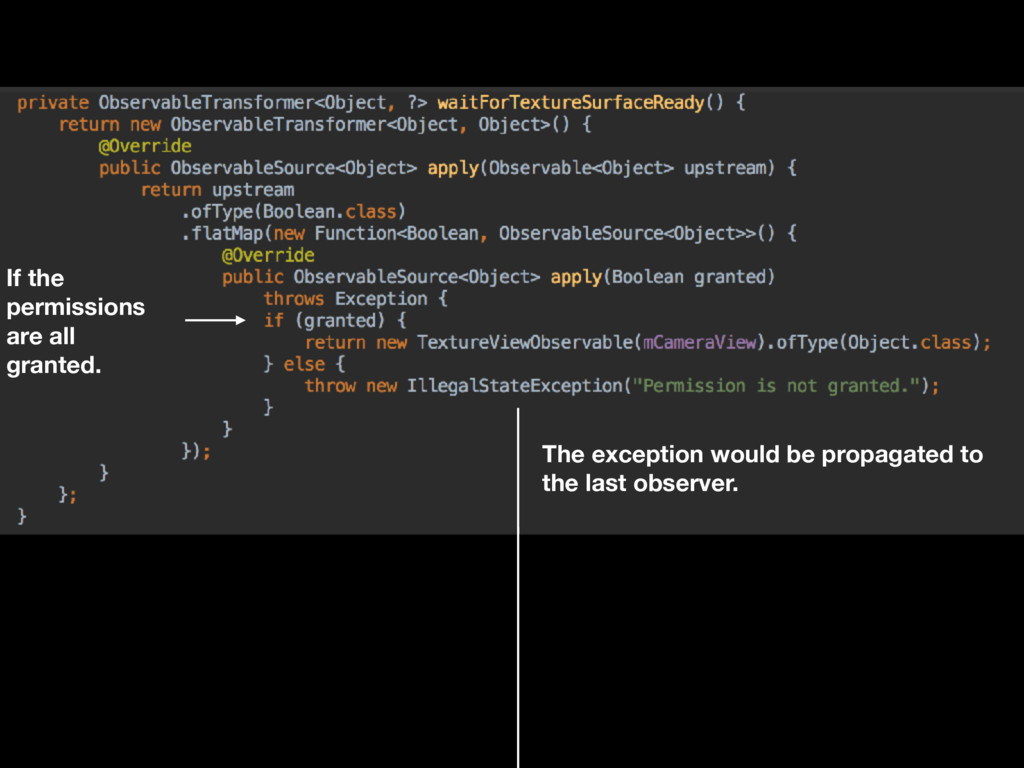
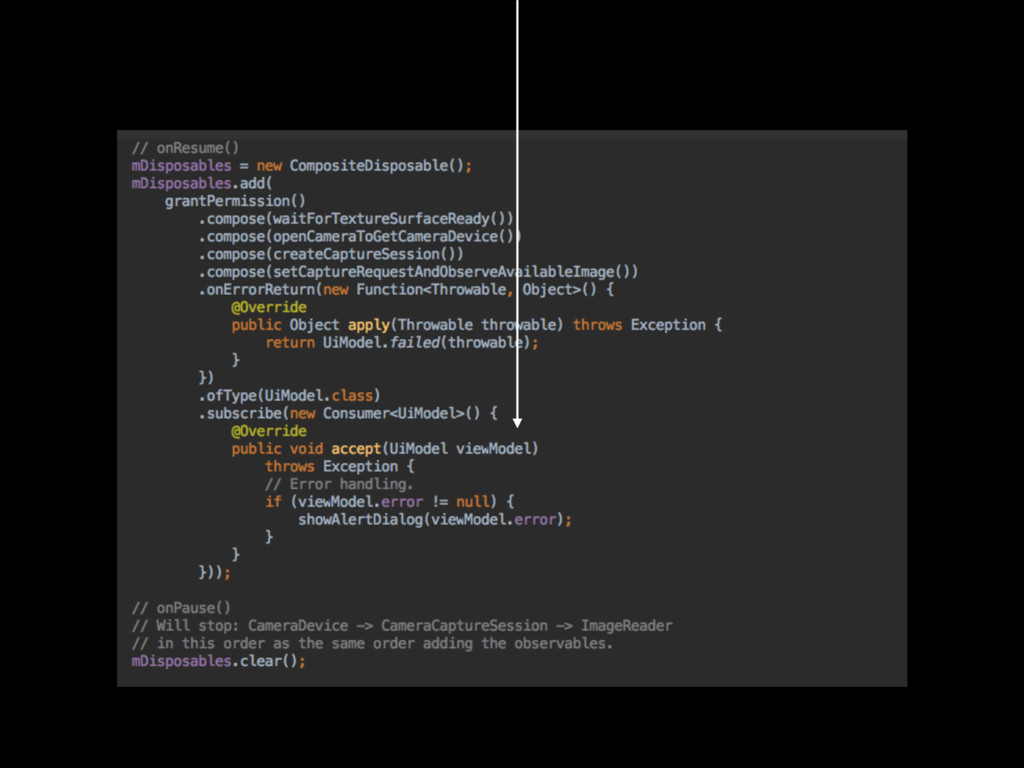
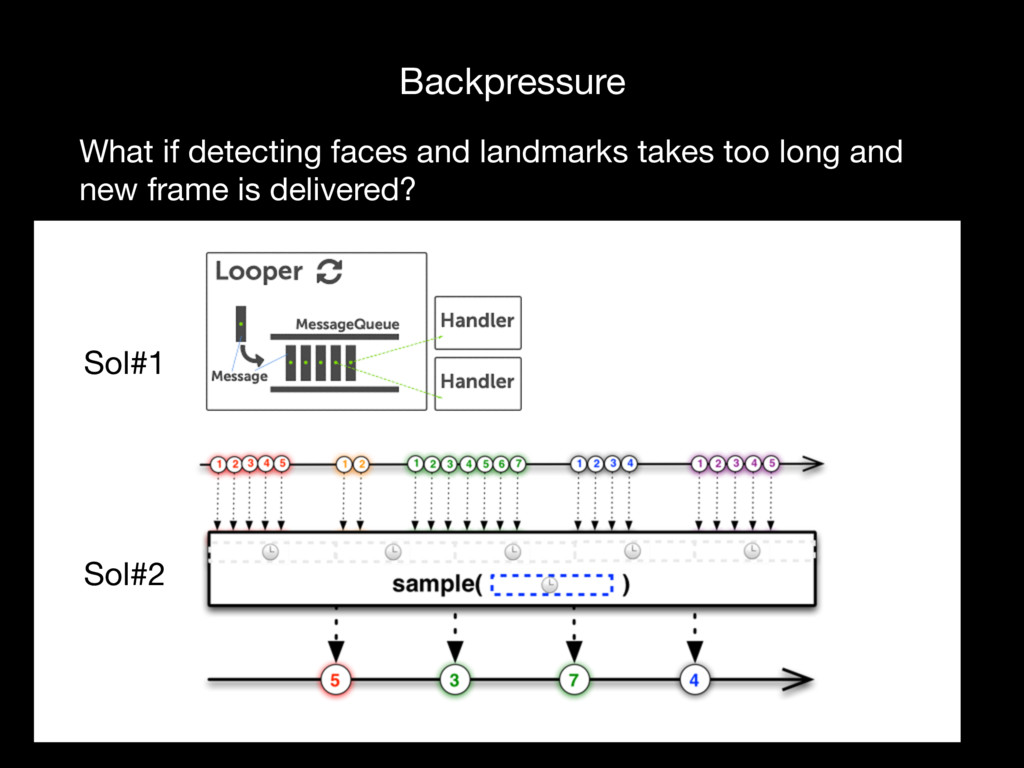
  8. Why Reactive? • A lot of callbacks and member fields

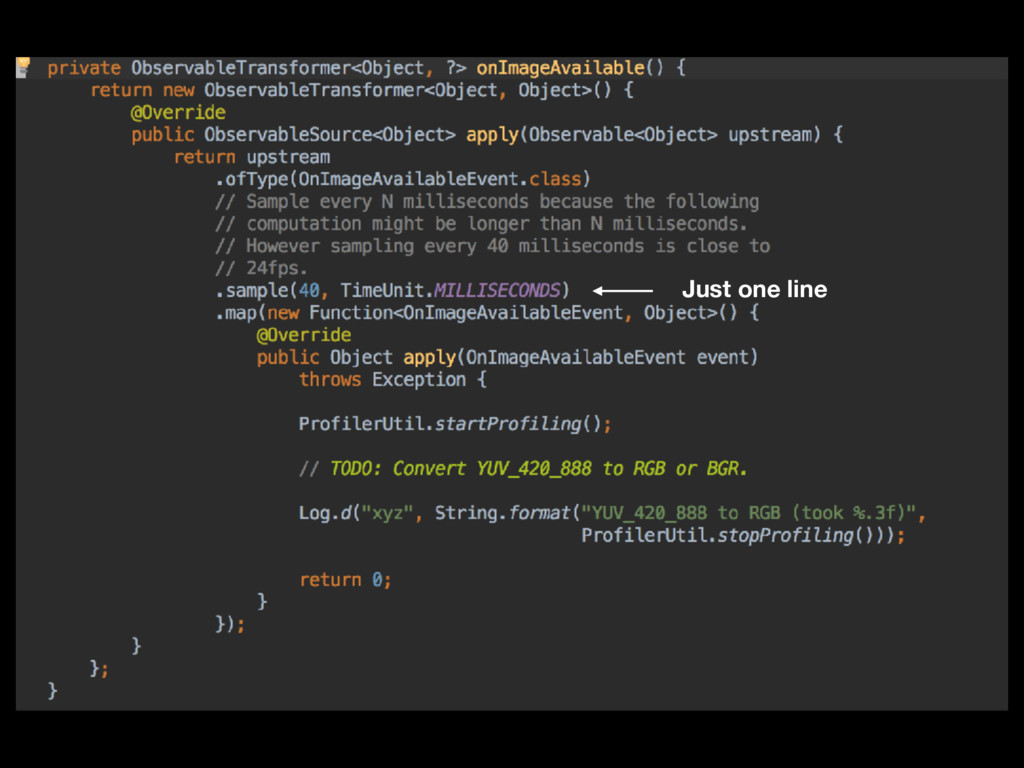
    just for using camera. • What if detecting faces and landmarks takes too long and new frame is delivered? (back-pressure)
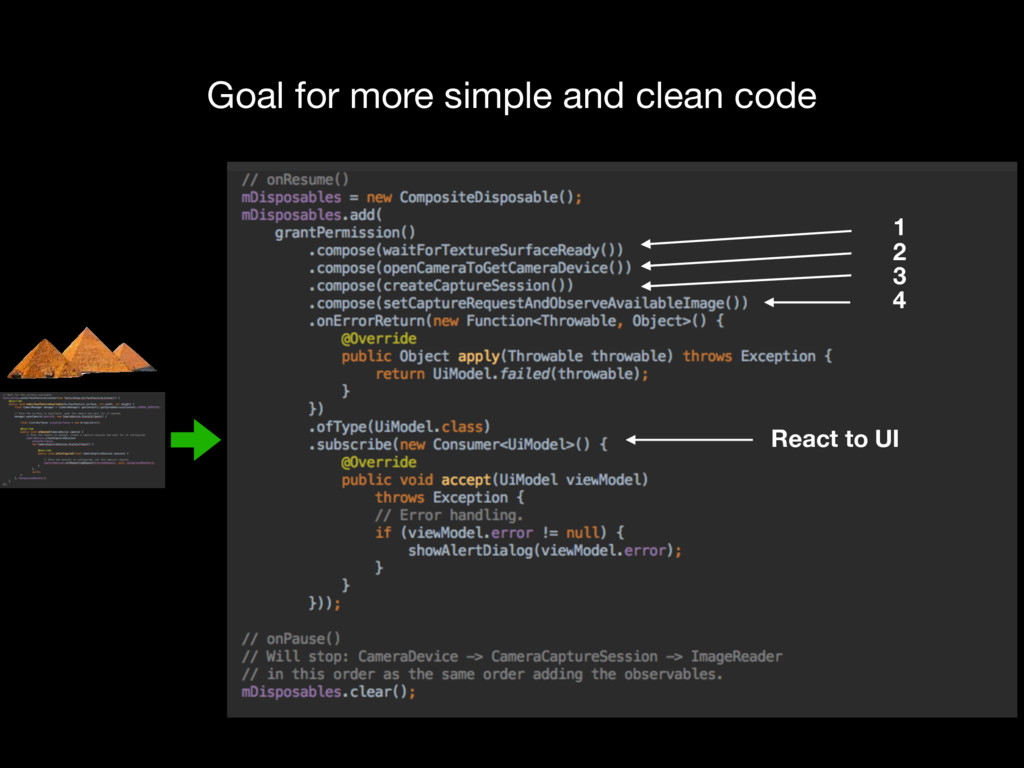
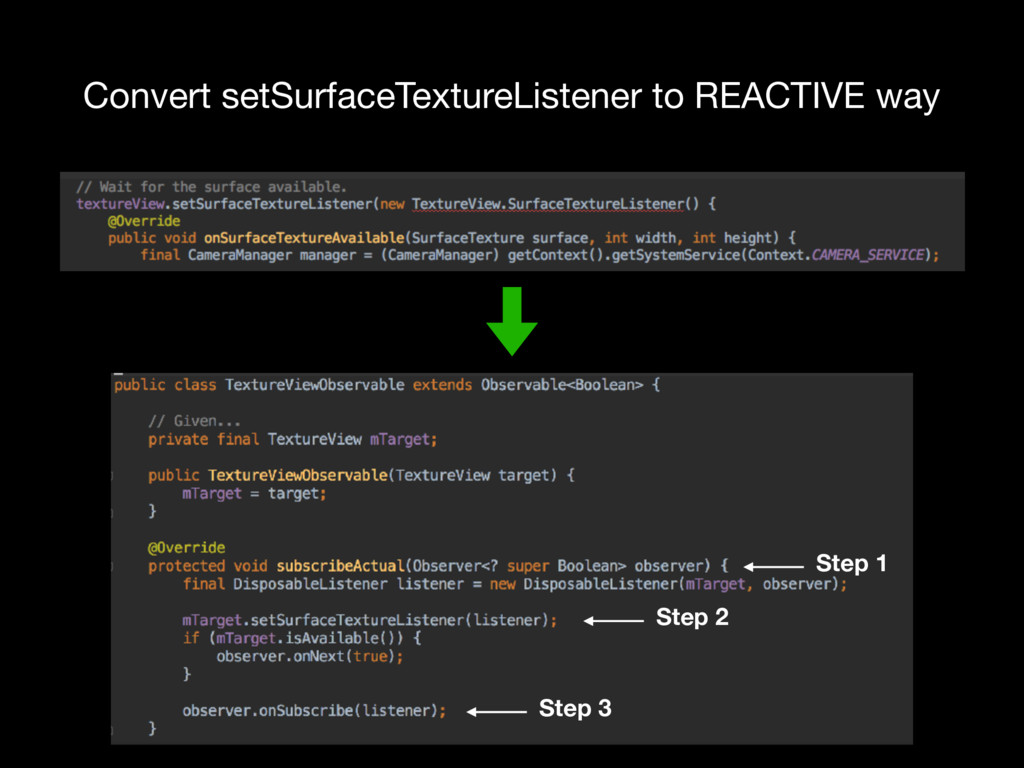
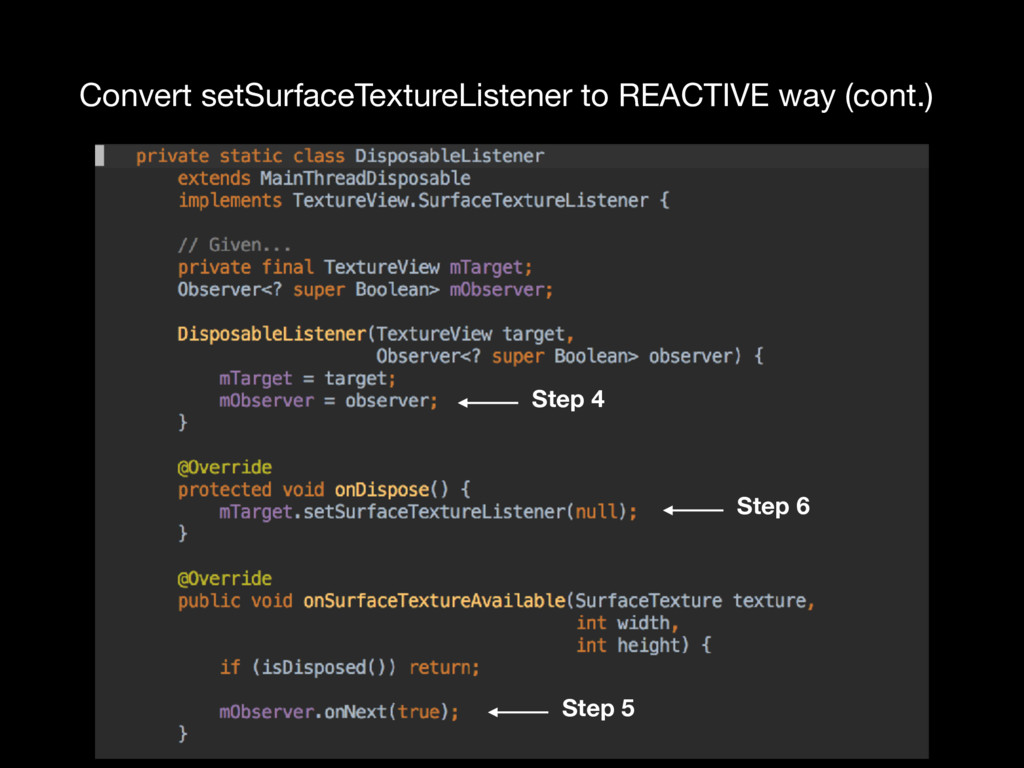
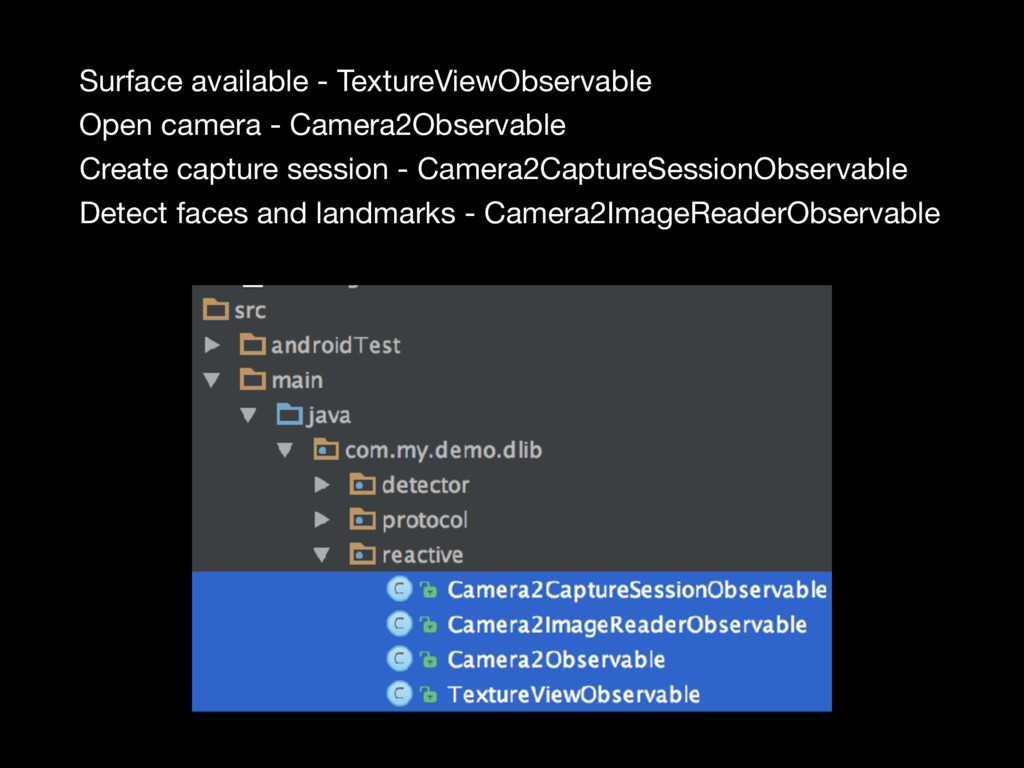
  9. Surface available - TextureViewObservable Open camera - Camera2Observable Create capture

    session - Camera2CaptureSessionObservable Detect faces and landmarks - Camera2ImageReaderObservable
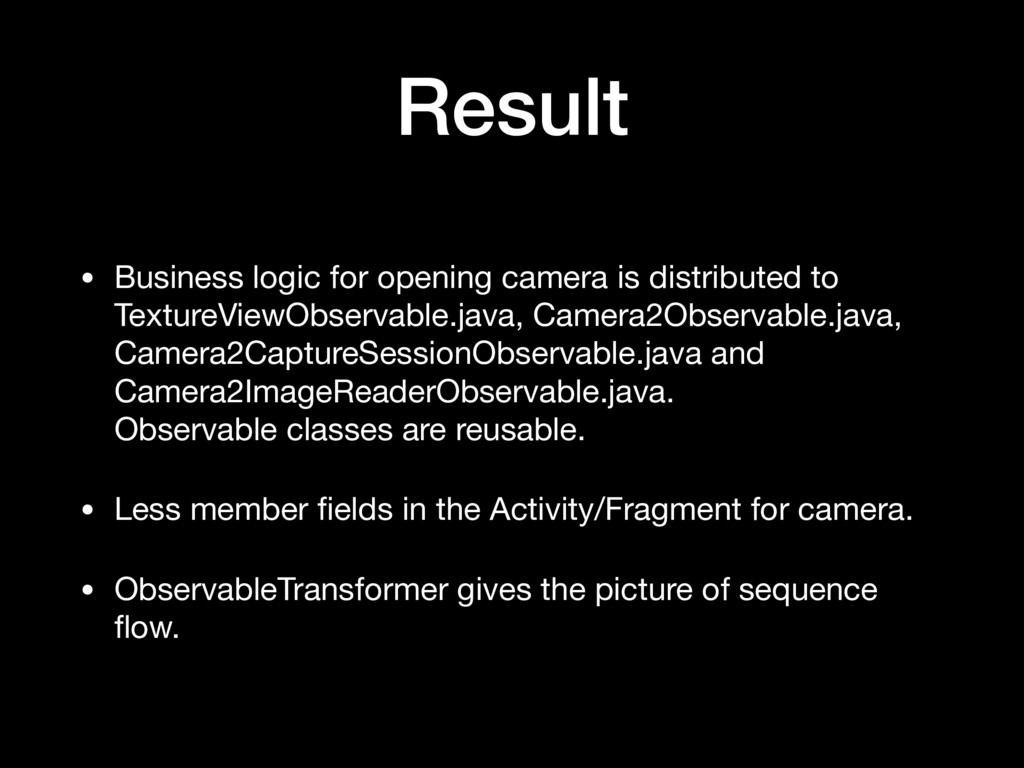
  10. Result • Business logic for opening camera is distributed to

    TextureViewObservable.java, Camera2Observable.java, Camera2CaptureSessionObservable.java and Camera2ImageReaderObservable.java.
 Observable classes are reusable. • Less member fields in the Activity/Fragment for camera. • ObservableTransformer gives the picture of sequence flow.
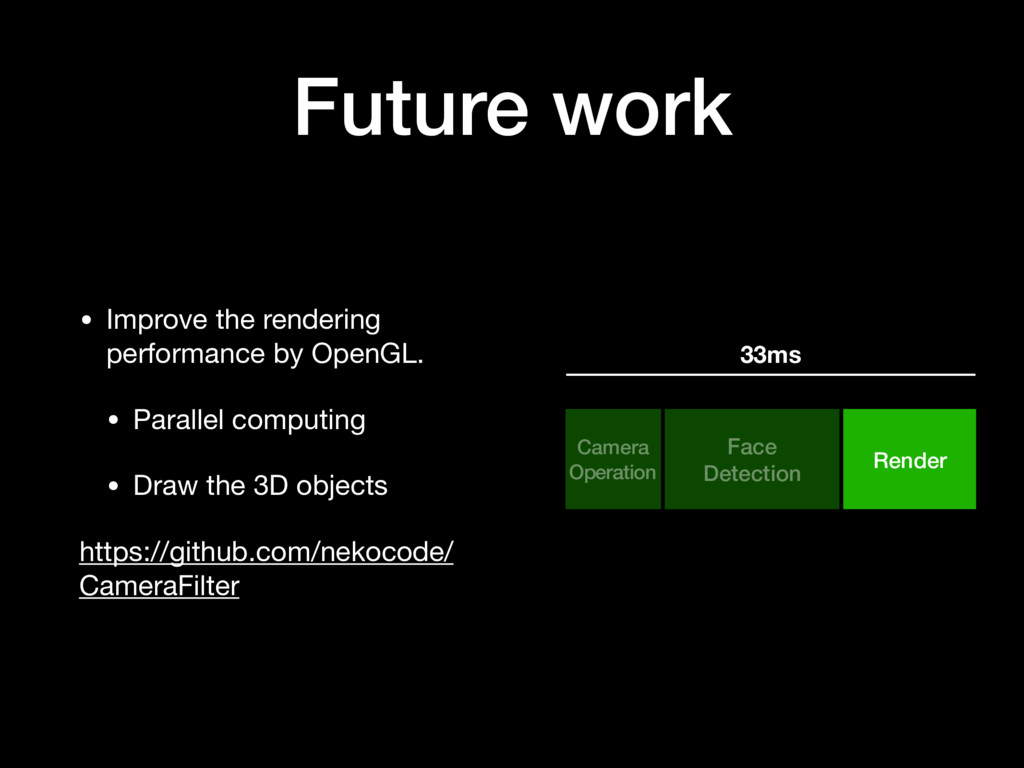
  11. Future work • Improve the rendering performance by OpenGL. •

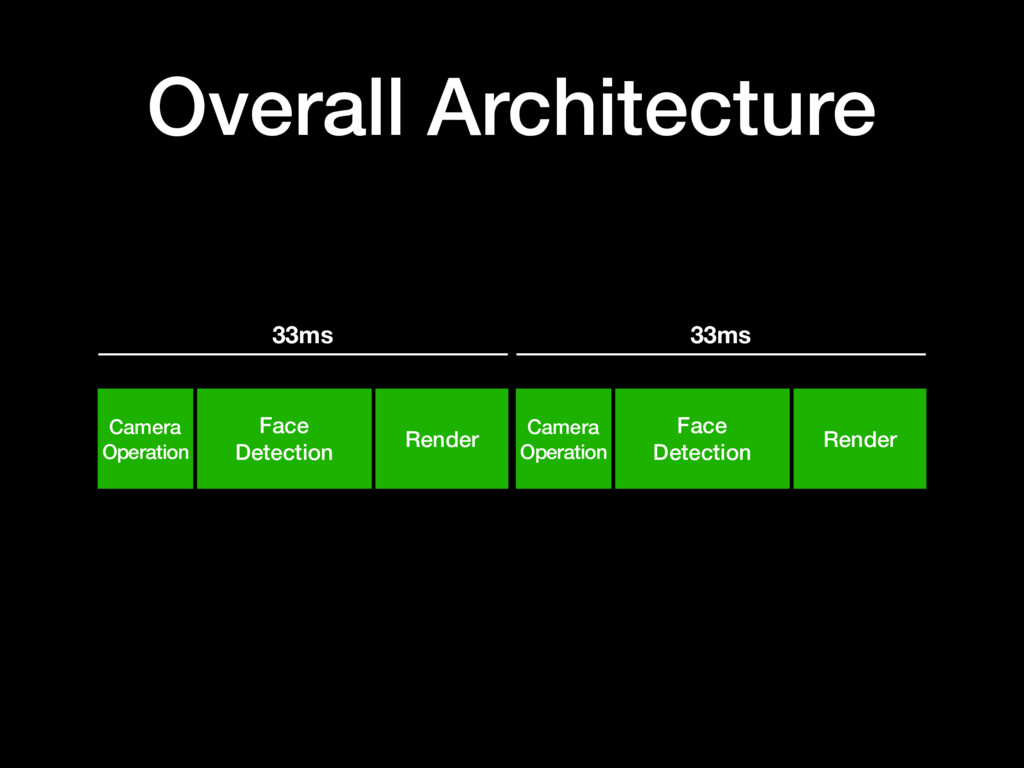
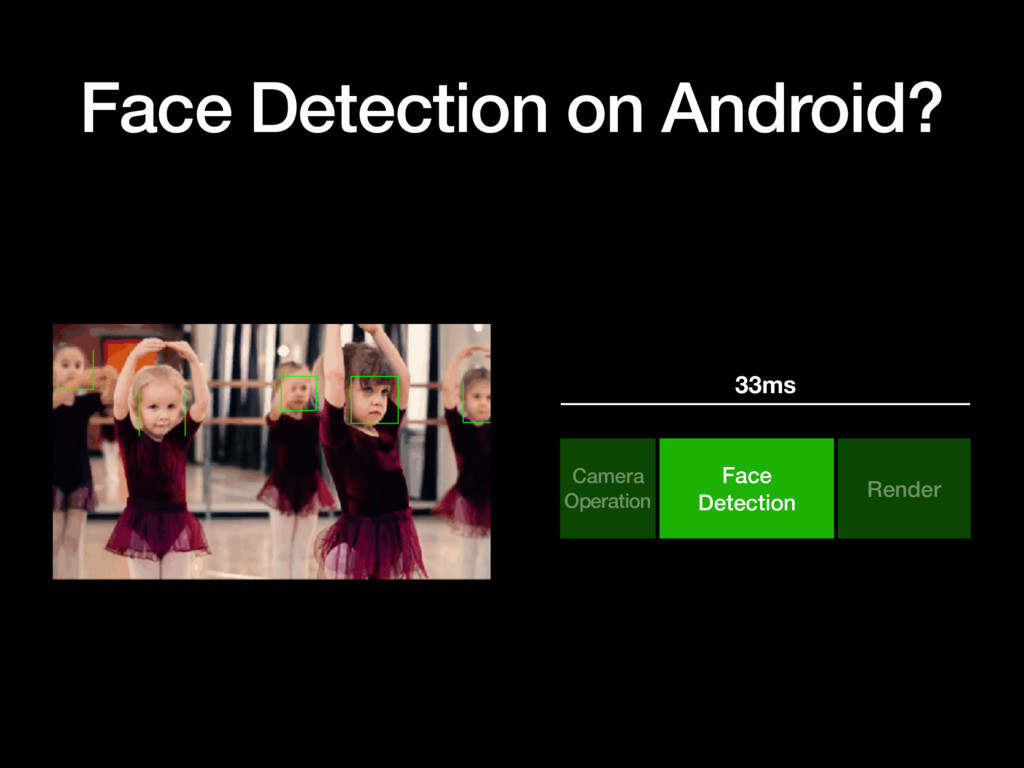
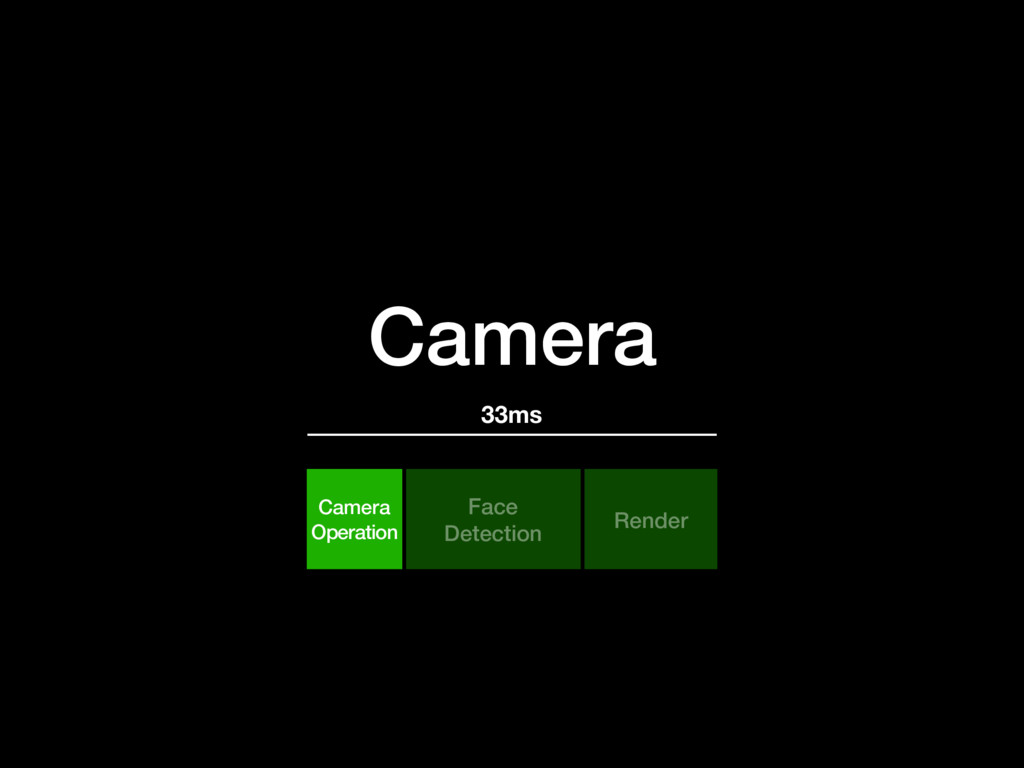
    Parallel computing • Draw the 3D objects https://github.com/nekocode/ CameraFilter Camera Operation Face Detection Render 33ms