Upgrade to Pro — share decks privately, control downloads, hide ads and more …

Building Linked Data applications

Sponsored · Your Podcast. Everywhere. Effortlessly. Share. Educate. Inspire. Entertain. You do you. We'll handle the rest. →

Building Linked Data applications

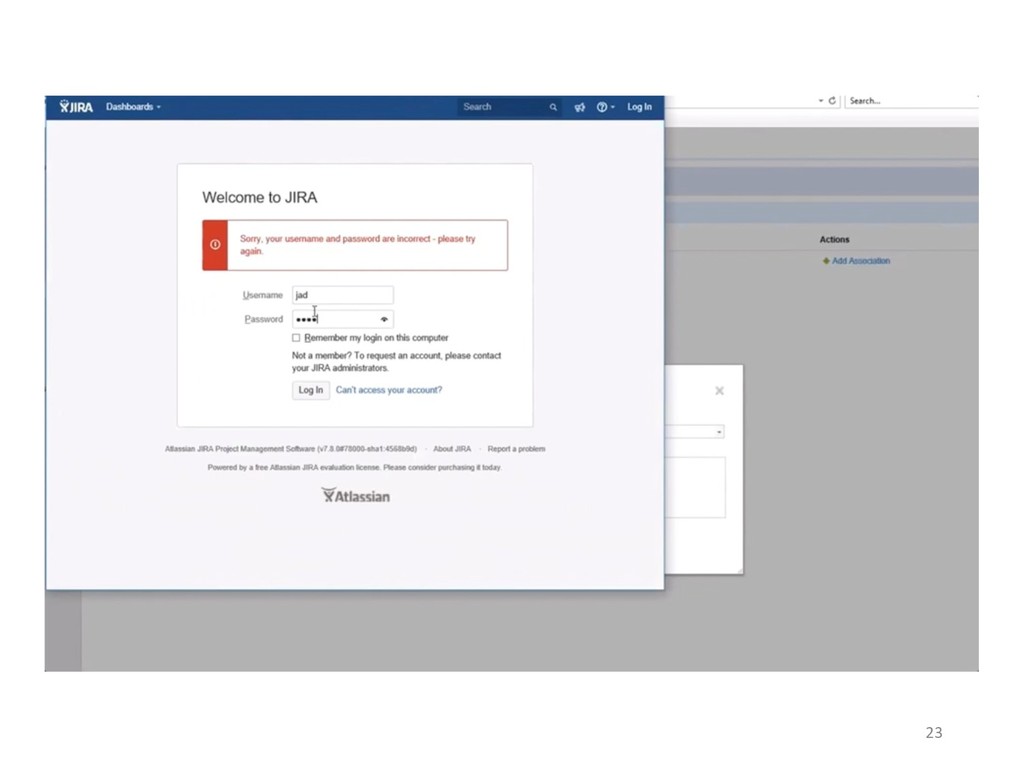
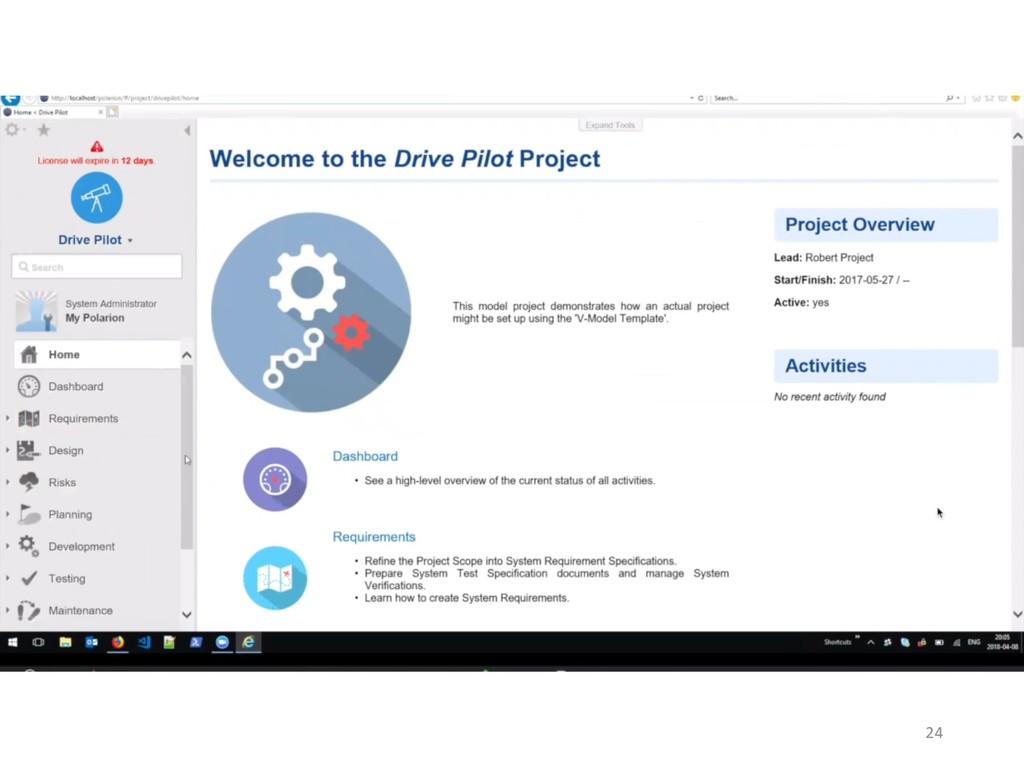
In this talk, we will start with a simple API built only with RDF & HTTP to discover what are the needs of a typical enterprise Linked Data service. We will then do a quick overview of the available standards for managing RDF resource collections, discovery, authentication, resource validation, change tracking, and search. Finally, we will demonstrate an integration between Atlassian Jira and Siemens Polarion based on Open Services for Lifecycle Collaboration (OSLC), a Linked Data standard for enterprise system integration.

https://lankadedata.se/LDSV/2018/index.html

Avatar for berezovskyi

berezovskyi

April 09, 2018

Other Decks in Technology

Transcript

  1. Building Linked Data applications Overview of the existing standards and

    real-world use of linked data applications [email protected] PhD student, KTH Royal Institute of Technology
  2. Outline • Publishing RDF • Read & Write access •

    Input Validation • Resource changes • Search • Access control • Discovery • Demo & extras • Slides: https://berezovskyi.me/r/ldsv18 2
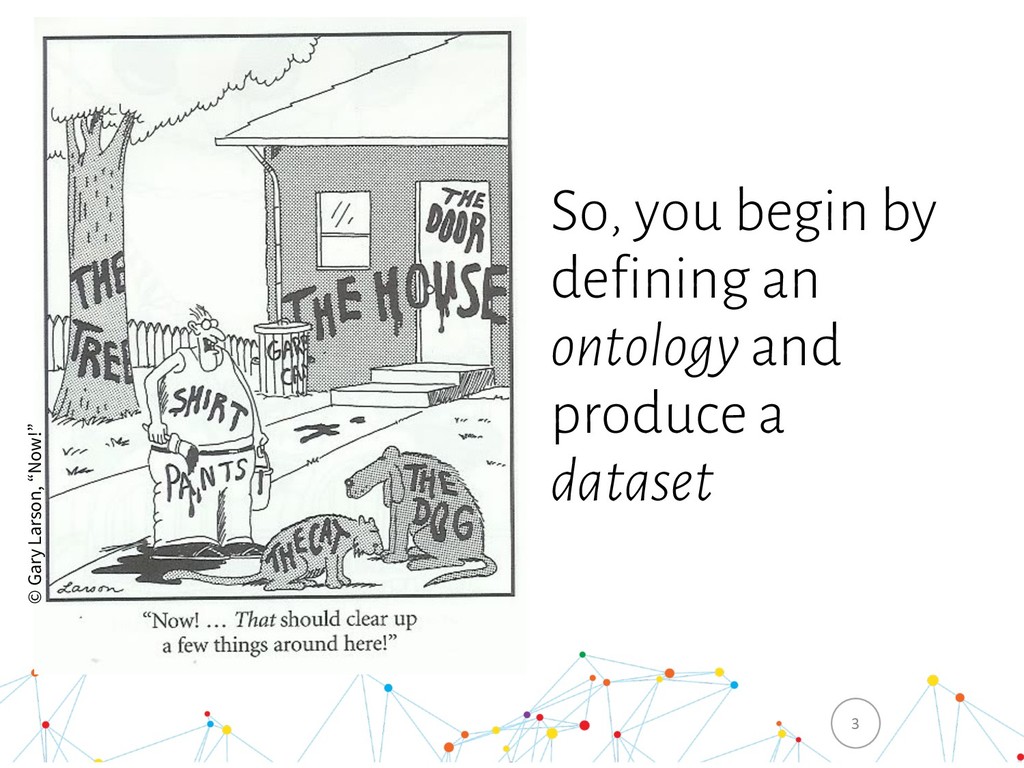
  3. So, you begin by defining an ontology and produce a

    dataset 3 © Gary Larson, “Now!”
  4. • “Datasets” produced by certain systems change with high frequency

    (think minutes..milliseconds) • Real work happens inside the systems that produce (use) these datasets • That’s where the value proposition can be created Why apps not just datasets? 4
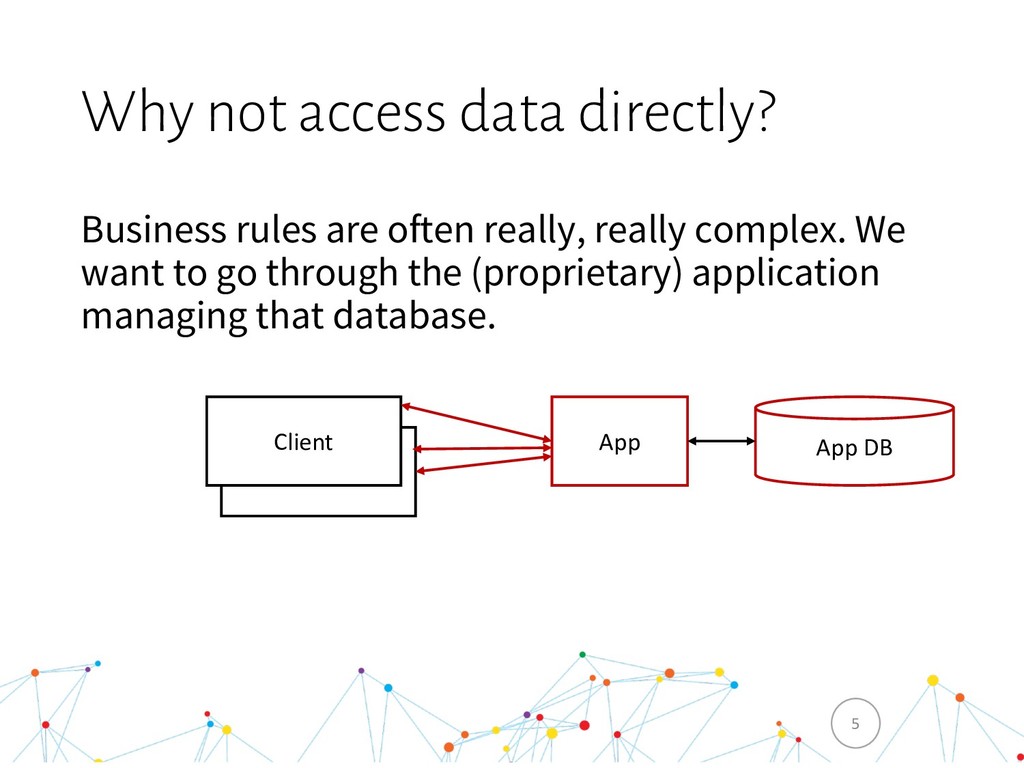
  5. Business rules are often really, really complex. We want to

    go through the (proprietary) application managing that database. Why not access data directly? 5 Client App App DB Client
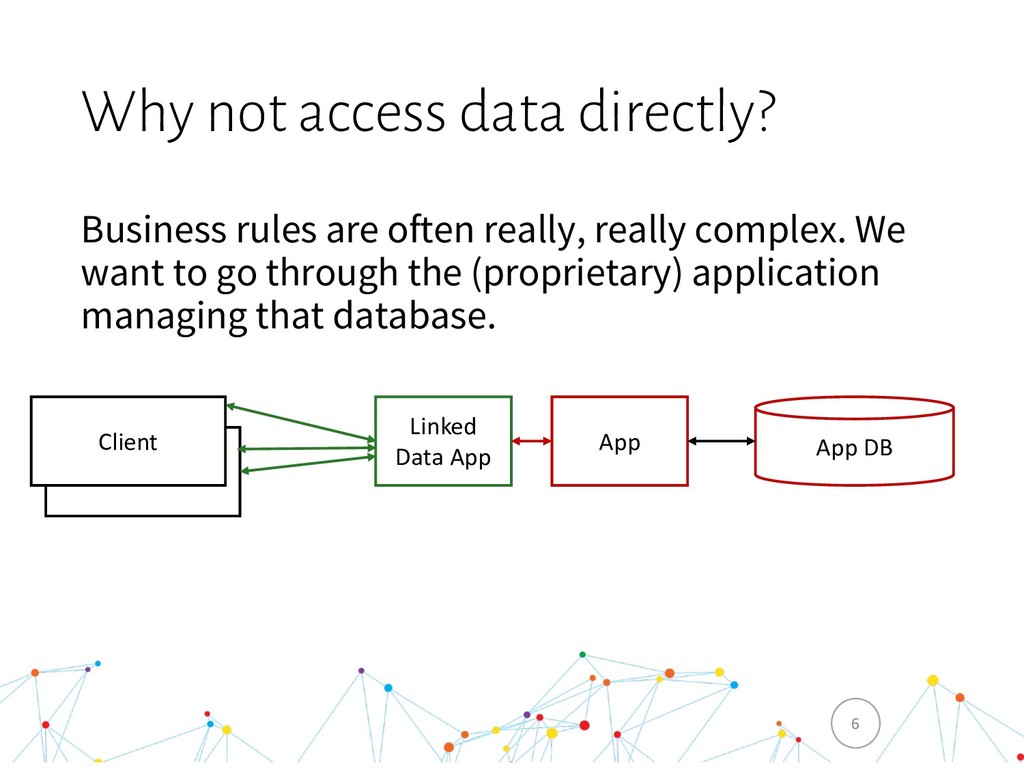
  6. Business rules are often really, really complex. We want to

    go through the (proprietary) application managing that database. Why not access data directly? 6 Client App App DB Client Linked Data App
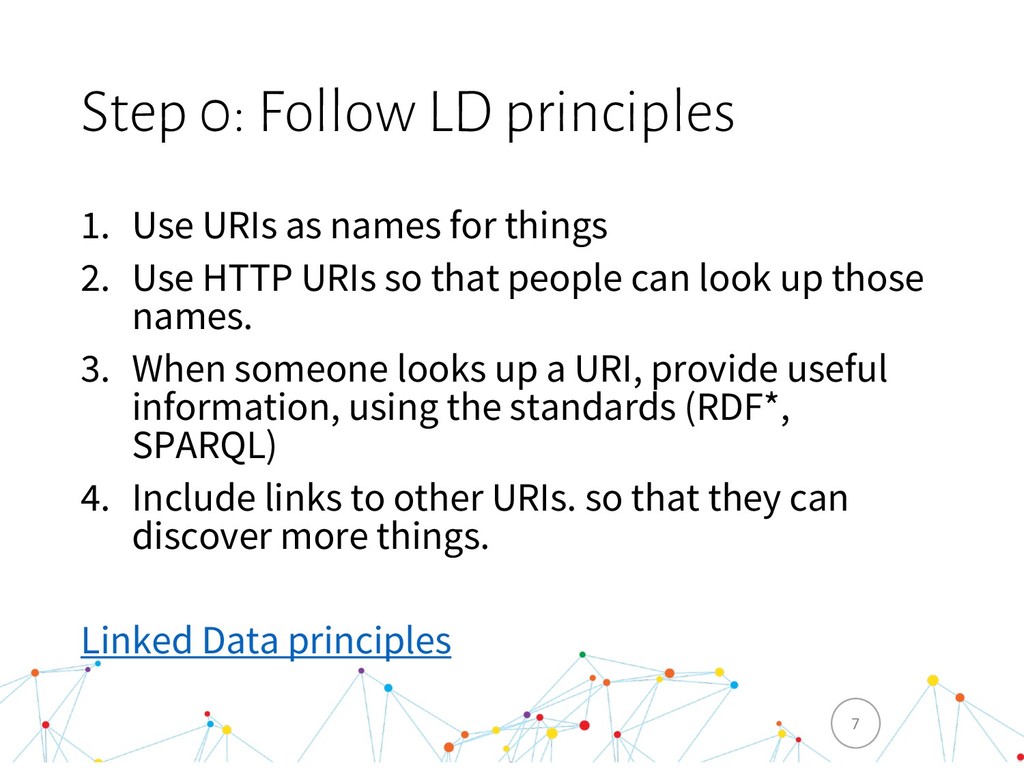
  7. 1. Use URIs as names for things 2. Use HTTP

    URIs so that people can look up those names. 3. When someone looks up a URI, provide useful information, using the standards (RDF*, SPARQL) 4. Include links to other URIs. so that they can discover more things. Linked Data principles Step 0: Follow LD principles 7
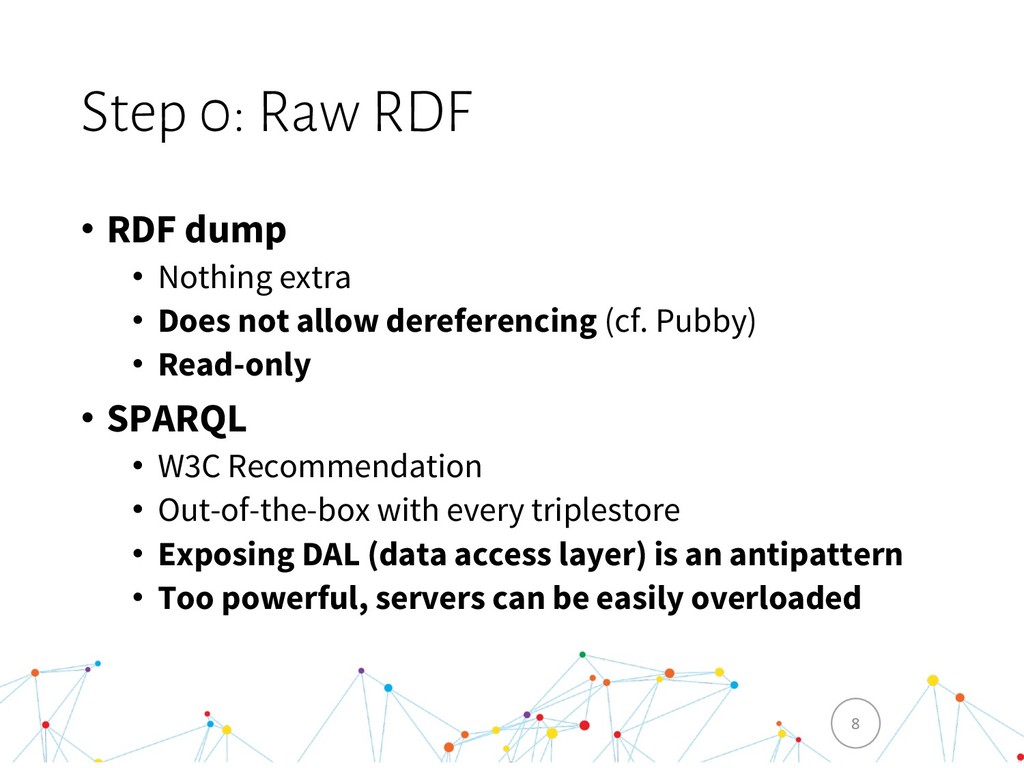
  8. Step 0: Raw RDF • RDF dump • Nothing extra

    • Does not allow dereferencing (cf. Pubby) • Read-only • SPARQL • W3C Recommendation • Out-of-the-box with every triplestore • Exposing DAL (data access layer) is an antipattern • Too powerful, servers can be easily overloaded 8
  9. Step 1: Just RDF & HTTP • Uses only RDF

    & HTTP • Allows to do GET/PUT/DELETE on any URI • Code is on Github: https://github.com/berezovskyi/ldsv18-vanilla-ld (~ 50 lines of code) 9
  10. Step 1: Problems • Uncontrolled & unvalidated data modification •

    Resource updates? • Discovery? • Search? 10
  11. Step 2: Notion of a Collection • Allow adding resources

    into a collection (define POST semantics) • Allow listing resources in a collection (& paging) • Collection of Collections allows some kind of discovery • W3C Linked Data Platform (LDP) Containers • W3C recommendation • Basic, Direct (not covered), Indirect (not covered) • LDP Paging draft • Hydra W3C Community Group • Hydra Collections • PartialCollectionView for paging 11
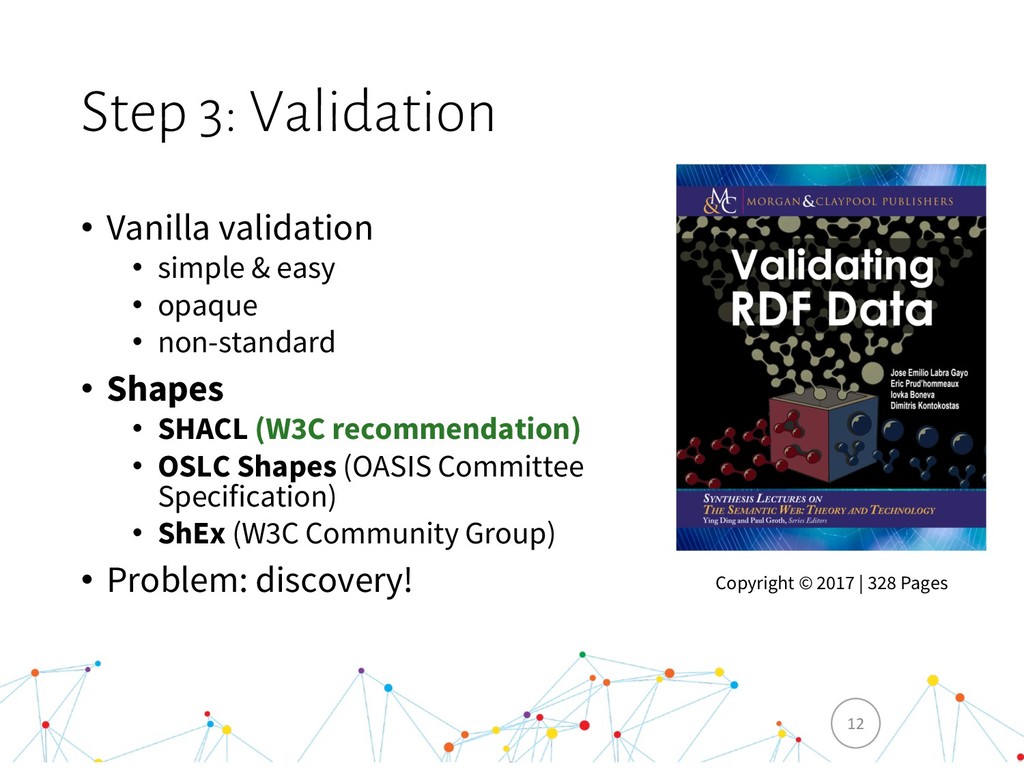
  12. Step 3: Validation • Vanilla validation • simple & easy

    • opaque • non-standard • Shapes • SHACL (W3C recommendation) • OSLC Shapes (OASIS Committee Specification) • ShEx (W3C Community Group) • Problem: discovery! 12 Copyright © 2017 | 328 Pages
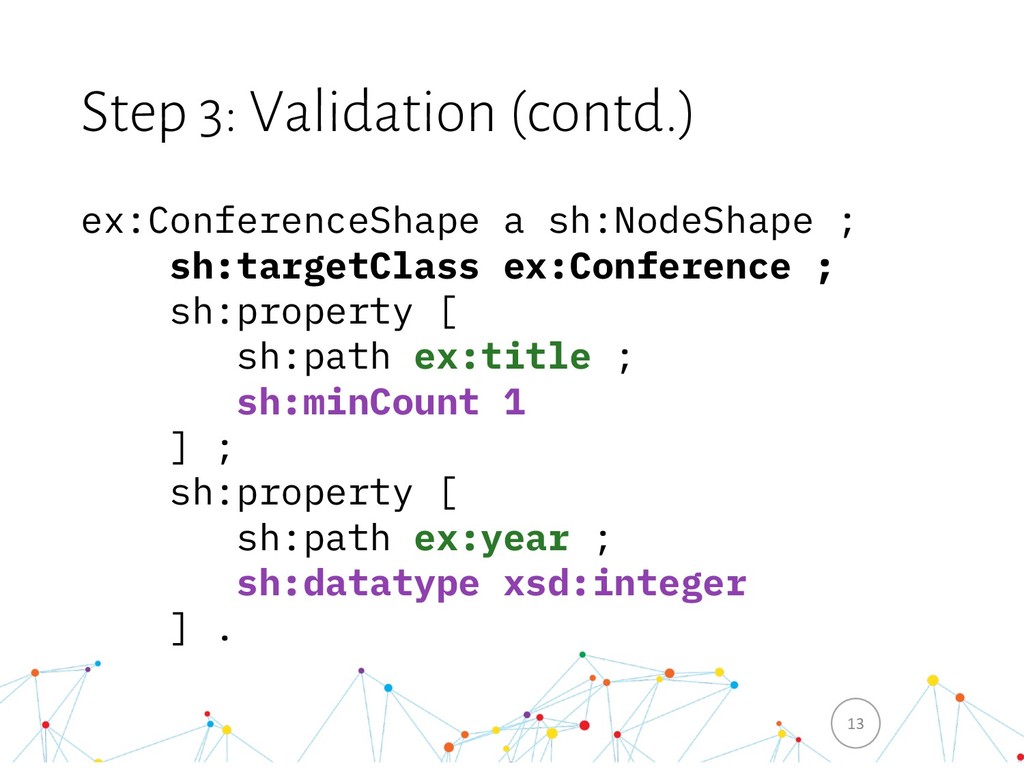
  13. Step 3: Validation (contd.) ex:ConferenceShape a sh:NodeShape ; sh:targetClass ex:Conference

    ; sh:property [ sh:path ex:title ; sh:minCount 1 ] ; sh:property [ sh:path ex:year ; sh:datatype xsd:integer ] . 13
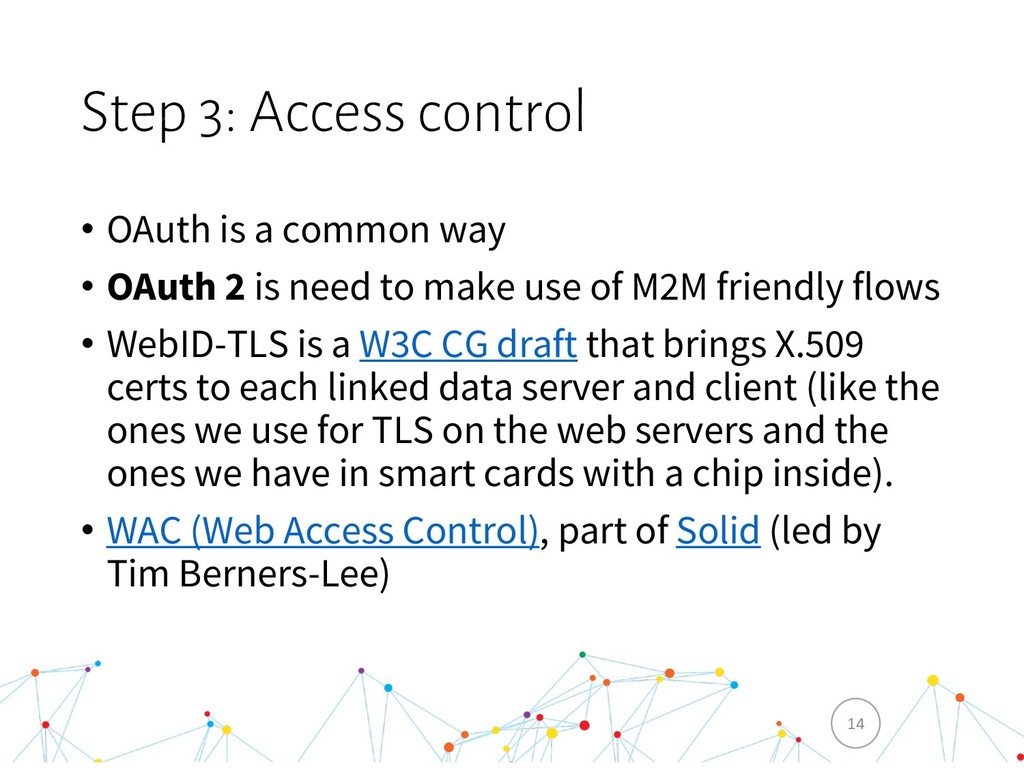
  14. Step 3: Access control • OAuth is a common way

    • OAuth 2 is need to make use of M2M friendly flows • WebID-TLS is a W3C CG draft that brings X.509 certs to each linked data server and client (like the ones we use for TLS on the web servers and the ones we have in smart cards with a chip inside). • WAC (Web Access Control), part of Solid (led by Tim Berners-Lee) 14
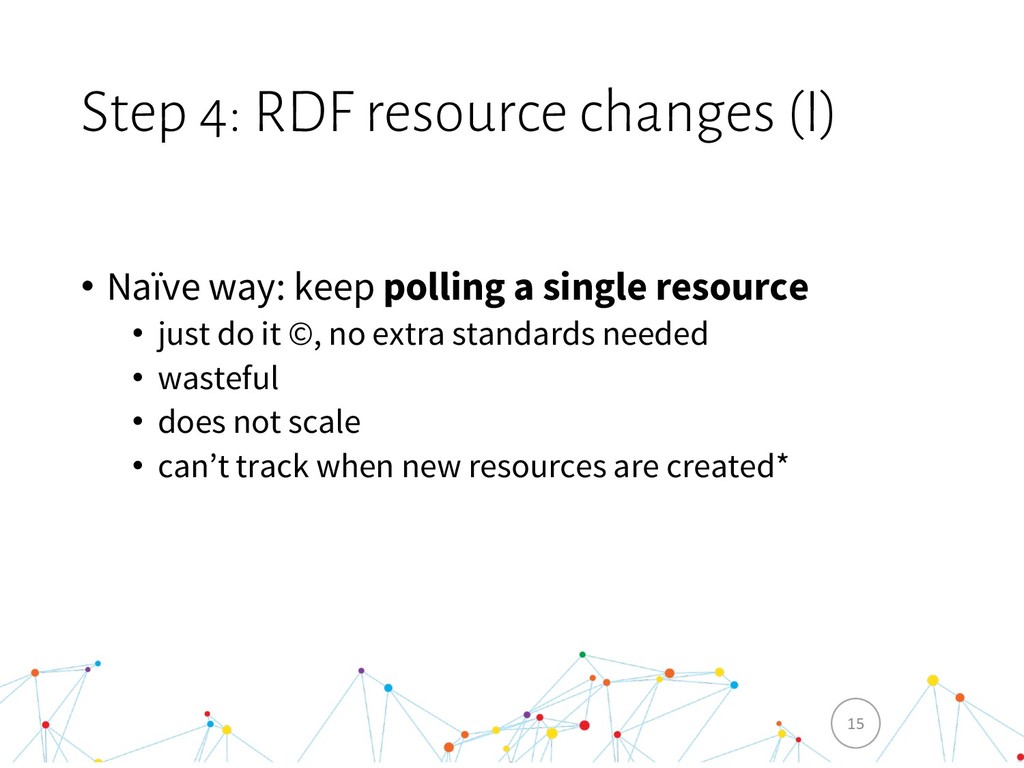
  15. Step 4: RDF resource changes (I) • Naïve way: keep

    polling a single resource • just do it ©, no extra standards needed • wasteful • does not scale • can’t track when new resources are created* 15
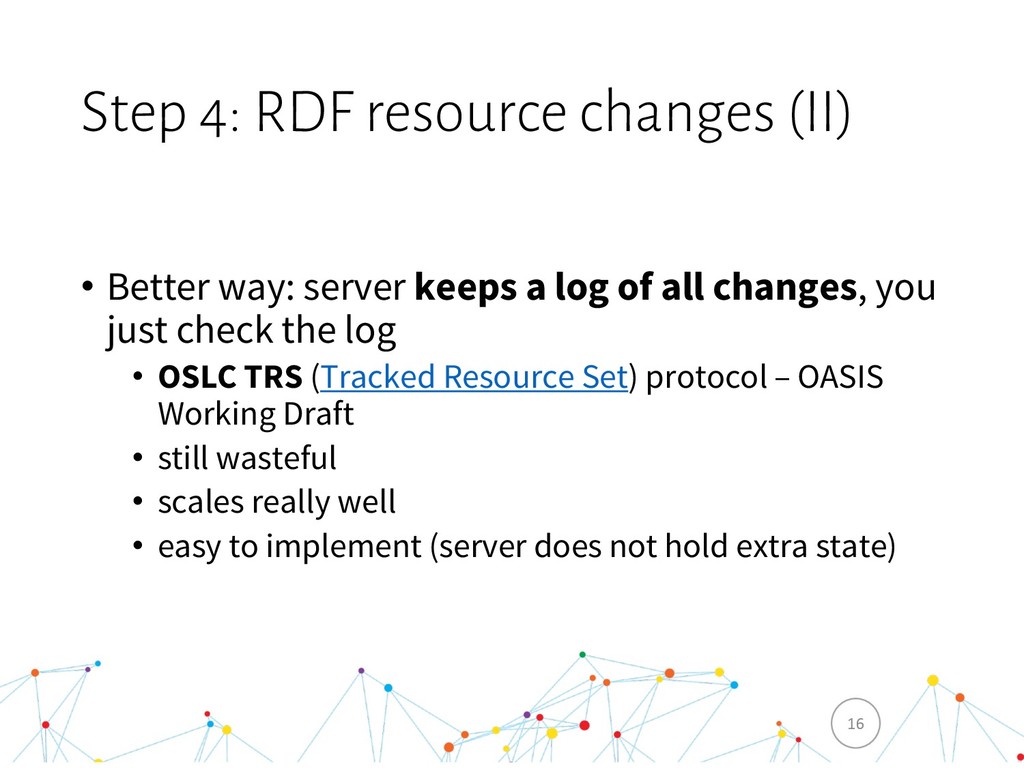
  16. Step 4: RDF resource changes (II) • Better way: server

    keeps a log of all changes, you just check the log • OSLC TRS (Tracked Resource Set) protocol – OASIS Working Draft • still wasteful • scales really well • easy to implement (server does not hold extra state) 16
  17. Step 4: RDF resource changes (III) • The Hollywood style:

    don’t call us, we’ll call you • LDN (Linked Data Notifications) protocol: W3C recommendation • indroduces the concept of a notification inbox • only a pub part of the pubsub is well defined (that’s by design) • if a resource has 1000 subscribers, you need to send 1000 notifications 17
  18. Step 5: Search • SPARQL: W3C Recommendation • no need

    to expose SPARQL Update any more • too complex queries can overload the server • access control • TPF (Triple Pattern Fragments): W3C Hydra Community Group draft • more advanced client • less server load • can be implemented w/o triplestore • OSLC Query • has a WHERE clause grammar • simple implementation – no need for a triplestore • think of it as filtering a collection • Hydra Free-text Queries 18
  19. Bring it all together: Discovery (I) • LDP (Linked Data

    Platform) • W3C Recommendation • HTTP OPTIONS • Membership predicate • Link HTTP headers 19
  20. Bring it all together: Discovery (II) • OSLC • builds

    on top of LDP • focus on (enterprise) system integration • Service Provider Catalogs • Service Providers • Services • Creation & Query • Shapes • Dialogs • UI preview • Errors 20
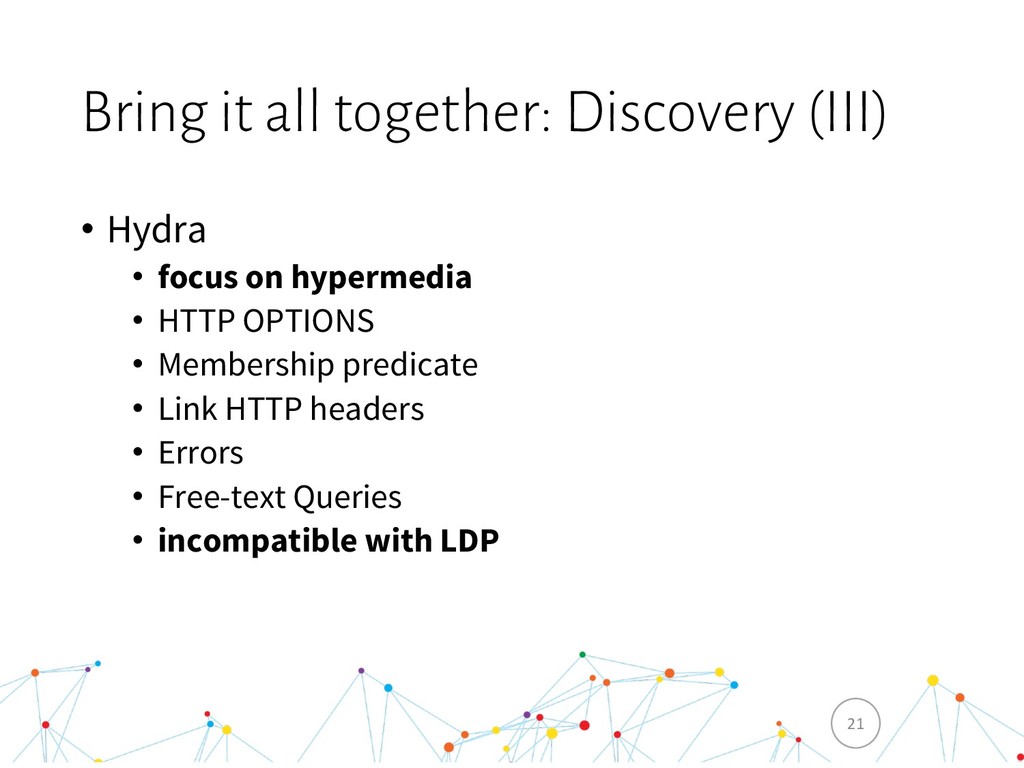
  21. Bring it all together: Discovery (III) • Hydra • focus

    on hypermedia • HTTP OPTIONS • Membership predicate • Link HTTP headers • Errors • Free-text Queries • incompatible with LDP 21
  22. 23

  23. 24

  24. Recap ü Read & Write ü Structure ü Validation ü

    Track changes to RDF resources ü Search ü Discovery § Access control human & headless clients is still tricky 25
  25. Afterword “People think RDF is a pain because it is

    complicated. The truth is even worse. RDF is painfully simplistic, but it allows you to work with real-world data and problems that are horribly complicated. While you can avoid RDF, it is harder to avoid complicated data and complicated computer problems. [...]” — Dan Brickley (Google/Schema.org) & Libby Miller (BBC) Validating RDF data 26
  26. Links • C-SPARQL: http://streamreasoning.org/ • LDP containers explained: https://github.com/samvera/hydra/wiki/LDP- Containers-for-the-perplexed

    • All links were archived via archive.org and archive.is in case any resource becomes unavailable 27
  27. Enterprise-specific reasons • 4 Linked Data principles provide a great

    framework for a vendor-neutral intranet intergration strategy that is compatible with the rest of the internet • Linked Data (RDF) vocabularies allow to standardise enterprise domains and integrate the tools with an overlap in those domains (cough, monolythic enterprise systems, cough) • Linked Data microservices can expose virtually any kind of information without breaking legacy systems in RDF & web-friendly way (from CSV files to proprietary binary protocols) 30
  28. Eclipse Lyo Designer • An Linked Data toolchain modelling environment:

    domains & services. • YouTube presentation: Eclipse Lyo - Toolchain Designer & Lyo Store – YouTube (15 min) 31
  29. Enterprise utility • Integrate things together. • Define own, enterprise-specific

    domains to integrate legacy systems. • OSLC specifically focuses on the integration problems. 32