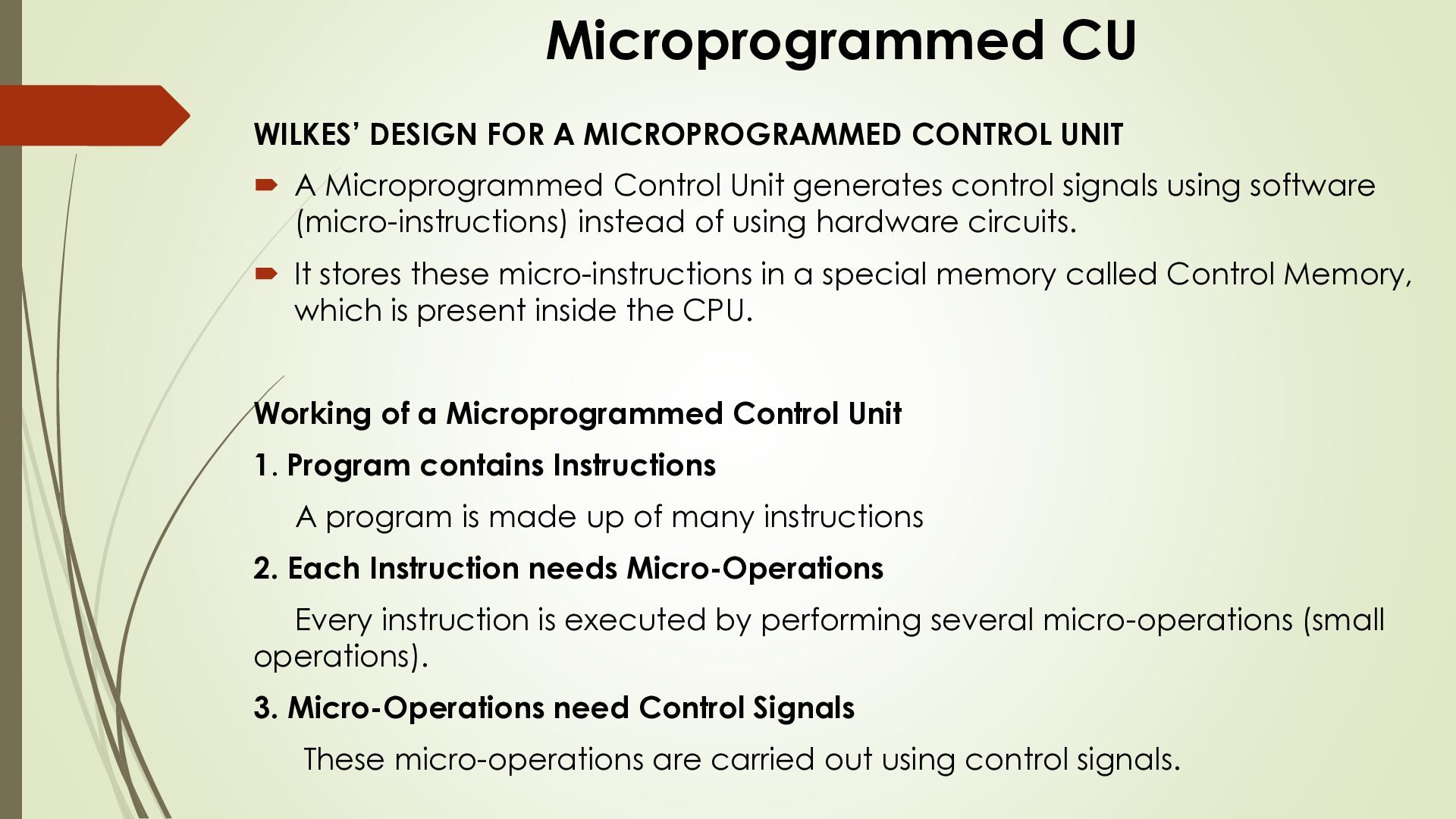
A Microprogrammed Control Unit generates control signals using software (micro-instructions) instead of using hardware circuits. It stores these micro-instructions in a special memory called Control Memory, which is present inside the CPU. Working of a Microprogrammed Control Unit 1. Program contains Instructions A program is made up of many instructions 2. Each Instruction needs Micro-Operations Every instruction is executed by performing several micro-operations (small operations). 3. Micro-Operations need Control Signals These micro-operations are carried out using control signals.
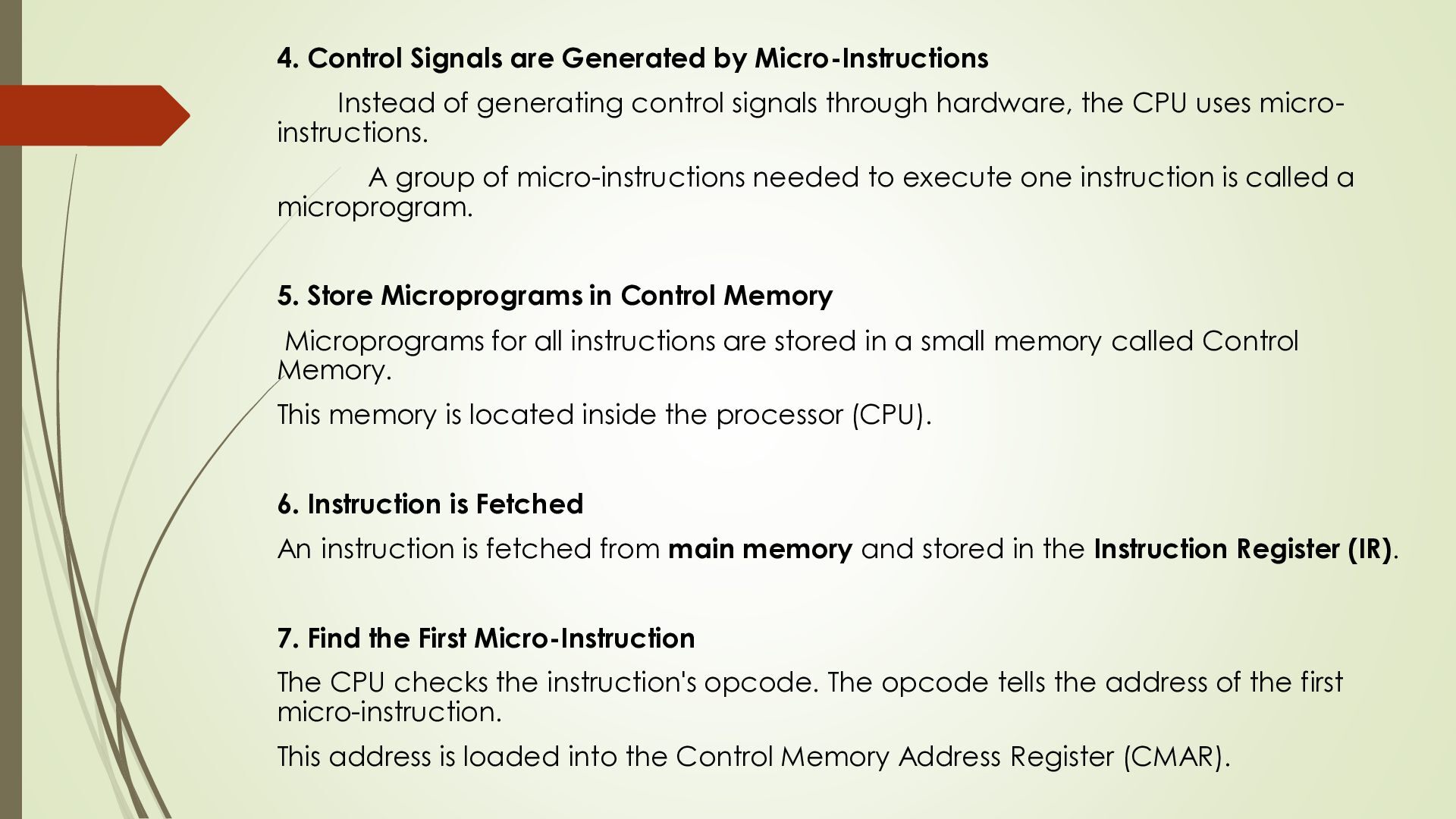
control signals through hardware, the CPU uses microinstructions. A group of micro-instructions needed to execute one instruction is called a microprogram. 5. Store Microprograms in Control Memory Microprograms for all instructions are stored in a small memory called Control Memory. This memory is located inside the processor (CPU). 6. Instruction is Fetched An instruction is fetched from main memory and stored in the Instruction Register (IR). 7. Find the First Micro-Instruction The CPU checks the instruction's opcode. The opcode tells the address of the first micro-instruction. This address is loaded into the Control Memory Address Register (CMAR).
the decoder. The decoder selects the required micro-instruction from the Control Memory. 9. Fields of a Micro-Instruction Each micro-instruction has two fields: Control Field: Specifies which control signals should be generated. Address Field: Specifies the address of the next micro-instruction. 10. Execute Next Micro-Instruction The address field is loaded again into CMAR. The next micro-instruction is fetched and executed. This continues until the instruction is completely executed. 11. Conditional Micro-Instructions Sometimes, the next step depends on a condition (for example, Zero Flag or Carry Flag). In this case, the micro-instruction contains two address fields:
address if the condition is False. 12. Control Memory Control Memory is usually made using Flash ROM. Flash ROM is: Non-volatile (data is not lost when power is off) Writable (microprograms can be updated) Advantages Very Flexible Changes can be made by updating the microprogram. Easy to Modify No need to redesign hardware.
added easily. Easy to Debug Finding and fixing errors in software is easier than changing hardware Disadvantages Requires Control Memory Extra memory inside the CPU increases its size. Higher Cost Additional memory increases the processor cost. More Memory Space Needed Every micro-instruction contains an address field, which uses extra memory space.
Memory? Semiconductor memory is memory made using silicon chips. It is used in almost all electronic devices such as computers, laptops, smartphones, tablets, and embedded systems. It stores data and instructions needed by the processor Types of Semiconductor Memory There are two main categories of semiconductor memory: RAM (Random Access Memory) ROM (Read Only Memory
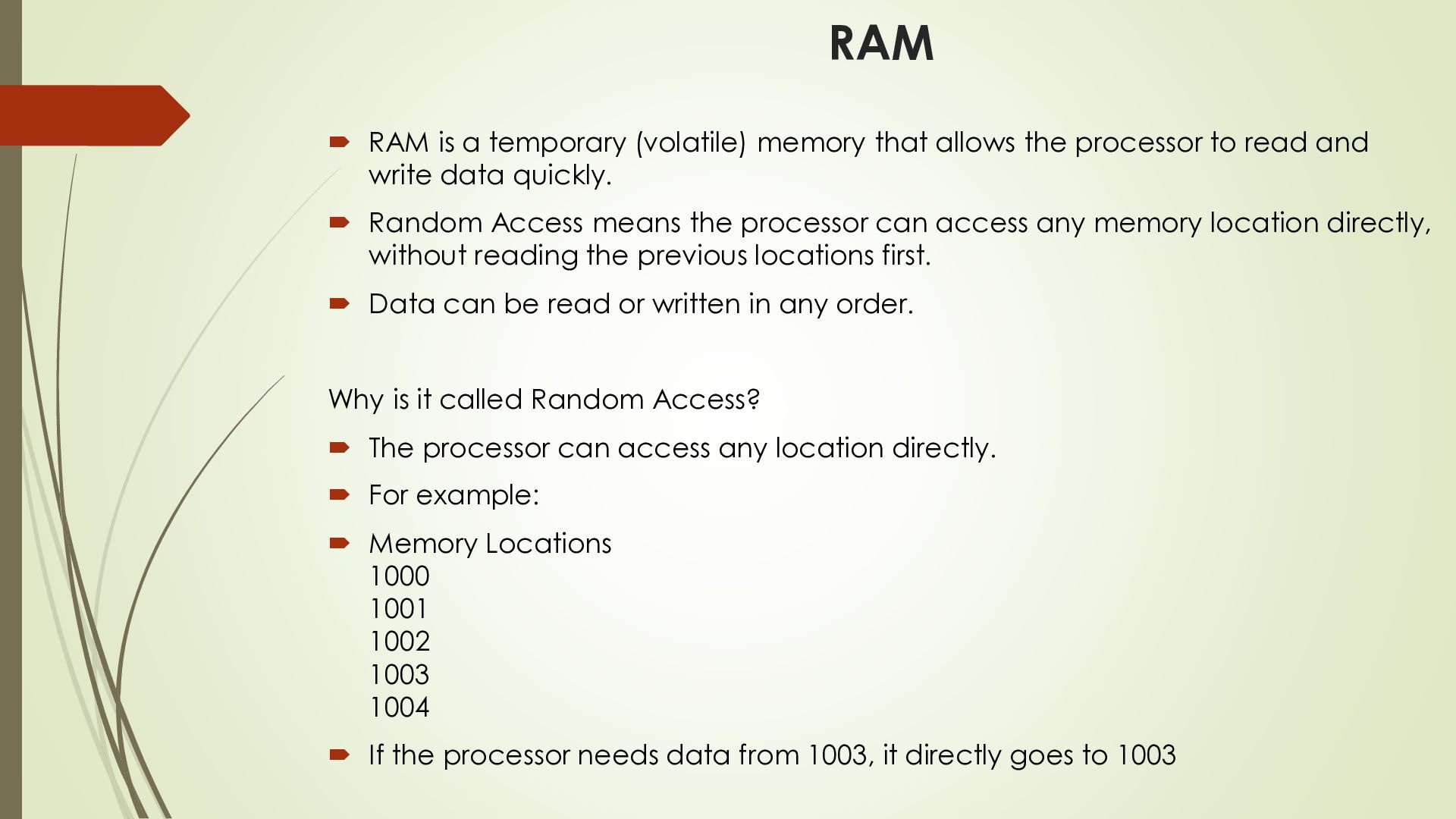
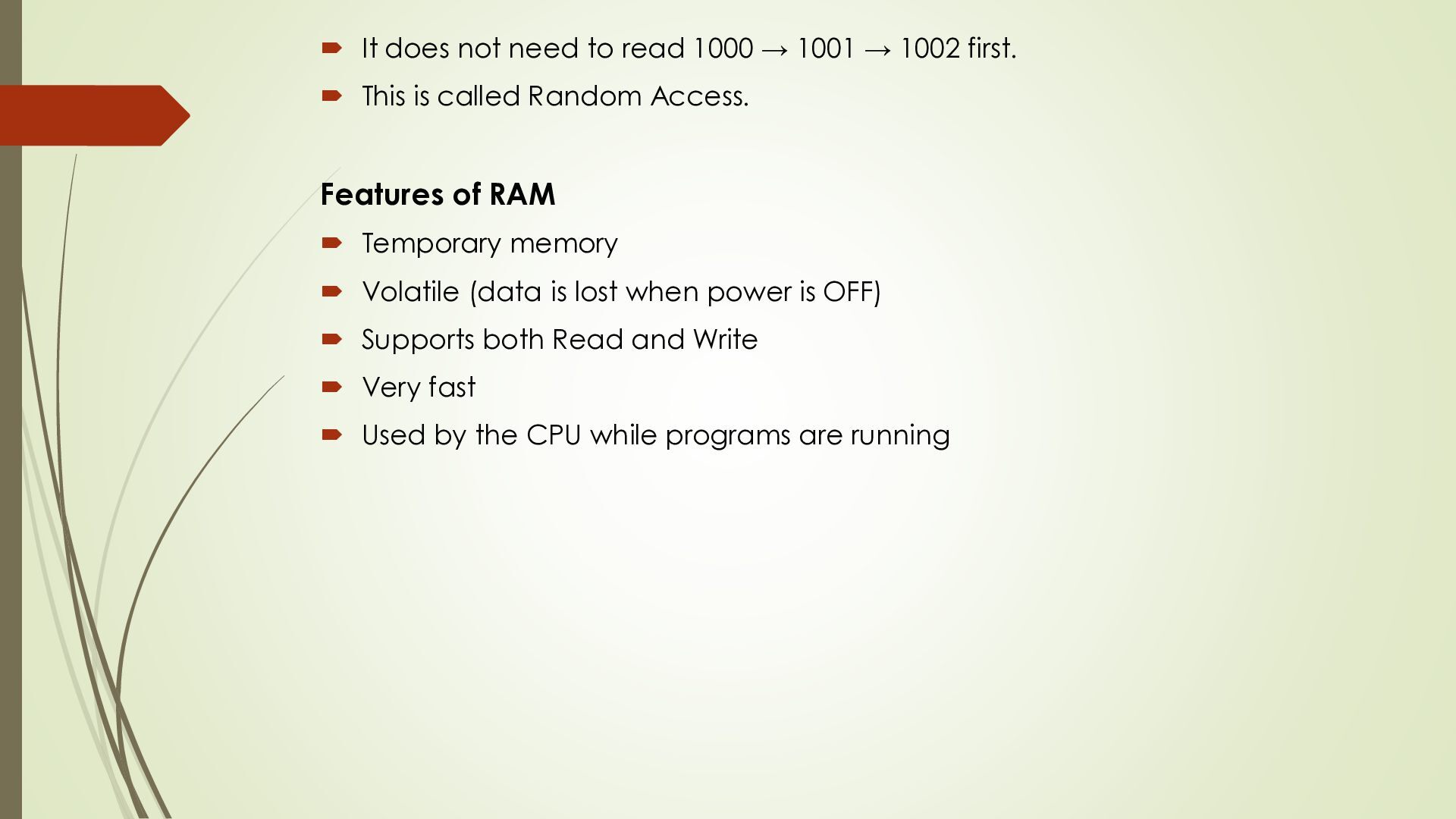
the processor to read and write data quickly. Random Access means the processor can access any memory location directly, without reading the previous locations first. Data can be read or written in any order. Why is it called Random Access? The processor can access any location directly. For example: Memory Locations 1000 1001 1002 1003 1004 If the processor needs data from 1003, it directly goes to 1003
→ 1002 first. This is called Random Access. Features of RAM Temporary memory Volatile (data is lost when power is OFF) Supports both Read and Write Very fast Used by the CPU while programs are running
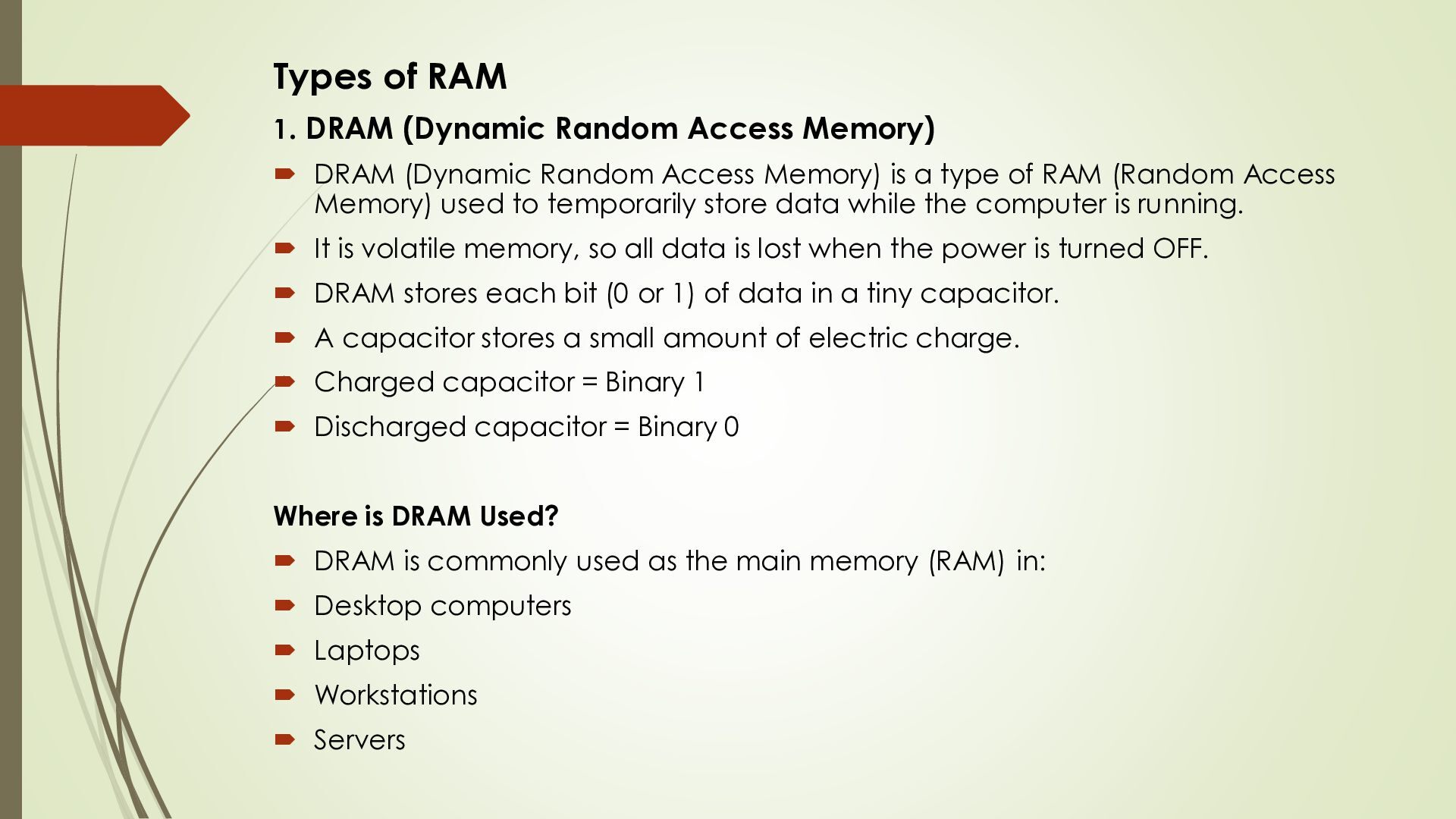
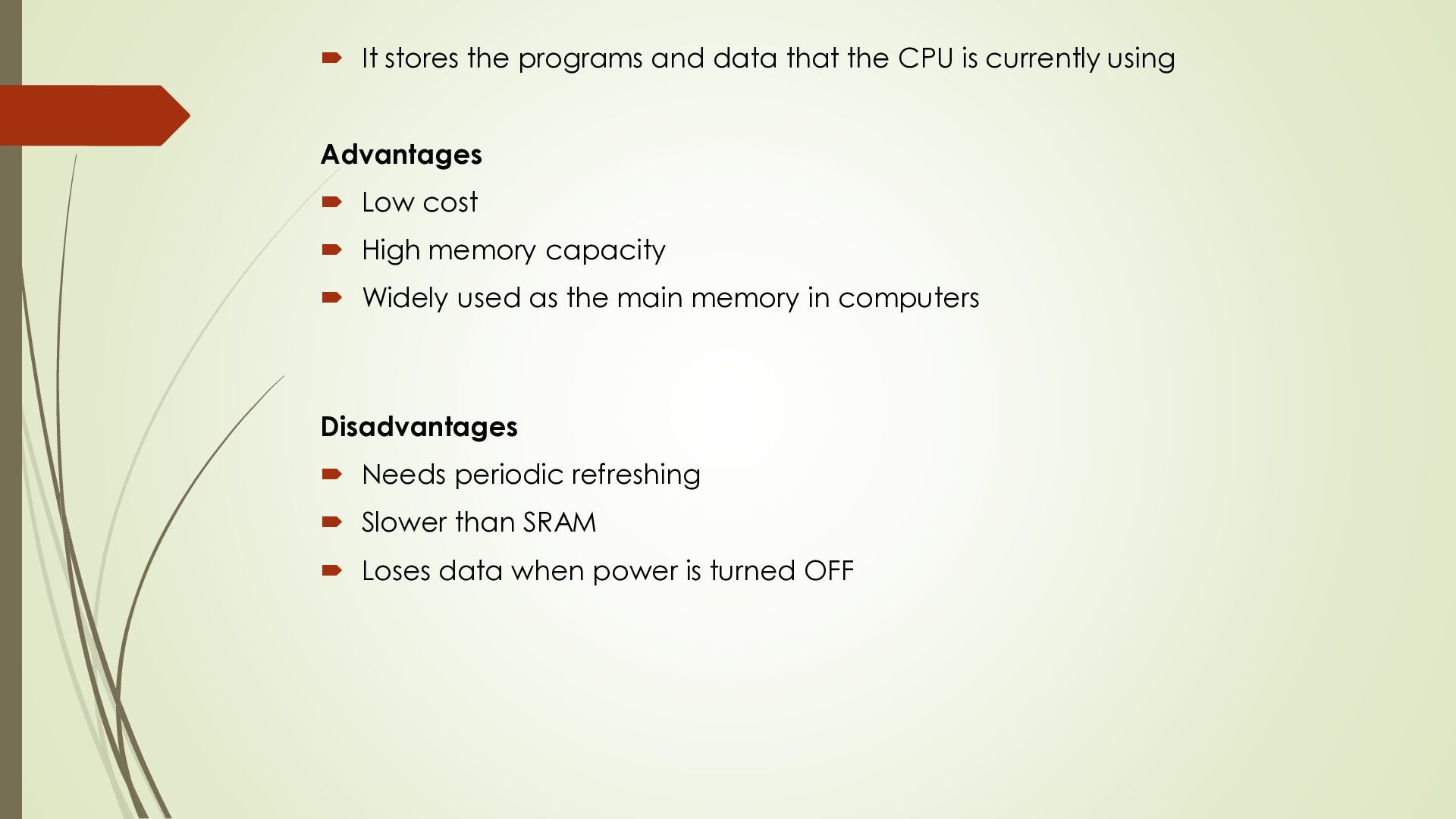
DRAM (Dynamic Random Access Memory) is a type of RAM (Random Access Memory) used to temporarily store data while the computer is running. It is volatile memory, so all data is lost when the power is turned OFF. DRAM stores each bit (0 or 1) of data in a tiny capacitor. A capacitor stores a small amount of electric charge. Charged capacitor = Binary 1 Discharged capacitor = Binary 0 Where is DRAM Used? DRAM is commonly used as the main memory (RAM) in: Desktop computers Laptops Workstations Servers
is currently using Advantages Low cost High memory capacity Widely used as the main memory in computers Disadvantages Needs periodic refreshing Slower than SRAM Loses data when power is turned OFF
Access Memory) is a type of Random Access Memory (RAM). It works similarly to DRAM, but it has one major difference. Instead of using a normal dielectric layer, F-RAM uses a ferroelectric layer. This makes F-RAM non-volatile, which means it does not lose data when the power is turned OFF 3. MRAM This is Magneto-resistive RAM, or Magnetic RAM. It is a non-volatile RAM memory technology that uses magnetic charges to store data instead of electric charges. Unlike technologies including DRAM, which require a constant flow of electricity to maintain the integrity of the data, MRAM retains data even when the power is removed. An additional advantage is that it only requires low power for active operation.
can run at faster speeds than conventional DRAM. It is synchronised to the clock of the processor and is capable of keeping two sets of memory addresses open simultaneously. By transferring data alternately from one set of addresses, and then the other. 5. SRAM: Static Random Access Memory. This form of semiconductor memory gains its name from the fact that, unlike DRAM, the data does not need to be refreshed dynamically. It is able to support faster read and write times than DRAM (typically 10 ns against 60 ns for DRAM), and in addition its cycle time is much shorter because it does not need to pause between accesses.
keeps data even when the power is turned OFF. Because the data is permanent, ROM is used to store important programs that the computer needs every time it starts. Data is usually written only once or changed very rarely. It stores permanent programs, called firmware As the name Read Only Memory suggests, the data in ROM is not easy to change. Writing data into ROM for the first time usually requires special hardware or a programmer. In some types of ROM (such as EPROM or EEPROM), the stored data can be changed, but it first needs to be erased using special methods (such as UV light for EPROM or electrical signals for EEPROM). After erasing, new data can be written
Slower than RAM Advantages Data is permanent. Reliable. Does not lose data after power OFF. Disadvantages Difficult to modify. Slower than RAM.
Erasable Programmable Read Only Memory. Data can be written to it and it can be erased using an electrical voltage. This is typically applied to an erase pin on the chip. It is a non-volatile memory, so it does not lose data when the power is turned OFF. Working of EPROM 1. Programming First, data is written (programmed) into the EPROM chip using a special programmer. 2. Erasing If the stored data needs to be changed, it is erased using Ultraviolet (UV) light. UV light removes the stored data from the memory. 3. Circular Window EPROM chips have a small circular quartz window on the top. This window allows UV light to reach the silicon chip and erase the data.
circular window is covered with a label. The label protects the chip from sunlight or other UV light, preventing accidental data loss. 5. Data Storage EPROM stores data as an electric charge in tiny capacitors (memory cells). Each memory cell stores one bit (0 or 1). The stored data can be read many times without changing it. 6. Charge Leakage After many years, the electric charge stored in the capacitors may slowly leak away. If this happens, the stored data may be lost.
computers Embedded systems Development and testing systems Small production electronic devices Today, EPROM has mostly been replaced by EEPROM and Flash Memory, which are easier to erase and reprogram. Advantages Data remains even after power is OFF. Can be erased and programmed again. Suitable for testing and development.
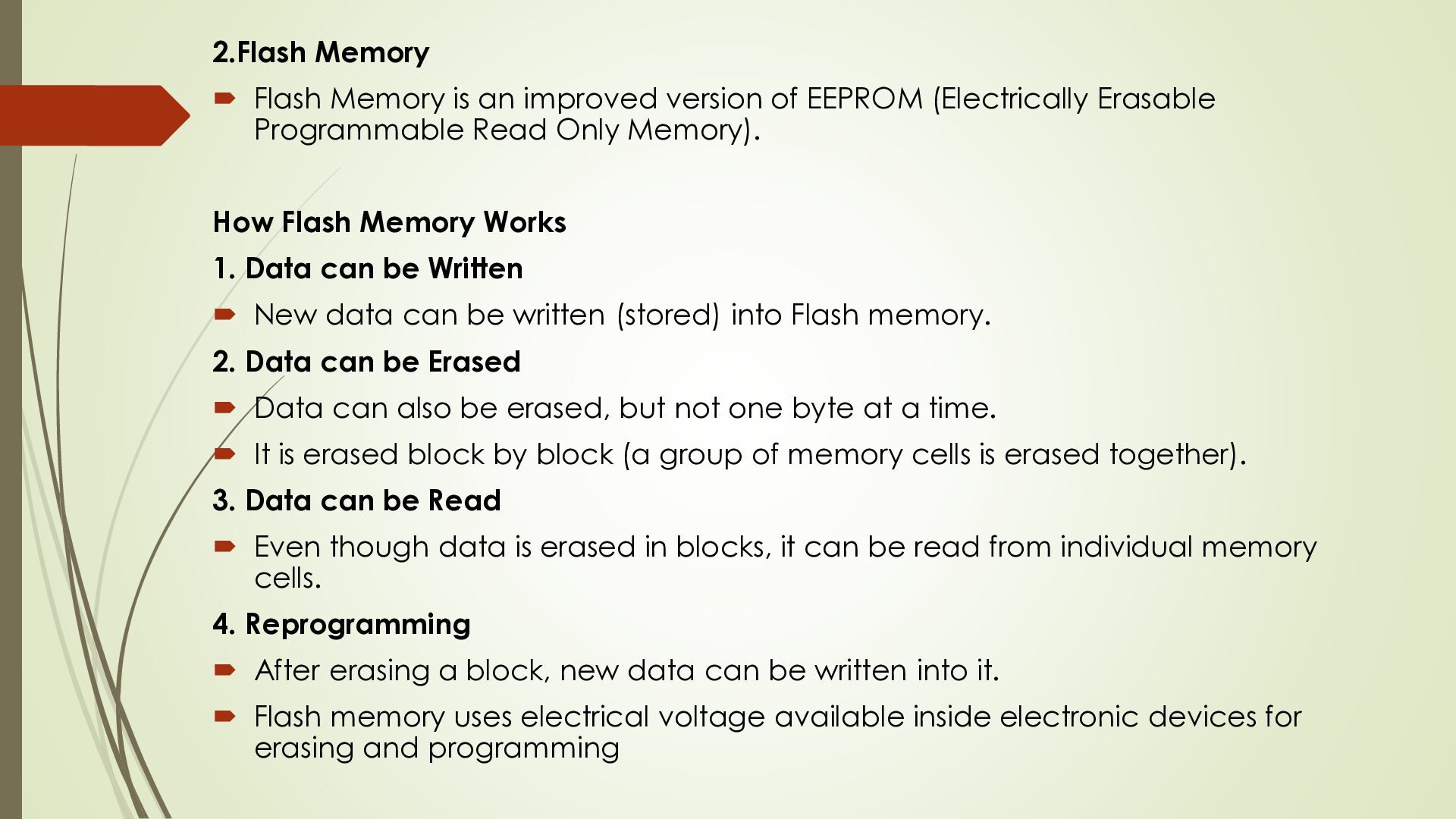
EEPROM (Electrically Erasable Programmable Read Only Memory). How Flash Memory Works 1. Data can be Written New data can be written (stored) into Flash memory. 2. Data can be Erased Data can also be erased, but not one byte at a time. It is erased block by block (a group of memory cells is erased together). 3. Data can be Read Even though data is erased in blocks, it can be read from individual memory cells. 4. Reprogramming After erasing a block, new data can be written into it. Flash memory uses electrical voltage available inside electronic devices for erasing and programming
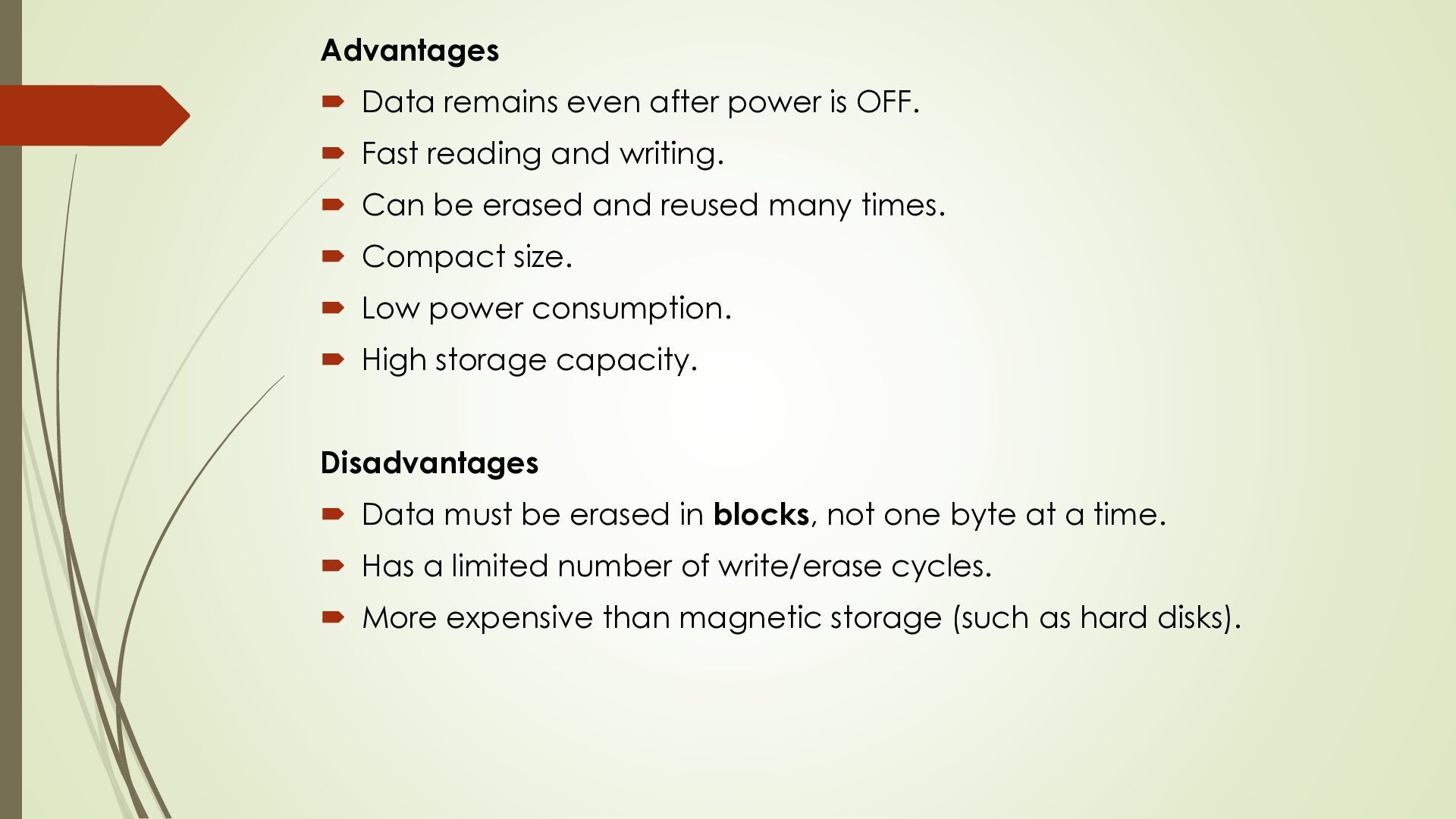
Fast reading and writing. Can be erased and reused many times. Compact size. Low power consumption. High storage capacity. Disadvantages Data must be erased in blocks, not one byte at a time. Has a limited number of write/erase cycles. More expensive than magnetic storage (such as hard disks).
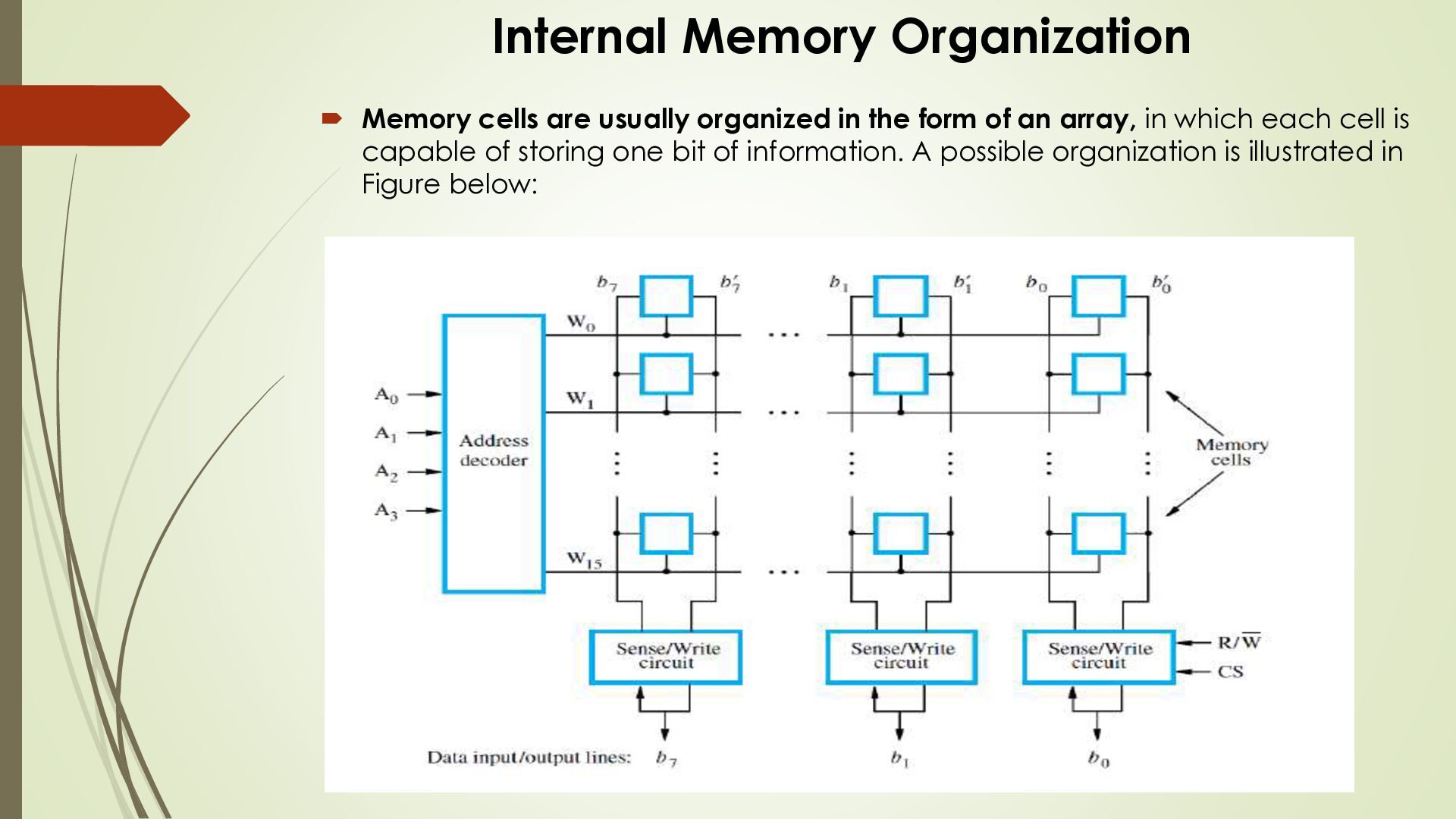
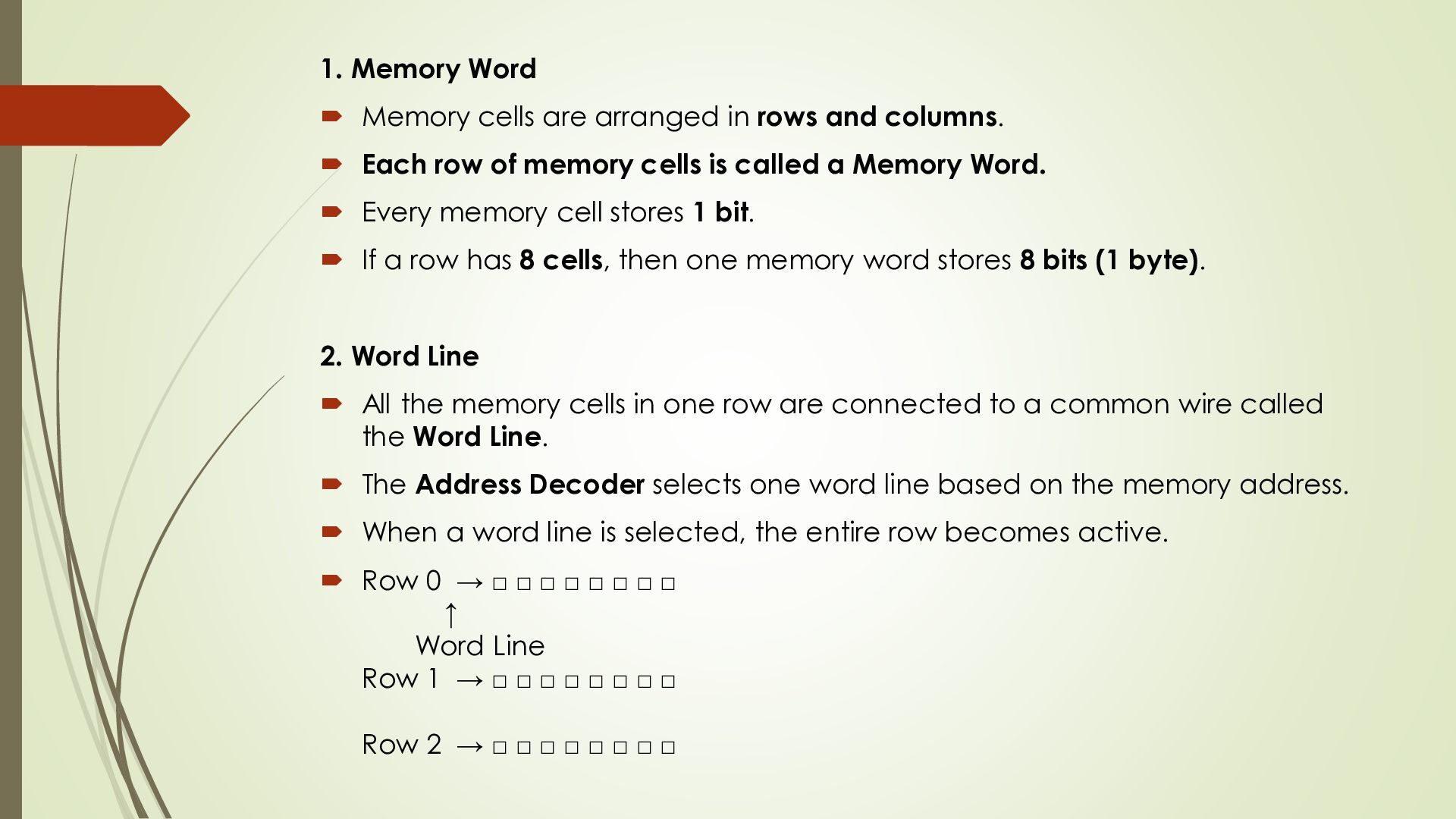
and columns. Each row of memory cells is called a Memory Word. Every memory cell stores 1 bit. If a row has 8 cells, then one memory word stores 8 bits (1 byte). 2. Word Line All the memory cells in one row are connected to a common wire called the Word Line. The Address Decoder selects one word line based on the memory address. When a word line is selected, the entire row becomes active. Row 0 → □ □ □ □ □ □ □ □ ↑ Word Line Row 1 → □ □ □ □ □ □ □ □ Row 2 → □ □ □ □ □ □ □ □
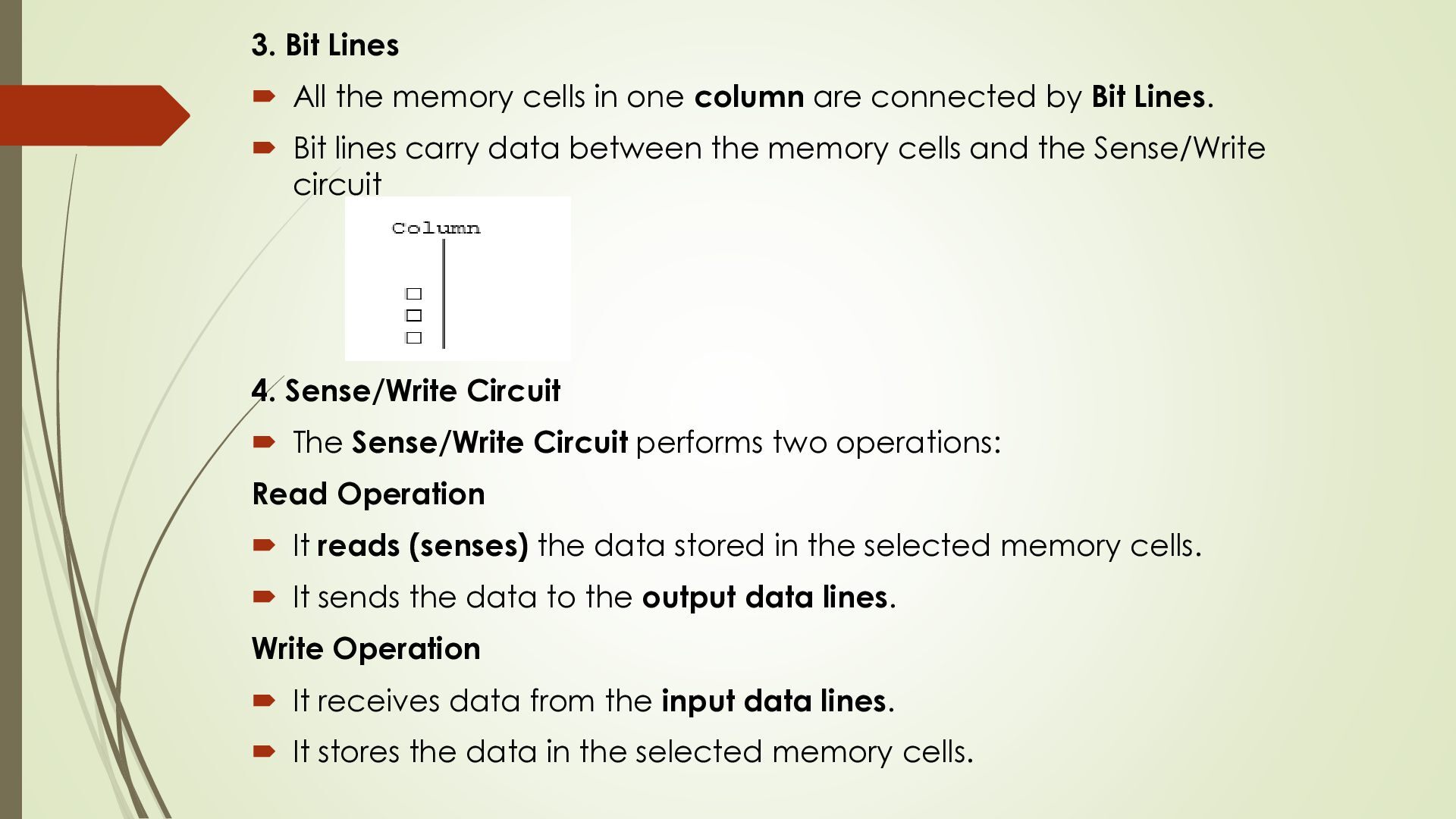
column are connected by Bit Lines. Bit lines carry data between the memory cells and the Sense/Write circuit 4. Sense/Write Circuit The Sense/Write Circuit performs two operations: Read Operation It reads (senses) the data stored in the selected memory cells. It sends the data to the output data lines. Write Operation It receives data from the input data lines. It stores the data in the selected memory cells.
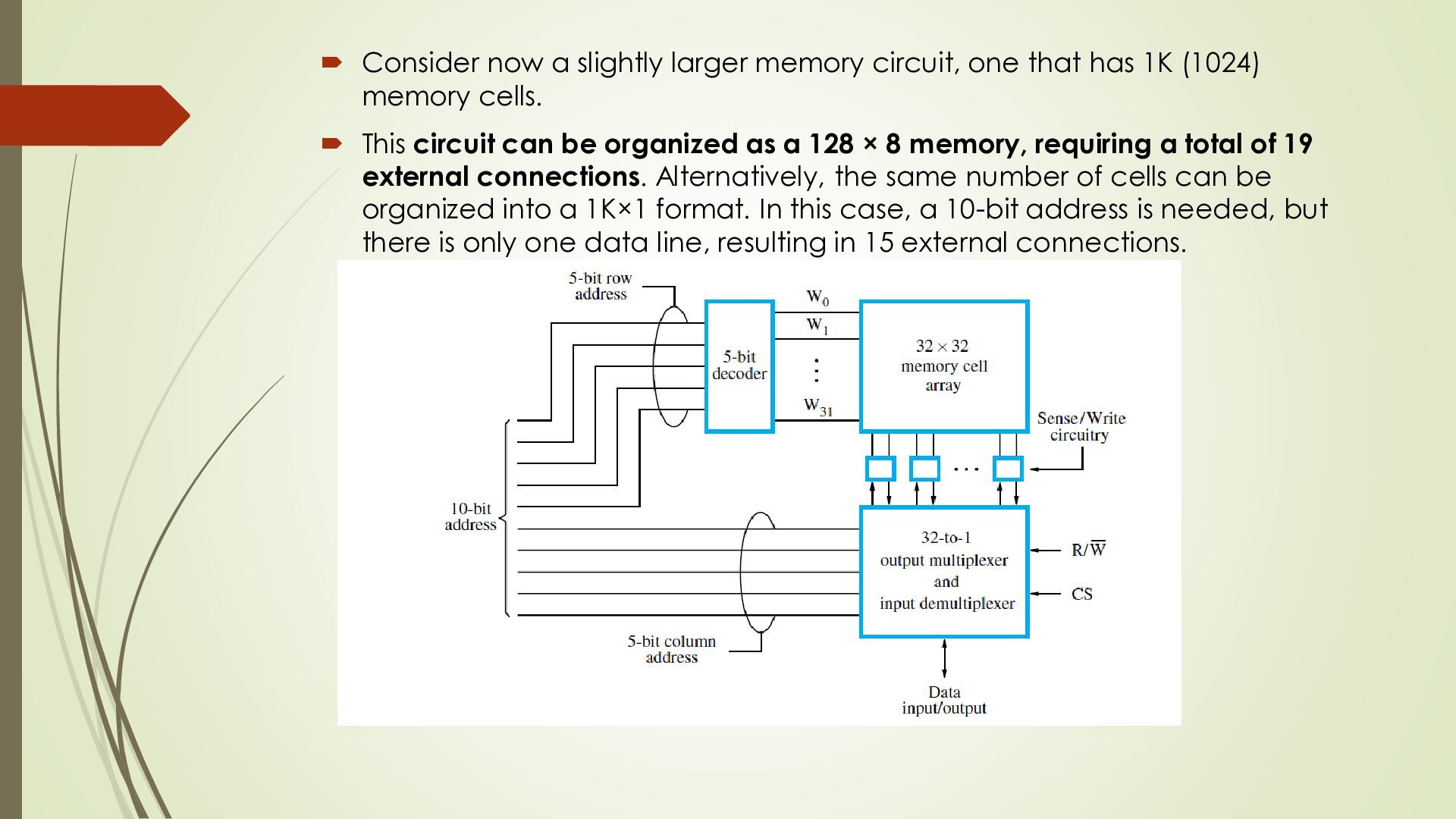
has 1K (1024) memory cells. This circuit can be organized as a 128 × 8 memory, requiring a total of 19 external connections. Alternatively, the same number of cells can be organized into a 1K×1 format. In this case, a 10-bit address is needed, but there is only one data line, resulting in 15 external connections.
address is divided into two groups of 5 bits each to form the row and column addresses for the cell array. Arow address selects a row of 32 cells, all of which are accessed in parallel. But, only one of these cells is connected to the external data line, based on the column address. For example, a 1Giga-bitchip may have a 256M × 4 organization, in which case a 28-bit address is needed and 4bits are transferred to or from the chip
input /output device interface is a circuit that helps the CPU communication with I/O device Input device sends data to the computer (e.g keyboard , mouse, scanner) Output device receive data from the computer (monitor, printer, speaker) The I/O interface acts as a bridge between the CPU & I/O device The major difference are 1. Peripherals are electromechanical & electromagnetic device & their manner of operation is different from operation of CPU & memory 2. The data transfer rate of peripherals is slower than the rate of CPU 3. Data codes & formats in peripheral different from the word format in CPU & memory To resolve these different computers system include special h/w component between the CPU & peripheral to supervise & synchronize all input output transfer
result of I/0 instructions written in the computer program. CPU executes a program that transfers data between I/O device and memory. Each data item transfer is initiated by an instruction in the program. Usually, the transfer is to and from a CPU register and peripheral. Other instructions are needed to transfer the data to and from CPU and memory. Transferring data under program control requires constant monitoring of the peripheral by the CPU. Once a data transfer is initiated, the CPU is required to monitor the interface to see when a transfer can again be made.
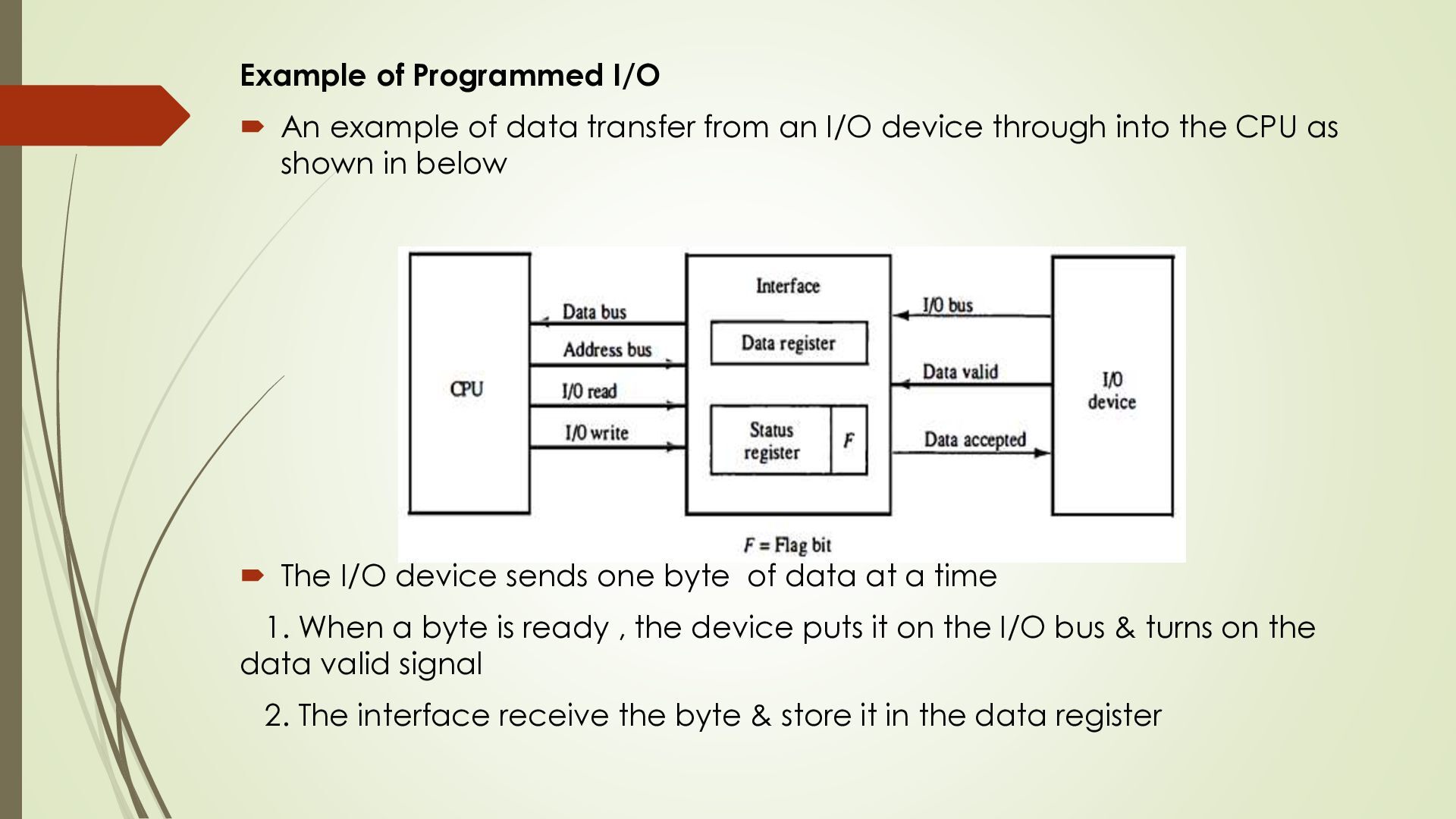
from an I/O device through into the CPU as shown in below The I/O device sends one byte of data at a time 1. When a byte is ready , the device puts it on the I/O bus & turns on the data valid signal 2. The interface receive the byte & store it in the data register
in status register show that new data is available 4. The device waits until the interface is ready before sending next byte The CPU continuously checks the flag bit in the status register If flag = 0 no data is available If flag = 1 data available, the CPU reads the byte from the data register & store it in memory After reading the data the flag is cleared to 0 The interface turns off the data accepted signals The device can now send the next byte this process repats until all bytes are transferred
main instruction 1. Read the status register & check the flag bit 2. Read the data from the data register 3. Store the data into memory This method is called programmed I/O
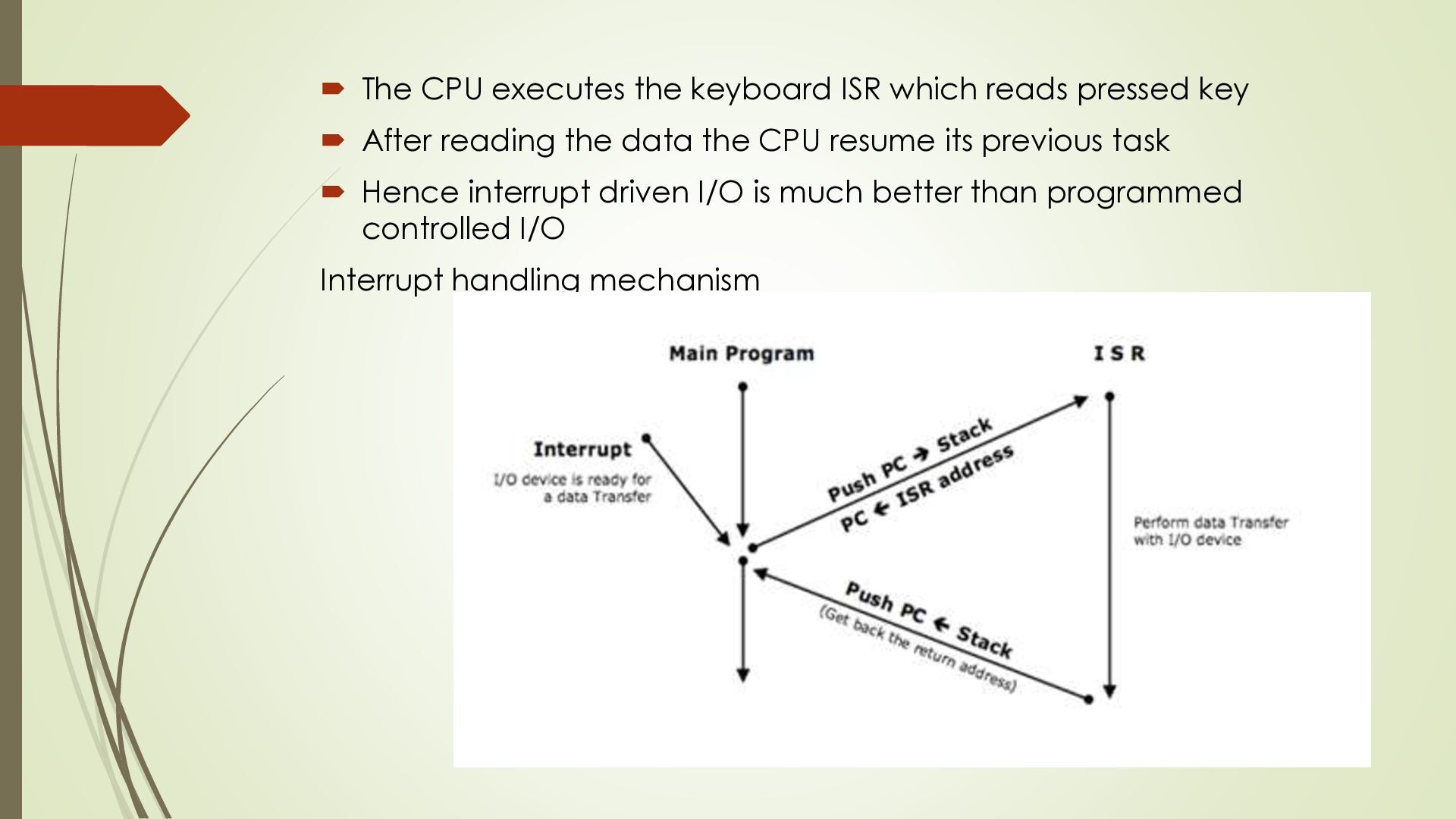
is not initiated by the processor. Instead, an I/O device which wants to perform a data transfer with the processor, must give an interrupt to the processor. An interrupt is a condition that makes the processor execute an ISR (Interrupt Service Routine) In the ISR, processor will perform data Transfer with the I/O device. After completing the data transfer the CPU returns to its previous task Since the CPU does not repeatedly check every I/O device , a lot of processor time is saved The processors remains free to perform other operation until an interrupt occurs E.g keyboard The CPU does not continuously check whether a key pressed When you press key, the keyboard sends an interrupt to the CPU
key After reading the data the CPU resume its previous task Hence interrupt driven I/O is much better than programmed controlled I/O Interrupt handling mechanism
memory and I/O. DMA transfers are very fast as compared to Processor based transfers due to two reasons. 1. They are hardware based so no time is wasted in fetching and decoding instructions. 2. Transfers are directly between memory and I/O without data going via the Processor. To Perform a DMA transfer we need a DMA Controller like 8237/ 8257. The process is performed as follows. 1) By Default Processor is the bus master. 2) The DMA transfer parameters first initialized by the processor. 3) Processor programs two registers inside the DMAC called CAR and CWCR giving the starting
for the transfer by checking the DREQ signal. 5) If DREQ=1, then DMAC gives HOLD signal to the Processor requesting control of the system bus. 6) Processor releases control of the bus after finishing the current machine (bus) cycle. 7) Processor gives HLDA informing DMAC that it is now the bus master. 8) DMAC issues DAC to I/O device indicating that the transfer is about to begin. 9) Now DMAC transfers one byte in one cycle. 10) After every byte is transferred the Address register and Count register are decremented by 1. 11) This repeats till Count reaches “0” also called Terminal Count. 12) Now the transfer is complete. 13) DMAC returns the system bus to Processor by making HOLD = 0. 14) Processor once again becomes bus master.
of DMA DMAC becomes the bus master. Hence during DMA cycles, the processor cannot perform any operations as the bus is already being used for DMA. The processor remains in HOLD state.
USB is used is mostly interconnection standard Many device uses a USB connector such as: mouse , keyboard, mice , printers , camera drivers USB become very popular because it is simple easy to use & low in cost The original USB specification supports two speeds operations called low- speed Later USB 2 called high speed USB introduced It enables data transfer at speed up to 480 megabits Main objective of USB 1. Simple & low cost USB is easy to use & inexpensive 2. Supports many device
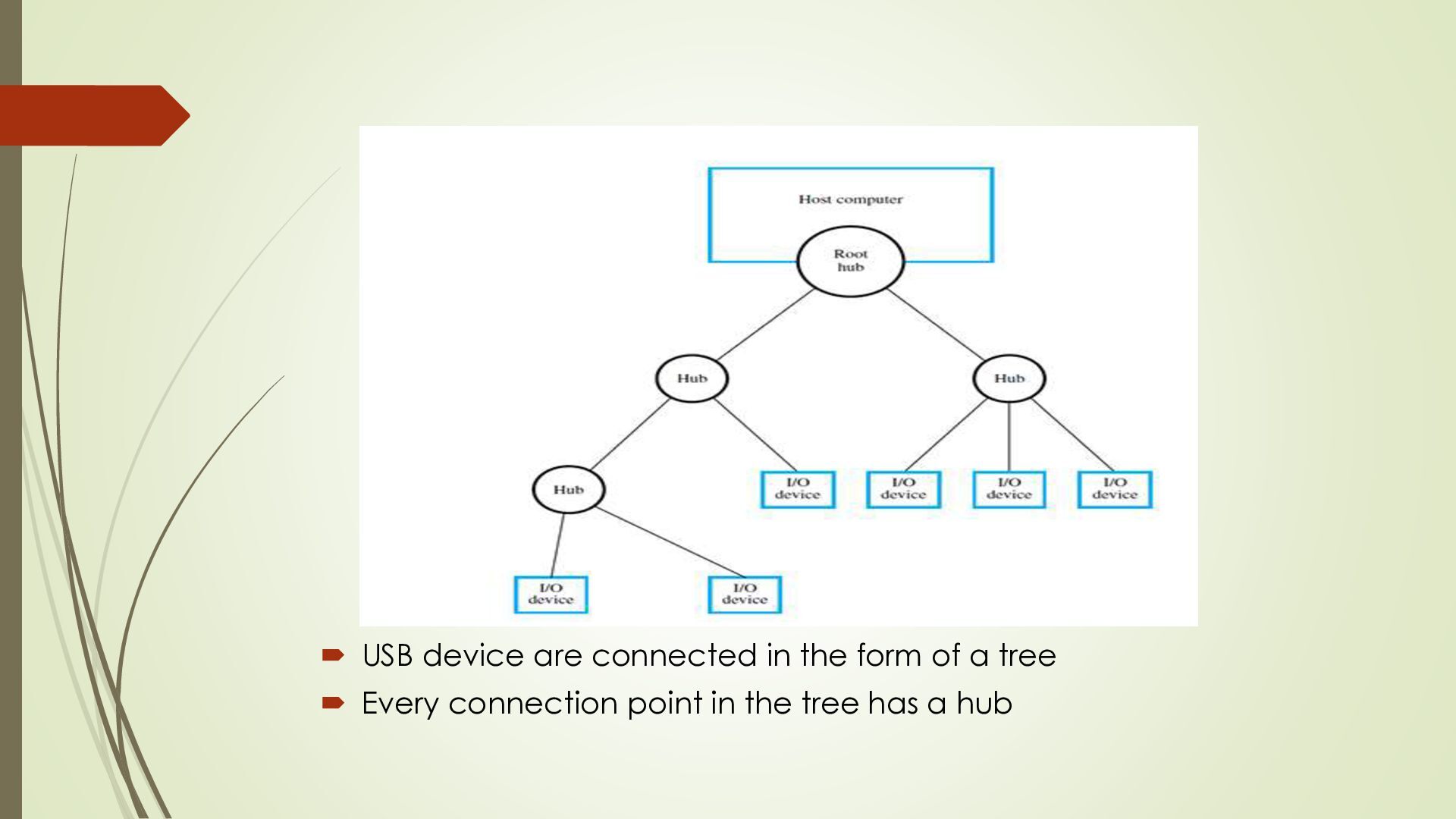
& internet device 3. Plug & play just connect the device & the computer detects it automatically. No need to restart the computer or perform complicated setup USB Architecture: The USB uses point-to-point connections and a serial transmission format. When multiple devices are connected, they are arranged in a tree structure as shown in Figure below:
most computers & USB device At the top of the tree is the root hub which connects the entire USB system to the host computer The leaf nodes are the actual USB such as mouse, keyboard , printer Internet modem, camera, speaker


 bhagyashripattankude29
 codingconduct
 inesmontani
 nwiizo
 signer
 addyosmani
 erikaheidi
 aleyda
 iamctodd
 wayneb77
 marktimemedia
 chikuwait