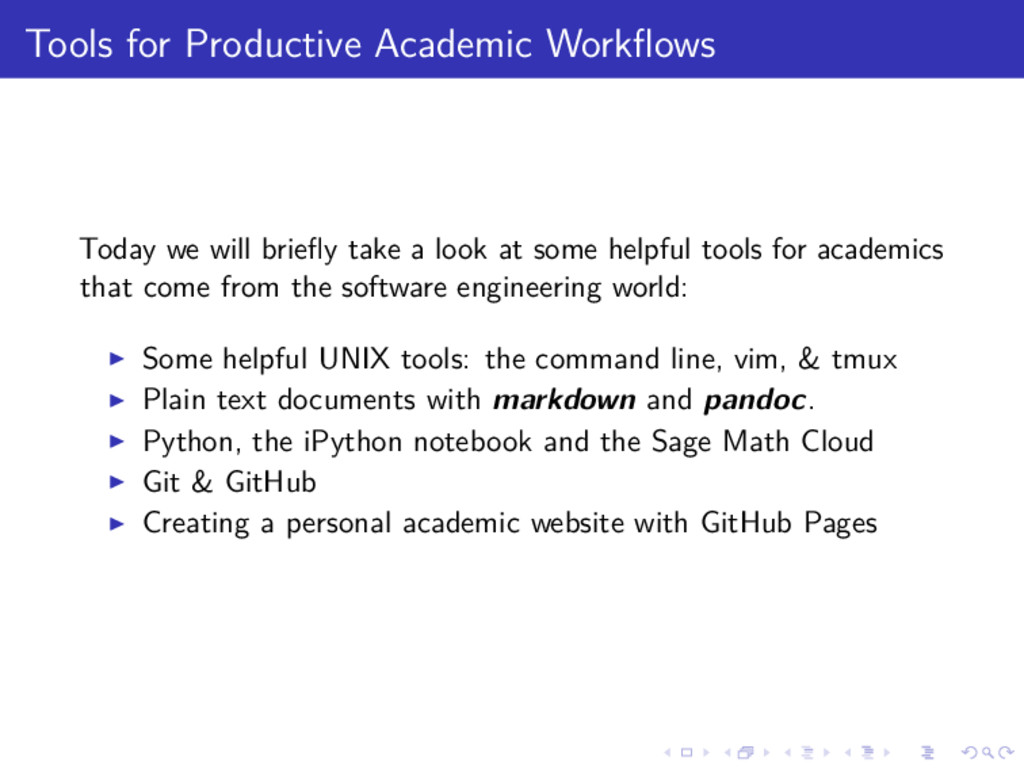
a look at some helpful tools for academics that come from the software engineering world: Some helpful UNIX tools: the command line, vim, & tmux Plain text documents with markdown and pandoc. Python, the iPython notebook and the Sage Math Cloud Git & GitHub Creating a personal academic website with GitHub Pages
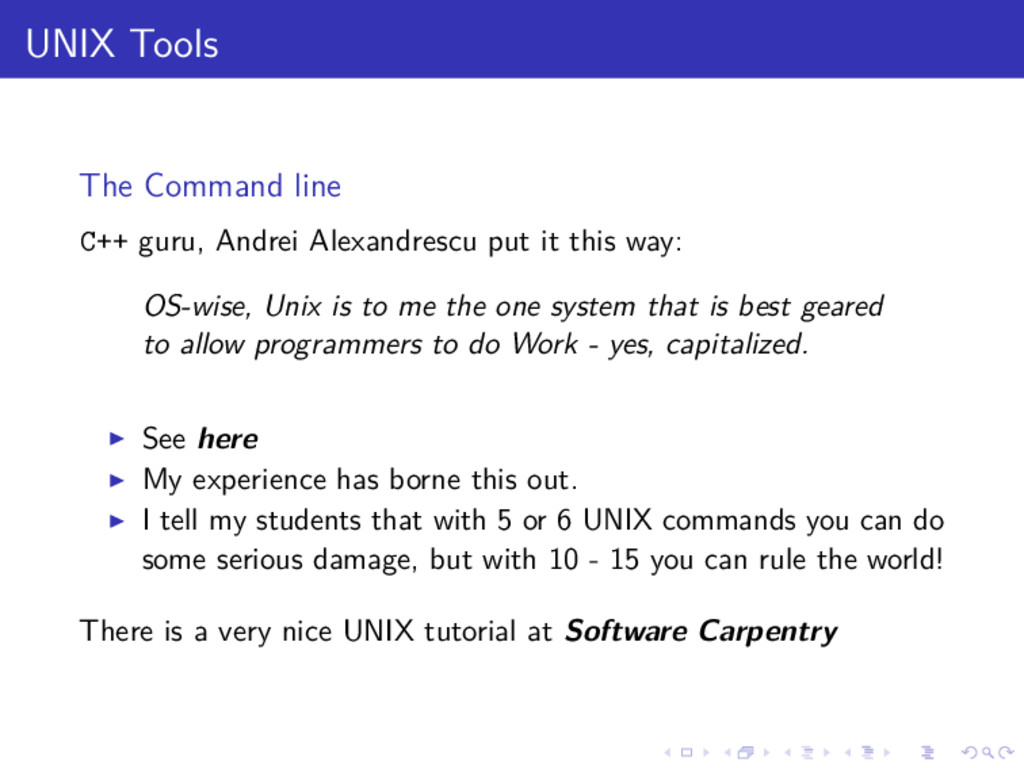
it this way: OS-wise, Unix is to me the one system that is best geared to allow programmers to do Work - yes, capitalized. See here My experience has borne this out. I tell my students that with 5 or 6 UNIX commands you can do some serious damage, but with 10 - 15 you can rule the world! There is a very nice UNIX tutorial at Software Carpentry
from the Vim official site: Vim is a highly configurable text editor built to enable efficient text editing. It is an improved version of the vi editor distributed with most UNIX systems.
which just means you can make your terminal do really cool things! The official line from tmux.sourceforge.net: What is a terminal multiplexer? It lets you switch easily between several programs in one terminal, detach them (they keep running in the background) and reattach them to a different terminal. And do a lot more.
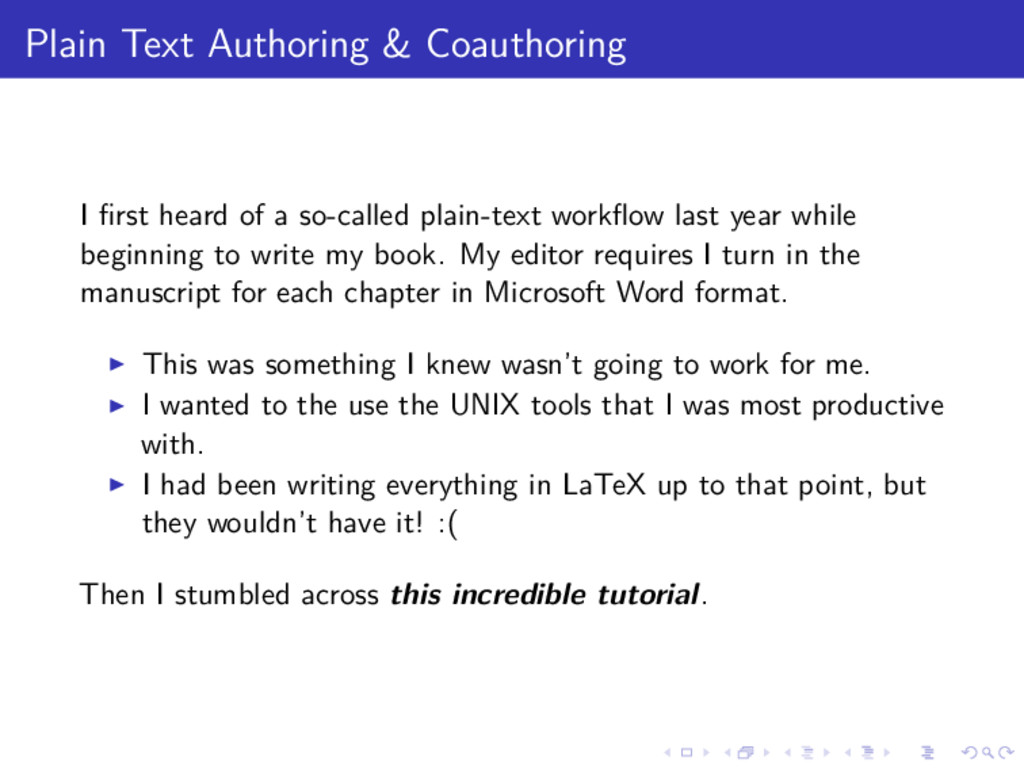
so-called plain-text workflow last year while beginning to write my book. My editor requires I turn in the manuscript for each chapter in Microsoft Word format. This was something I knew wasn’t going to work for me. I wanted to the use the UNIX tools that I was most productive with. I had been writing everything in LaTeX up to that point, but they wouldn’t have it! :( Then I stumbled across this incredible tutorial.
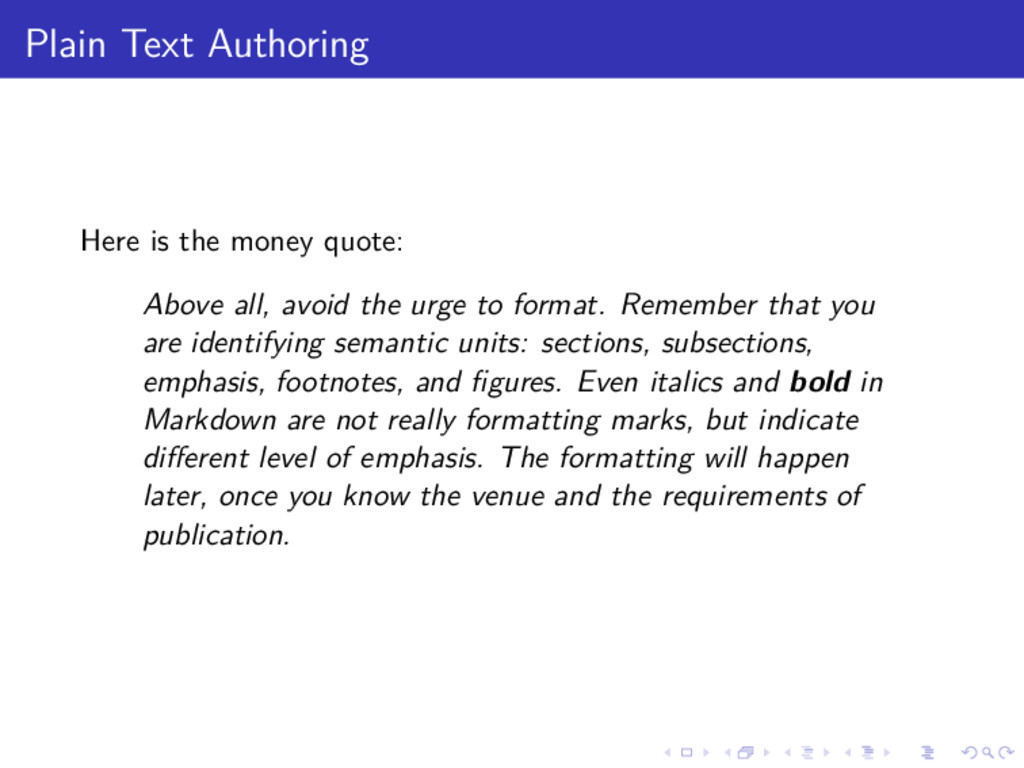
avoid the urge to format. Remember that you are identifying semantic units: sections, subsections, emphasis, footnotes, and figures. Even italics and bold in Markdown are not really formatting marks, but indicate different level of emphasis. The formatting will happen later, once you know the venue and the requirements of publication.
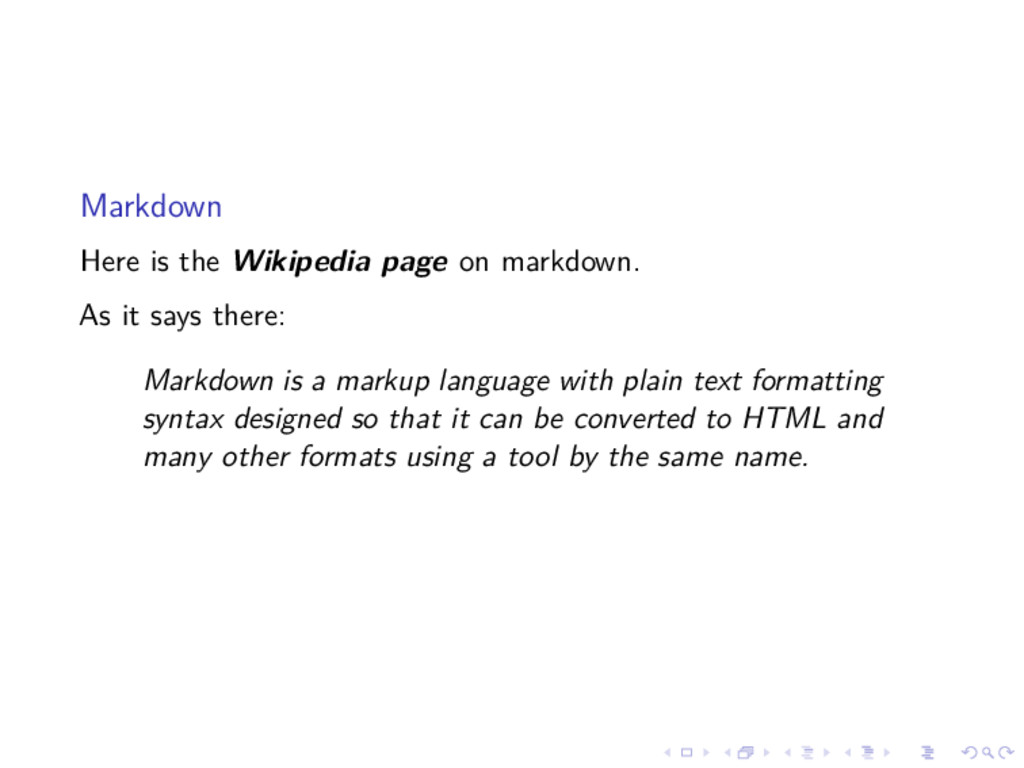
says there: Markdown is a markup language with plain text formatting syntax designed so that it can be converted to HTML and many other formats using a tool by the same name.
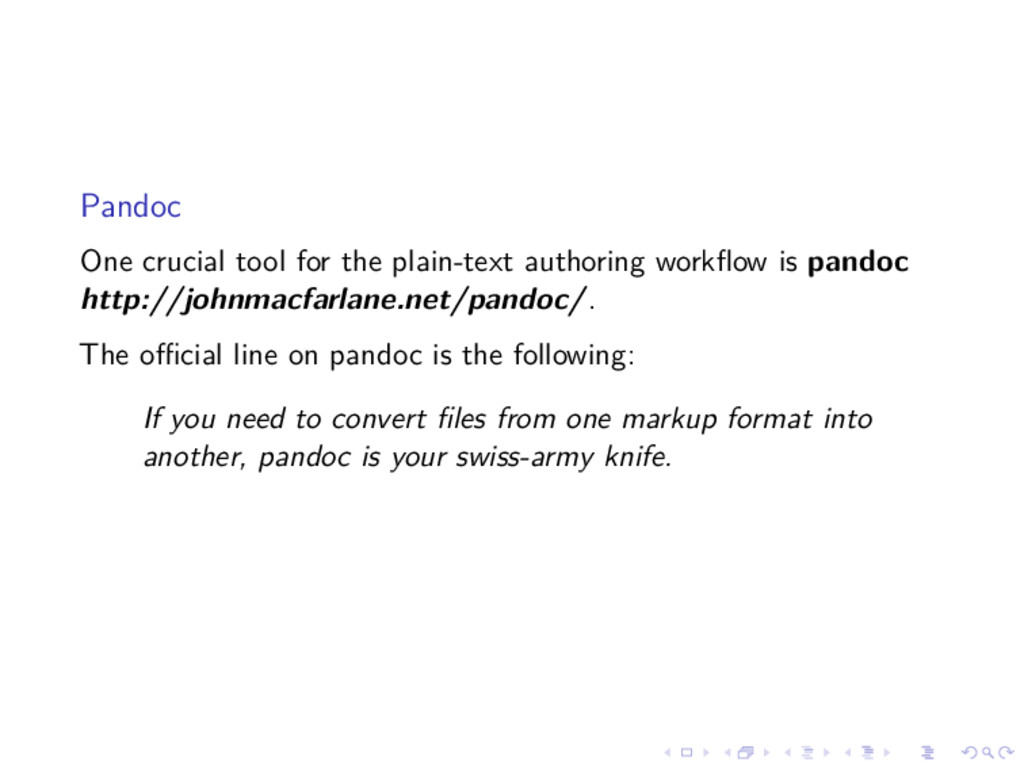
pandoc http://johnmacfarlane.net/pandoc/. The official line on pandoc is the following: If you need to convert files from one markup format into another, pandoc is your swiss-army knife.
in the process is to have a document management tool. The one I use is Mendeley: http://www.mendeley.com/dashboard/ It is useful for organizing research papers, by subject, for a given project, and for generating a bibtex file that can be used in markdown and LaTeX.
source distributed version control system designed to handle everything from small to very large projects with speed and efficiency. There is an excellent free book on Git that you can get here: http://git-scm.com/book/en/v2. GibHub: GitHub is a web-based Git repository hosting service, which offers all of the distributed revision control and source code management (SCM) functionality of Git as well as adding its own features.
a free website hosting service called GitHub Pages. I have used it to create my personal academic website: broughtj.github.io You might not be surprised to know by now that I didn’t write a single line of html, but rather used a template and produced the content in simple markdown. Let me show you my workflow for building and updating my website: Demo time!
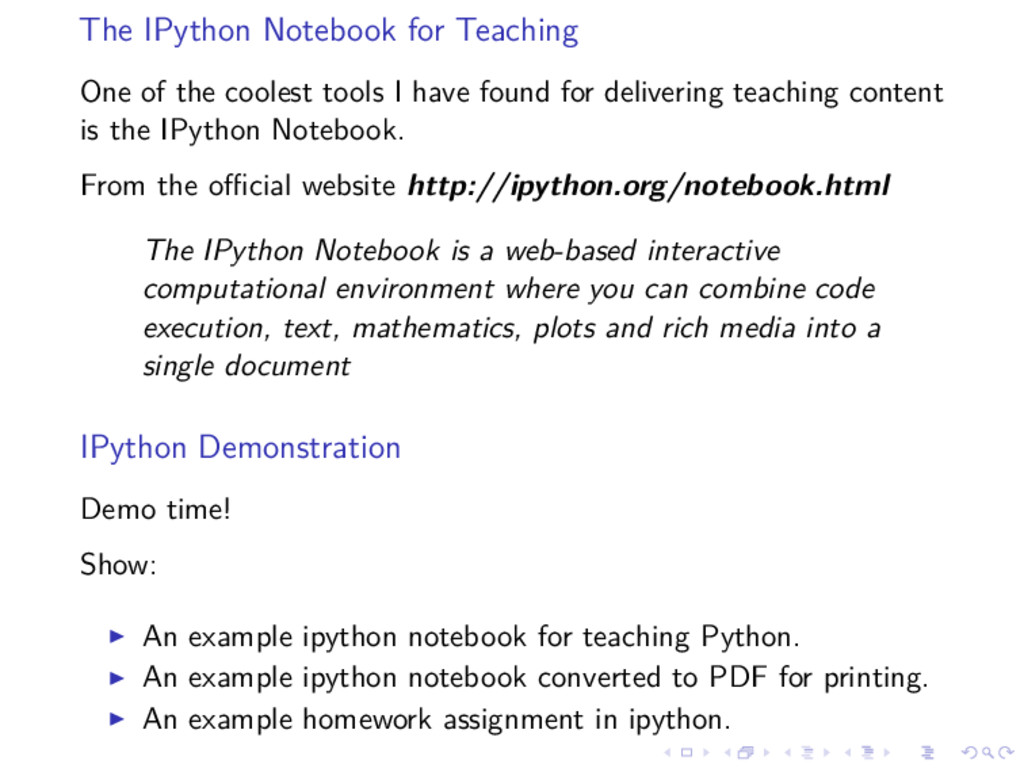
I have found for delivering teaching content is the IPython Notebook. From the official website http://ipython.org/notebook.html The IPython Notebook is a web-based interactive computational environment where you can combine code execution, text, mathematics, plots and rich media into a single document IPython Demonstration Demo time! Show: An example ipython notebook for teaching Python. An example ipython notebook converted to PDF for printing. An example homework assignment in ipython.
can get started with UNIX, Vim, Tmux, Markdown, LaTeX, and Python on a free system called the Sage Math Cloud right now for free! All you need is a web browser (preferably Chrome). You can find it at https://cloud.sagemath.com/ Demo time!


 quramy
 twada
twada
 livdayseo
 matthewcrist
 davetheseo
 mayunak
 pwiseman
 eileencodes
 palkan
 tonyrice
 tammyeverts
 cromwellryan