a set of rules or specifications acting as a contract between systems or services to communicate with each other. It allows two applications to communicate with each other providing a layer of security and abstraction With IoT and digital transformation, API-led Connectivity is the integration approach that will provide speed that organizations require
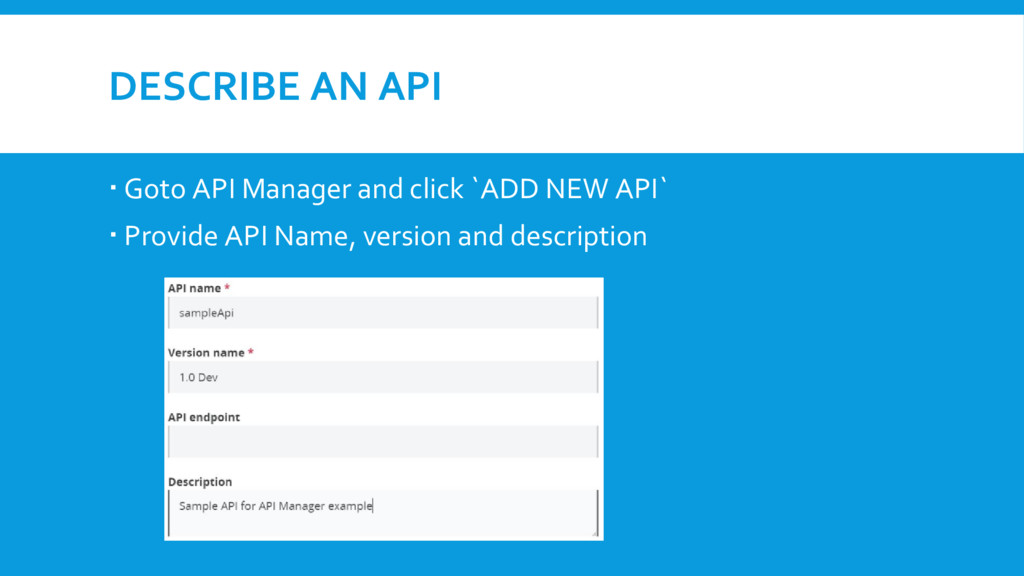
platform for API-led Connectivity. API Manager is a component of Anypoint platform for designing, building, managing and publishing APIs. To use API Manager signup to Anypoint Platform. https://anypoint.mulesoft.com/login/#/signup Create a business group - Design, Develop and Publish a API
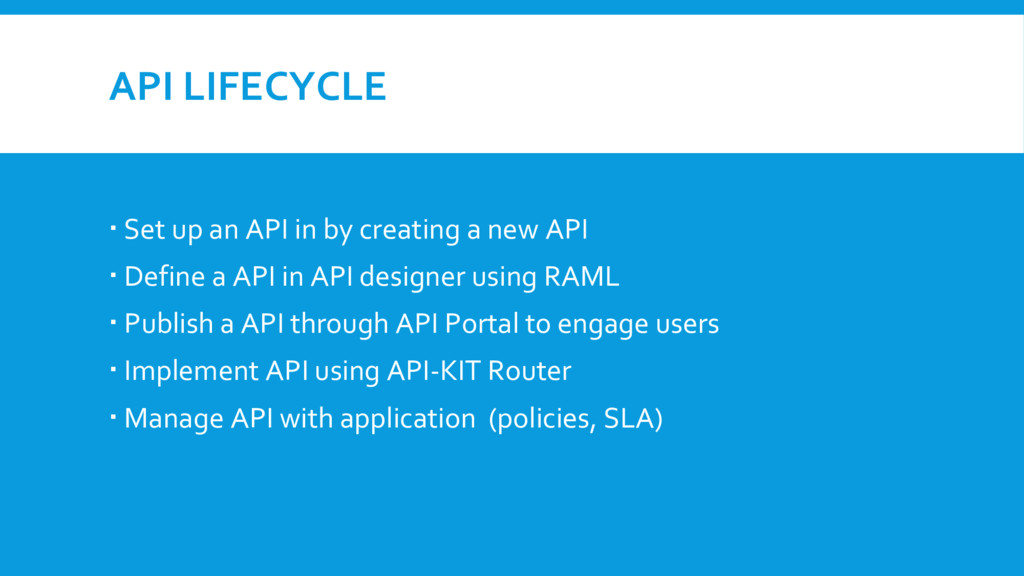
a new API Define a API in API designer using RAML Publish a API through API Portal to engage users Implement API using API-KIT Router Manage API with application (policies, SLA)
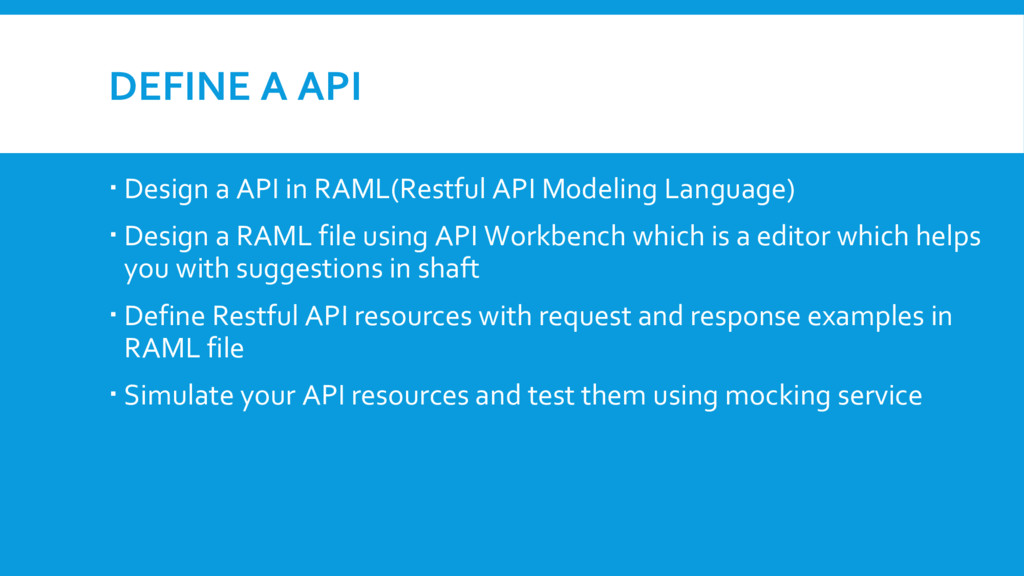
Modeling Language) Design a RAML file using API Workbench which is a editor which helps you with suggestions in shaft Define Restful API resources with request and response examples in RAML file Simulate your API resources and test them using mocking service
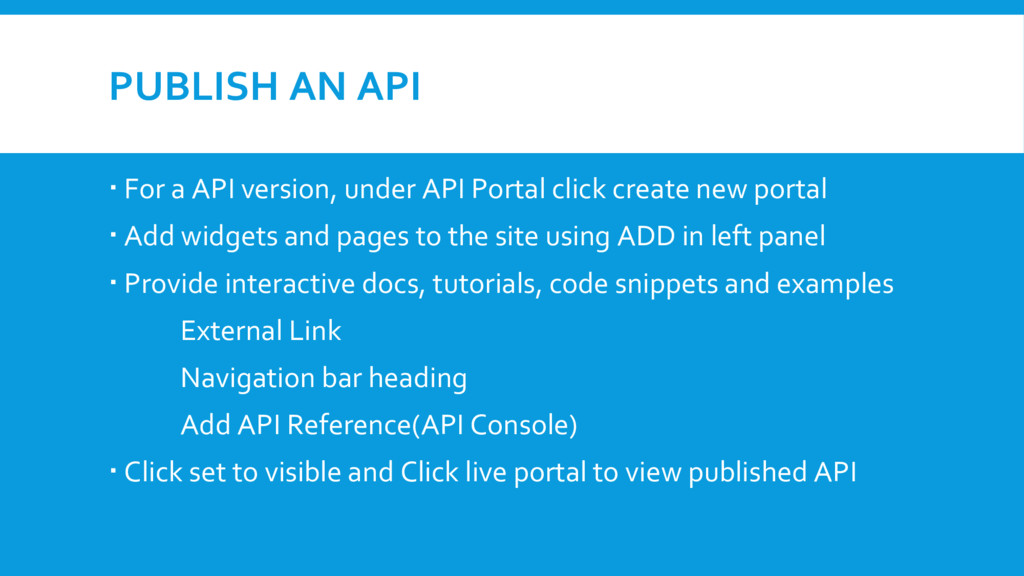
Portal click create new portal Add widgets and pages to the site using ADD in left panel Provide interactive docs, tutorials, code snippets and examples External Link Navigation bar heading Add API Reference(API Console) Click set to visible and Click live portal to view published API
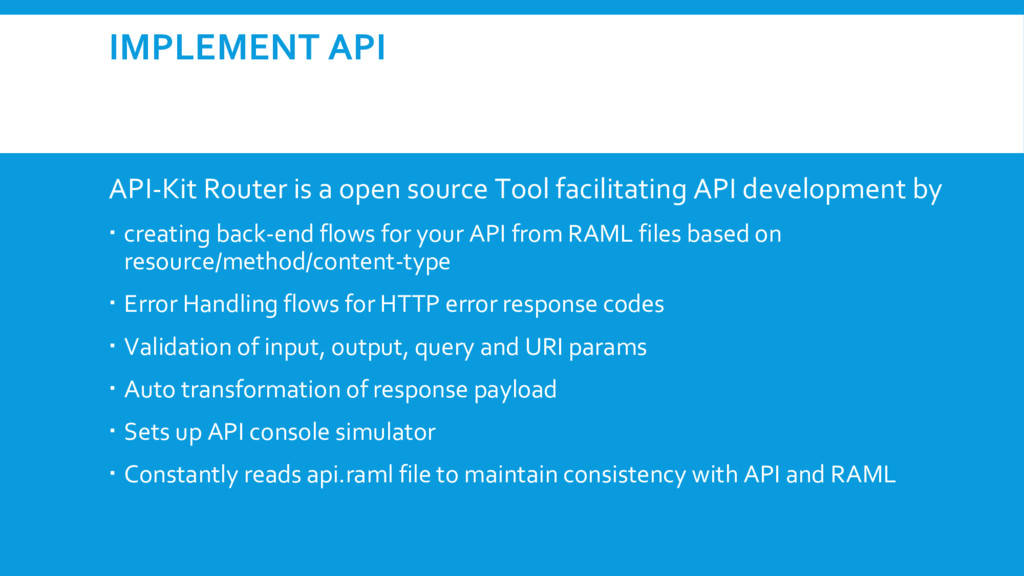
API development by creating back-end flows for your API from RAML files based on resource/method/content-type Error Handling flows for HTTP error response codes Validation of input, output, query and URI params Auto transformation of response payload Sets up API console simulator Constantly reads api.raml file to maintain consistency with API and RAML
status, enforcing policies and reporting analytics API Auto Discovery : Register and start the app in API Manager without user intervention Configure Auto-discover global element Link to API using Anypoint Platform ClientID and Client Password Auto Discovery API Gateway : Configure a proxy to run on API Gateway to mange API


 occhi
occhi
 takonda
 syuchimu
 genda
genda
 nttcom
 ezaki
ezaki
 shogo4131
 endonanana
 prog893
 yut0naga1_fa
 kenichiodo
 shumei_ito
 sergeychernyshev
 badams
 jonoalderson
 rakko
rakko
 coloredviolet
 reverentgeek
 aemeredith
 madoxten
 shlominoach
 marcelosomers
 mraible
 codingconduct