Upgrade to Pro — share decks privately, control downloads, hide ads and more …

Docker+Consul

Sponsored · Ship Features Fearlessly Turn features on and off without deploys. Used by thousands of Ruby developers. →

 Docker+Consul

A whirlwind introduction to using Docker containers and their discovery with Consul.

Avatar for Justin Reagor

Justin Reagor

May 11, 2015

Other Decks in Technology

Transcript

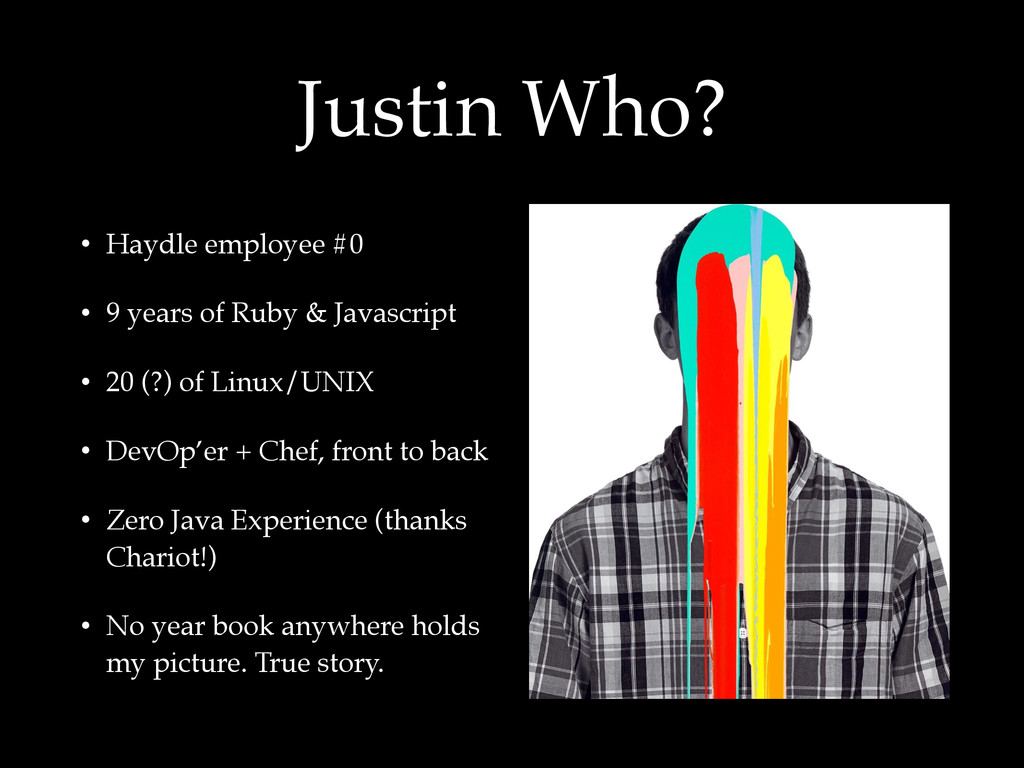
  1. Justin Who? • Haydle employee #0 • 9 years of

    Ruby & Javascript • 20 (?) of Linux/UNIX • DevOp’er + Chef, front to back • Zero Java Experience (thanks Chariot!) • No year book anywhere holds my picture. True story.
  2. Assumptions • Some experience with Linux/UNIX (cmdline) • Edit plain

    text files • Install Linux distribution packages • Manage services/daemons • Basic networking, HTTP, and DNS • You know how to run your application
  3. Follow Along • Install… • Docker v1.6.0 (Ubuntu) • Boot2Docker

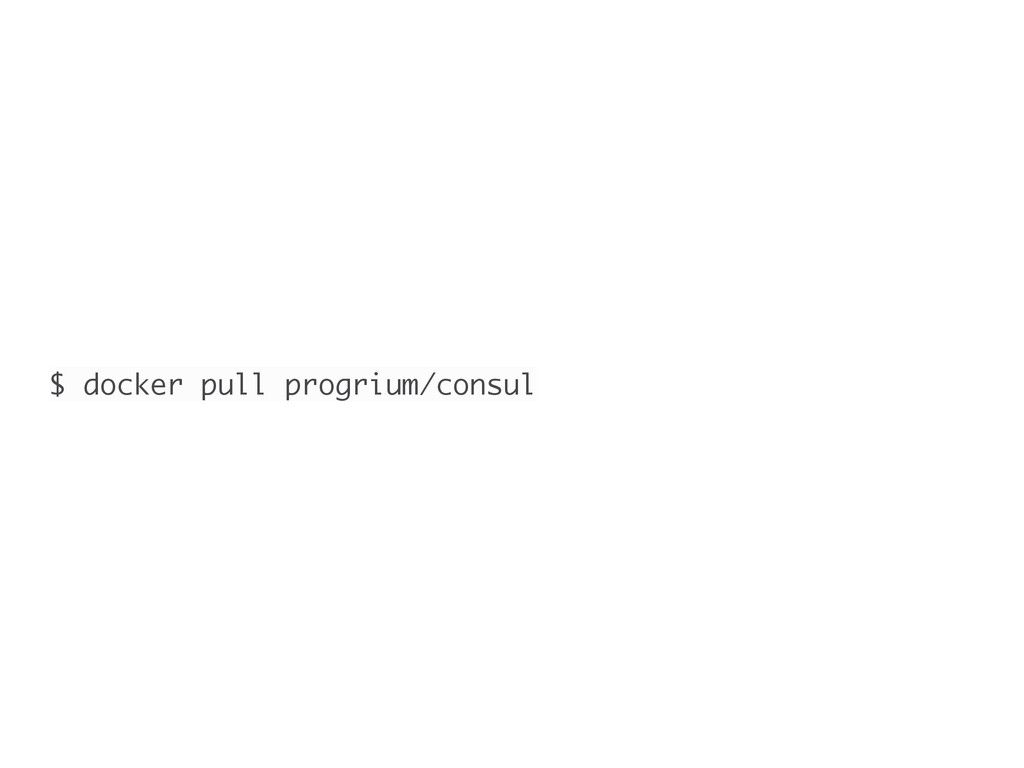
    (OS X) • DigitalOcean’s Docker droplet • docker pull <images>
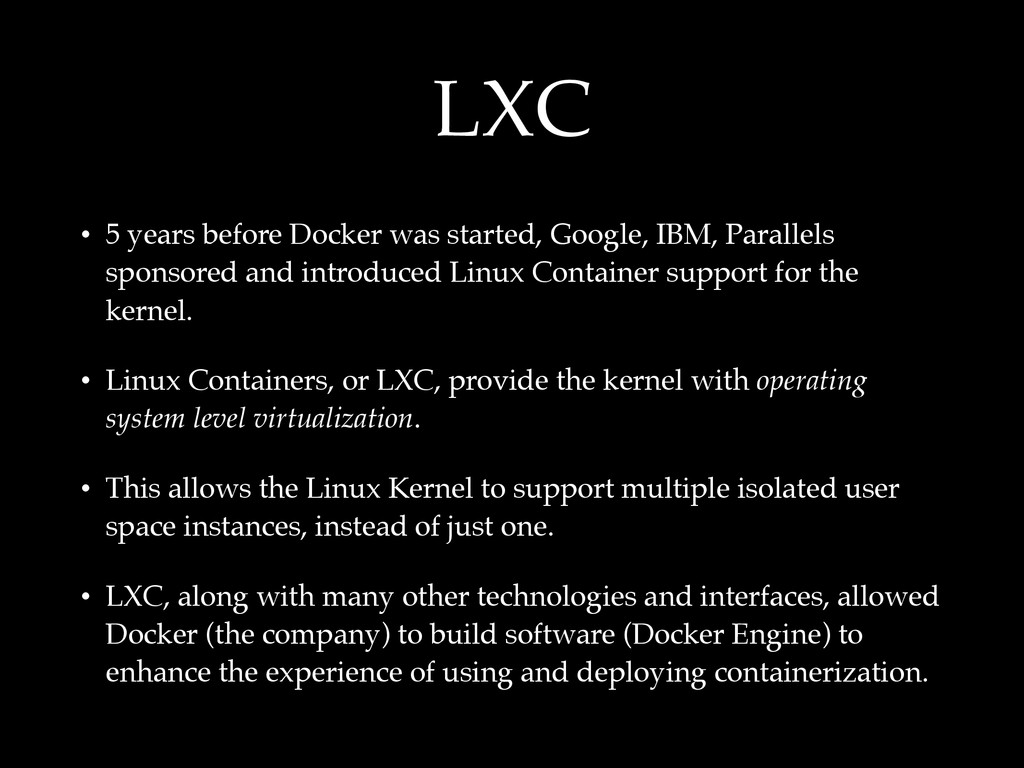
  4. LXC • 5 years before Docker was started, Google, IBM,

    Parallels sponsored and introduced Linux Container support for the kernel. • Linux Containers, or LXC, provide the kernel with operating system level virtualization. • This allows the Linux Kernel to support multiple isolated user space instances, instead of just one. • LXC, along with many other technologies and interfaces, allowed Docker (the company) to build software (Docker Engine) to enhance the experience of using and deploying containerization.
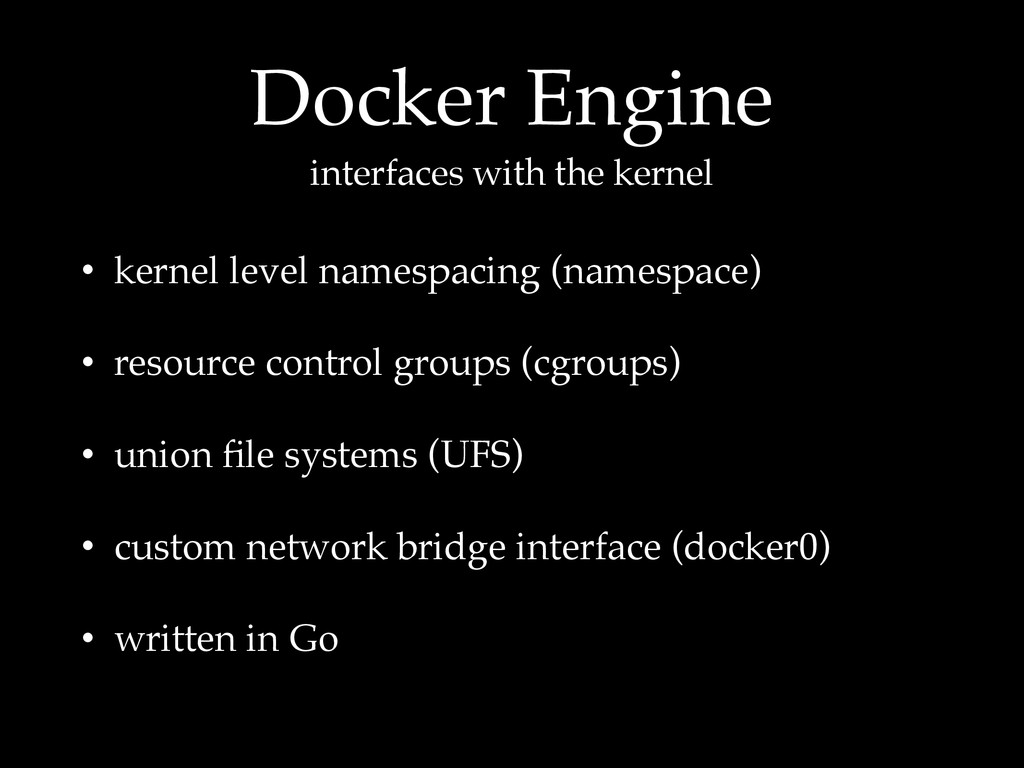
  5. Docker Engine interfaces with the kernel • kernel level namespacing

    (namespace) • resource control groups (cgroups) • union file systems (UFS) • custom network bridge interface (docker0) • written in Go
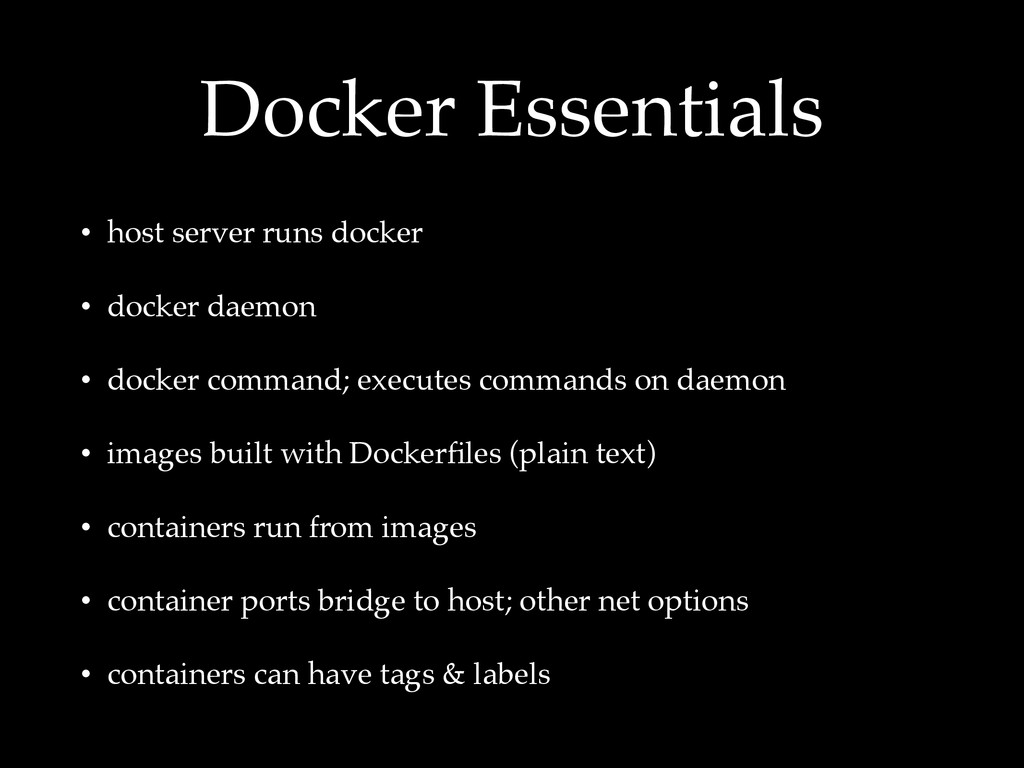
  6. Docker Essentials • host server runs docker • docker daemon

    • docker command; executes commands on daemon • images built with Dockerfiles (plain text) • containers run from images • container ports bridge to host; other net options • containers can have tags & labels
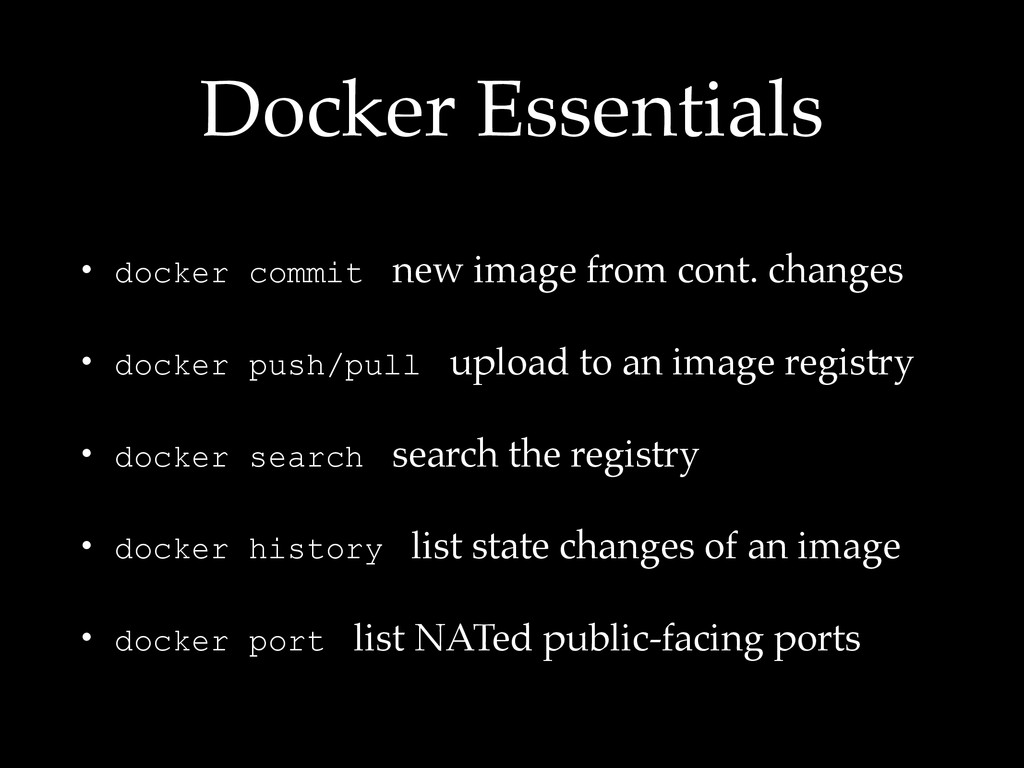
  7. Docker Essentials • docker commit new image from cont. changes

    • docker push/pull upload to an image registry • docker search search the registry • docker history list state changes of an image • docker port list NATed public-facing ports
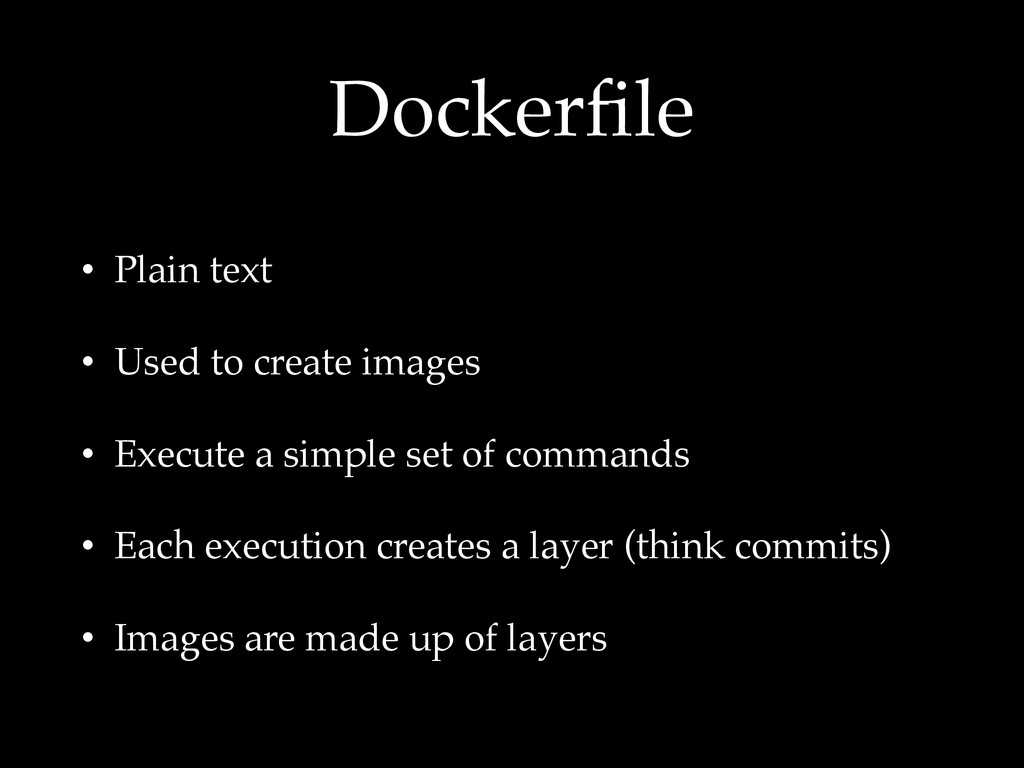
  8. Dockerfile • Plain text • Used to create images •

    Execute a simple set of commands • Each execution creates a layer (think commits) • Images are made up of layers
  9. FROM ubuntu:14.04 MAINTAINER Justin Reagor <[email protected]> RUN apt-get -qq update

    RUN apt-get -qqy install build-essential ruby ruby-dev ADD . /home/www WORKDIR /home/www RUN echo 'gem: --no-rdoc --no-ri' >> /.gemrc RUN gem install bundler --no-ri --no-rdoc RUN gem install foreman --no-ri --no-rdoc RUN bundle install EXPOSE 5000 CMD ["foreman", "start"]
  10. FROM gliderlabs/alpine:3.1 MAINTAINER Justin Reagor <[email protected]> RUN apk --update add

    openssh zsh ca-certificates RUN ssh-keygen -t dsa -f /etc/ssh/ssh_host_dsa_key && ssh-keygen -t rsa -f /etc/ssh/ssh_host_rsa_key ONBUILD RUN mkdir -p /root/.ssh && chmod 700 /root/.ssh ONBUILD ADD root-id_rsa /root/.ssh/id_rsa ENV NOTVISIBLE "in users profile" RUN echo "export VISIBLE=now" >> /etc/profile EXPOSE 22 CMD ["/usr/sbin/sshd", "-D"]
  11. Consul is a distributed, highly-available, and multi- datacenter aware tool

    for service discovery, configuration, and orchestration. In the ever- growing datacenter, Consul enables rapid deployment, configuration, and maintenance of service-oriented architectures.
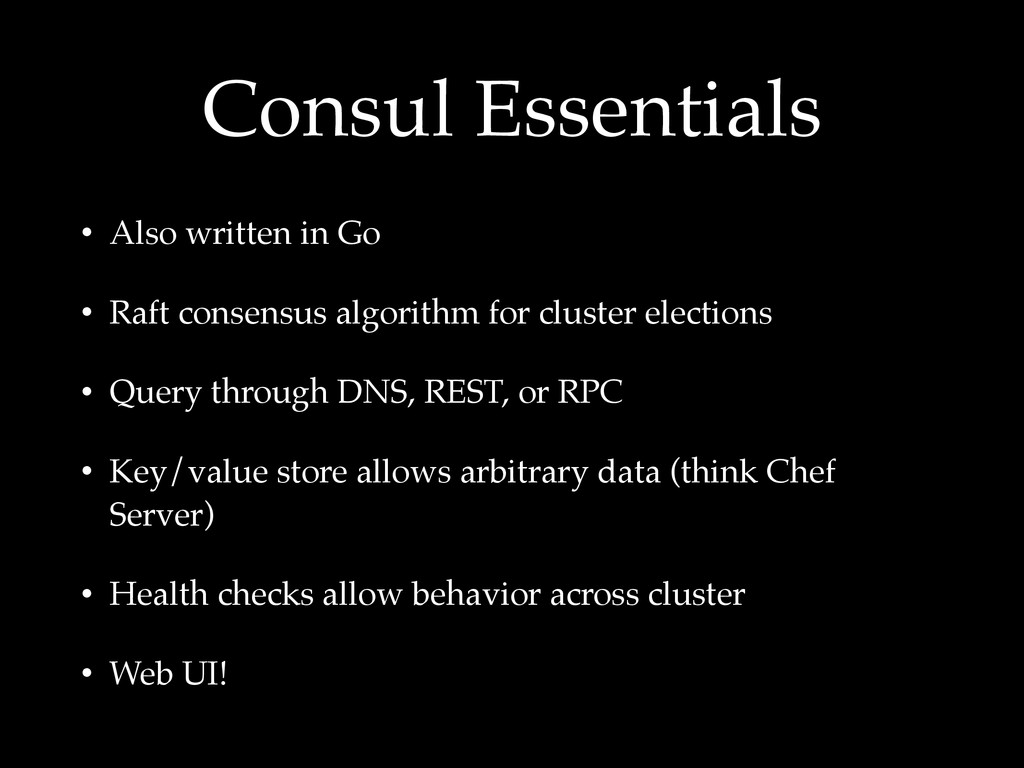
  12. Consul Essentials • Also written in Go • Raft consensus

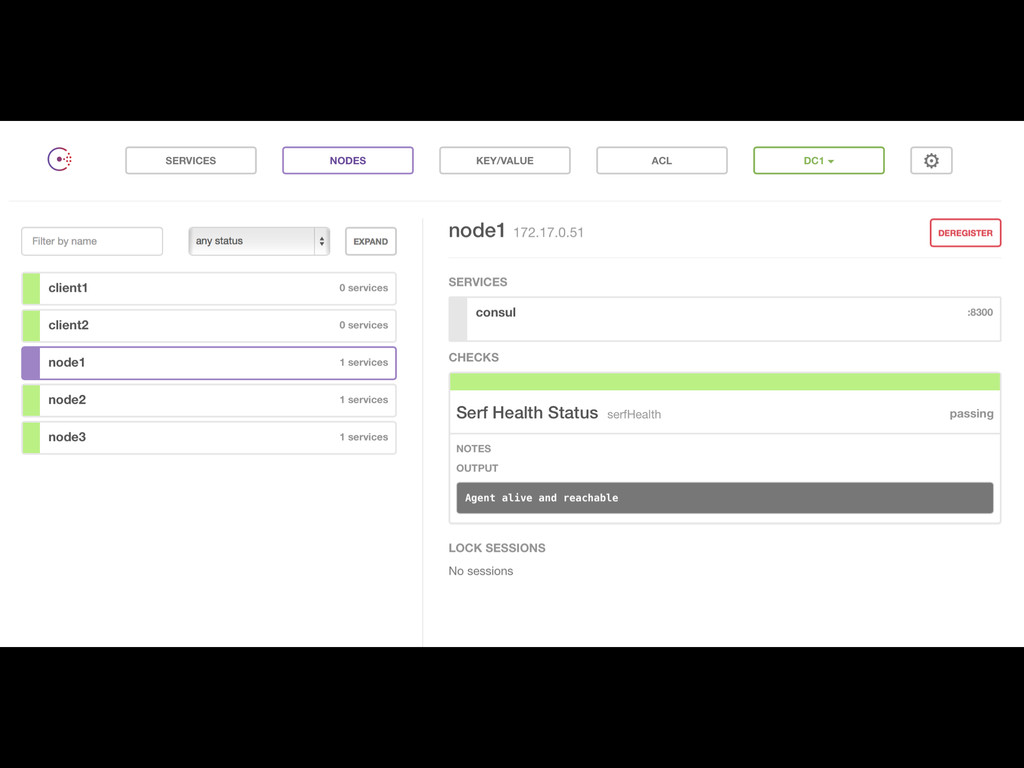
    algorithm for cluster elections • Query through DNS, REST, or RPC • Key/value store allows arbitrary data (think Chef Server) • Health checks allow behavior across cluster • Web UI!
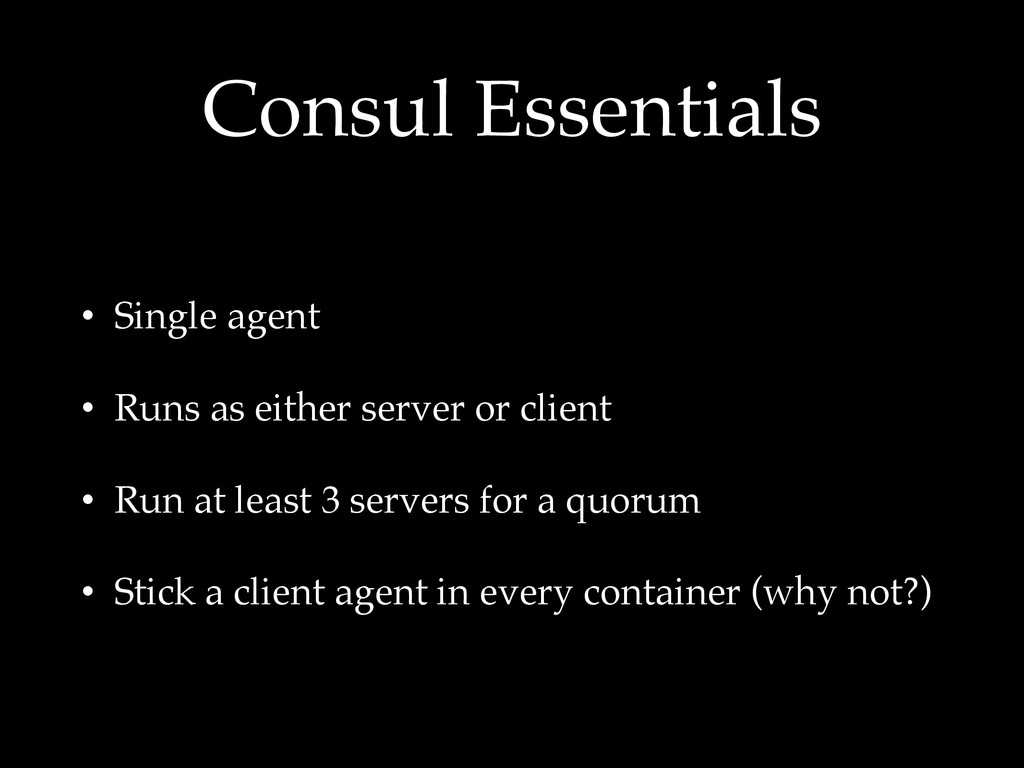
  13. Consul Essentials • Single agent • Runs as either server

    or client • Run at least 3 servers for a quorum • Stick a client agent in every container (why not?)
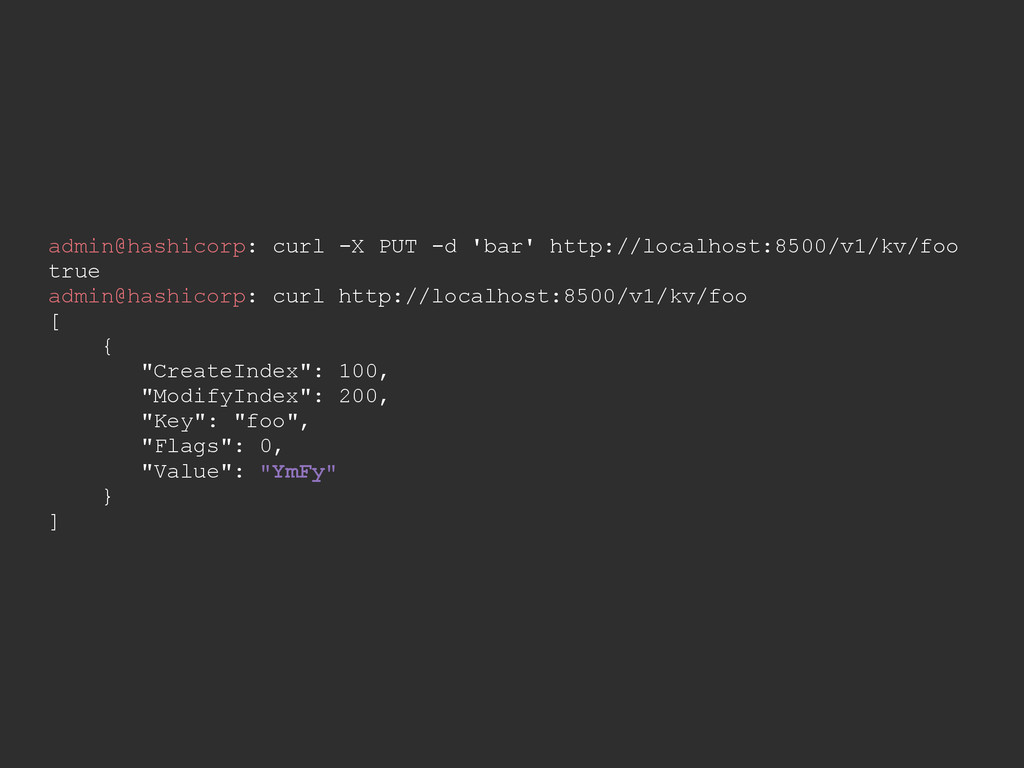
  14. admin@hashicorp: curl -X PUT -d 'bar' http://localhost:8500/v1/kv/foo true admin@hashicorp: curl

    http://localhost:8500/v1/kv/foo [ { "CreateIndex": 100, "ModifyIndex": 200, "Key": "foo", "Flags": 0, "Value": "YmFy" } ]
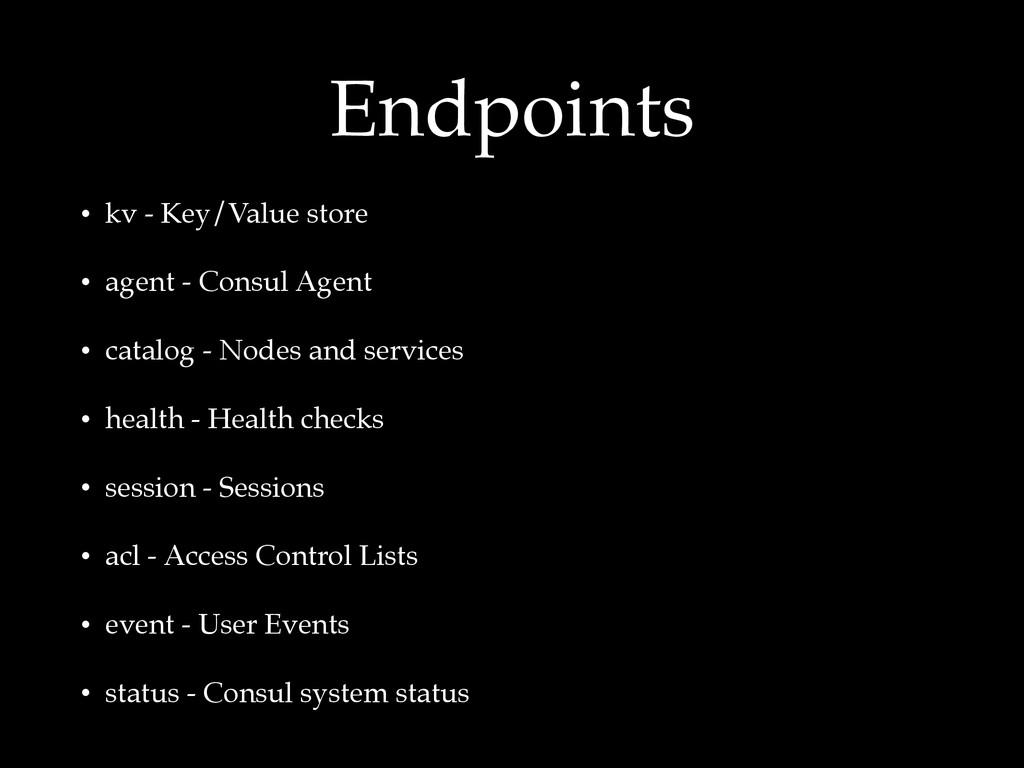
  15. Endpoints • kv - Key/Value store • agent - Consul

    Agent • catalog - Nodes and services • health - Health checks • session - Sessions • acl - Access Control Lists • event - User Events • status - Consul system status
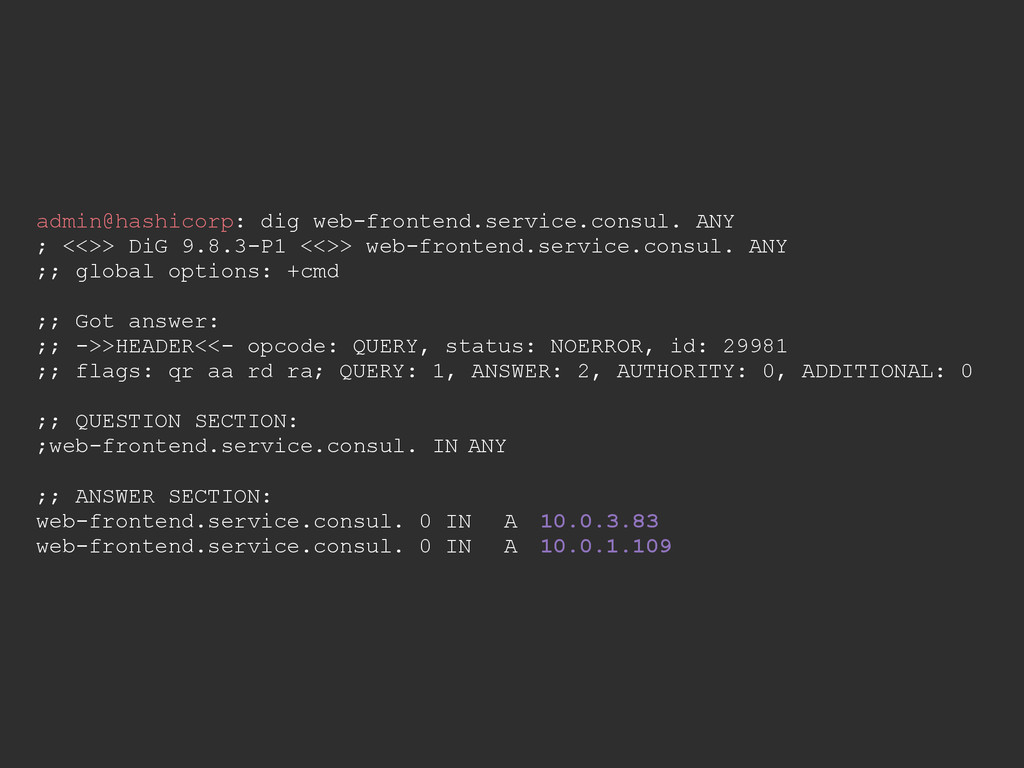
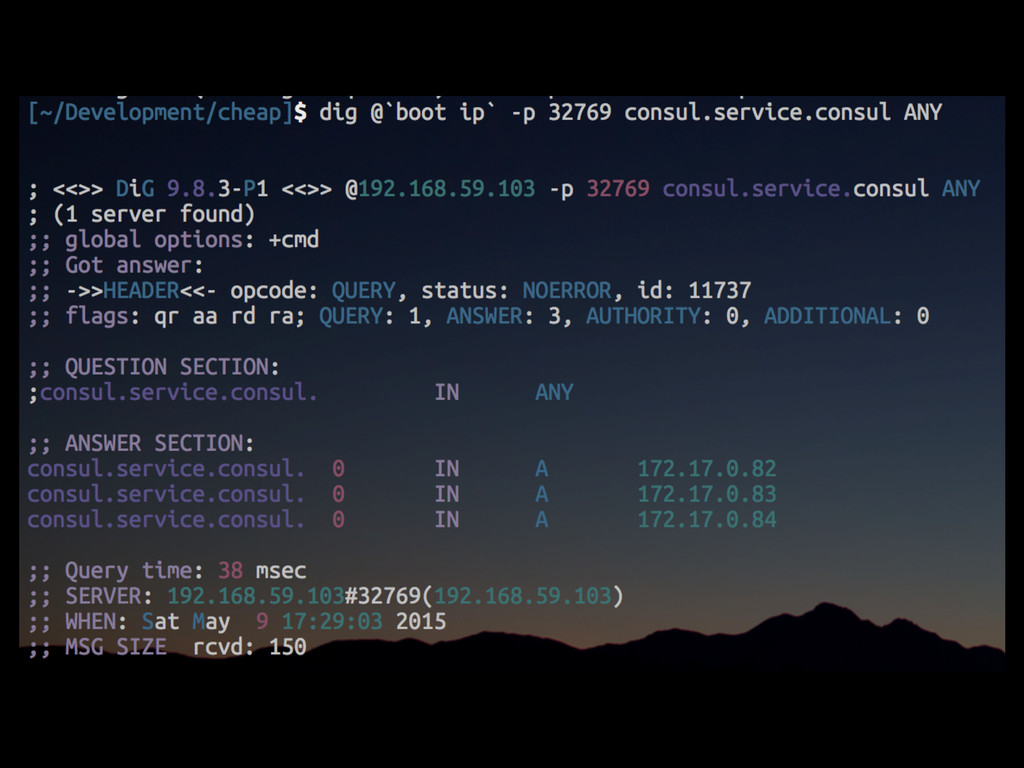
  16. admin@hashicorp: dig web-frontend.service.consul. ANY ; <<>> DiG 9.8.3-P1 <<>> web-frontend.service.consul.

    ANY ;; global options: +cmd ;; Got answer: ;; ->>HEADER<<- opcode: QUERY, status: NOERROR, id: 29981 ;; flags: qr aa rd ra; QUERY: 1, ANSWER: 2, AUTHORITY: 0, ADDITIONAL: 0 ;; QUESTION SECTION: ;web-frontend.service.consul. IN ANY ;; ANSWER SECTION: web-frontend.service.consul. 0 IN A 10.0.3.83 web-frontend.service.consul. 0 IN A 10.0.1.109
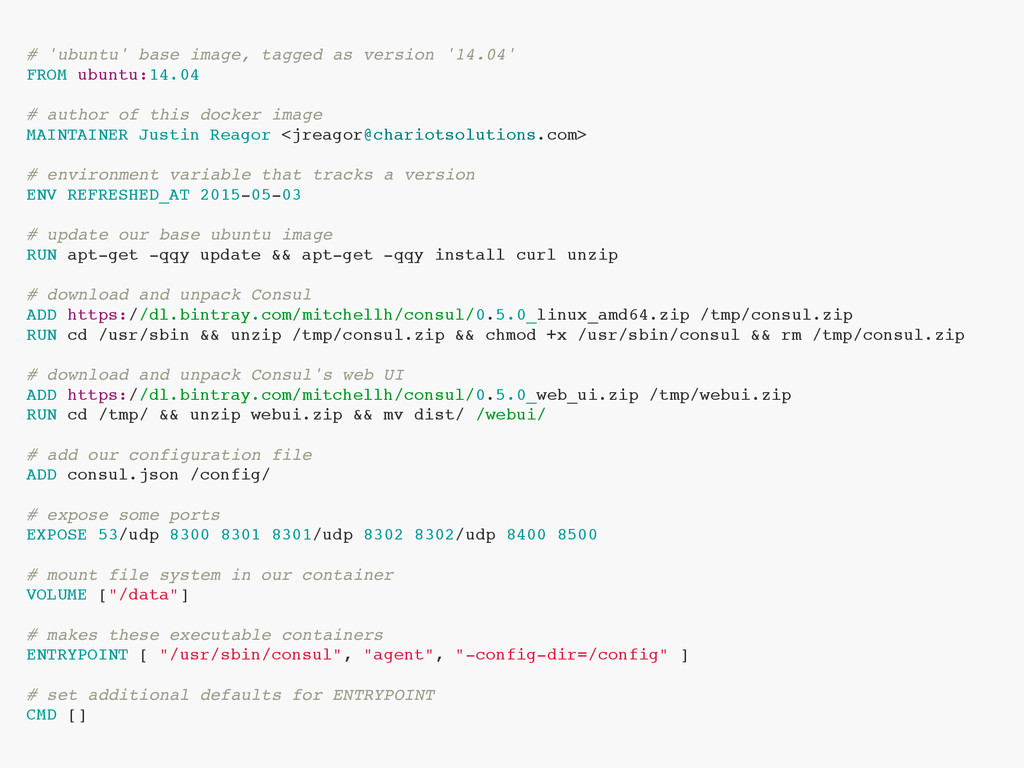
  17. # 'ubuntu' base image, tagged as version '14.04' FROM ubuntu:14.04

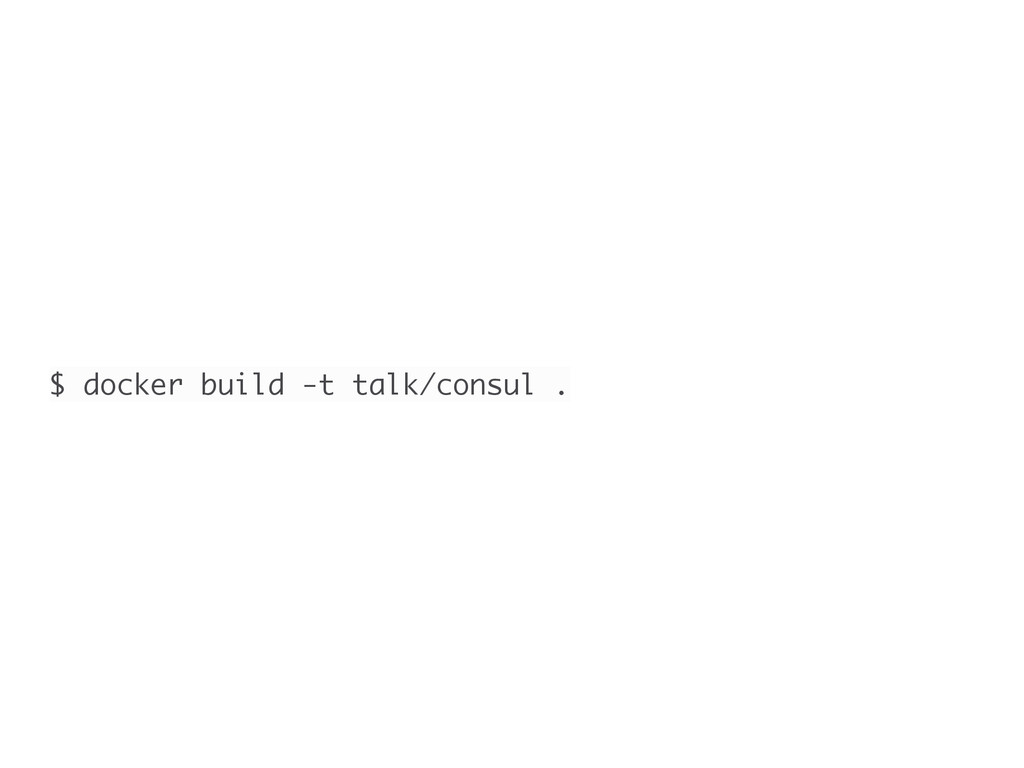
    # author of this docker image MAINTAINER Justin Reagor <[email protected]> # environment variable that tracks a version ENV REFRESHED_AT 2015-05-03 # update our base ubuntu image RUN apt-get -qqy update && apt-get -qqy install curl unzip # download and unpack Consul ADD https://dl.bintray.com/mitchellh/consul/0.5.0_linux_amd64.zip /tmp/consul.zip RUN cd /usr/sbin && unzip /tmp/consul.zip && chmod +x /usr/sbin/consul && rm /tmp/consul.zip # download and unpack Consul's web UI ADD https://dl.bintray.com/mitchellh/consul/0.5.0_web_ui.zip /tmp/webui.zip RUN cd /tmp/ && unzip webui.zip && mv dist/ /webui/ # add our configuration file ADD consul.json /config/ # expose some ports EXPOSE 53/udp 8300 8301 8301/udp 8302 8302/udp 8400 8500 # mount file system in our container VOLUME ["/data"] # makes these executable containers ENTRYPOINT [ "/usr/sbin/consul", "agent", "-config-dir=/config" ] # set additional defaults for ENTRYPOINT CMD []
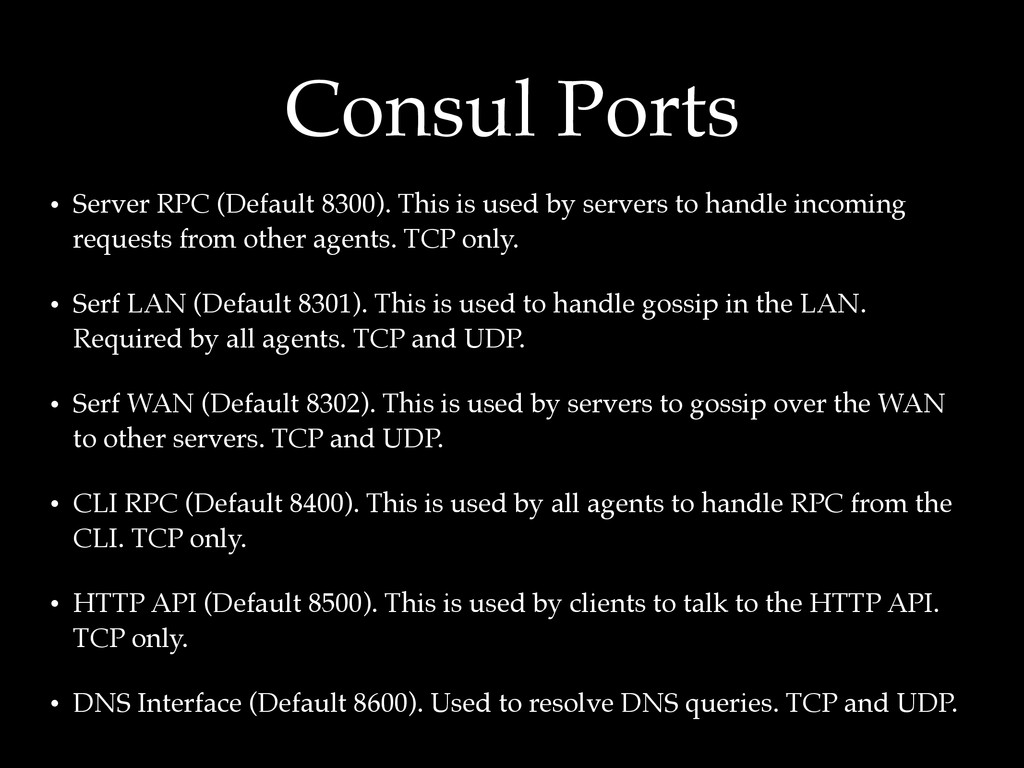
  18. Consul Ports • Server RPC (Default 8300). This is used

    by servers to handle incoming requests from other agents. TCP only. • Serf LAN (Default 8301). This is used to handle gossip in the LAN. Required by all agents. TCP and UDP. • Serf WAN (Default 8302). This is used by servers to gossip over the WAN to other servers. TCP and UDP. • CLI RPC (Default 8400). This is used by all agents to handle RPC from the CLI. TCP only. • HTTP API (Default 8500). This is used by clients to talk to the HTTP API. TCP only. • DNS Interface (Default 8600). Used to resolve DNS queries. TCP and UDP.
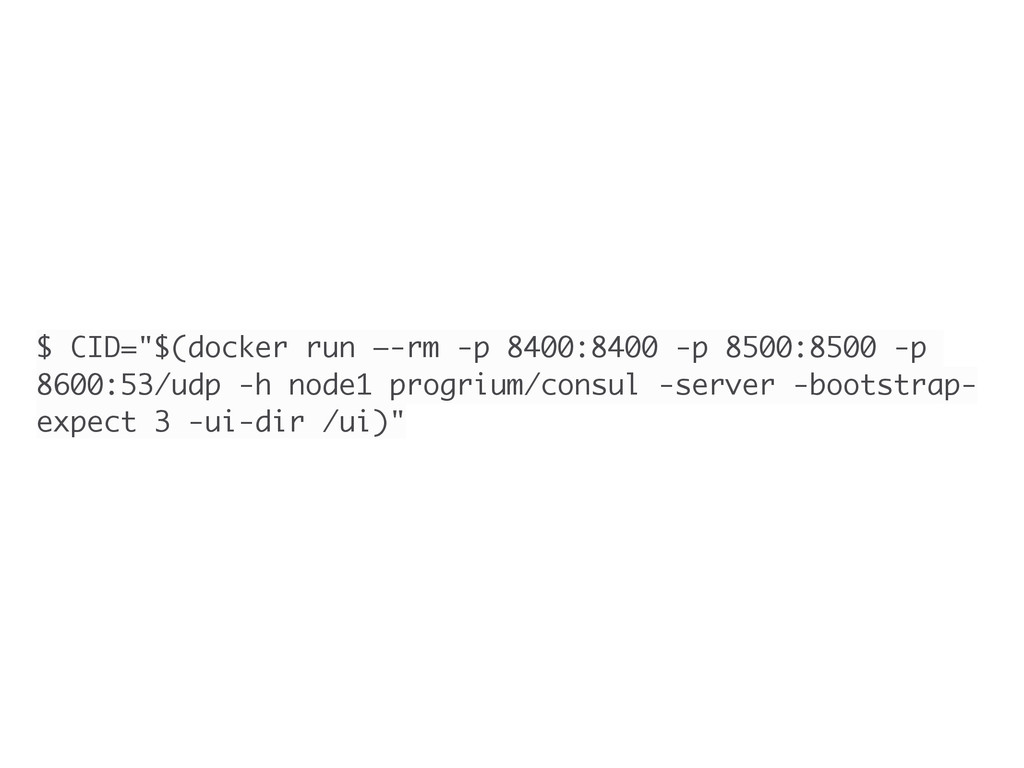
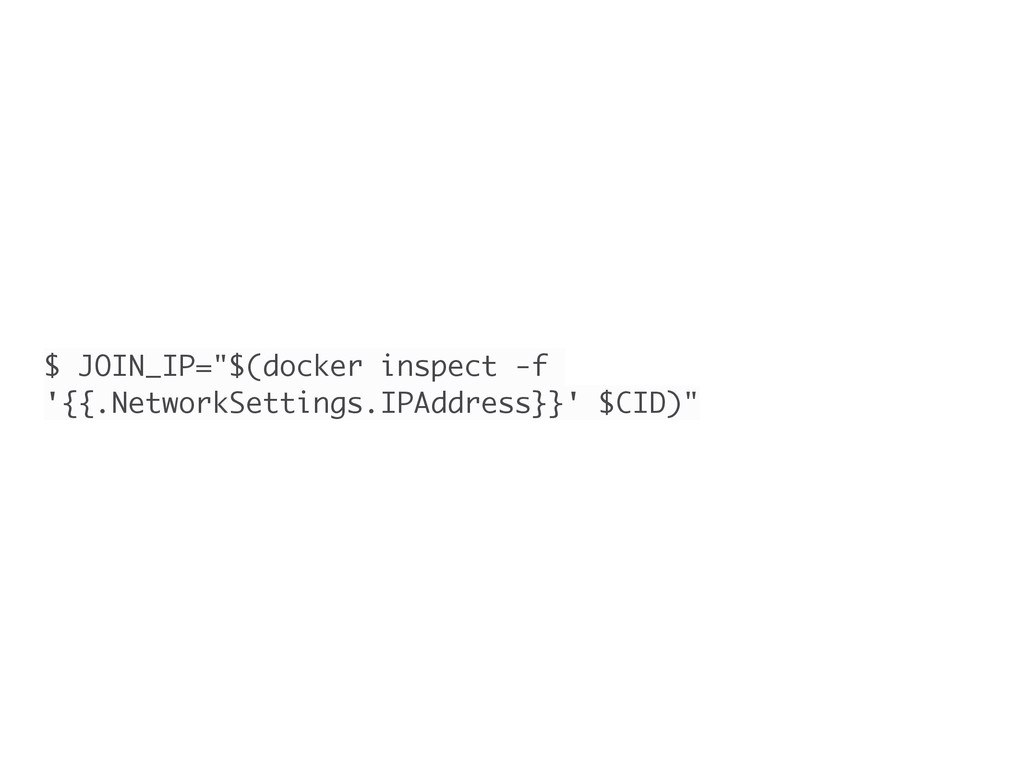
  19. $ CID="$(docker run —-rm -p 8400:8400 -p 8500:8500 -p 8600:53/udp

    -h node1 progrium/consul -server -bootstrap- expect 3 -ui-dir /ui)"
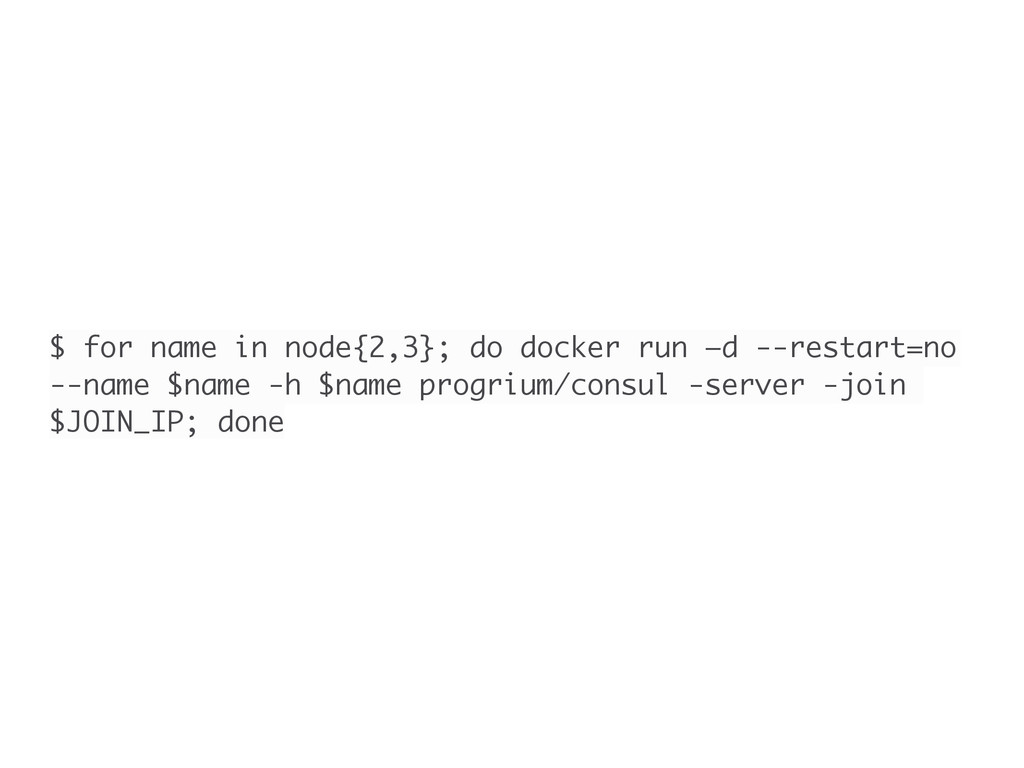
  20. $ for name in node{2,3}; do docker run —d --restart=no

    --name $name -h $name progrium/consul -server -join $JOIN_IP; done
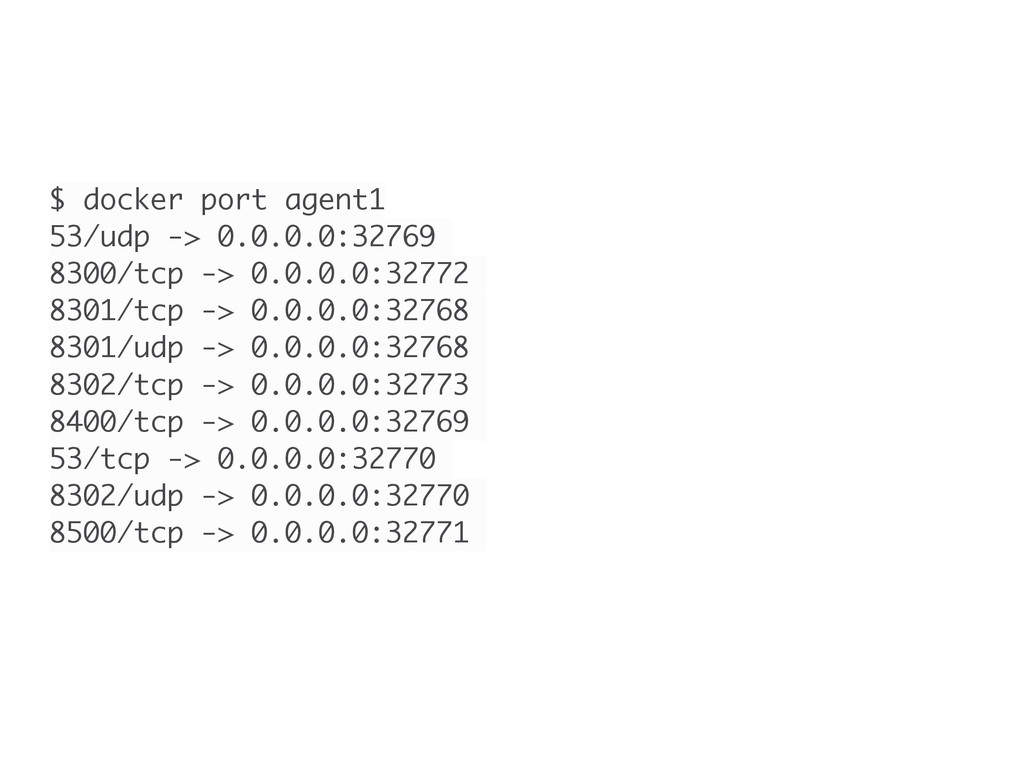
  21. $ docker port agent1 53/udp -> 0.0.0.0:32769 8300/tcp -> 0.0.0.0:32772

    8301/tcp -> 0.0.0.0:32768 8301/udp -> 0.0.0.0:32768 8302/tcp -> 0.0.0.0:32773 8400/tcp -> 0.0.0.0:32769 53/tcp -> 0.0.0.0:32770 8302/udp -> 0.0.0.0:32770 8500/tcp -> 0.0.0.0:32771
  22. consul-template • Generic template rendering and notifications with Consul •

    Loop and watch Consul for changes • Generate templates when it does • Execute scripts afterwards • Think chef-client but distributed and magical
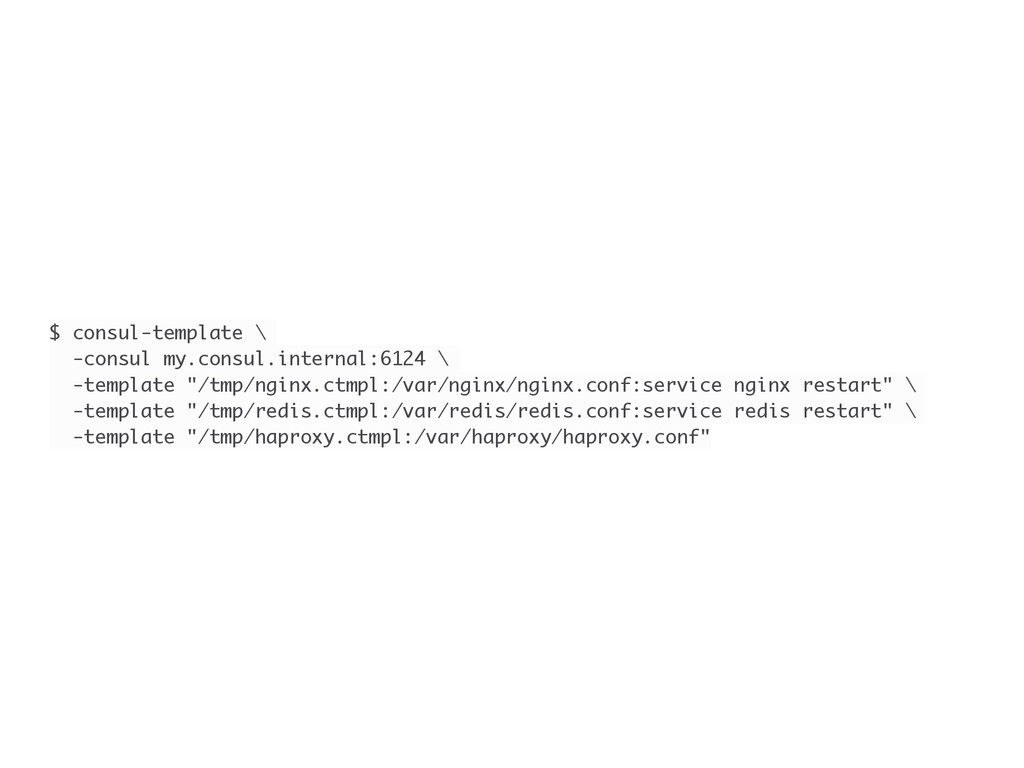
  23. $ consul-template \ -consul my.consul.internal:6124 \ -template "/tmp/nginx.ctmpl:/var/nginx/nginx.conf:service nginx restart"

    \ -template "/tmp/redis.ctmpl:/var/redis/redis.conf:service redis restart" \ -template "/tmp/haproxy.ctmpl:/var/haproxy/haproxy.conf"
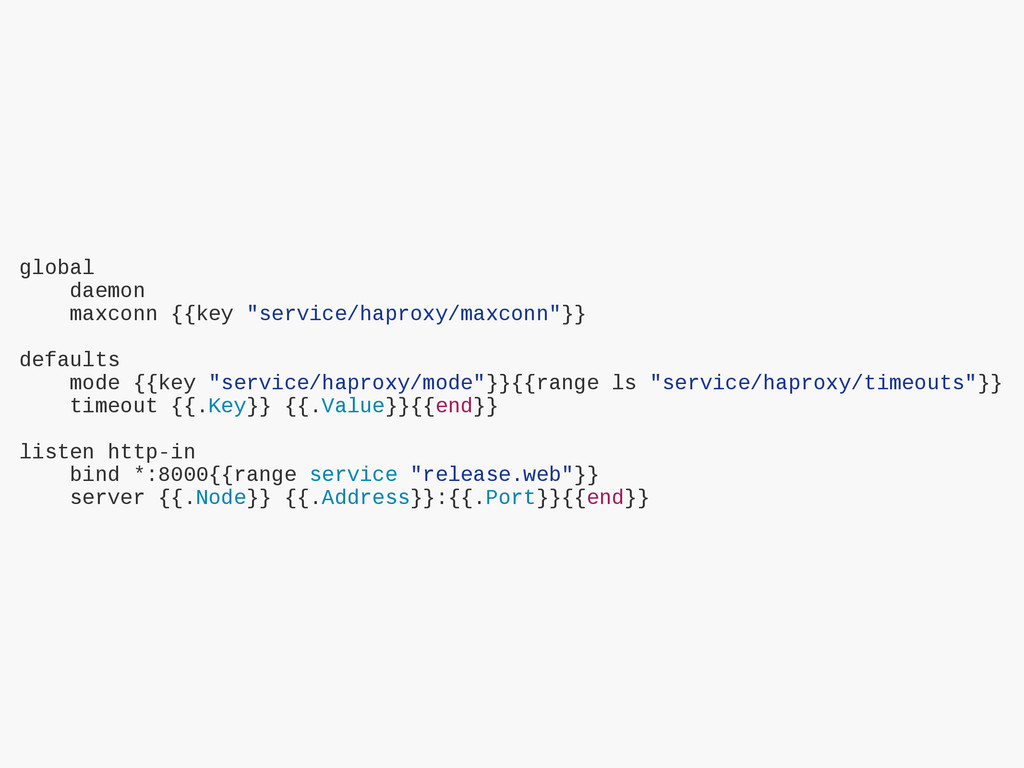
  24. global daemon maxconn {{key "service/haproxy/maxconn"}} defaults mode {{key "service/haproxy/mode"}}{{range ls

    "service/haproxy/timeouts"}} timeout {{.Key}} {{.Value}}{{end}} listen http-in bind *:8000{{range service "release.web"}} server {{.Node}} {{.Address}}:{{.Port}}{{end}}
  25. Registrator • Watches for docker events • Automatically register/deregisters services

    for Docker containers • Create a container, automatically registered service • Works with Consul or it’s competitor etcd • Deadly with Consul’s DNS
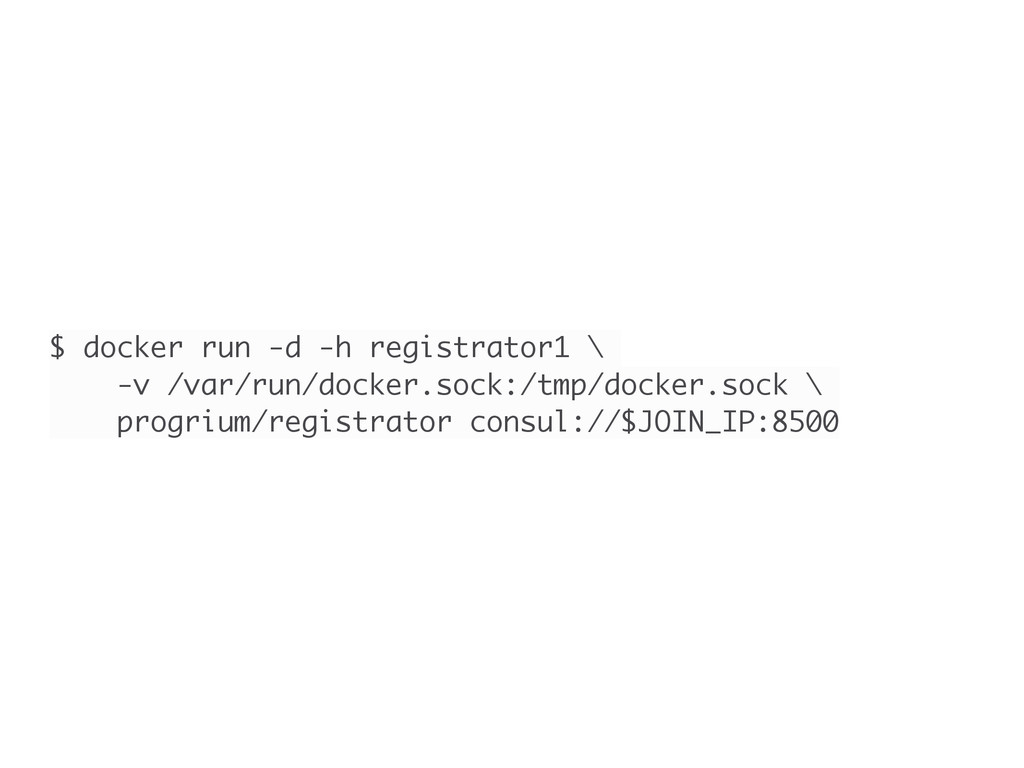
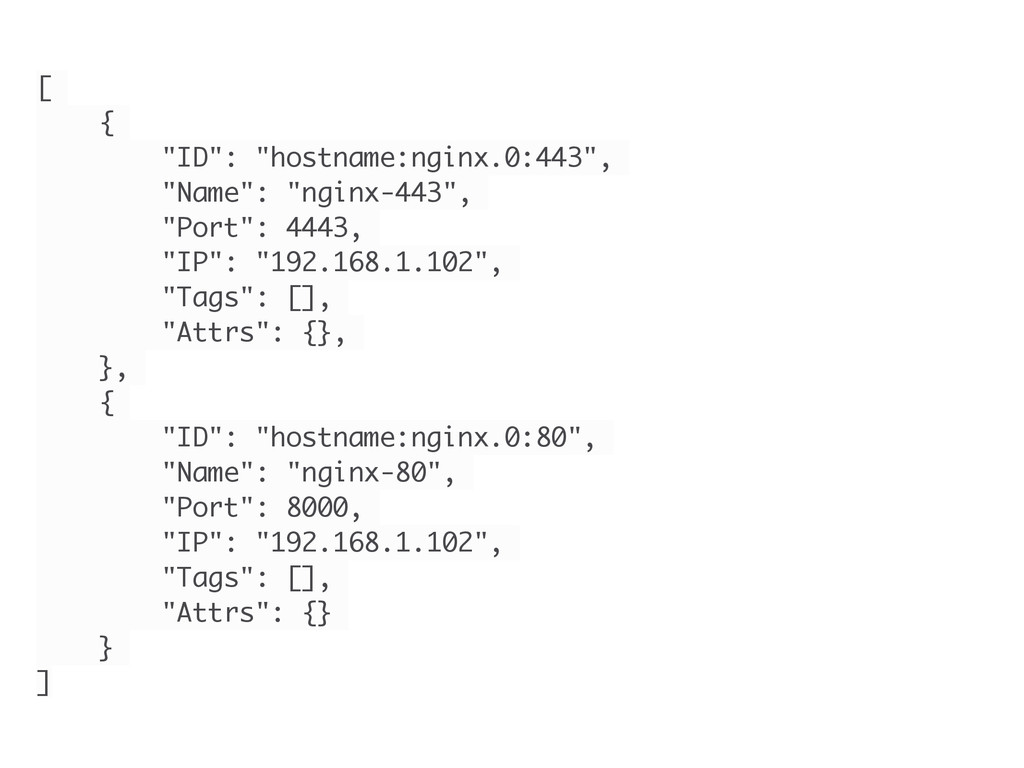
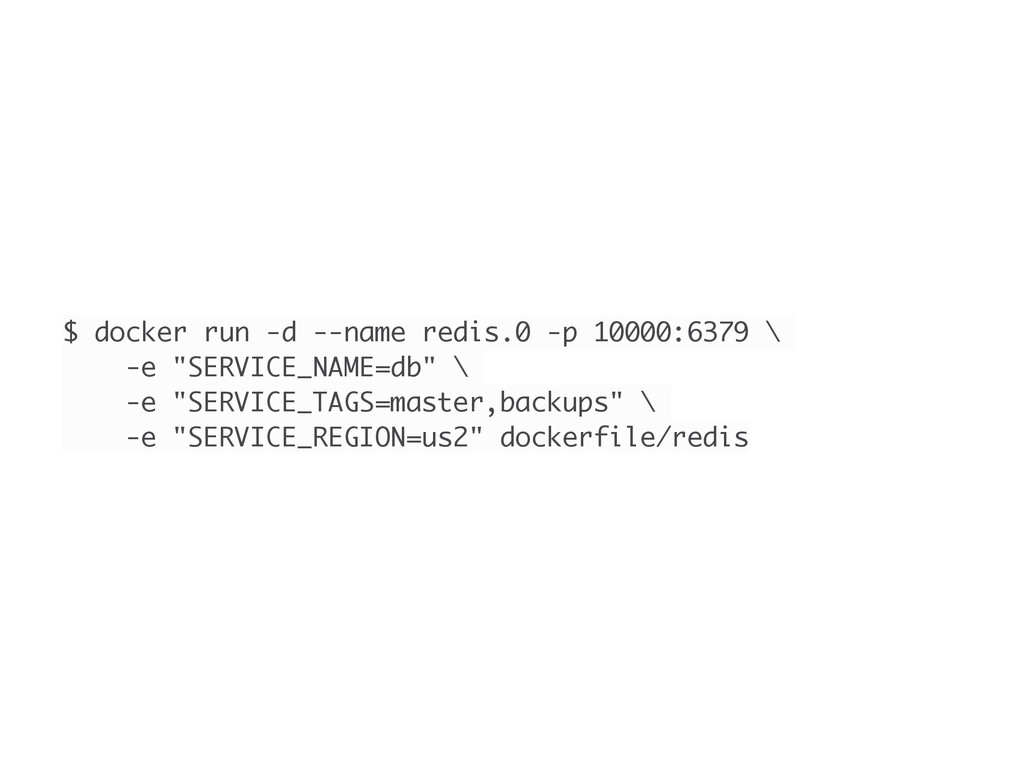
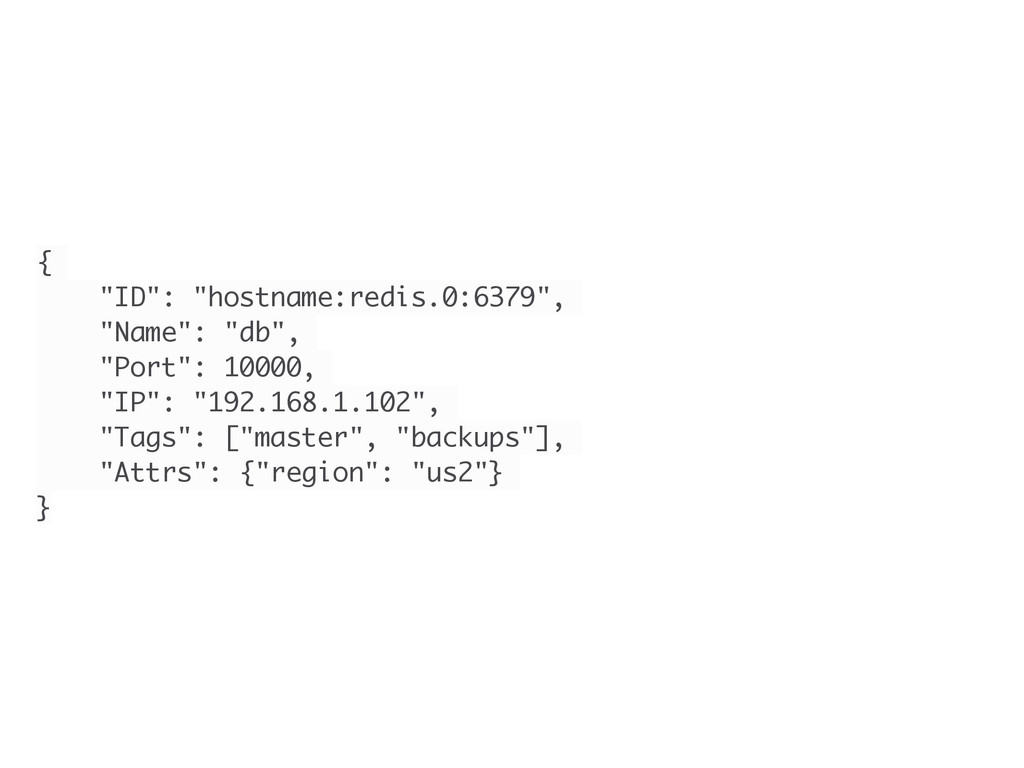
  26. Services are registered and deregistered based on container start and

    die events from Docker. The service definitions are created with information from the container, including user- defined metadata in the container environment. Registrator
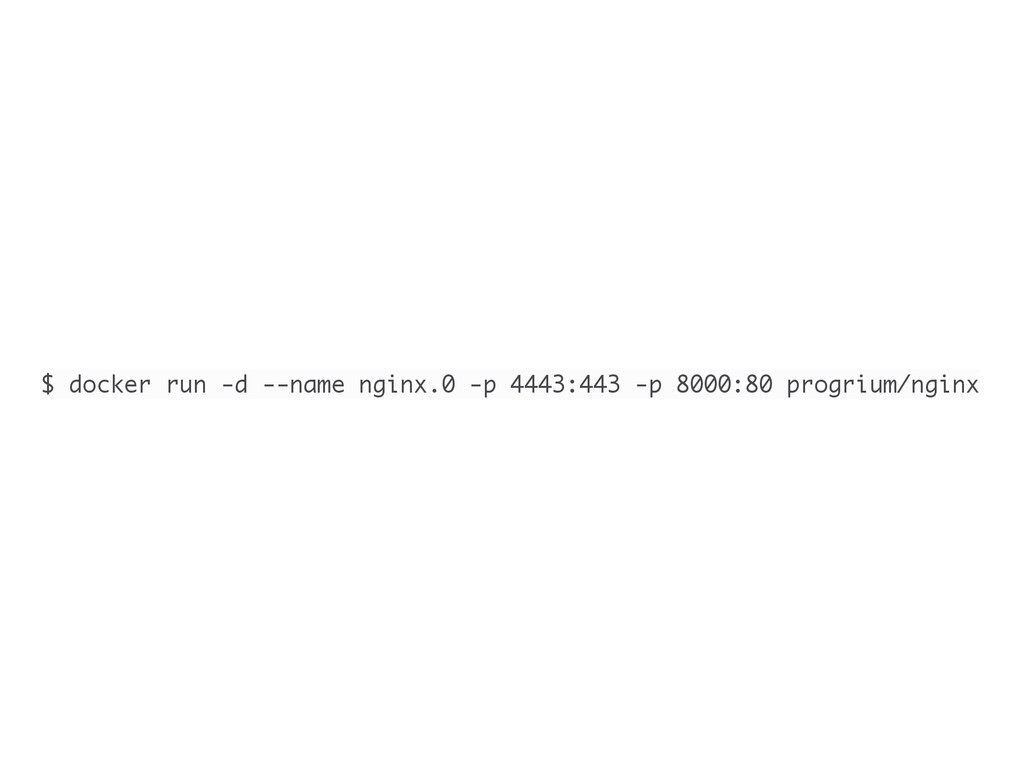
  27. [ { "ID": "hostname:nginx.0:443", "Name": "nginx-443", "Port": 4443, "IP": "192.168.1.102",

    "Tags": [], "Attrs": {}, }, { "ID": "hostname:nginx.0:80", "Name": "nginx-80", "Port": 8000, "IP": "192.168.1.102", "Tags": [], "Attrs": {} } ]
  28. $ docker run -d --name redis.0 -p 10000:6379 \ -e

    "SERVICE_NAME=db" \ -e "SERVICE_TAGS=master,backups" \ -e "SERVICE_REGION=us2" dockerfile/redis