e s e r v i c e b y G o o g l e t h a t p r o v i d e s d a t a o n h o w s e a r c h e n g i n e s c r a w l a n d i n d e x t h e c o n t e n t o f a w e b s i t e . H e l p s o p t i m i s e s i t e ’ s v i s i b i l i t y i n s e a r c h r e s u l t s . A l l o w s w e b m a s t e r s t o : C h e c k G o o g l e ’ s v i e w o f a s i t e
e s e r v i c e b y G o o g l e t h a t p r o v i d e s d a t a o n h o w s e a r c h e n g i n e s c r a w l a n d i n d e x t h e c o n t e n t o f a w e b s i t e . H e l p s o p t i m i s e s i t e ’ s v i s i b i l i t y i n s e a r c h r e s u l t s . A l l o w s w e b m a s t e r s t o : C h e c k G o o g l e ’ s v i e w o f a s i t e D i a g n o s e s i t e i s s u e s
e s e r v i c e b y G o o g l e t h a t p r o v i d e s d a t a o n h o w s e a r c h e n g i n e s c r a w l a n d i n d e x t h e c o n t e n t o f a w e b s i t e . H e l p s o p t i m i s e s i t e ’ s v i s i b i l i t y i n s e a r c h r e s u l t s . A l l o w s w e b m a s t e r s t o : C h e c k G o o g l e ’ s v i e w o f a s i t e D i a g n o s e s i t e i s s u e s S h a r e i n f o r m a t i o n w i t h G o o g l e
e s e r v i c e b y G o o g l e t h a t p r o v i d e s d a t a o n h o w s e a r c h e n g i n e s c r a w l a n d i n d e x t h e c o n t e n t o f a w e b s i t e . H e l p s o p t i m i s e s i t e ’ s v i s i b i l i t y i n s e a r c h r e s u l t s . A l l o w s w e b m a s t e r s t o : C h e c k G o o g l e ’ s v i e w o f a s i t e D i a g n o s e s i t e i s s u e s S h a r e i n f o r m a t i o n w i t h G o o g l e C h e c k c r a w l s t a t i s t i c s , r e c e n t q u e r i e s , e r r o r s a n d o t h e r i n f o t h a t G o o g l e c o l l e c t s a b o u t w e b s i t e s .
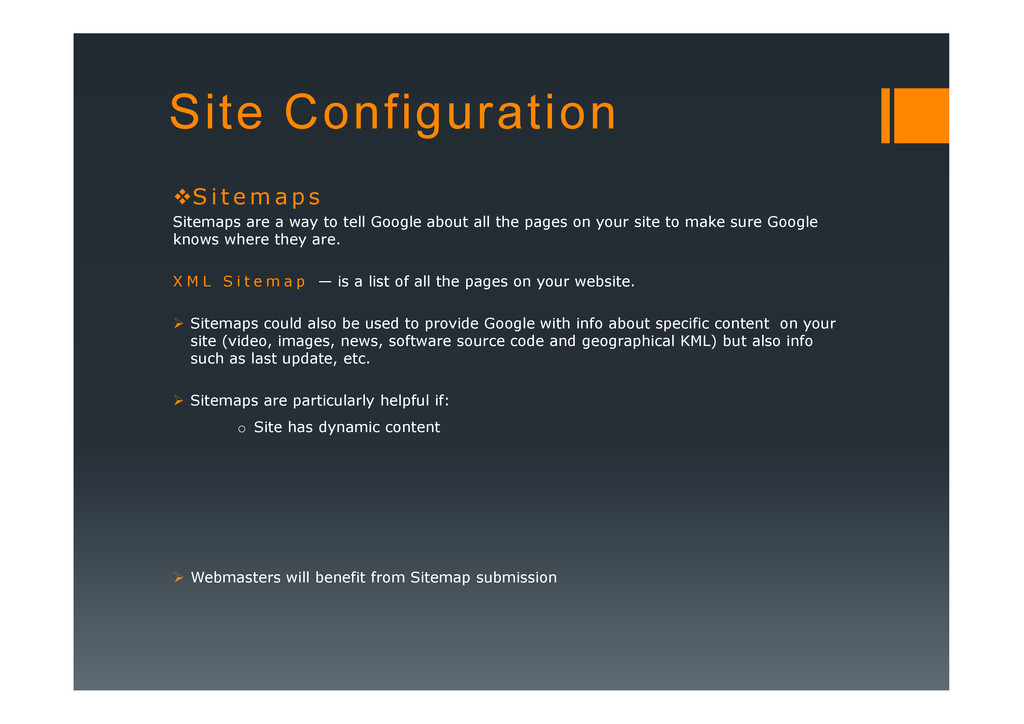
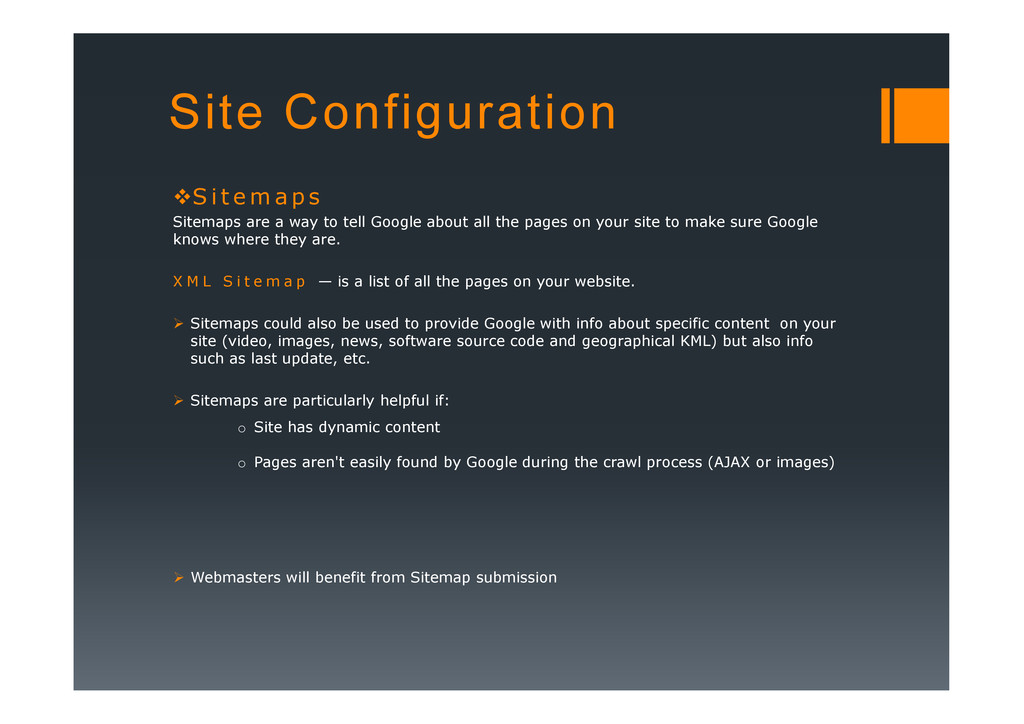
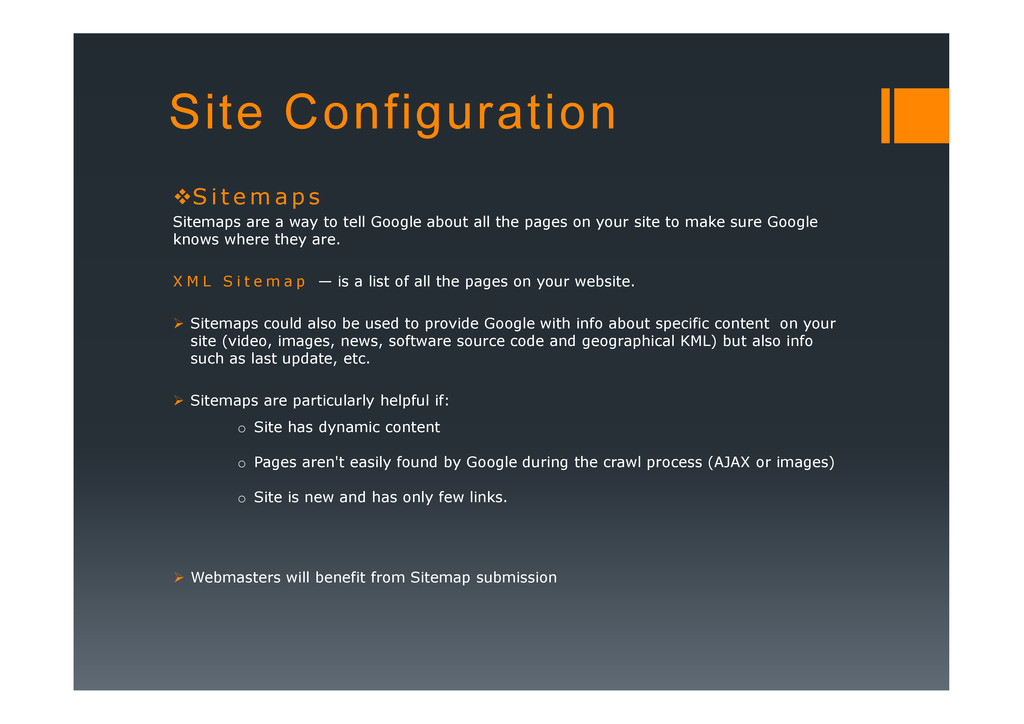
Sitemaps are a way to tell Google about all the pages on your site to make sure Google knows where they are. X M L S i t e m a p — is a list of all the pages on your website. Sitemaps could also be used to provide Google with info about specific content on your site (video, images, news, software source code and geographical KML) but also info such as last update, etc. such as last update, etc. Sitemaps are particularly helpful if: o Site has dynamic content Webmasters will benefit from Sitemap submission
Sitemaps are a way to tell Google about all the pages on your site to make sure Google knows where they are. X M L S i t e m a p — is a list of all the pages on your website. Sitemaps could also be used to provide Google with info about specific content on your site (video, images, news, software source code and geographical KML) but also info such as last update, etc. such as last update, etc. Sitemaps are particularly helpful if: o Site has dynamic content o Pages aren't easily found by Google during the crawl process (AJAX or images) Webmasters will benefit from Sitemap submission
Sitemaps are a way to tell Google about all the pages on your site to make sure Google knows where they are. X M L S i t e m a p — is a list of all the pages on your website. Sitemaps could also be used to provide Google with info about specific content on your site (video, images, news, software source code and geographical KML) but also info such as last update, etc. such as last update, etc. Sitemaps are particularly helpful if: o Site has dynamic content o Pages aren't easily found by Google during the crawl process (AJAX or images) o Site is new and has only few links. Webmasters will benefit from Sitemap submission
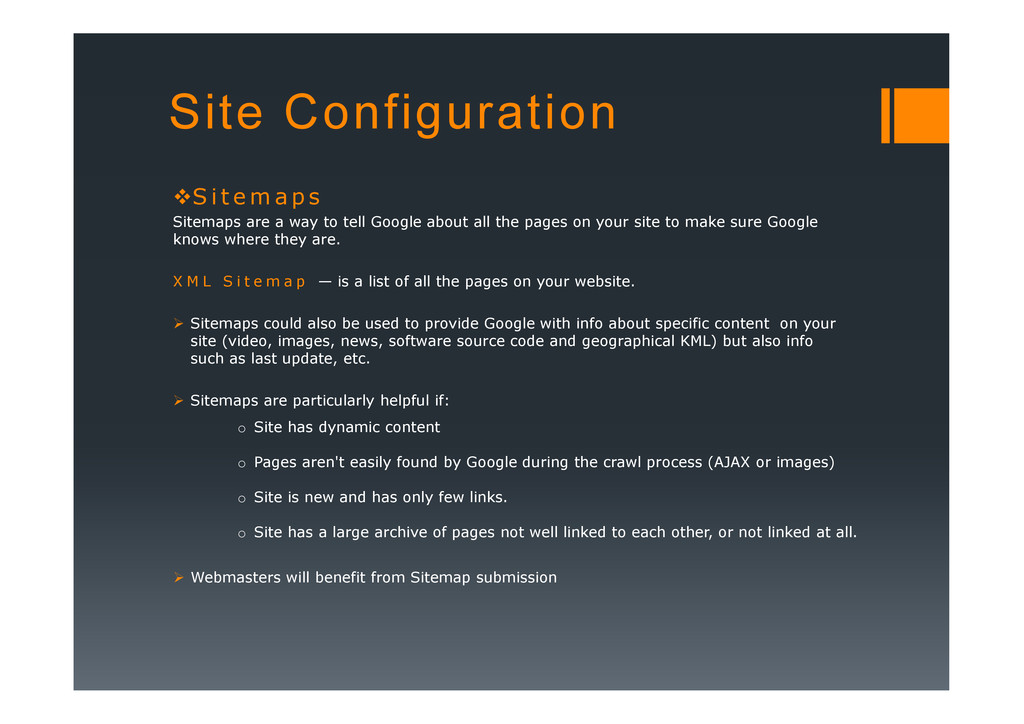
Sitemaps are a way to tell Google about all the pages on your site to make sure Google knows where they are. X M L S i t e m a p — is a list of all the pages on your website. Sitemaps could also be used to provide Google with info about specific content on your site (video, images, news, software source code and geographical KML) but also info such as last update, etc. such as last update, etc. Sitemaps are particularly helpful if: o Site has dynamic content o Pages aren't easily found by Google during the crawl process (AJAX or images) o Site is new and has only few links. o Site has a large archive of pages not well linked to each other, or not linked at all. Webmasters will benefit from Sitemap submission
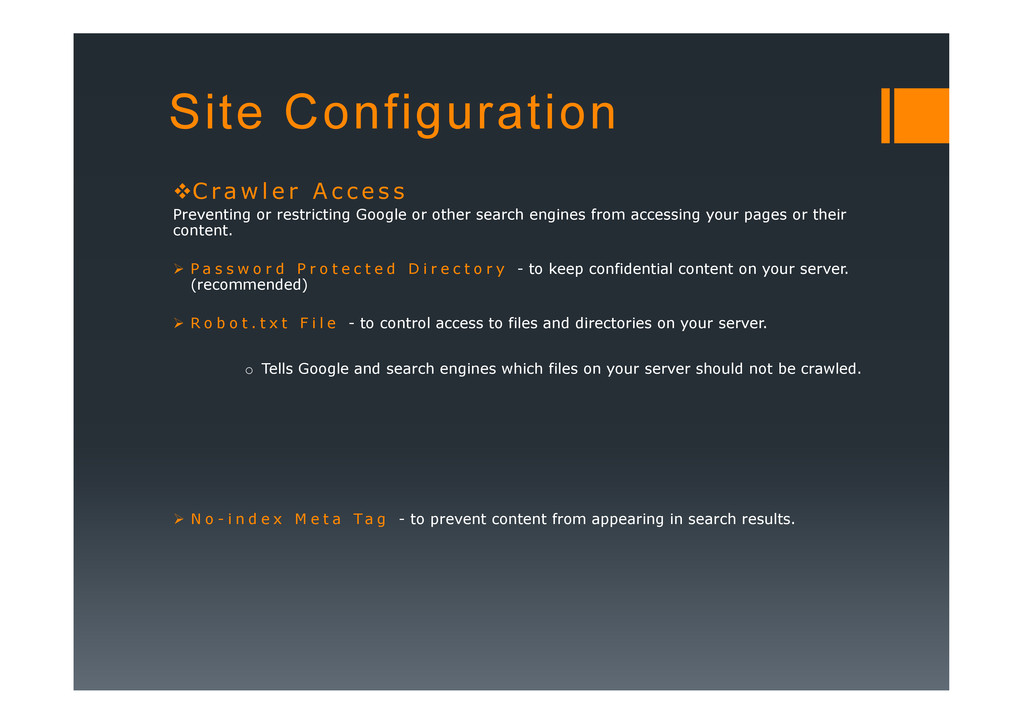
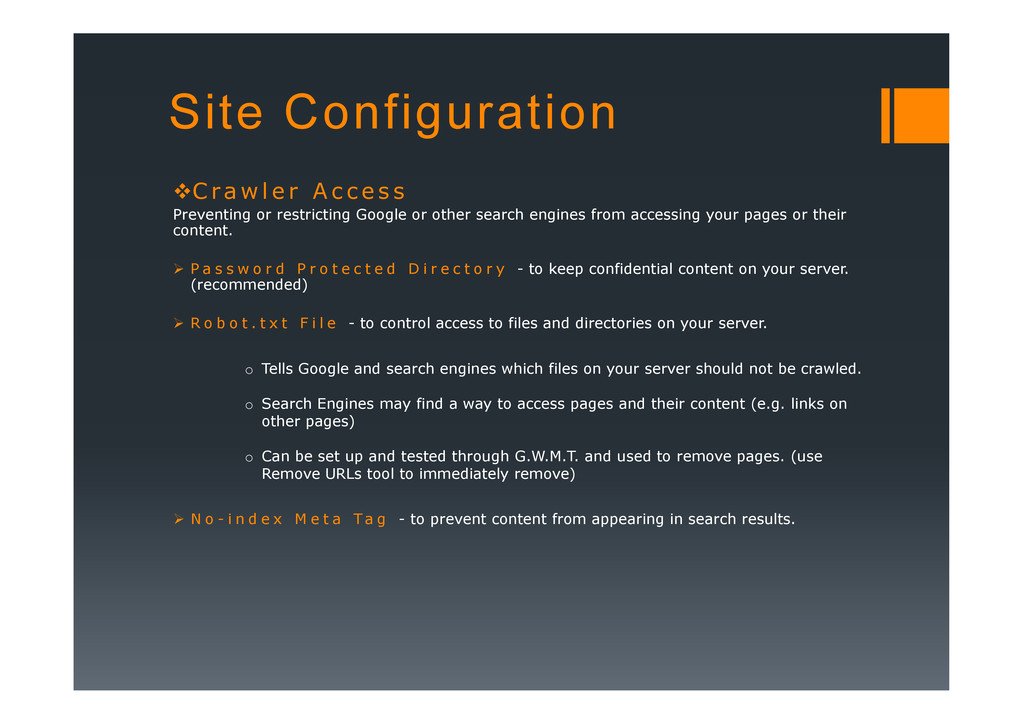
c e s s Preventing or restricting Google or other search engines from accessing your pages or their content. P a s s w o r d P r o t e c t e d D i r e c t o r y - to keep confidential content on your server. (recommended) R o b o t . t x t F i l e - to control access to files and directories on your server. Tells Google and search engines which files on your server should not be crawled. N o - i n d e x M e t a Ta g - to prevent content from appearing in search results. o Tells Google and search engines which files on your server should not be crawled.
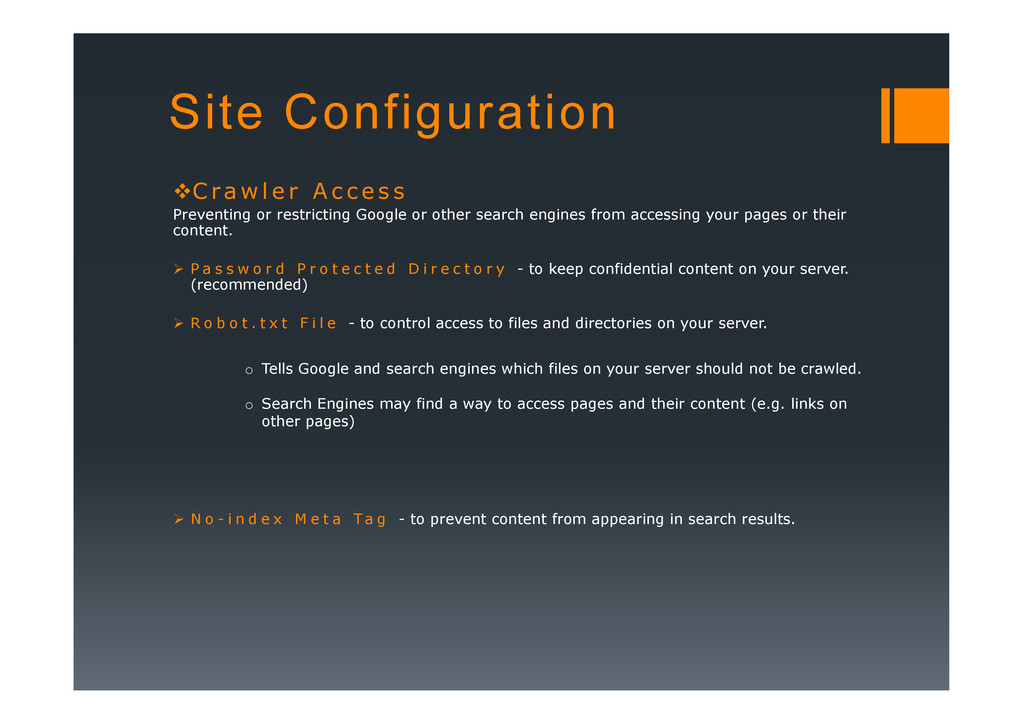
c e s s Preventing or restricting Google or other search engines from accessing your pages or their content. P a s s w o r d P r o t e c t e d D i r e c t o r y - to keep confidential content on your server. (recommended) R o b o t . t x t F i l e - to control access to files and directories on your server. Tells Google and search engines which files on your server should not be crawled. N o - i n d e x M e t a Ta g - to prevent content from appearing in search results. o Tells Google and search engines which files on your server should not be crawled. o Search Engines may find a way to access pages and their content (e.g. links on other pages)
c e s s Preventing or restricting Google or other search engines from accessing your pages or their content. P a s s w o r d P r o t e c t e d D i r e c t o r y - to keep confidential content on your server. (recommended) R o b o t . t x t F i l e - to control access to files and directories on your server. Tells Google and search engines which files on your server should not be crawled. N o - i n d e x M e t a Ta g - to prevent content from appearing in search results. o Tells Google and search engines which files on your server should not be crawled. o Search Engines may find a way to access pages and their content (e.g. links on other pages) o Can be set up and tested through G.W.M.T. and used to remove pages. (use Remove URLs tool to immediately remove)
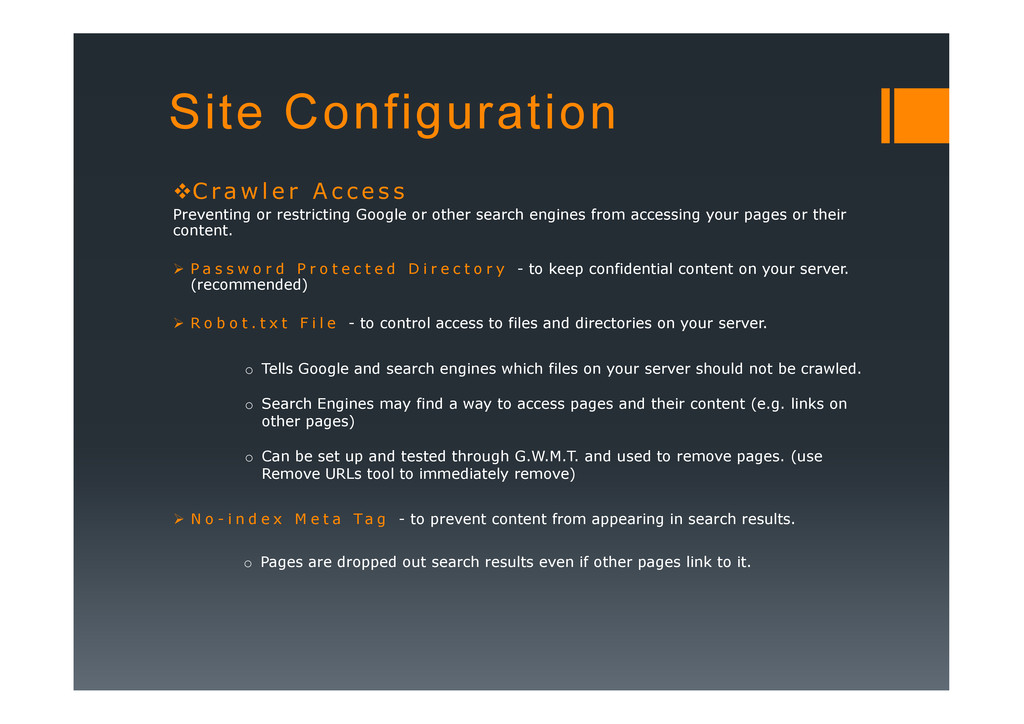
c e s s Preventing or restricting Google or other search engines from accessing your pages or their content. P a s s w o r d P r o t e c t e d D i r e c t o r y - to keep confidential content on your server. (recommended) R o b o t . t x t F i l e - to control access to files and directories on your server. Tells Google and search engines which files on your server should not be crawled. N o - i n d e x M e t a Ta g - to prevent content from appearing in search results. o Tells Google and search engines which files on your server should not be crawled. o Search Engines may find a way to access pages and their content (e.g. links on other pages) o Can be set up and tested through G.W.M.T. and used to remove pages. (use Remove URLs tool to immediately remove) o Pages are dropped out search results even if other pages link to it.
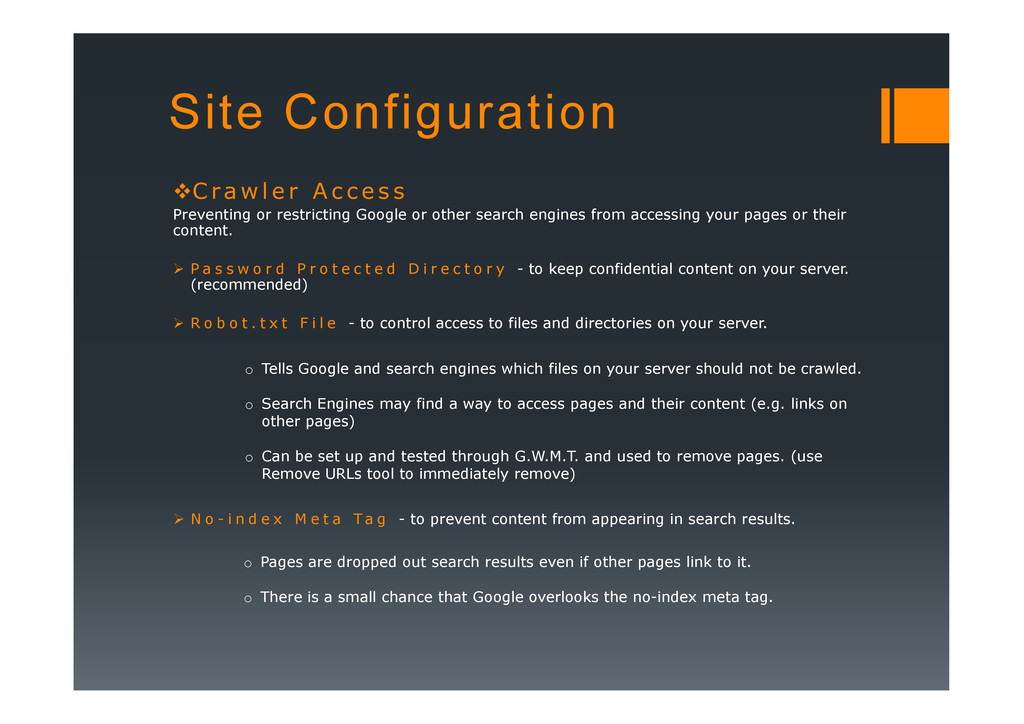
c e s s Preventing or restricting Google or other search engines from accessing your pages or their content. P a s s w o r d P r o t e c t e d D i r e c t o r y - to keep confidential content on your server. (recommended) R o b o t . t x t F i l e - to control access to files and directories on your server. Tells Google and search engines which files on your server should not be crawled. N o - i n d e x M e t a Ta g - to prevent content from appearing in search results. o Tells Google and search engines which files on your server should not be crawled. o Search Engines may find a way to access pages and their content (e.g. links on other pages) o Can be set up and tested through G.W.M.T. and used to remove pages. (use Remove URLs tool to immediately remove) o Pages are dropped out search results even if other pages link to it. o There is a small chance that Google overlooks the no-index meta tag.
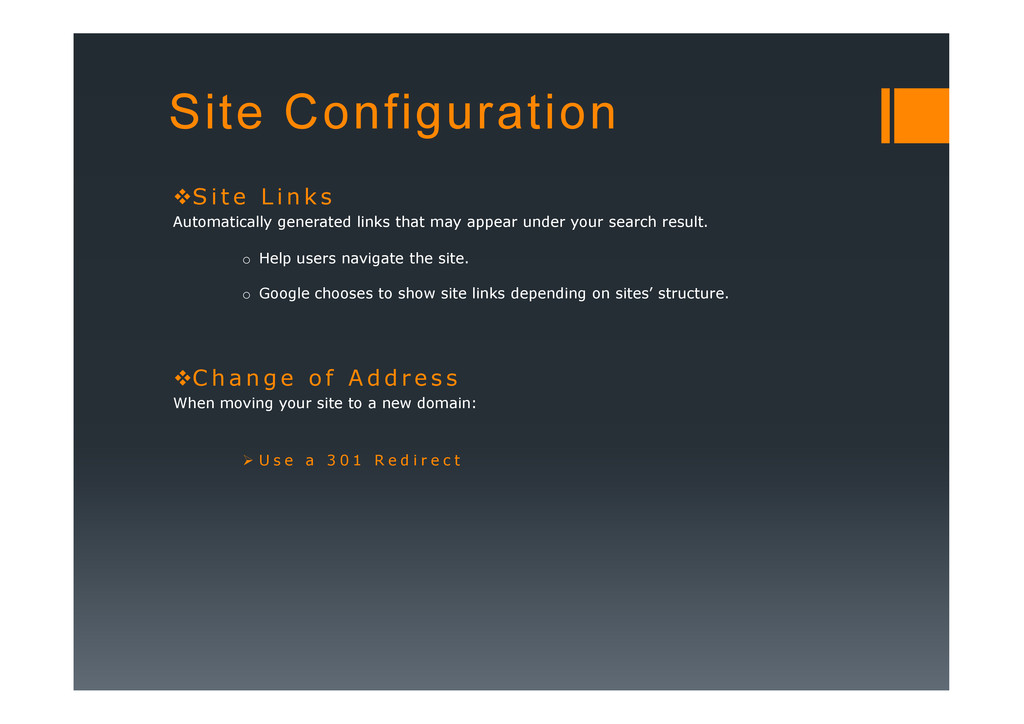
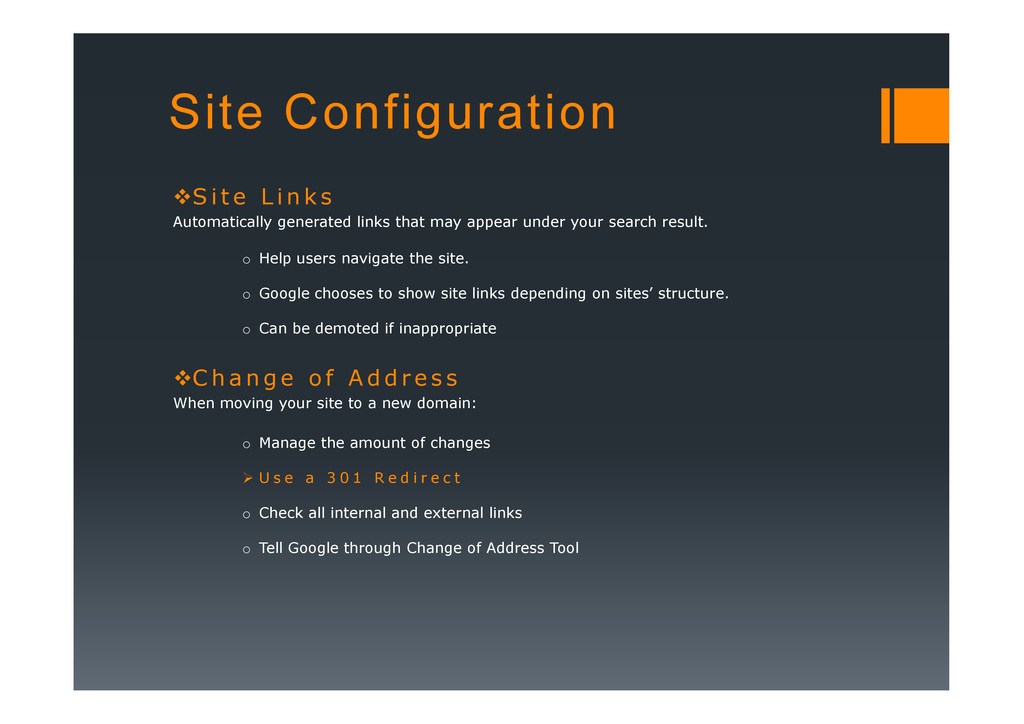
s Automatically generated links that may appear under your search result. o Help users navigate the site. C h a n g e o f A d d r e s s When moving your site to a new domain: U s e a 3 0 1 R e d i r e c t
s Automatically generated links that may appear under your search result. o Help users navigate the site. o Google chooses to show site links depending on sites’ structure. C h a n g e o f A d d r e s s When moving your site to a new domain: U s e a 3 0 1 R e d i r e c t
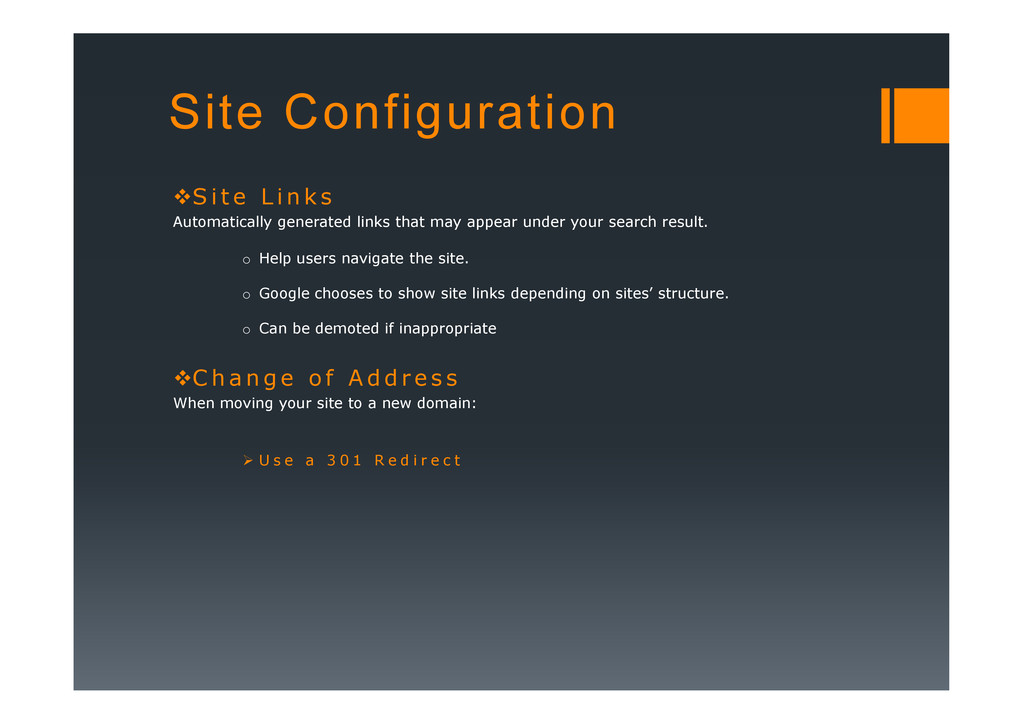
s Automatically generated links that may appear under your search result. o Help users navigate the site. o Google chooses to show site links depending on sites’ structure. o Can be demoted if inappropriate C h a n g e o f A d d r e s s When moving your site to a new domain: U s e a 3 0 1 R e d i r e c t
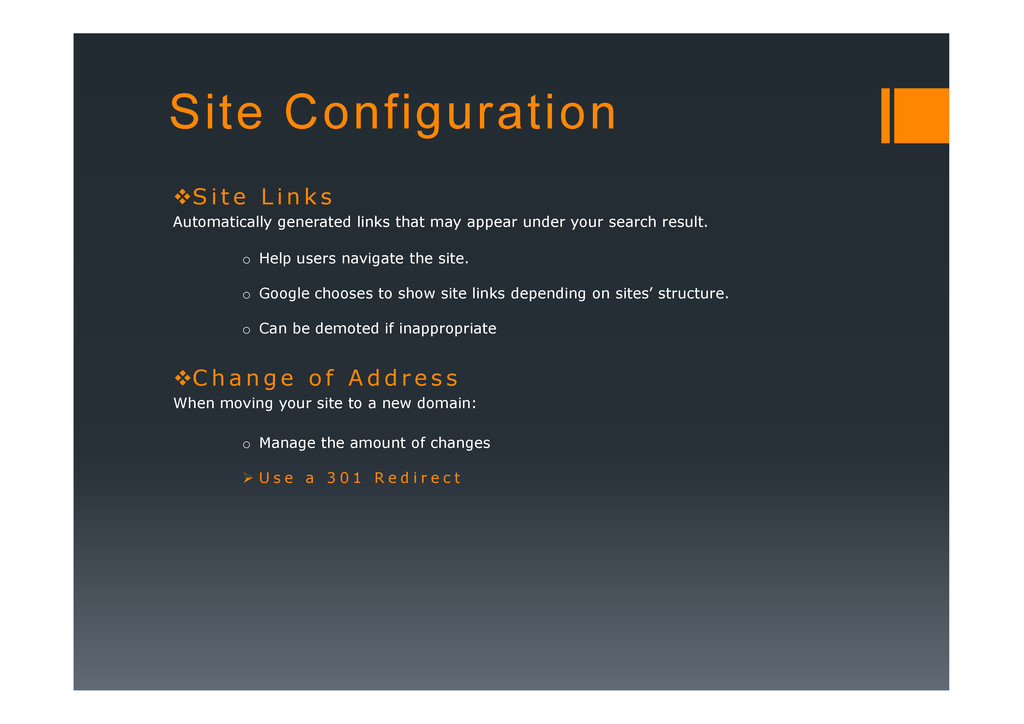
s Automatically generated links that may appear under your search result. o Help users navigate the site. o Google chooses to show site links depending on sites’ structure. o Can be demoted if inappropriate C h a n g e o f A d d r e s s When moving your site to a new domain: o Manage the amount of changes U s e a 3 0 1 R e d i r e c t
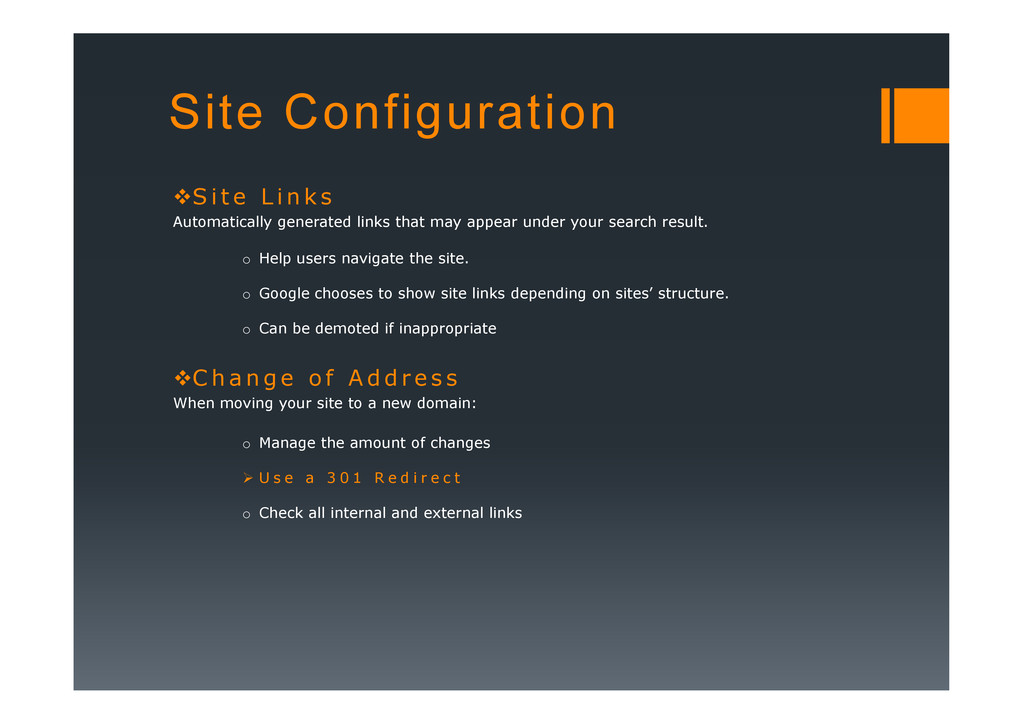
s Automatically generated links that may appear under your search result. o Help users navigate the site. o Google chooses to show site links depending on sites’ structure. o Can be demoted if inappropriate C h a n g e o f A d d r e s s When moving your site to a new domain: o Manage the amount of changes U s e a 3 0 1 R e d i r e c t o Check all internal and external links
s Automatically generated links that may appear under your search result. o Help users navigate the site. o Google chooses to show site links depending on sites’ structure. o Can be demoted if inappropriate C h a n g e o f A d d r e s s When moving your site to a new domain: o Manage the amount of changes U s e a 3 0 1 R e d i r e c t o Check all internal and external links o Tell Google through Change of Address Tool
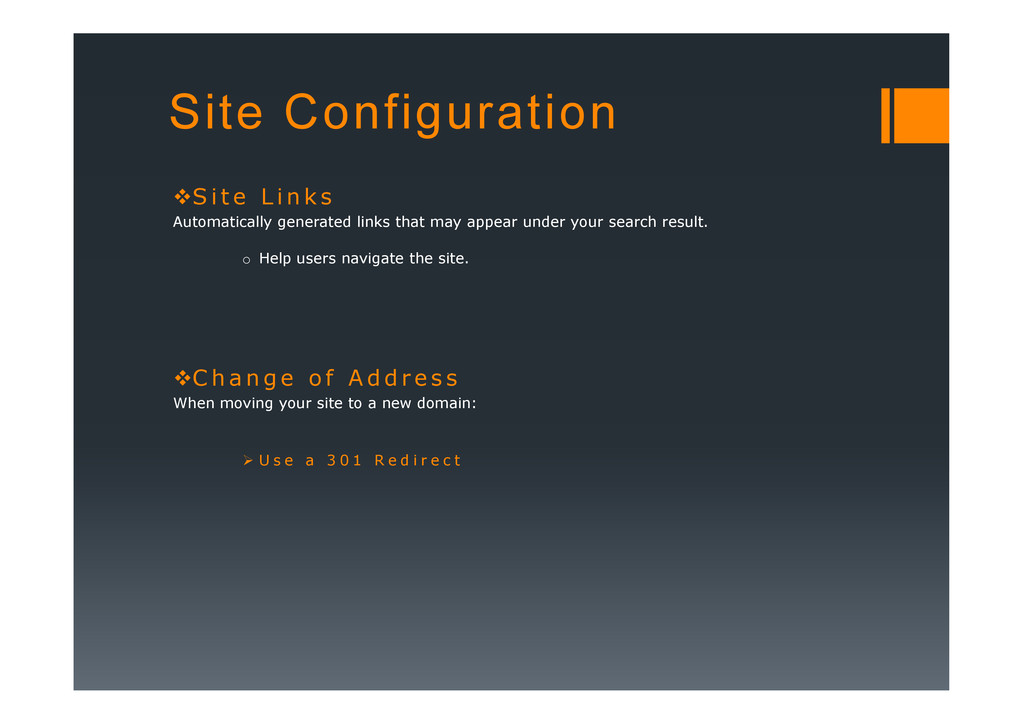
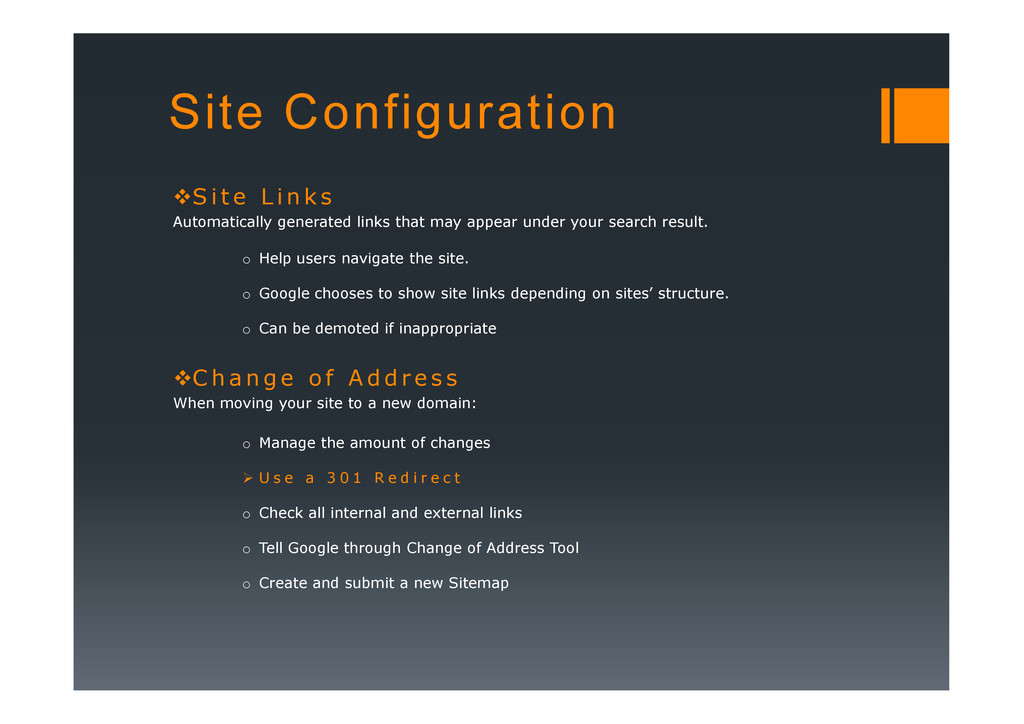
s Automatically generated links that may appear under your search result. o Help users navigate the site. o Google chooses to show site links depending on sites’ structure. o Can be demoted if inappropriate C h a n g e o f A d d r e s s When moving your site to a new domain: o Manage the amount of changes U s e a 3 0 1 R e d i r e c t o Check all internal and external links o Tell Google through Change of Address Tool o Create and submit a new Sitemap
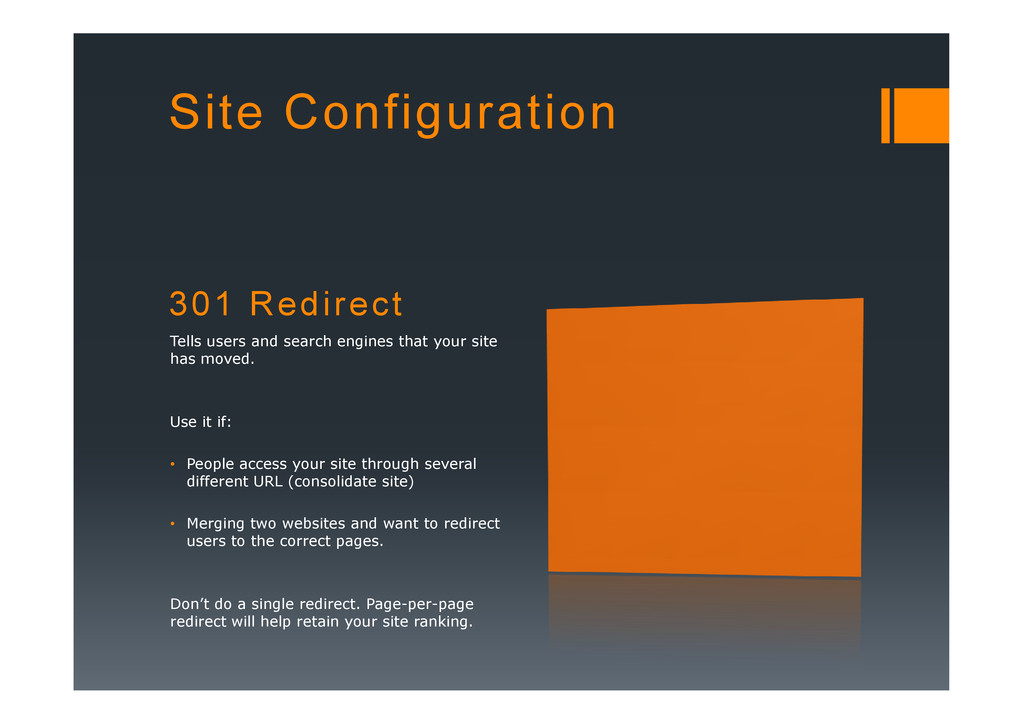
has moved. Site Configuration has moved. Use it if: • People access your site through several different URL (consolidate site) • Merging two websites and want to redirect users to the correct pages. Don’t do a single redirect. Page-per-page redirect will help retain your site ranking.
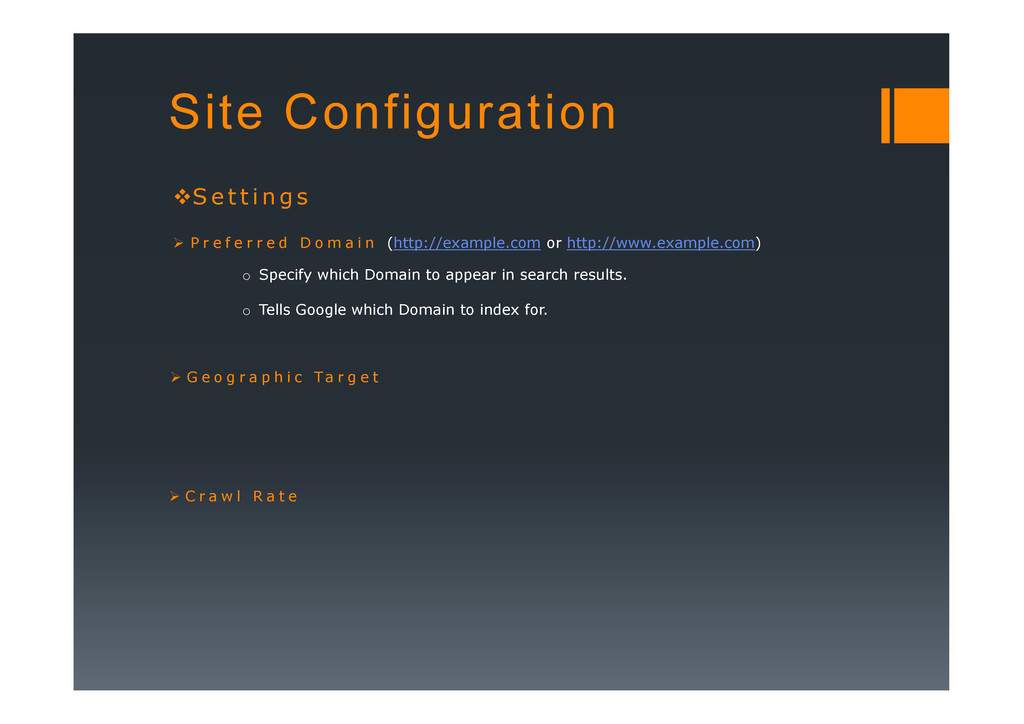
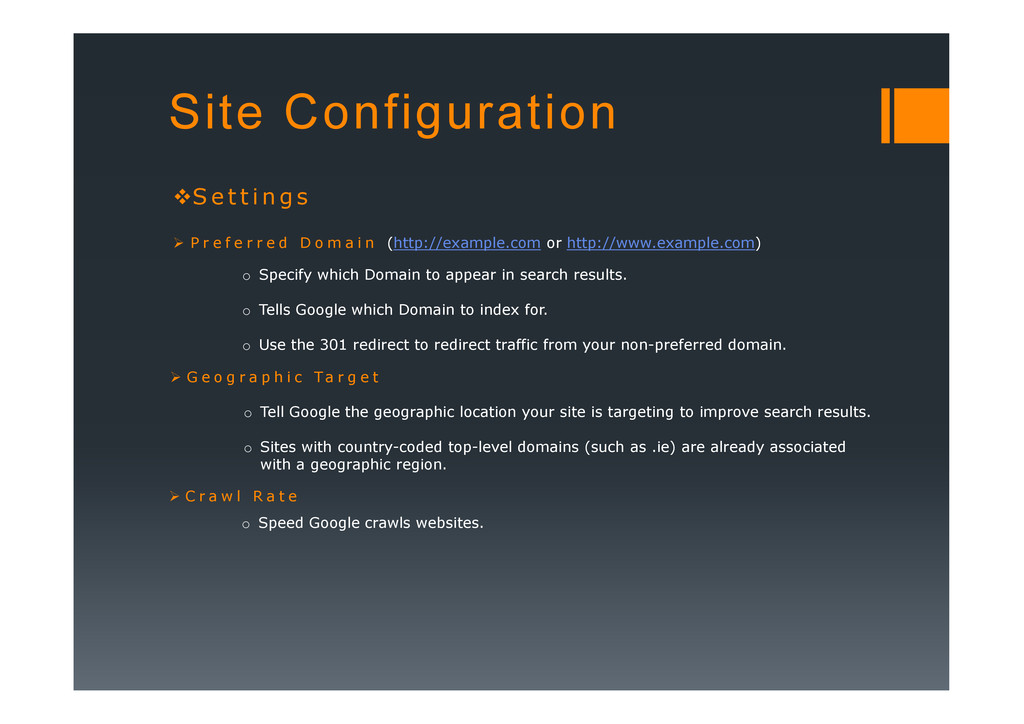
P r e f e r r e d D o m a i n (http://example.com or http://www.example.com) o Specify which Domain to appear in search results. G e o g r a p h i c Ta r g e t C r a w l R a t e
P r e f e r r e d D o m a i n (http://example.com or http://www.example.com) o Specify which Domain to appear in search results. o Tells Google which Domain to index for. G e o g r a p h i c Ta r g e t C r a w l R a t e
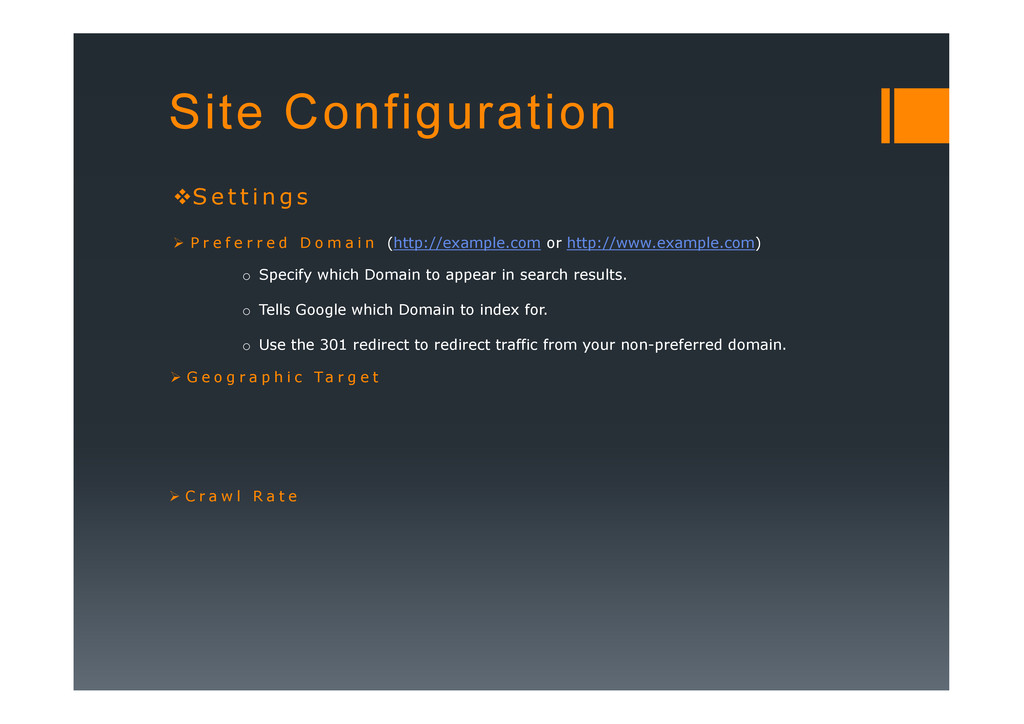
P r e f e r r e d D o m a i n (http://example.com or http://www.example.com) o Specify which Domain to appear in search results. o Tells Google which Domain to index for. o Use the 301 redirect to redirect traffic from your non-preferred domain. G e o g r a p h i c Ta r g e t C r a w l R a t e
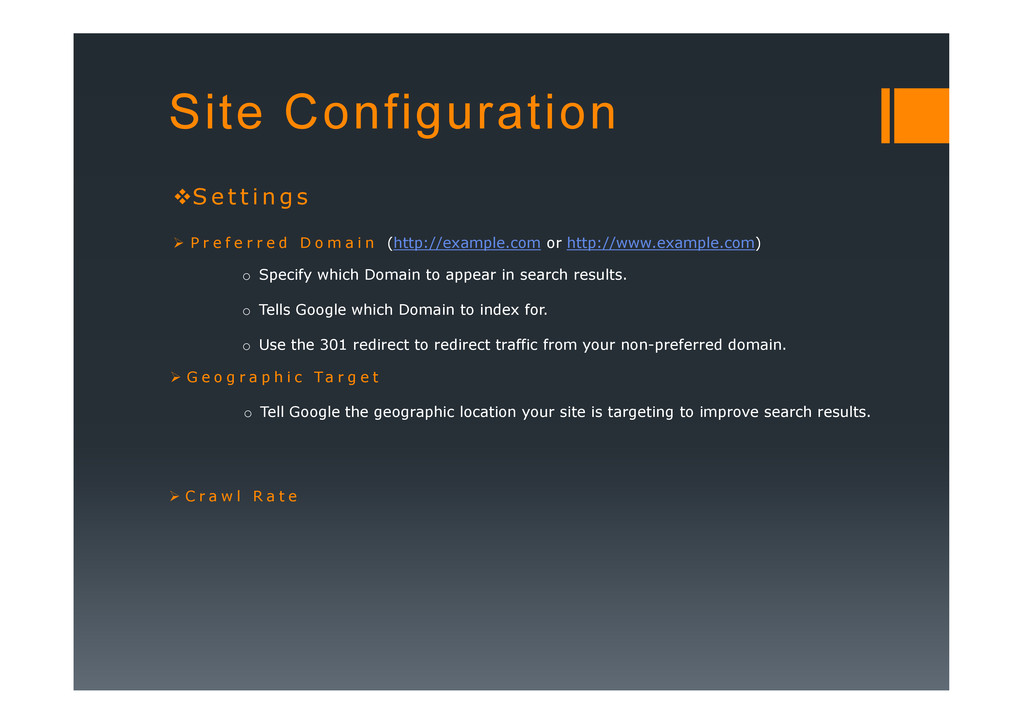
P r e f e r r e d D o m a i n (http://example.com or http://www.example.com) o Specify which Domain to appear in search results. o Tells Google which Domain to index for. o Use the 301 redirect to redirect traffic from your non-preferred domain. G e o g r a p h i c Ta r g e t o Tell Google the geographic location your site is targeting to improve search results. C r a w l R a t e
P r e f e r r e d D o m a i n (http://example.com or http://www.example.com) o Specify which Domain to appear in search results. o Tells Google which Domain to index for. o Use the 301 redirect to redirect traffic from your non-preferred domain. G e o g r a p h i c Ta r g e t o Tell Google the geographic location your site is targeting to improve search results. o Sites with country-coded top-level domains (such as .ie) are already associated with a geographic region. C r a w l R a t e
P r e f e r r e d D o m a i n (http://example.com or http://www.example.com) o Specify which Domain to appear in search results. o Tells Google which Domain to index for. o Use the 301 redirect to redirect traffic from your non-preferred domain. G e o g r a p h i c Ta r g e t o Tell Google the geographic location your site is targeting to improve search results. o Sites with country-coded top-level domains (such as .ie) are already associated with a geographic region. C r a w l R a t e o Speed Google crawls websites.
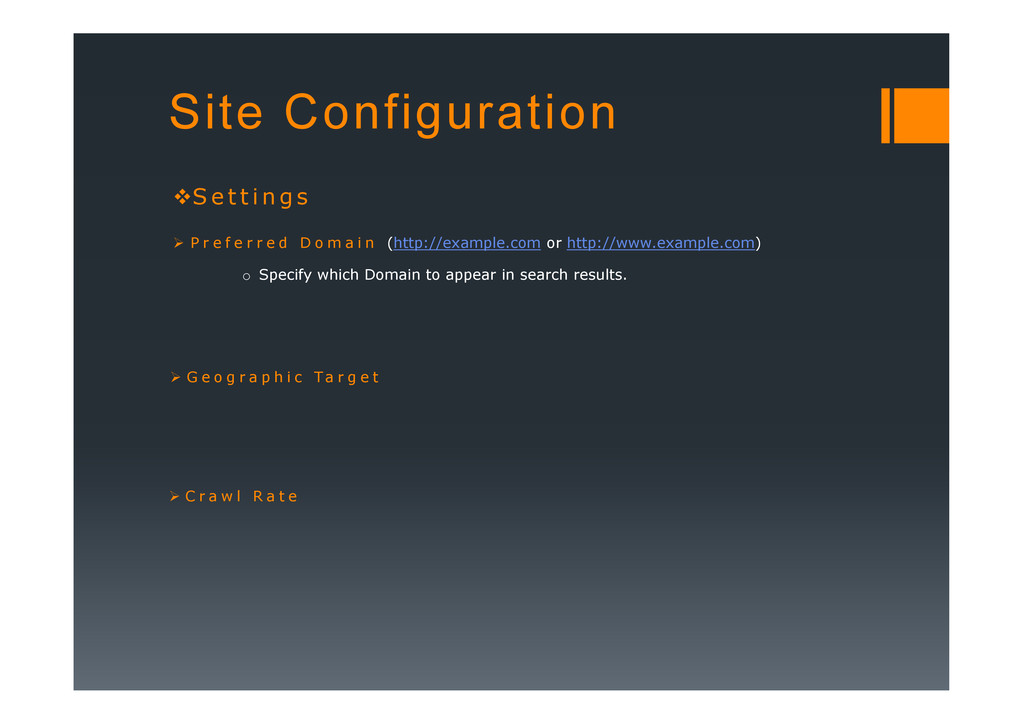
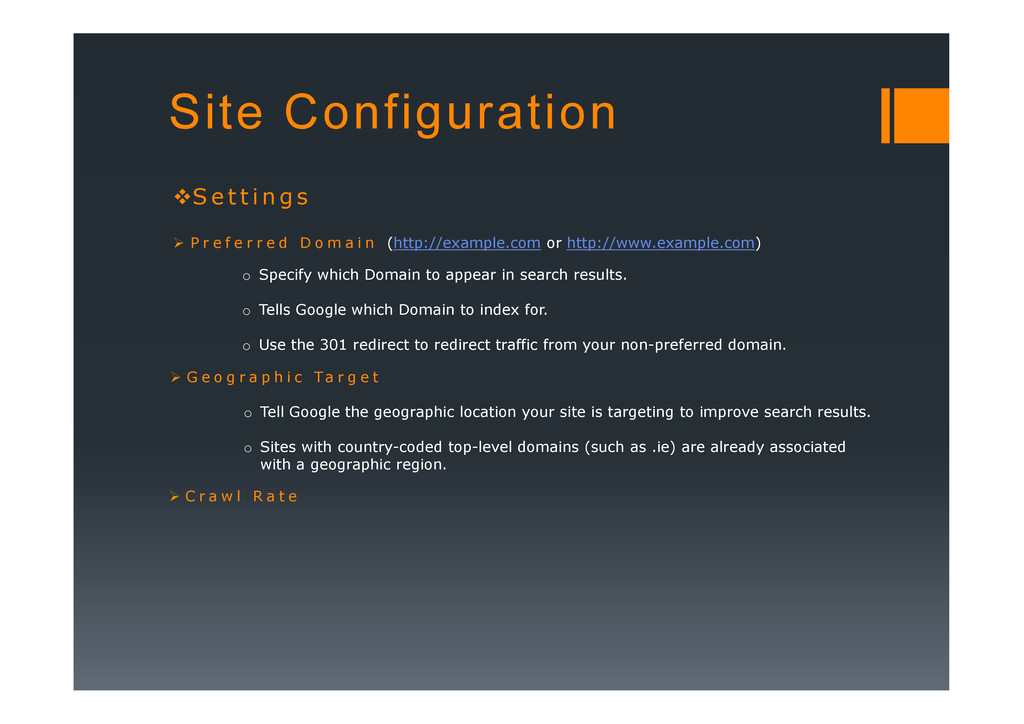
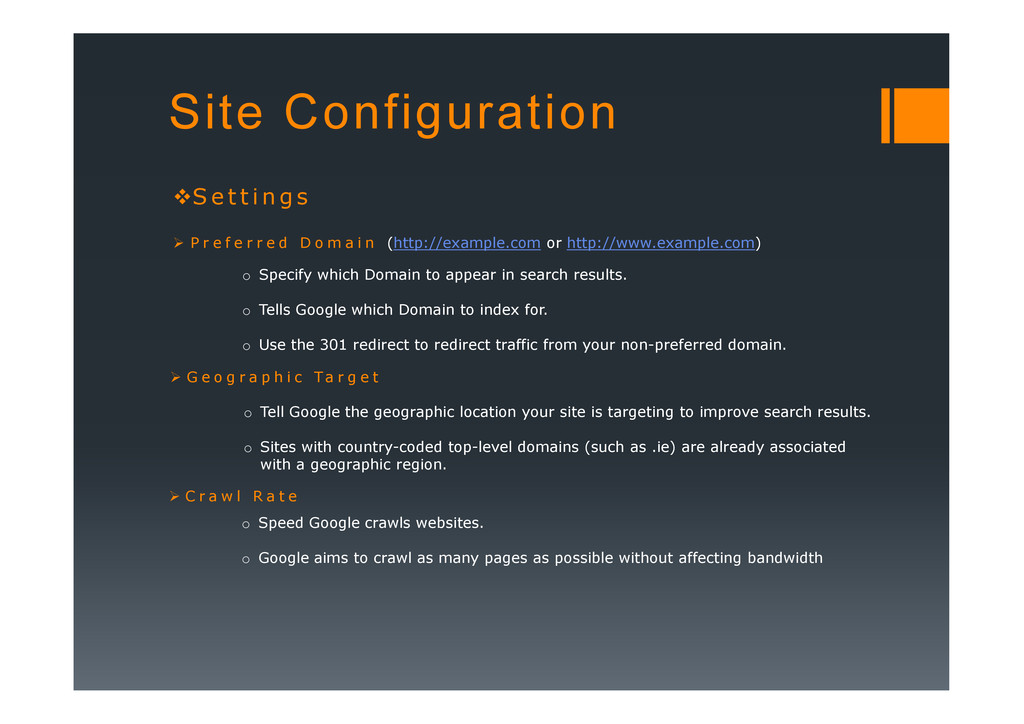
P r e f e r r e d D o m a i n (http://example.com or http://www.example.com) o Specify which Domain to appear in search results. o Tells Google which Domain to index for. o Use the 301 redirect to redirect traffic from your non-preferred domain. G e o g r a p h i c Ta r g e t o Tell Google the geographic location your site is targeting to improve search results. o Sites with country-coded top-level domains (such as .ie) are already associated with a geographic region. C r a w l R a t e o Speed Google crawls websites. o Google aims to crawl as many pages as possible without affecting bandwidth
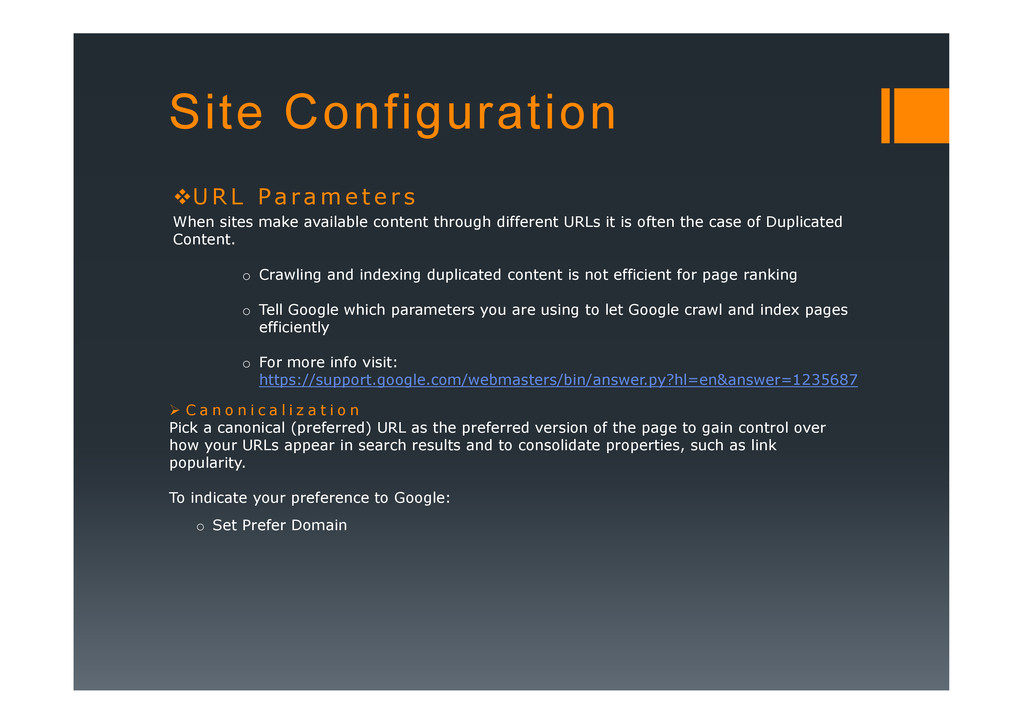
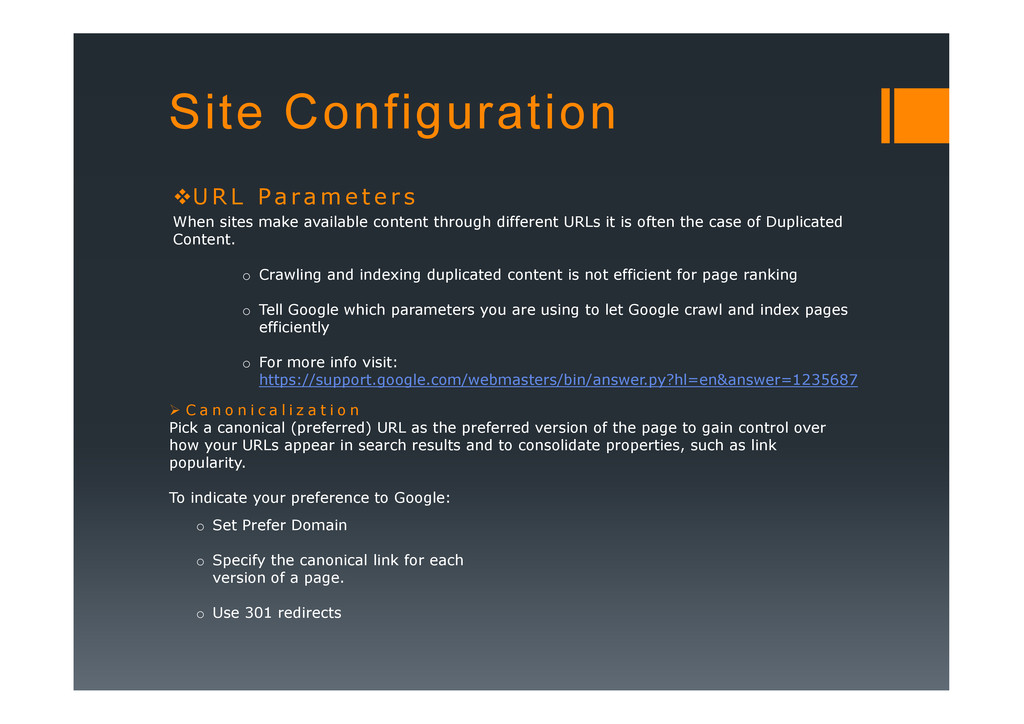
e r s When sites make available content through different URLs it is often the case of Duplicated Content. o Crawling and indexing duplicated content is not efficient for page ranking o Tell Google which parameters you are using to let Google crawl and index pages efficiently o For more info visit: o For more info visit: https://support.google.com/webmasters/bin/answer.py?hl=en&answer=1235687 C a n o n i c a l i z a t i o n Pick a canonical (preferred) URL as the preferred version of the page to gain control over how your URLs appear in search results and to consolidate properties, such as link popularity. To indicate your preference to Google: o Set Prefer Domain
e r s When sites make available content through different URLs it is often the case of Duplicated Content. o Crawling and indexing duplicated content is not efficient for page ranking o Tell Google which parameters you are using to let Google crawl and index pages efficiently o For more info visit: o For more info visit: https://support.google.com/webmasters/bin/answer.py?hl=en&answer=1235687 C a n o n i c a l i z a t i o n Pick a canonical (preferred) URL as the preferred version of the page to gain control over how your URLs appear in search results and to consolidate properties, such as link popularity. To indicate your preference to Google: o Set Prefer Domain o Specify the canonical link for each version of a page.
e r s When sites make available content through different URLs it is often the case of Duplicated Content. o Crawling and indexing duplicated content is not efficient for page ranking o Tell Google which parameters you are using to let Google crawl and index pages efficiently o For more info visit: o For more info visit: https://support.google.com/webmasters/bin/answer.py?hl=en&answer=1235687 C a n o n i c a l i z a t i o n Pick a canonical (preferred) URL as the preferred version of the page to gain control over how your URLs appear in search results and to consolidate properties, such as link popularity. To indicate your preference to Google: o Set Prefer Domain o Specify the canonical link for each version of a page. o Use 301 redirects
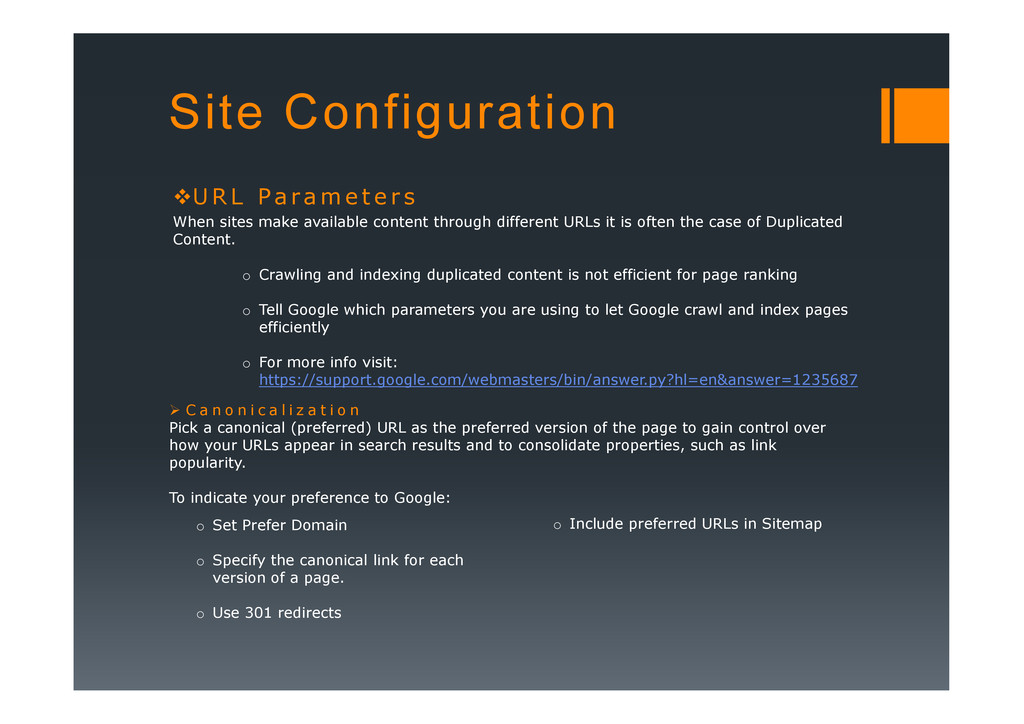
e r s When sites make available content through different URLs it is often the case of Duplicated Content. o Crawling and indexing duplicated content is not efficient for page ranking o Tell Google which parameters you are using to let Google crawl and index pages efficiently o For more info visit: o For more info visit: https://support.google.com/webmasters/bin/answer.py?hl=en&answer=1235687 C a n o n i c a l i z a t i o n Pick a canonical (preferred) URL as the preferred version of the page to gain control over how your URLs appear in search results and to consolidate properties, such as link popularity. To indicate your preference to Google: o Set Prefer Domain o Specify the canonical link for each version of a page. o Use 301 redirects o Include preferred URLs in Sitemap
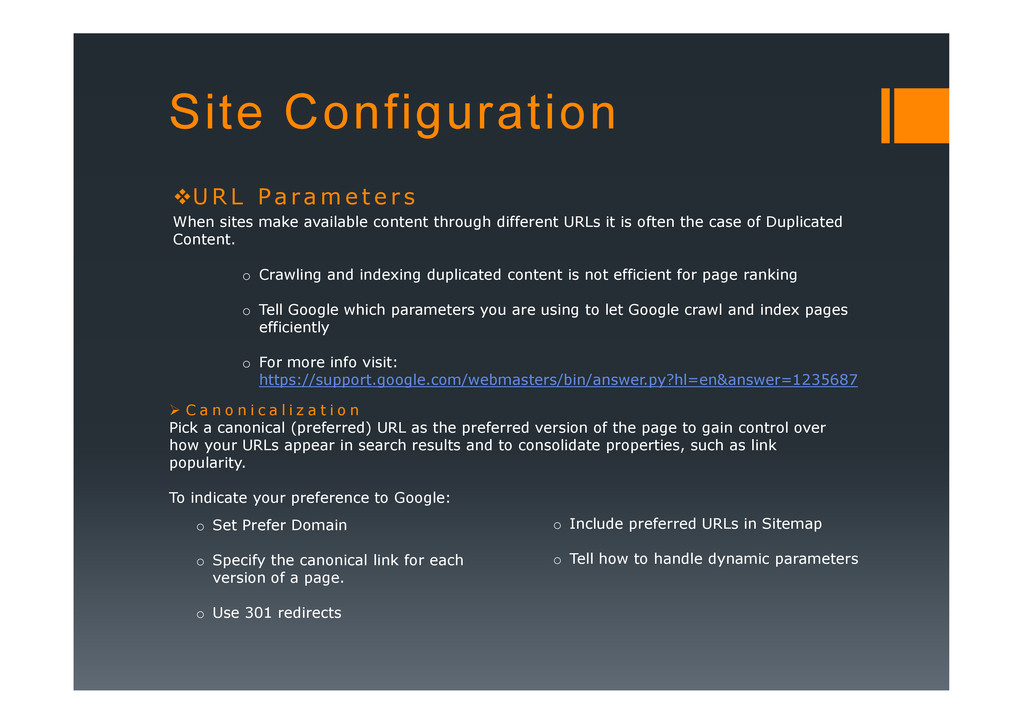
e r s When sites make available content through different URLs it is often the case of Duplicated Content. o Crawling and indexing duplicated content is not efficient for page ranking o Tell Google which parameters you are using to let Google crawl and index pages efficiently o For more info visit: o For more info visit: https://support.google.com/webmasters/bin/answer.py?hl=en&answer=1235687 C a n o n i c a l i z a t i o n Pick a canonical (preferred) URL as the preferred version of the page to gain control over how your URLs appear in search results and to consolidate properties, such as link popularity. To indicate your preference to Google: o Set Prefer Domain o Specify the canonical link for each version of a page. o Use 301 redirects o Include preferred URLs in Sitemap o Tell how to handle dynamic parameters
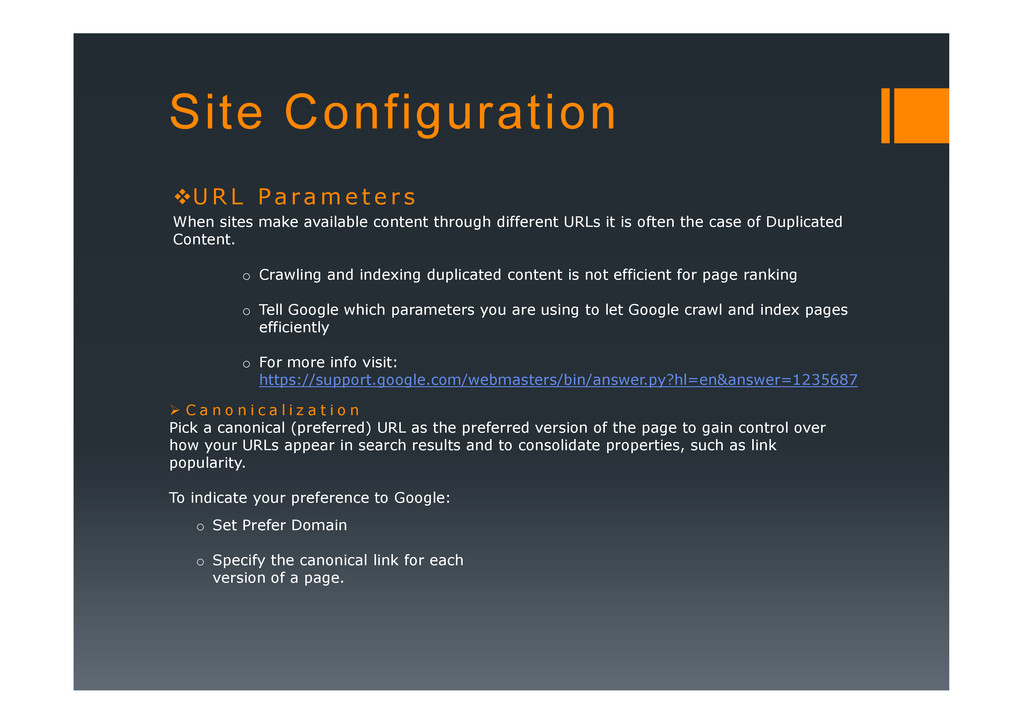
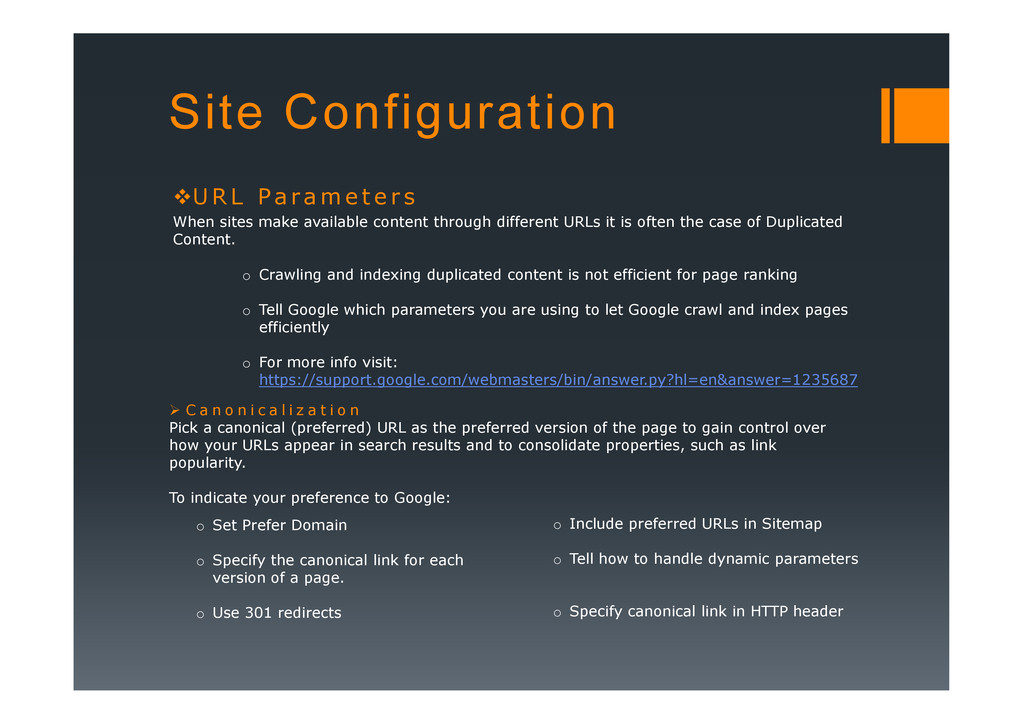
e r s When sites make available content through different URLs it is often the case of Duplicated Content. o Crawling and indexing duplicated content is not efficient for page ranking o Tell Google which parameters you are using to let Google crawl and index pages efficiently o For more info visit: o For more info visit: https://support.google.com/webmasters/bin/answer.py?hl=en&answer=1235687 C a n o n i c a l i z a t i o n Pick a canonical (preferred) URL as the preferred version of the page to gain control over how your URLs appear in search results and to consolidate properties, such as link popularity. To indicate your preference to Google: o Set Prefer Domain o Specify the canonical link for each version of a page. o Use 301 redirects o Include preferred URLs in Sitemap o Tell how to handle dynamic parameters o Specify canonical link in HTTP header
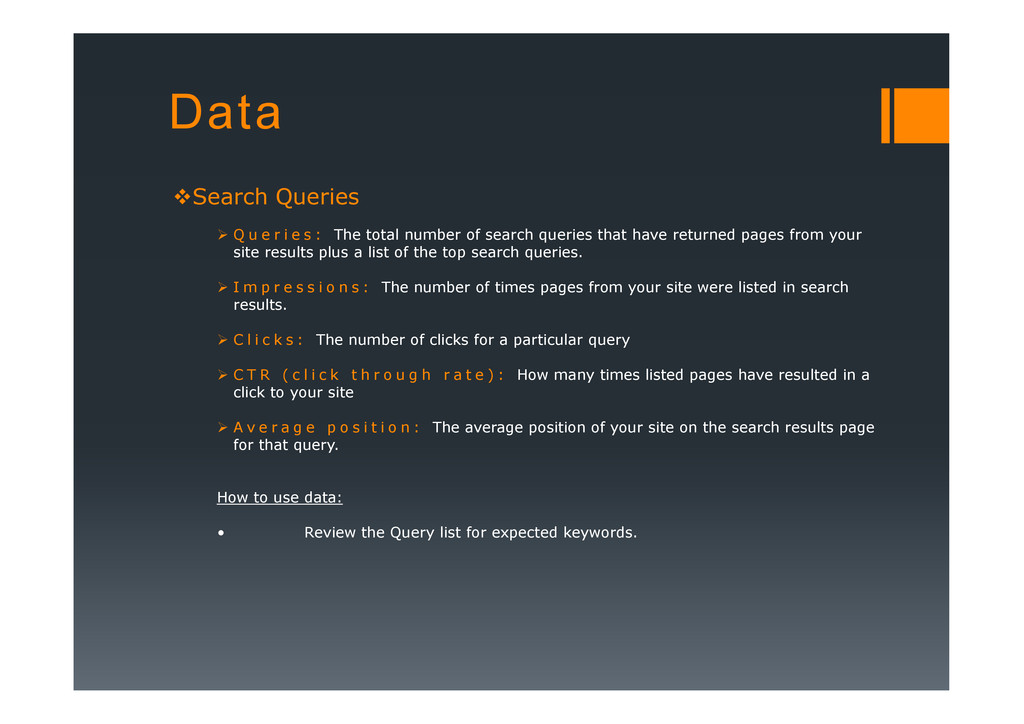
: The total number of search queries that have returned pages from your site results plus a list of the top search queries. I m p r e s s i o n s : The number of times pages from your site were listed in search results. C l i c k s : The number of clicks for a particular query C T R ( c l i c k t h r o u g h r a t e ) : How many times listed pages have resulted in a click to your site A v e r a g e p o s i t i o n : The average position of your site on the search results page for that query. How to use data: • Review the Query list for expected keywords.
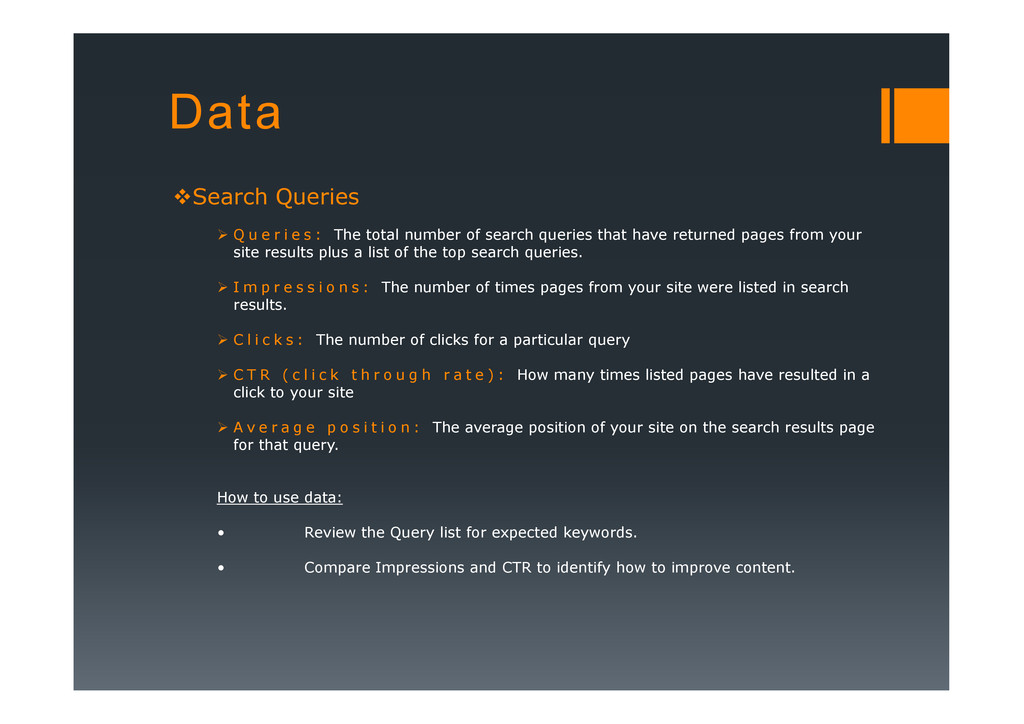
: The total number of search queries that have returned pages from your site results plus a list of the top search queries. I m p r e s s i o n s : The number of times pages from your site were listed in search results. C l i c k s : The number of clicks for a particular query C T R ( c l i c k t h r o u g h r a t e ) : How many times listed pages have resulted in a click to your site A v e r a g e p o s i t i o n : The average position of your site on the search results page for that query. How to use data: • Review the Query list for expected keywords. • Compare Impressions and CTR to identify how to improve content.
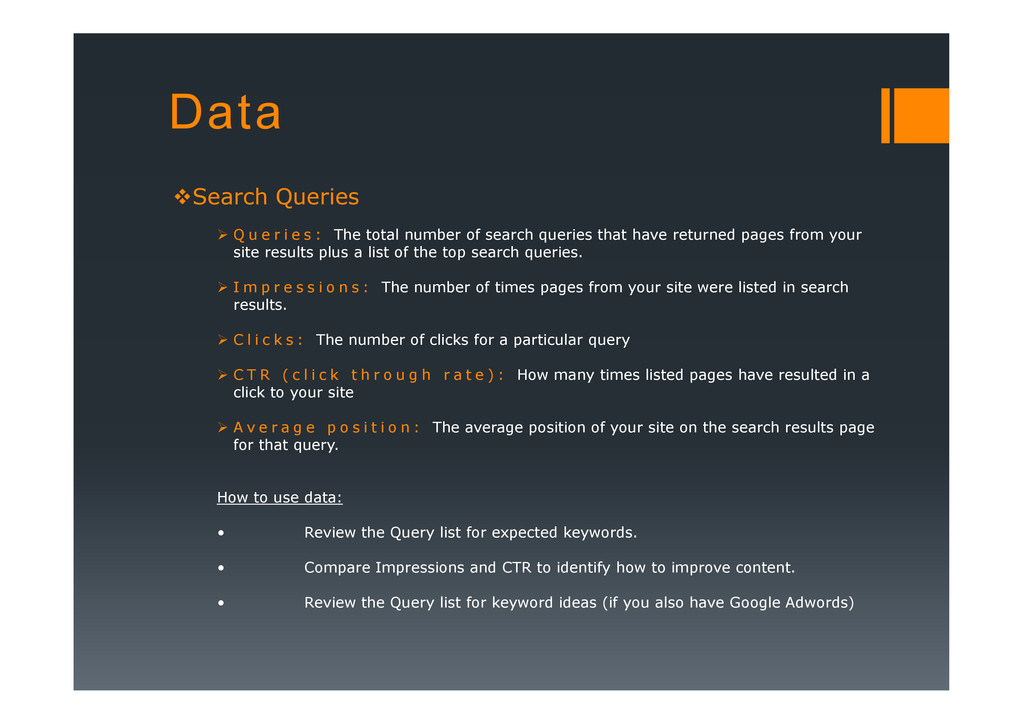
: The total number of search queries that have returned pages from your site results plus a list of the top search queries. I m p r e s s i o n s : The number of times pages from your site were listed in search results. C l i c k s : The number of clicks for a particular query C T R ( c l i c k t h r o u g h r a t e ) : How many times listed pages have resulted in a click to your site A v e r a g e p o s i t i o n : The average position of your site on the search results page for that query. How to use data: • Review the Query list for expected keywords. • Compare Impressions and CTR to identify how to improve content. • Review the Query list for keyword ideas (if you also have Google Adwords)
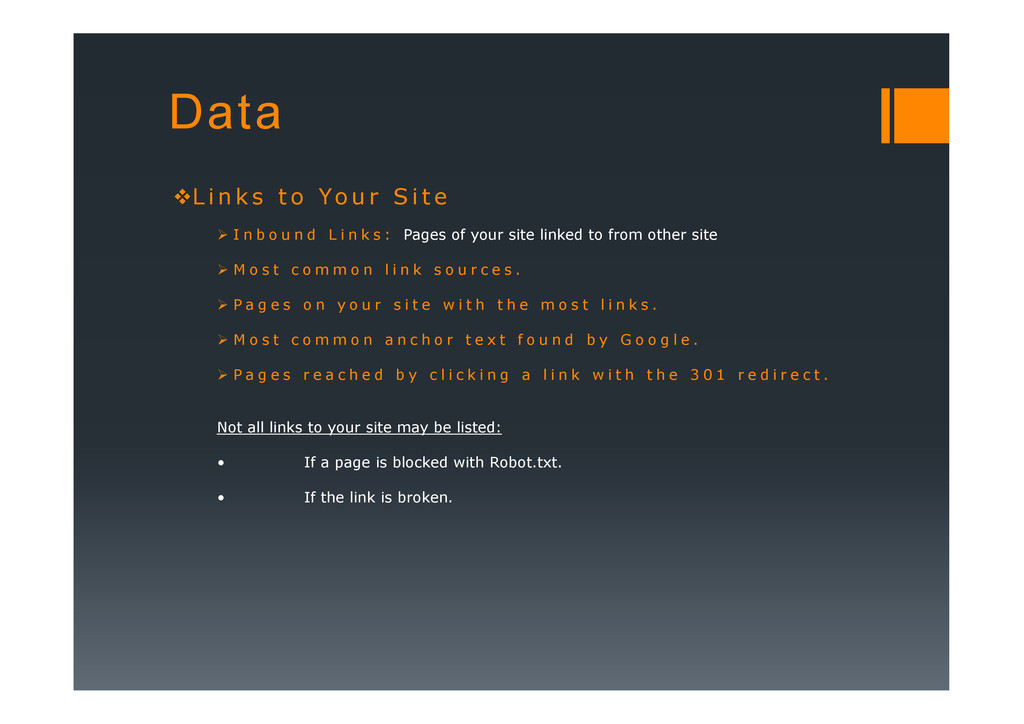
r S i t e I n b o u n d L i n k s : Pages of your site linked to from other site M o s t c o m m o n l i n k s o u r c e s . P a g e s o n y o u r s i t e w i t h t h e m o s t l i n k s . M o s t c o m m o n a n c h o r t e x t f o u n d b y G o o g l e . P a g e s r e a c h e d b y c l i c k i n g a l i n k w i t h t h e 3 0 1 r e d i r e c t . Not all links to your site may be listed: • If a page is blocked with Robot.txt.
r S i t e I n b o u n d L i n k s : Pages of your site linked to from other site M o s t c o m m o n l i n k s o u r c e s . P a g e s o n y o u r s i t e w i t h t h e m o s t l i n k s . M o s t c o m m o n a n c h o r t e x t f o u n d b y G o o g l e . P a g e s r e a c h e d b y c l i c k i n g a l i n k w i t h t h e 3 0 1 r e d i r e c t . Not all links to your site may be listed: • If a page is blocked with Robot.txt. • If the link is broken.
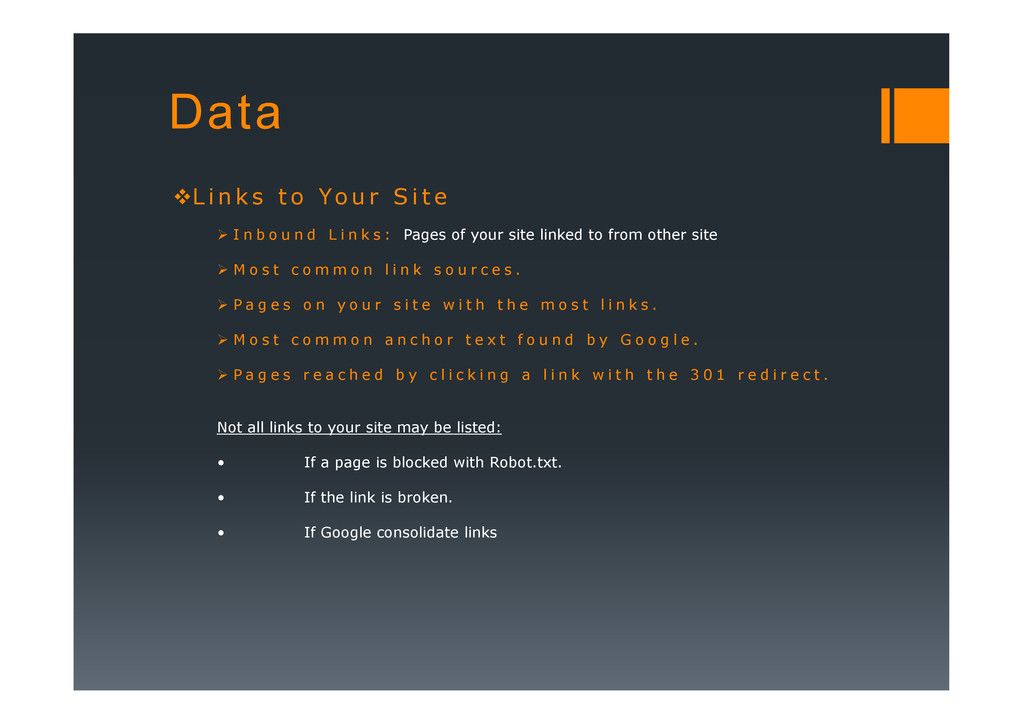
r S i t e I n b o u n d L i n k s : Pages of your site linked to from other site M o s t c o m m o n l i n k s o u r c e s . P a g e s o n y o u r s i t e w i t h t h e m o s t l i n k s . M o s t c o m m o n a n c h o r t e x t f o u n d b y G o o g l e . P a g e s r e a c h e d b y c l i c k i n g a l i n k w i t h t h e 3 0 1 r e d i r e c t . Not all links to your site may be listed: • If a page is blocked with Robot.txt. • If the link is broken. • If Google consolidate links
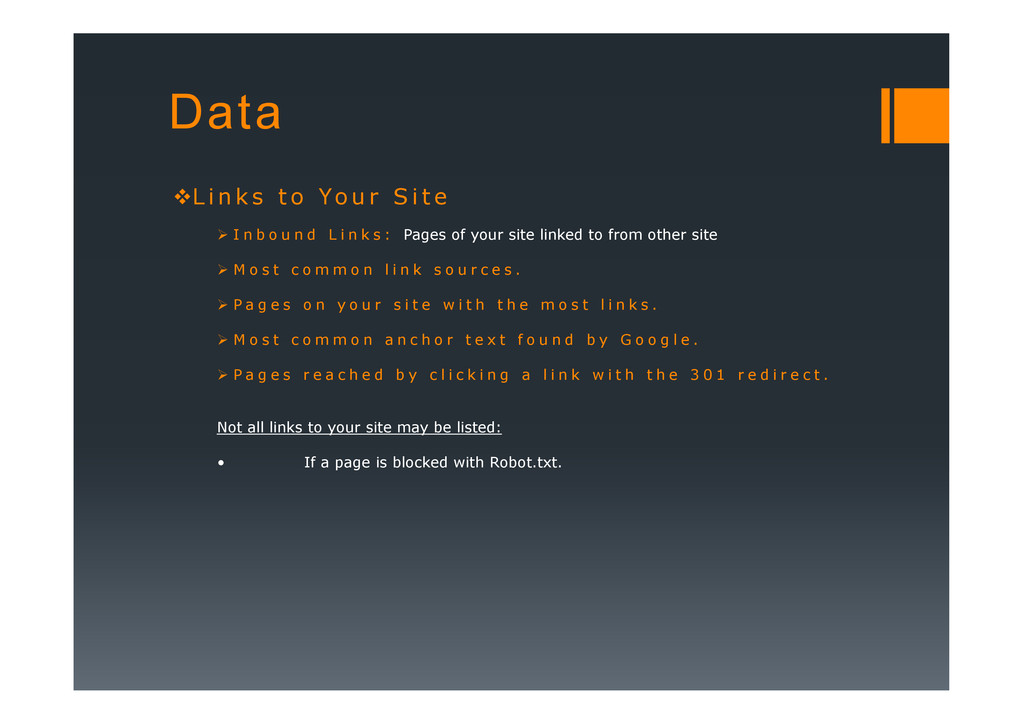
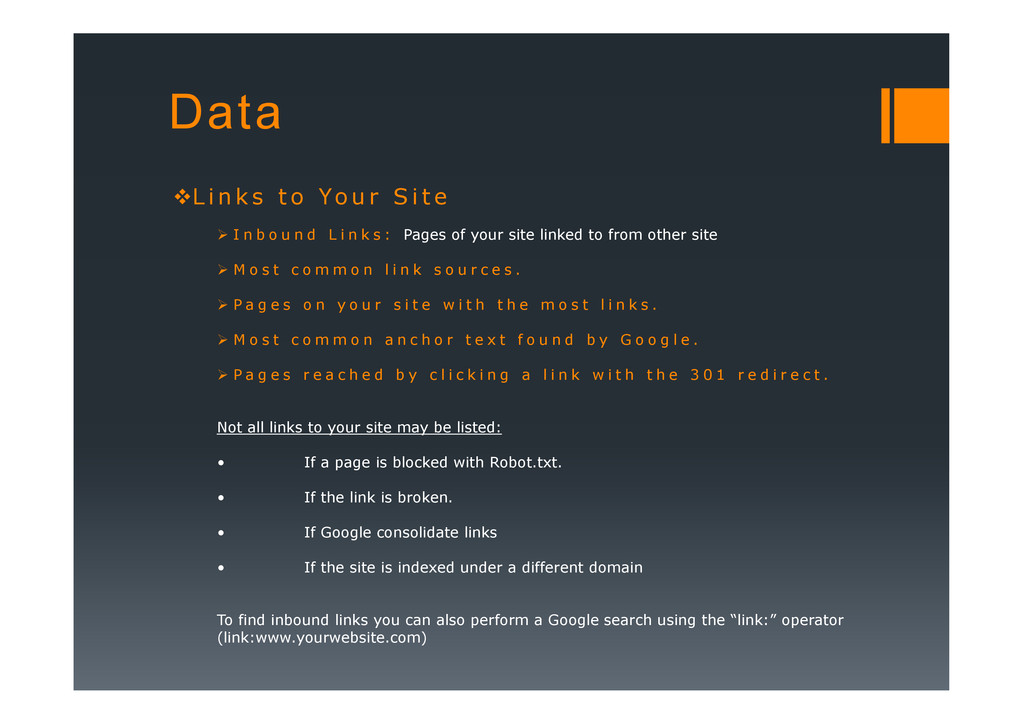
r S i t e I n b o u n d L i n k s : Pages of your site linked to from other site M o s t c o m m o n l i n k s o u r c e s . P a g e s o n y o u r s i t e w i t h t h e m o s t l i n k s . M o s t c o m m o n a n c h o r t e x t f o u n d b y G o o g l e . P a g e s r e a c h e d b y c l i c k i n g a l i n k w i t h t h e 3 0 1 r e d i r e c t . Not all links to your site may be listed: • If a page is blocked with Robot.txt. • If the link is broken. • If Google consolidate links • If the site is indexed under a different domain To find inbound links you can also perform a Google search using the “link:” operator (link:www.yourwebsite.com)
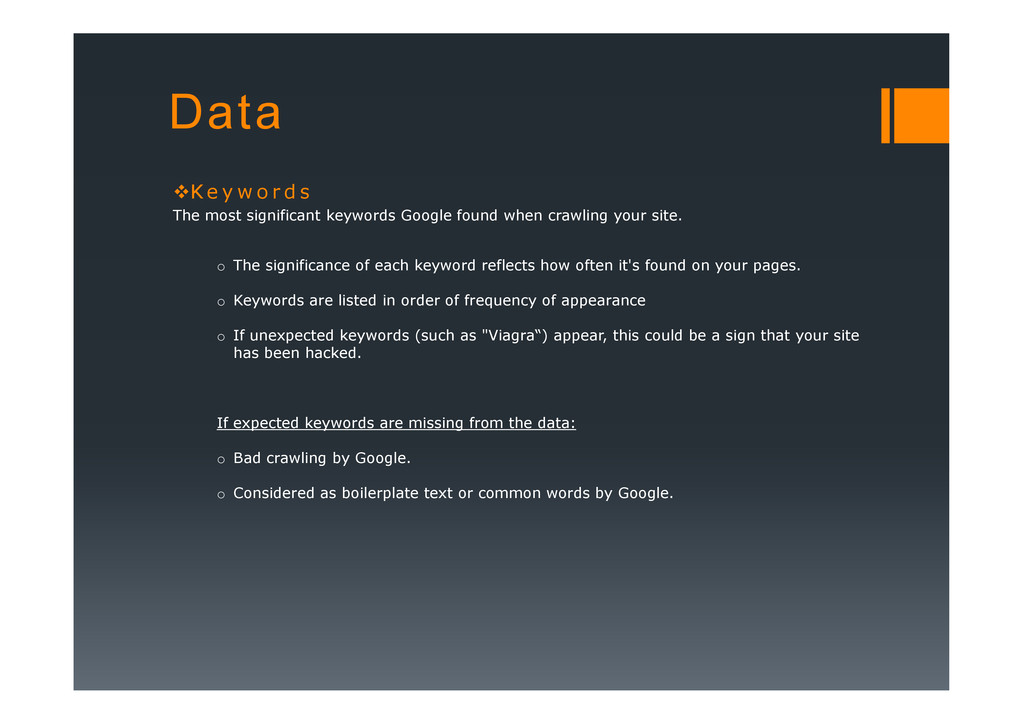
significant keywords Google found when crawling your site. o The significance of each keyword reflects how often it's found on your pages. o Keywords are listed in order of frequency of appearance o If unexpected keywords (such as "Viagra“) appear, this could be a sign that your site has been hacked. If expected keywords are missing from the data: o Bad crawling by Google. o Considered as boilerplate text or common words by Google.
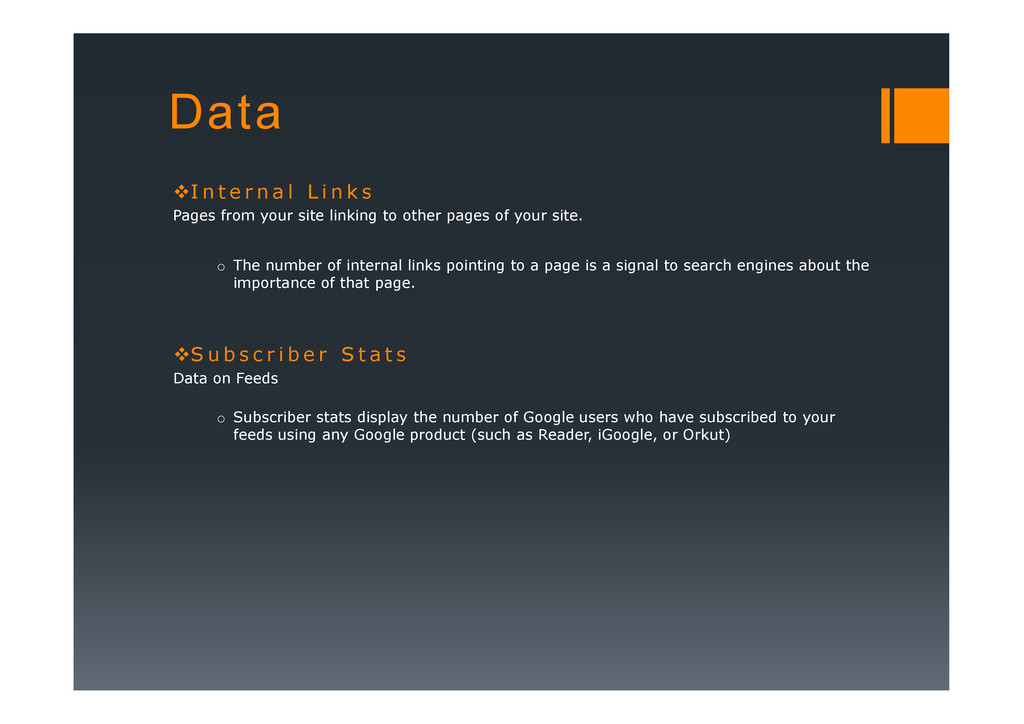
i n k s Pages from your site linking to other pages of your site. o The number of internal links pointing to a page is a signal to search engines about the importance of that page. S u b s c r i b e r S t a t s S u b s c r i b e r S t a t s Data on Feeds o Subscriber stats display the number of Google users who have subscribed to your feeds using any Google product (such as Reader, iGoogle, or Orkut)
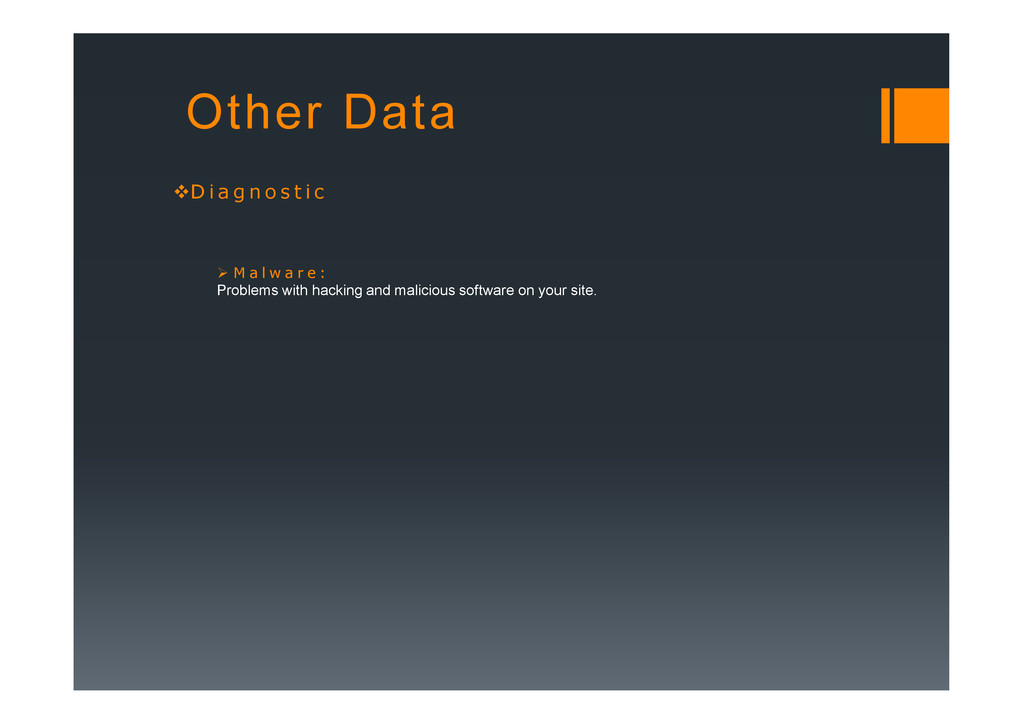
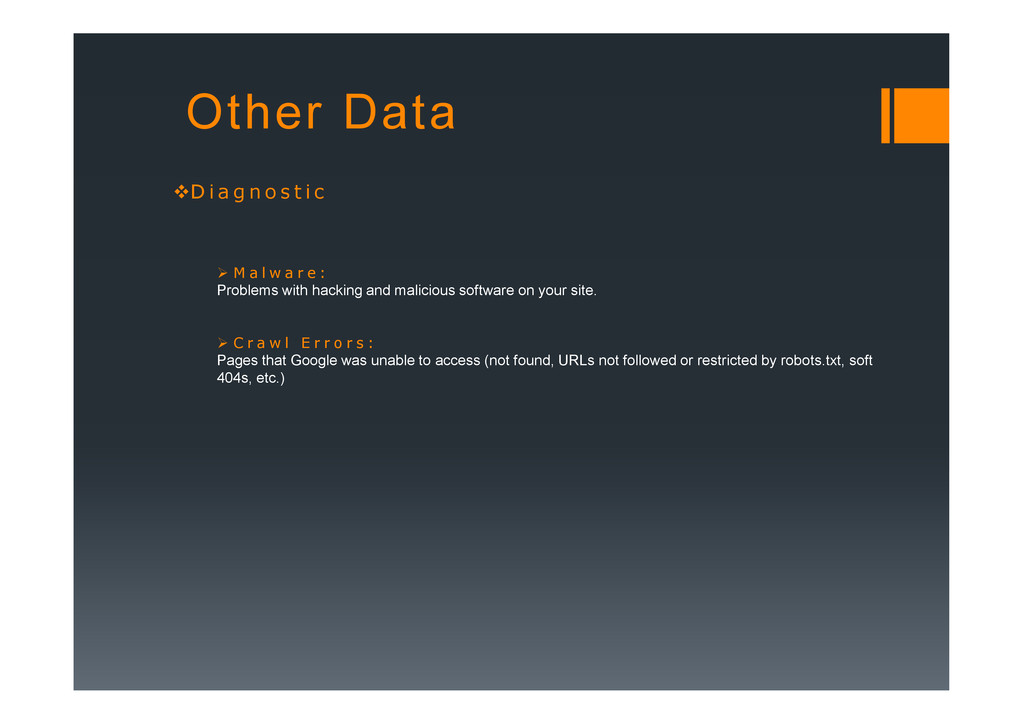
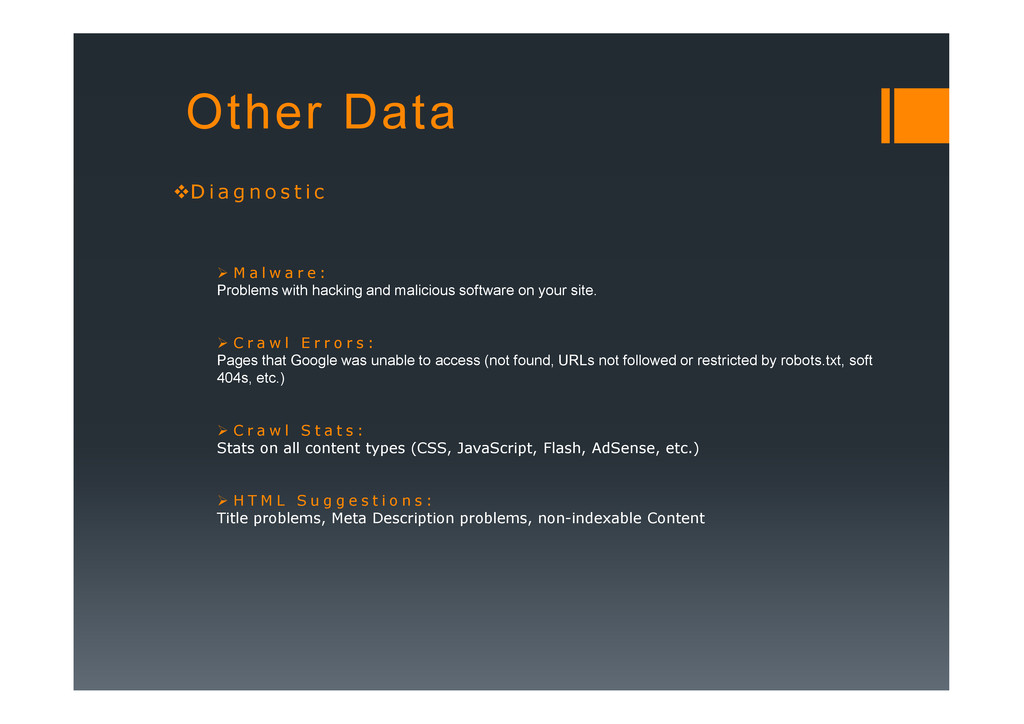
i c M a l w a r e : Problems with hacking and malicious software on your site. C r a w l E r r o r s : Pages that Google was unable to access (not found, URLs not followed or restricted by robots.txt, soft Pages that Google was unable to access (not found, URLs not followed or restricted by robots.txt, soft 404s, etc.)
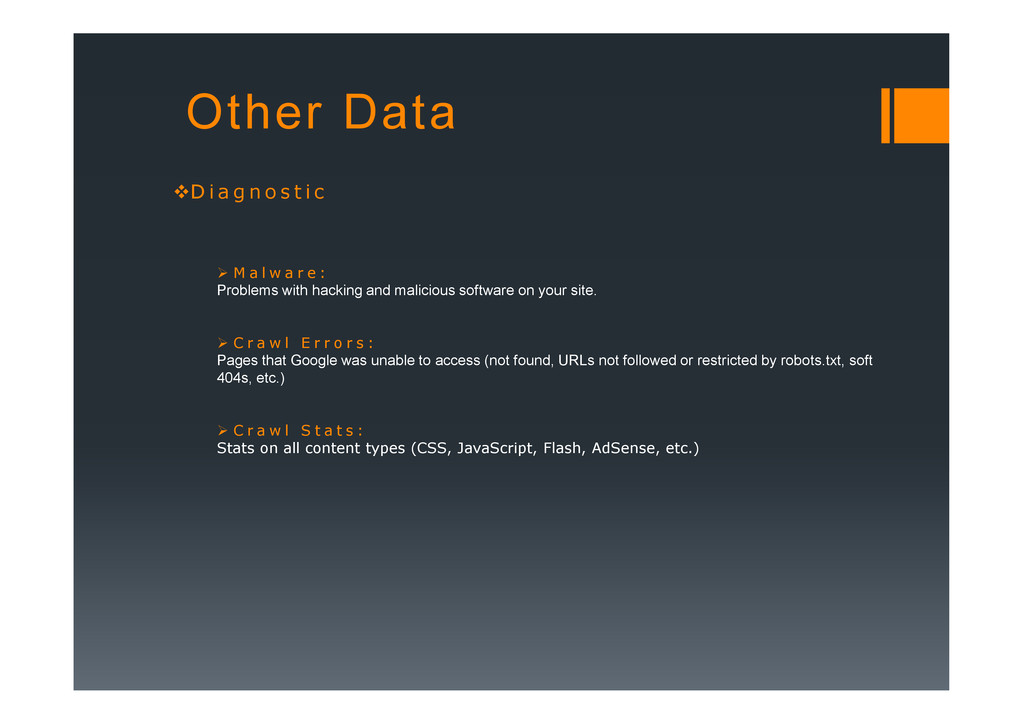
i c M a l w a r e : Problems with hacking and malicious software on your site. C r a w l E r r o r s : Pages that Google was unable to access (not found, URLs not followed or restricted by robots.txt, soft Pages that Google was unable to access (not found, URLs not followed or restricted by robots.txt, soft 404s, etc.) C r a w l S t a t s : Stats on all content types (CSS, JavaScript, Flash, AdSense, etc.)
i c M a l w a r e : Problems with hacking and malicious software on your site. C r a w l E r r o r s : Pages that Google was unable to access (not found, URLs not followed or restricted by robots.txt, soft Pages that Google was unable to access (not found, URLs not followed or restricted by robots.txt, soft 404s, etc.) C r a w l S t a t s : Stats on all content types (CSS, JavaScript, Flash, AdSense, etc.) H T M L S u g g e s t i o n s : Title problems, Meta Description problems, non-indexable Content
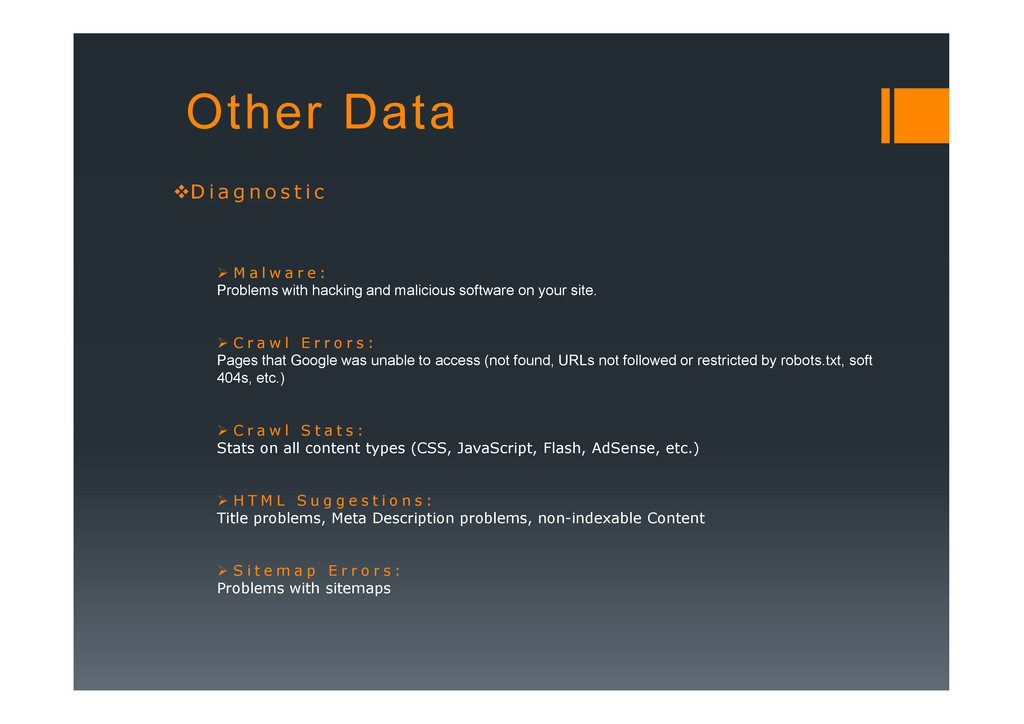
i c M a l w a r e : Problems with hacking and malicious software on your site. C r a w l E r r o r s : Pages that Google was unable to access (not found, URLs not followed or restricted by robots.txt, soft Pages that Google was unable to access (not found, URLs not followed or restricted by robots.txt, soft 404s, etc.) C r a w l S t a t s : Stats on all content types (CSS, JavaScript, Flash, AdSense, etc.) H T M L S u g g e s t i o n s : Title problems, Meta Description problems, non-indexable Content S i t e m a p E r r o r s : Problems with sitemaps


 claudio1
 aleyda
 ks91
ks91
 lcolladotor
 sarafernandez
 baasie
 irinanazarova
 skipperchong
 inesmontani
 jonoalderson
 jnunemaker
 tapps
tapps