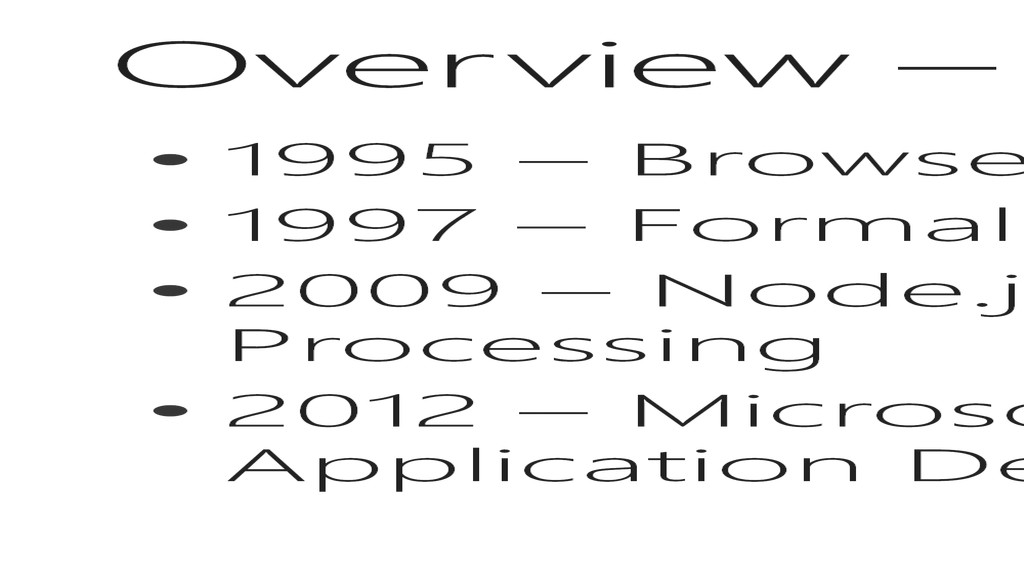
Language • 1997 – Formalized to ECMAScript • 2009 – Node.js moves JavaScript to Server Side Processing • 2012 – Microsoft moves JavaScript to Client Application Development – out of the browser
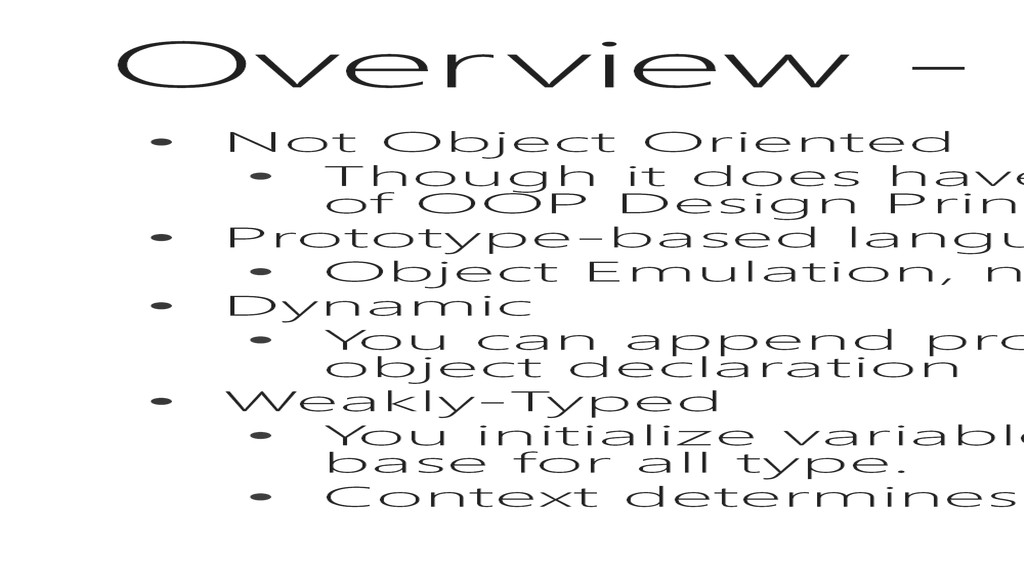
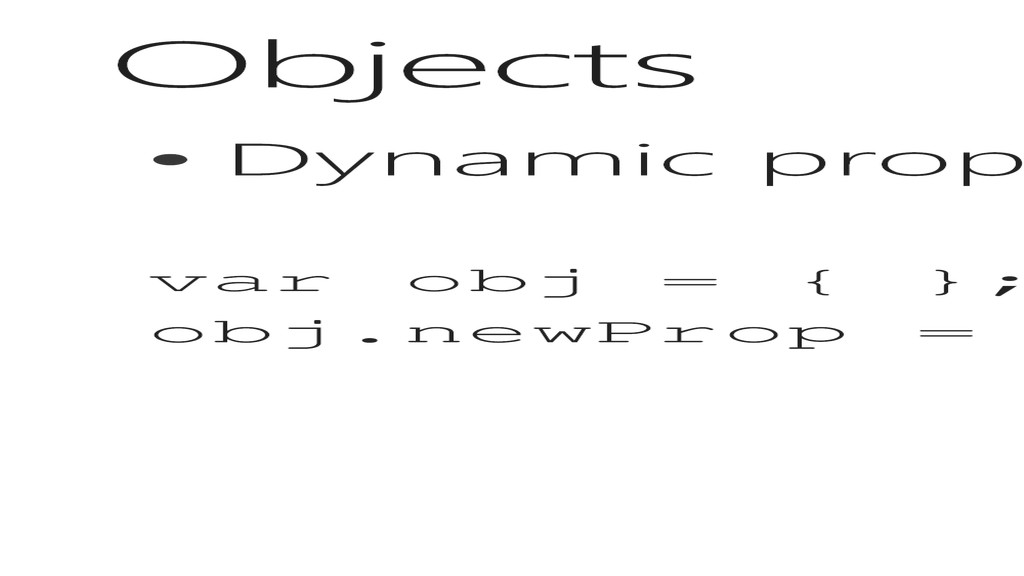
does have characteristics, you could never implement all facets of OOP Design Principles • Prototype-based language • Object Emulation, no Inheritance (more on this in a few slides) • Dynamic • You can append properties to any object, because there is no static object declaration • Weakly-Typed • You initialize variables as the “Variant” or “var” type, which is basically base for all type. • Context determines the type and applicability of operators to that type.
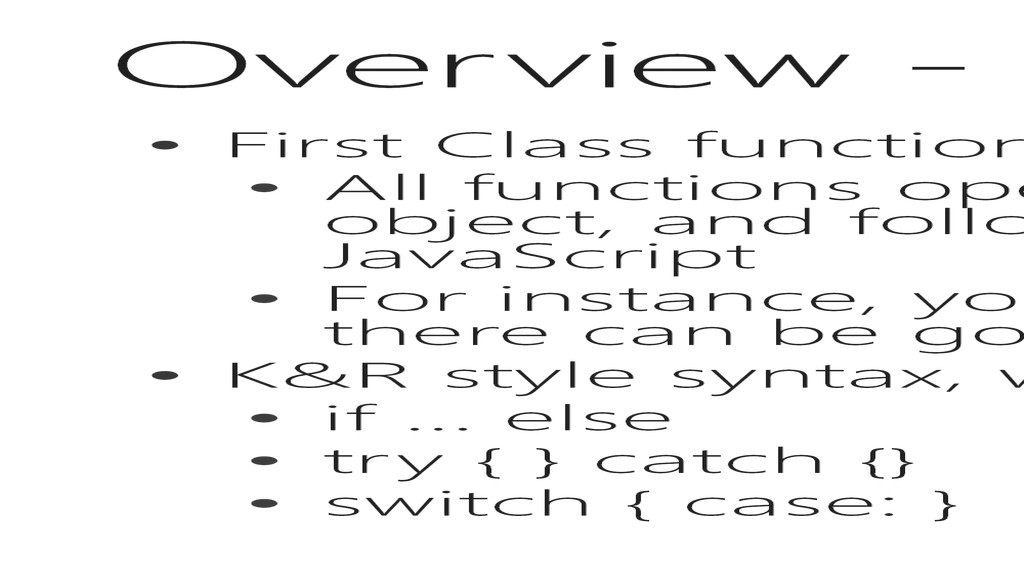
operate as pointers on a stack, just like an object, and follow the same rules as any object in JavaScript • For instance, you can add a property to a function, and there can be good reasons for doing so • K&R style syntax, with many of the same constructs • if … else • try { } catch {} • switch { case: }
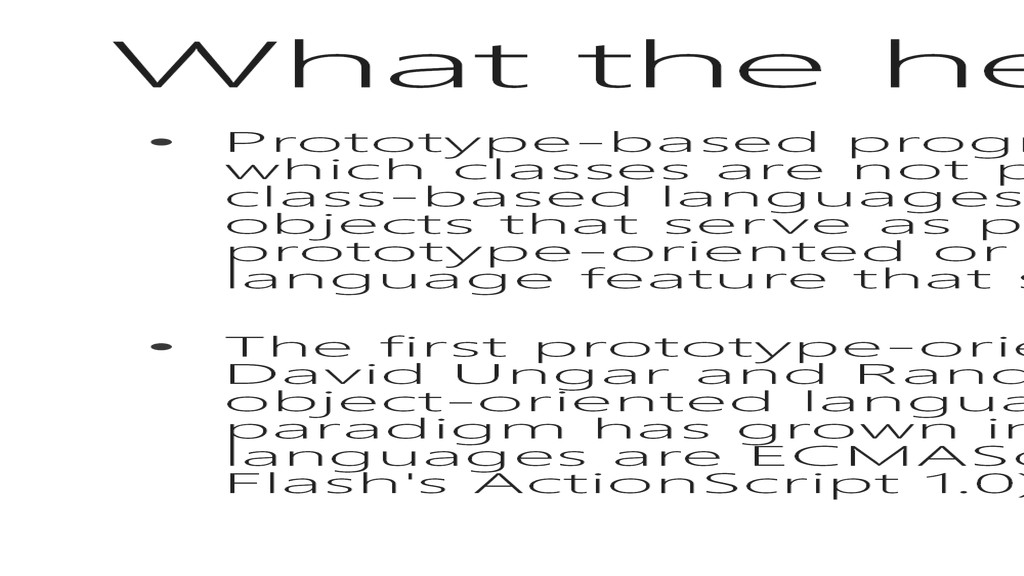
object-oriented programming in which classes are not present, and behavior reuse (known as inheritance in class-based languages) is performed via a process of cloning existing objects that serve as prototypes. This model can also be known as classless, prototype-oriented or instance-based programming. Delegation is the language feature that supports prototype-based programming. • The first prototype-oriented programming language was Self developed by David Ungar and Randall Smith in the mid-1980s to research topics in object-oriented language design. Since the late 1990s, the classless paradigm has grown increasingly popular. Some current prototype-oriented languages are ECMAScript (and its implementations JavaScript, JScript and Flash's ActionScript 1.0), Cecil, NewtonScript, Io, MOO, REBOL, and Lisaac.
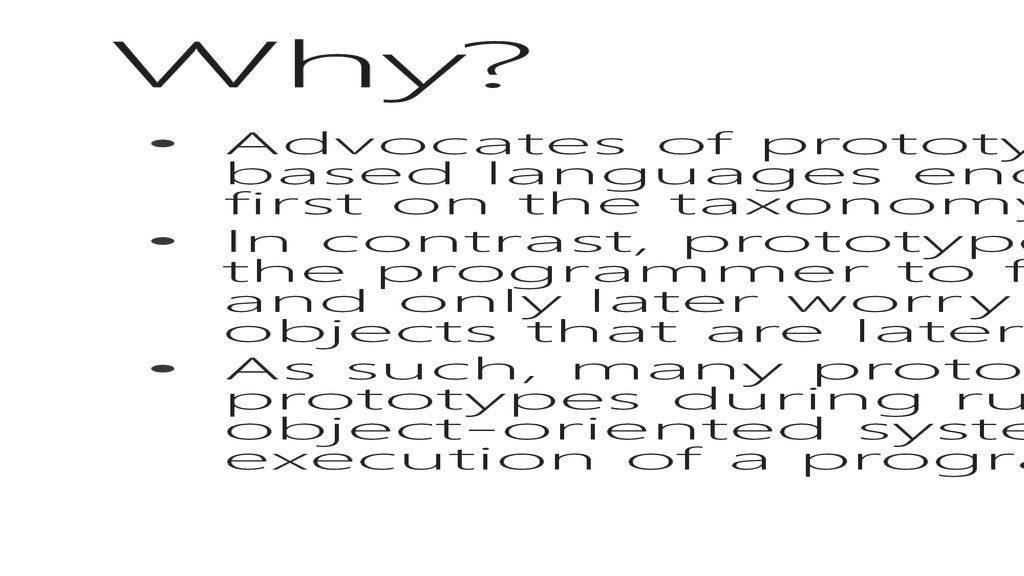
based languages encourage a model of development that focuses first on the taxonomy and relationships between classes. • In contrast, prototype-based programming is seen as encouraging the programmer to focus on the behavior of some set of examples and only later worry about classifying these objects into archetypal objects that are later used in a fashion similar to classes. • As such, many prototype-based systems encourage the alteration of prototypes during run-time, whereas only very few class-based object-oriented systems allow classes to be altered during the execution of a program.
go… • A nice modular design may include JS files that build on each other, adding properties and methods to “base” or prototype classes as needed to extend the functionality and meet changing needs
information for the duration of the page life in the browser, or in Windows Apps, life of the “screen” • Common types: • String, number, Boolean, array, object, null, undefined
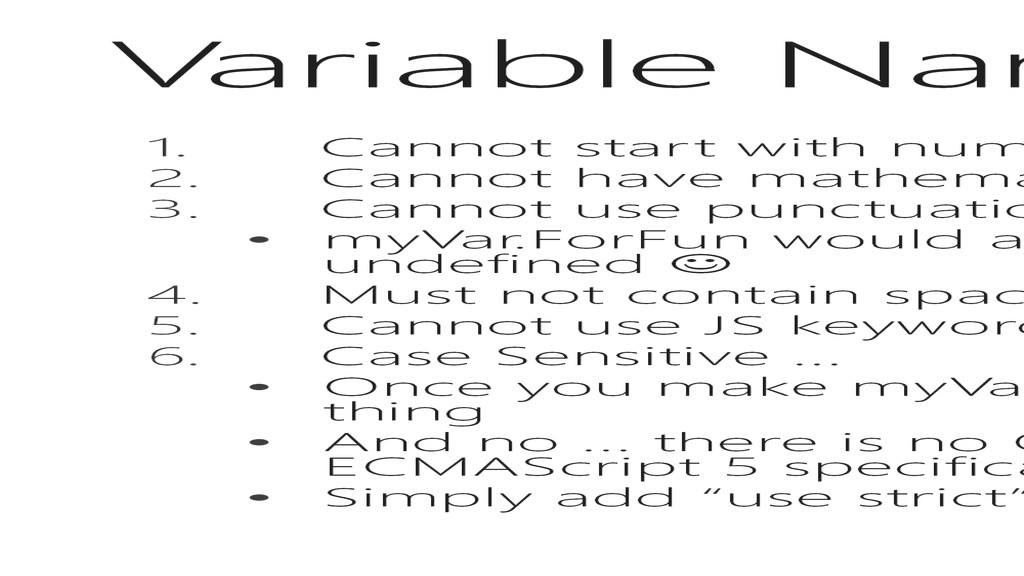
have mathematical or logical operators in them (+ - % / < > = || && ) 3. Cannot use punctuation except for “_” character ( . , : ; ) • myVar.ForFun would assume a ForFun child property of myVar and return undefined 4. Must not contain spaces 5. Cannot use JS keywords (window document string ) 6. Case Sensitive … • Once you make myVar, don’t assign to MyVar or myVAR … they aren’t the same thing • And no … there is no Option Explicit on the web … but there is “use strict” in the ECMAScript 5 specification • Simply add “use strict” as a string at the top of your code, or in your function
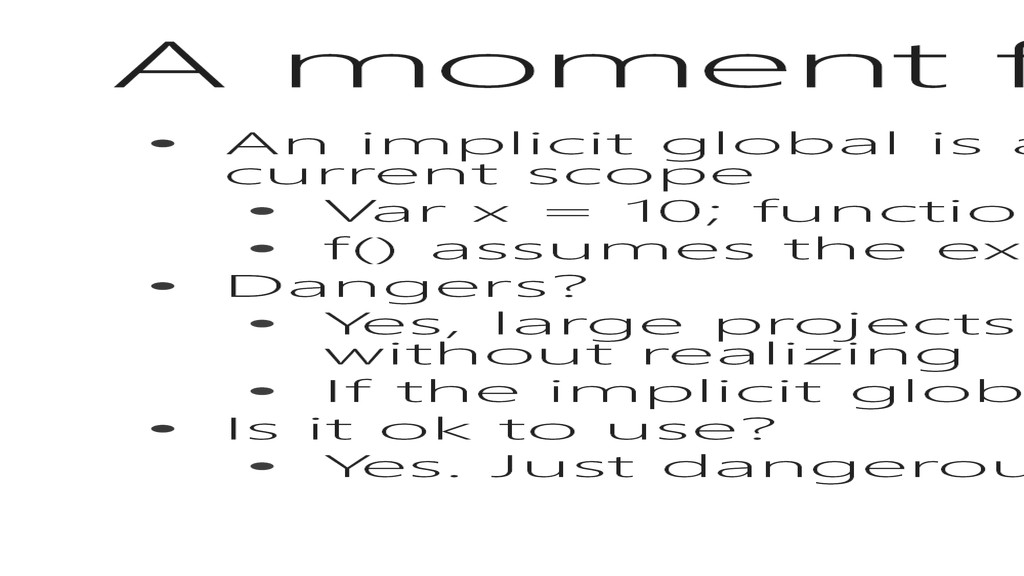
a variable that is used, but not declared in the current scope • Var x = 10; function f () { x++; } • f() assumes the existence of x because it is not declare locally • Dangers? • Yes, large projects with many code files can share implicit globals without realizing • If the implicit global is not declared, you get a reference error. • Is it ok to use? • Yes. Just dangerous.
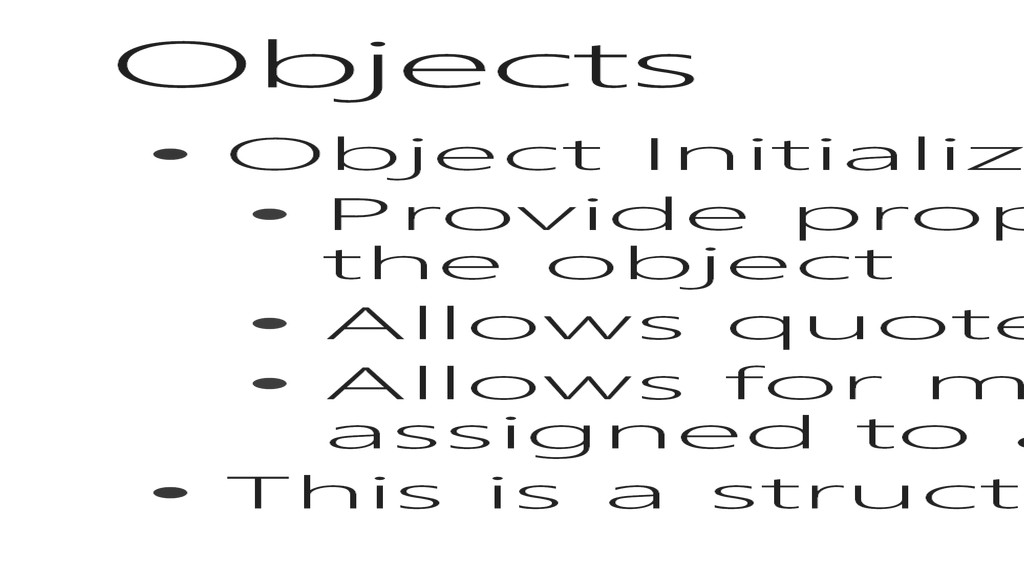
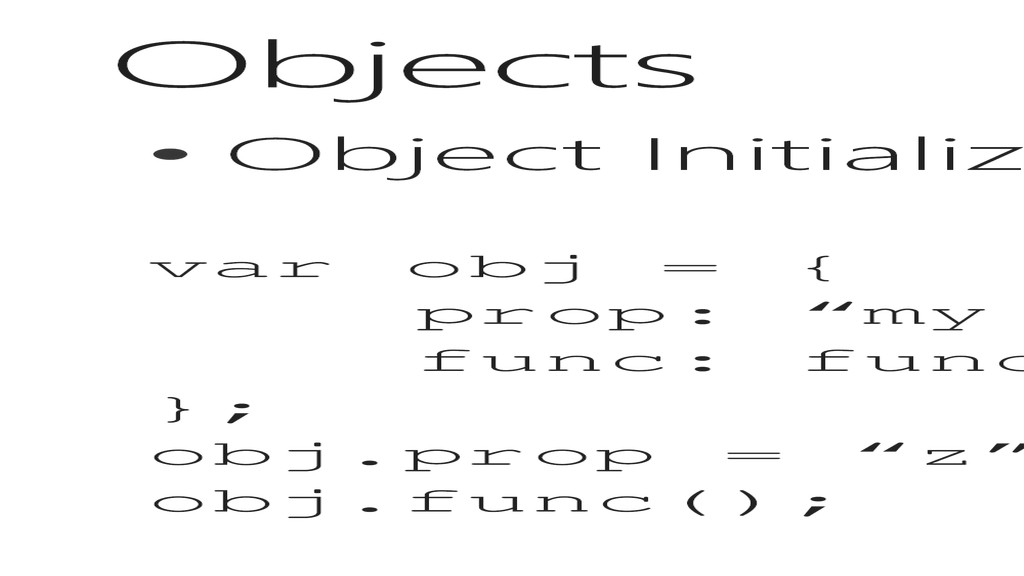
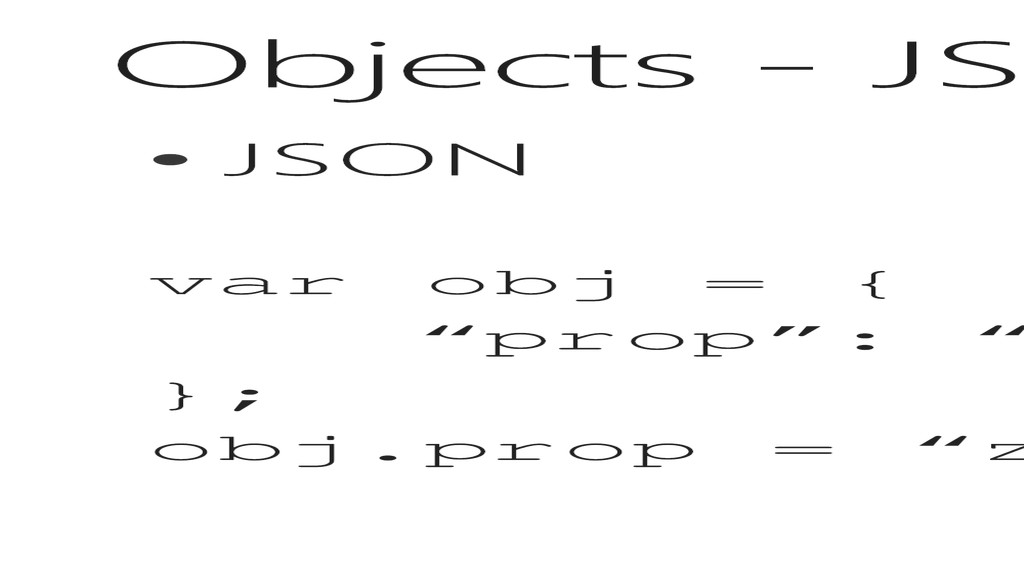
initialization for the object • Allows quotes on the property names • Allows for methods (anonymous functions assigned to a property) • This is a structured approach
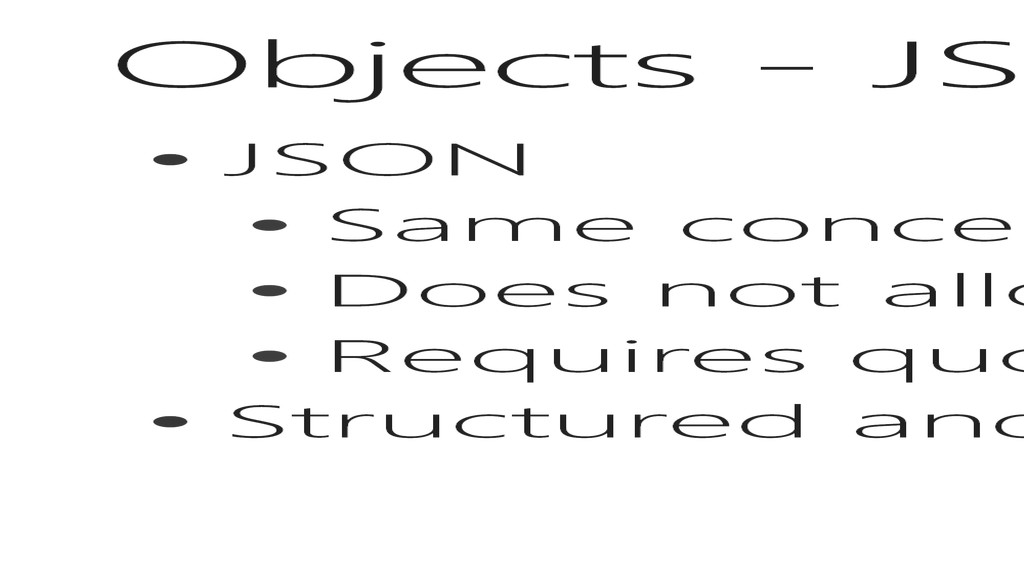
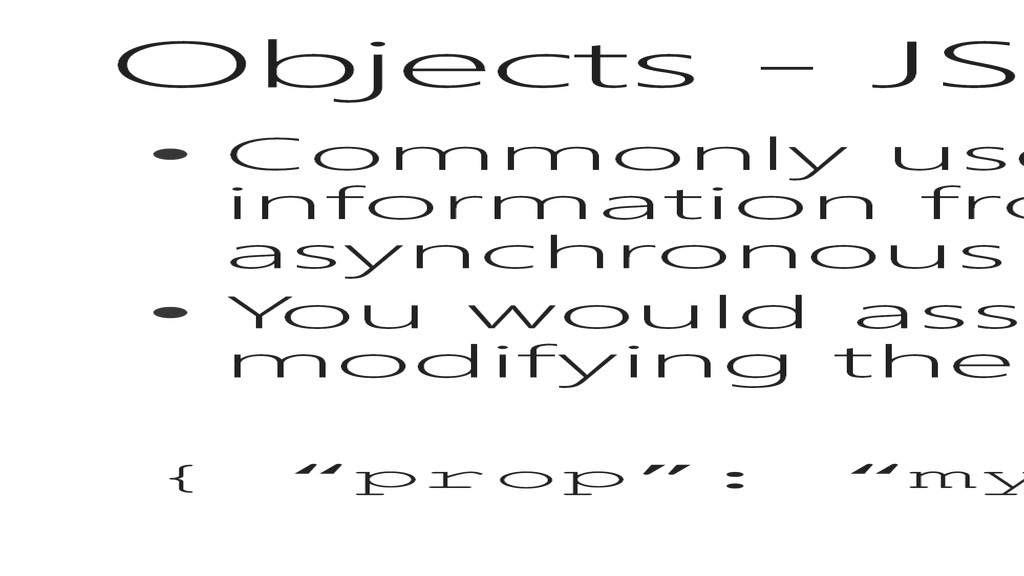
to serialize information from a web service call or asynchronous post back • You would assign this to an object to use for modifying the DOM { “prop”: “my prop”; };
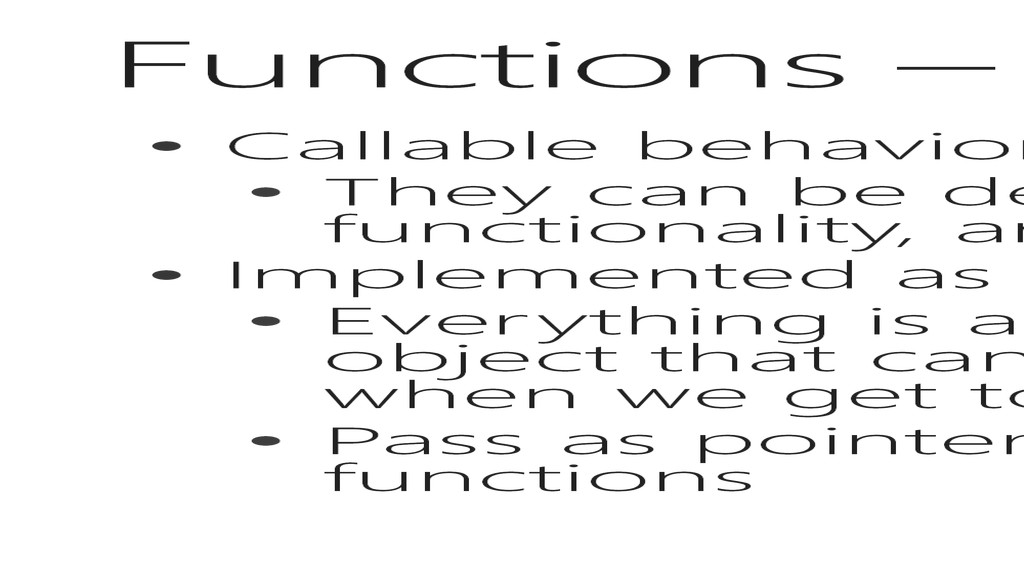
be declared in one place, contain functionality, and be invoked in multiple places • Implemented as objects • Everything is an object in JS, but function is the only object that can be invoked (which gets interesting when we get to classes) • Pass as pointers to variables, or as arguments to other functions
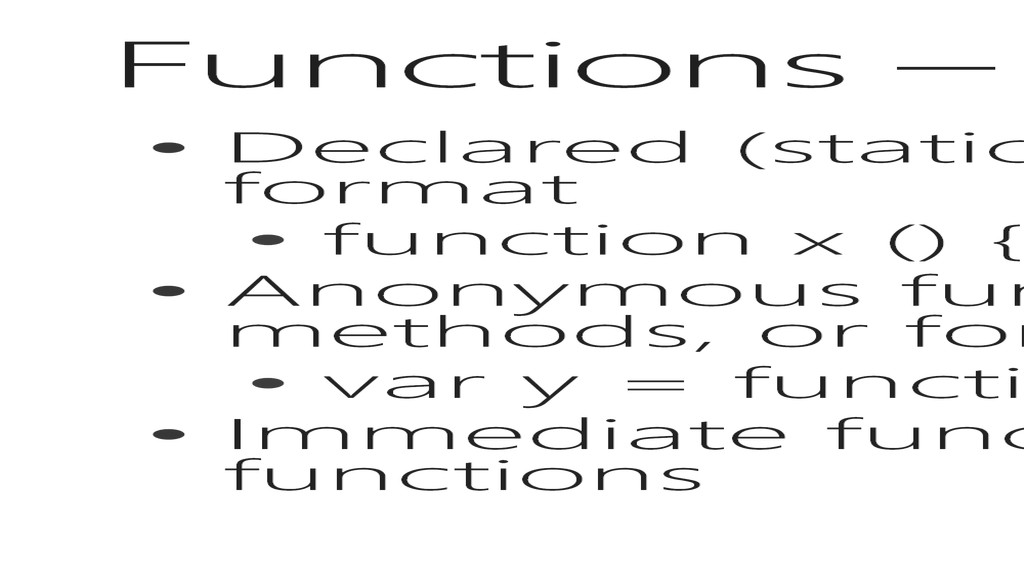
the traditional format • function x () { alert(‘Hello World’); }; • Anonymous functions are nice for single use methods, or for event handling • var y = function () { alert(‘Hello World’); }; • Immediate functions are self executing anonymous functions
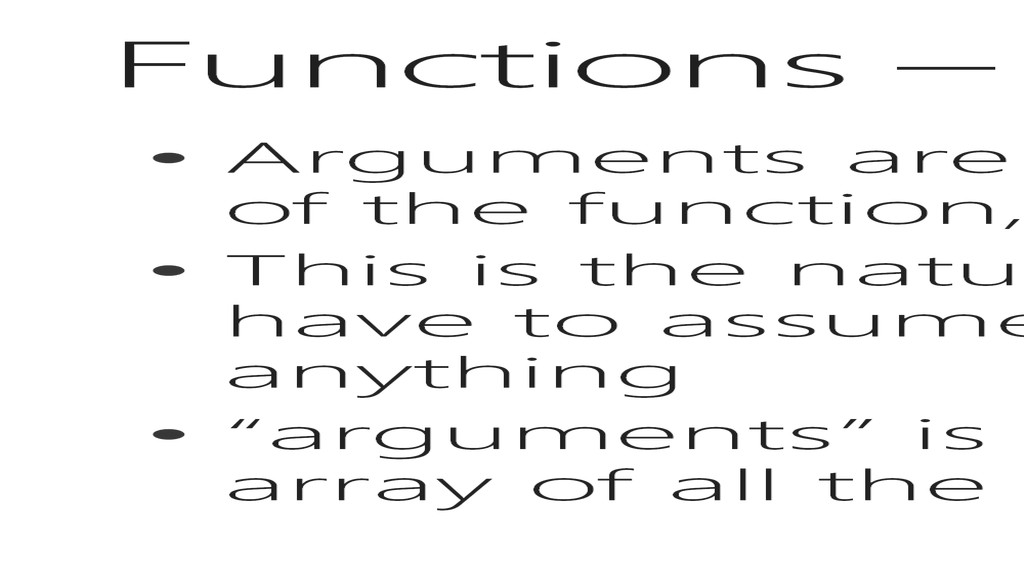
the signature of the function, but by the function call • This is the nature of a prototype language, you have to assume the calling point could give you anything • “arguments” is a keyword/object that contains an array of all the arguments passed to the function
• If you pass a function using the (), it will execute the function, and pass the return value as an argument • If you don’t add the (), it passes the function itself, which can then be executed by reference • This follows the Dependency Injection principle
and returns a value, a method does something but does not return a value • In JS, that definition is wrong. There are only functions, and they may or may not implicitly return anything (although technically there is always a return value) • So… what is a method? • A method is an anonymous or declared function that is the property of an object … it may or may not return something
all existing “instances” of the object • Remember, there are no class definitions, just classes that are cloned. • So you have to modify the definition of the initial cloned object • If you just add a property to the base, it does not affect existing instances, or future instances
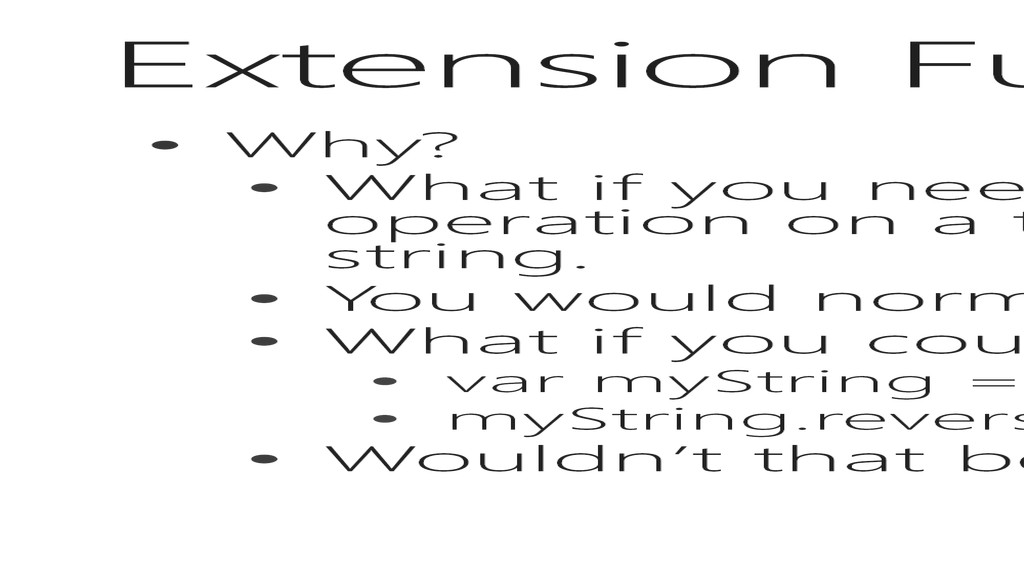
means to perform a uniform operation on a type, such as reversing the contents of a string. • You would normally write a method, and pass the string • What if you could add the reverse method to every string? • var myString = “Hello, World”; • myString.reverse(); • Wouldn’t that be easier?
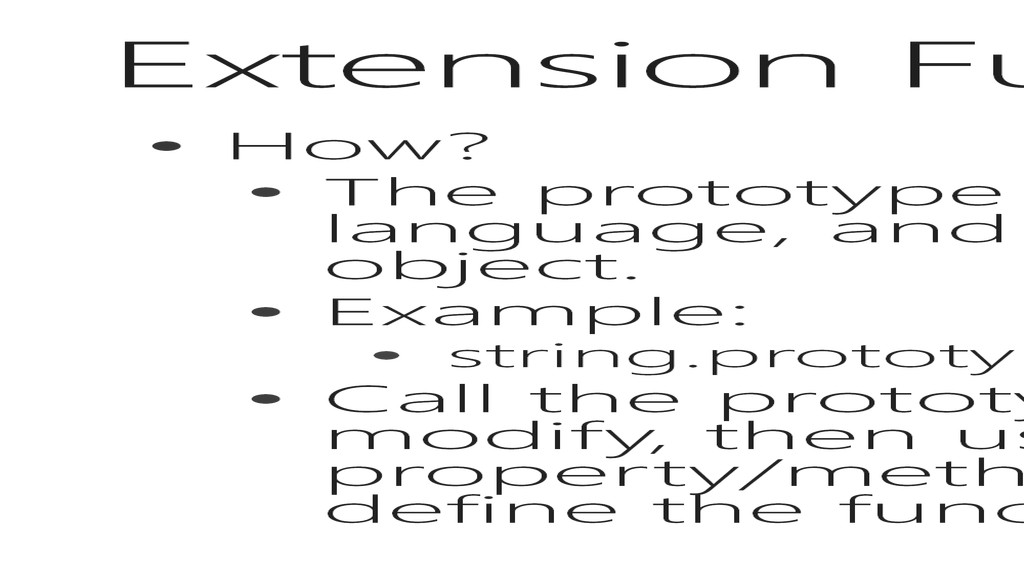
to every object in the language, and everything in the language is an object. • Example: • string.prototype.reverse = function () { }; • Call the prototype object on the object you want to modify, then use the ‘.’ operator to append the new property/method name. use the gets operator to define the functionality or default value.
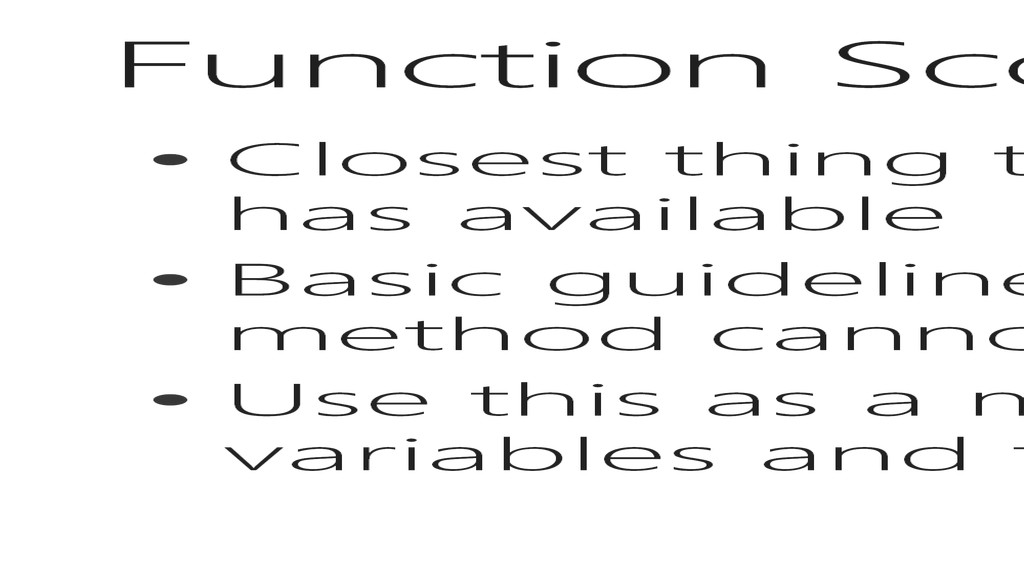
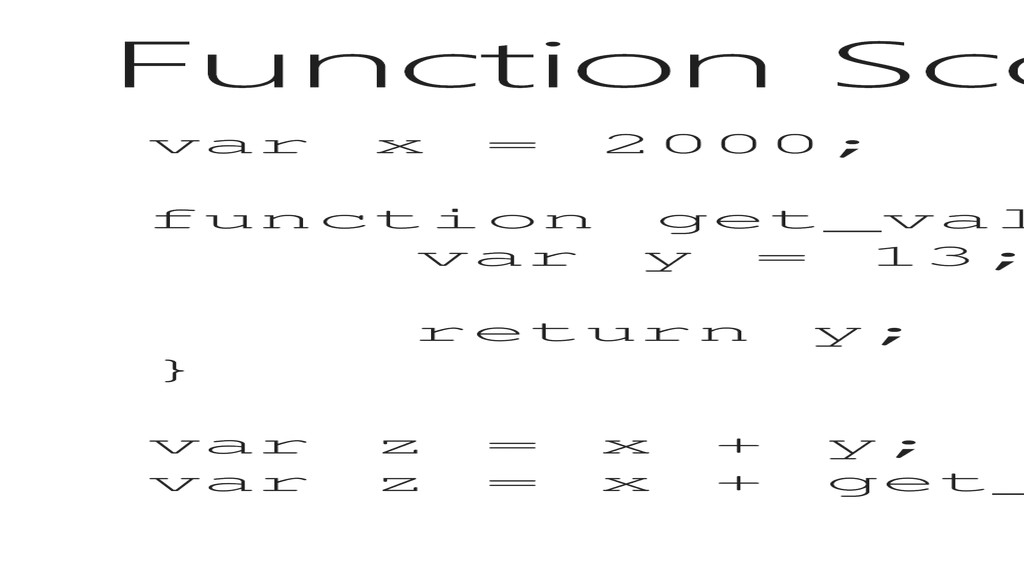
available • Basic guideline, variables created inside of a method cannot be utilized outside that method • Use this as a means to manage accessibility to variables and functions
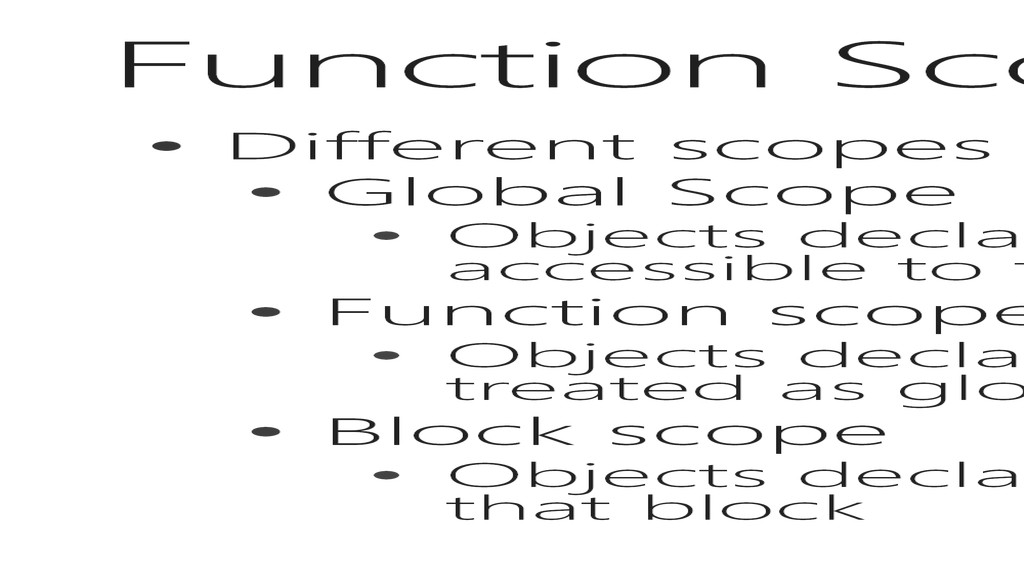
declared outside any other scopes are global and accessible to the tighter scopes • Function scope • Objects declared within or passed as arguments are treated as global to all child scopes • Block scope • Objects declared within a block are only accessible inside that block
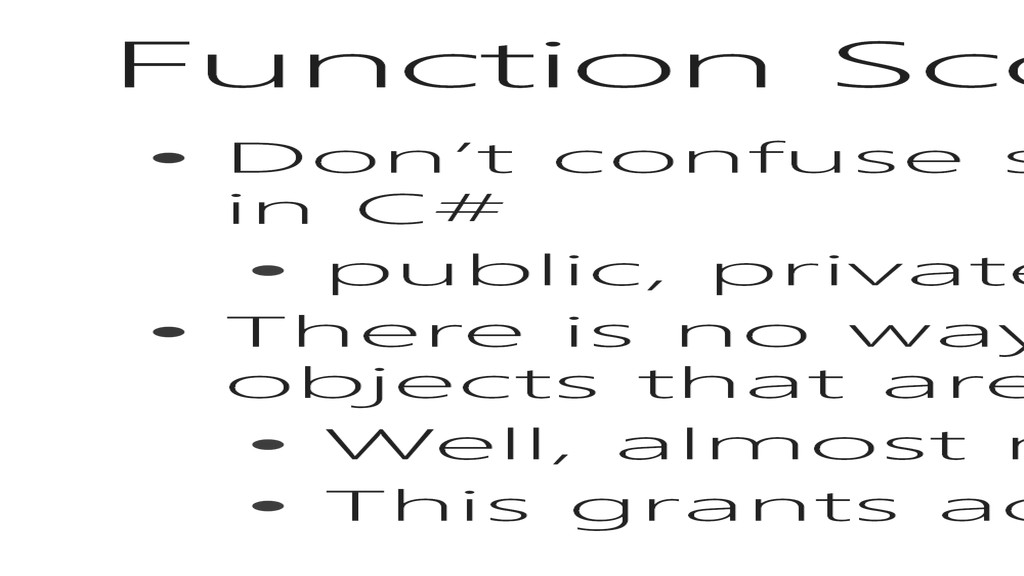
in C# • public, private, protected • There is no way to grant outside entities access to objects that are internally scoped • Well, almost no way, you can return it • This grants access to the value, not to the object
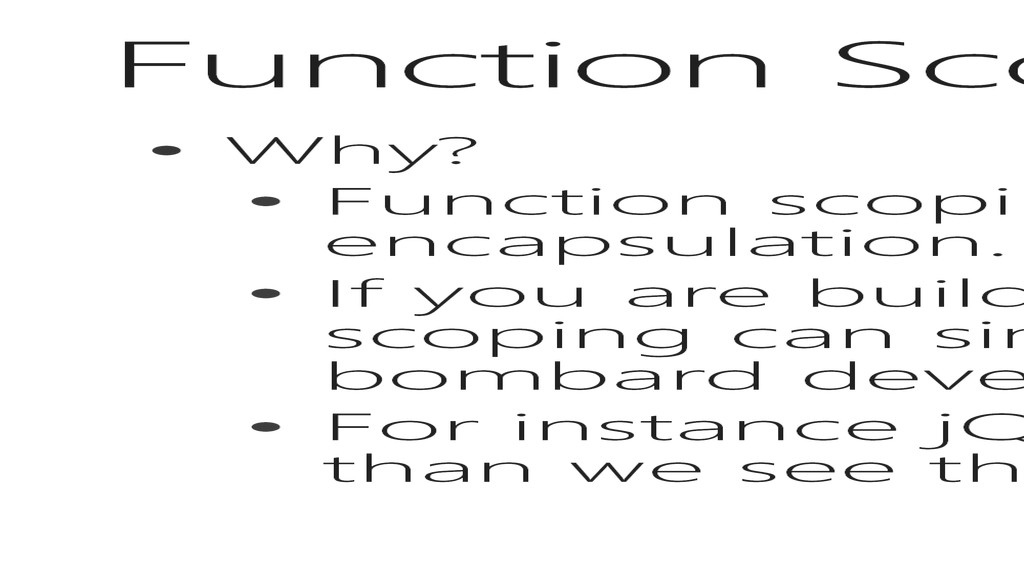
thing JavaScript has for encapsulation. • If you are building a very large program, utilizing scoping can simplify your code so that you don’t bombard developers with the complexity of your API. • For instance jQuery does a lot more under the hood than we see through the available functions.
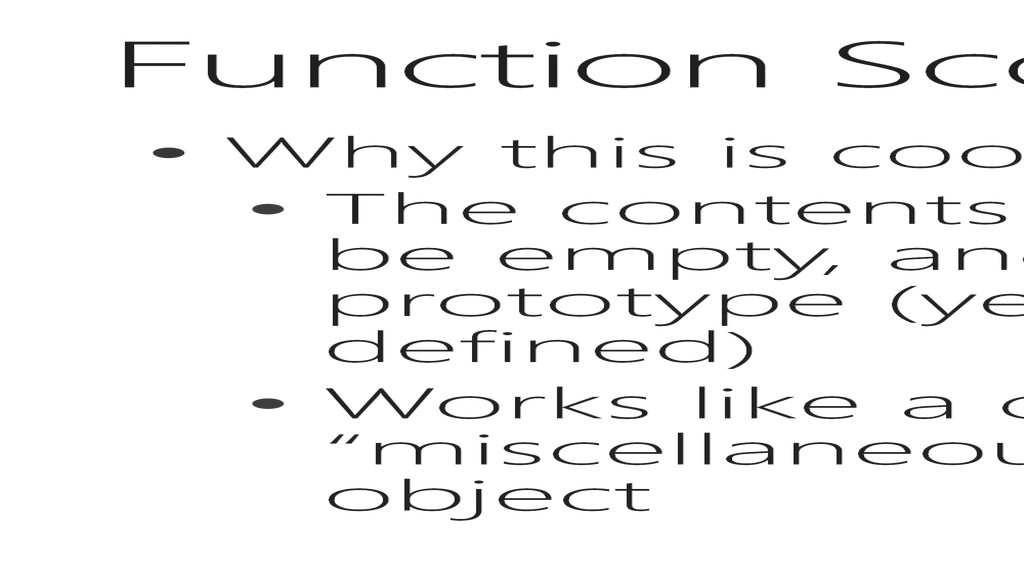
of the initial function don’t have to be empty, and has access to members of the prototype (yes, even before the prototype is defined) • Works like a constructor and doesn’t leave “miscellaneous” variables out there as part of the object
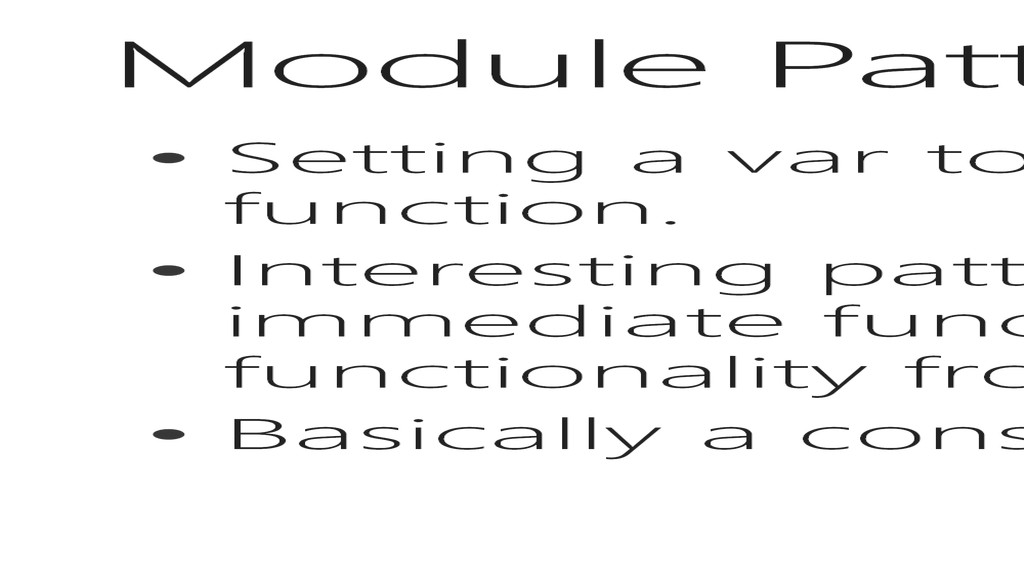
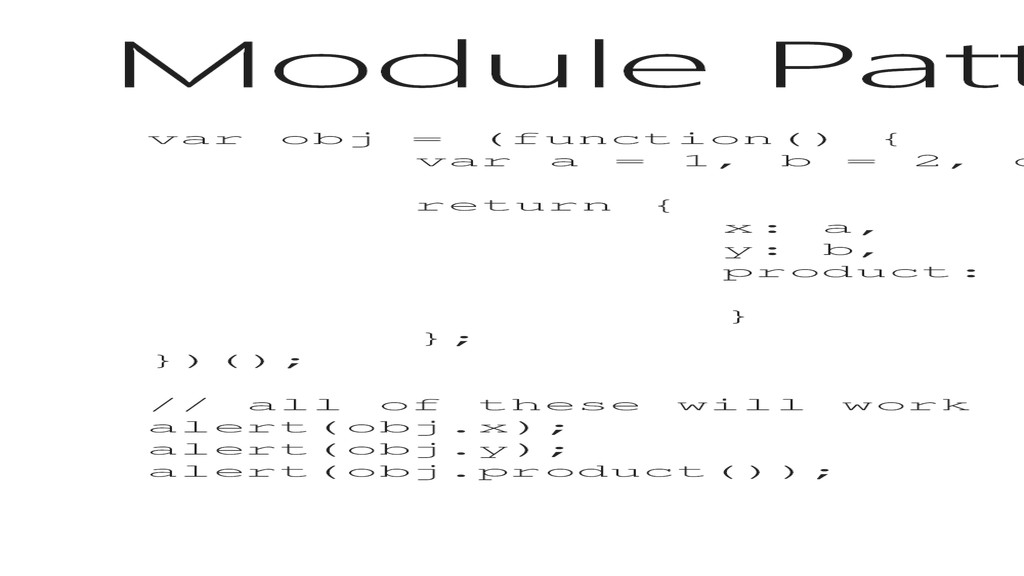
of an immediate function. • Interesting pattern, allows you to define an immediate function that returns an object utilizing functionality from the immediate function • Basically a constructor and object definition in one
1, b = 2, c = 3; return { x: a, y: b, product: function() { return a*b*c; } }; })(); // all of these will work alert(obj.x); alert(obj.y); alert(obj.product());
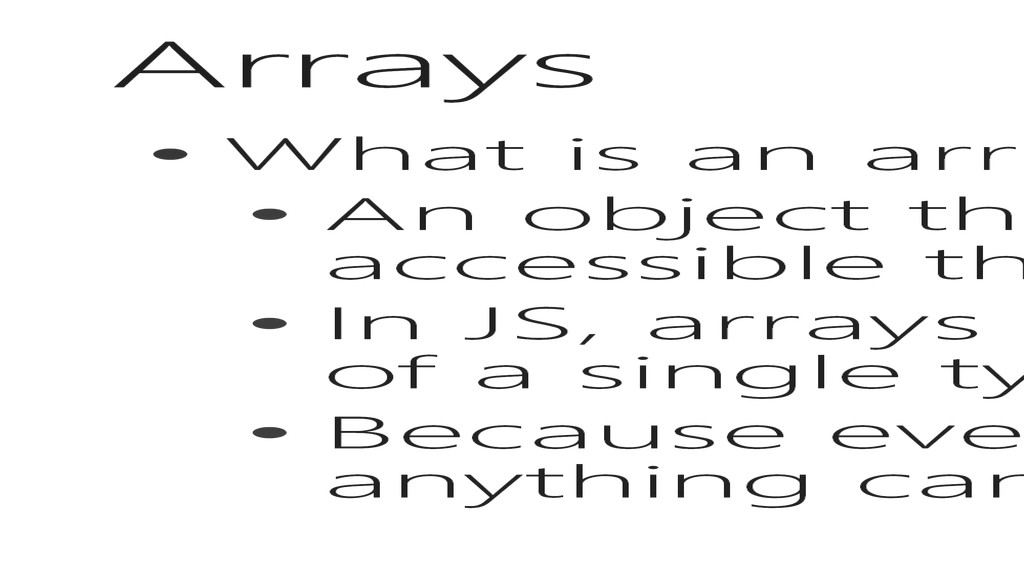
has multiple values that are accessible through an indexer • In JS, arrays are always arrays of objects, not of a single type necessarily • Because everything is an object in JS, anything can go in an array, even functions!
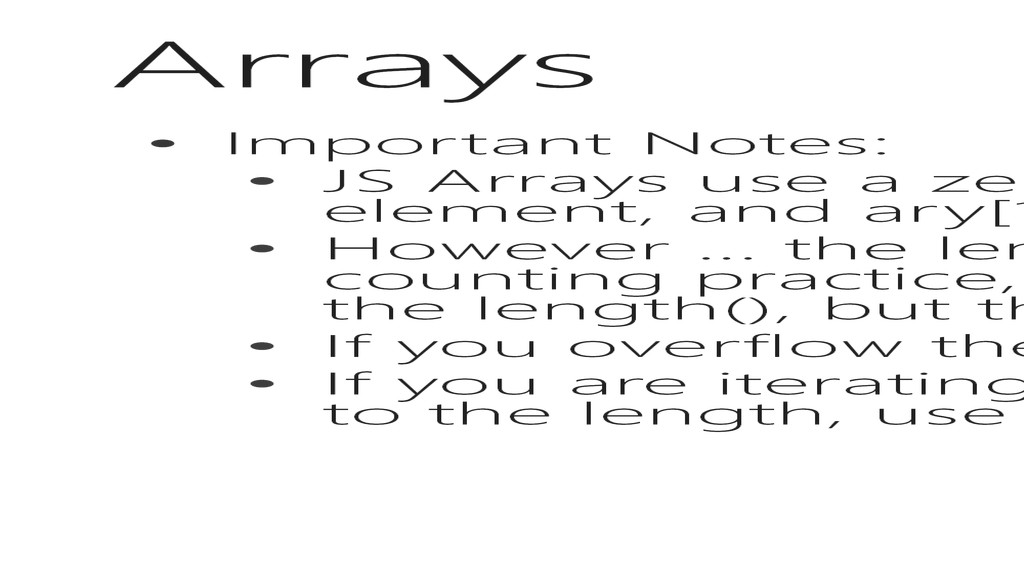
indexer, therefore, ary[0] is the first element, and ary[1] is the second. • However … the length() method returns arrays using normal counting practice, so an array with 5 elements will return 5 from the length(), but the last element will be ary[4]. • If you overflow the boundaries of the array, you will get an error. • If you are iterating through the array, don’t use the <= comparison to the length, use the < operator
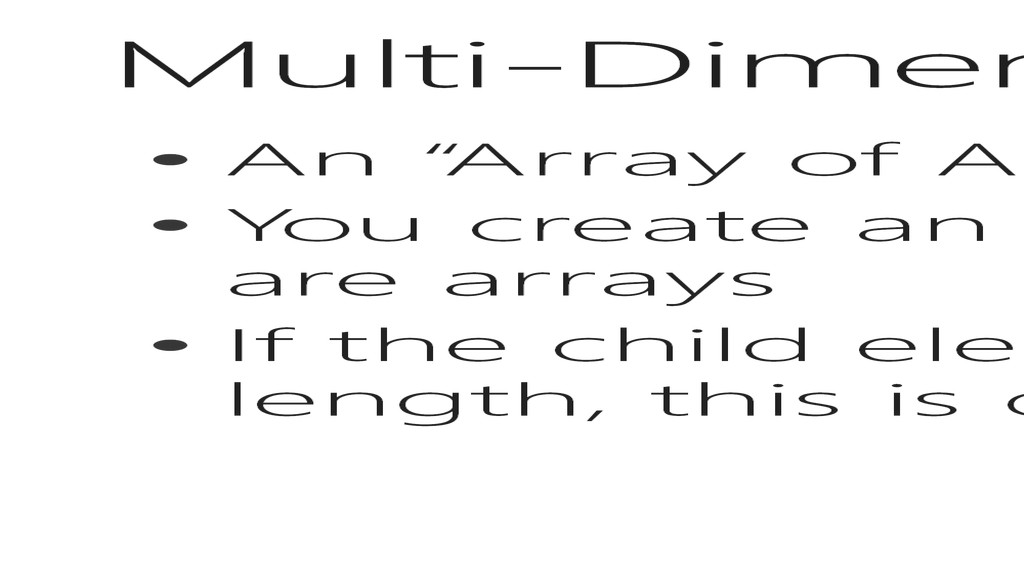
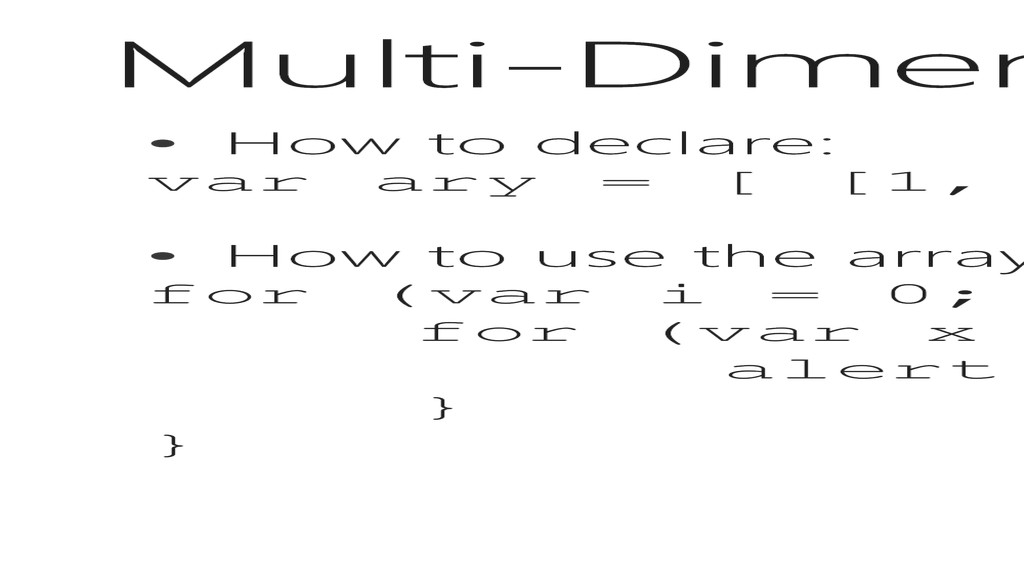
way to think of it • You create an array which has elements that are arrays • If the child elements do not all have the same length, this is called a Jagged Array
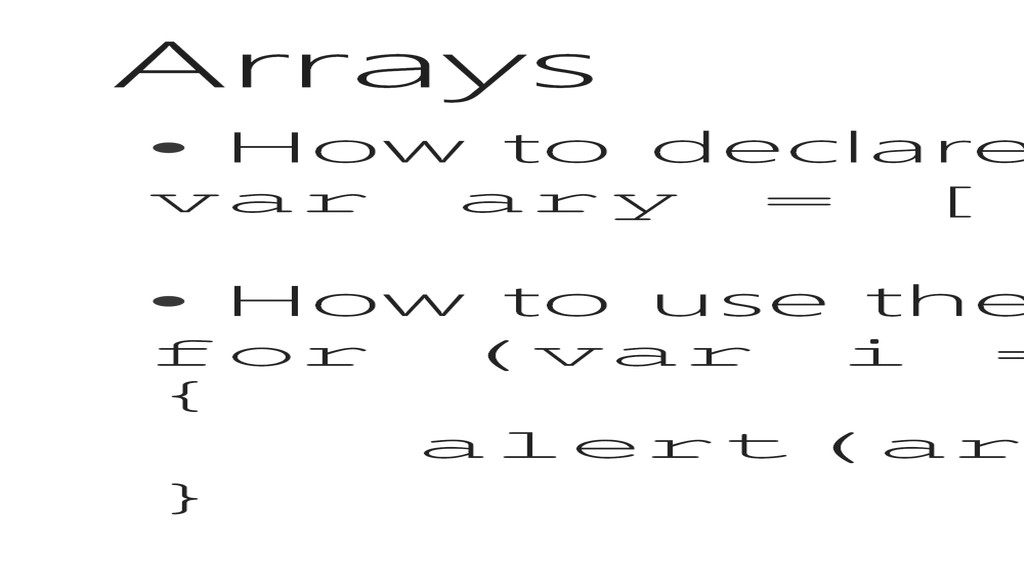
[1, 2], [2, 3], [4, 5] ]; • How to use the array: for (var i = 0; i < ary.length; i++) { for (var x = 0; x < ary.length[i]; x++) { alert(ary[i][x]); } }
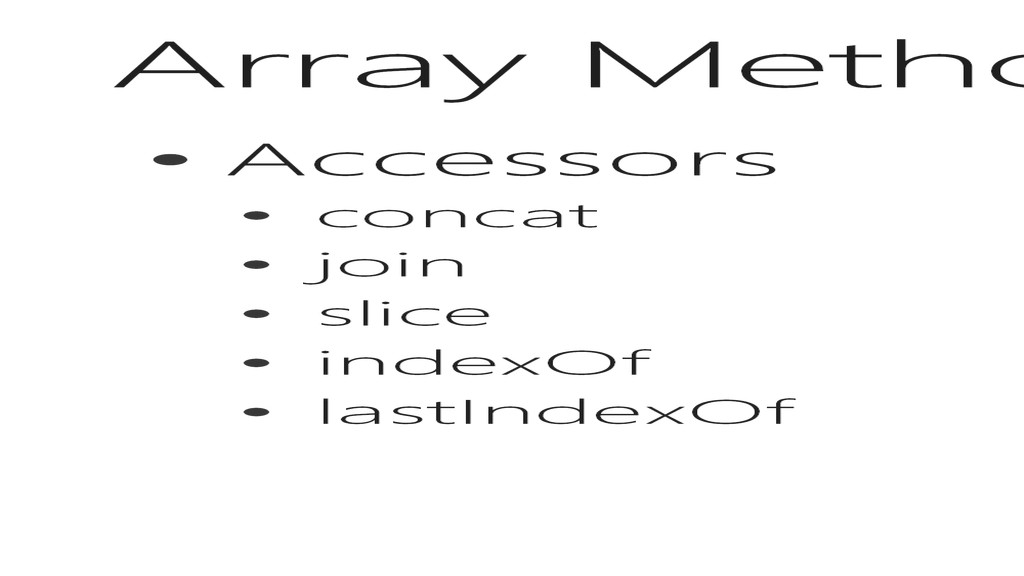
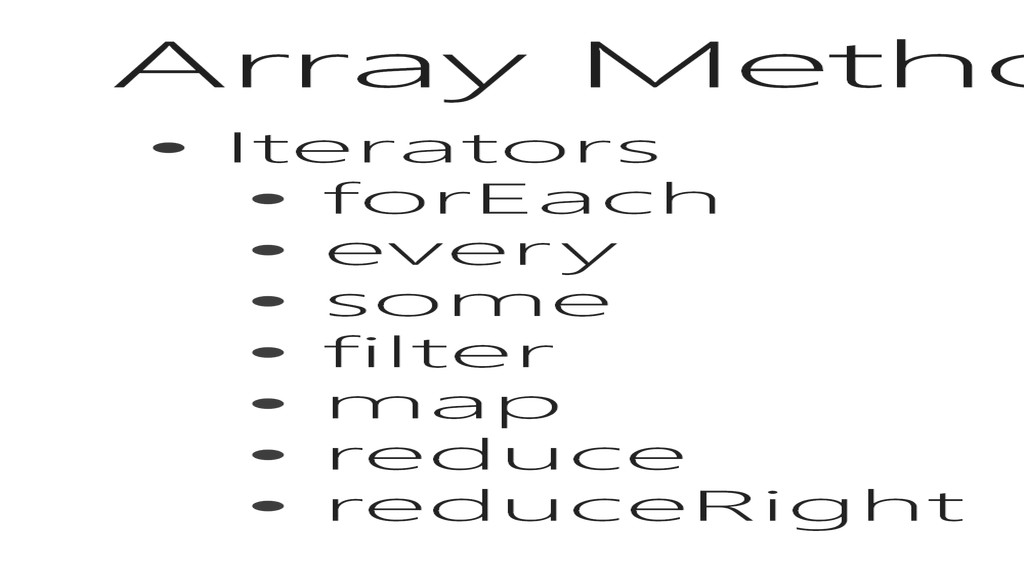
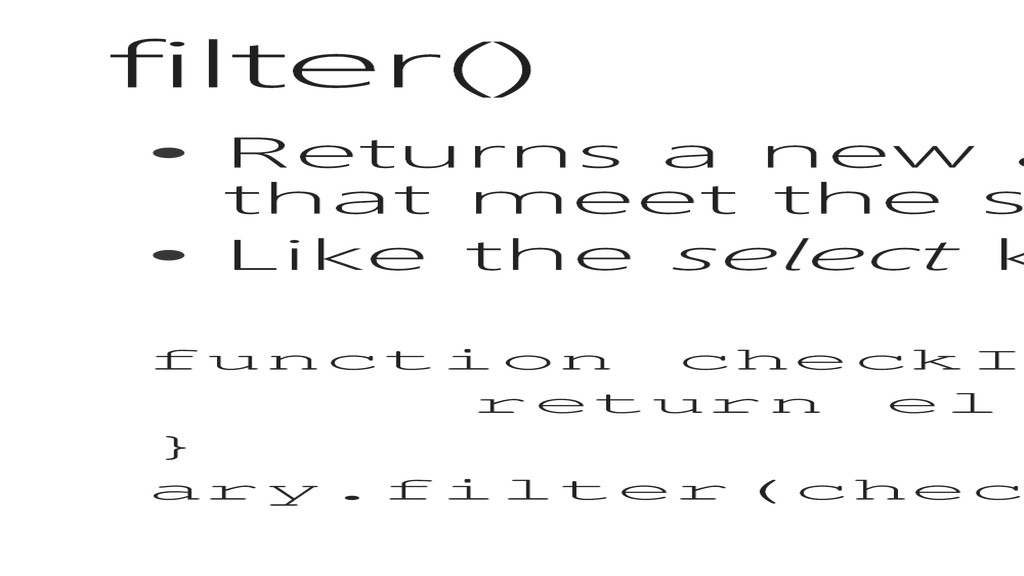
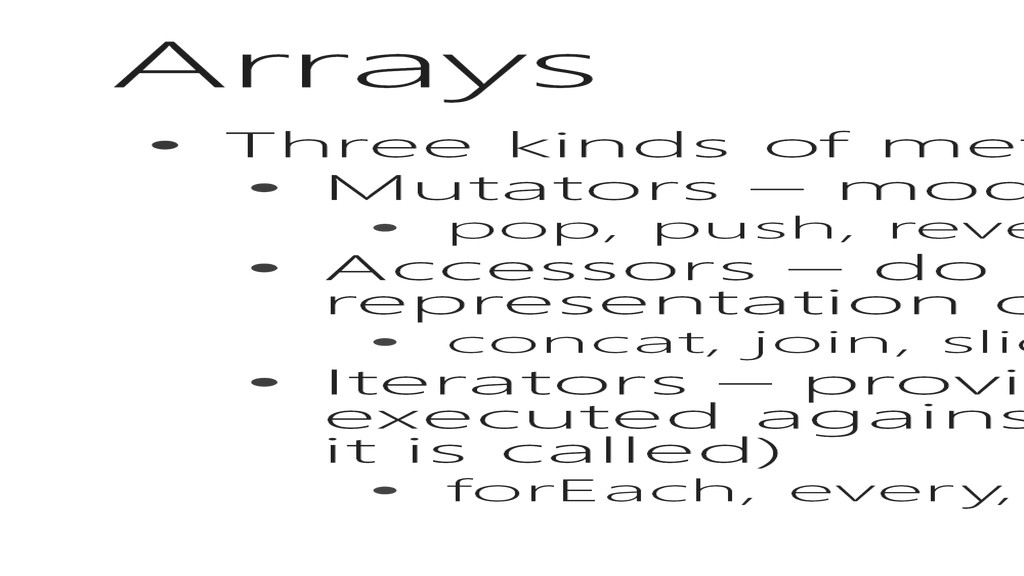
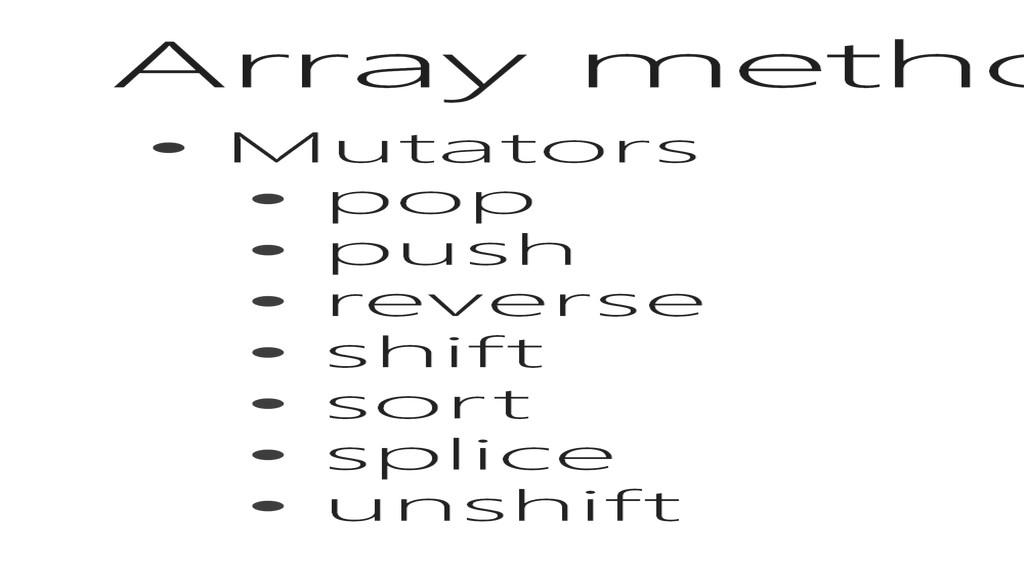
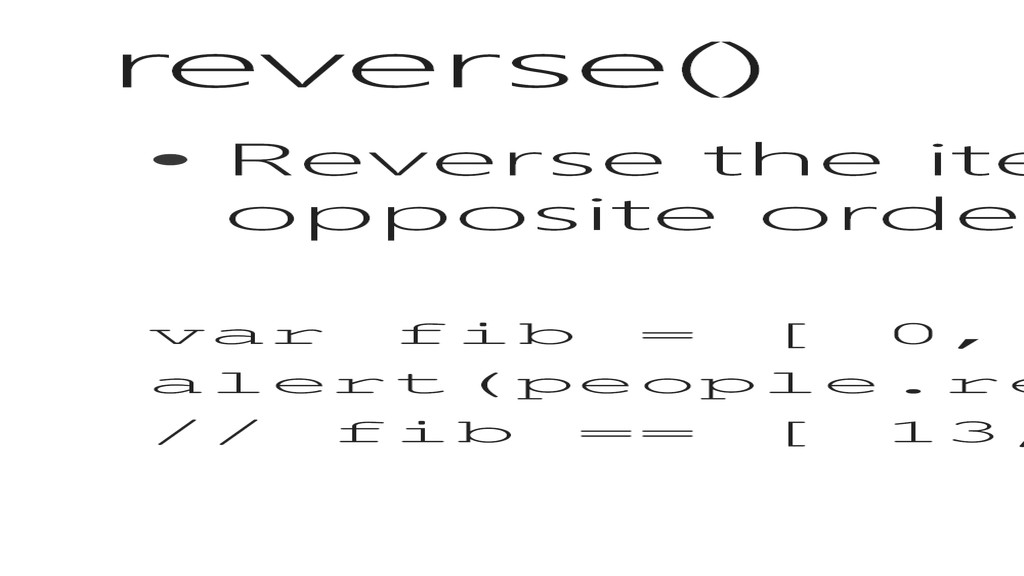
Mutators – modify the contents and structure of the array • pop, push, reverse, shift, sort, splice, unshift • Accessors – do not modify the array, and return some representation of the array • concat, join, slice, indexOf, lastIndexOf • Iterators – provide a method as an argument to be executed against every element in the array (as of the time it is called) • forEach, every, some, filter, map, reduce, reduceRight
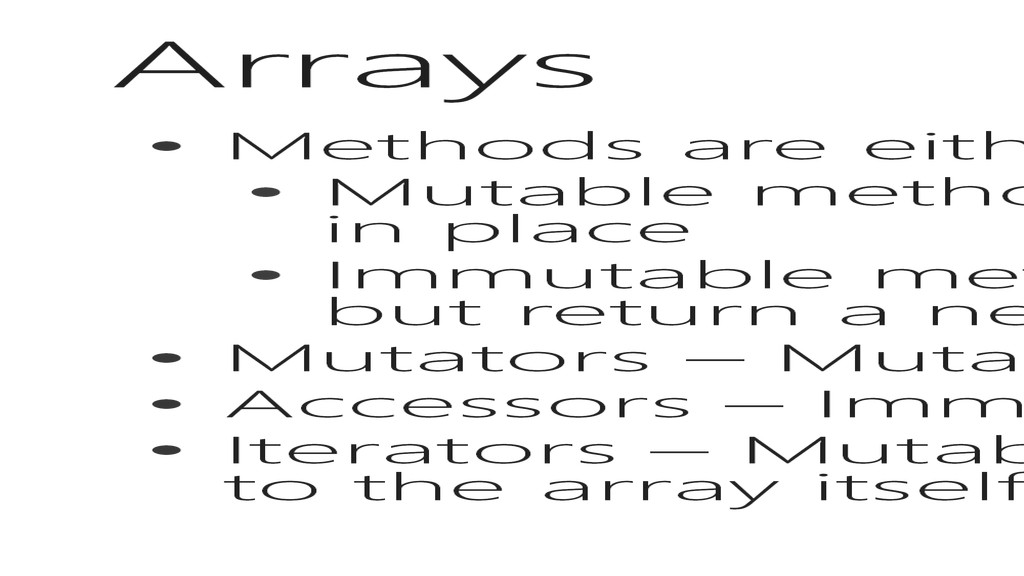
methods will modify the contents of the array in place • Immutable methods will not modify the array directly, but return a new instance of the array • Mutators – Mutable • Accessors – Immutable • Iterators – Mutable to the Elements of the array, but not to the array itself
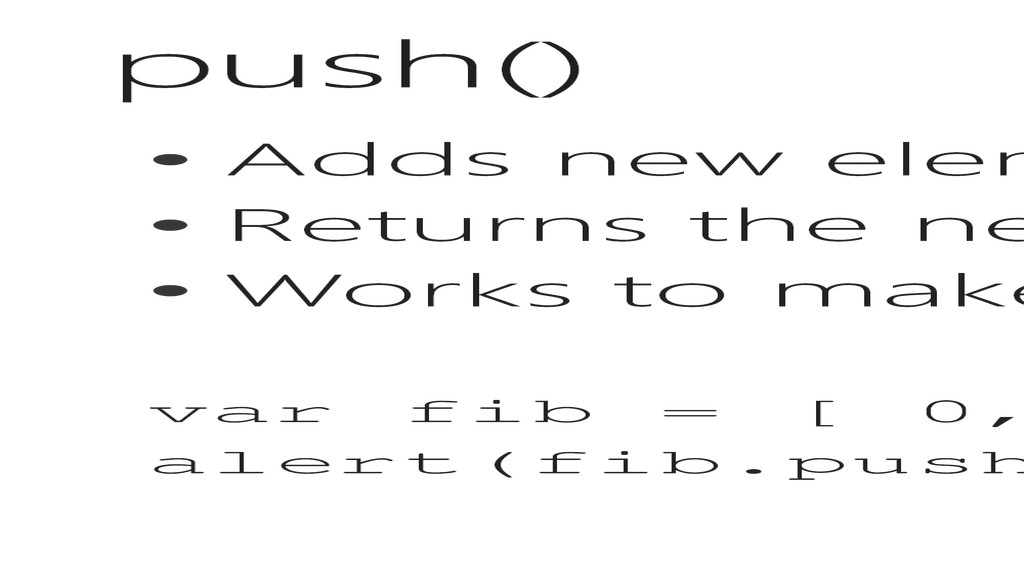
array • Returns the new length of the array • Works to make the array into a stack or queue var fib = [ 0, 1, 1, 2, 3, 5, 8, 13 ]; alert(fib.push(21)); // returns 9
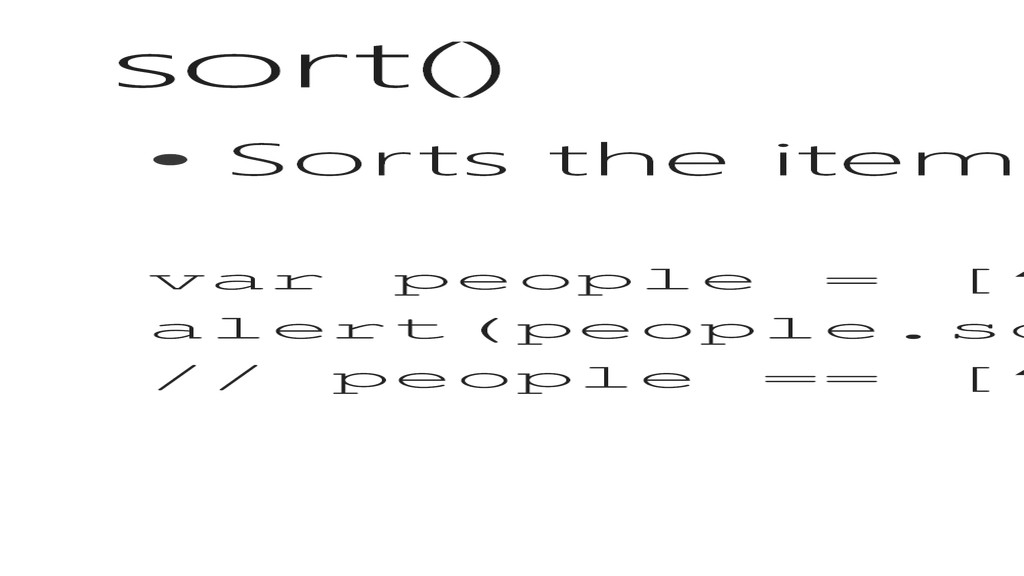
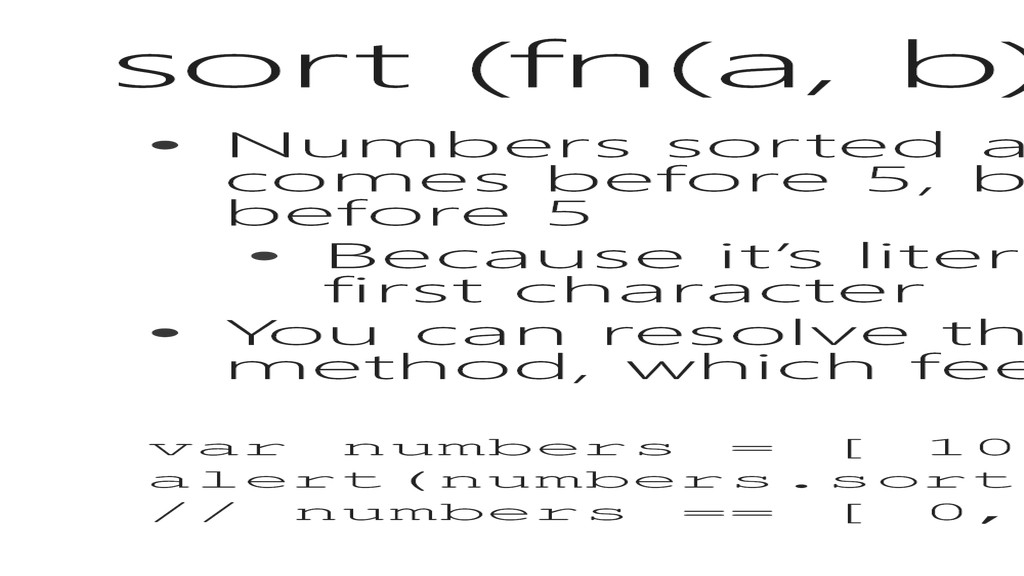
since 4 comes before 5, but alphabetically 40 would also come before 5 • Because it’s literally comparing the ASCII number of the first character • You can resolve this, by passing a function to the sort method, which feels a lot like a lambda in Linq… var numbers = [ 10, 4, 2, 1, 66, 0]; alert(numbers.sort(function(a, b) { return a-b;}); // numbers == [ 0, 1, 2, 4, 10, 66 ];
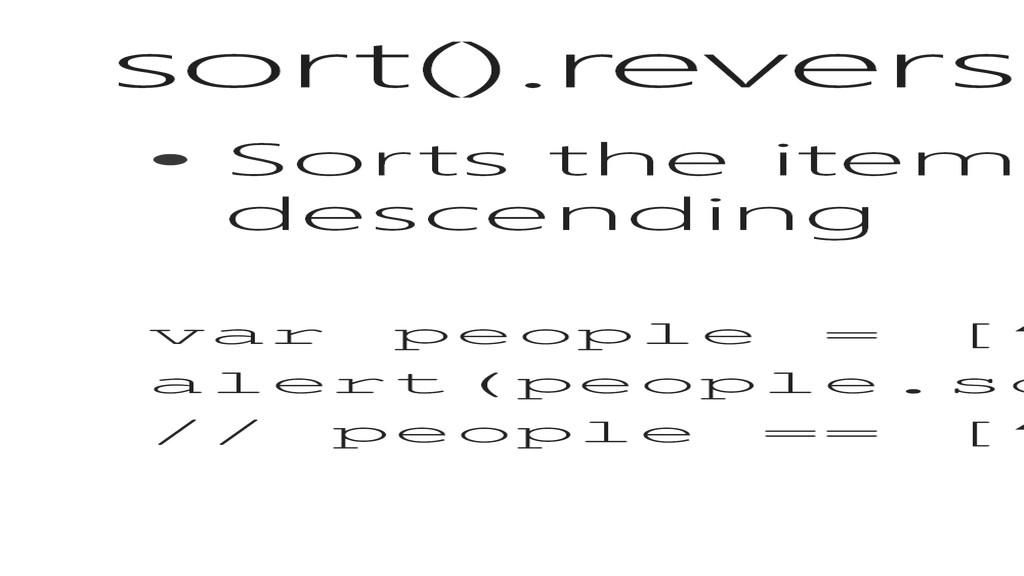
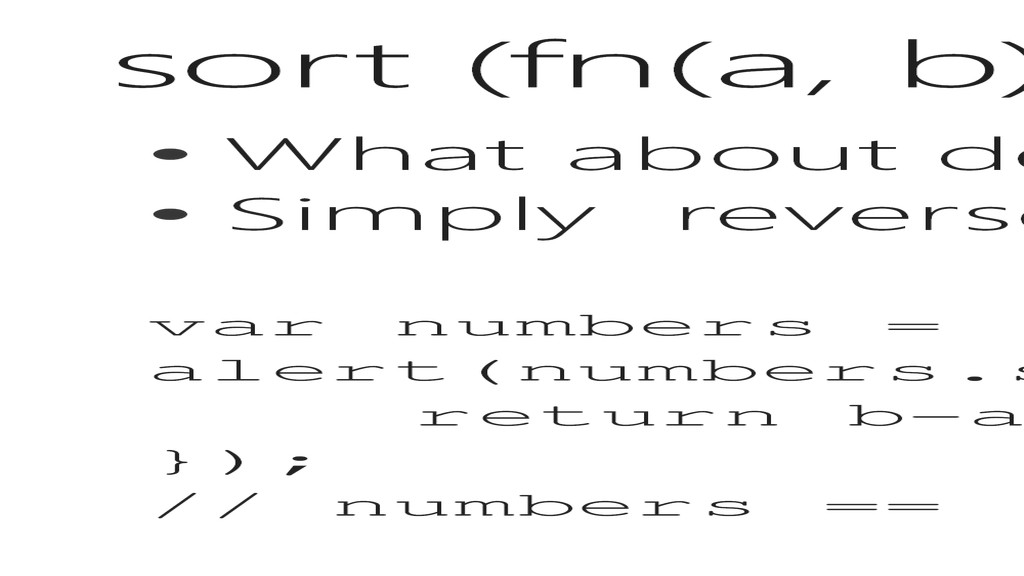
a and b in the calculation var numbers = [ 10, 4, 2, 1, 66, 0]; alert(numbers.sort(function(a, b) { return b-a; }); // numbers == [ 66, 10, 4, 2, 1, 0 ];
starting at the index provided • If remove is > 0, then it will overwrite that many elements before increasing the size of the array • The return value is an array of items removed from the array with the length of remove • Last arguments are the items to insert into the array, as many as you like, just separate them by commas as below var numbers = [ 10, 4, 2, 1, 66, 0 ]; alert(numbers.splice(2, 2, 7, 8, 12)); // returns [2, 1] // numbers == [ 10, 4, 7, 8, 12, 66, 0 ];
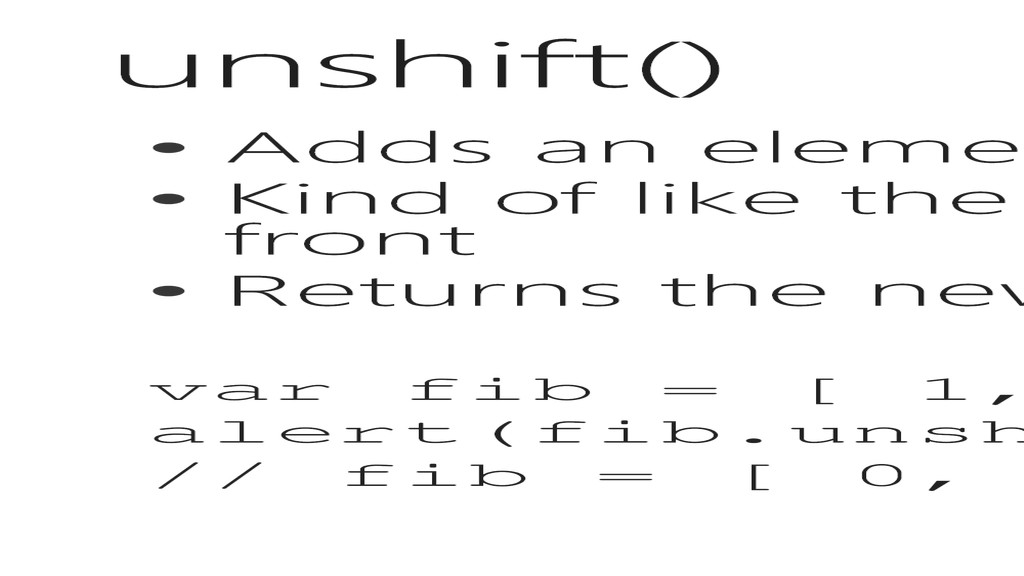
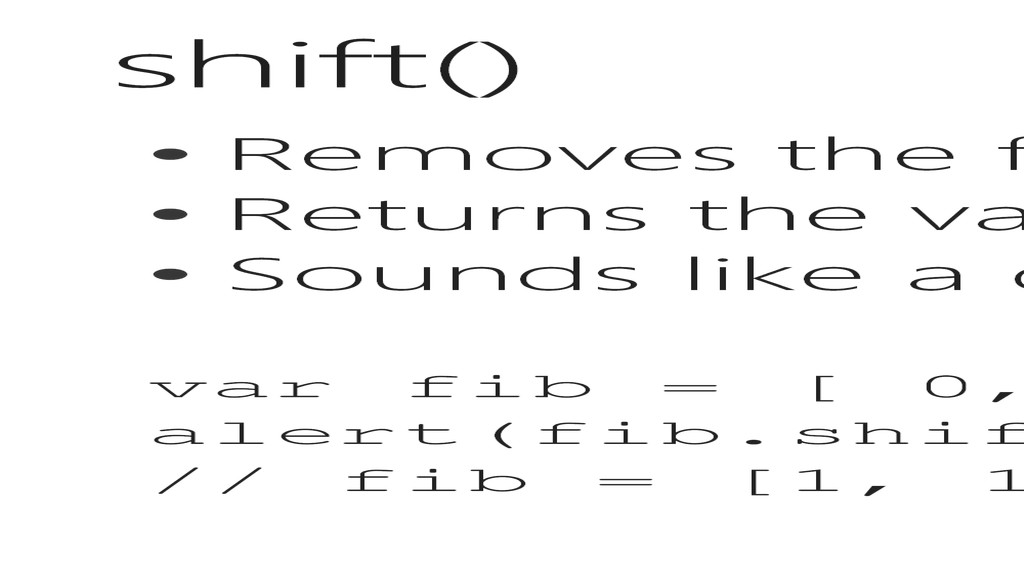
array • Kind of like the reverse of shift that pops from the front • Returns the new length of the array var fib = [ 1, 1, 2, 3, 5, 8, 13 ]; alert(fib.unshift(0)); // returns 8 // fib = [ 0, 1, 1, 2, 3, 5, 8, 13 ];
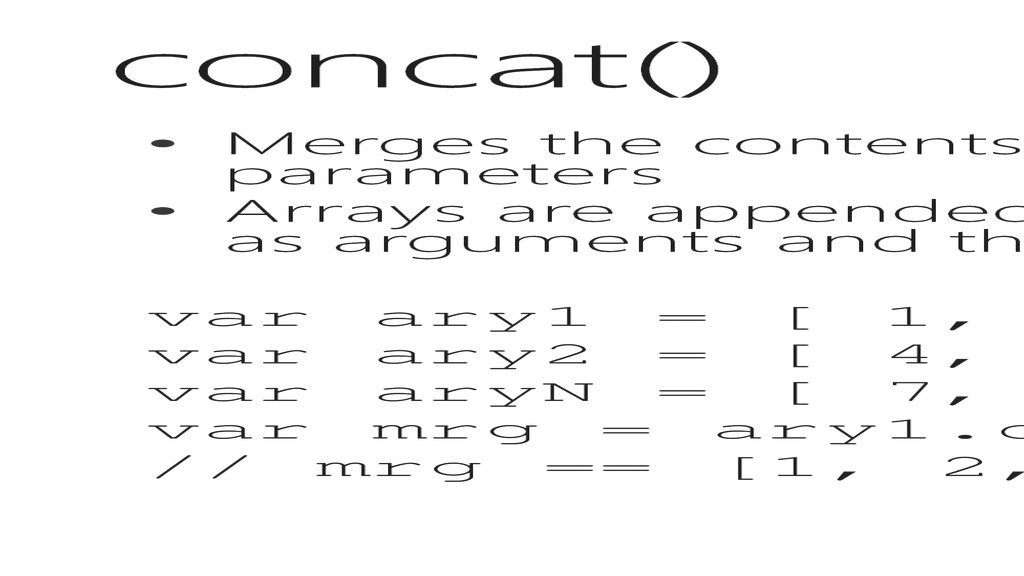
objects as parameters • Arrays are appended into the calling array in the order they are listed as arguments and the return value is the resulting array var ary1 = [ 1, 2, 3 ]; var ary2 = [ 4, 5, 6 ]; var aryN = [ 7, 8, 9 ]; var mrg = ary1.concat(ary2, aryN); // mrg == [1, 2, 3, 4, 5, 6, 7, 8, 9 ];
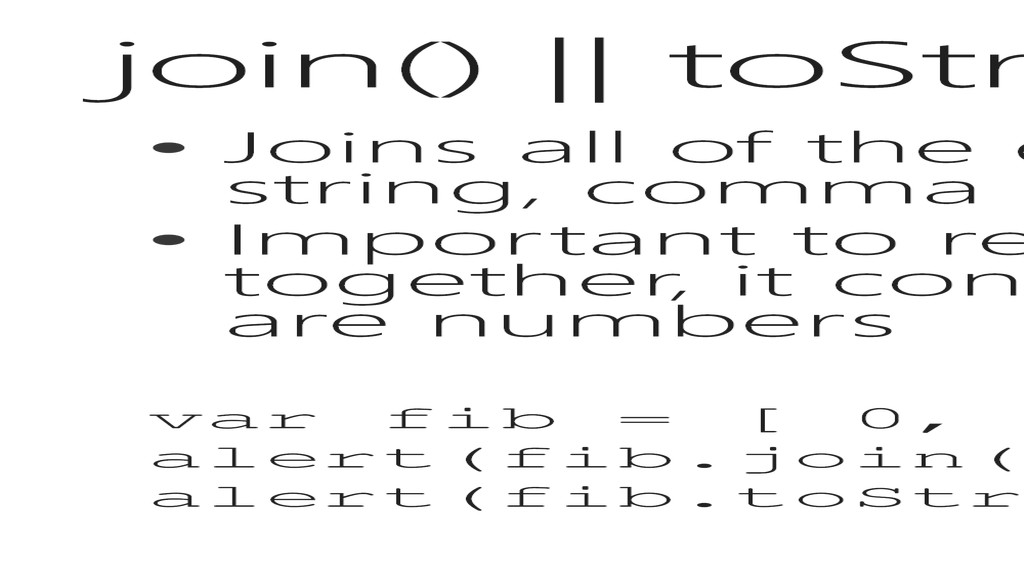
the array into a single string, comma separated • Important to remember, it does not add them together, it concatenates them. Even when they are numbers var fib = [ 0, 1, 1, 2, 3, 5, 8, 13 ]; alert(fib.join()); // == 0,1,1,2,3,5,8,13 alert(fib.toString()); // == 0,1,1,2,3,5,8,13
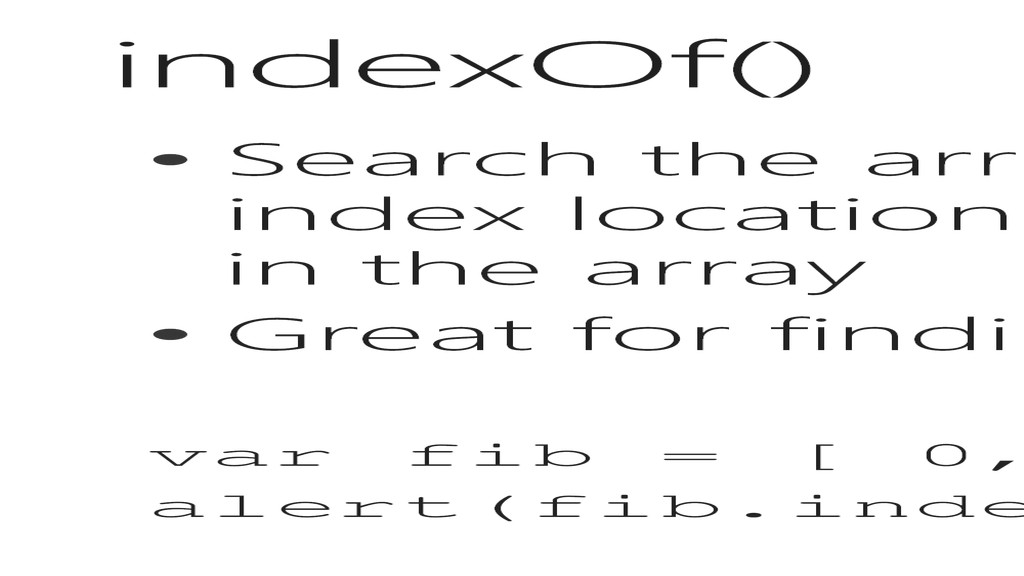
the index location (zero-based) of the first instance in the array • Great for finding that lost element … var fib = [ 0, 1, 1, 2, 3, 5, 8, 13 ]; alert(fib.indexOf(1)); // == 1 (second)
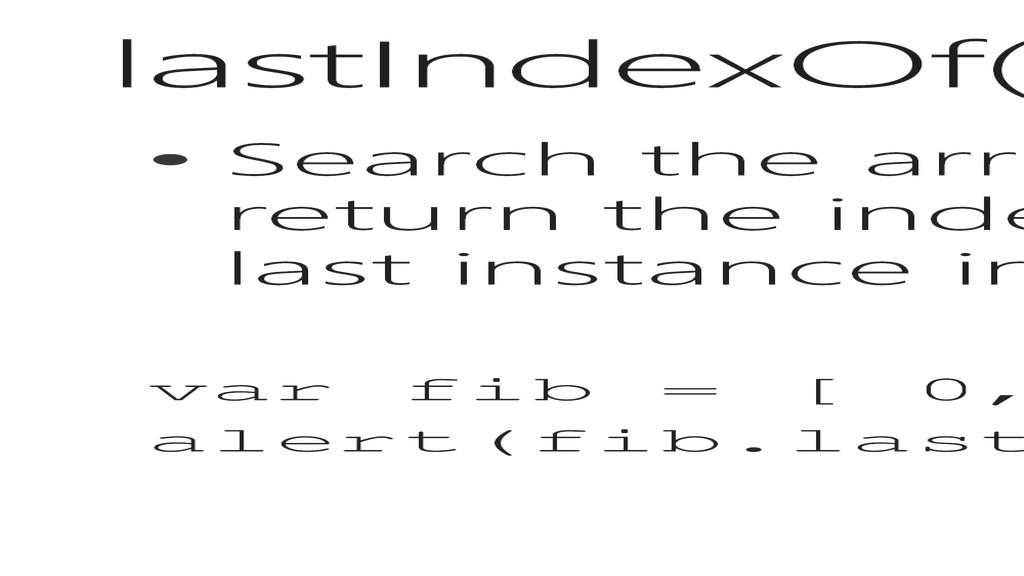
return the index location (zero-based) of the last instance in the array var fib = [ 0, 1, 1, 2, 3, 5, 8, 13 ]; alert(fib.lastIndexOf(1)); // == 2 (third)
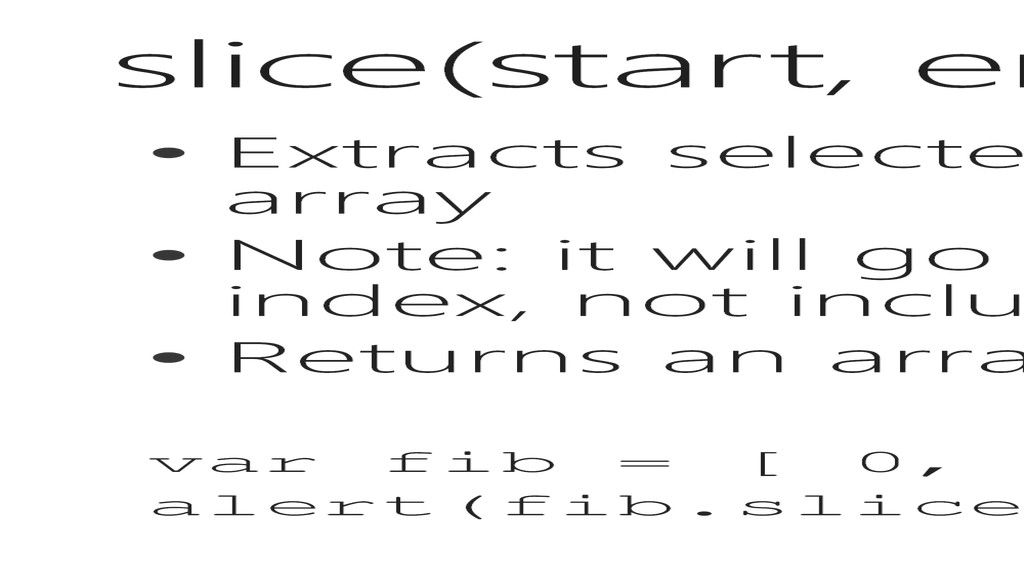
the array • Note: it will go from the start index to the end index, not including the end • Returns an array of the selected elements var fib = [ 0, 1, 1, 2, 3, 5, 8, 13 ]; alert(fib.slice(2, 4)); // returns [1, 2];
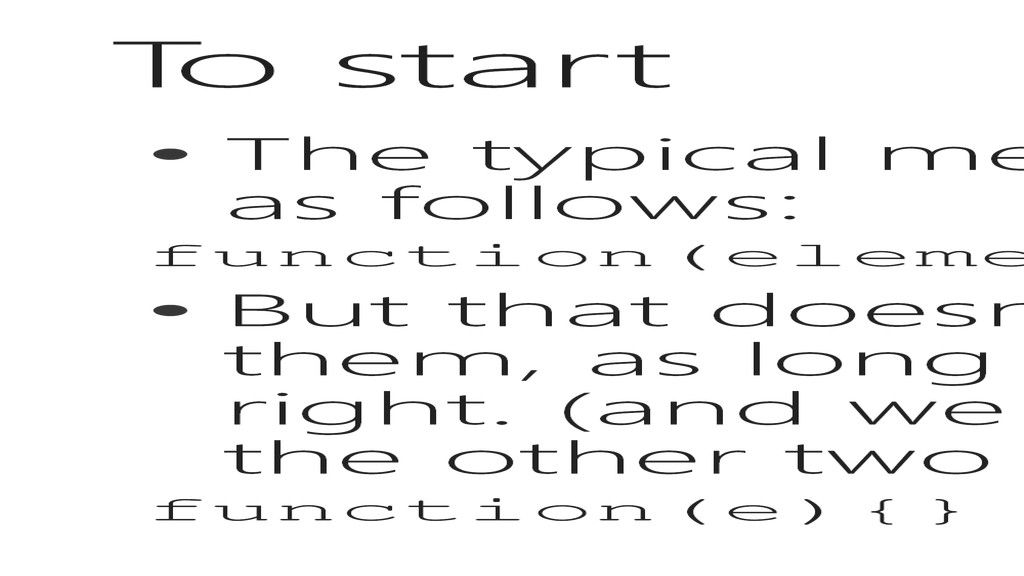
is as follows: function(element, index, array){} • But that doesn’t mean we have to use all of them, as long as we know how to use them right. (and we can use arguments to pick up the other two if we need them) function(e){}
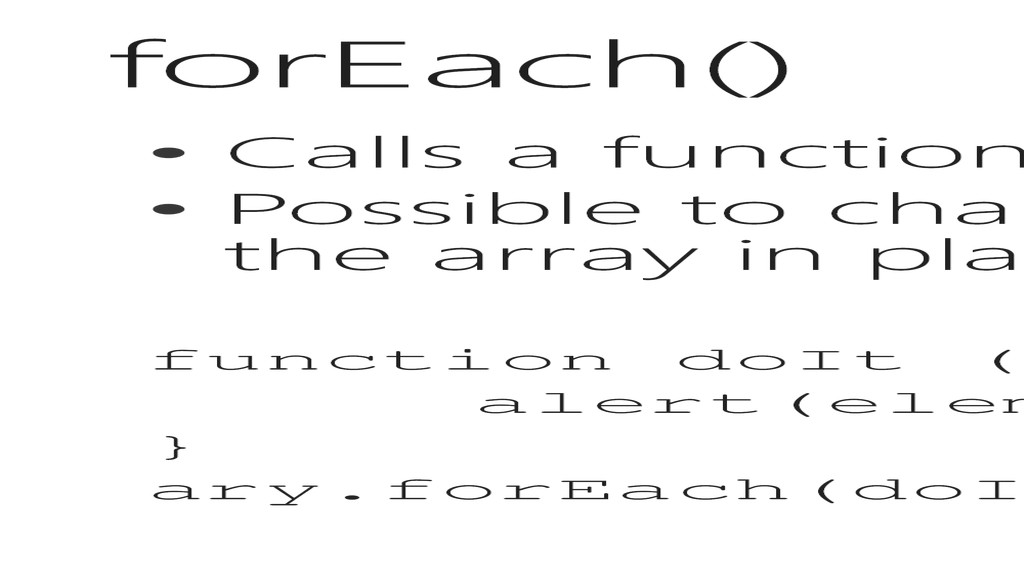
array • Possible to change the contents of the elements of the array in place function doIt (element, index, array){ alert(element + “ @ “ + index); } ary.forEach(doIt);
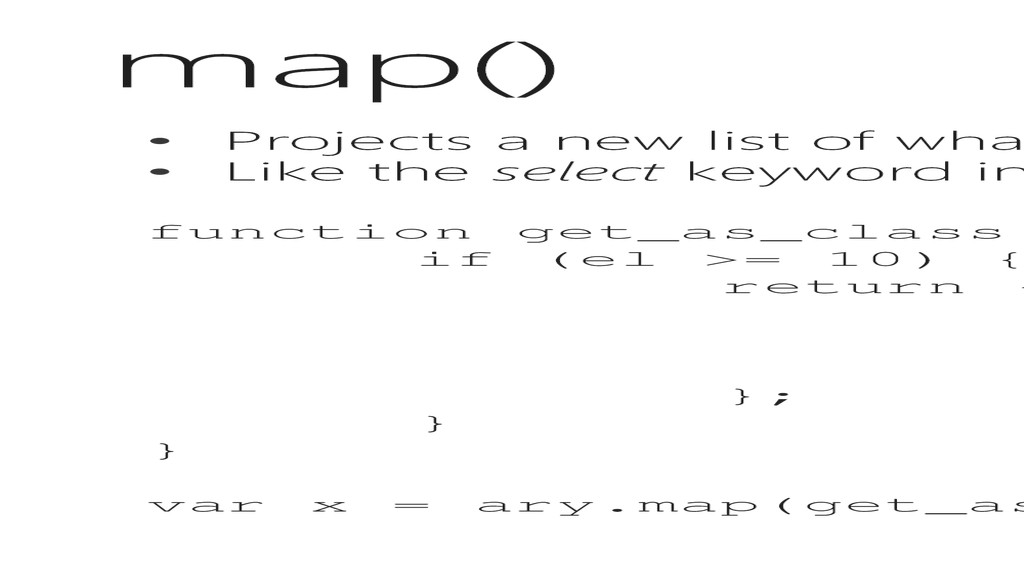
is specified out from the results • Like the select keyword in Linq, projecting an “anonymous type” function get_as_class(el, idx){ if (el >= 10) { return { Nice: el, Loc: idx, f: function() {} }; } } var x = ary.map(get_as_class);
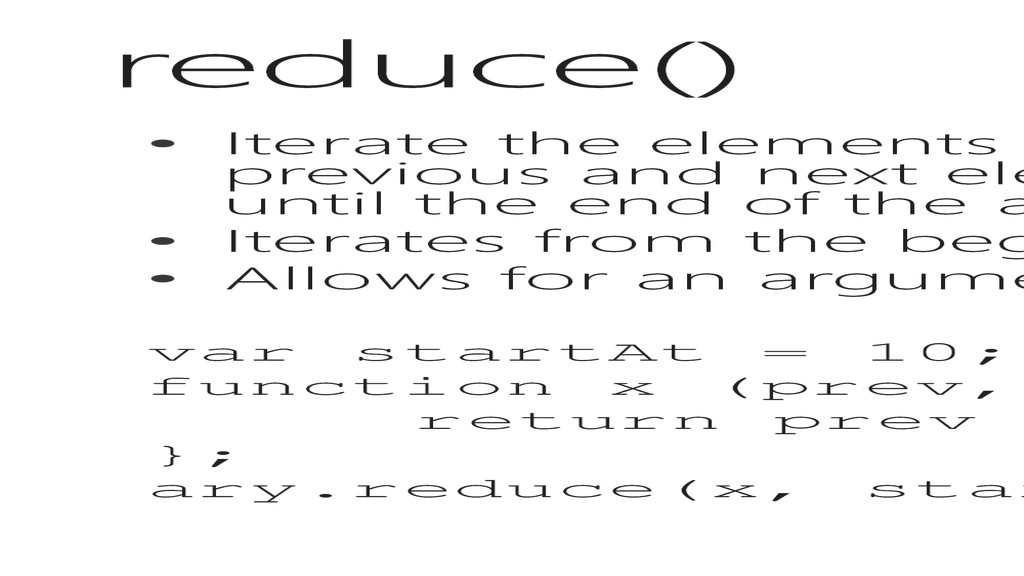
operation on the previous and next elements, returning a value that is compounded until the end of the array. • Iterates from the beginning to the end • Allows for an argument to specify the initial value var startAt = 10; function x (prev, next, index, array) { return prev + next; }; ary.reduce(x, startAt);
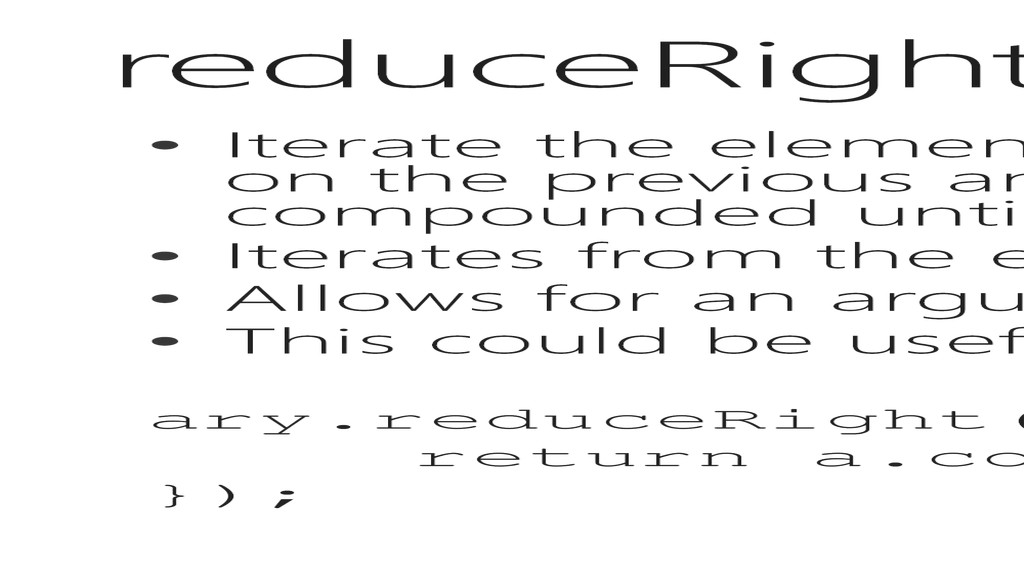
operation on the previous and next elements, returning a value that is compounded until the end of the array. • Iterates from the end to the beginning • Allows for an argument to specify the initial value • This could be useful for flattening a multi-dimensional array ary.reduceRight(function (a, b) { return a.concat(b); });
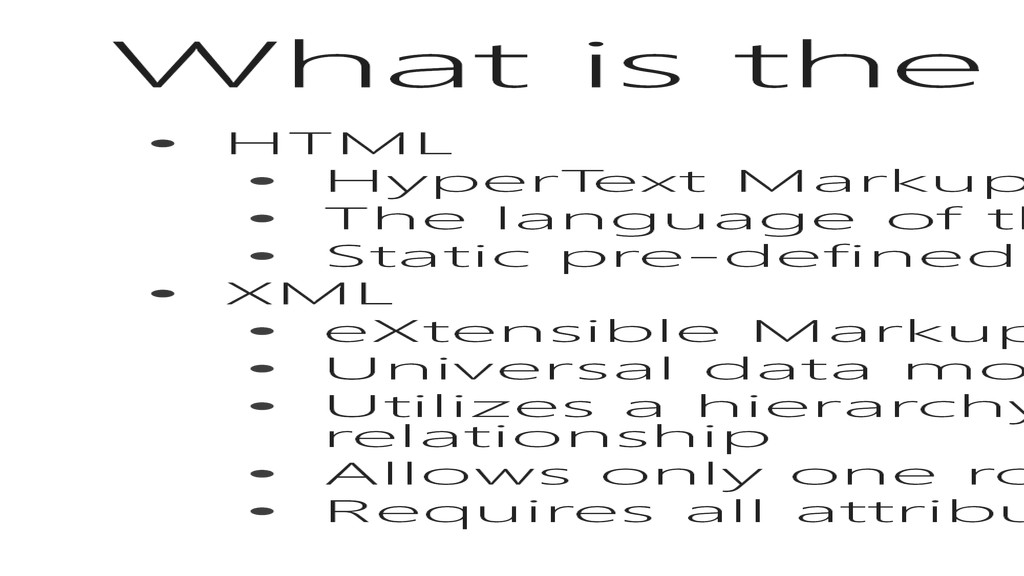
• The language of the web, interpreted by browsers • Static pre-defined elements with very few rules for structure • XML • eXtensible Markup Language • Universal data modeling language • Utilizes a hierarchy of nodes to represent a parent-child relationship • Allows only one root node • Requires all attributes to operate in key=value pairs
You might hear the term DHTML • This stands for Dynamic HTML • Literally: JavaScript DOM Manipulation to add and remove elements from the DOM which may or may not have existed in the Response from the server • We will learn more about this concept in this lesson
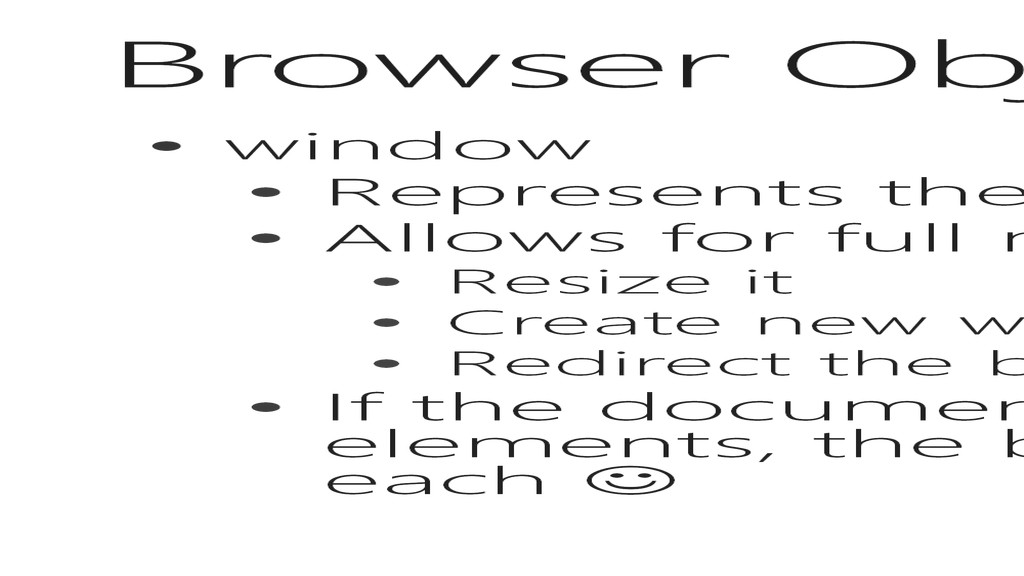
• Allows for full manipulation of the window • Resize it • Create new windows • Redirect the browser • If the document contains <frame> or <iframe> elements, the browser has one window object for each
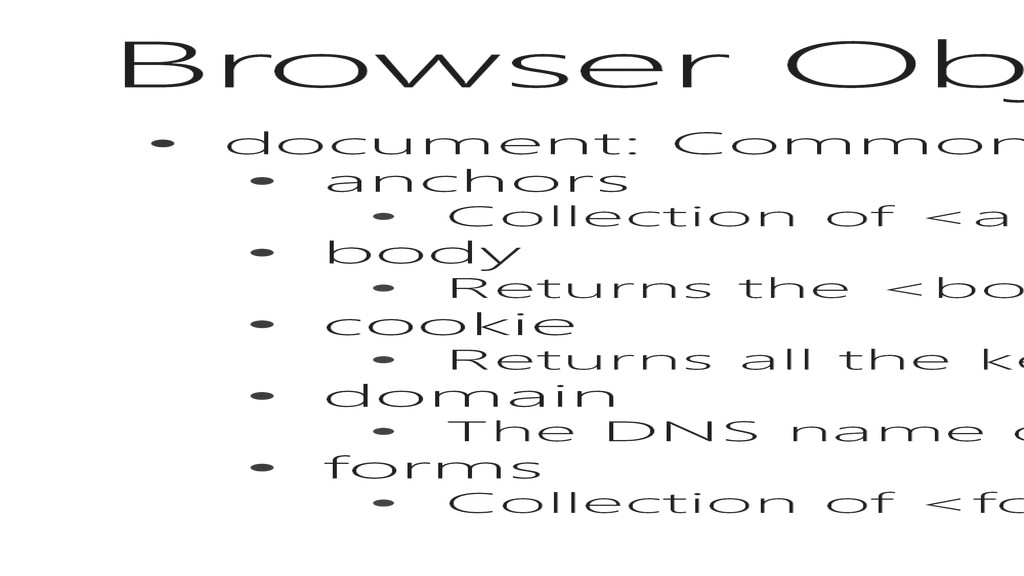
of <a name=“*”> elements in the document • body • Returns the <body> element in the document • cookie • Returns all the key/value pairs in the document • domain • The DNS name of the server that provided the document • forms • Collection of <form> elements in the document
of <img> elements in the document • links • Collection of <a href=“*”> and <area> elements in the document • referrer • The url of the document that loaded the current document • title • Gets or sets the title of the document from the <title /> element • url • Returns the full url of the document from the address bar
the current status of the document • uninitialized - Has not started loading yet • loading - Is loading • interactive - Has loaded enough and the user can interact with it • complete - Fully loaded • Not W3C Compliant, but supported by all major browsers
Open or close an output stream to collect output from .write() or .writeln() • write(s)/writeln(s) • Provide new content for output to the document specified by the most recent .open() command • writeln() adds a newline character at the and of the string
information provided in HTML is essentially a document • Forms provide users with the ability to add information to this document • It can be useful to retrieve values from the form to provide immediate feedback or change the document dynamically
single element in the DOM that has the provided ID • Every element in the DOM must have a unique Identifier • Returns an object with attributes relative to the DOM element • For instance: • <div id=“myElement” /> • var el = document.getElementById(“myElement”);
elements of a type in the DOM • Returns a NodeList of the objects meeting the criteria • For instance: • var paragraphs = document.getElementsByTagName (“p”);
first instance of element that matches the query • Returns the instance of that element • For instance: • var typeSelector= document.querySelector (“p”); • var idSelector = document.querySelector (“#myElement”); • var classSelector = document.querySelector (“.rowitem”); • var attrSelector = document.querySelector (“input[type=‘radio’]:checked”);
have found what we want, we have to decide what to do with it. • Allows us to add and remove elements from the DOM dynamically (DHTML) • Allows us to modify elements and change styles
• Simple idea: • Add the value of two input boxes and place the result in a div … so that they can’t modify it directly • Complex: • Iterate over the <tr> of a <table> summing the values in multiple columns, then add a new <tfoot> element with a row showing the totals in the correct columns
have to know a few more properties, but to start lets see some terminology (sorry) • Node - Everything in the document is a node! • Attribute Node – inside of an element node • Element Node – in HTML, these are tags <html> • Text Node – any text inside of an element node • Comment Node - <!-- Comment Node -->
element node <html> • Parent Node – element node that contains other element nodes • Child Node – element node that has a parent, which is every node except the Root • Sibling Node – element nodes that exist at the same level, like <head> and <body> in the <html> node
the class attribute directly • innerHTML • Gets or sets the contents of an element node, including all child elements • innerText • Gets or sets the Text Node Contents of an element node
single CSS property that can be applied to an Element or Text Node has a corresponding property on the Style Object • In order words, it won’t fit on the slide • http://www.w3schools.com/jsref/dom_obj_style.as p
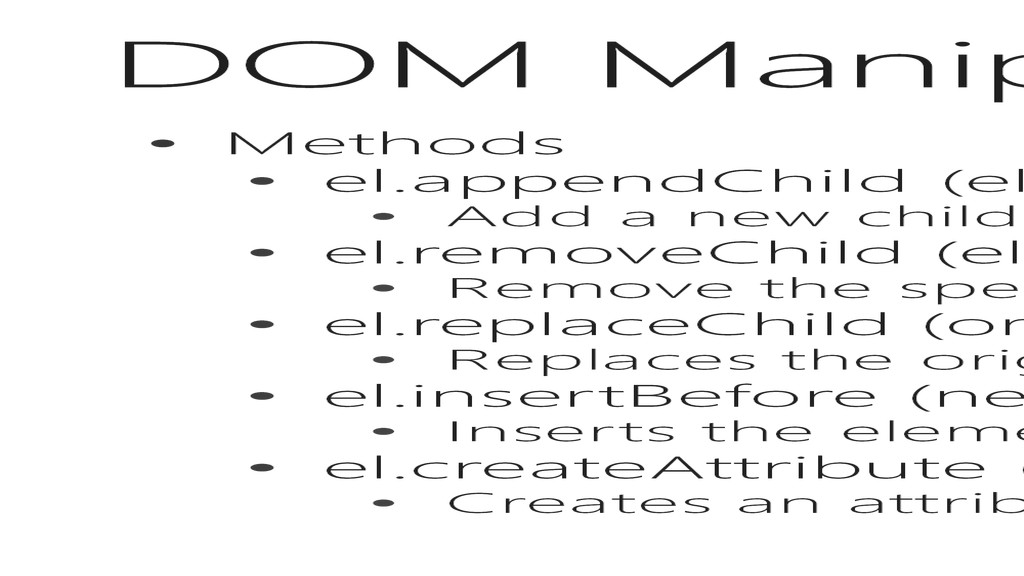
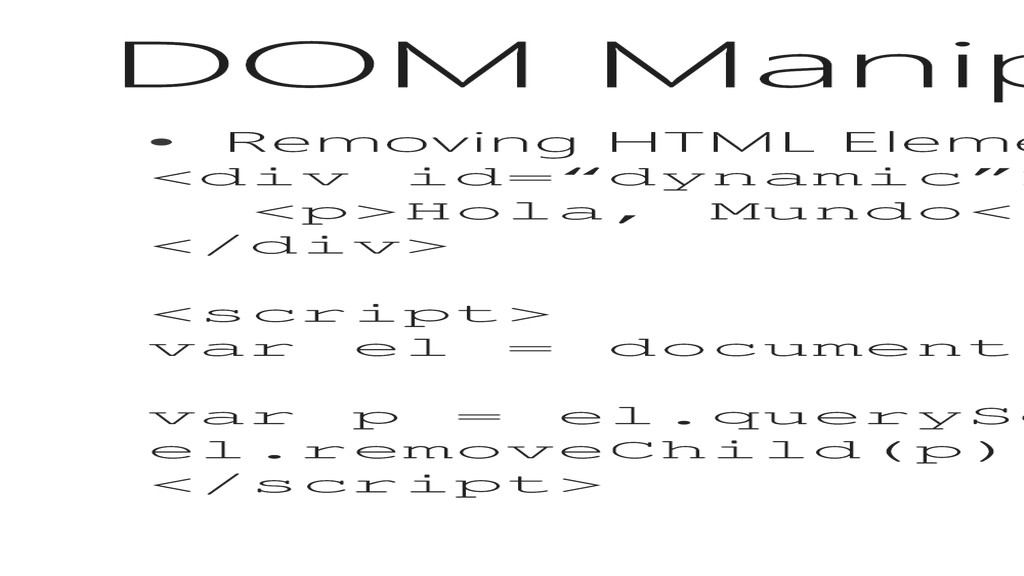
new child node to the element • el.removeChild (el) • Remove the specified child node • el.replaceChild (orig, new) • Replaces the original element with the new element • el.insertBefore (new, existing) • Inserts the element before the child node • el.createAttribute (attr) • Creates an attribute on the element
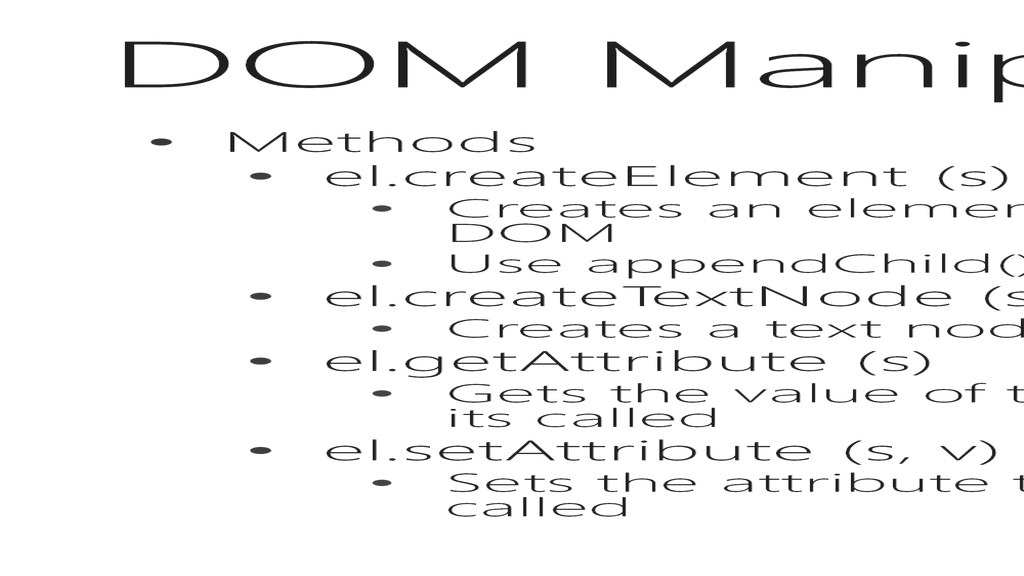
element node for the DOM to use, but does not add it to the DOM • Use appendChild() to add the new element into the DOM • el.createTextNode (s) • Creates a text node for the DOM to use, but does not add it to the DOM • el.getAttribute (s) • Gets the value of the specified attribute node for the element node on which its called • el.setAttribute (s, v) • Sets the attribute to the specified value for the element node on which it’s called
things • Changing HTML content • Changing CSS styles • Changing HTML attributes • Creating new HTML elements • Removing existing HTML elements • Changing event(handlers) – this happens in the next section
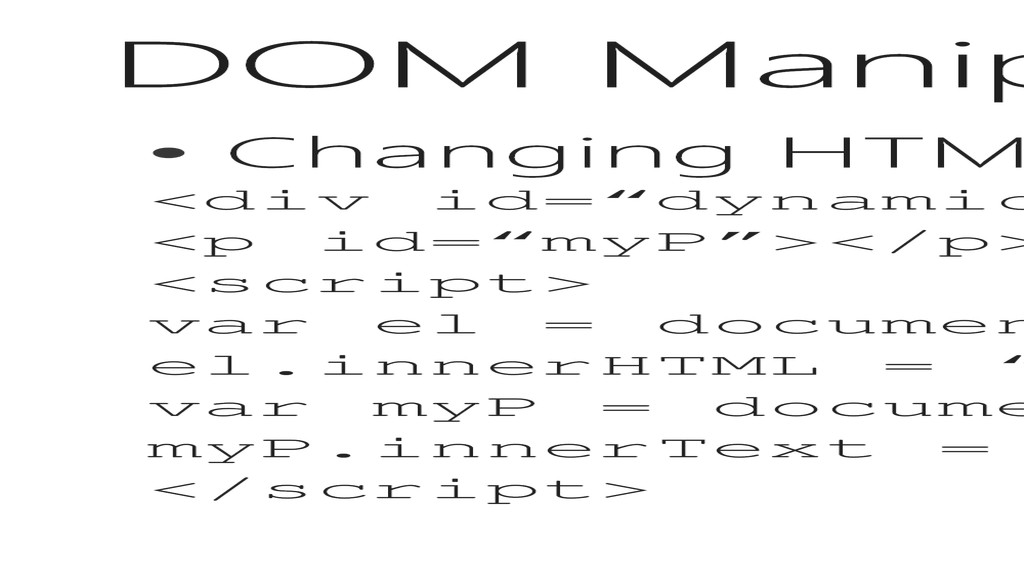
the document.write() method, this is one way to get the job done • The other (better) way is to modify the .innerHTML or innerText property on an element
<p id=“myP”></p> <script> var el = document.getElementById(“dynamic”); el.innerHTML = “I am Dynamic”; var myP = document.getElementById(“myP”); myP.innerText = “Need some content here”; </script>
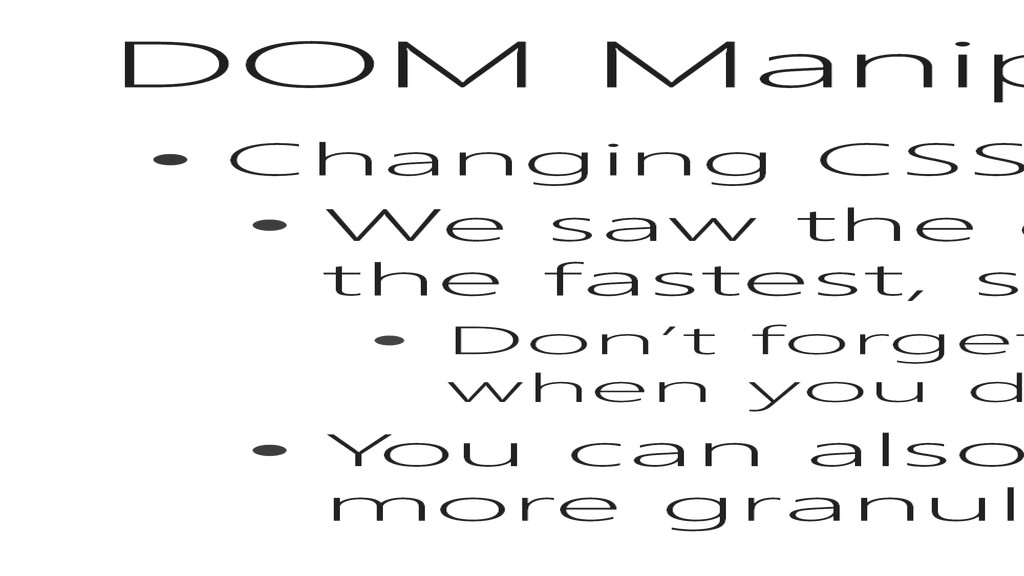
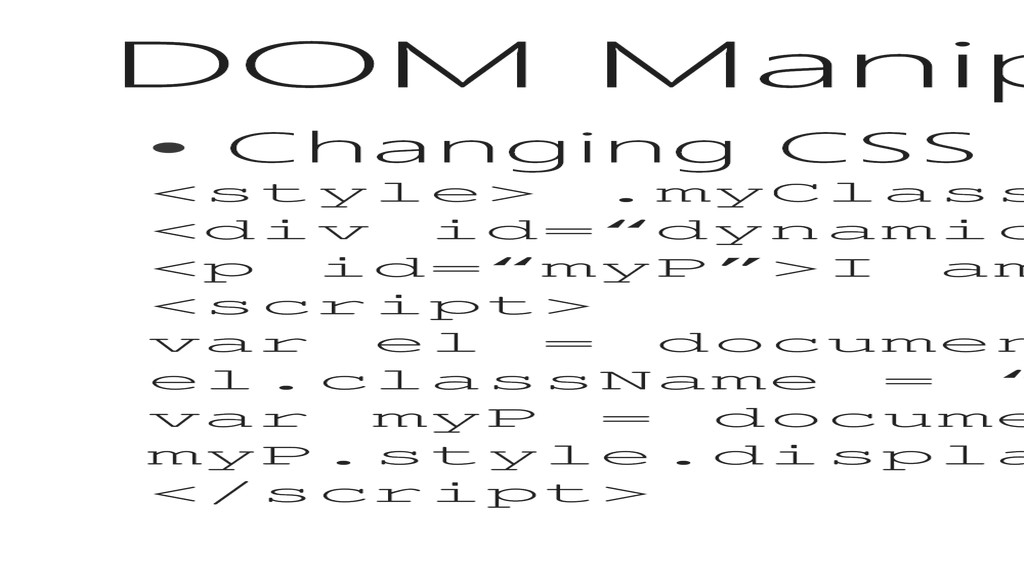
className property, and this is the fastest, simplest way to change it • Don’t forget about transitions and animations when you do this! • You can also use the .style.property to get more granular control
40pt; }</style> <div id=“dynamic”>I am Static</div> <p id=“myP”>I am going to disappear</p> <script> var el = document.getElementById(“dynamic”); el.className = “myClass”; var myP = document.getElementById(“myP”); myP.style.display = “none”; </script>
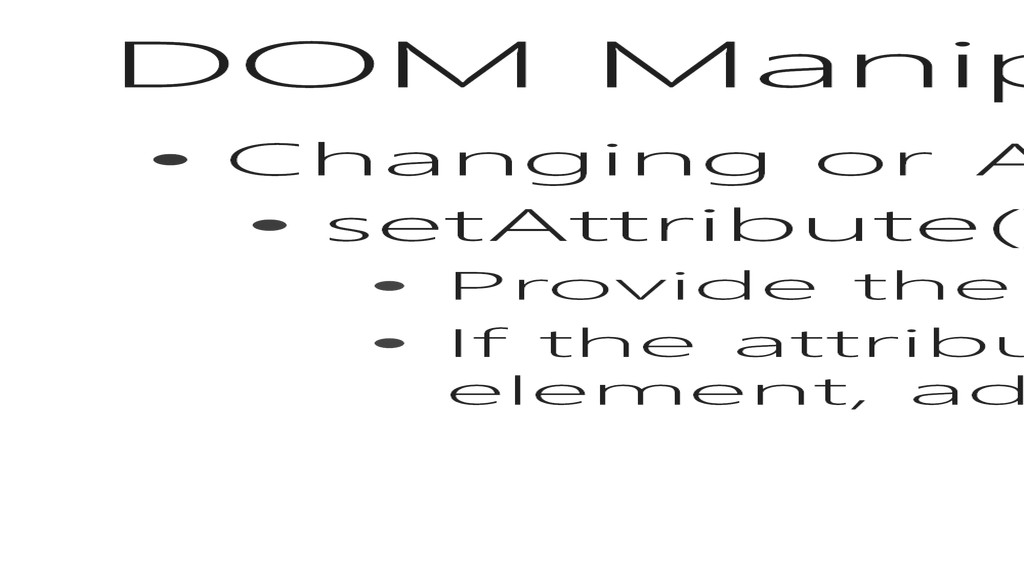
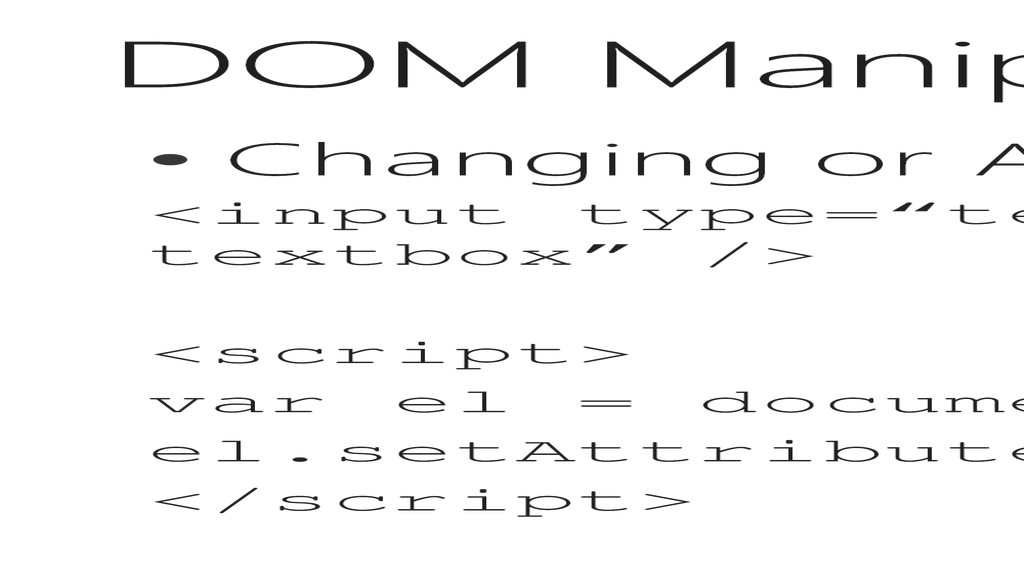
is the best way to do this • Provide the attribute name, and a value • If the attribute does not already exist on the element, add it, otherwise update it
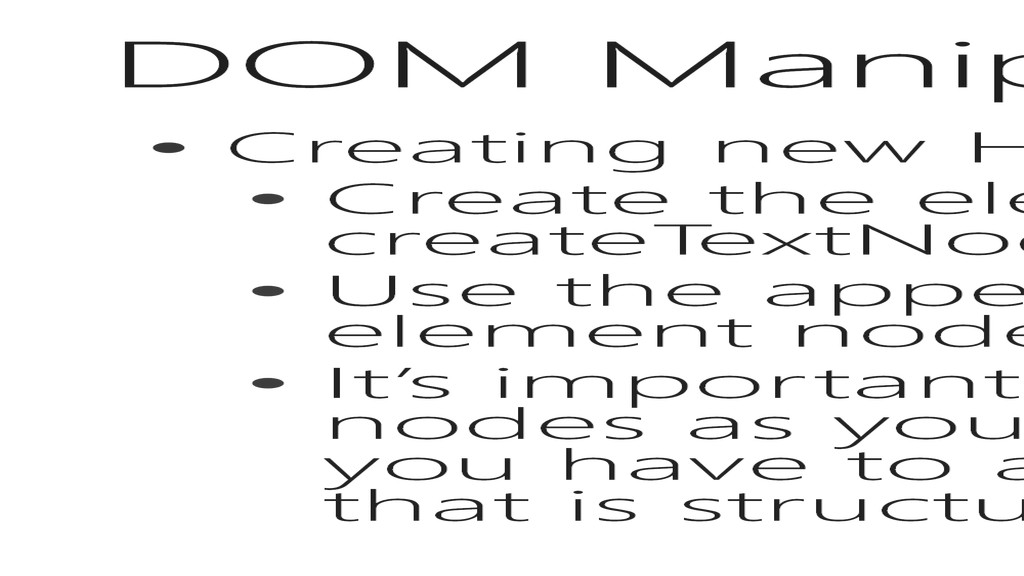
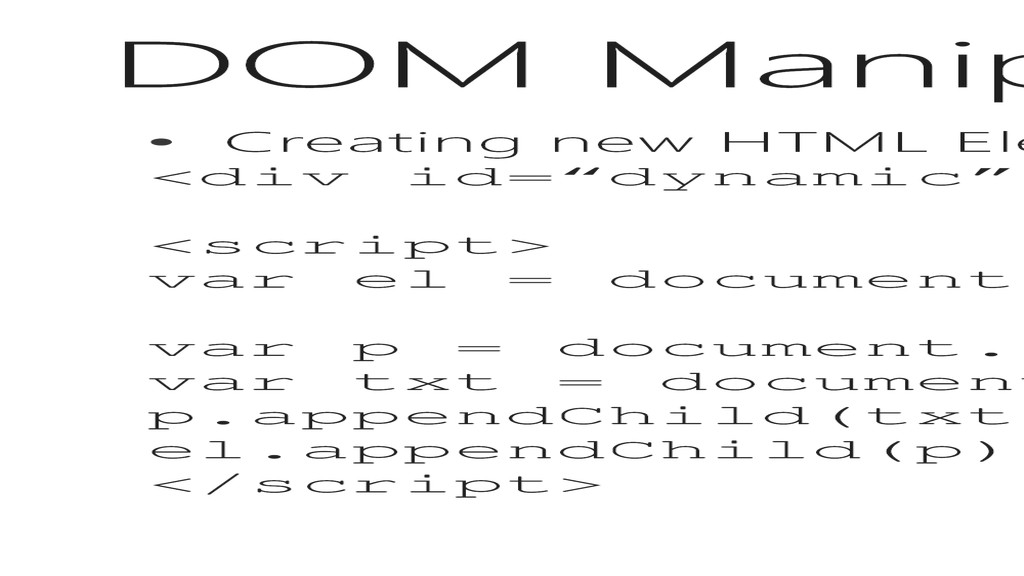
element using createElement (s) or createTextNode(s) • Use the appendChild (el) to add it into an element node • It’s important to note that you can add as many nodes as you like, and nest them, but eventually, you have to add the parent to a node element that is structured into the DOM
<script> var el = document.getElementById(“dynamic”); var p = document.createElement(“p”); var txt = document.createTextNode(“Hola, Mundo”); p.appendChild(txt); el.appendChild(p) </script>
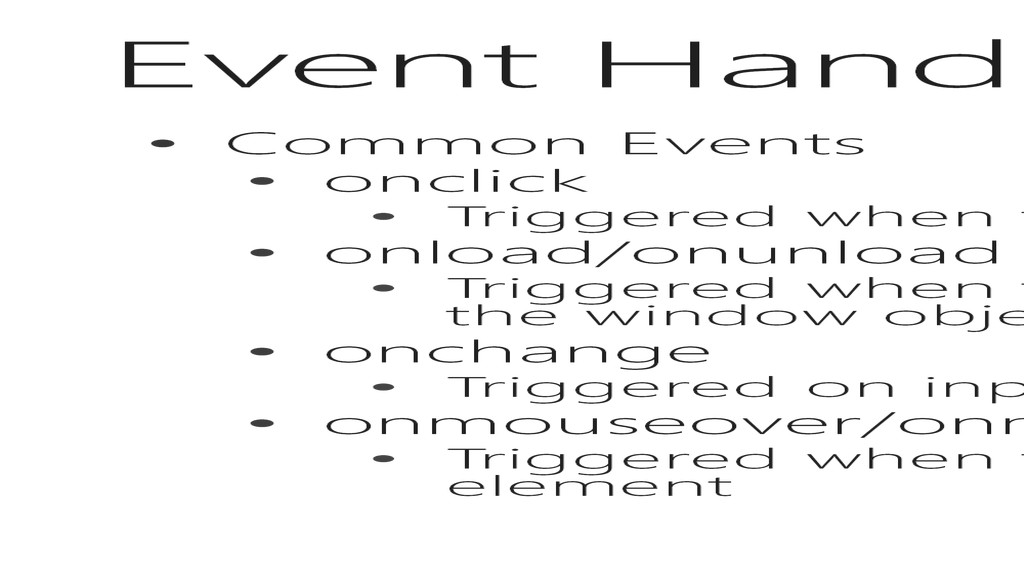
the user clicks the element • onload/onunload • Triggered when the user enters or leaves the page and only binds to the window object • onchange • Triggered on input fields when the value changes • onmouseover/onmousemove/onmouseout • Triggered when the mouse moves over the element, or leaves the element
the user clicks the mouse button down, and releases it • onkeydown/onkeypress/onkeyup • Triggered when the user presses and releases a key on the keyboard • onfocus/onblur • Triggered when the control focus is given or taken away from an input field • onsubmit • Triggered when the user submits the form
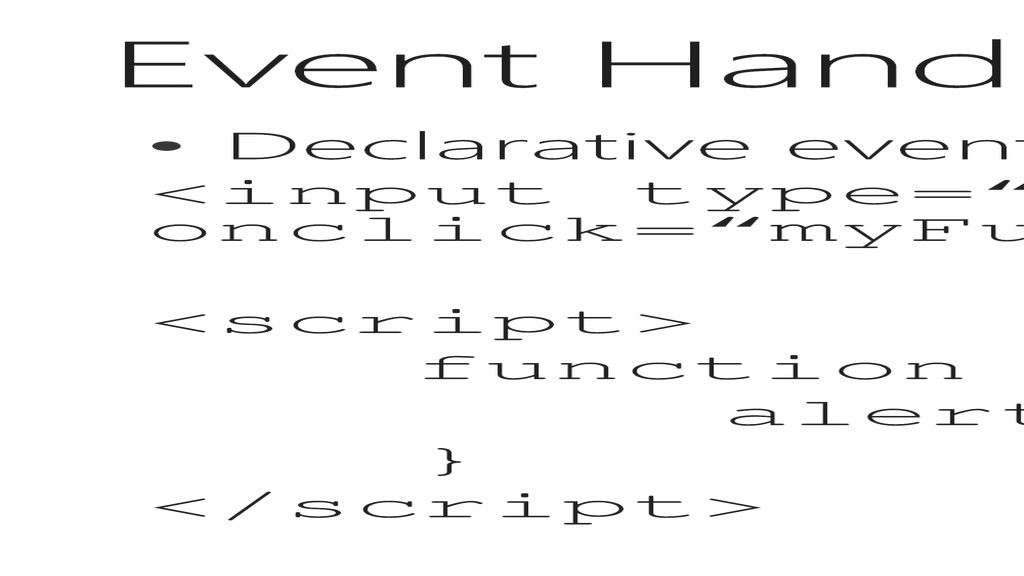
node as an attribute, as part of the original response • Programmatic/Dynamic Events • Added to the element node to define additional or new functionality
() {}); • Add anonymous event handler to the click event • el.addEventListener(“click”, handlerFunc); • Add defined method to the click event, notice no (), so it’s passing the method as a reference • el.removeEventListener(“click”, handlerFunc); • Remove the defined method from the click event
to add multiple events into an array of functions that execute in order when the event triggers • Using anonymous functions does not allow you to remove the event, you have to reset the element
I want to do it justice, but … I need to just hit the highlights • Implications of Consuming data • Retrieving it from somewhere (XMLHTTPRequest) • Recognizing the type of data (JSON, XML) • Parsing and using the data
“the developer’s dream” • Update a web page without reloading the page • Request data from a server after the page has loaded • Receive data from a server after the page has loaded • Send data to a server in the background
cool… but no seriously • It’s how the web works today, we can lazy load a page by simply dumping a minimal response to the browser, with JavaScript to call additional information asynchronously • By tapping into the XMLHTTPRequest object, you are reaching into the heart of a what a browser really is … a client/server TCP/IP application that typically operates on port 80 using the HTTP protocol
deal? • In computing, the same origin policy is an important security concept for a number of browser-side programming languages, such as JavaScript. The policy permits scripts running on pages originating from the same site – a combination of scheme, hostname, and port number – to access each other's methods and properties with no specific restrictions, but prevents access to most methods and properties across pages on different sites. Same origin policy also applies to XMLHttpRequest and to robots.txt.
current request for the object • getAllResponseHeaders() • Returns all header information as a string, delimited by CRLF • getResponseHeader(header) • Returns specific header information
pwd) • Specifies the type of request, the URL, if the request should be handled asynchronously or not, and other optional attributes of a request • send(postdata) • Sends the request off to the server. • Passes the postdata when the method of open() is post. • setRequestHeader(header, value) • Adds a key/value pair to the header to be sent
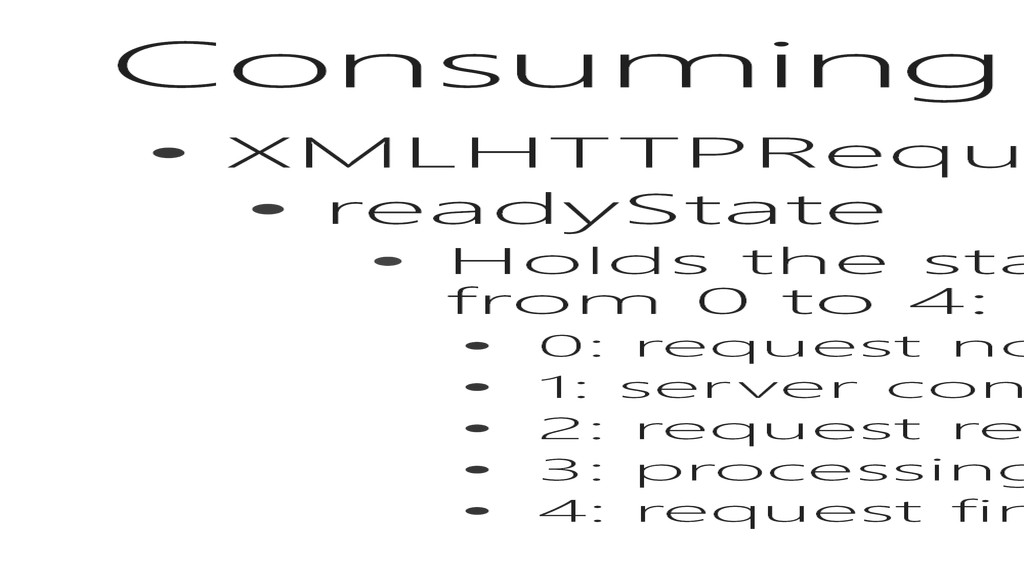
status of the XMLHttpRequest. Changes from 0 to 4: • 0: request not initialized • 1: server connection established • 2: request received • 3: processing request • 4: request finished and response is ready
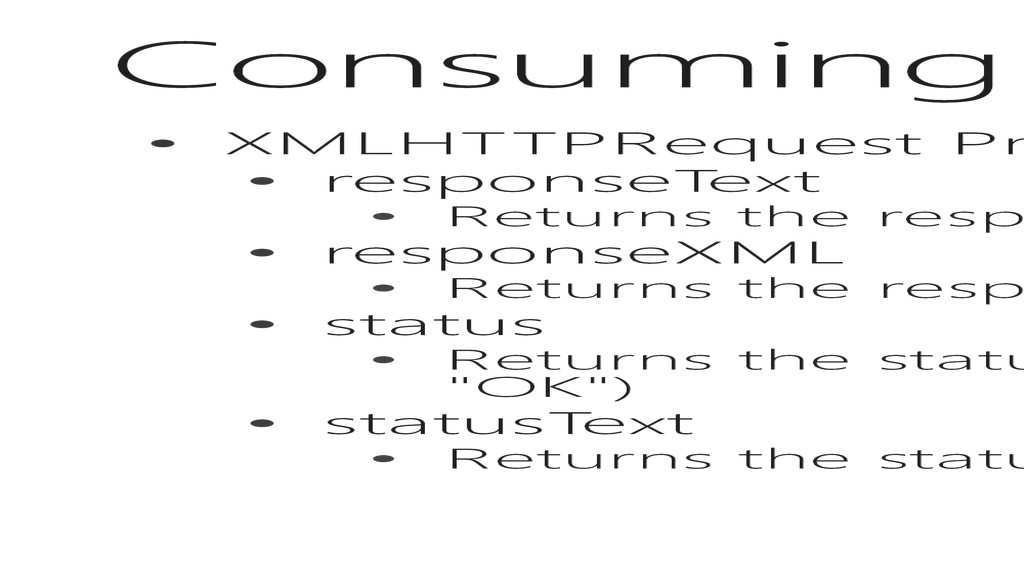
response data as a string • responseXML • Returns the response data as XML DOM, works for HTML as well • status • Returns the status-number (e.g. "404" for "Not Found" or "200" for "OK") • statusText • Returns the status-text (e.g. "Not Found" or "OK")
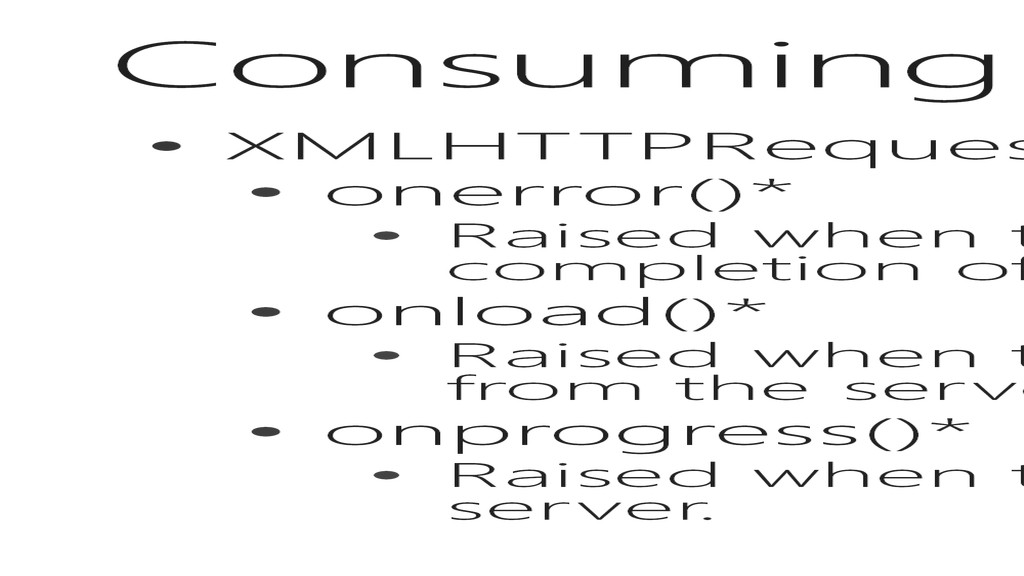
there is an error that prevents the completion of the cross-domain request. • onload()* • Raised when the object has been completely received from the server. • onprogress()* • Raised when the browser starts receiving data from the server.
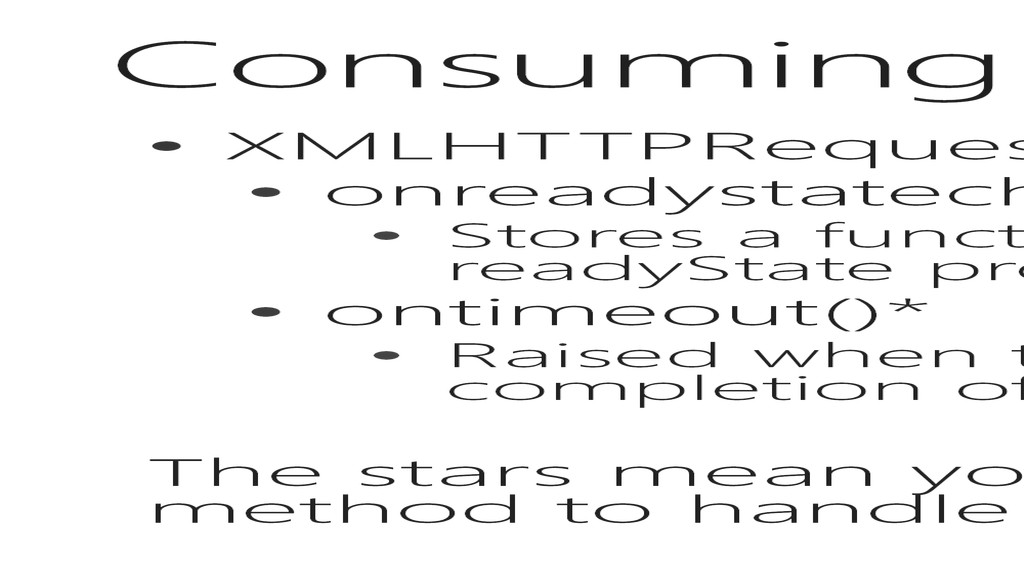
Stores a function to be called automatically each time the readyState property changes • ontimeout()* • Raised when there is an error that prevents the completion of the request. The stars mean you need to use the addEventListener() method to handle these events
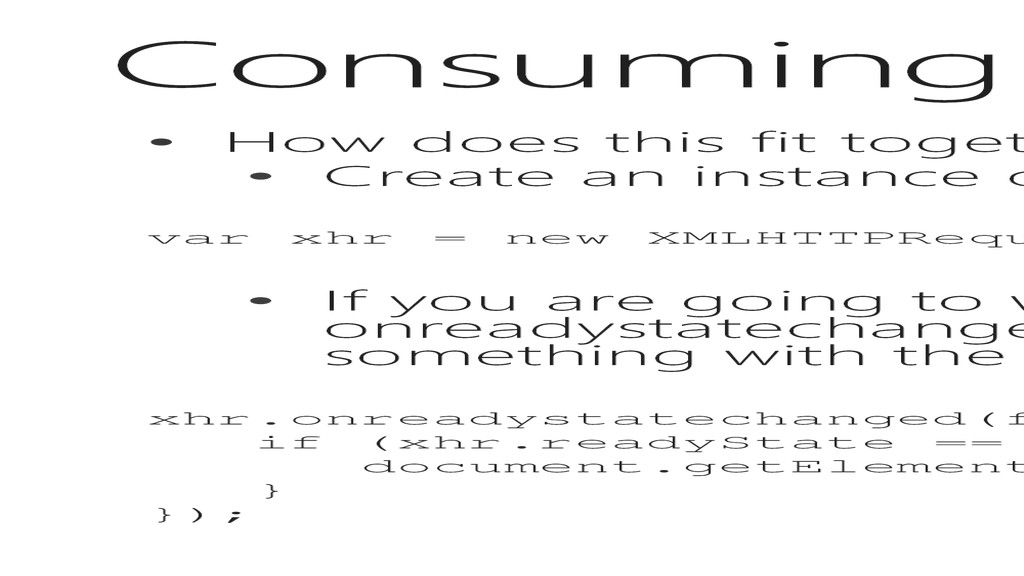
an instance of XMLHTTPRequest var xhr = new XMLHTTPRequest(); • If you are going to work asynchronously, set a function for the onreadystatechanged that checks the readyState property and does something with the result xhr.onreadystatechanged(function() { if (xhr.readyState == 4 && xhr.status == 200) { document.getElementById(“mygooglediv”).innerHMTL = xhr.responseText; } });
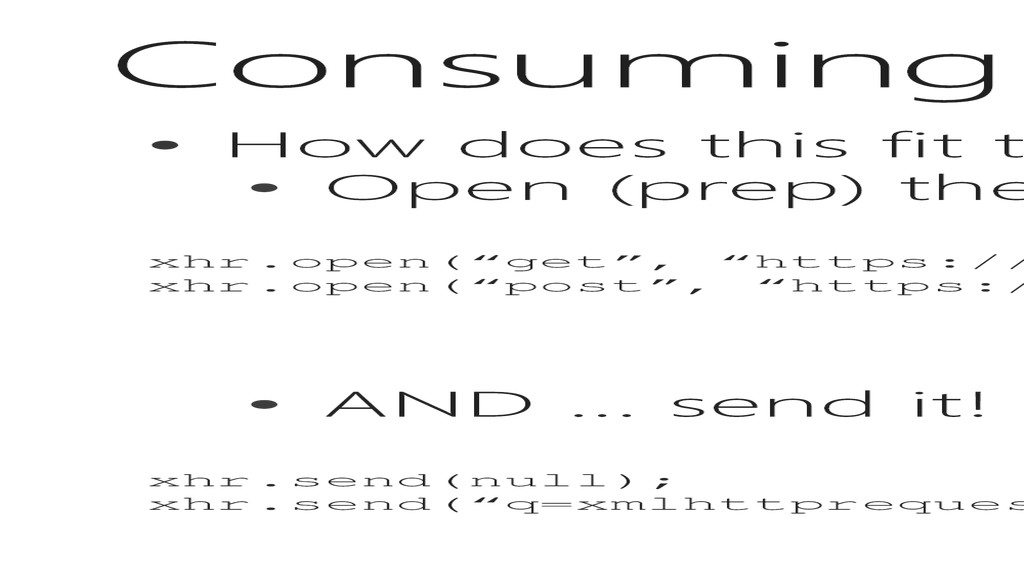
(prep) the connection to the server. xhr.open(“get”, “https://www.google.com/search?q=xmlhttprequest”, true); xhr.open(“post”, “https://www.google.com/search”, true); • AND … send it! xhr.send(null); xhr.send(“q=xmlhttprequest”);
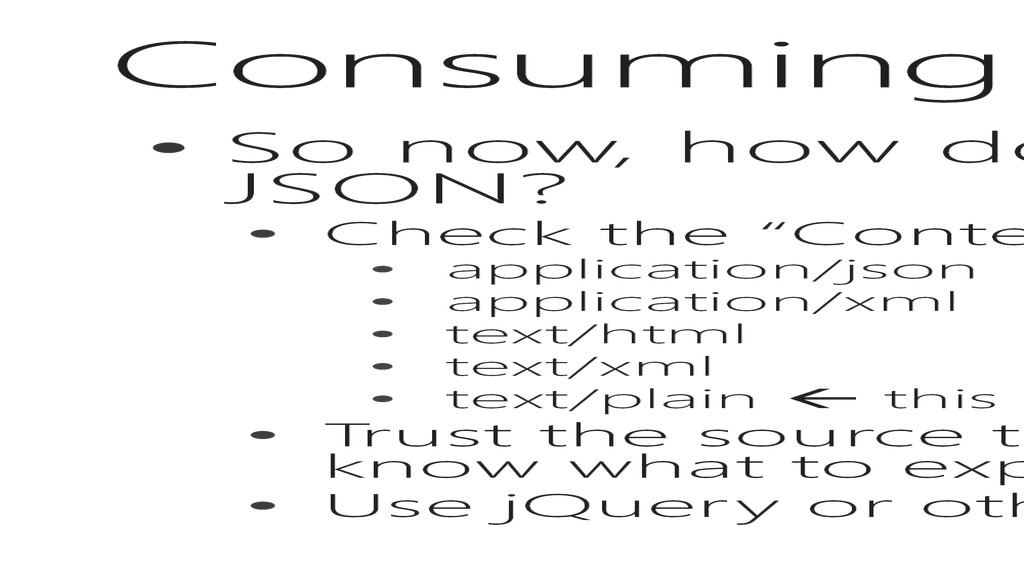
if it’s HTML, XML or JSON? • Check the “Content-Type” header: • application/json • application/xml • text/html • text/xml • text/plain this one is evil because it means nothing and everything • Trust the source to be the right type (if you own it, you should know what to expect) • Use jQuery or other to determine the type for you
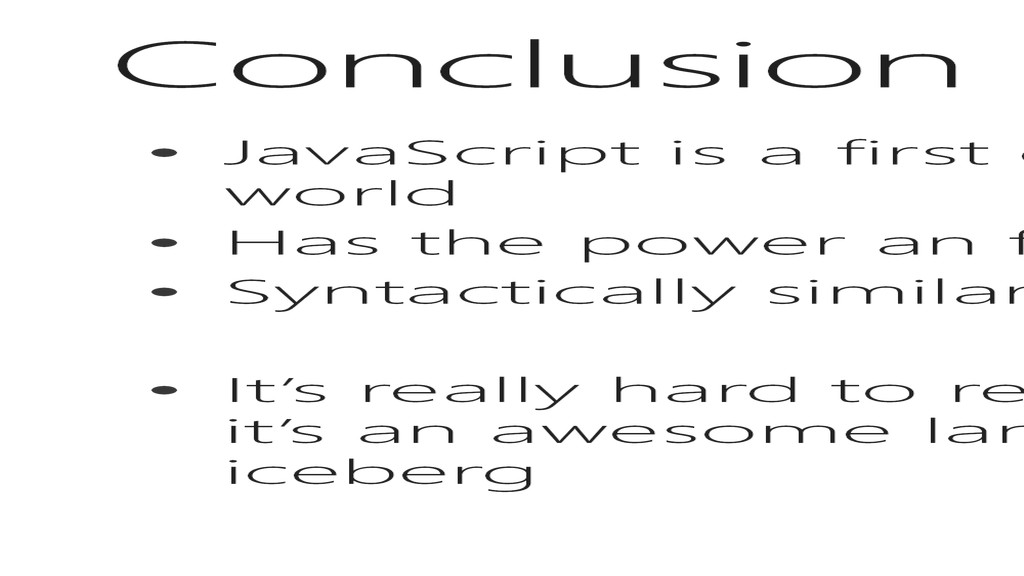
Application Development world • Has the power an functionality of a language like C# • Syntactically similar to C# • It’s really hard to recap everything we discussed, suffice to say, it’s an awesome language, and we have just hit the tip of this iceberg


 dske104
 findyinc
 uyuki234
 kasacchiful
 naokihaba
 kawashimo0
 minodriven
 timakin
 panda728
 oku053
 rkaga
rkaga
 rocio
rocio
 akosma
 reverentgeek
 akihiro_kokubo
 honzajavorek
 addyosmani
 lfama
lfama
 codingconduct
 raygrieselhuber
 samtorres
 lara
lara
 tamaranovitovic

![B.E.L.T. •Blog: blogs.askcts.com •Email: [email protected] •LinkedIn: in/coryloriot •Twitter: @coryloriot](https://files.speakerdeck.com/presentations/b25c0880f0af01303be346475d95d052/slide_3.jpg)




![splice (index, remove, […]) • Inserts elements into the array](https://files.speakerdeck.com/presentations/b25c0880f0af01303be346475d95d052/slide_74.jpg)