Upgrade to Pro — share decks privately, control downloads, hide ads and more …

Continuous Integration & Delivery with Notes

Avatar for David Wood David Wood
November 03, 2014

Continuous Integration & Delivery with Notes

Talk given at Tech Nottingham 2014-11 and DotNetSheff 2015-06.
Includes notes.

Avatar for David Wood

David Wood

November 03, 2014

More Decks by David Wood

Other Decks in Programming

Transcript

  1. WORK • Principal API Developer @ Esendex HISTORY • Coding

    for 17 years • Computer Science graduate from Hull (REPRESENT!) • ZX Spectrum → Delphi (Computer Shopper) → tiny bit of Java → C# in 2001 (Visual Studio .NET BETA) → obsessed with Node.js EXPERIENCE OF CI & CD • Esendex practice Continuous Integration, working towards (and almost at) Continuous Delivery for all products • Personally I use CI and CD in almost all projects I write in my spare time • Very passionate about automated testing, come chat if you would like to discuss it AND I LOVE ARNOLD SCHWARZENEGGER
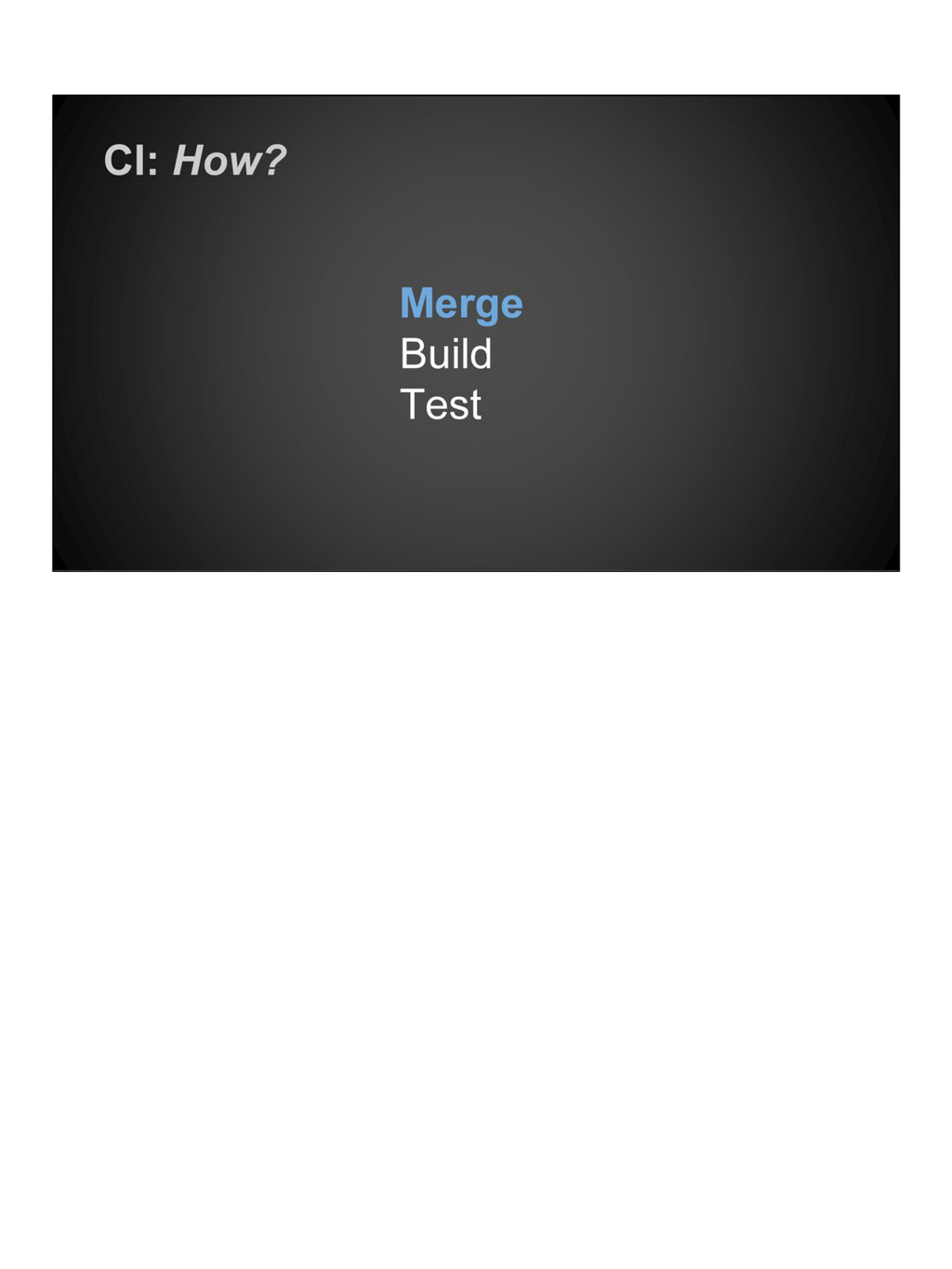
  2. Several times a day, or as FREQUENTLY as possible BRANCHES

    are essential, but... Keep the MAINLINE (or MASTER) up to date by minimising the use of branches. BASICALLY: Divide features into small chunks to help integrate and deliver more frequently
  3. Merging a number of changes FROM MASTER to LOCAL Which

    commit clashes with your own branch? Which code change should be kept?
  4. Know the state of MASTER or TRUNK at all times

    Every successful commit should be PRODUCTION READY
  5. Integration problems BLOCK FEATURES Identify problems EARLY to adapt and

    fix them before they grow too DIFFICULT TO MANAGE
  6. Bugs that REACH PRODUCTION are typically more EXPENSIVE TO FIX

    Saved time fixing bugs BEFORE RELEASE means MORE TIME ON FEATURES
  7. The sooner a problem is identified, the sooner the problem

    can be solved Helps spend less time undoing good work to fix old bugs
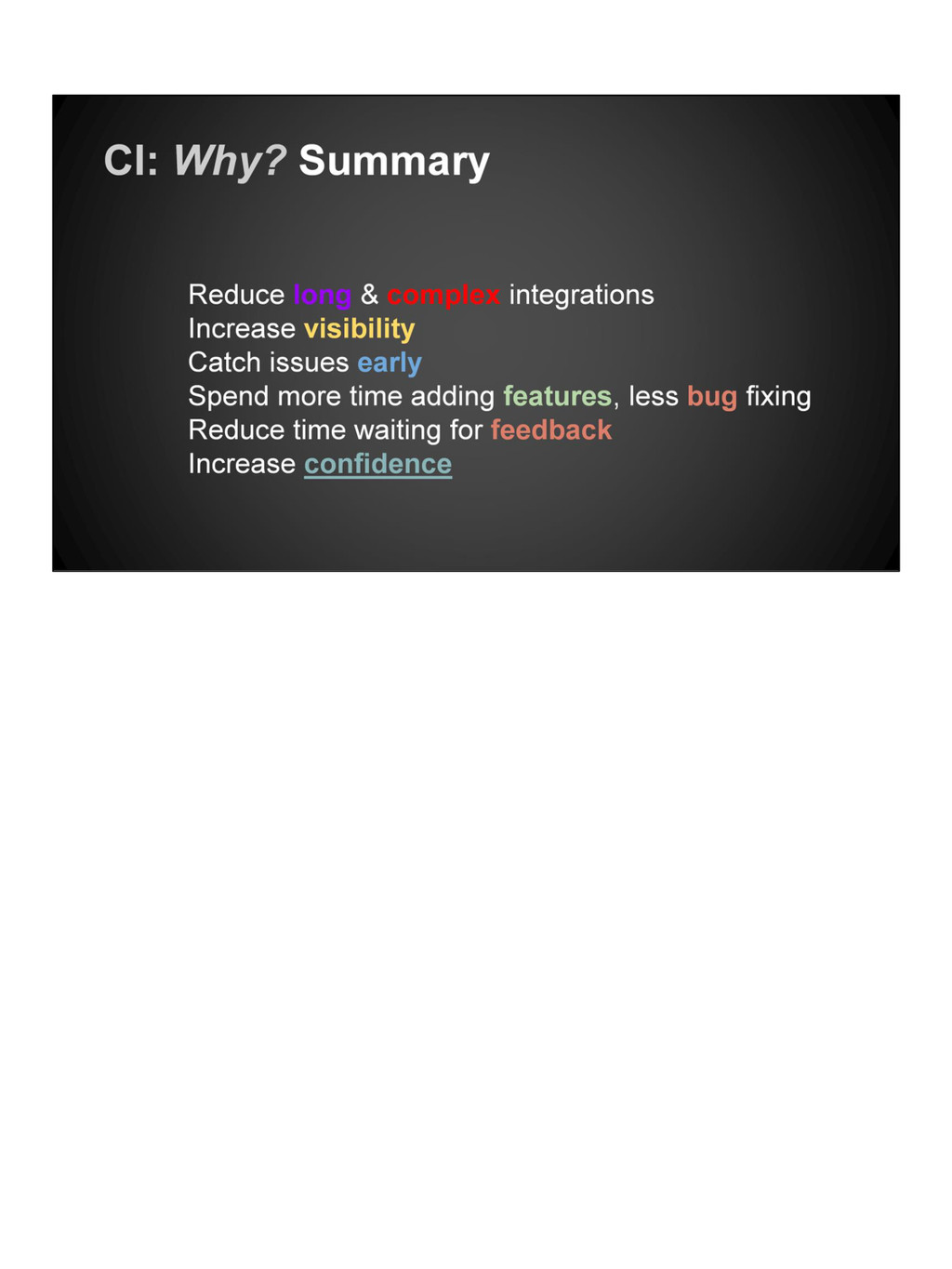
  8. Each step of Continuous Integration provides an ACCUMULATION of CONFIDENCE

    Seeing a code change get to the end of the PIPELINE will make you feel AMAZING GREEN FOR CLEAN RED FOR DEAD
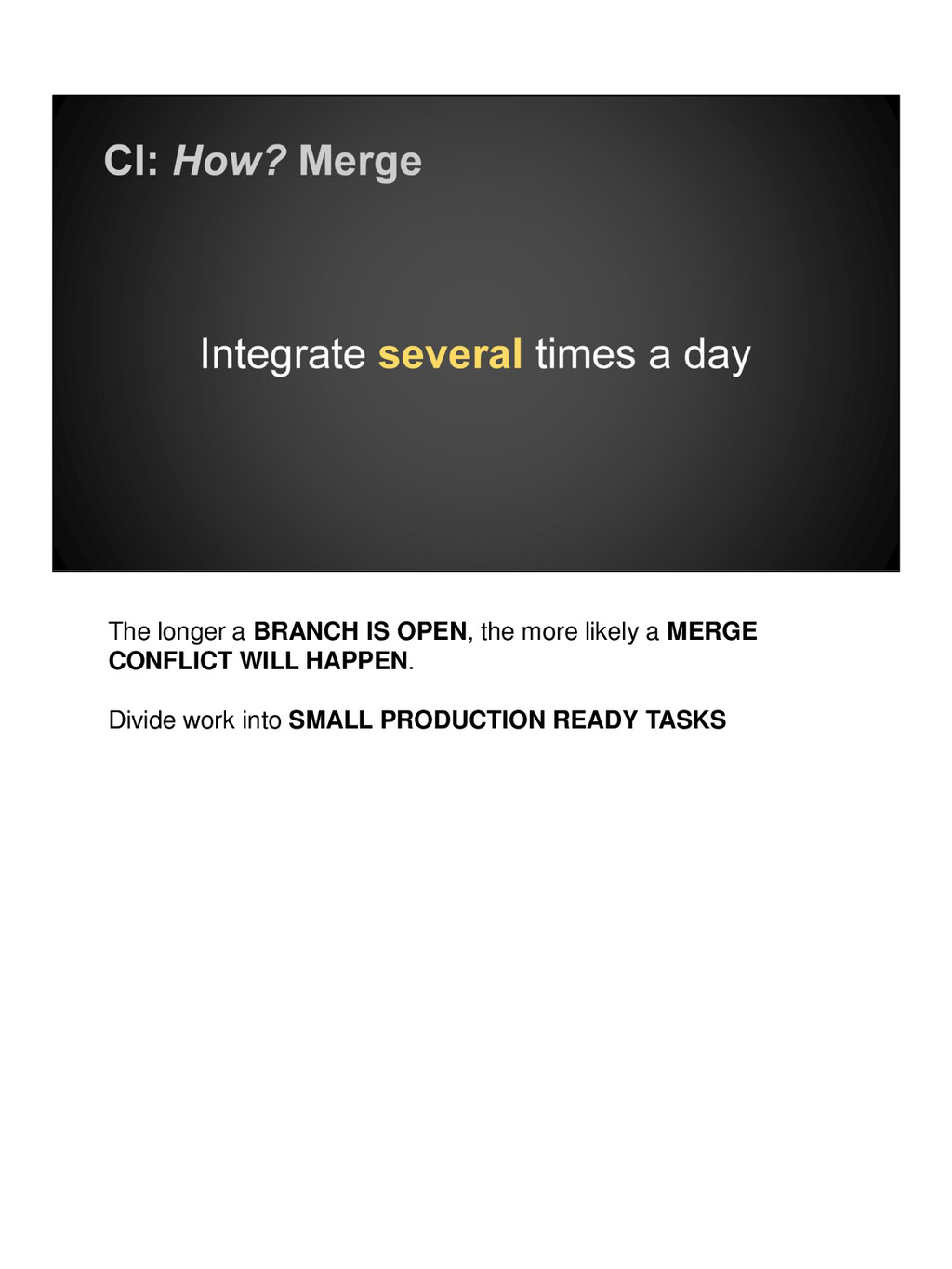
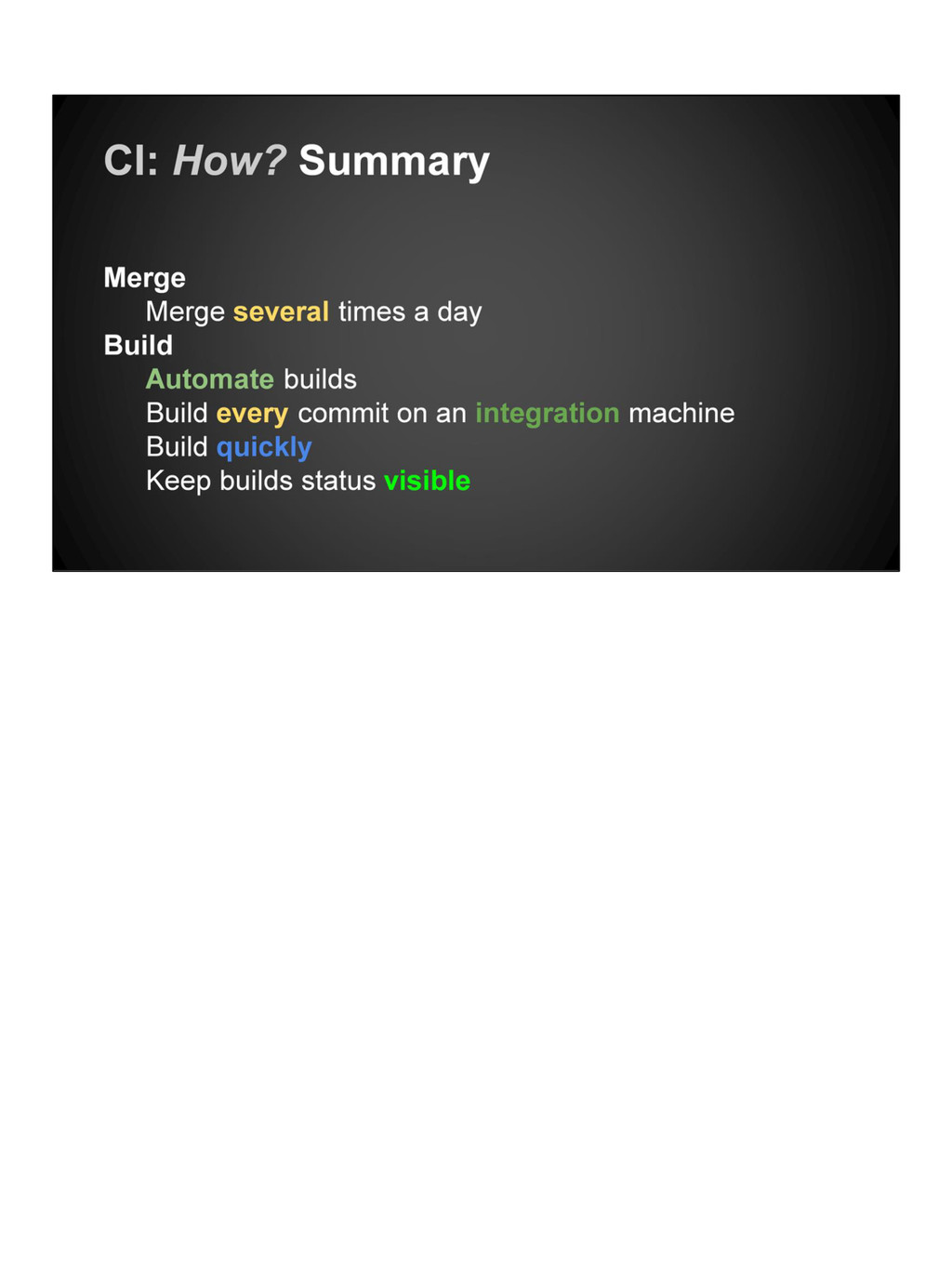
  9. The longer a BRANCH IS OPEN, the more likely a

    MERGE CONFLICT WILL HAPPEN. Divide work into SMALL PRODUCTION READY TASKS
  10. If a code change commit has been made, BUILD IT.

    Committing broken code makes it hard to INTEGRATE. Integration machines are servers designated for BUILDING your code. For example: Jenkins BUILD SLAVE or GO AGENT But MORE ON Integration Environments LATER
  11. Get FEEDBACK as soon as possible ANYONE should be able

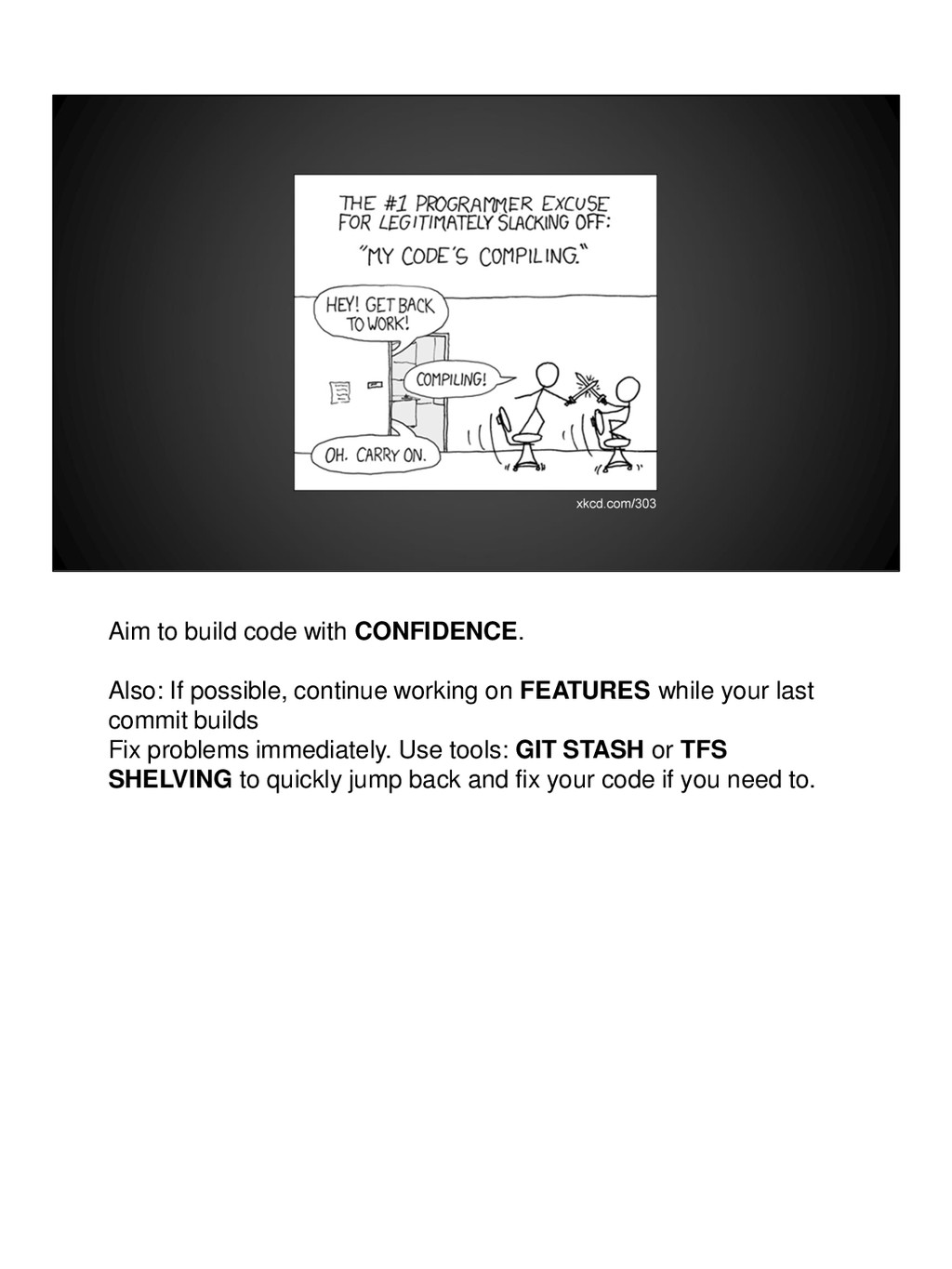
    to FETCH and BUILD your commit if they need to. Waiting for a build leads to SWORD FIGHTING ON CHAIRS...
  12. Aim to build code with CONFIDENCE. Also: If possible, continue

    working on FEATURES while your last commit builds Fix problems immediately. Use tools: GIT STASH or TFS SHELVING to quickly jump back and fix your code if you need to.
  13. Display status of build on a BUILD MONITOR and use

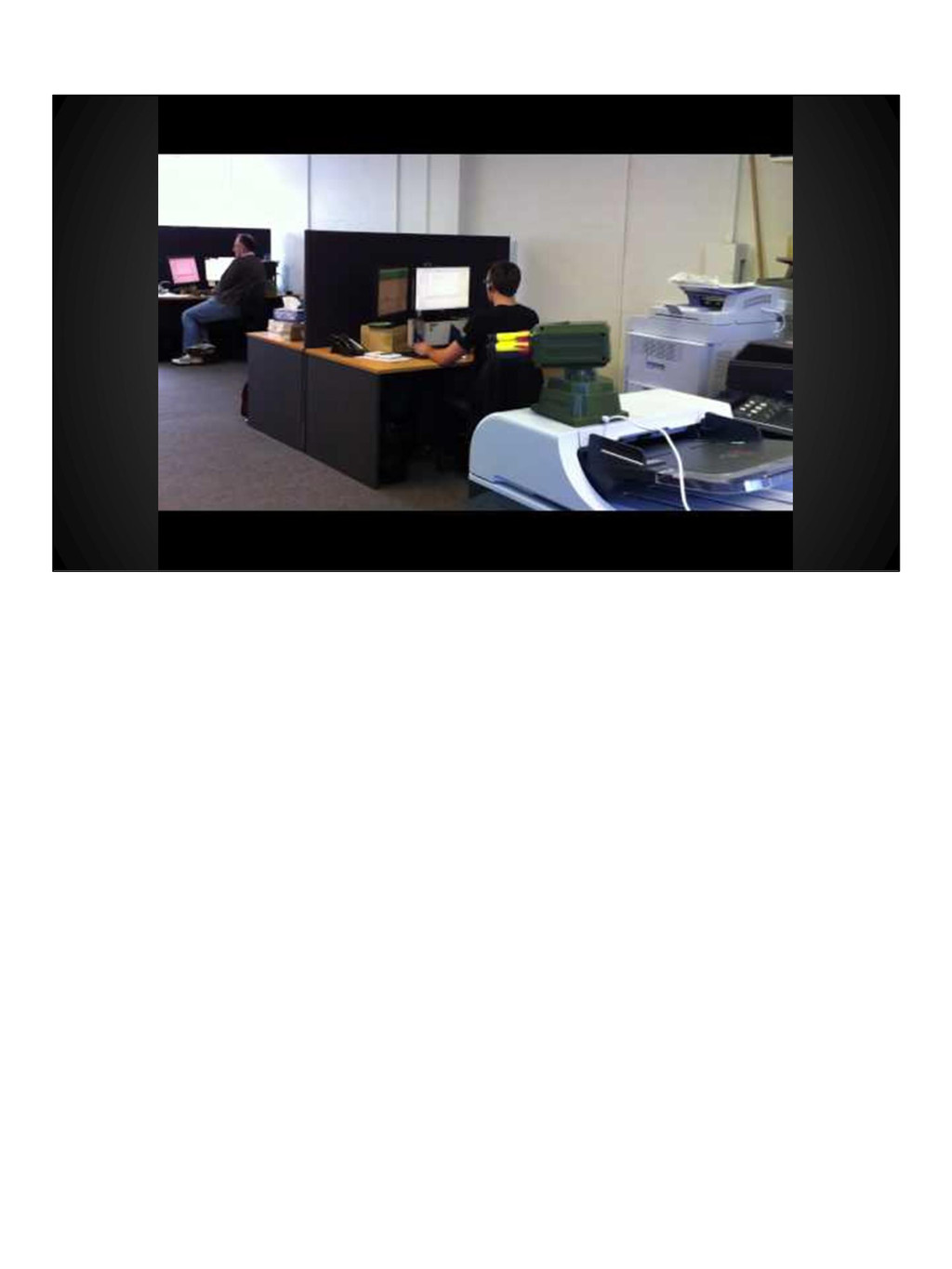
    COLOURS to help display state. At Esendex we use CAT GIFS and GUIDS to represent GREEN BUILDS Decreases RESPONSE TIME and EMPOWERS developers the OWNERSHIP of code changes. But, if the build is broken: Start a WITCH HUNT Ask WHO BROKE THE BUILD? Be inventive, use a NERF GUN. Shoot the COWBOY
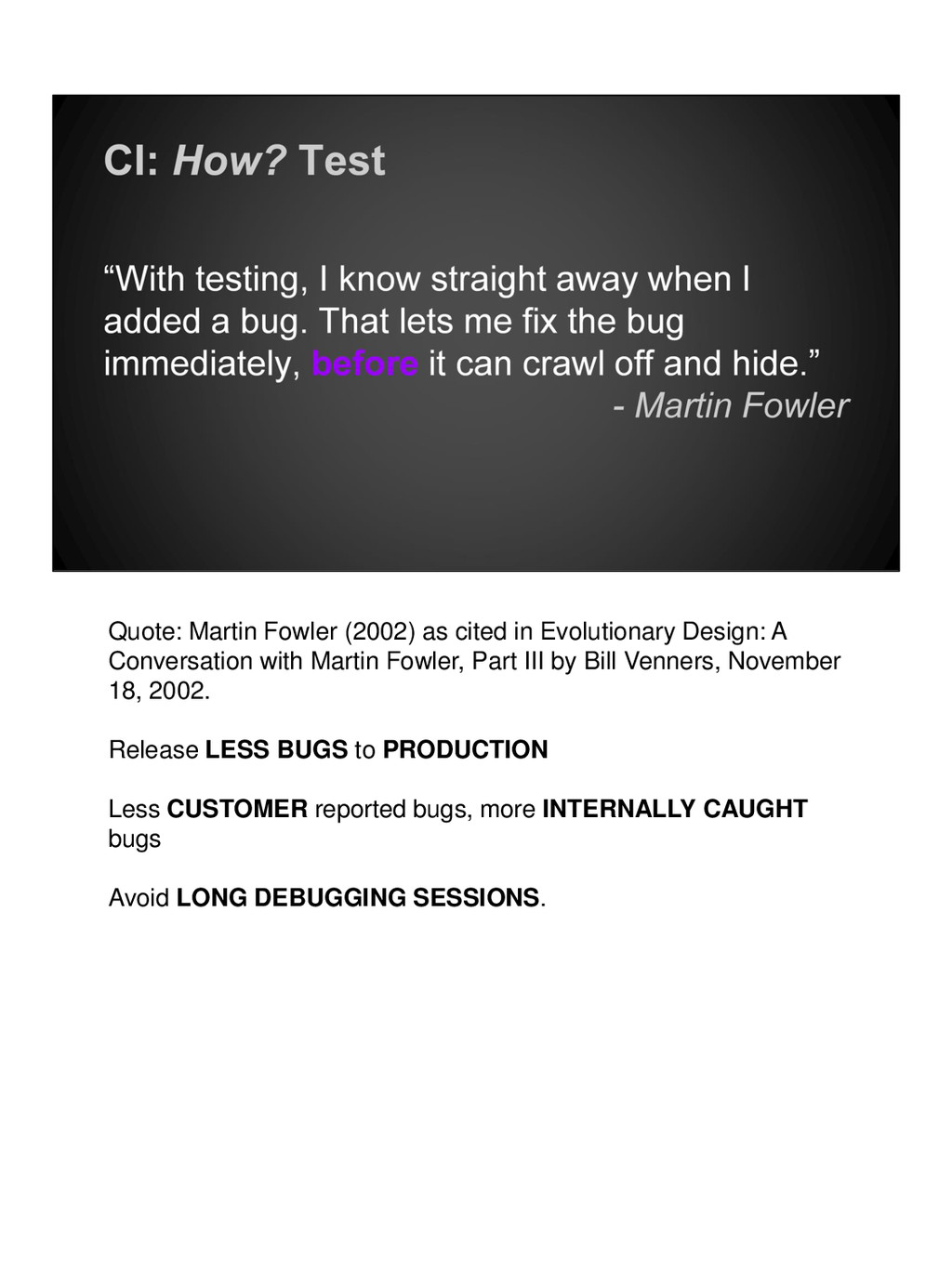
  14. Quote: Martin Fowler (2002) as cited in Evolutionary Design: A

    Conversation with Martin Fowler, Part III by Bill Venners, November 18, 2002. Release LESS BUGS to PRODUCTION Less CUSTOMER reported bugs, more INTERNALLY CAUGHT bugs Avoid LONG DEBUGGING SESSIONS.
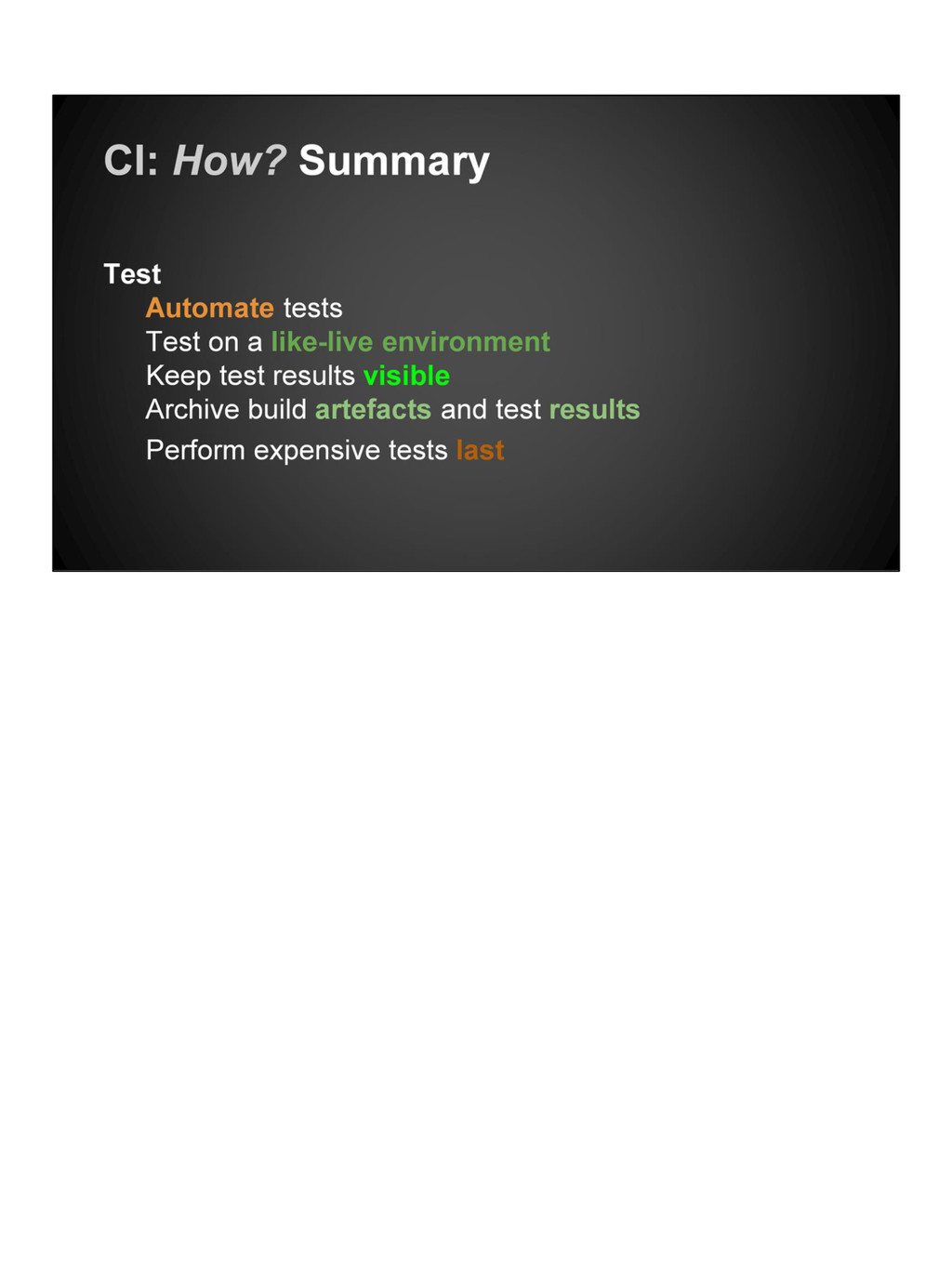
  15. Verify the build with TESTS UNIT for isolated module testing

    ACCEPTANCE for feature acceptance testing INTEGRATION for external integration testing - e.g. MAIL SERVER or DATABASE REGRESSION TESTS with quote on next slide
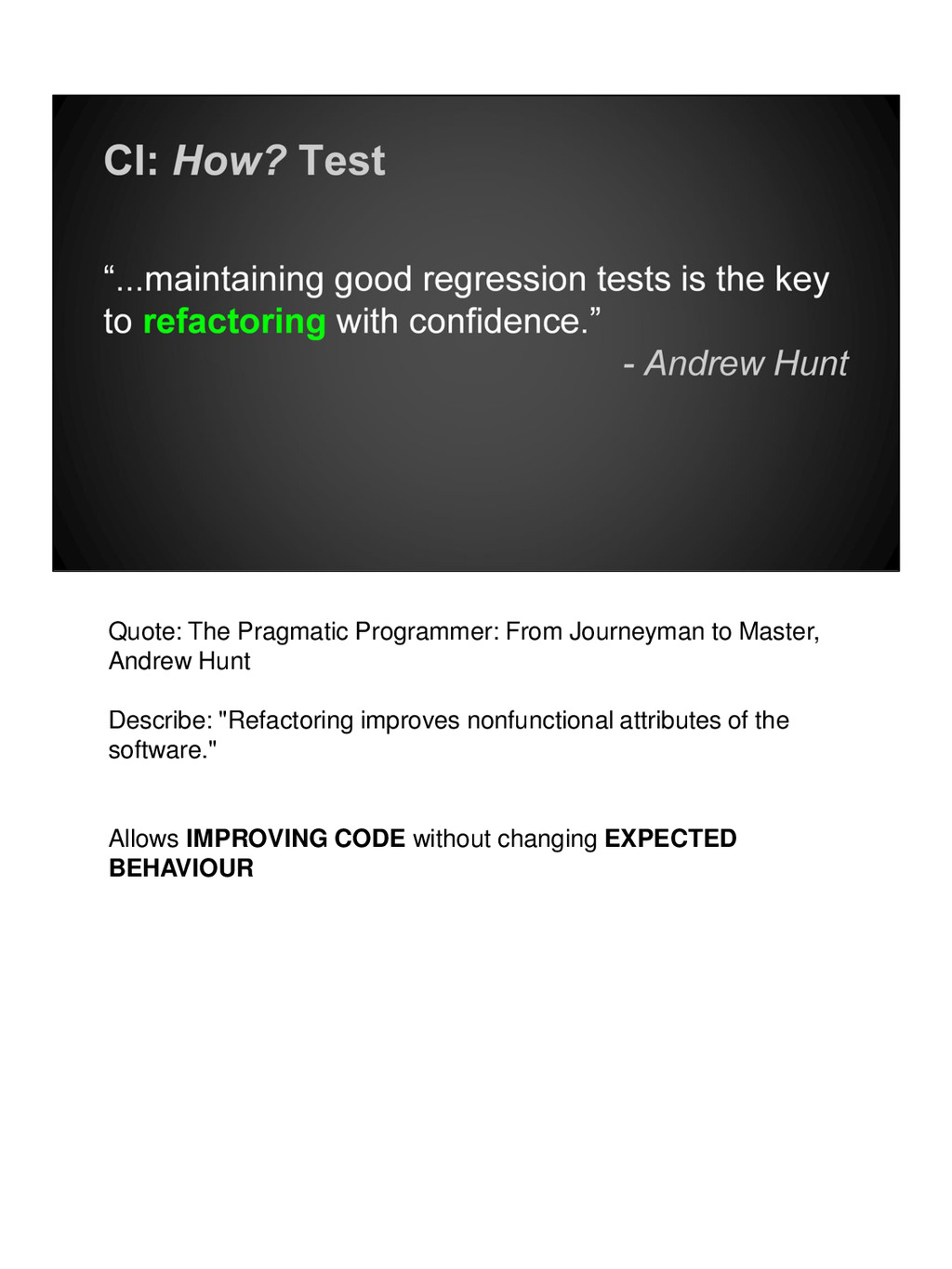
  16. Quote: The Pragmatic Programmer: From Journeyman to Master, Andrew Hunt

    Describe: "Refactoring improves nonfunctional attributes of the software." Allows IMPROVING CODE without changing EXPECTED BEHAVIOUR
  17. Testing on a staging area which closely matches the PRODUCTION

    ENVIRONMENT will help. A PRODUCTION CLONE will yield the greatest level of confidence.
  18. Just like the BUILD STATUS, the TEST STATUS should also

    be shown. Again, on a STATUS MONITOR in the middle of the office. BUILD and TEST jobs are both shown on the ESENDEX BUILD MONITOR
  19. Keep artefacts for REFERENCE Every successful build should be PRODUCTION

    READY Keep them in a SHARED SPACE so that it can be DEPLOYED INDEPENDENTLY to the build process
  20. If manual steps are unavoidable such as BROWSER STACK or

    LOAD TESTS, perform them last. The slowest and most RESOURCE CONSUMING (EXPENSIVE) tests should be performed after the CHEAPEST TESTS PASS
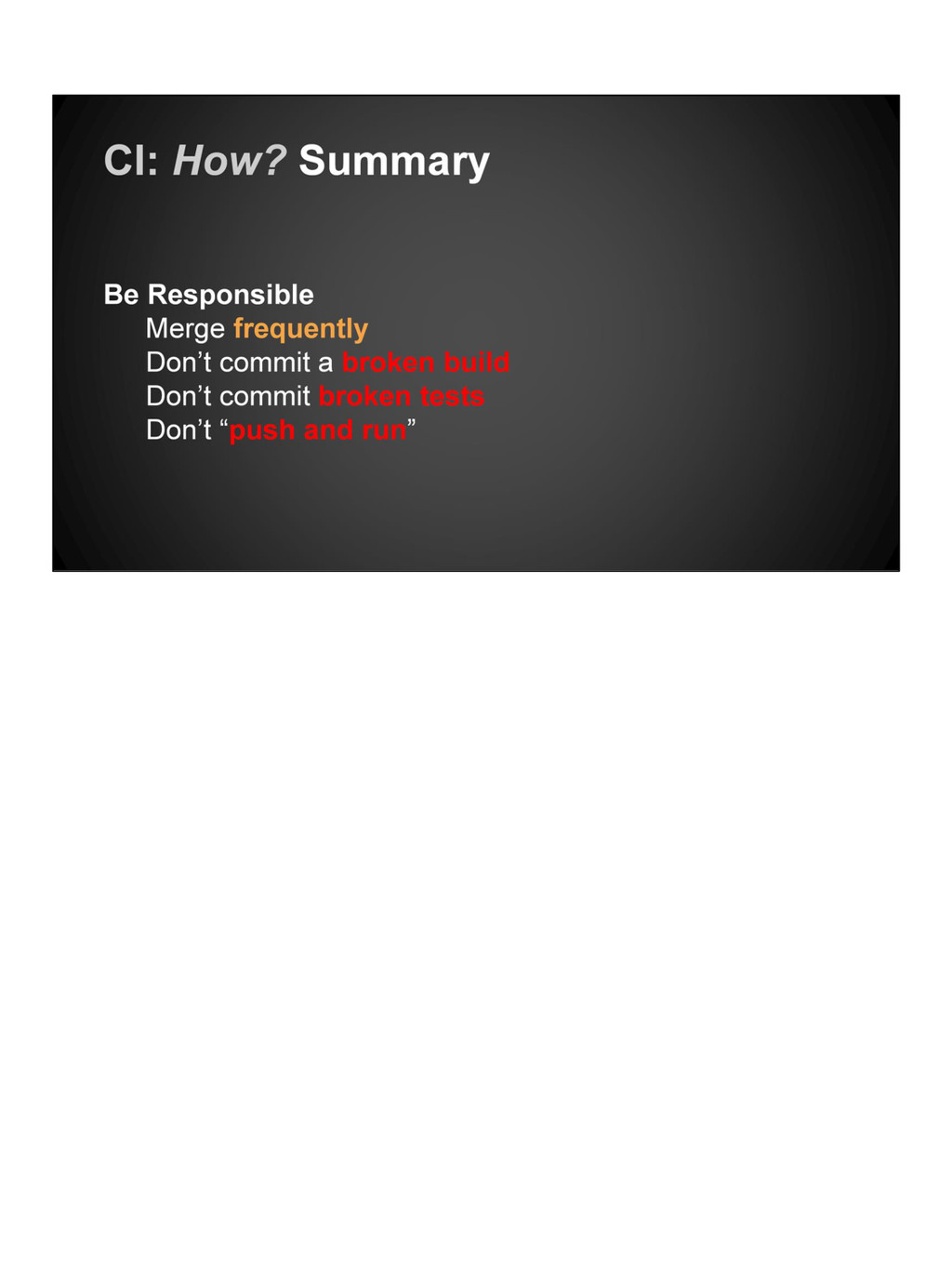
  21. This can’t be said enough. MERGE FREQUENTLY to reduce WASTED

    TIME on INTEGRATING If a piece of work can be broken down, BREAK IT DOWN
  22. Committing a known BROKEN BUILD will alert others and their

    waste time. NAME AND SHAME those who commit broken builds. Have them FIX IT IMMEDIATELY to restore confidence in the MASTER or TRUNK
  23. Don’t “PUSH AND RUN” WAIT for a build TO COMPLETE

    before GOING HOME Don’t commit anything if nobody is available to wait for it to succeed. WASTES OTHER PEOPLE’S TIME
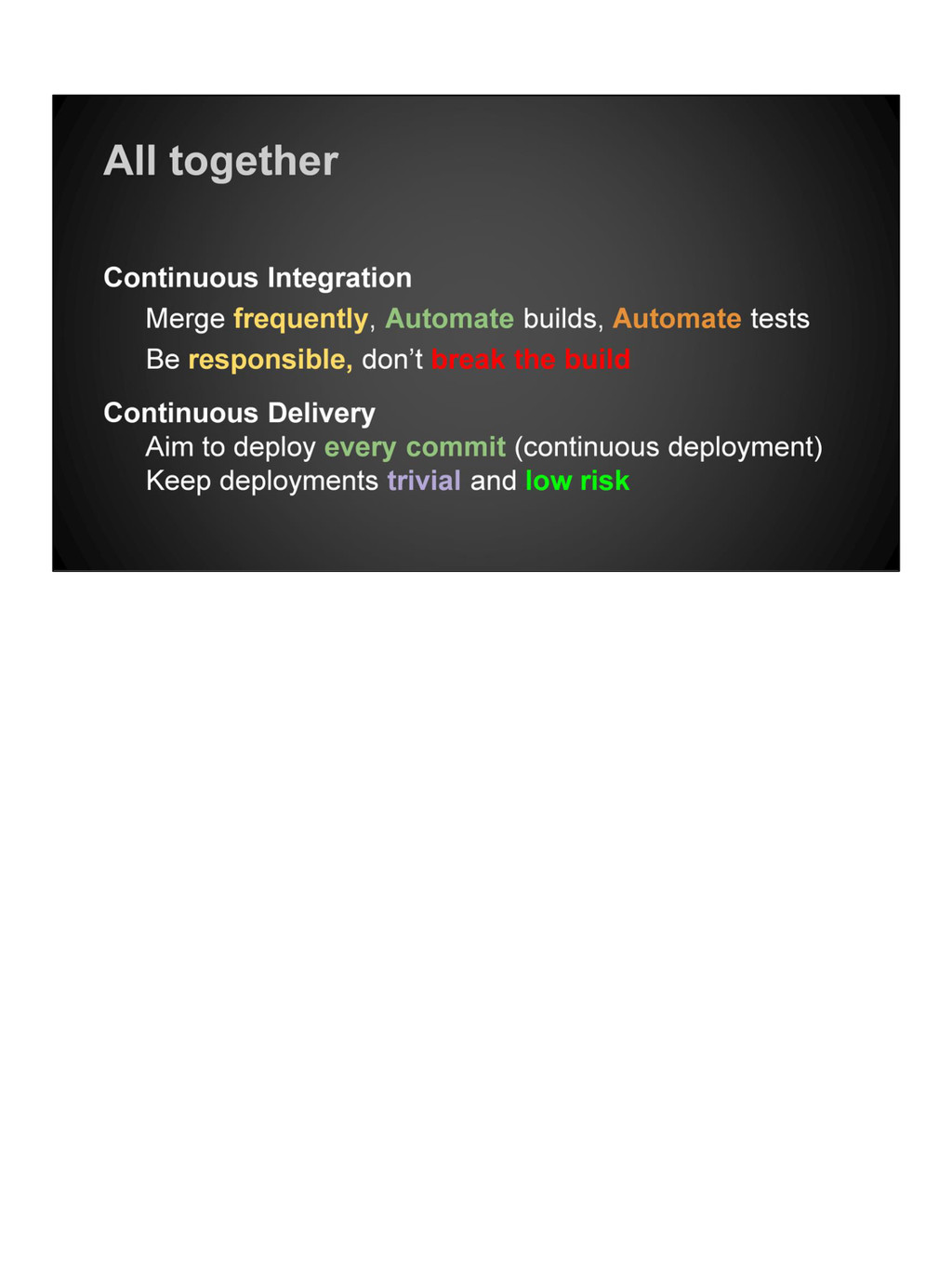
  24. Continuous Integration is the FOUNDATION for Continuous Delivery It’s possible

    to use CD without CI but they are tightly linked in process.
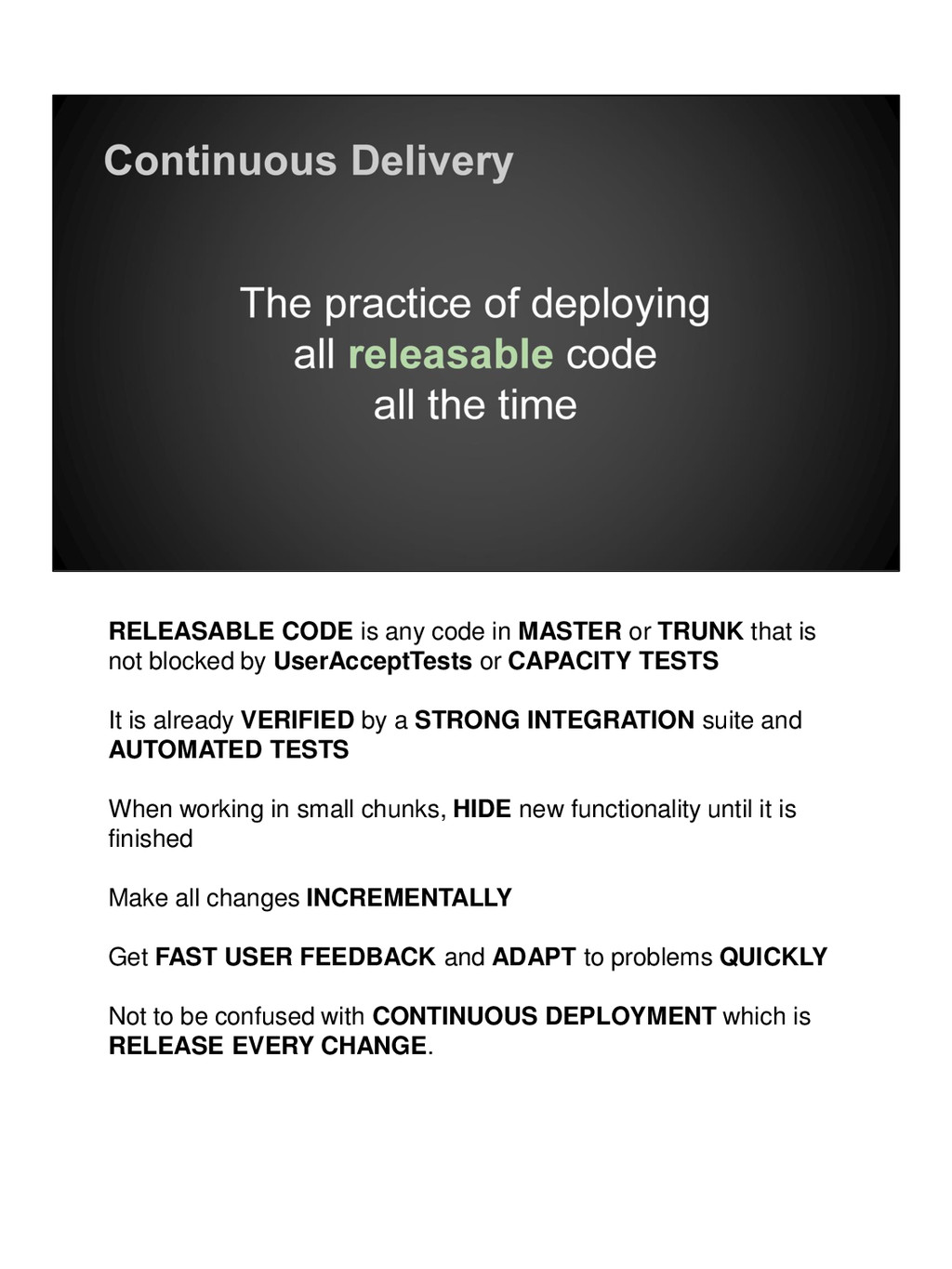
  25. RELEASABLE CODE is any code in MASTER or TRUNK that

    is not blocked by UserAcceptTests or CAPACITY TESTS It is already VERIFIED by a STRONG INTEGRATION suite and AUTOMATED TESTS When working in small chunks, HIDE new functionality until it is finished Make all changes INCREMENTALLY Get FAST USER FEEDBACK and ADAPT to problems QUICKLY Not to be confused with CONTINUOUS DEPLOYMENT which is RELEASE EVERY CHANGE.
  26. Make the deployment step TRIVIAL and BORING to allow releasing

    with ONE CLICK Remove ALL UNKNOWNS from the deploy step to MINIMISE RISK Support the deployment process with a WELL DEFINED RELEASE STRATEGY to handle failures DEPLOYMENT is everyone’s responsibility, everybody should know what happens and how to fix it
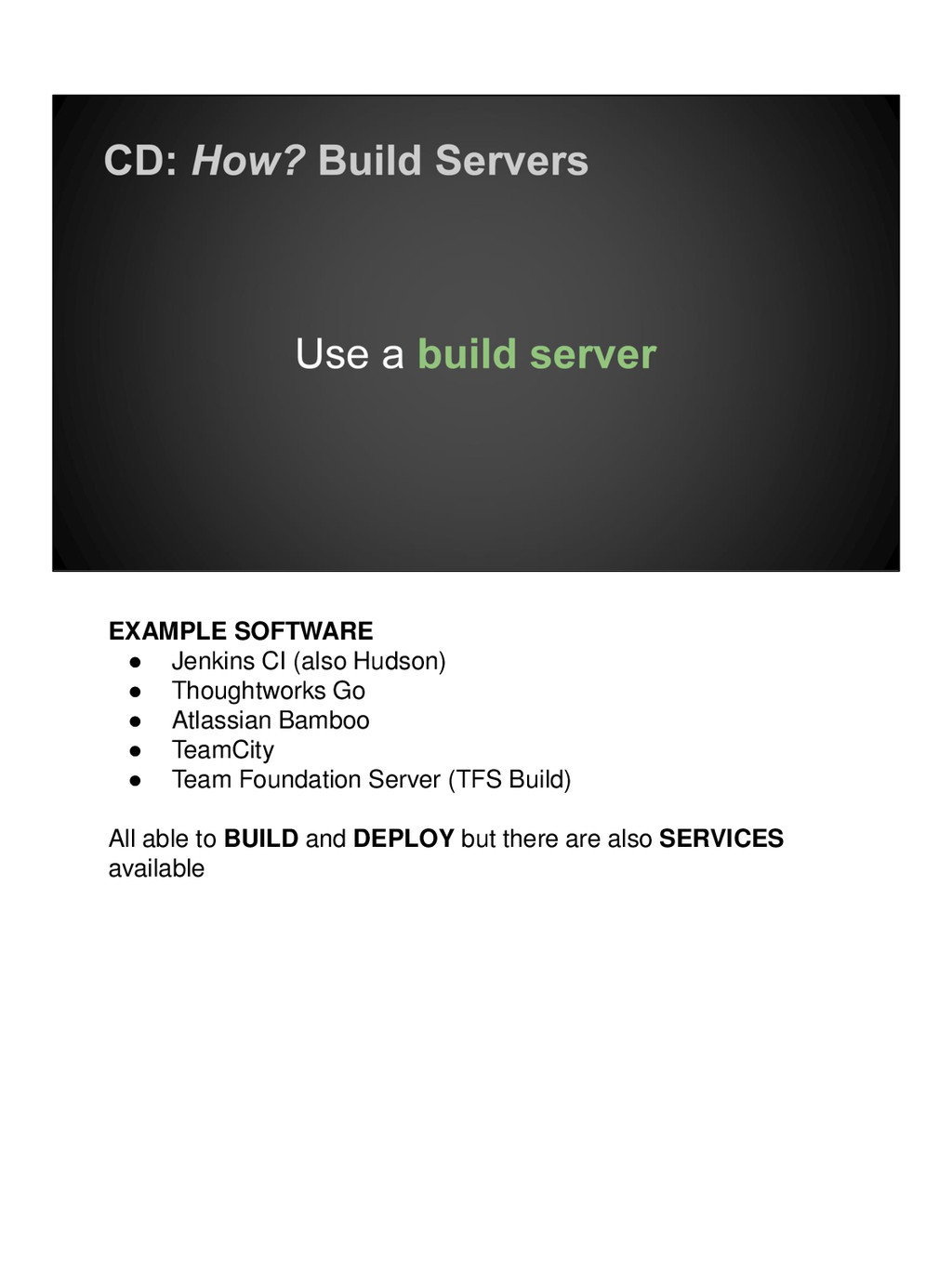
  27. EXAMPLE SOFTWARE • Jenkins CI (also Hudson) • Thoughtworks Go

    • Atlassian Bamboo • TeamCity • Team Foundation Server (TFS Build) All able to BUILD and DEPLOY but there are also SERVICES available
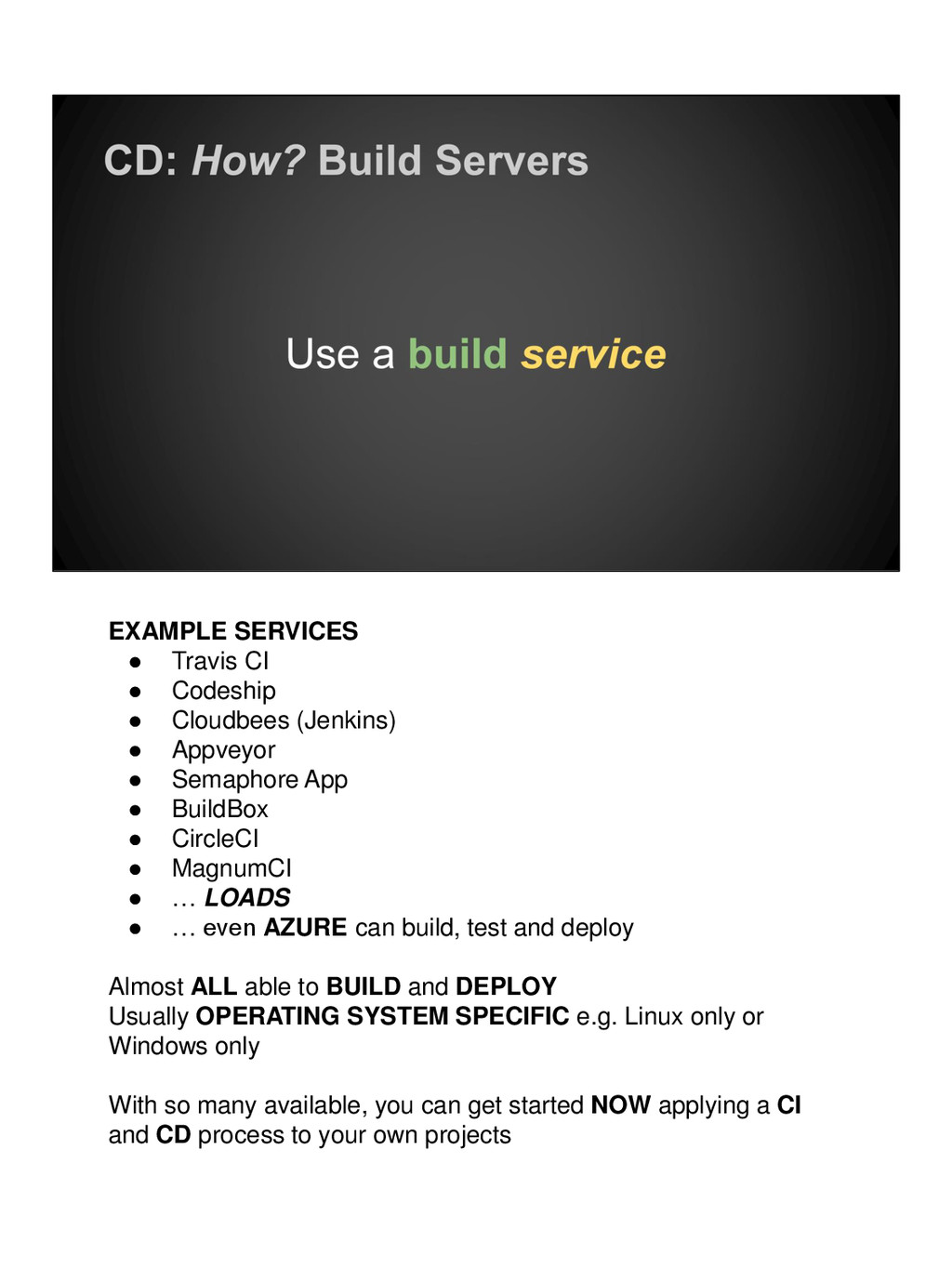
  28. EXAMPLE SERVICES • Travis CI • Codeship • Cloudbees (Jenkins)

    • Appveyor • Semaphore App • BuildBox • CircleCI • MagnumCI • … LOADS • … even AZURE can build, test and deploy Almost ALL able to BUILD and DEPLOY Usually OPERATING SYSTEM SPECIFIC e.g. Linux only or Windows only With so many available, you can get started NOW applying a CI and CD process to your own projects