Upgrade to Pro — share decks privately, control downloads, hide ads and more …

web_designing_pdf__2___1_.pdf

Avatar for Deepanshu Deepanshu
October 01, 2025
1

 web_designing_pdf__2___1_.pdf

Avatar for Deepanshu

Deepanshu

October 01, 2025

Transcript

  1. The Art and Science of Web Designing  Introduction: Web

    Designing is the process of creating and arranging the visual and functional elements of a website to make it attractive, user-friendly, and effective. It combines creativity with technology to ensure that websites are not only visually appealing but also easy to navigate and accessible on all devices. Unlike web development, which focuses on coding and programming, web designing emphasizes the look, layout, and user experience (UX) of a website. A good web design ensures that users can quickly find the information they need, interact with content smoothly, and enjoy a positive browsing experience.
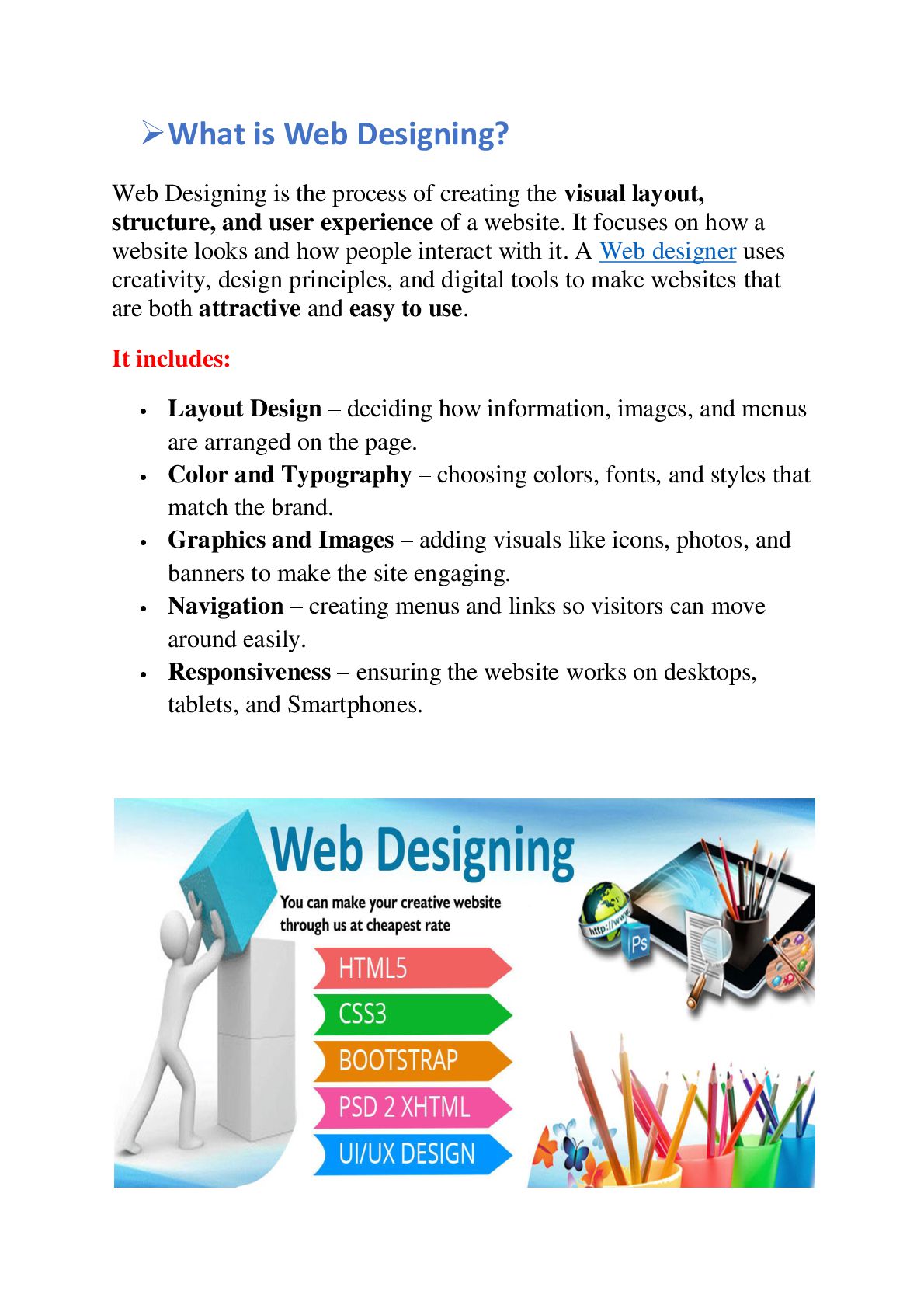
  2.  What is Web Designing? Web Designing is the process

    of creating the visual layout, structure, and user experience of a website. It focuses on how a website looks and how people interact with it. A Web designer uses creativity, design principles, and digital tools to make websites that are both attractive and easy to use. It includes:  Layout Design – deciding how information, images, and menus are arranged on the page.  Color and Typography – choosing colors, fonts, and styles that match the brand.  Graphics and Images – adding visuals like icons, photos, and banners to make the site engaging.  Navigation – creating menus and links so visitors can move around easily.  Responsiveness – ensuring the website works on desktops, tablets, and Smartphones.
  3.  Difference between Web Designing and Web Development Feature Web

    Designing Web Development Focus Appearance, layout, colors, typography, and overall user experience (UX/UI). Functionality, coding, backend logic, and making the website work. Purpose To make the website visually appealing and user-friendly. To build the website’s structure, functionality, and interactivity. Tools Photoshop, Figma, Illustrator, Canva. HTML, CSS, JavaScript, PHP, Python, WordPress, frameworks like React or Angular. Skills Required Creativity, color theory, design principles, wire framing, prototyping. Programming, database management, server-side logic, debugging. Output Website layout, graphics, and user interface. Working website with interactive features and database integration. Role Web Designer creates the “look & feel” of the website. Web Developer turns the design into a functional website.
  4.  Elements of Web Designing Content: 1. Layout – How

    content, images, and menus are arranged on a page. 2. Color Scheme – Colors used to make the site attractive and readable. 3. Typography – Fonts and text styles for clarity and style. 4. Images & Graphics – Pictures, icons, and illustrations to engage users. 5. Navigation – Menus and buttons to help users move around easily. 6. Responsiveness – Works smoothly on desktop, tablet, and mobile. 7. Consistency – Same fonts, colors, and style on all pages. 8. Content – Clear and relevant text, images, and videos.  How do Websites Adapt to Different Devices and Needs? Types of Web Design:  Static Design  Dynamic Design  Responsive Design  Adaptive Design  Diagram: desktop tabletmobile responsive layout.
  5.  Which Tools Turn Creativity into Real Website? Web Designing

    combines creativity and technology. Designers use various tools to create attractive, functional, and user-friendly websites. Tools and Technologies: 1. Coding Tools / Language: Used to implement designs into functional websites:  HTML (HyperText Markup Language) Structure of Webpages.  CSS (Cascading Style Sheets) Styling and layout.  JavaScript Adds interactivity to Websites.
  6. 2. Frameworks: Pre-made code libraries to speed up design and

    development:  Bootstrap Responsive design Framework.  Tailwind CSS Utility- first CSS framework for fast styling.  Importance of Web Designing A good Website Design is more than just looks – it helps a business grow, attract visitors and build trust. 1. First Impression
  7.  Your website is the first thing people see about

    your brand.  A clean and professional design creates a positive impact. 2. User Experience (UX)  Good design makes it easy for users to find information.  Clear navigation and layout keep visitors engaged. 3. Branding  Colors, fonts, and style reflect the identity of a company.  Consistent design builds brand recognition. 4. SEO Benefits  Well-structured websites load faster and rank better in search engines.  Mobile-friendly design improves visibility. 5. Business Growth  Attractive websites keep users on the page longer.  Good design increases customer trust and sales conversions. 6. Accessibility  Responsive design ensures the site works on all devices.  Accessible websites reach more people, including differently- able users.
  8.  Conclusion:  Web Designing is a mix of art

    and technology.  I t makes website attractive, easy to use, and user friendly.  A well – designed website creates a good first impression.  It helps in Branding and Business growth.  Good design improves user experience and SEO ranking.  Responsive design ensures websites work on all Devices.
  9. Excellence Technology is a leading IT Training & Development Institute

    dedicated to empowering students and professionals with modern technical skills. The institute focuses on providing quality education and hands-on practical exposure to meet the requirements of today’s fast-growing IT industry. Excellence Technology is known for its practical learning approach and industry-oriented training. Students trained here successfully build careers in IT, Software Development, Data Science, Digital Marketing, Web Designing, Python, Java, Machine Learning. Our students will have chance to have their 6months, 6weeks industrial training in Dharamshala on live projects of our off shore clients. Branch Address Dharamshala Building no. 336A, 2nd floor, Above Indusind Bank, Civil Bazzar, Dharamshala. Contact No& Mail: +91 77105-88822 [email protected]