Upgrade to Pro
— share decks privately, control downloads, hide ads and more …
Speaker Deck
Sign up for free
Menu
Search
Features
All features
Private URLs
Password Protection
Custom URLS
Scheduled publishing
Remove Branding
Restrict embedding
Deck Collections
Notes
Features
All features
Private URLs
Password Protection
Custom URLS
Scheduled publishing
Remove Branding
Restrict embedding
Deck Collections
Notes
Explore
Featured decks
Featured speakers
Programming
Technology
Storyboards
Explore
Featured decks
Featured speakers
Programming
Technology
Storyboards
Pricing
Search
Sign in
Sign up for free
Git: an introduction
Search
Sponsored
·
Ship Features Fearlessly
Turn features on and off without deploys. Used by thousands of Ruby developers.
→
Emily Hyland
February 28, 2013
Programming
210
3
Share
Embed
Copy iframe code
Copy JS code
Copy link
Start on current slide
Git: an introduction
Emily Hyland
February 28, 2013
More Decks by Emily Hyland
See All by Emily Hyland
Programming for Humans
duien
0
74
Testing Ruby
duien
8
660
Other Decks in Programming
See All in Programming
Groovy as a human and AI friendly programming language
paulk
0
110
sbt 2.0: takeoff
eed3si9n
0
170
現場と育てるRailsモデリング 〜Spreadsheetから始めたモデル設計〜
siroemk
2
910
R8 の設定見直しでアプリサイズ削減
andpad
0
230
見えないものを探る要求要件定義に必要な基本的思考 / invisible-requirement-thinking
minodriven
15
8.7k
ChromeでローカルLLM
ryu1013
0
160
PyConTW 2026 - AI Coding 不只是工具升級, 區域醫院醫療資訊系統協作開發與資訊團隊轉型實踐
cclai999
0
150
ActionController meets Protocol Buffers
sorah
0
680
npm との違いを手がかりにGo の依存管理を理解したい
optim
0
1k
JAWS-UG 東京支部が始める、JAWS-UG支部コラボ / JAWS-UG lunchtime LT Collaboration
y0hgi
0
300
機械に任せるテスト、人が見るテスト ⽣成AIで引き直した、運⽤保守フェーズの線引き
dske104
0
200
AI時代のTerminal環境を UNIX哲学で設計・運用する
yasunori0418
1
200
Featured
See All Featured
Build your cross-platform service in a week with App Engine
jlugia
234
19k
Primal Persuasion: How to Engage the Brain for Learning That Lasts
tmiket
0
500
Put a Button on it: Removing Barriers to Going Fast.
kastner
60
4.6k
Visualizing Your Data: Incorporating Mongo into Loggly Infrastructure
mongodb
50
10k
Noah Learner - AI + Me: how we built a GSC Bulk Export data pipeline
techseoconnect
PRO
0
460
The Invisible Side of Design
smashingmag
301
52k
Optimising Largest Contentful Paint
csswizardry
37
4k
The innovator’s Mindset - Leading Through an Era of Exponential Change - McGill University 2025
jdejongh
PRO
1
380
Abbi's Birthday
coloredviolet
4
10k
End of SEO as We Know It (SMX Advanced Version)
ipullrank
3
4.4k
Information Architects: The Missing Link in Design Systems
soysaucechin
1
1.2k
Have SEOs Ruined the Internet? - User Awareness of SEO in 2025
akashhashmi
0
530
Transcript
Git an introduction
Rails Girls ATL
[email protected]
Emily Price ✉ Text Text
What is git?
Git is a distributed version control system
a version control system OK, so what is
a version control system
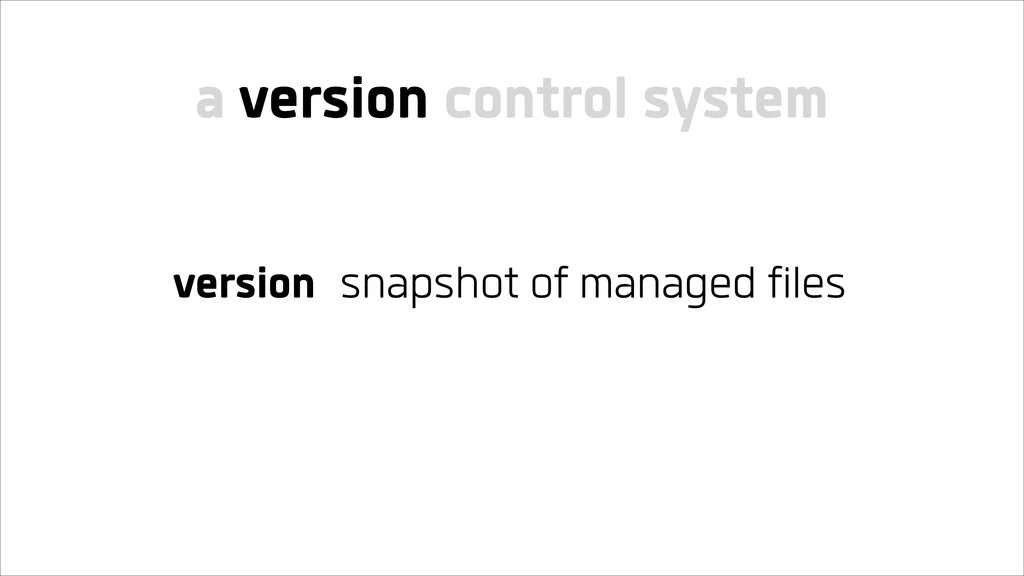
version snapshot of managed files a version control system
version snapshot of managed files control save and retrieve versions
a version control system
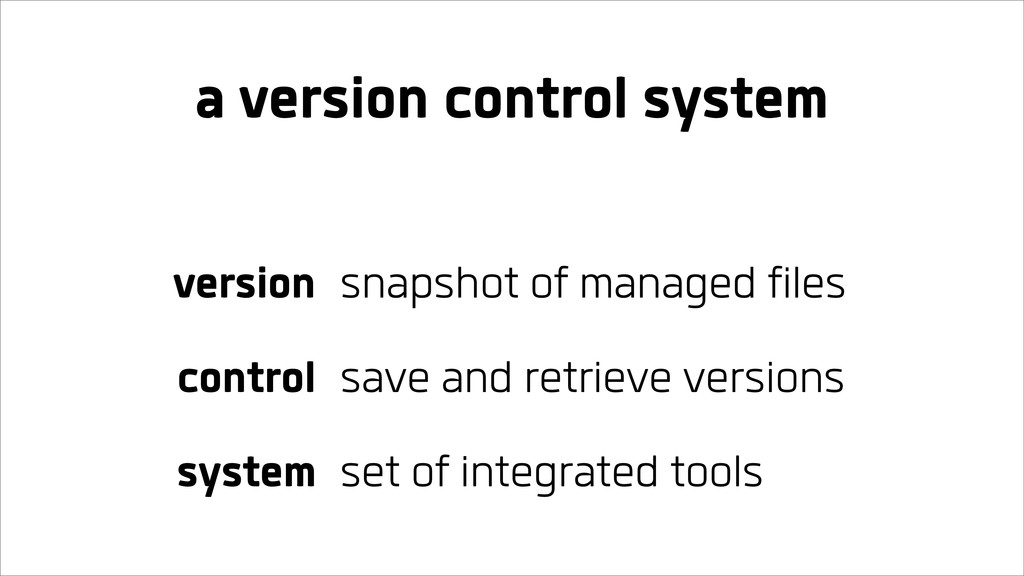
version snapshot of managed files control save and retrieve versions
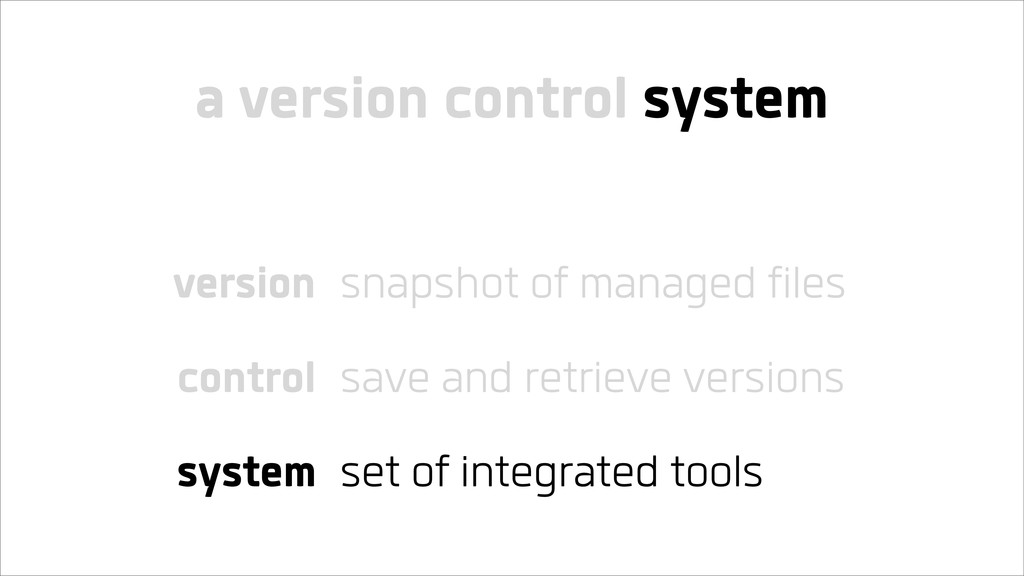
system set of integrated tools a version control system
version snapshot of managed files control save and retrieve versions
system set of integrated tools a version control system
Git is a version control system
Git is a set of integrated tools to save and
retrieve snapshots of managed files
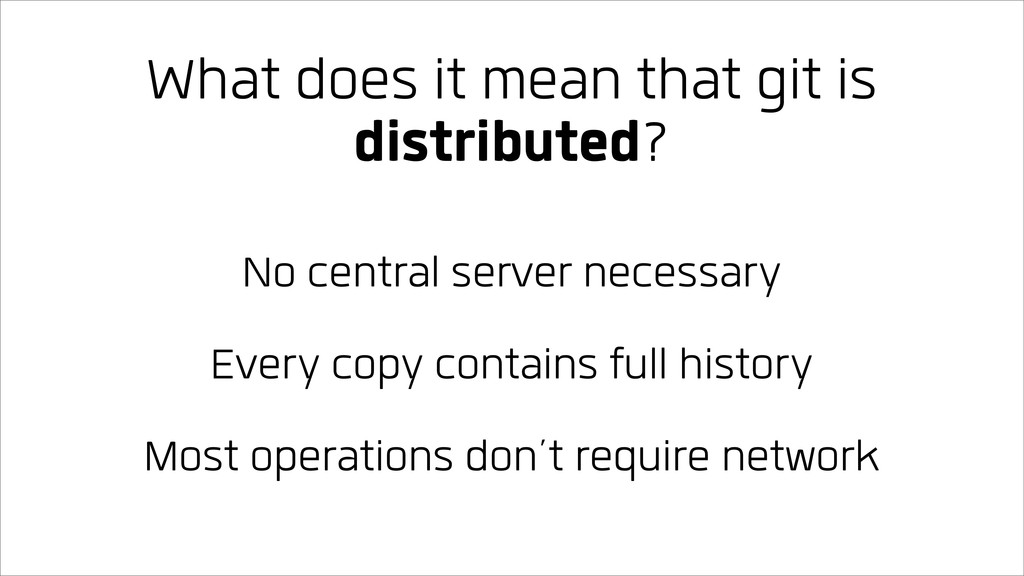
What does it mean that git is distributed?
Let’s talk history
In the beginning... there was local version control
And then for teams... there was central version control
Which evolved into... distributed version control
What does it mean that git is distributed?
What does it mean that git is distributed?
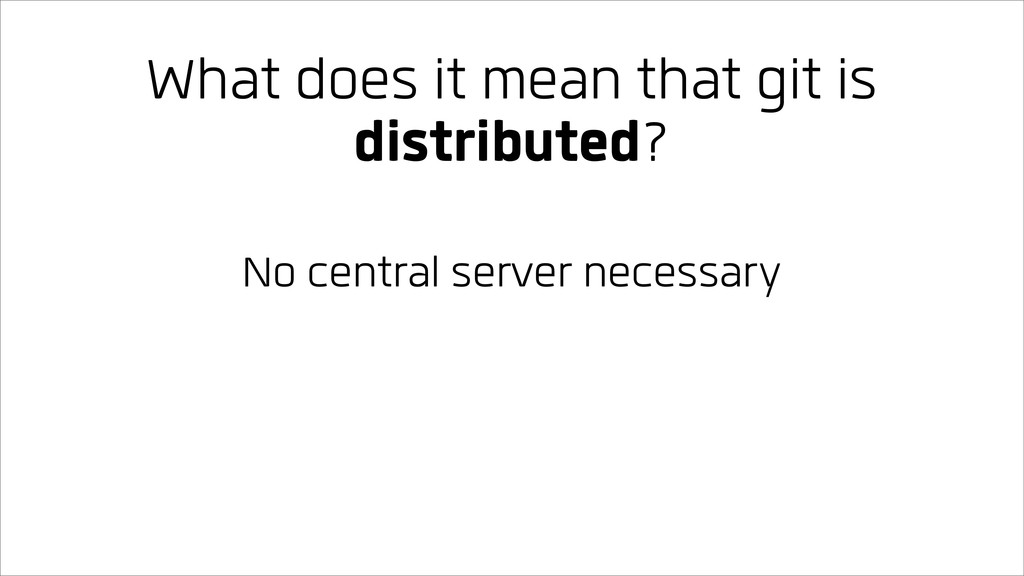
What does it mean that git is distributed? No central
server necessary
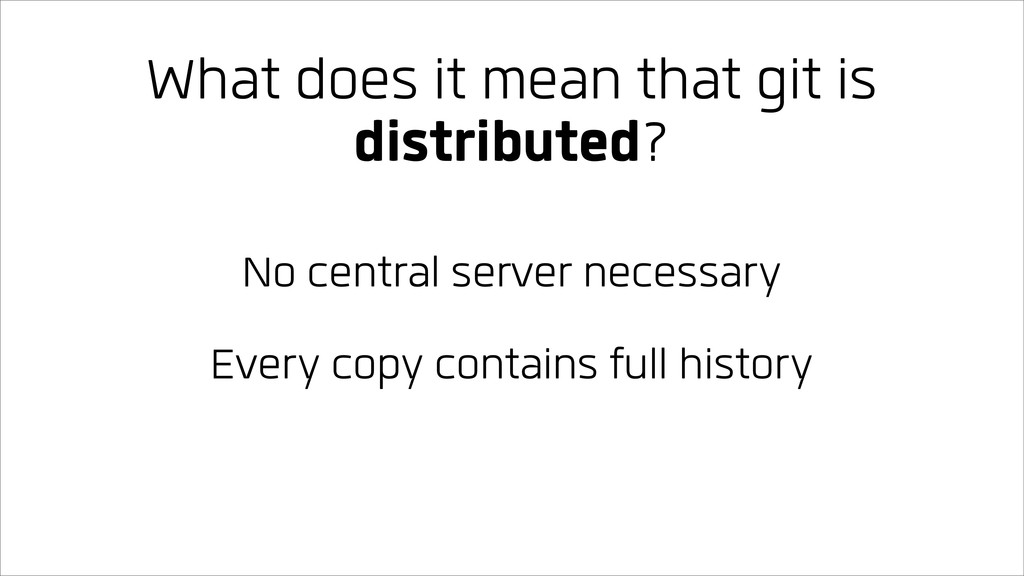
What does it mean that git is distributed? No central
server necessary Every copy contains full history
What does it mean that git is distributed? No central
server necessary Every copy contains full history Most operations don’t require network
Why use version control?
Why use version control?
Why use version control? Allow rewinding changes
Why use version control? Allow rewinding changes Easier to collaborate
Why use version control? Allow rewinding changes Easier to collaborate
See when something changed
Terminology
Git has a lot of terminology
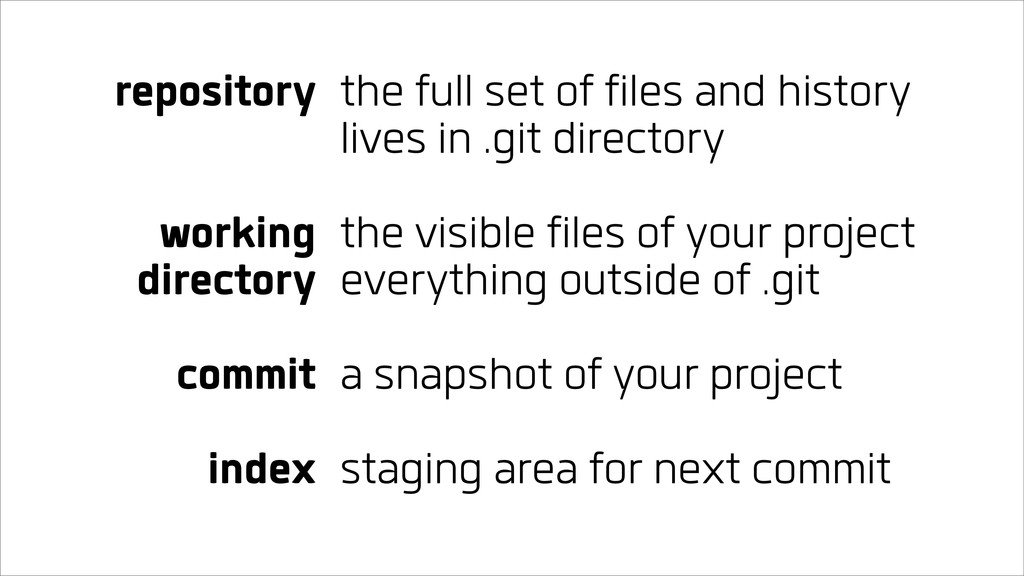
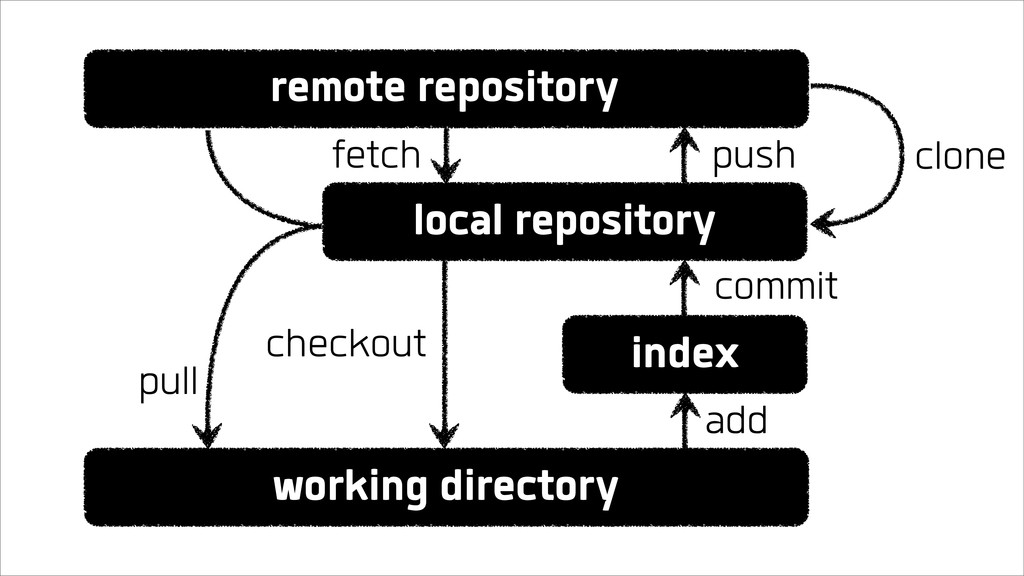
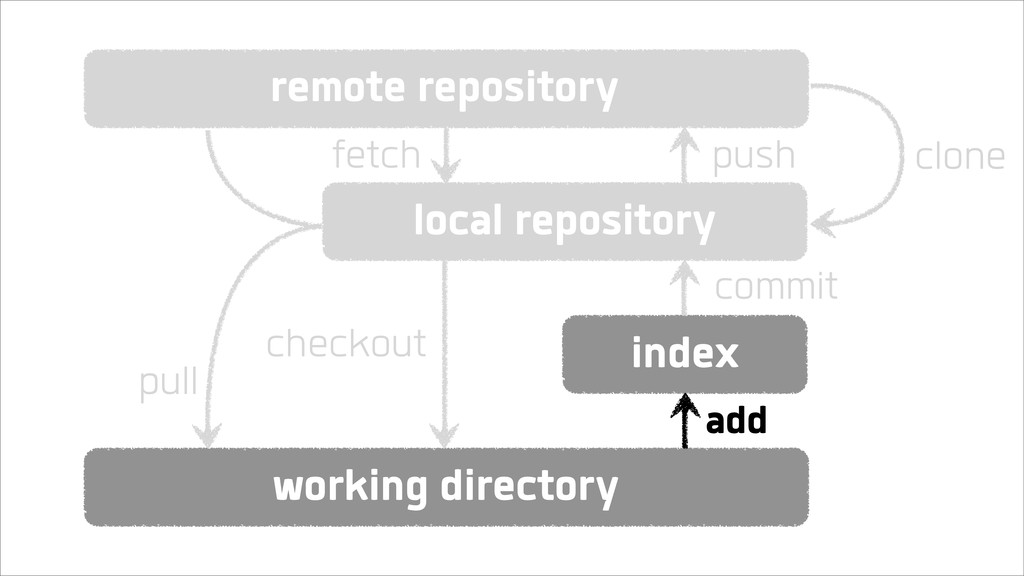
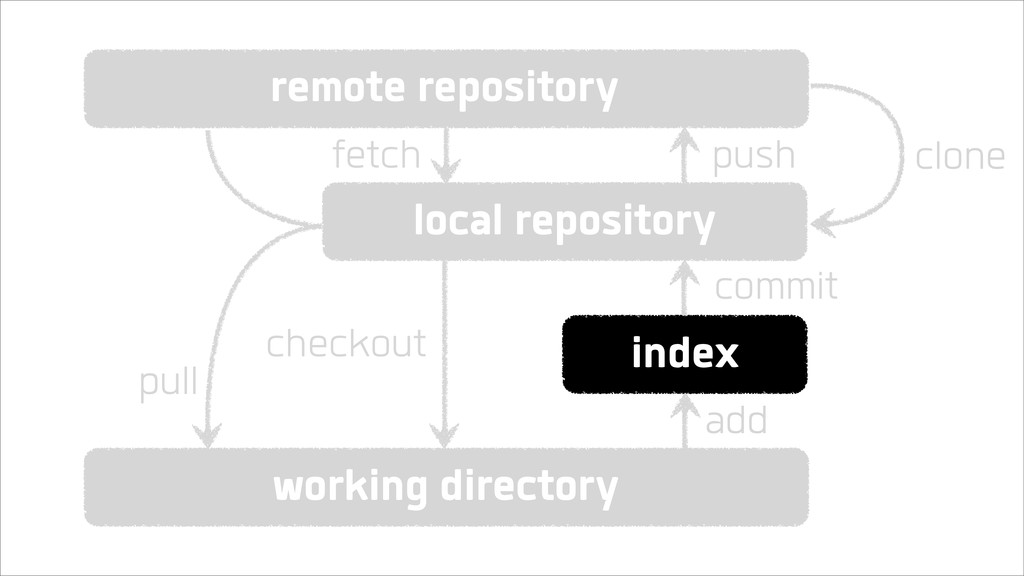
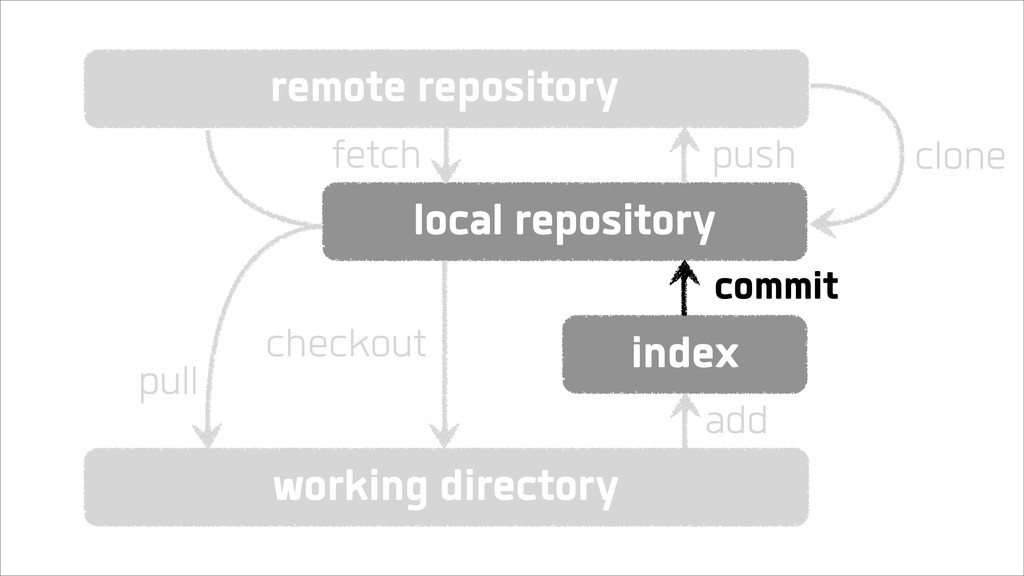
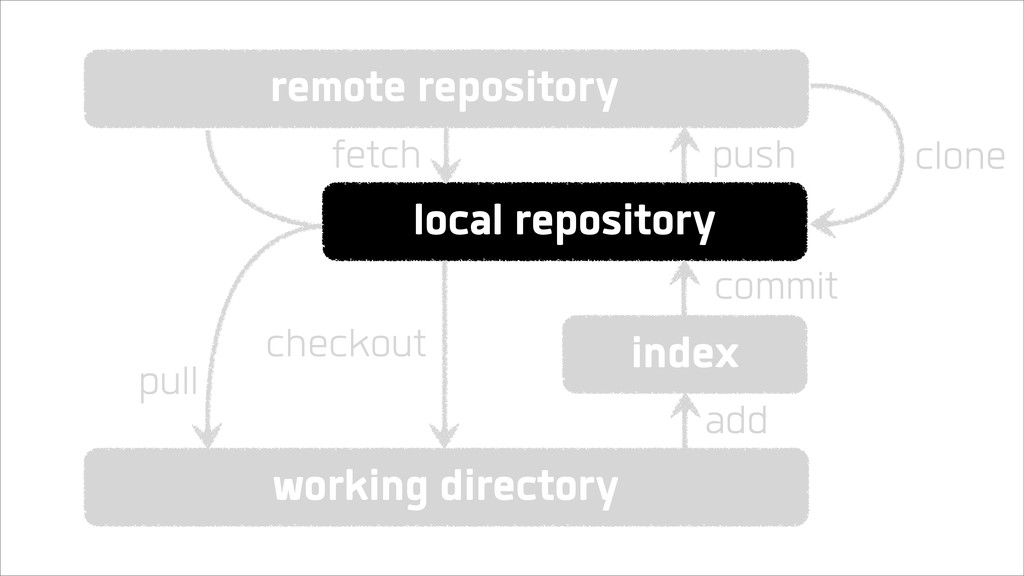
repository working directory commit index the full set of files
and history lives in .git directory the visible files of your project everything outside of .git a snapshot of your project staging area for next commit
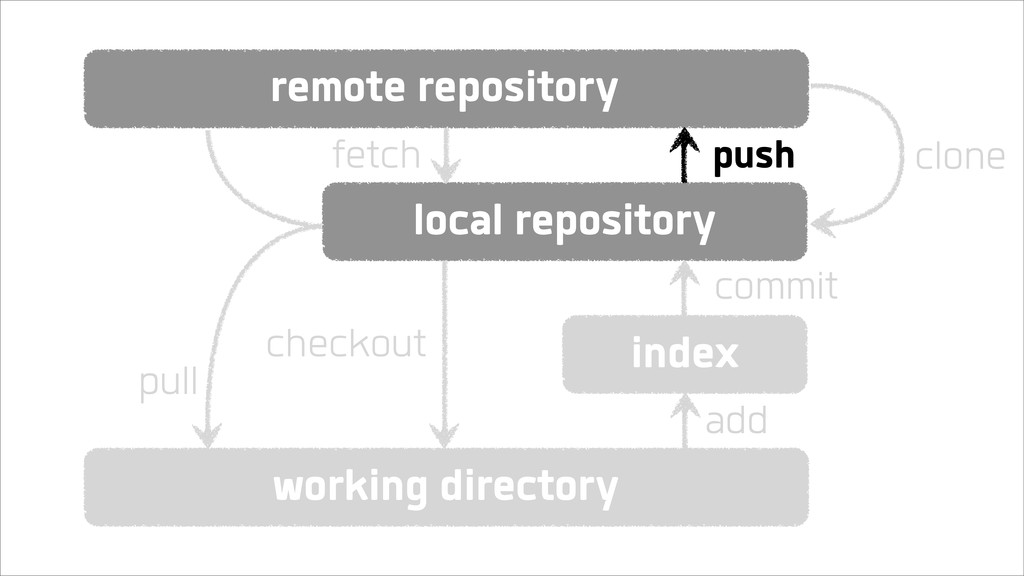
remote repository local repository working directory index pull fetch push
commit add checkout clone
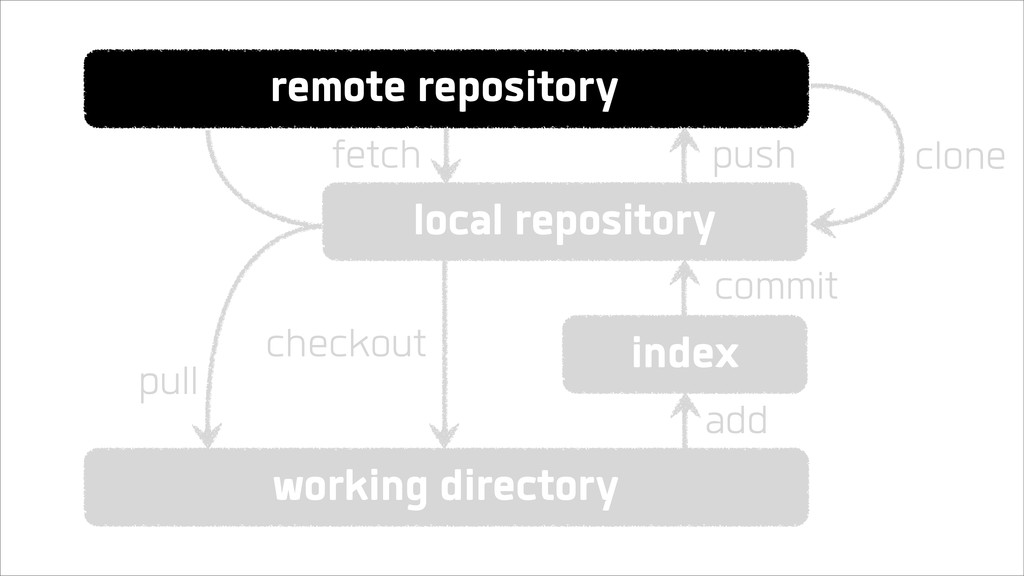
remote repository local repository working directory index pull fetch push
commit add checkout clone
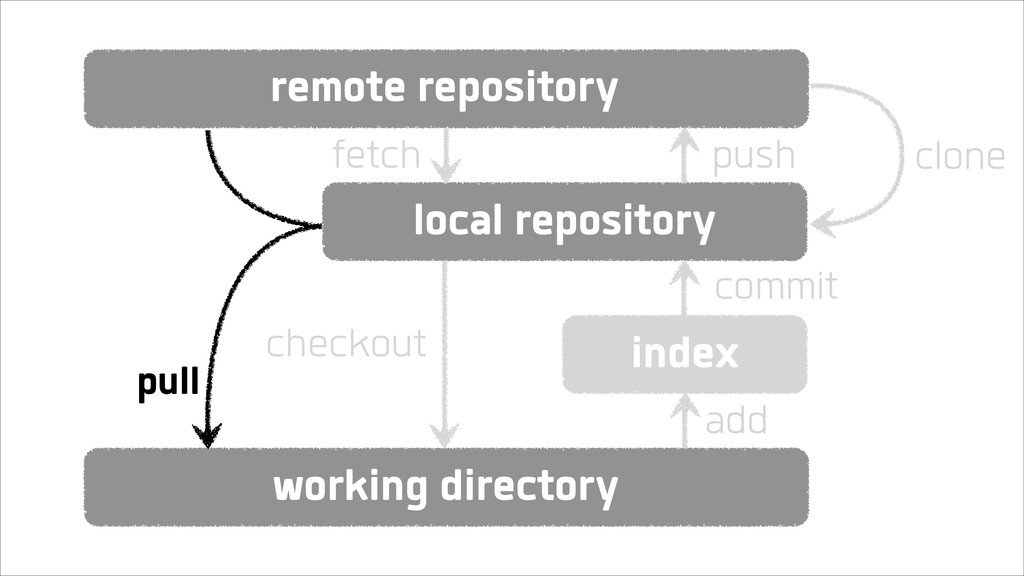
remote repository local repository working directory index fetch push commit
add checkout clone pull
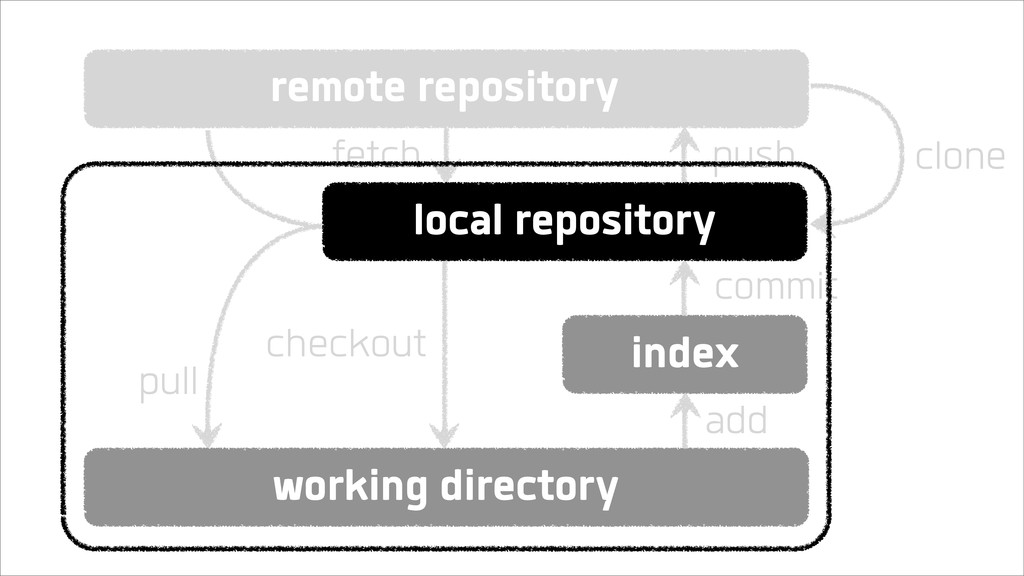
remote repository working directory index fetch push commit add checkout
clone local repository pull
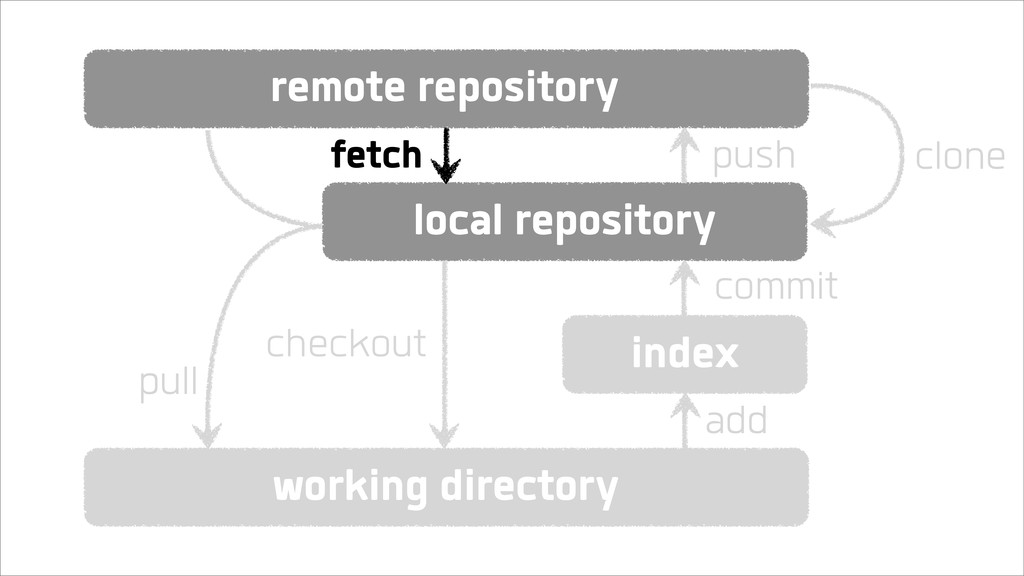
remote repository local repository working directory index fetch push commit
add checkout clone pull
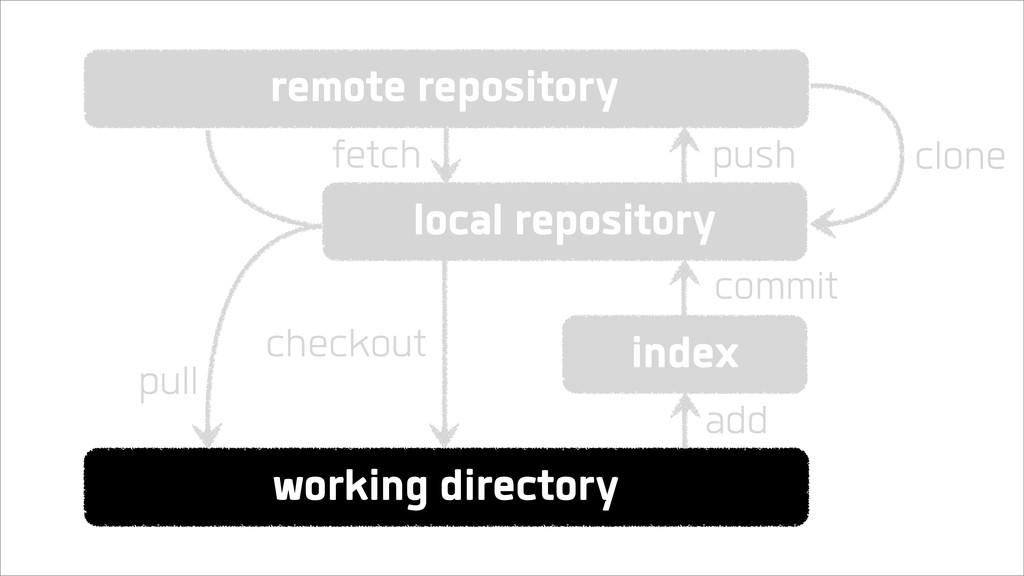
remote repository local repository working directory index fetch push commit
add checkout clone pull
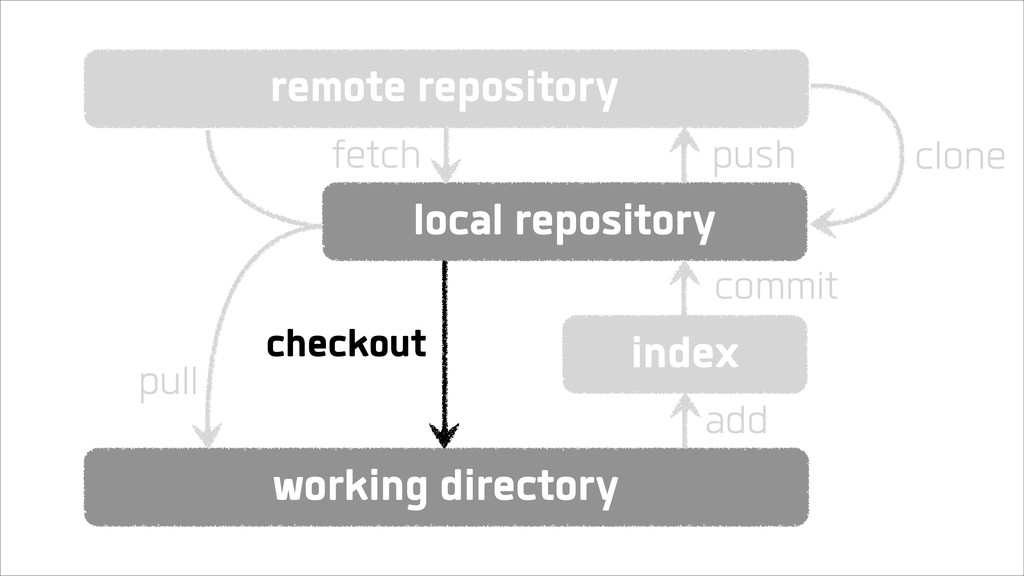
remote repository local repository working directory index fetch push commit
add checkout clone pull
remote repository local repository working directory index fetch push commit
add checkout clone pull
remote repository local repository working directory index fetch push commit
add checkout clone pull
remote repository local repository working directory index fetch push commit
add checkout clone pull
remote repository local repository working directory index fetch push commit
add checkout clone pull
remote repository local repository working directory index fetch push commit
add checkout clone pull
remote repository local repository working directory index fetch push commit
add checkout clone pull
remote repository local repository working directory index fetch push commit
add checkout clone pull
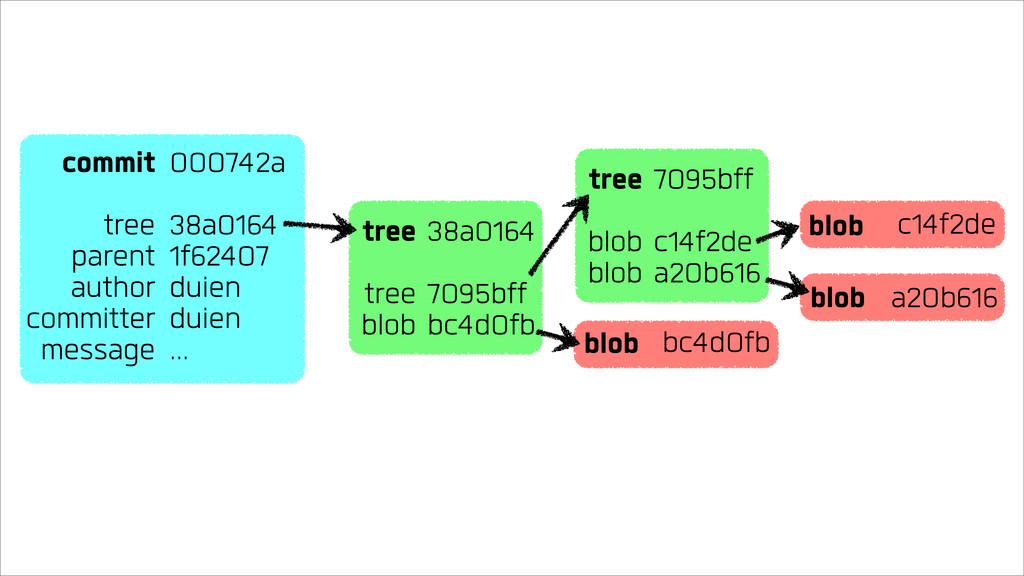
The anatomy of a commit
Every commit is identified by a SHA1 hash
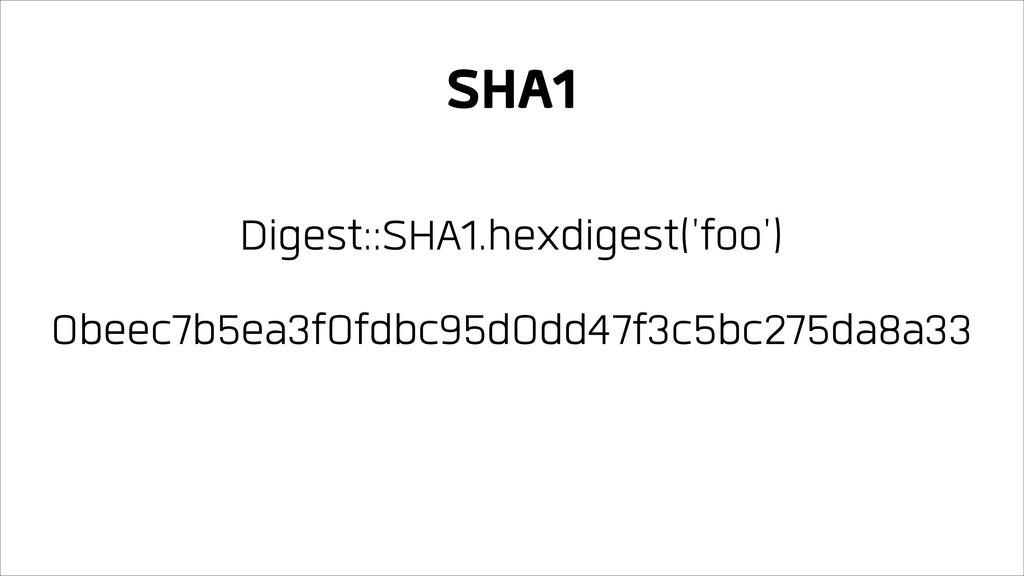
A hash function maps data of variable length to data
of fixed length, predictably
Digest::SHA1.hexdigest('foo') 0beec7b5ea3f0fdbc95d0dd47f3c5bc275da8a33 SHA1
Git hashes the contents and attributes of a commit
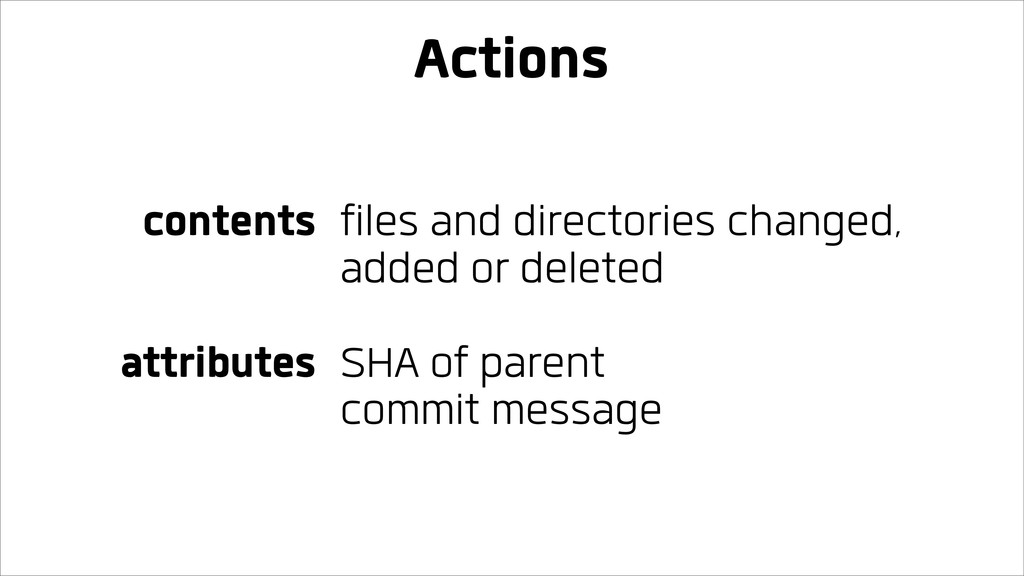
Actions contents attributes files and directories changed, added or deleted
SHA of parent commit message
c14f2de blob a20b616 blob bc4d0fb blob commit tree parent author
committer message 000742a 38a0164 1f62407 duien duien ... tree tree blob 38a0164 7095bff bc4d0fb tree blob blob 7095bff c14f2de a20b616
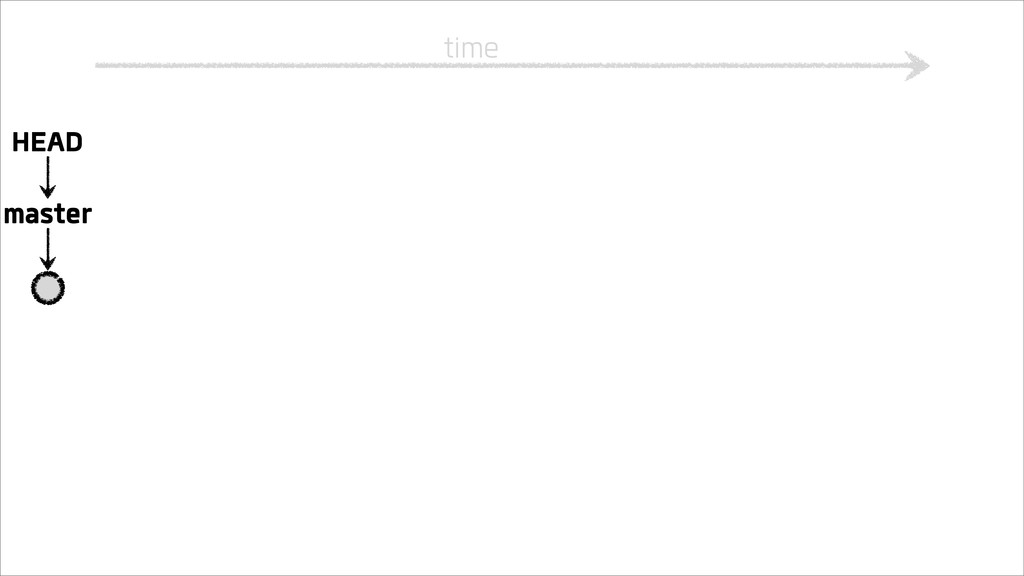
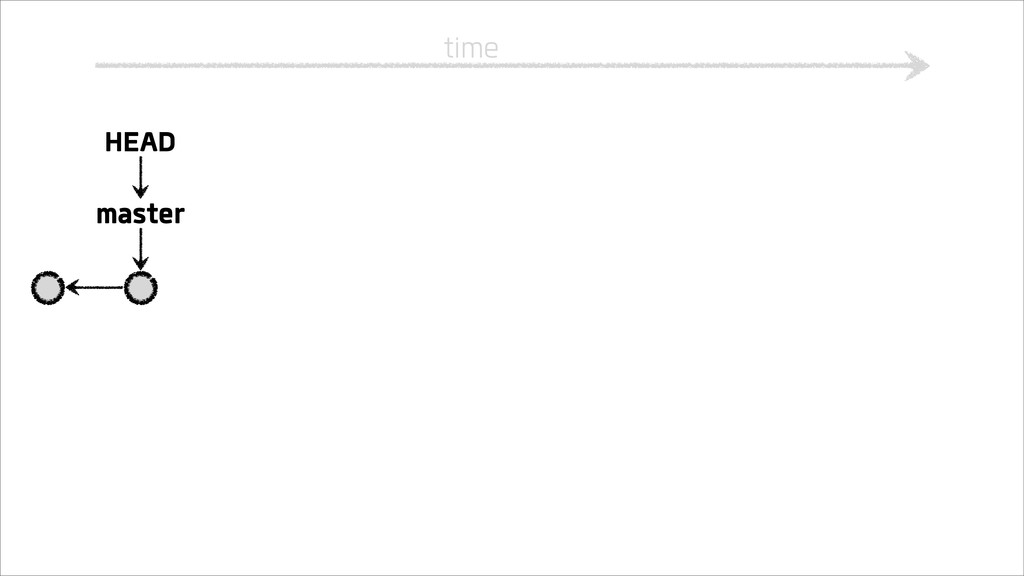
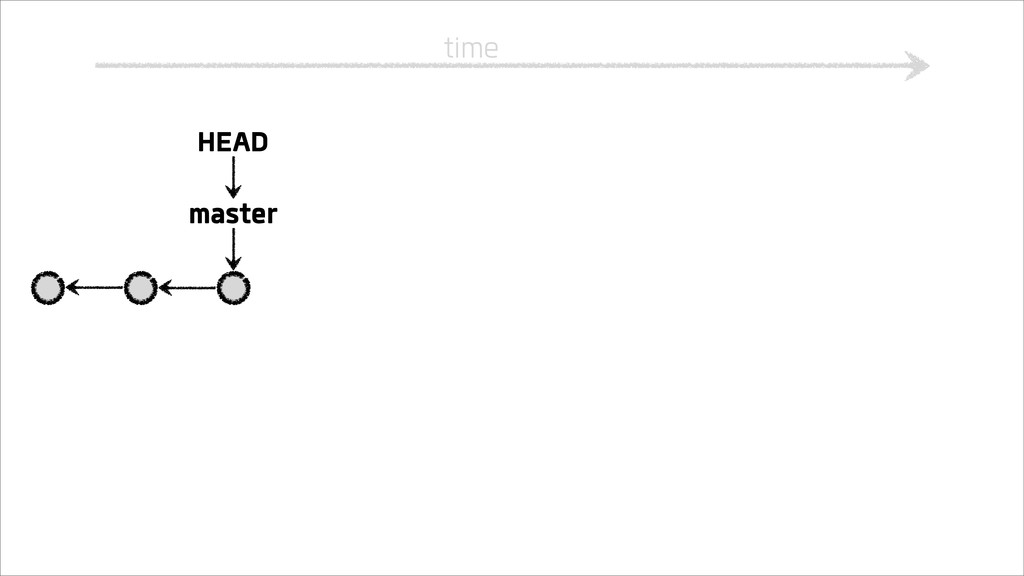
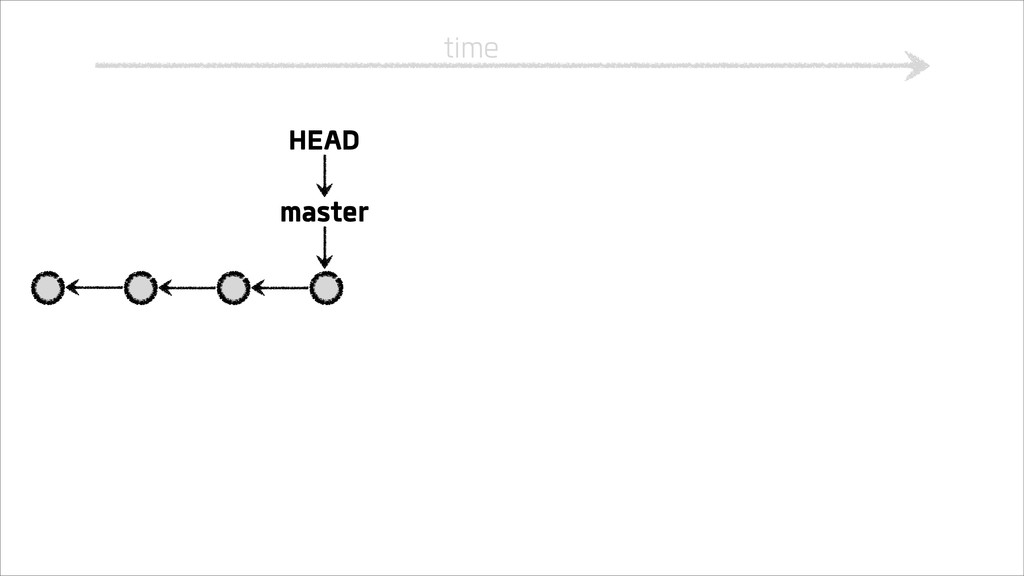
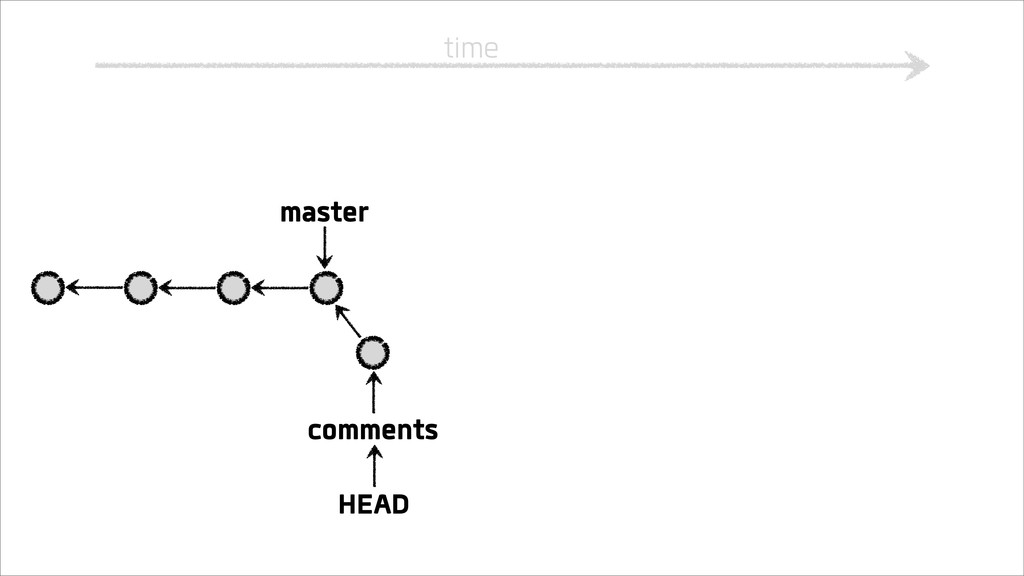
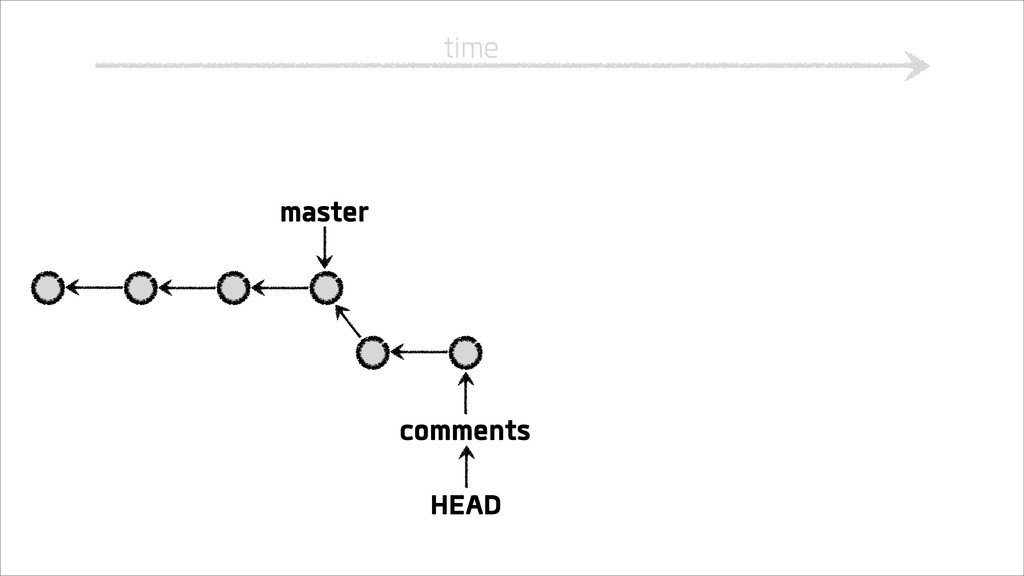
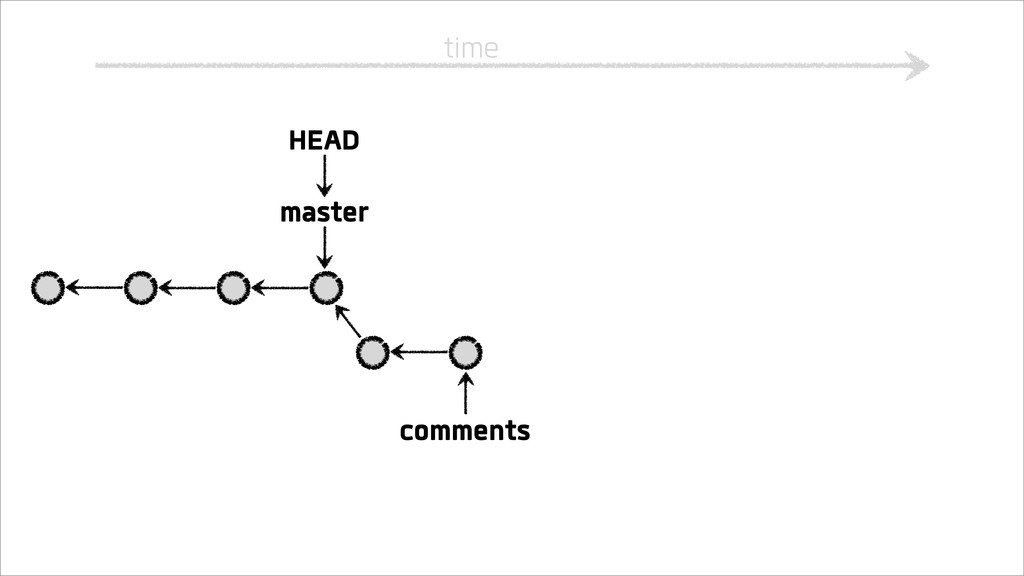
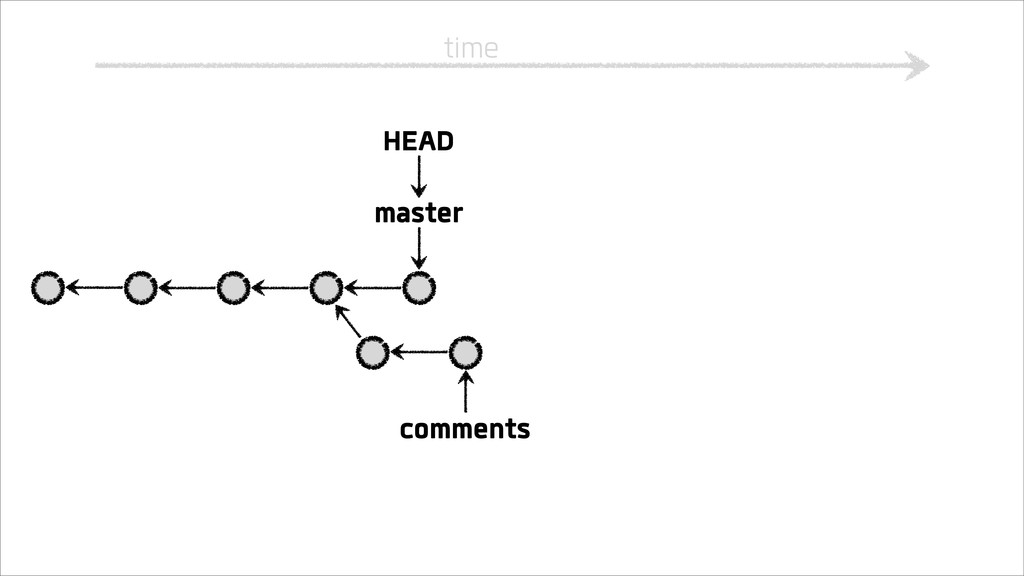
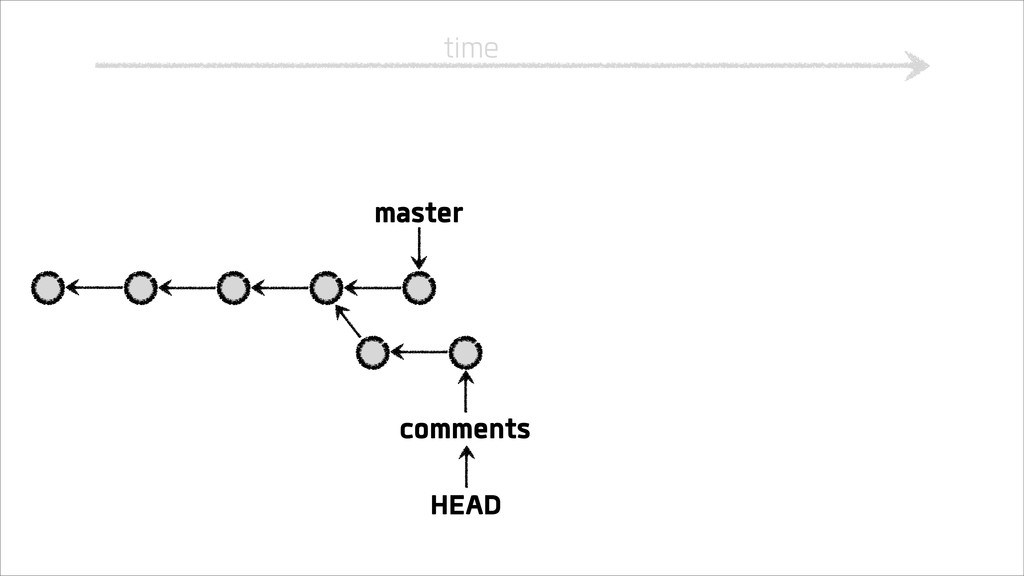
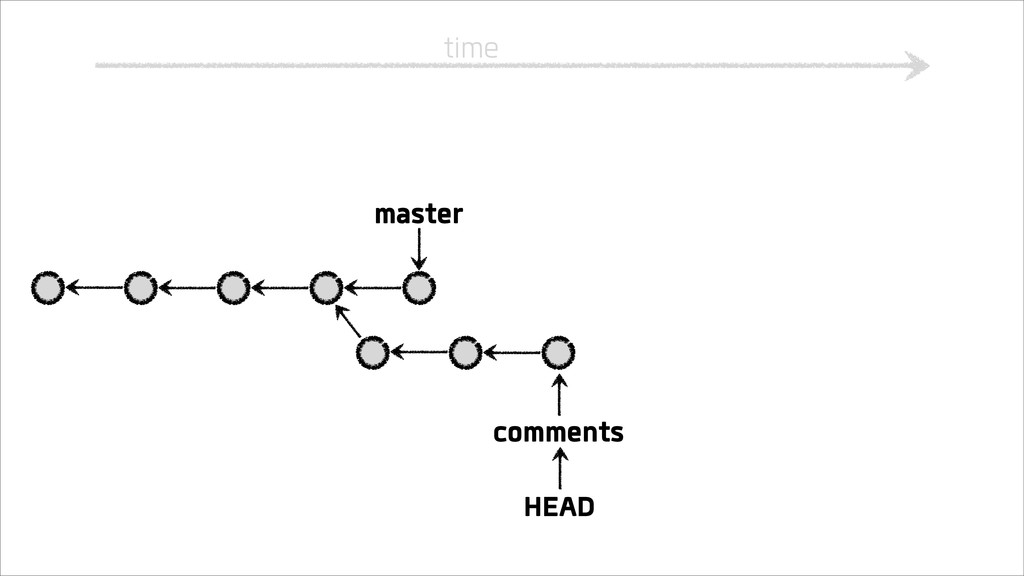
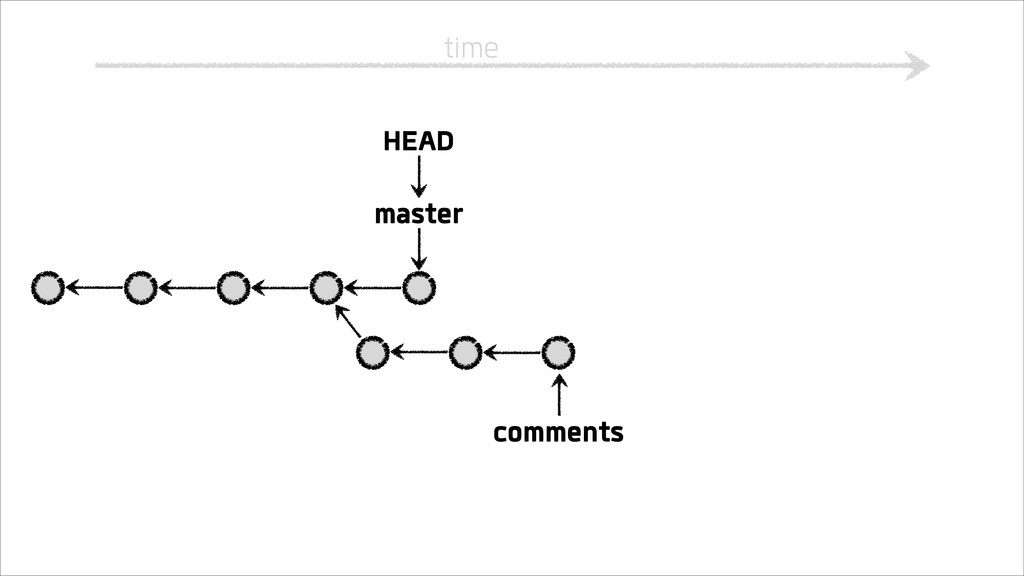
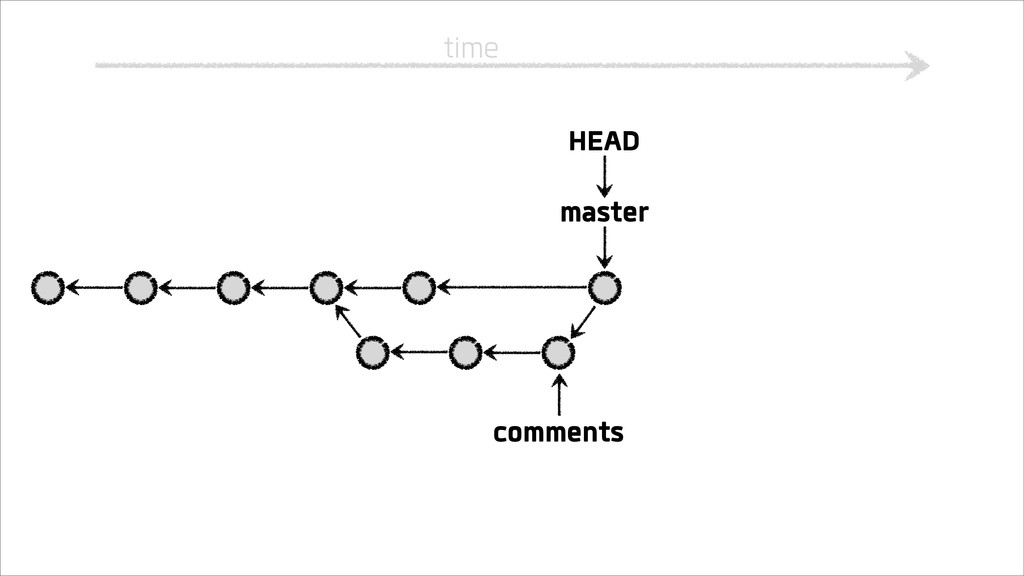
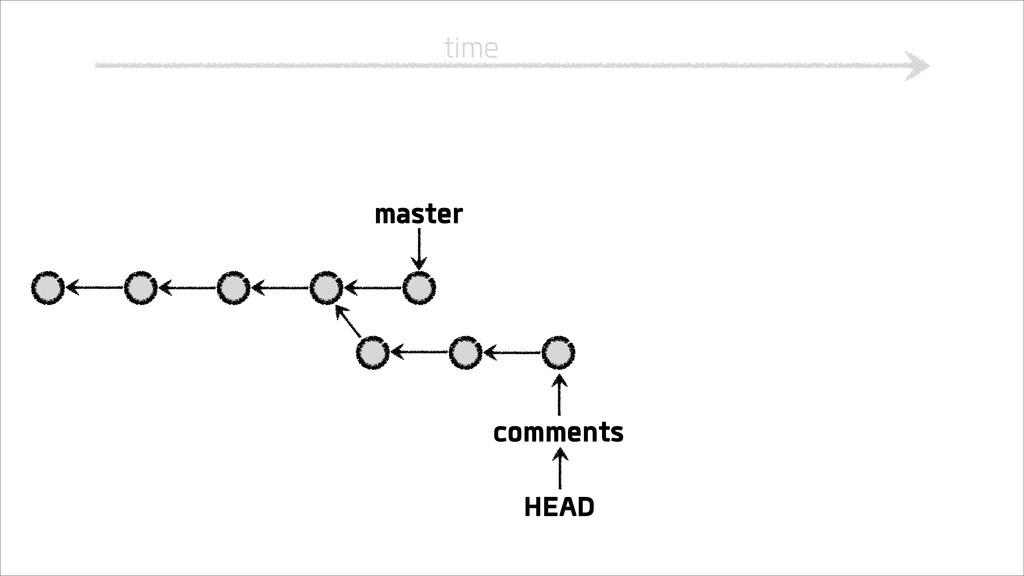
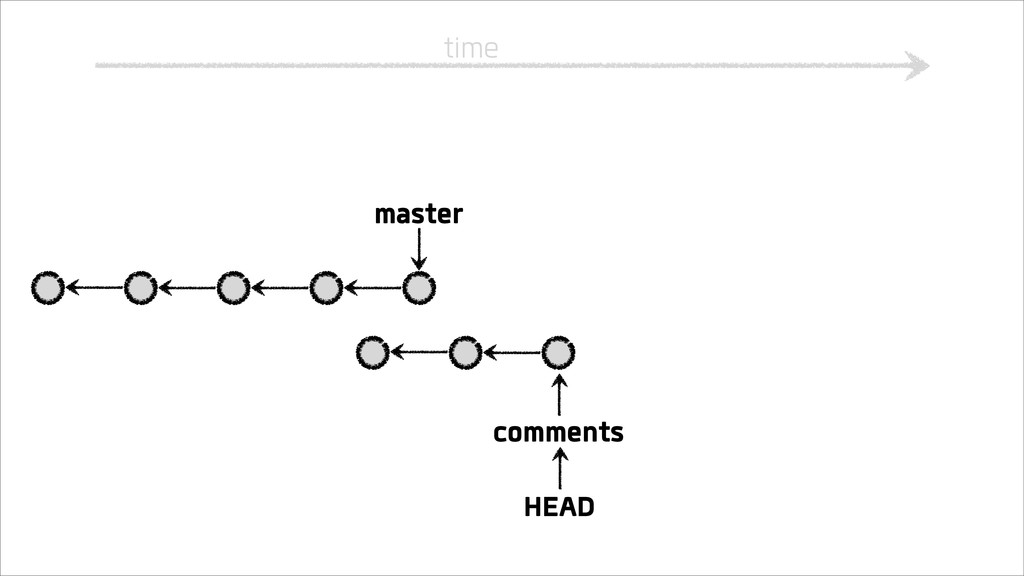
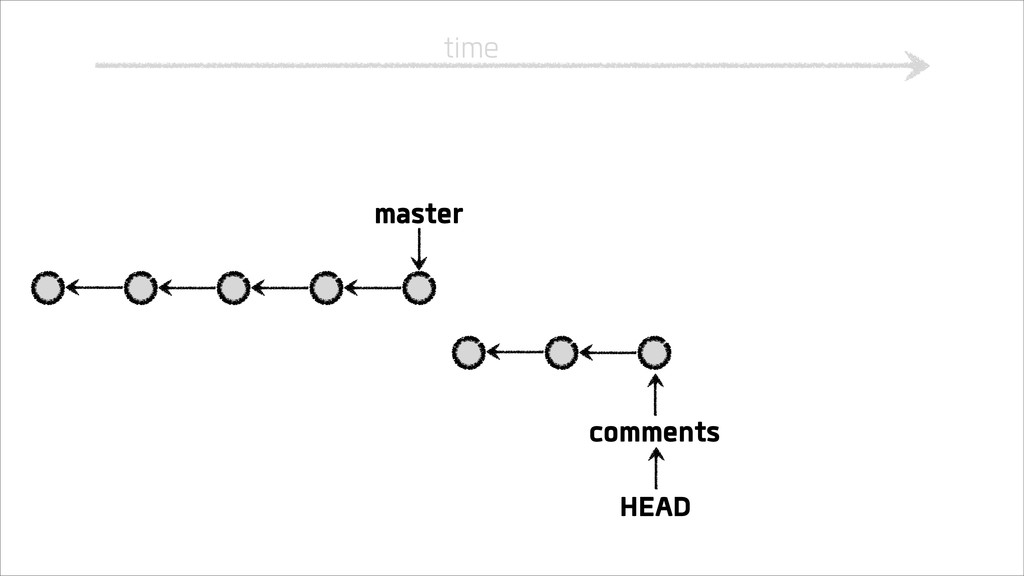
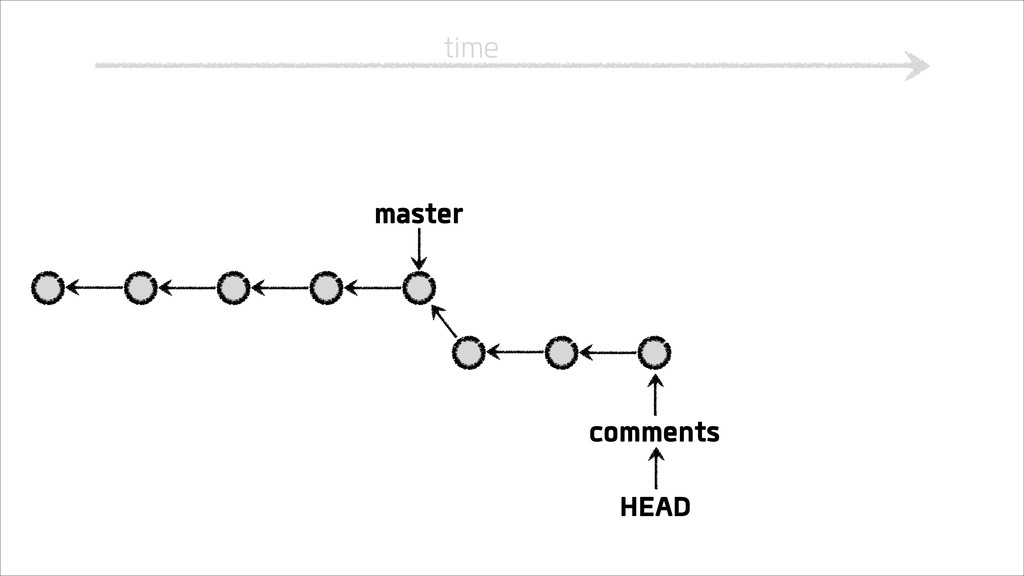
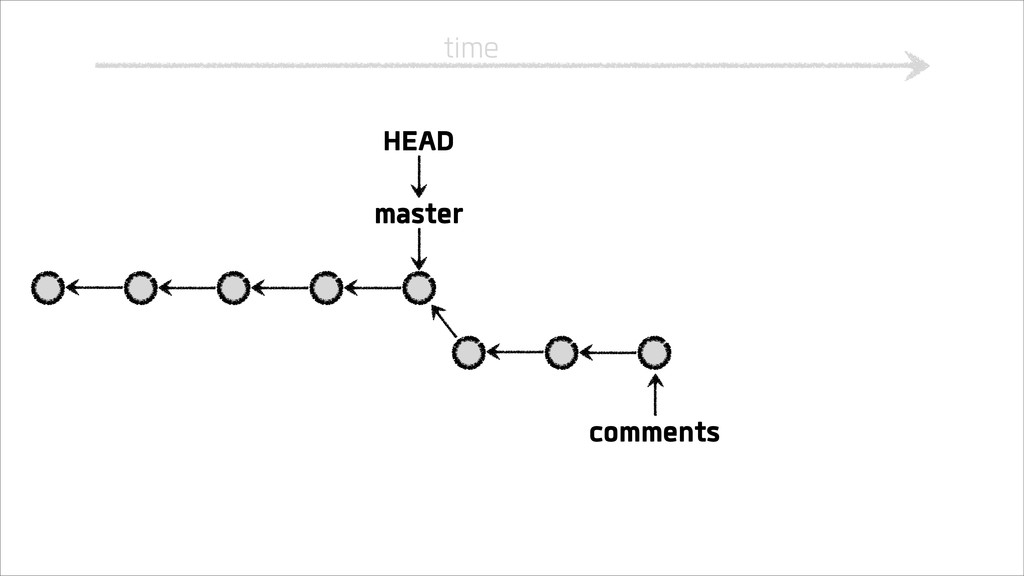
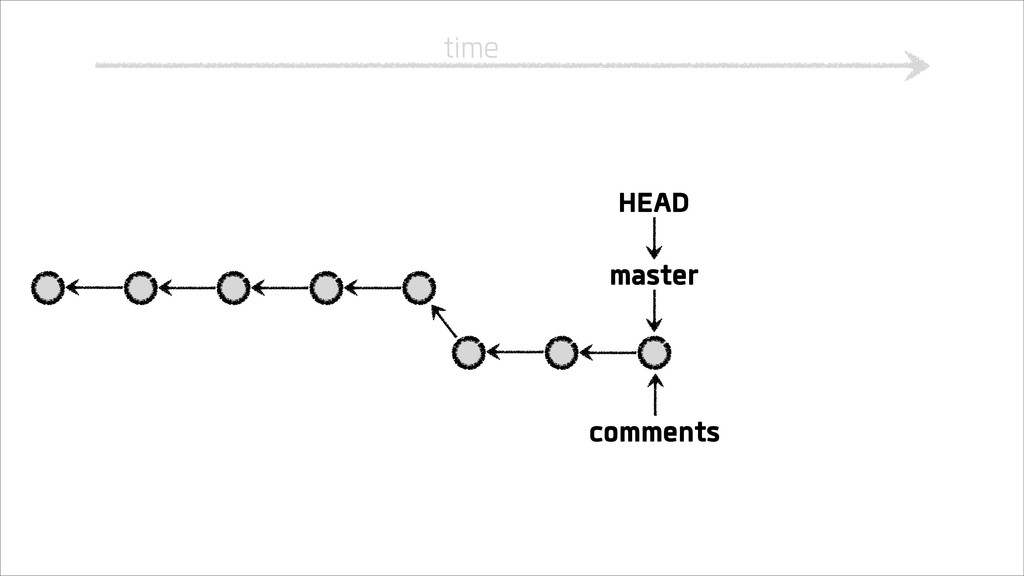
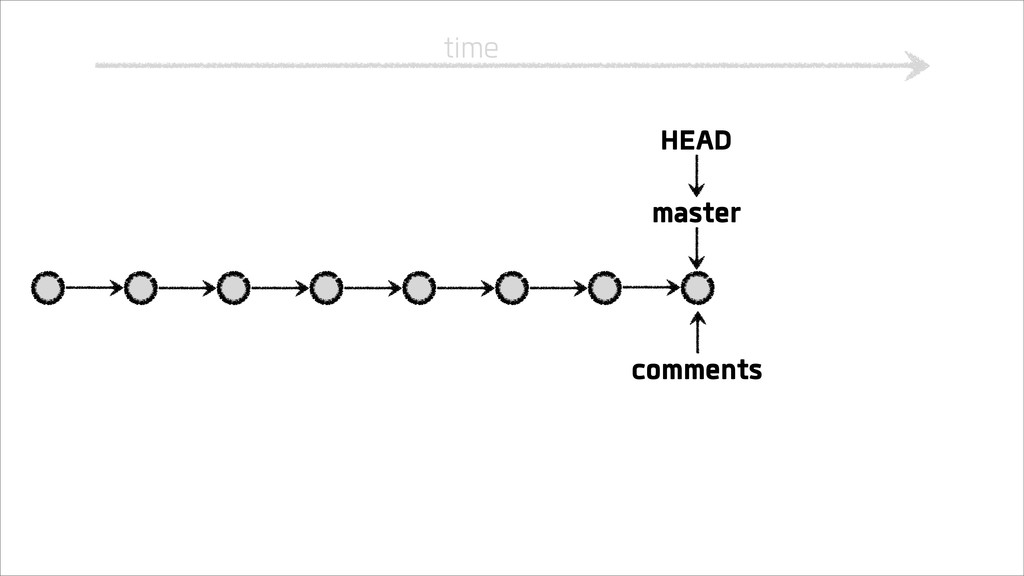
Branching and merging
time
time master HEAD
time master HEAD
time master HEAD
time master HEAD
time comments HEAD master
time comments HEAD master
time comments master HEAD
time master HEAD comments
time master comments HEAD
time master comments HEAD
time master comments HEAD
time comments master HEAD
time master comments HEAD
time master comments HEAD
time master comments HEAD
time master comments HEAD
time master comments HEAD
time master comments HEAD
time master comments HEAD
Putting it into practice
GitHub has good install guides at help.github.com
Make a git repo for your Rails Girls projects
DEMO
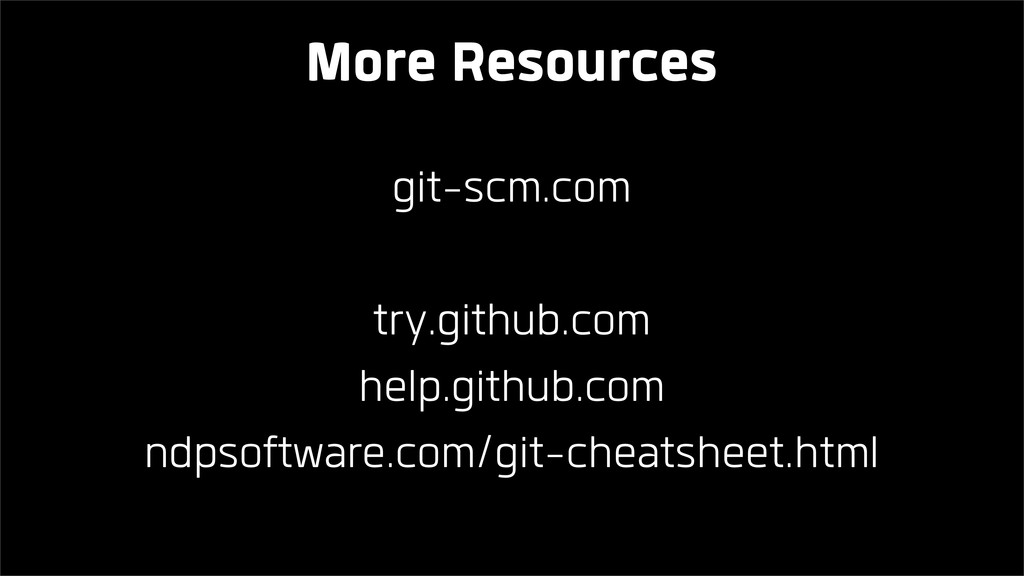
git-scm.com try.github.com help.github.com ndpsoftware.com/git-cheatsheet.html More Resources


 duien
duien
 paulk
paulk
 eed3si9n
 siroemk
 andpad
 minodriven
 ryu1013
 cclai999
 sorah
sorah
 optim
optim
 y0hgi
y0hgi
 dske104
 yasunori0418
 jlugia
 tmiket
 kastner
 mongodb
 techseoconnect
 smashingmag
 csswizardry
 jdejongh
 coloredviolet
 ipullrank
 soysaucechin
 akashhashmi

![[email protected] Emily Price ✉ Text Text](https://files.speakerdeck.com/presentations/2a95fbb0637801308f8922000a1e9383/slide_2.jpg)