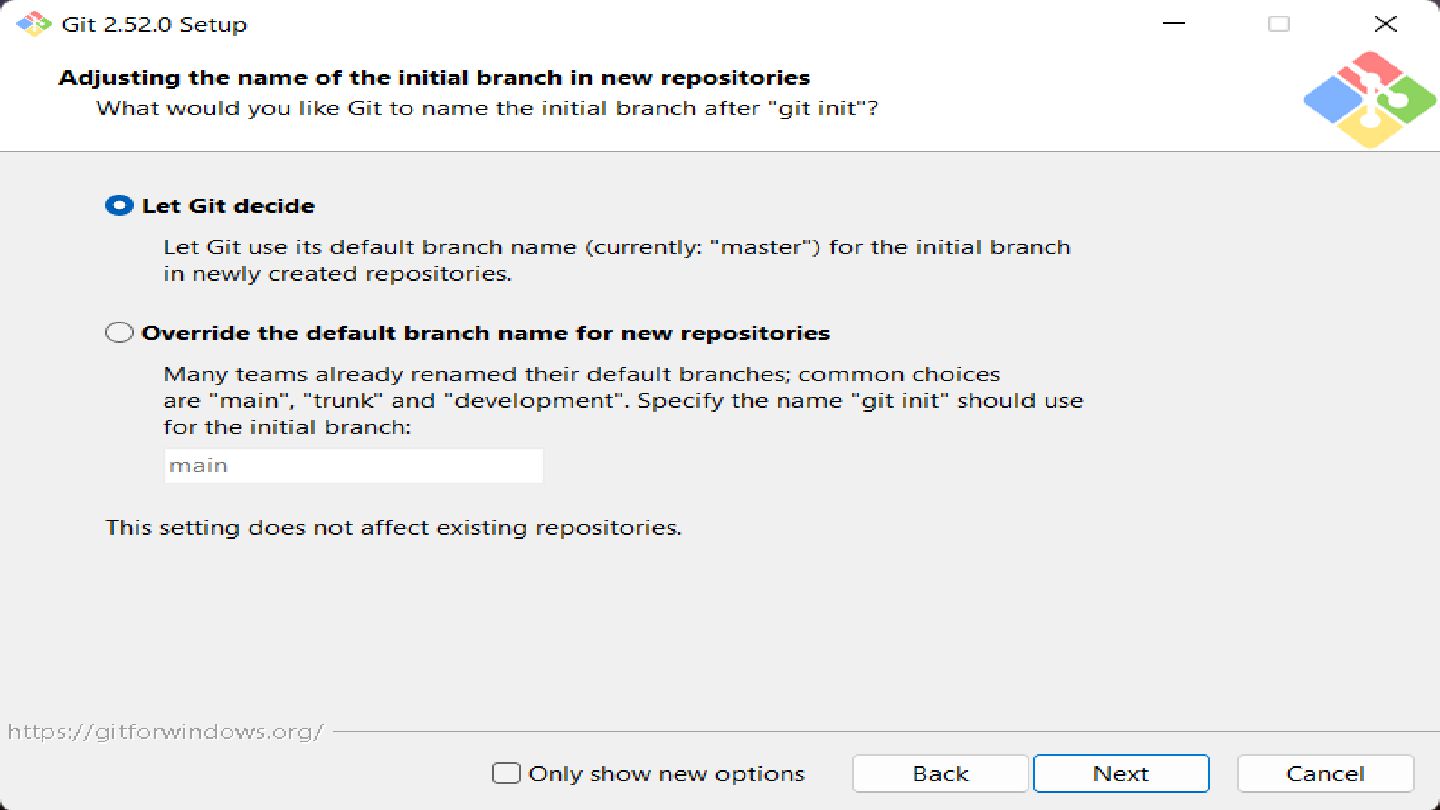
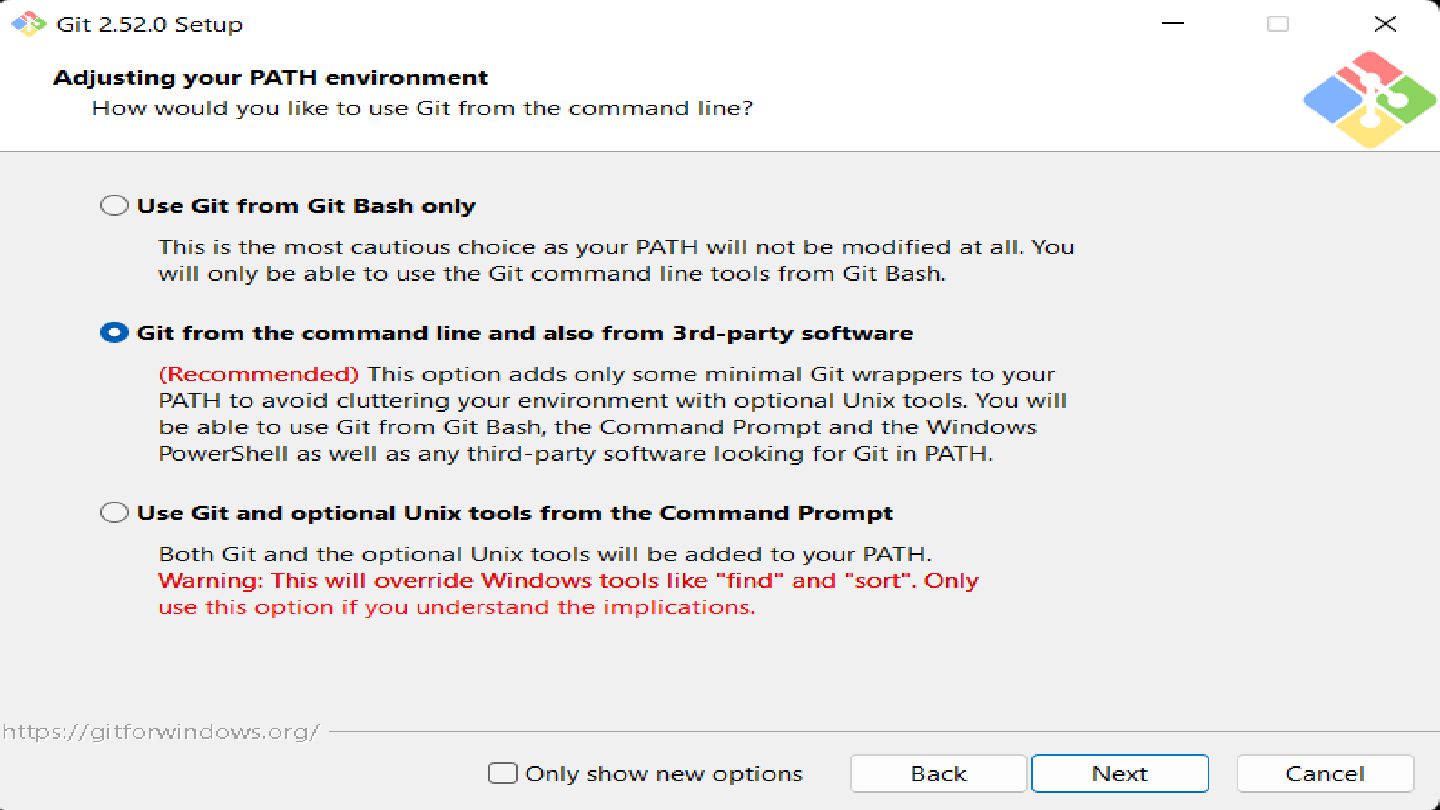
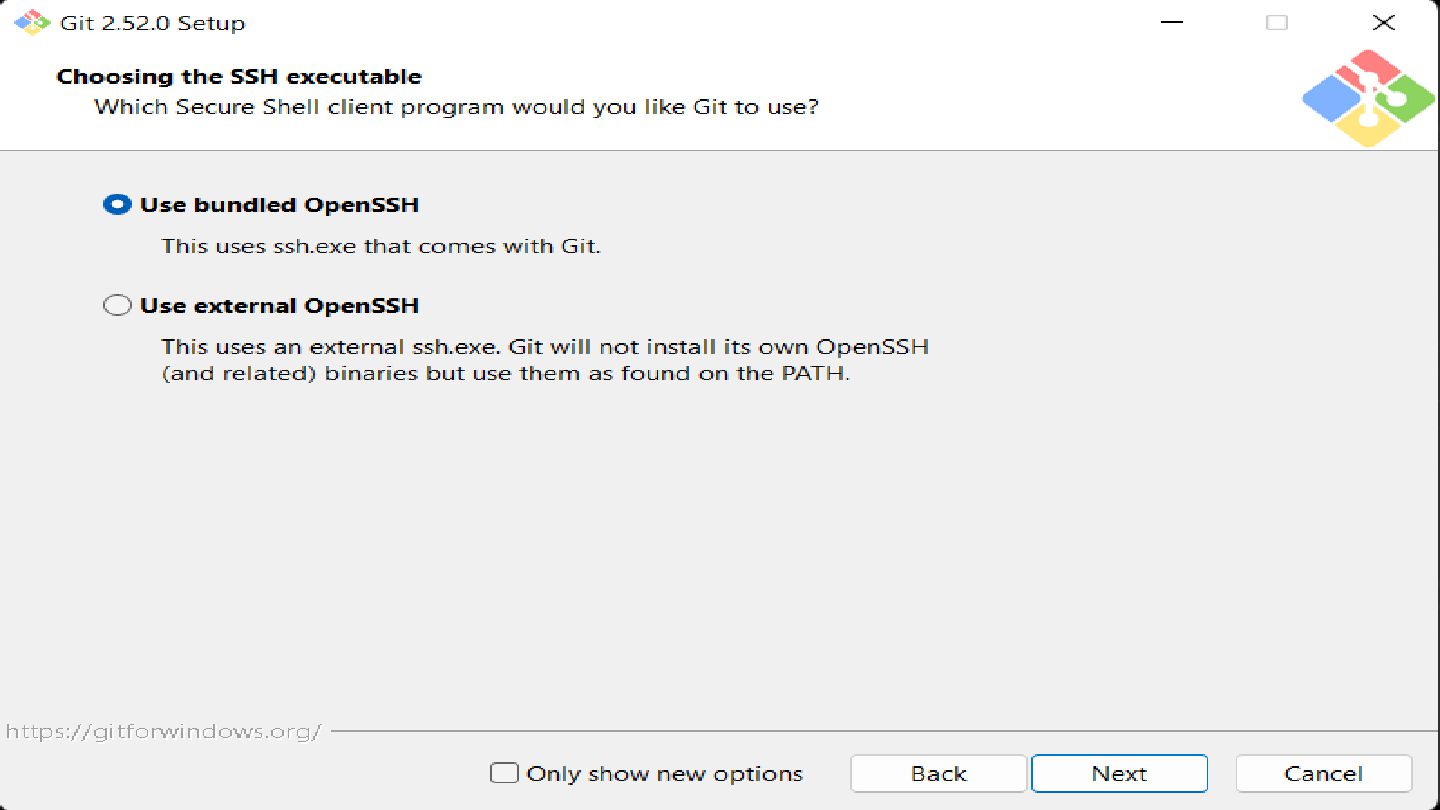
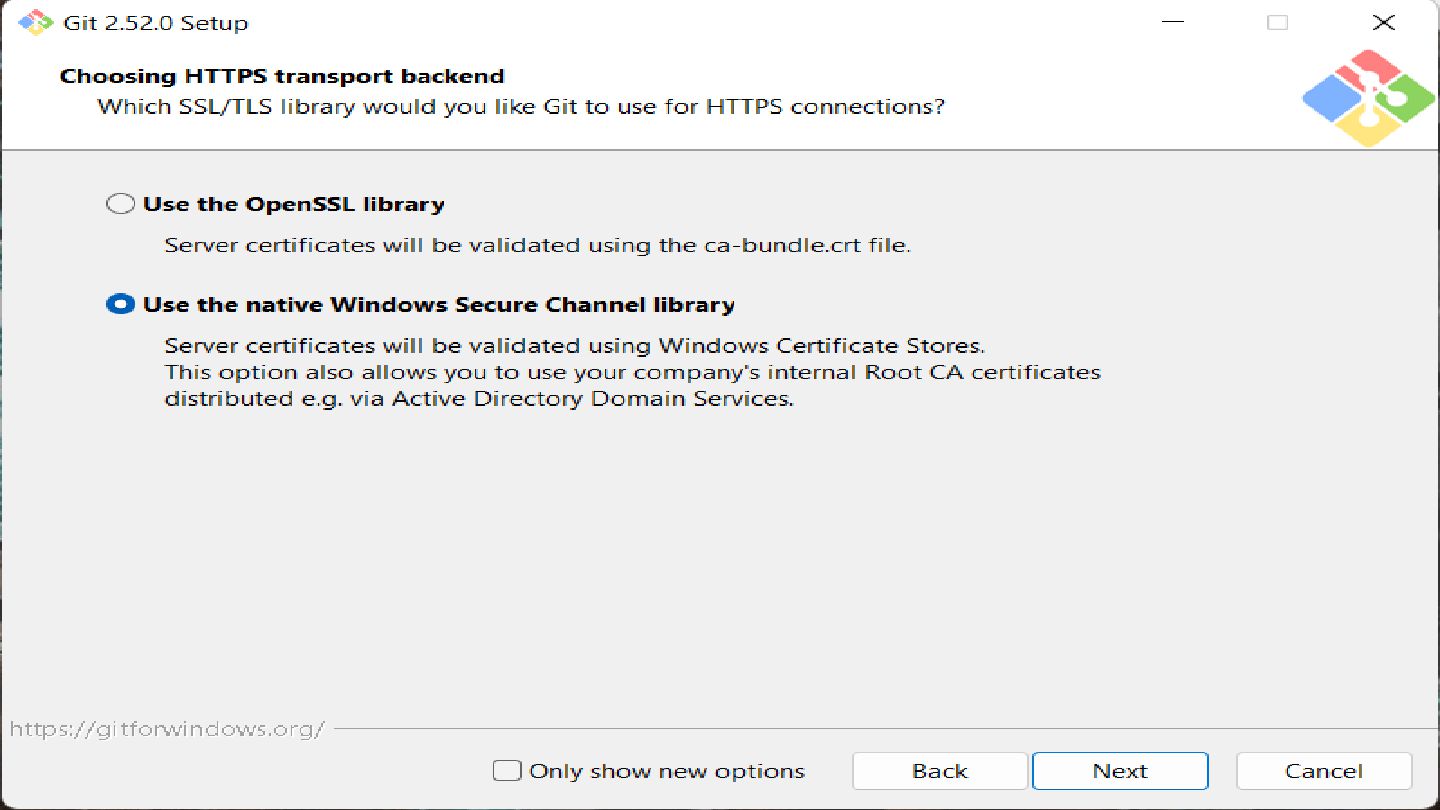
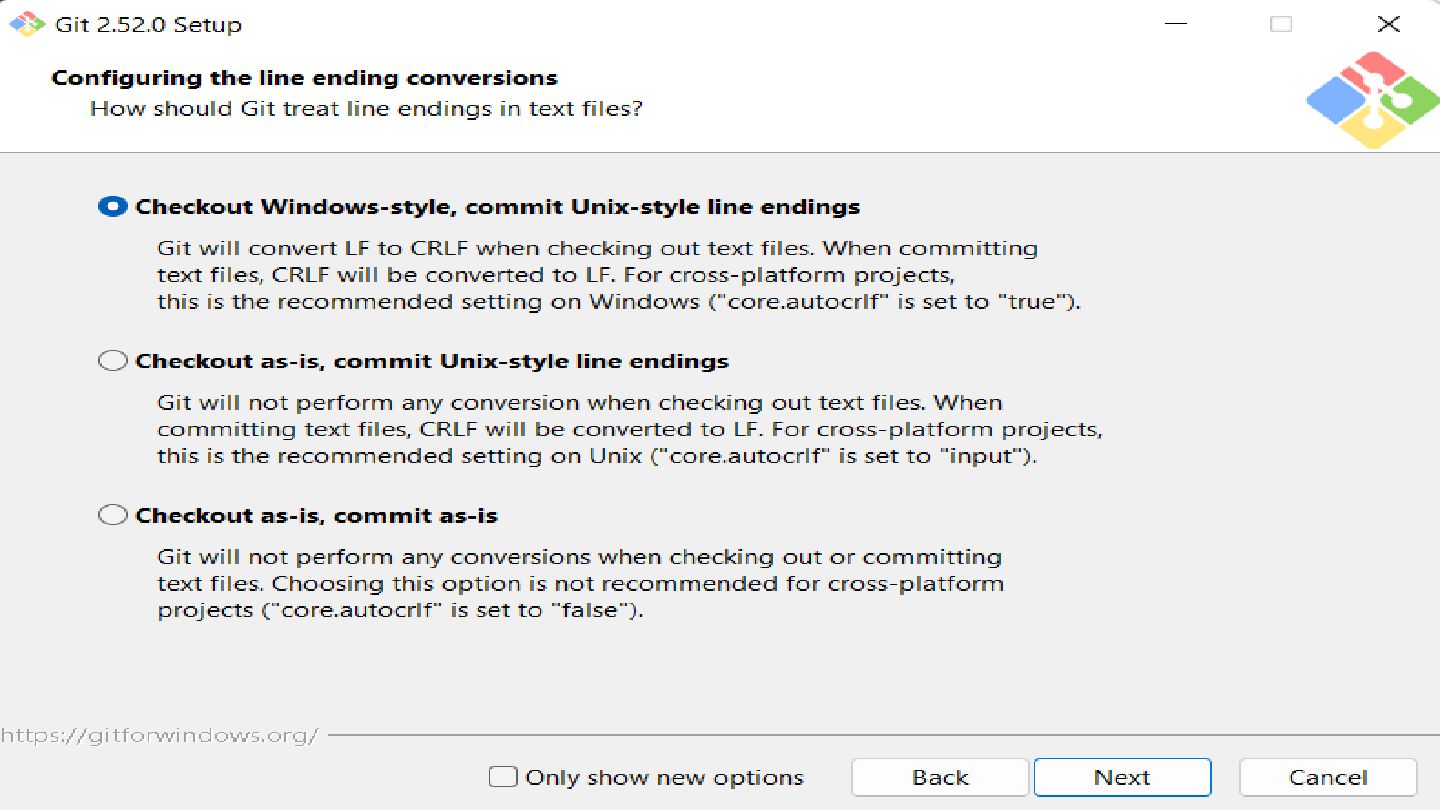
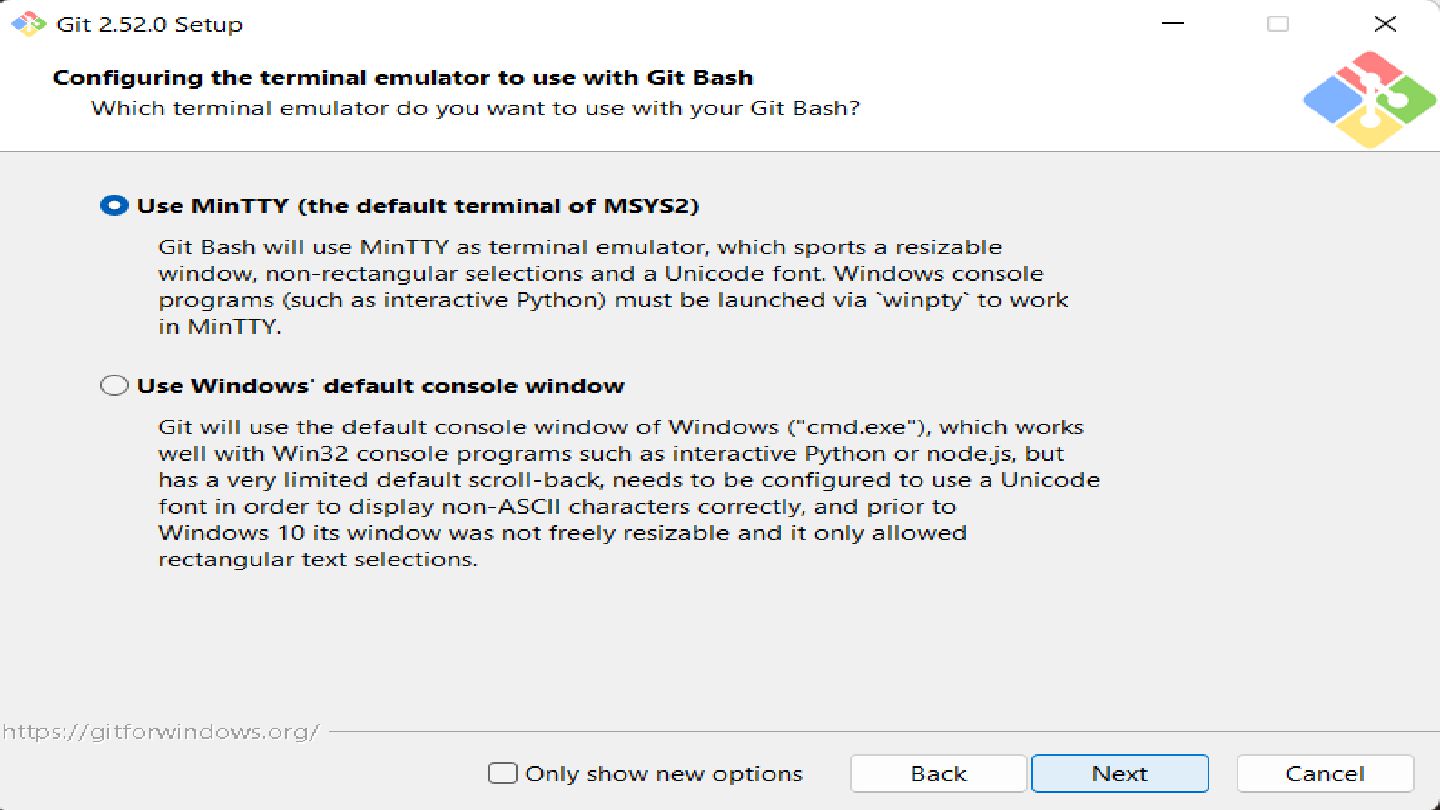
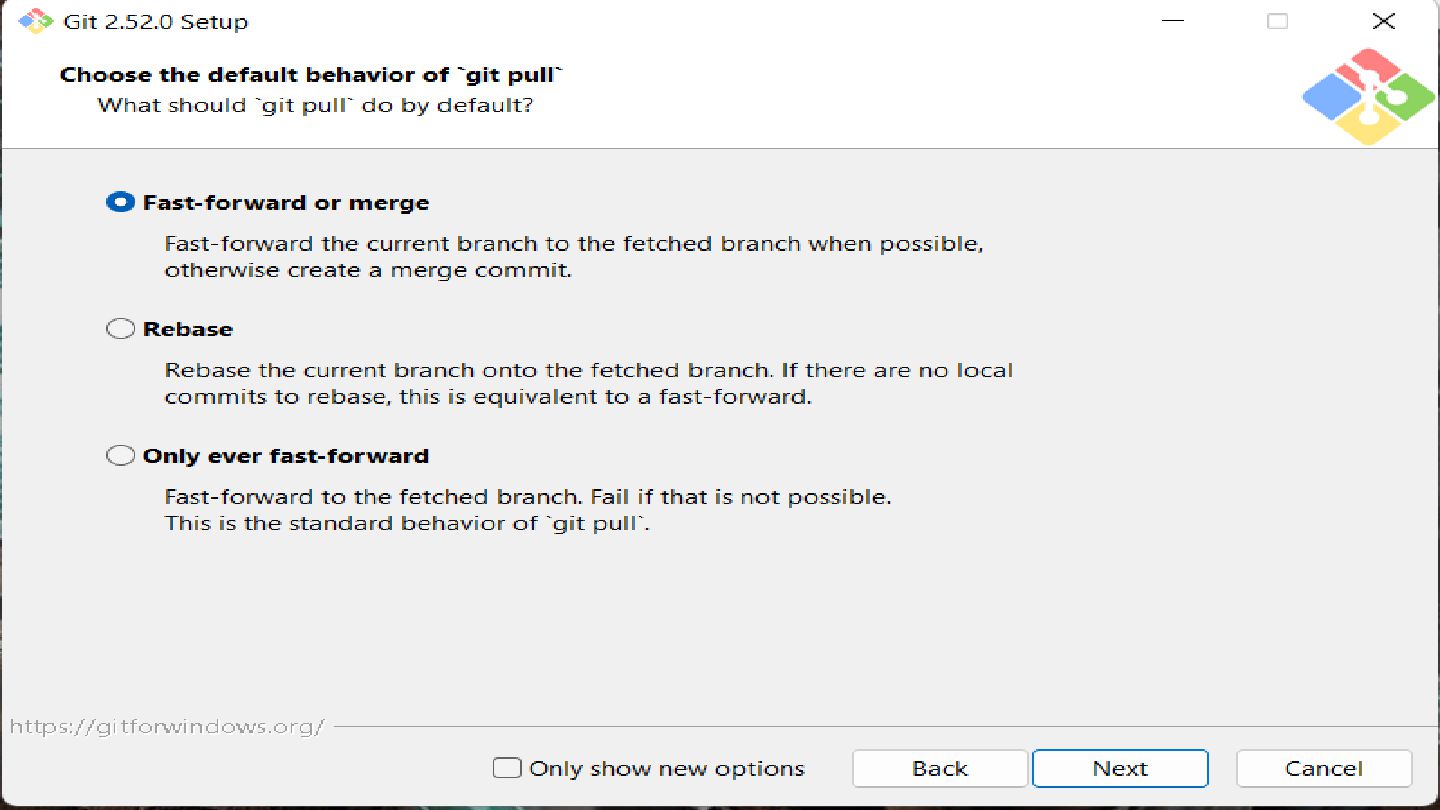
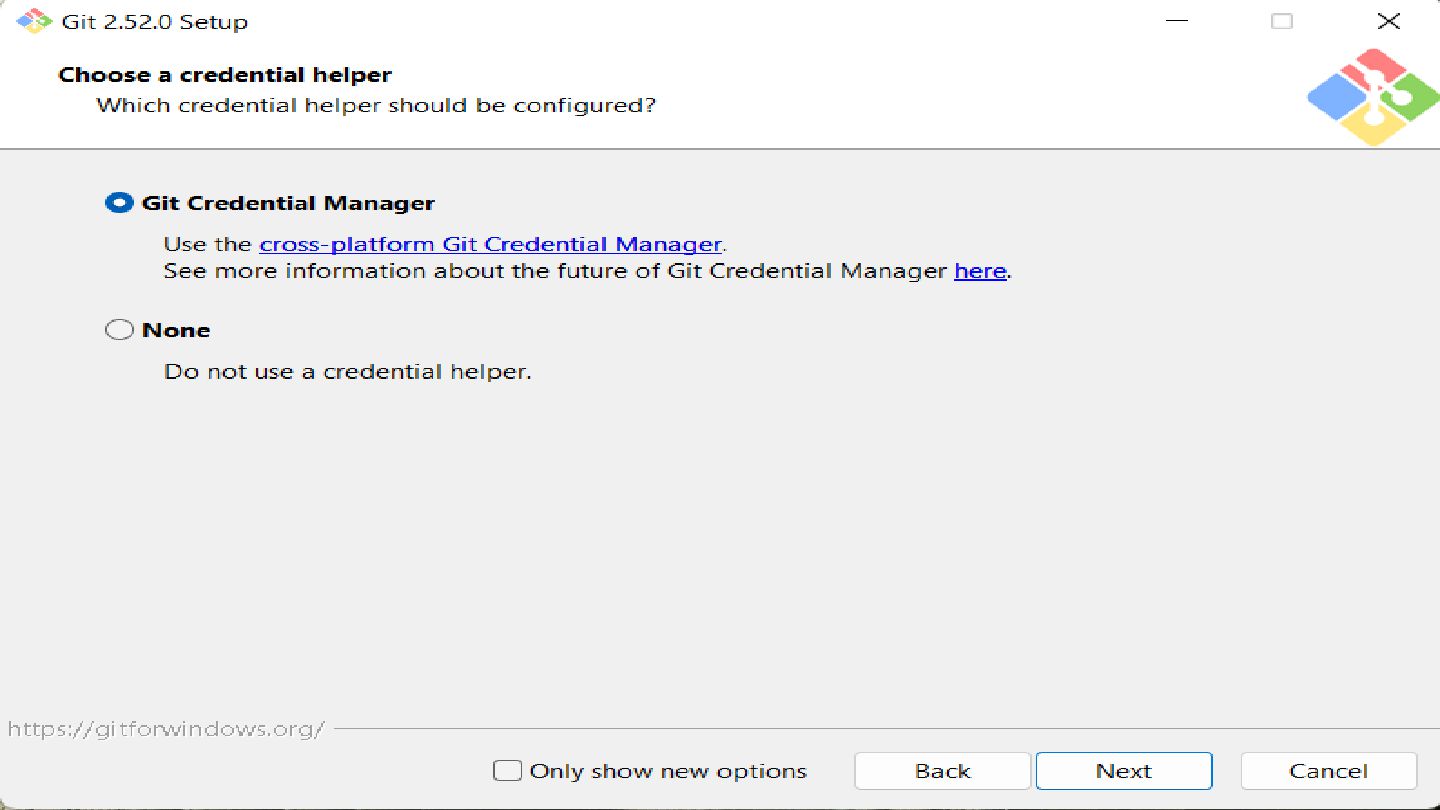
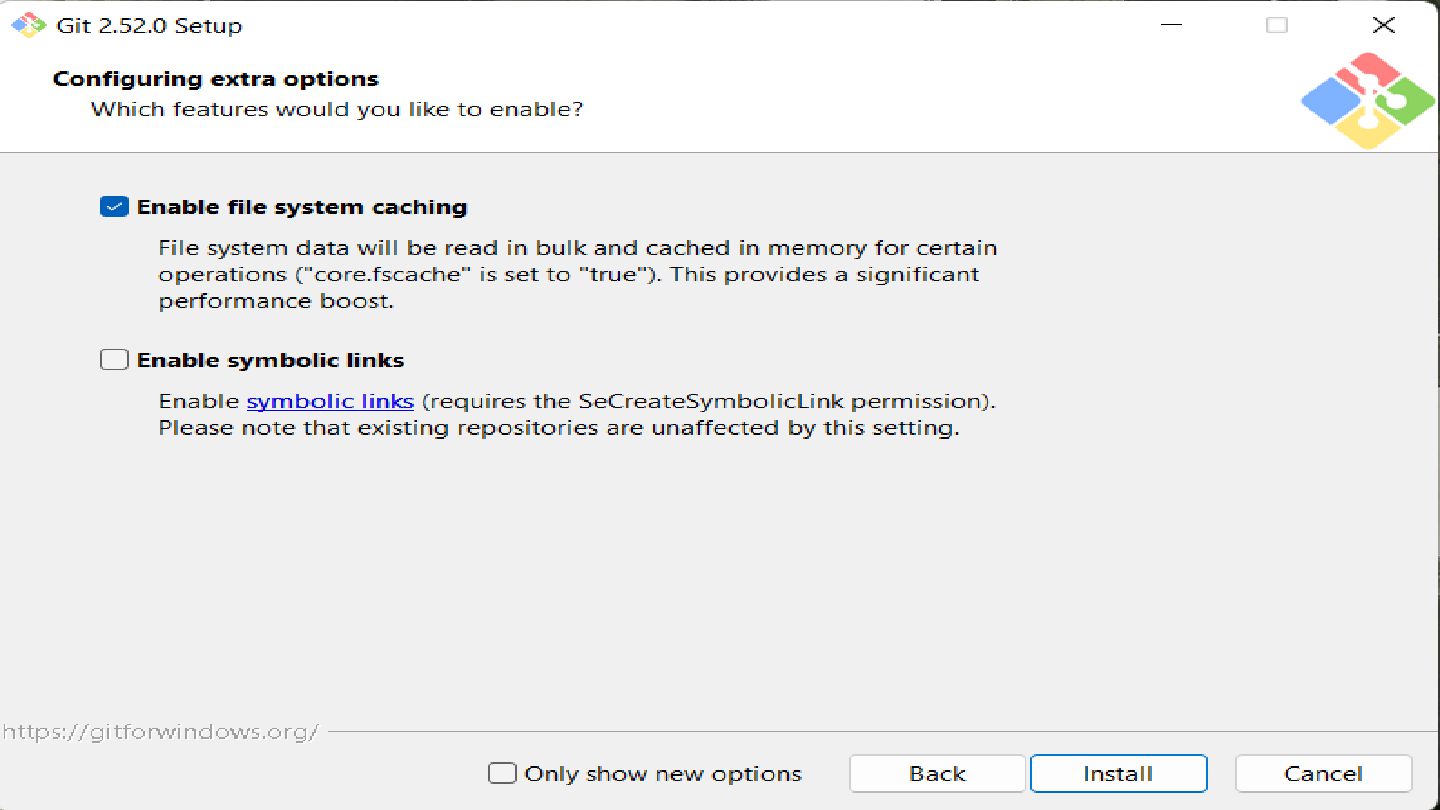
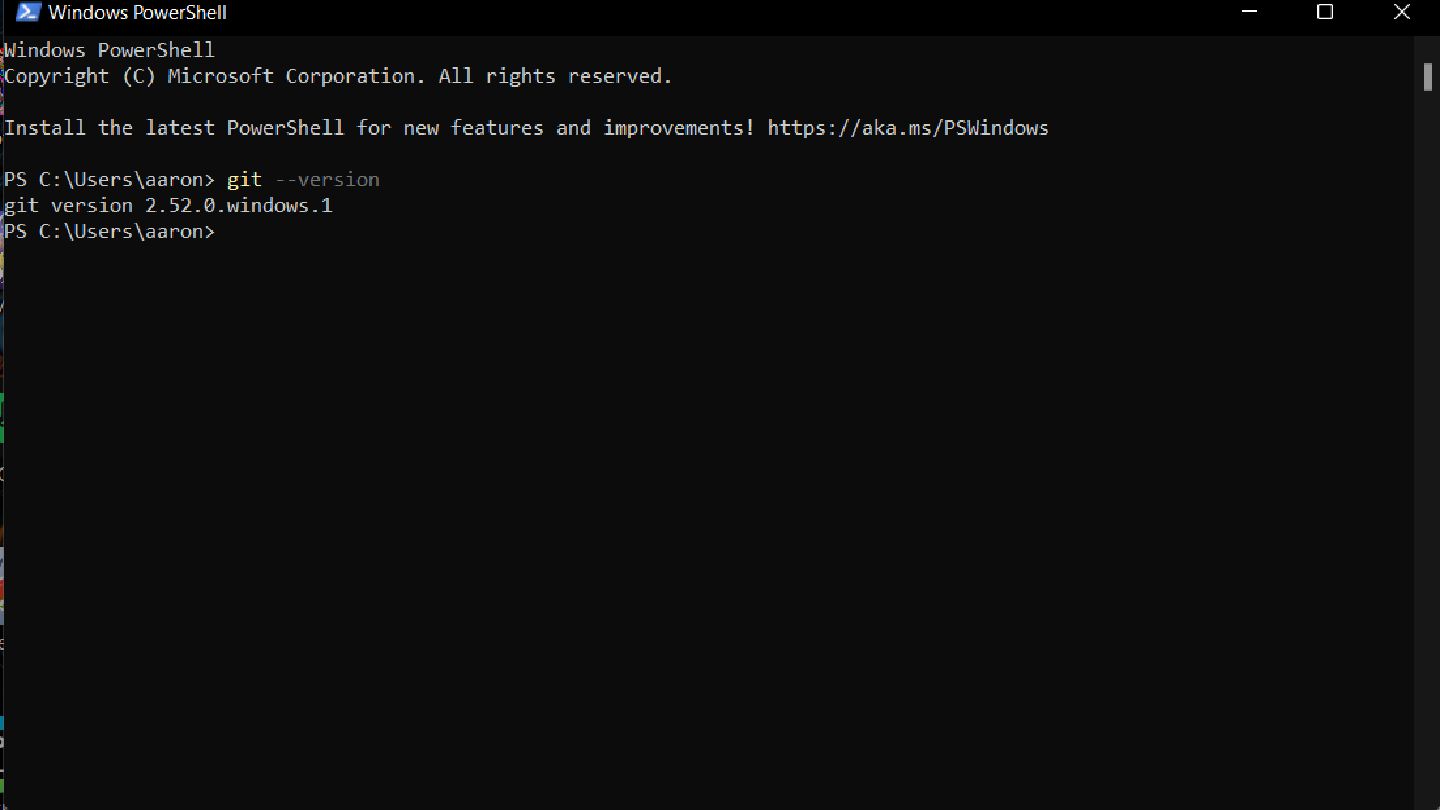
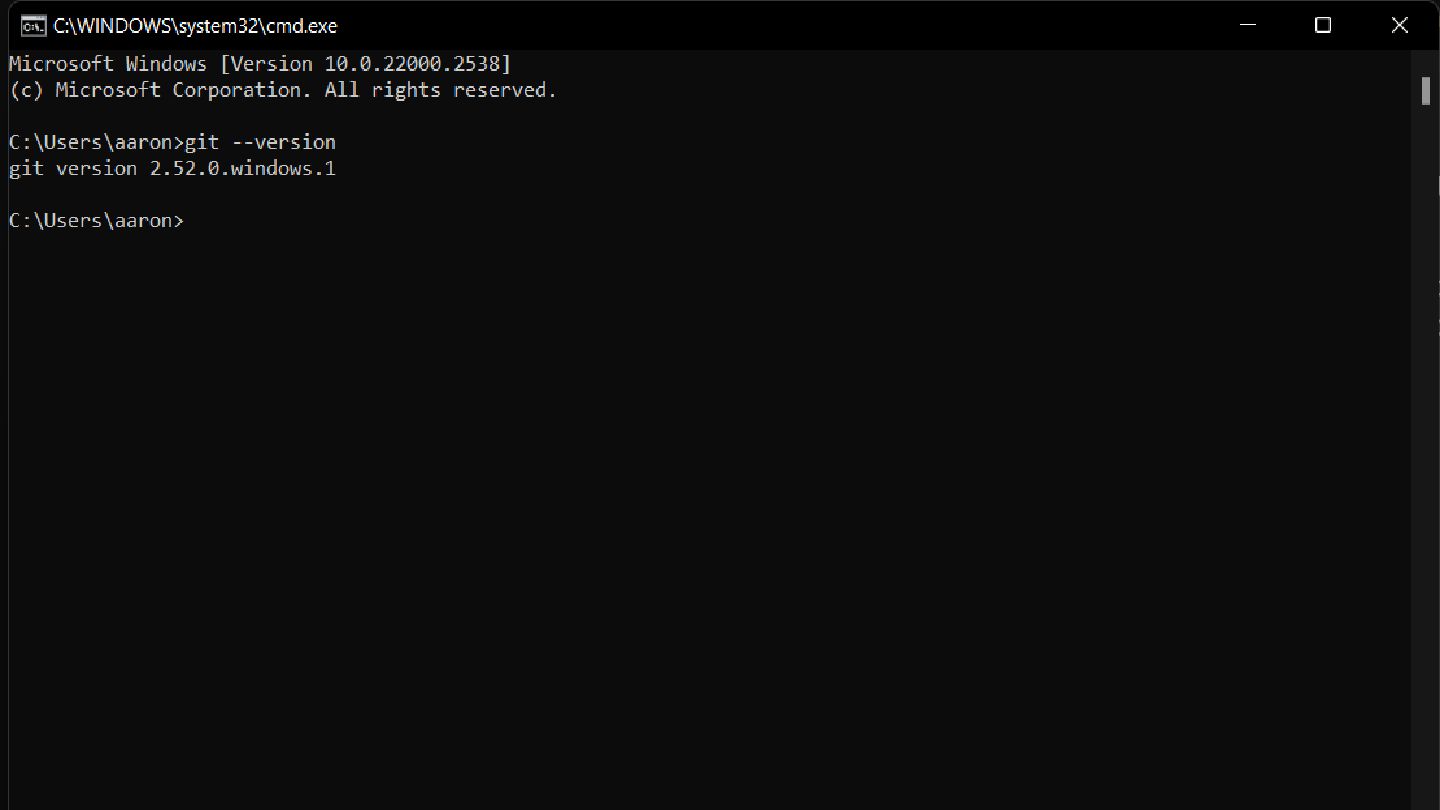
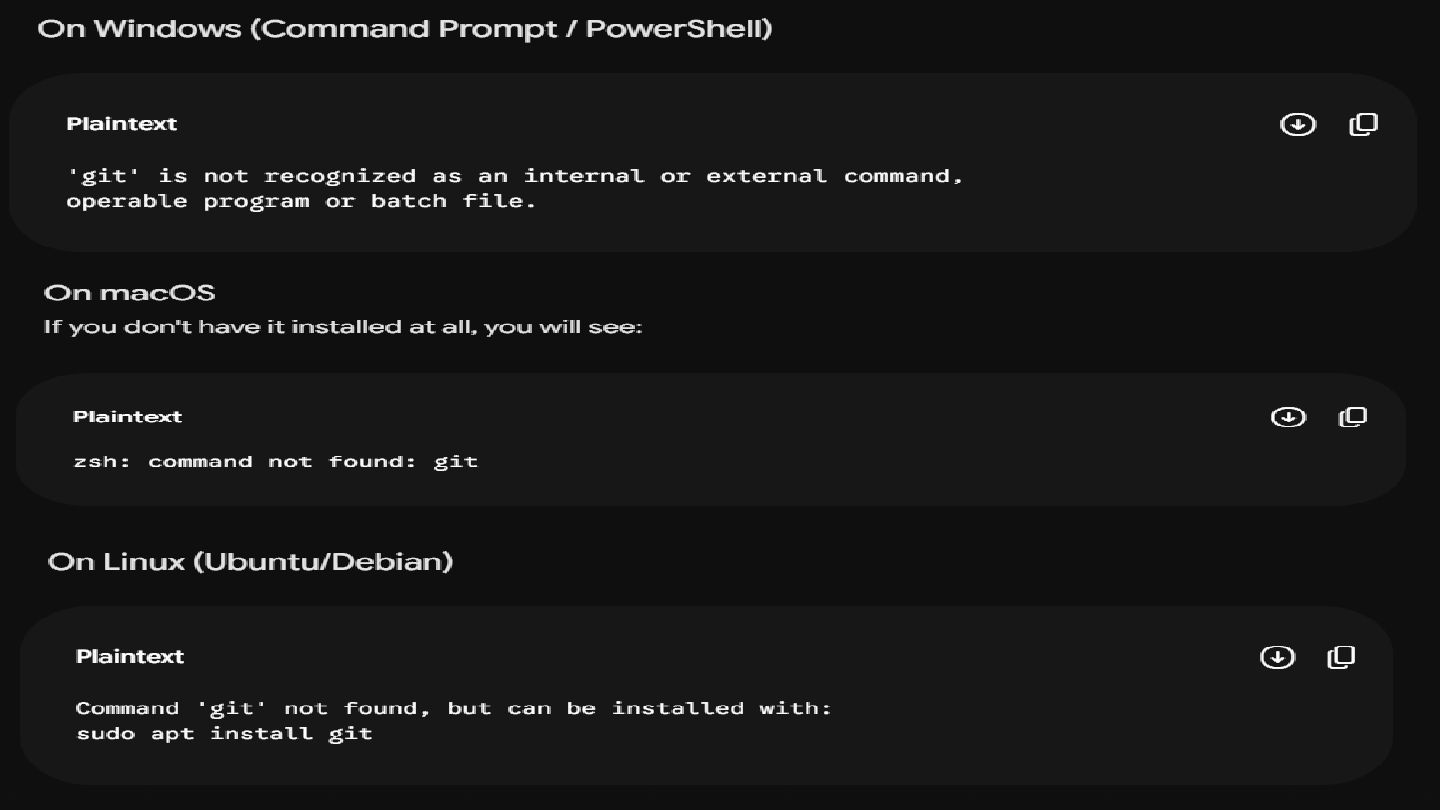
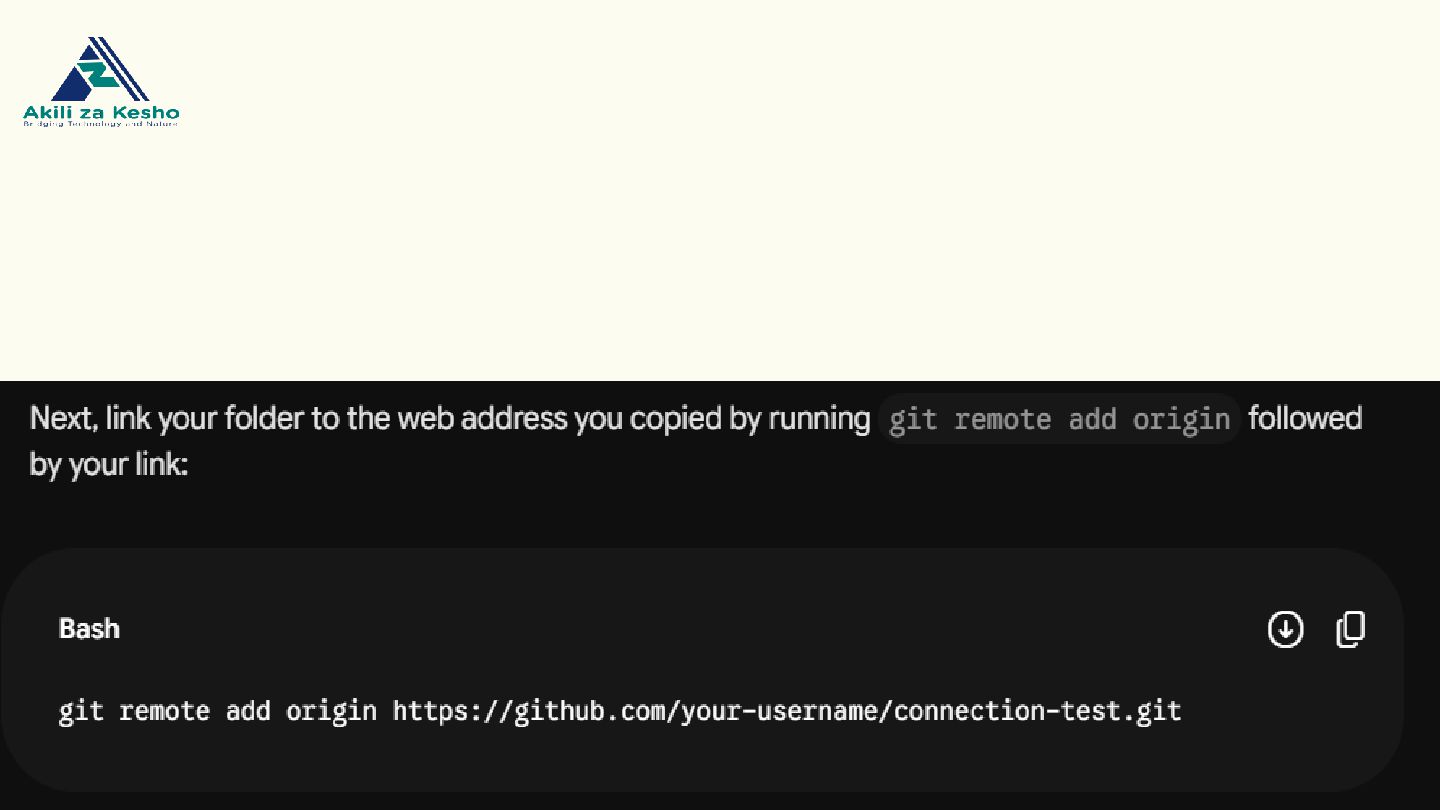
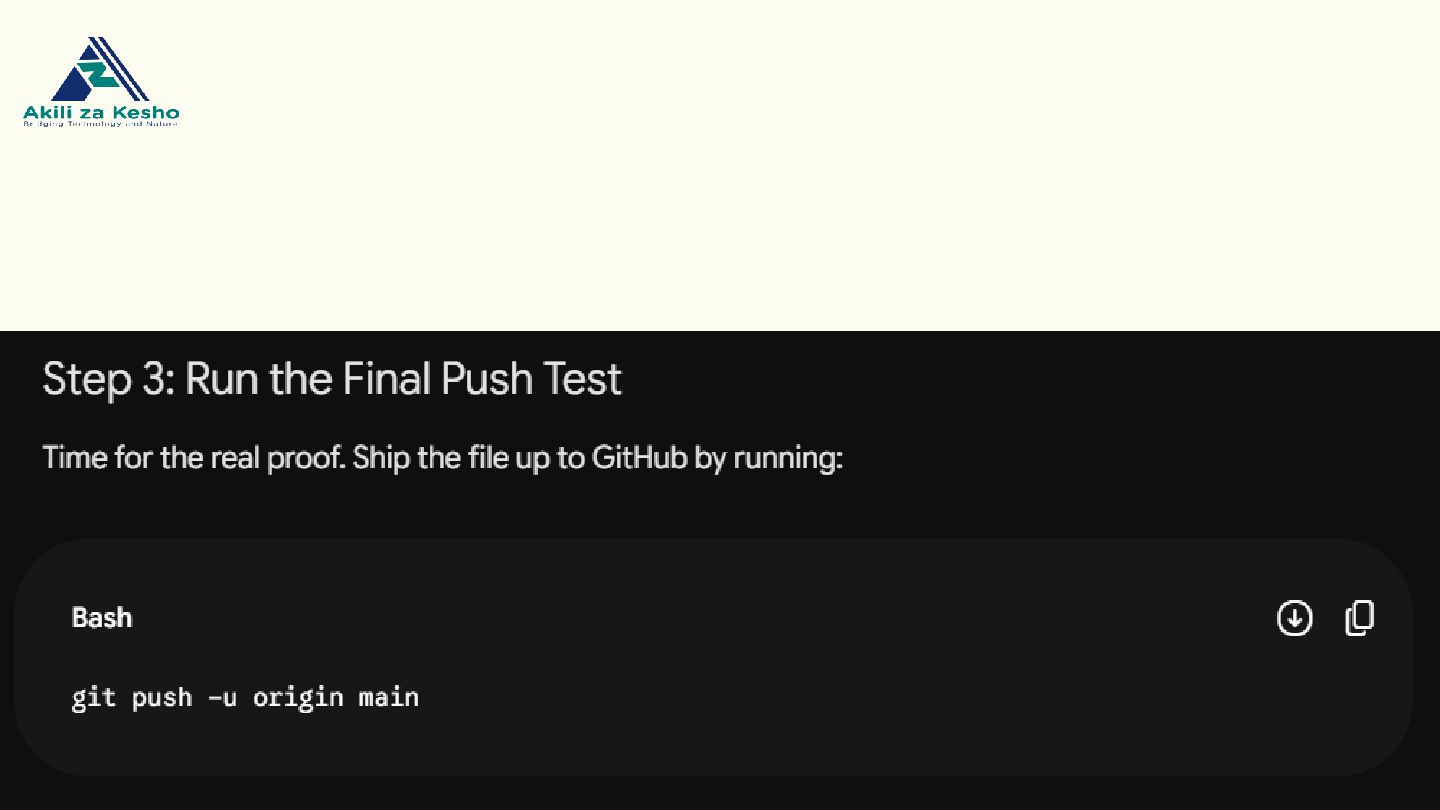
Git Installation Configuration of Git Identity Setting Up a GitHub Account Connecting Git to GitHub (The Simple Authentication) Testing the Connection Committing Changes to GitHub
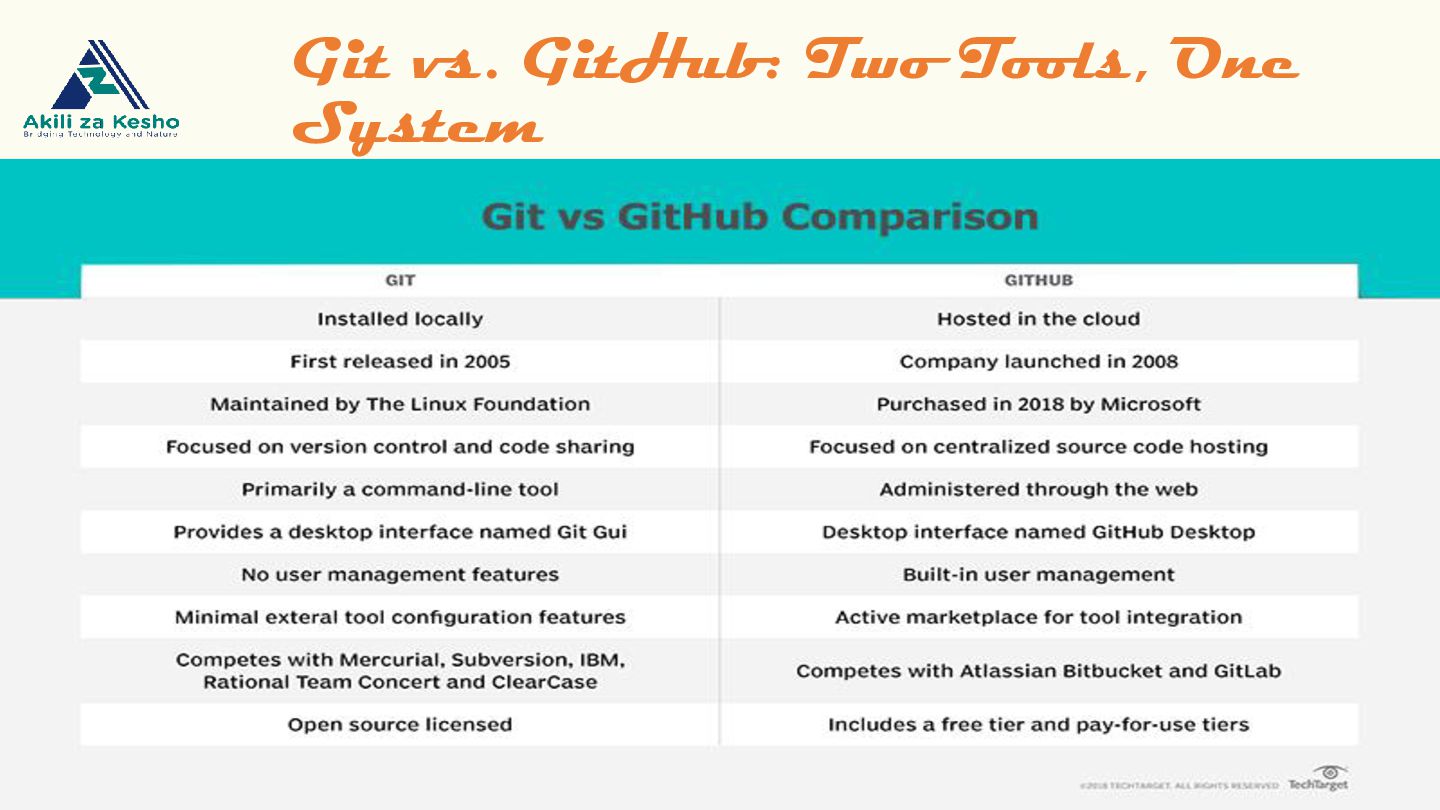
a system that records changes to a file or set of files over time so that you can recall specific versions later. If you’ve ever saved a document as project_v1.docx, project_v2.docx, and project_final_v3_REAL.docx, you were attempting version control manually. A formal version control system automates this process cleanly, safely, and at a massive scale. To understand how it works in the modern software world, you have to look at two distinct but deeply connected tools: Git and GitHub.
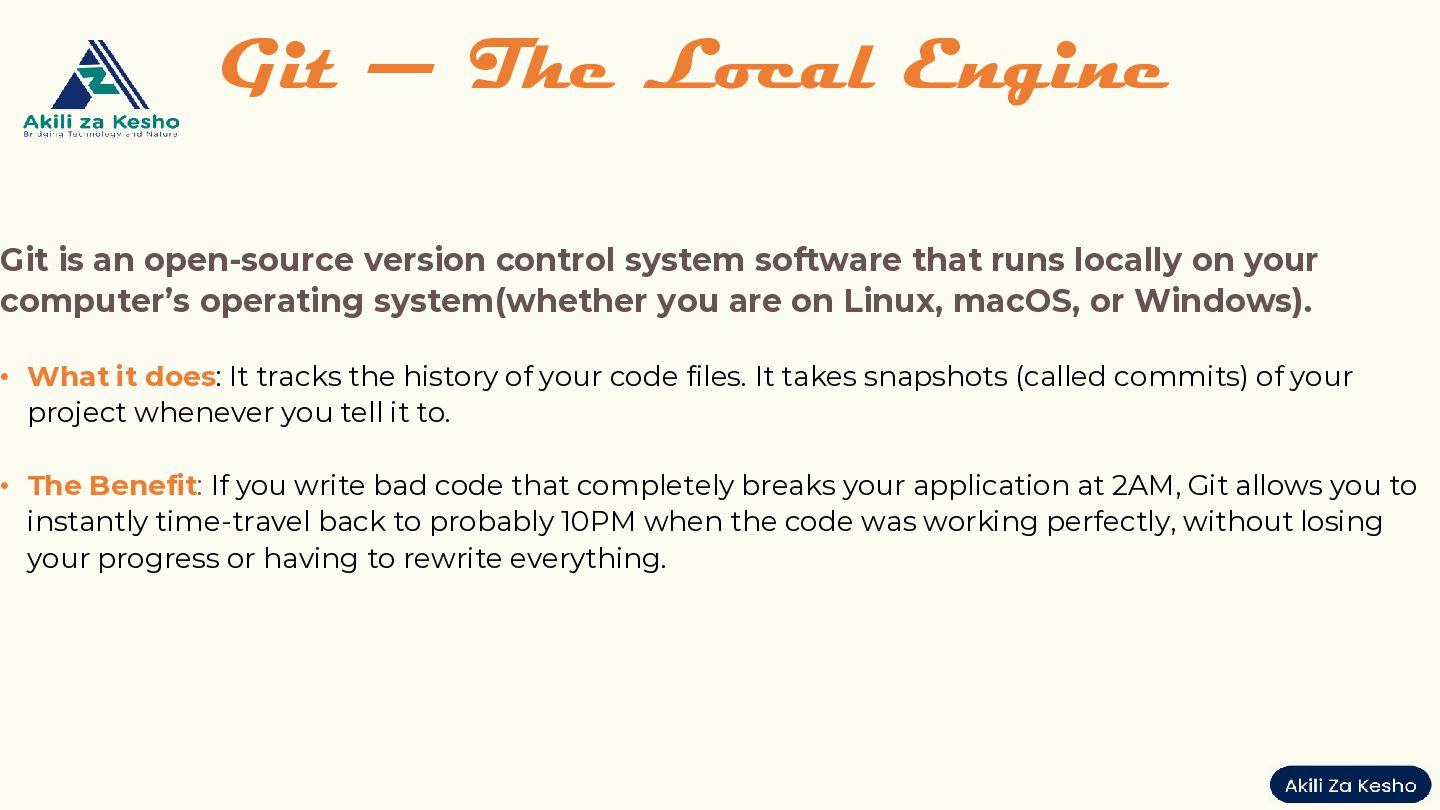
control system software that runs locally on your computer’s operating system(whether you are on Linux, macOS, or Windows). • What it does: It tracks the history of your code files. It takes snapshots (called commits) of your project whenever you tell it to. • The Benefit: If you write bad code that completely breaks your application at 2AM, Git allows you to instantly time-travel back to probably 10PM when the code was working perfectly, without losing your progress or having to rewrite everything.
service for Git repositories. It is a company and a web platform, not a piece of software installed on your machine. • What is does: It acts as a remote storage hub (a repo) where you can upload copies of your local Git projects. • The Benefit: It provides a graphical interface, project management boards, and collaboration features. It allows multiple developers from anywhere in the world to download the same code, work on different features simultaneously, and merge their work back together cleanly.
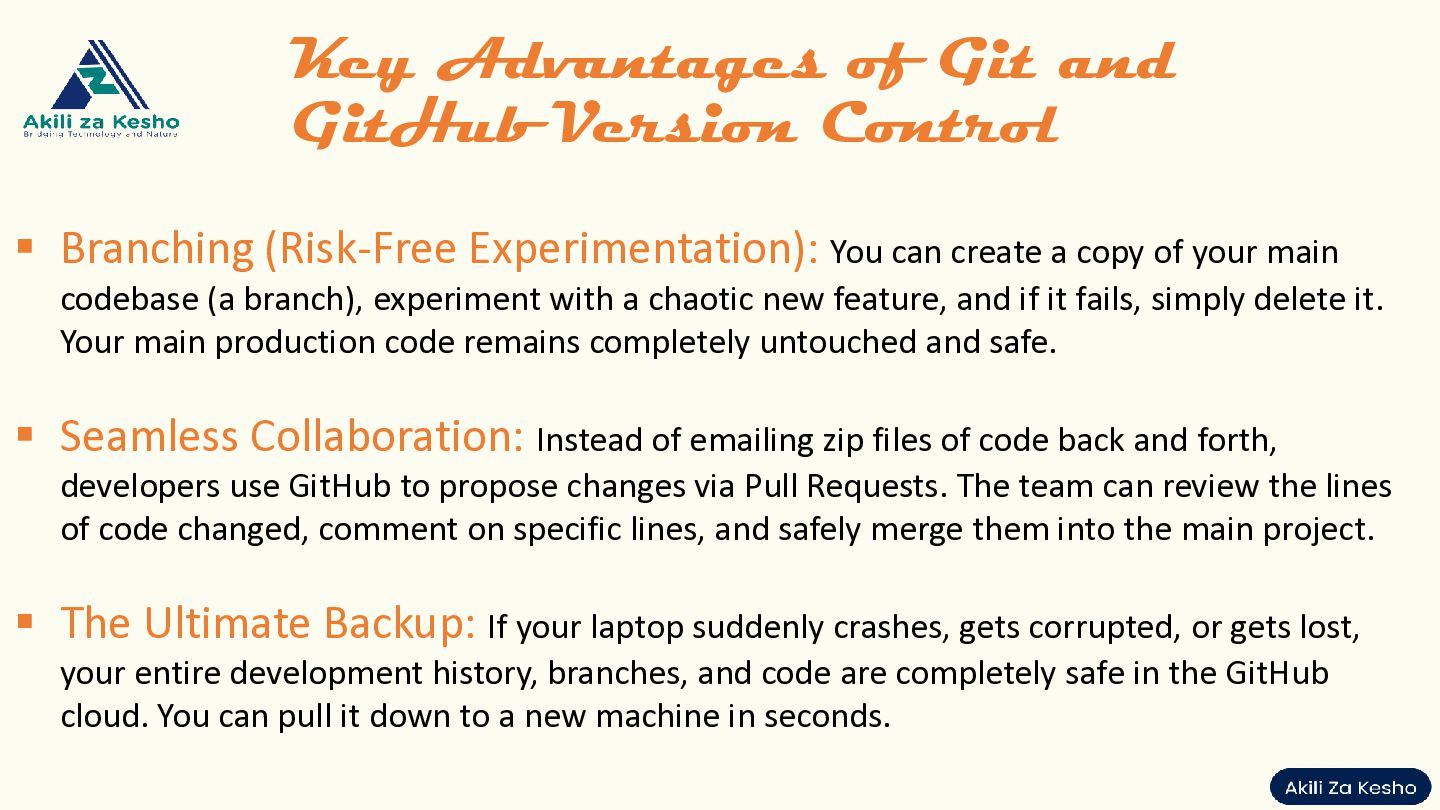
(Risk-Free Experimentation): You can create a copy of your main codebase (a branch), experiment with a chaotic new feature, and if it fails, simply delete it. Your main production code remains completely untouched and safe. Seamless Collaboration: Instead of emailing zip files of code back and forth, developers use GitHub to propose changes via Pull Requests. The team can review the lines of code changed, comment on specific lines, and safely merge them into the main project. The Ultimate Backup: If your laptop suddenly crashes, gets corrupted, or gets lost, your entire development history, branches, and code are completely safe in the GitHub cloud. You can pull it down to a new machine in seconds.
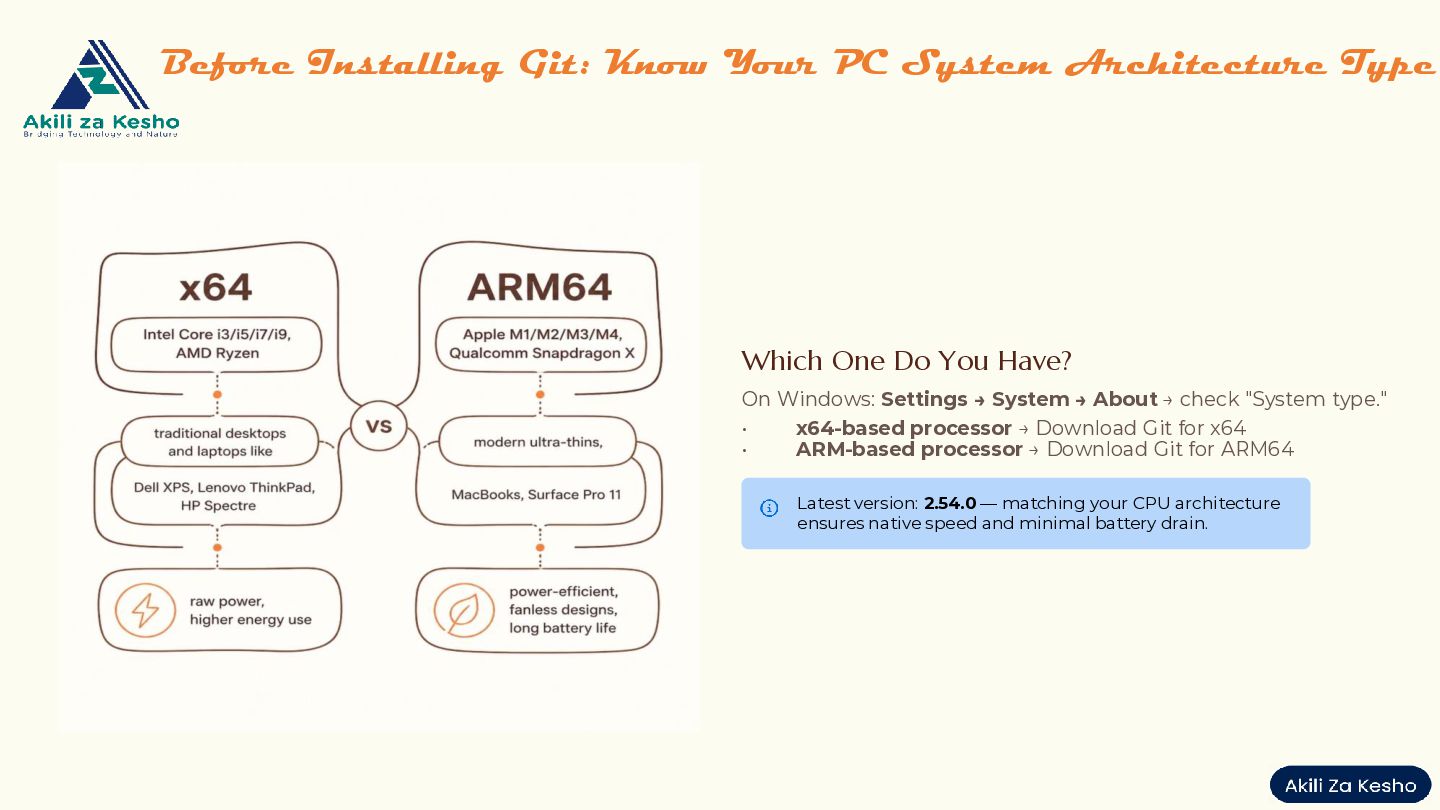
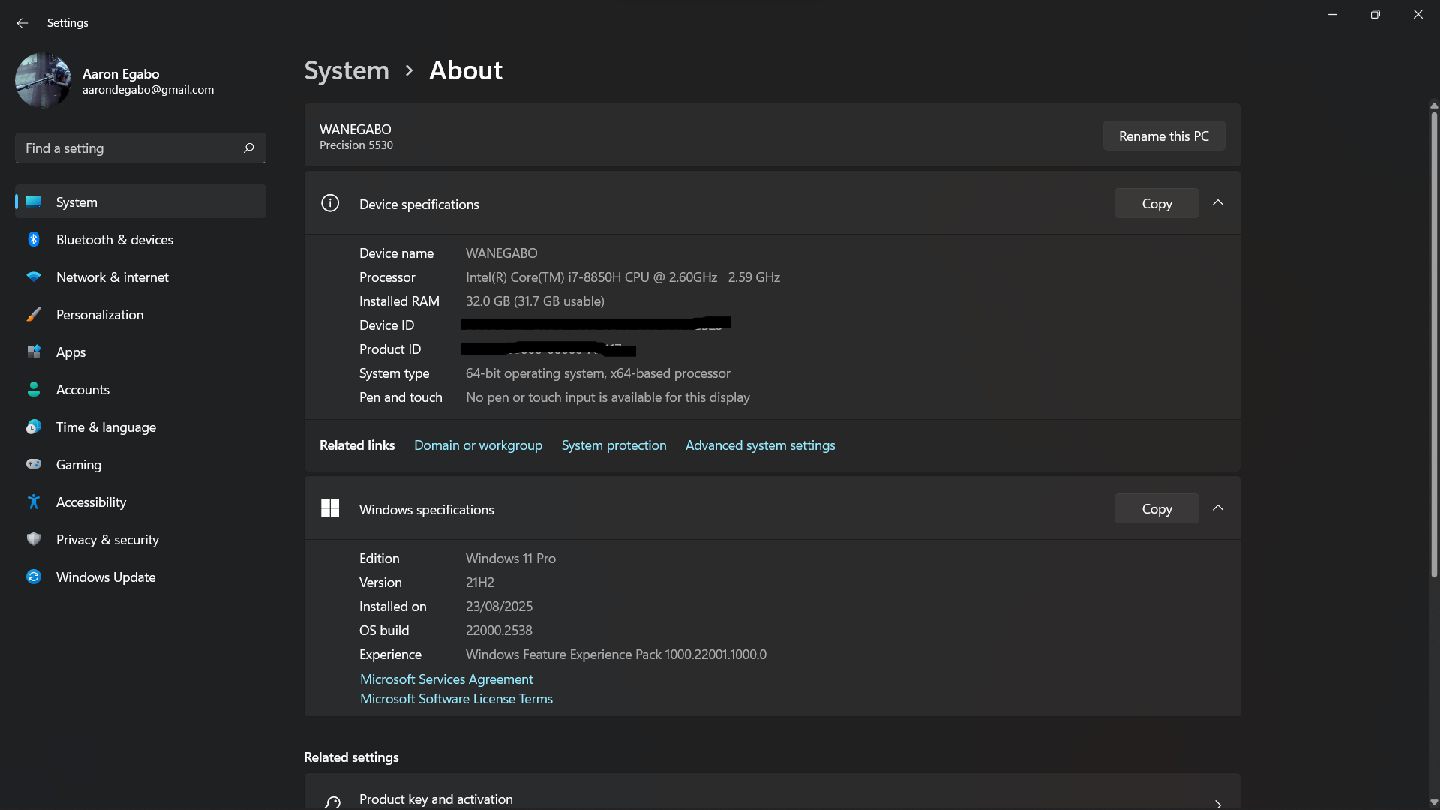
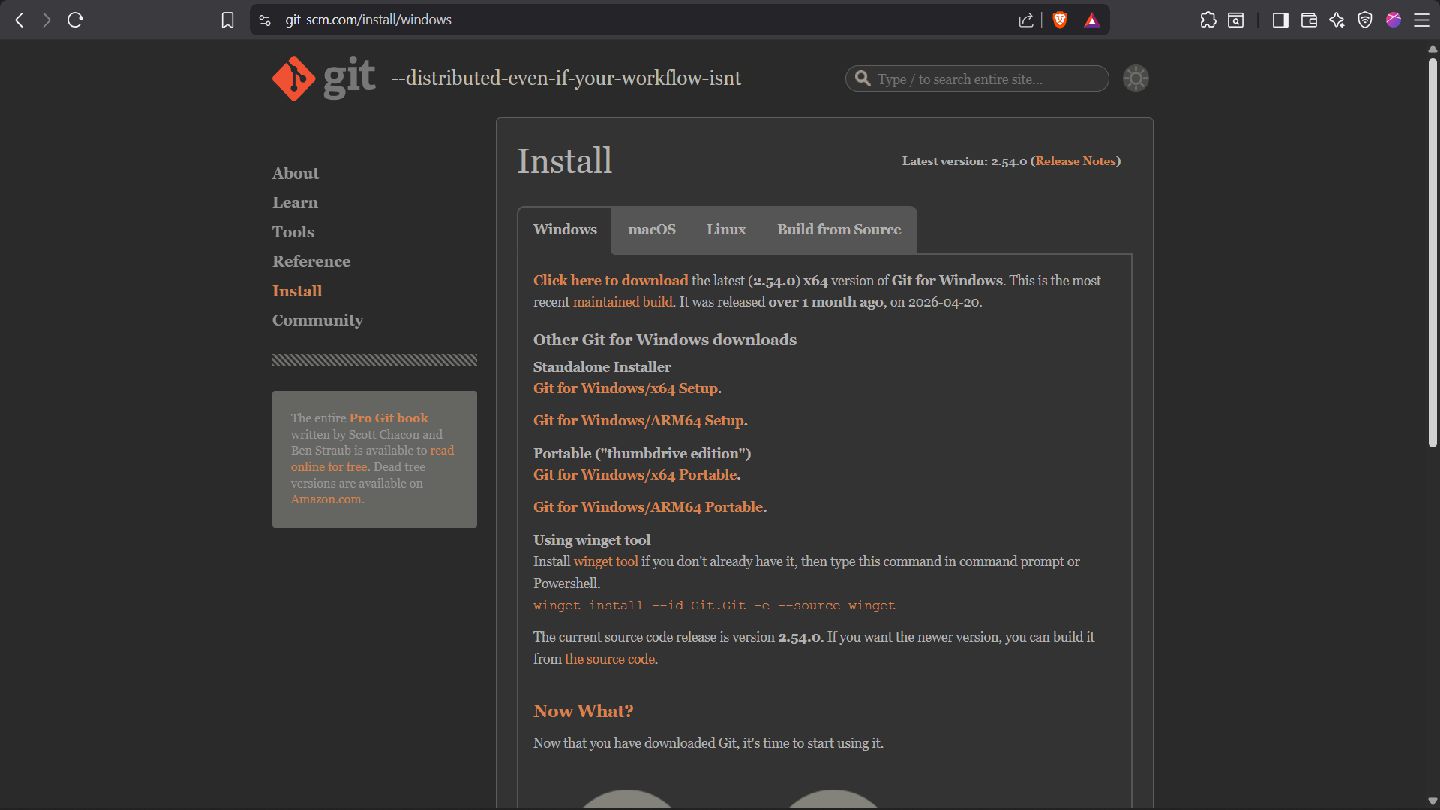
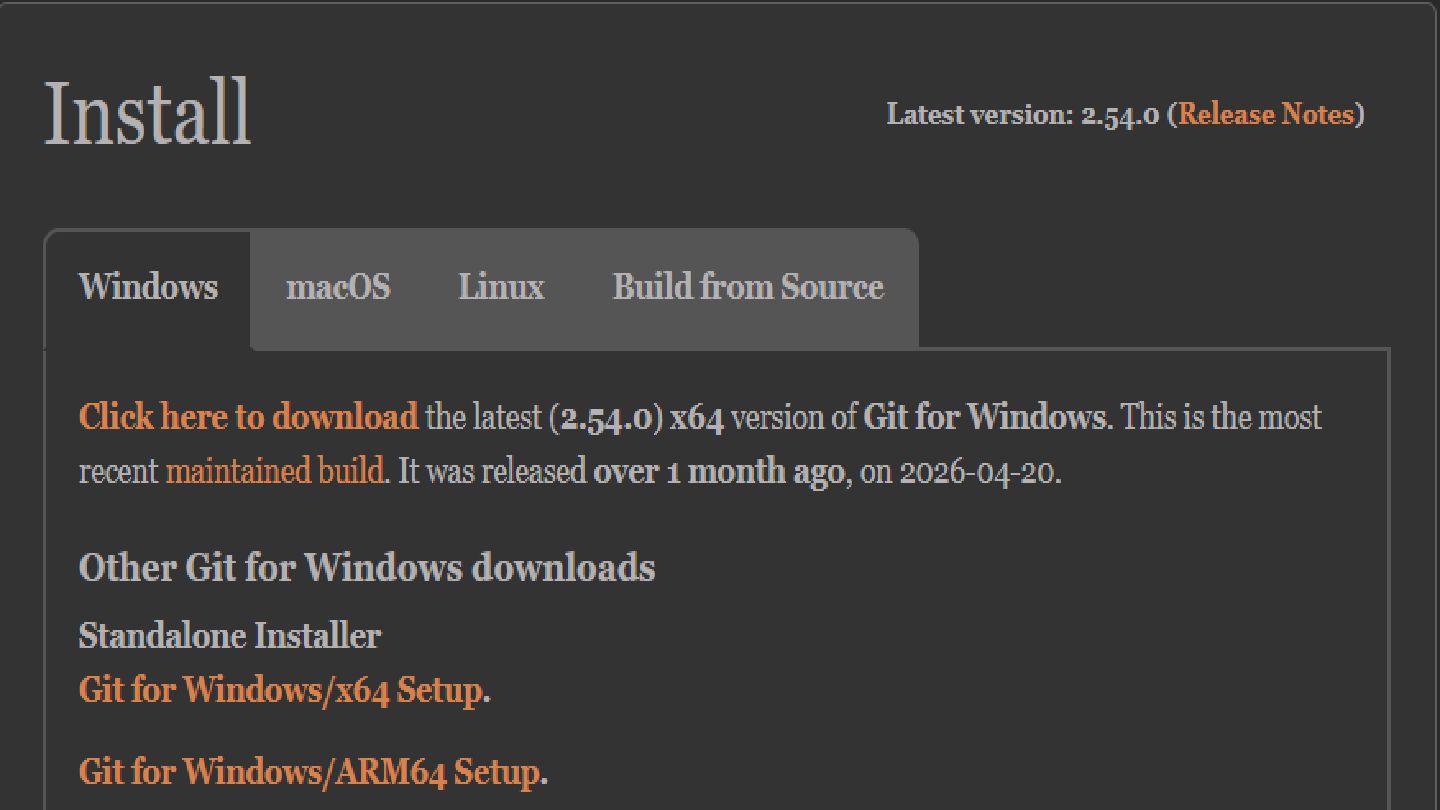
One Do You Have? On Windows: Settings → System → About → check "System type." • x64-based processor → Download Git for x64 • ARM-based processor → Download Git for ARM64 Latest version: 2.54.0 — matching your CPU architecture ensures native speed and minimal battery drain.
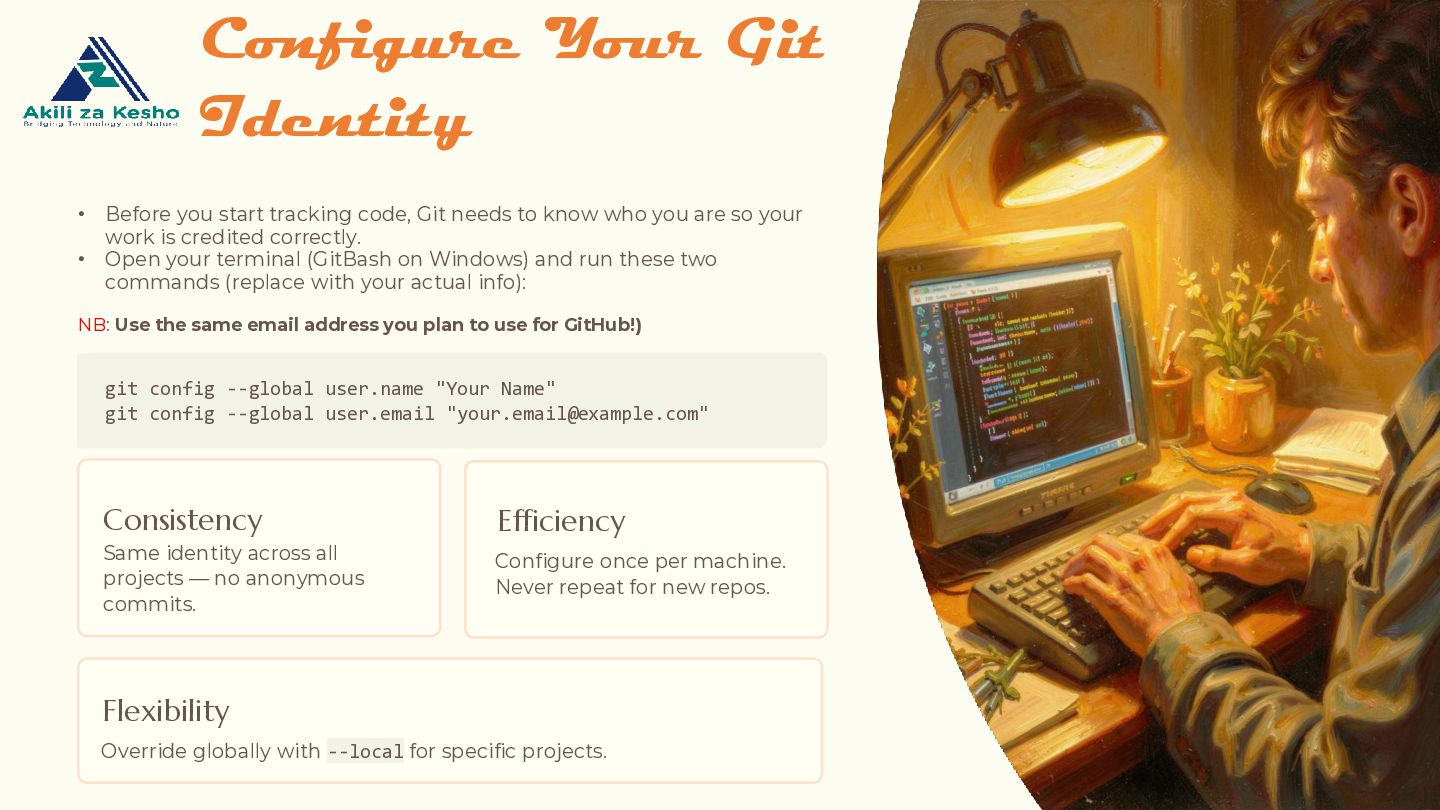
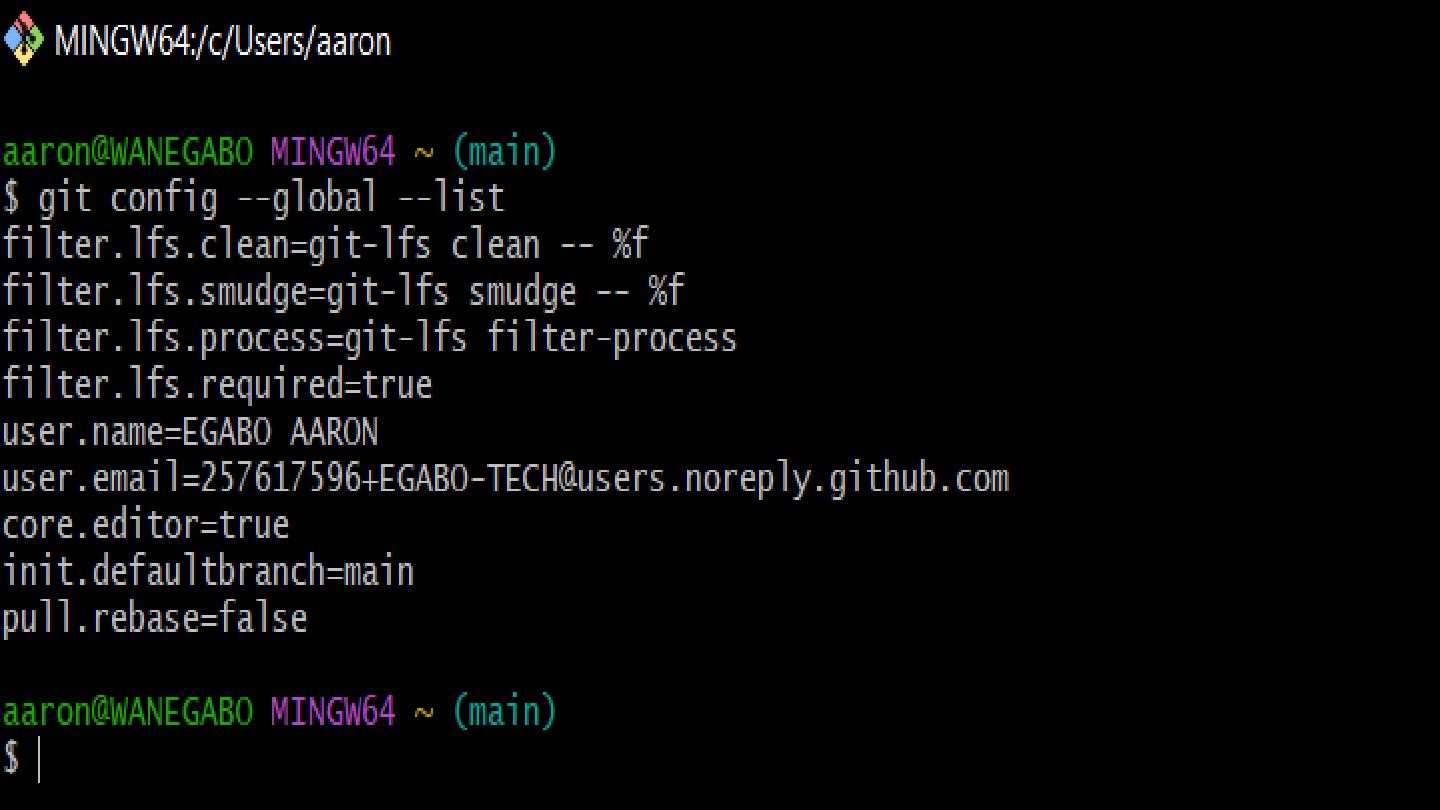
Git needs to know who you are so your work is credited correctly. • Open your terminal (GitBash on Windows) and run these two commands (replace with your actual info): NB: Use the same email address you plan to use for GitHub!) git config --global user.name "Your Name" git config --global user.email "[email protected]" Consistency Same identity across all projects — no anonymous commits. Efficiency Configure once per machine. Never repeat for new repos. Flexibility Override globally with --local for specific projects.
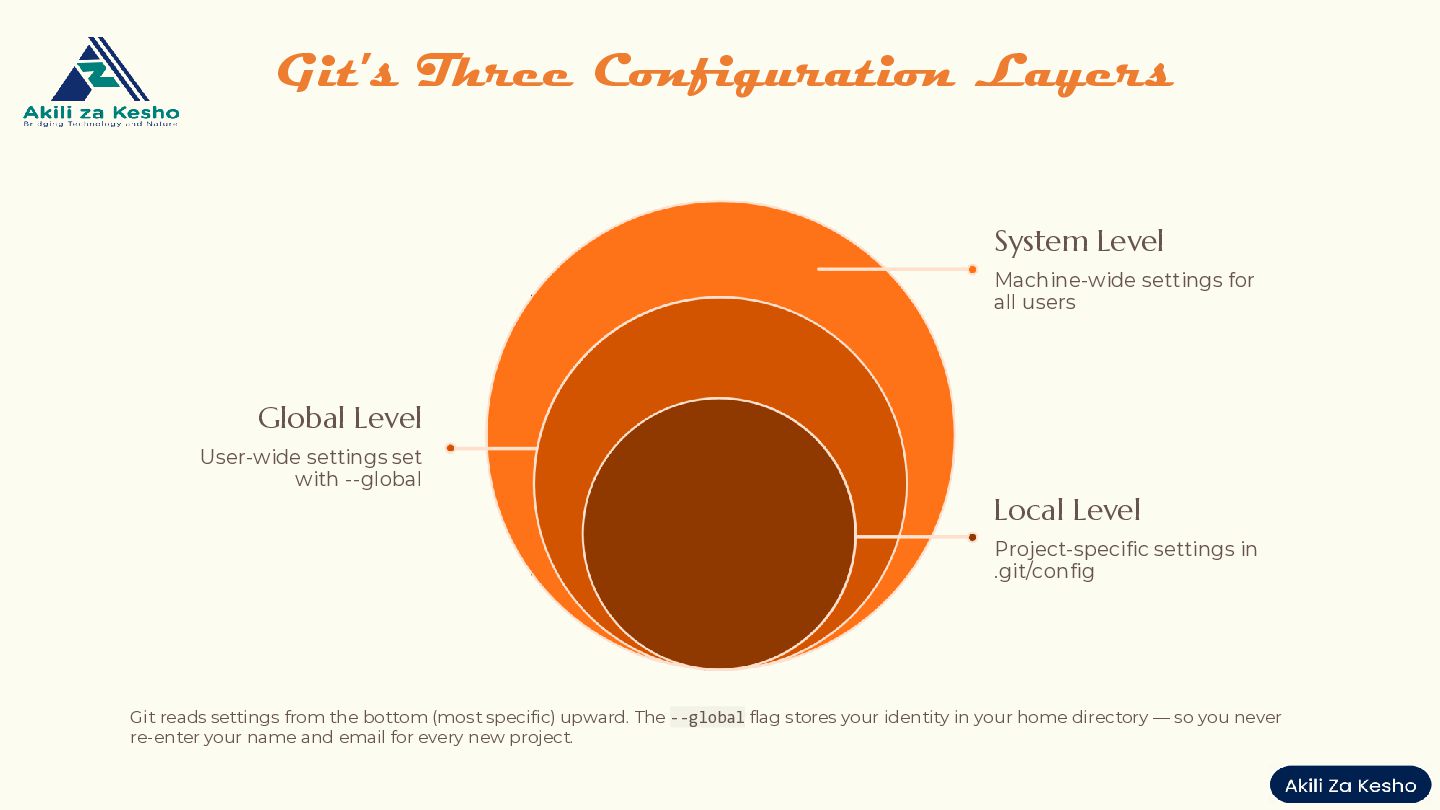
users Global Level User-wide settings set with --global Local Level Project-specific settings in .git/config Git reads settings from the bottom (most specific) upward. The --global flag stores your identity in your home directory — so you never re-enter your name and email for every new project.
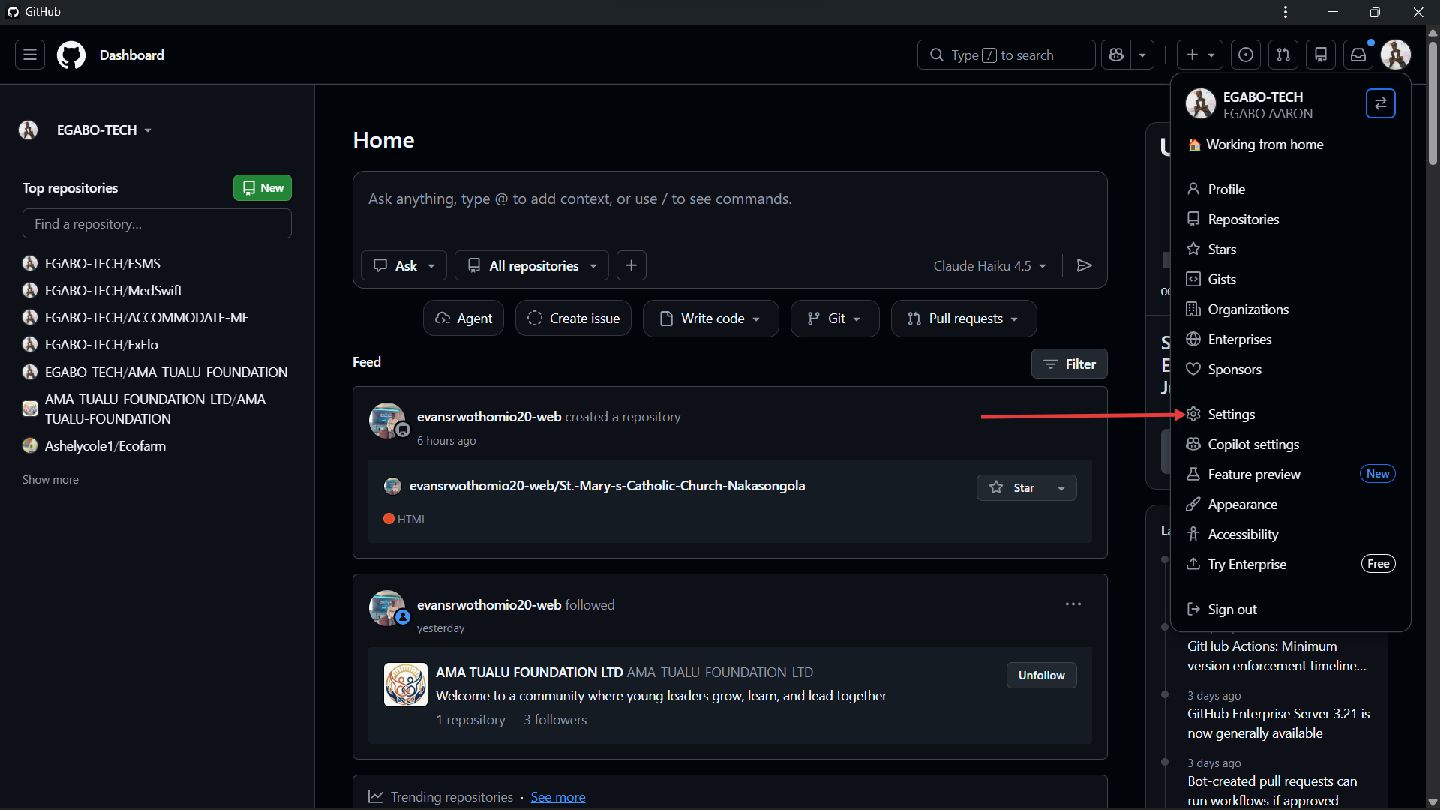
Creates an encrypted tunnel to GitHub. Link an SSH key once and push code without typing a password every time. GPG — Your Wax Seal Signs individual commits to prove you wrote them. On GitHub, signed commits earn a green "Verified" badge — preventing impersonation. SSH = identity to the server. GPG = proof of authorship on the code itself.
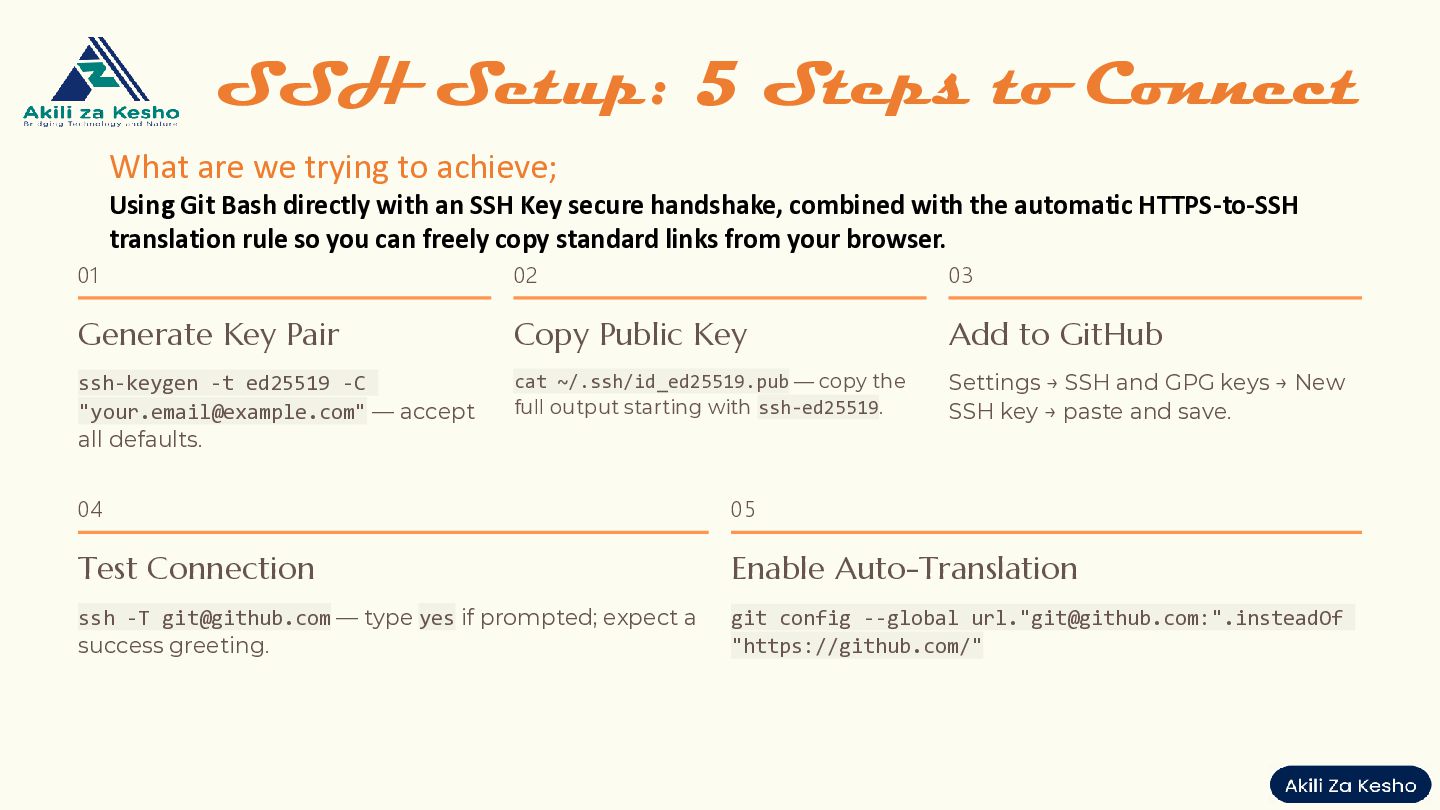
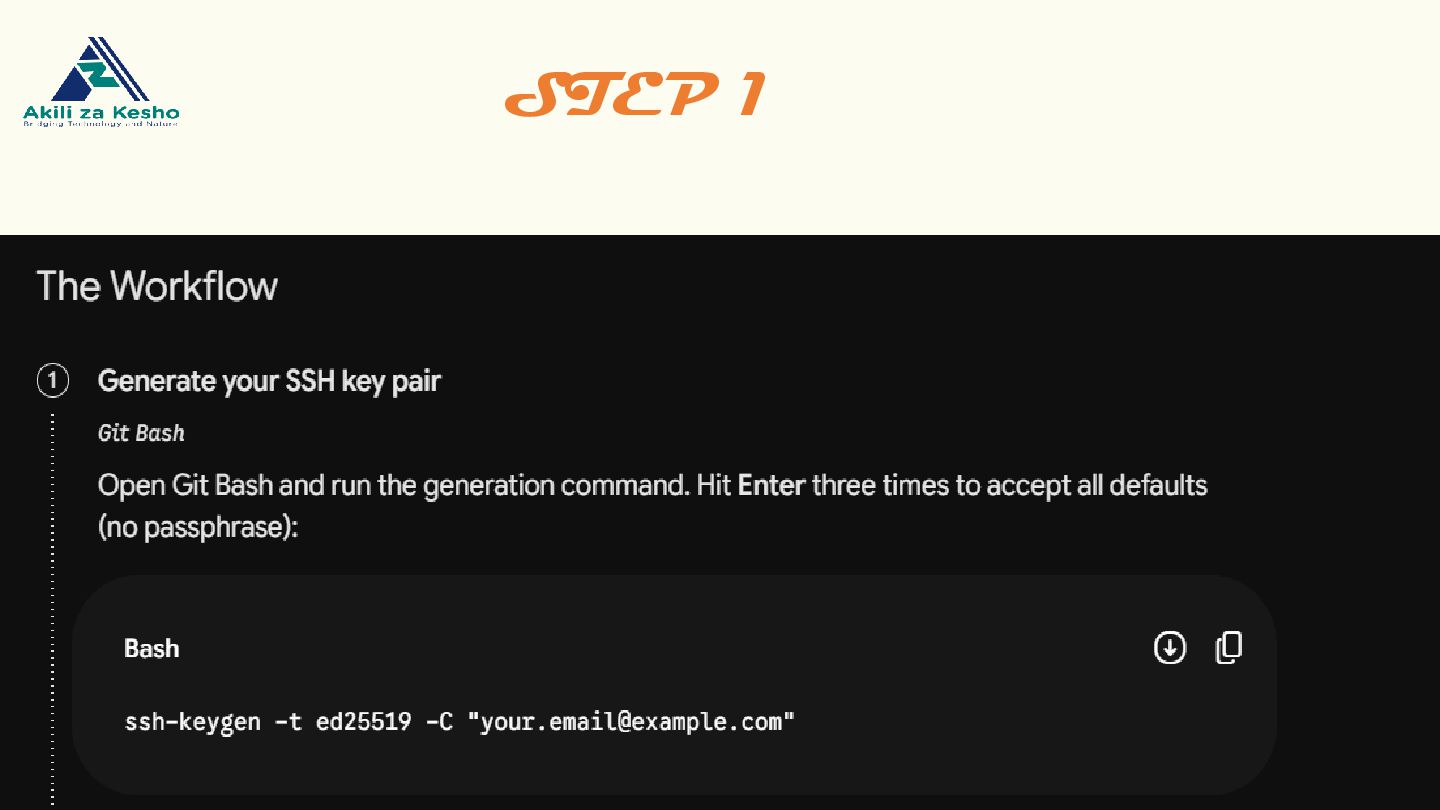
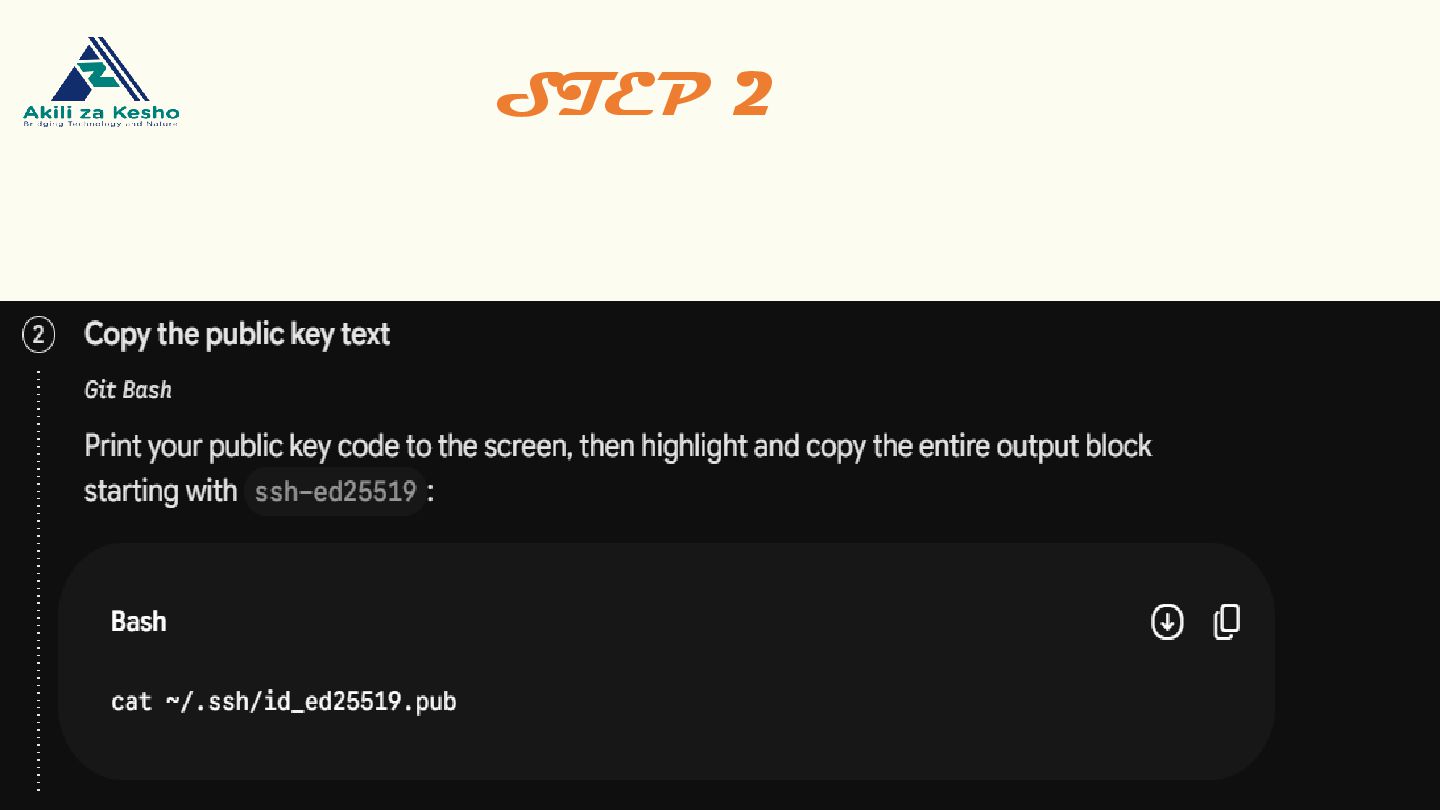
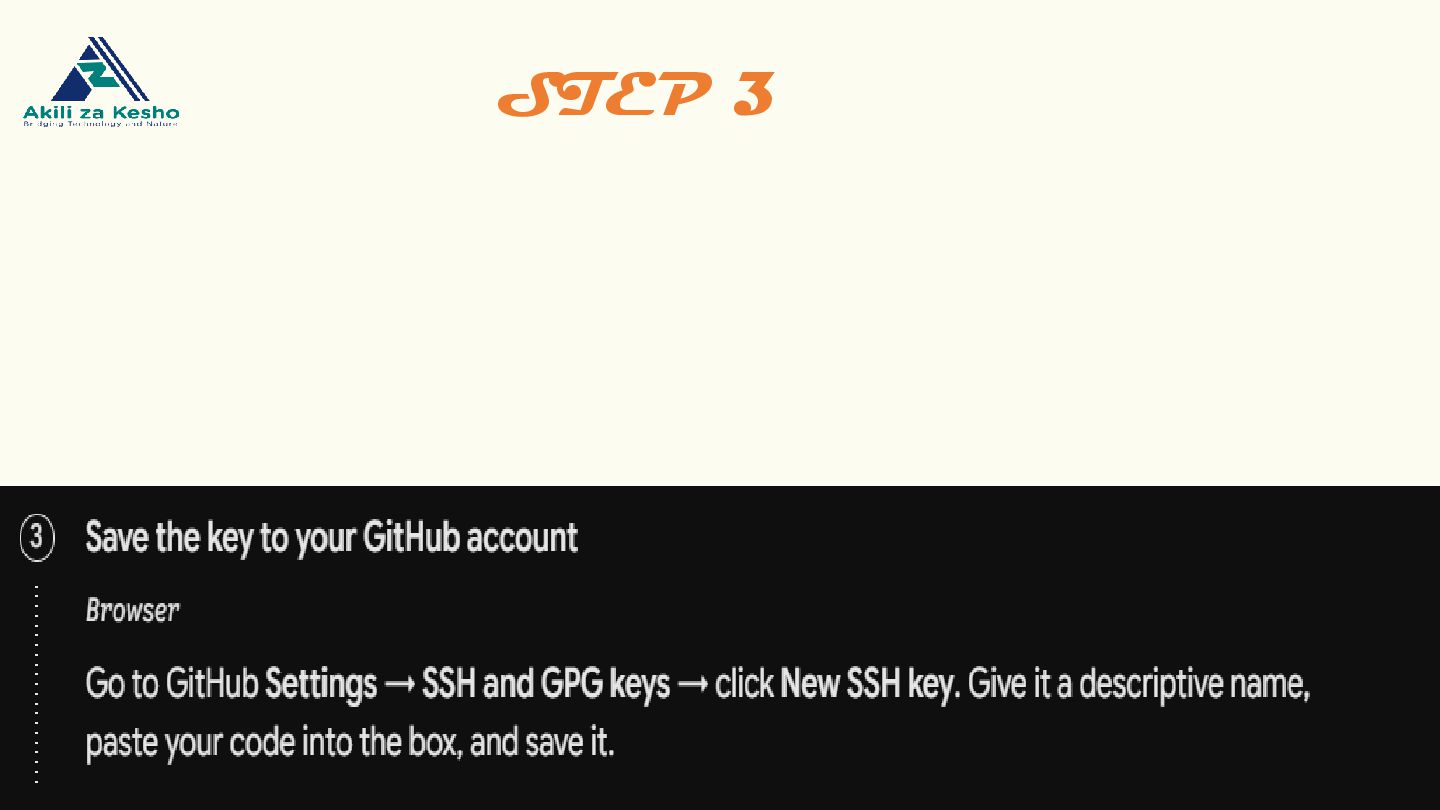
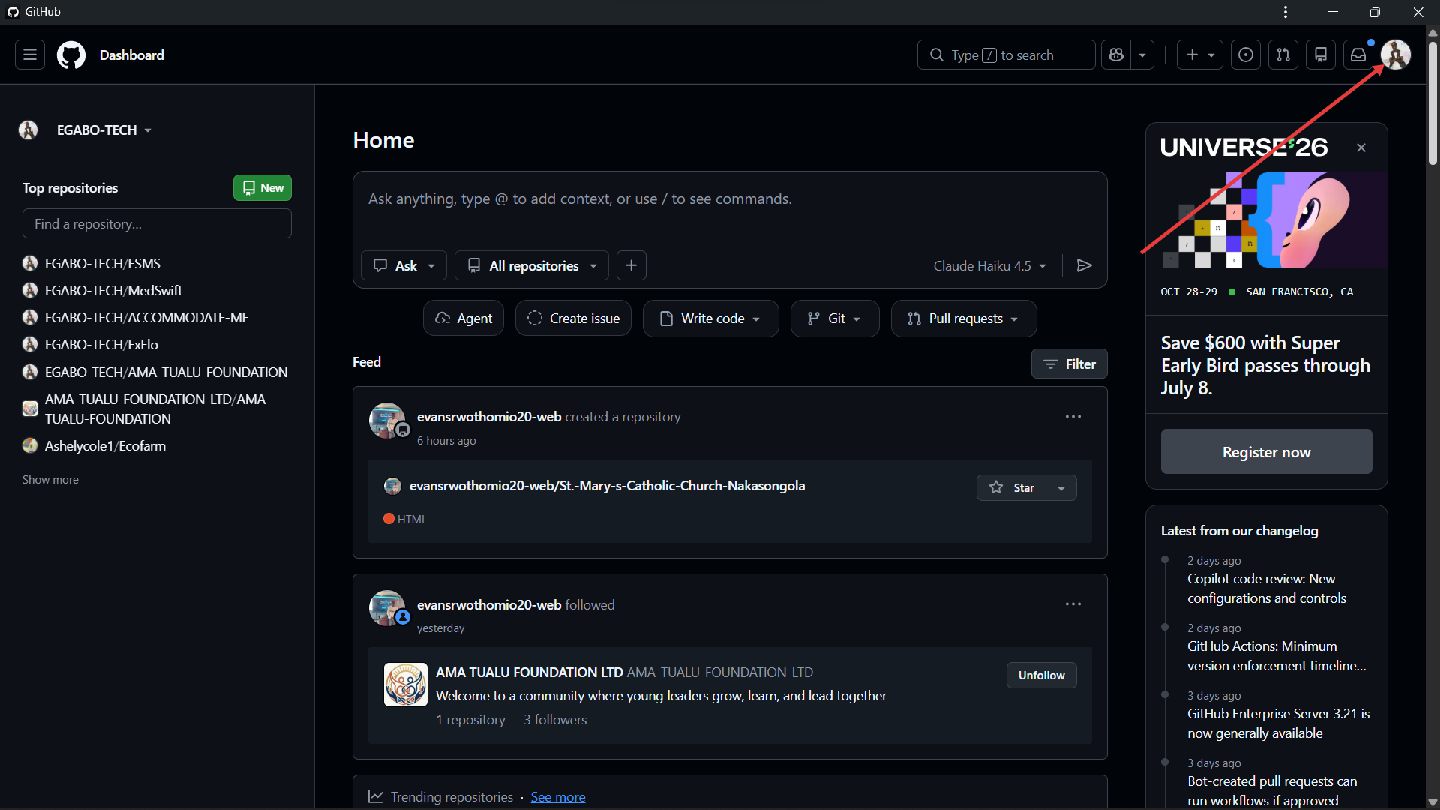
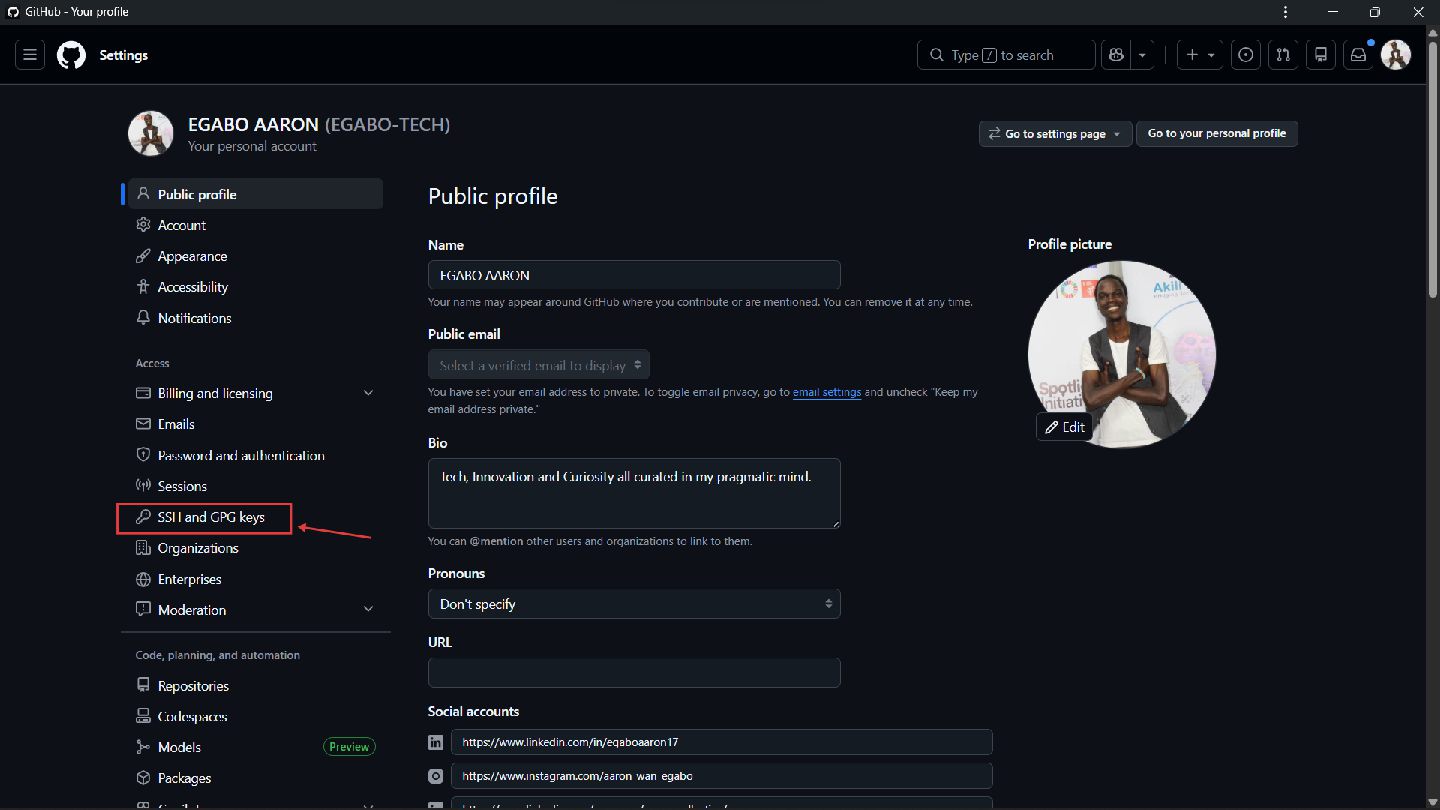
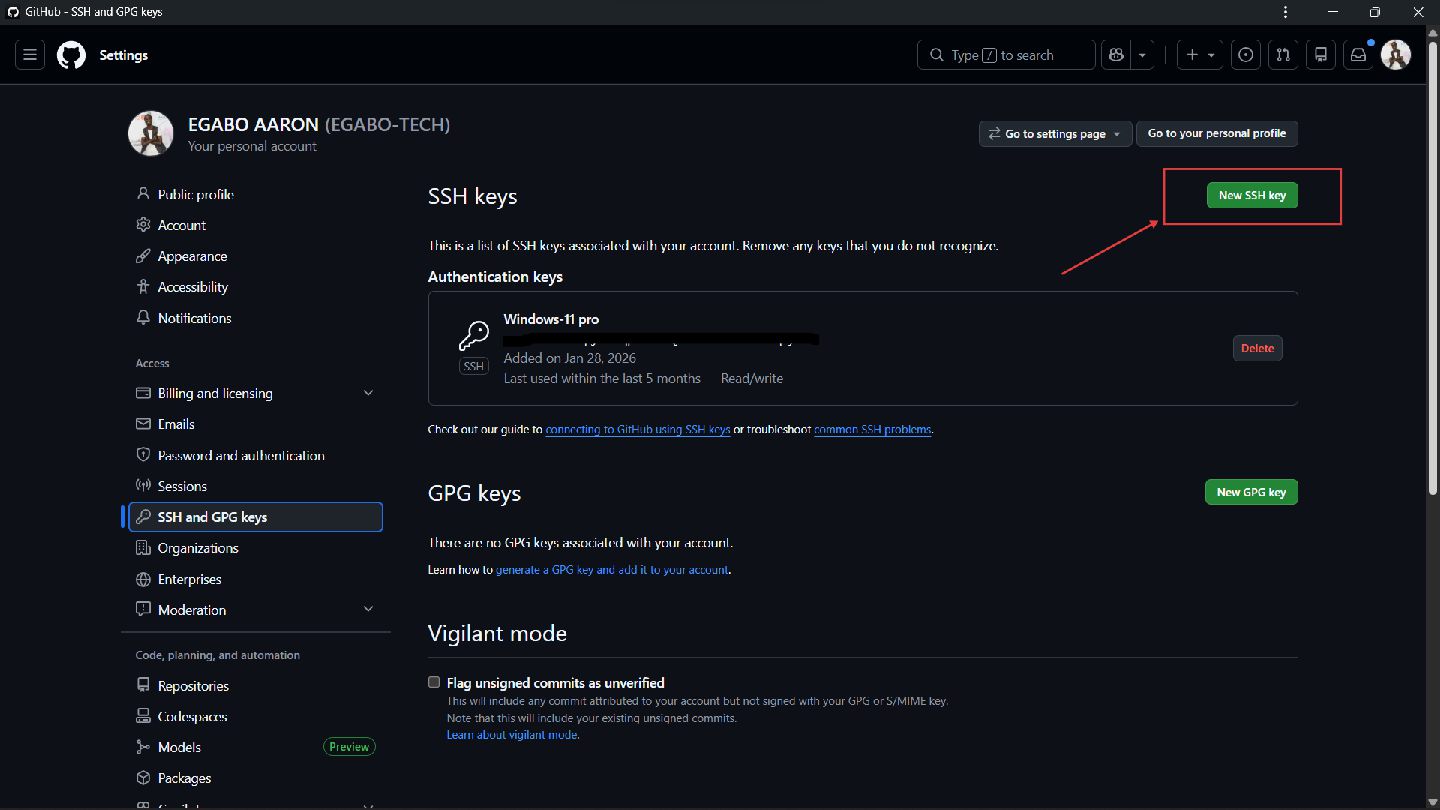
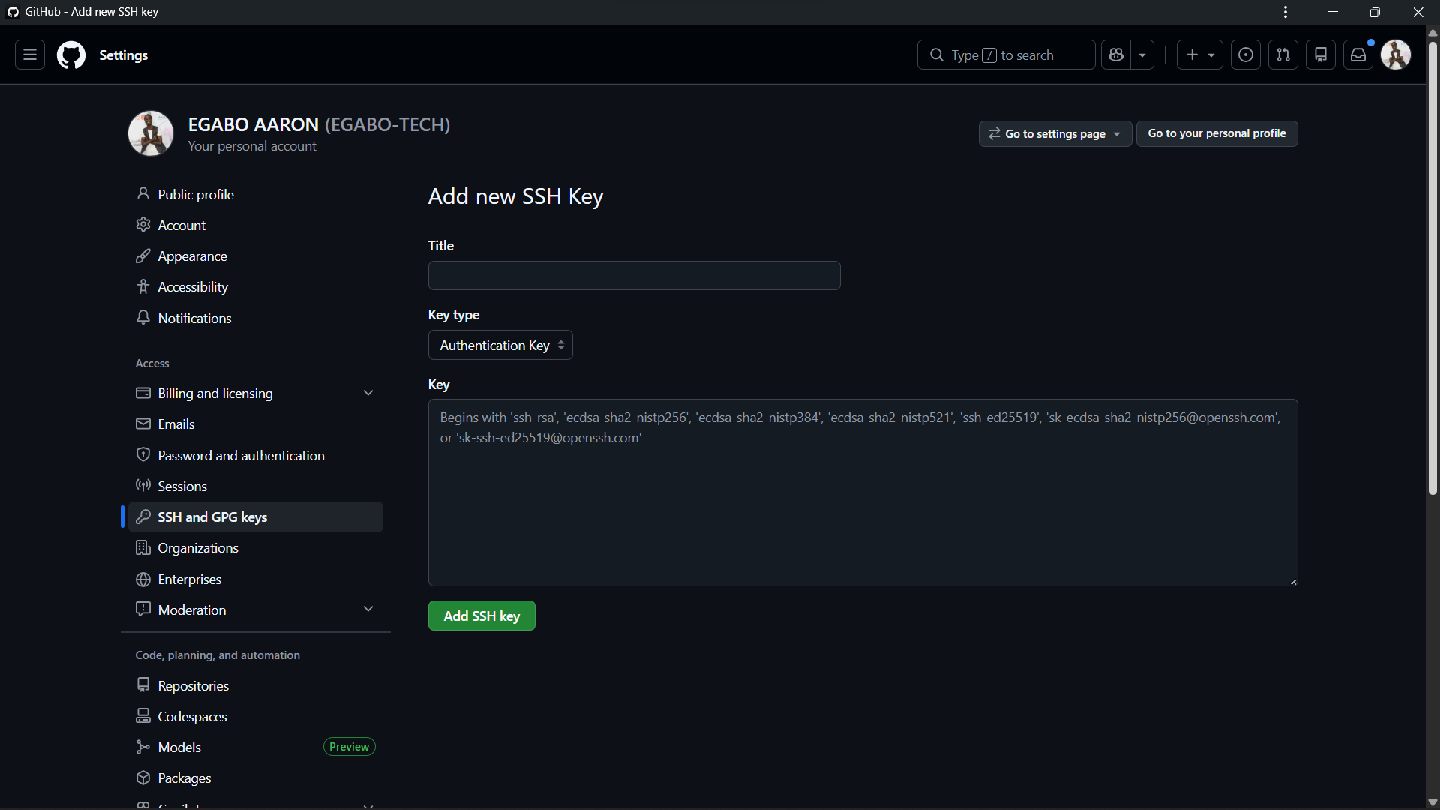
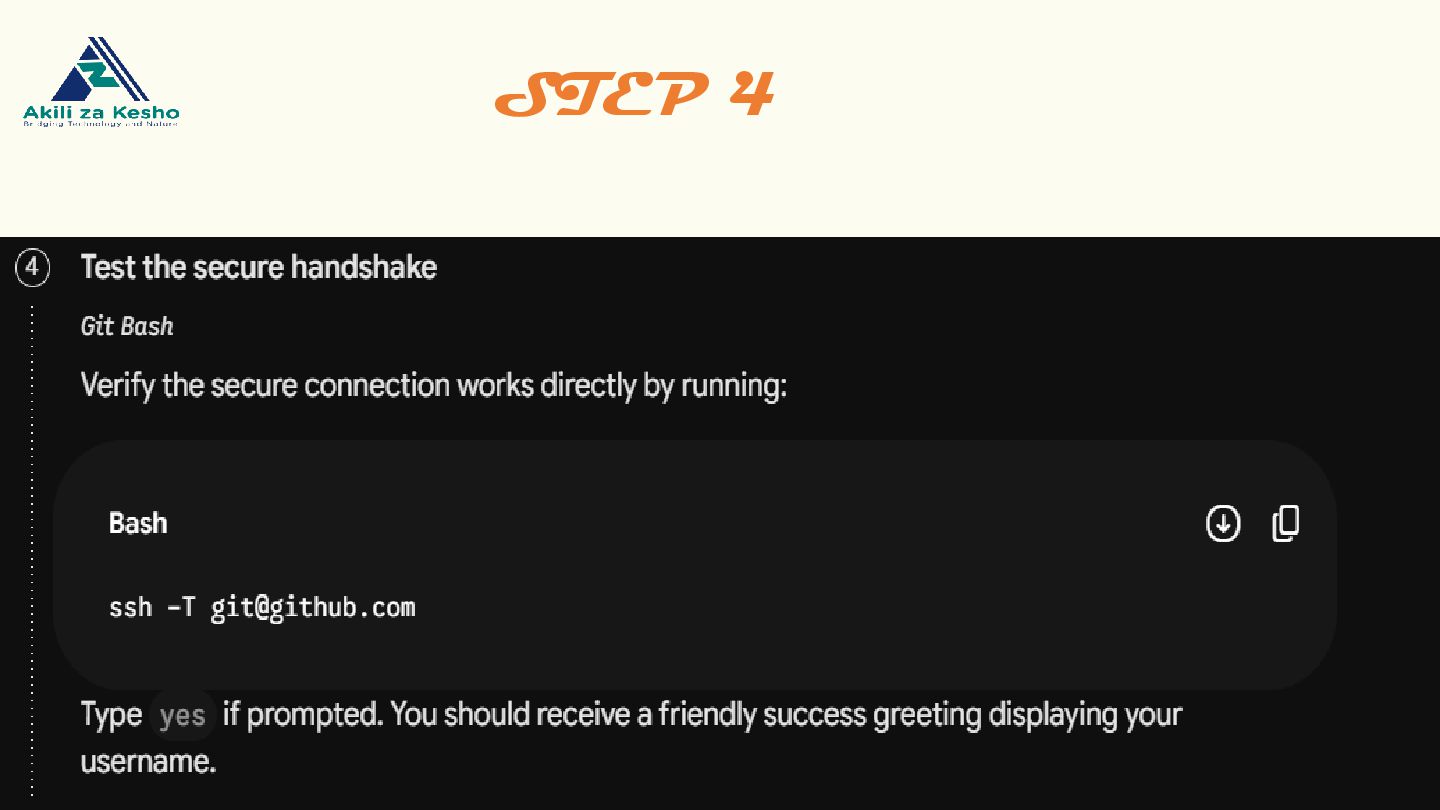
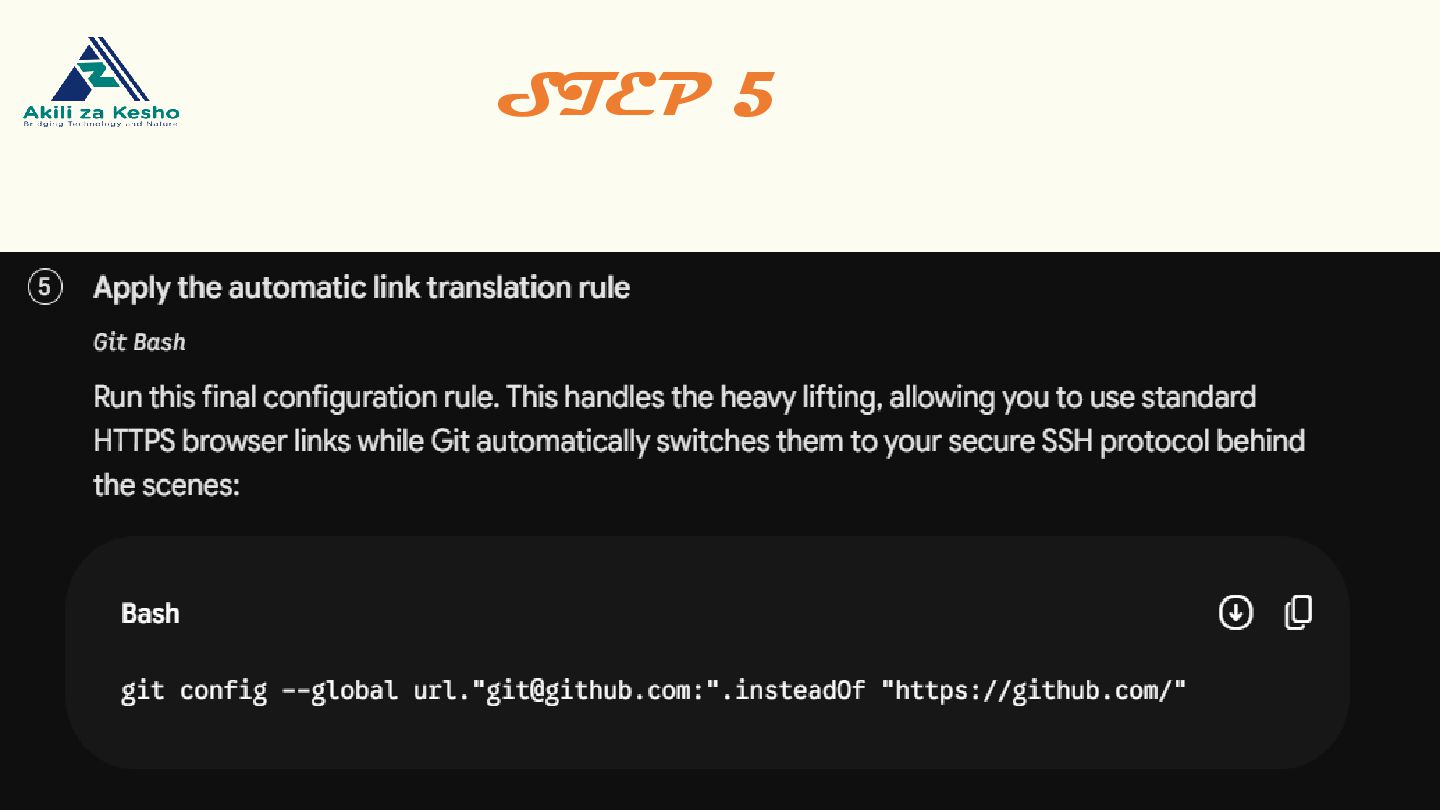
ssh-keygen -t ed25519 -C "[email protected]" — accept all defaults. 02 Copy Public Key cat ~/.ssh/id_ed25519.pub — copy the full output starting with ssh-ed25519. 03 Add to GitHub Settings → SSH and GPG keys → New SSH key → paste and save. 04 Test Connection ssh -T [email protected] — type yes if prompted; expect a success greeting. 05 Enable Auto-Translation git config --global url."[email protected]:".insteadOf "https://github.com/" What are we trying to achieve; Using Git Bash directly with an SSH Key secure handshake, combined with the automatic HTTPS-to-SSH translation rule so you can freely copy standard links from your browser.
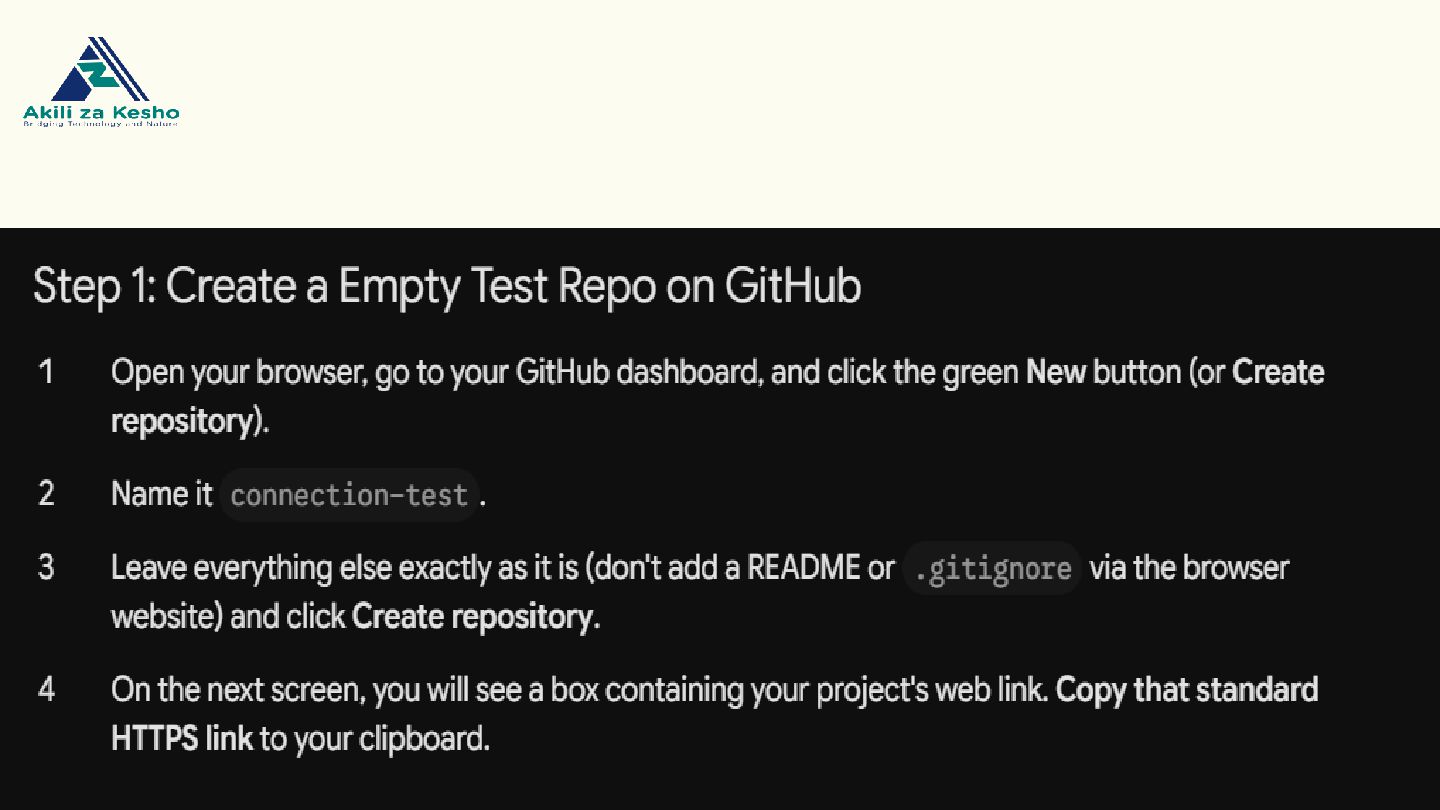
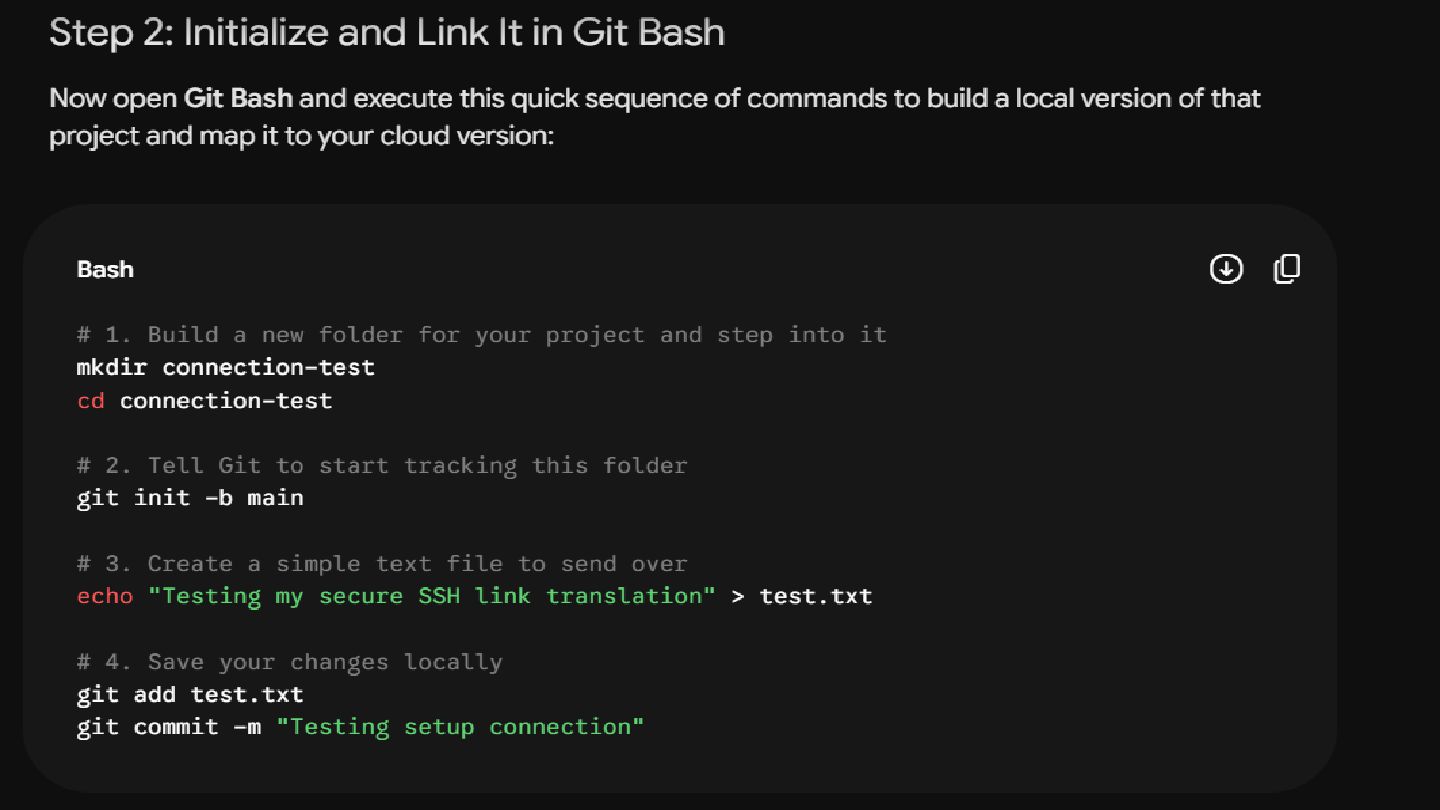
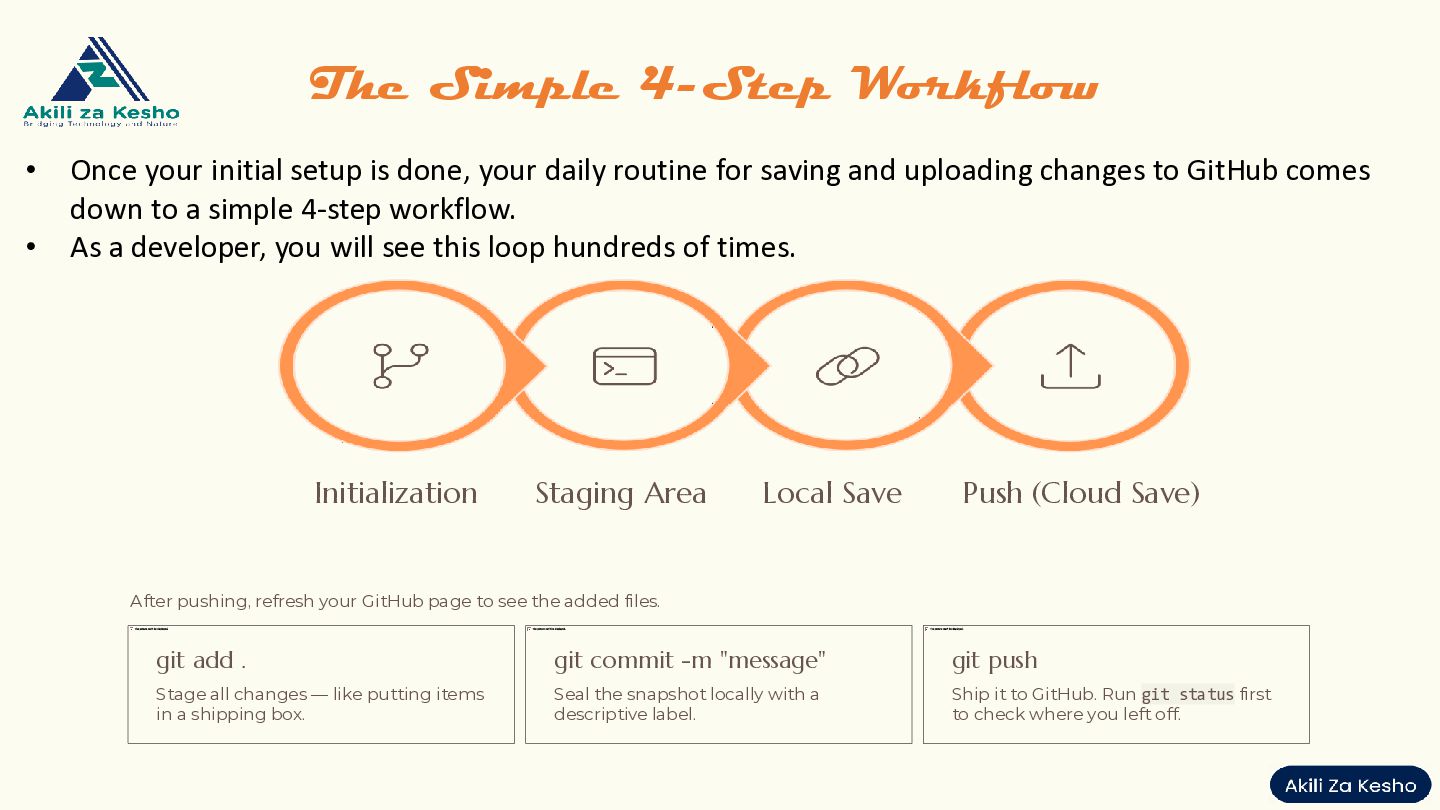
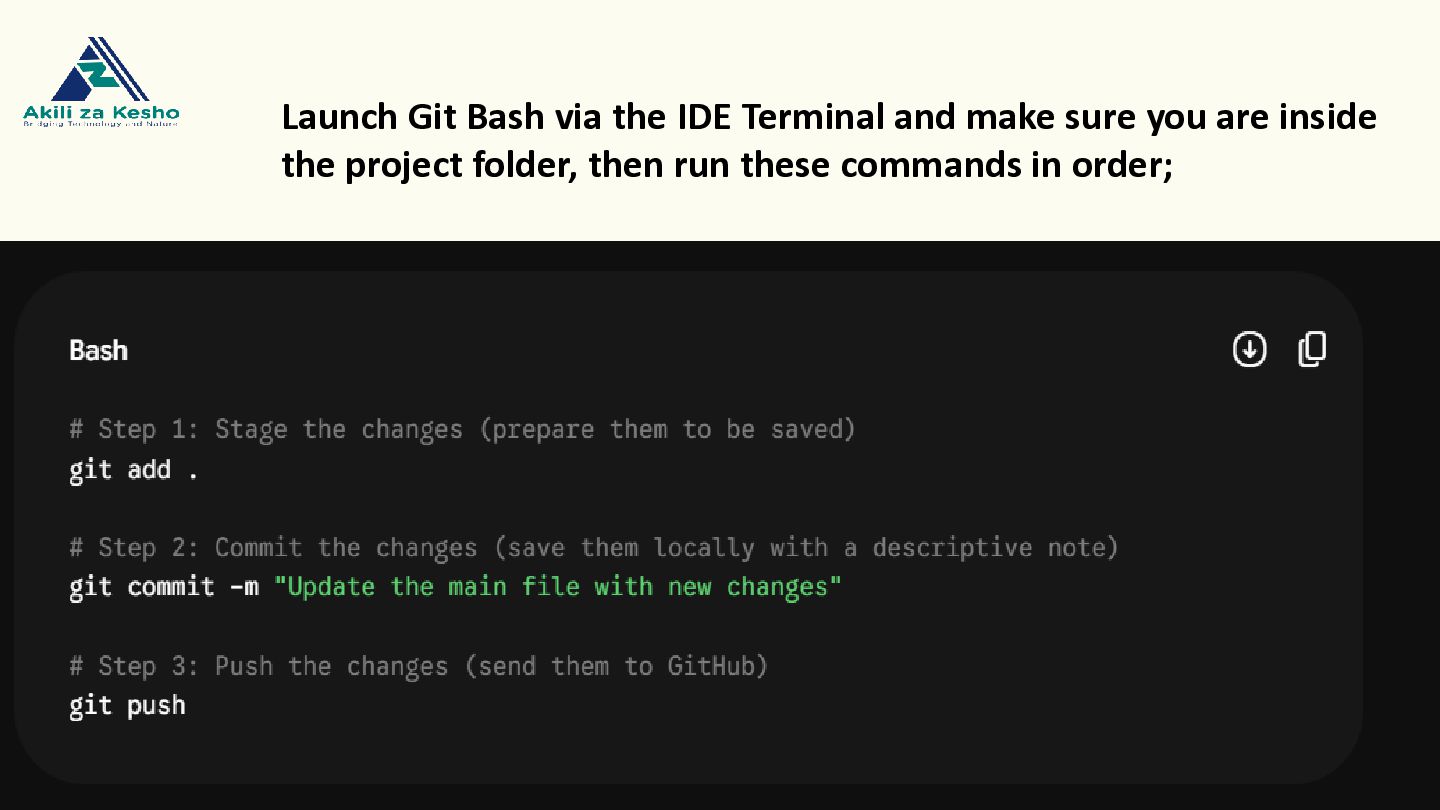
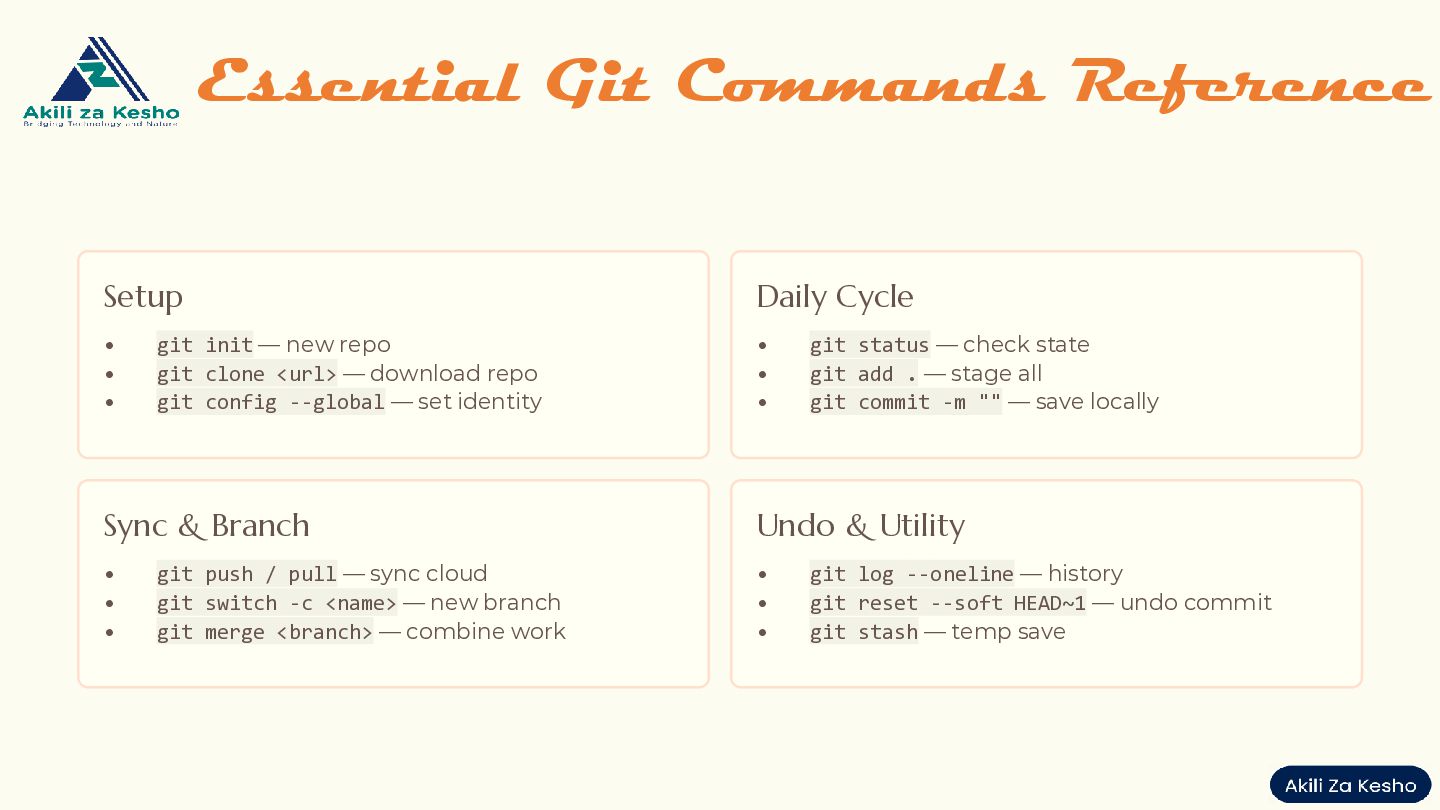
Area Initialization After pushing, refresh your GitHub page to see the added files. git add . Stage all changes — like putting items in a shipping box. git commit -m "message" Seal the snapshot locally with a descriptive label. git push Ship it to GitHub. Run git status first to check where you left off. • Once your initial setup is done, your daily routine for saving and uploading changes to GitHub comes down to a simple 4-step workflow. • As a developer, you will see this loop hundreds of times.


 egaboaaron
 recruitengineers
 yuuuuuuu168
 takuroabe
 yahonda
 rfdnxbro
 bgpat
bgpat
 hiracky16
 sansantech
 occhi
occhi
 yamanoku
 carta_engineering
 mohab1
 dugsong
 tessaabrams
 speakerdeck
 aarron
 keavy
keavy
 sachag
 orderedlist
 auna
auna
 baasie
 schroneko
 aleyda
 mayatellez