Upgrade to Pro — share decks privately, control downloads, hide ads and more …

Look back to the basic tool: Logging (Proofing ...

Look back to the basic tool: Logging (Proofing Software Behaviors and Troubleshooting)

Agenda:

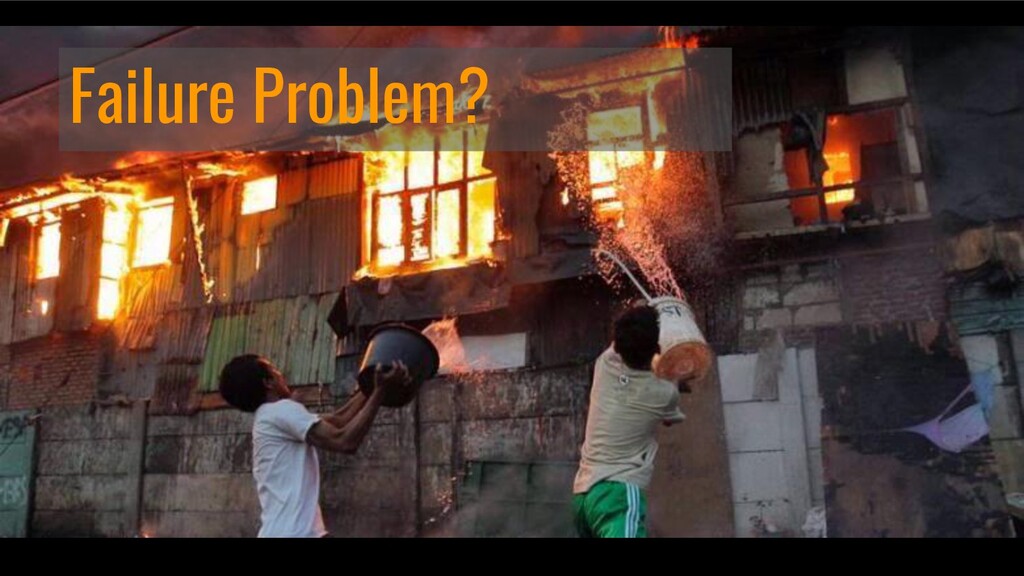
Failure Problem
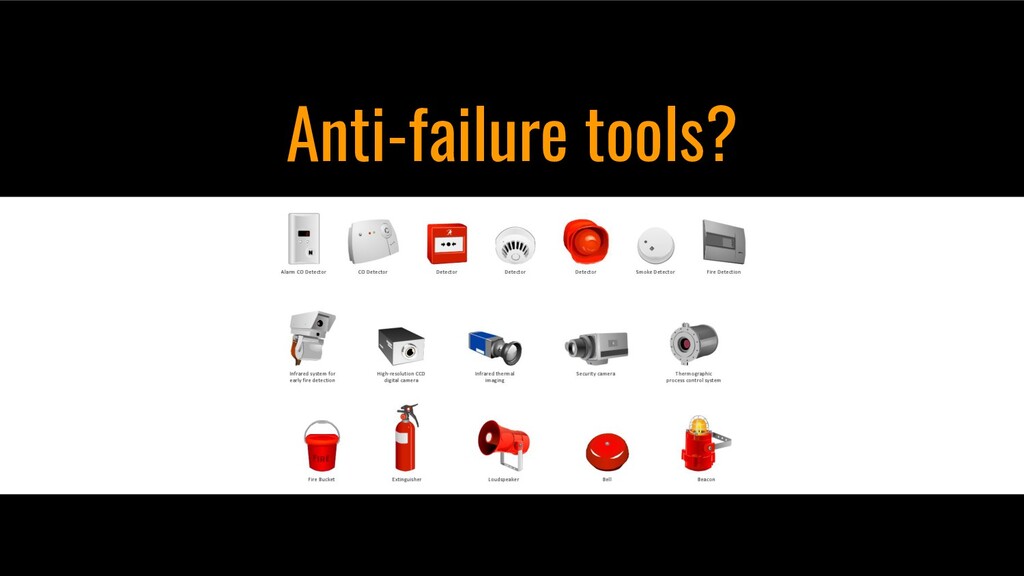
Anti-failure tools
System logging
Logging design
Logging Consideration
Effective Logging
Sum up
Q&A session

Avatar for Egit S.

Egit S.

July 12, 2021

More Decks by Egit S.

Other Decks in Programming

Transcript

  1. Agenda • Failure Problem • Anti-failure tools • System logging

    • Logging design • Logging Consideration • Sum up • Q&A session
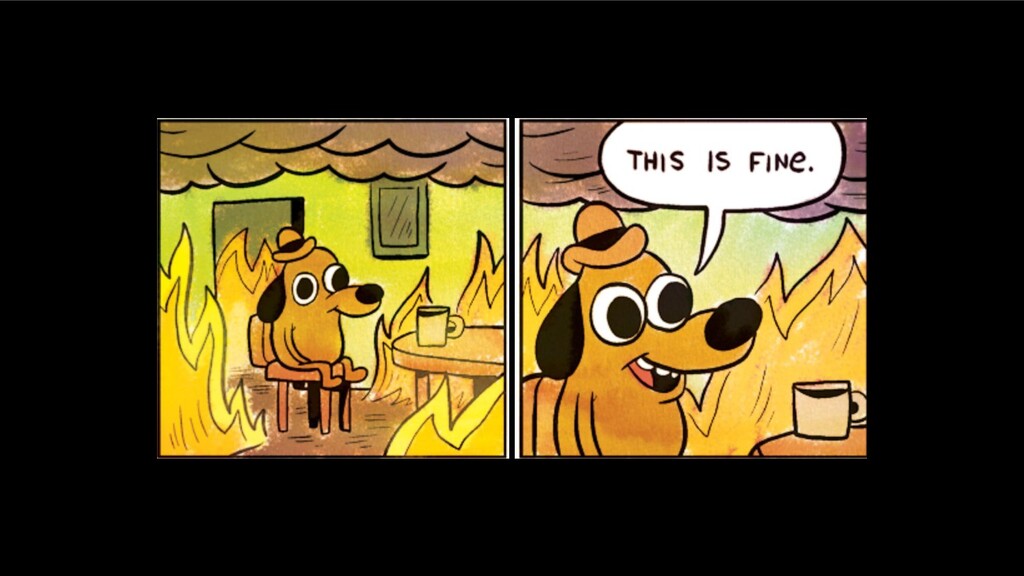
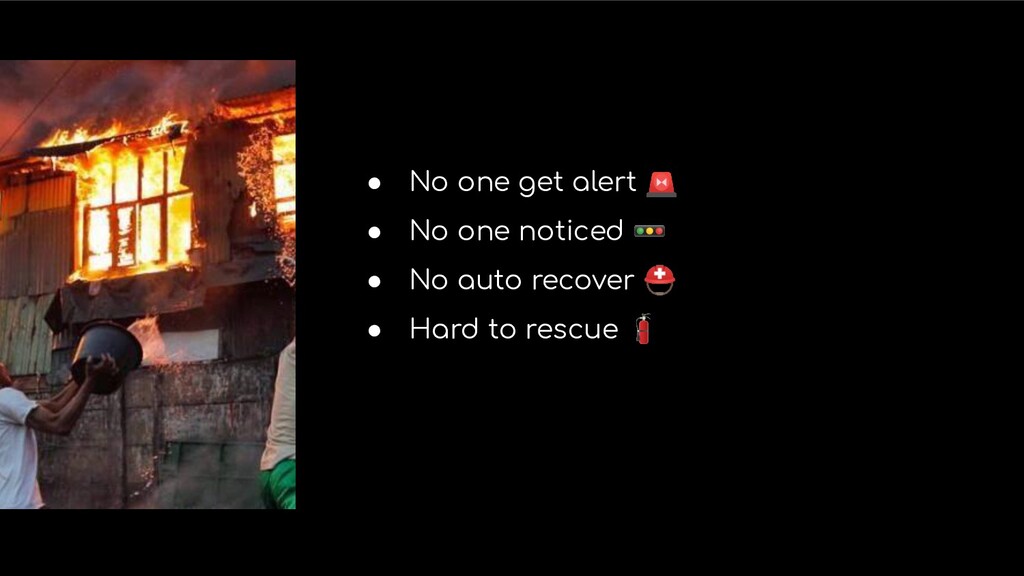
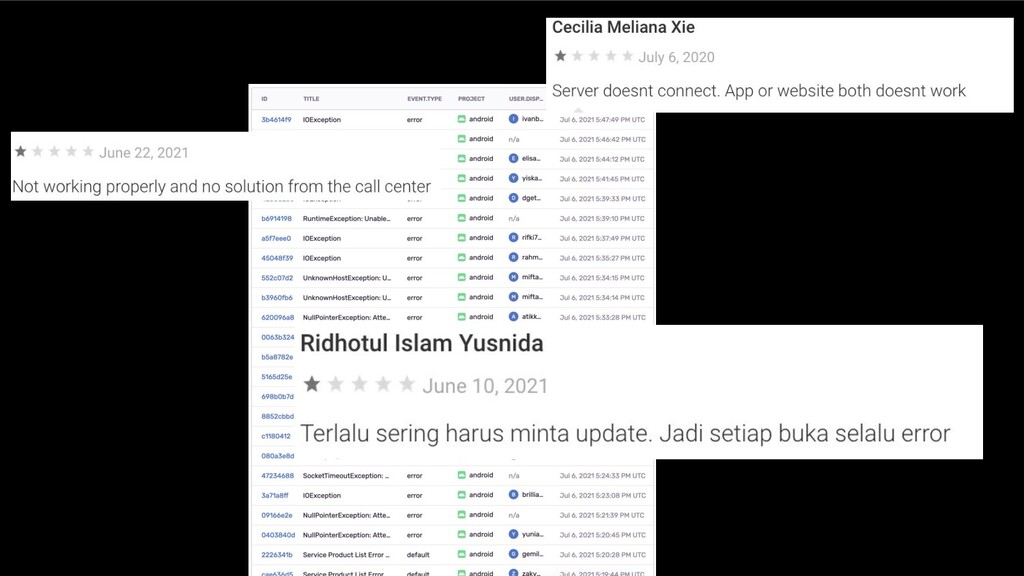
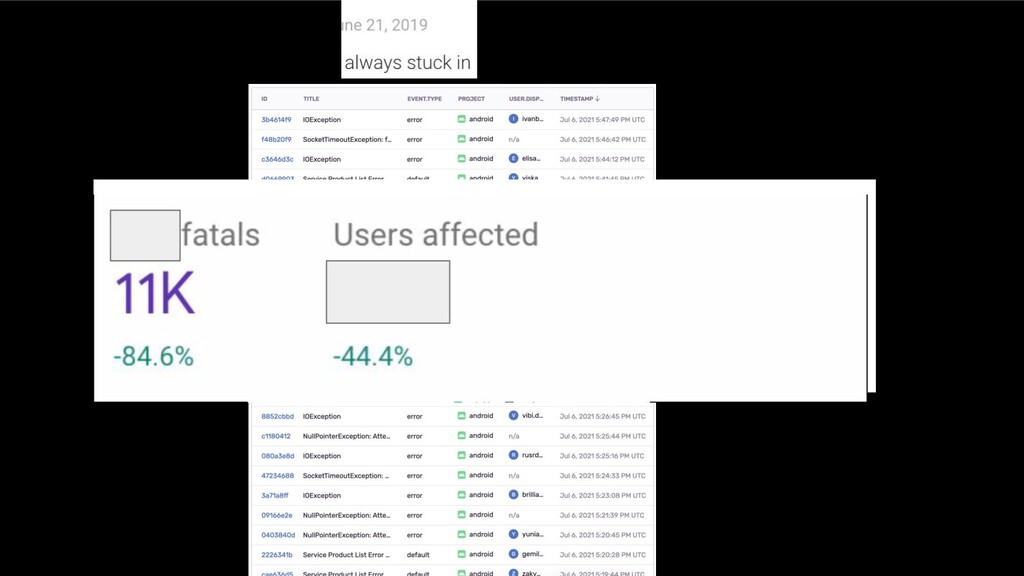
  2. • No one get alert 🚨 • No one noticed

    🚥 • No auto recover ⛑ • Hard to rescue 🧯
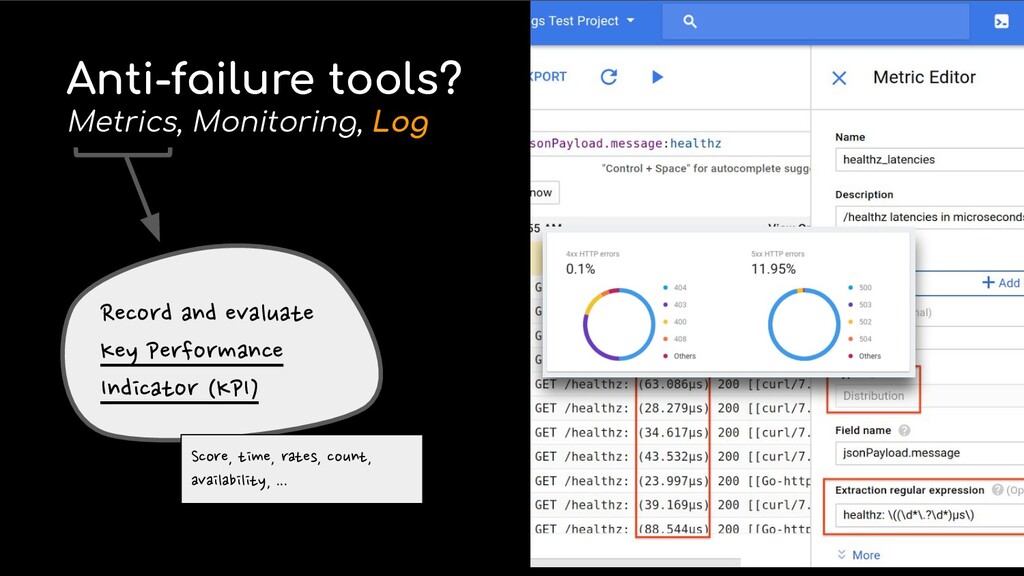
  3. Anti-failure tools? Metrics, Monitoring, Log Record and evaluate Key Performance

    Indicator (KPI) Score, time, rates, count, availability, ...
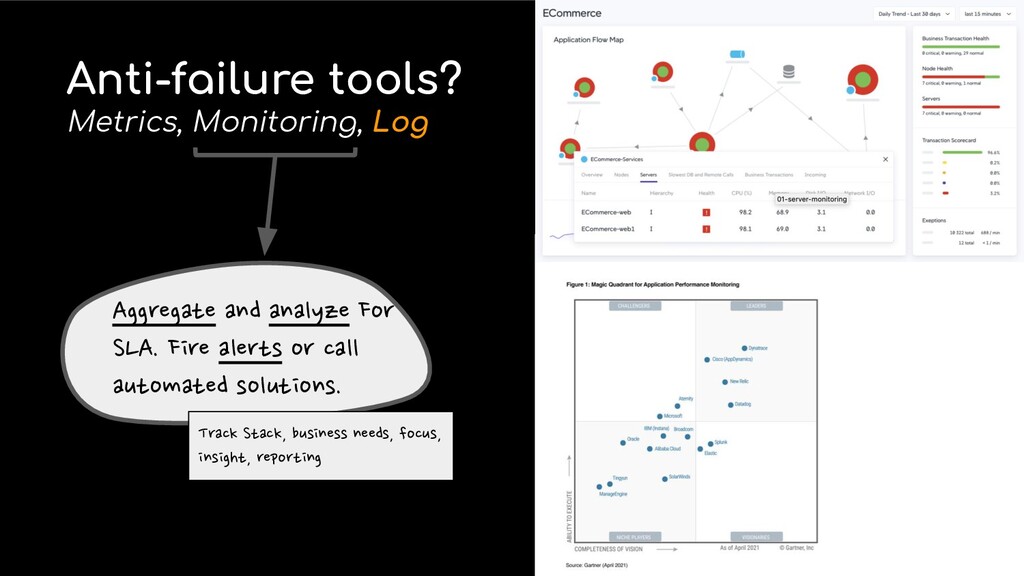
  4. Anti-failure tools? Metrics, Monitoring, Log Aggregate and analyze For SLA.

    Fire alerts or call automated solutions. Track Stack, business needs, focus, insight, reporting
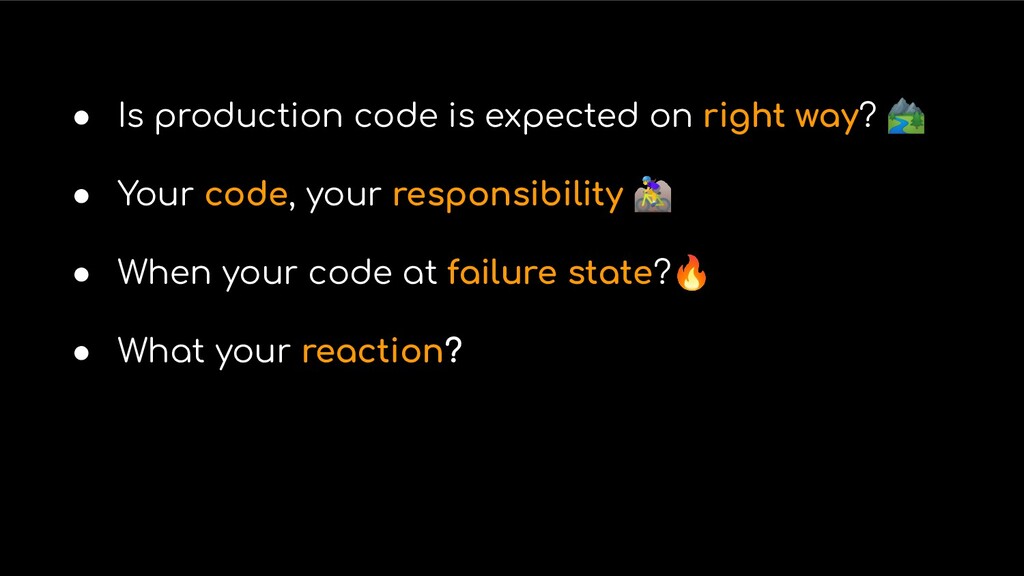
  5. • Is production code is expected on right way? 🏞

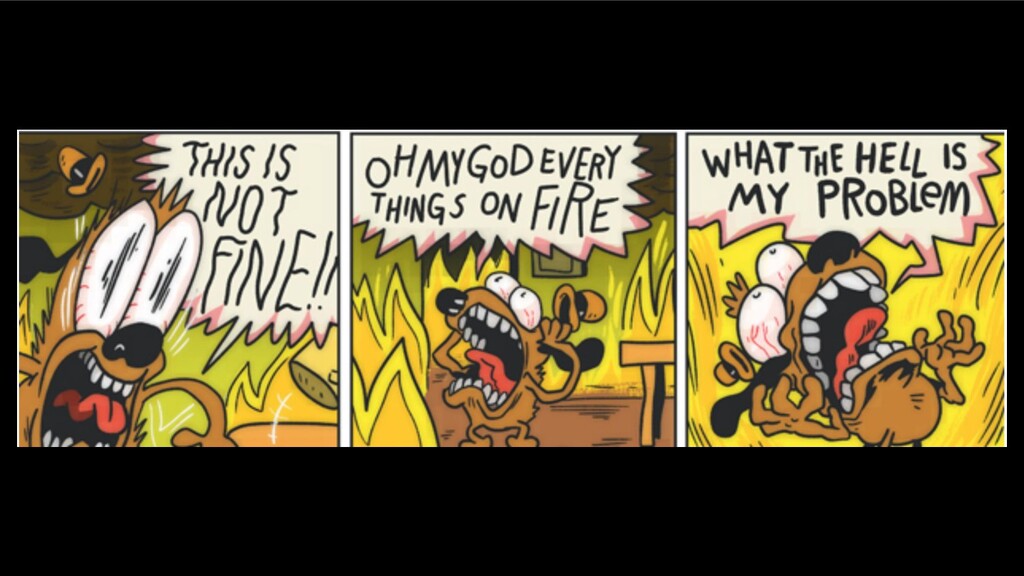
    • Your code, your responsibility 󰣤 • When your code at failure state?🔥 • What your reaction?
  6. Logging Design Why? • good logging architecture, save the day

    during a production issue • The use of logging is vital to both developers and operators
  7. Logging Design Why? • finding exceptions like finding a needle

    in a haystack. • where relevant information about the state • complex & distributed == difficult to understand & fix • More logs make us comfortable, give us observability.
  8. Logging Design Why? • Excessive logging can affect system performance

    — and add cost to store petabytes of log files.
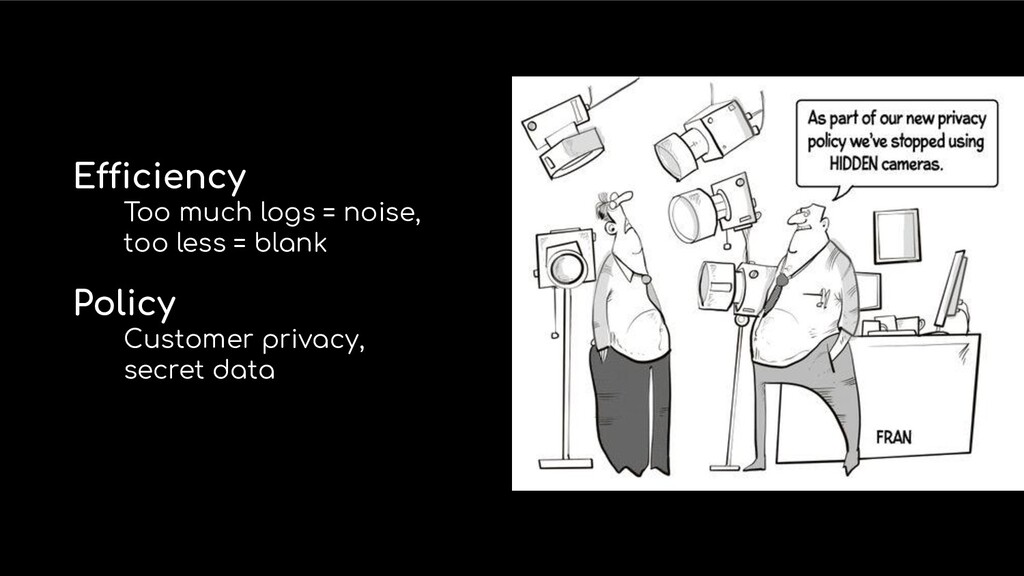
  9. Efficiency Too much logs = noise, too less = blank

    Policy Customer privacy, secret data
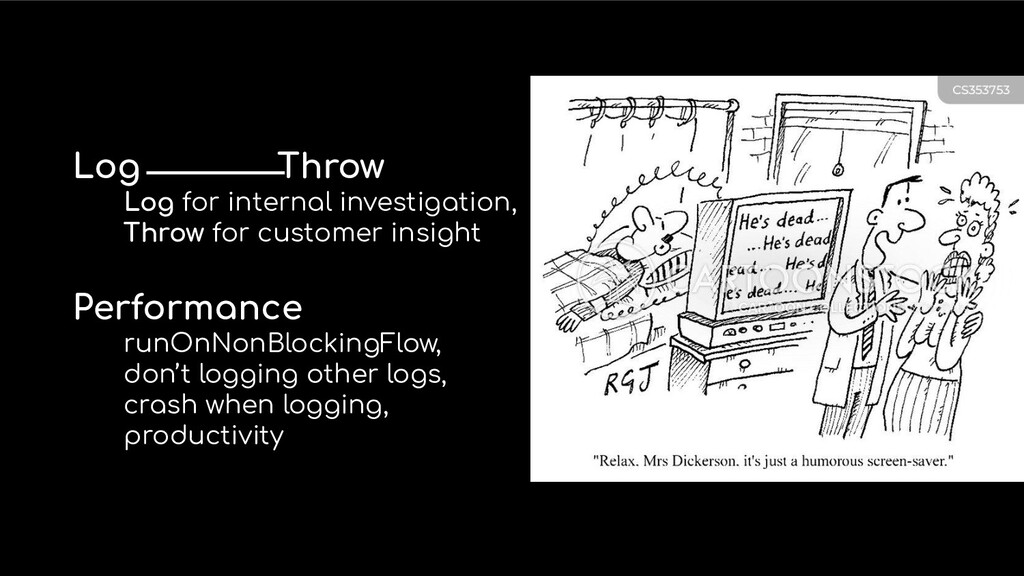
  10. Log⎯⎯⎯⎯Throw Log for internal investigation, Throw for customer insight Performance

    runOnNonBlockingFlow, don’t logging other logs, crash when logging, productivity
  11. Effective Logging • Structured formatting • Think of how to

    make searching ultra-easy • Sharing with external services • Upgrade the goals and best practice
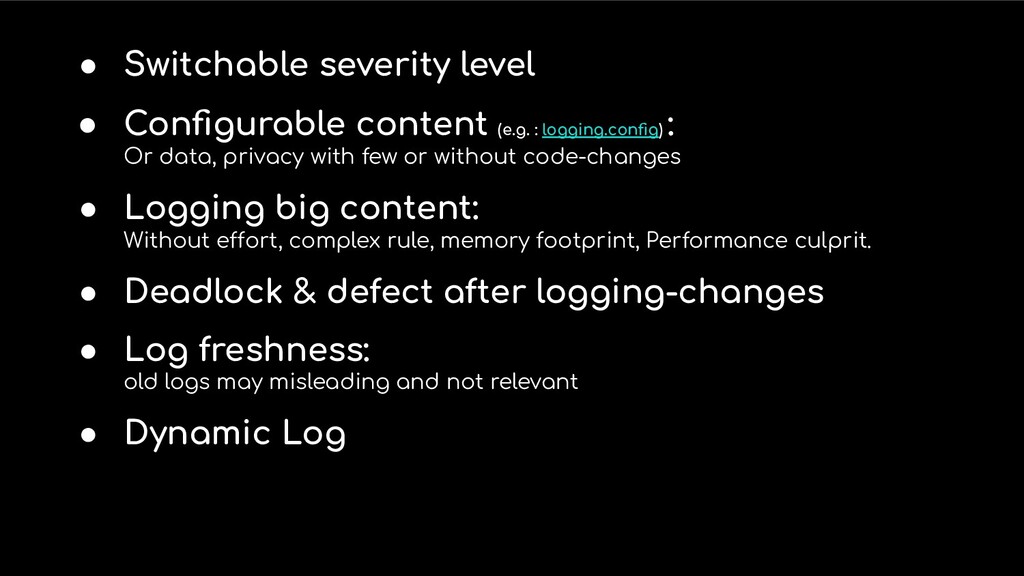
  12. • Switchable severity level • Configurable content (e.g. : logging.config)

    : Or data, privacy with few or without code-changes • Logging big content: Without effort, complex rule, memory footprint, Performance culprit. • Deadlock & defect after logging-changes • Log freshness: old logs may misleading and not relevant • Dynamic Log
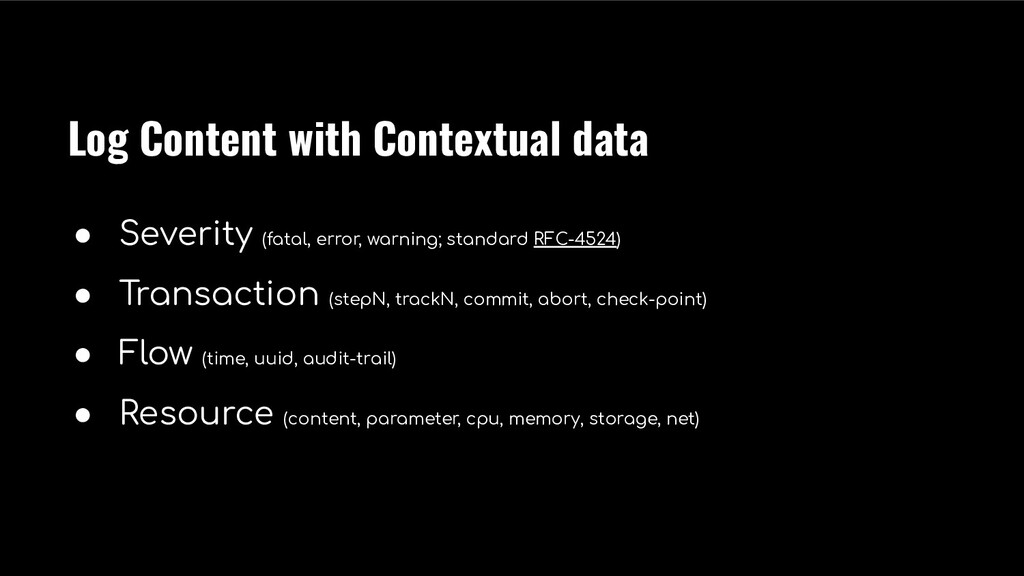
  13. Log Content with Contextual data • Severity (fatal, error, warning;

    standard RFC-4524) • Transaction (stepN, trackN, commit, abort, check-point) • Flow (time, uuid, audit-trail) • Resource (content, parameter, cpu, memory, storage, net)
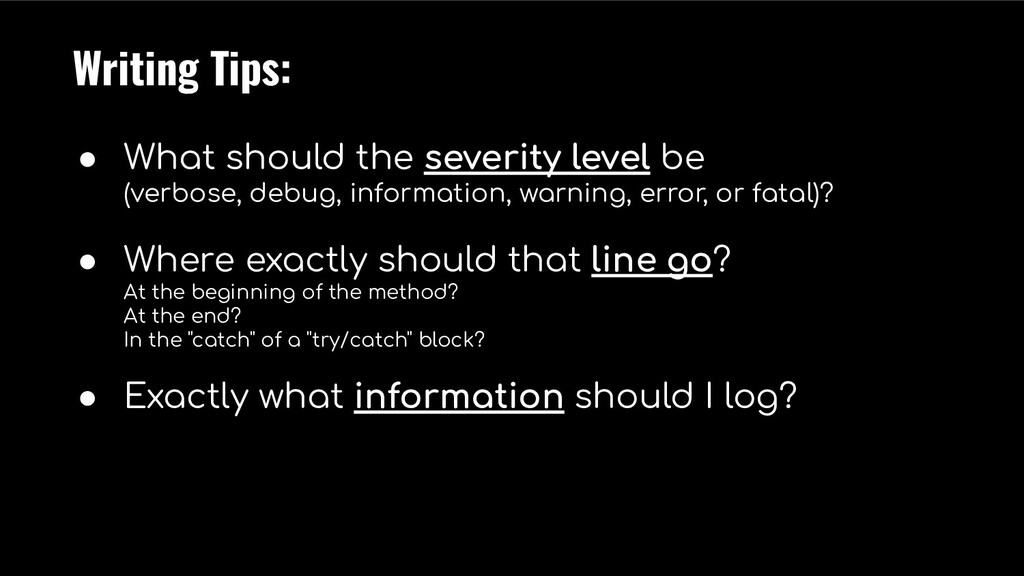
  14. Writing Tips: • What should the severity level be (verbose,

    debug, information, warning, error, or fatal)? • Where exactly should that line go? At the beginning of the method? At the end? In the "catch" of a "try/catch" block? • Exactly what information should I log?
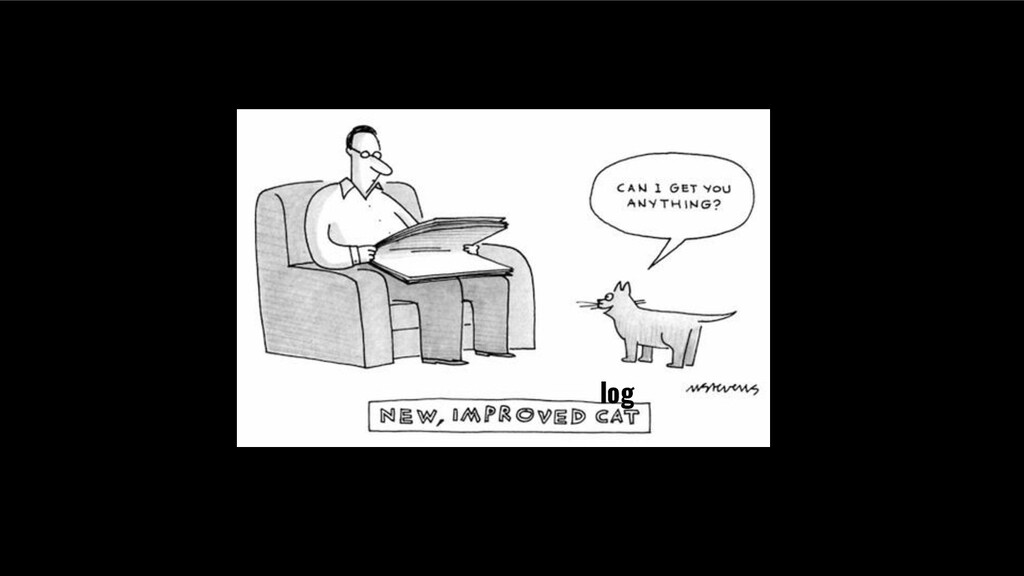
  15. log

  16. When you locate a problem, think how you can detect

    it automatically next time 󰥄
  17. Developers should work closely with operators (devops) in order to

    find a good balance of logging verbosity and observability. 🍻