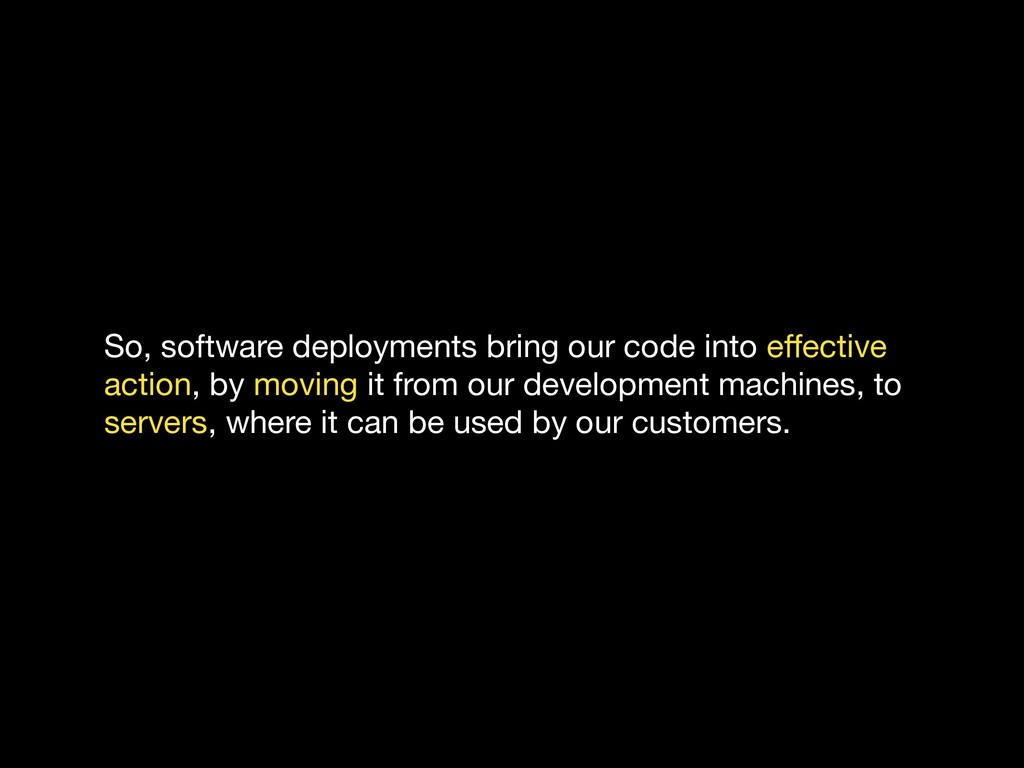
a rude app could slow down the entire server for everyone. Not cool • Dedicated: one server per app. Safe from rude apps, but you could end up paying for more that you use. Also not cool • Virtual-Private Server: one server, shared by several tenants, using clever virtualisation technologies to isolate each tenant, so they don’t interfere with each other Multi-tenant means one server serves multiple customers
servers, and start thinking about resources: memory, compute, storage - you want it, we’ve got it. Use as much or as little as you want, and you only pay for what you use. Very cool
is an abstraction for our infrastructure. And like other abstractions, it enables us reason about our software systems at a higher level. We can think about services and resources, instead of servers and hardware, just like our programming languages allow us think about functions and objects, instead of memory and registers.
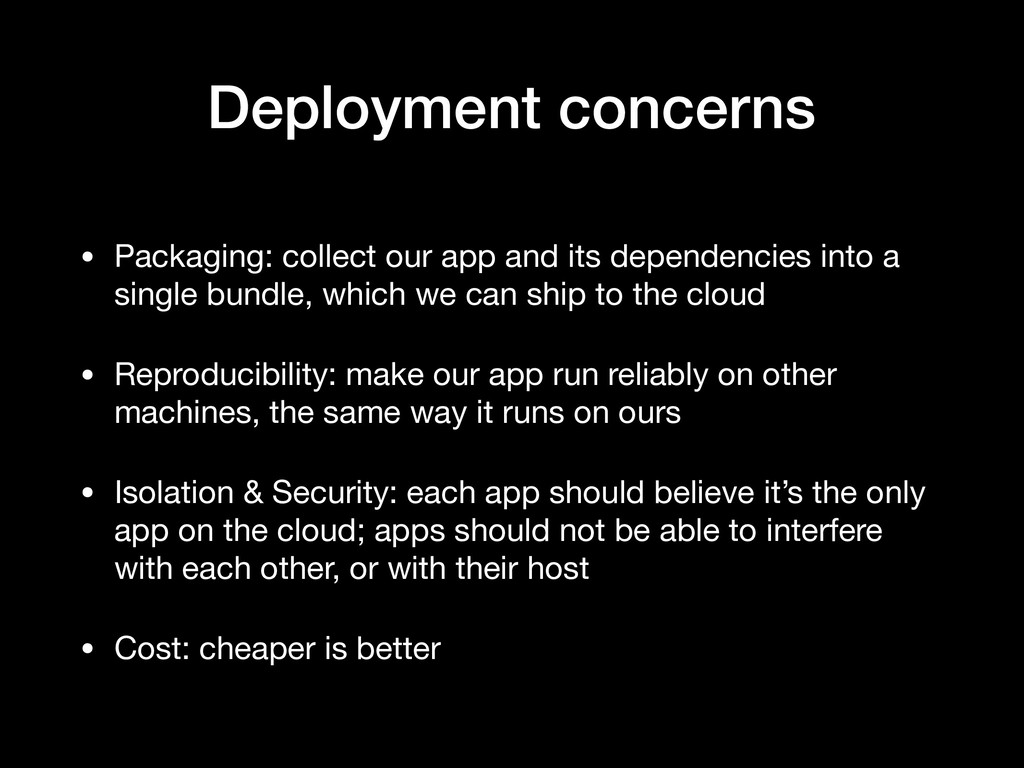
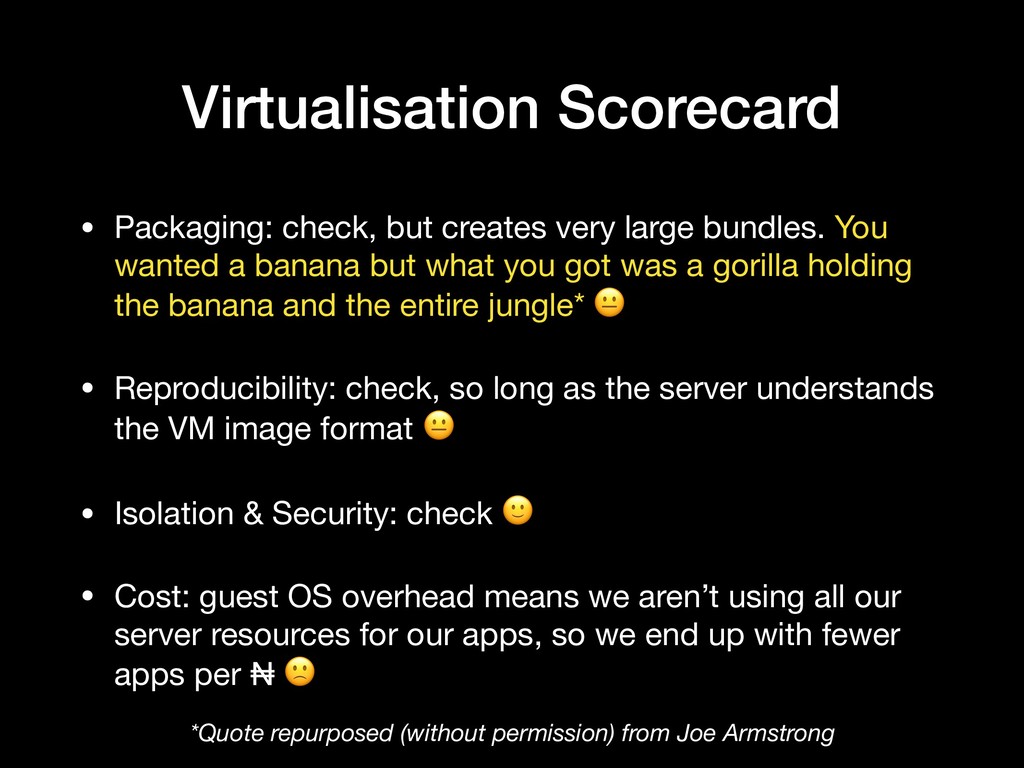
into a single bundle, which we can ship to the cloud • Reproducibility: make our app run reliably on other machines, the same way it runs on ours • Isolation & Security: each app should believe it’s the only app on the cloud; apps should not be able to interfere with each other, or with their host • Cost: cheaper is better
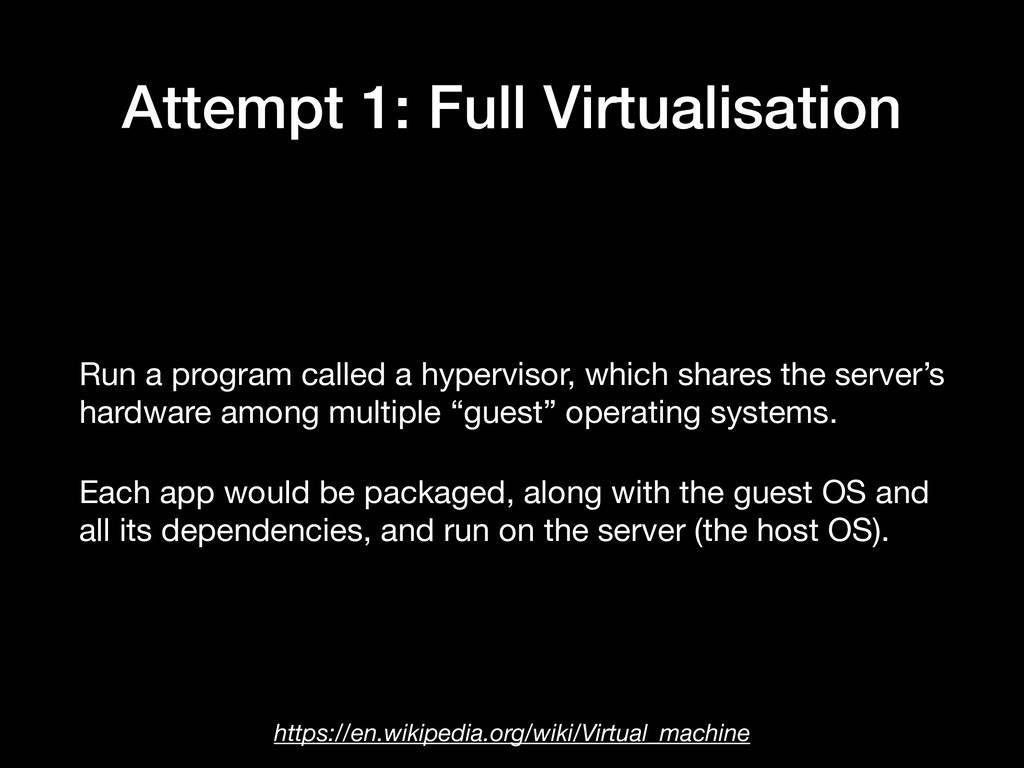
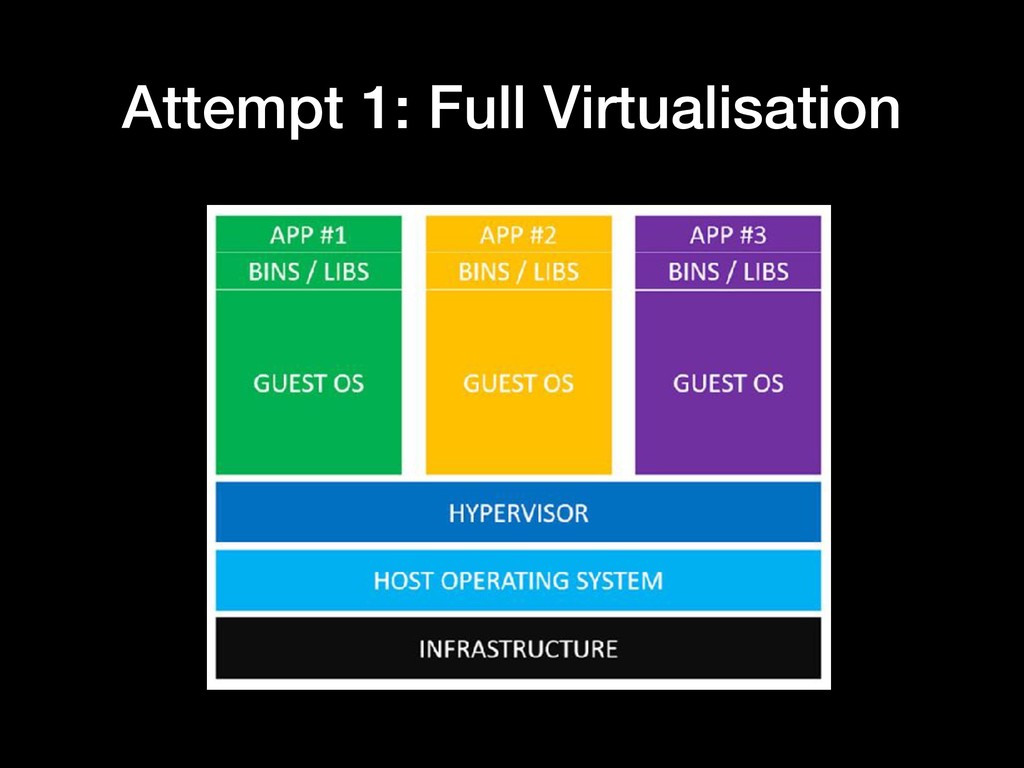
which shares the server’s hardware among multiple “guest” operating systems. Each app would be packaged, along with the guest OS and all its dependencies, and run on the server (the host OS). https://en.wikipedia.org/wiki/Virtual_machine
You wanted a banana but what you got was a gorilla holding the banana and the entire jungle* • Reproducibility: check, so long as the server understands the VM image format • Isolation & Security: check • Cost: guest OS overhead means we aren’t using all our server resources for our apps, so we end up with fewer apps per ₦ *Quote repurposed (without permission) from Joe Armstrong
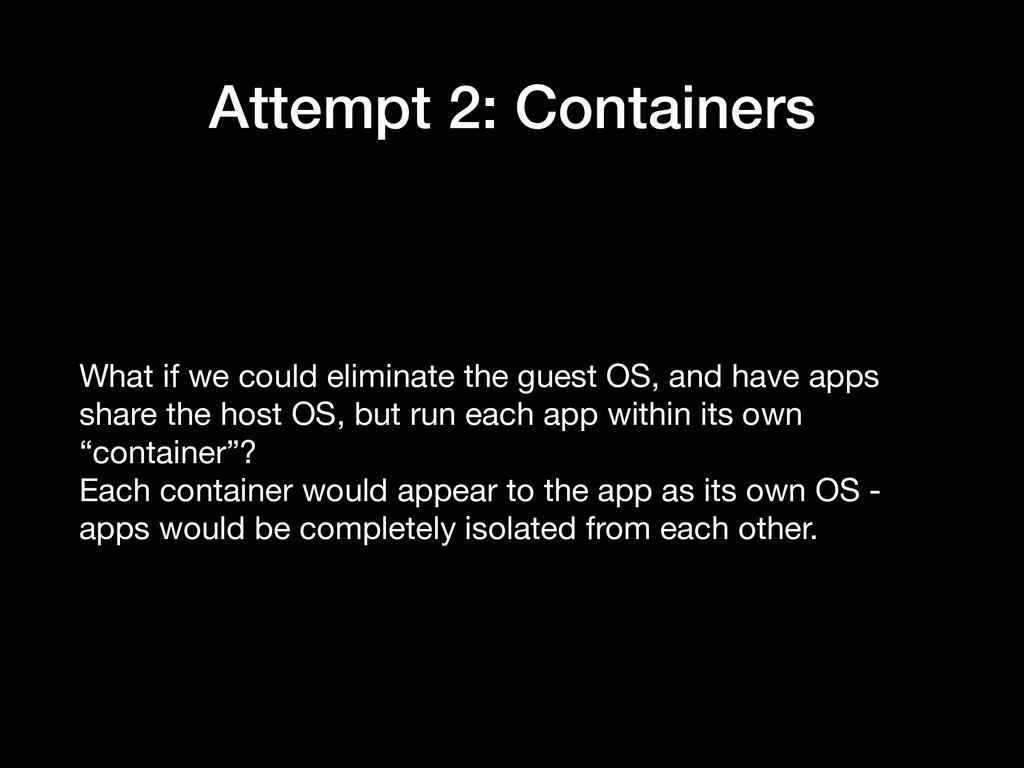
OS, and have apps share the host OS, but run each app within its own “container”? Each container would appear to the app as its own OS - apps would be completely isolated from each other.
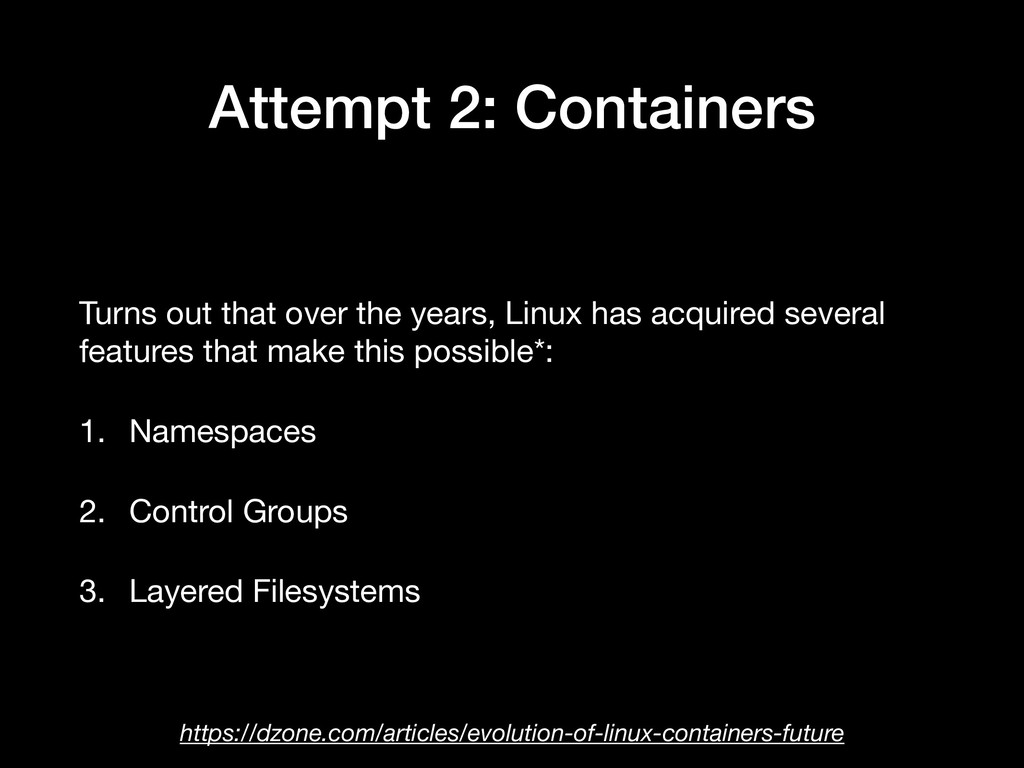
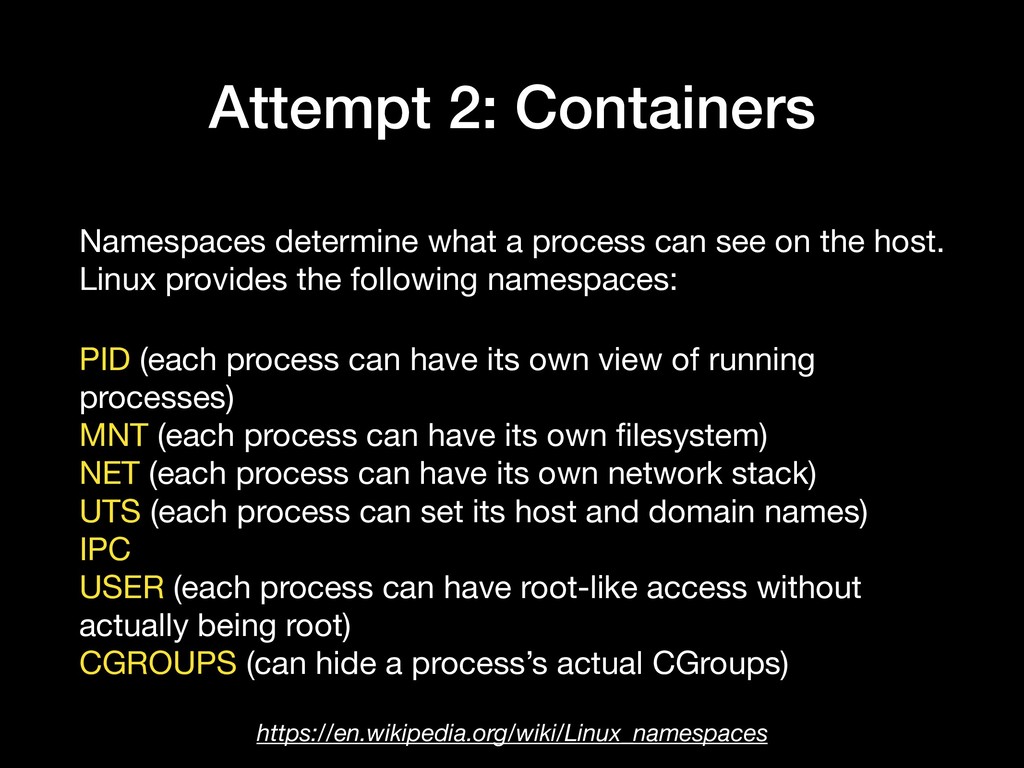
has acquired several features that make this possible*: 1. Namespaces 2. Control Groups 3. Layered Filesystems https://dzone.com/articles/evolution-of-linux-containers-future
on the host. Linux provides the following namespaces: PID (each process can have its own view of running processes) MNT (each process can have its own filesystem) NET (each process can have its own network stack) UTS (each process can set its host and domain names) IPC USER (each process can have root-like access without actually being root) CGROUPS (can hide a process’s actual CGroups) https://en.wikipedia.org/wiki/Linux_namespaces
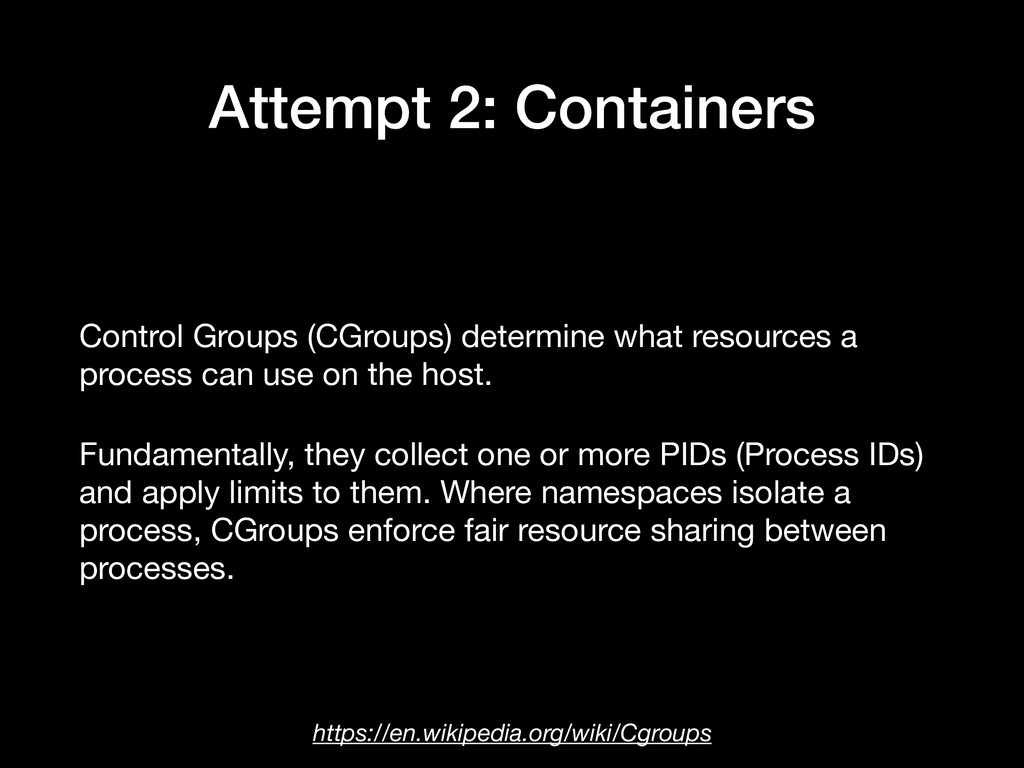
process can use on the host. Fundamentally, they collect one or more PIDs (Process IDs) and apply limits to them. Where namespaces isolate a process, CGroups enforce fair resource sharing between processes. https://en.wikipedia.org/wiki/Cgroups
resource- sharing sides of containers. They’re the big metal sides and the security guard at the dock. Layered Filesystems are how we can efficiently move whole machine images around; they're why the ship floats rather than sinks. That’s all we’ll say about them, for now. https://www.infoq.com/articles/build-a-container-golang
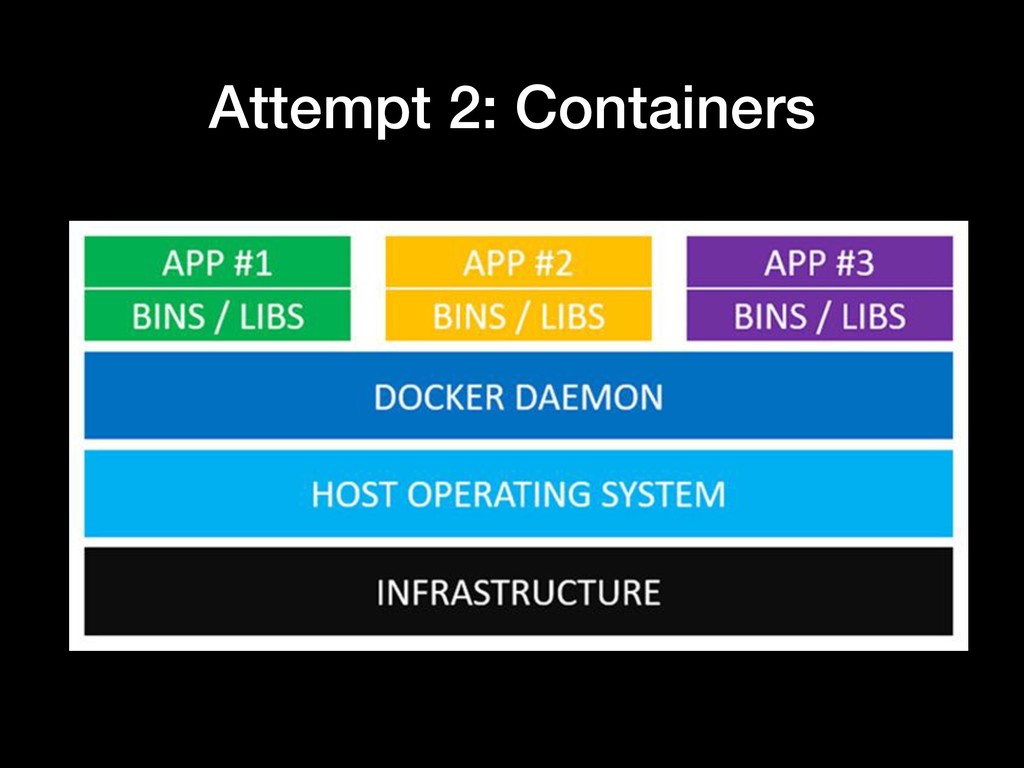
Linux features mentioned, to allow isolated “containers” run within a single Linux host, avoiding the guest OS overhead. It replaces the hypervisor with the Docker daemon - a background service on the host OS that manages interactions between the host and running containers.
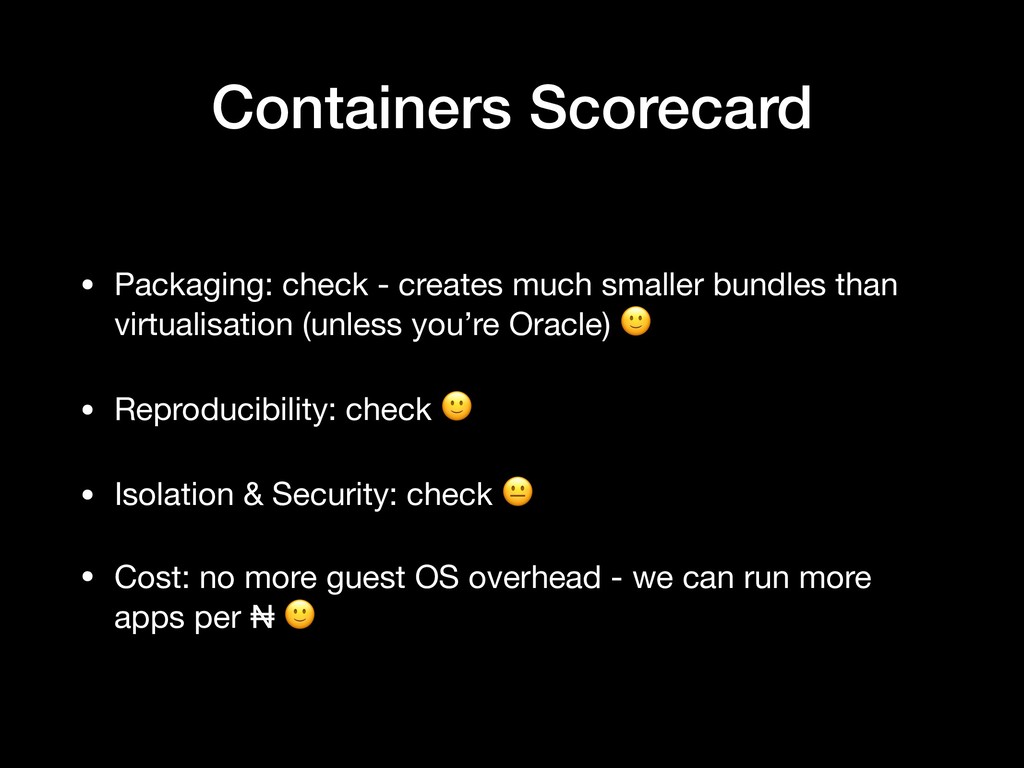
than virtualisation (unless you’re Oracle) • Reproducibility: check • Isolation & Security: check • Cost: no more guest OS overhead - we can run more apps per ₦
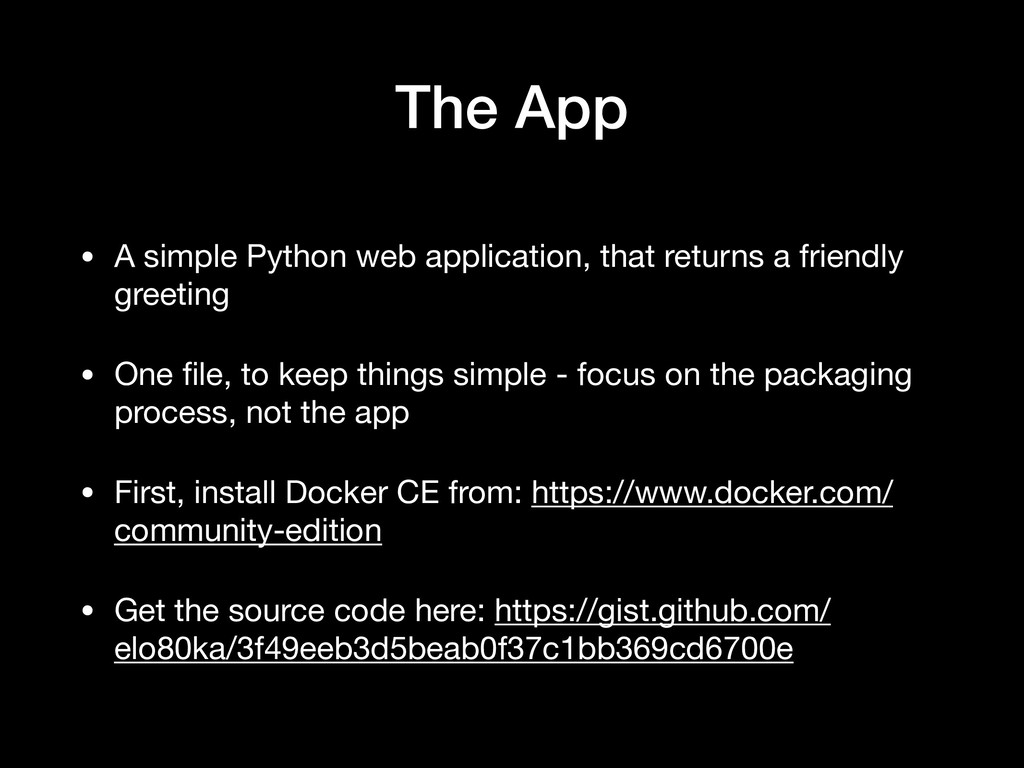
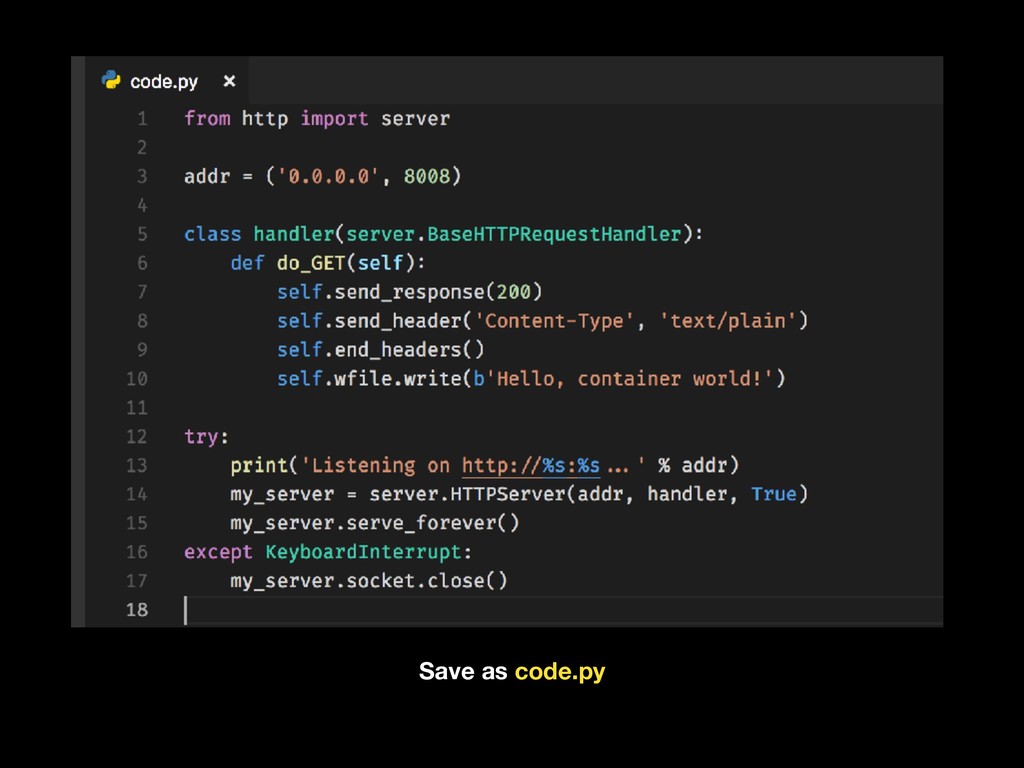
a friendly greeting • One file, to keep things simple - focus on the packaging process, not the app • First, install Docker CE from: https://www.docker.com/ community-edition • Get the source code here: https://gist.github.com/ elo80ka/3f49eeb3d5beab0f37c1bb369cd6700e
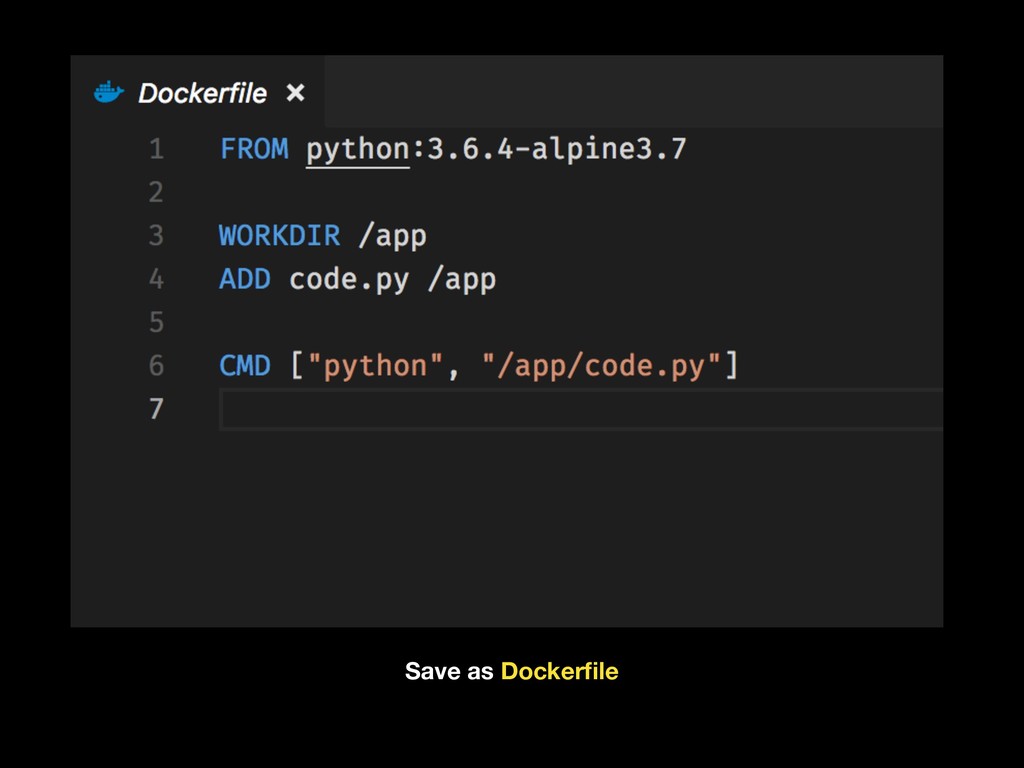
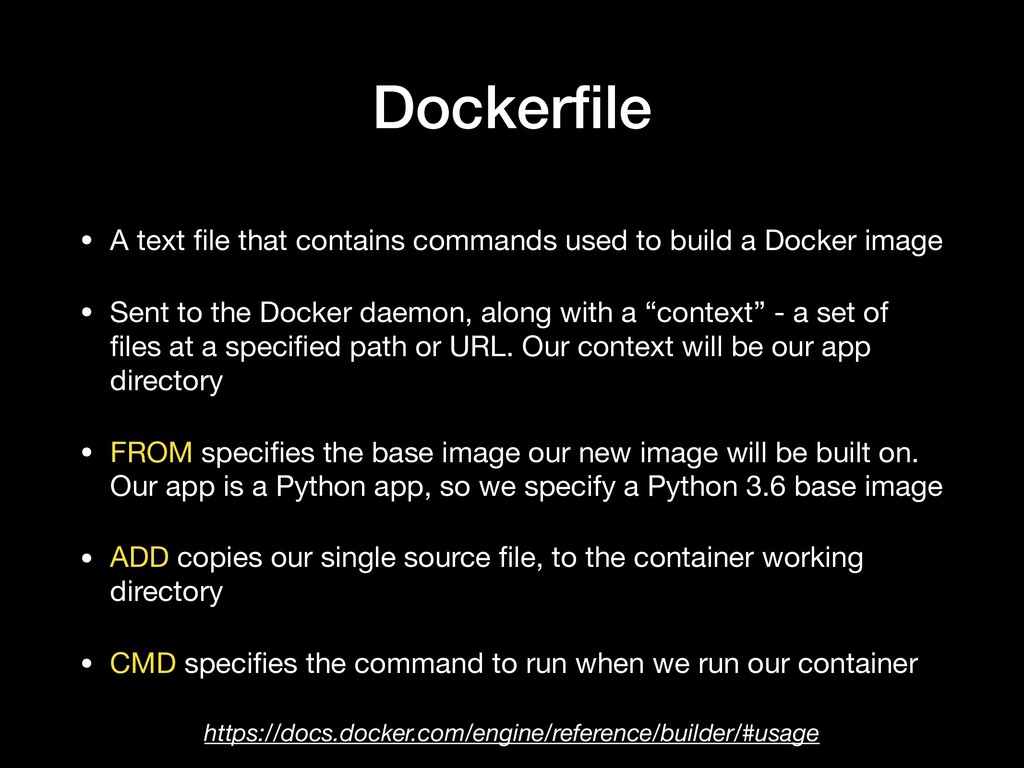
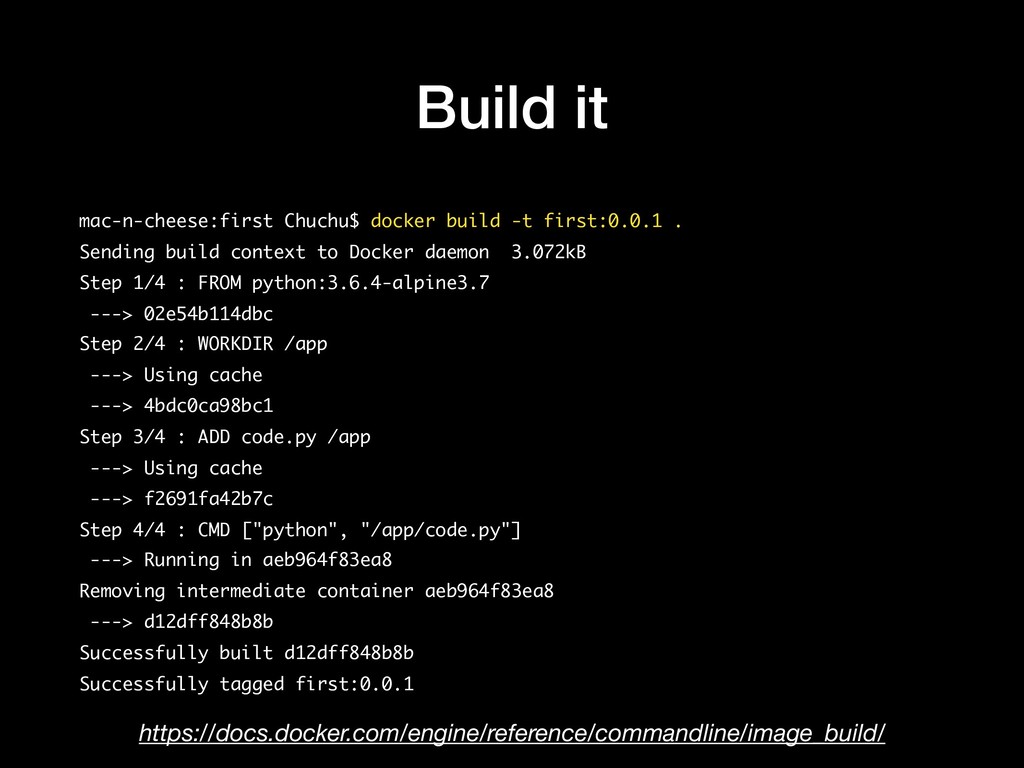
build a Docker image • Sent to the Docker daemon, along with a “context” - a set of files at a specified path or URL. Our context will be our app directory • FROM specifies the base image our new image will be built on. Our app is a Python app, so we specify a Python 3.6 base image • ADD copies our single source file, to the container working directory • CMD specifies the command to run when we run our container https://docs.docker.com/engine/reference/builder/#usage
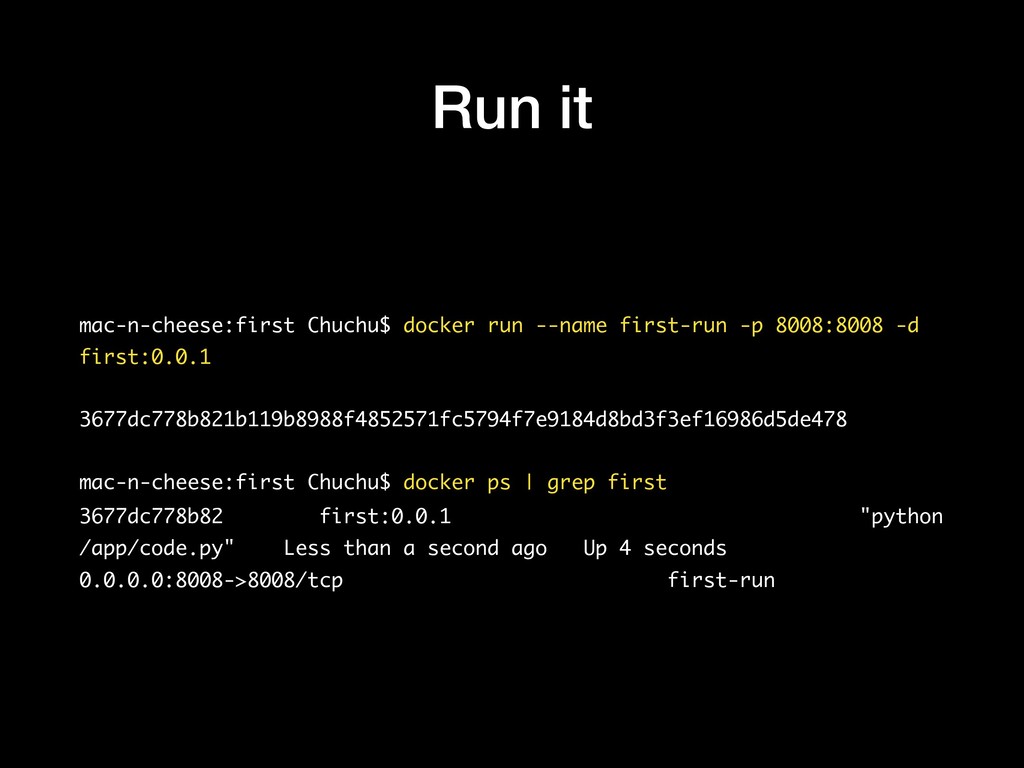
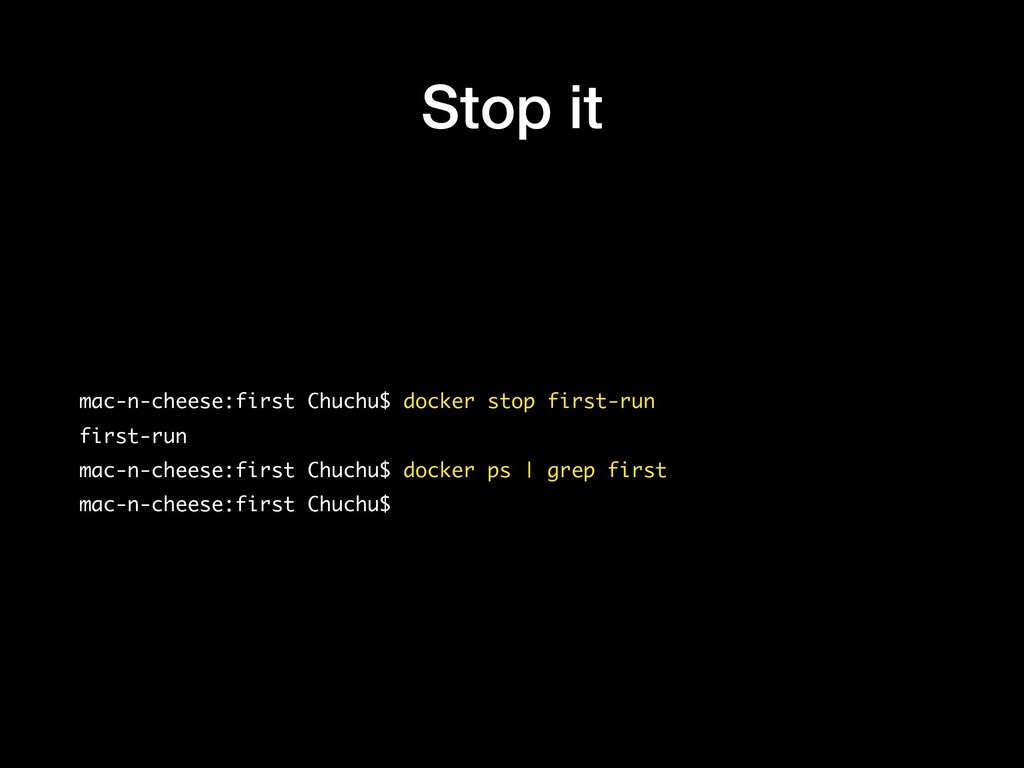
-d first:0.0.1 3677dc778b821b119b8988f4852571fc5794f7e9184d8bd3f3ef16986d5de478 mac-n-cheese:first Chuchu$ docker ps | grep first 3677dc778b82 first:0.0.1 "python /app/code.py" Less than a second ago Up 4 seconds 0.0.0.0:8008->8008/tcp first-run
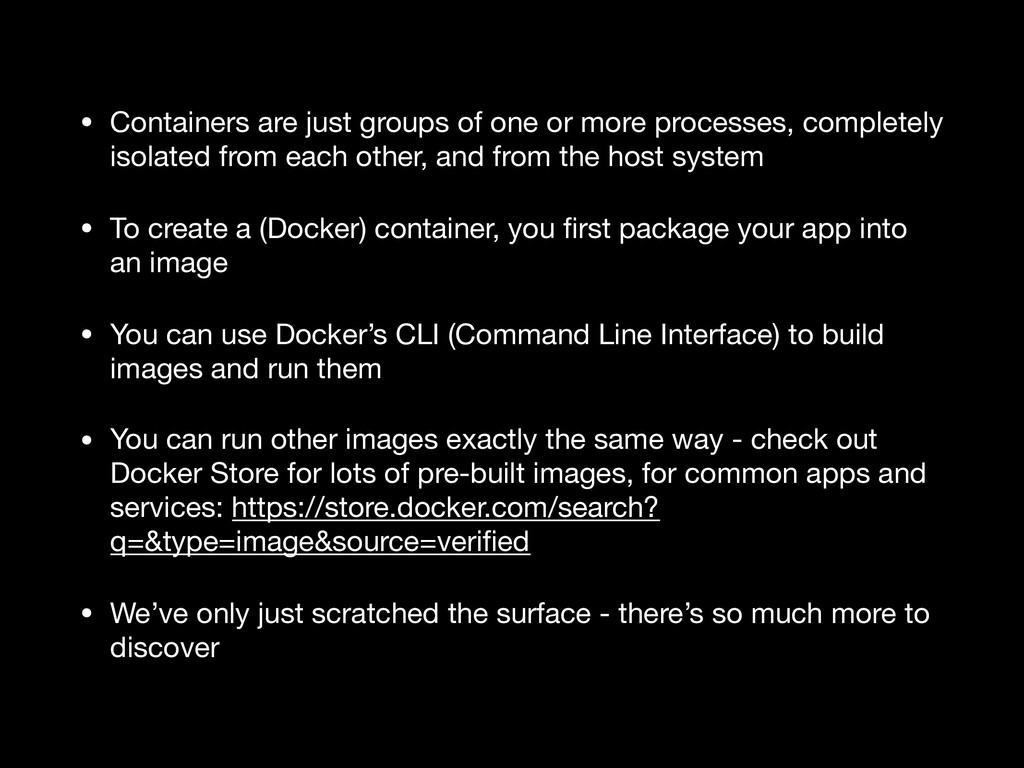
completely isolated from each other, and from the host system • To create a (Docker) container, you first package your app into an image • You can use Docker’s CLI (Command Line Interface) to build images and run them • You can run other images exactly the same way - check out Docker Store for lots of pre-built images, for common apps and services: https://store.docker.com/search? q=&type=image&source=verified • We’ve only just scratched the surface - there’s so much more to discover


.jpg) yumnumm
yumnumm
 htkym
htkym
 florets1
 akihisaikeda
 kishida
 moro
moro
 minodriven
 panda728
 sylph01
 yub0n
yub0n
 shihochan
 chobishiba
 samtorres
 marcelosomers
 chrislema
 jonoalderson
 sachag
 marktimemedia
 baasie
 vanstee
 sergeychernyshev
 soudai
 varn
varn
 skipperchong