Upgrade to Pro — share decks privately, control downloads, hide ads and more …

Data-Oriented Design – Rethinking Software Engi...

Data-Oriented Design – Rethinking Software Engineering

Data-Oriented Design (DOD) is a modern software design paradigm that shifts the focus from objects and abstractions to how data is organized, accessed, and transformed within a system. Unlike traditional object-oriented design, which prioritizes encapsulation and inheritance, data-oriented design emphasizes data layout, memory efficiency, and performance — especially with respect to modern CPU architecture and cache utilization.

At its core, DOD is about understanding the actual data flow in a program and structuring code so that it operates on that data in a way that minimizes cache misses, branching, and memory fragmentation. This often involves organizing data in contiguous memory blocks, separating data by usage patterns (e.g., hot vs. cold data), and designing algorithms around the movement and transformation of these data structures.

Modern high-performance systems — such as game engines, real-time simulations, and data-intensive applications — leverage DOD to achieve predictable performance, scalability, and hardware efficiency.

Avatar for Henok Samson

Henok Samson

October 28, 2025

Other Decks in Programming

Transcript

  1. Who am I My Name is henok samson nickname is

    enoch Codes I am a coder backend engineer and system programming enthusiast i am a founder & CTO of aksumite technologies and co-founder of unity-link solutions. I have 4+ years experience My favorite programming language is Golang & C
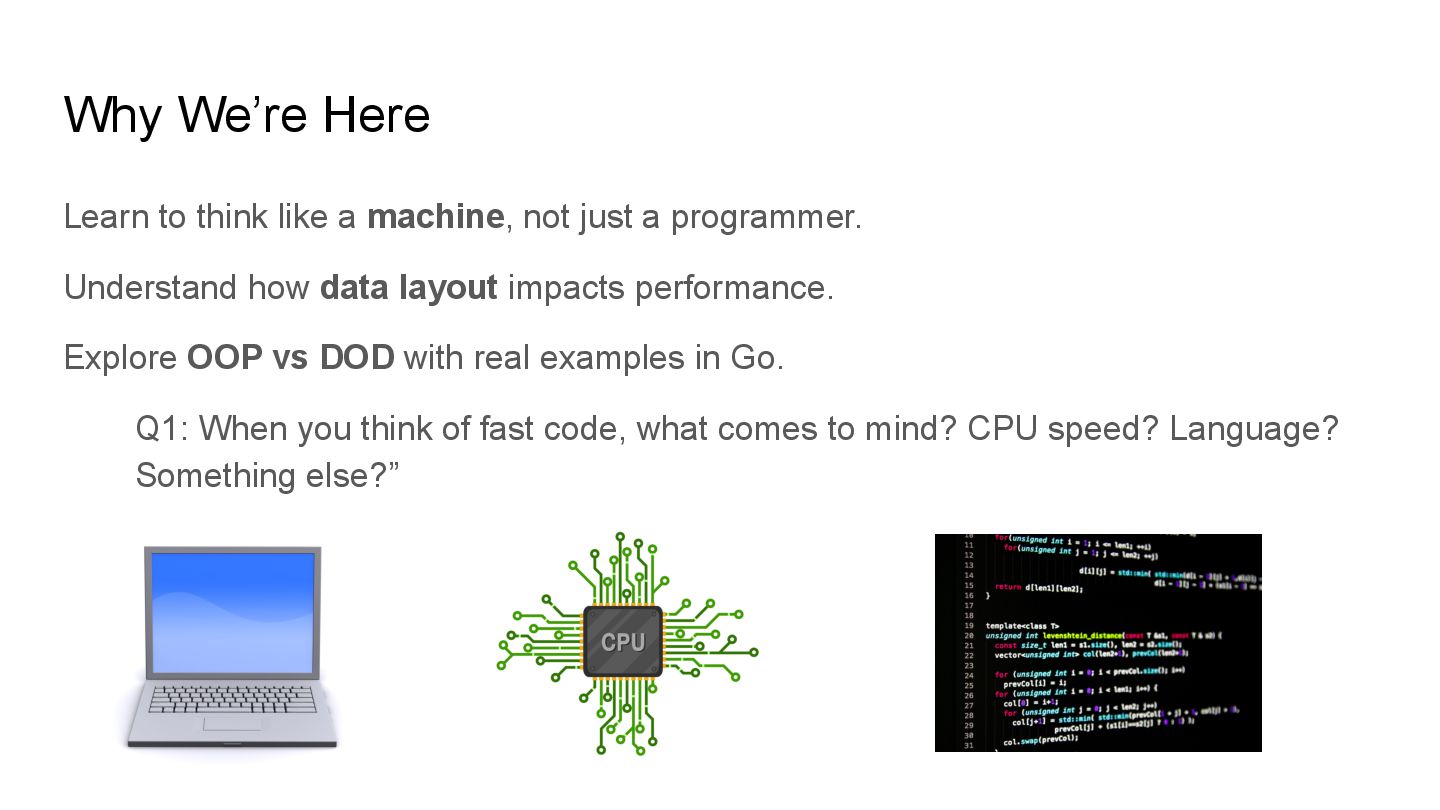
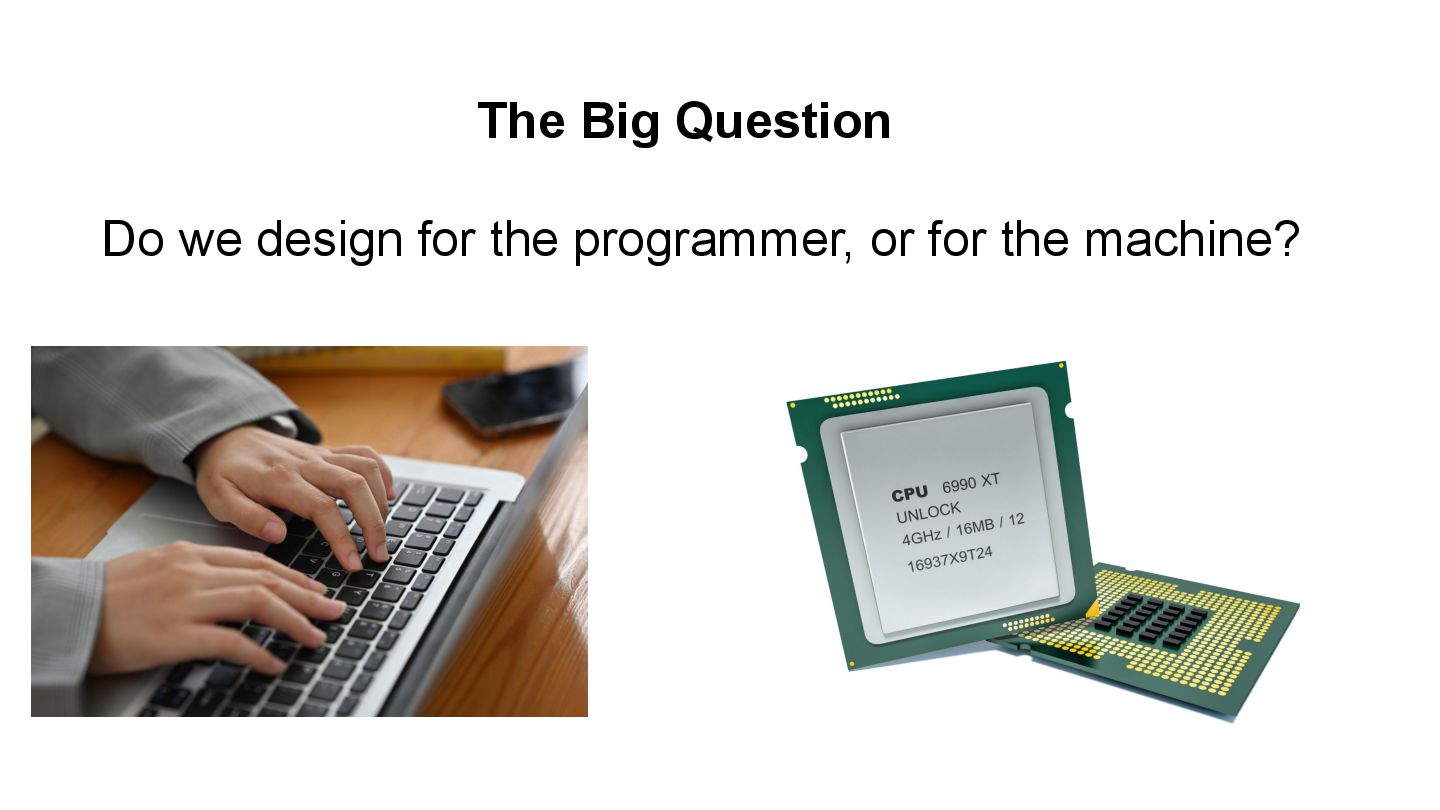
  2. Why We’re Here Learn to think like a machine, not

    just a programmer. Understand how data layout impacts performance. Explore OOP vs DOD with real examples in Go. Q1: When you think of fast code, what comes to mind? CPU speed? Language? Something else?”
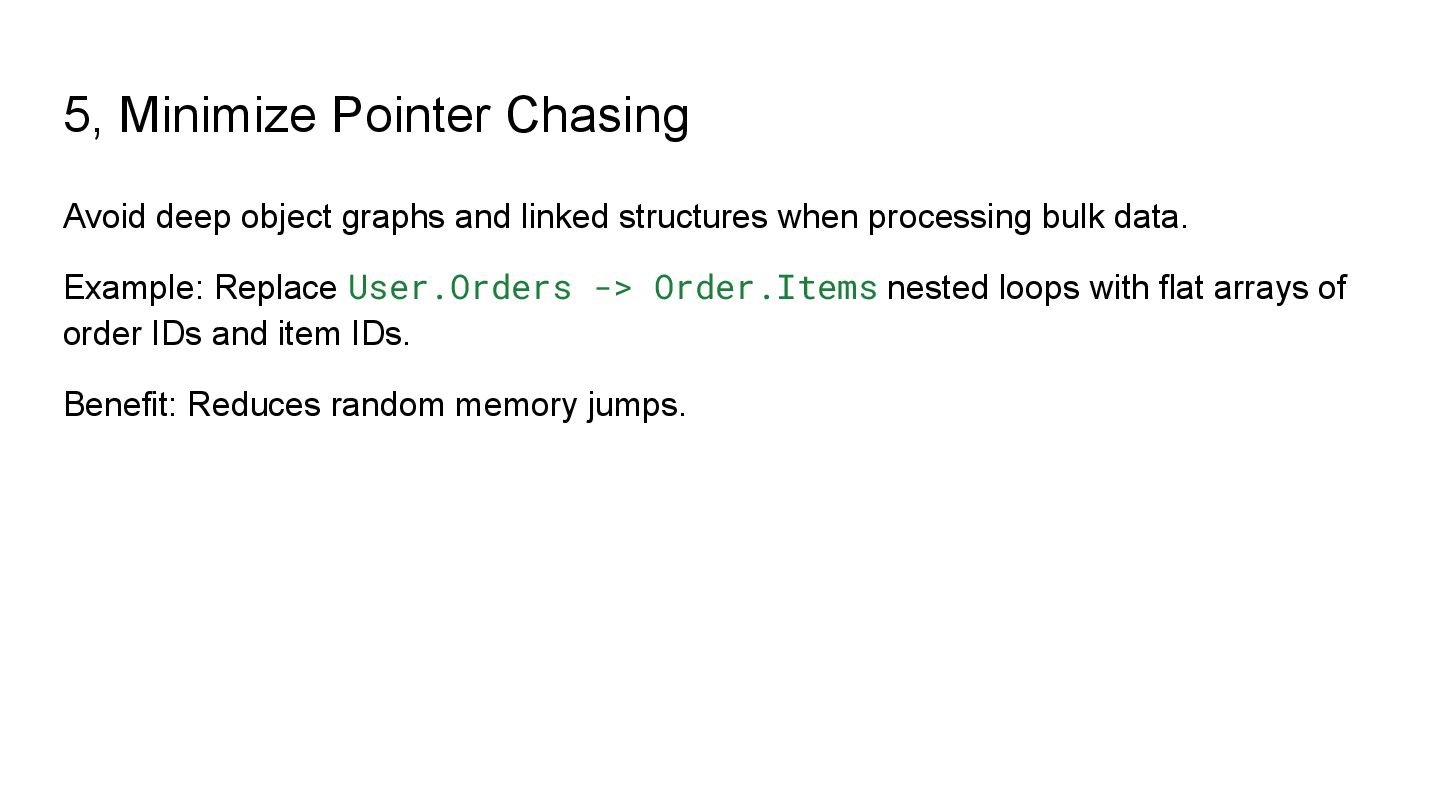
  3. Why Performance Matters Slow services = timeouts, lost users. Efficient

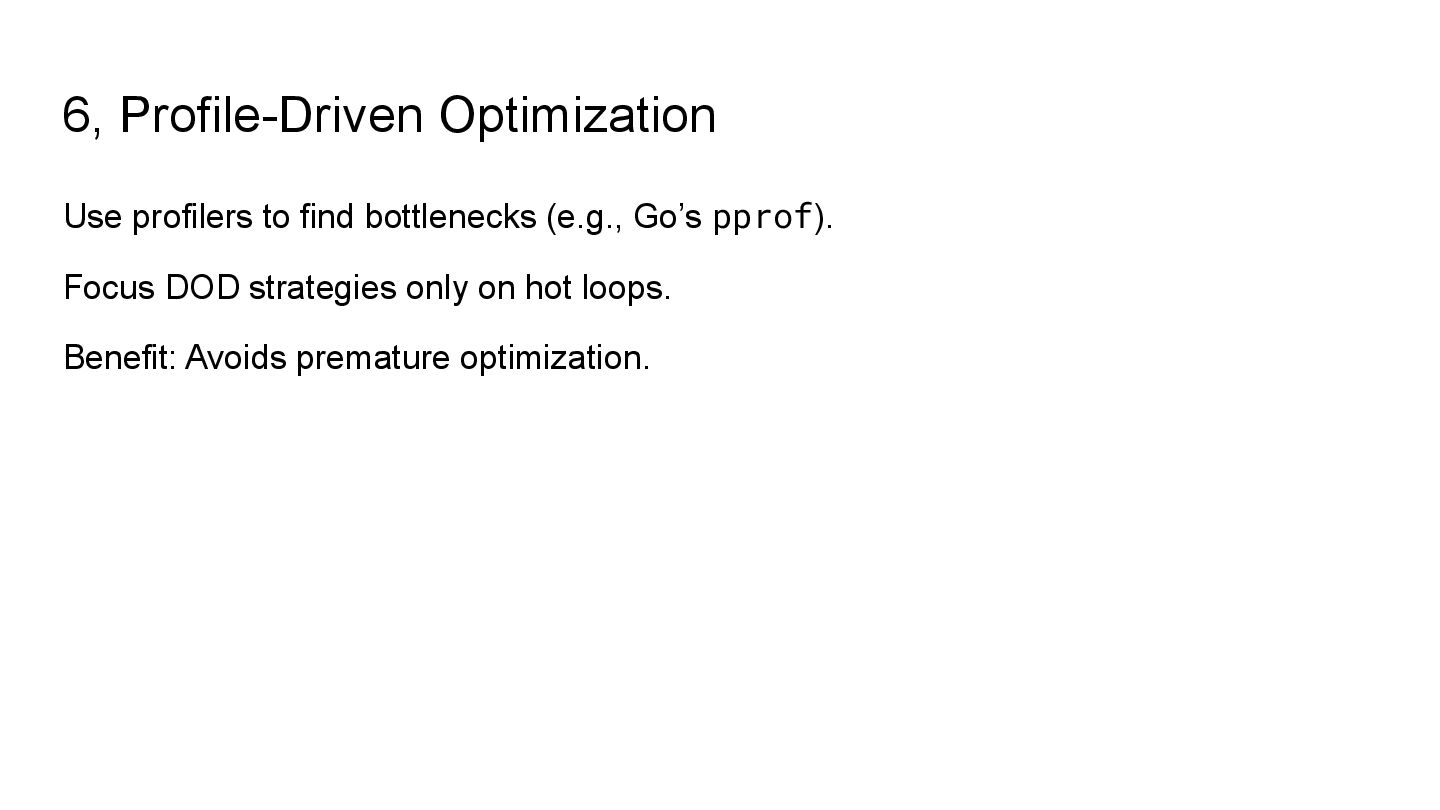
    code = lower server costs, greener systems. Big bottleneck = memory & data movement. Saves money, energy, and hardware. Most slowdowns come from memory, not CPU math.
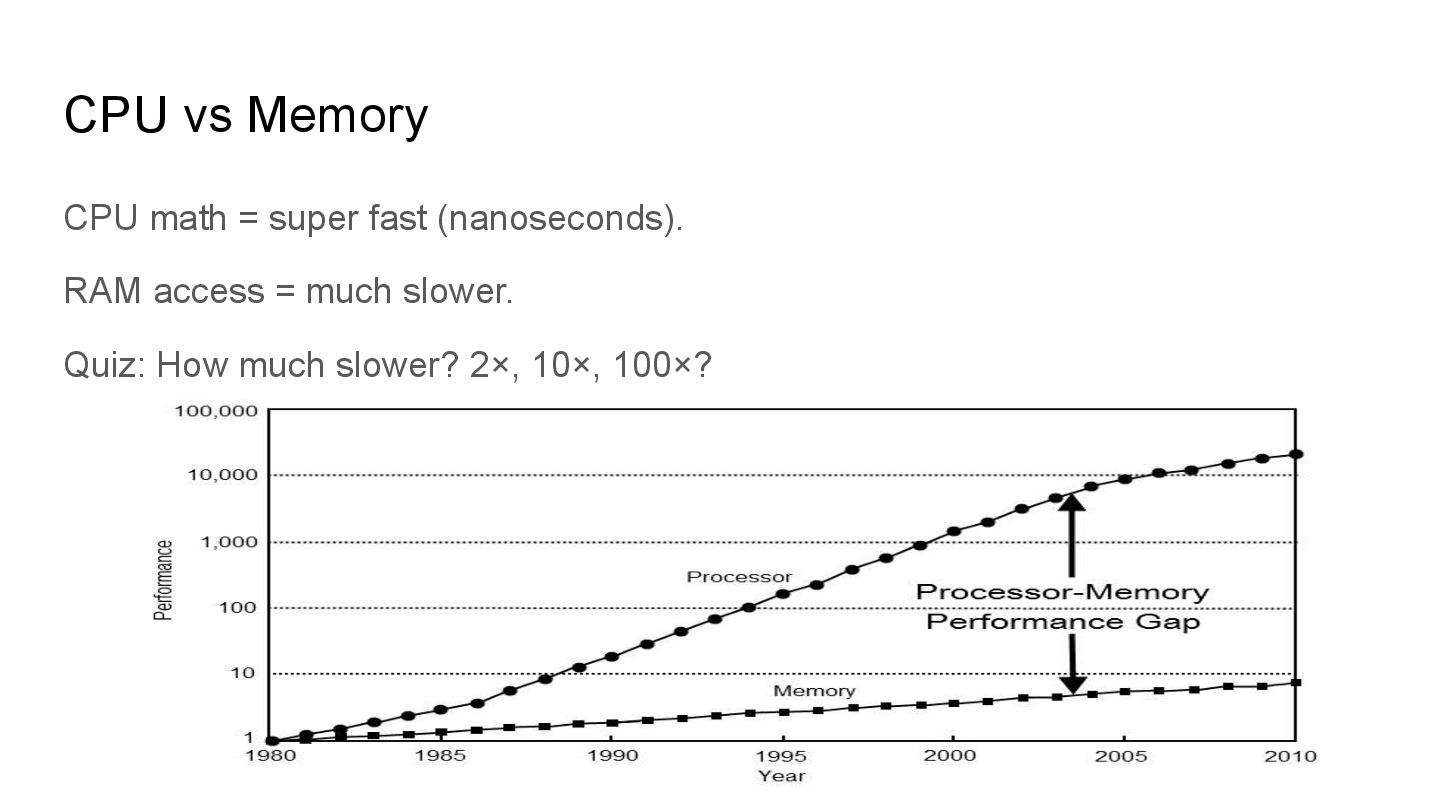
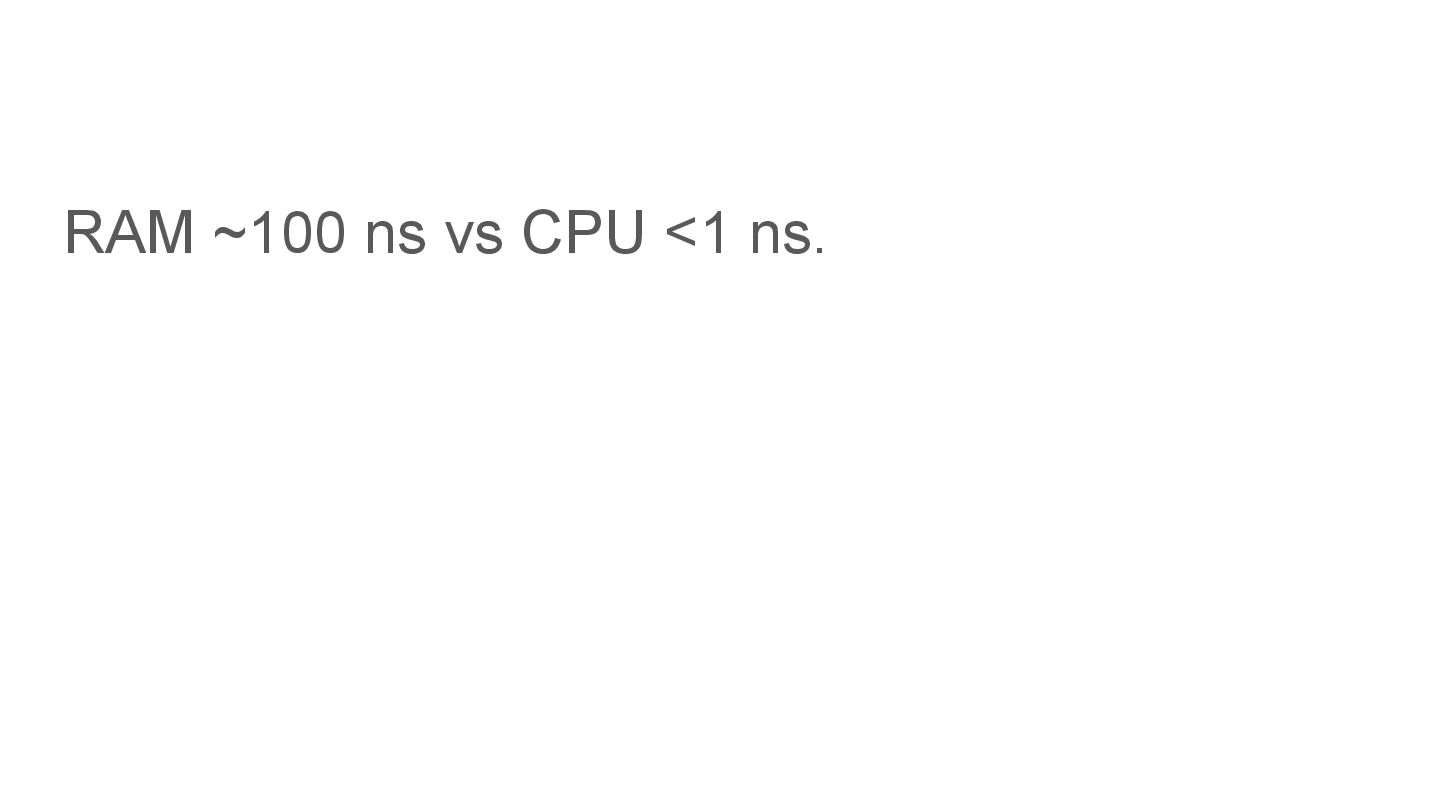
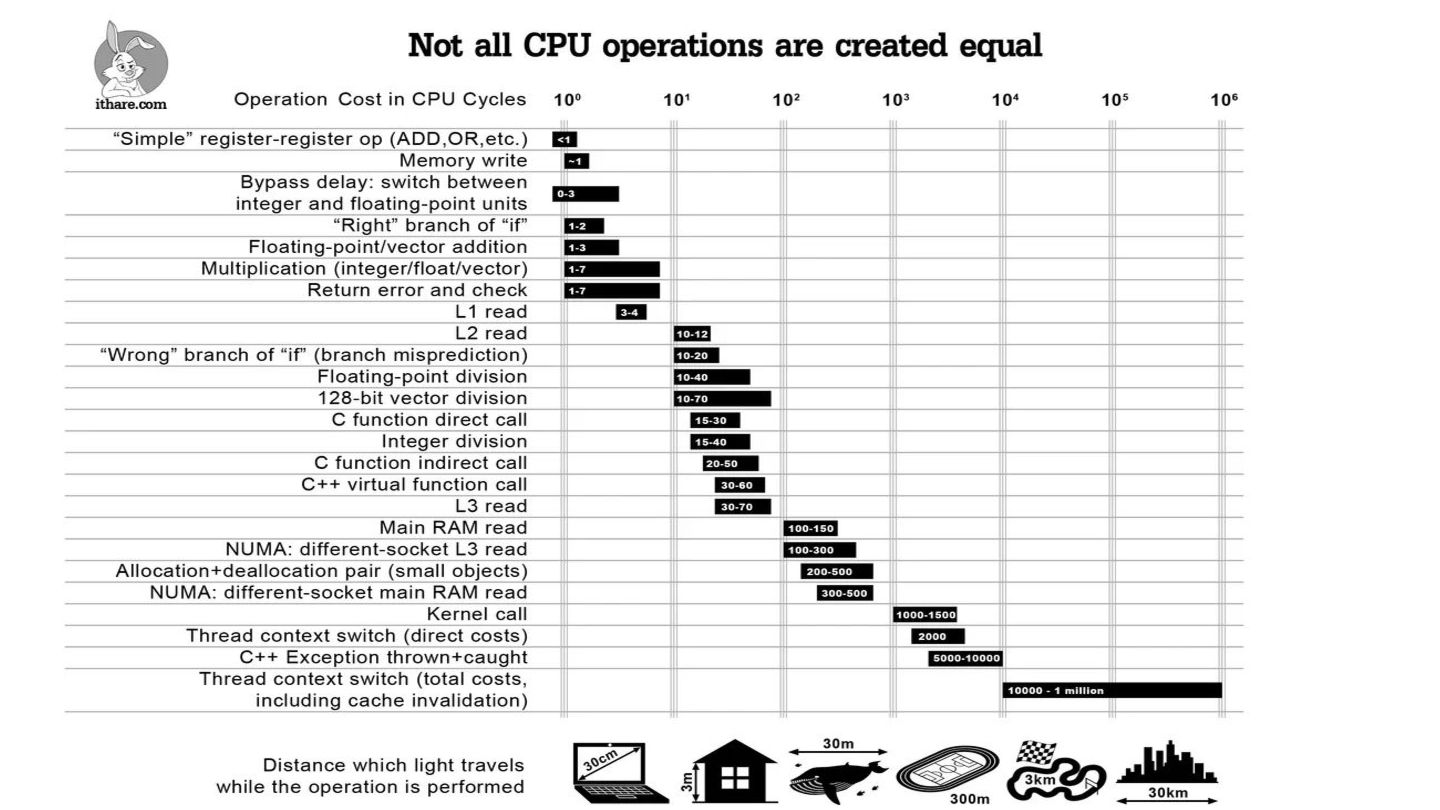
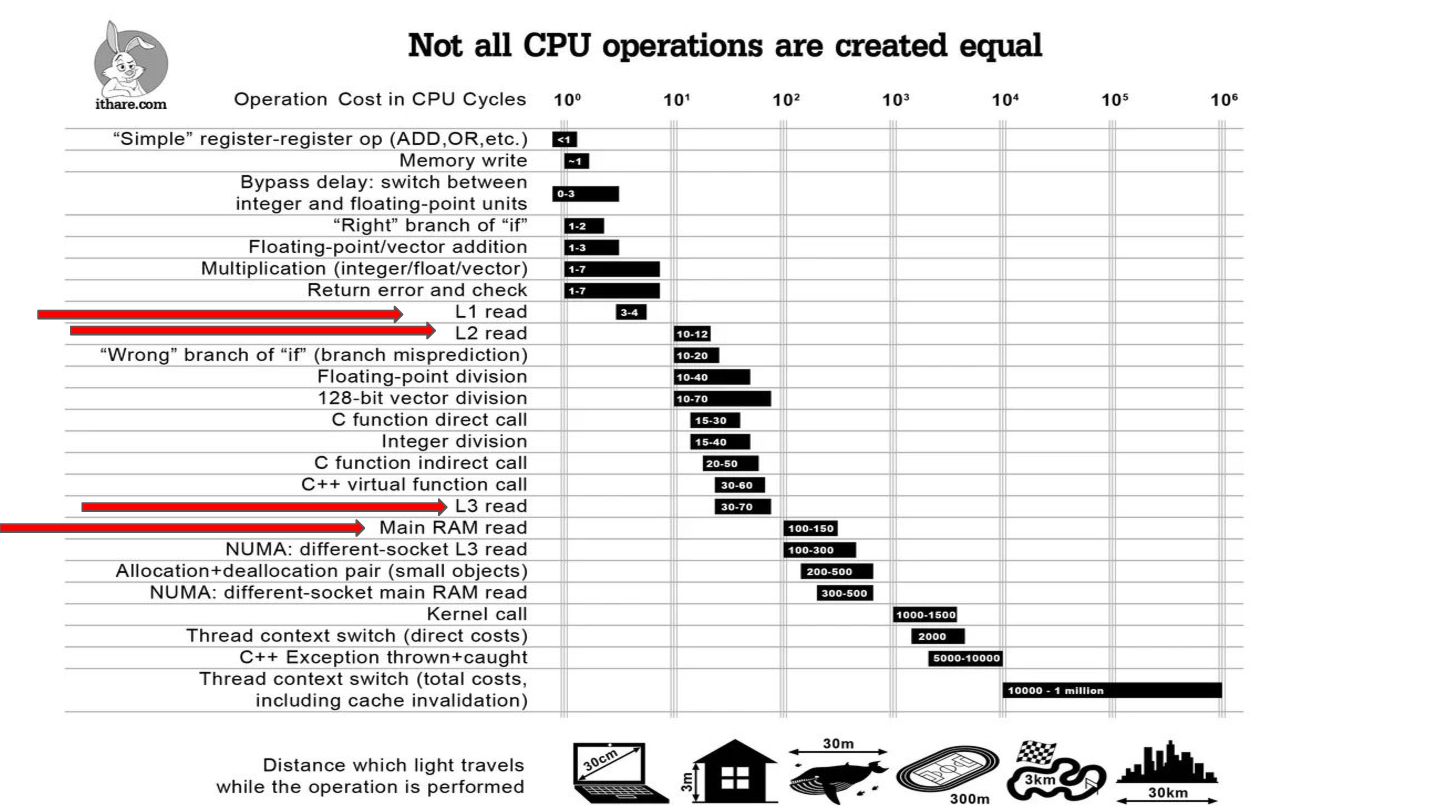
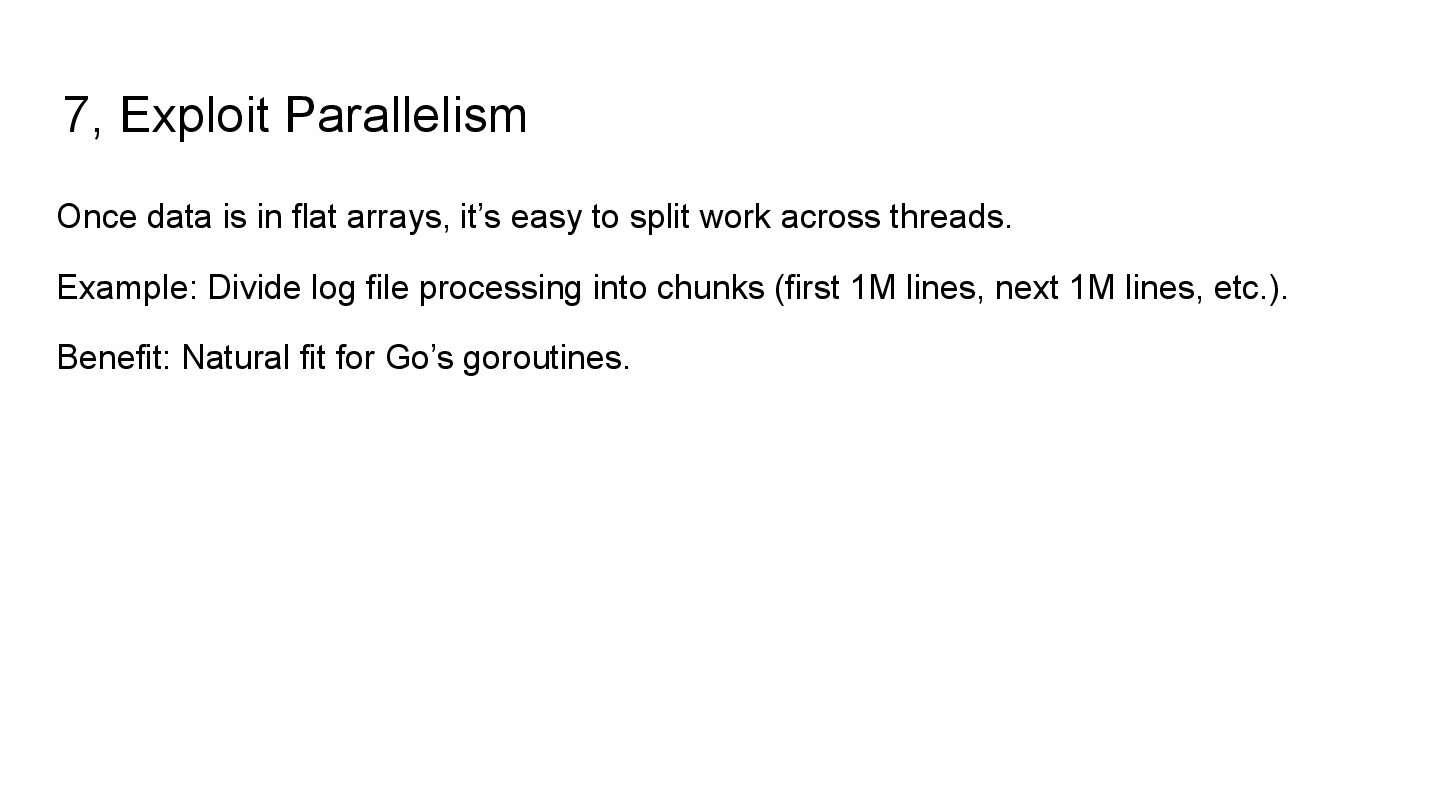
  4. CPU vs Memory CPU math = super fast (nanoseconds). RAM

    access = much slower. Quiz: How much slower? 2×, 10×, 100×?
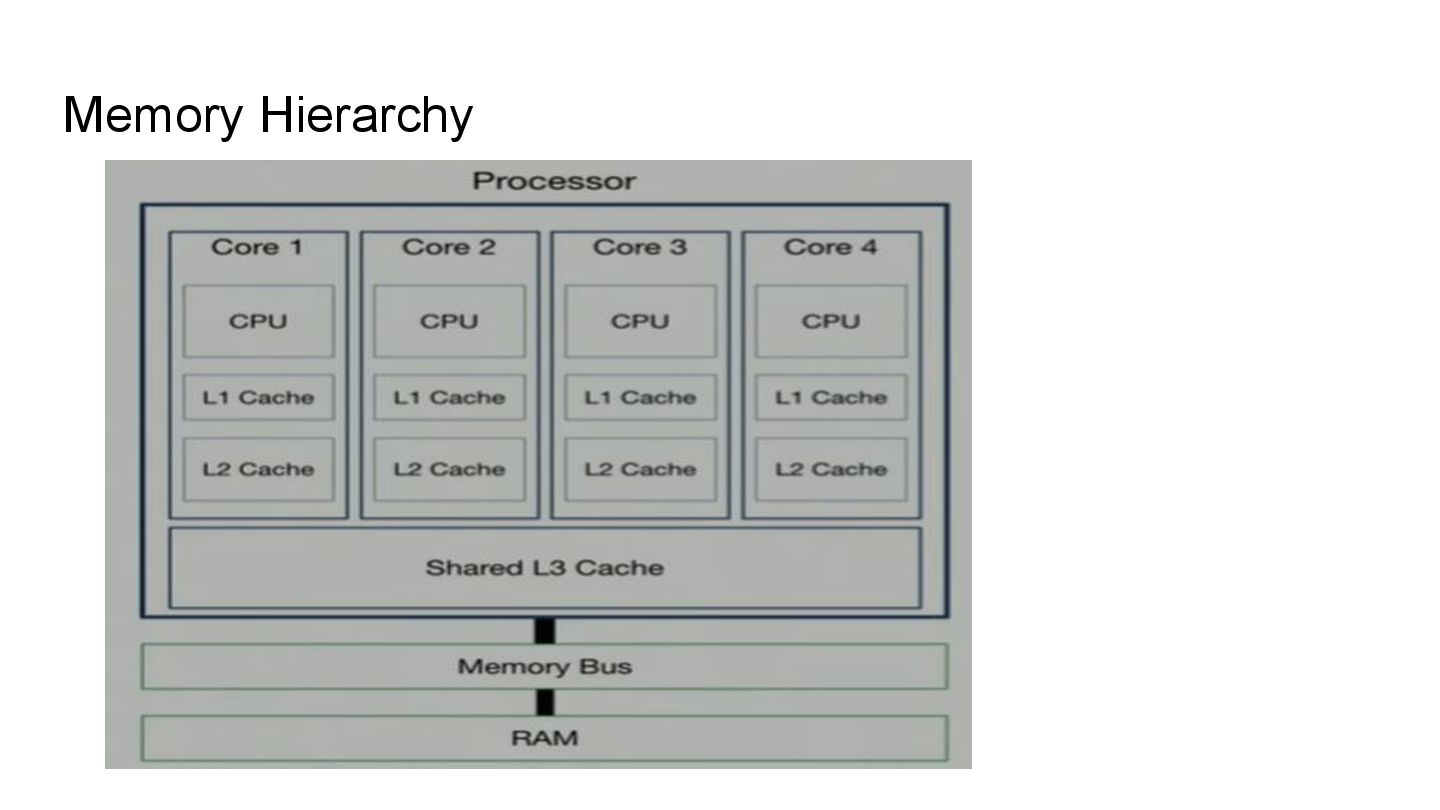
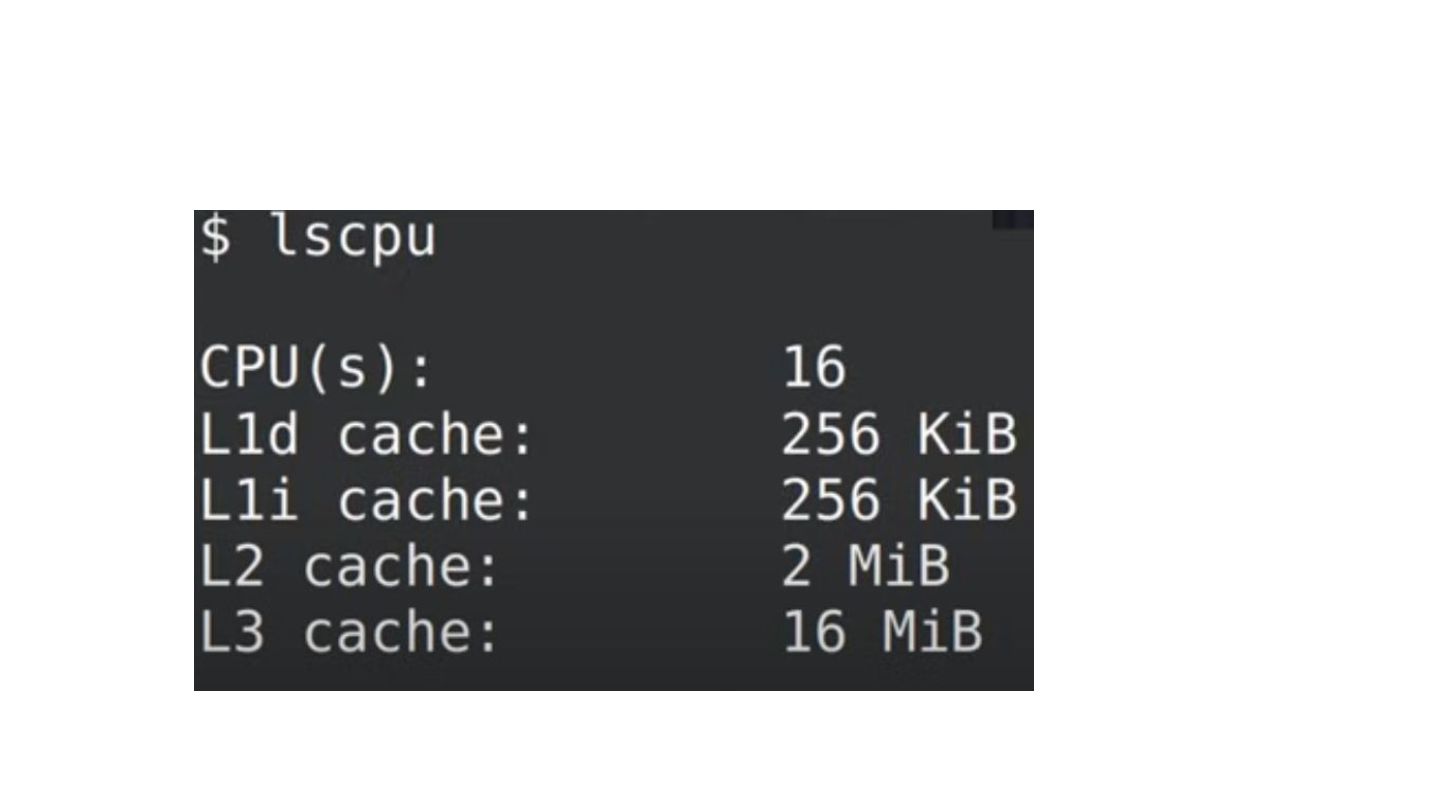
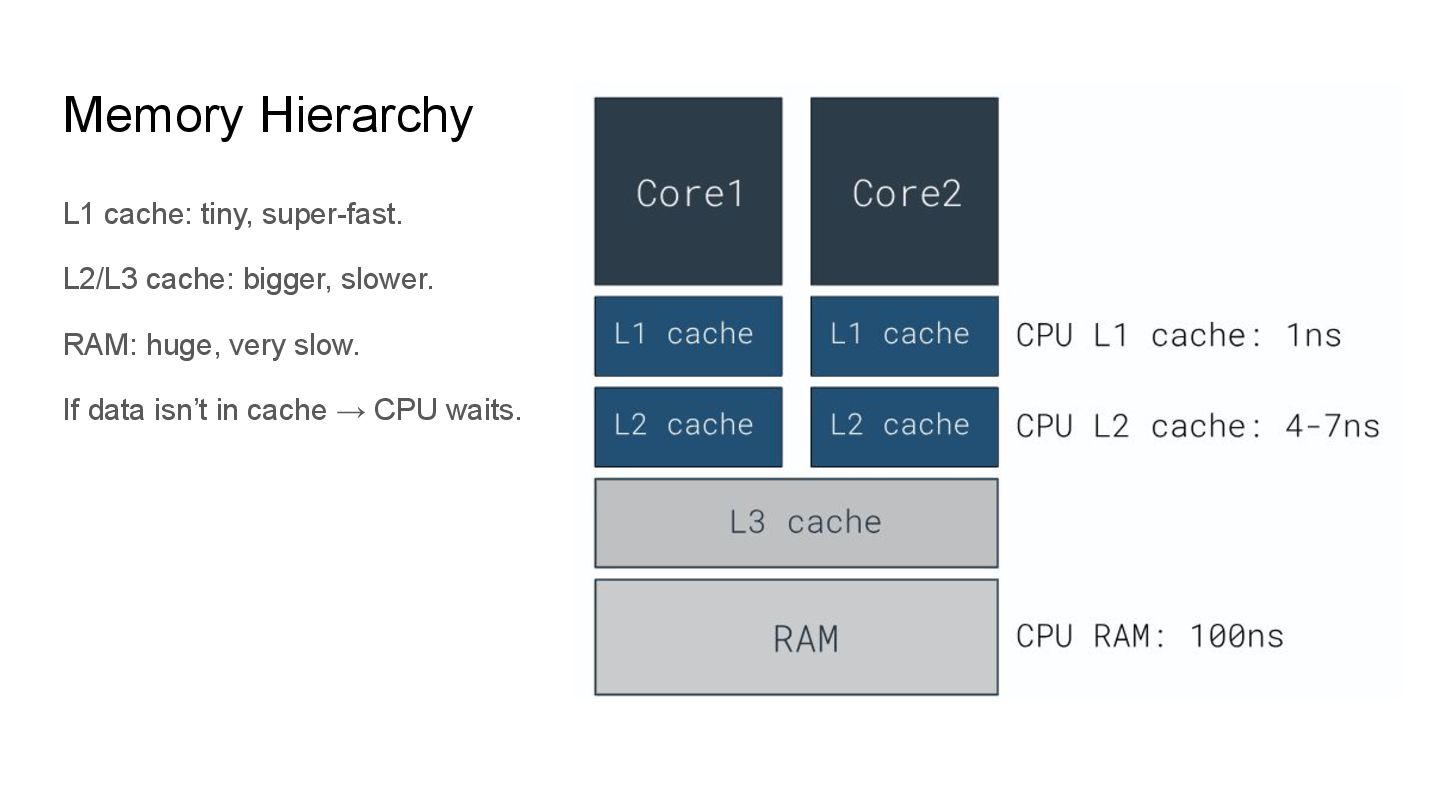
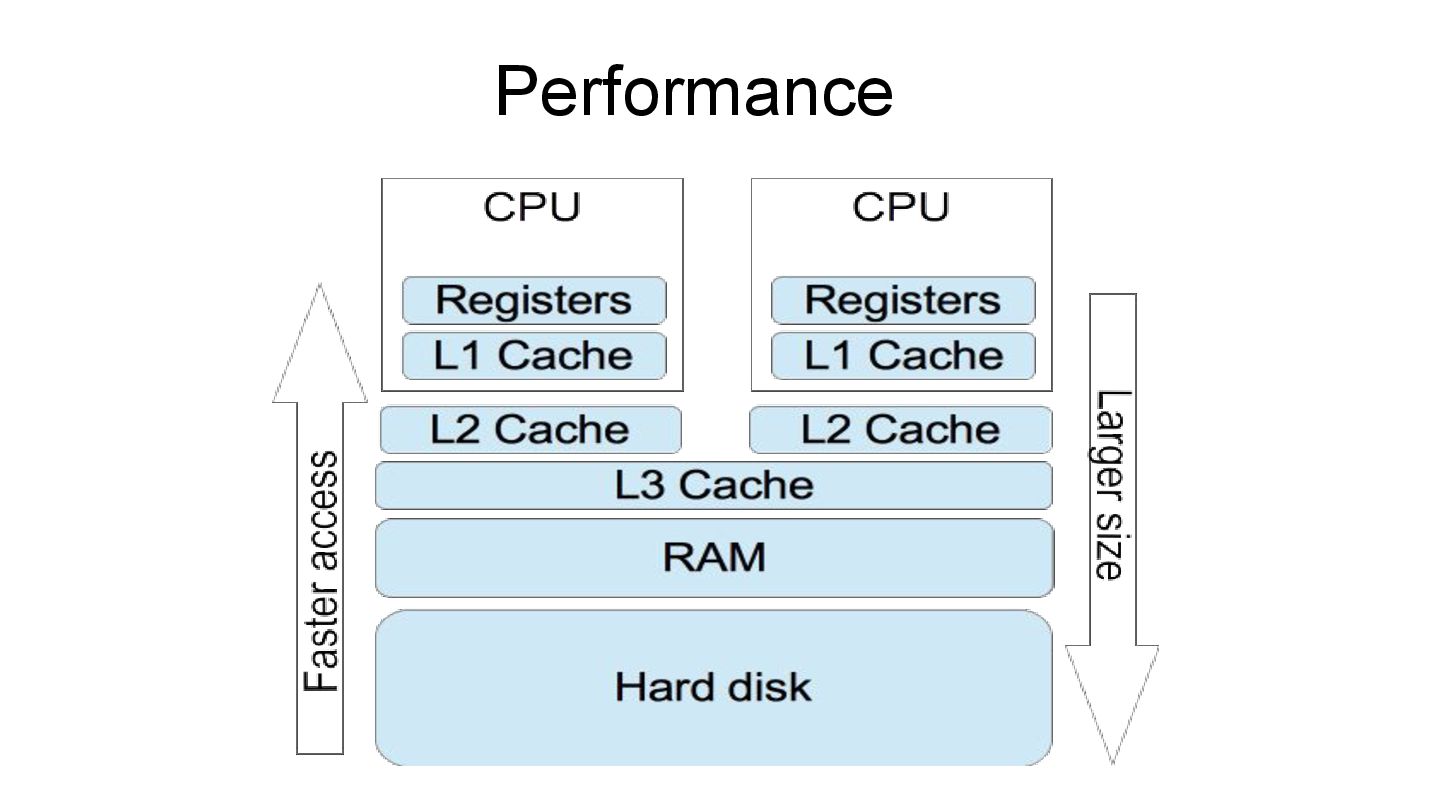
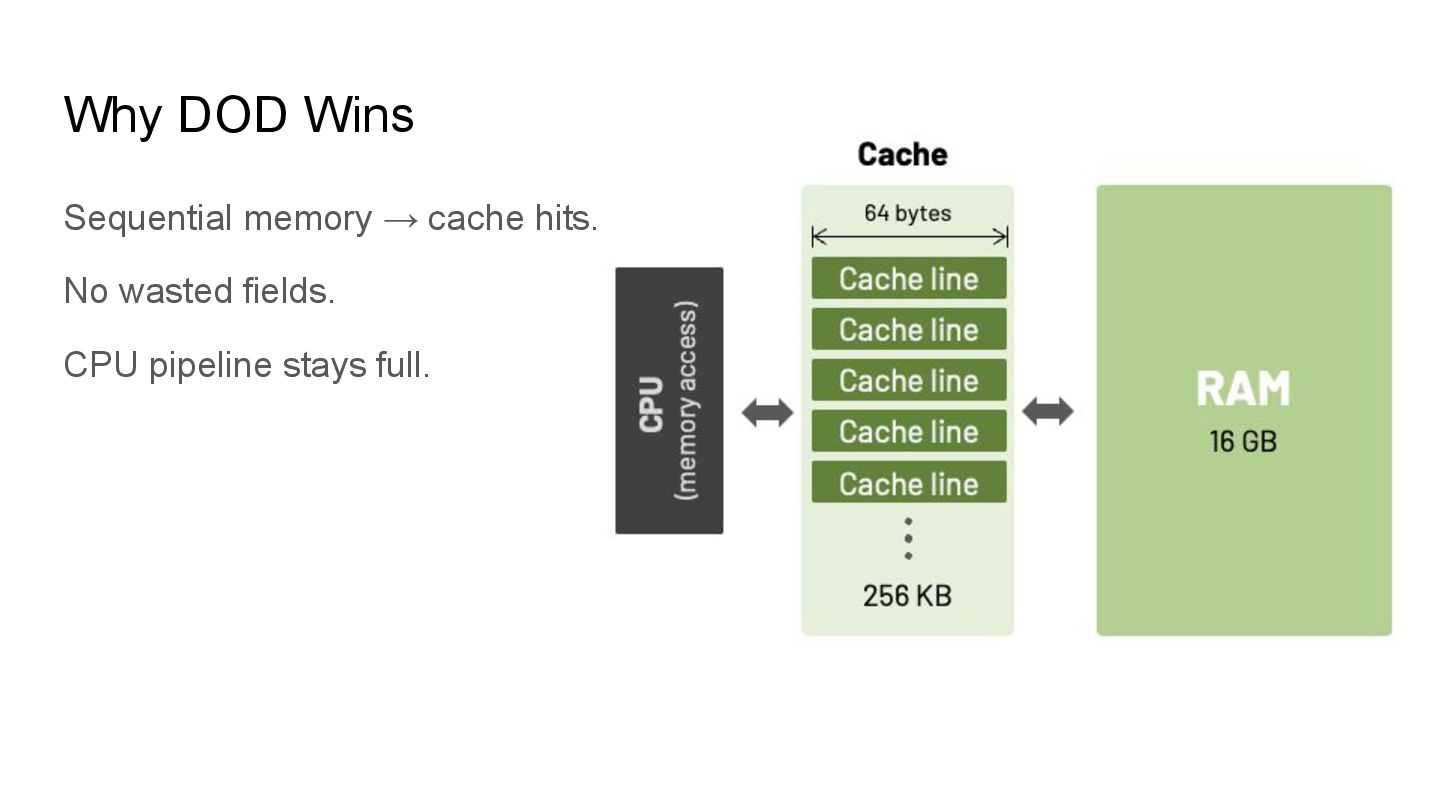
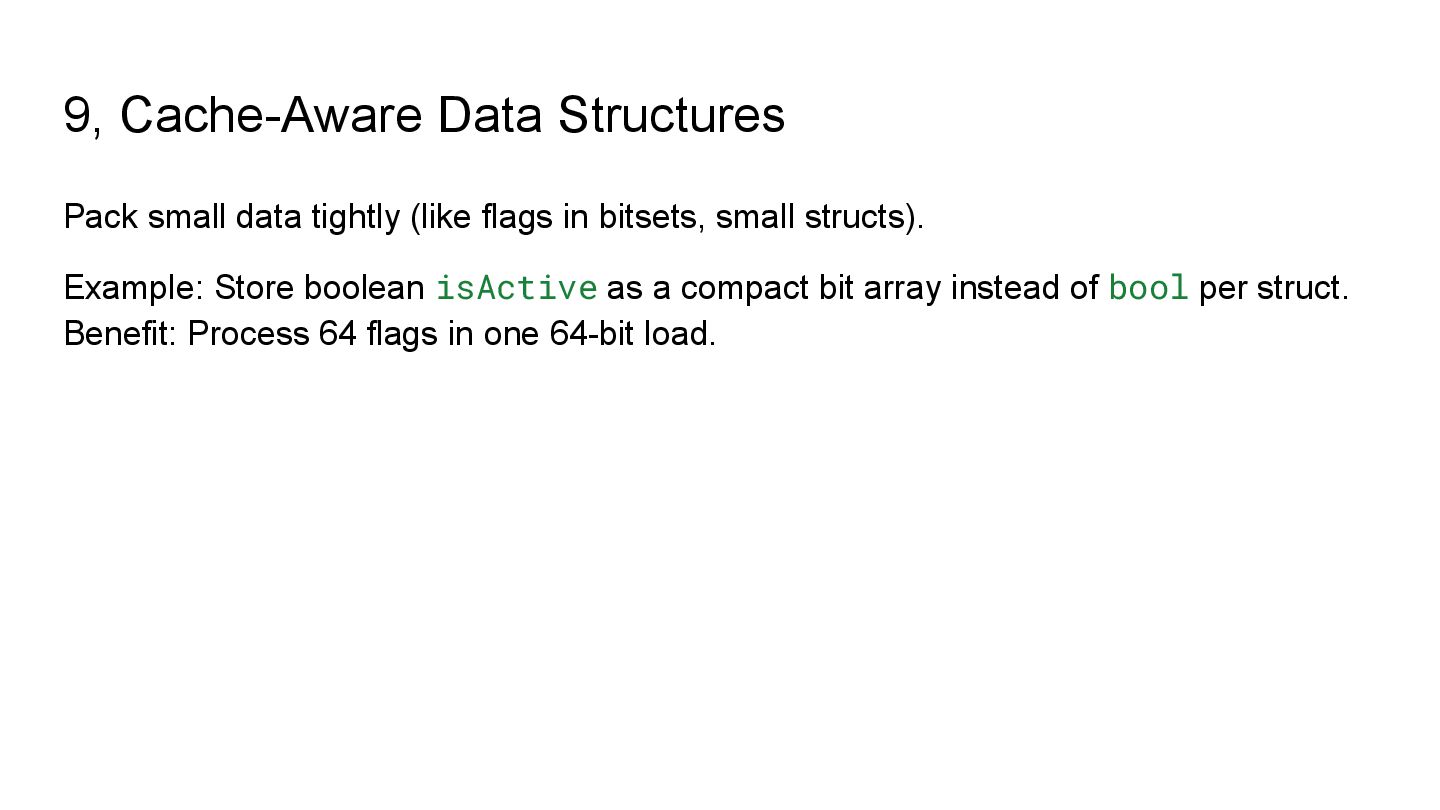
  5. Memory Hierarchy L1 cache: tiny, super-fast. L2/L3 cache: bigger, slower.

    RAM: huge, very slow. If data isn’t in cache → CPU waits.
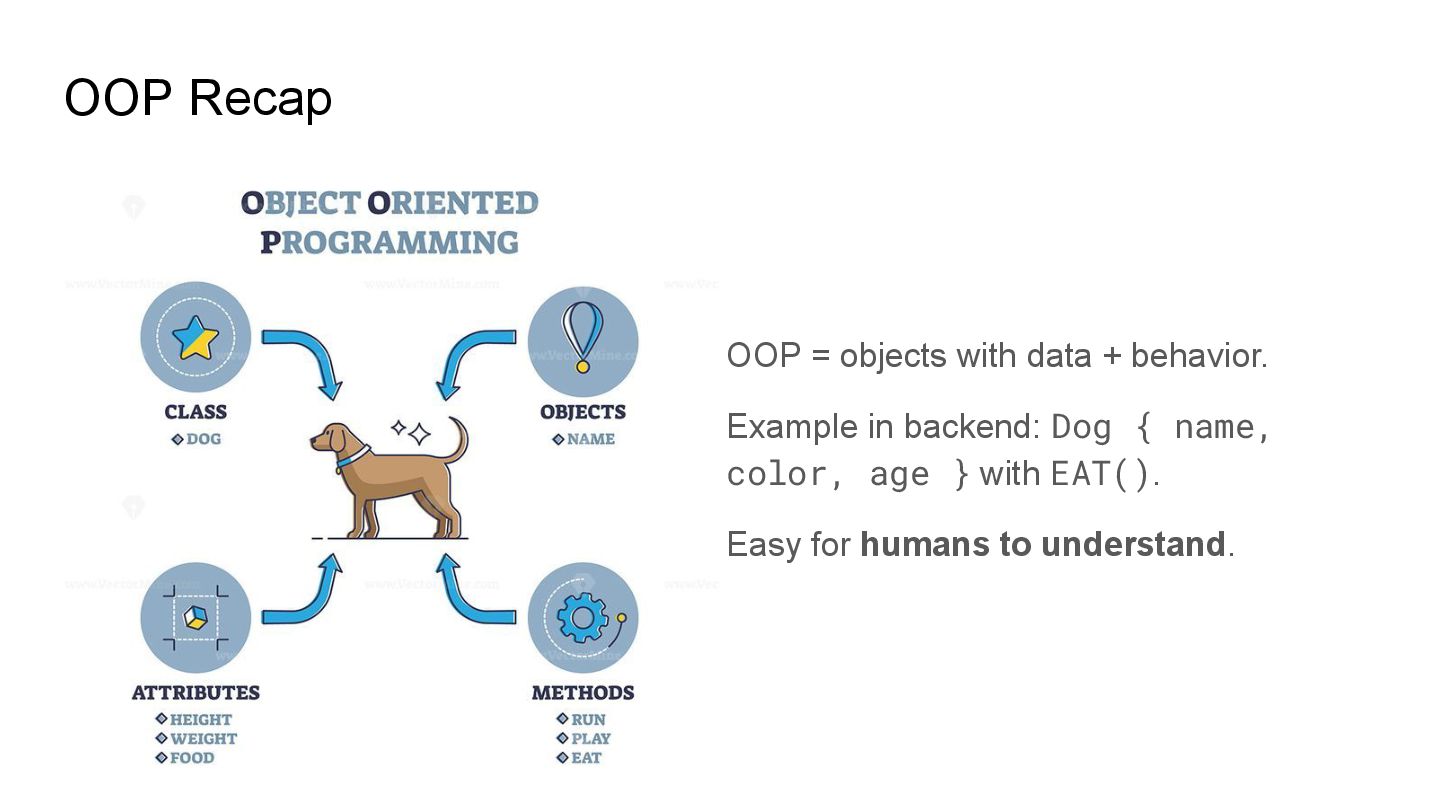
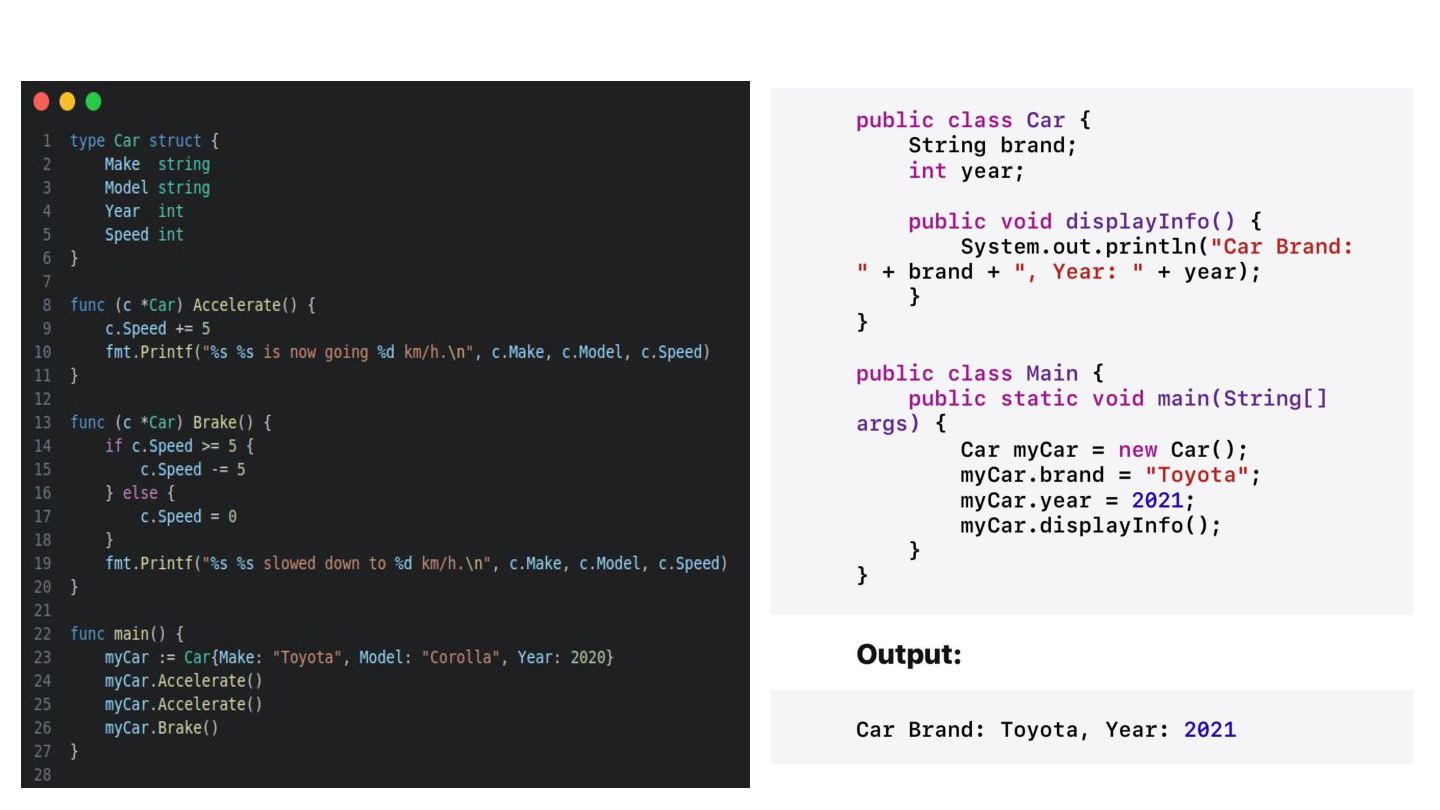
  6. OOP Recap OOP = objects with data + behavior. Example

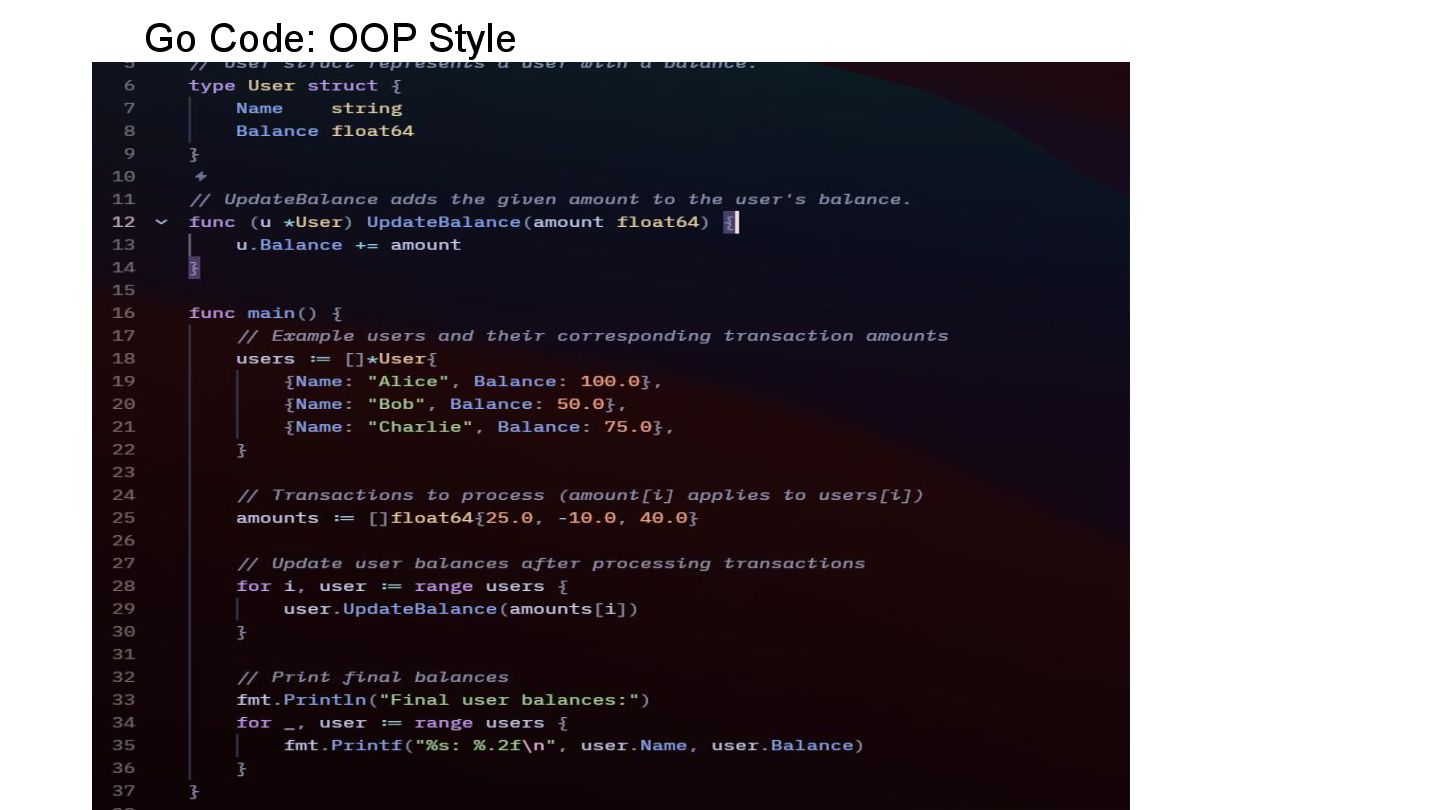
    in backend: Dog { name, color, age } with EAT(). Easy for humans to understand.
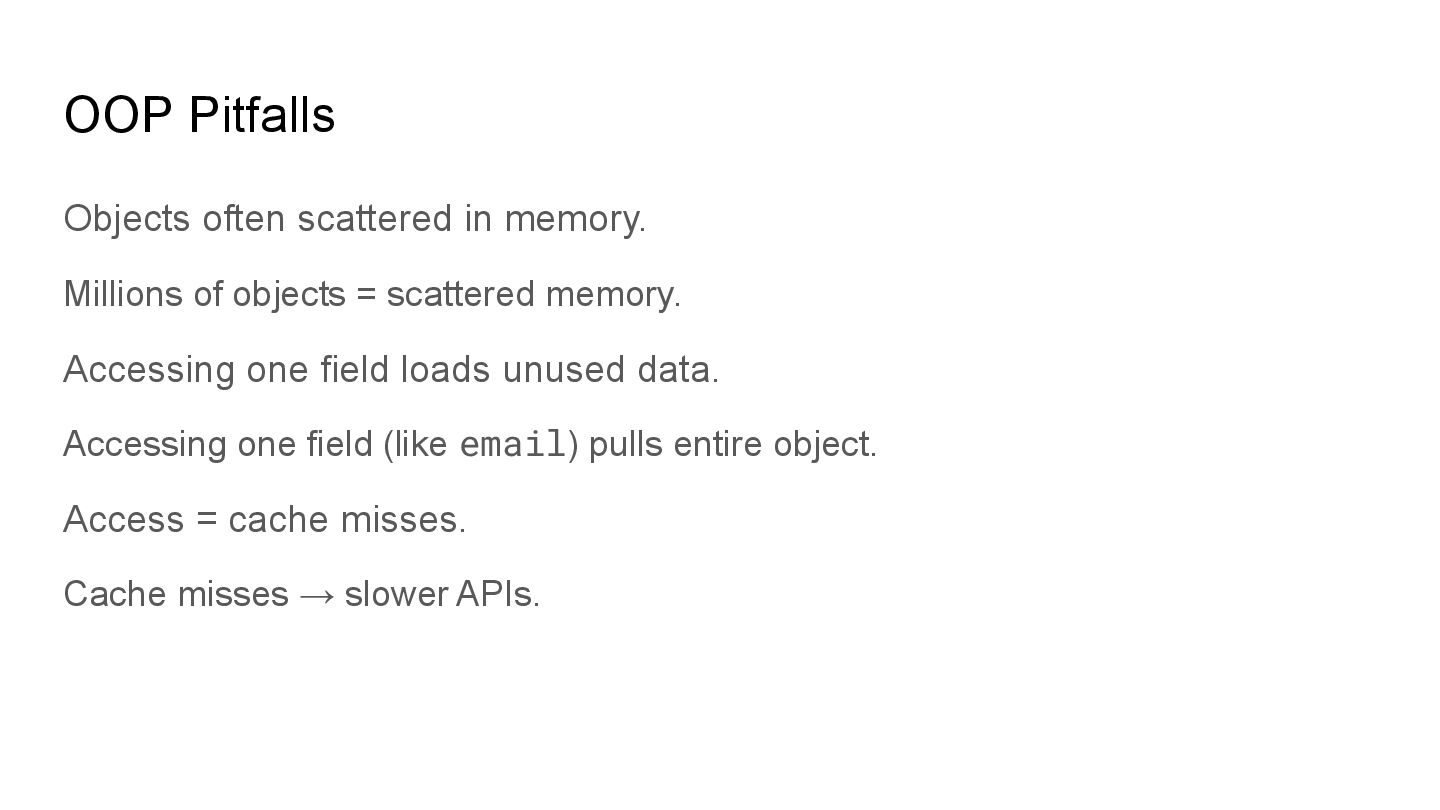
  7. OOP Pitfalls Objects often scattered in memory. Millions of objects

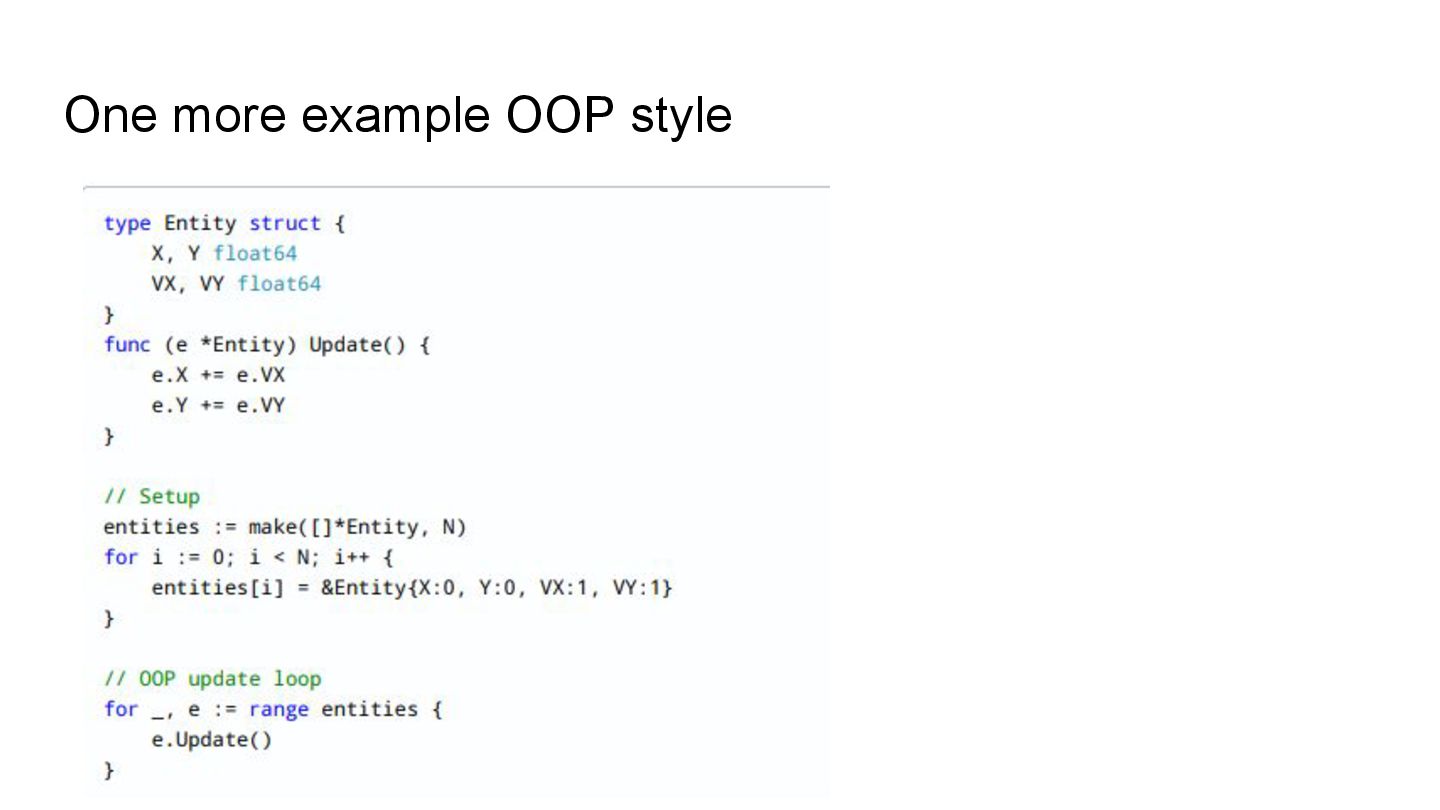
    = scattered memory. Accessing one field loads unused data. Accessing one field (like email) pulls entire object. Access = cache misses. Cache misses → slower APIs.
  8. Focus on data first. Instead of full User objects, use

    an array of isActive flags. Think: input → transform → output.
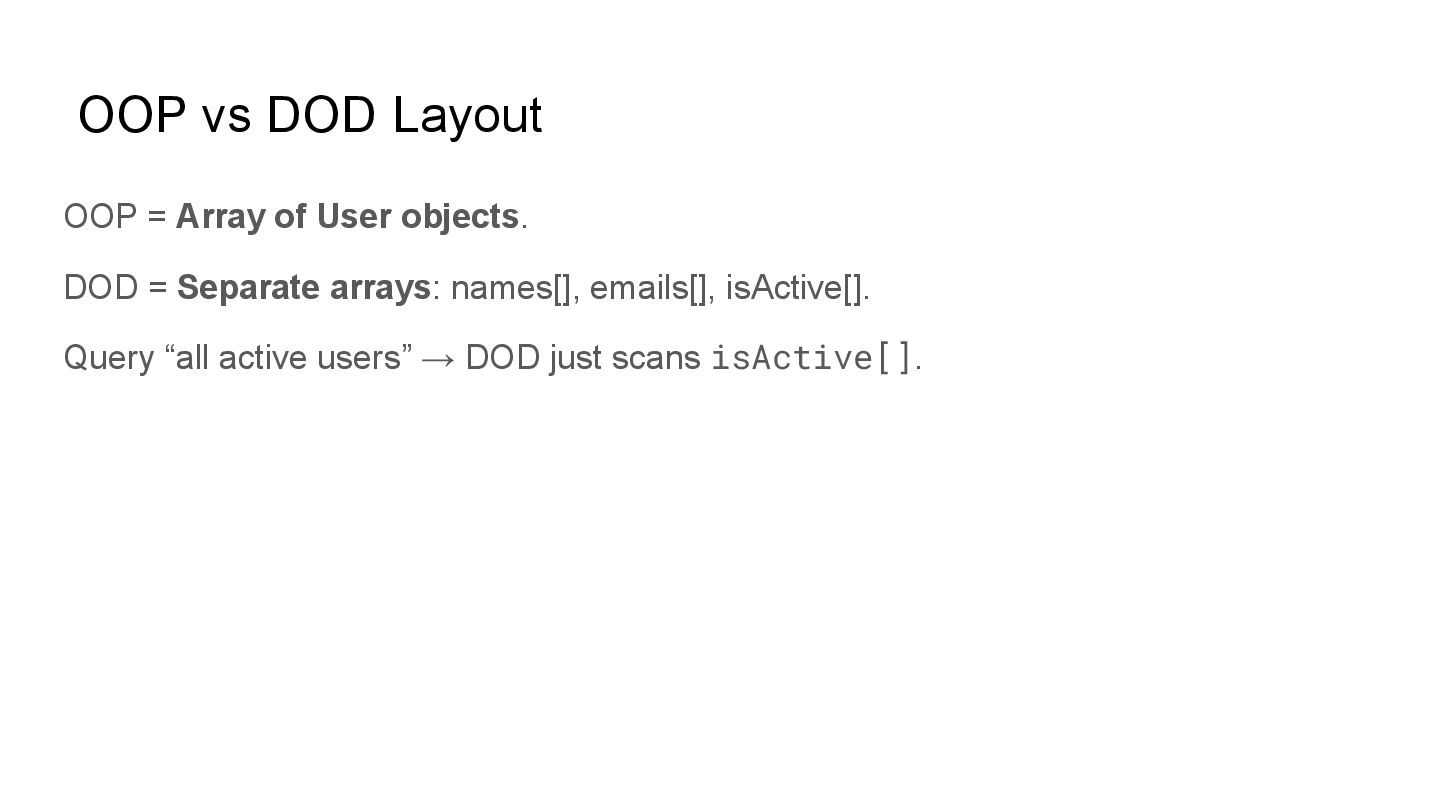
  9. OOP vs DOD Layout OOP = Array of User objects.

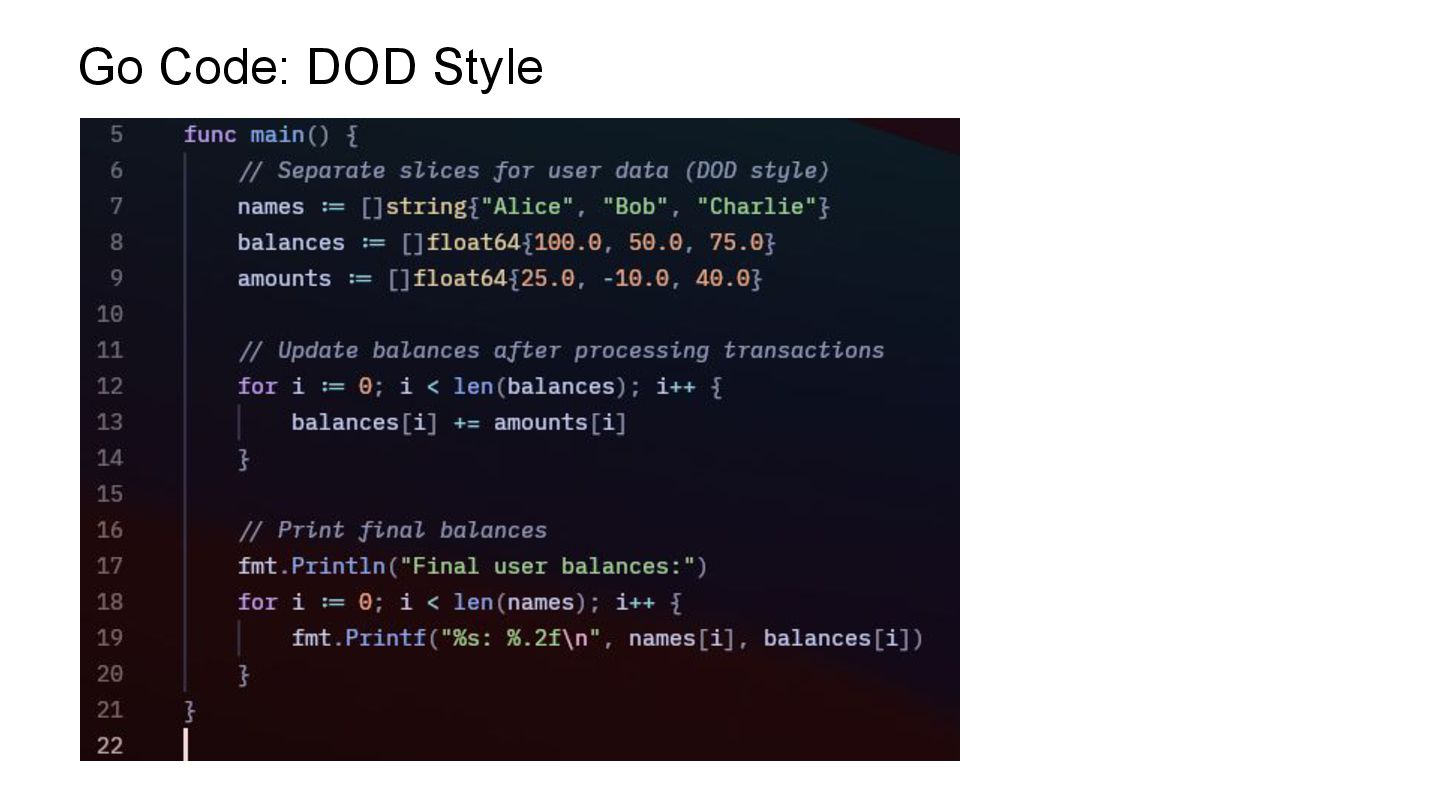
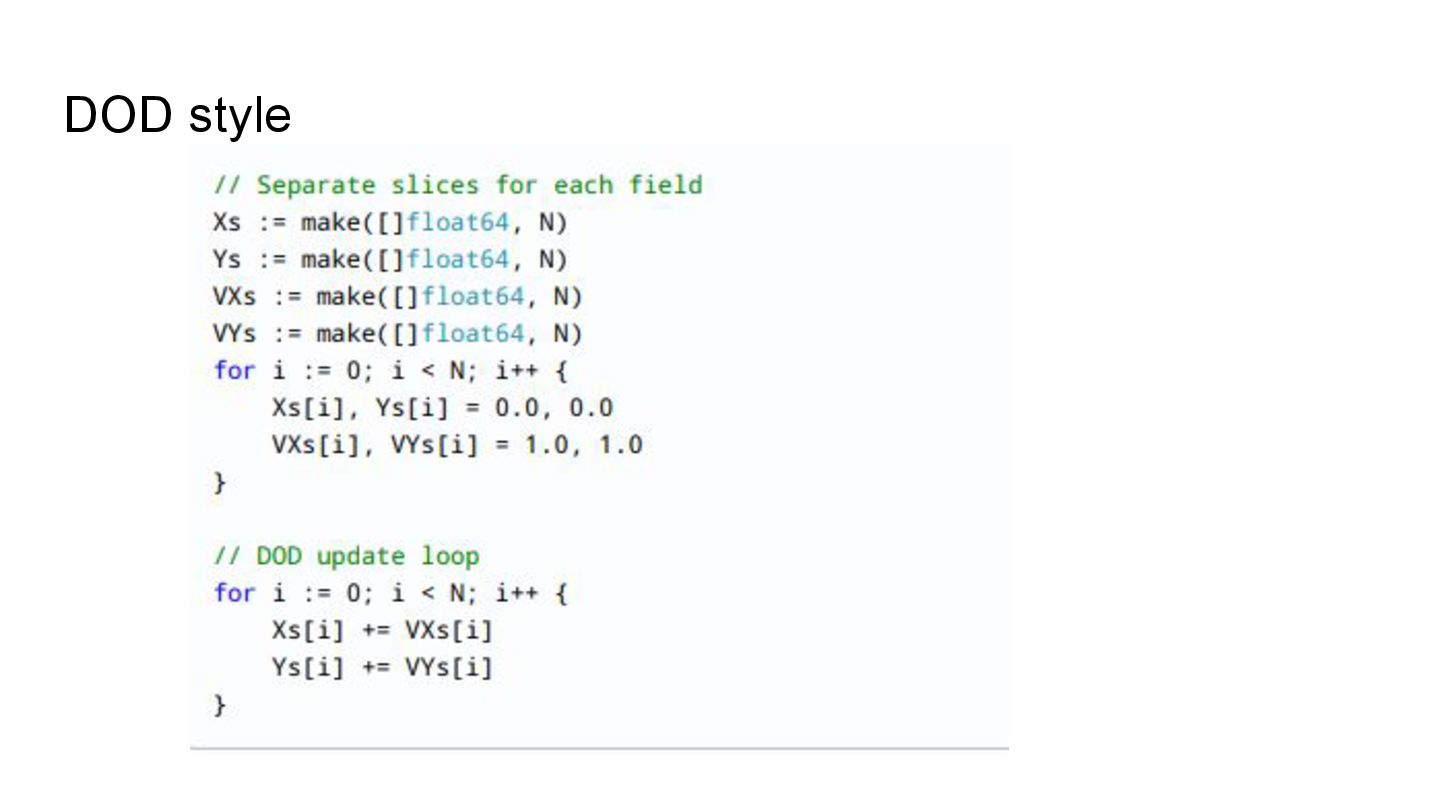
    DOD = Separate arrays: names[], emails[], isActive[]. Query “all active users” → DOD just scans isActive[].
  10. Why DOD Wins Cache-friendly bulk queries. Fewer misses → faster

    APIs. Bulk processing → parallelism. Example: Batch processing logs, metrics, or analytics.
  11. 1, Use Structure of Arrays (SoA) instead of Array of

    Structures (AoS) Example: Instead of storing []User{ name, email, balance, isActive }, split into names[], emails[], balances[], isActive[]. Benefit: Process only the fields you need (e.g., scan just isActive[] to filter active users).
  12. 2, Design for Access Patterns Understand how data is actually

    used. Example: If most queries only check isActive, store that field compactly (like a bitset). Benefit: Less wasted memory fetches, more cache efficiency.
  13. 3, Batch Processing Process many records at once instead of

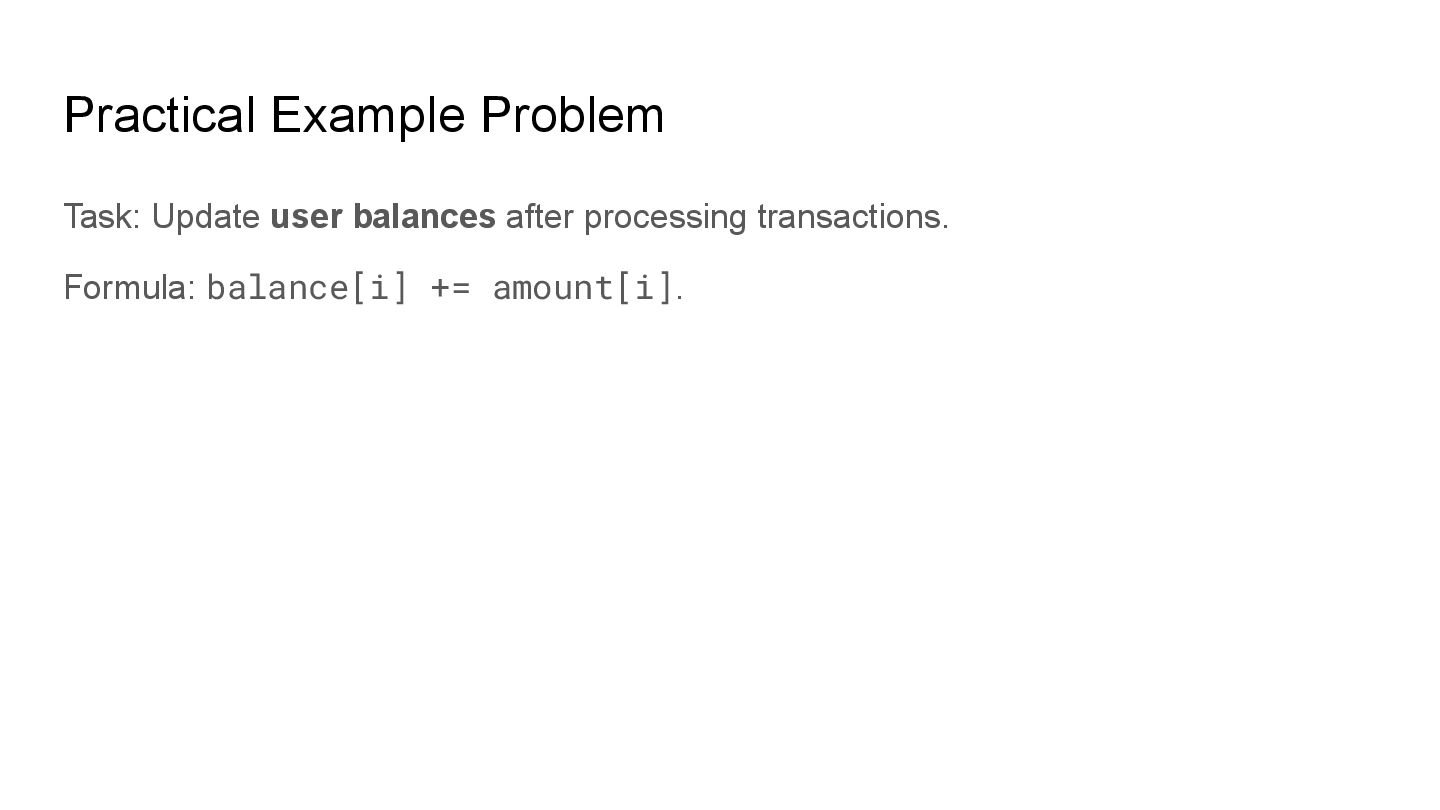
    one by one. Example: Update balances for 1M transactions in one loop, not one transaction per user call. Benefit: Fewer function calls, fewer cache misses, better throughput.
  14. 4, Data Locality (Keep Related Data Close) Keep frequently used

    fields together in contiguous arrays. Example: For transaction processing, keep userId[] and amount[] aligned by index. Benefit: CPU prefetchers can load efficiently.
  15. 5, Minimize Pointer Chasing Avoid deep object graphs and linked

    structures when processing bulk data. Example: Replace User.Orders -> Order.Items nested loops with flat arrays of order IDs and item IDs. Benefit: Reduces random memory jumps.
  16. 6, Profile-Driven Optimization Use profilers to find bottlenecks (e.g., Go’s

    pprof). Focus DOD strategies only on hot loops. Benefit: Avoids premature optimization.
  17. 7, Exploit Parallelism Once data is in flat arrays, it’s

    easy to split work across threads. Example: Divide log file processing into chunks (first 1M lines, next 1M lines, etc.). Benefit: Natural fit for Go’s goroutines.
  18. 8, Simplify Transformations Think of code as transformations: Input →

    Process → Output. Example: transactions[] + balances[] → updatedBalances[]. Benefit: Clearer, testable, performance-friendly code.
  19. 9, Cache-Aware Data Structures Pack small data tightly (like flags

    in bitsets, small structs). Example: Store boolean isActive as a compact bit array instead of bool per struct. Benefit: Process 64 flags in one 64-bit load.
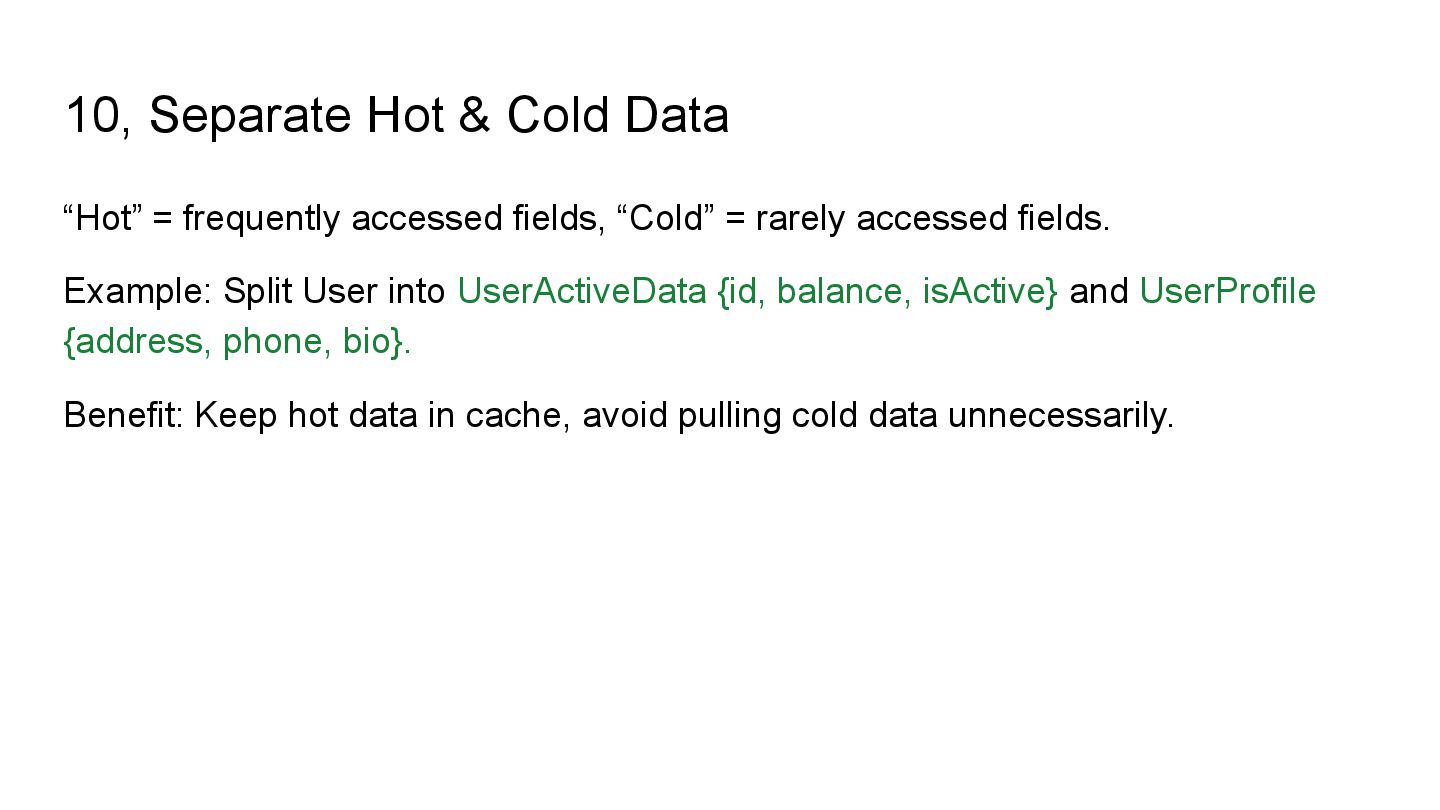
  20. 10, Separate Hot & Cold Data “Hot” = frequently accessed

    fields, “Cold” = rarely accessed fields. Example: Split User into UserActiveData {id, balance, isActive} and UserProfile {address, phone, bio}. Benefit: Keep hot data in cache, avoid pulling cold data unnecessarily.
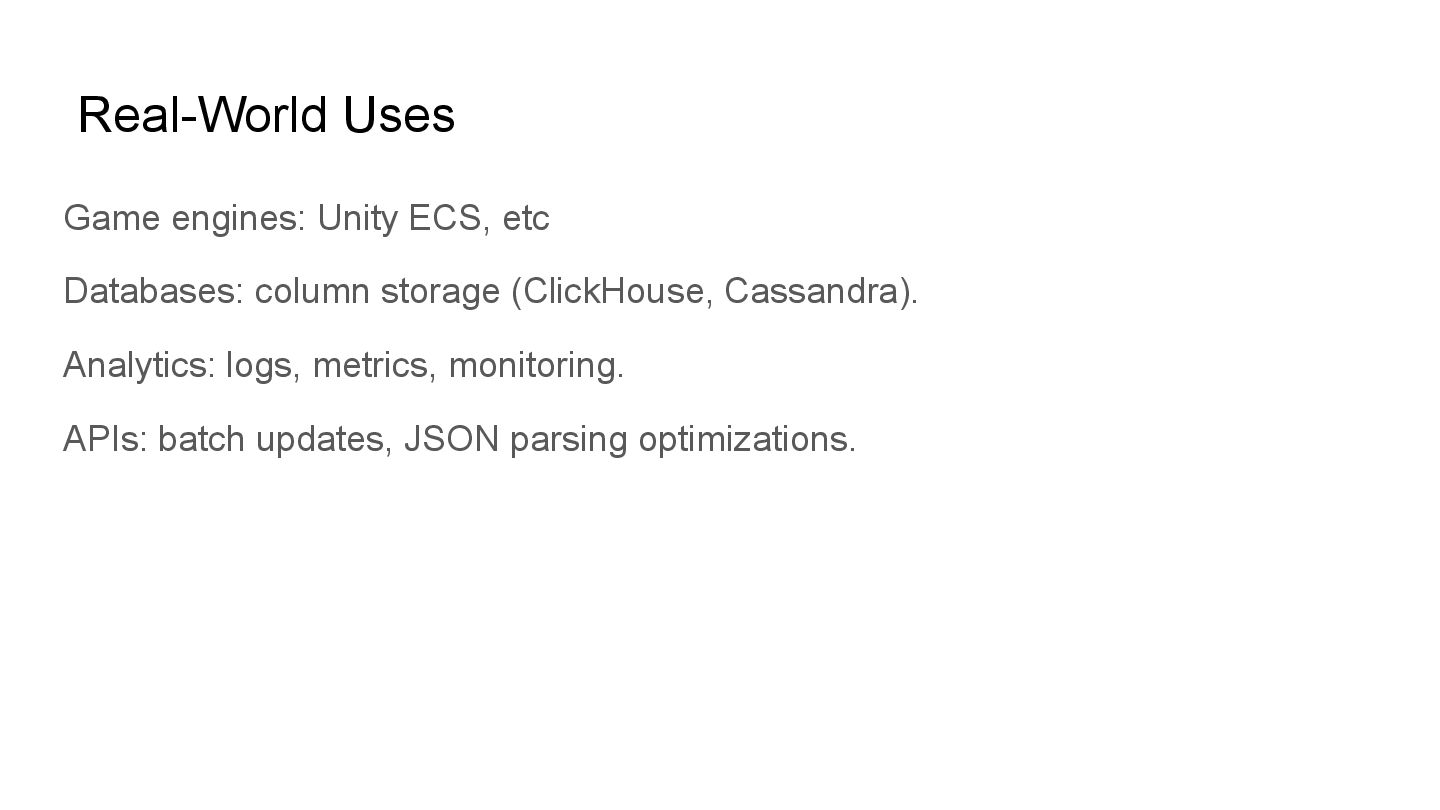
  21. Real-World Uses Game engines: Unity ECS, etc Databases: column storage

    (ClickHouse, Cassandra). Analytics: logs, metrics, monitoring. APIs: batch updates, JSON parsing optimizations.
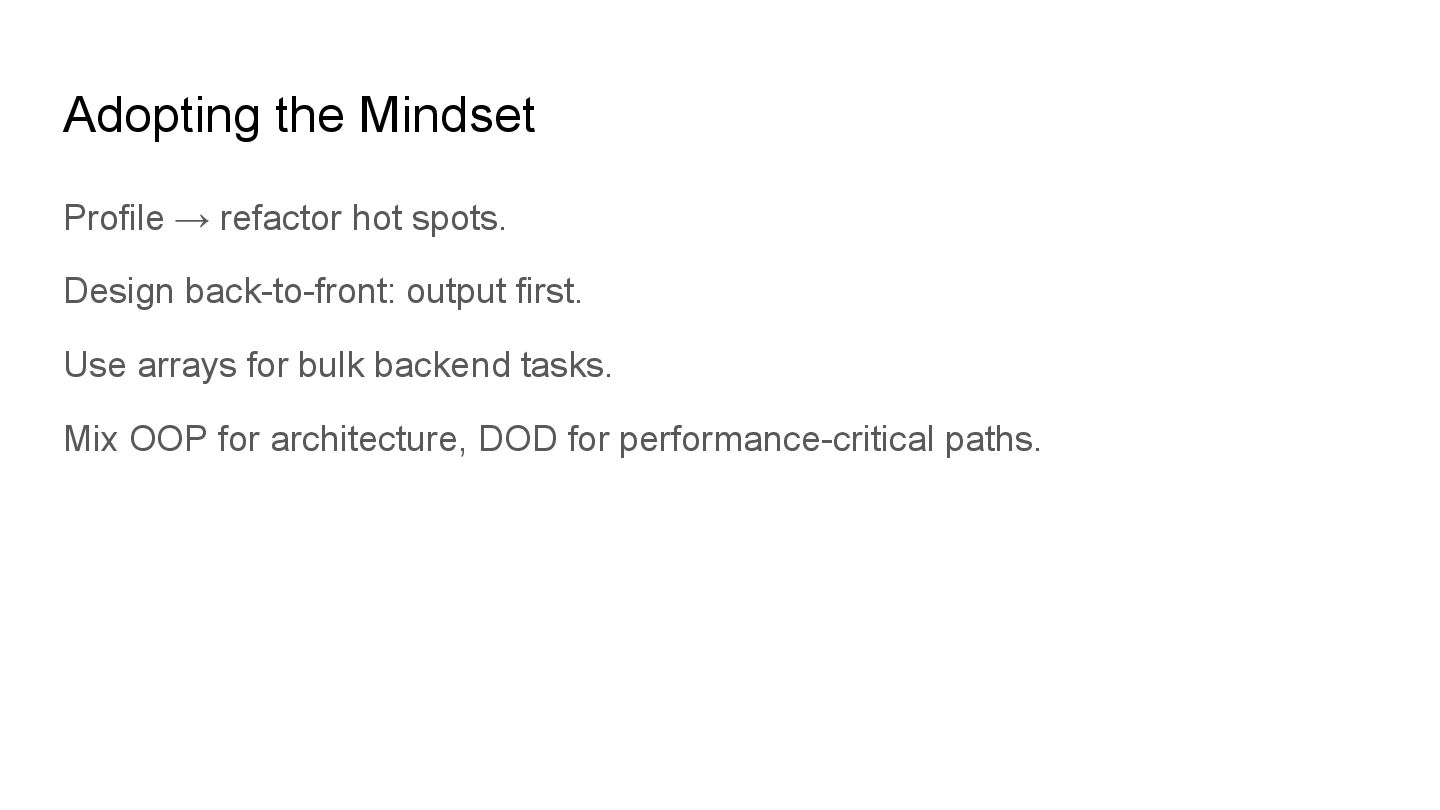
  22. Adopting the Mindset Profile → refactor hot spots. Design back-to-front:

    output first. Use arrays for bulk backend tasks. Mix OOP for architecture, DOD for performance-critical paths.
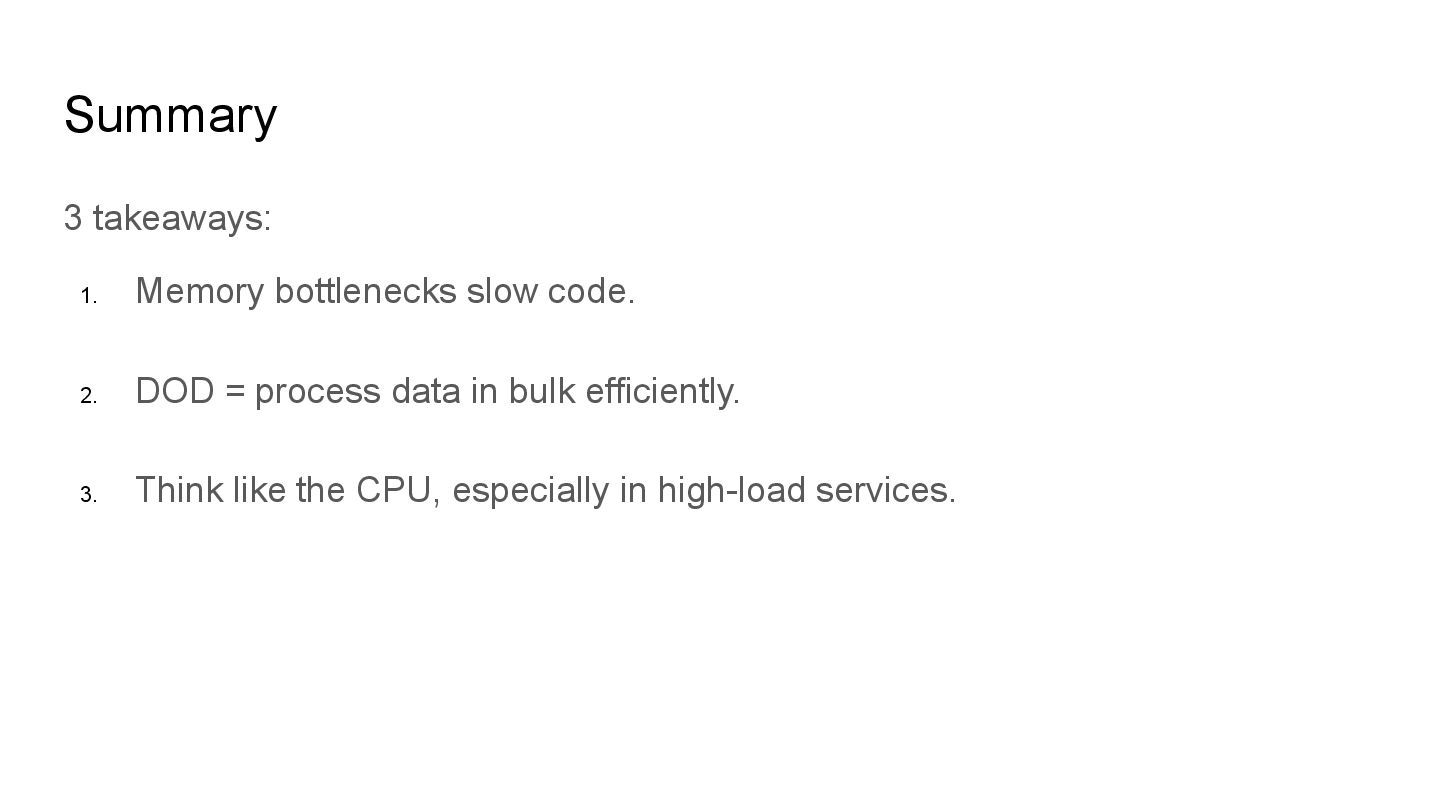
  23. Summary 3 takeaways: 1. Memory bottlenecks slow code. 2. DOD

    = process data in bulk efficiently. 3. Think like the CPU, especially in high-load services.