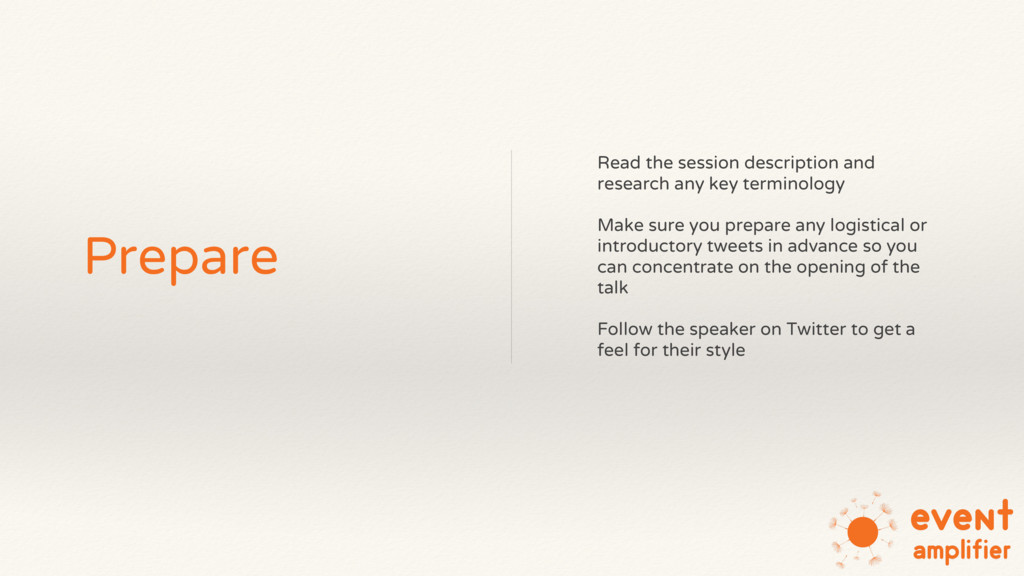
Make sure you prepare any logistical or introductory tweets in advance so you can concentrate on the opening of the talk Follow the speaker on Twitter to get a feel for their style
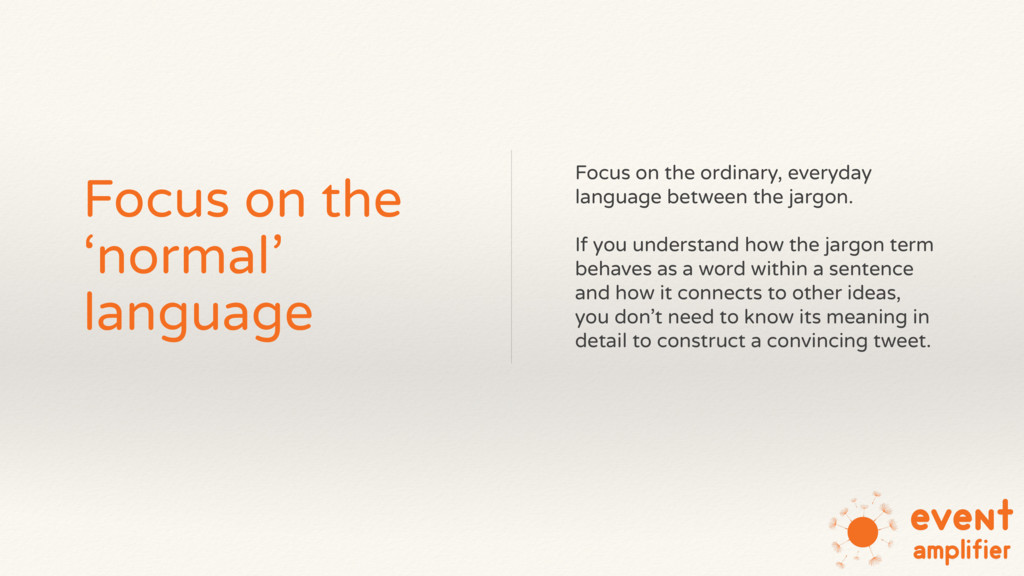
language between the jargon. If you understand how the jargon term behaves as a word within a sentence and how it connects to other ideas, you don’t need to know its meaning in detail to construct a convincing tweet.
suggest the speaker is about to make an important point, e.g. “The key thing to remember is…” Try to capture these points verbatim, then edit down into tweet-sized chunks
software, use photos and explain what they are doing to provide a narrative If you know in advance that there will be a demo, ask the speaker if you can Periscope it
delegates about their views and the challenges they face in their own work This can give you more context and help you to understand the issues that are important to your audience


 taketakekaho
 riyaamemiya
 mhrtech
 maimyyym
 tomokusaba
 koukihosaka
 jtakeda
 sh_fk2
 kaminashi
.png) yamad
yamad
 yut0naga1_fa
 kash1064
 mraible
 frankvandijk
 zakiyama
 mfonobong
 pedronauck
 jonrohan
 gurzu
gurzu
 lauravandoore
 iamctodd
 rasagy
 elsirapls
 lfama
lfama