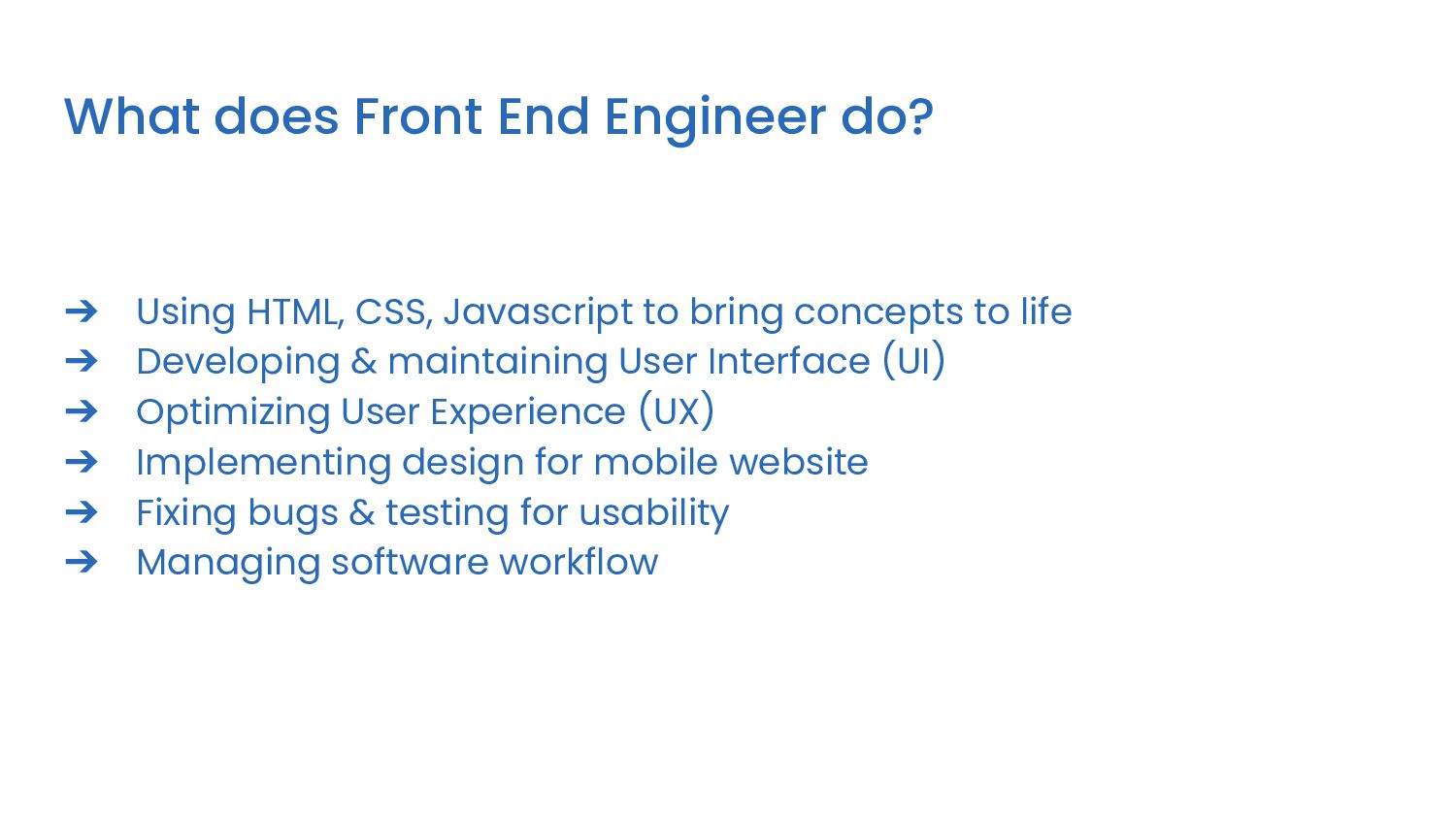
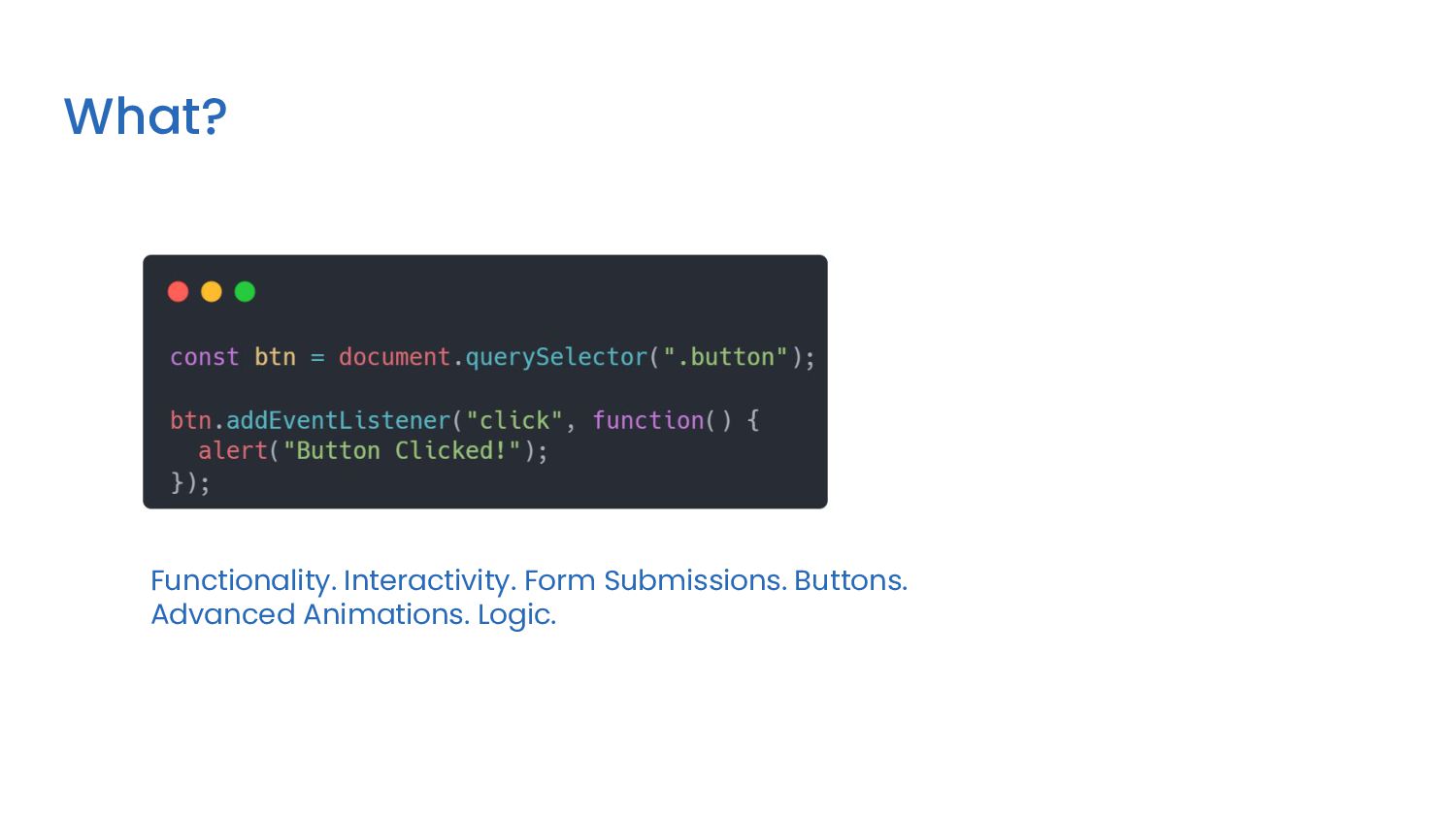
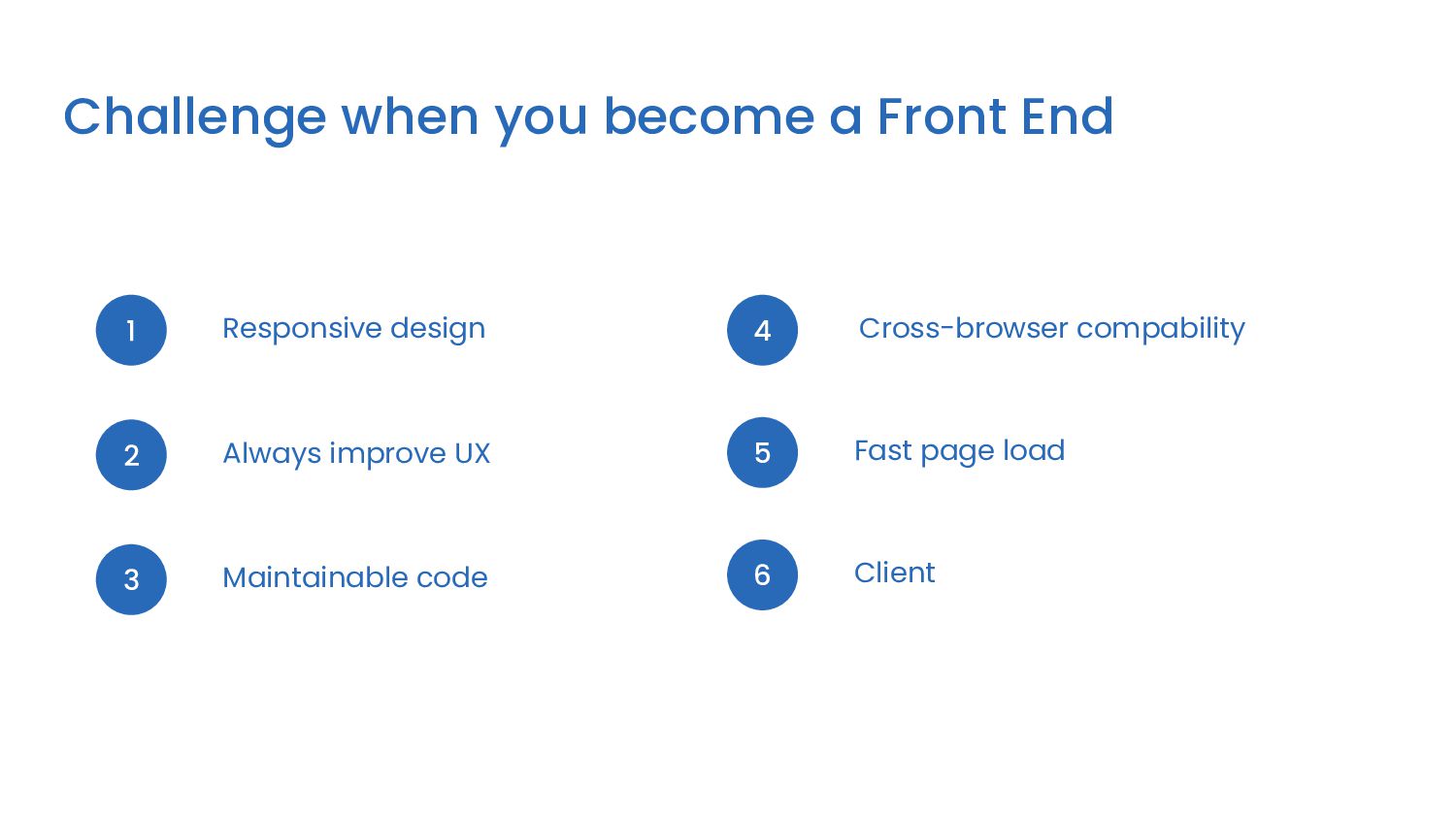
Javascript to bring concepts to life ➔ Developing & maintaining User Interface (UI) ➔ Optimizing User Experience (UX) ➔ Implementing design for mobile website ➔ Fixing bugs & testing for usability ➔ Managing software workflow
Free) ➔ Youtube (Free free. Be very careful. Make sure you don’t follow crappy tutorials) ➔ If you go to free materials. Make sure they’re not wasting your time. If you can afford it, Always go for paid materials.
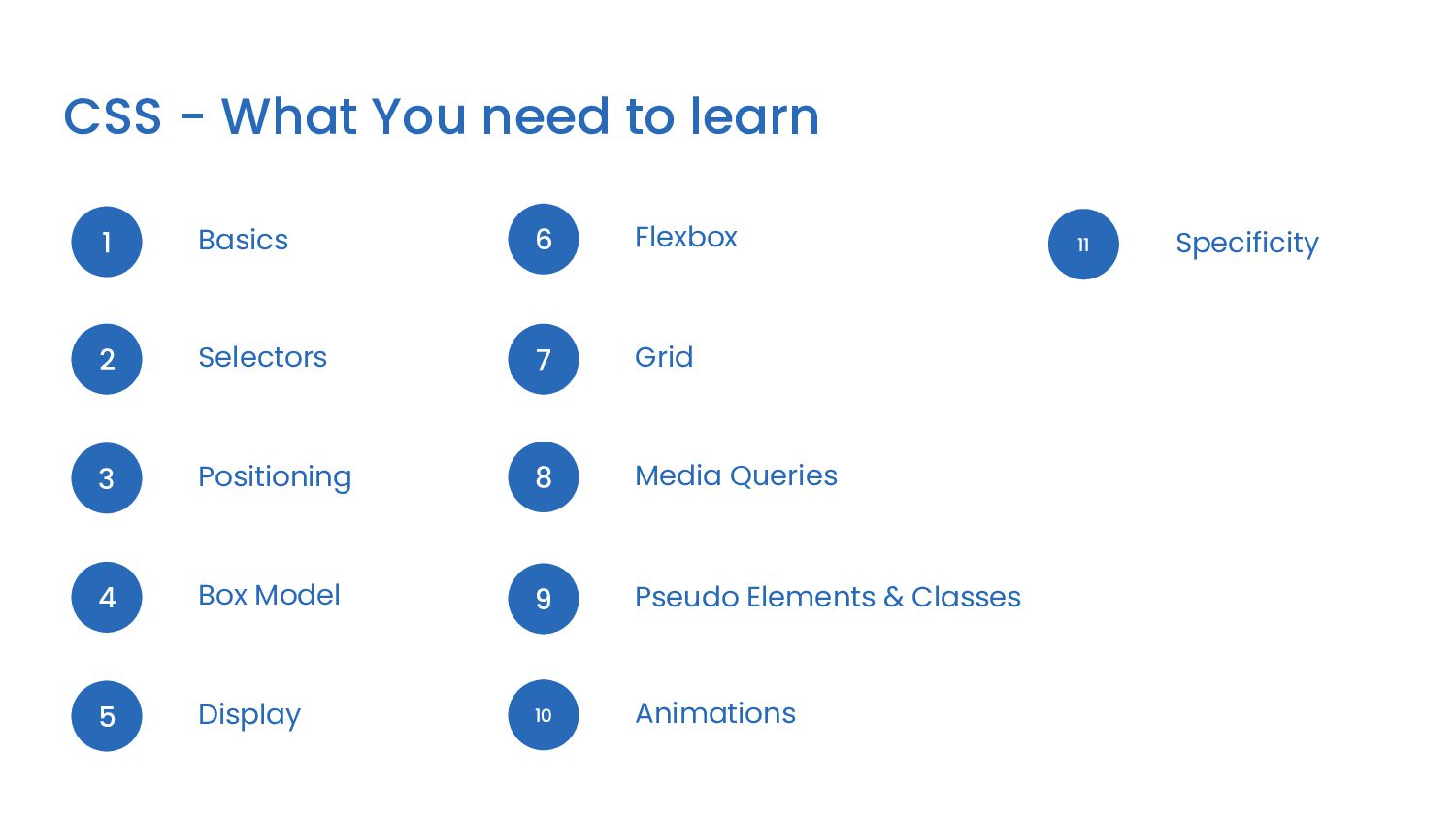
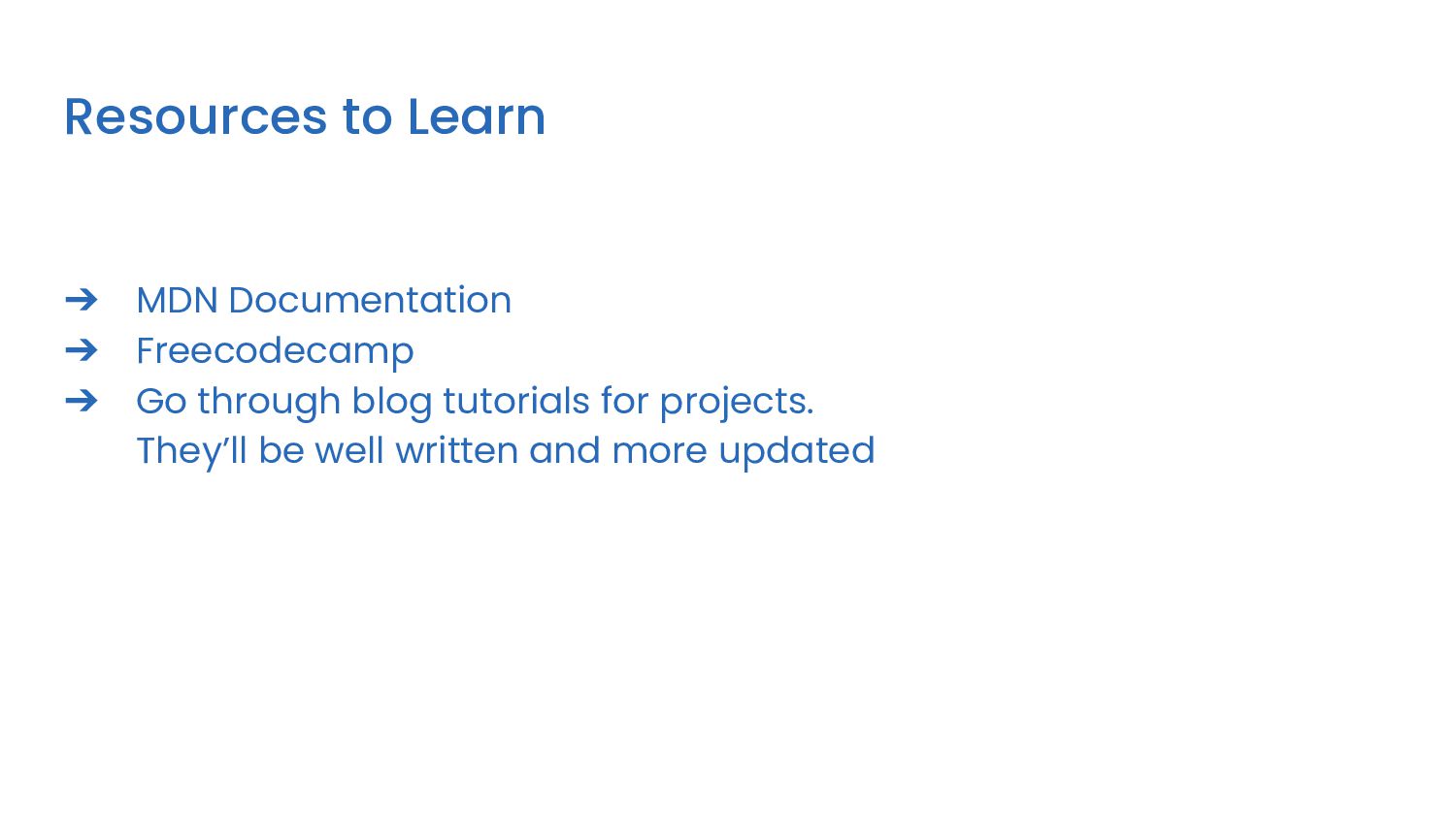
you can find on Google (Ex: MDN, Freecodecamp) ➔ Go to your favorite website (Ex: Facebook, Twitter, Youtube, etc) ➔ Find a micro-component that you like on these sites ➔ Layouts, positioning, grid, flexbox, Specificity ➔ Start building ➔ Repeat.
header, contact form to build The process Learn & Build Look up on tutorials how to build spesific thing and start coding Repeat Building once is not enough. You need repetition. Building another navbar, footer, button, header, contact form, etc
Pause and think every single course that you’ve been learning. Repeat the course if you still don’t understand and try finding another resource on Google ➔ Try to make something from what you learned immediately. Work on that. Come back and continue
Solve carefully curated list of challenges from top code-challenge websites (hacker rank, code wars). This will teach you how to think like a programmer 2. Build Project Build your own project with some usecase and features and implement some algorithm that you learn before. Algorithm will help you with the logic when it comes to building project
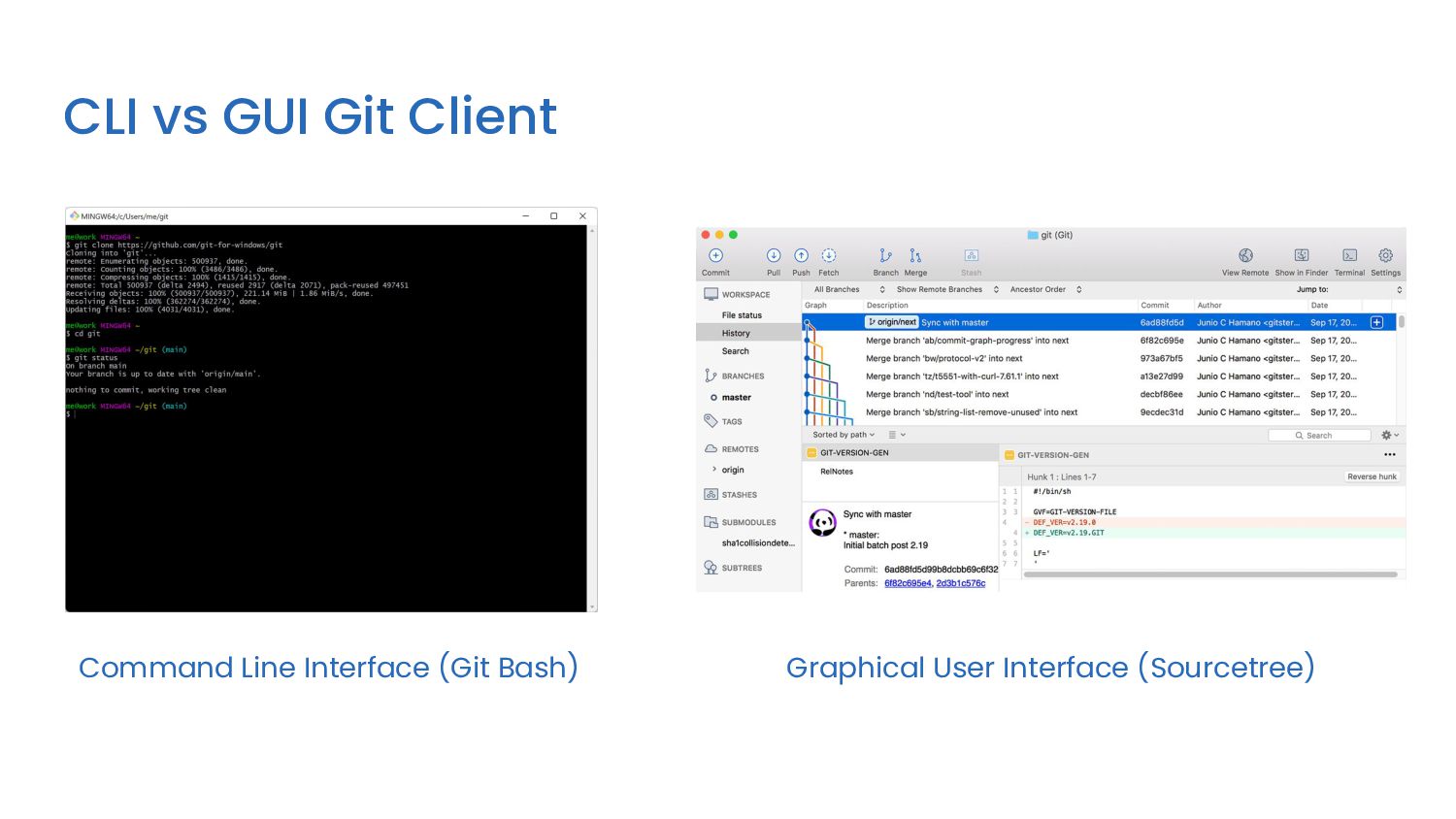
make to files, so you have a record of what has been done, and you can revert to specific versions should you ever need to. Git also makes collaboration easier, allowing changes by multiple people to all be merged into one source. Cloud VCS (Git)
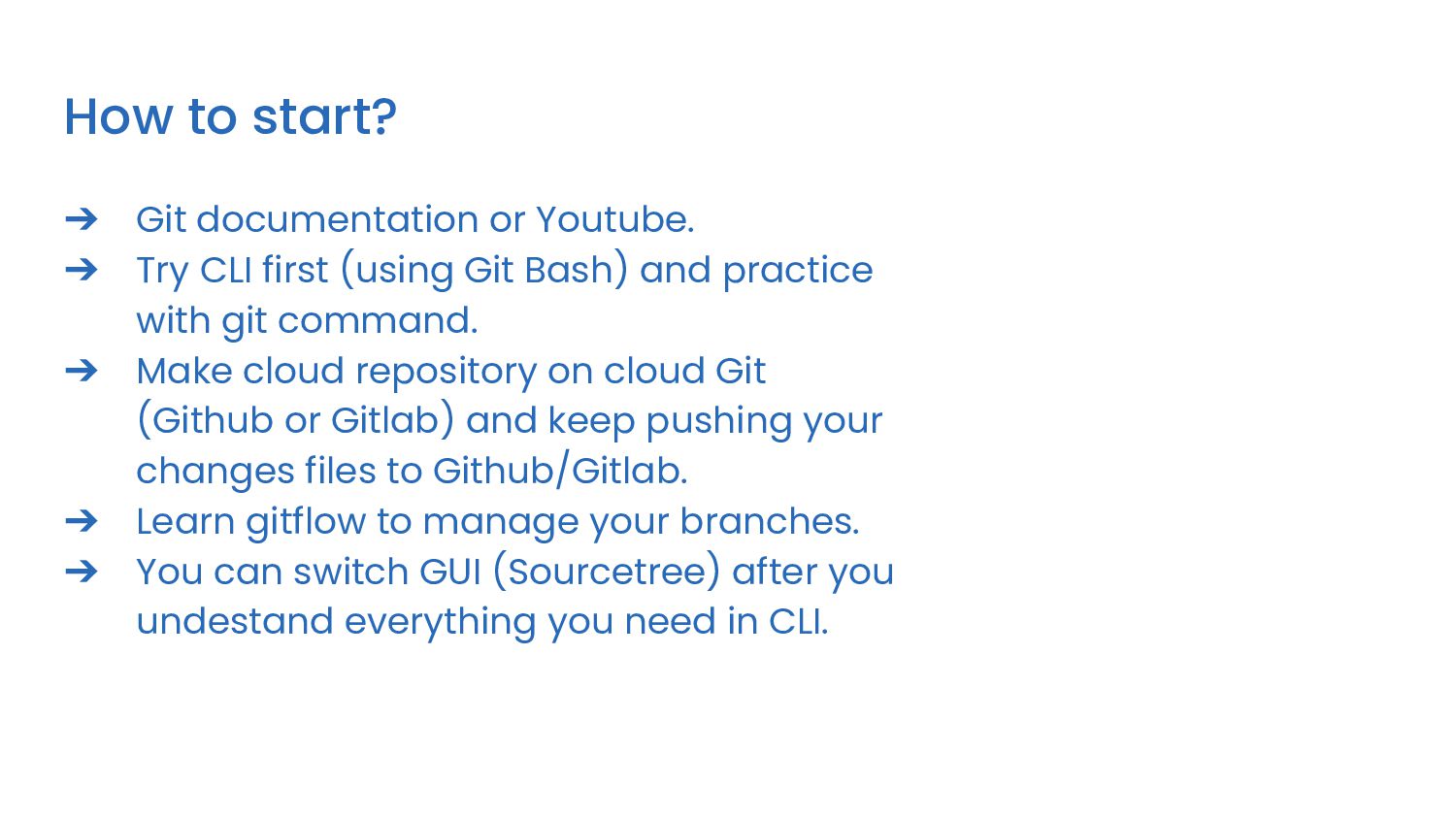
CLI first (using Git Bash) and practice with git command. ➔ Make cloud repository on cloud Git (Github or Gitlab) and keep pushing your changes files to Github/Gitlab. ➔ Learn gitflow to manage your branches. ➔ You can switch GUI (Sourcetree) after you undestand everything you need in CLI.
you do it alone. ➔ You can’t become a engineer in short time. ➔ Take your time. Learn it slow. Learn it well. ➔ If you go fast, You’ll crash. ➔ Take a look at the industry technologies and get a high-level understanding of all players involved. ➔ Don’t quit. You need to sit with the problem longer. Try to fall in love with the pain. Sometimes you can’t find your solution in the first page. Go through dozens of resources until you find them.


 exzword
 akase244
 florets1
 taiseiue
 moro
moro
 suneo3476
 siroemk
 yukiny
 guaca
guaca
 ryu1013
 kawashimo0
 rollbear
 tosite
 addyosmani
 axbom
axbom
 62gerente
 morganepeng
 codingconduct
 chriscoyier
 frankvandijk
 marktimemedia
.jpg) cargoodrich
cargoodrich
 soudai
 nmsamuel