Upgrade to Pro — share decks privately, control downloads, hide ads and more …

Angular Signals End-to-End - Reaktivität von de...

Avatar for Felix Wunderlich Felix Wunderlich
March 17, 2026
17

Angular Signals End-to-End - Reaktivität von der UI bis zur API

Angular Signals haben die Art und Weise, wie wir Zustände in der UI verwalten, grundlegend verändert. Doch lange Zeit endete diese Reaktivität an der Grenze zur Asynchronität - das Laden von Daten blieb eine alleinige Domäne von RxJS. Das ändert sich jetzt.

Mit der Einführung und Weiterentwicklung der Resource-API schließt Angular diese Lücke. Endlich ist es möglich, eine Anwendung "End-to-End" mit Signals zu denken - von der API-Antwort bis zum Update im Browser.

In diesem Workshop zeigt Felix von Thinktecture, wie moderne Angular-Applikationen von Signals und den Neuerungen in diesem Bereich profitieren können. Er erklärt praxisnah:

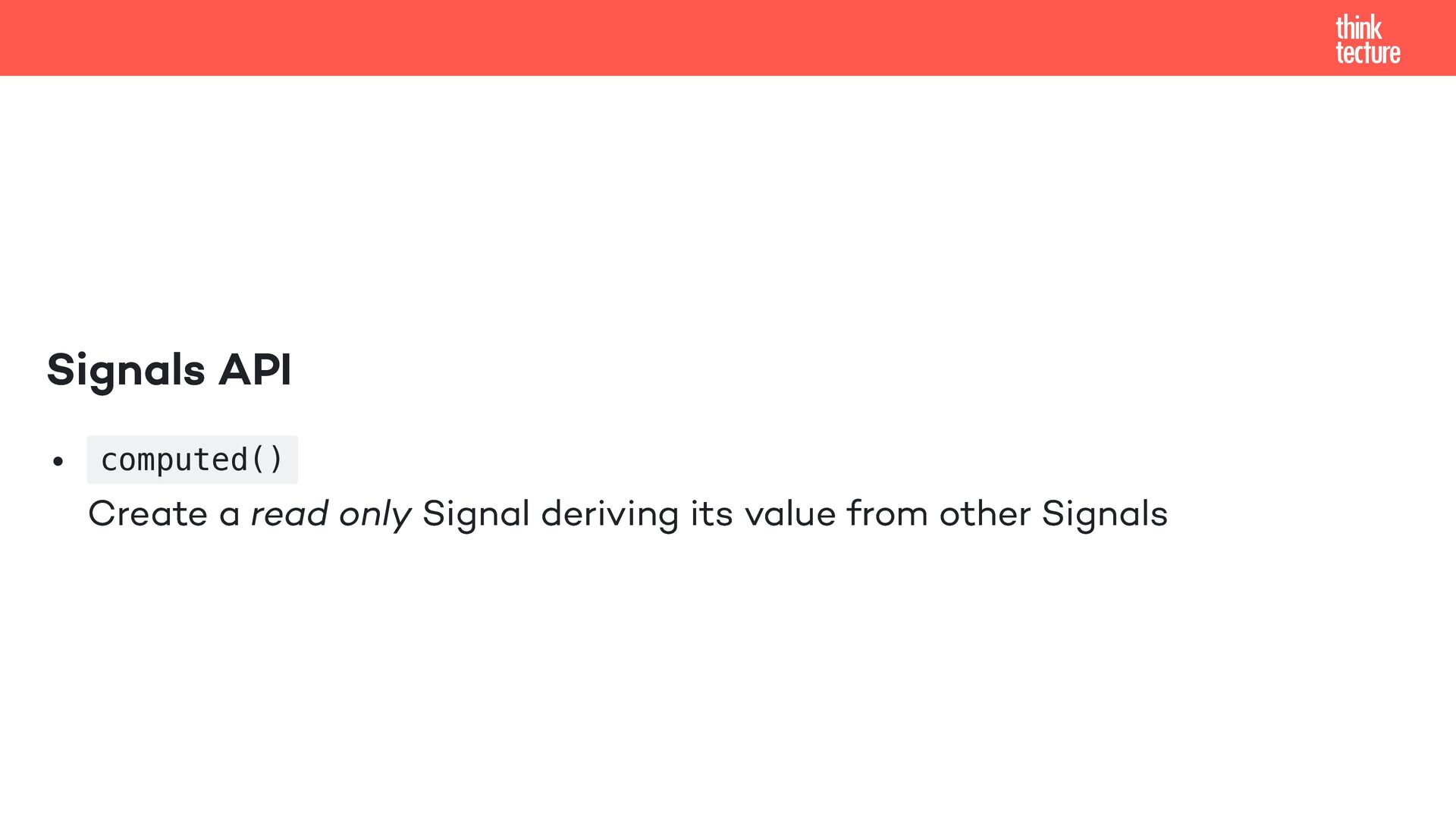
- Signals Grundlagen: Ein Überblick über die Core-Primitiven (Signal, Computed, Effect) und die neuen Component-APIs.
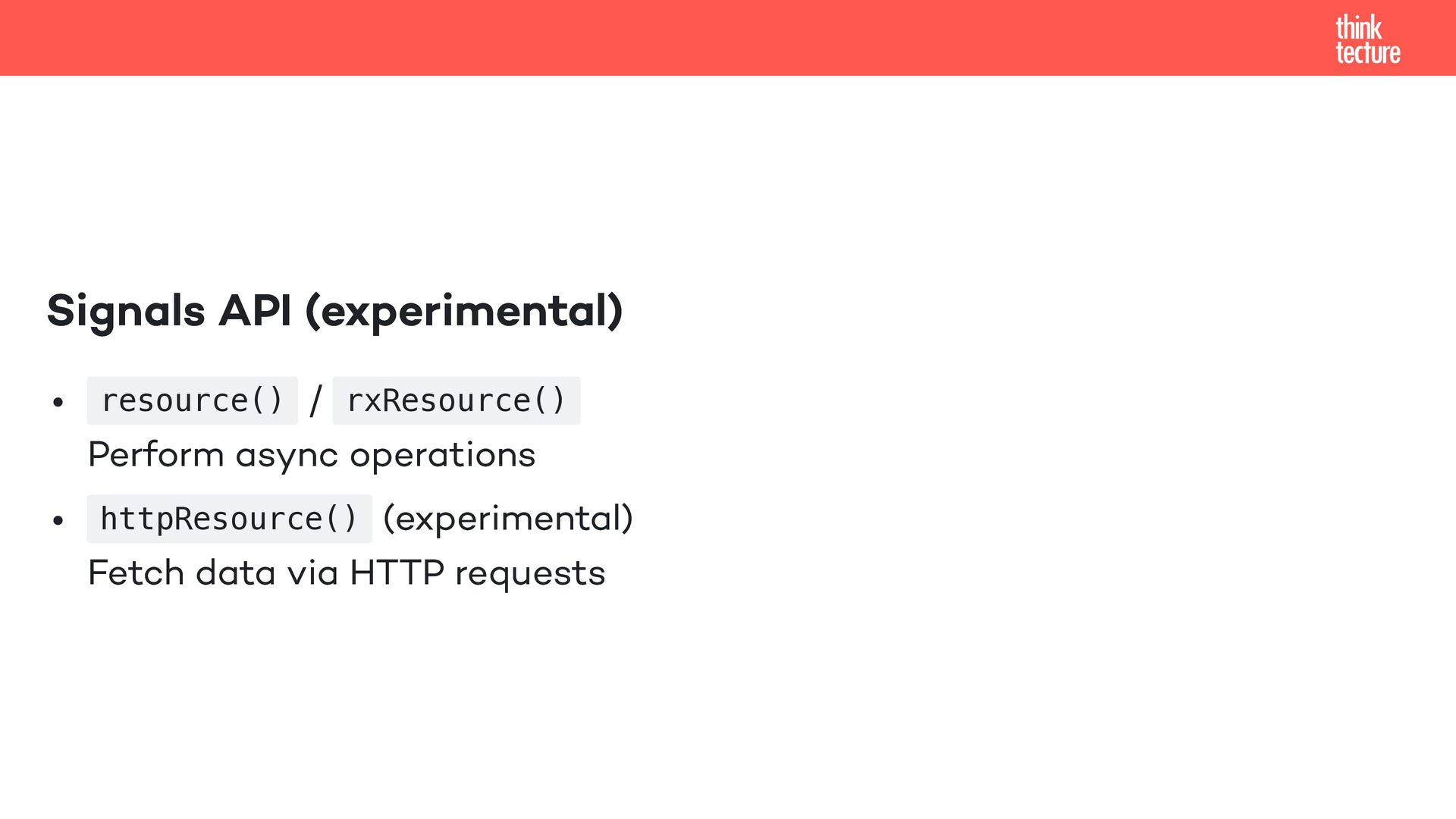
- Lückenlose Reaktivität: Wie die Resource-API das Data-Fetching vereinfacht.
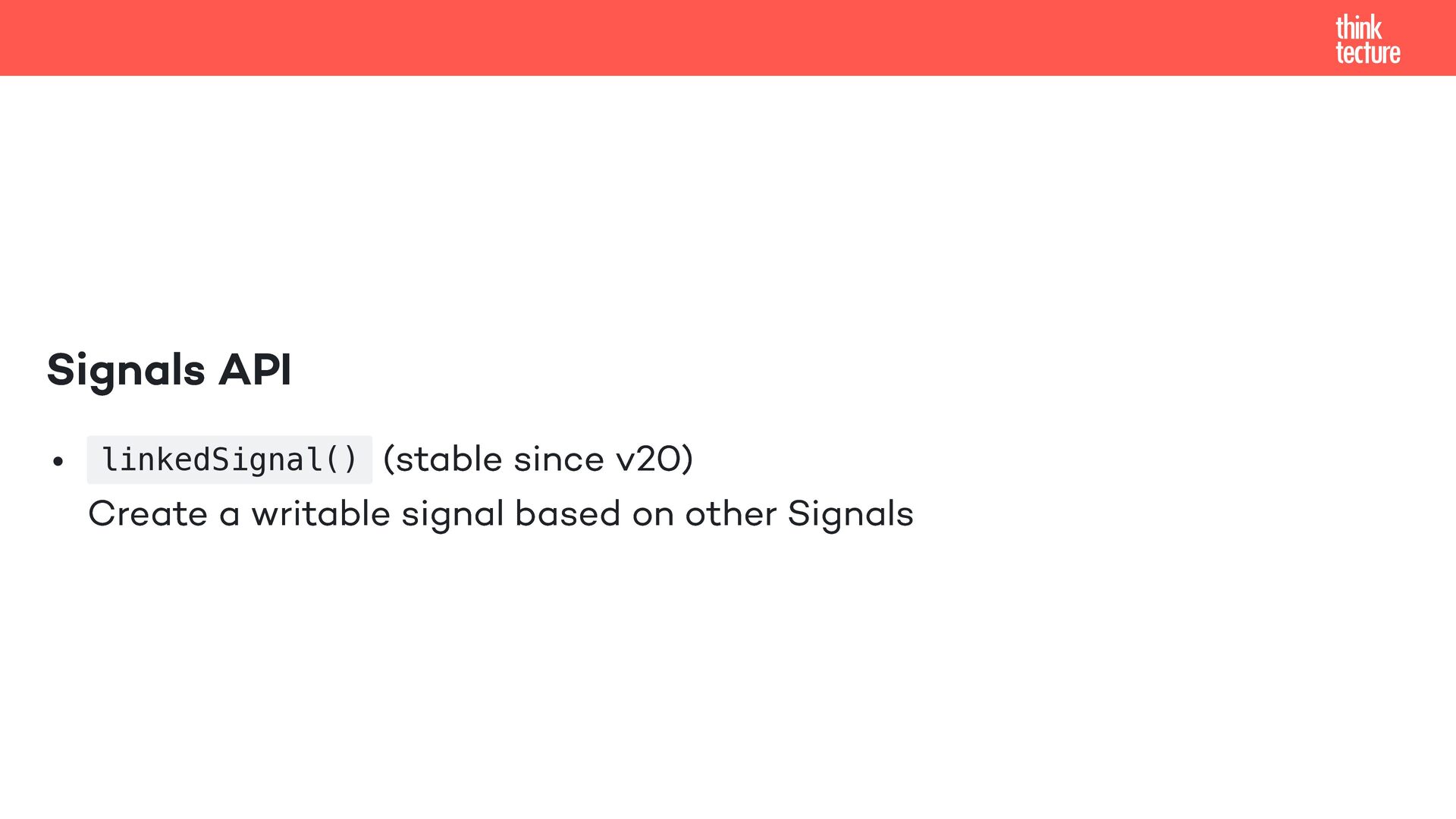
- Intelligenter State: Wie linkedSignal hilft, abgeleitete veränderbare Zustände abzubilden.
- Das Beste aus beiden Welten: Wie man RxJS und Signals optimal kombiniert.

Lerne, wie du Anwendungen baust, die durchgängig reaktiv, performant und bereit für die Zukunft sind – ohne dabei bewährte Tools über Bord werfen zu müssen.

Avatar for Felix Wunderlich

Felix Wunderlich

March 17, 2026

Transcript

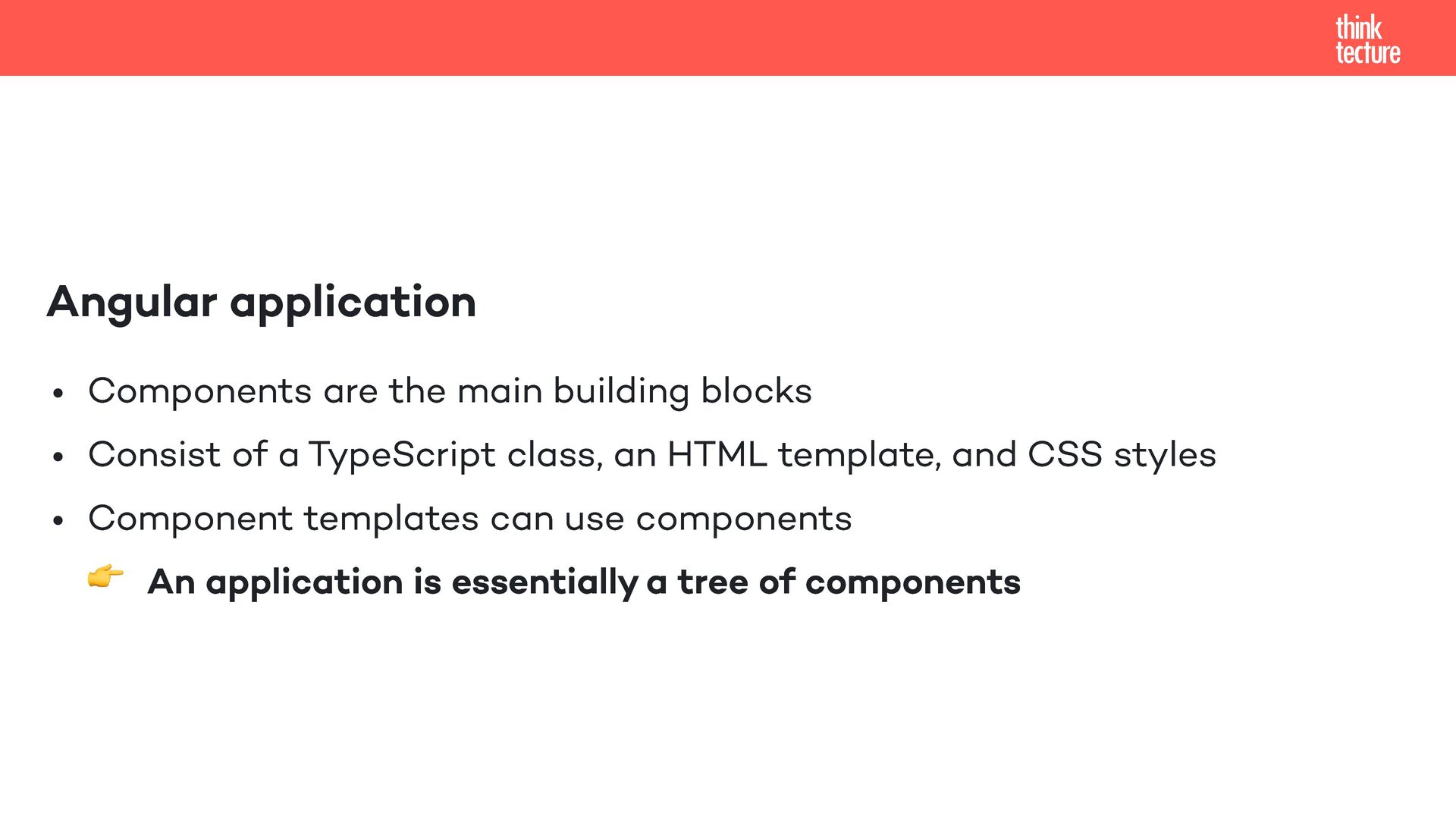
  1. Angular application Components are the main building blocks Consist of

    a TypeScript class, an HTML template, and CSS styles Component templates can use components 👉 An application is essentially a tree of components
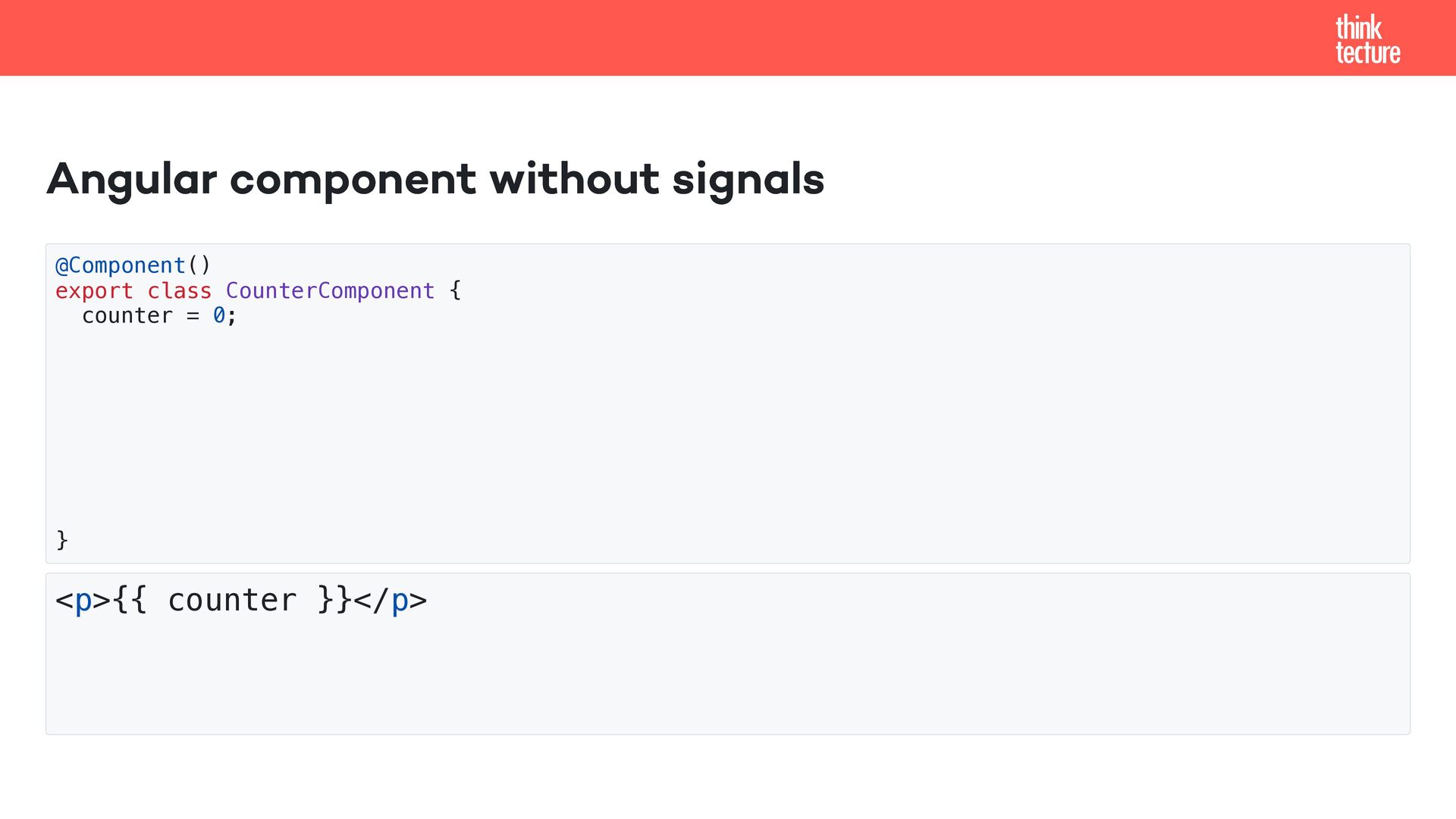
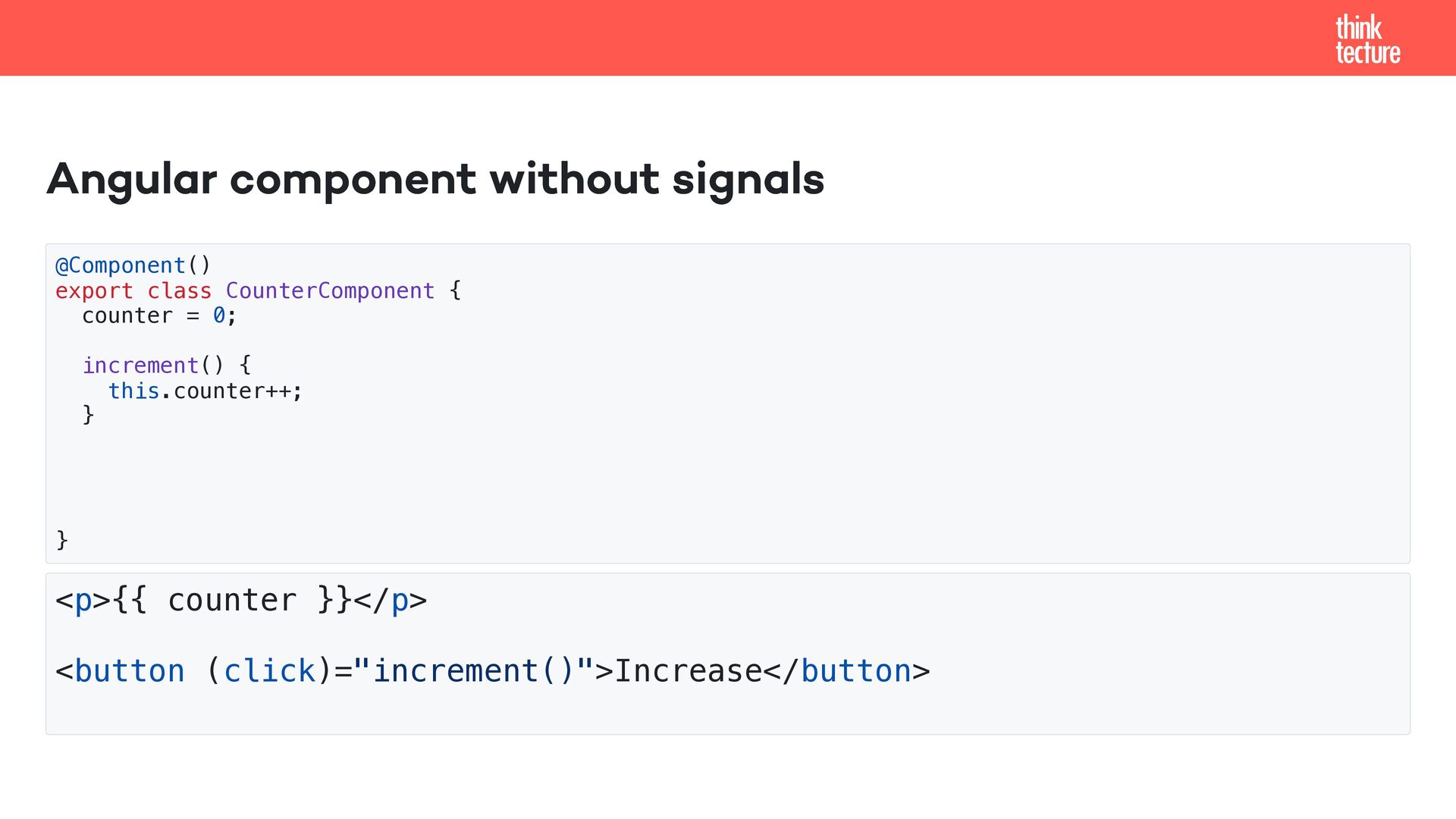
  2. Angular component without signals @Component() export class CounterComponent { counter

    = 0; increment() { this.counter++; } } <p>{{ counter }}</p> <button (click)="increment()">Increase</button>
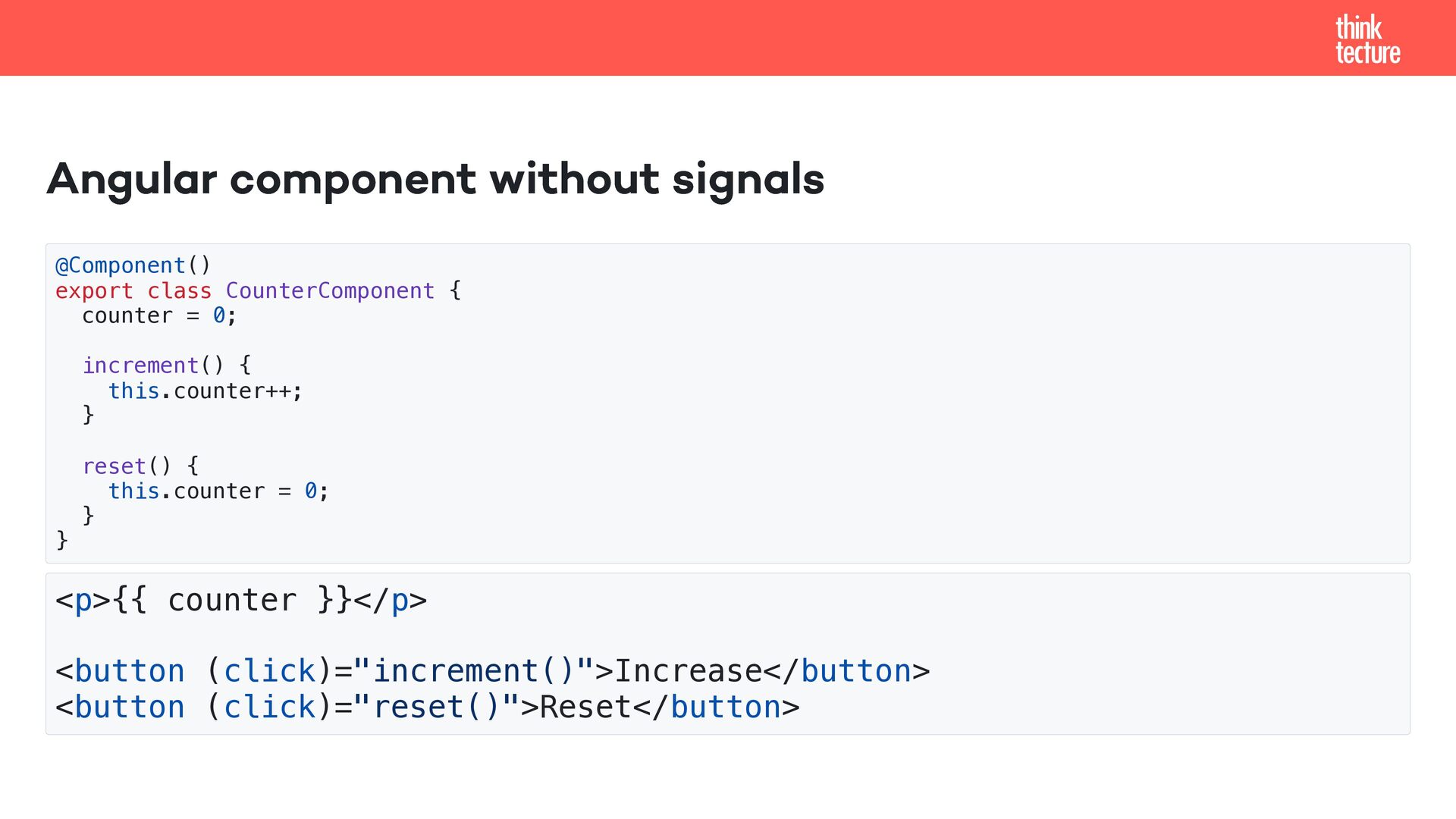
  3. Angular component without signals @Component() export class CounterComponent { counter

    = 0; increment() { this.counter++; } reset() { this.counter = 0; } } <p>{{ counter }}</p> <button (click)="increment()">Increase</button> <button (click)="reset()">Reset</button>
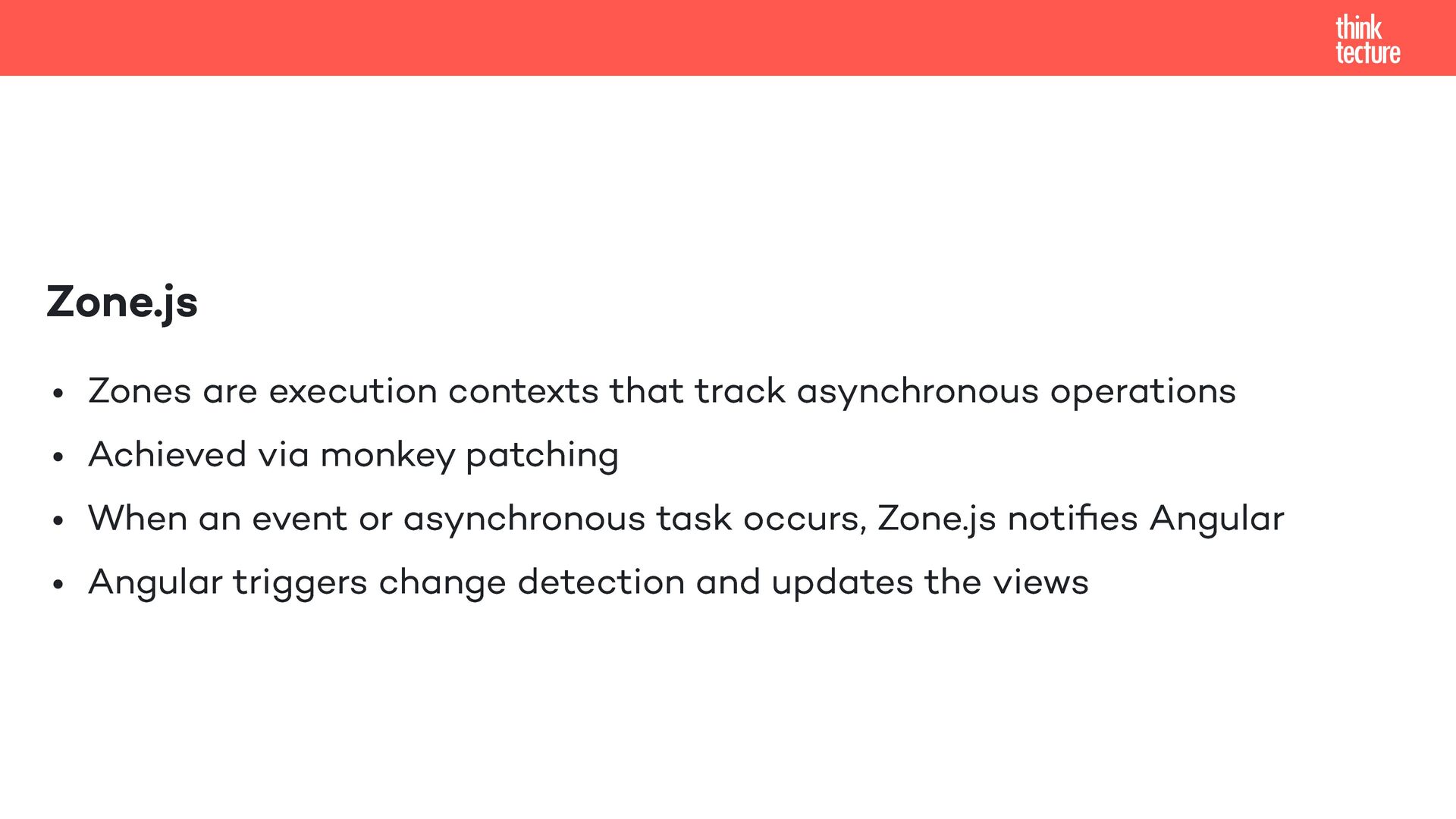
  4. Zone.js Zones are execution contexts that track asynchronous operations Achieved

    via monkey patching When an event or asynchronous task occurs, Zone.js notifies Angular Angular triggers change detection and updates the views
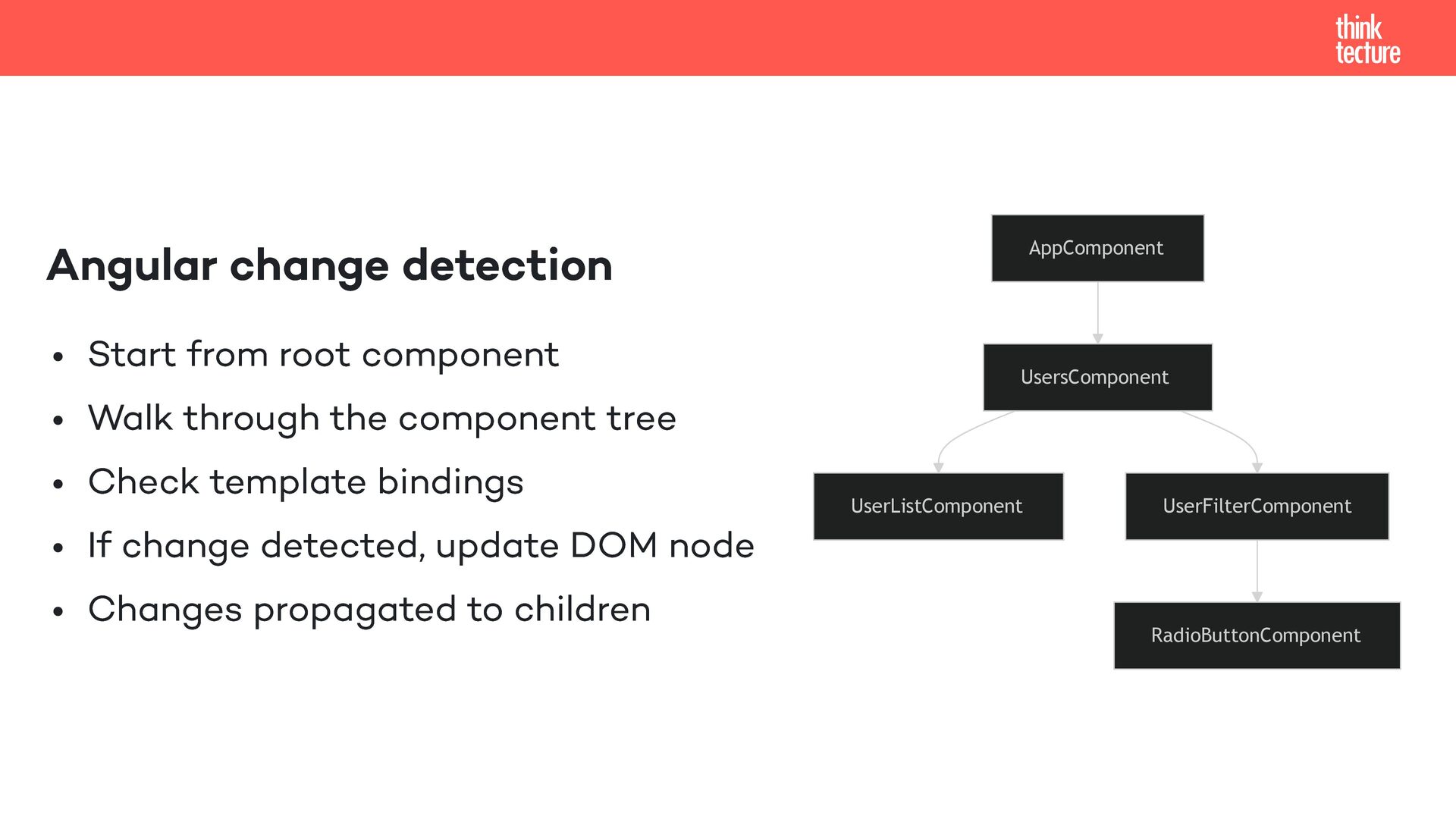
  5. Angular change detection Start from root component Walk through the

    component tree Check template bindings If change detected, update DOM node Changes propagated to children AppComponent UsersComponent UserListComponent UserFilterComponent RadioButtonComponent
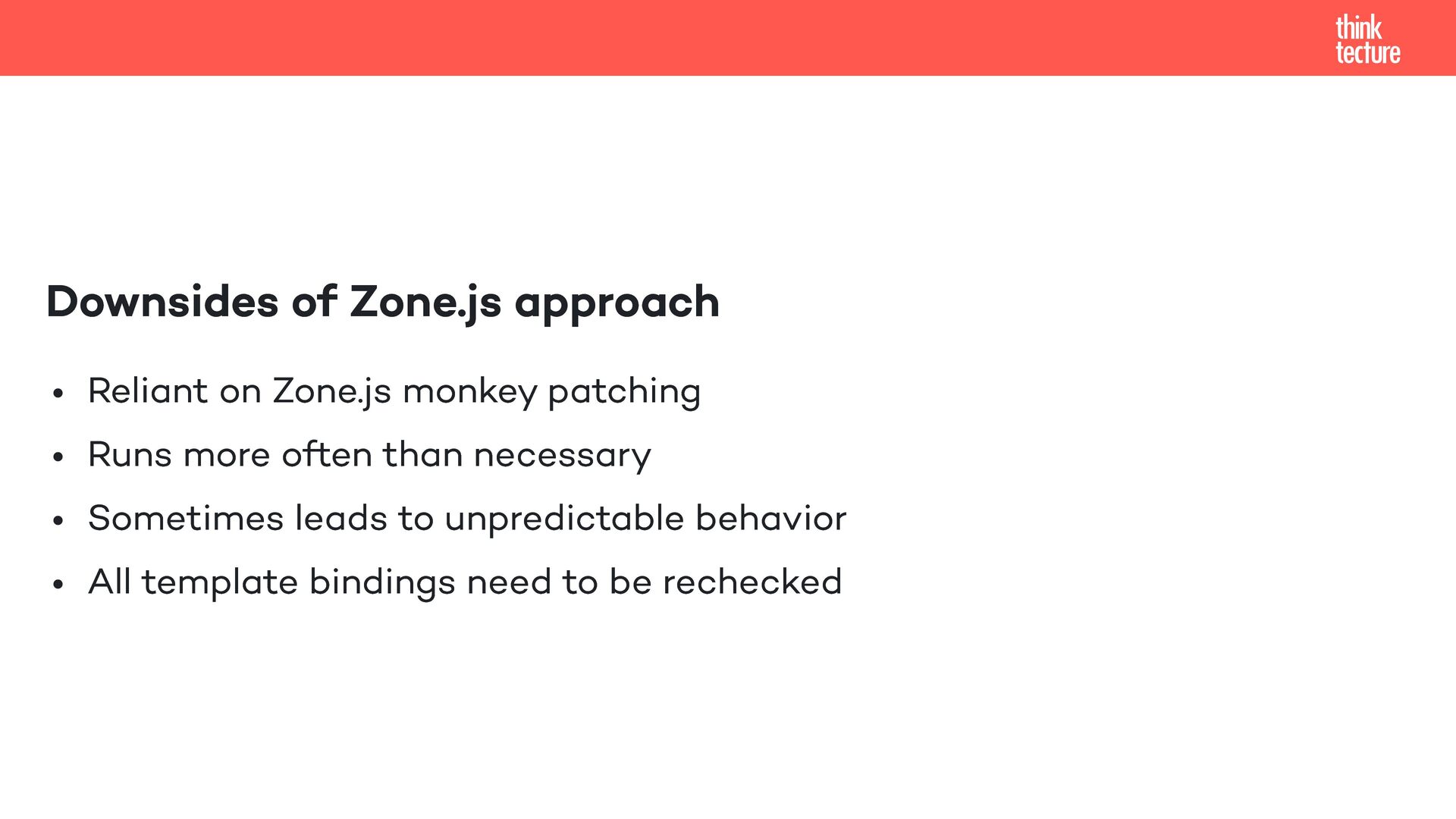
  6. Downsides of Zone.js approach Reliant on Zone.js monkey patching Runs

    more often than necessary Sometimes leads to unpredictable behavior All template bindings need to be rechecked
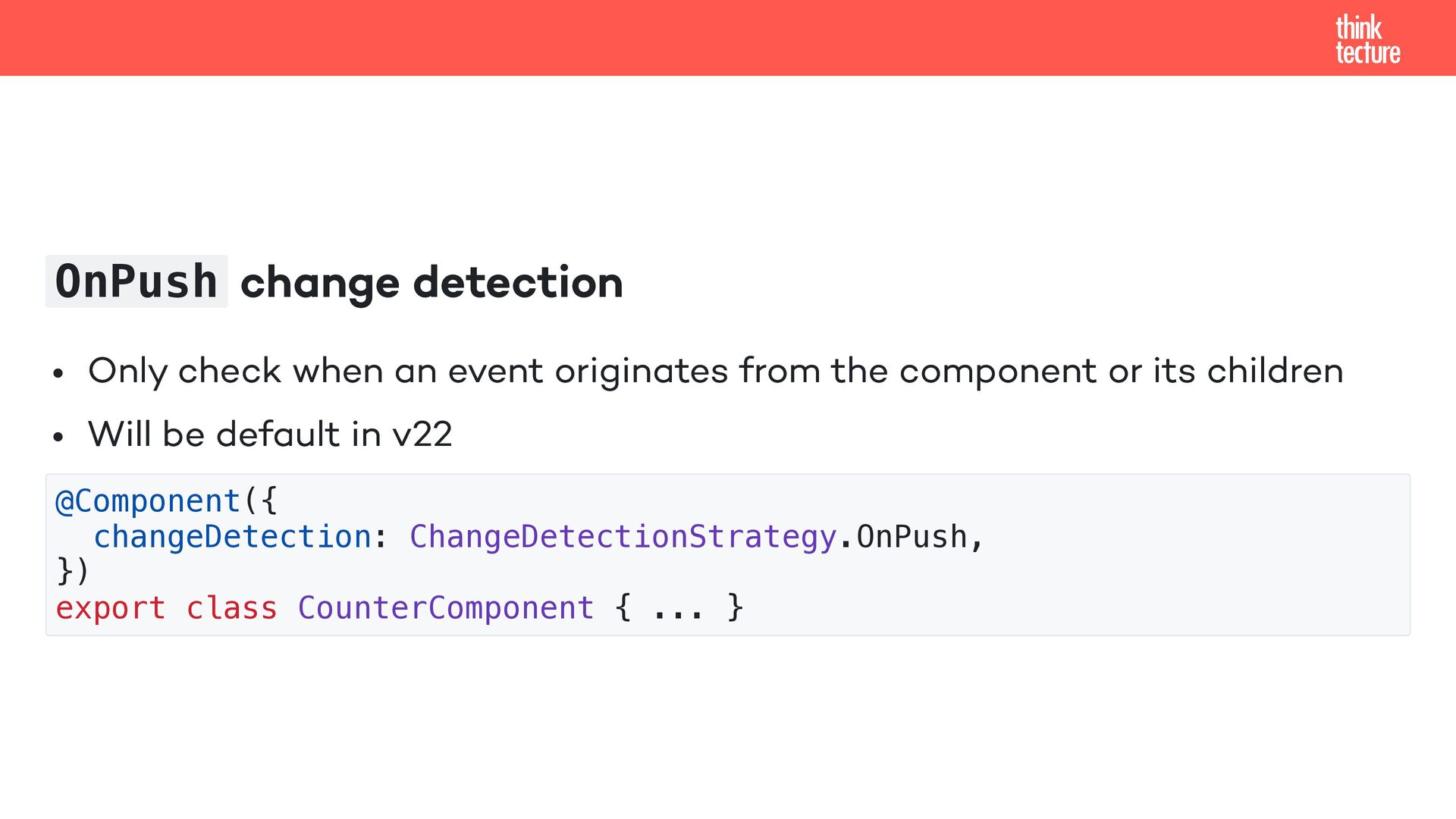
  7. OnPush change detection Only check when an event originates from

    the component or its children Will be default in v22 @Component({ changeDetection: ChangeDetectionStrategy.OnPush, }) export class CounterComponent { ... }
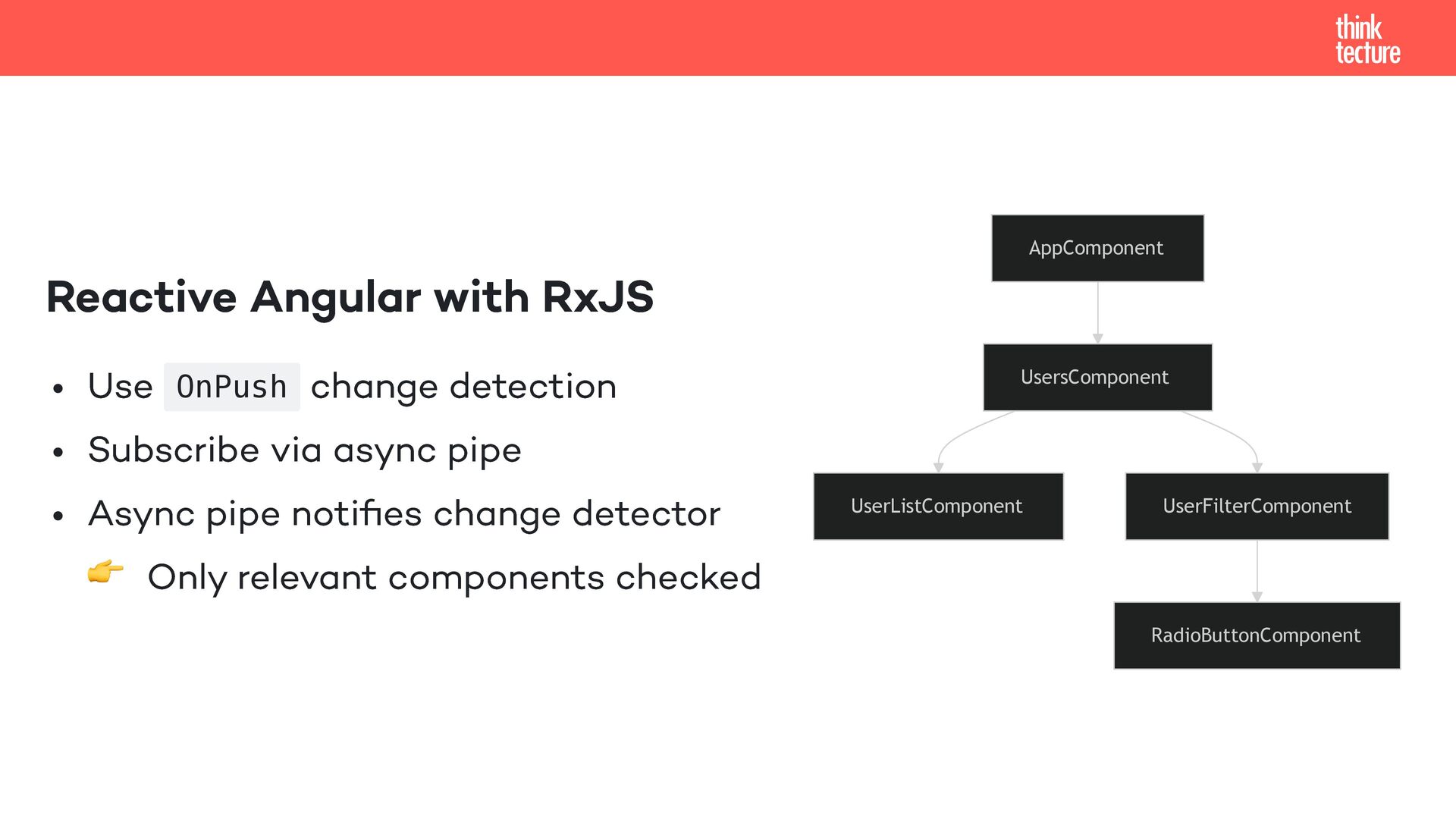
  8. Reactive Angular with RxJS Use OnPush change detection Subscribe via

    async pipe Async pipe notifies change detector 👉 Only relevant components checked AppComponent UsersComponent UserListComponent UserFilterComponent RadioButtonComponent
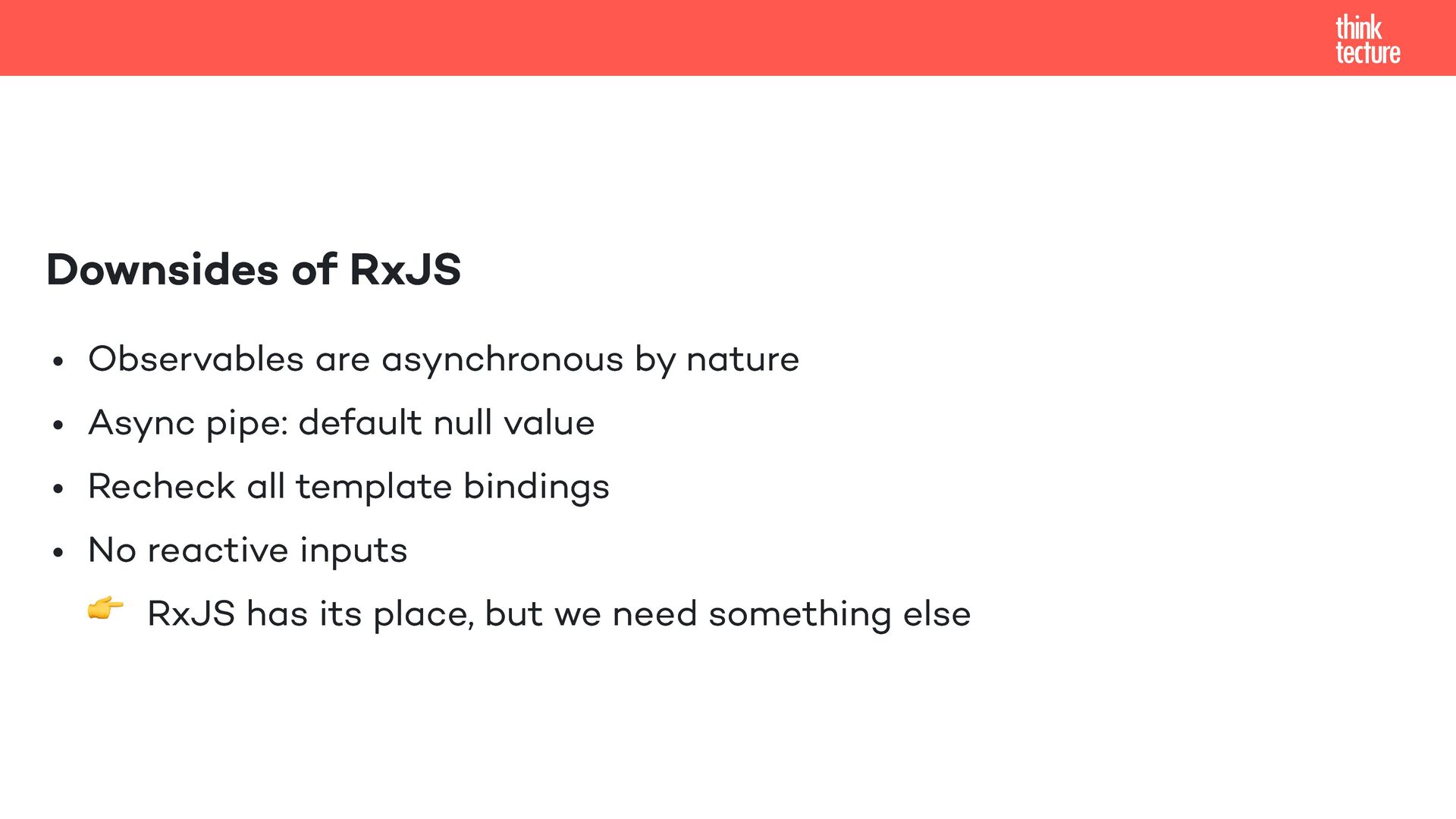
  9. Downsides of RxJS Observables are asynchronous by nature Async pipe:

    default null value Recheck all template bindings No reactive inputs 👉 RxJS has its place, but we need something else
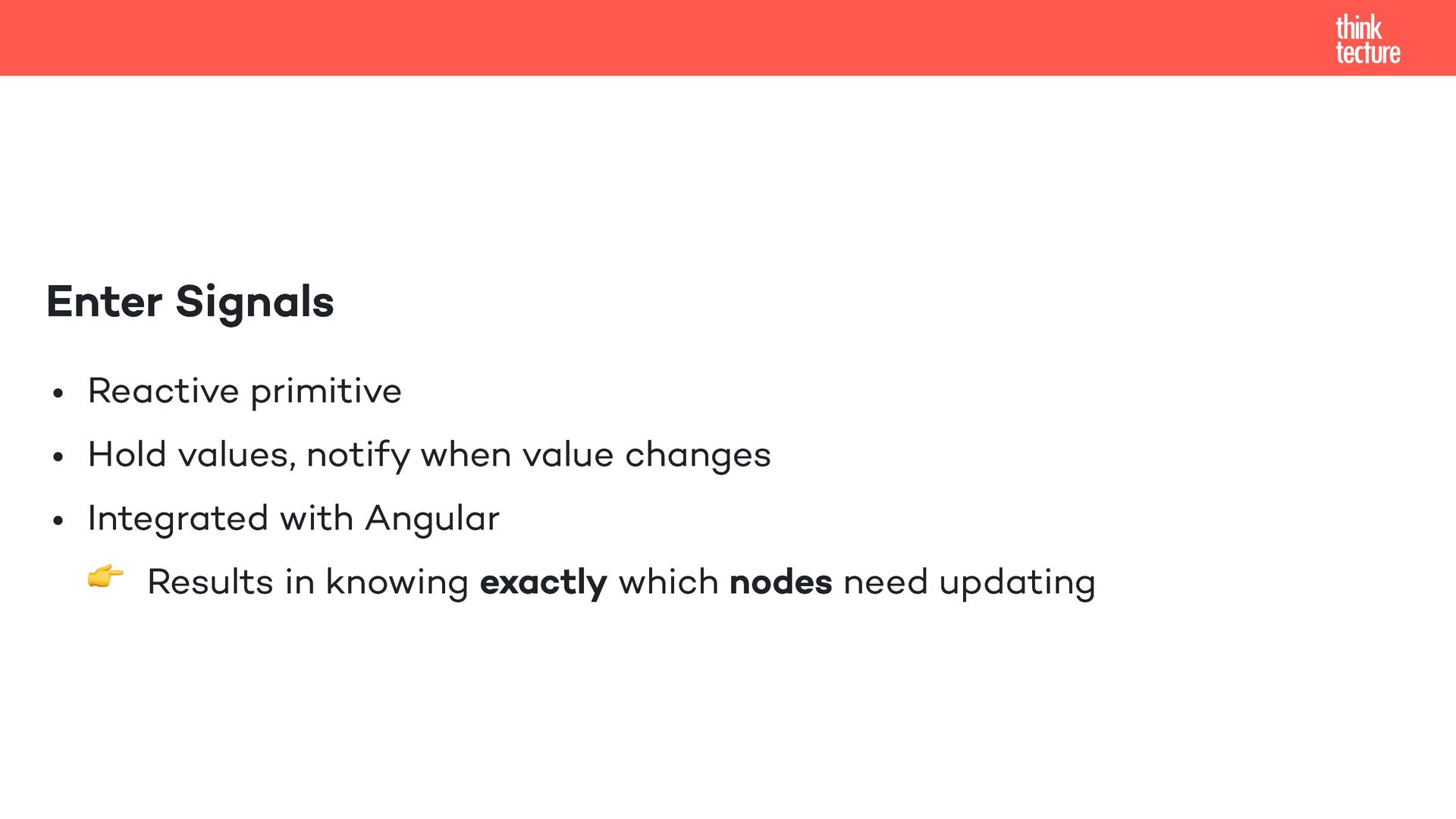
  10. Enter Signals Reactive primitive Hold values, notify when value changes

    Integrated with Angular 👉 Results in knowing exactly which nodes need updating
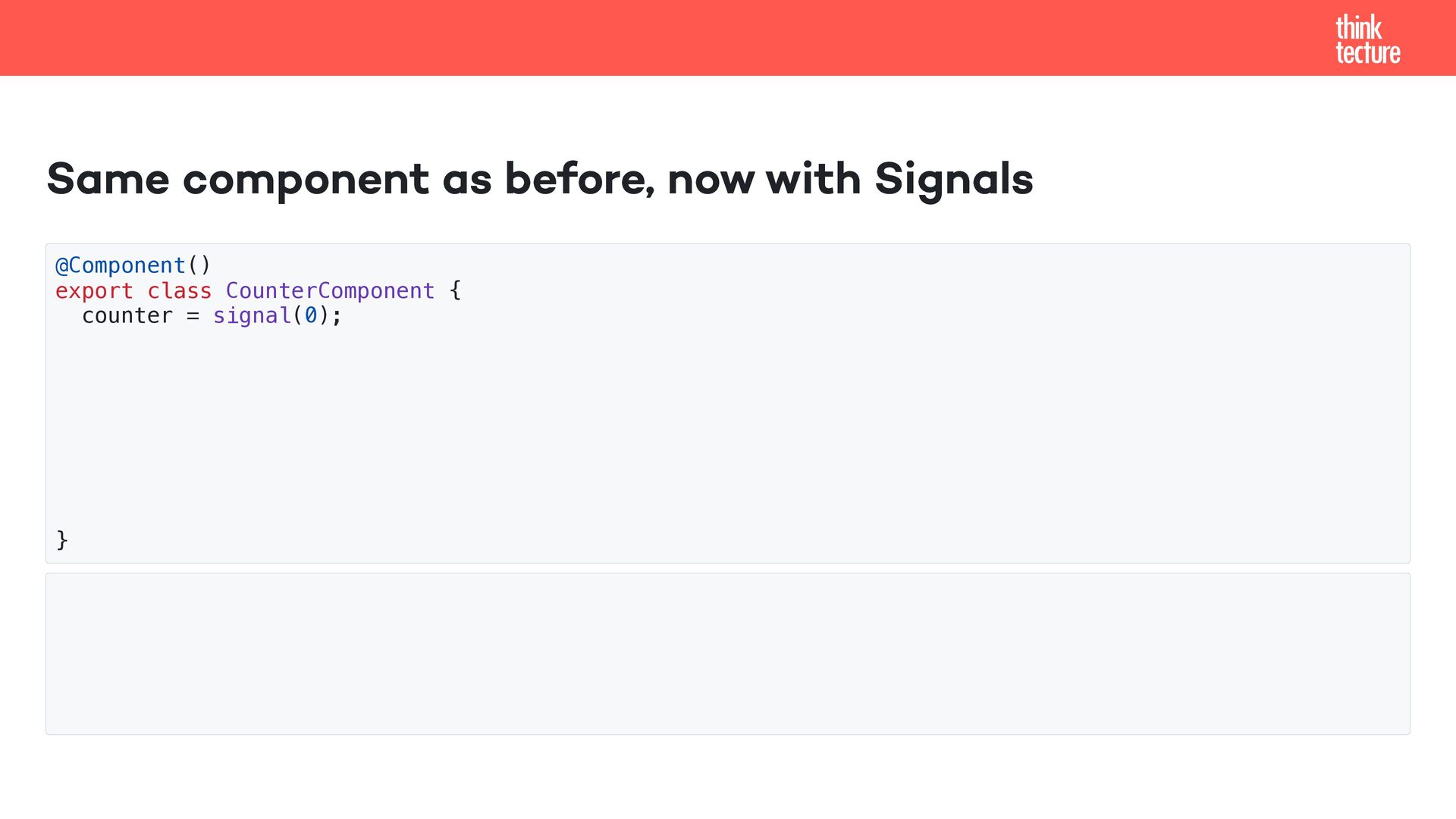
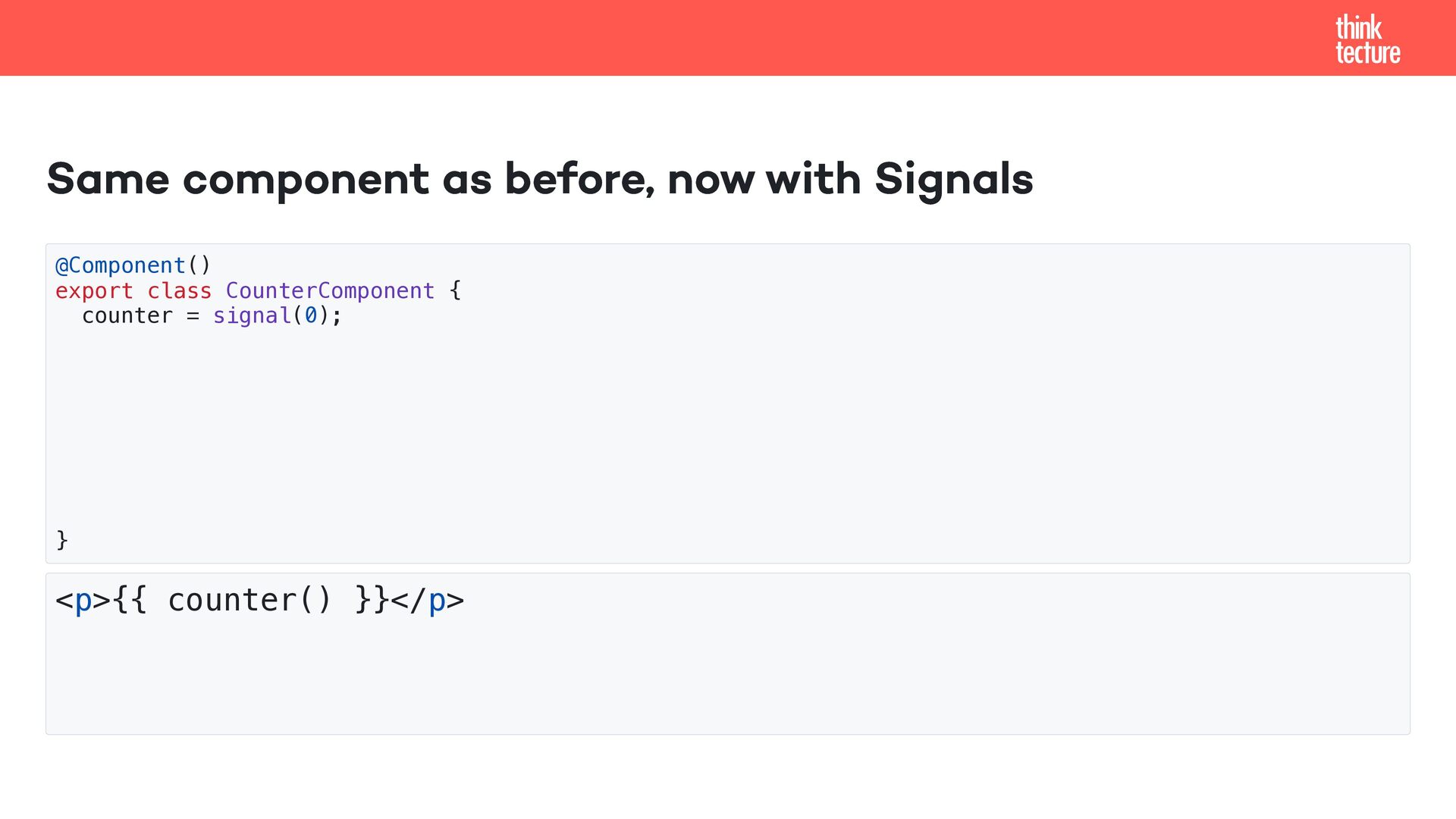
  11. Same component as before, now with Signals @Component() export class

    CounterComponent { counter = signal(0); } <p>{{ counter() }}</p>
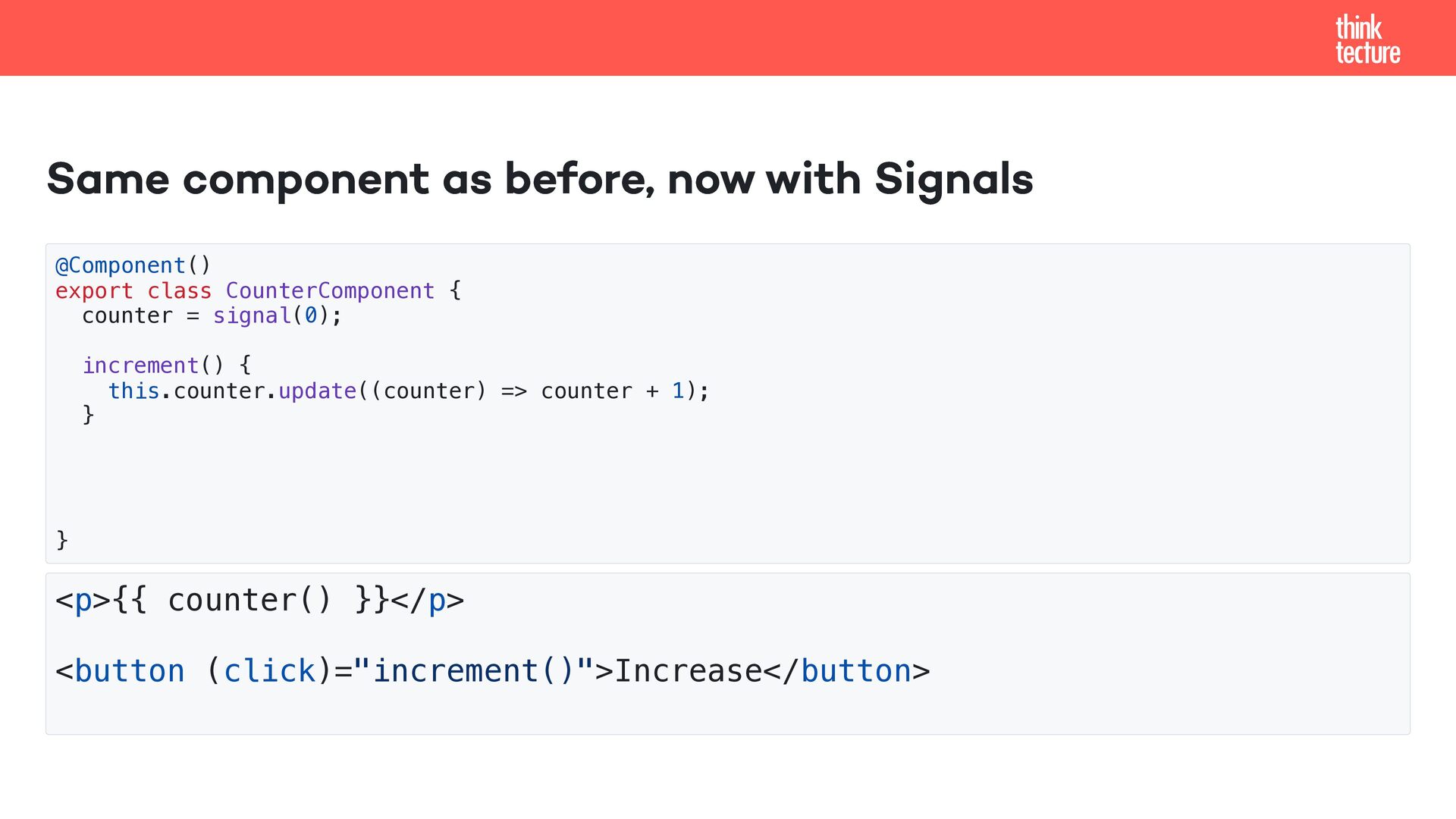
  12. Same component as before, now with Signals @Component() export class

    CounterComponent { counter = signal(0); increment() { this.counter.update((counter) => counter + 1); } } <p>{{ counter() }}</p> <button (click)="increment()">Increase</button>
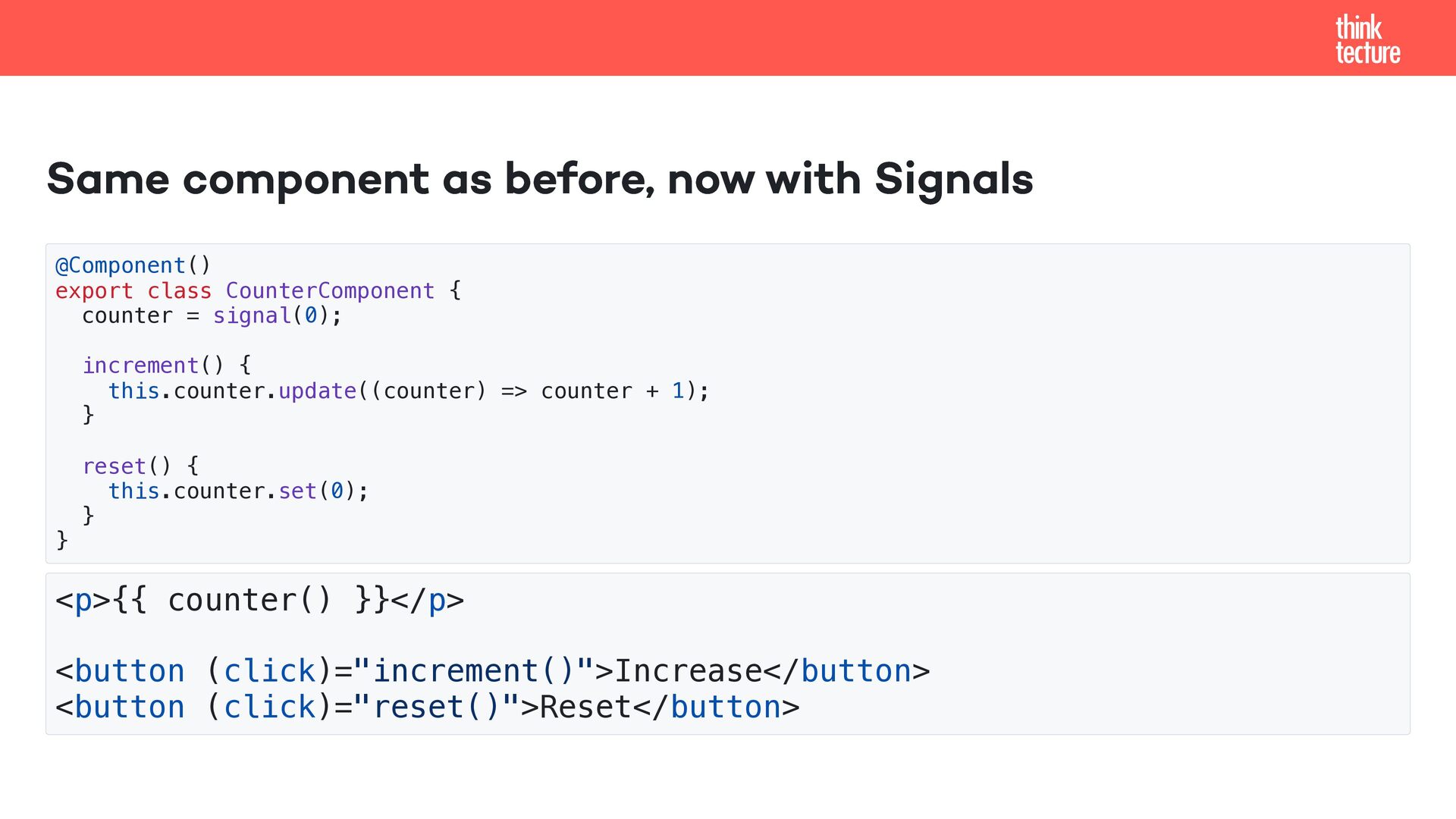
  13. Same component as before, now with Signals @Component() export class

    CounterComponent { counter = signal(0); increment() { this.counter.update((counter) => counter + 1); } reset() { this.counter.set(0); } } <p>{{ counter() }}</p> <button (click)="increment()">Increase</button> <button (click)="reset()">Reset</button>
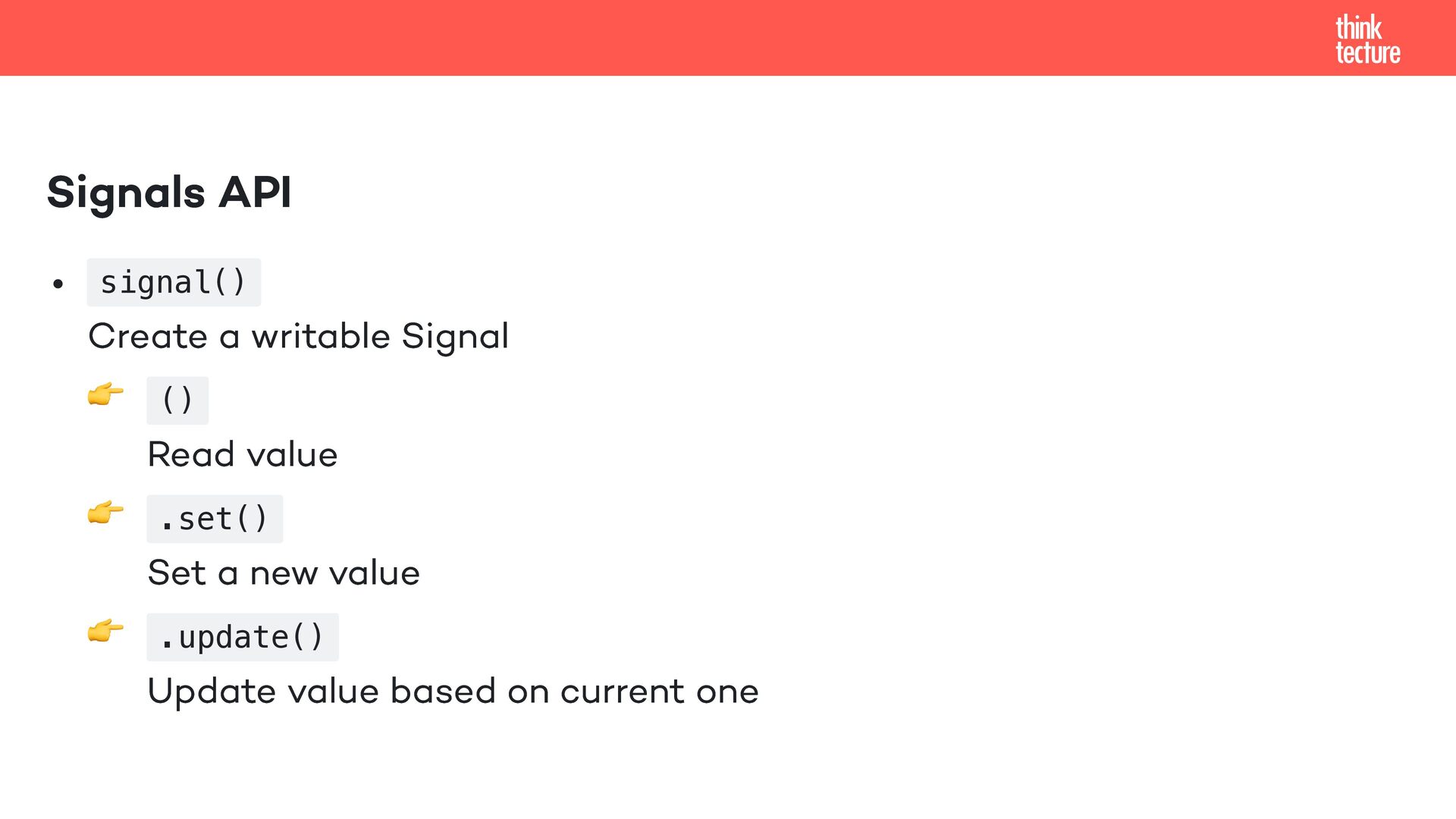
  14. Signals API signal() Create a writable Signal 👉 () Read

    value 👉 .set() Set a new value 👉 .update() Update value based on current one
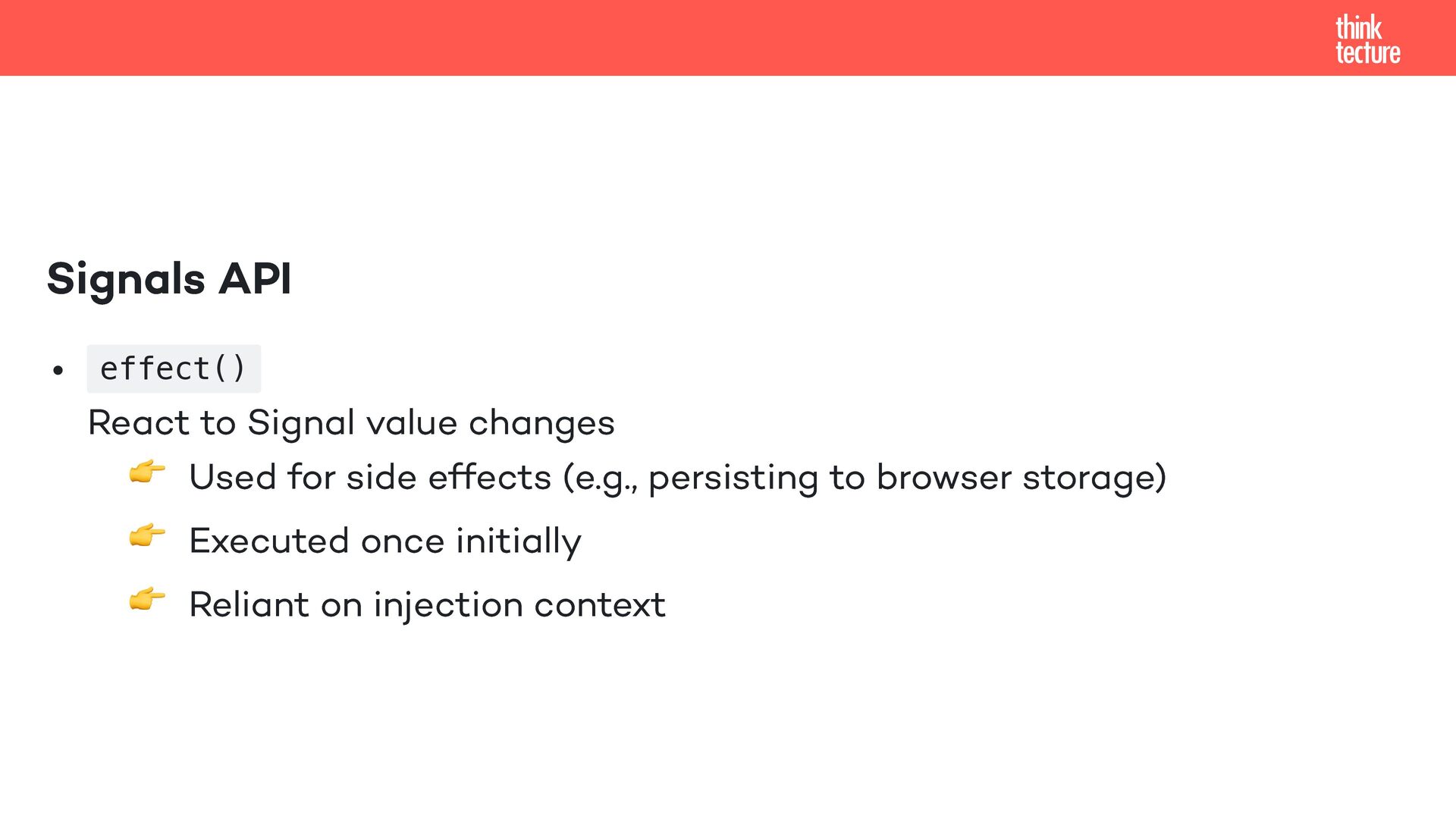
  15. Signals API effect() React to Signal value changes 👉 Used

    for side effects (e.g., persisting to browser storage) 👉 Executed once initially 👉 Reliant on injection context
  16. Signal-based component API input() → name="Maria K" Create a read

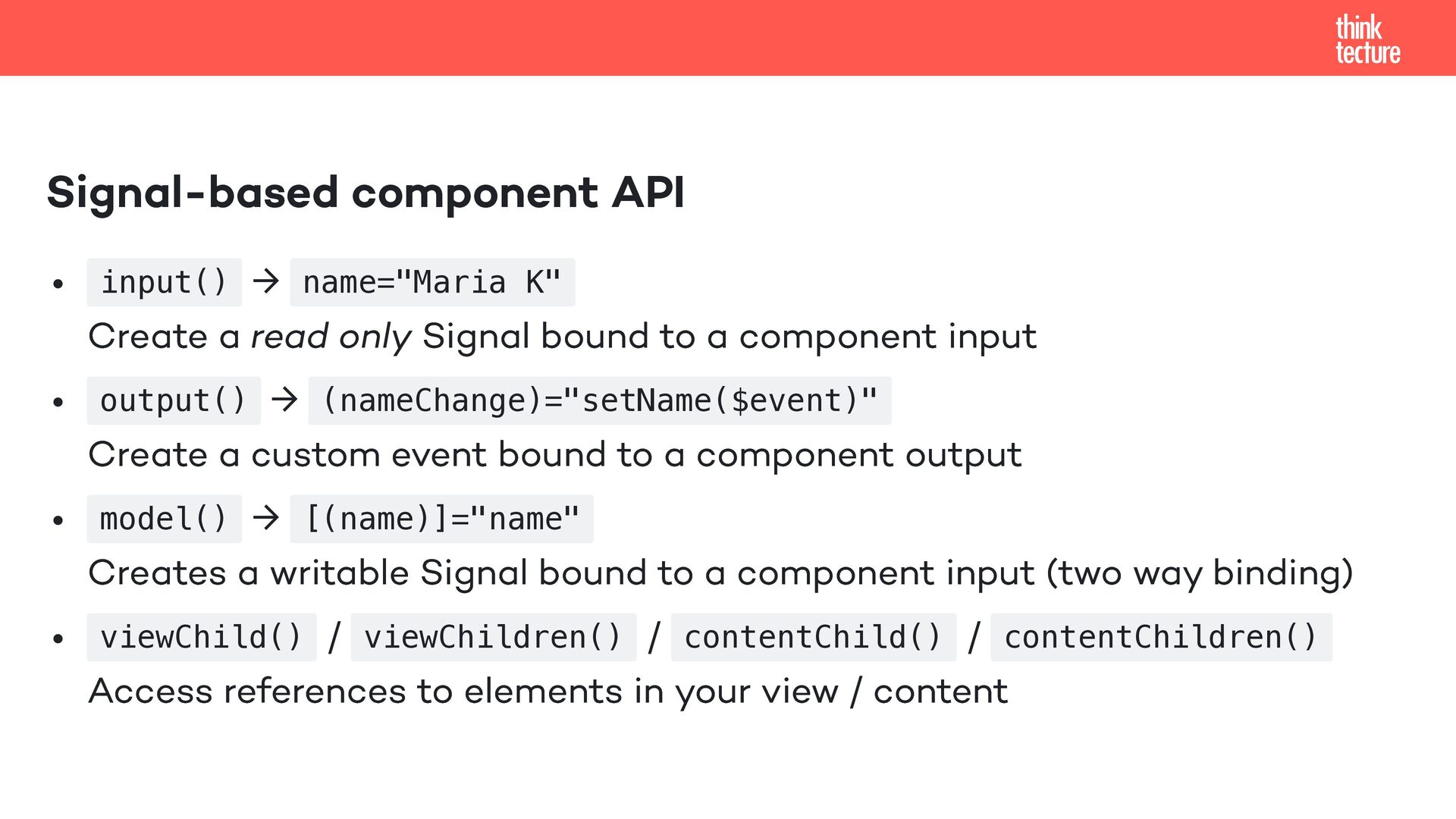
    only Signal bound to a component input output() → (nameChange)="setName($event)" Create a custom event bound to a component output model() → [(name)]="name" Creates a writable Signal bound to a component input (two way binding) viewChild() / viewChildren() / contentChild() / contentChildren() Access references to elements in your view / content
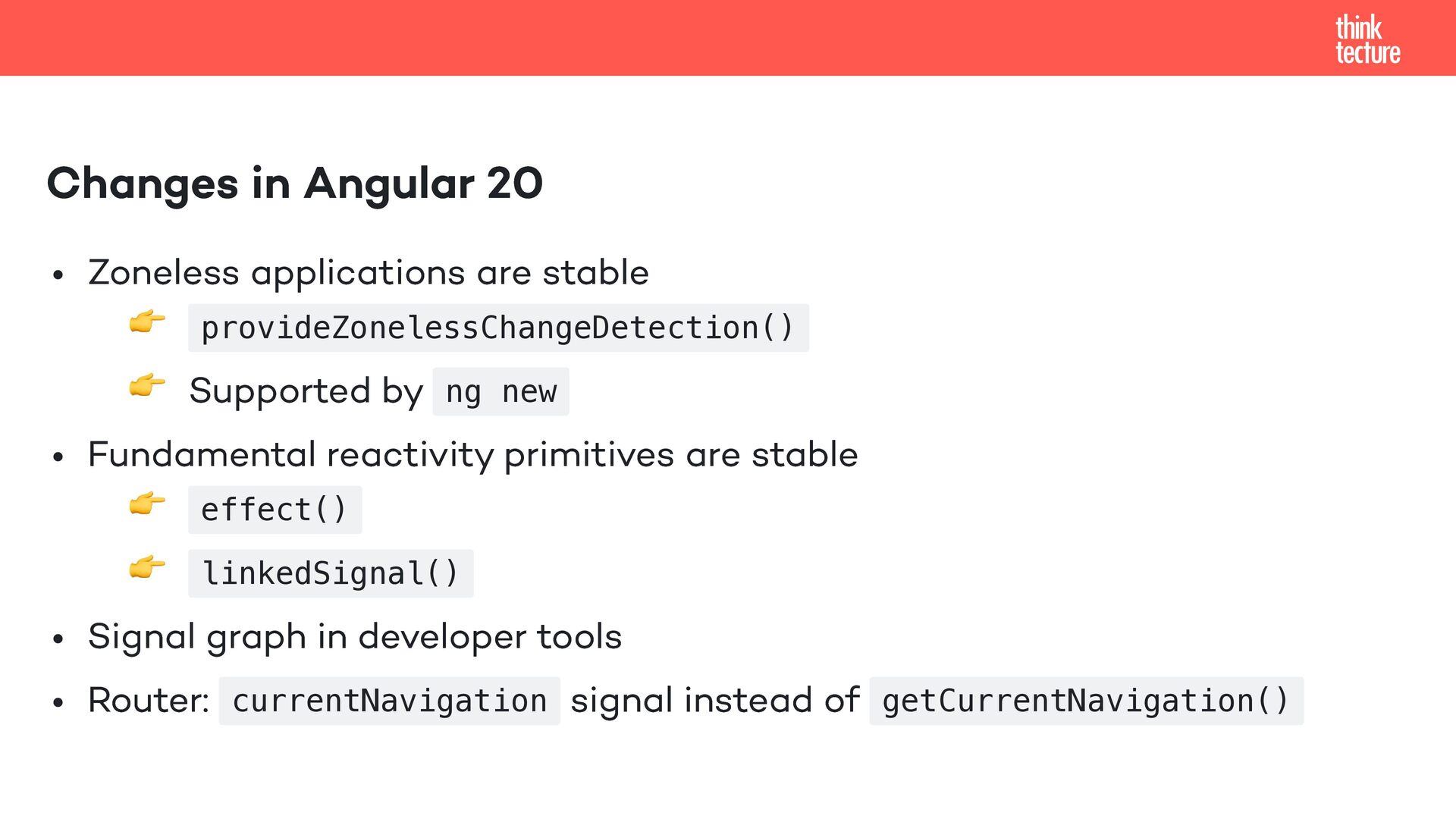
  17. Changes in Angular 20 Zoneless applications are stable 👉 provideZonelessChangeDetection()

    👉 Supported by ng new Fundamental reactivity primitives are stable 👉 effect() 👉 linkedSignal() Signal graph in developer tools Router: currentNavigation signal instead of getCurrentNavigation()
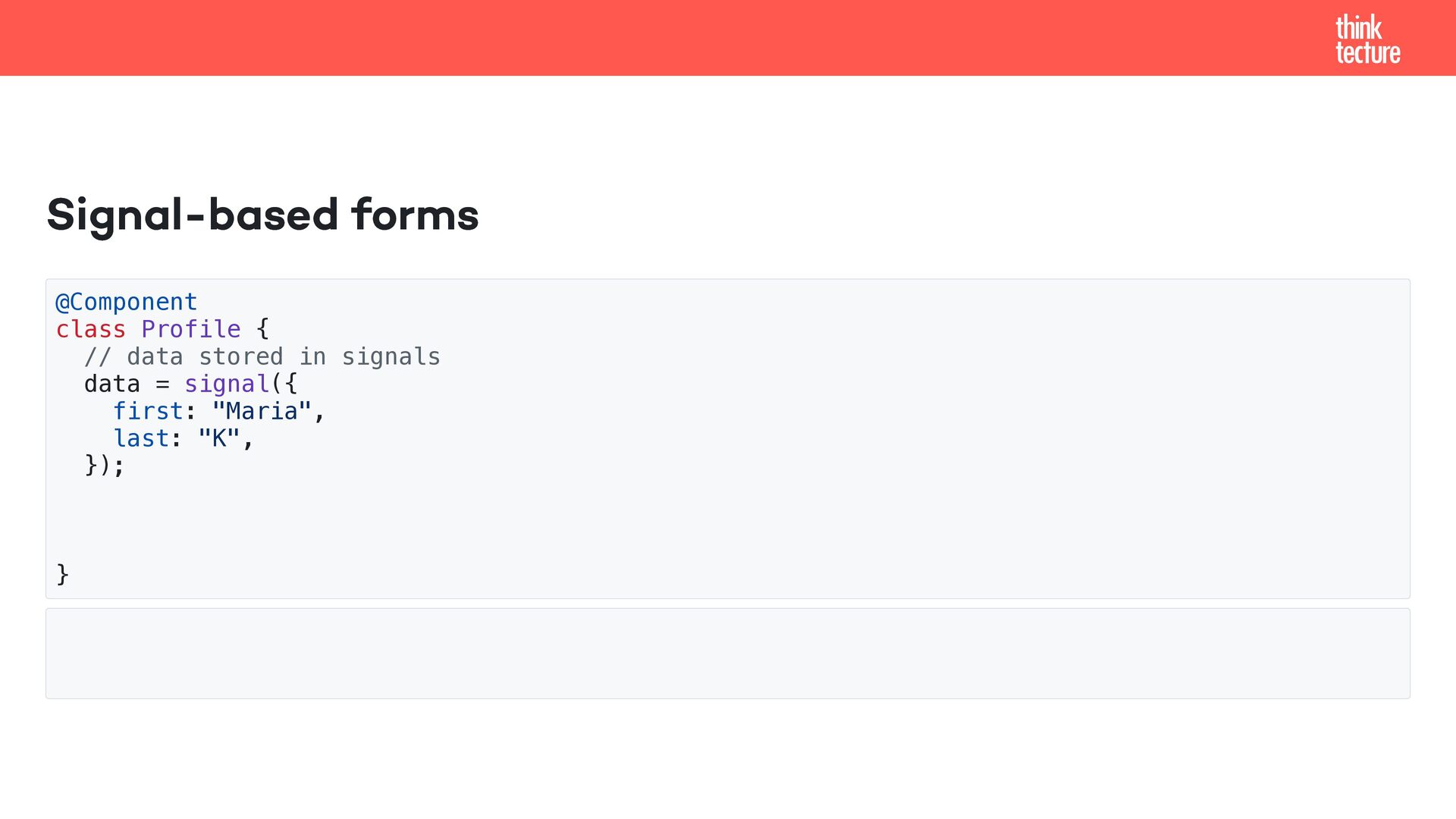
  18. Signal-based forms @Component class Profile { // data stored in

    signals data = signal({ first: "Maria", last: "K", }); }
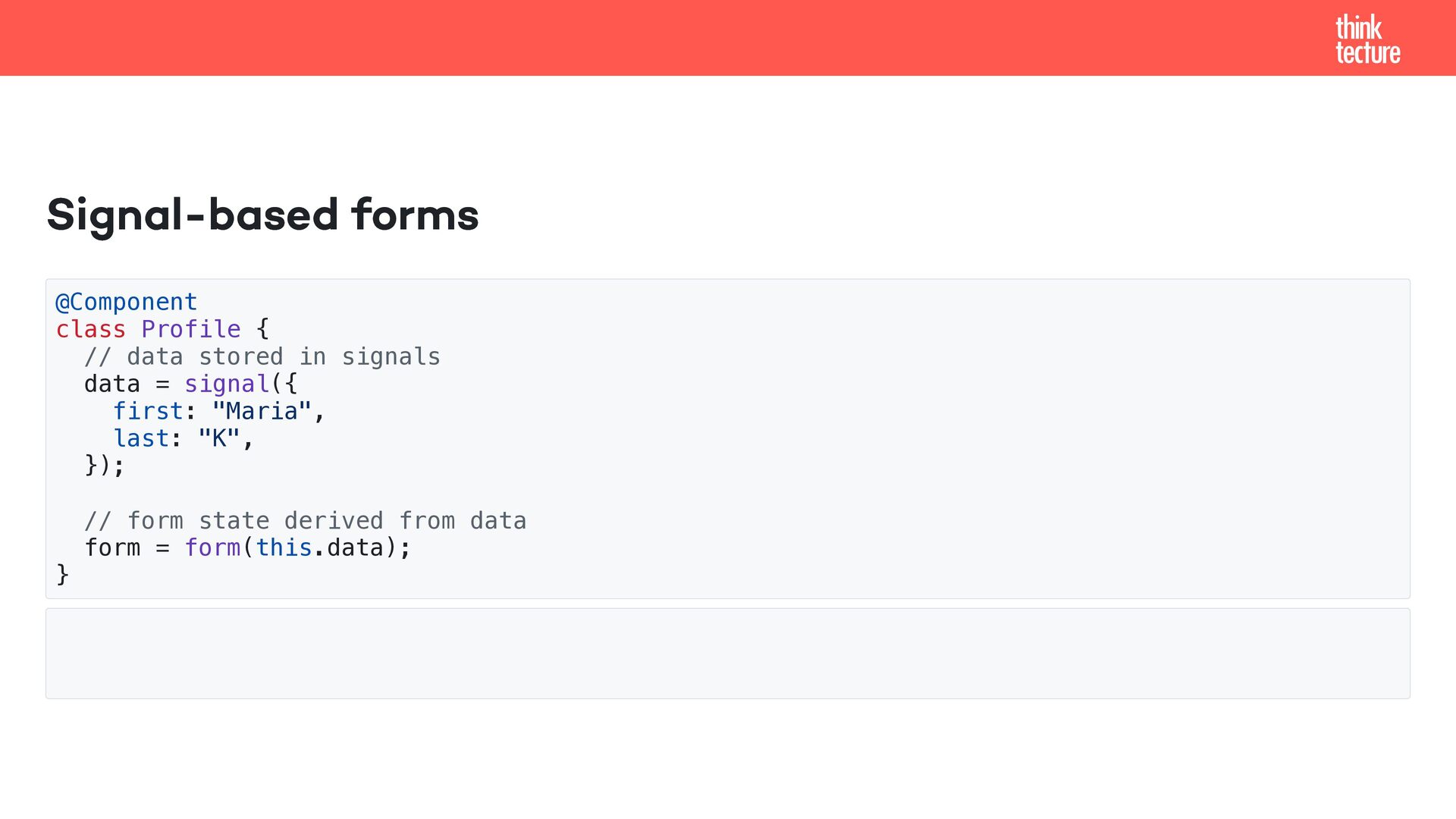
  19. Signal-based forms @Component class Profile { // data stored in

    signals data = signal({ first: "Maria", last: "K", }); // form state derived from data form = form(this.data); }
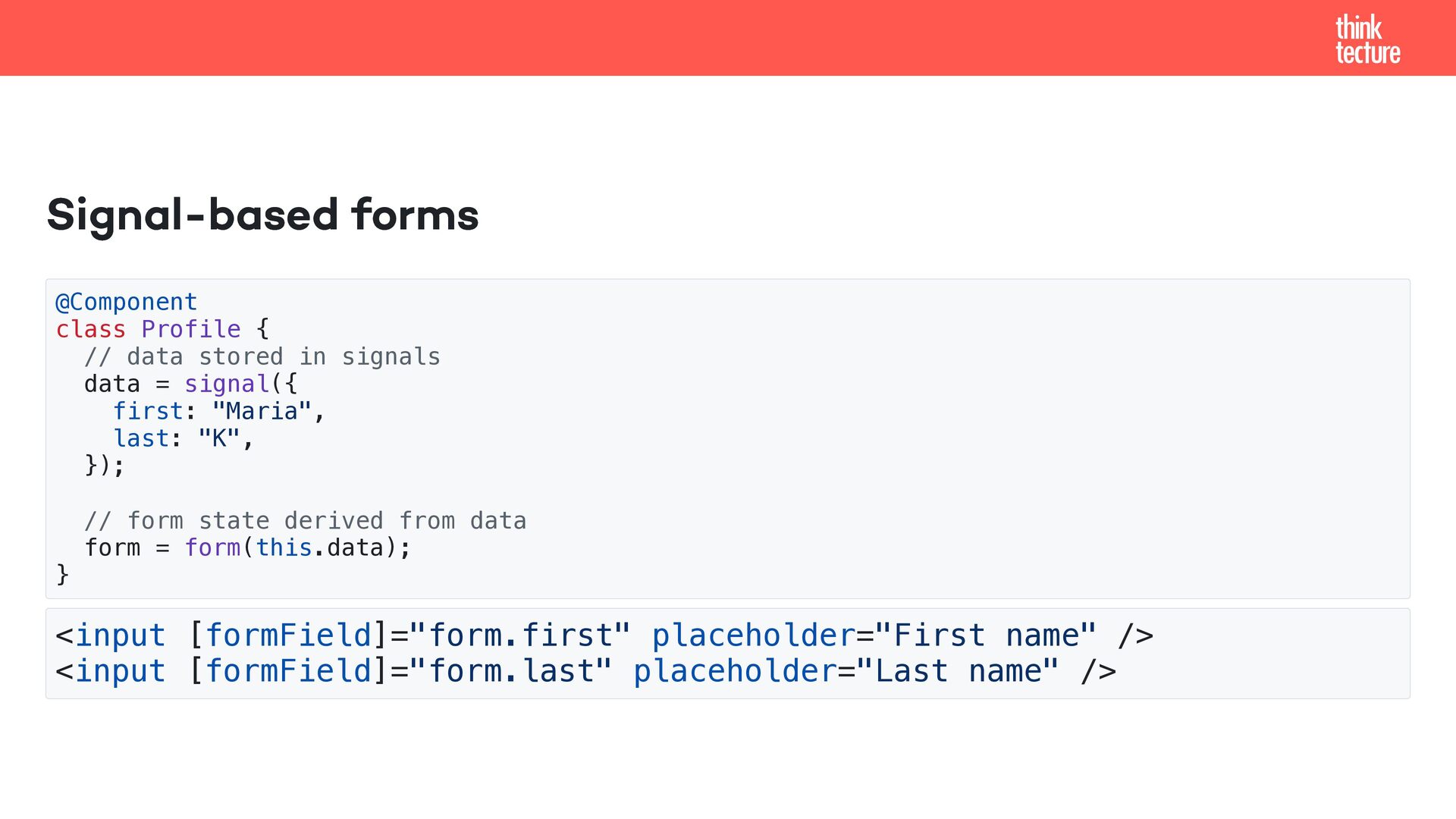
  20. Signal-based forms @Component class Profile { // data stored in

    signals data = signal({ first: "Maria", last: "K", }); // form state derived from data form = form(this.data); } <input [formField]="form.first" placeholder="First name" /> <input [formField]="form.last" placeholder="Last name" />
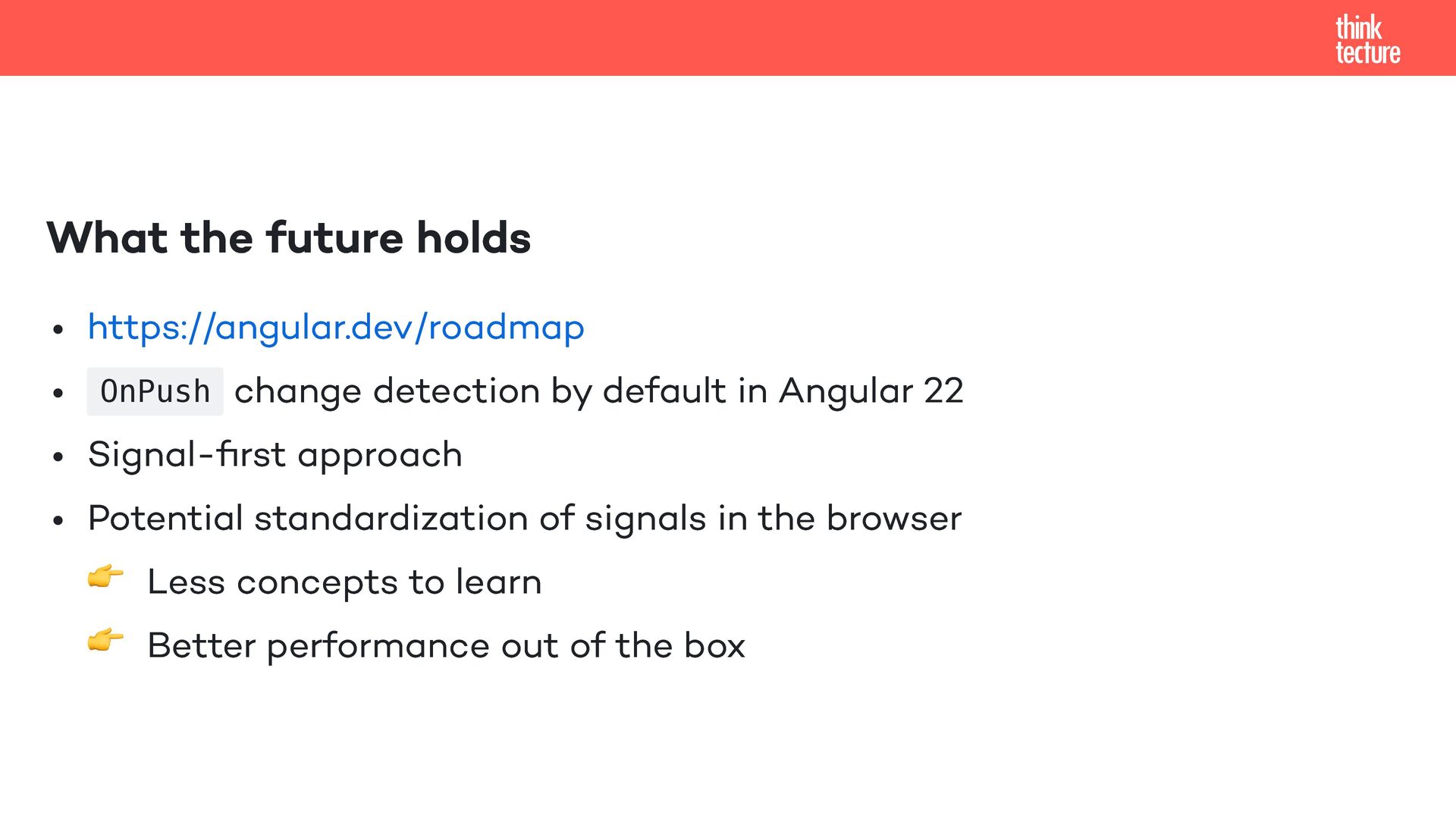
  21. What the future holds https://angular.dev/roadmap OnPush change detection by default

    in Angular 22 Signal-first approach Potential standardization of signals in the browser 👉 Less concepts to learn 👉 Better performance out of the box
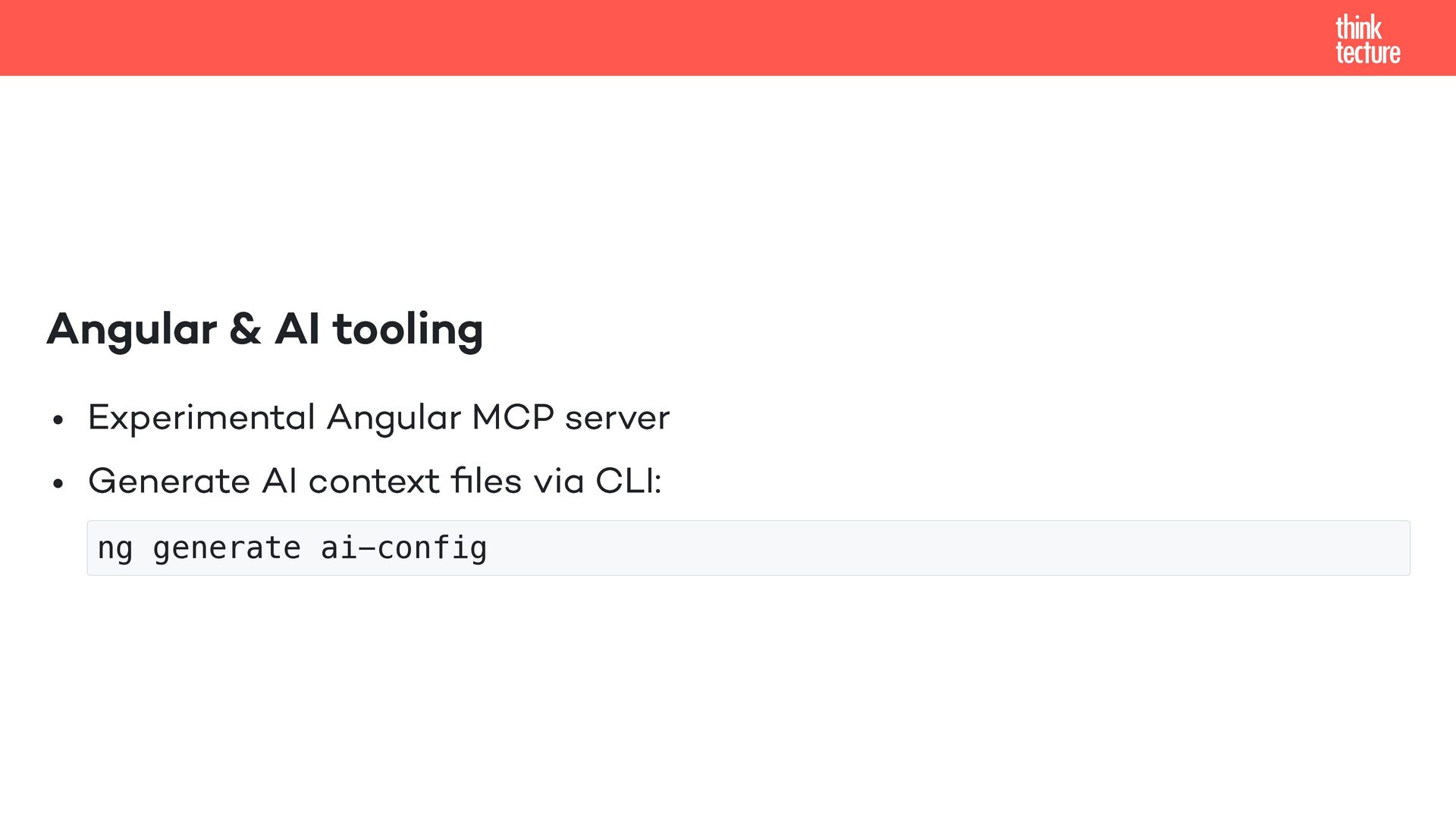
  22. Angular & AI tooling Experimental Angular MCP server Generate AI

    context files via CLI: ng generate ai-config