Image Format Problem Solver

Image Format Problem Solver
Find your symptom, then follow the fix. Duplicate this page if you'd like your own copy.
The file won't open or upload
Check the real format. Renaming a file doesn't convert it.
Saved a .webp by accident? Convert it to PNG or JPG. (flipconverto.com/convert/webp-to-png)
A .tga won't open? Browsers and Windows' built-in imaging have no TGA decoder. (flipconverto.com/convert/tga-to-png)
A device rejects your .bmp? Match its bit depth. 24-bit is the safe default. (flipconverto.com/convert/png-to-bmp)
The file is too big
Is it a PNG photo or screenshot? Save as JPG or WebP. PNG has no quality setting.
Reduce pixels before quality. (flipconverto.com/tools/image-compressor)
Does the form have a minimum size as well? Check before compressing too far.
The icon looks wrong
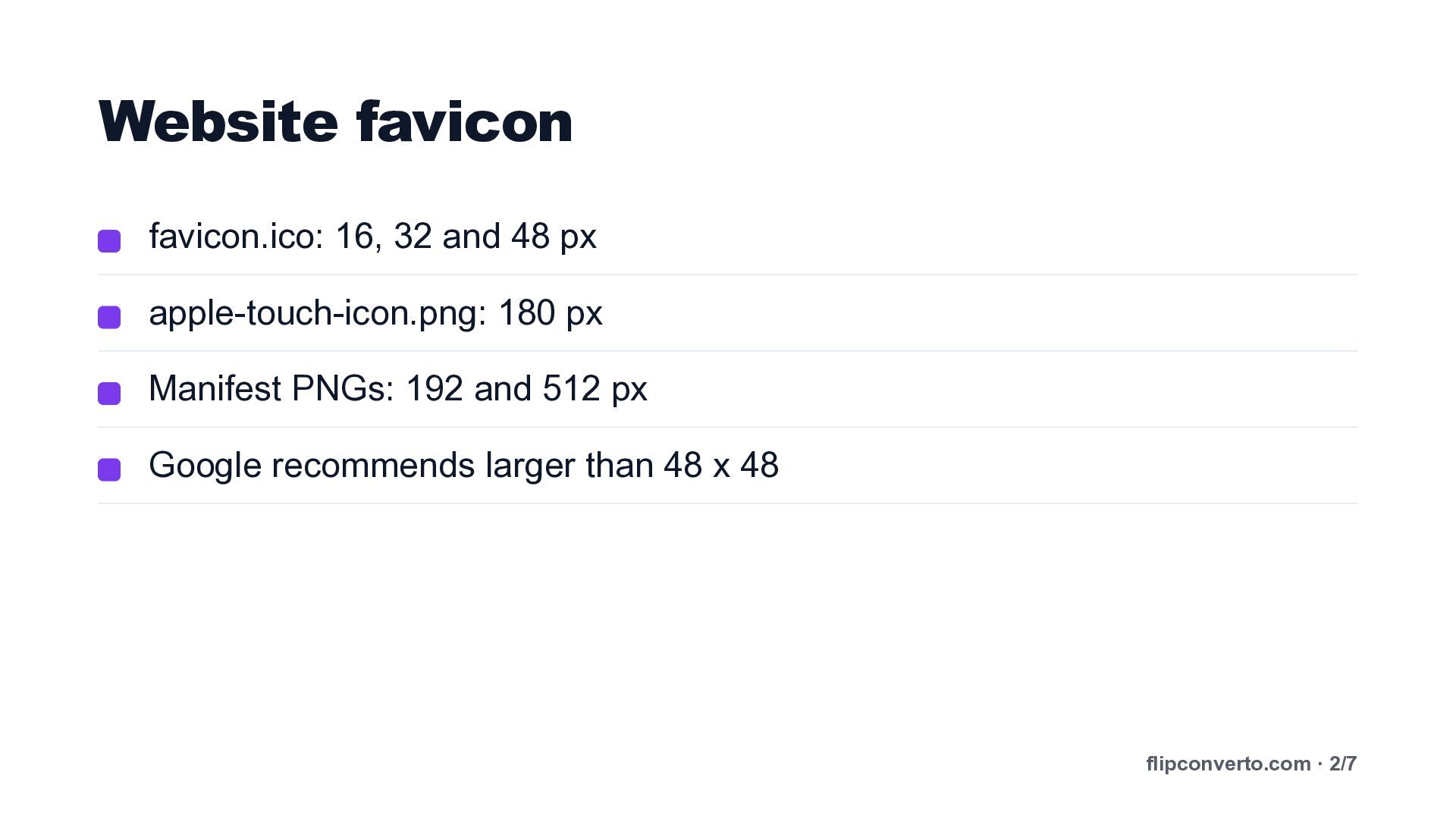
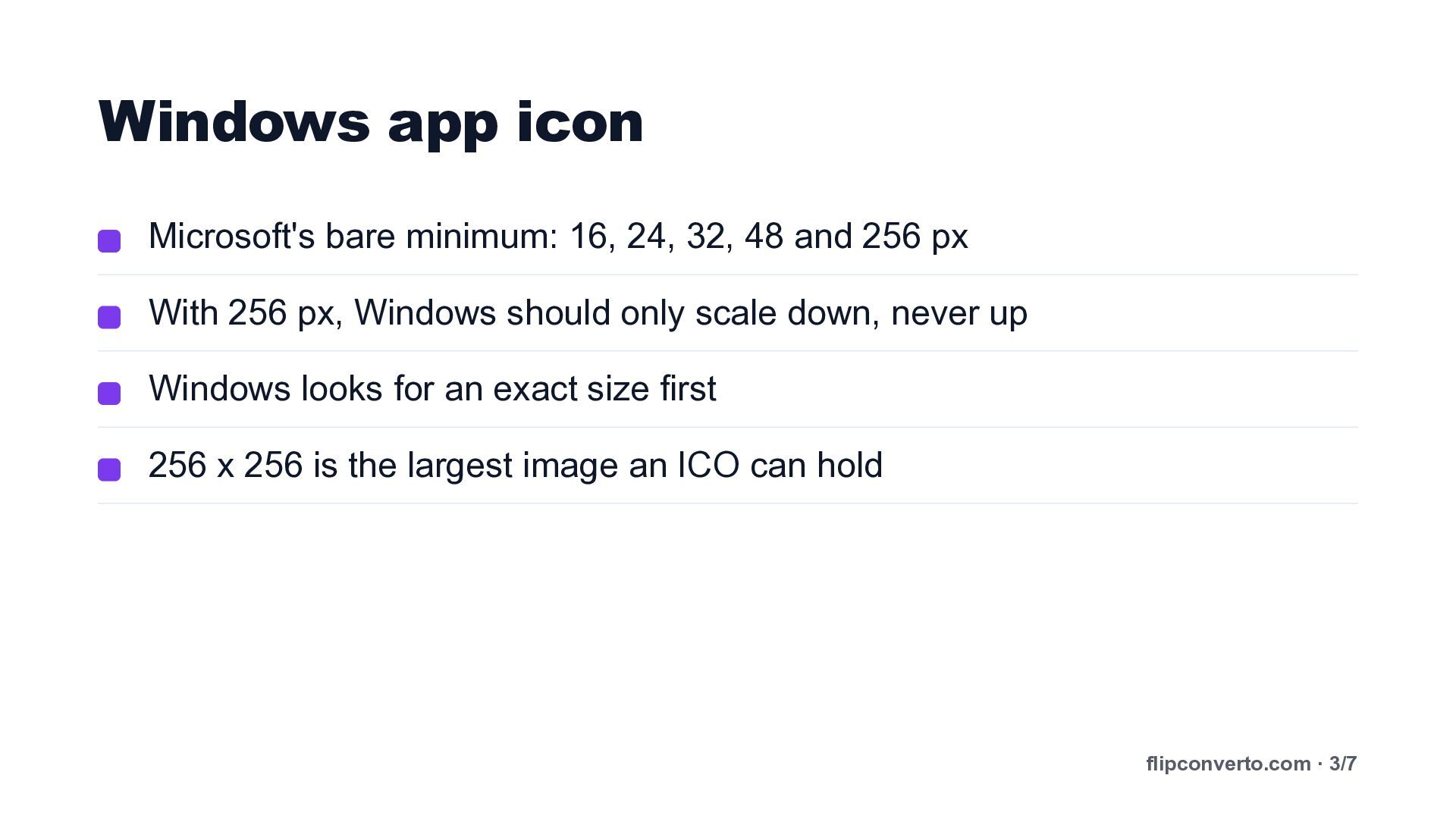
Blurry at 16 px? Draw from the vector and remove fine detail. (flipconverto.com/convert/svg-to-ico)
Black corners? A converter ignored the mask. (flipconverto.com/convert/ico-to-png)
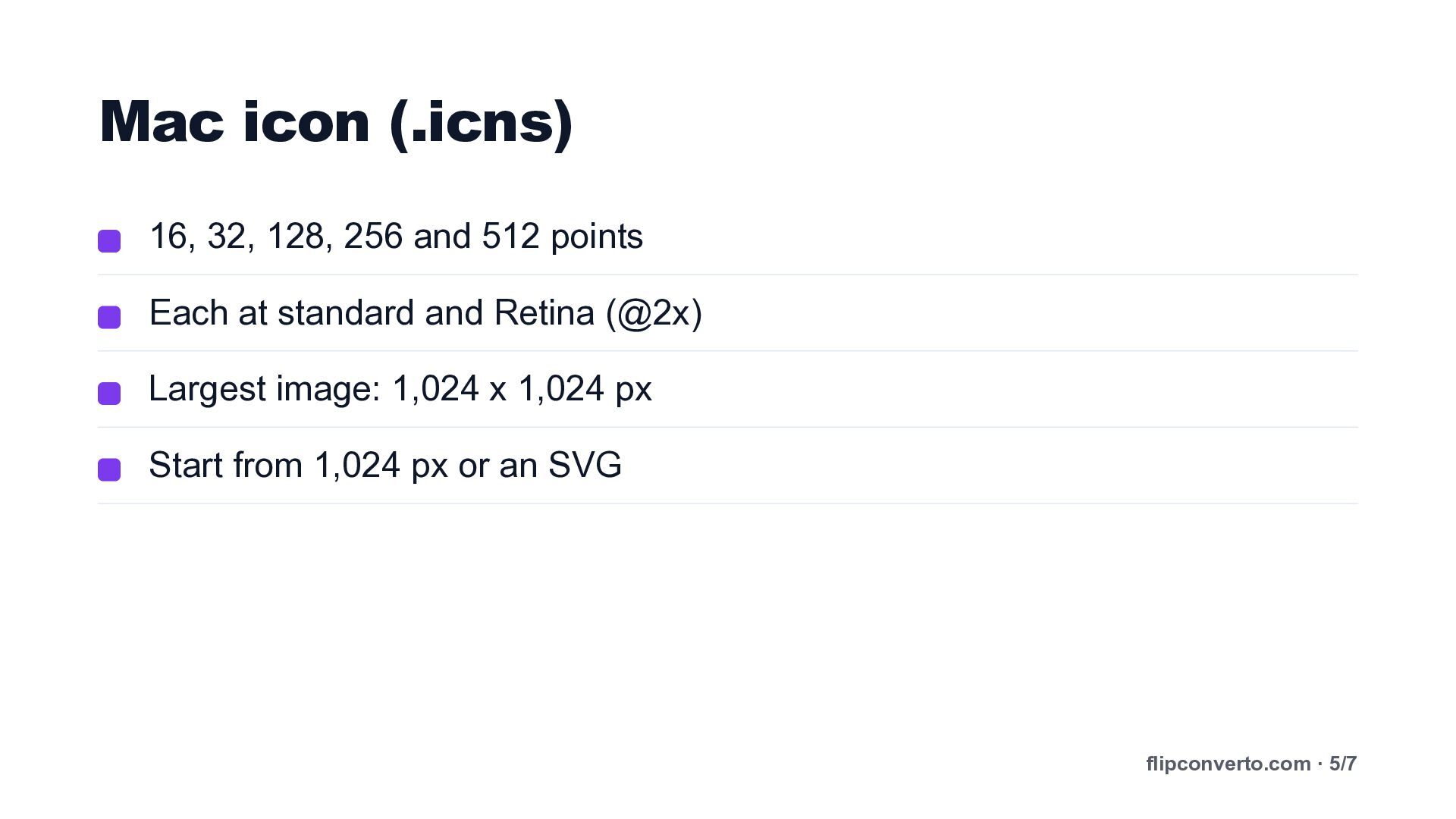
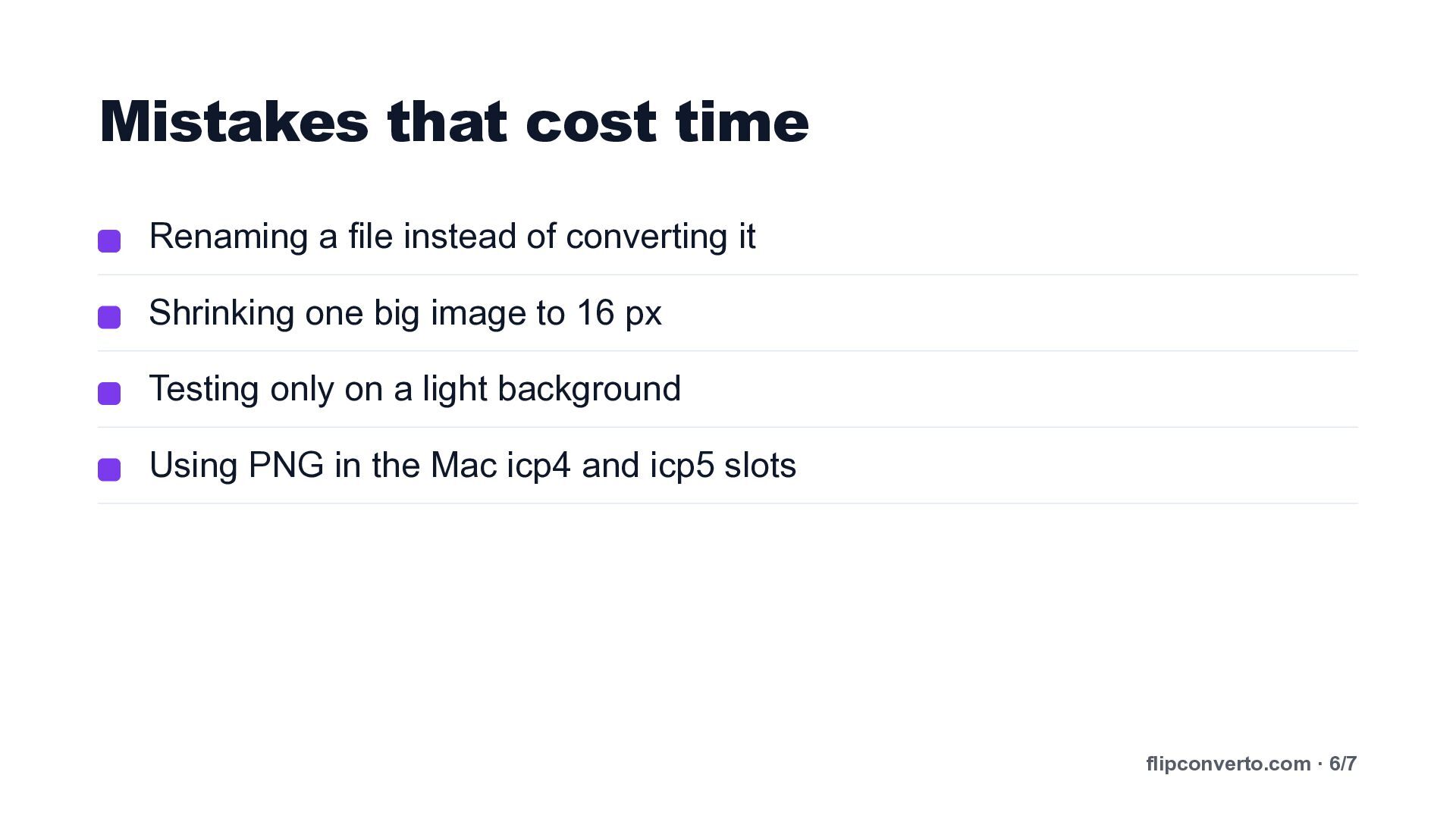
Garbled small Mac icons? Avoid PNG in the icp4 and icp5 slots. (flipconverto.com/convert/png-to-icns)
The cursor misbehaves
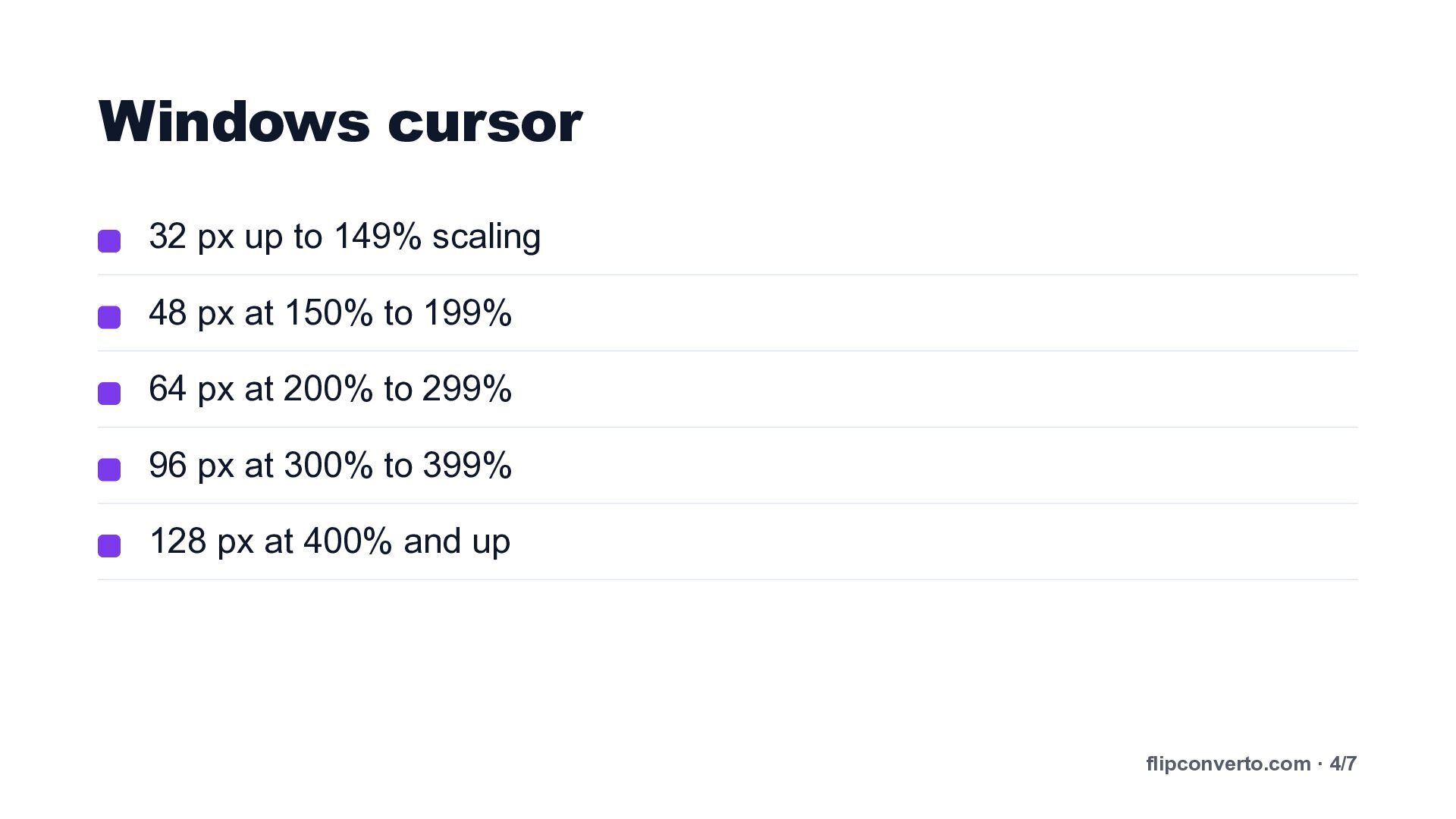
Clicks in the wrong spot? Make a real .cur with a hotspot. (flipconverto.com/convert/png-to-cur)
Blurry? Include 32, 48, 64, 96 and 128 px.
The PDF image is blurry
Use 150 DPI for screens and 300 DPI for print. (flipconverto.com/convert/pdf-to-png)
Is it a scan? A higher DPI won't add detail.
All links go to FlipConverto, our own free browser-based tools. Desktop apps such as GIMP and ImageMagick can do most of these too.

 flipconverto
 lauravandoore
 dougneiner
 eileencodes
 lcolladotor
 techseoconnect
 jnunemaker
 tmiket
 seathinner
 helmedeiros
 rkendrick25
 skoyamalab
 codingconduct