Upgrade to Pro
— share decks privately, control downloads, hide ads and more …
Speaker Deck
Sign up for free
Menu
Search
Features
All features
Private URLs
Password Protection
Custom URLS
Scheduled publishing
Remove Branding
Restrict embedding
Deck Collections
Notes
Features
All features
Private URLs
Password Protection
Custom URLS
Scheduled publishing
Remove Branding
Restrict embedding
Deck Collections
Notes
Explore
Featured decks
Featured speakers
Programming
Technology
Storyboards
Explore
Featured decks
Featured speakers
Programming
Technology
Storyboards
Pricing
Search
Sign in
Sign up for free
Обзор Google Nexus Player
Search
Sponsored
·
Ship Features Fearlessly
Turn features on and off without deploys. Used by thousands of Ruby developers.
→
GDG Samara
February 27, 2016
Programming
53
0
Share
Embed
Copy iframe code
Copy JS code
Copy link
Start on current slide
Обзор Google Nexus Player
Обзор Google Nexus Player и примеры кода для быстрого старта.
Автор: Дмитрий Кудренко
GDG Samara
February 27, 2016
More Decks by GDG Samara
See All by GDG Samara
Обзор Beacons & Eddystone
gdg_samara
0
47
Other Decks in Programming
See All in Programming
S3 TablesのIcebergデータに、AIエージェントからアクセスしてみた / 20261016developersio2026joetsu-accessing-iceberg-in-s3tables-via-agent
kasacchiful
PRO
0
150
APNsからLive Activityを開始する話
yumnumm
0
170
re:Inventに行く前に知っておきたい現地参加のノウハウ
nokomoro3
0
430
JIS keyboard support in Omarchy
lef237
0
120
Agents on Rails - Rails at Scale 2026
irinanazarova
0
560
dotNET_vulnclicker_intro.pdf
deka_morita
0
140
3回つくってわかった、 定期実行ジョブ基盤の本質情報
takai
0
480
Compiling a real-world CLI tool to native with Static Hermes
tmikov2023
0
120
Domain-Driven Transformation
hschwentner
2
2.3k
iOS 27でニュースアプリはどう変わる!? 〜日経電子版の新機能対応と、開発事例から〜
lynnswap
7
13k
動作中のプログラムの中身をリアルタイムに覗く / Realtime Debugger for CSharp with Roslyn
prota
1
1.9k
設計次第でAIコードの読む量は減らせる / designing-for-code-reading
minodriven
35
17k
Featured
See All Featured
Fashionably flexible responsive web design (full day workshop)
malarkey
409
67k
4 Signs Your Business is Dying
shpigford
187
23k
The Mindset for Success: Future Career Progression
greggifford
PRO
0
540
Save Time (by Creating Custom Rails Generators)
garrettdimon
PRO
33
5.2k
Automating Front-end Workflow
addyosmani
1369
210k
Getting science done with accelerated Python computing platforms
jacobtomlinson
2
540
Raft: Consensus for Rubyists
vanstee
142
7.8k
世界の人気アプリ100個を分析して見えたペイウォール設計の心得
akihiro_kokubo
PRO
74
43k
Code Reviewing Like a Champion
maltzj
529
40k
The Language of Interfaces
destraynor
162
27k
Building Flexible Design Systems
yeseniaperezcruz
330
41k
A Soul's Torment
seathinner
8
3.8k
Transcript
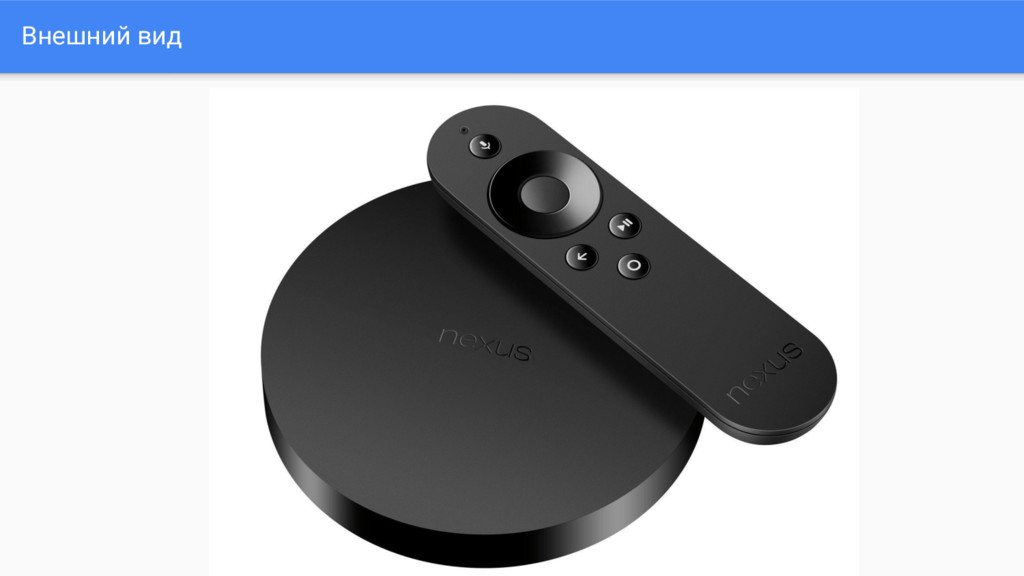
Nexus Player
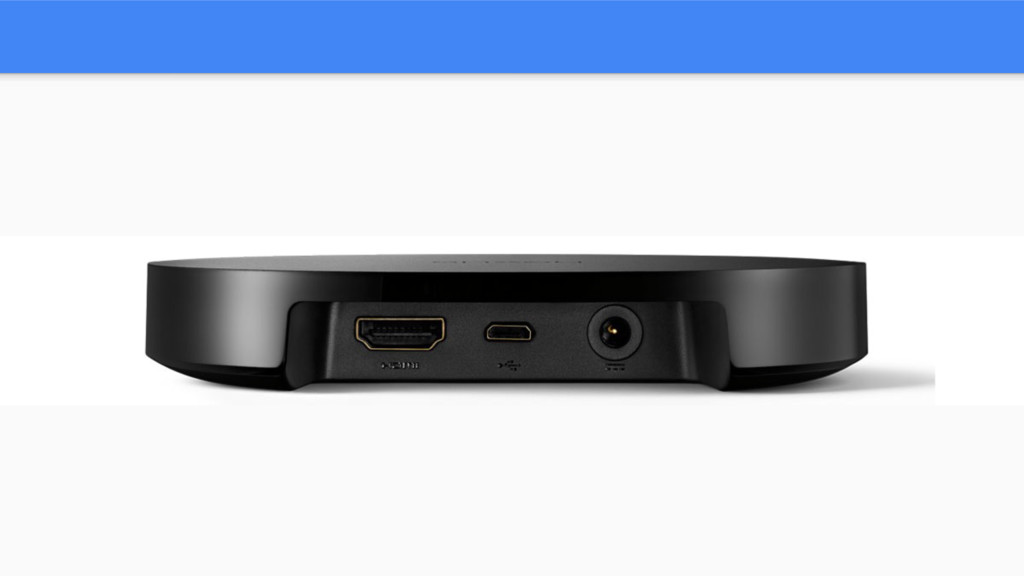
Внешний вид
None
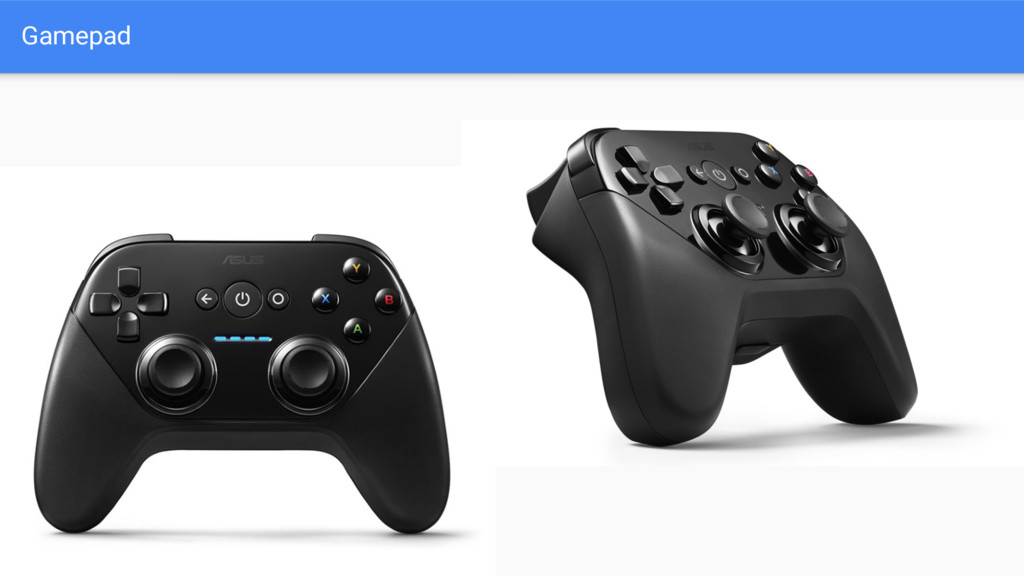
Gamepad
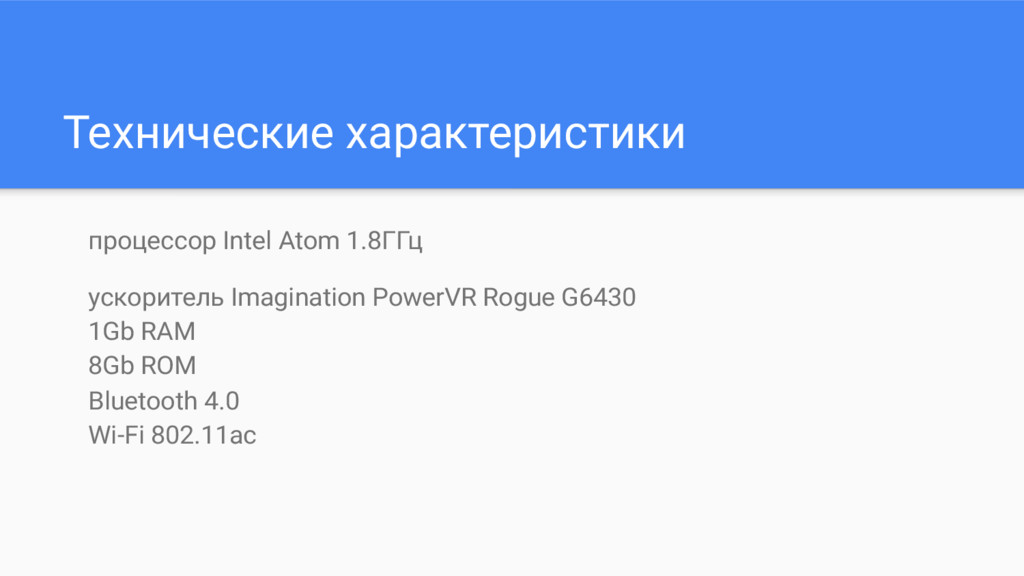
Технические характеристики процессор Intel Atom 1.8ГГц ускоритель Imagination PowerVR Rogue
G6430 1Gb RAM 8Gb ROM Bluetooth 4.0 Wi-Fi 802.11ac
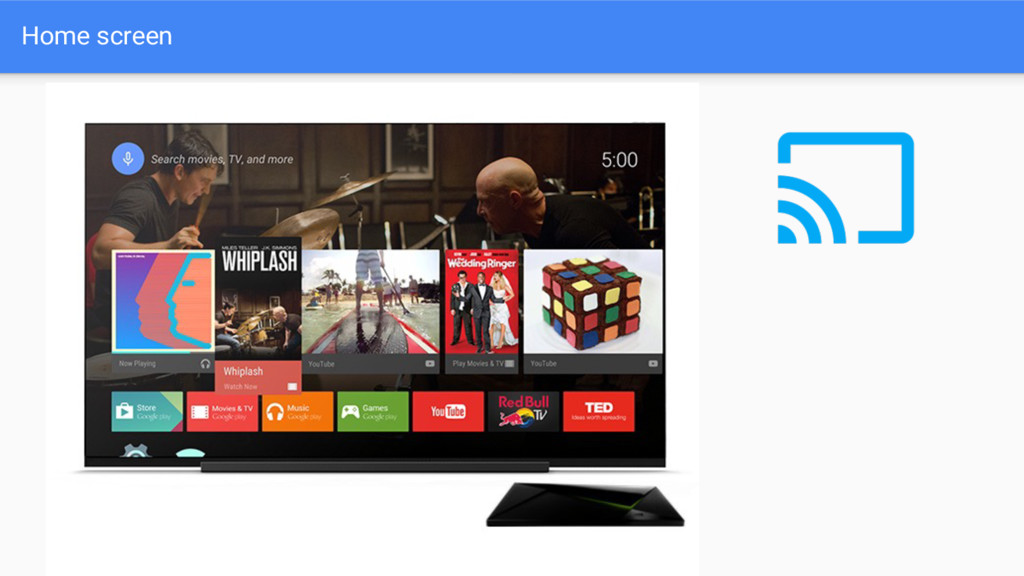
Home screen
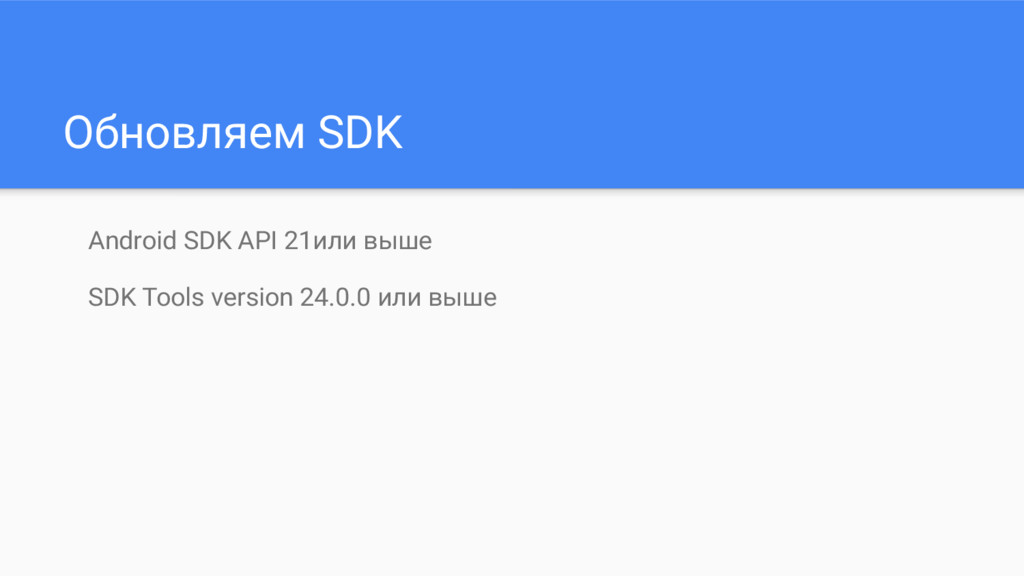
Обновляем SDK Android SDK API 21или выше SDK Tools version
24.0.0 или выше
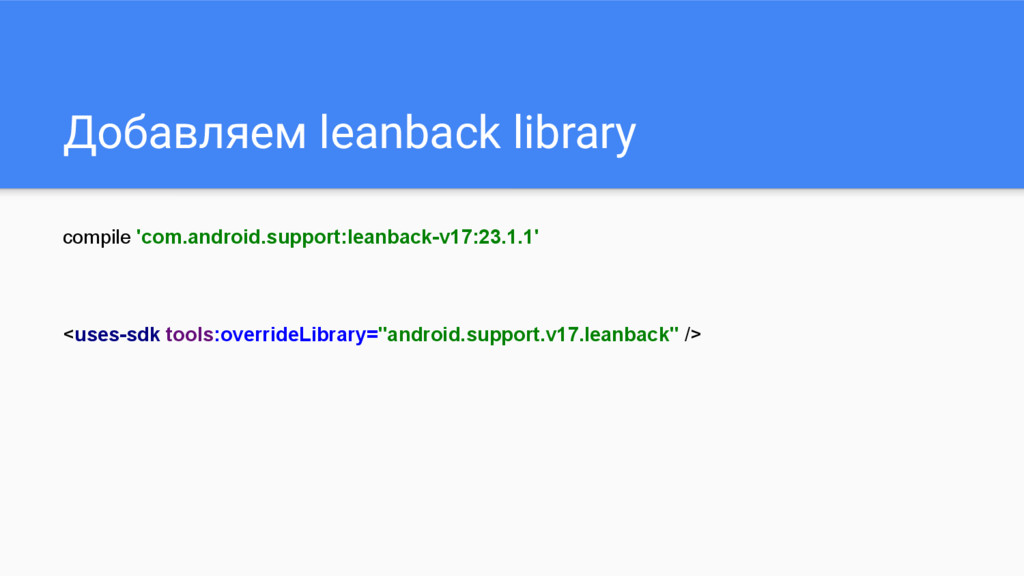
Добавляем leanback library compile 'com.android.support:leanback-v17:23.1.1' <uses-sdk tools:overrideLibrary="android.support.v17.leanback" />
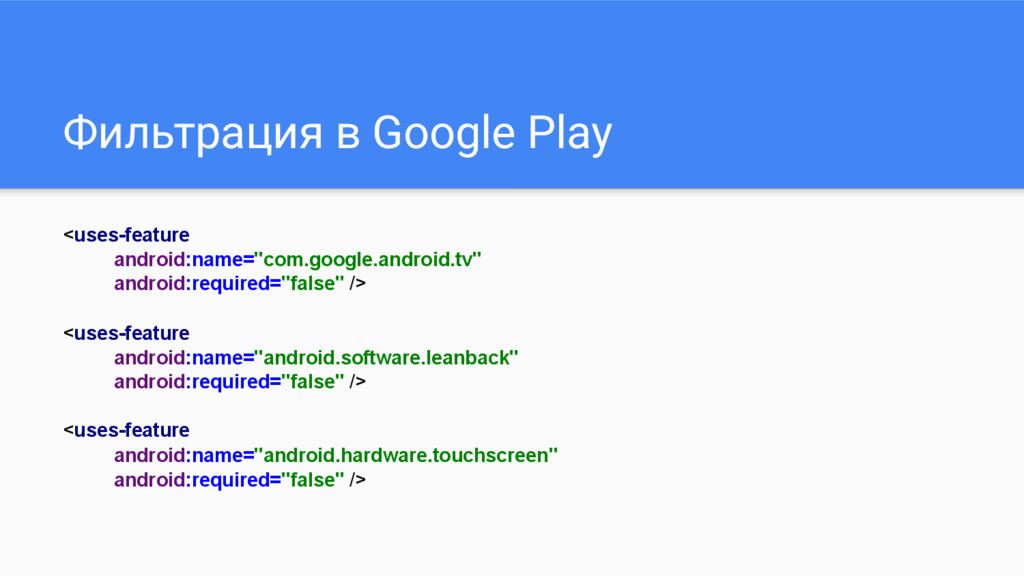
Фильтрация в Google Play <uses-feature android:name="com.google.android.tv" android:required="false" /> <uses-feature android:name="android.software.leanback"
android:required="false" /> <uses-feature android:name="android.hardware.touchscreen" android:required="false" />
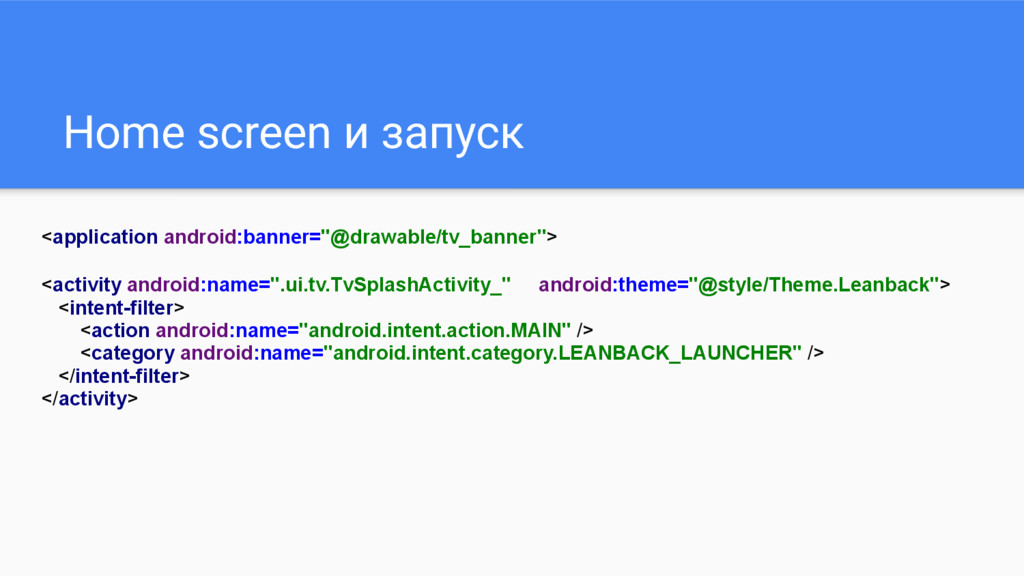
Home screen и запуск <application android:banner="@drawable/tv_banner"> <activity android:name=".ui.tv.TvSplashActivity_" android:theme="@style/Theme.Leanback"> <intent-filter>
<action android:name="android.intent.action.MAIN" /> <category android:name="android.intent.category.LEANBACK_LAUNCHER" /> </intent-filter> </activity>
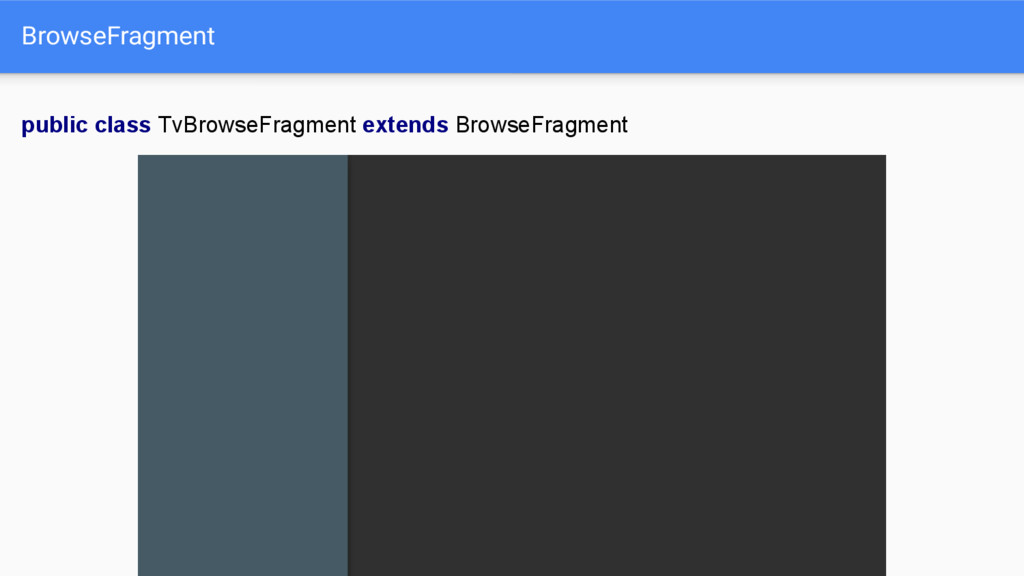
BrowseFragment public class TvBrowseFragment extends BrowseFragment
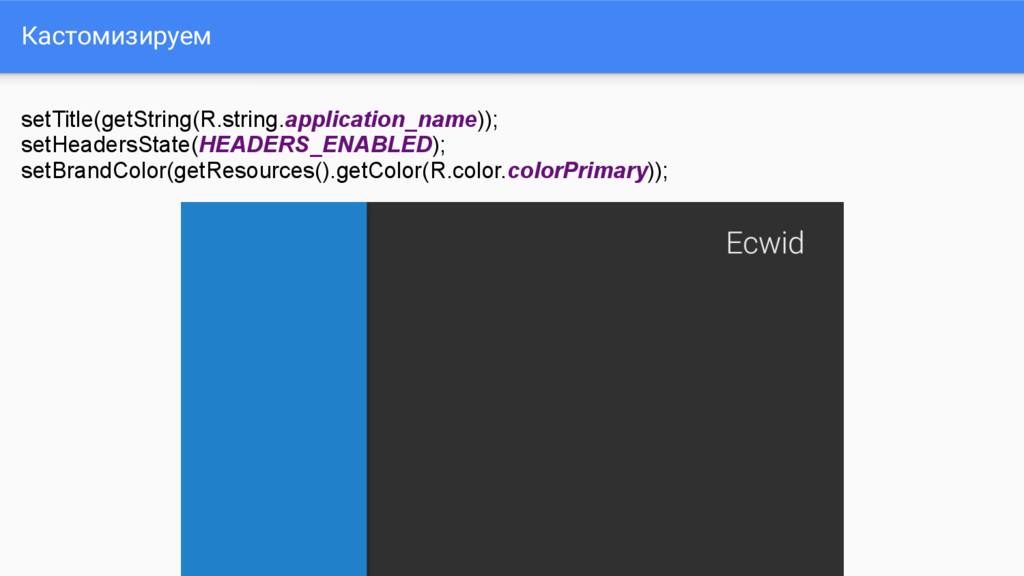
Кастомизируем setTitle(getString(R.string.application_name)); setHeadersState(HEADERS_ENABLED); setBrandColor(getResources().getColor(R.color.colorPrimary));
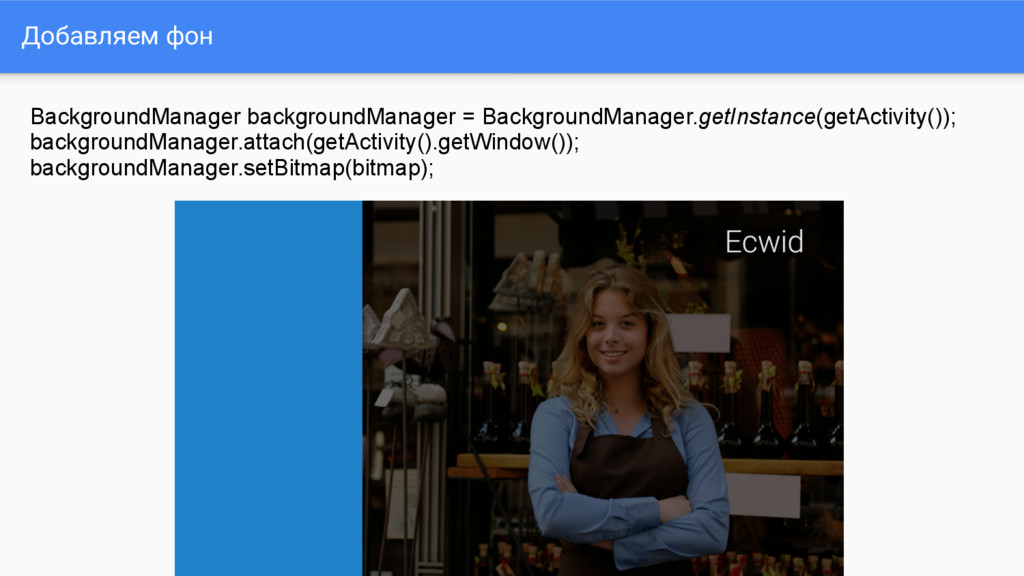
Добавляем фон BackgroundManager backgroundManager = BackgroundManager.getInstance(getActivity()); backgroundManager.attach(getActivity().getWindow()); backgroundManager.setBitmap(bitmap);
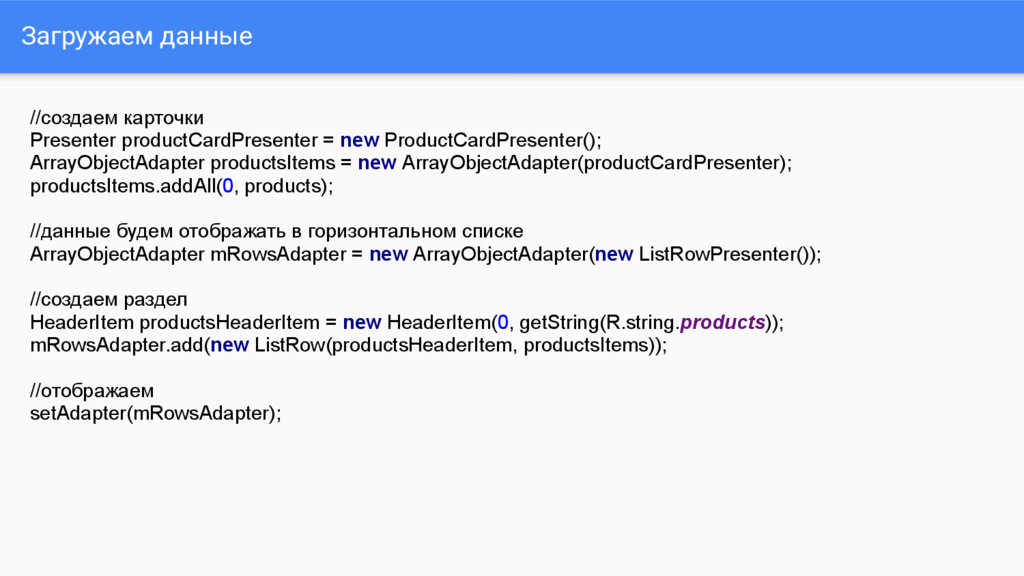
Загружаем данные //создаем карточки Presenter productCardPresenter = new ProductCardPresenter(); ArrayObjectAdapter
productsItems = new ArrayObjectAdapter(productCardPresenter); productsItems.addAll(0, products); //данные будем отображать в горизонтальном списке ArrayObjectAdapter mRowsAdapter = new ArrayObjectAdapter(new ListRowPresenter()); //создаем раздел HeaderItem productsHeaderItem = new HeaderItem(0, getString(R.string.products)); mRowsAdapter.add(new ListRow(productsHeaderItem, productsItems)); //отображаем setAdapter(mRowsAdapter);
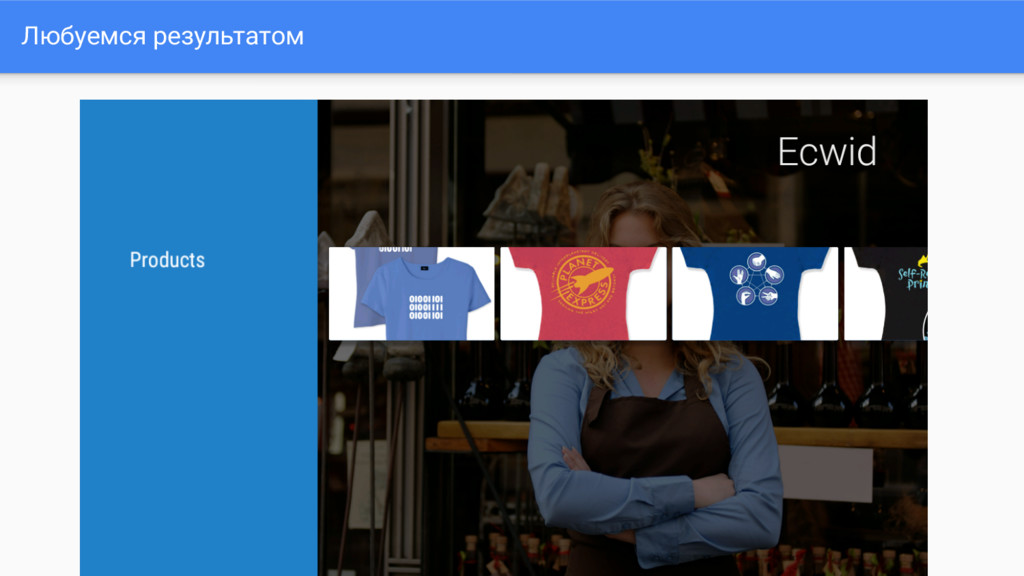
Любуемся результатом
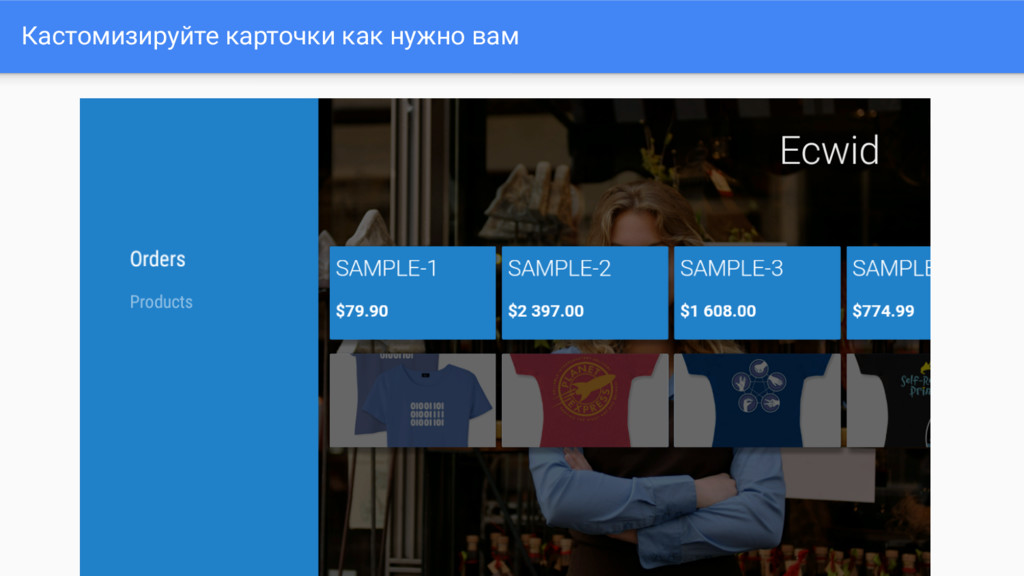
Кастомизируйте карточки как нужно вам


 gdg_samara
 kasacchiful
.jpg) yumnumm
yumnumm
 nokomoro3
 lef237
 irinanazarova
 deka_morita
 takai
takai
 tmikov2023
 hschwentner
 lynnswap
 prota
prota
 minodriven
 malarkey
 shpigford
 greggifford
 garrettdimon
 addyosmani
 jacobtomlinson
 vanstee
 akihiro_kokubo
 maltzj
 destraynor
 yeseniaperezcruz
 seathinner