Upgrade to Pro — share decks privately, control downloads, hide ads and more …

Common Computer Problems

Common Computer Problems

SD computer services has employed trained and experienced laptop and PC technicians that allows them to offer excellent computer repair services that too at a fair cost. No matter how minor or major your problem is, just give us a call and we will take care of everything from virus removal to screen replacement.

Avatar for SD Computer

SD Computer

August 29, 2019

Other Decks in Technology

Transcript

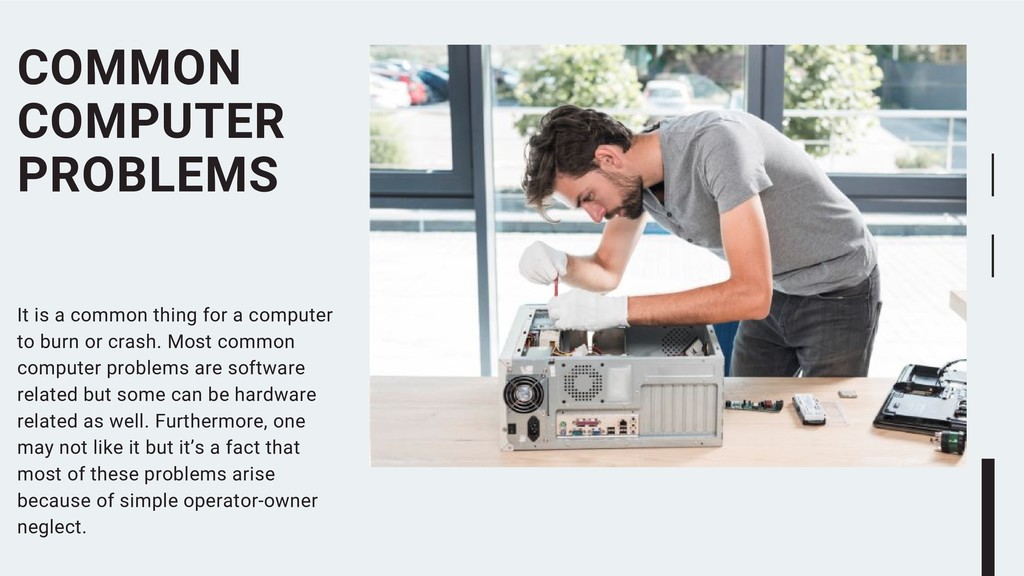
  1. It is a common thing for a computer to burn

    or crash. Most common computer problems are software related but some can be hardware related as well. Furthermore, one may not like it but it’s a fact that most of these problems arise because of simple operator-owner neglect. COMMON COMPUTER PROBLEMS
  2. You may start to hear grinding or loud clicking noises

    from your pc. Such noises are normally caused by some hardware failure and are most probably related to rotary functions of hard drives or cooling fans. LOUD NOISES
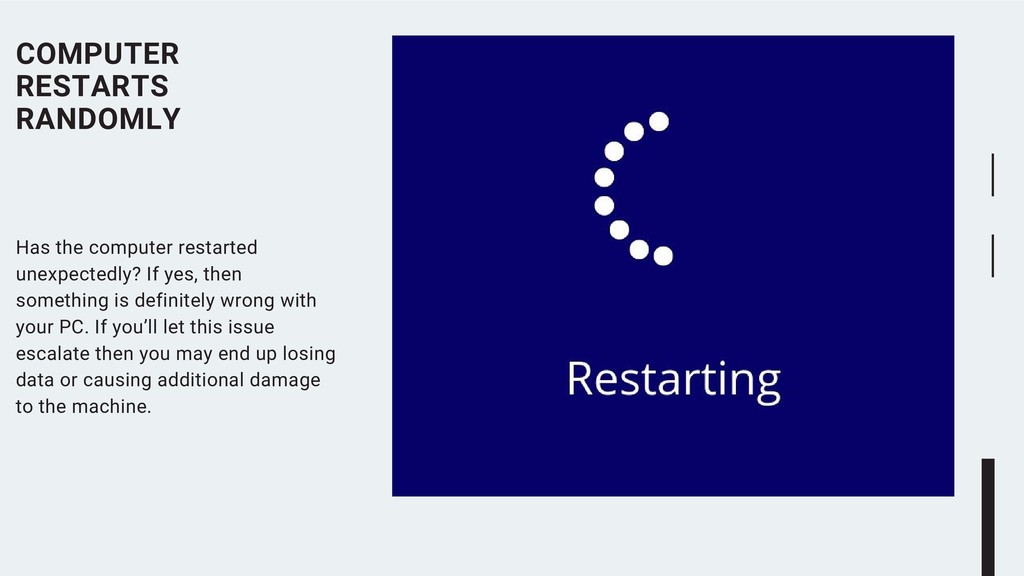
  3. Has the computer restarted unexpectedly? If yes, then something is

    definitely wrong with your PC. If you’ll let this issue escalate then you may end up losing data or causing additional damage to the machine. COMPUTER RESTARTS RANDOMLY
  4. This is without a doubt one of the most common

    pc problems in the world. The best way to avoid this problem in the first place is to regularly update software, empty cache and clean registry. Diligent maintenance can even keep old PCs in good order. SLOWING DOWN
  5. Most pc users are familiar with the Blue Screen of

    Death. It is by far the most notorious computer error. A computer can give this error for multiple reasons including: · Missing DLL files · Corrupted software · Failing hardware BSOD AKA THE BLUE SCREEN OF DEATH
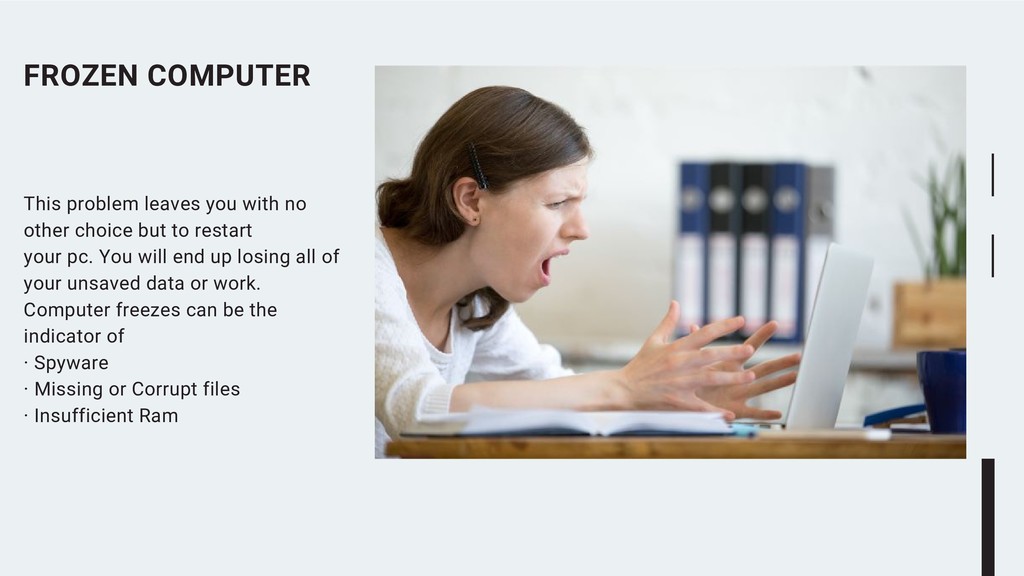
  6. This problem leaves you with no other choice but to

    restart your pc. You will end up losing all of your unsaved data or work. Computer freezes can be the indicator of · Spyware · Missing or Corrupt files · Insufficient Ram FROZEN COMPUTER
  7. This problem almost always stems from the graphic card. Most

    of the times, a simple update will do the trick. If the update does not work then there might be something wrong with the hardware. TRUNCATED SCREEN DISPLAY
  8. Many things can be causing this particular issue. Something could

    be wrong with the computer or the router itself. Therefore, it’s best if you take both your computer and router to the pc maintenance experts and ask them to troubleshoot and resolve this issue. CONNECTIVITY ISSUES
  9. DLL error is one of the standard computer problems that

    a Windows user faces. This error indicates that a DLL file is either corrupt or missing. In case, you are wondering what these files do. Well, they are link library files that hold up many instructions, procedures and codes for the programs. DLL FILE MISSING ERROR
  10. Computer screens sometimes go blank. This normally happens when the

    connection between the screen and computer is disrupted due to some reason. First thing, you need to do if this happens is check if the cord is properly plugged into your LED’s power point. BLANK SCREEN
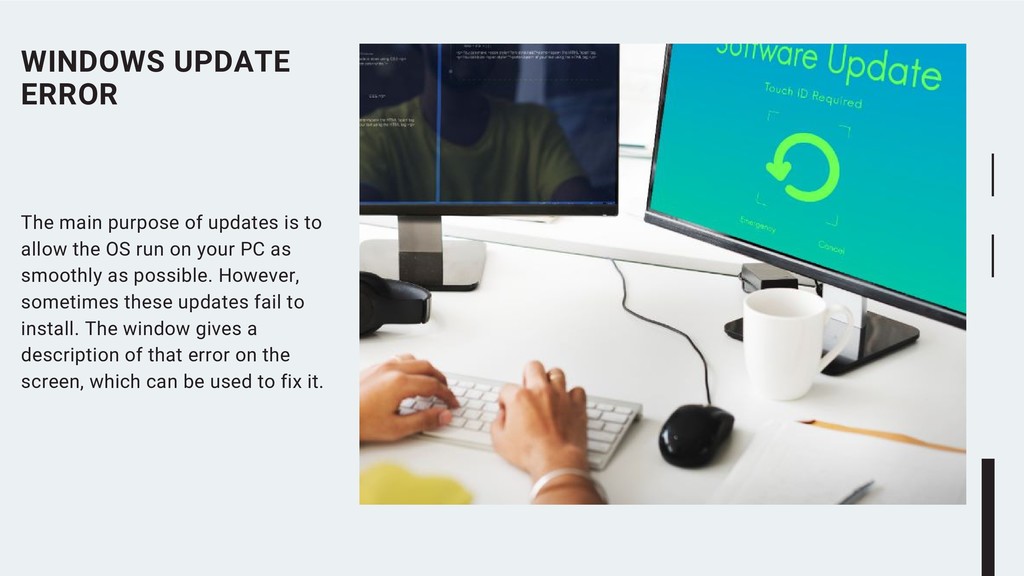
  11. The main purpose of updates is to allow the OS

    run on your PC as smoothly as possible. However, sometimes these updates fail to install. The window gives a description of that error on the screen, which can be used to fix it. WINDOWS UPDATE ERROR
  12. CONTACT US 25 SD computer services has employed trained and

    experienced laptop and PC technicians that allows them to offer excellent computer repair services that too at a fair cost.