Quality Assurance ◦ 4 months as a QA intern at Xtreme Labs (now Pivotal Labs) ◦ 3 months as a SDET intern at Microsoft • Next, did a 12 month software engineering internship at Pivotal Labs ◦ 2 months of TDD on Android ◦ 3 months of TDD on Javascript/AngularJS ◦ 7 months of TDD on Ruby projects ◦ 1 project with 98% code coverage and 1600 tests running in ~2 minutes • ...Left me somewhat into testing :)
make changes → Better Codebase → Greater confidence • Tests document pieces of code and explain how they work ◦ Easy to ramp up new team members ◦ Some test libraries generate documentation from your tests! • Forces you to use the APIs you are exposing ◦ Leads to better design • Better isolation of bugs ◦ Testing code at the unit level vs. interface level
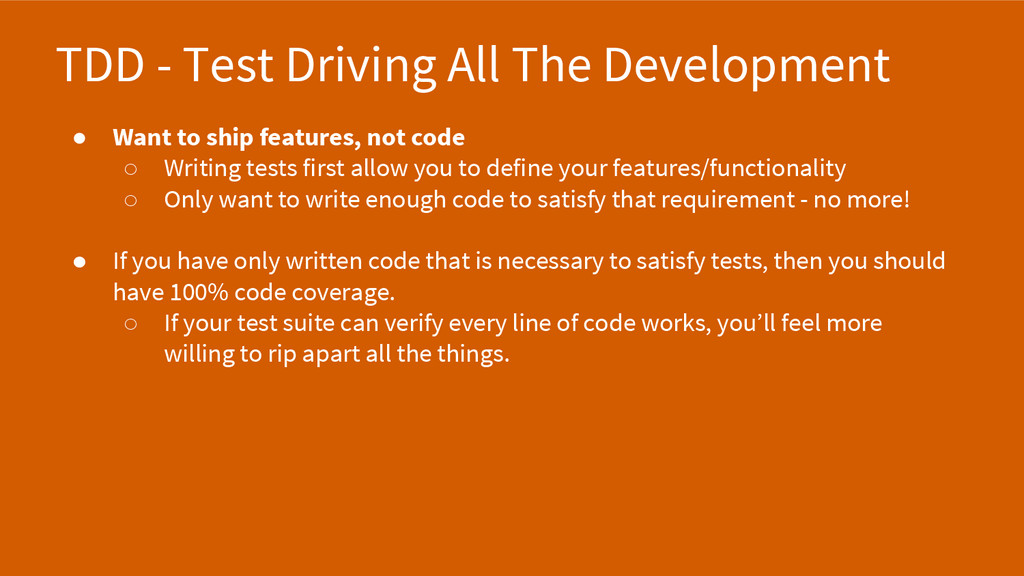
ship features, not code ◦ Writing tests first allow you to define your features/functionality ◦ Only want to write enough code to satisfy that requirement - no more! • If you have only written code that is necessary to satisfy tests, then you should have 100% code coverage. ◦ If your test suite can verify every line of code works, you’ll feel more willing to rip apart all the things.
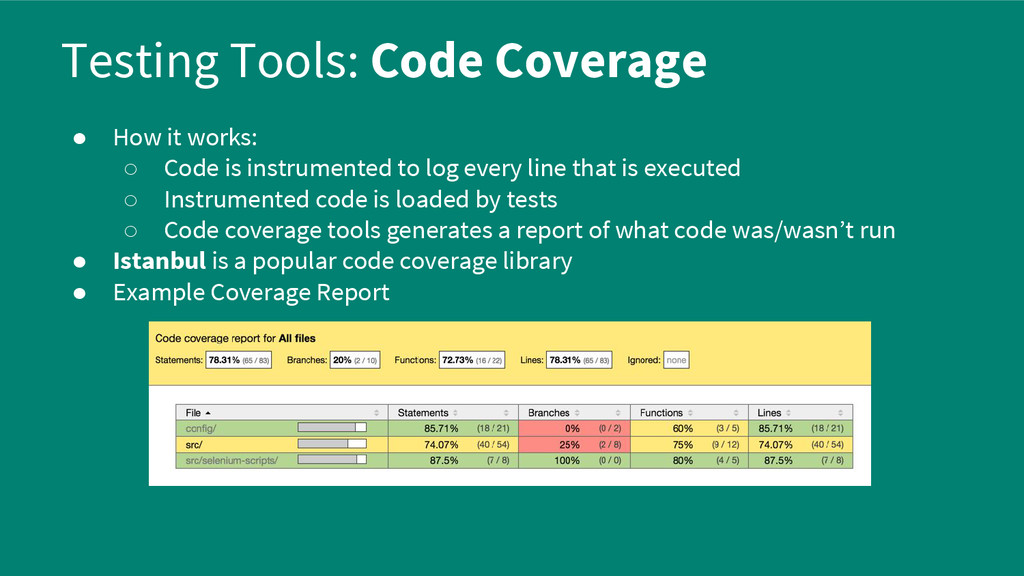
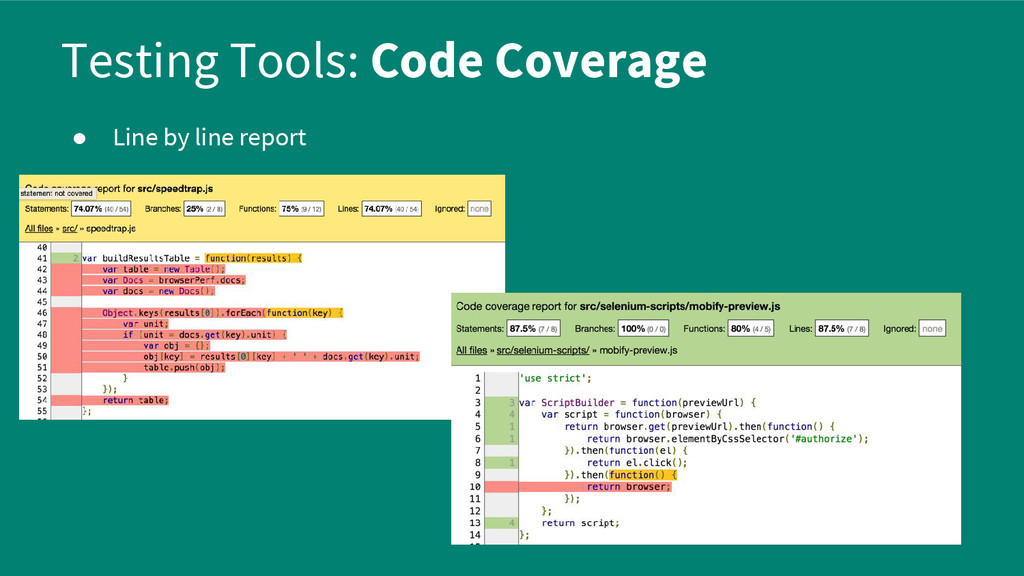
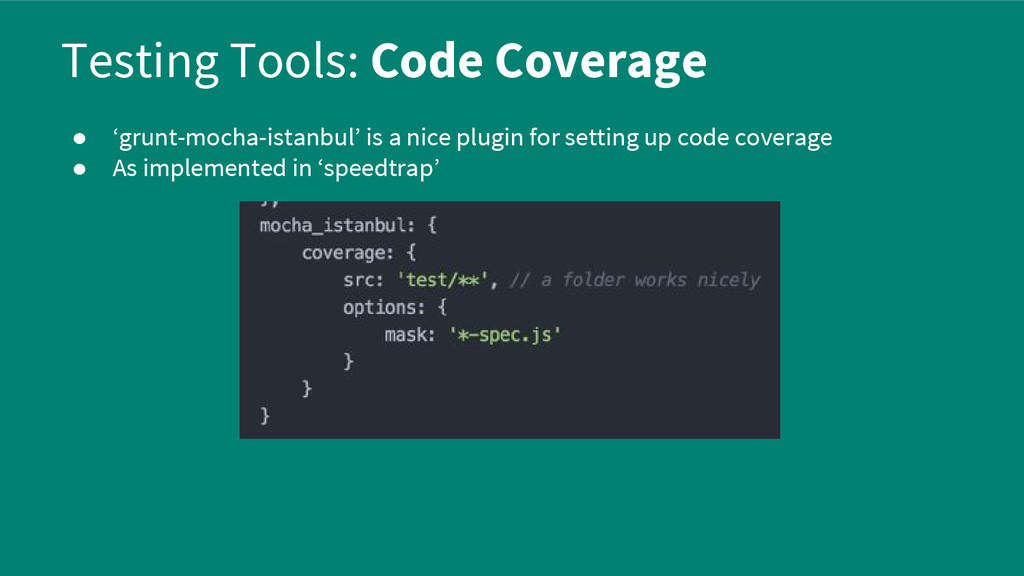
is instrumented to log every line that is executed ◦ Instrumented code is loaded by tests ◦ Code coverage tools generates a report of what code was/wasn’t run • Istanbul is a popular code coverage library • Example Coverage Report
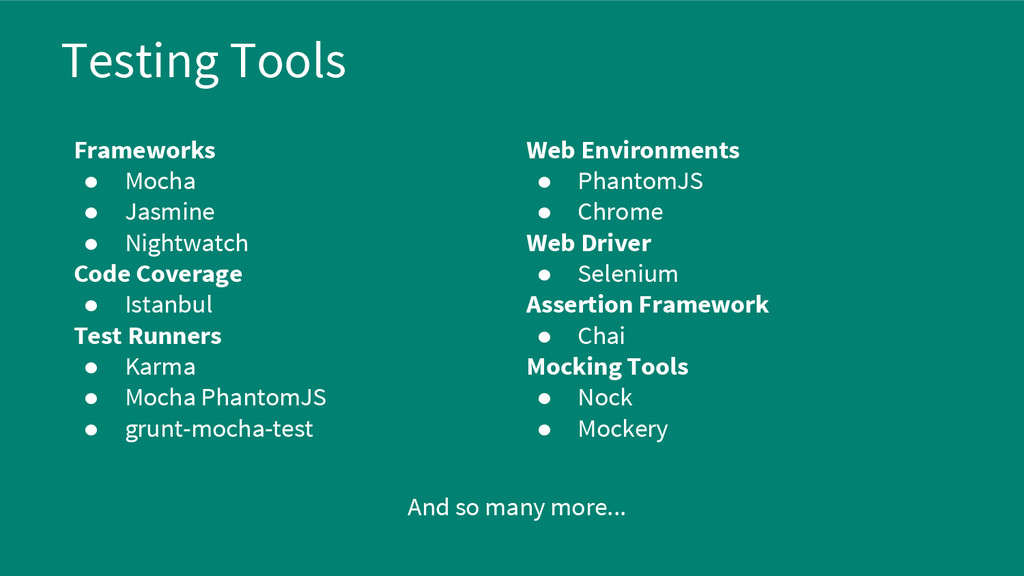
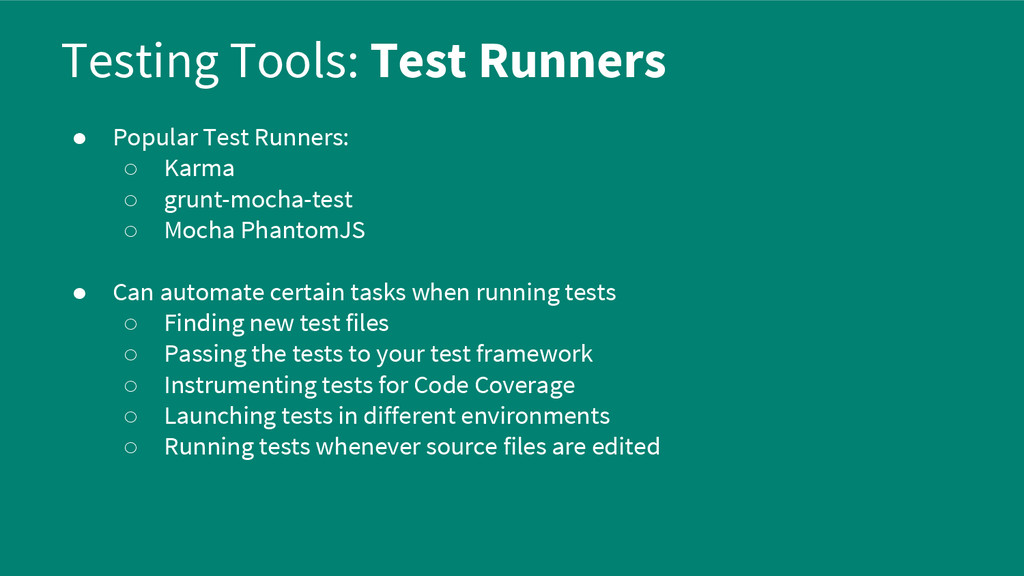
◦ grunt-mocha-test ◦ Mocha PhantomJS • Can automate certain tasks when running tests ◦ Finding new test files ◦ Passing the tests to your test framework ◦ Instrumenting tests for Code Coverage ◦ Launching tests in different environments ◦ Running tests whenever source files are edited
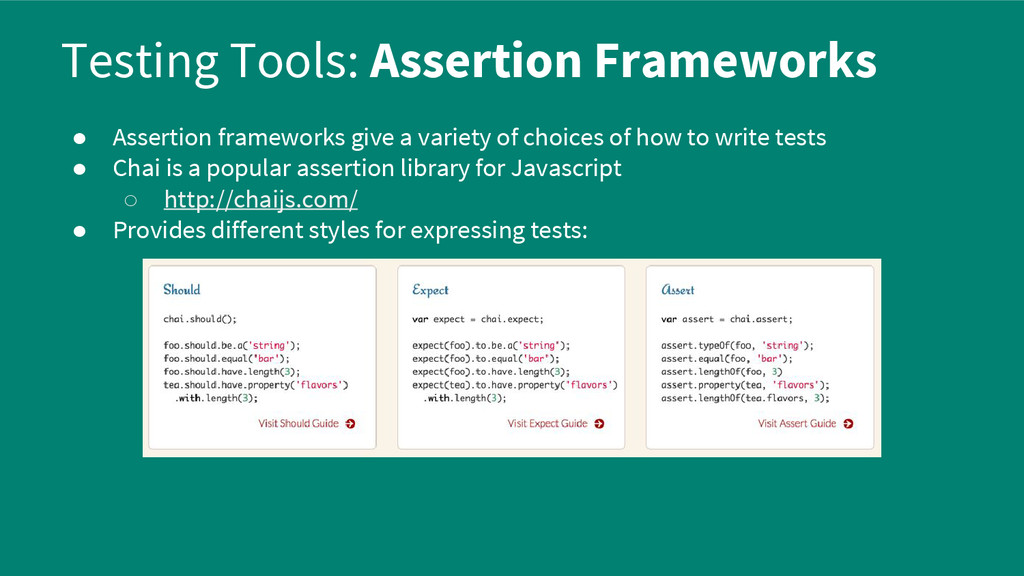
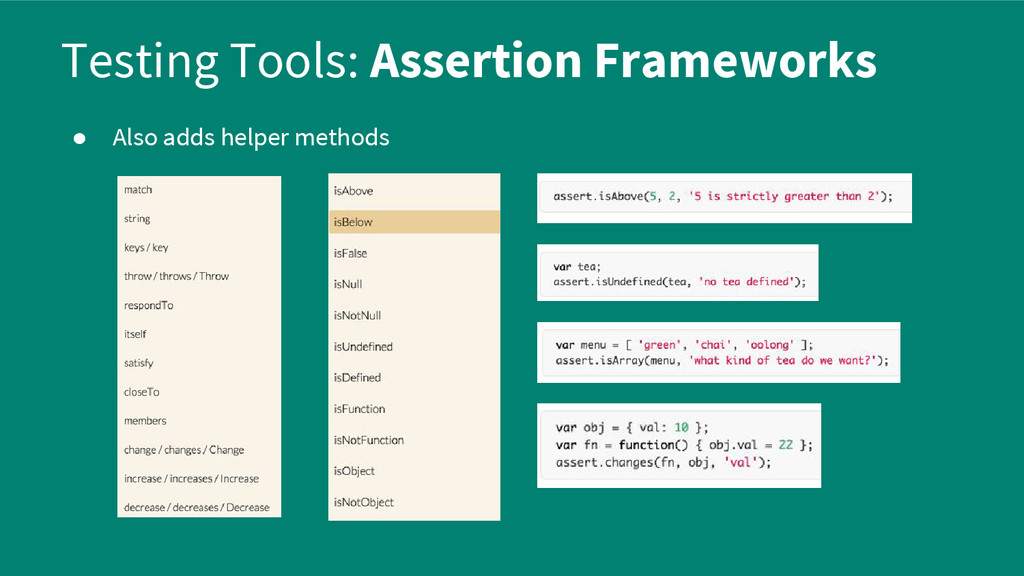
of choices of how to write tests • Chai is a popular assertion library for Javascript ◦ http://chaijs.com/ • Provides different styles for expressing tests:
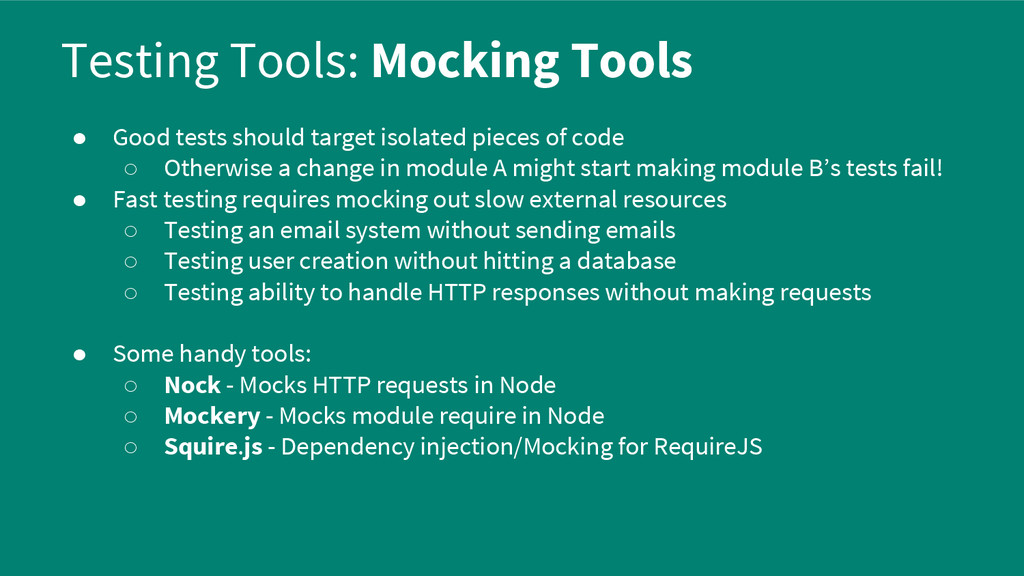
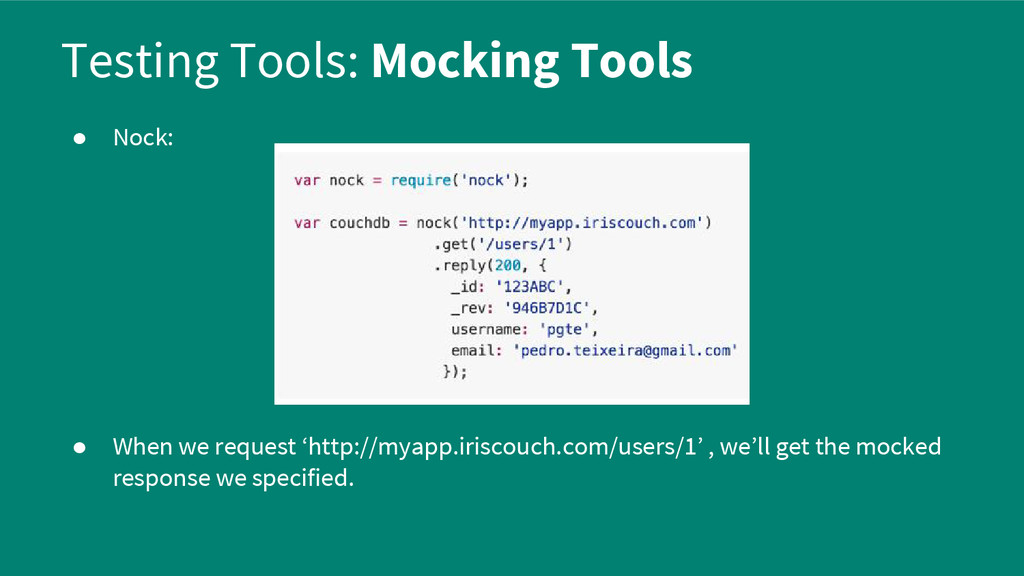
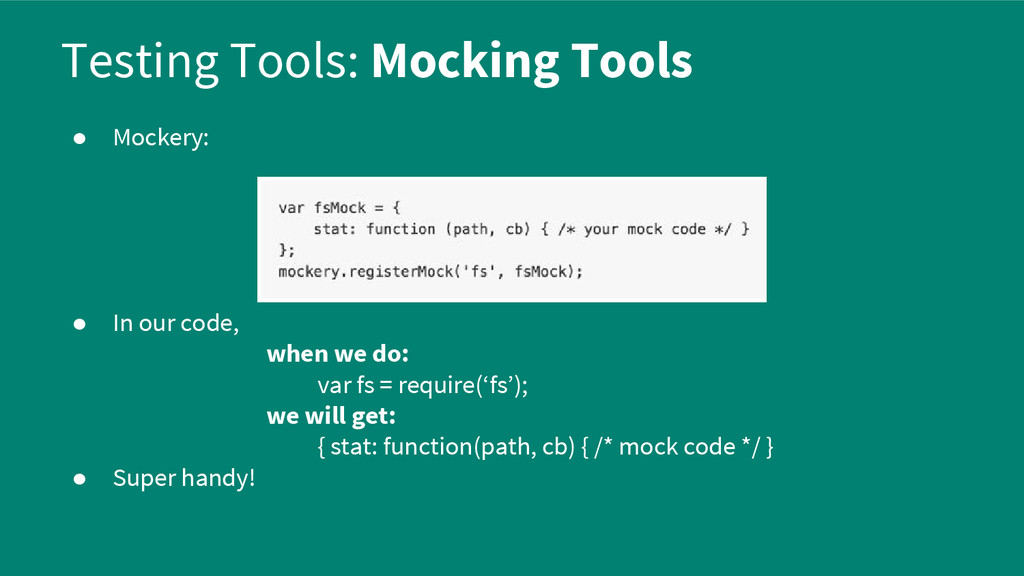
pieces of code ◦ Otherwise a change in module A might start making module B’s tests fail! • Fast testing requires mocking out slow external resources ◦ Testing an email system without sending emails ◦ Testing user creation without hitting a database ◦ Testing ability to handle HTTP responses without making requests • Some handy tools: ◦ Nock - Mocks HTTP requests in Node ◦ Mockery - Mocks module require in Node ◦ Squire.js - Dependency injection/Mocking for RequireJS


 morizo_1984
 siroemk
 iwatsukayura
 moro
moro
 uyuki234
 sylph01
 rshindo
 marcoroth
 kishida
 teyamagu
.jpg) yumnumm
yumnumm
 tonyrice
 tanoku
 deanohume
 joshbly
 schlessera
 sergeychernyshev
 lfama
lfama
 mclloyd
 hannesfritz
 colly
colly
 sarafernandez
 badams