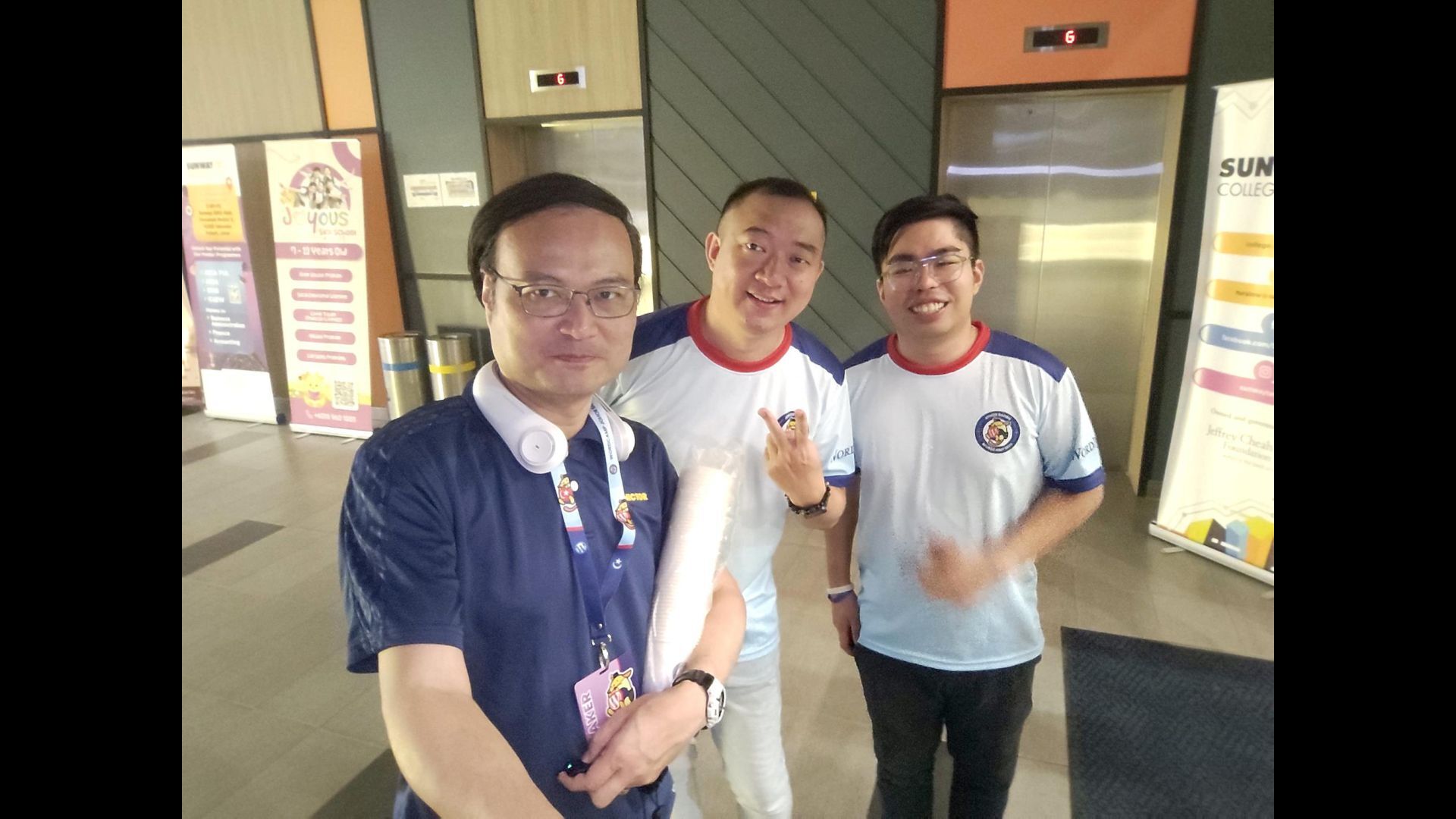
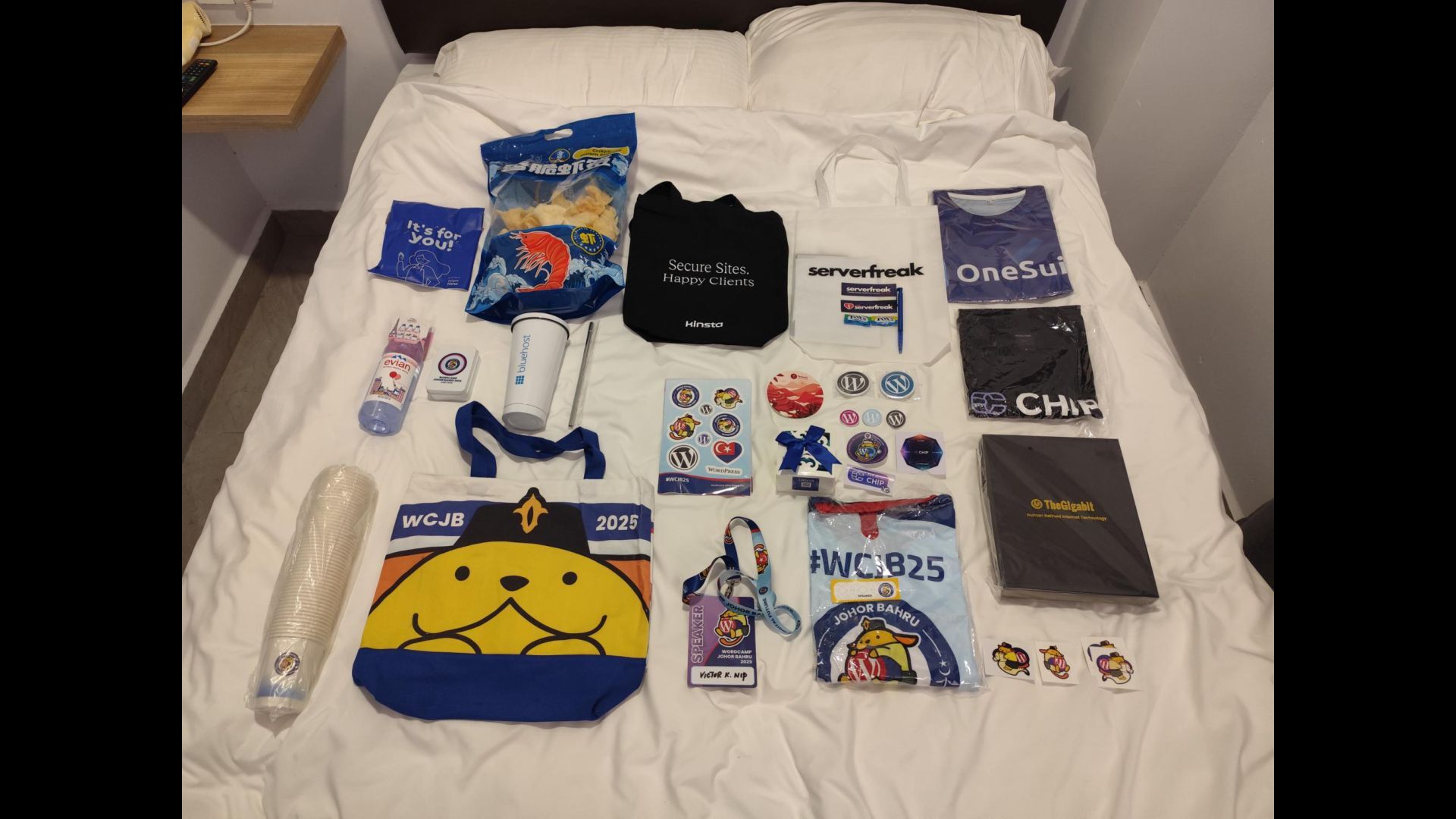
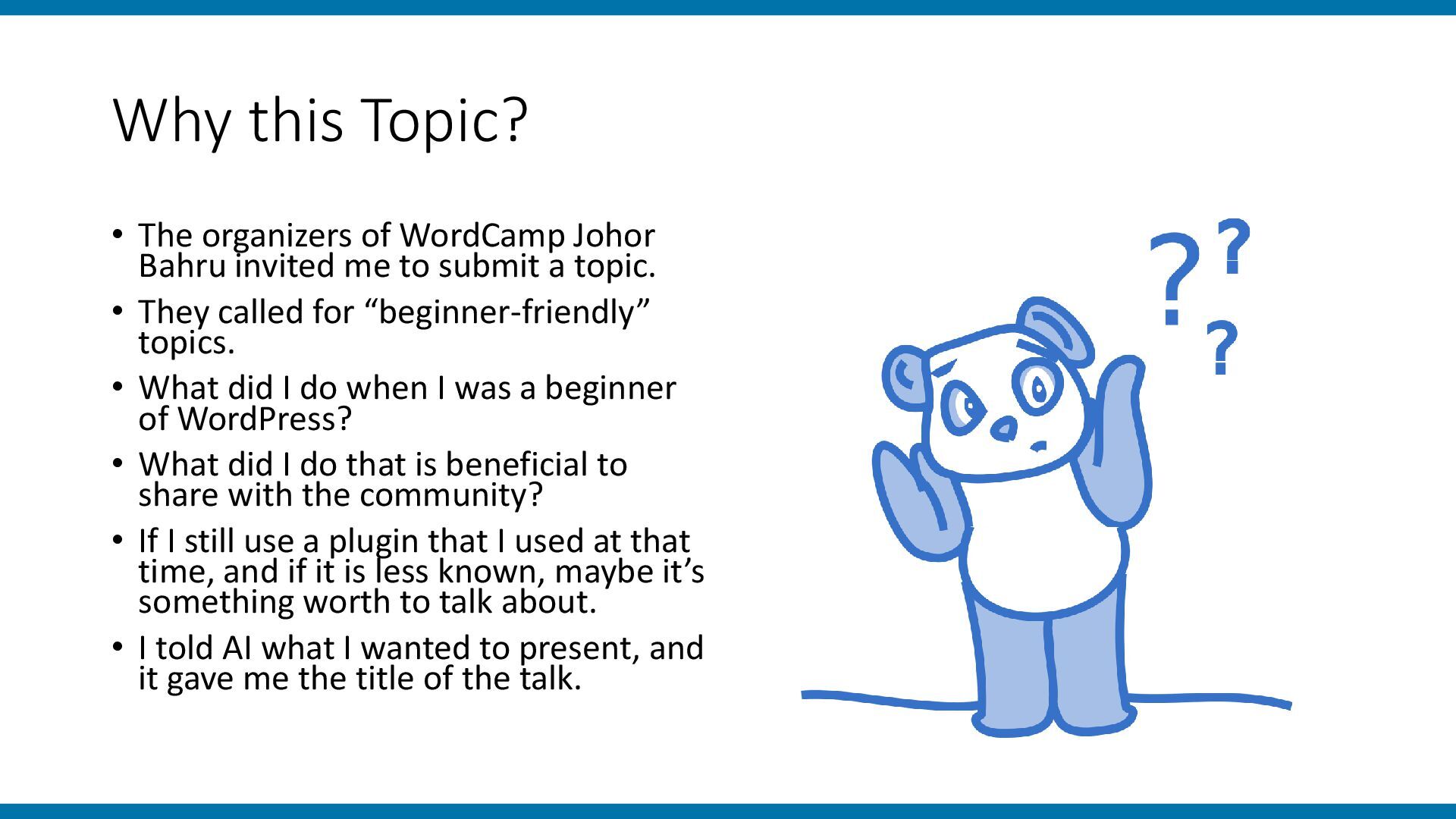
invited me to submit a topic. • They called for “beginner-friendly” topics. • What did I do when I was a beginner of WordPress? • What did I do that is beneficial to share with the community? • If I still use a plugin that I used at that time, and if it is less known, maybe it’s something worth to talk about. • I told AI what I wanted to present, and it gave me the title of the talk.
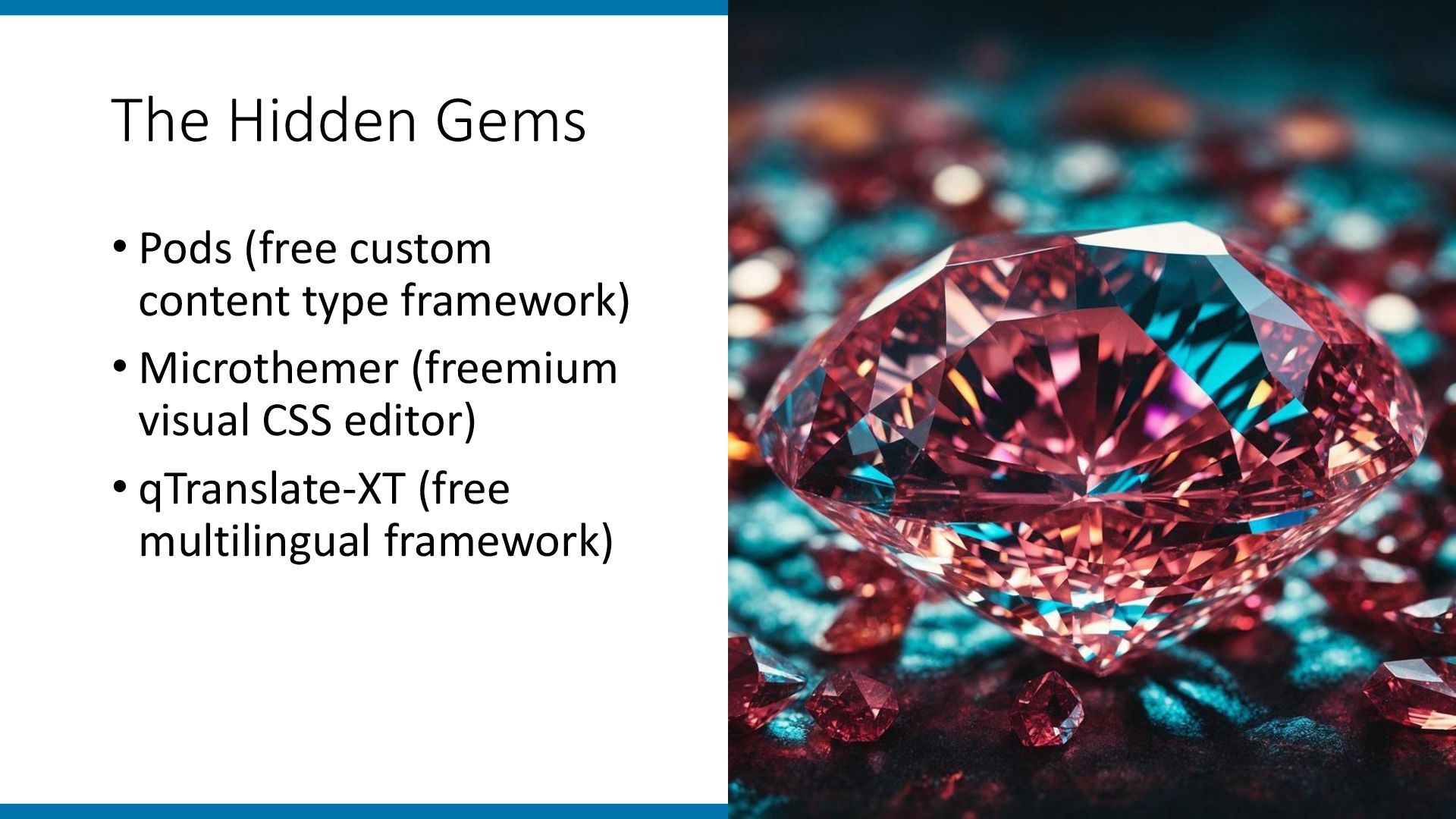
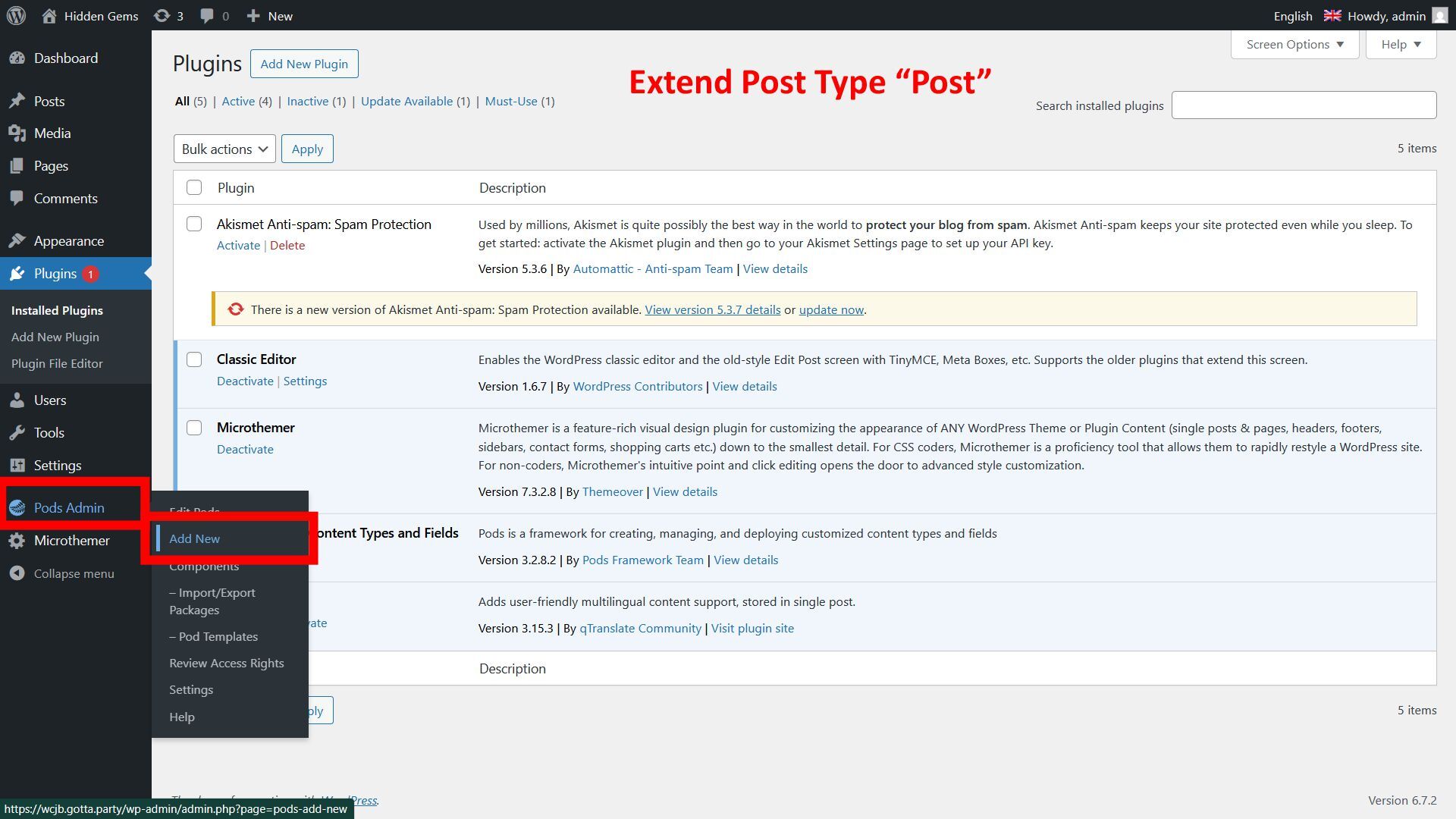
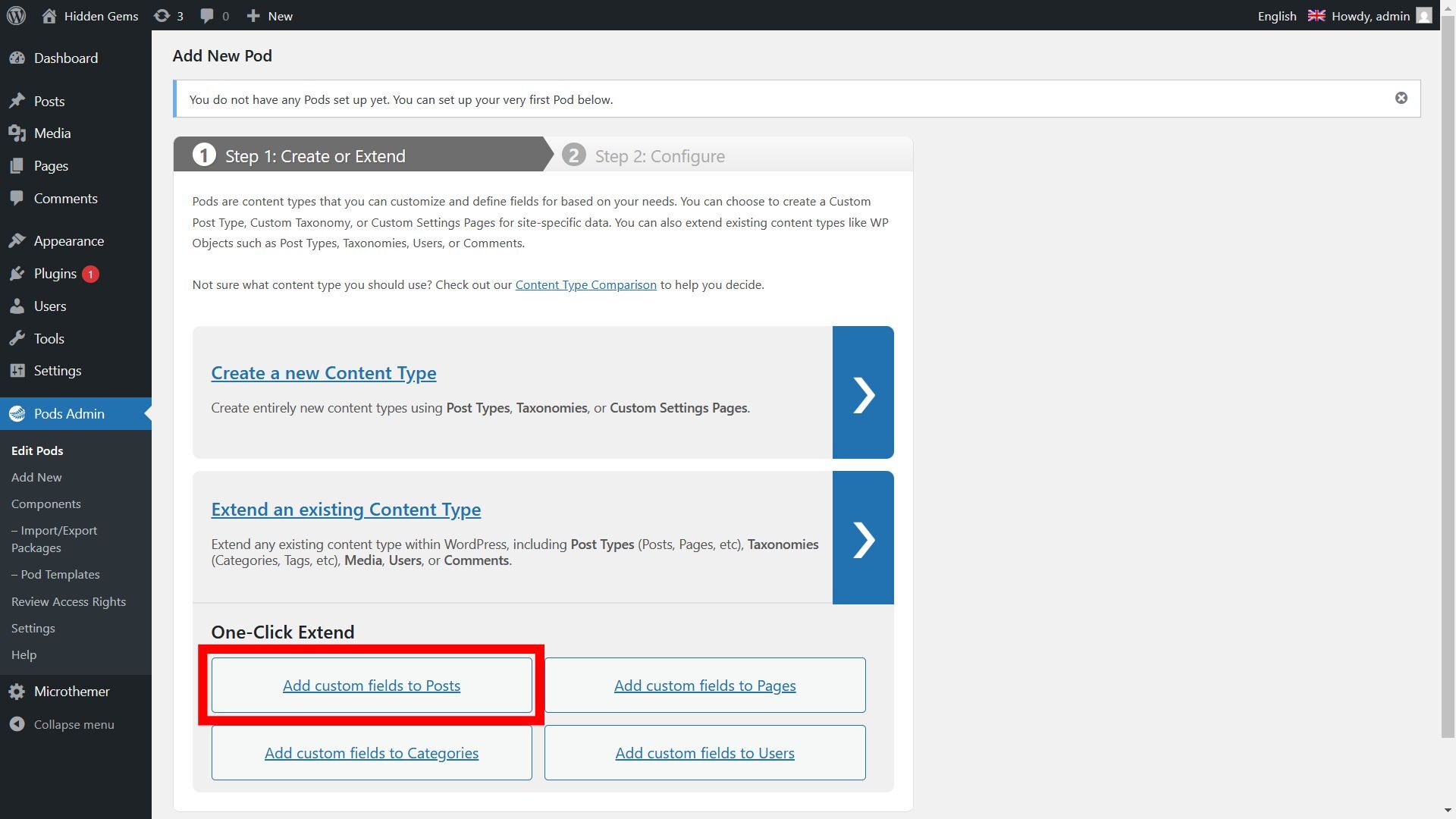
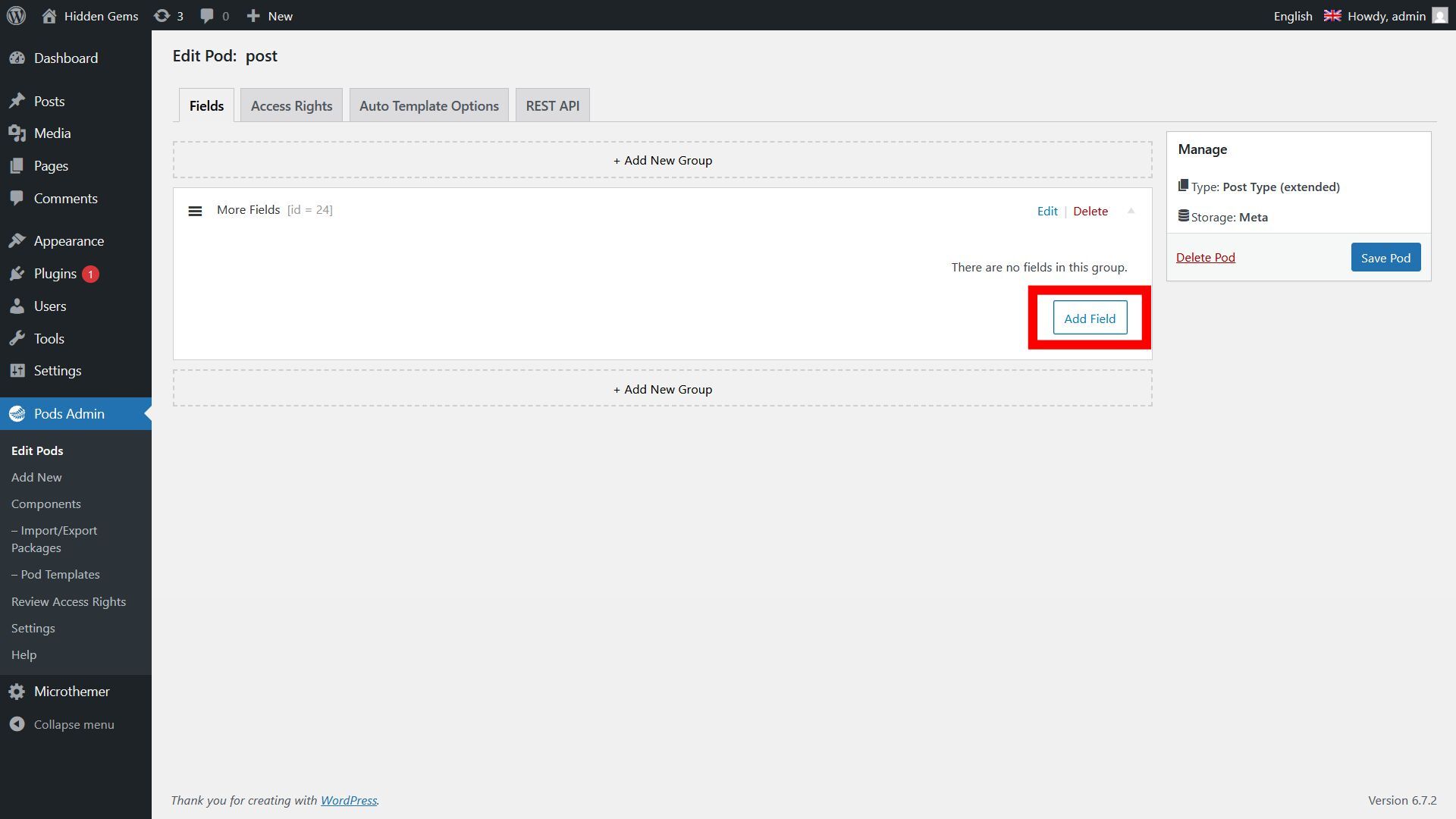
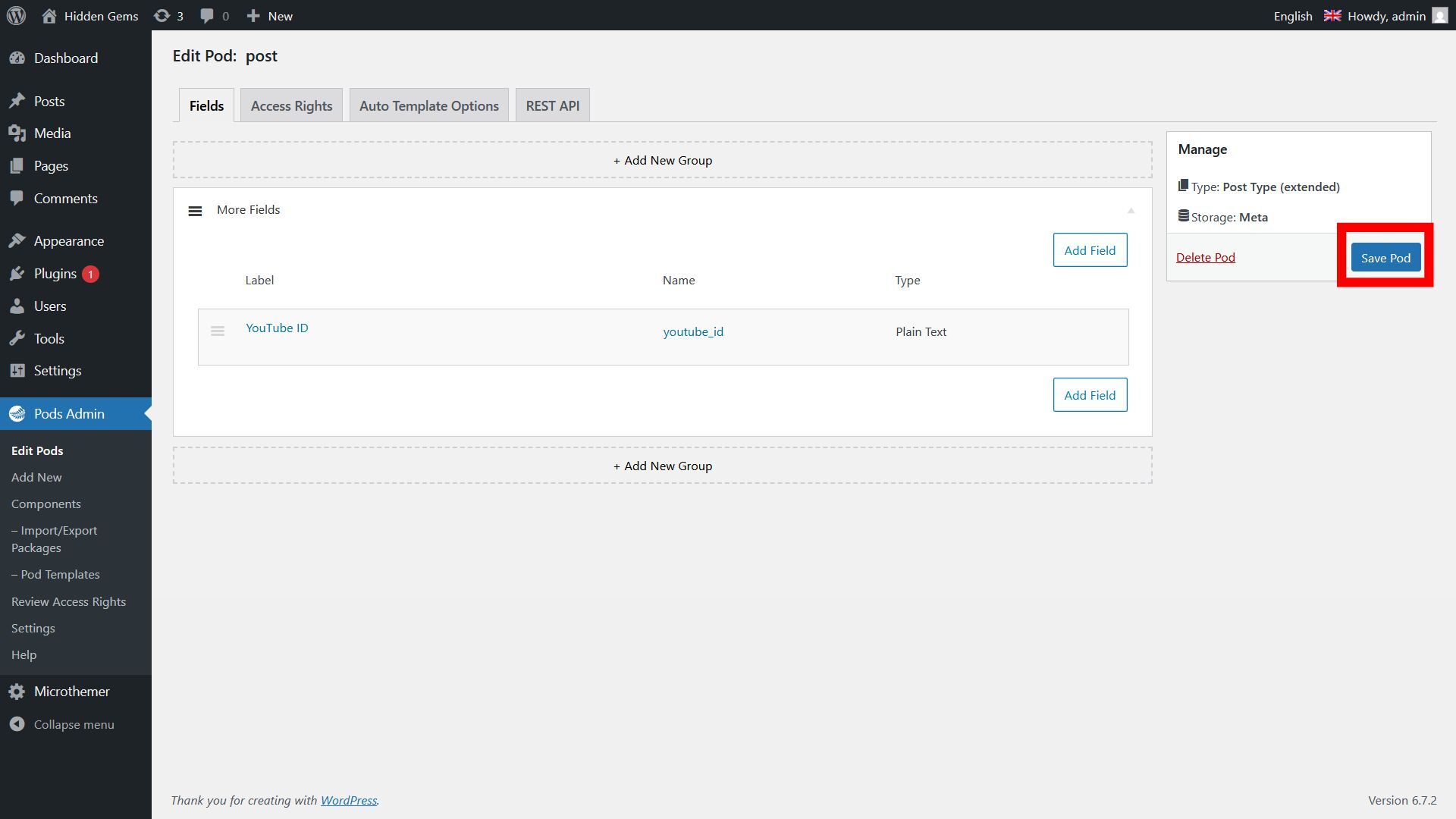
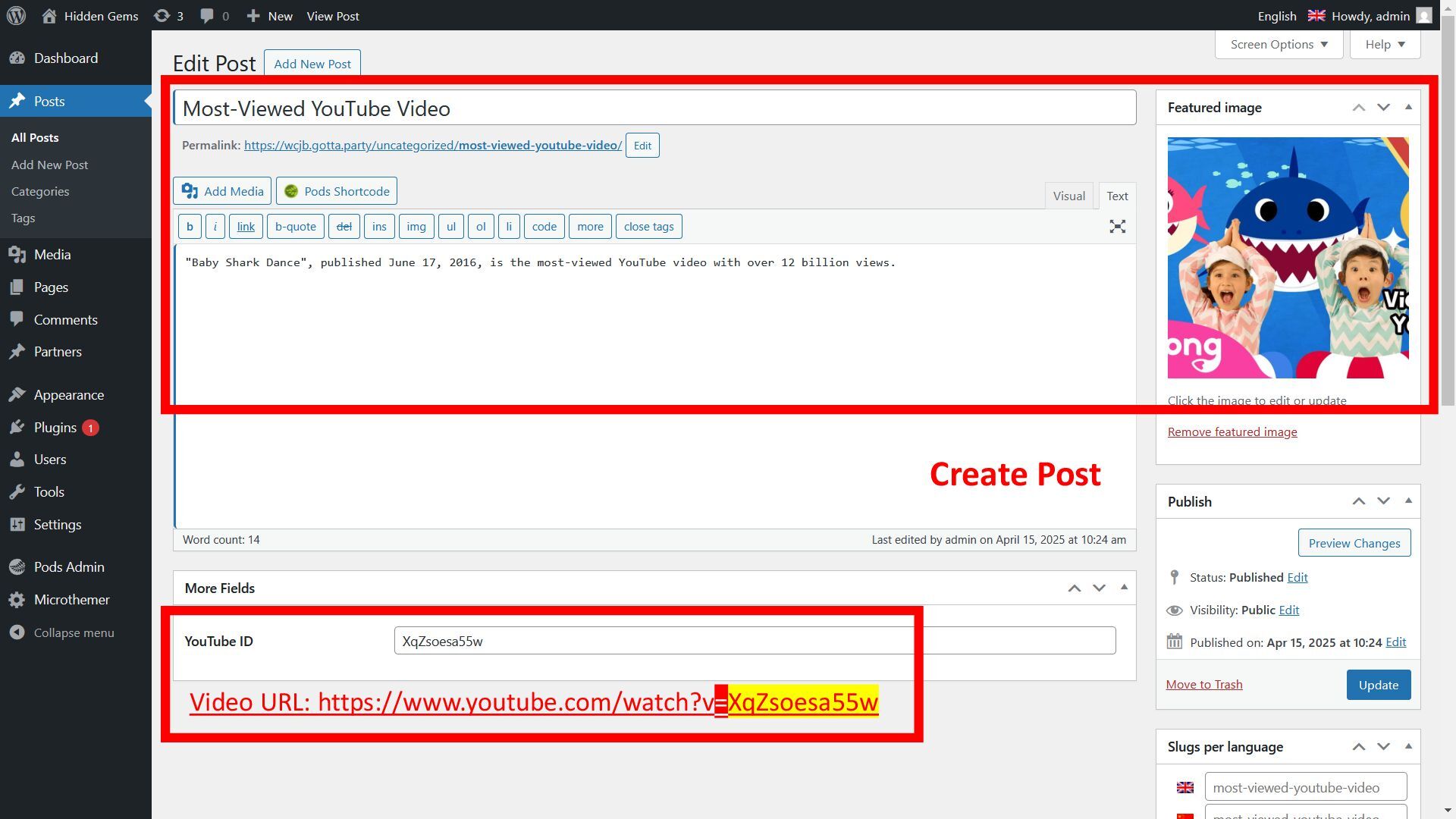
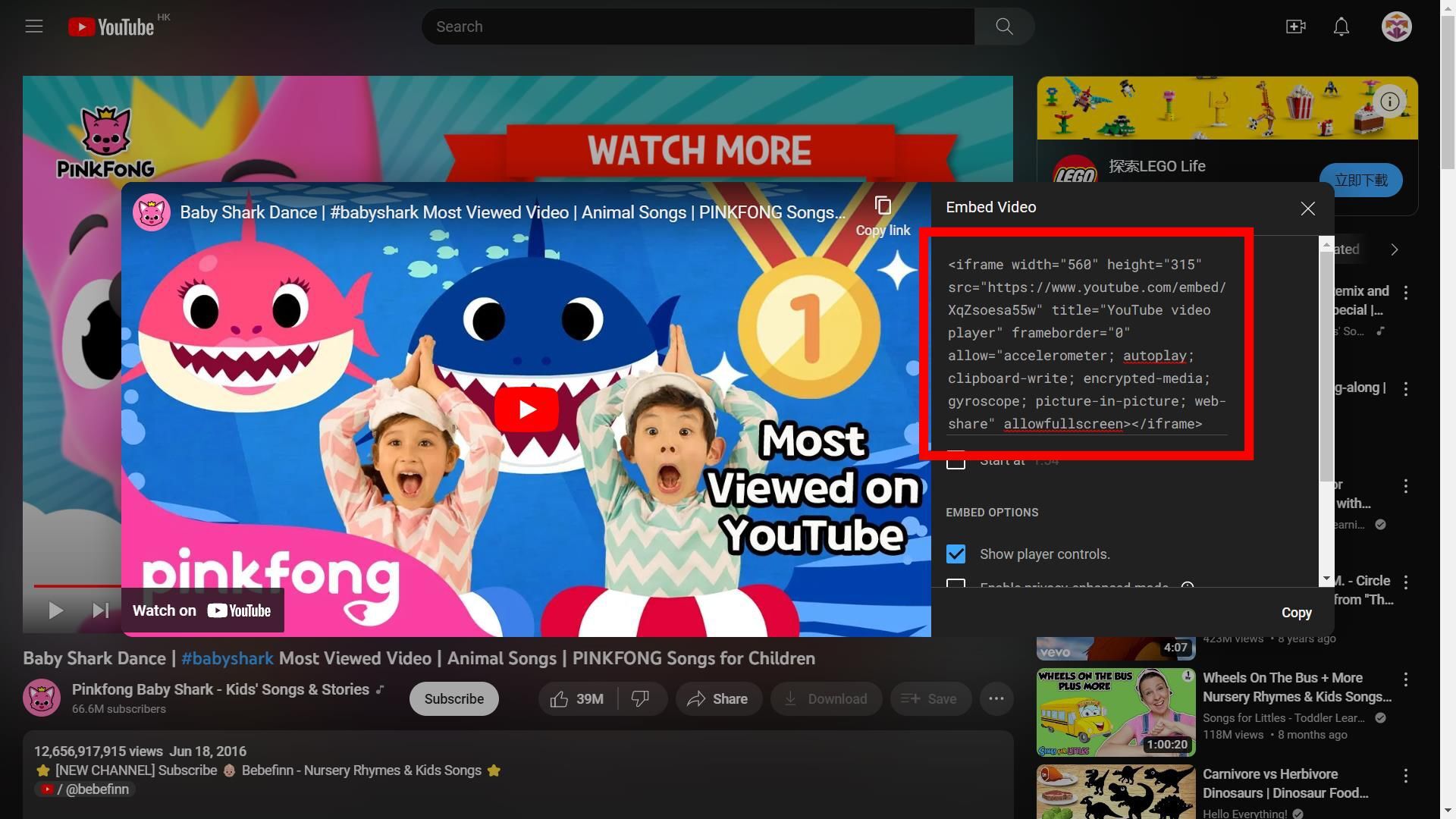
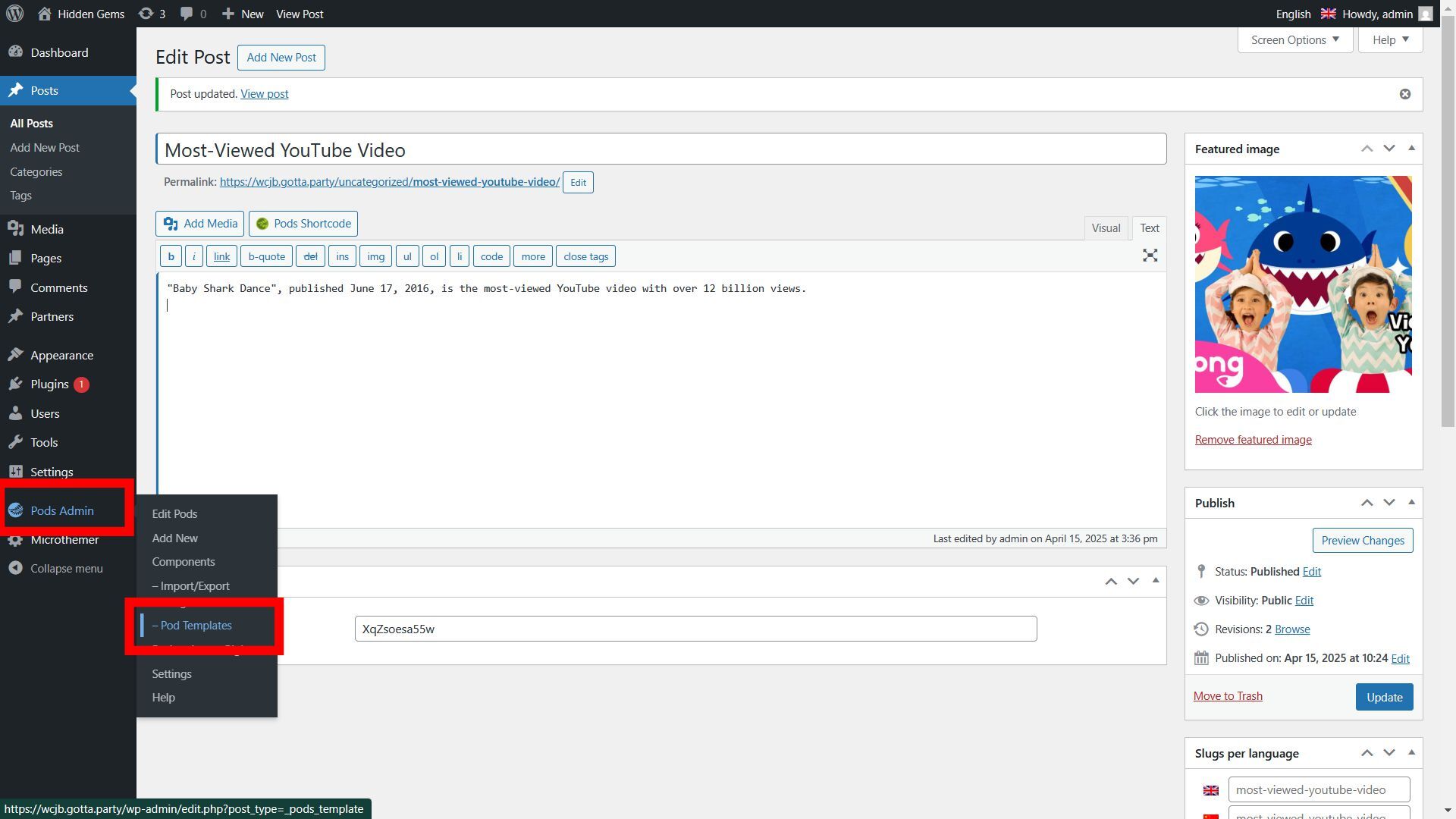
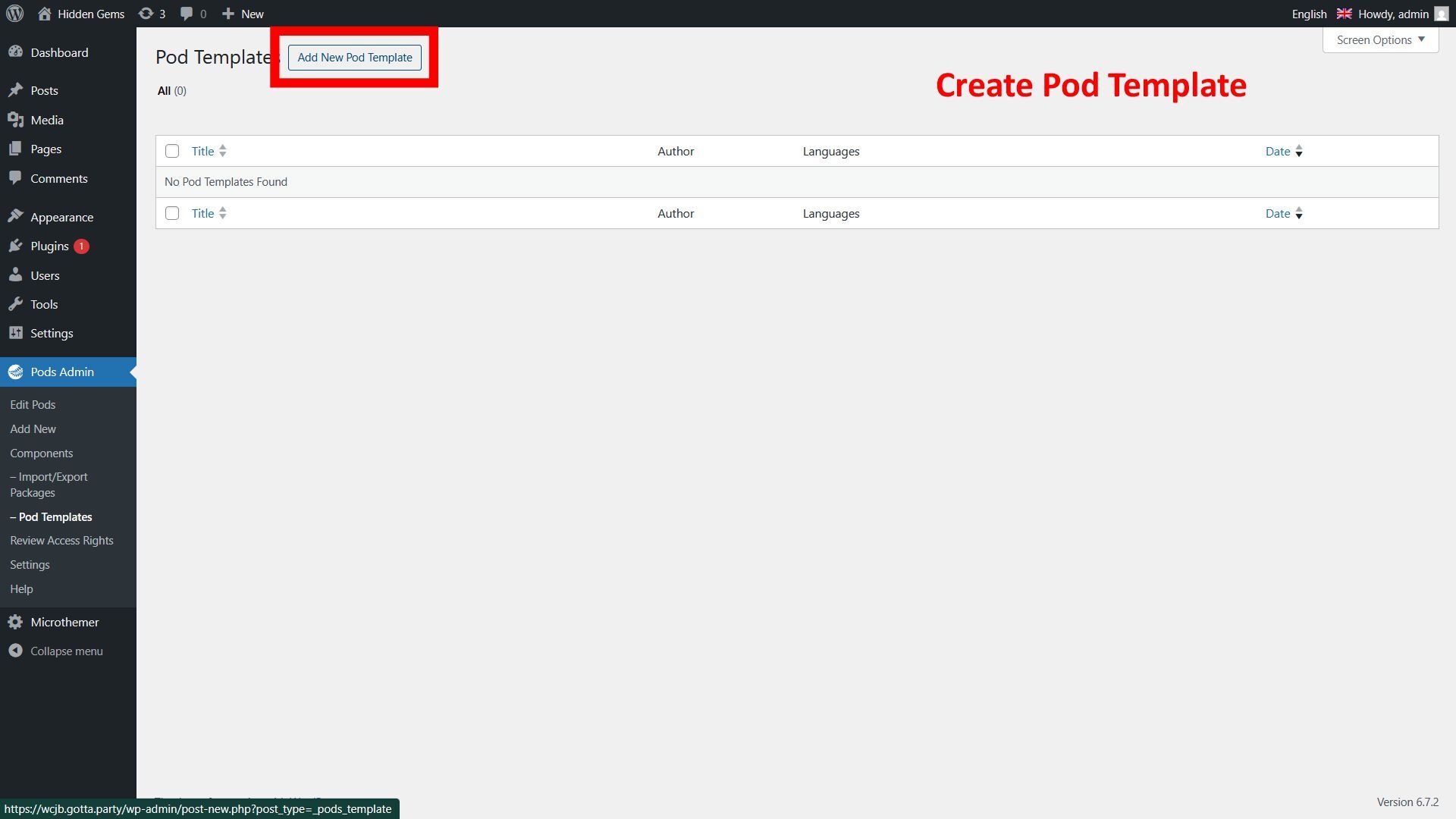
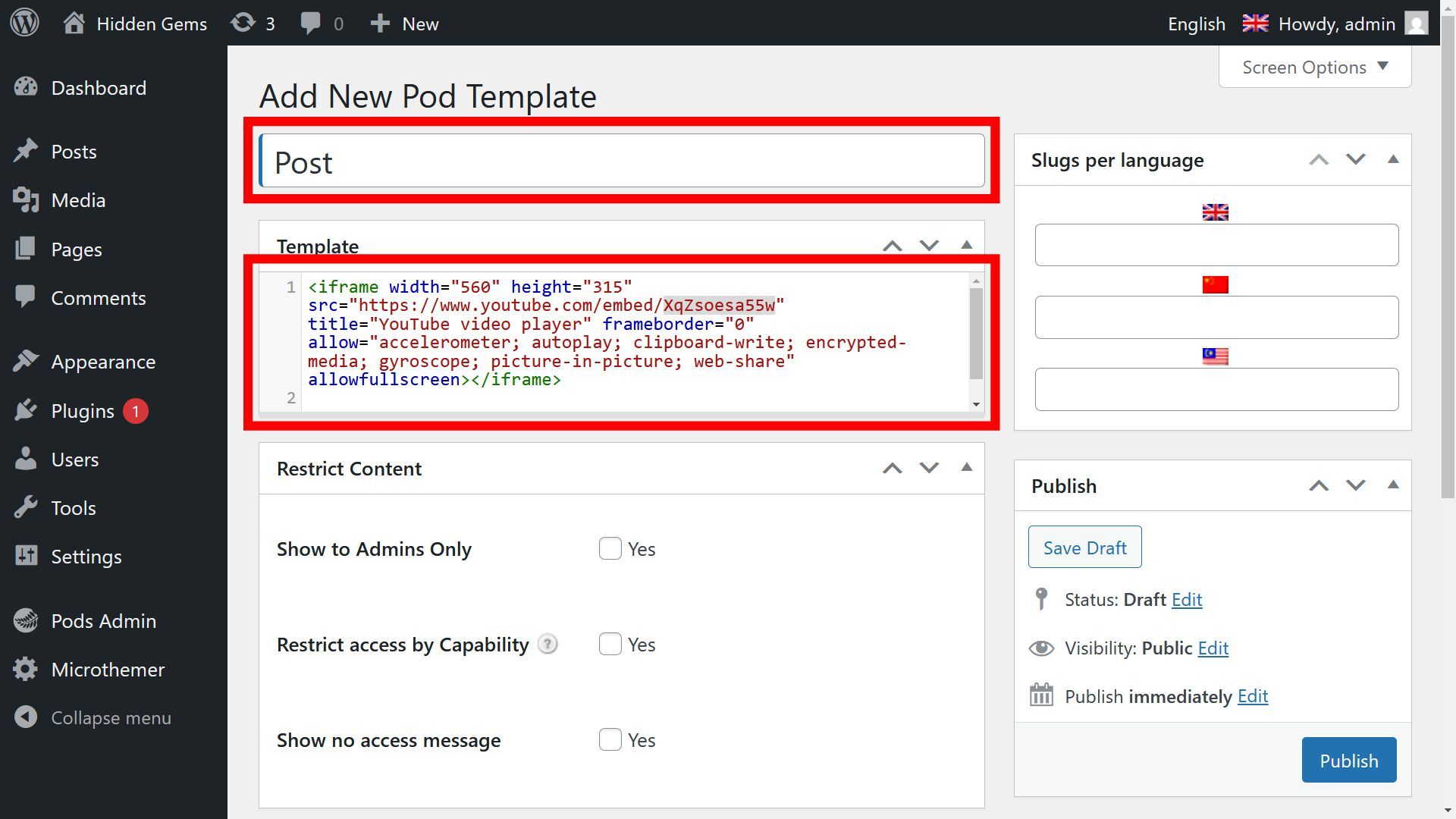
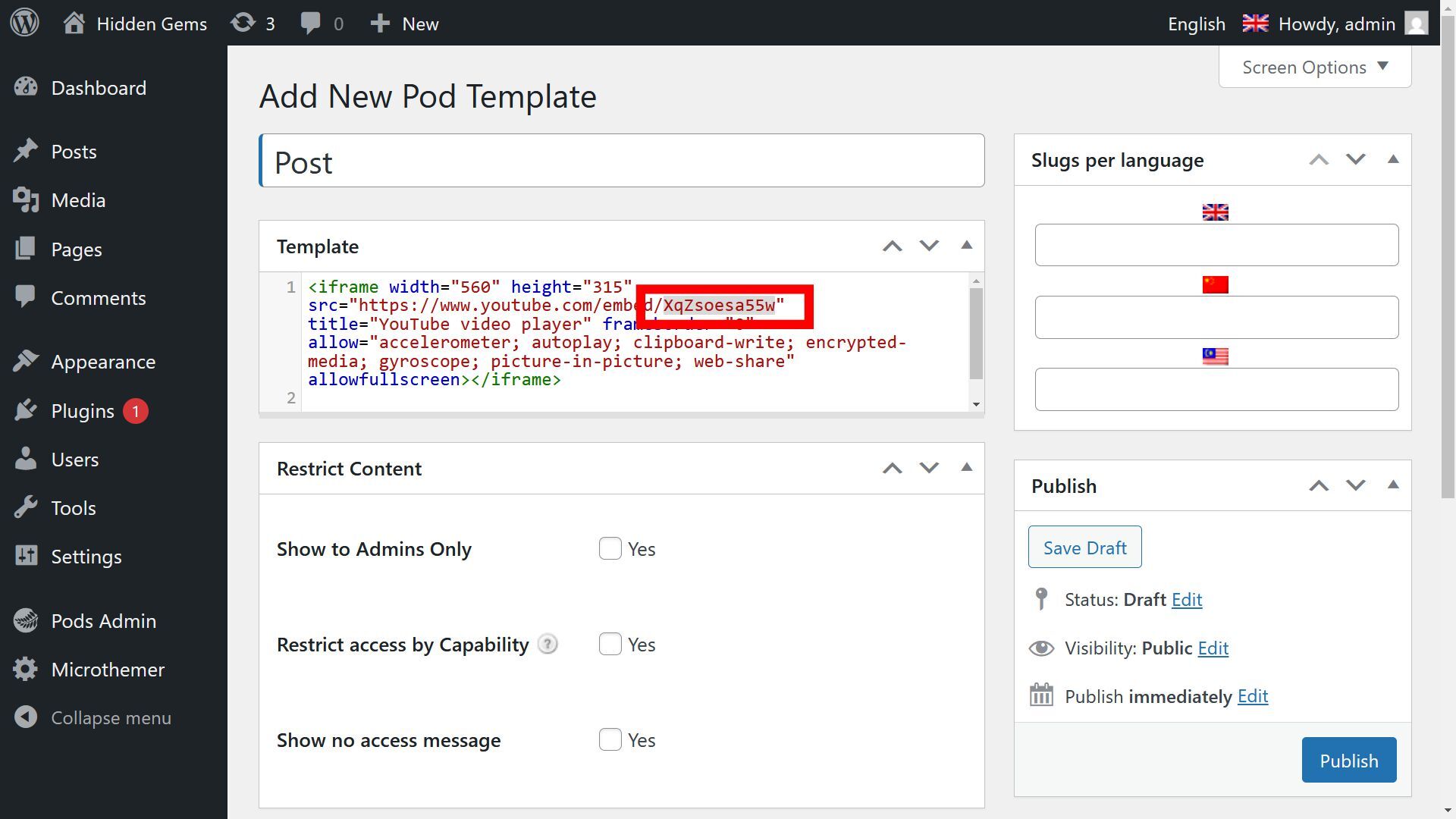
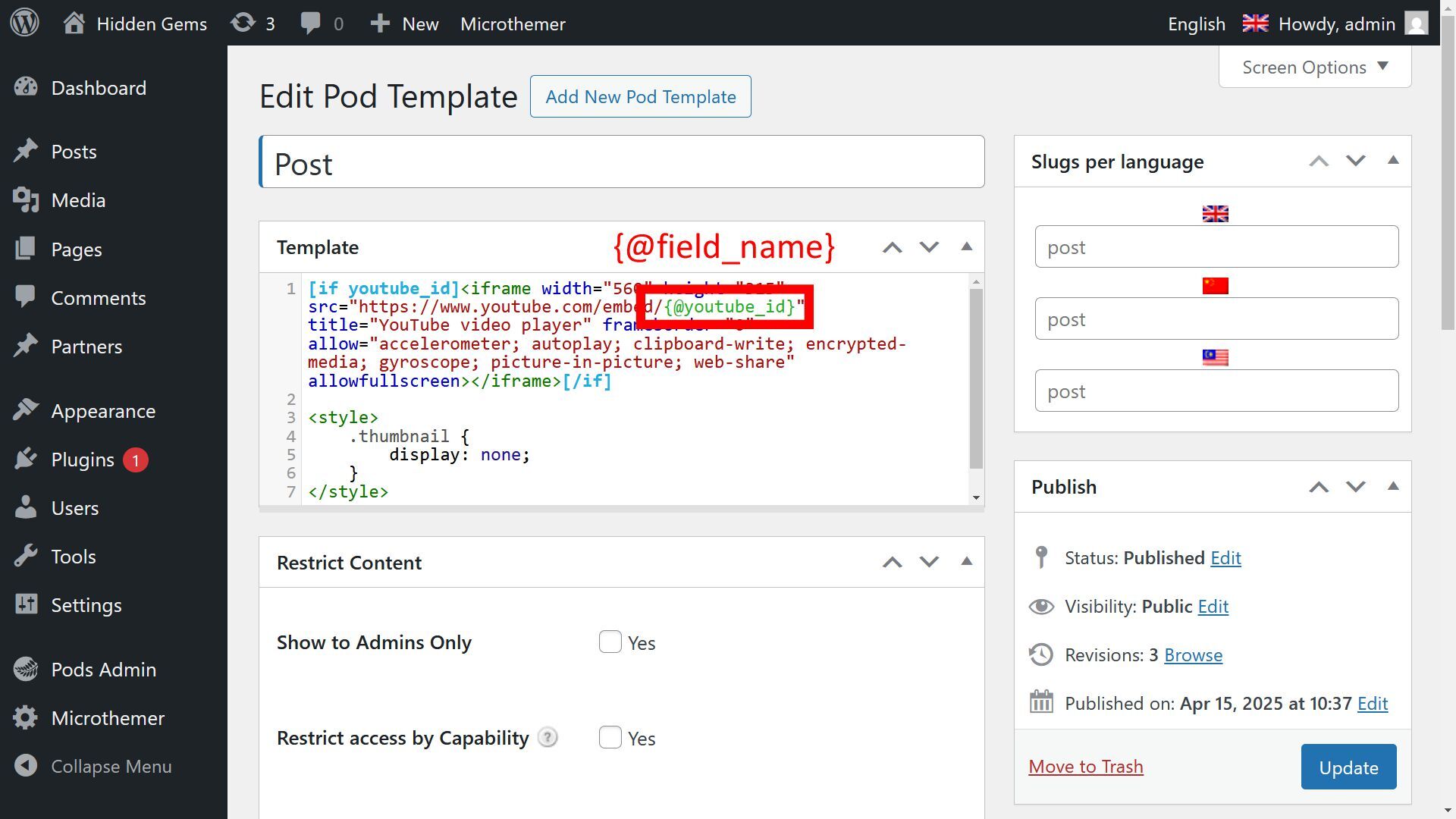
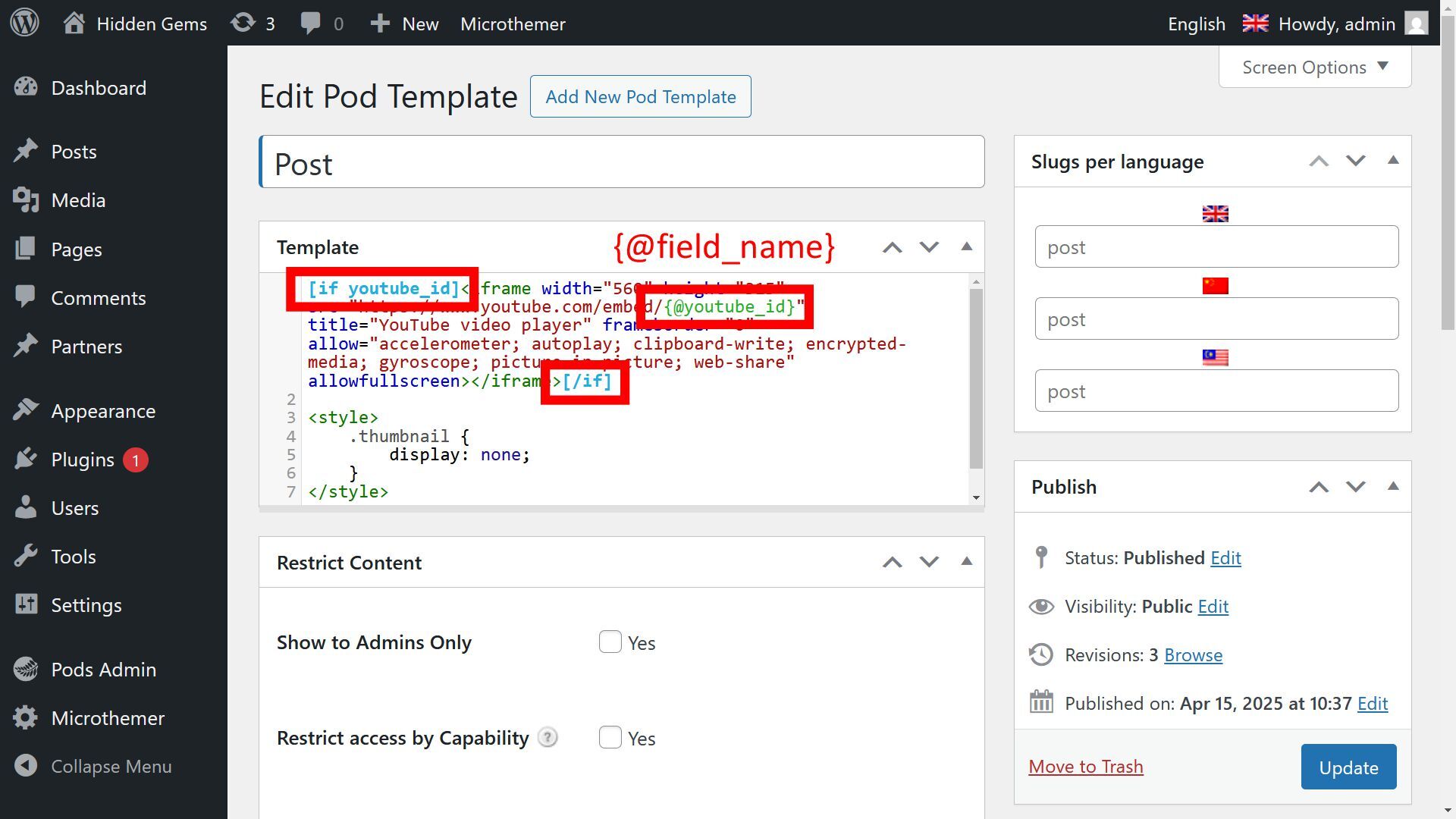
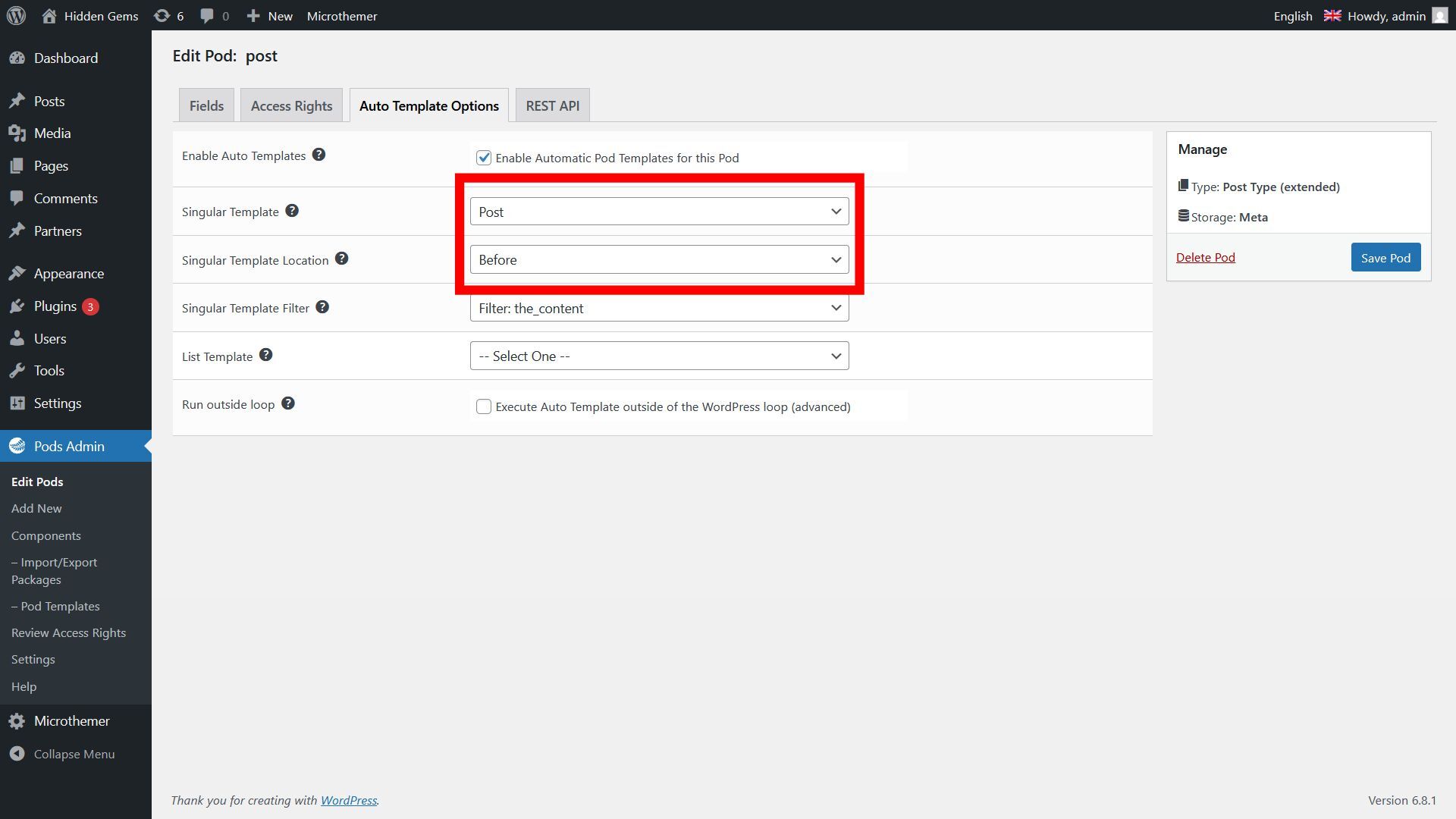
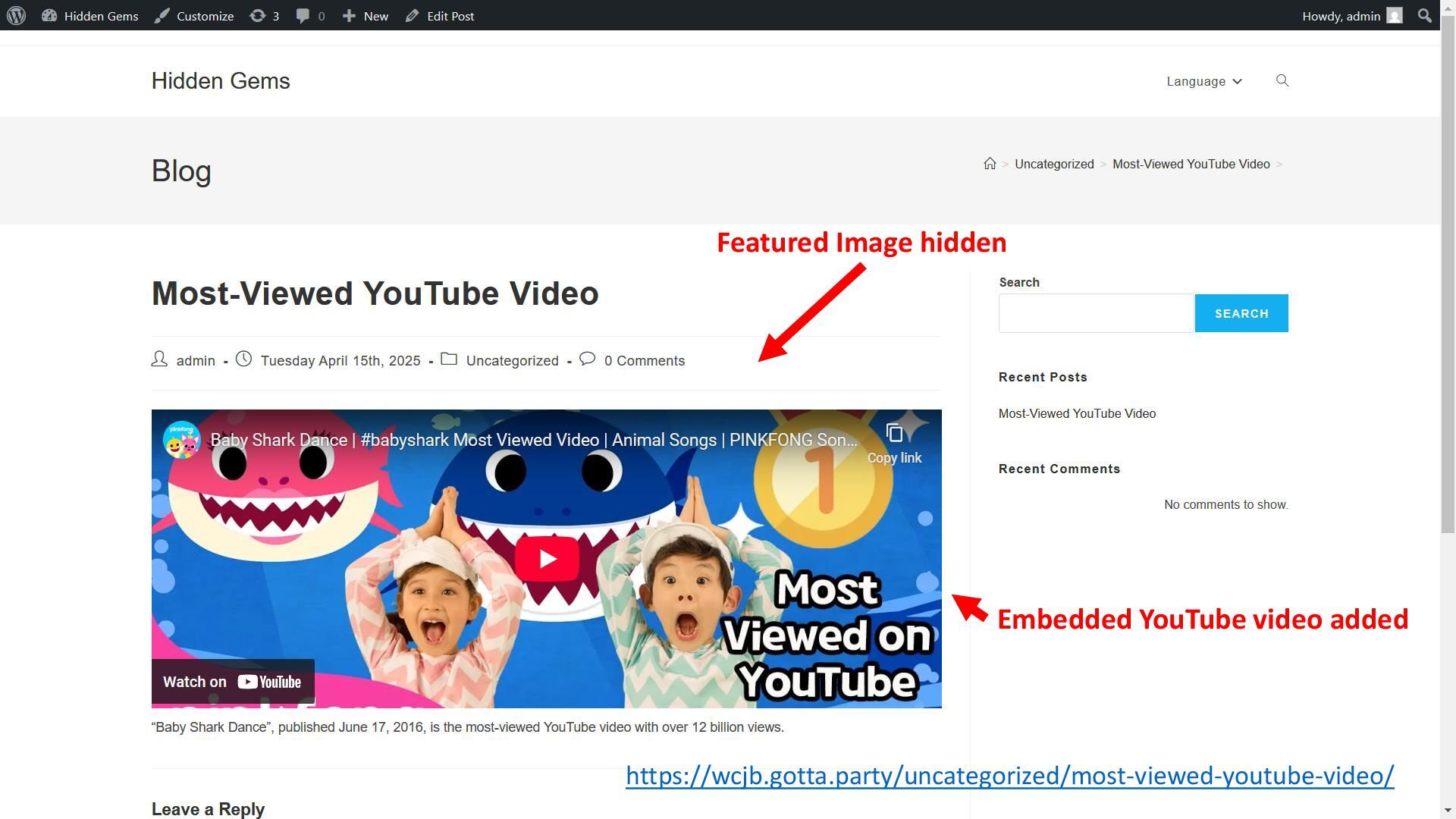
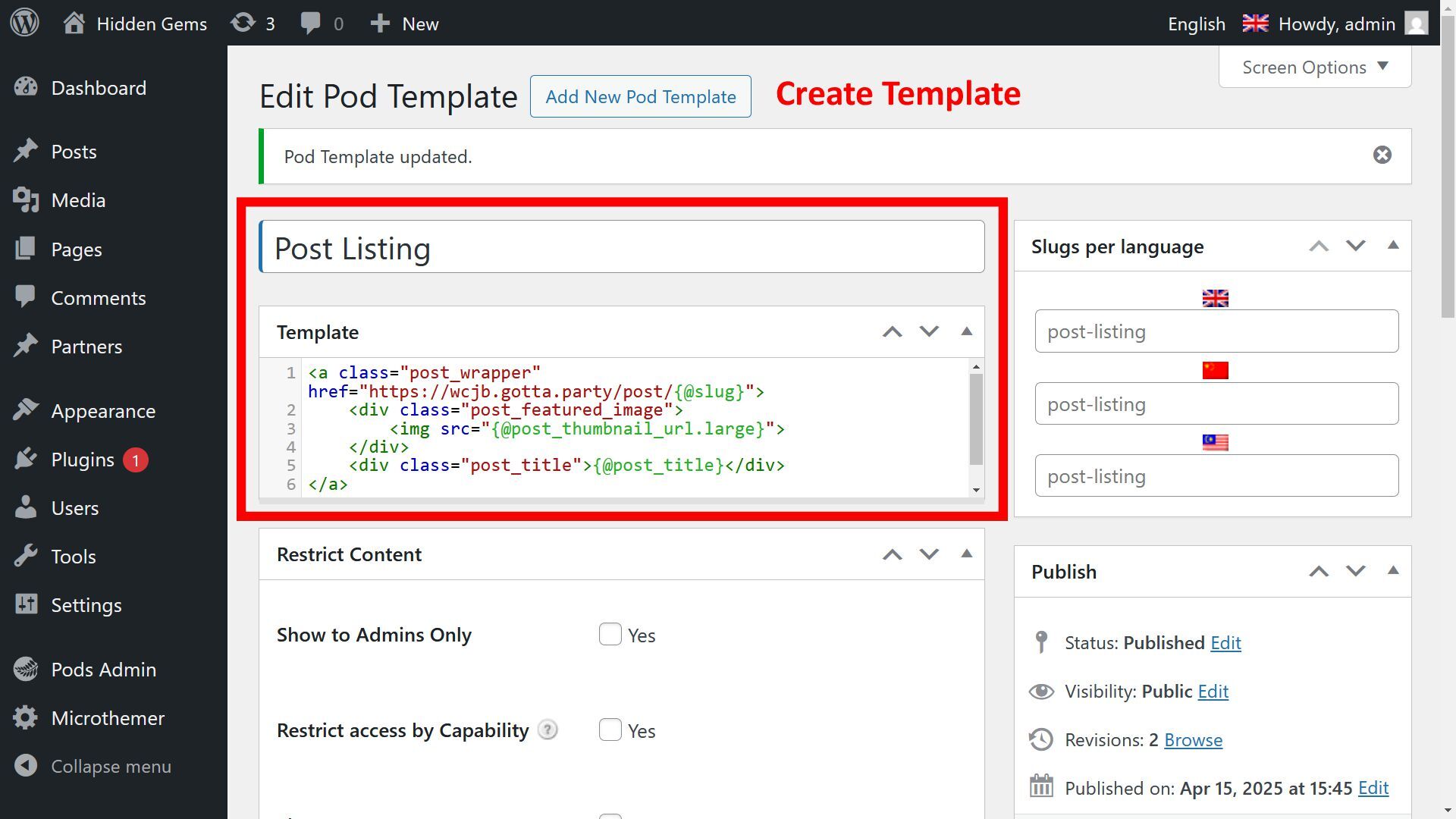
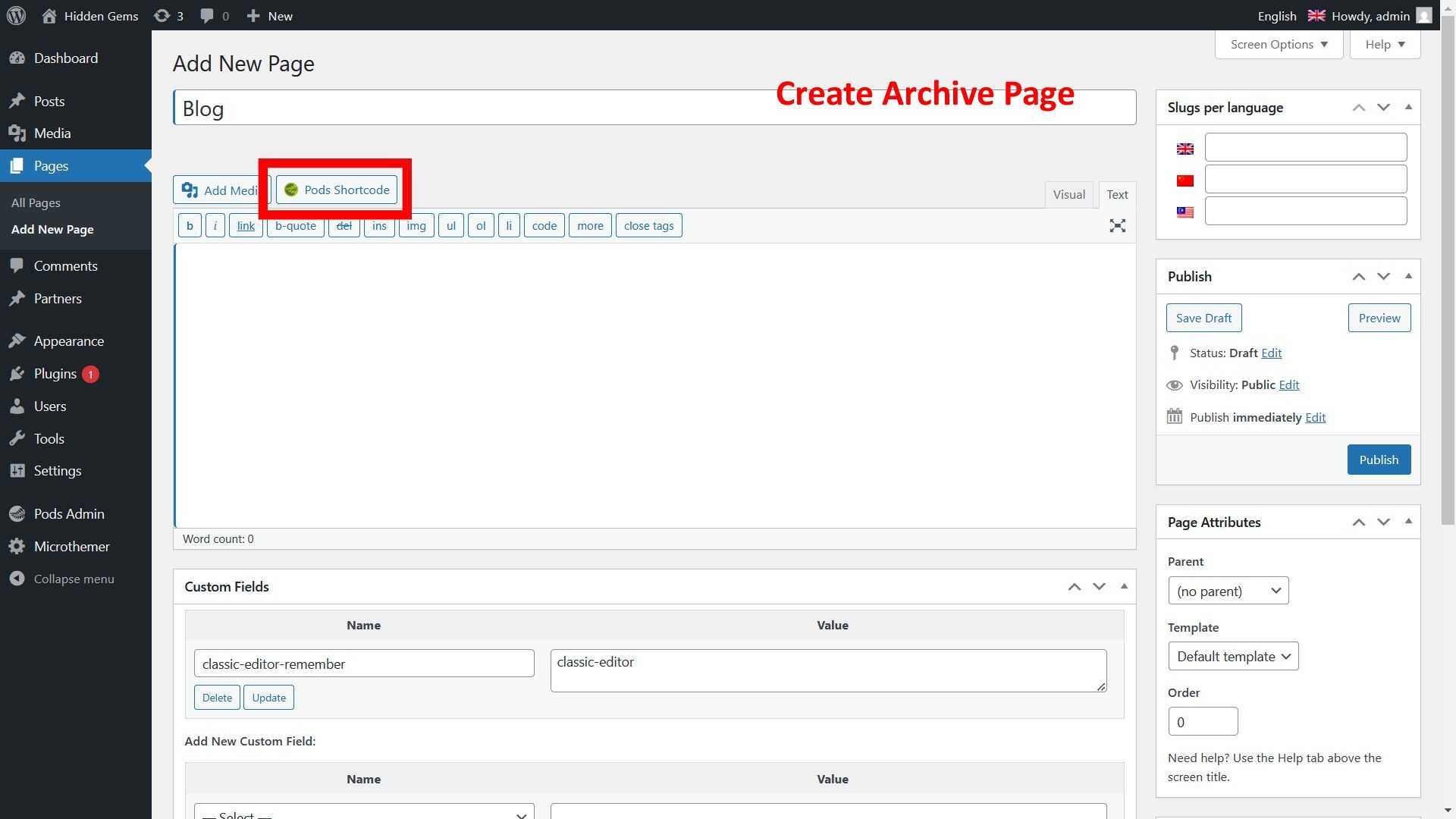
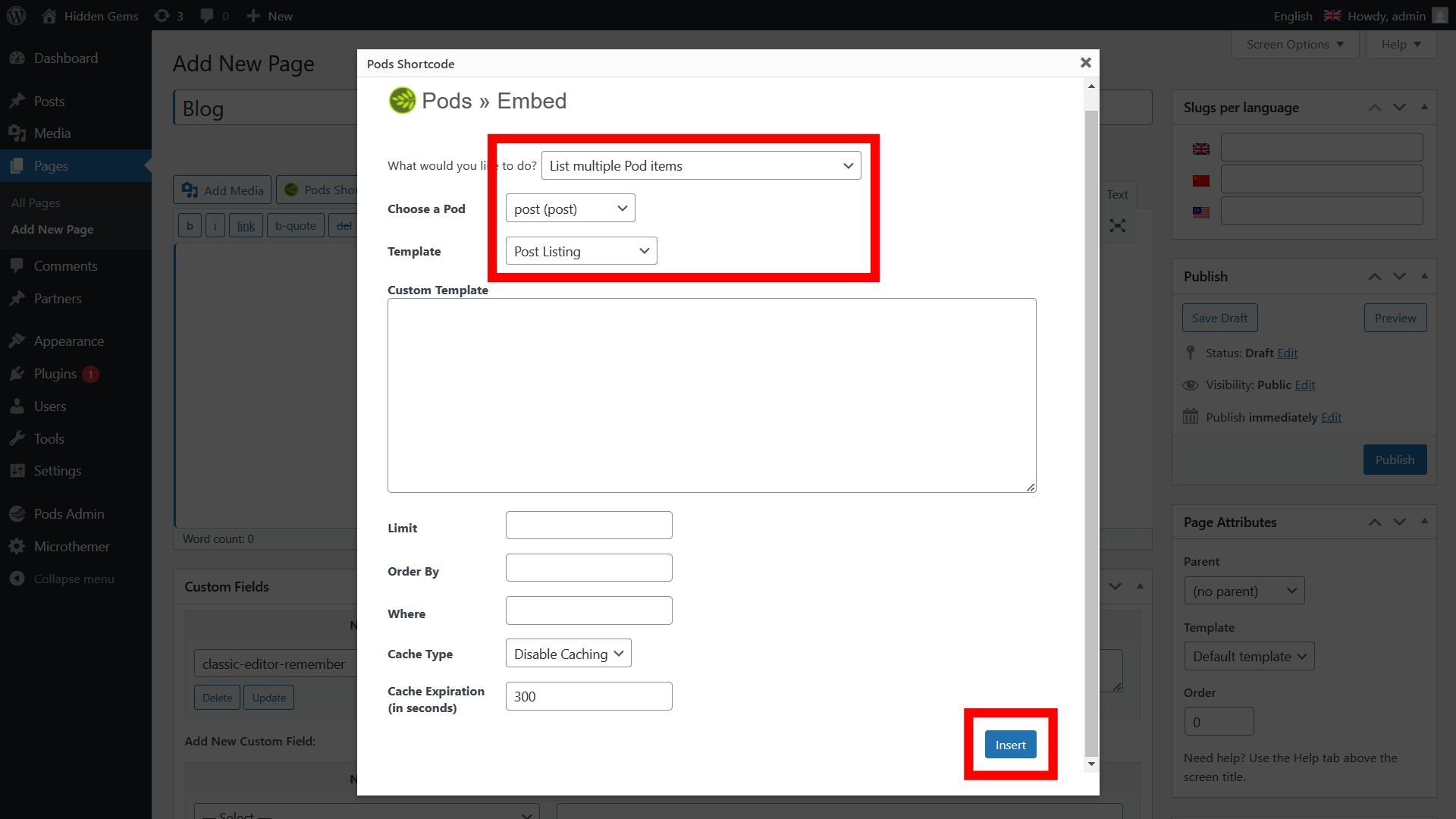
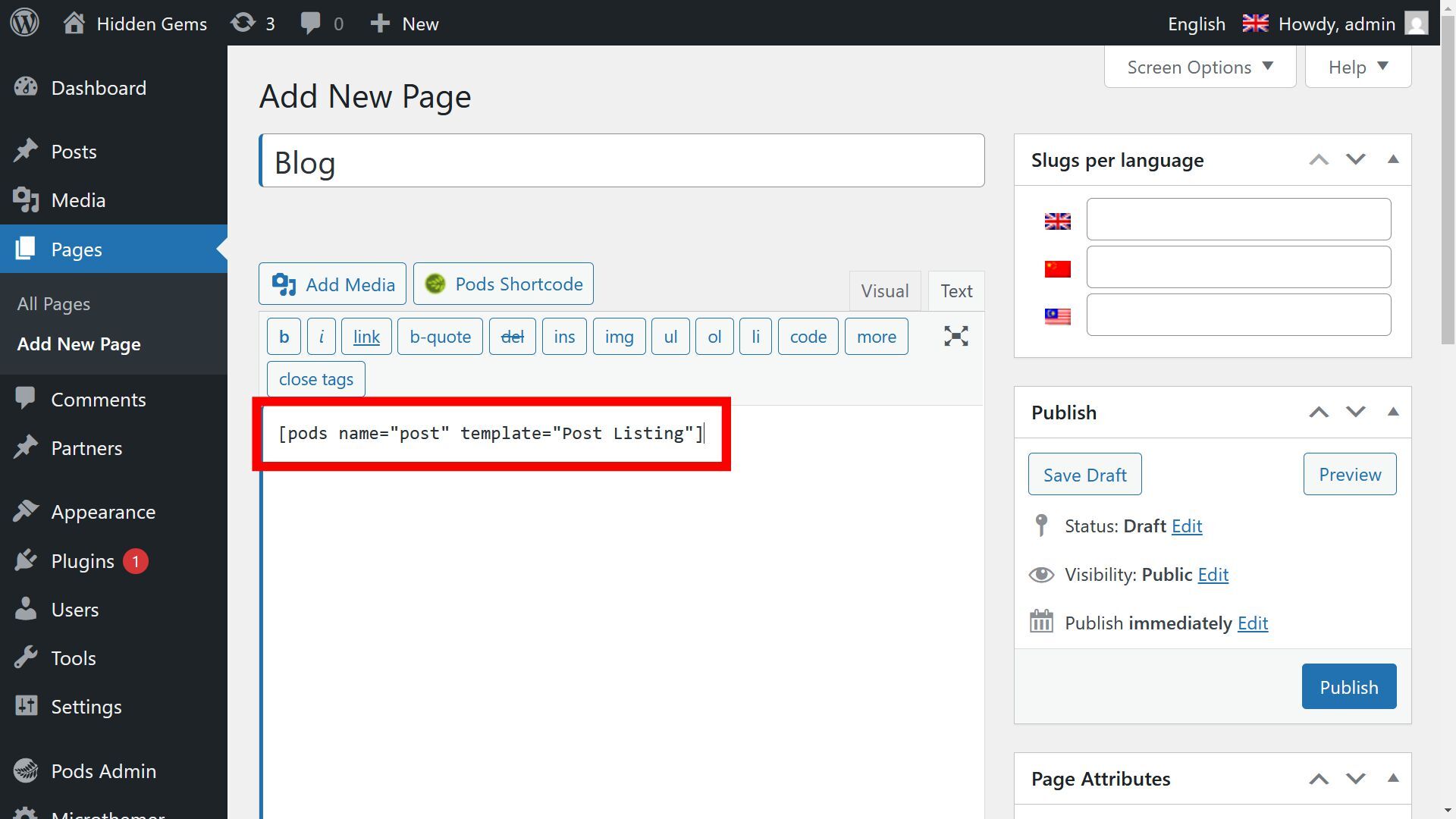
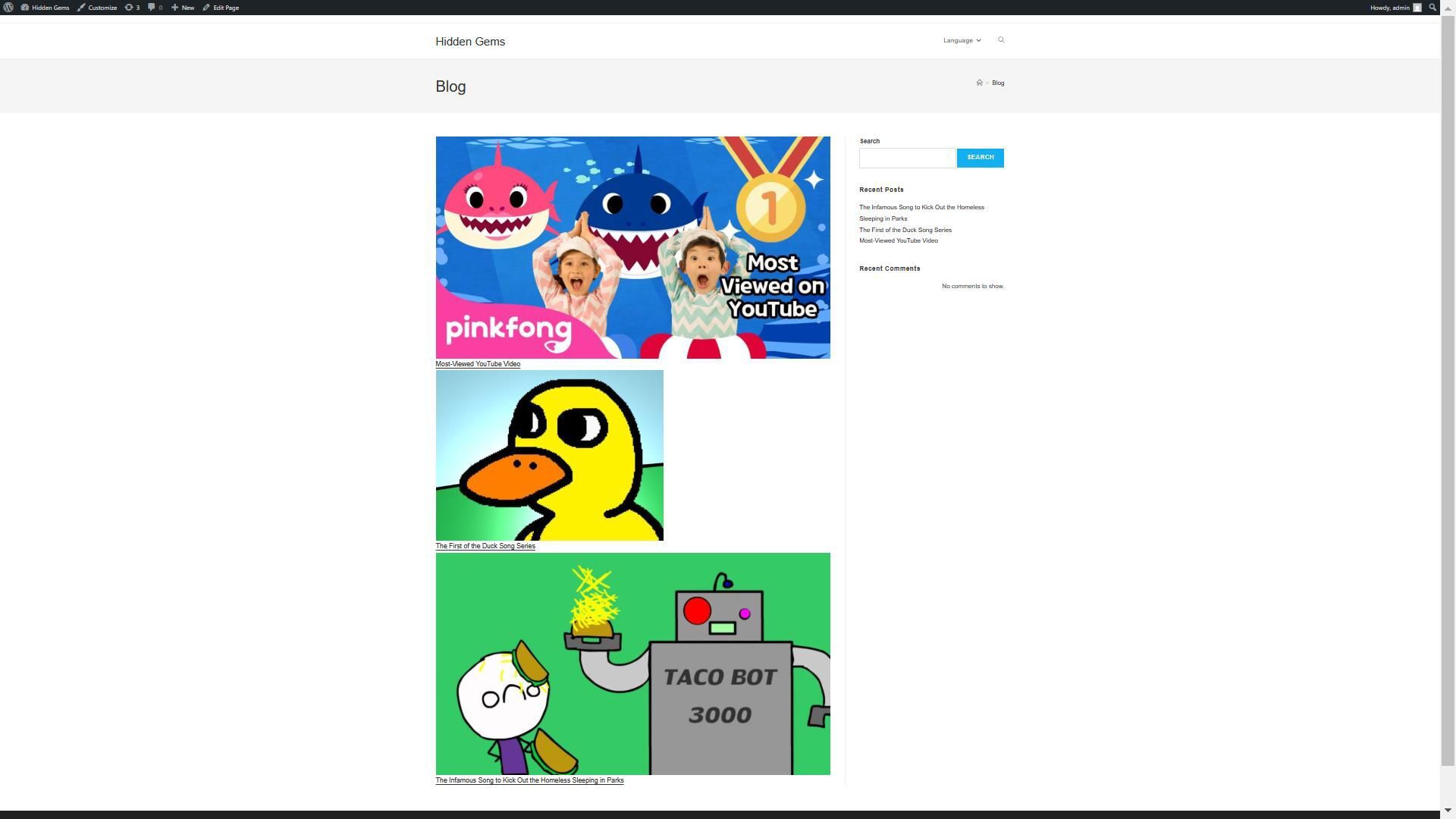
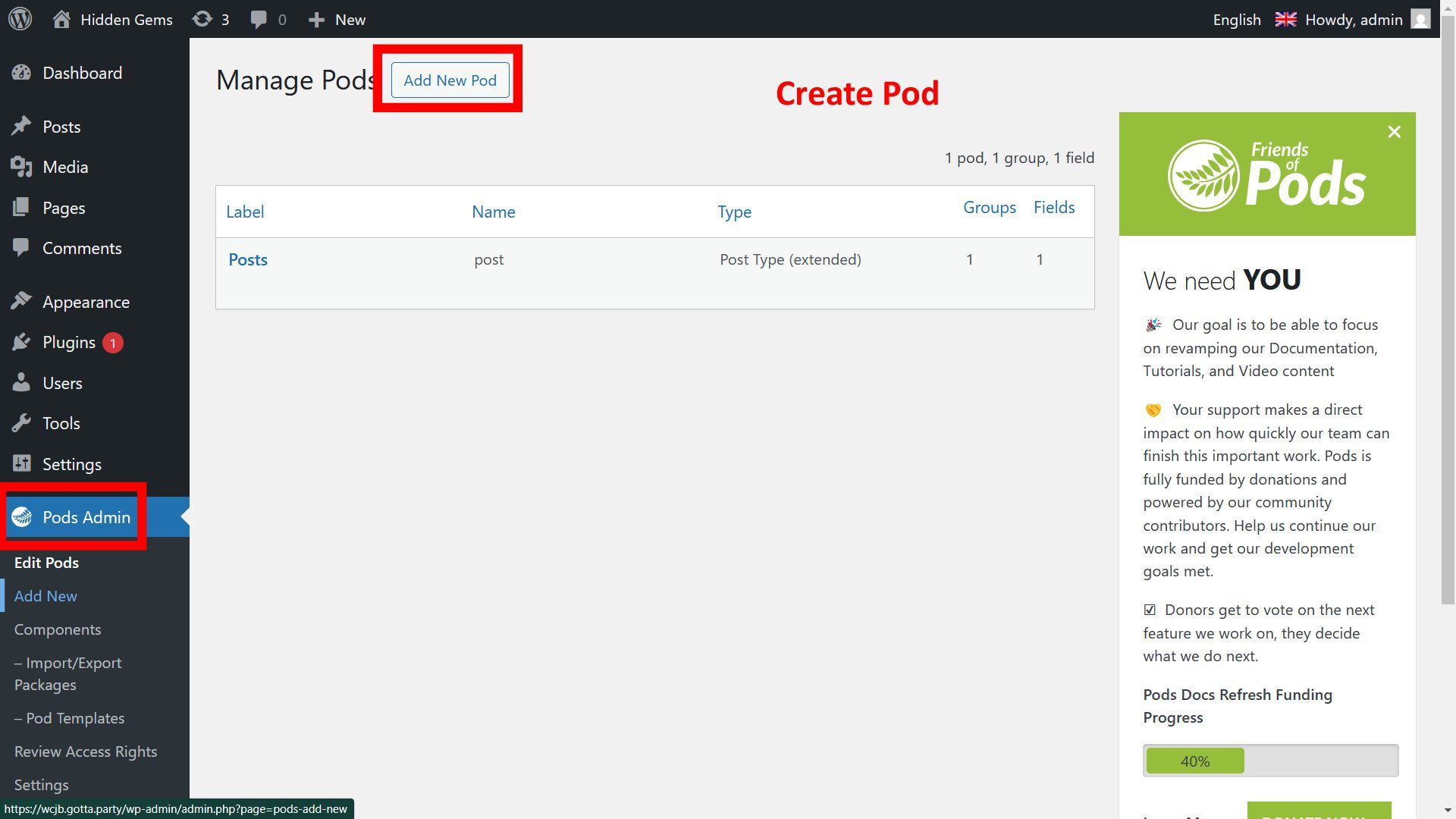
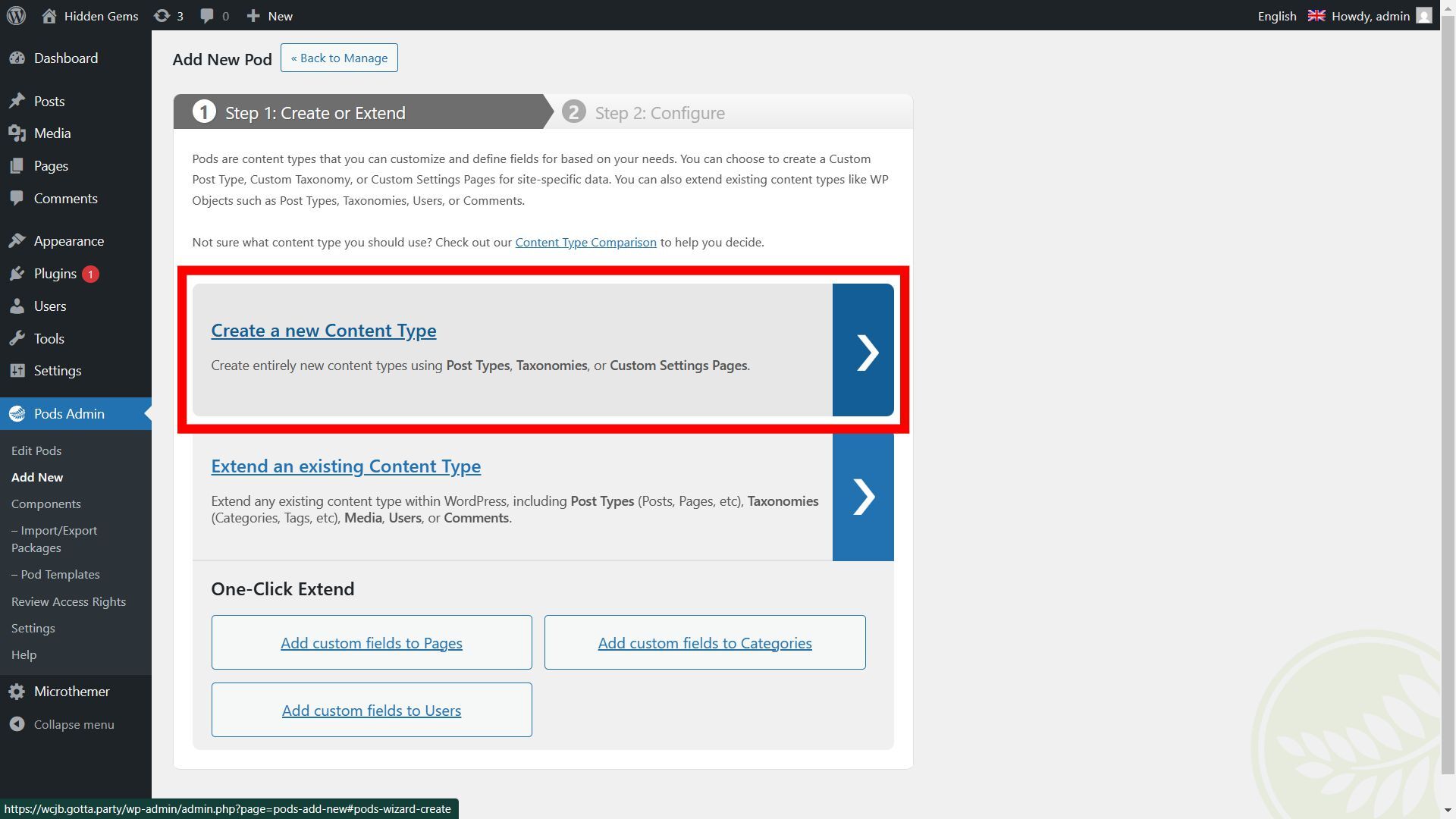
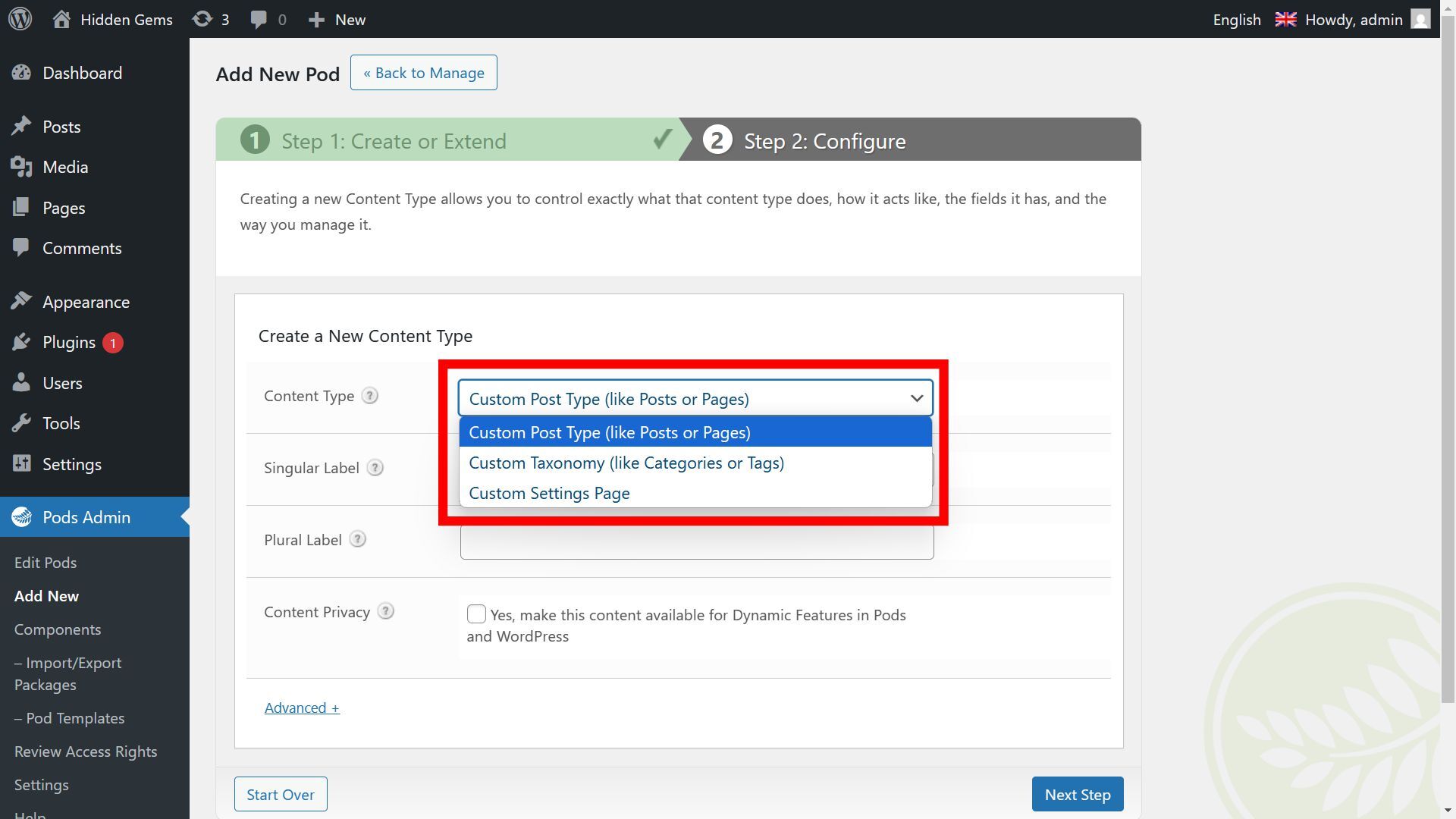
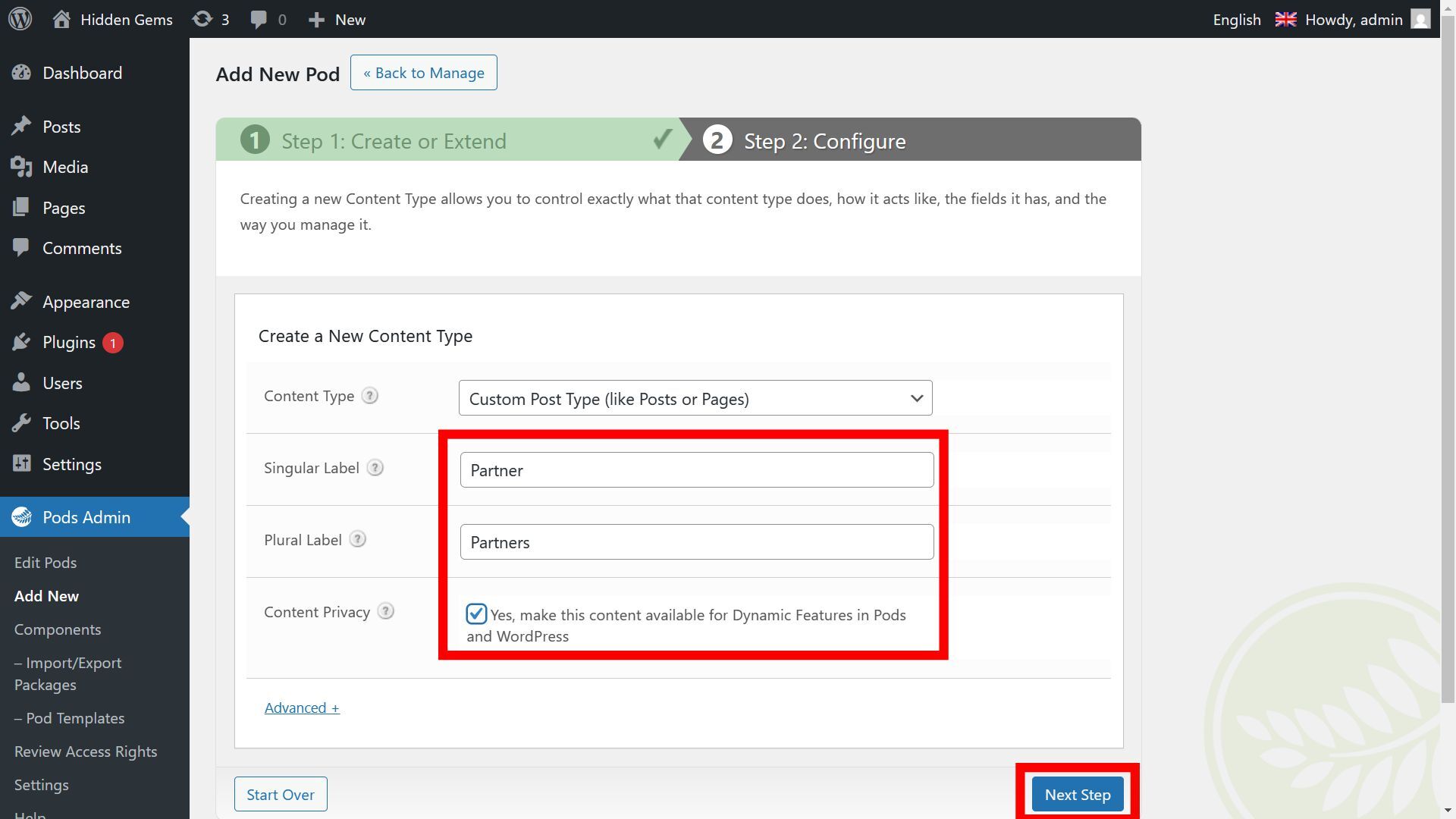
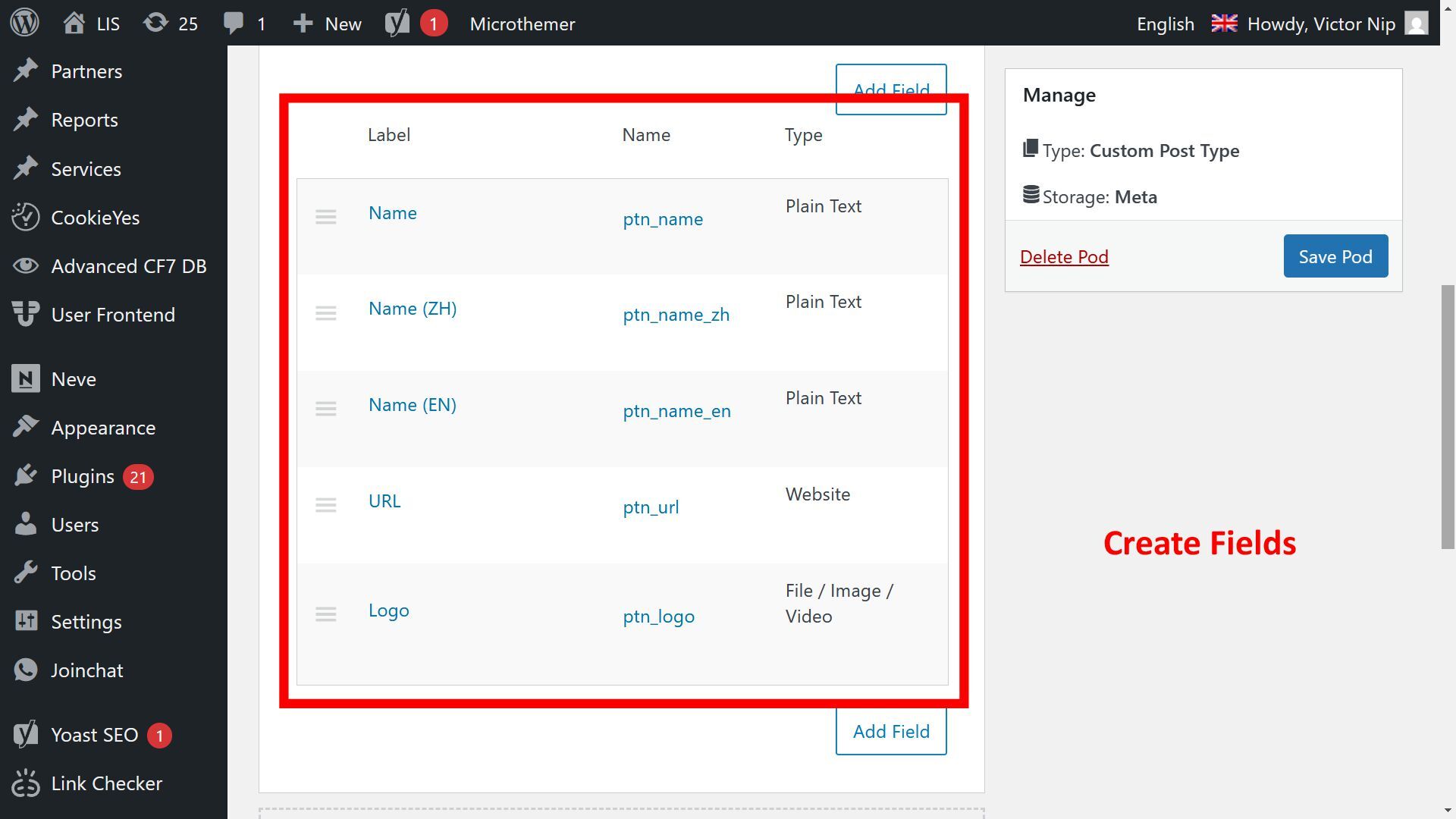
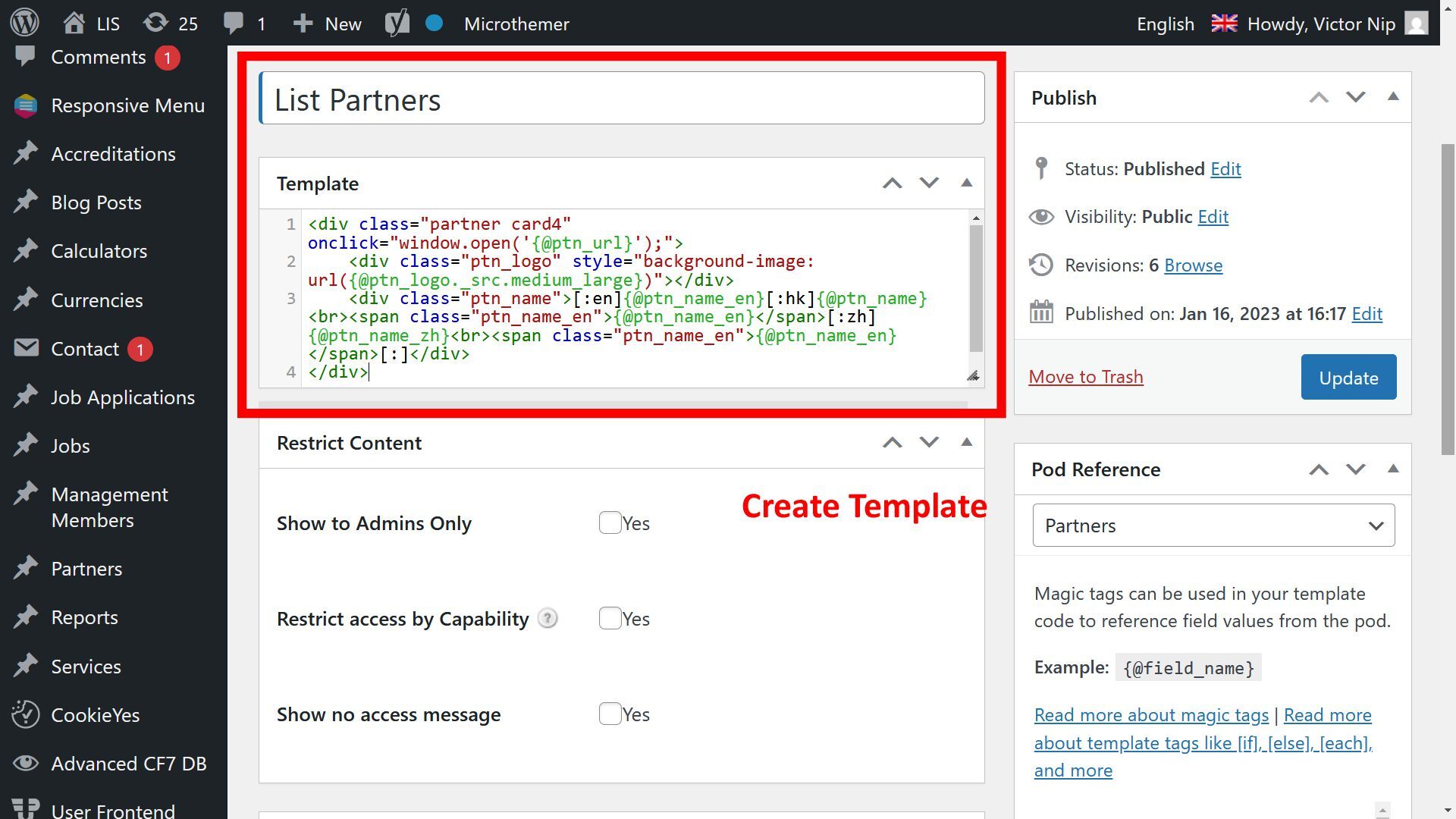
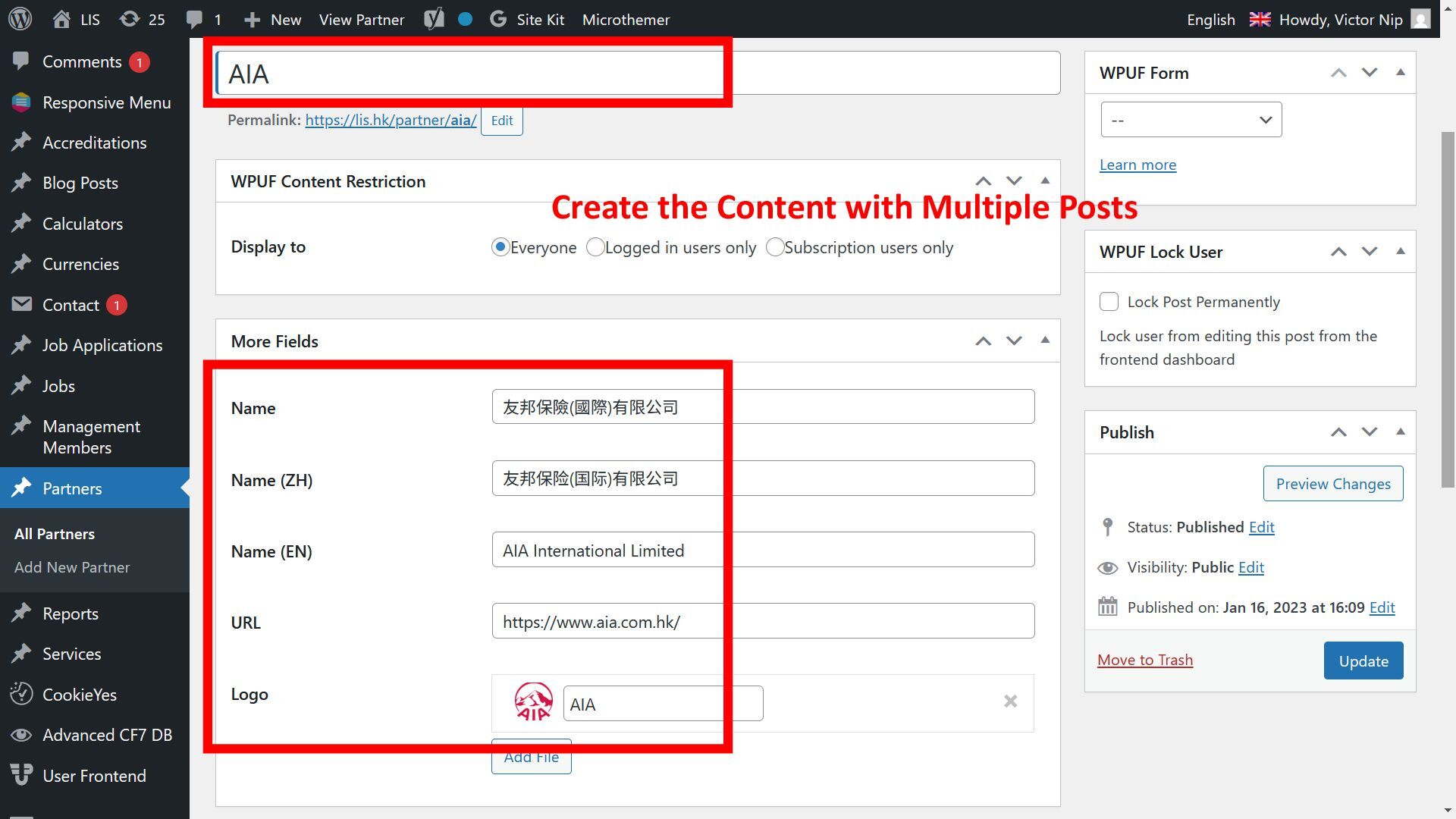
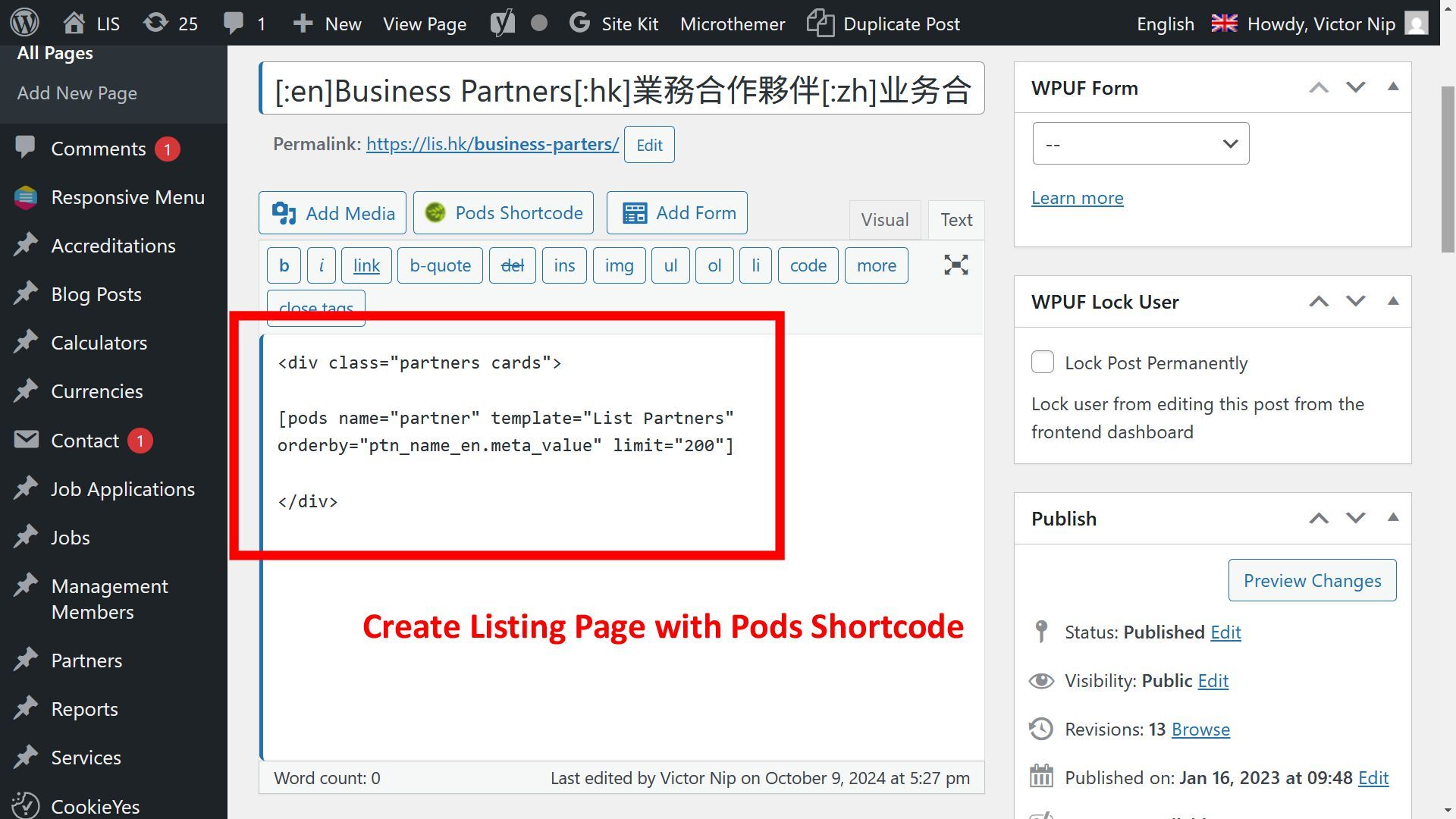
WordPress • Pods lets you • Extend existing content types • Create custom content types (custom post types and custom taxonomies) • A post type managed by Pods is called a Pod. • Highlight: Pod Template with Magic Tags to display posts of different post types
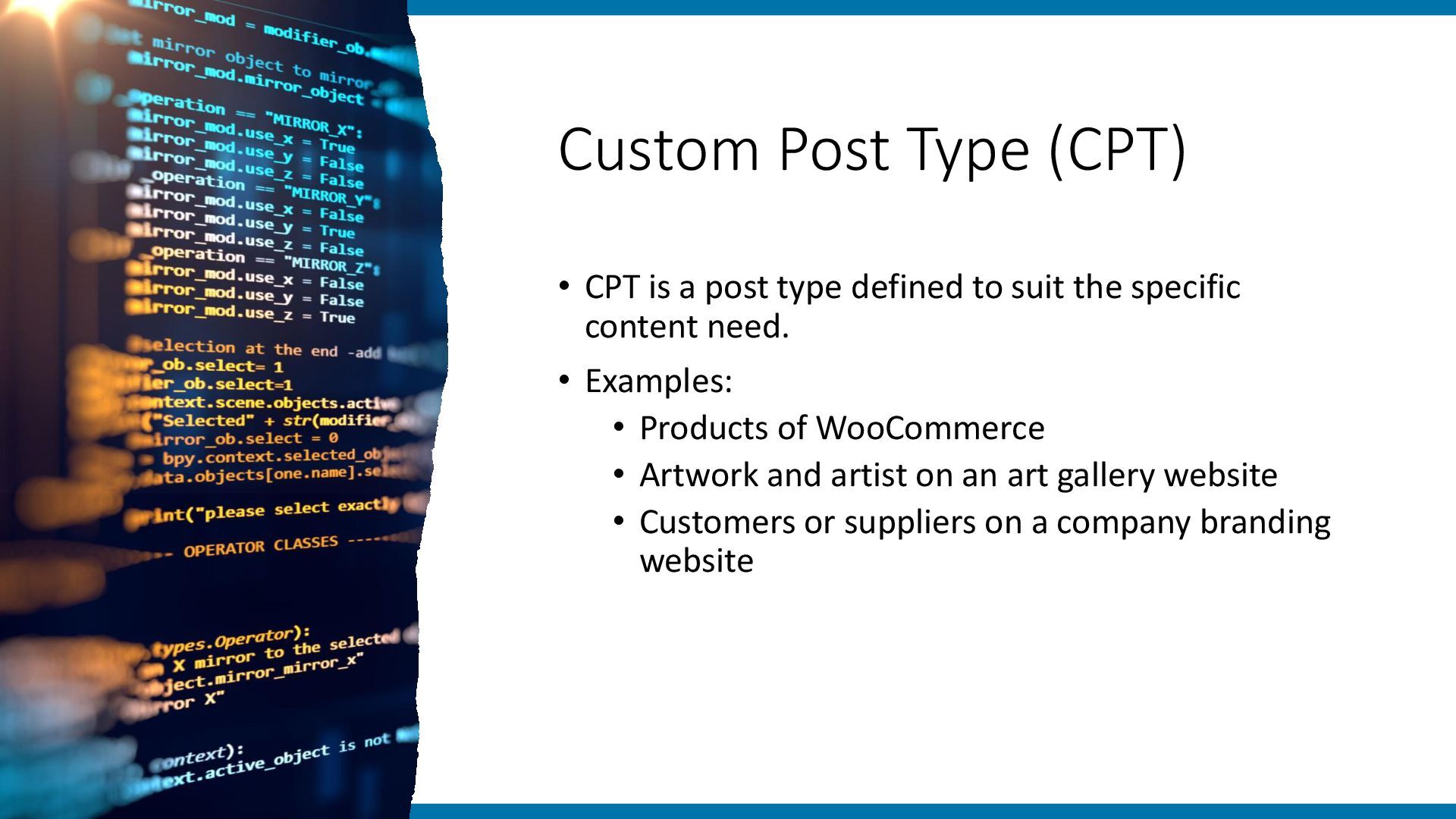
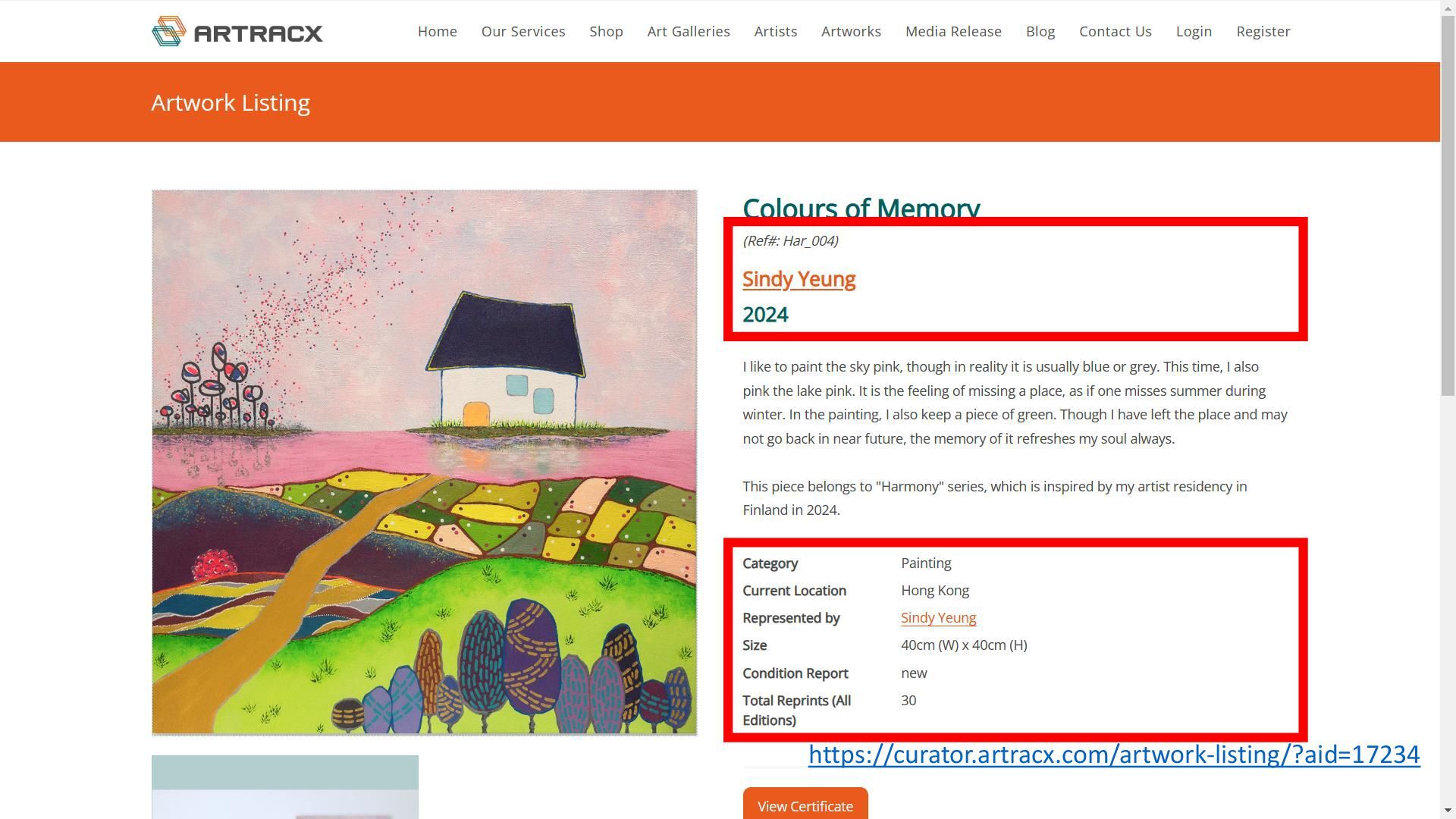
defined to suit the specific content need. • Examples: • Products of WooCommerce • Artwork and artist on an art gallery website • Customers or suppliers on a company branding website
Templates with Magic Tags • Compatible with other CPT plugins Cons • Recents changes make thing more complicated; e.g. • PHP codes not directly allowed on templates • More options to handle for the sake of security
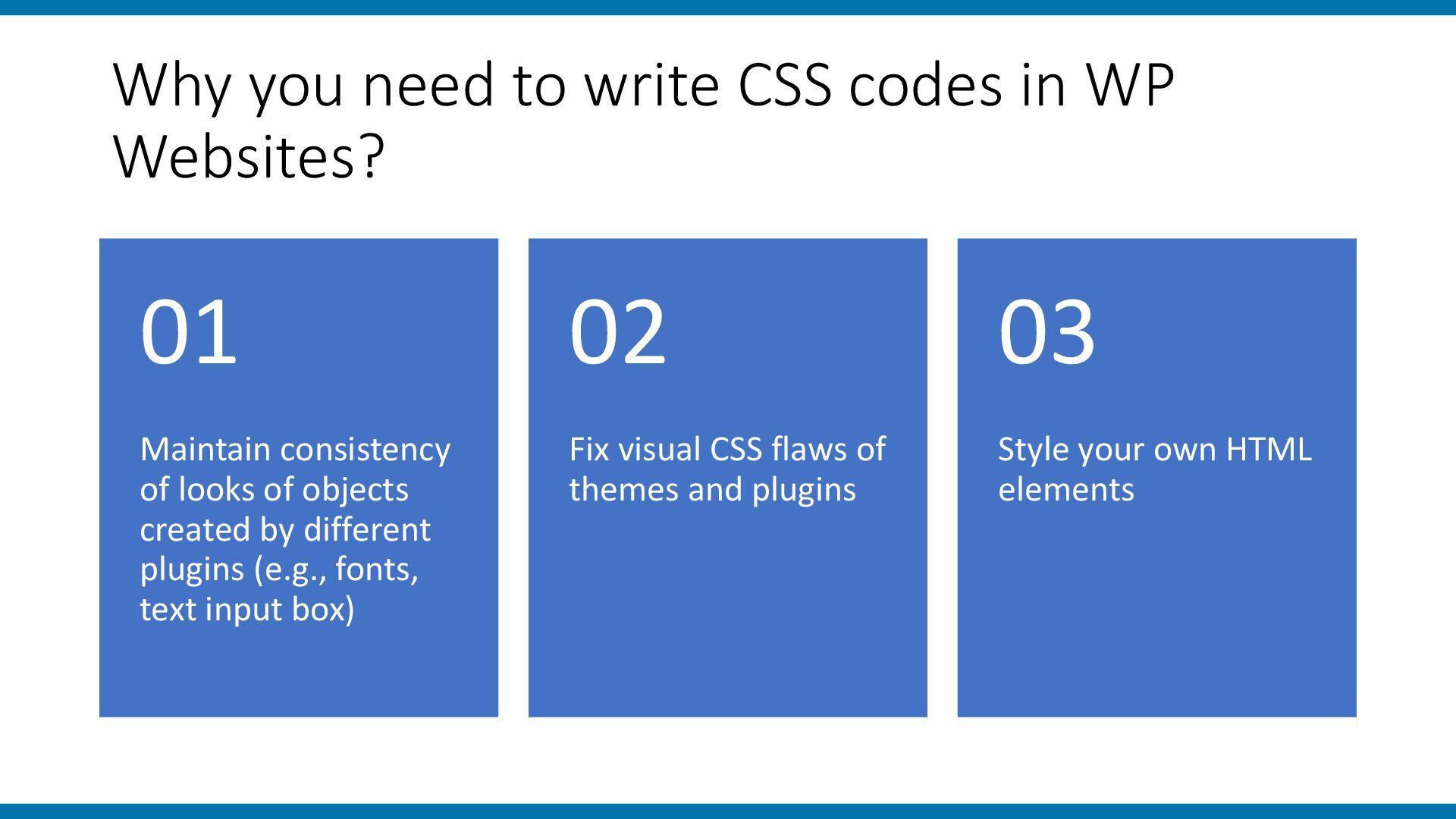
Maintain consistency of looks of objects created by different plugins (e.g., fonts, text input box) 01 Fix visual CSS flaws of themes and plugins 02 Style your own HTML elements 03
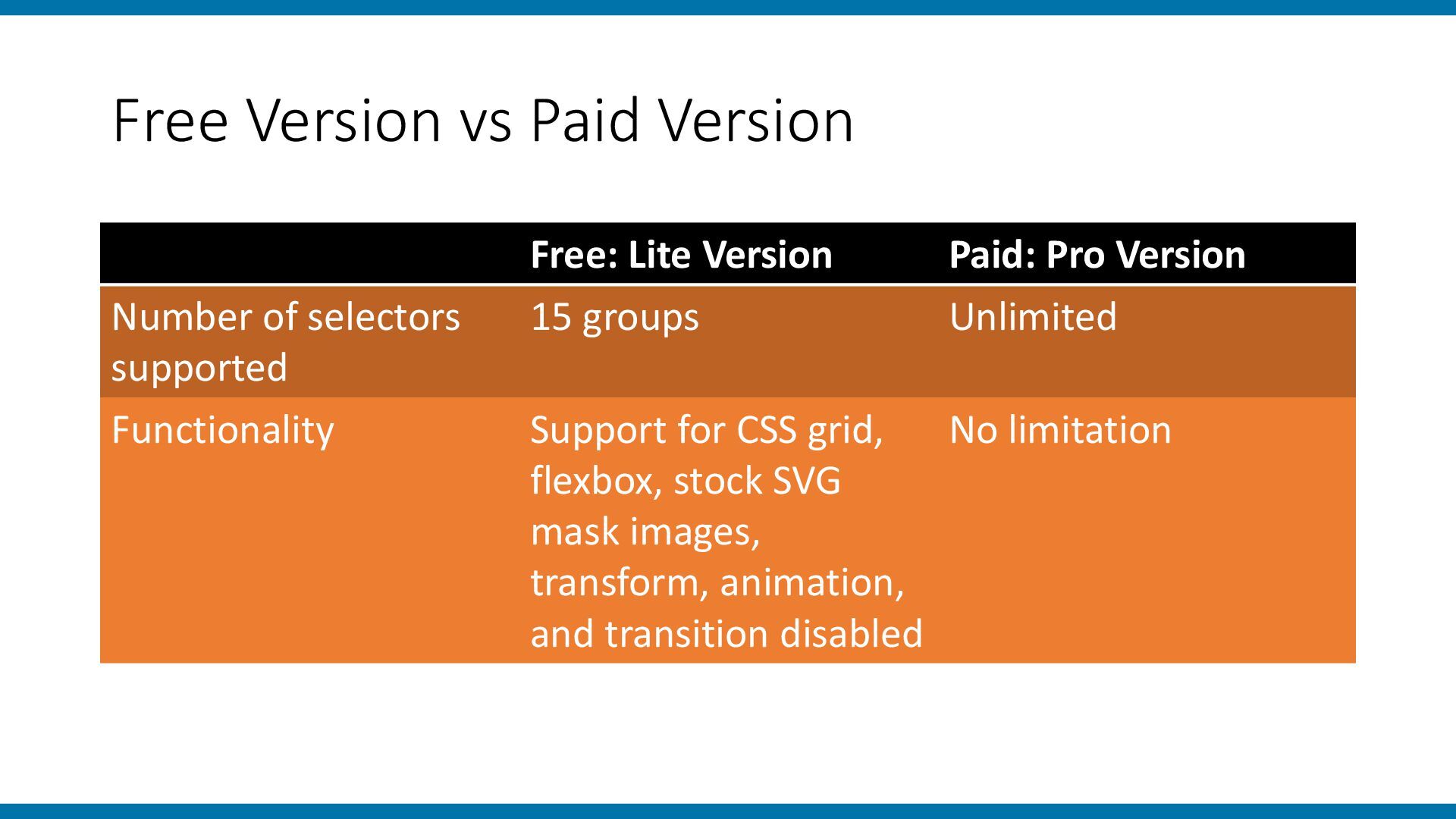
Version Number of selectors supported 15 groups Unlimited Functionality Support for CSS grid, flexbox, stock SVG mask images, transform, animation, and transition disabled No limitation
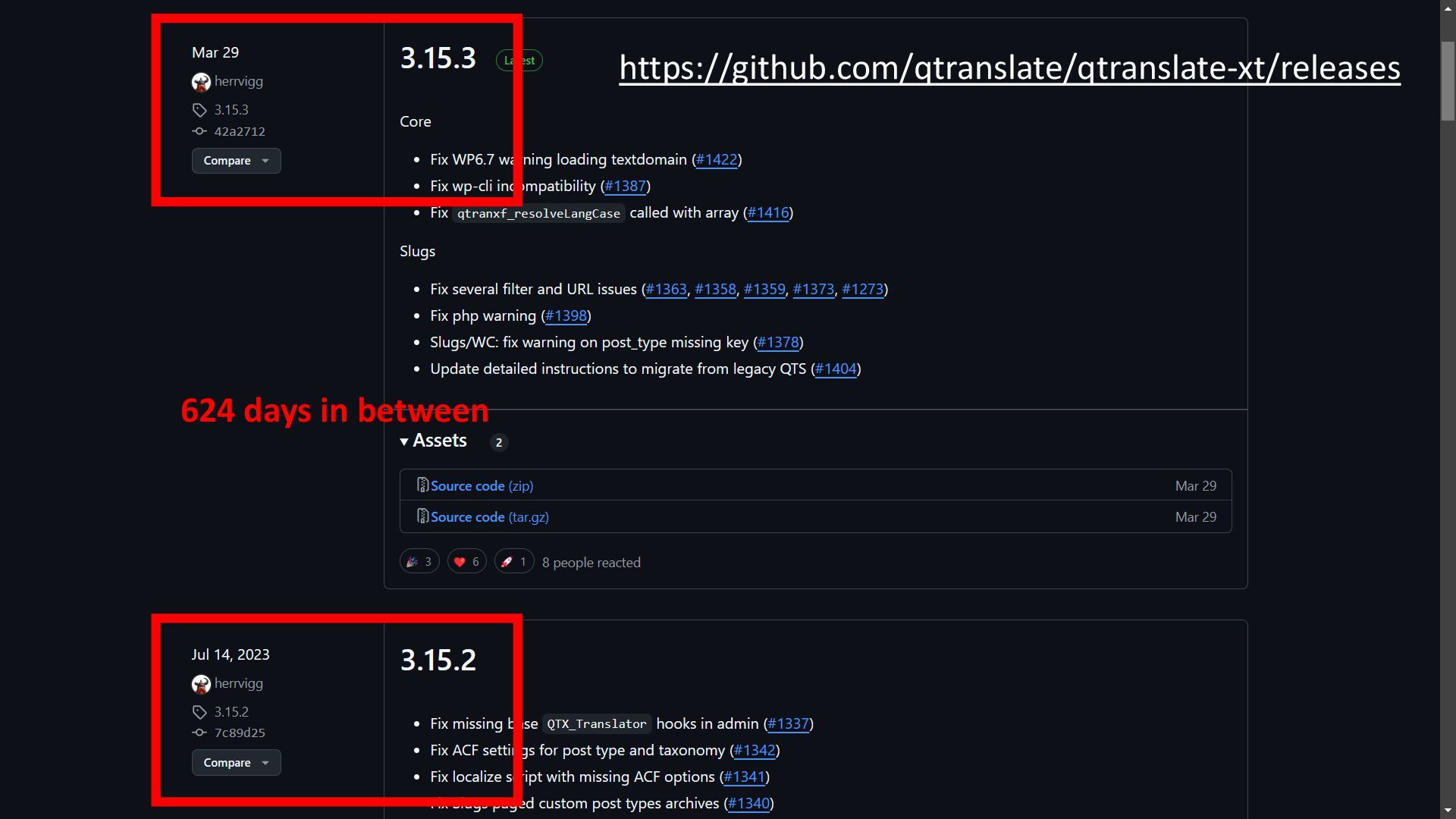
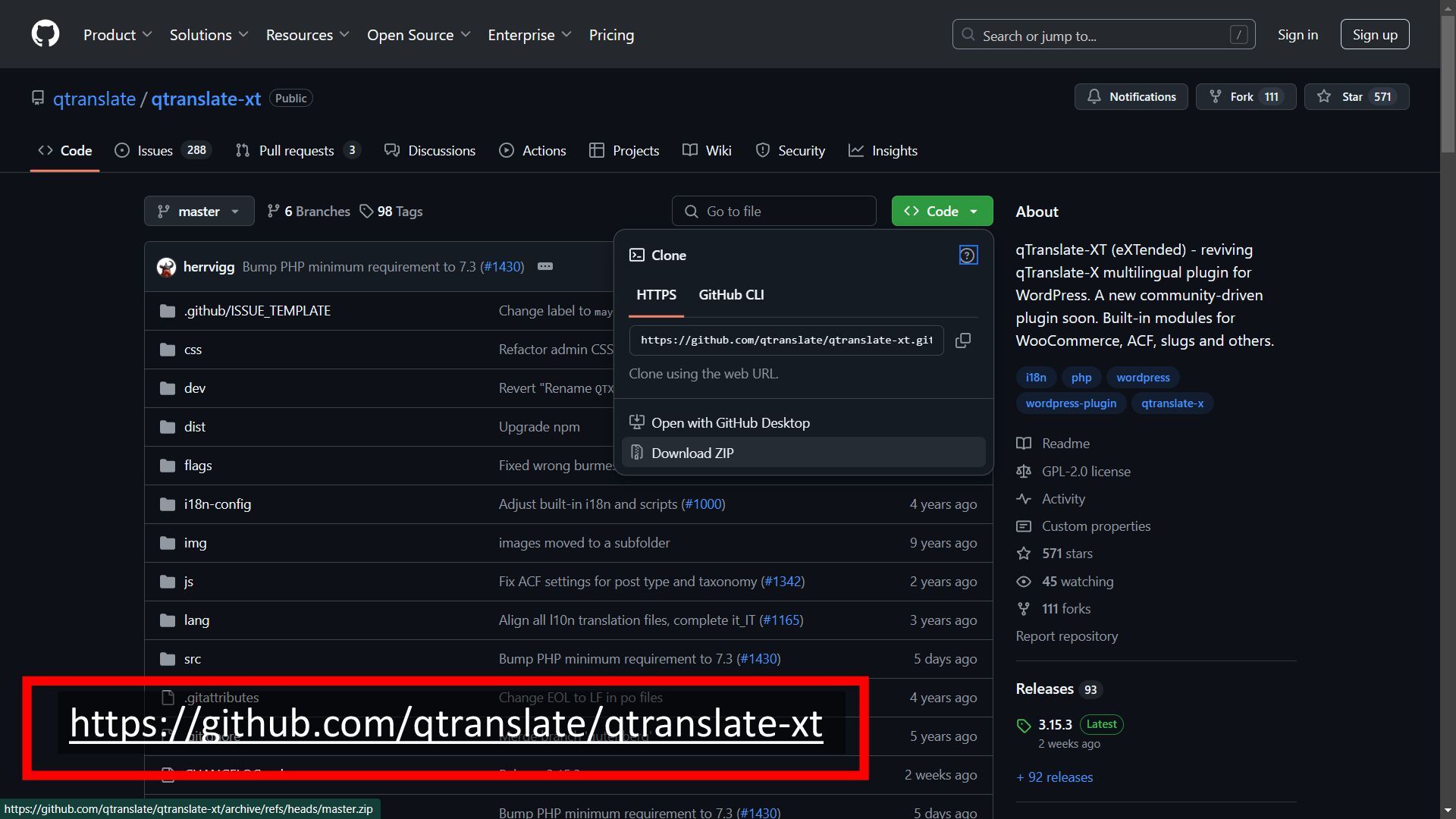
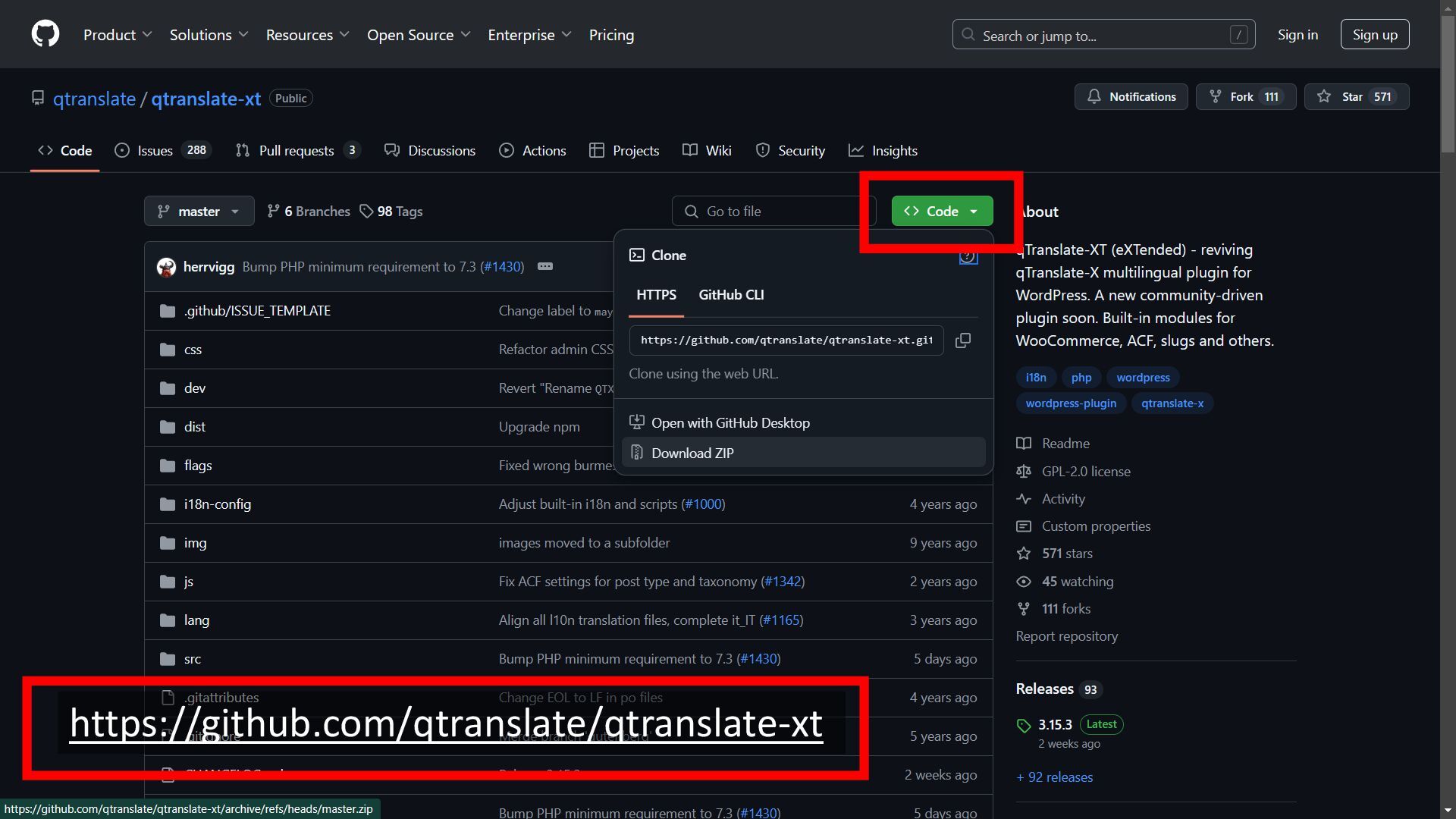
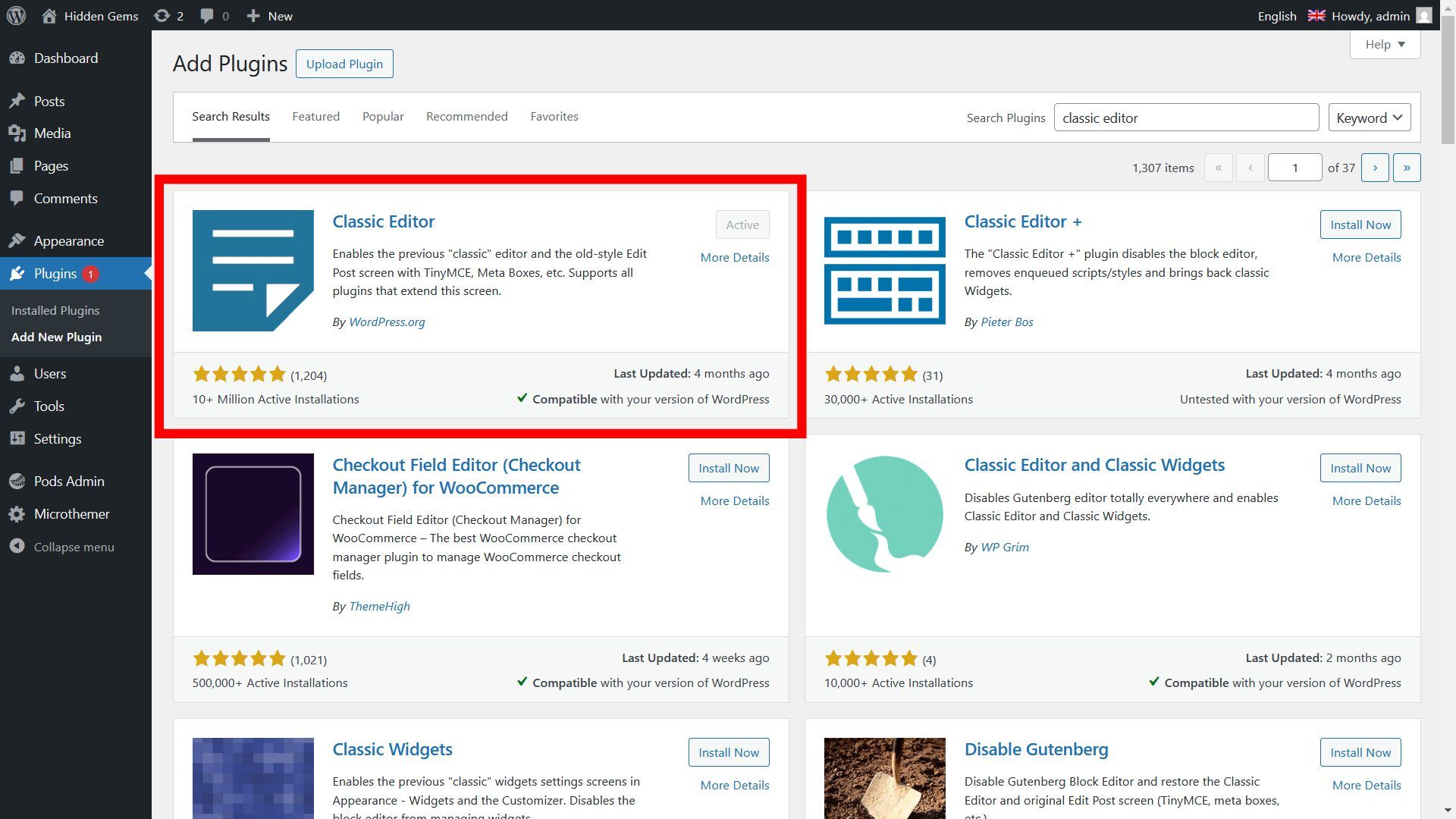
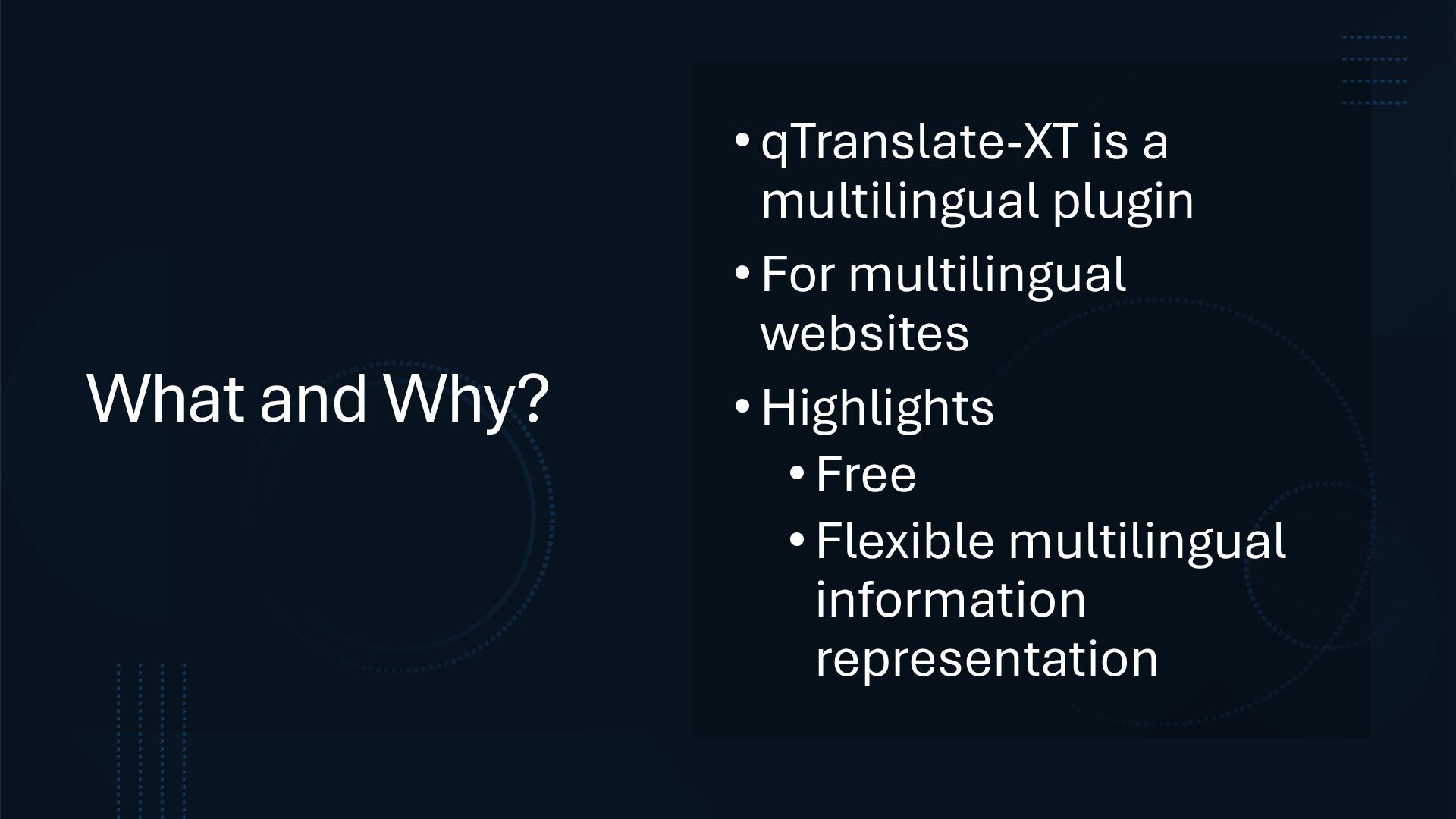
• Works with all properly written plugins in the frontend • Editing of contents of all languages at once possible Cons • Not on WordPress.org (manual installation, manual updating) • Limited support with Gutenberg (Single Language Edit mode only without Classic Editor) • Switching to another multilingual plugin/ uninstalling can be complicated • Frontend language parsing may fail for some contents if a plugin/theme is not written properly • No auto-translation options • Unsure if it survives WordPress updates


 hkwp
hkwp
 sansantech
 koukihosaka
 shuta13
 kenichiodo
 usanchuu
 nealle
 raspython3
 ivry_presentationmaterials
 satoshi7
 hiracky16
 techtekt
 tomokusaba
 tammyeverts
 soudai
 seathinner
 ks91
ks91
 reverentgeek
 marktimemedia
 jonoalderson
 codingconduct
 mayunak
 scottboms
 destraynor
 lauravandoore






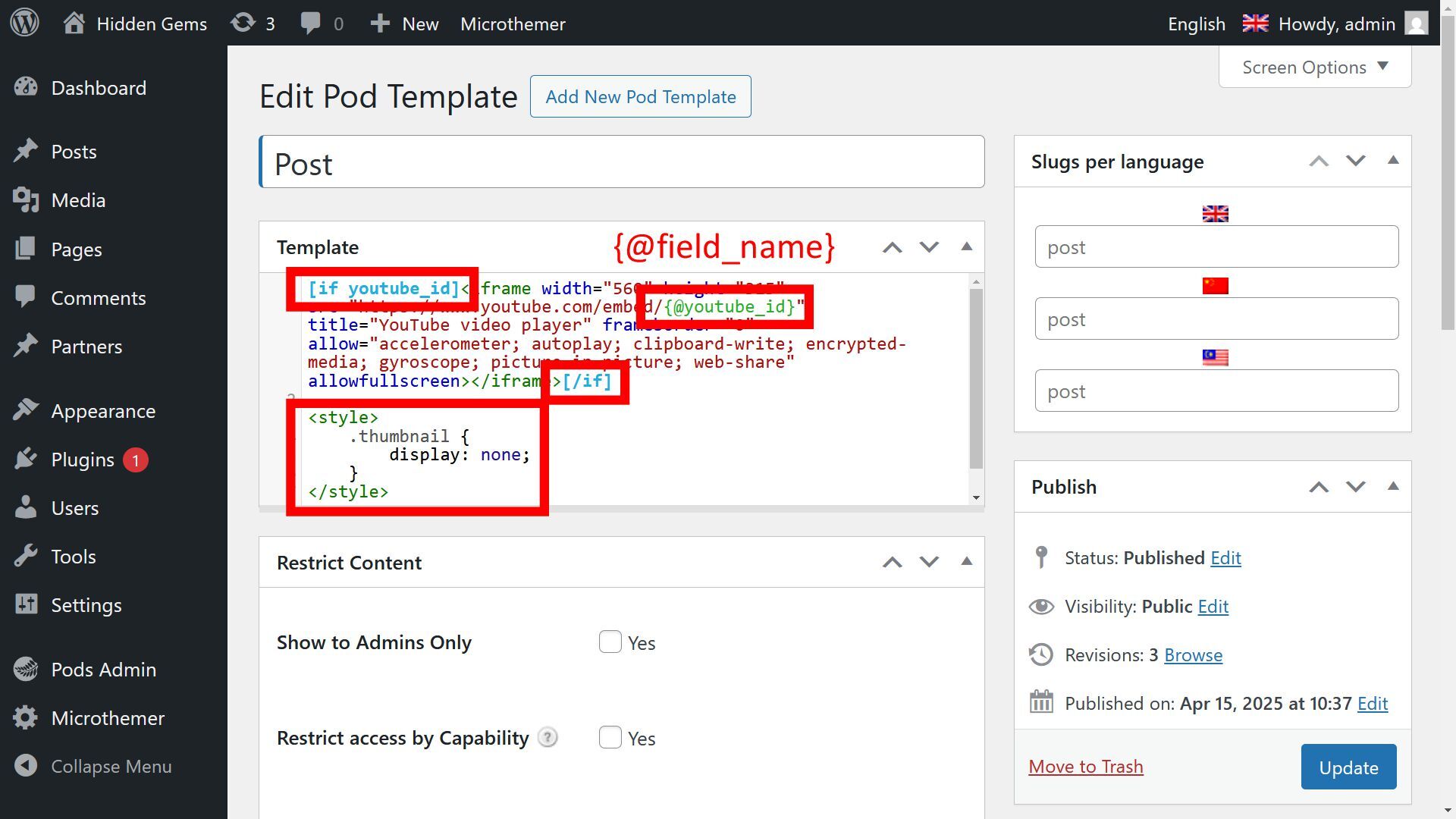
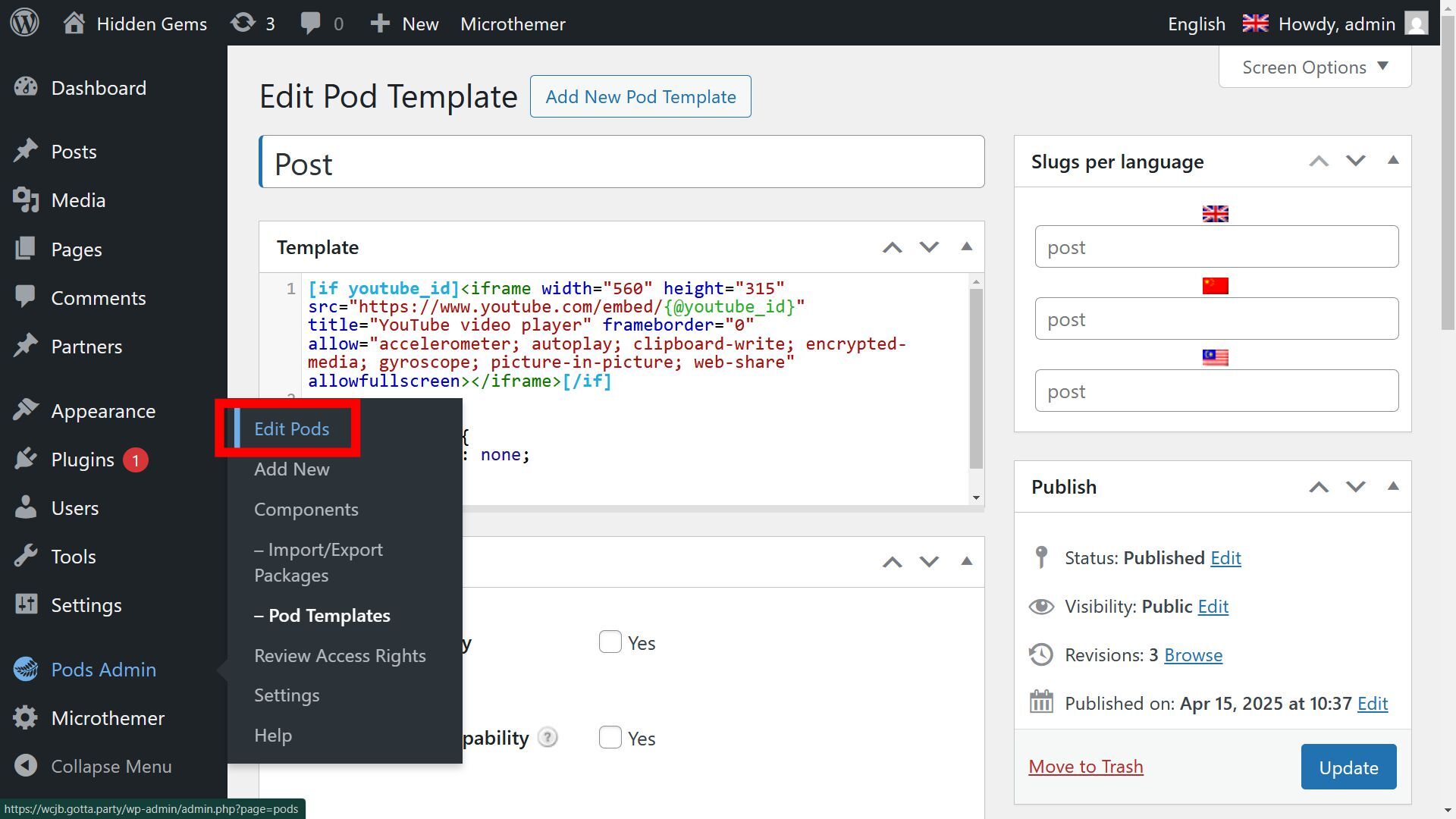

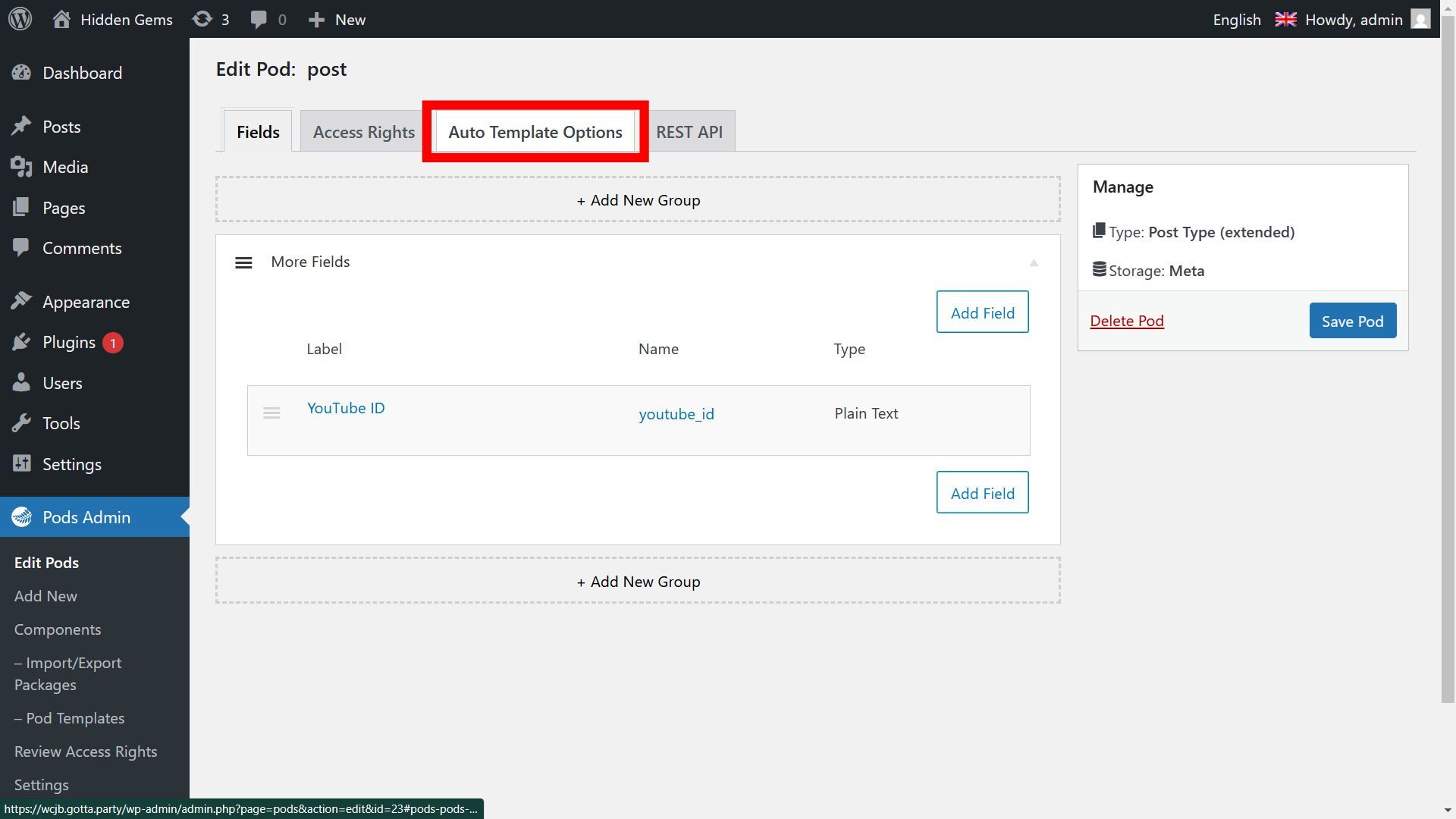
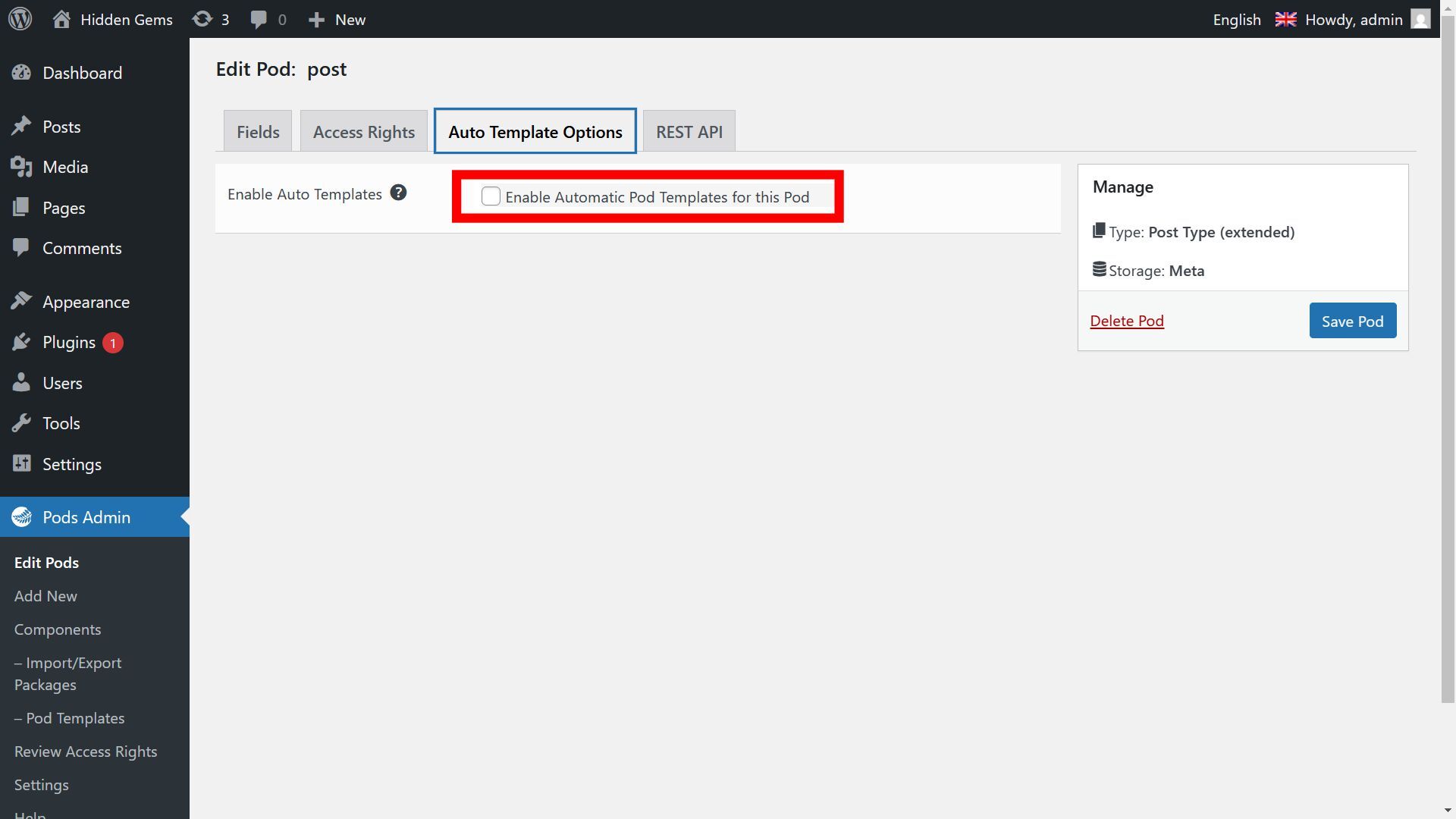






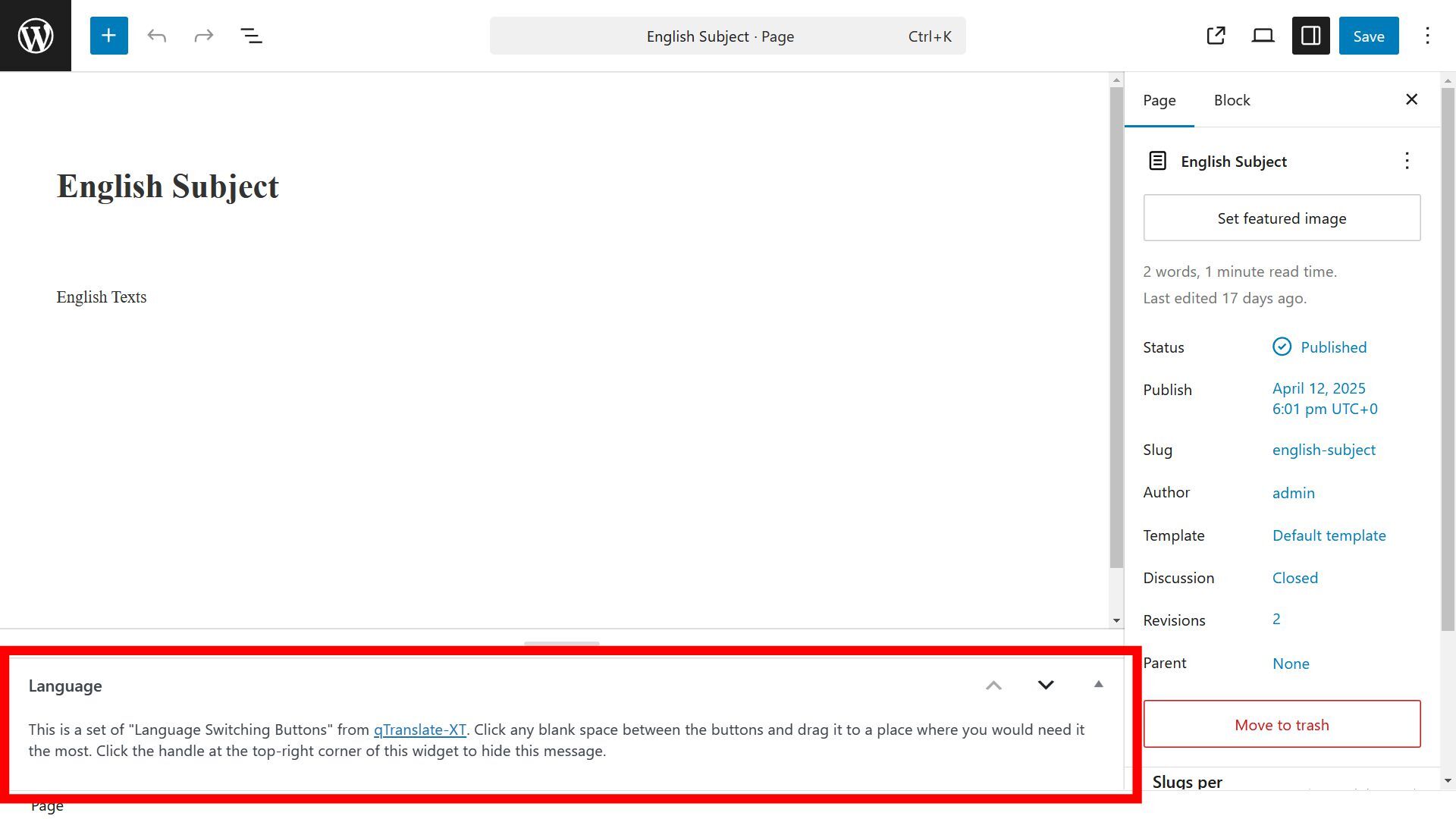
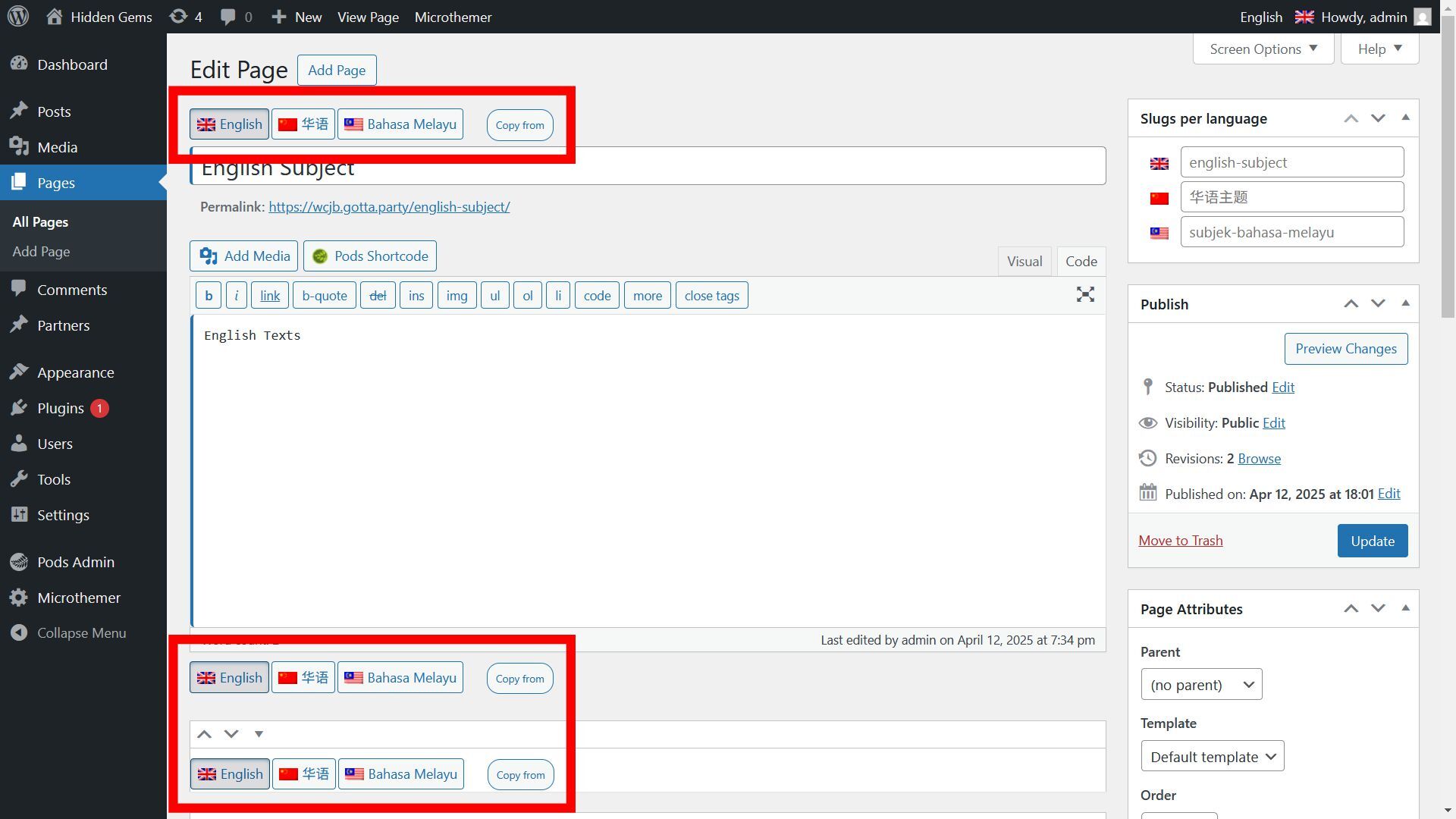
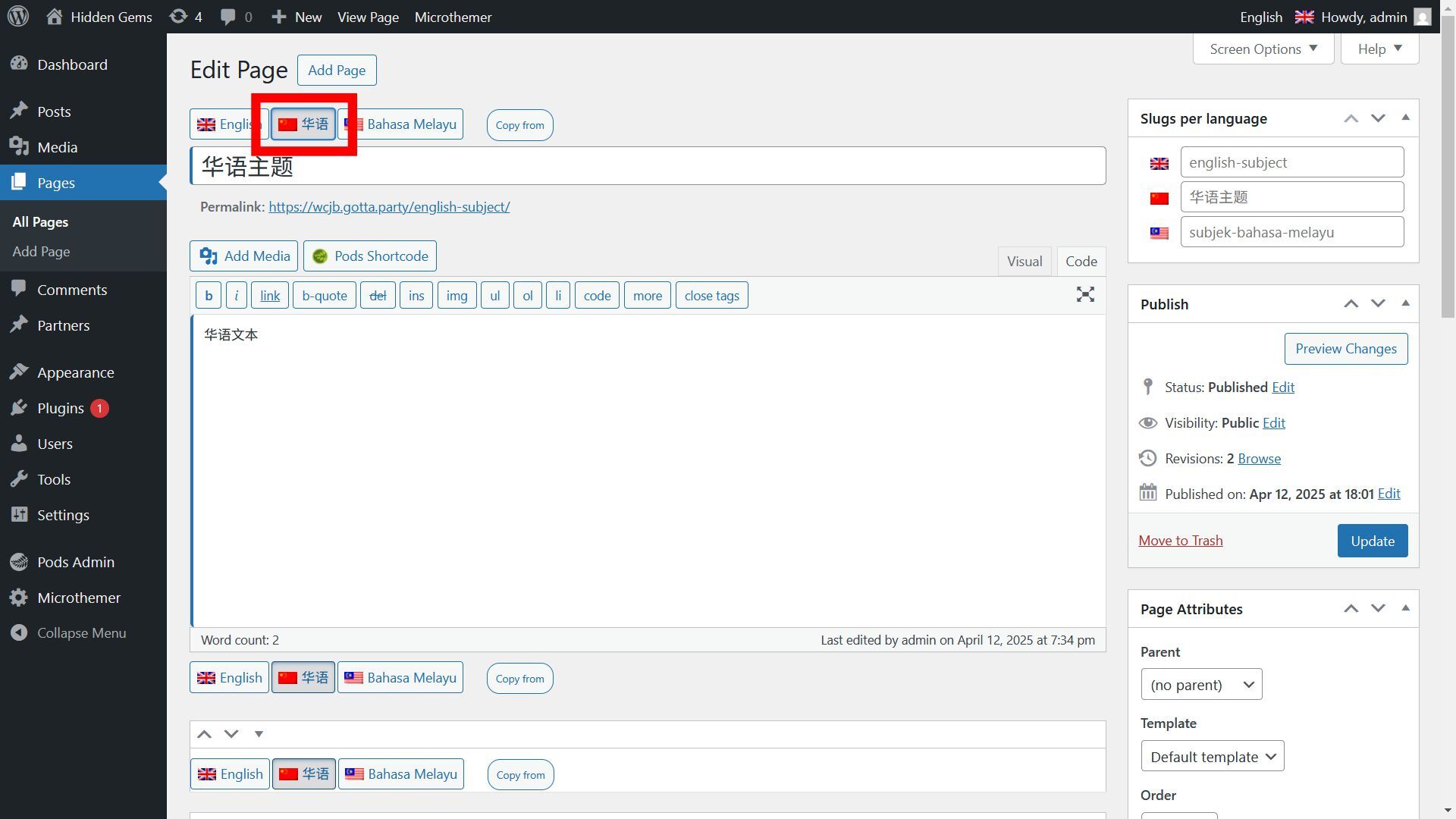
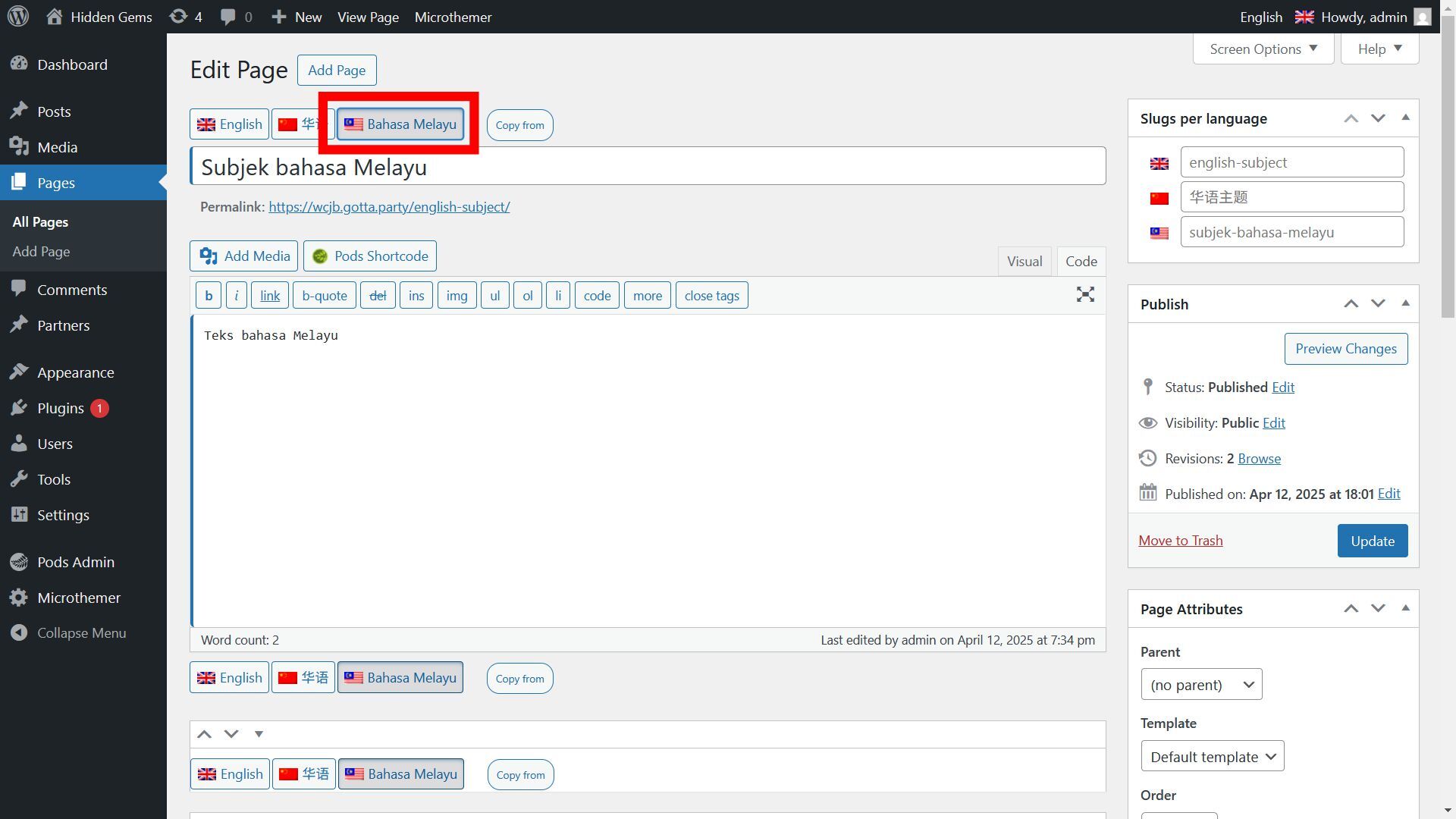


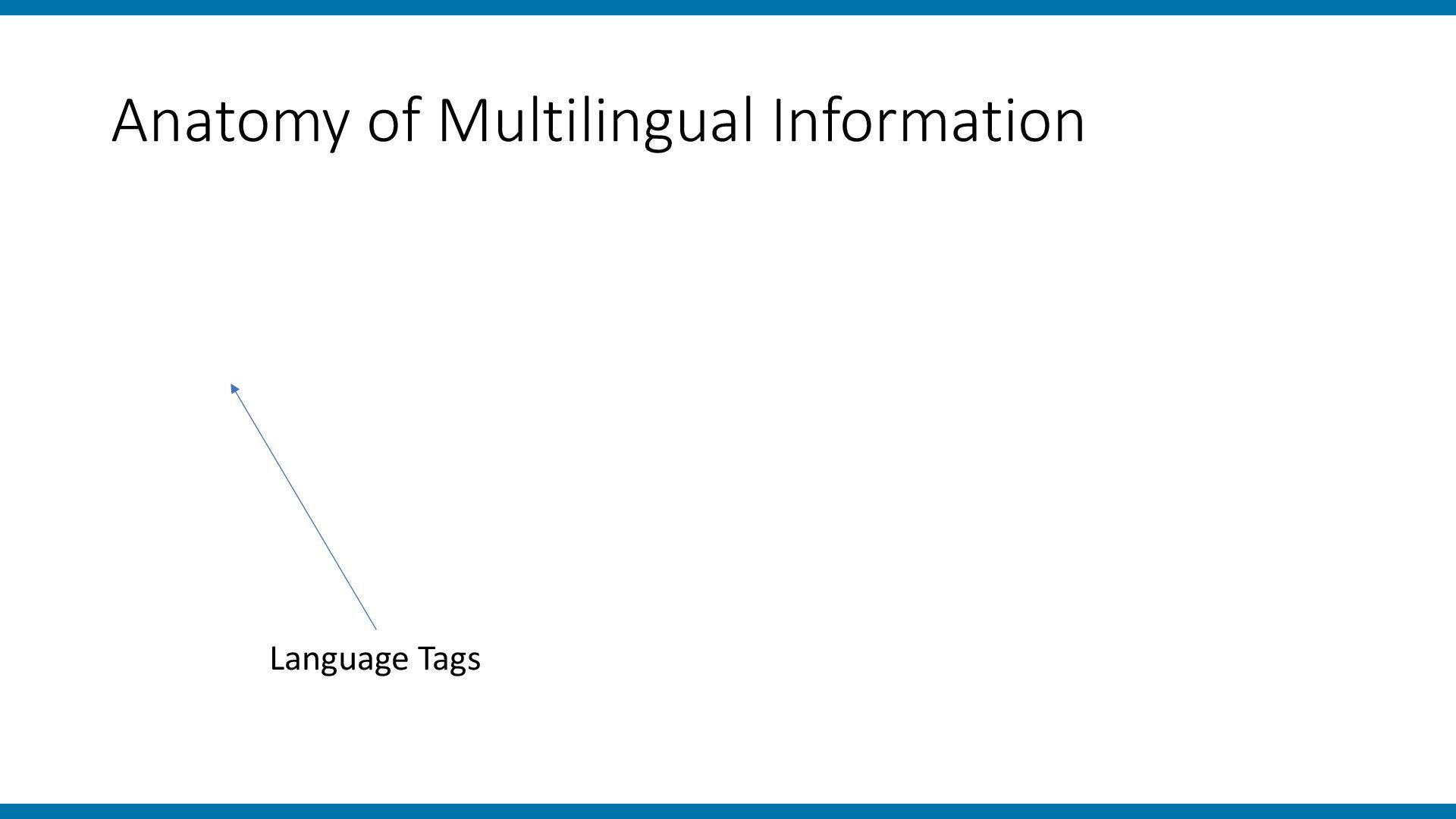
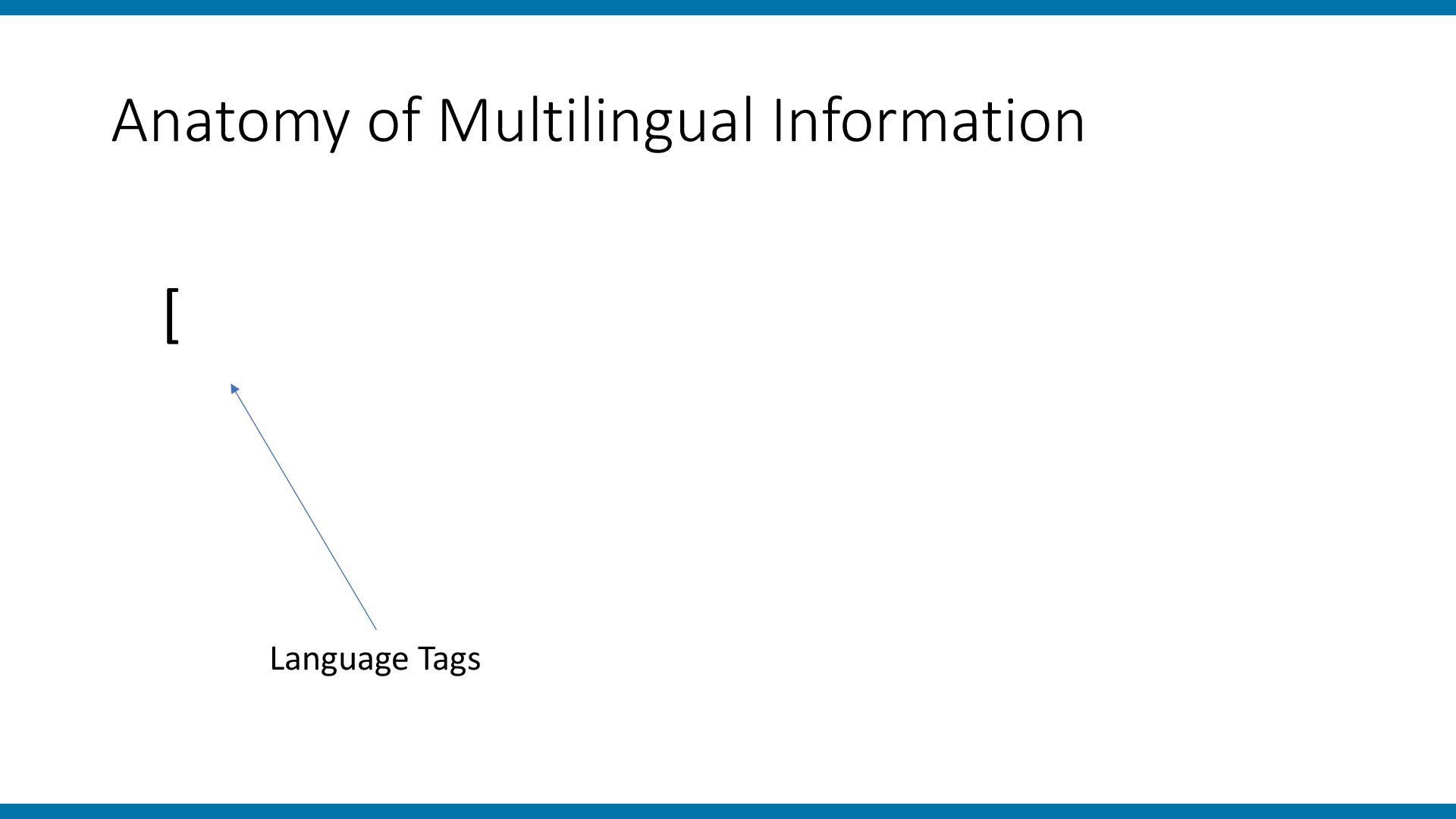
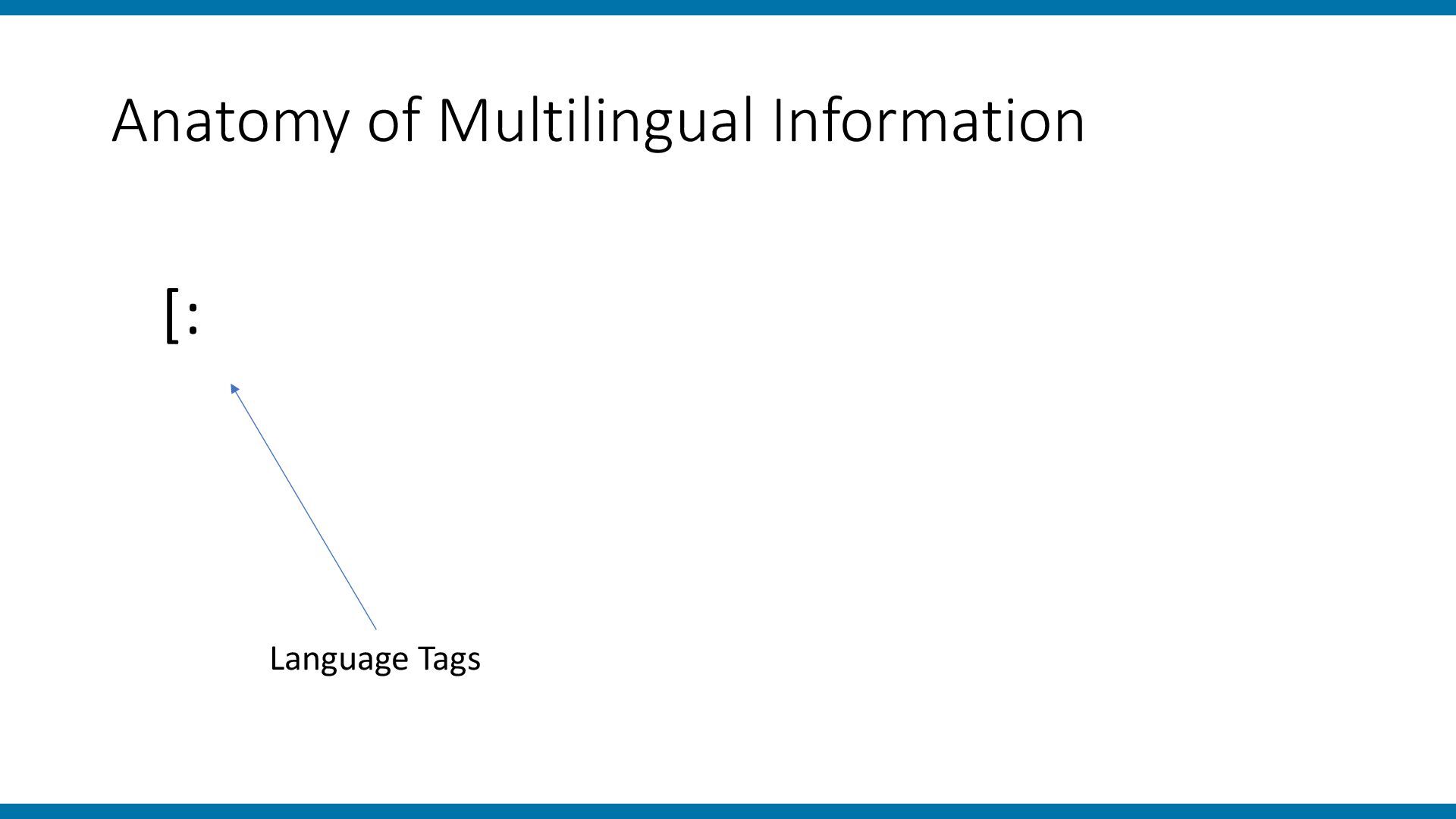
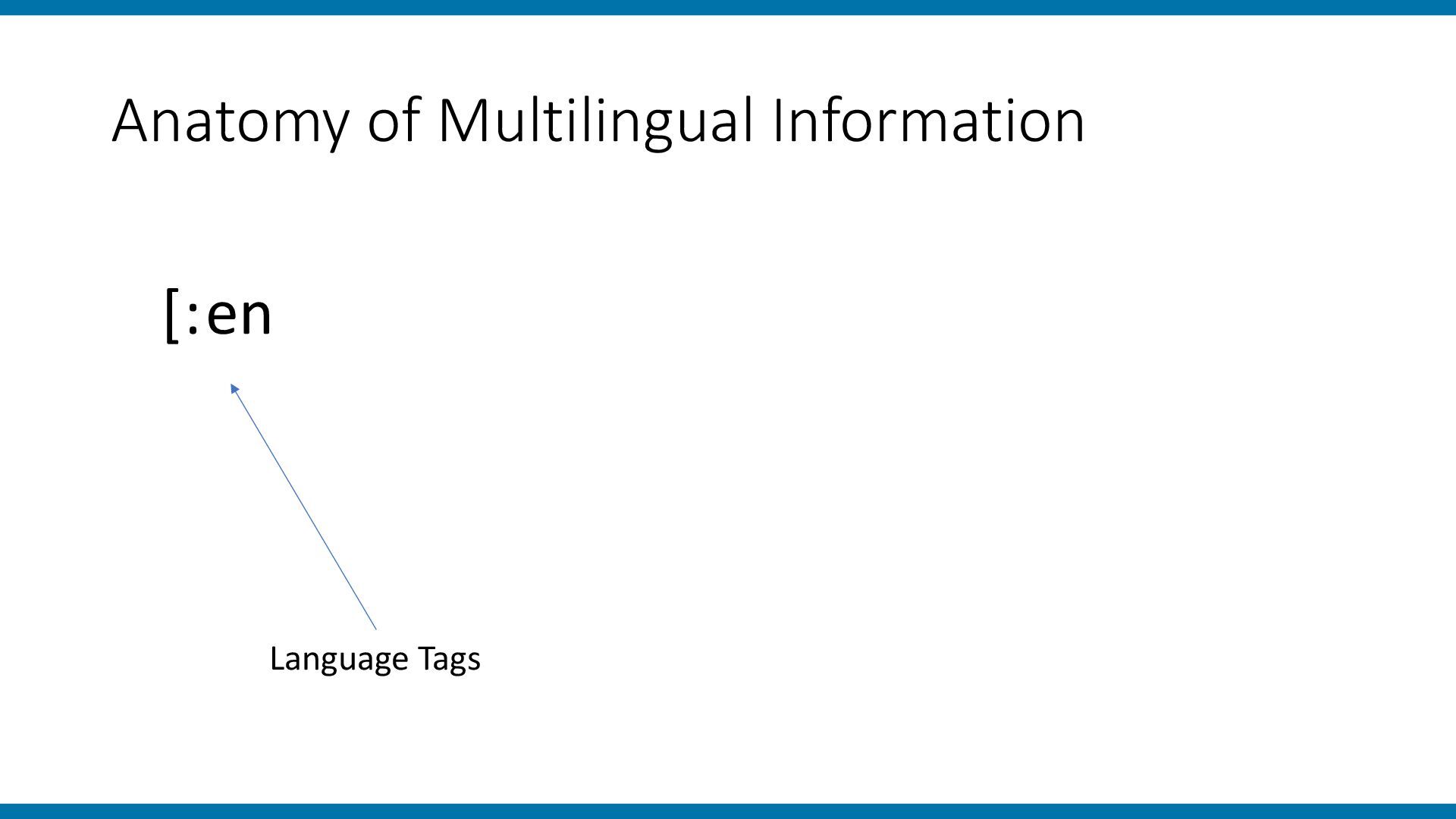
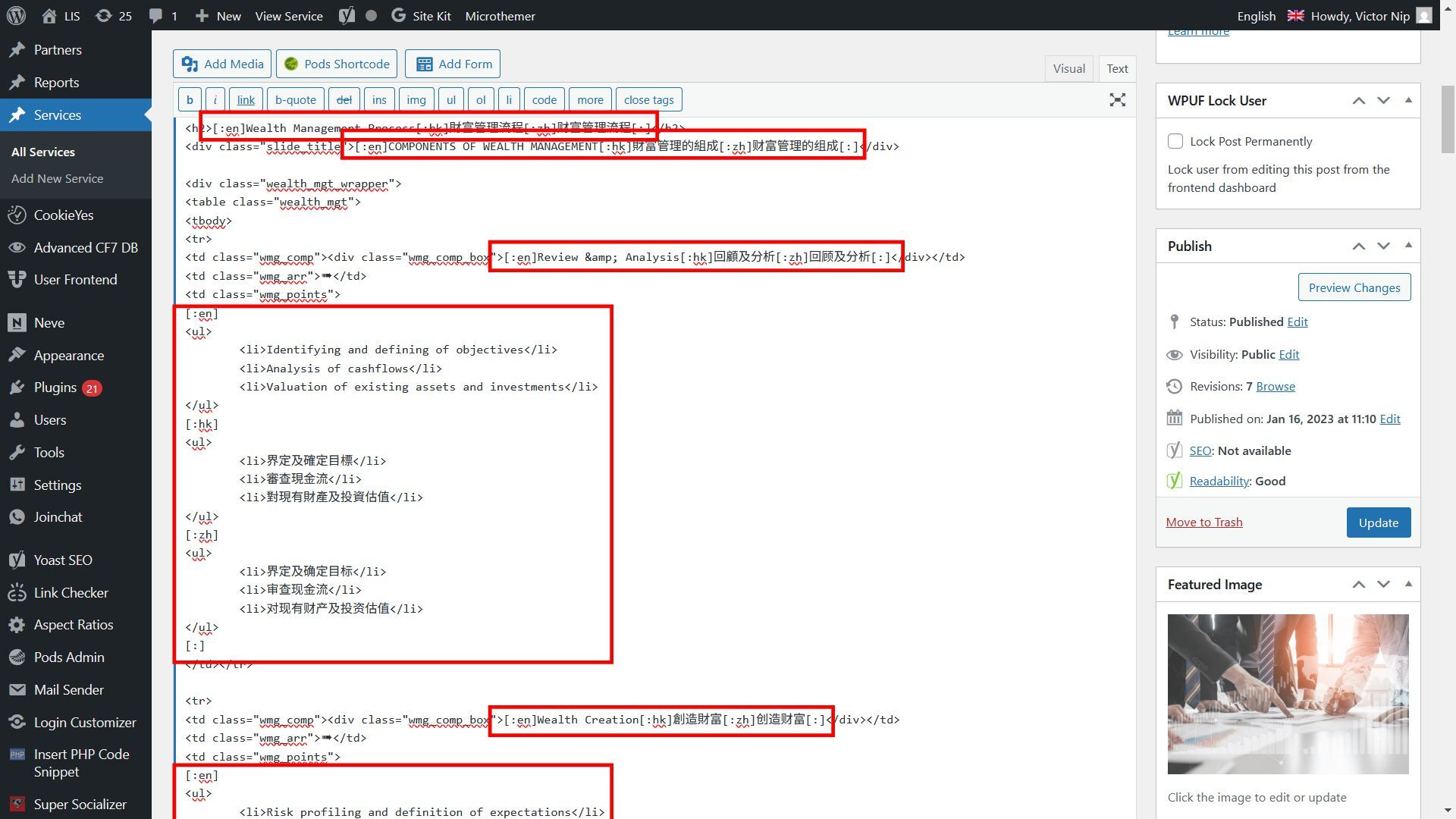
![Anatomy of Multilingual Information [:en] Language Tags](https://files.speakerdeck.com/presentations/c90cfdd529604ec39763f768671cd926/slide_98.jpg)
![Anatomy of Multilingual Information [:en] English Texts Language Tags](https://files.speakerdeck.com/presentations/c90cfdd529604ec39763f768671cd926/slide_99.jpg)
![Anatomy of Multilingual Information [:en] English Texts Language Tags [:zh]](https://files.speakerdeck.com/presentations/c90cfdd529604ec39763f768671cd926/slide_100.jpg)
![Anatomy of Multilingual Information [:en] English Texts Language Tags [:ms]](https://files.speakerdeck.com/presentations/c90cfdd529604ec39763f768671cd926/slide_101.jpg)
![Anatomy of Multilingual Information [:en] English Texts [:] Closing Tag](https://files.speakerdeck.com/presentations/c90cfdd529604ec39763f768671cd926/slide_102.jpg)