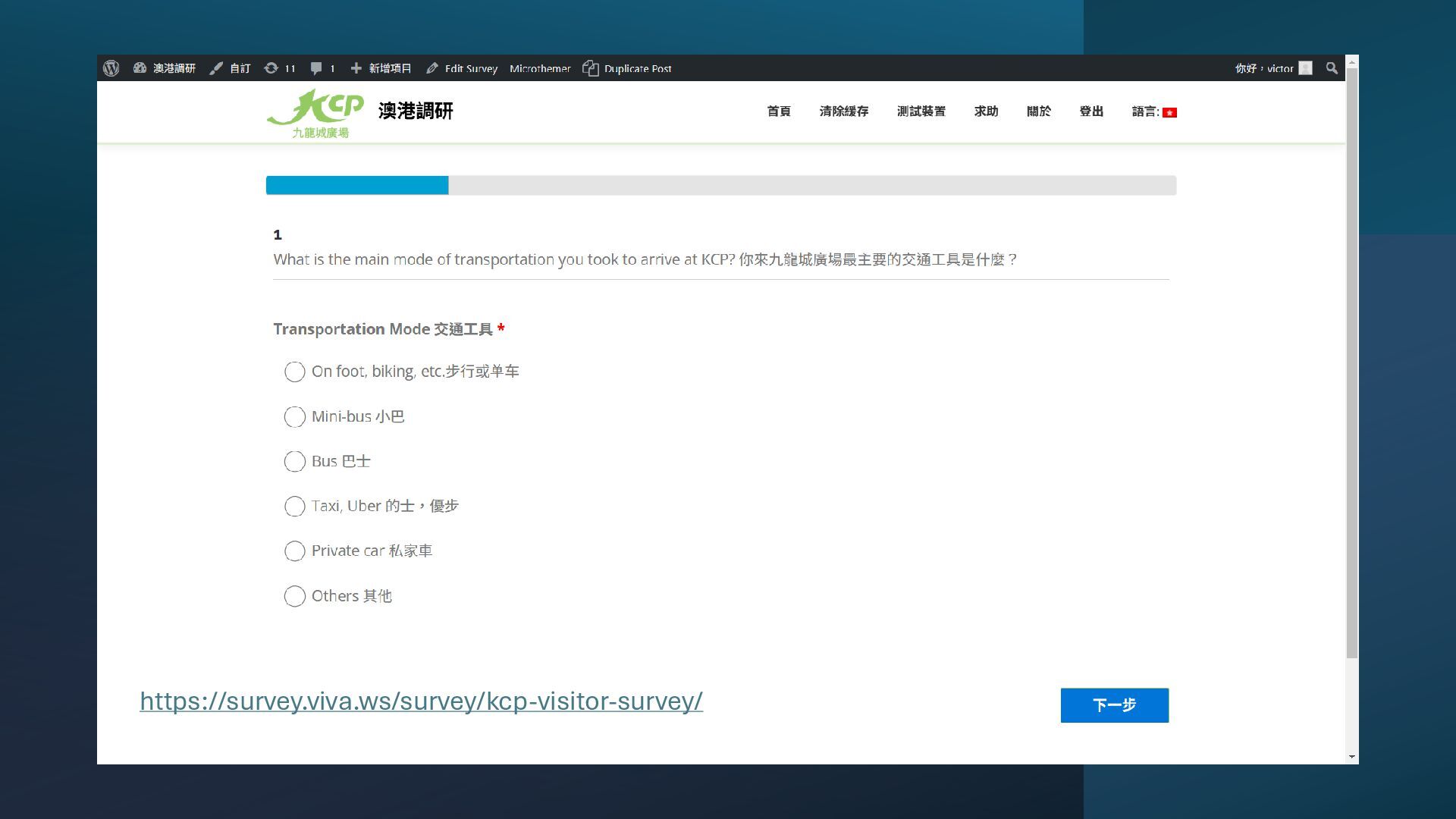
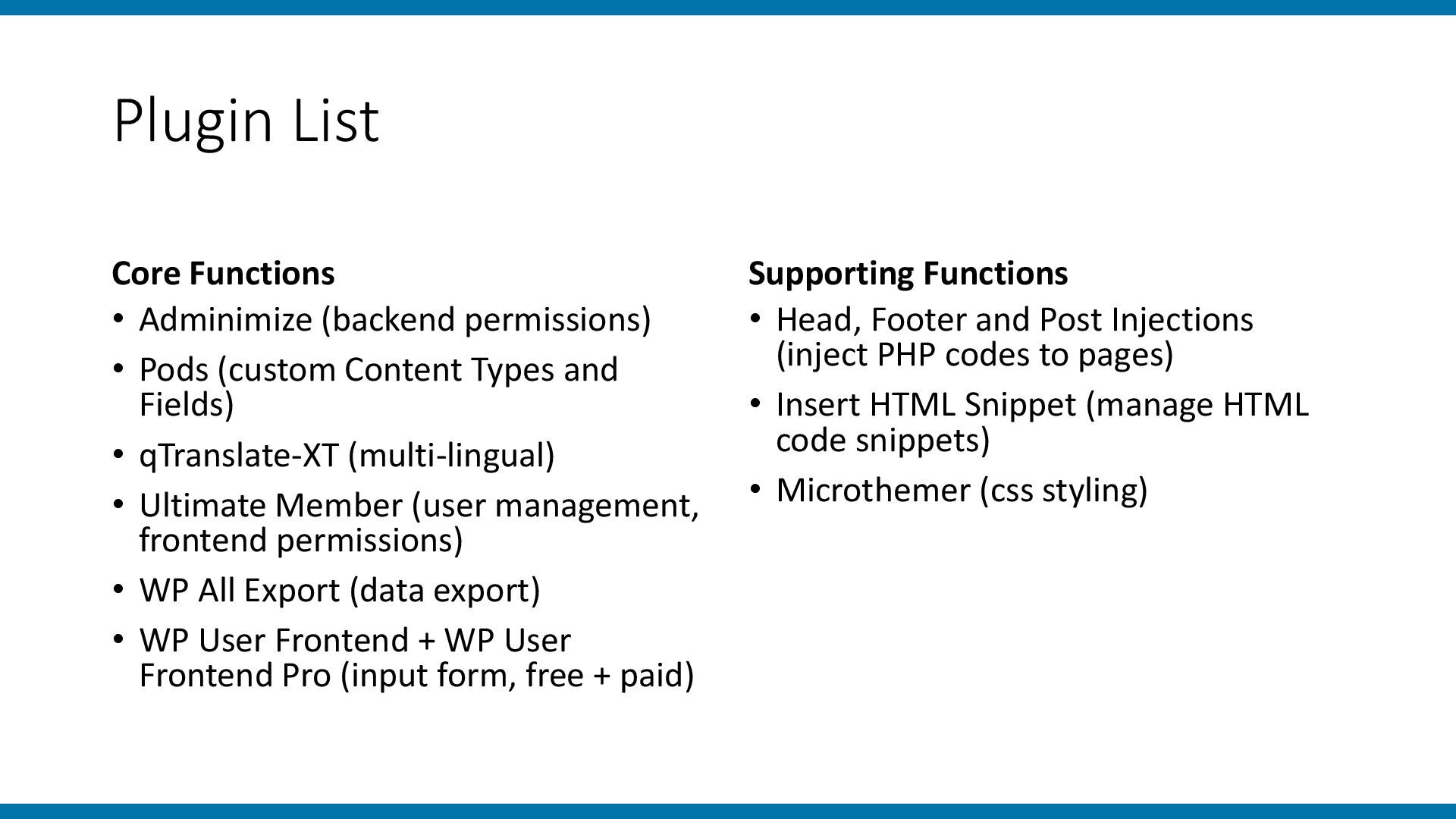
a street survey tool for a visitor survey at a mid-sized shopping mall. I will share • a list of plugins used in building the tool, • the reasons for choosing WordPress for this project, and • some advantages, disadvantages, and considerations for using web applications as survey tools.
having such survey system as part of the requirement of a bid. Surveys are needed in many commercial and academic activities. Someone needs to talk in this slot.
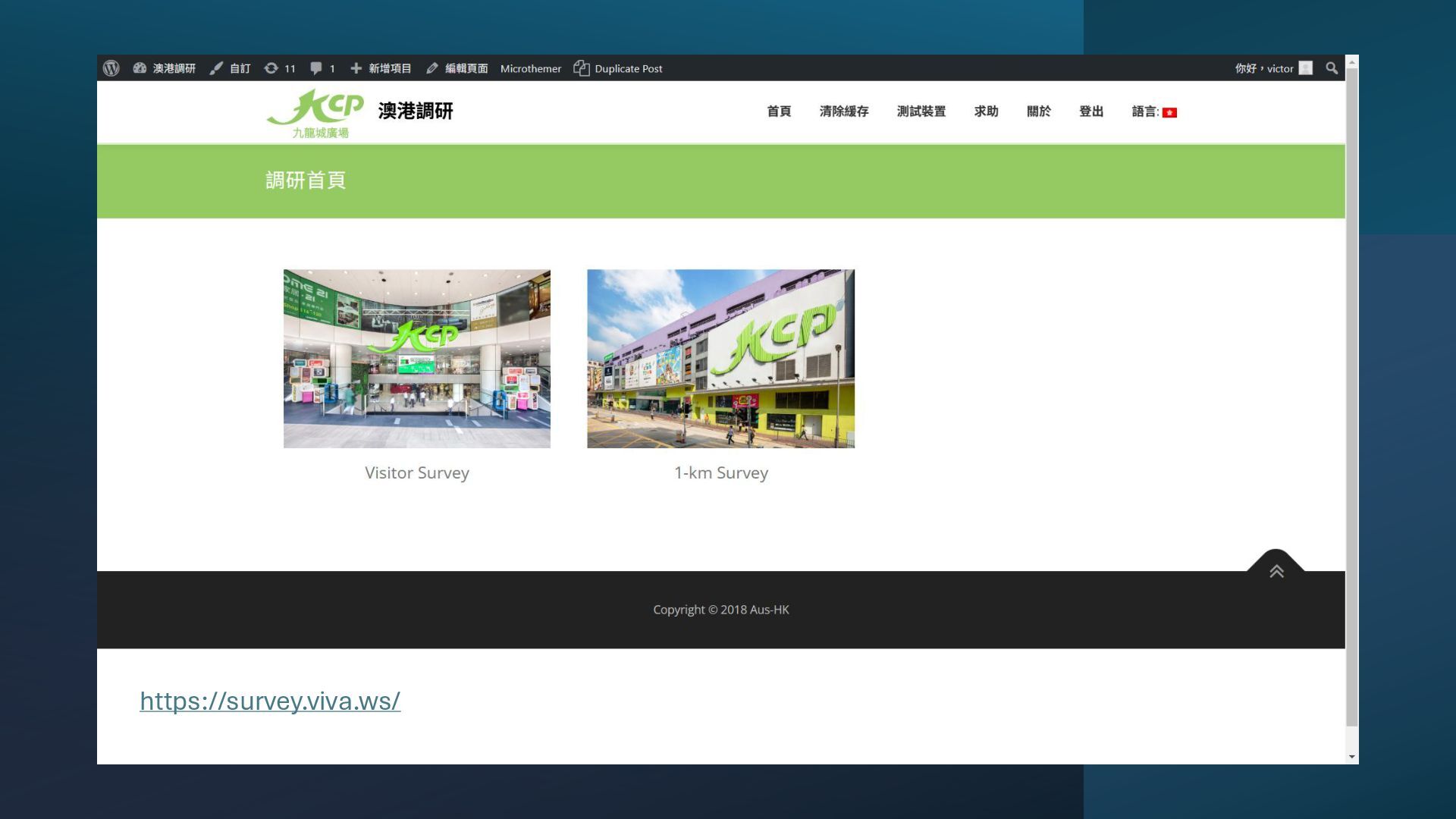
Objectives: 1. Understand the demographics of visitors (Visitor Survey) 2. Understand the demographics of people roaming in the surrounding area (1-km Survey) • Methodology: Send interviewers to interview visitors • Me: built the webapp, manage the survey (excluding designing the survey)
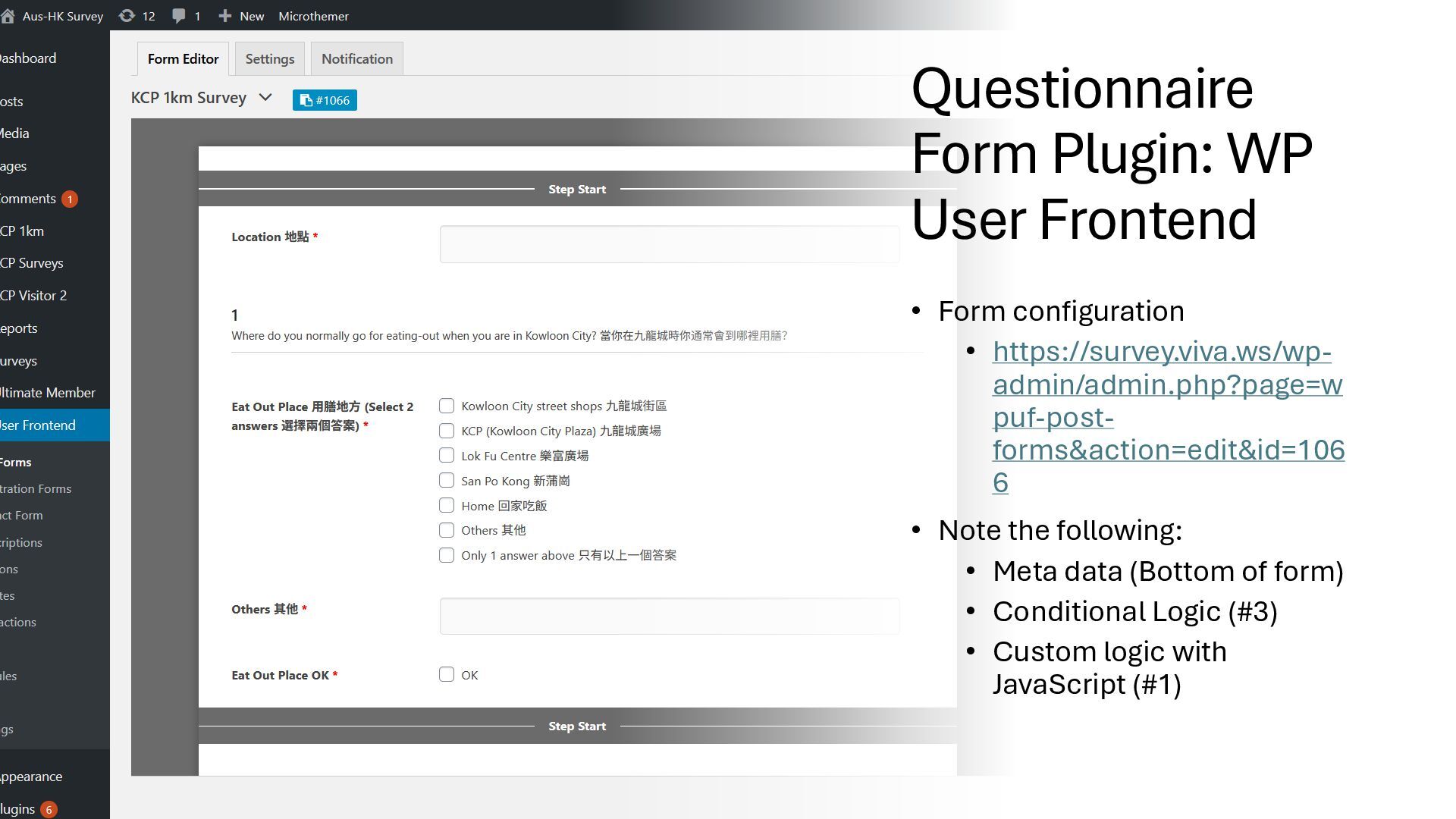
https://survey.viva.ws/wp- admin/admin.php?page=w puf-post- forms&action=edit&id=106 6 • Note the following: • Meta data (Bottom of form) • Conditional Logic (#3) • Custom logic with JavaScript (#1)
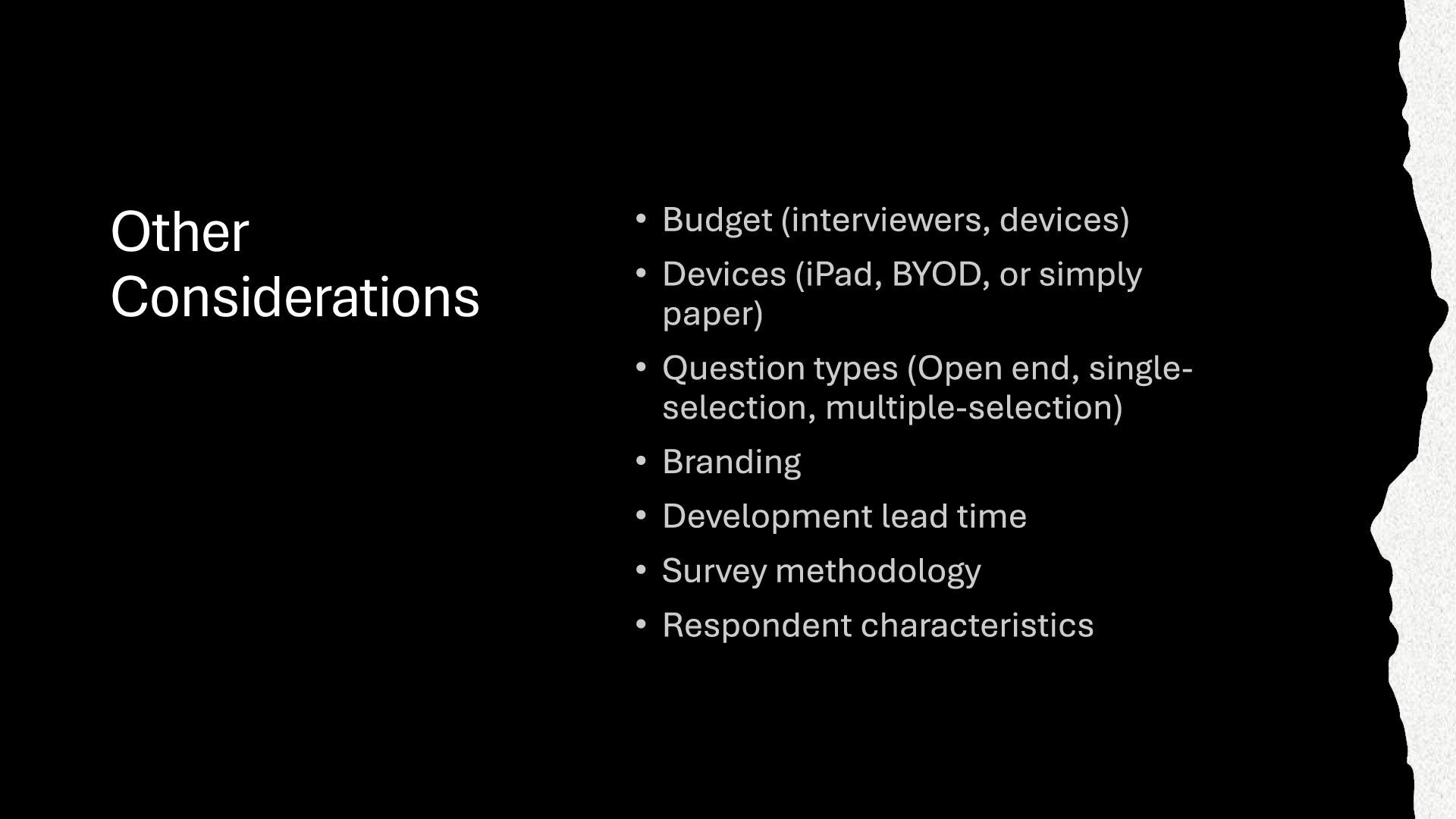
(accuracy, workload) • Build in logic • Save paper • Recording of meta-data Disadvantages • Time consuming for entering Chinese texts on the spot • Respondents may need to wait too long for surveyor complete • When BYOD • May not look professional when surveyors use their own devices • Settings in devices may block certain features • Need battery management
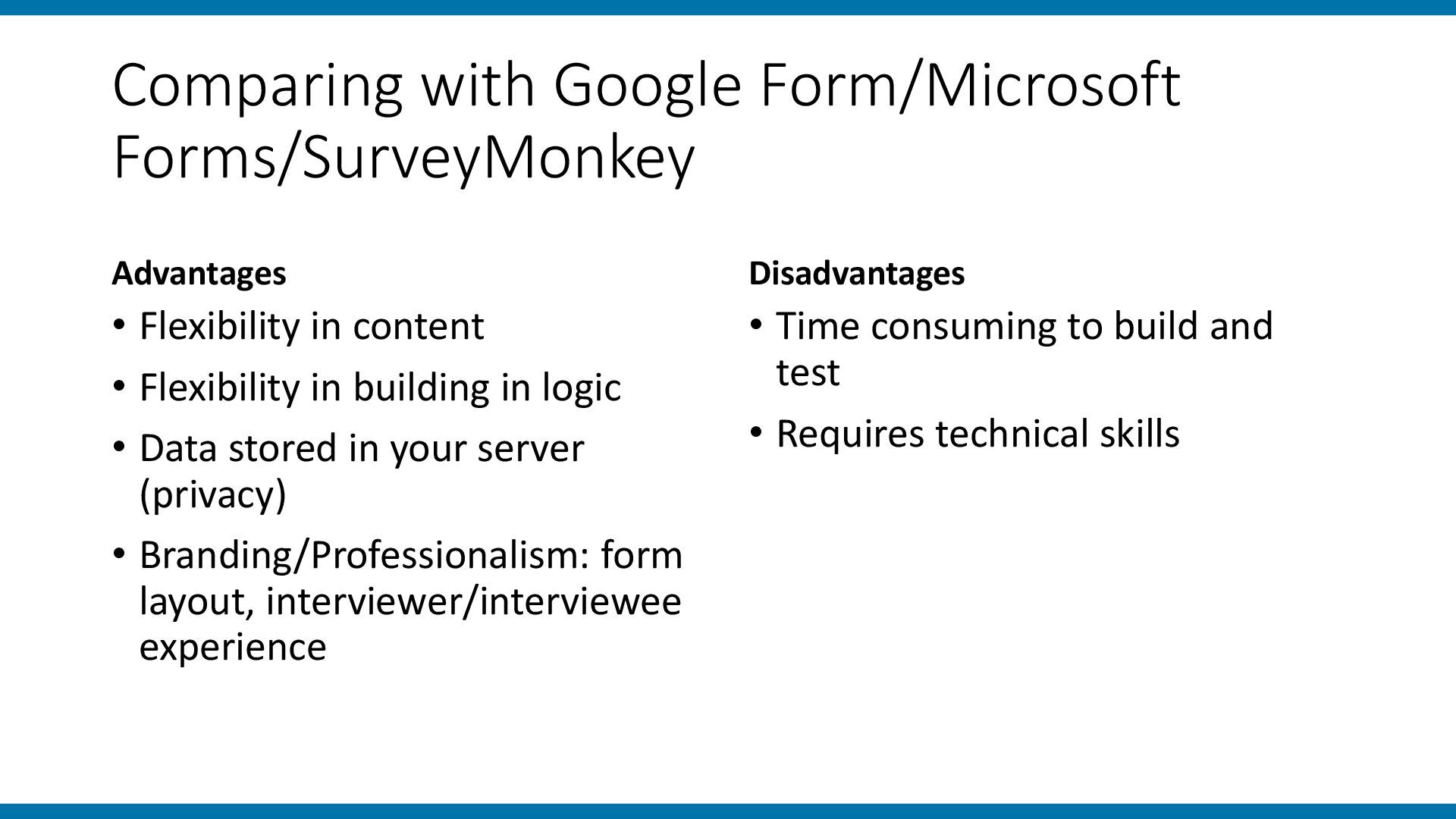
• Flexibility in building in logic • Data stored in your server (privacy) • Branding/Professionalism: form layout, interviewer/interviewee experience Disadvantages • Time consuming to build and test • Requires technical skills
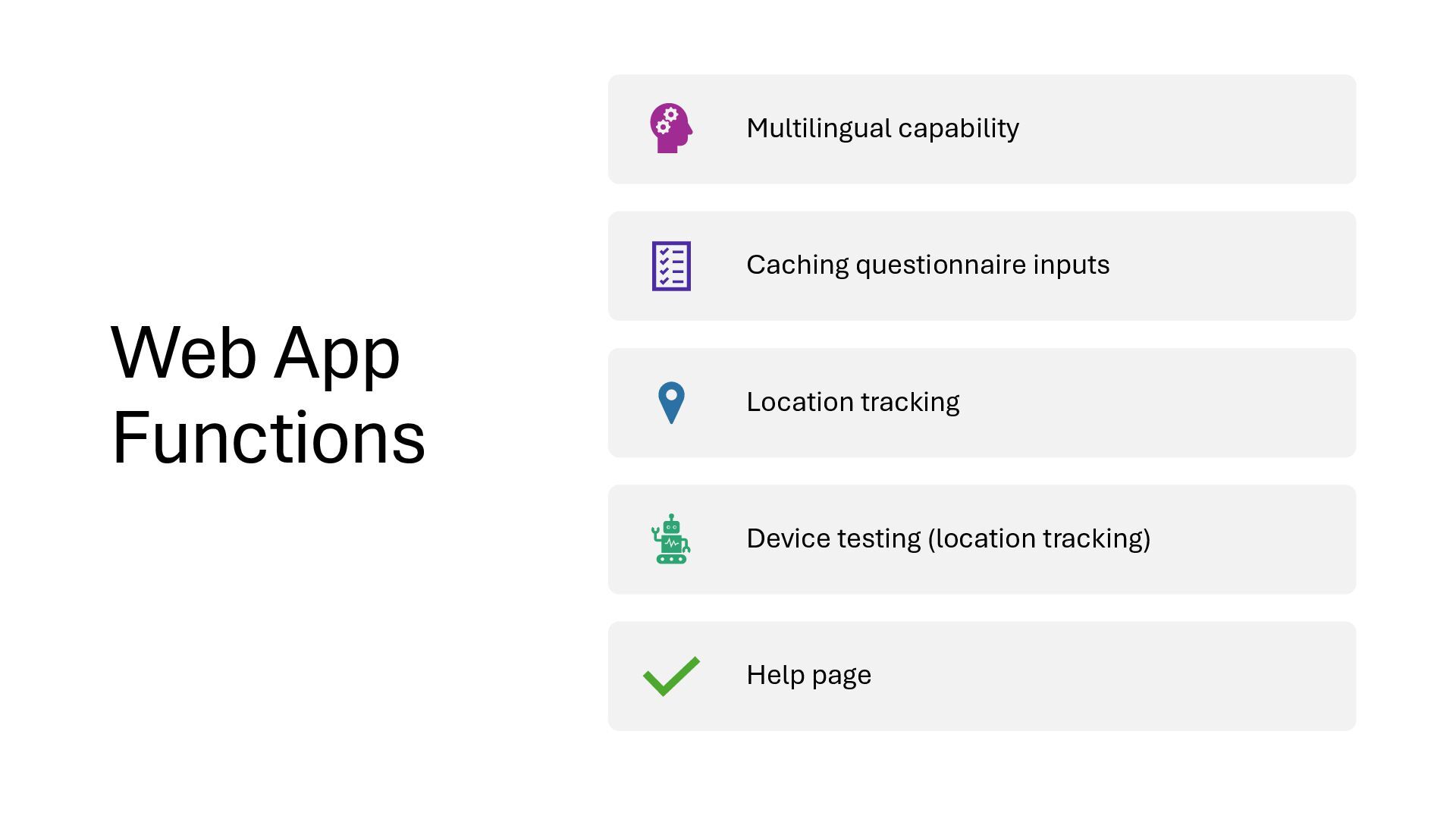
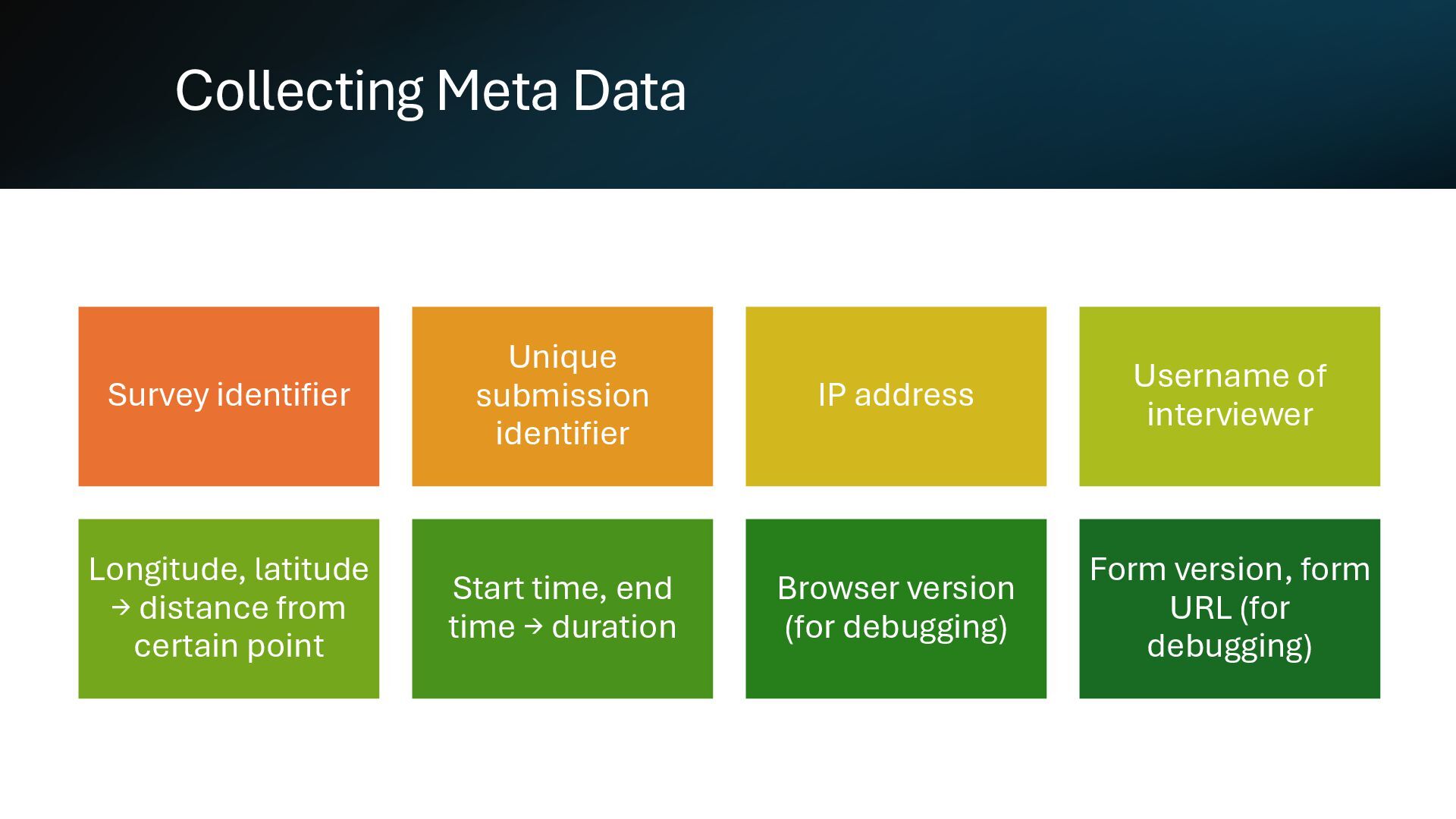
Username of interviewer Longitude, latitude → distance from certain point Start time, end time → duration Browser version (for debugging) Form version, form URL (for debugging)
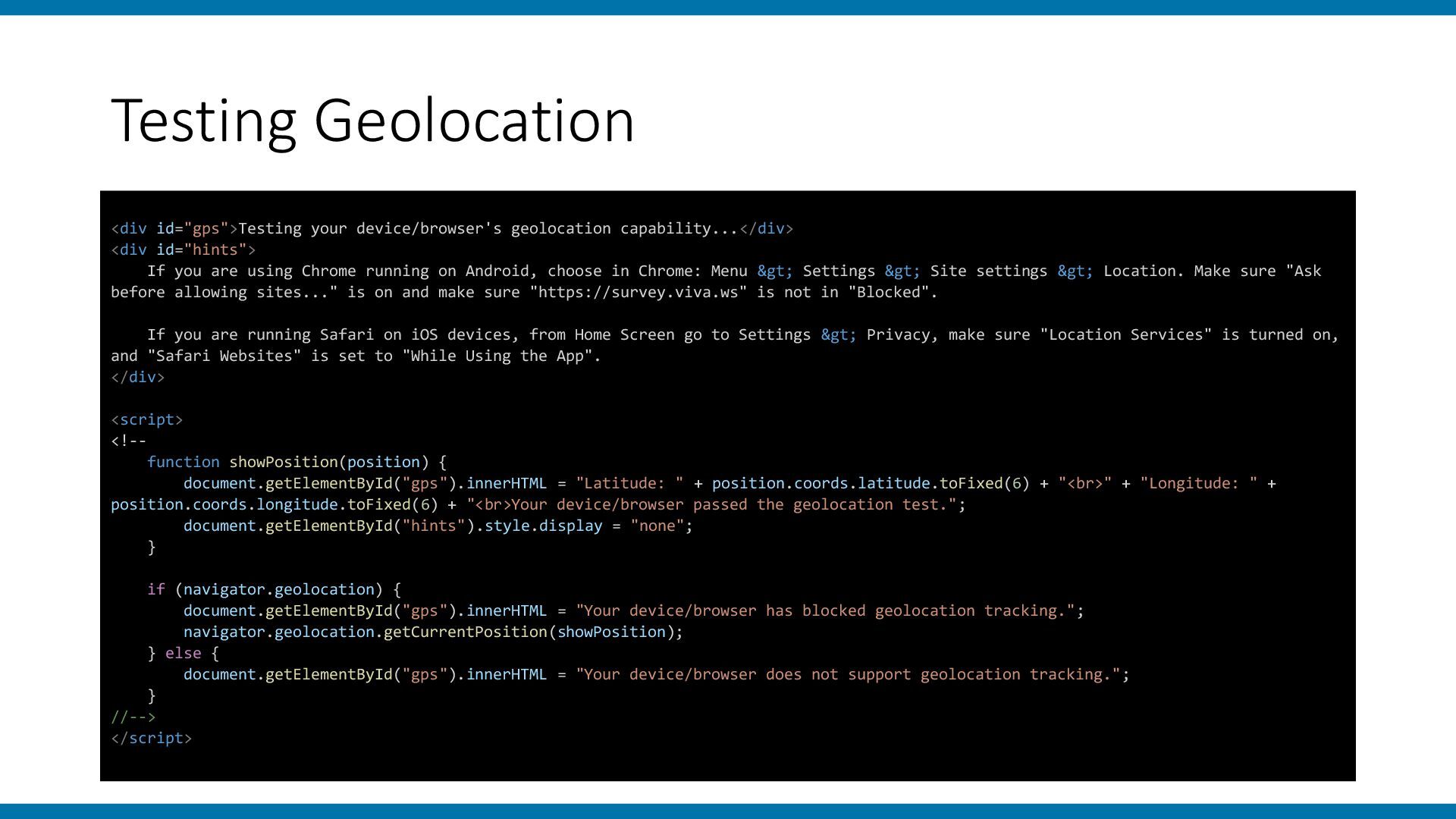
If you are using Chrome running on Android, choose in Chrome: Menu > Settings > Site settings > Location. Make sure "Ask before allowing sites..." is on and make sure "https://survey.viva.ws" is not in "Blocked". If you are running Safari on iOS devices, from Home Screen go to Settings > Privacy, make sure "Location Services" is turned on, and "Safari Websites" is set to "While Using the App". </div> <script> <!-- function showPosition(position) { document.getElementById("gps").innerHTML = "Latitude: " + position.coords.latitude.toFixed(6) + "<br>" + "Longitude: " + position.coords.longitude.toFixed(6) + "<br>Your device/browser passed the geolocation test."; document.getElementById("hints").style.display = "none"; } if (navigator.geolocation) { document.getElementById("gps").innerHTML = "Your device/browser has blocked geolocation tracking."; navigator.geolocation.getCurrentPosition(showPosition); } else { document.getElementById("gps").innerHTML = "Your device/browser does not support geolocation tracking."; } //--> </script>
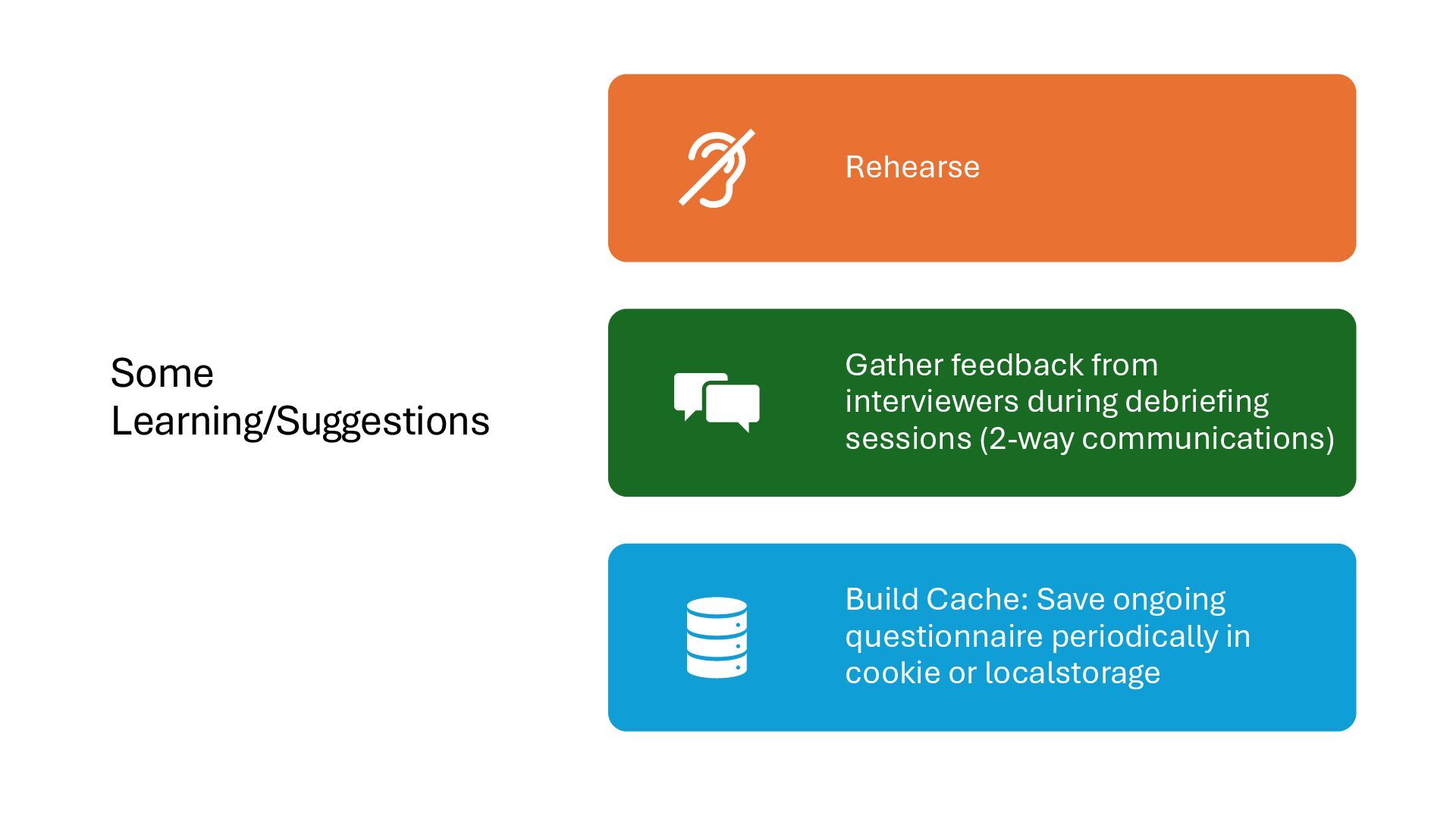
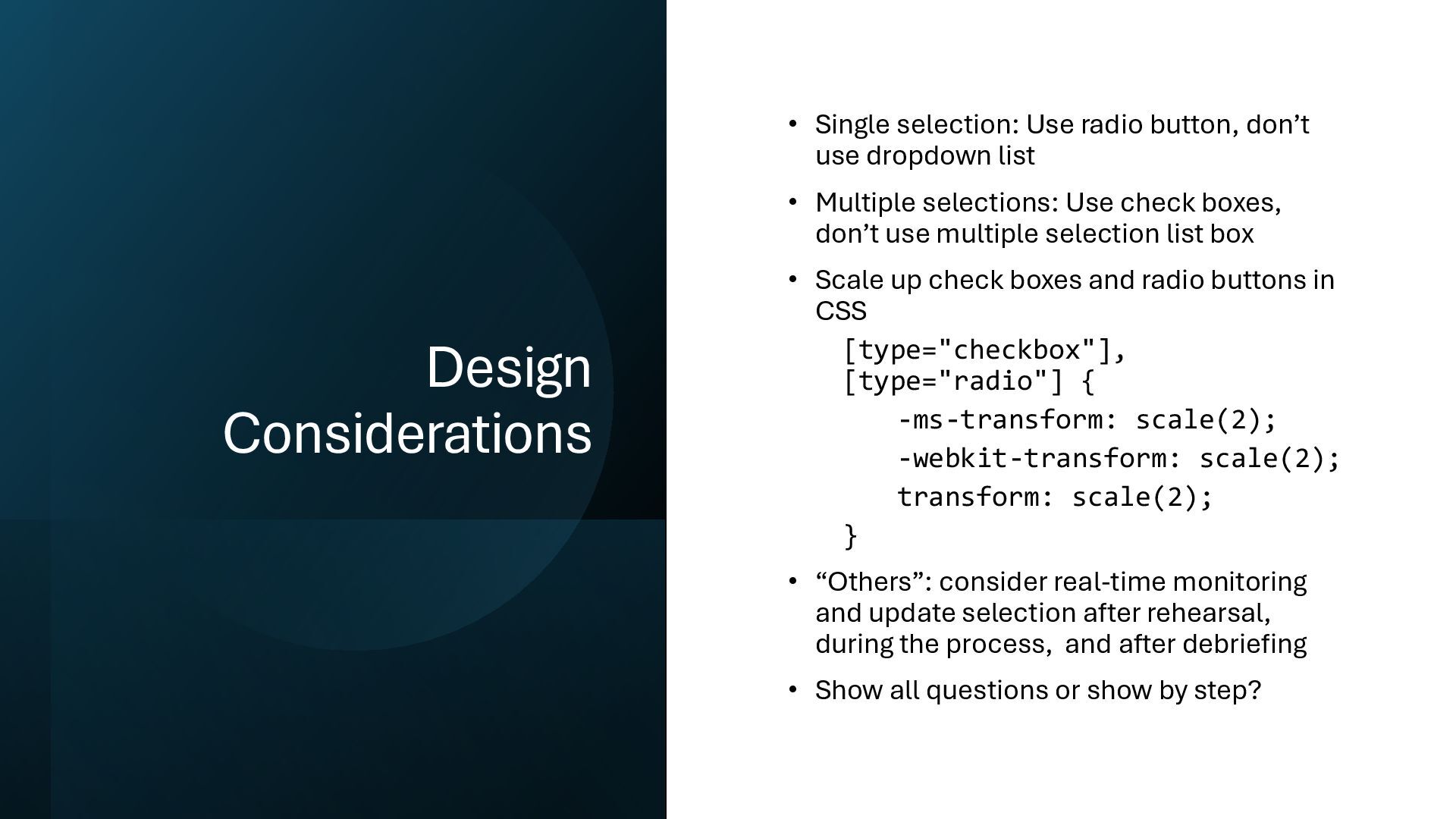
dropdown list • Multiple selections: Use check boxes, don’t use multiple selection list box • Scale up check boxes and radio buttons in CSS [type="checkbox"], [type="radio"] { -ms-transform: scale(2); -webkit-transform: scale(2); transform: scale(2); } • “Others”: consider real-time monitoring and update selection after rehearsal, during the process, and after debriefing • Show all questions or show by step?


 hkwp
hkwp
 honzajavorek
 mayatellez
 jmmastey
 tessaabrams
 inesmontani
 mlcsv
mlcsv
 sabderemane
 kevinliebholz
 katiecoart
 smashingmag
 axbom
axbom
 tammyeverts