This is the old version of the deck which was used during the talk. This is meant for our video production only. For best content, please see the updated version of the deck.
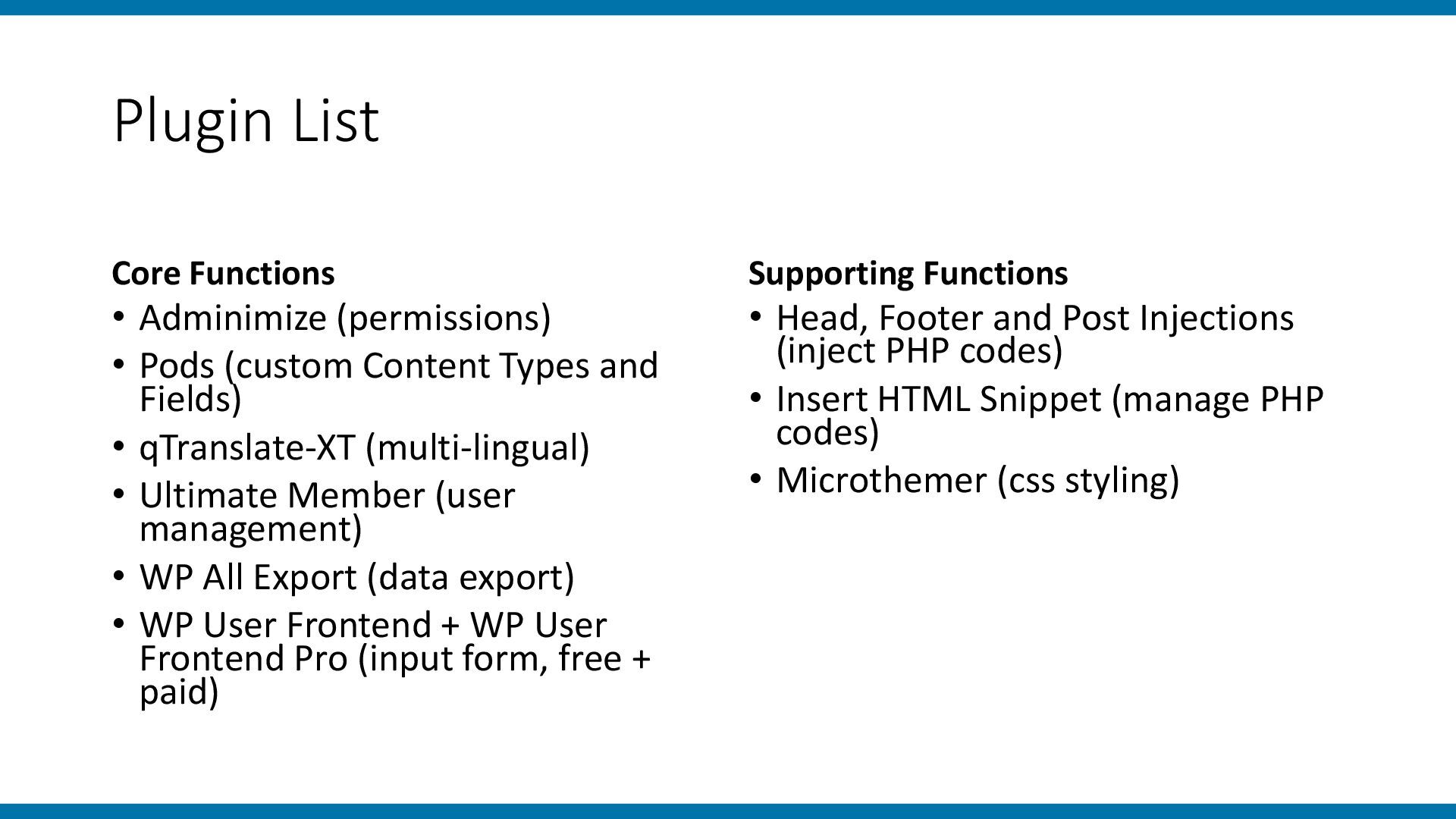
a street survey tool for a visitor survey at a mid-sized shopping mall. I will share • a list of plugins used in building the tool, • the reasons for choosing WordPress for this project, and • some advantages, disadvantages, and considerations for using web applications as survey tools.
having such survey system as part of the requirement of a bid. Surveys are needed in many commercial and academic activities. Someone needs to talk in this slot.
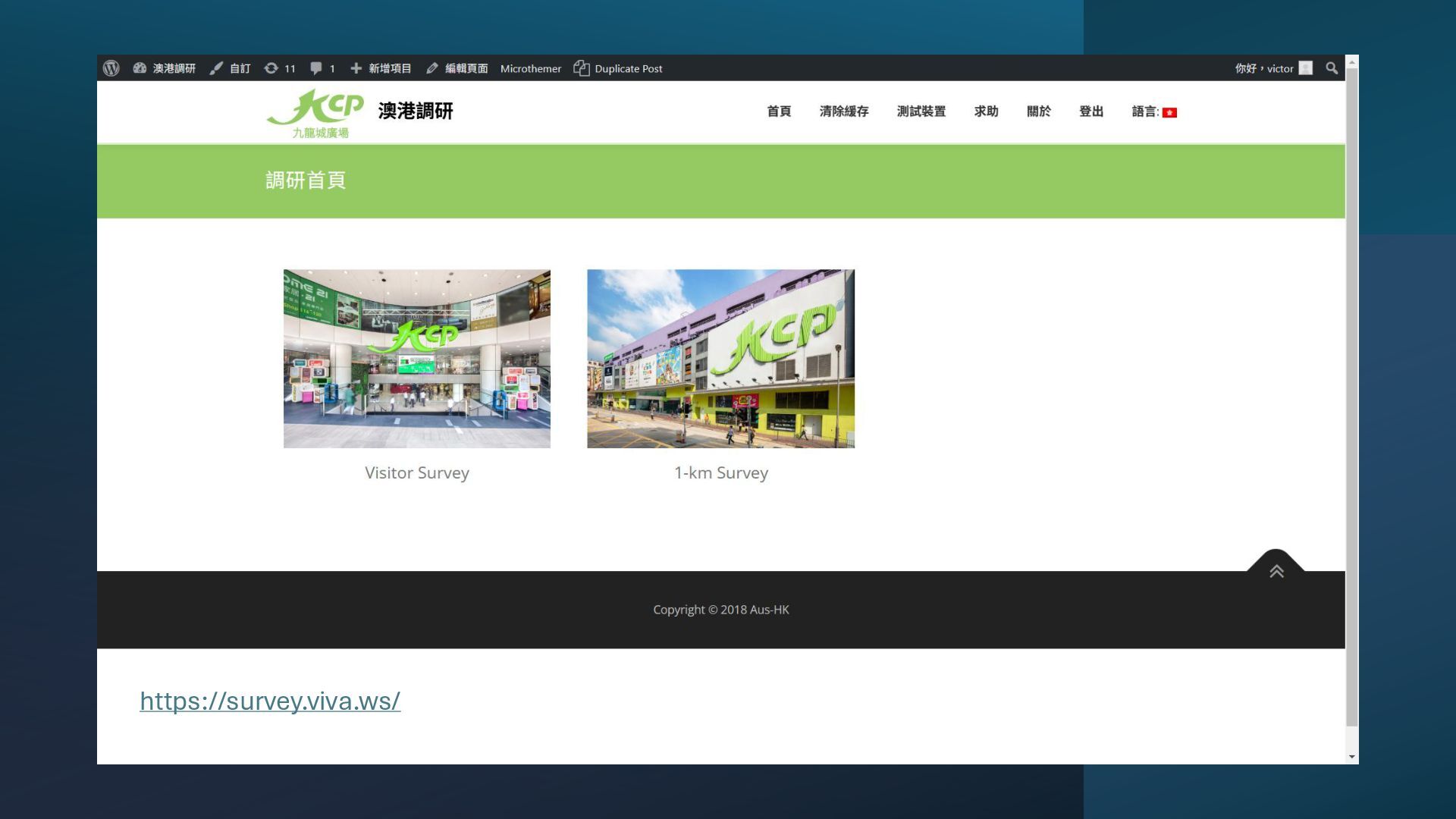
1. Understand the demographics of visitors (Visitor Survey) 2. Understand the demographics of people roaming in the surrounding area (1-km Survey) • Methodology: Send interviewers to interview visitors
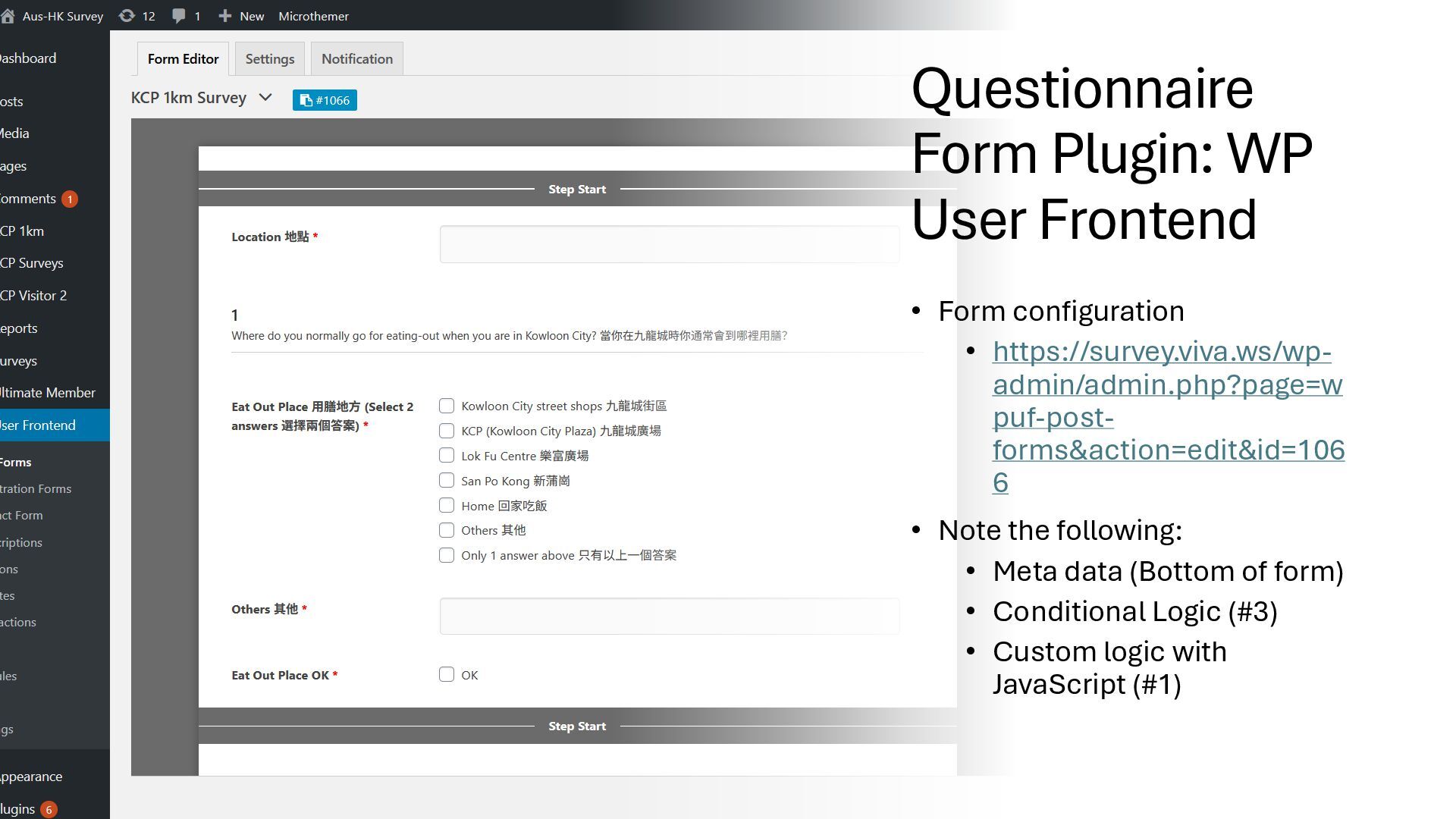
https://survey.viva.ws/wp- admin/admin.php?page=w puf-post- forms&action=edit&id=106 6 • Note the following: • Meta data (Bottom of form) • Conditional Logic (#3) • Custom logic with JavaScript (#1)
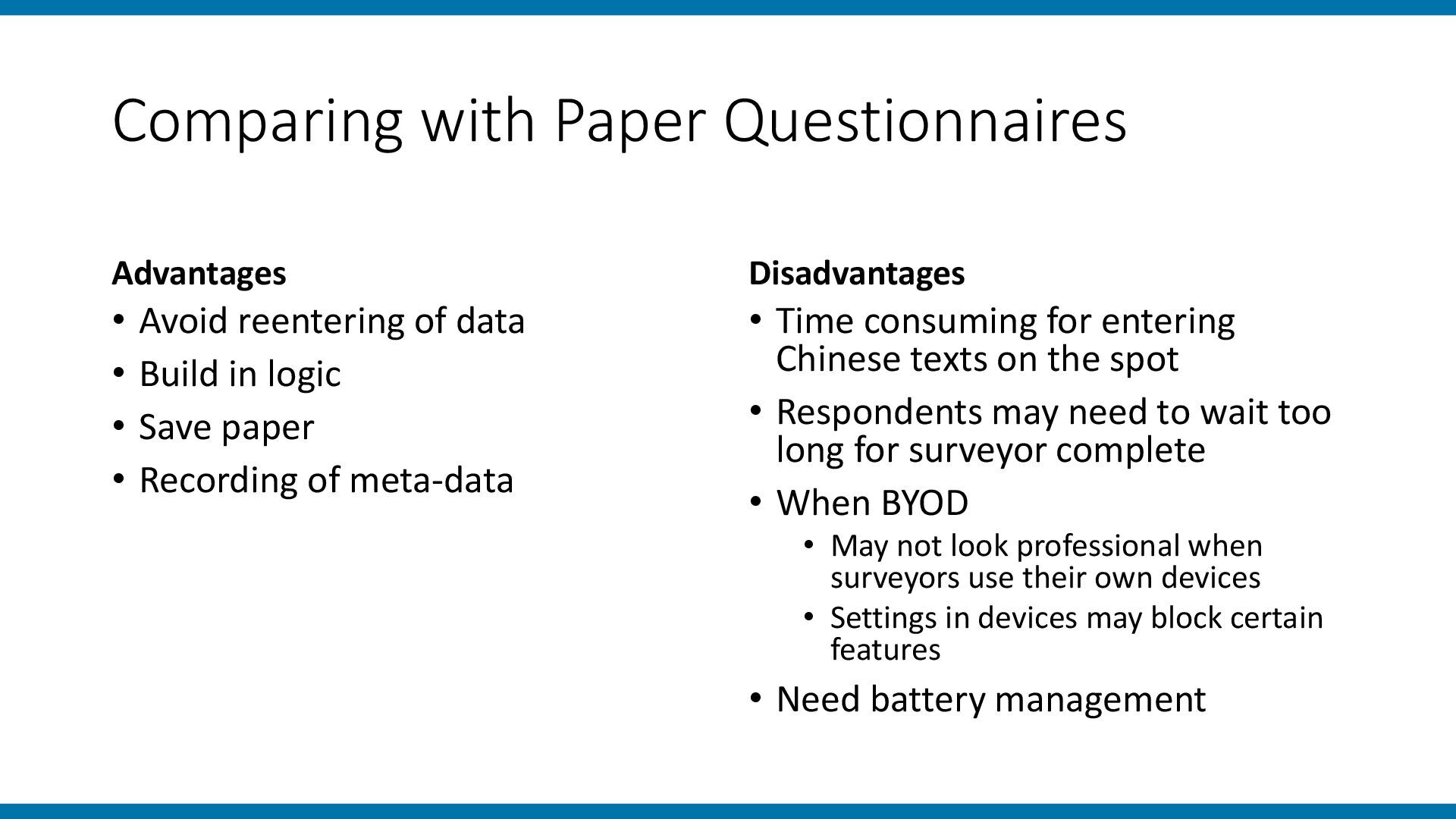
• Build in logic • Save paper • Recording of meta-data Disadvantages • Time consuming for entering Chinese texts on the spot • Respondents may need to wait too long for surveyor complete • When BYOD • May not look professional when surveyors use their own devices • Settings in devices may block certain features • Need battery management
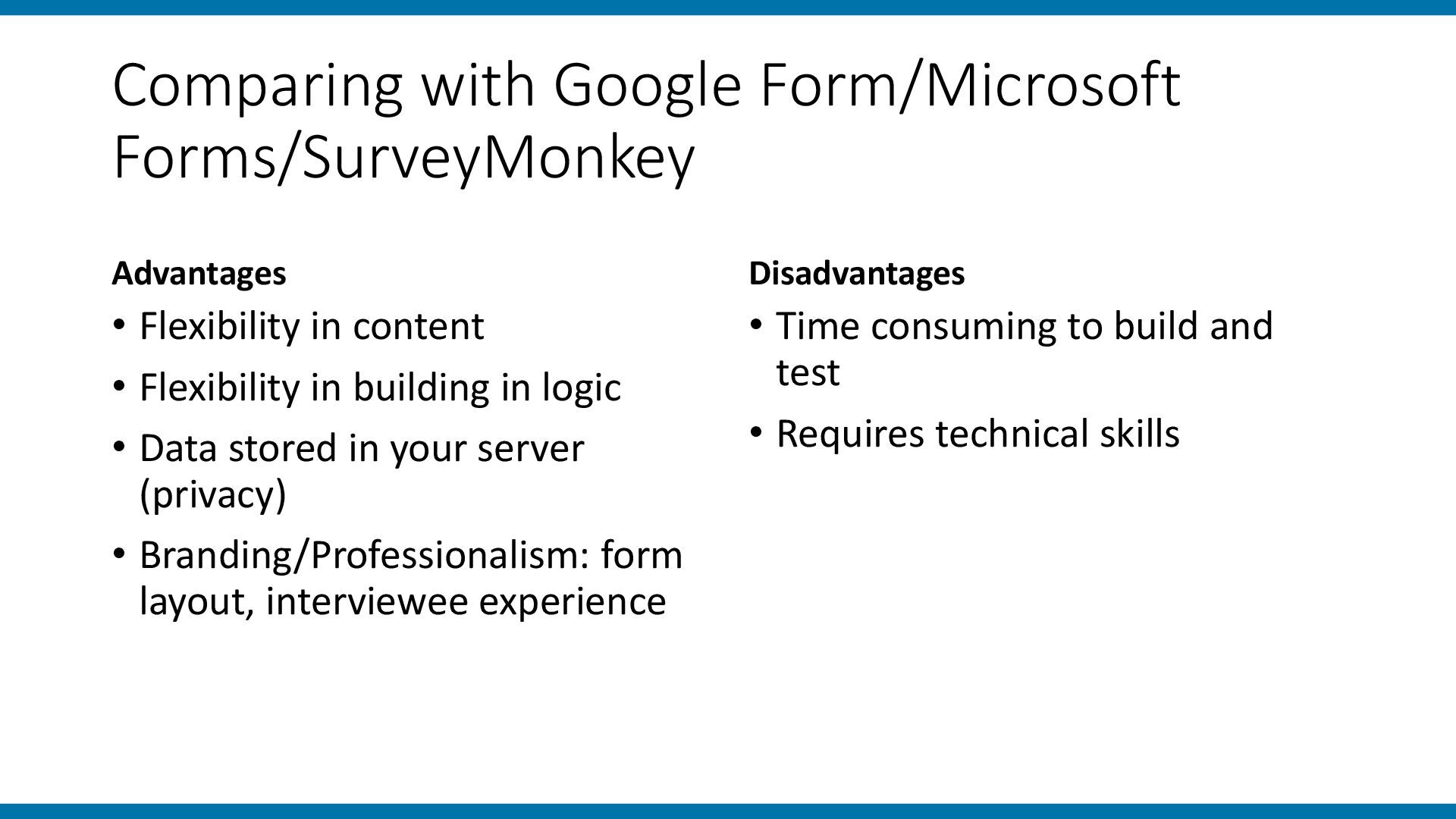
• Flexibility in building in logic • Data stored in your server (privacy) • Branding/Professionalism: form layout, interviewee experience Disadvantages • Time consuming to build and test • Requires technical skills
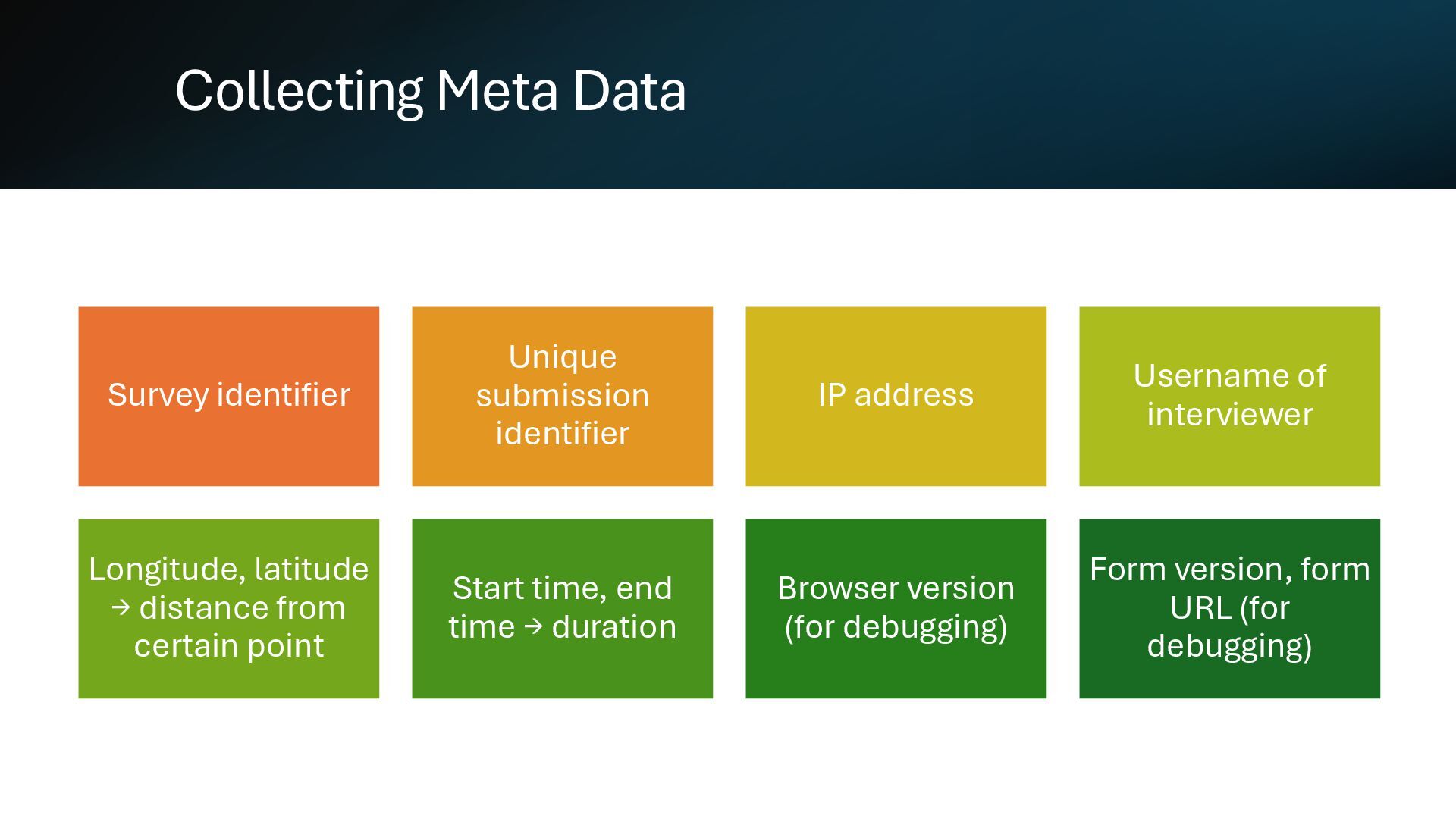
Username of interviewer Longitude, latitude → distance from certain point Start time, end time → duration Browser version (for debugging) Form version, form URL (for debugging)
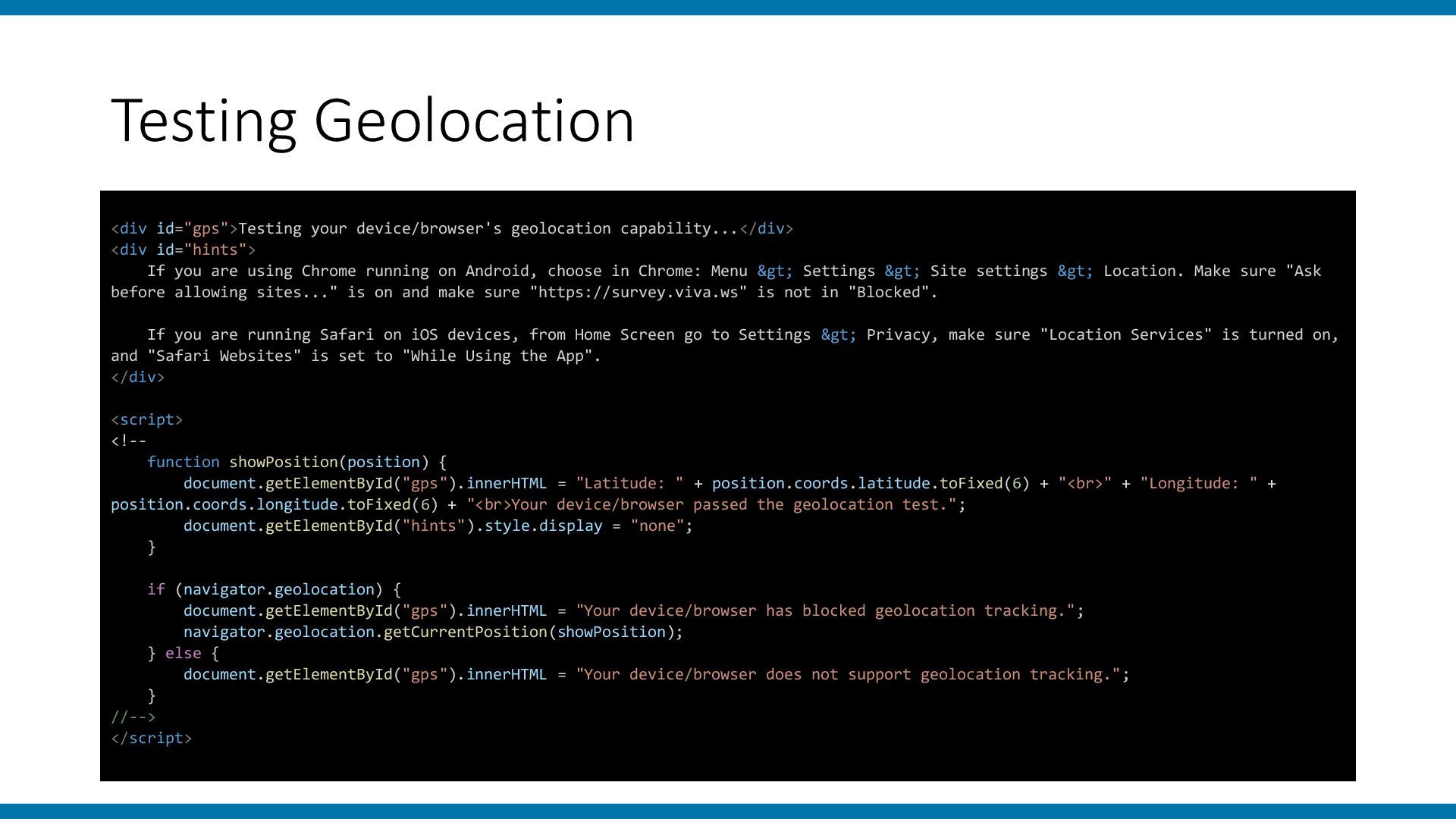
If you are using Chrome running on Android, choose in Chrome: Menu > Settings > Site settings > Location. Make sure "Ask before allowing sites..." is on and make sure "https://survey.viva.ws" is not in "Blocked". If you are running Safari on iOS devices, from Home Screen go to Settings > Privacy, make sure "Location Services" is turned on, and "Safari Websites" is set to "While Using the App". </div> <script> <!-- function showPosition(position) { document.getElementById("gps").innerHTML = "Latitude: " + position.coords.latitude.toFixed(6) + "<br>" + "Longitude: " + position.coords.longitude.toFixed(6) + "<br>Your device/browser passed the geolocation test."; document.getElementById("hints").style.display = "none"; } if (navigator.geolocation) { document.getElementById("gps").innerHTML = "Your device/browser has blocked geolocation tracking."; navigator.geolocation.getCurrentPosition(showPosition); } else { document.getElementById("gps").innerHTML = "Your device/browser does not support geolocation tracking."; } //--> </script>
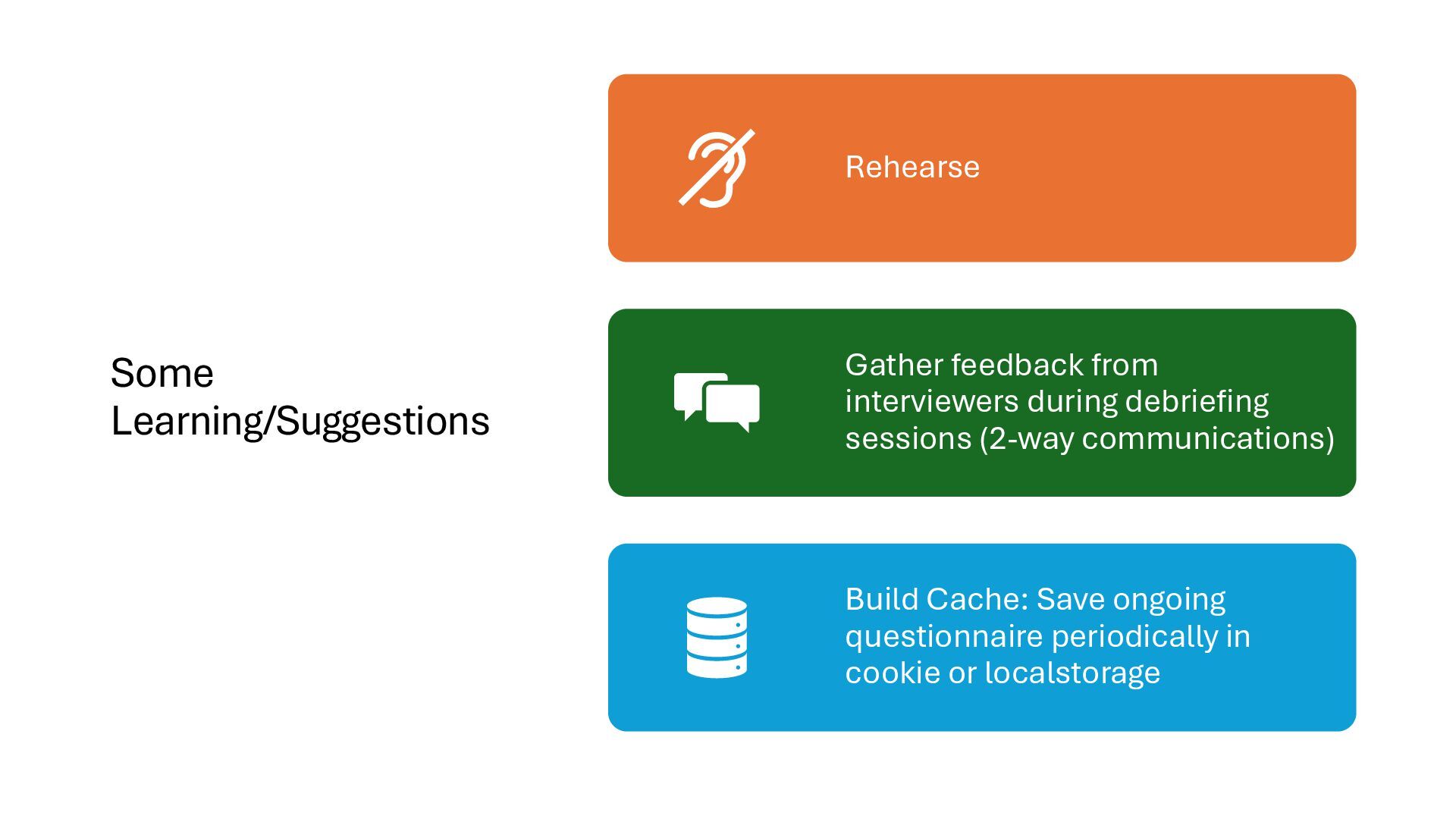
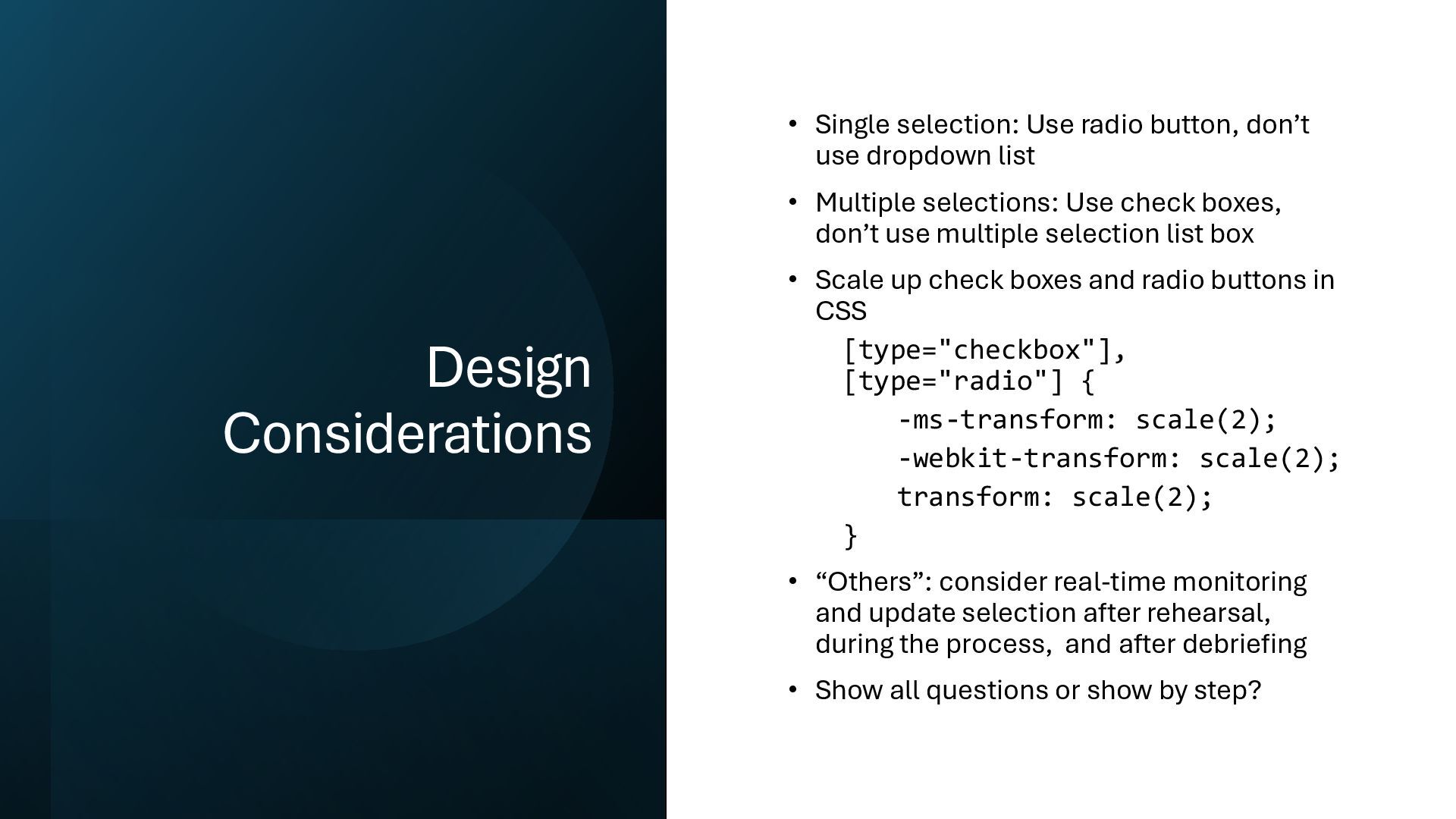
dropdown list • Multiple selections: Use check boxes, don’t use multiple selection list box • Scale up check boxes and radio buttons in CSS [type="checkbox"], [type="radio"] { -ms-transform: scale(2); -webkit-transform: scale(2); transform: scale(2); } • “Others”: consider real-time monitoring and update selection after rehearsal, during the process, and after debriefing • Show all questions or show by step?


 hkwp
hkwp
 lara
lara
 smashingmag
 katiecoart
 tmiket
 codingconduct
 denniskardys
 427marketing
 akashhashmi
 addyosmani
 kastner
 jonrohan
 swwweet