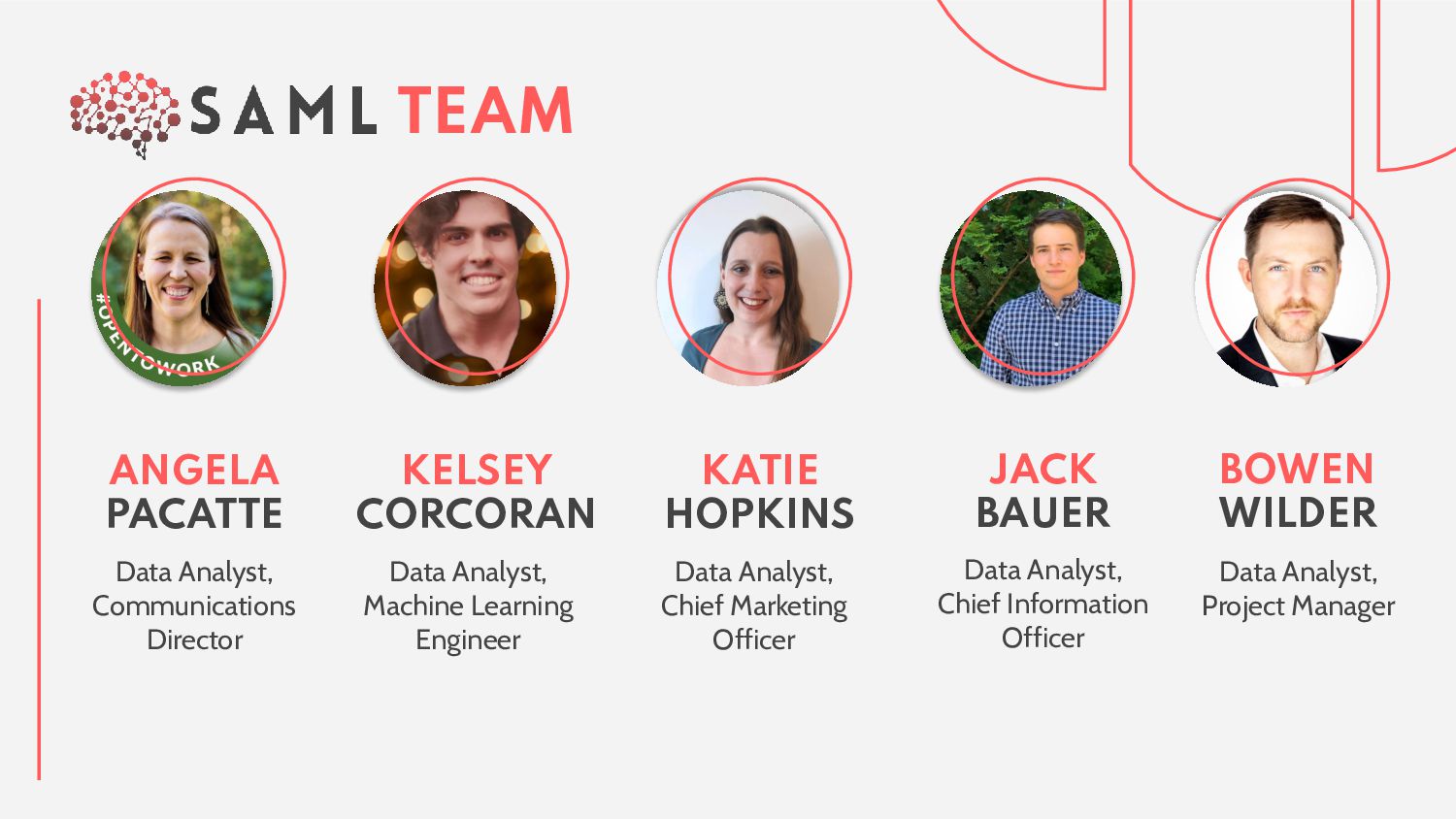
Learning Engineer KELSEY CORCORAN Data Analyst, Chief Marketing Officer KATIE HOPKINS Data Analyst, Chief Information Officer JACK BAUER Data Analyst, Project Manager BOWEN WILDER
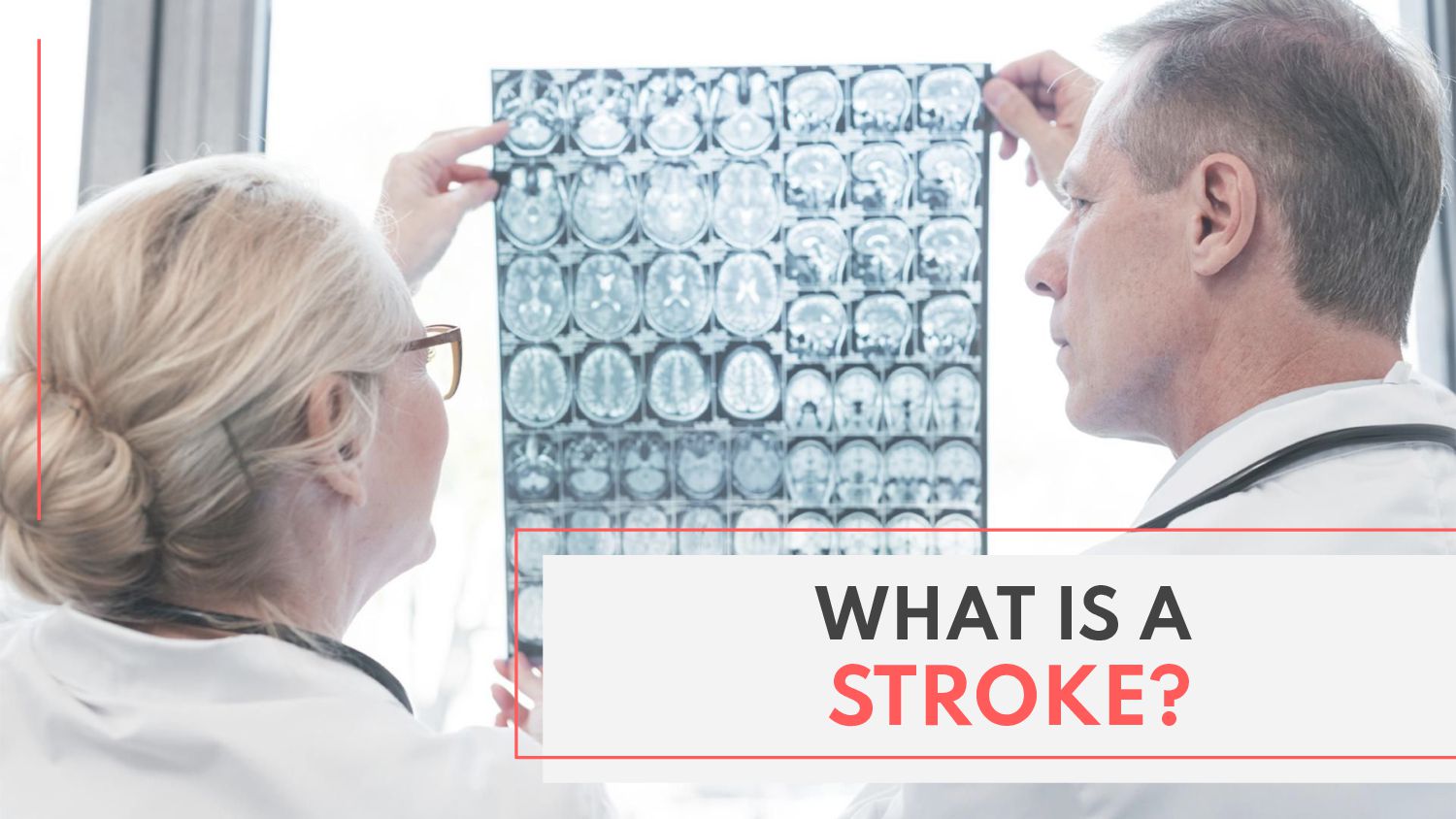
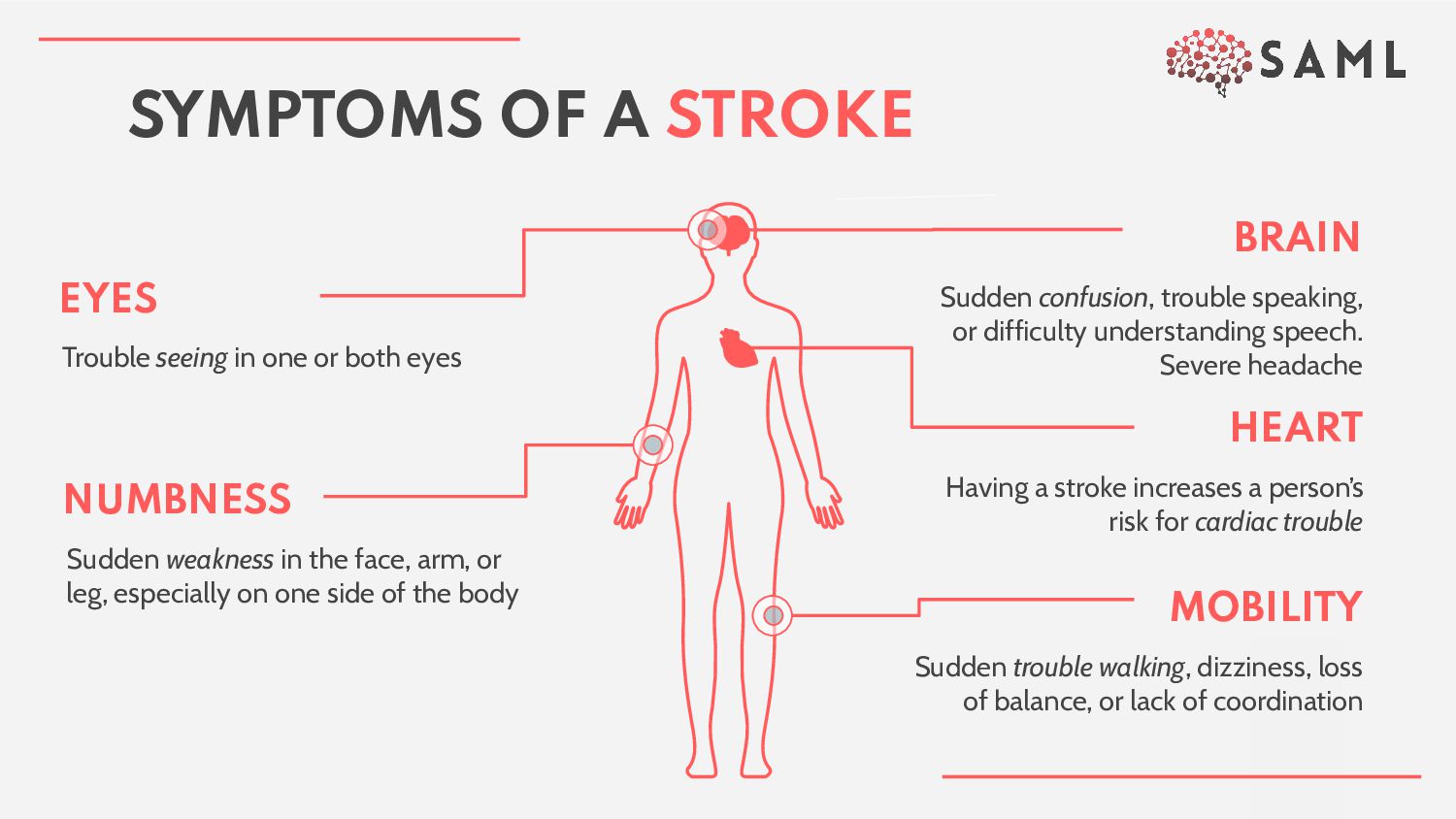
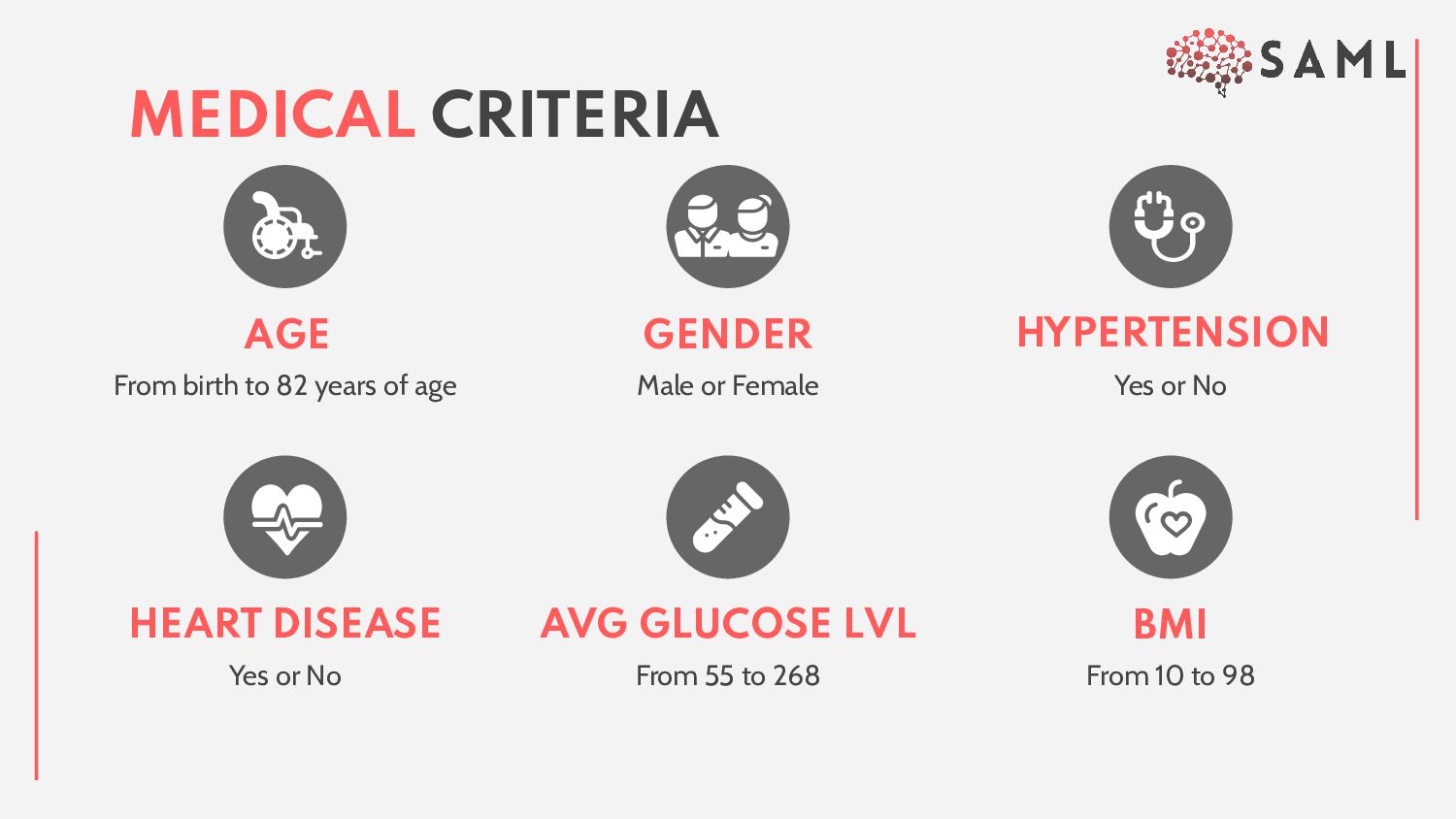
difficulty understanding speech. Severe headache HEART Having a stroke increases a person’s risk for cardiac trouble MOBILITY Sudden trouble walking, dizziness, loss of balance, or lack of coordination EYES Trouble seeing in one or both eyes NUMBNESS Sudden weakness in the face, arm, or leg, especially on one side of the body
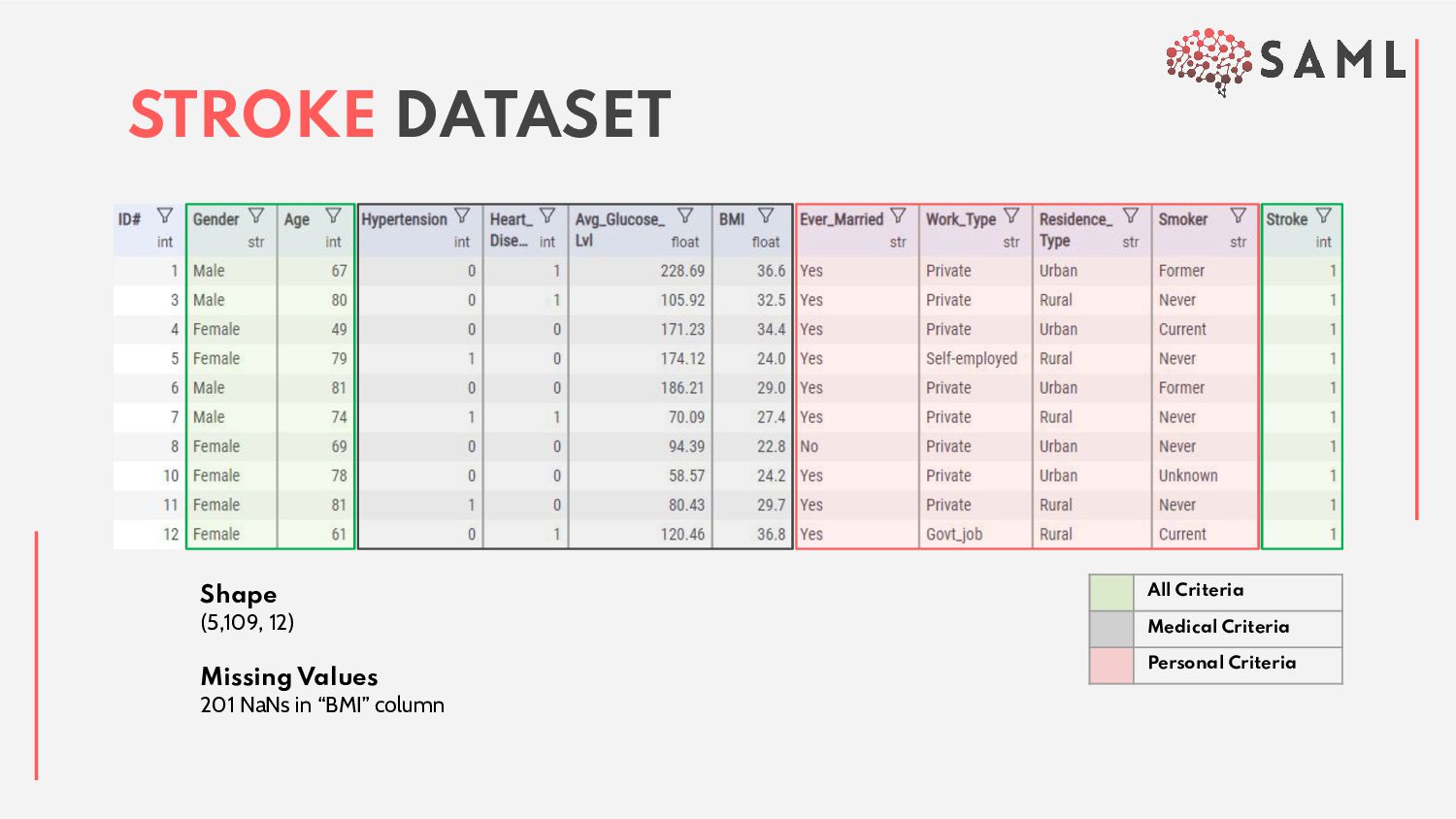
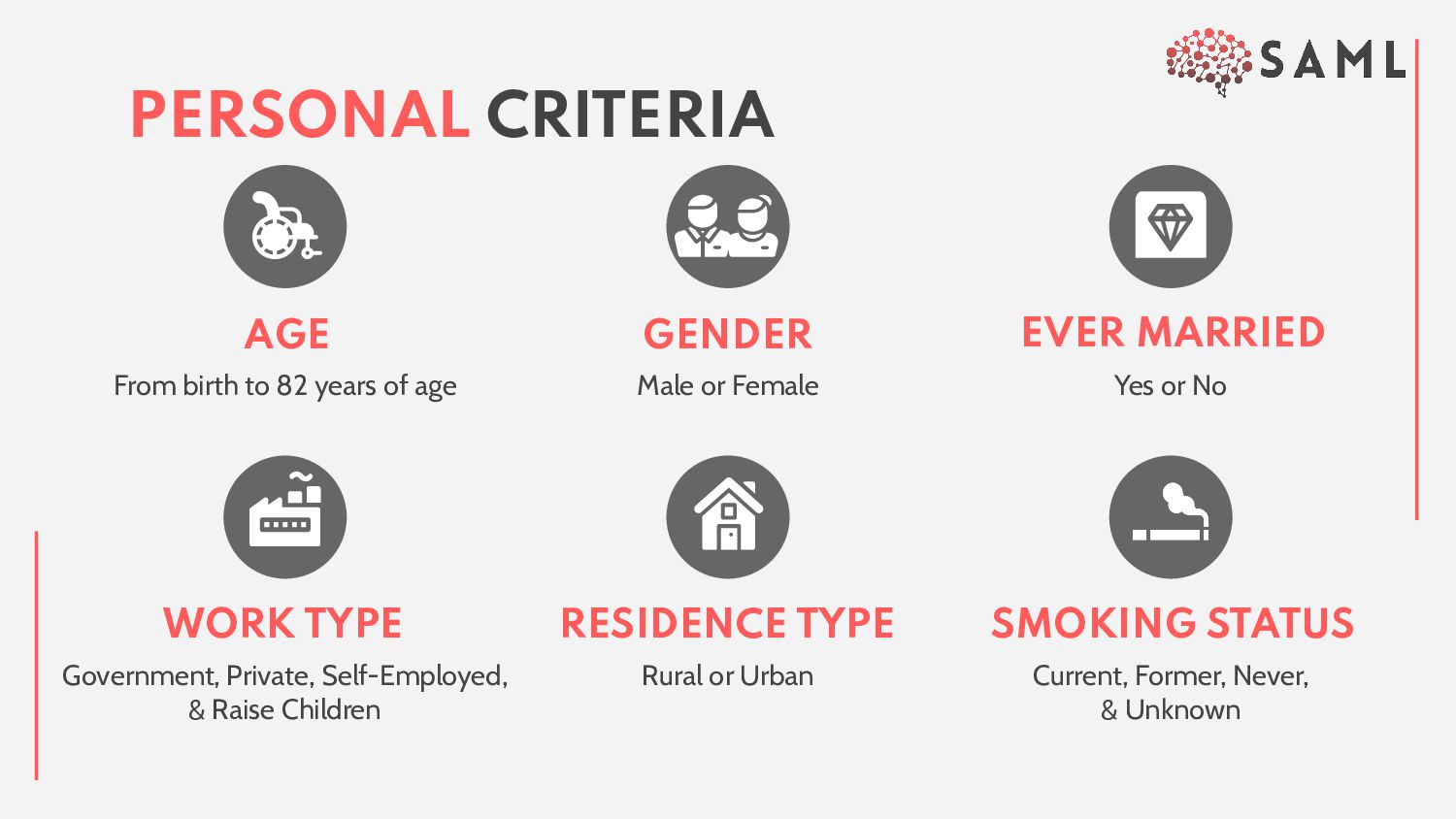
Government, Private, Self-Employed, & Raise Children WORK TYPE Current, Former, Never, & Unknown SMOKING STATUS Rural or Urban RESIDENCE TYPE AGE GENDER From birth to 82 years of age
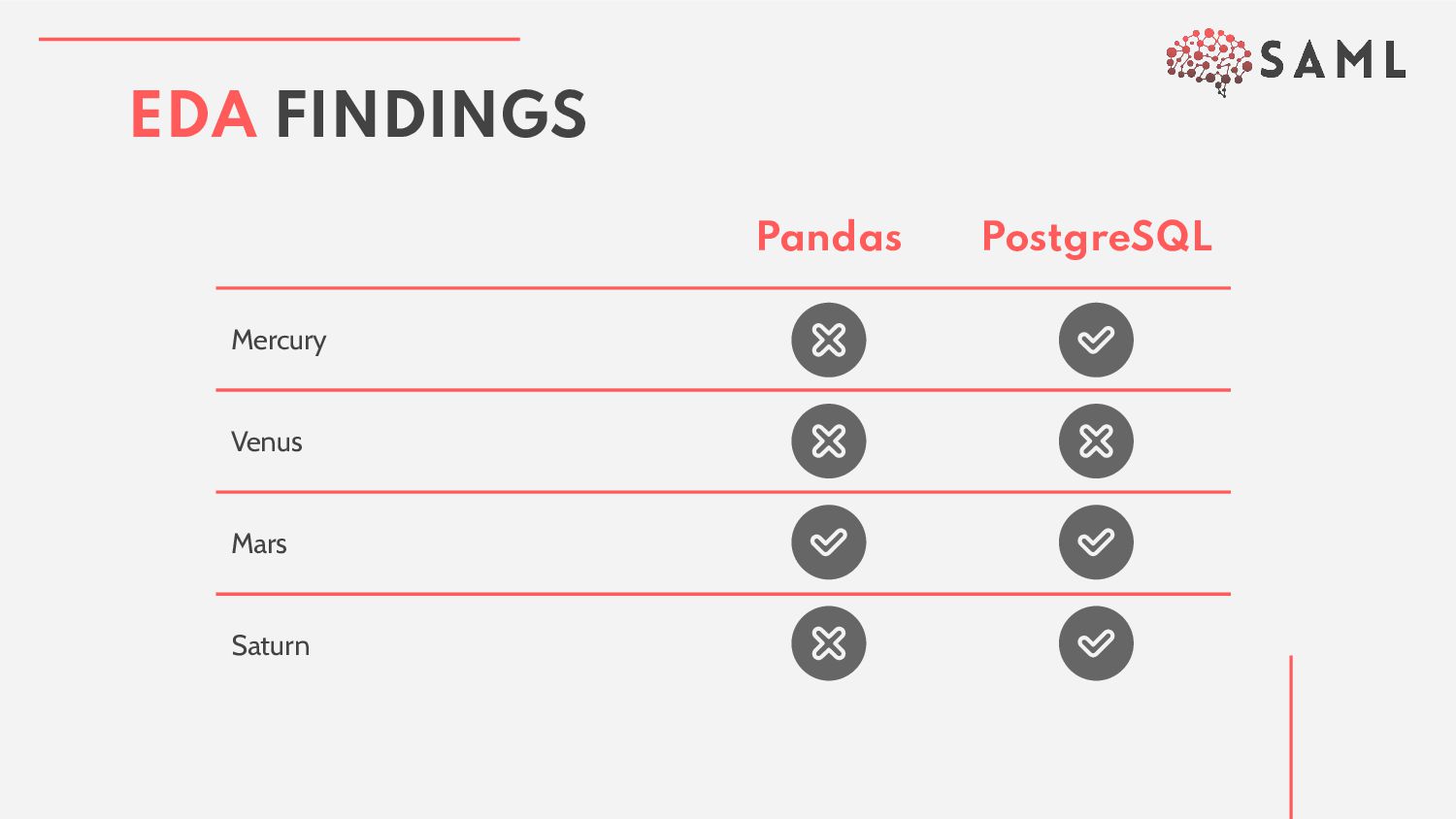
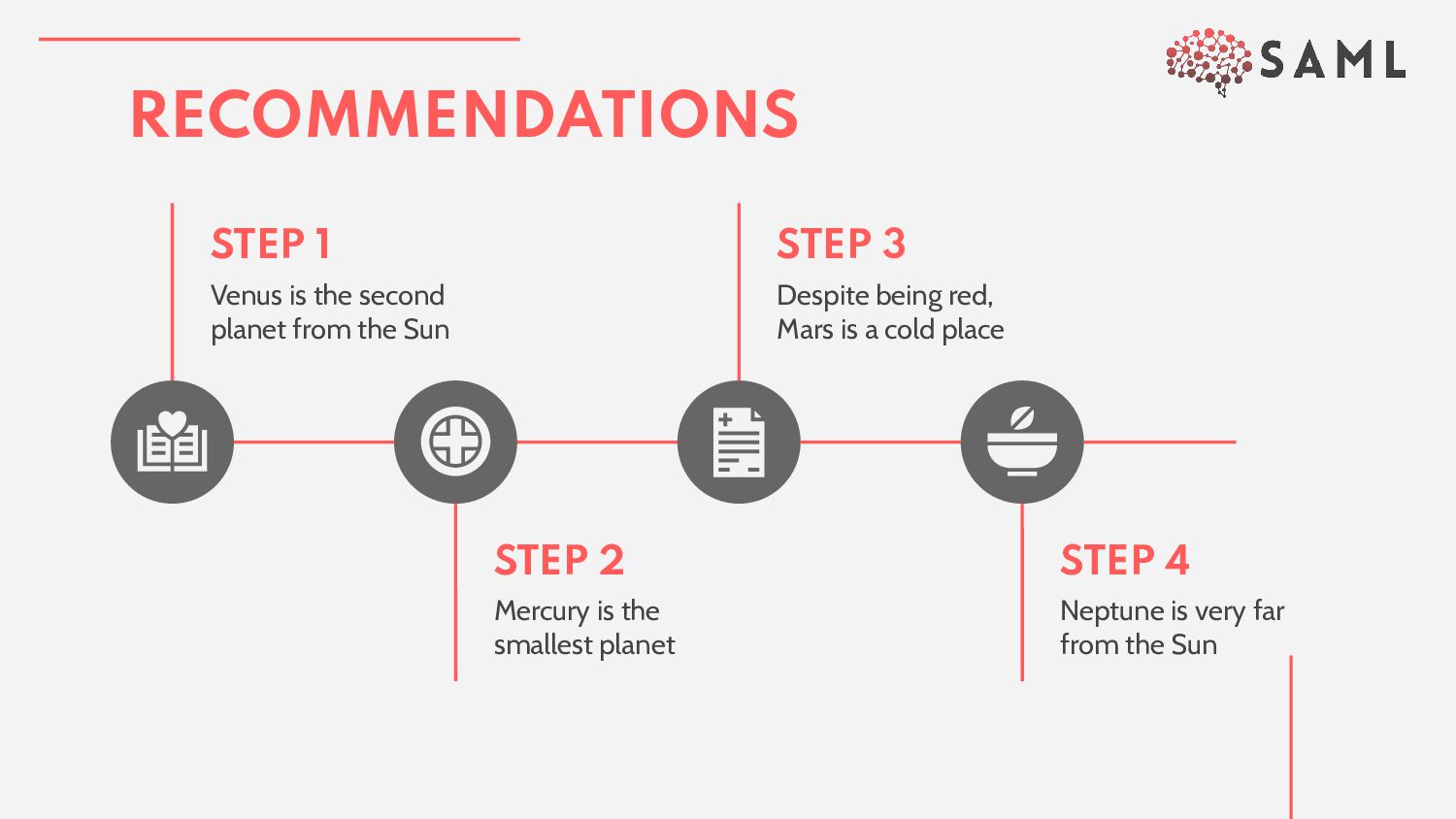
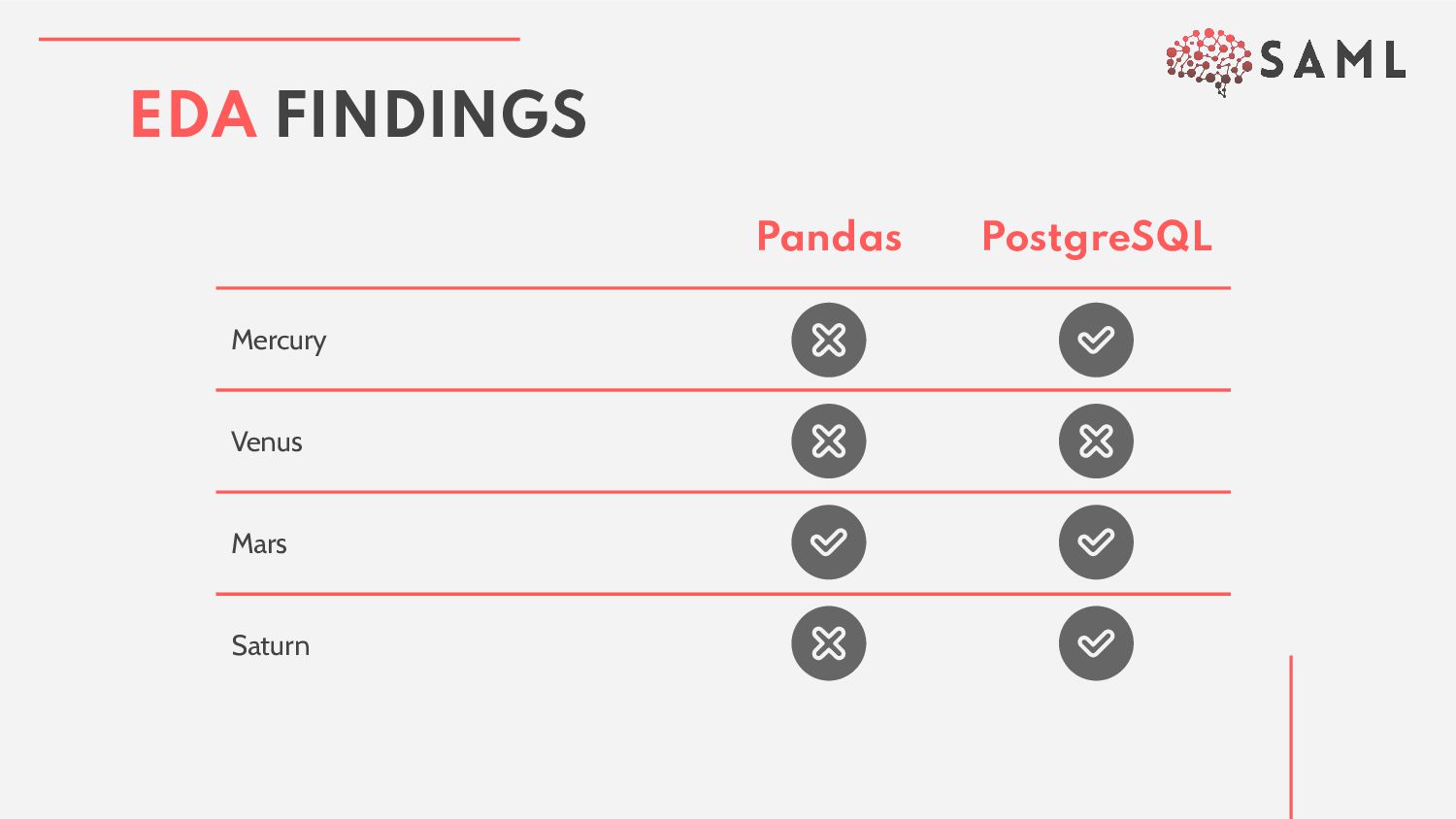
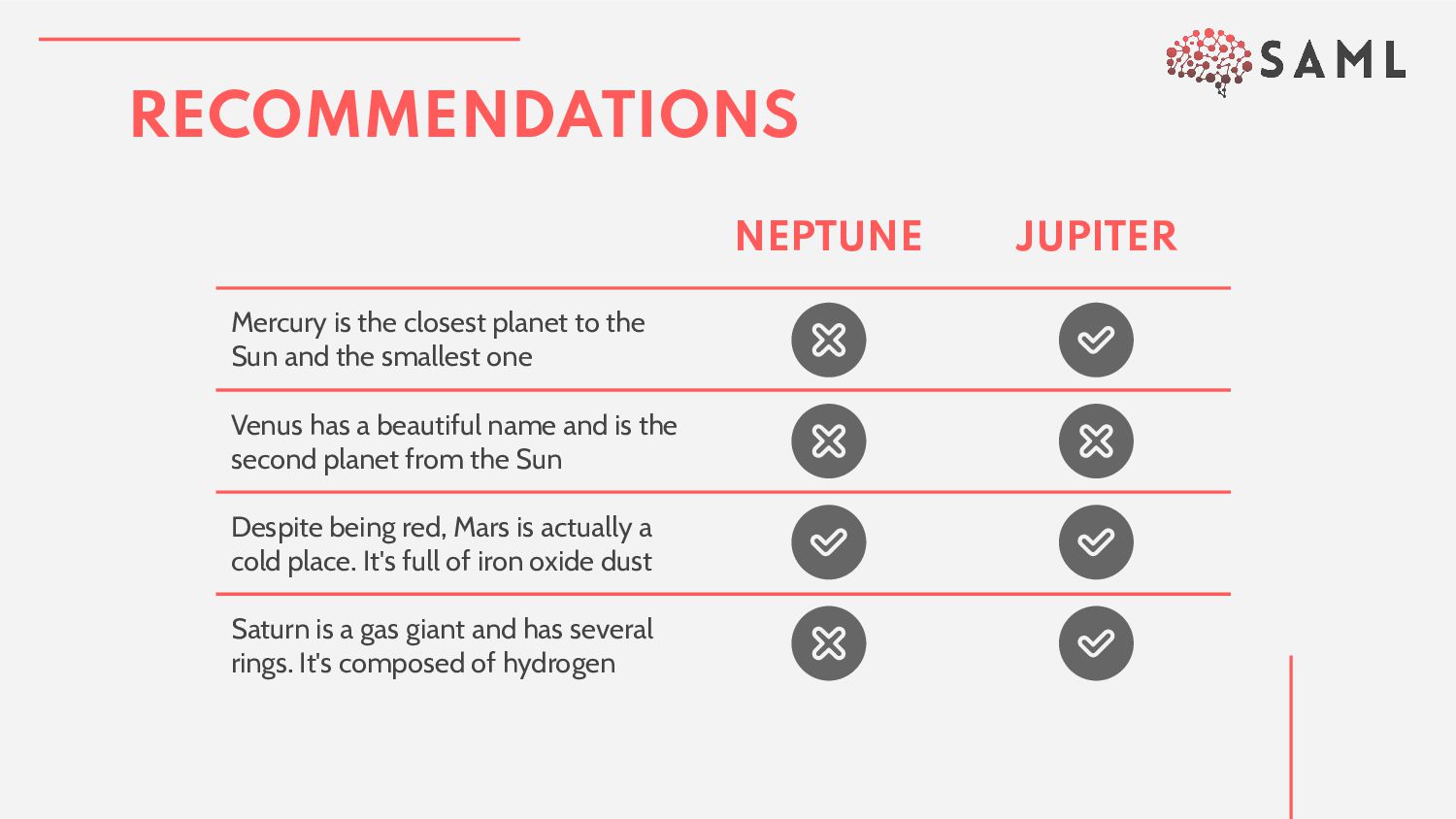
Sun and the smallest one Venus has a beautiful name and is the second planet from the Sun Despite being red, Mars is actually a cold place. It's full of iron oxide dust Saturn is a gas giant and has several rings. It's composed of hydrogen
a larger dataset. 2. found in the alternative resources slide. 3. A thanks slide, which you must keep so that proper credits for our design are given. 4. A resources slide, where you’ll find links to all the elements used in the template. 5. Instructions for use. 6. Final slides with: • The fonts • A selection of illustrations. You • More infographic resources, whose size and color can be edited. • Sets of customizable icons of the following themes. You can delete this slide when you’re done editing the presentation. WHAT WOULD WE HAVE DONE DIFFERENTLY?
by Flaticon and infographics & images by Freepik DO YOU HAVE ANY QUESTIONS? [email protected] +1 512 555 SAML https://github.com/boborodono/San_Antonio THANKS!
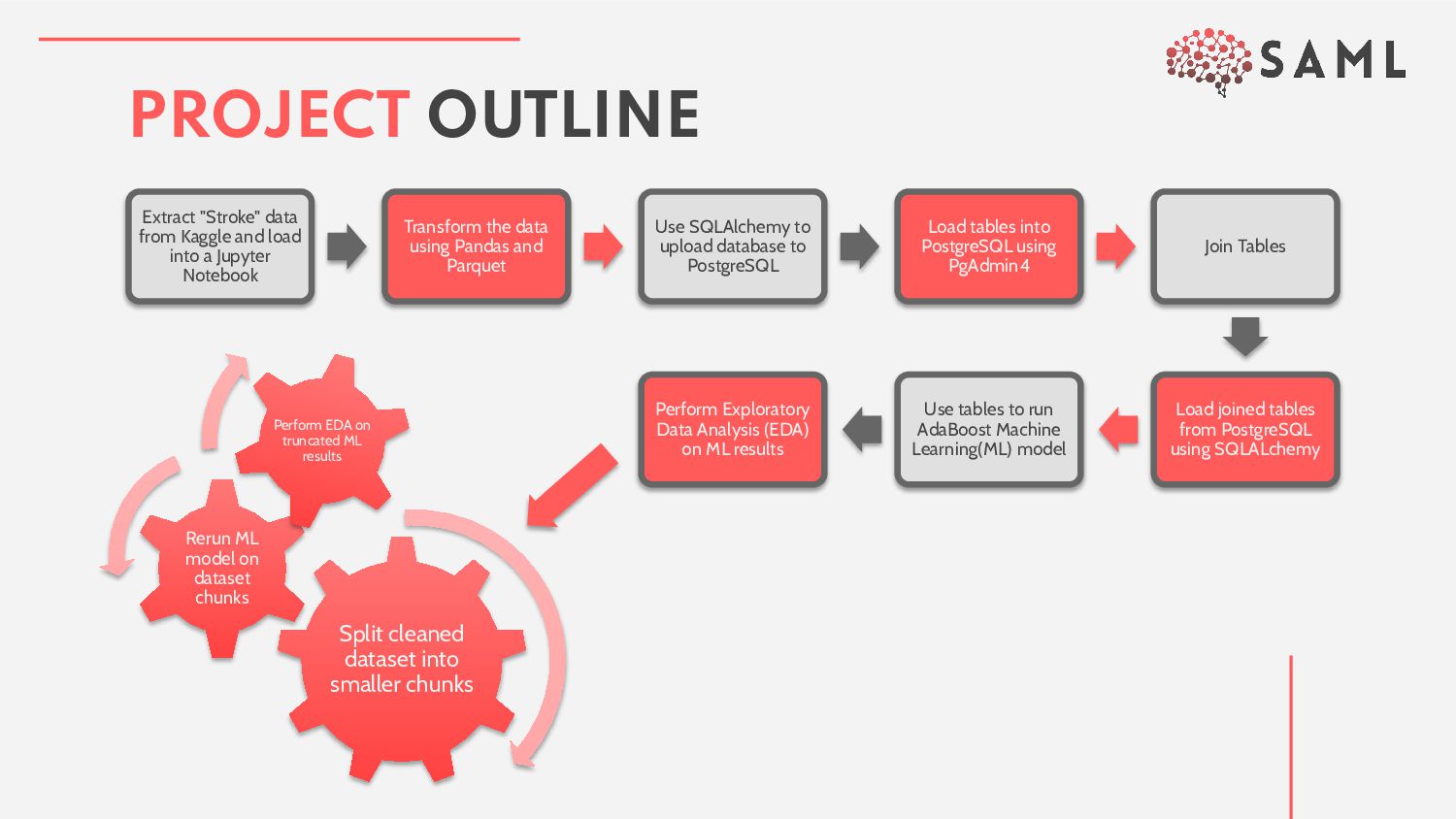
a Jupyter Notebook Transform the data using Pandas and Parquet Use SQLAlchemy to upload database to PostgreSQL Load tables into PostgreSQL using PgAdmin4 Join Tables Load joined tables from PostgreSQL using SQLALchemy Use tables to run AdaBoost Machine Learning(ML) model Perform Exploratory Data Analysis (EDA) on ML results Split cleaned dataset into smaller chunks Rerun ML model on dataset chunks Perform EDA on truncated ML results
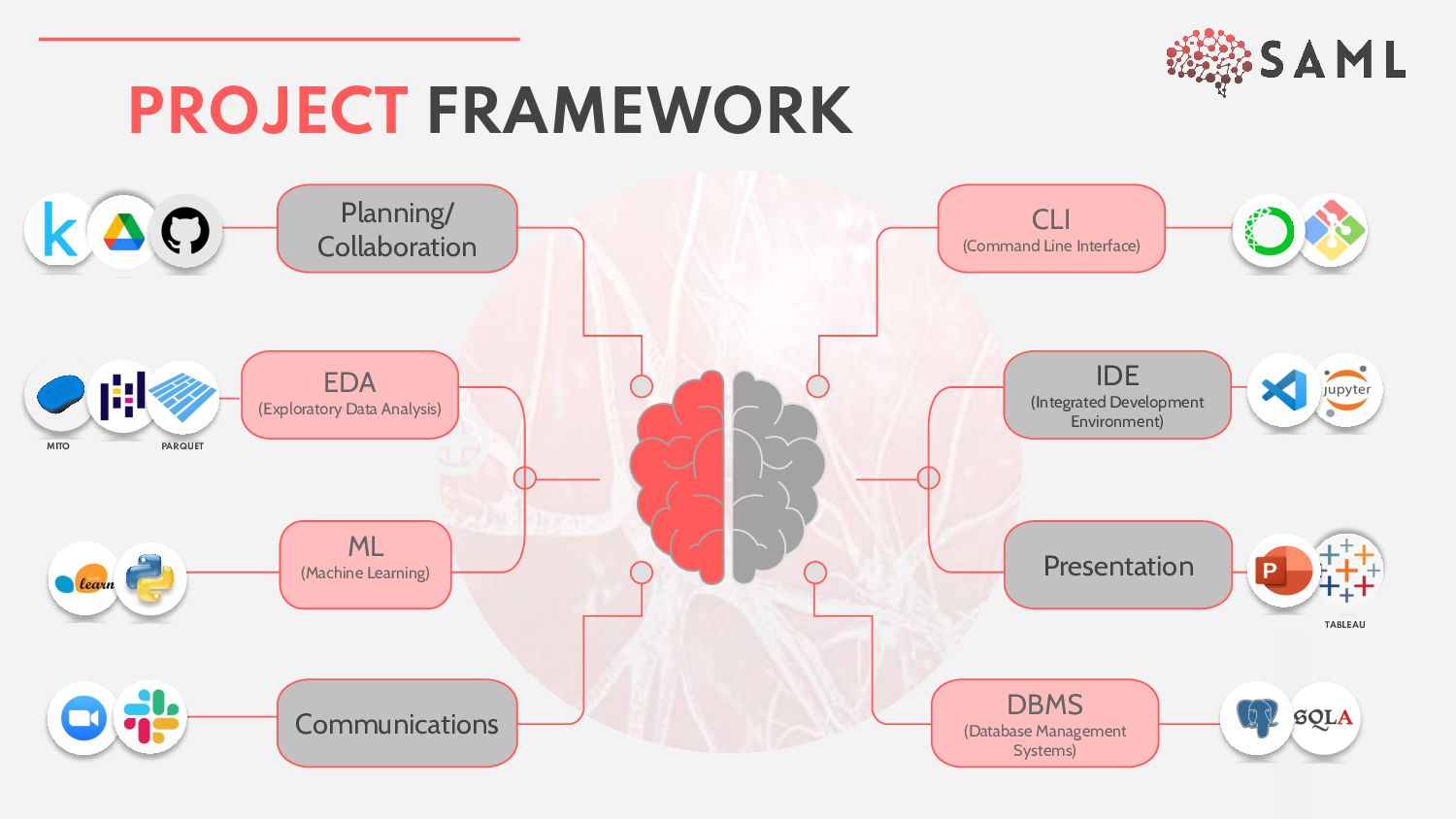
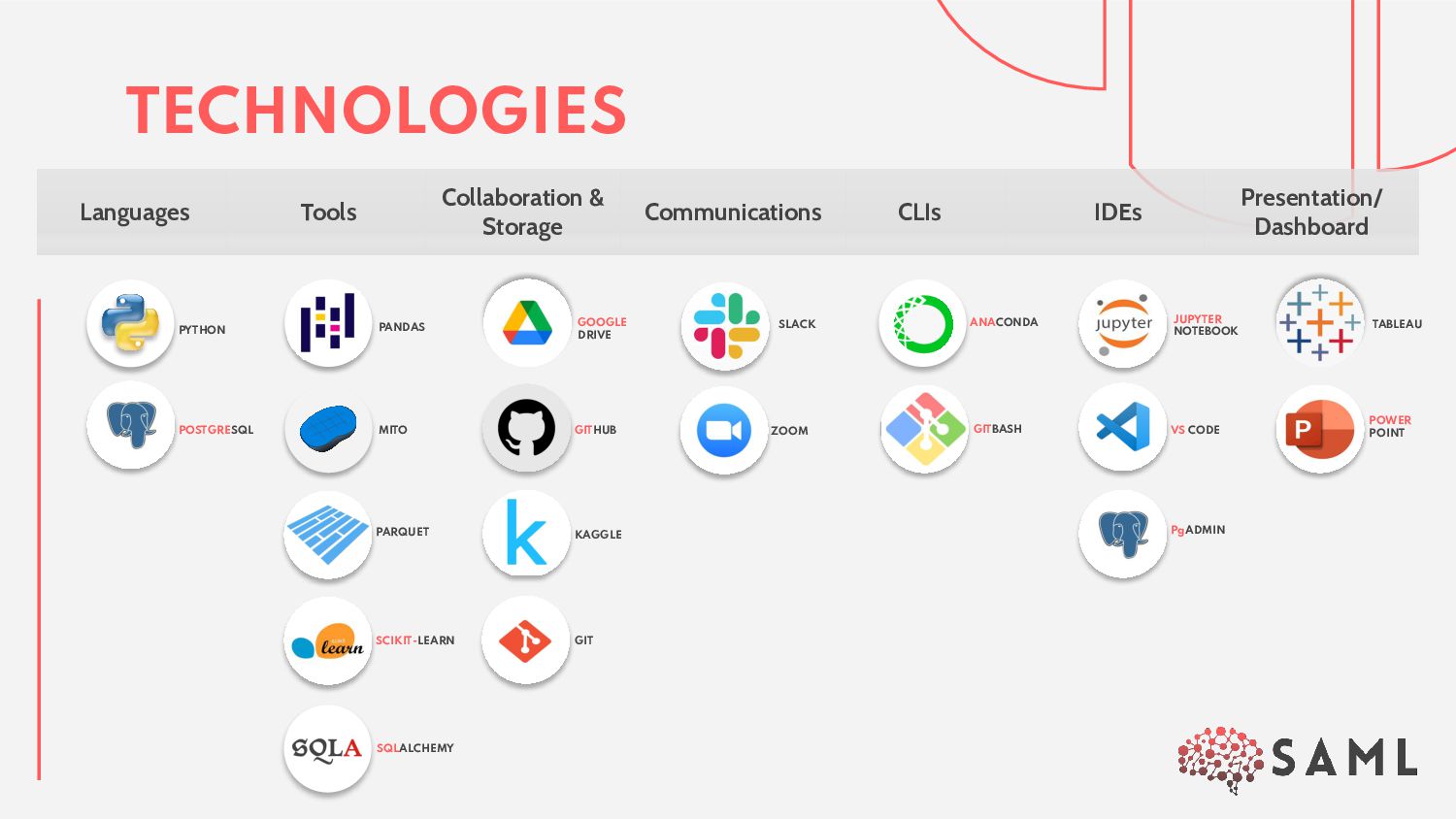
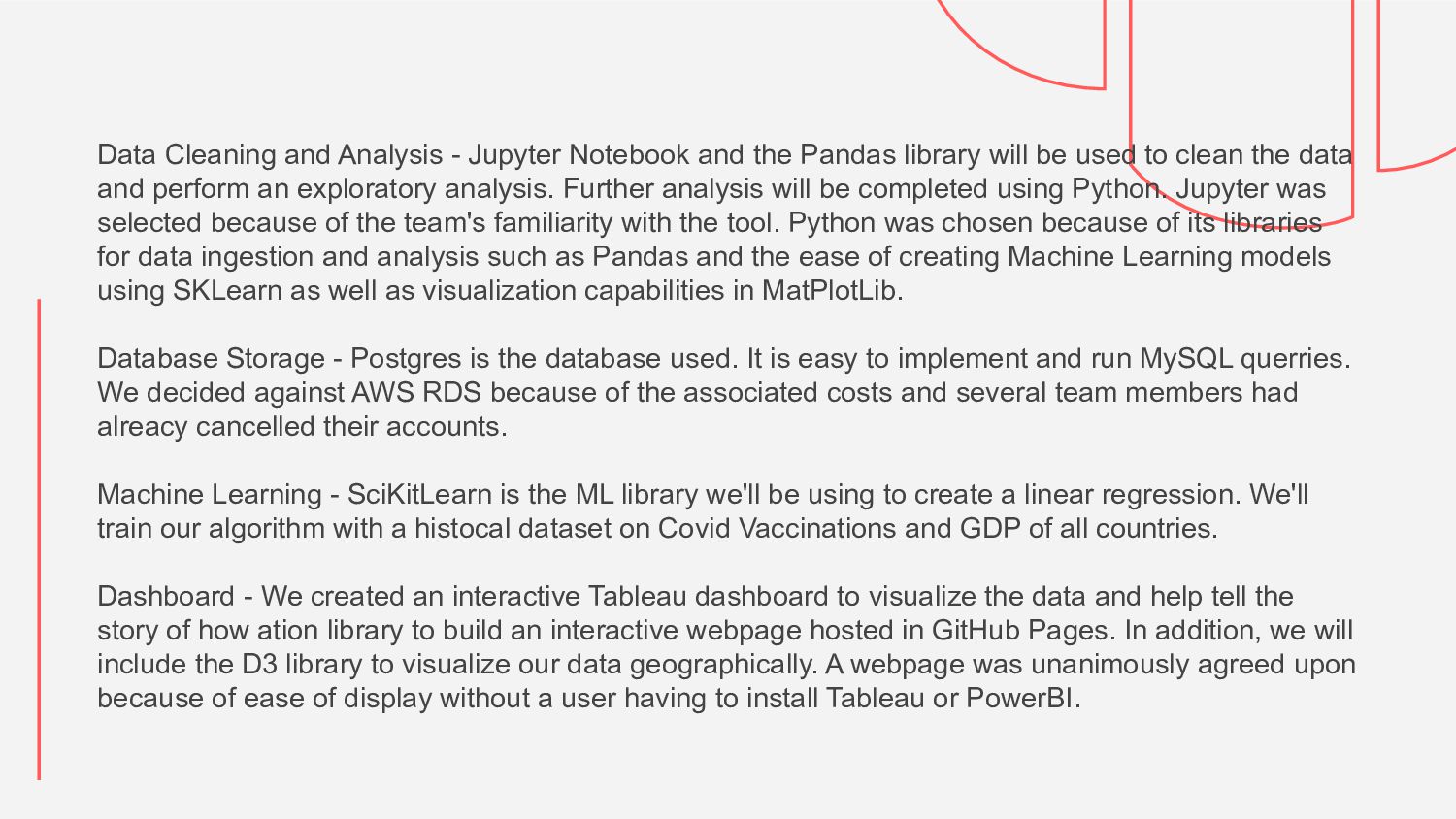
library will be used to clean the data and perform an exploratory analysis. Further analysis will be completed using Python. Jupyter was selected because of the team's familiarity with the tool. Python was chosen because of its libraries for data ingestion and analysis such as Pandas and the ease of creating Machine Learning models using SKLearn as well as visualization capabilities in MatPlotLib. Database Storage - Postgres is the database used. It is easy to implement and run MySQL querries. We decided against AWS RDS because of the associated costs and several team members had alreacy cancelled their accounts. Machine Learning - SciKitLearn is the ML library we'll be using to create a linear regression. We'll train our algorithm with a histocal dataset on Covid Vaccinations and GDP of all countries. Dashboard - We created an interactive Tableau dashboard to visualize the data and help tell the story of how ation library to build an interactive webpage hosted in GitHub Pages. In addition, we will include the D3 library to visualize our data geographically. A webpage was unanimously agreed upon because of ease of display without a user having to install Tableau or PowerBI.
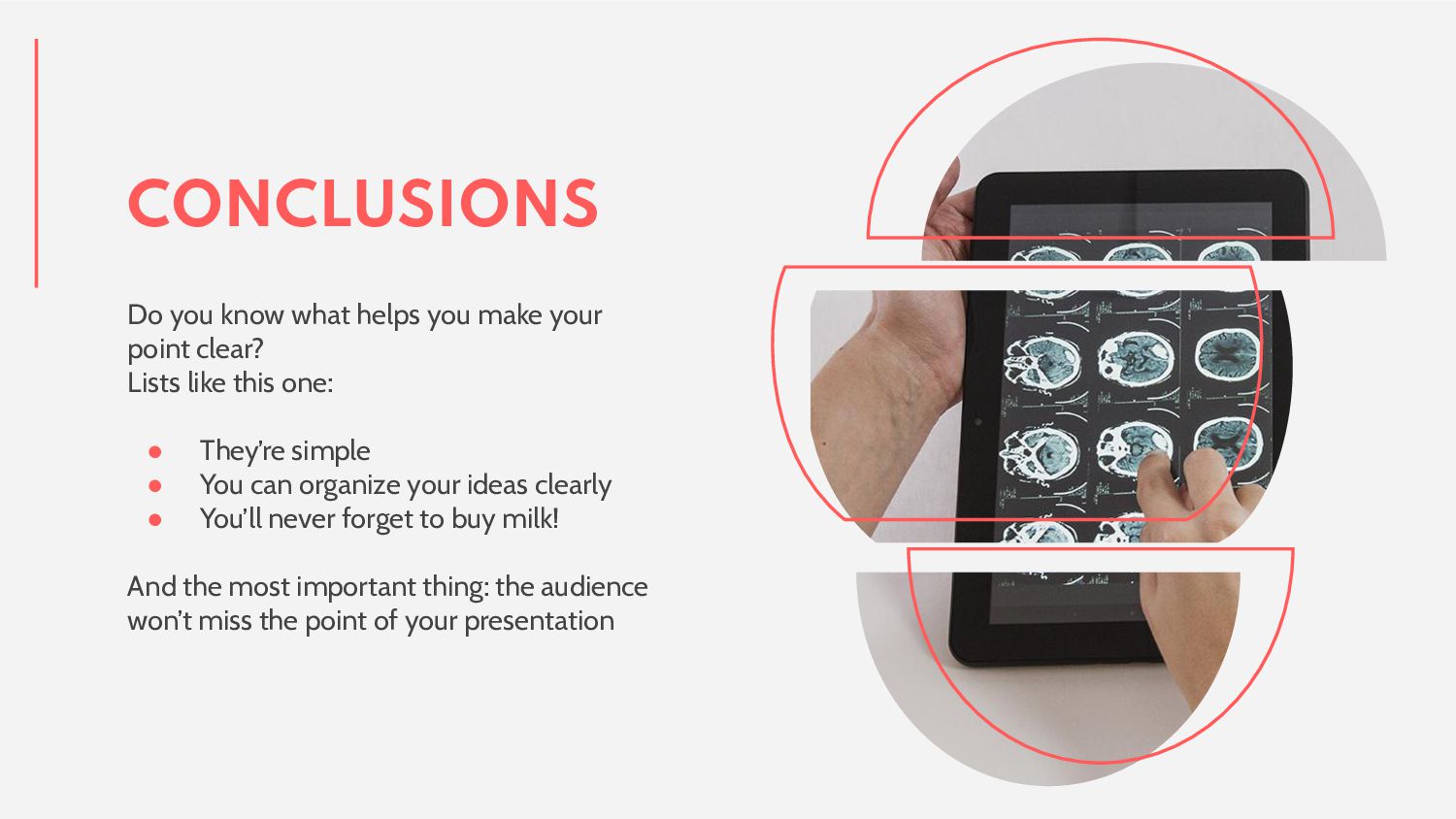
clear? Lists like this one: • They’re simple • You can organize your ideas clearly • You’ll never forget to buy milk! And the most important thing: the audience won’t miss the point of your presentation
slide structure based on a medical presentation, which you can easily adapt to your needs. For more info on how to edit the template, please visit Slidesgo School or read our FAQs. 2. An assortment of graphic resources that are suitable for use in the presentation can be found in the alternative resources slide. 3. A thanks slide, which you must keep so that proper credits for our design are given. 4. A resources slide, where you’ll find links to all the elements used in the template. 5. Instructions for use. 6. Final slides with: • The fonts and colors used in the template. • A selection of illustrations. You can also customize and animate them as you wish with the online editor. Visit Storyset to find more. • More infographic resources, whose size and color can be edited. • Sets of customizable icons of the following themes: general, business, avatar, creative process, education, help & support, medical, nature, performing arts, SEO & marketing, and teamwork. You can delete this slide when you’re done editing the presentation. CONTENTS OF THIS TEMPLATE


 panda_program
 chriscoyier
 baasie
 irinanazarova
 jonoalderson
 katarinadahlin
 oripsolob
 reverentgeek
 varn
varn
 pauljervisheath
 addyosmani
 rkendrick25