necessary information and finish their job successfully. However, people often make mistakes. This is where form validation comes into play. Main goal as a developer is to create a form validation to ensure that the user provided necessary and properly formatted information needed to successfully complete any operation.
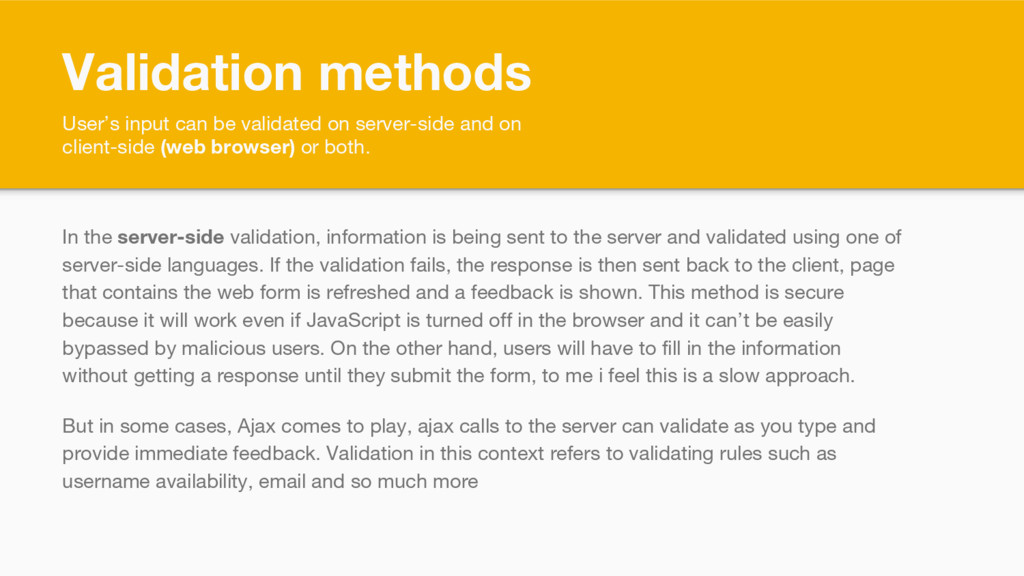
on client-side (web browser) or both. In the server-side validation, information is being sent to the server and validated using one of server-side languages. If the validation fails, the response is then sent back to the client, page that contains the web form is refreshed and a feedback is shown. This method is secure because it will work even if JavaScript is turned off in the browser and it can’t be easily bypassed by malicious users. On the other hand, users will have to fill in the information without getting a response until they submit the form, to me i feel this is a slow approach. But in some cases, Ajax comes to play, ajax calls to the server can validate as you type and provide immediate feedback. Validation in this context refers to validating rules such as username availability, email and so much more
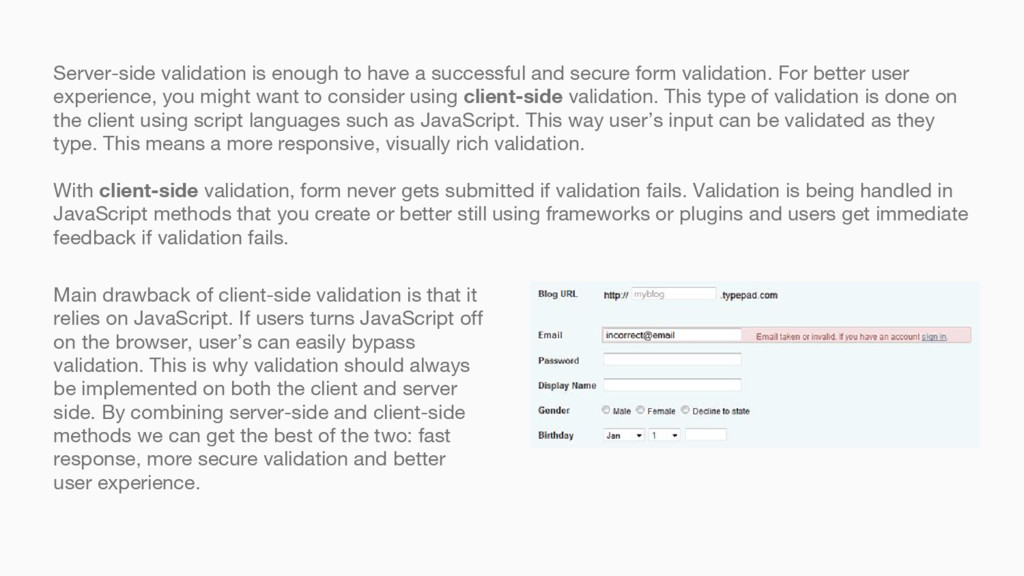
form validation. For better user experience, you might want to consider using client-side validation. This type of validation is done on the client using script languages such as JavaScript. This way user’s input can be validated as they type. This means a more responsive, visually rich validation. With client-side validation, form never gets submitted if validation fails. Validation is being handled in JavaScript methods that you create or better still using frameworks or plugins and users get immediate feedback if validation fails. Main drawback of client-side validation is that it relies on JavaScript. If users turns JavaScript off on the browser, user’s can easily bypass validation. This is why validation should always be implemented on both the client and server side. By combining server-side and client-side methods we can get the best of the two: fast response, more secure validation and better user experience.
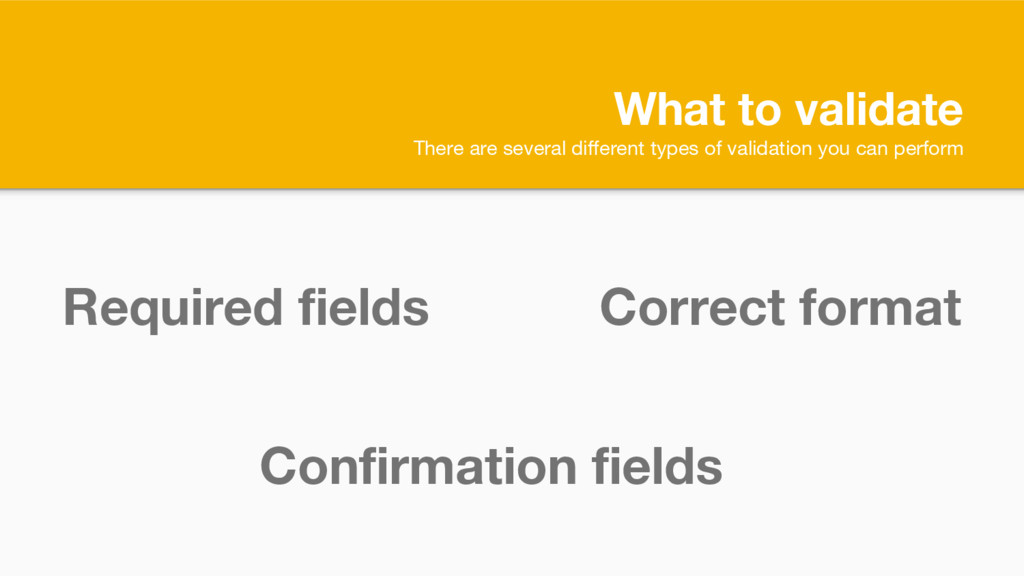
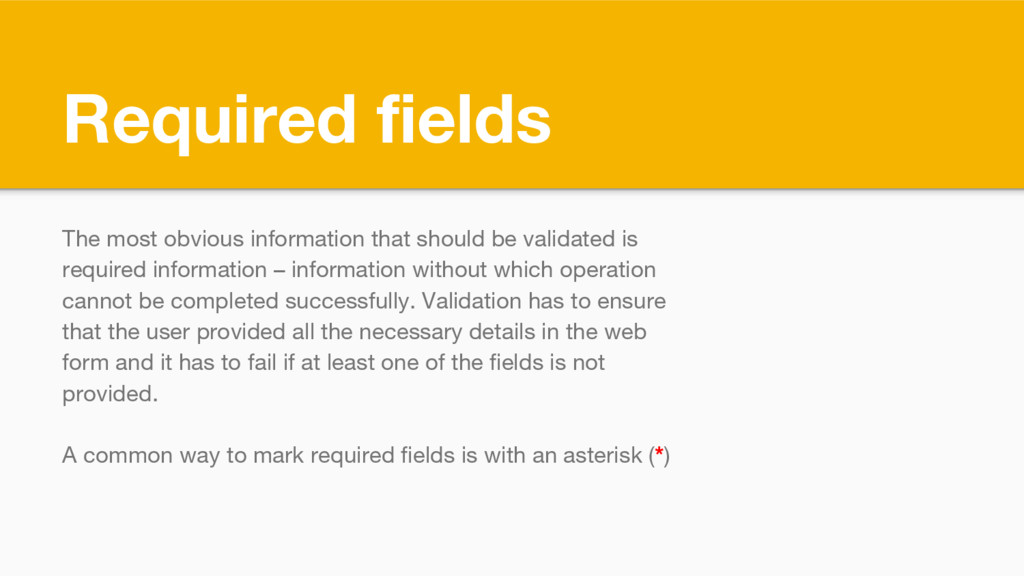
is required information – information without which operation cannot be completed successfully. Validation has to ensure that the user provided all the necessary details in the web form and it has to fail if at least one of the fields is not provided. A common way to mark required fields is with an asterisk (*)
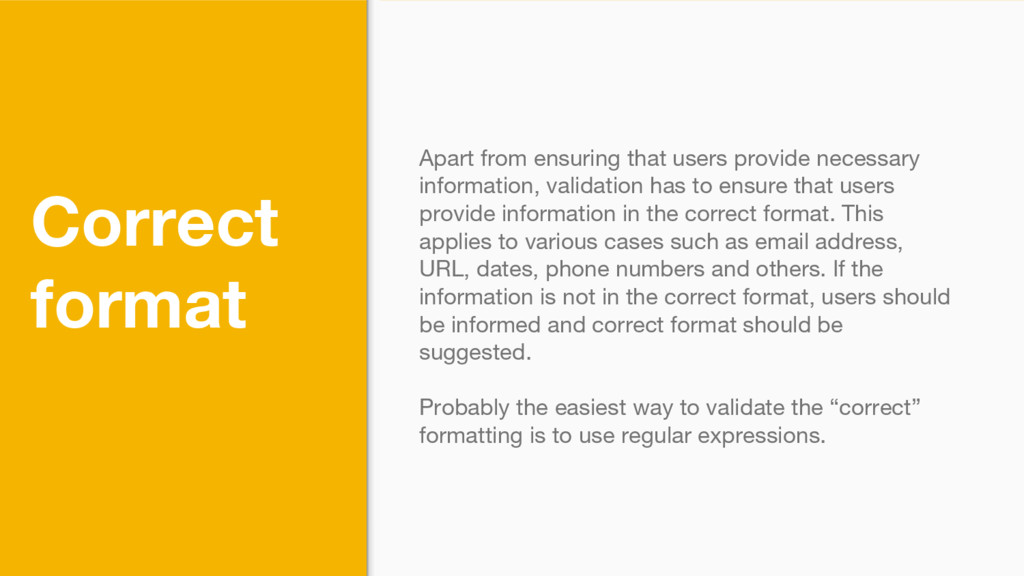
validation has to ensure that users provide information in the correct format. This applies to various cases such as email address, URL, dates, phone numbers and others. If the information is not in the correct format, users should be informed and correct format should be suggested. Probably the easiest way to validate the “correct” formatting is to use regular expressions.
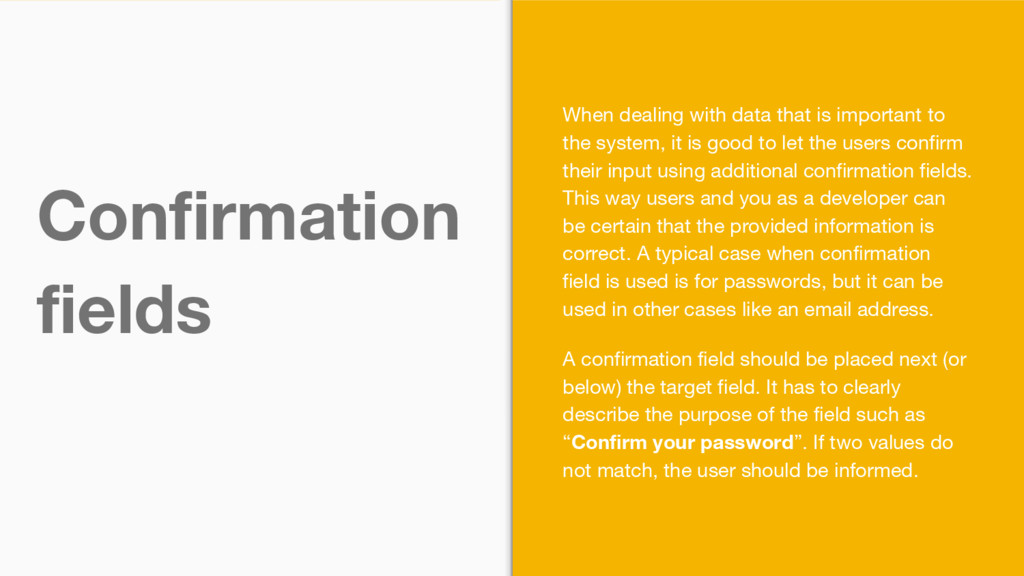
the system, it is good to let the users confirm their input using additional confirmation fields. This way users and you as a developer can be certain that the provided information is correct. A typical case when confirmation field is used is for passwords, but it can be used in other cases like an email address. A confirmation field should be placed next (or below) the target field. It has to clearly describe the purpose of the field such as “Confirm your password”. If two values do not match, the user should be informed.


 hurlatunde
 kishida
 texmeijin
 neuecc
 nabondance
 colorful12
 n_takehata
 yukiny
 eed3si9n
 kaityo256
 tosite
 yuta_onishi_97
 skydoves
 shpigford
 addyosmani
 lemiorhan
 tammyeverts
 tenderlove
 auna
auna
 mlcsv
mlcsv
 chikuwait
 marcduiker
.jpg) cargoodrich
cargoodrich
 deanohume
 takai
takai
![Form Validation Building better validation [email protected] @hurlatunde](https://files.speakerdeck.com/presentations/66cb66e4753b448d8f367a6e334f7f9c/slide_0.jpg)

![http://www.formvalidator.net/#configuration For More Details [email protected] @hurlatunde](https://files.speakerdeck.com/presentations/66cb66e4753b448d8f367a6e334f7f9c/slide_11.jpg)