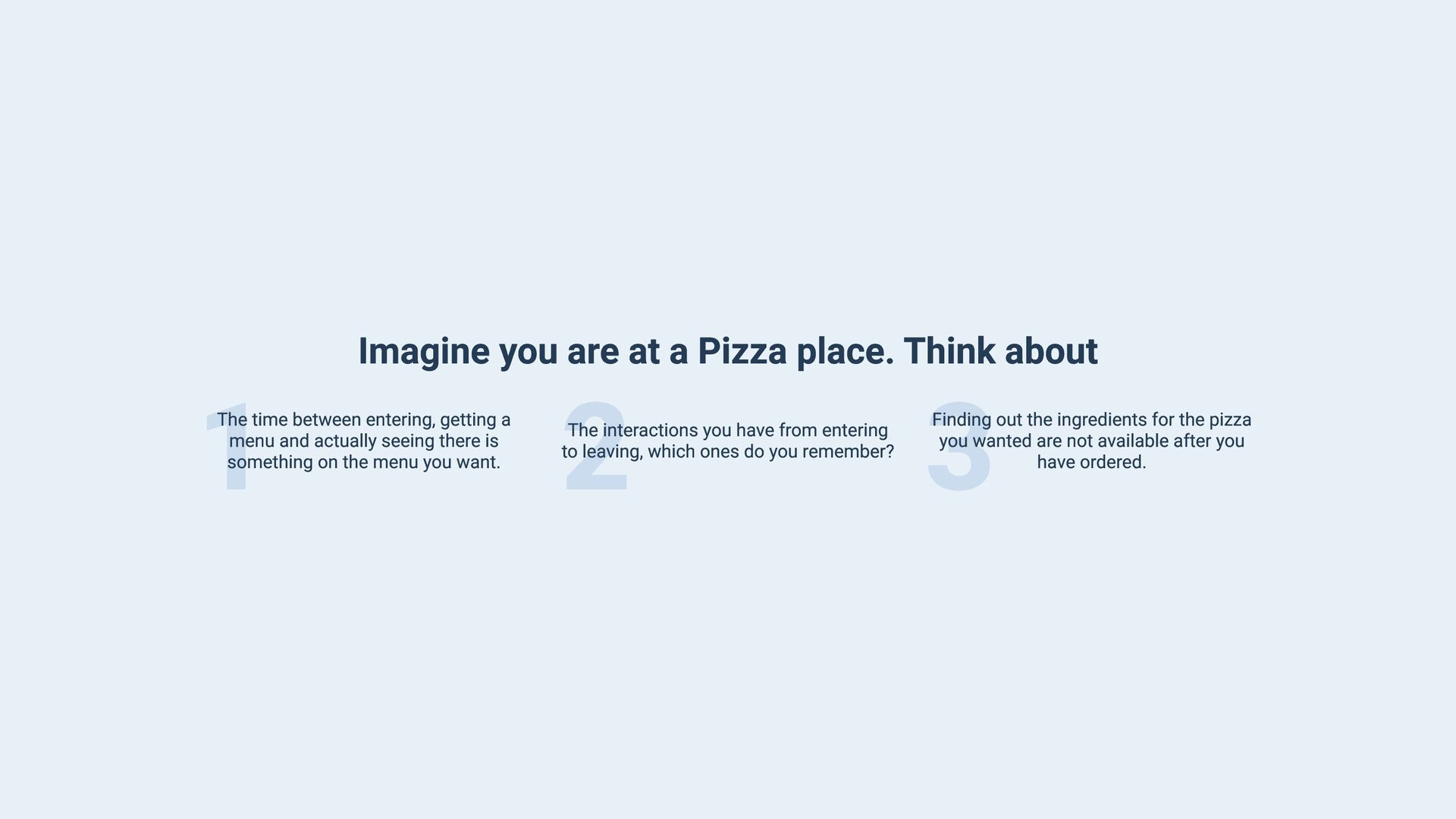
The time between entering, getting a menu and actually seeing there is something on the menu you want. 2 The interactions you have from entering to leaving, which ones do you remember? 3 Finding out the ingredients for the pizza you wanted are not available after you have ordered.
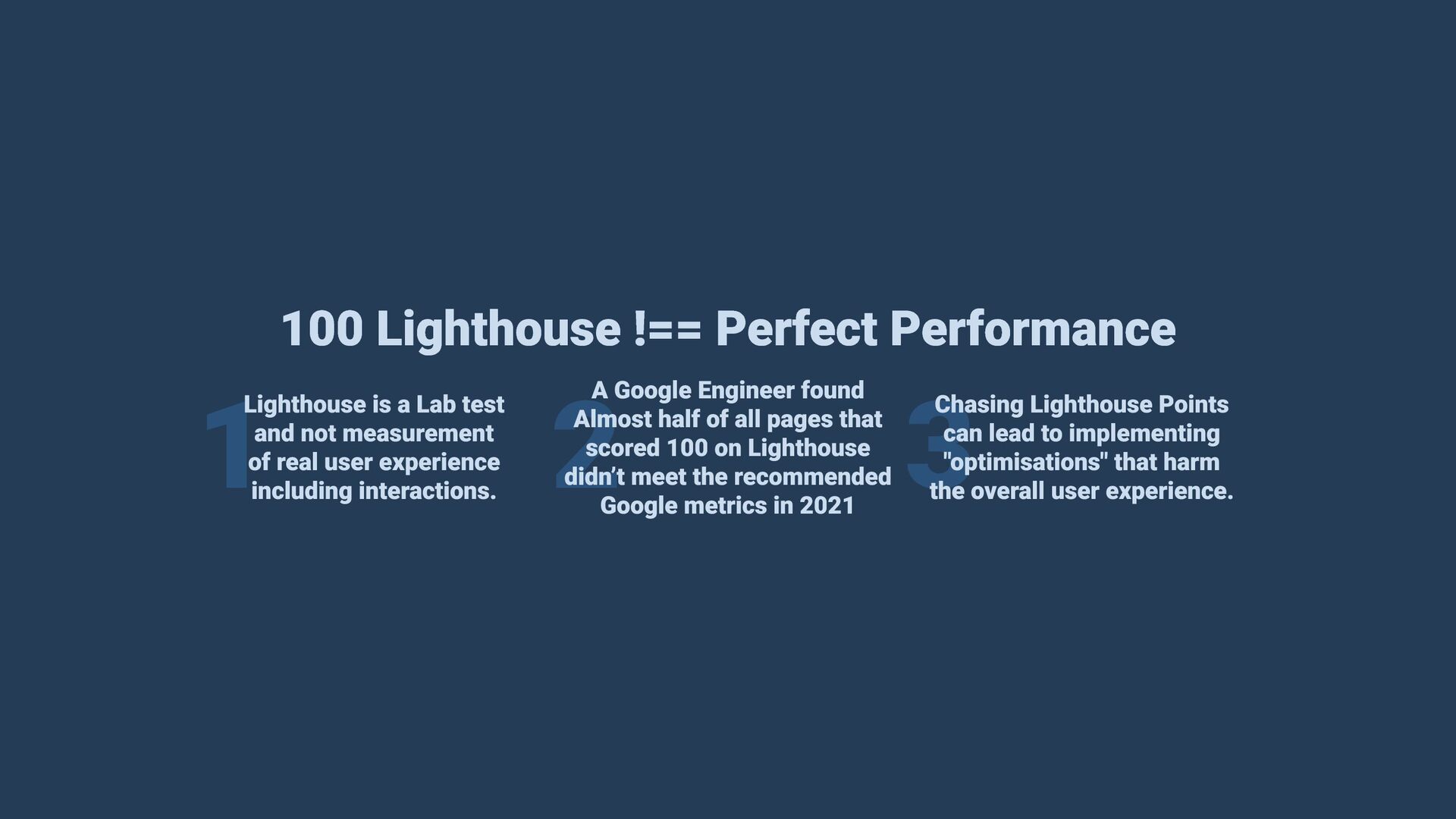
test and not measurement of real user experience including interactions. A Google Engineer found Almost half of all pages that scored 100 on Lighthouse didn’t meet the recommended Google metrics in 2021 2 3 Chasing Lighthouse Points can lead to implementing "optimisations" that harm the overall user experience.
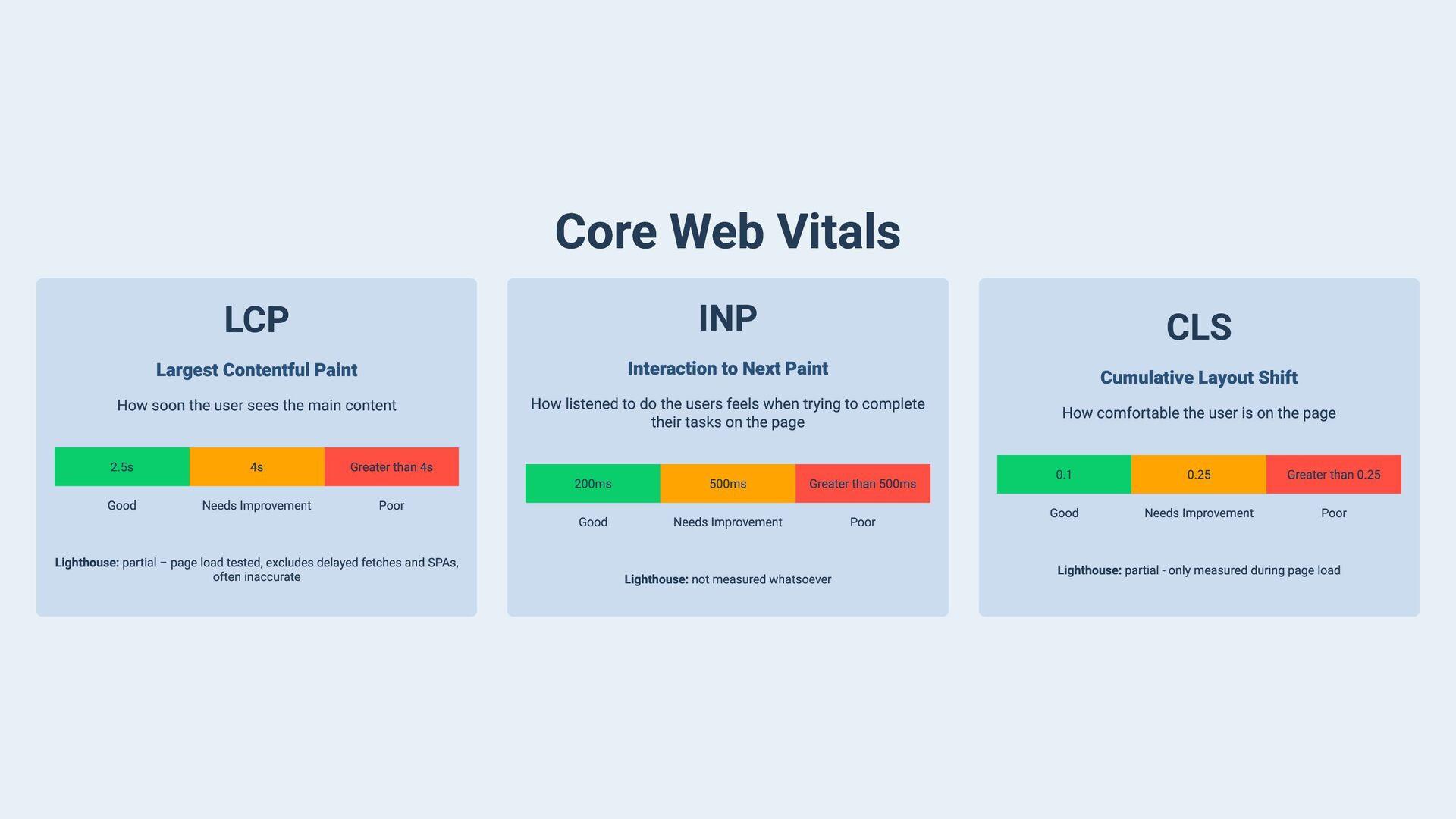
Next Paint How soon the user sees the main content How listened to do the users feels when trying to complete their tasks on the page 2.5s Good 4s Needs Improvement CLS Cumulative Layout Shift Greater than 4s 200ms 500ms Greater than 500ms Good Needs Improvement Poor Poor Lighthouse: partial – page load tested, excludes delayed fetches and SPAs, often inaccurate Lighthouse: not measured whatsoever How comfortable the user is on the page 0.1 0.25 Greater than 0.25 Good Needs Improvement Poor Lighthouse: partial - only measured during page load
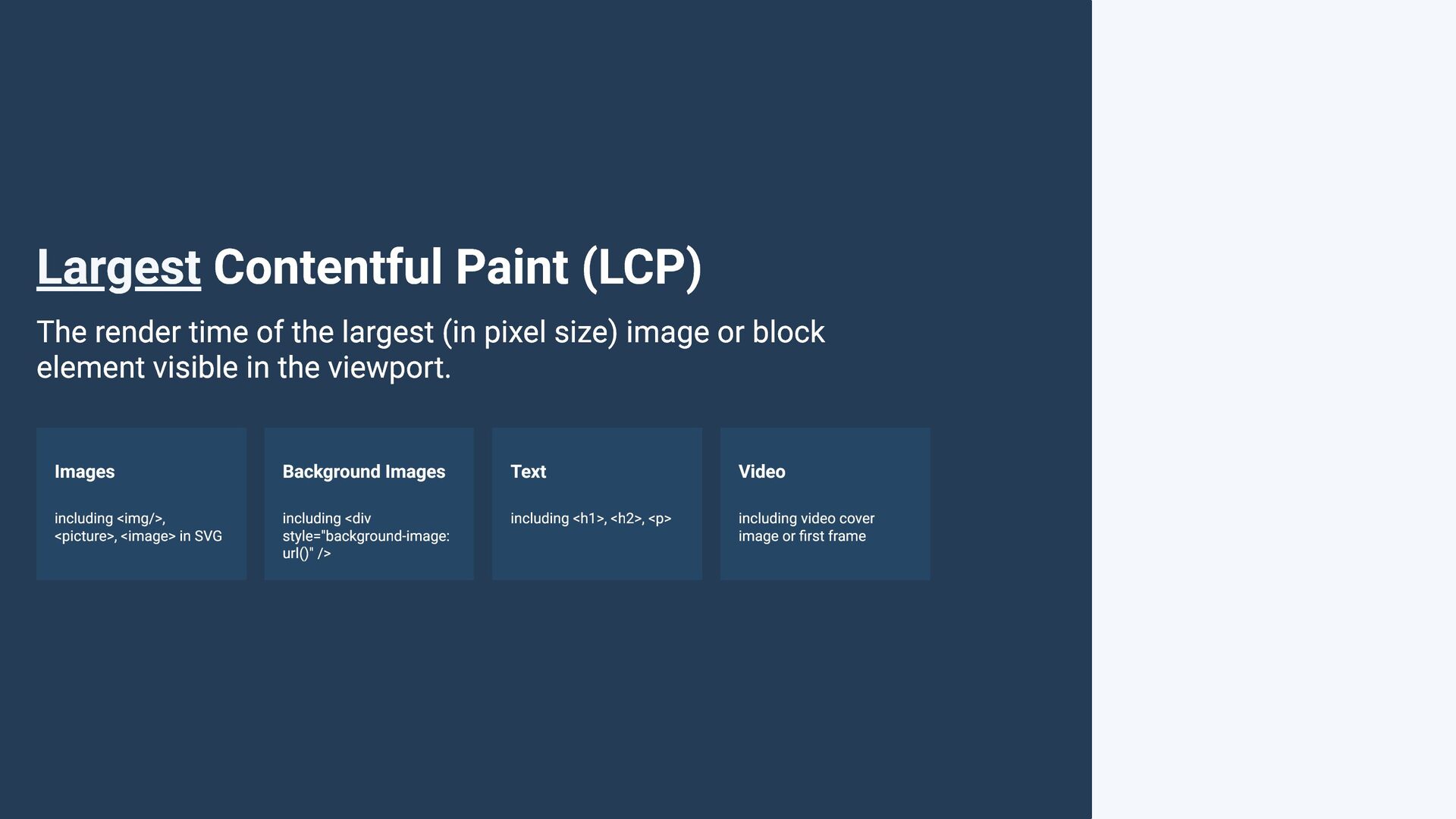
(in pixel size) image or block element visible in the viewport. Images Background Images Text Video including <img/>, <picture>, <image> in SVG including <div style="background-image: url()" /> including <h1>, <h2>, <p> including video cover image or first frame
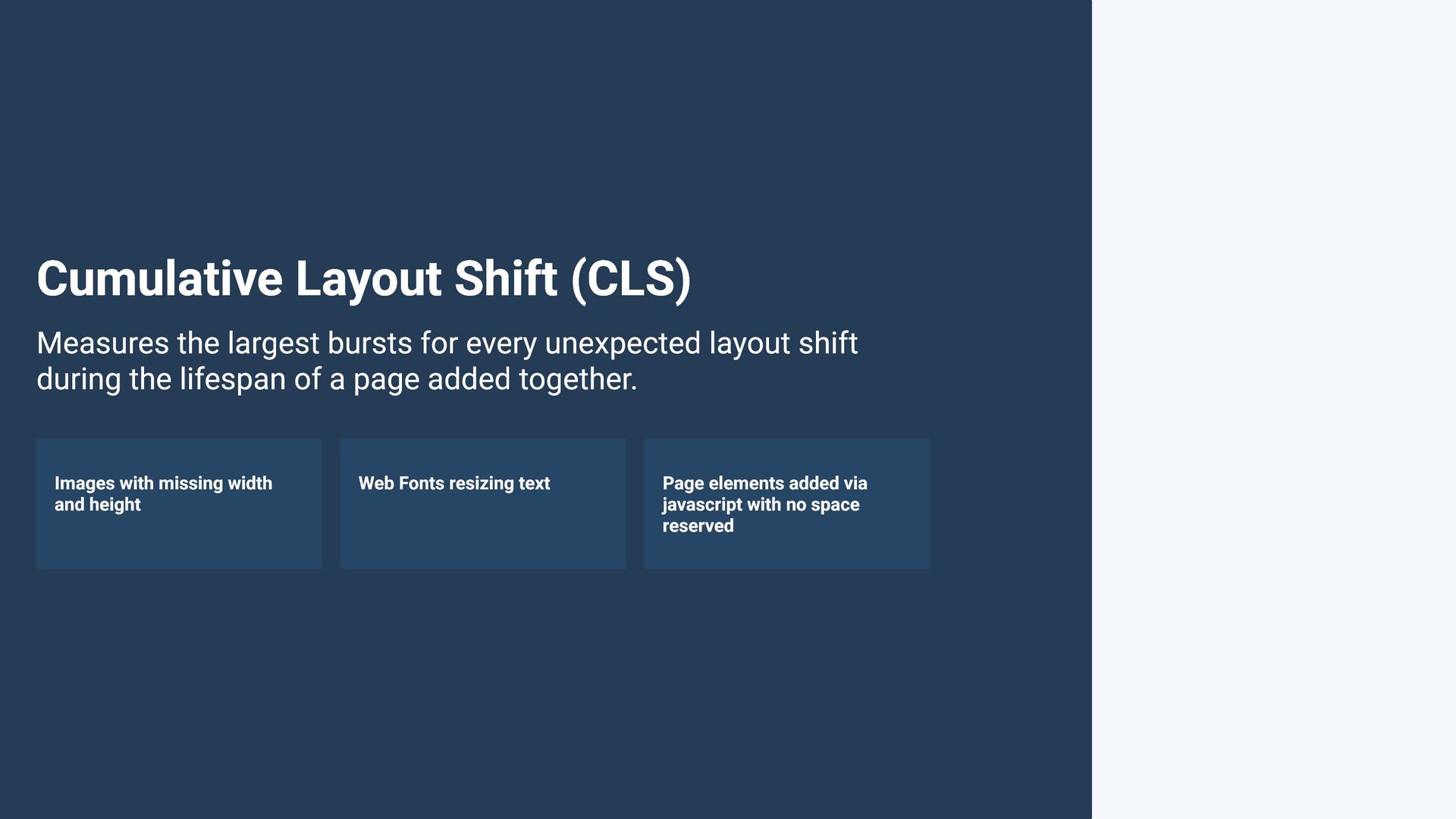
unexpected layout shift during the lifespan of a page added together. Images with missing width and height Web Fonts resizing text Page elements added via javascript with no space reserved
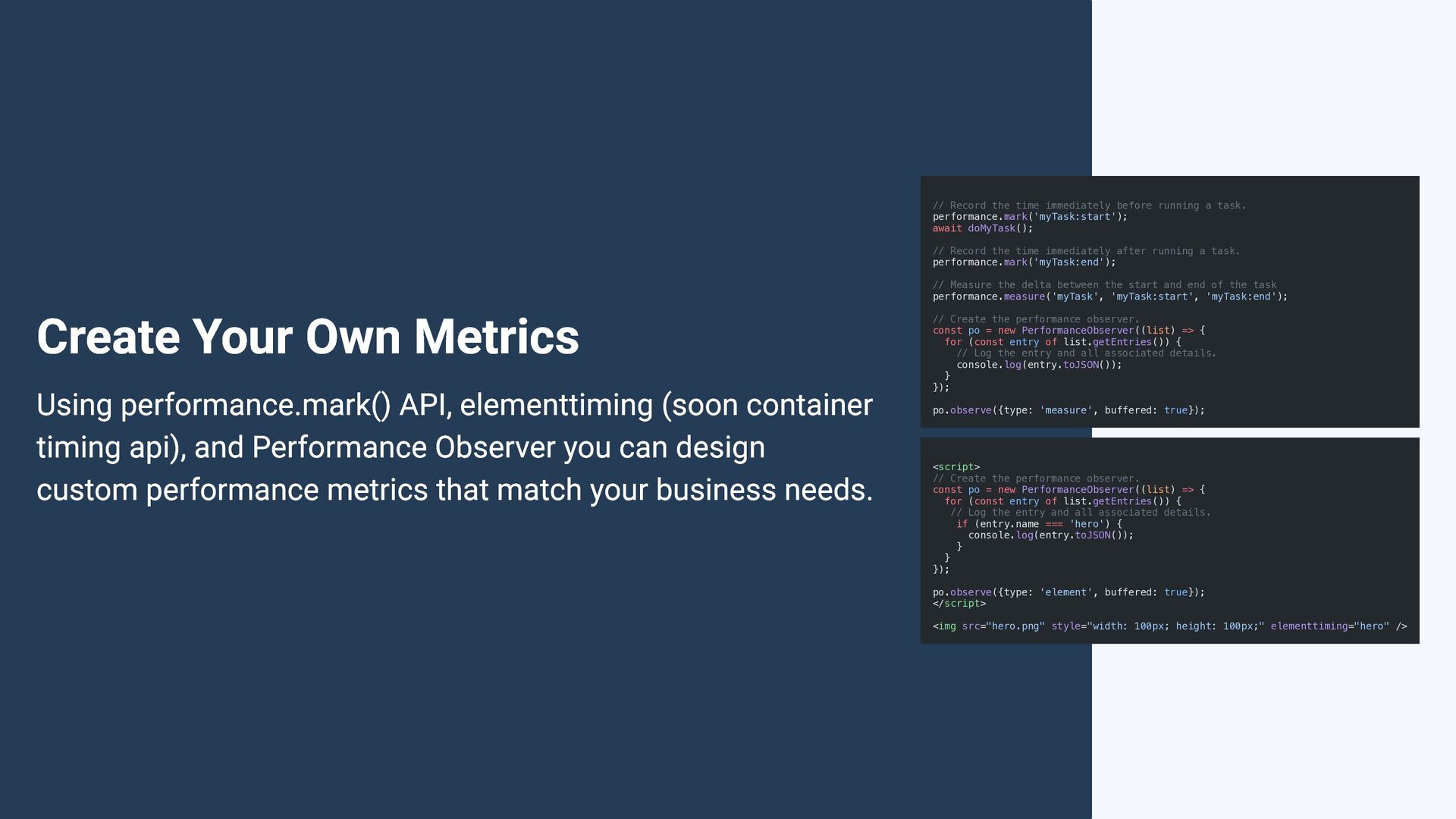
await doMyTask(); // Record the time immediately after running a task. performance.mark('myTask:end'); // Measure the delta between the start and end of the task performance.measure('myTask', 'myTask:start', 'myTask:end'); Create Your Own Metrics Using performance.mark() API, elementtiming (soon container timing api), and Performance Observer you can design custom performance metrics that match your business needs. // Create the performance observer. const po = new PerformanceObserver((list) => { for (const entry of list.getEntries()) { // Log the entry and all associated details. console.log(entry.toJSON()); } }); po.observe({type: 'measure', buffered: true}); <script> // Create the performance observer. const po = new PerformanceObserver((list) => { for (const entry of list.getEntries()) { // Log the entry and all associated details. if (entry.name === 'hero') { console.log(entry.toJSON()); } } }); po.observe({type: 'element', buffered: true}); </script> <img src="hero.png" style="width: 100px; height: 100px;" elementtiming="hero" />
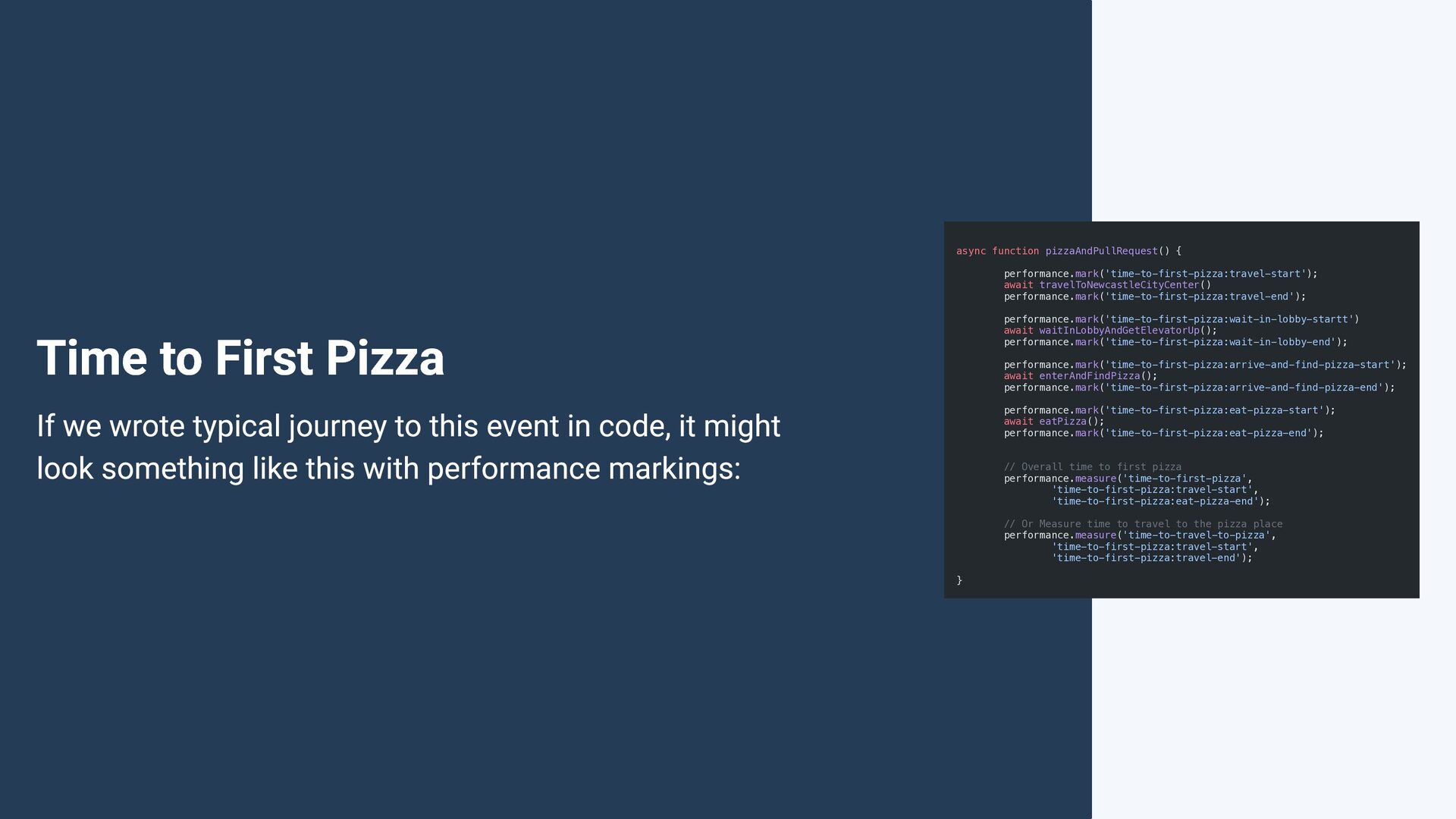
waitInLobbyAndGetElevatorUp(); performance.mark('time-to-first-pizza:wait-in-lobby-end'); Time to First Pizza performance.mark('time-to-first-pizza:arrive-and-find-pizza-start'); await enterAndFindPizza(); performance.mark('time-to-first-pizza:arrive-and-find-pizza-end'); performance.mark('time-to-first-pizza:eat-pizza-start'); await eatPizza(); performance.mark('time-to-first-pizza:eat-pizza-end'); If we wrote typical journey to this event in code, it might look something like this with performance markings: // Overall time to first pizza performance.measure('time-to-first-pizza', 'time-to-first-pizza:travel-start', 'time-to-first-pizza:eat-pizza-end'); // Or Measure time to travel to the pizza place performance.measure('time-to-travel-to-pizza', 'time-to-first-pizza:travel-start', 'time-to-first-pizza:travel-end'); }
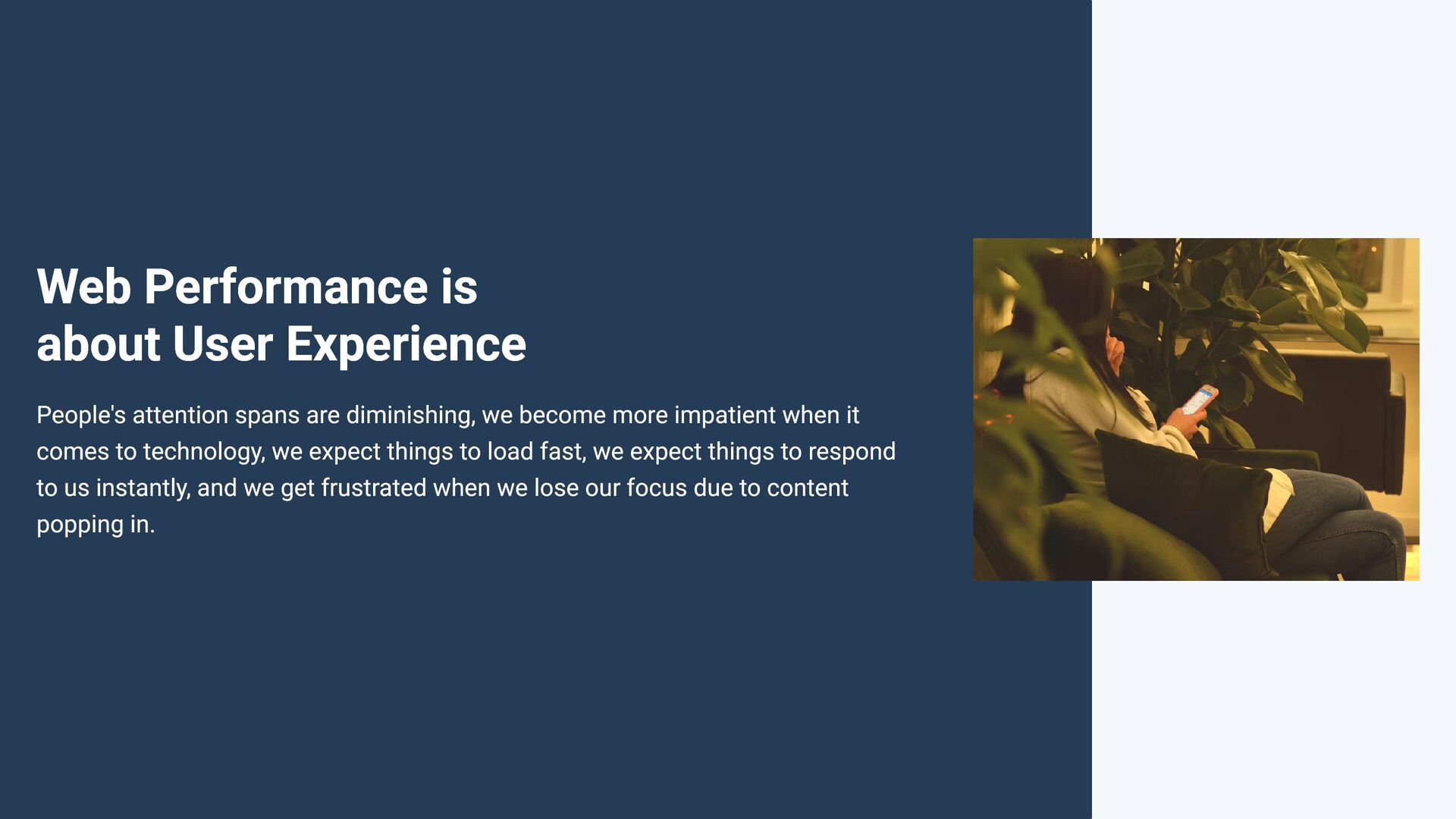
diminishing, we become more impatient when it comes to technology, we expect things to load fast, we expect things to respond to us instantly, and we get frustrated when we lose our focus due to content popping in.
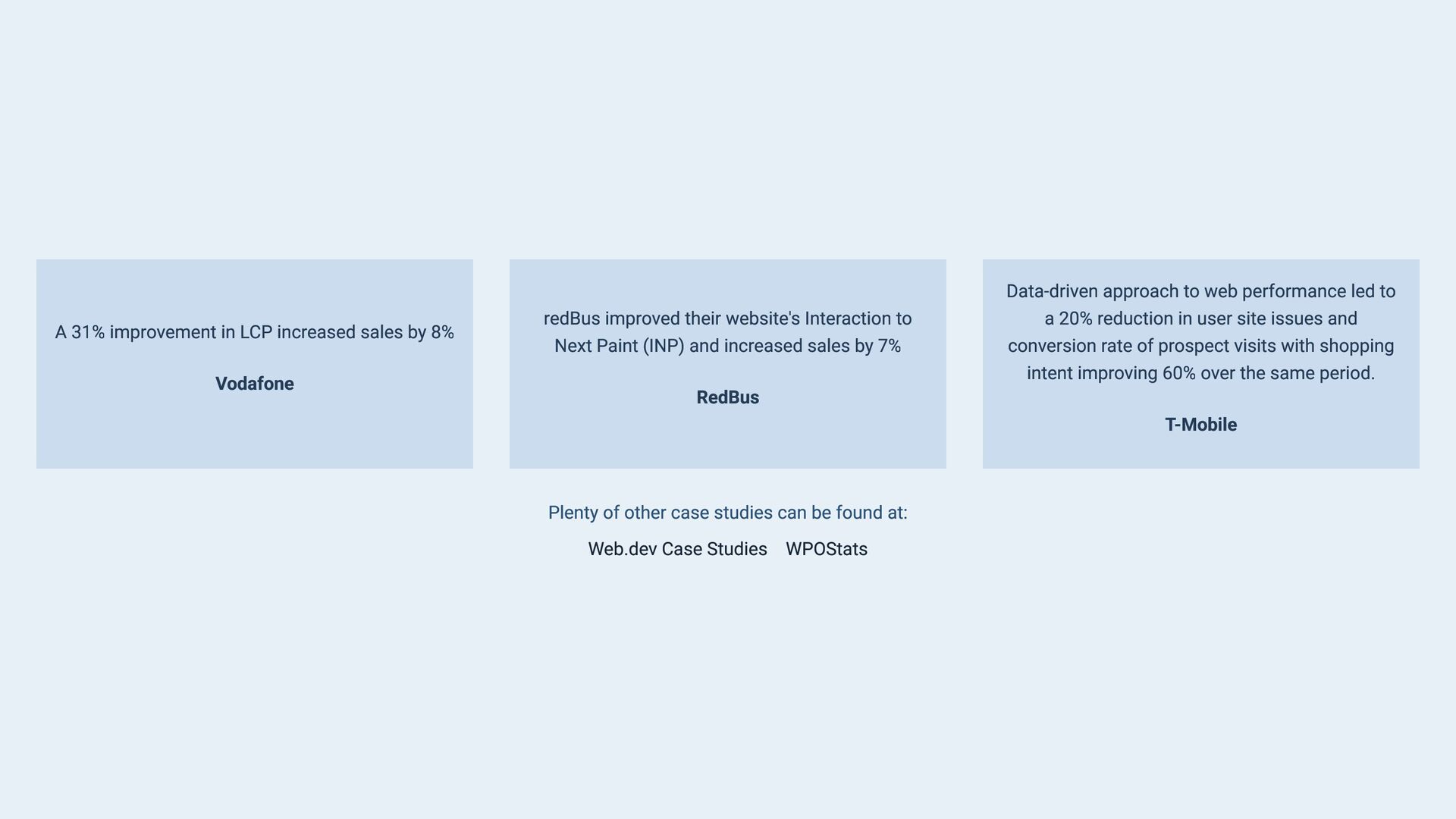
in LCP increased sales by 8% Vodafone redBus improved their website's Interaction to a 20% reduction in user site issues and Next Paint (INP) and increased sales by 7% conversion rate of prospect visits with shopping intent improving 60% over the same period. RedBus T-Mobile Plenty of other case studies can be found at: Web.dev Case Studies WPOStats
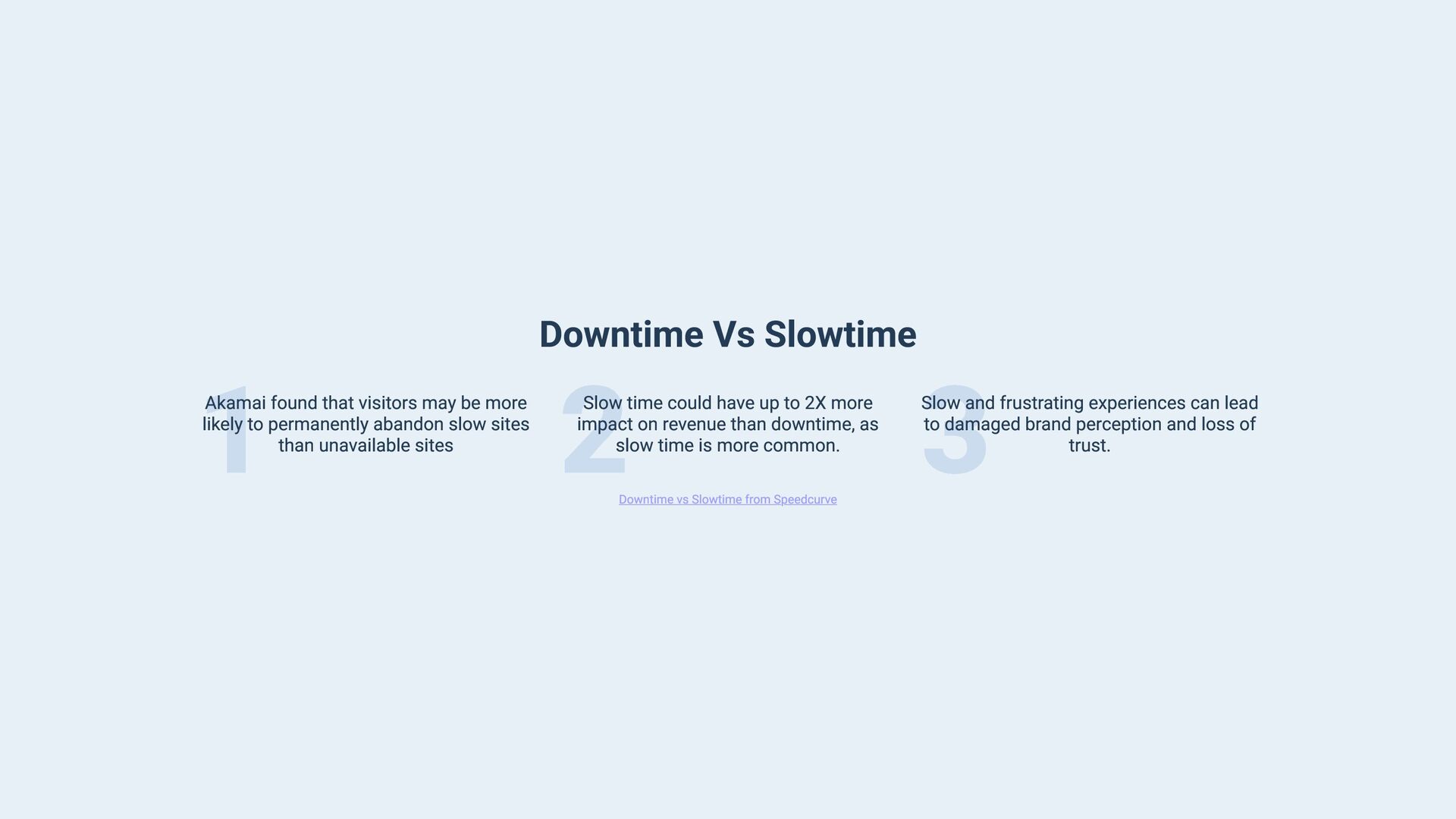
more likely to permanently abandon slow sites than unavailable sites 2 Slow time could have up to 2X more impact on revenue than downtime, as slow time is more common. Downtime vs Slowtime from Speedcurve 3 Slow and frustrating experiences can lead to damaged brand perception and loss of trust.
when it comes to marketing, for the user possibly getting no where because poor User Experience after loading the site has lead the user to leave the session and lost a potential marketing ad conversion.
tell us that Passing Core Web Vitals metrics are apart of the Page Experience Ranking Signal which is used when ranking pages in search results. This tells focusing on improving the User Experience of potential customers is what is important which can lead to better search ranking.
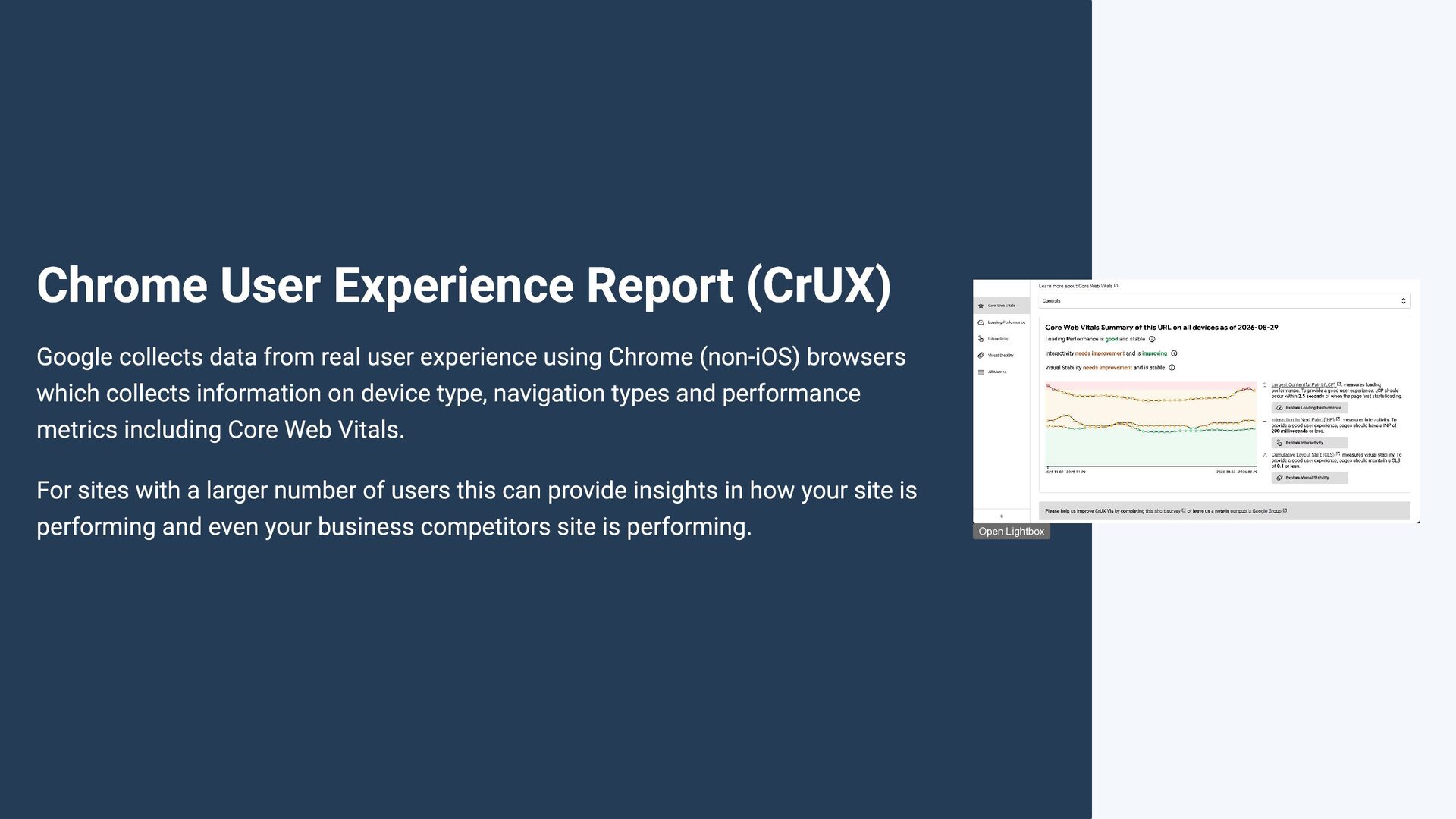
user experience using Chrome (non-iOS) browsers which collects information on device type, navigation types and performance metrics including Core Web Vitals. For sites with a larger number of users this can provide insights in how your site is performing and even your business competitors site is performing. Open Lightbox
in Dev Tools for the current page/origin to see current data 2 Via cruxvis.withgoogle.com to see a history of CrUX data over 40 weeks 3 Via the CrUX API for either History or current data for your own dashboards
more meaningfully information including in the last year cross browser support for LCP and INP. Some of these RUM tools can even provide information in which element was the target of a particular performance issue helping you diagnose and fix the performance issues.
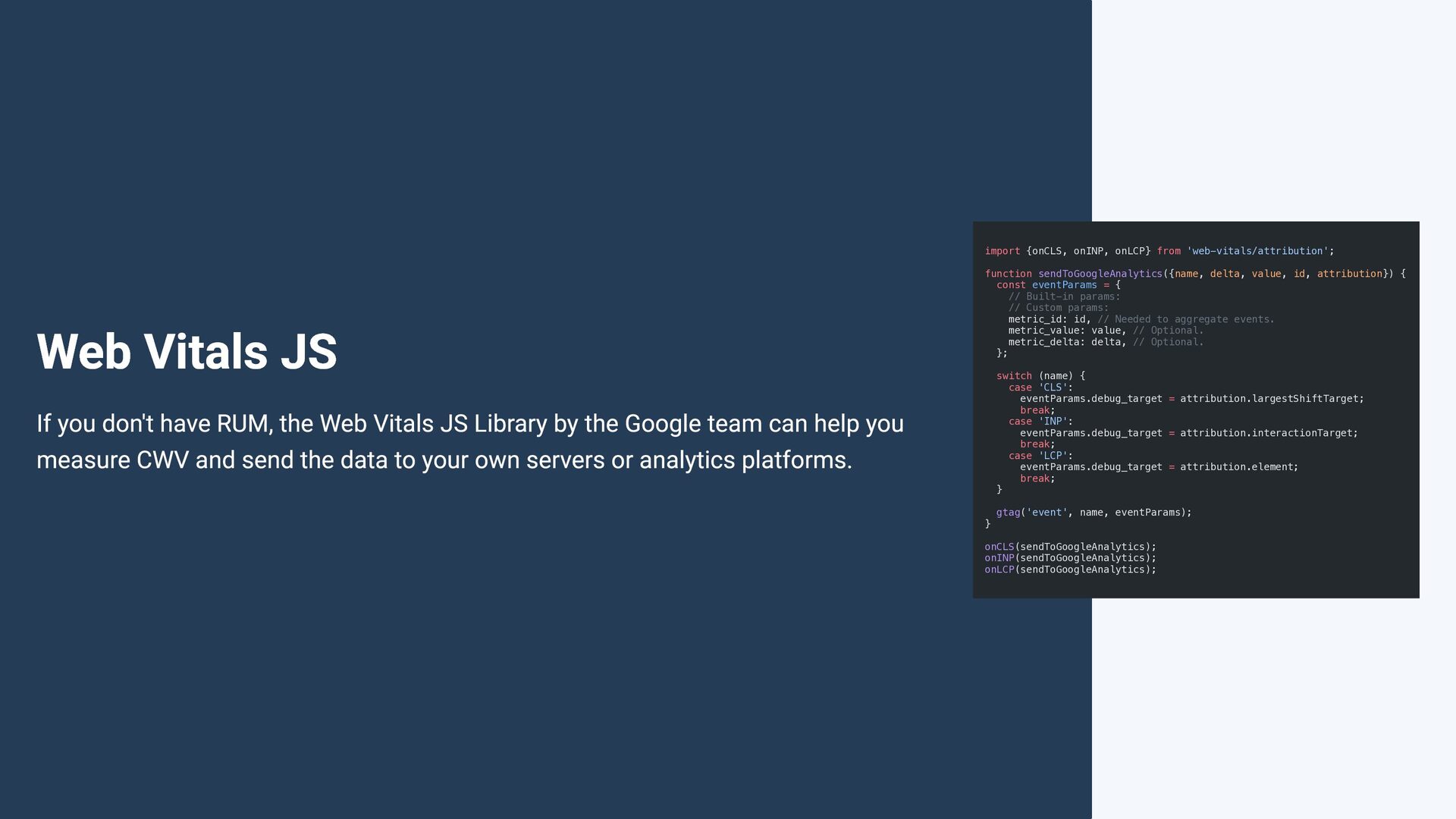
sendToGoogleAnalytics({name, delta, value, id, attribution}) { const eventParams = { // Built-in params: // Custom params: metric_id: id, // Needed to aggregate events. metric_value: value, // Optional. metric_delta: delta, // Optional. }; switch (name) { case 'CLS': eventParams.debug_target = attribution.largestShiftTarget; break; case 'INP': eventParams.debug_target = attribution.interactionTarget; break; case 'LCP': eventParams.debug_target = attribution.element; break; } If you don't have RUM, the Web Vitals JS Library by the Google team can help you measure CWV and send the data to your own servers or analytics platforms. } gtag('event', name, eventParams); onCLS(sendToGoogleAnalytics); onINP(sendToGoogleAnalytics); onLCP(sendToGoogleAnalytics);
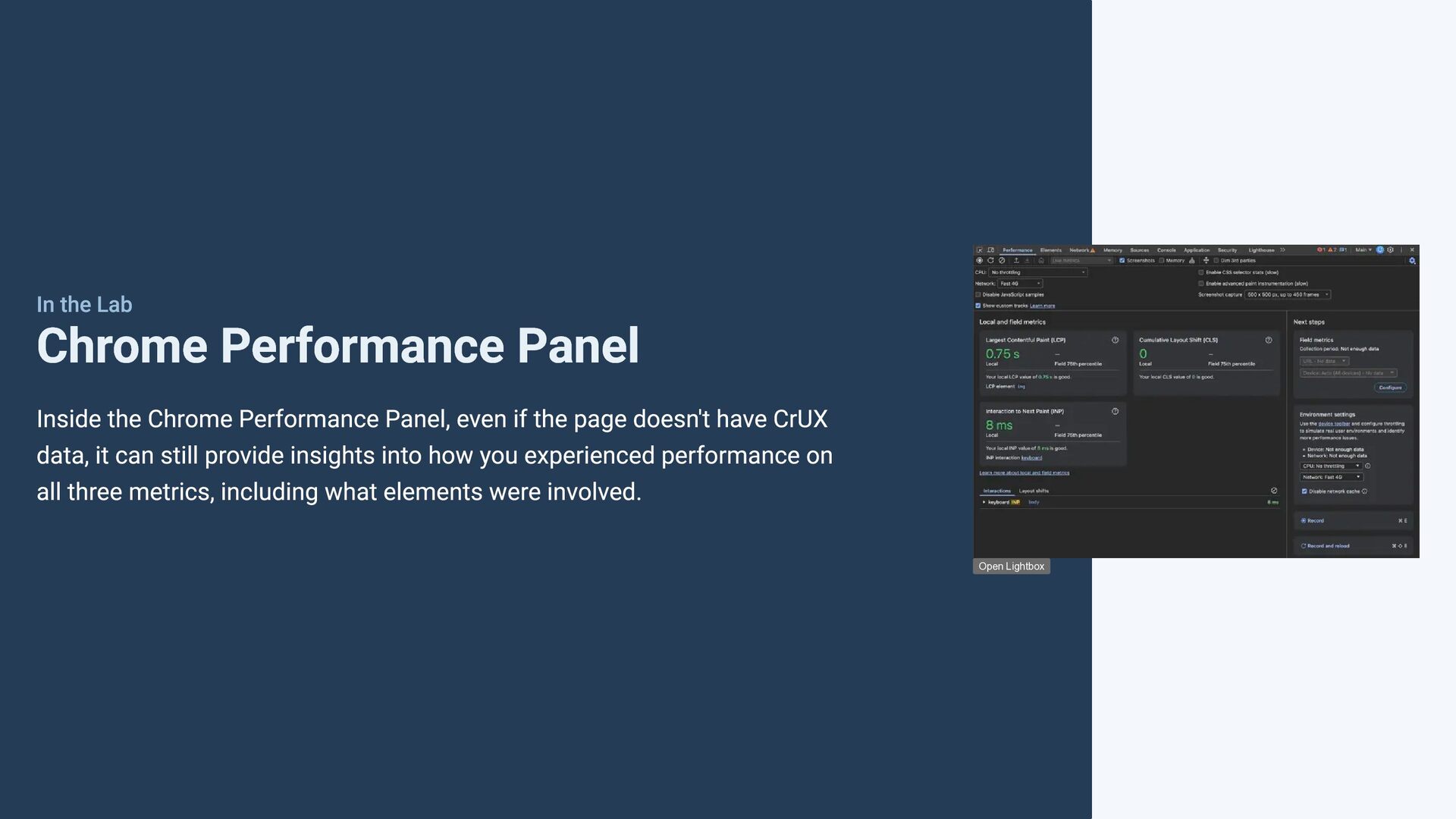
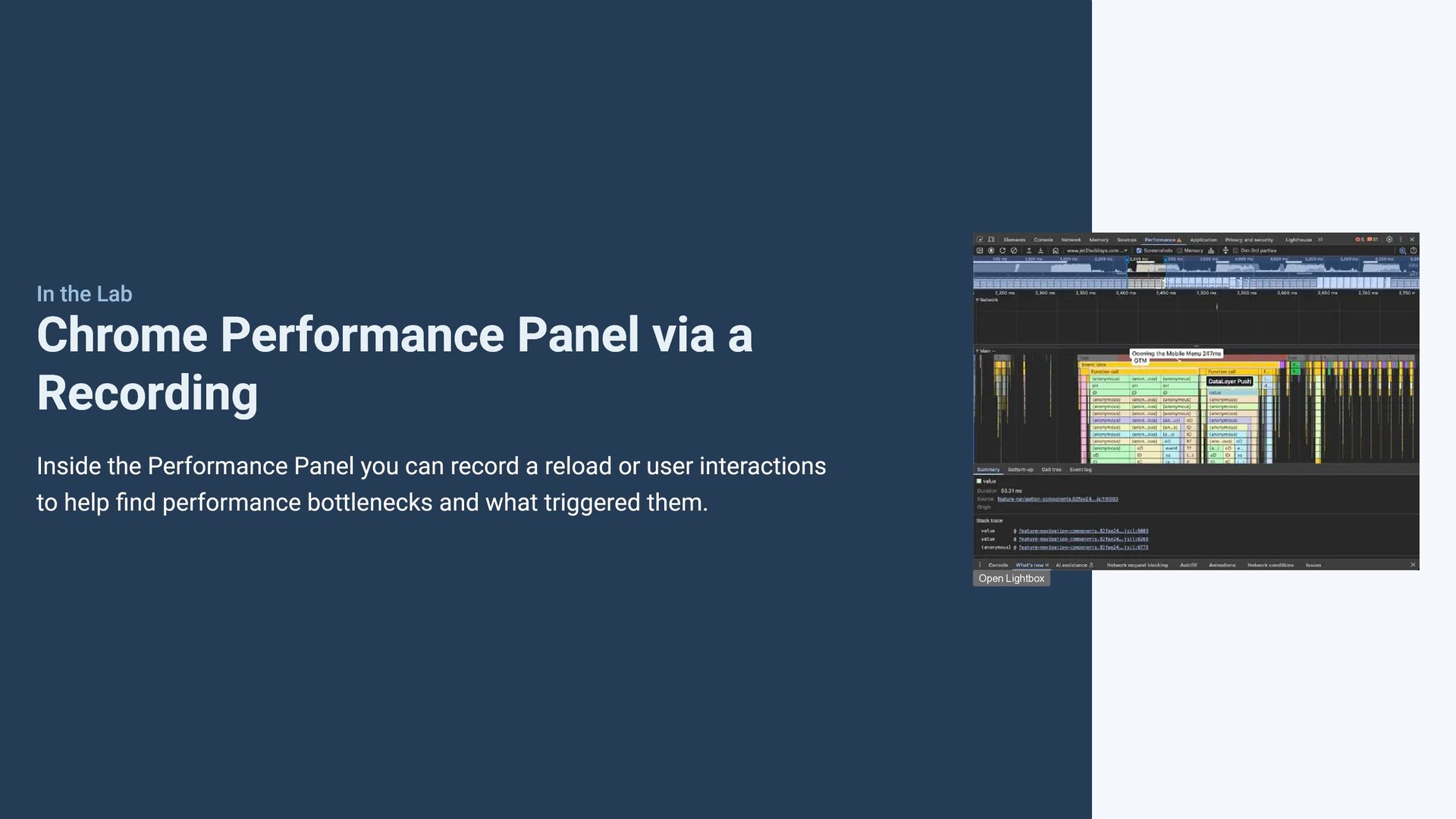
Panel, even if the page doesn't have CrUX data, it can still provide insights into how you experienced performance on all three metrics, including what elements were involved. Open Lightbox
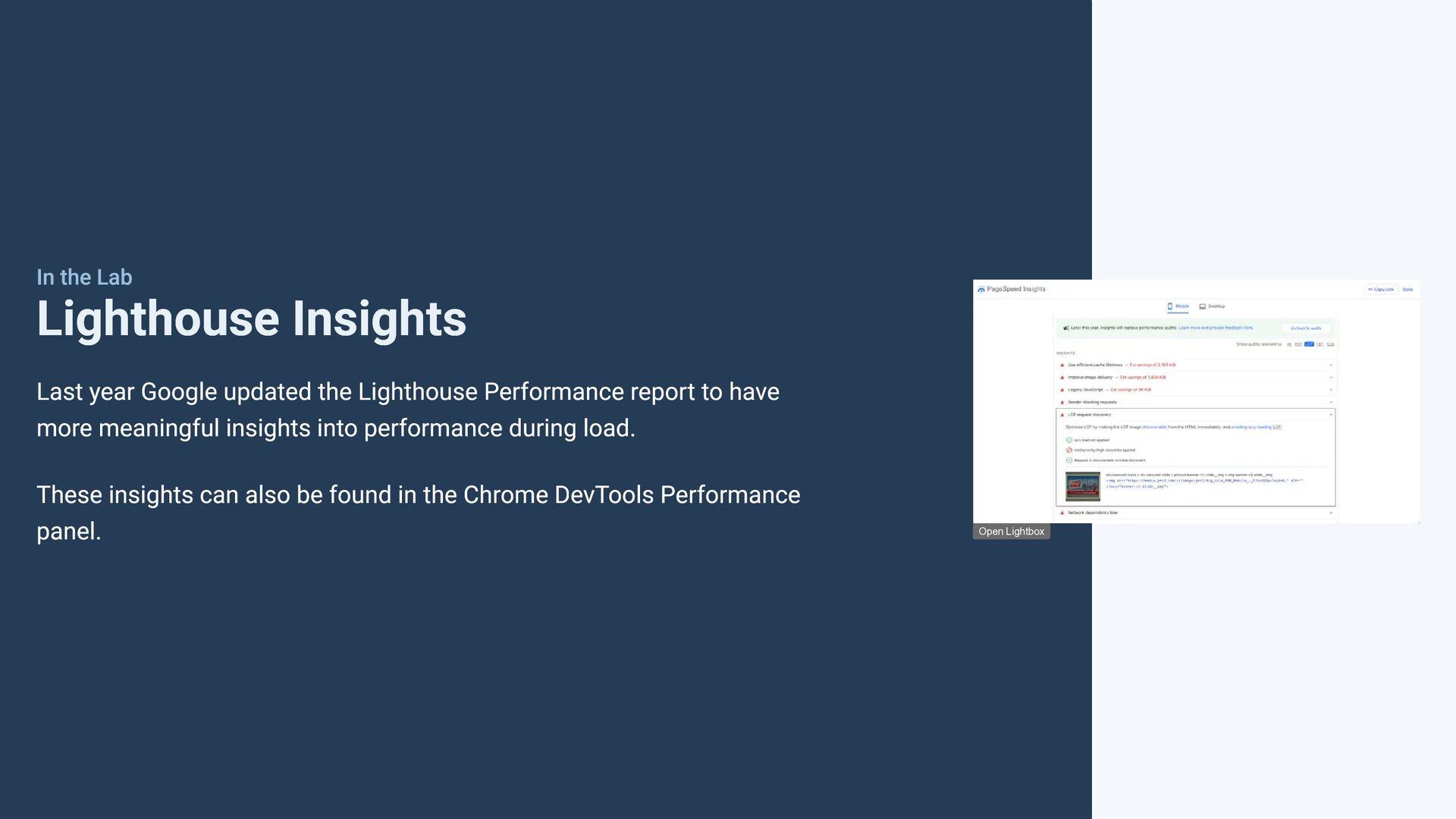
Lighthouse Performance report to have more meaningful insights into performance during load. These insights can also be found in the Chrome DevTools Performance panel. Open Lightbox
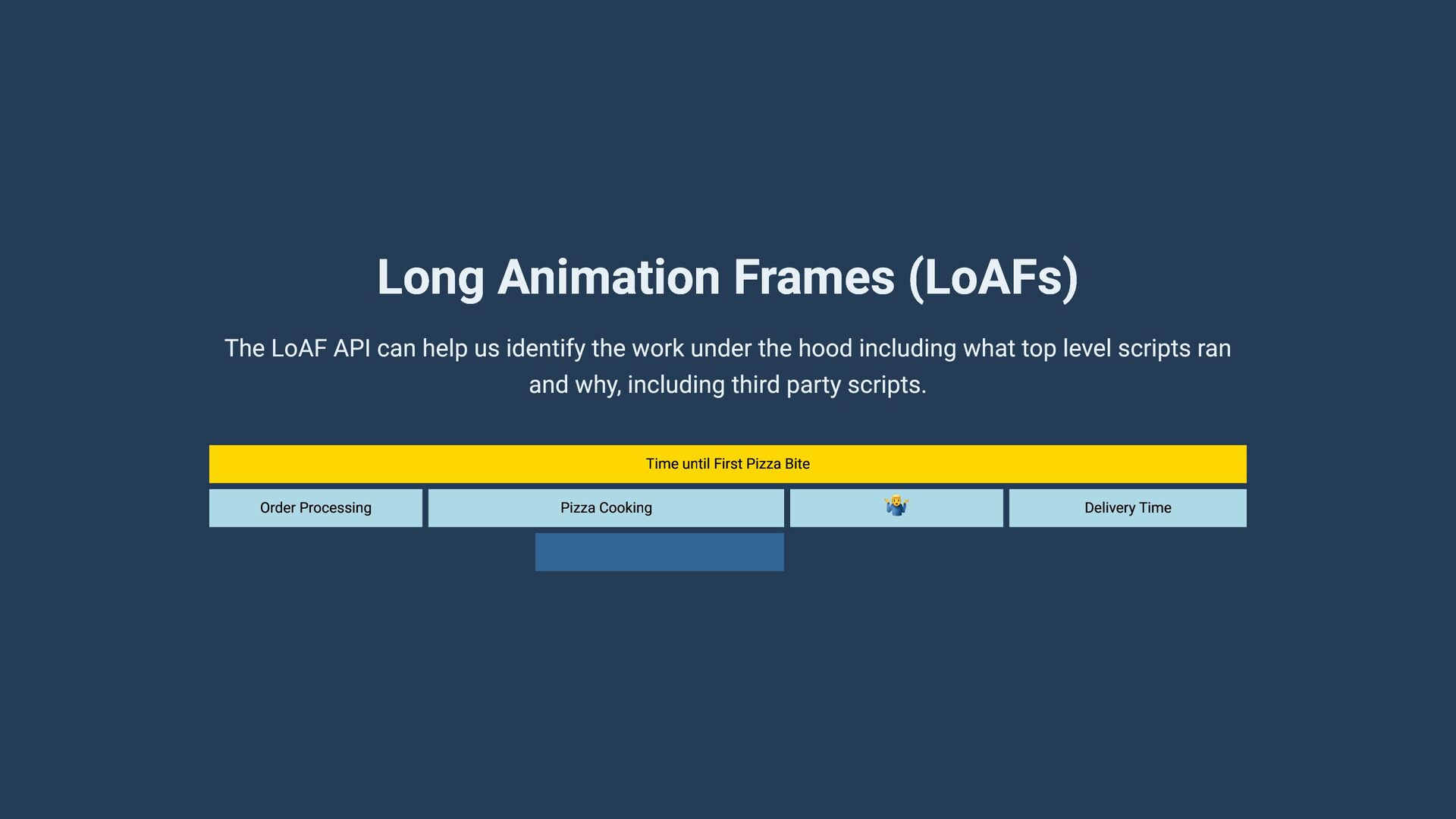
identify the work under the hood including what top level scripts ran and why, including third party scripts. Time until First Pizza Bite Order Processing Pizza Cooking 🤷♂️ Delivery Time
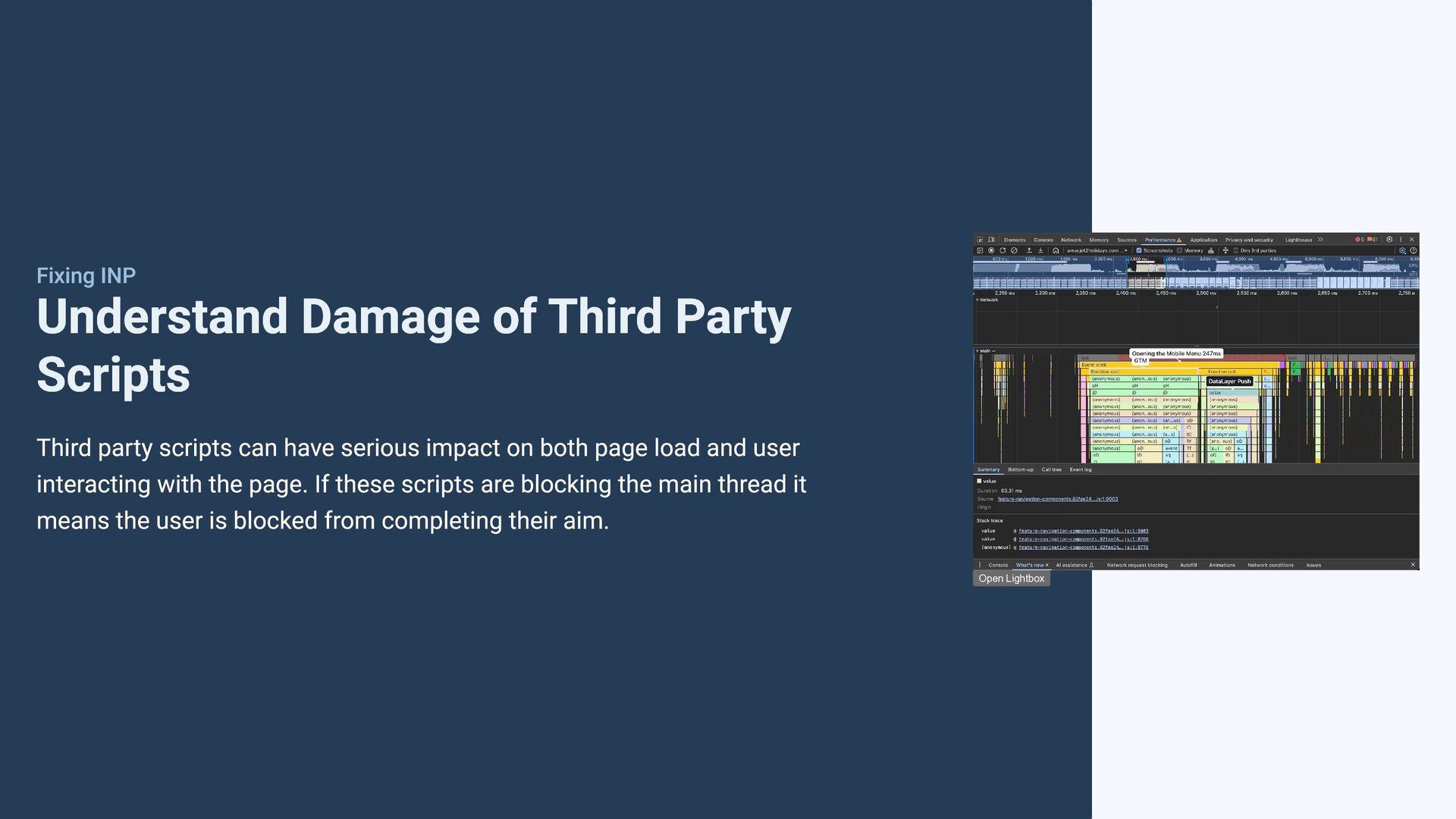
were creating 18 seconds of LoAFs, on investigation we found this was being caused by an analytics tool triggering large query selectors. Also, we used it to show how a few third parties like analytics, were already taking around 100ms off every click interaction.
a image, it is important to ensure that the browser can find the LCP resource as soon as possible. Make sure LCP element is discoverable in the initial HTML and not lazy loaded or added via Javascript. Use fetchpriority='high' on the LCP element or use preload link in the head. Lower the priority of any competing images which may not be visible to users.
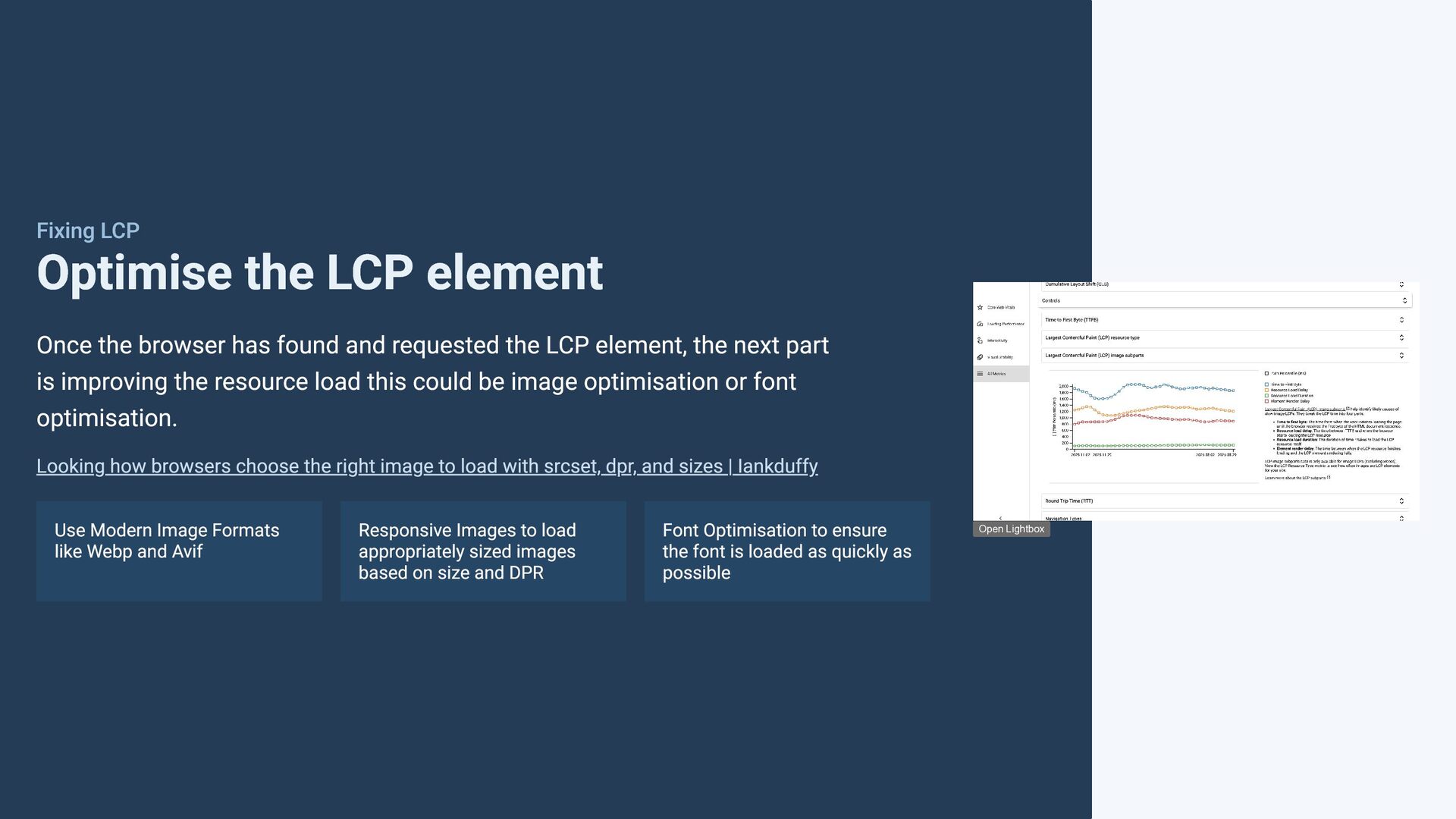
found and requested the LCP element, the next part is improving the resource load this could be image optimisation or font optimisation. Looking how browsers choose the right image to load with srcset, dpr, and sizes | Iankduffy Use Modern Image Formats like Webp and Avif Responsive Images to load appropriately sized images based on size and DPR Font Optimisation to ensure the font is loaded as quickly as possible Open Lightbox
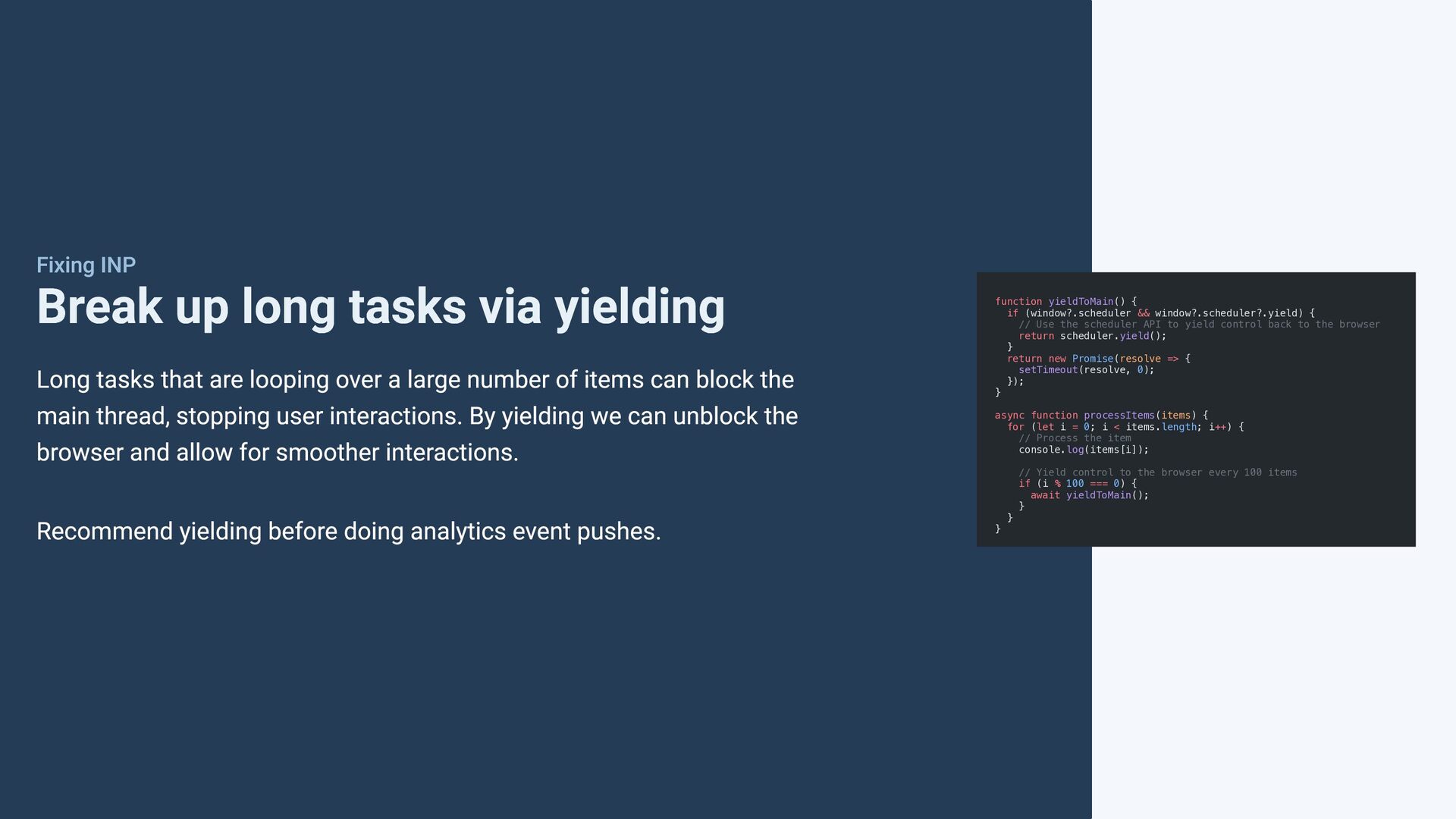
that are looping over a large number of items can block the main thread, stopping user interactions. By yielding we can unblock the browser and allow for smoother interactions. Recommend yielding before doing analytics event pushes. function yieldToMain() { if (window?.scheduler && window?.scheduler?.yield) { // Use the scheduler API to yield control back to the browser return scheduler.yield(); } return new Promise(resolve => { setTimeout(resolve, 0); }); } async function processItems(items) { for (let i = 0; i < items.length; i++) { // Process the item console.log(items[i]); } } // Yield control to the browser every 100 items if (i % 100 === 0) { await yieldToMain(); }
scripts can have serious impact on both page load and user interacting with the page. If these scripts are blocking the main thread it means the user is blocked from completing their aim. Open Lightbox
web has changed so much, we now have new APIs such as native lazy loading, CSS scroll snap, dialog element and even the popover API to create mobile menus with no Javascript. Building Mobile Menu with the Popover API| Iankduffy 1/6
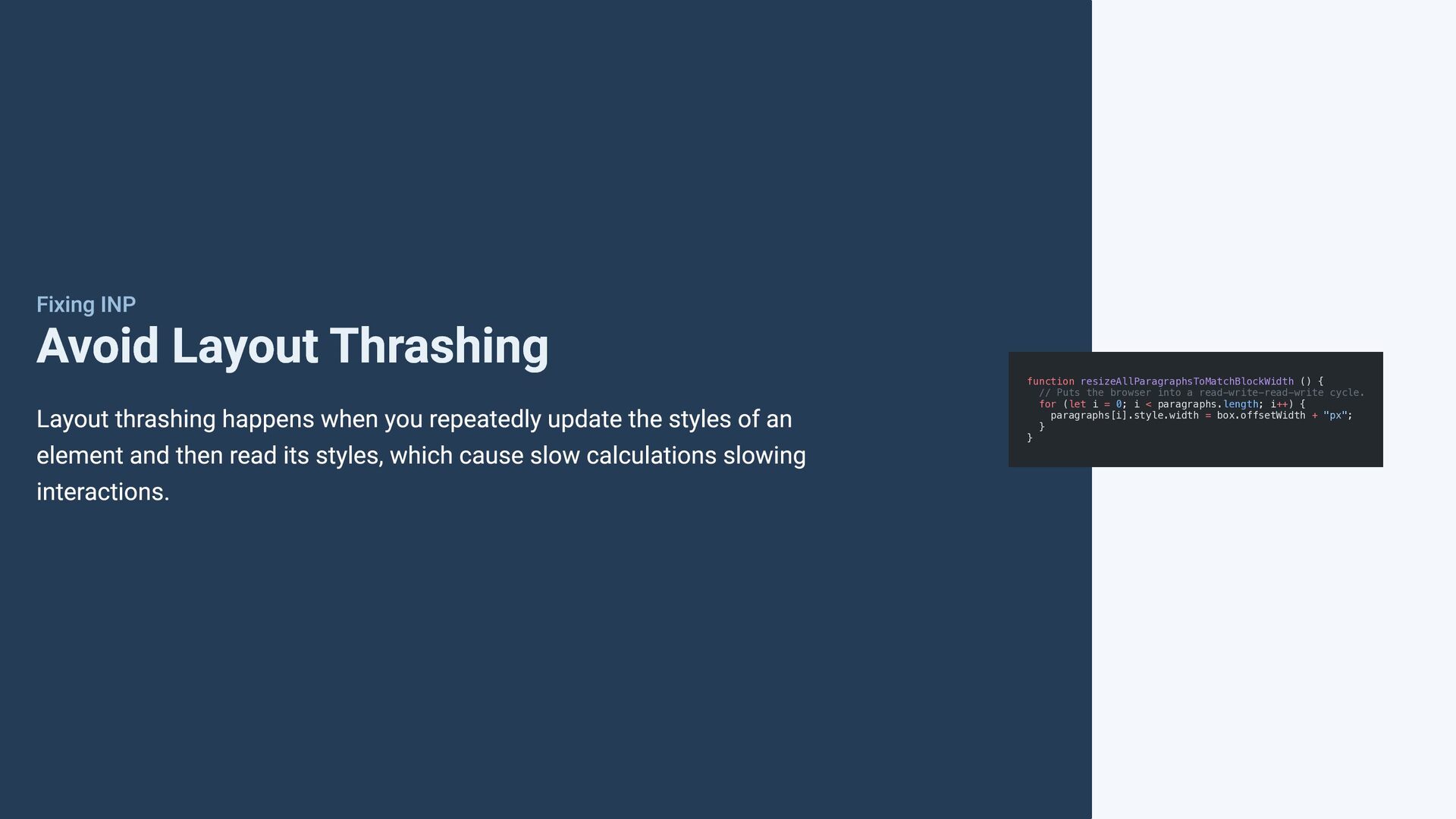
repeatedly update the styles of an element and then read its styles, which cause slow calculations slowing interactions. function resizeAllParagraphsToMatchBlockWidth () { // Puts the browser into a read-write-read-write cycle. for (let i = 0; i < paragraphs.length; i++) { paragraphs[i].style.width = box.offsetWidth + "px"; } }
elements <picture> <!-- Desktop image --> <source width='1200' height='900' media="(min-width: 1024px)" /> <!-- Tablet Image --> <source width='800' height='600' media="(min-width: 600px)" /> <!-- Mobile Image at 1/1 aspect ratio --> <img width='600' height='600' /> </picture> By adding width and height attributes to img and sources in picture elements, with a bit of CSS the browser can reserve the space needed for the image, avoiding layout shifts after the image loads. Handling Layout shift with img and picture tag | Iankduffy img { width: 100%; height: auto; }
content that will be added to the page via Javascript after load, it's best to reserve space to avoid the user experiencing layout shifts that could lead to user misclicking and being navigated of the page.


 tammielis
 samlambert
 thekraken
 greggifford
 mayunak
 chrislema
 wjessup
 aki_iinuma
 hannesfritz
 marketingsoph
 nmsamuel
 ammeep