Upgrade to Pro — share decks privately, control downloads, hide ads and more …

Flutter + MLKit: Building smart cross-platform ...

Avatar for Ifeoma Okereke Ifeoma Okereke
November 20, 2018

Flutter + MLKit: Building smart cross-platform applications

These are the slides for my presentation at Droidcon San Francisco 2018.

Google slides presentation here: https://bit.ly/dcsf18_flutter_mlkit

Youtube video of the talk: https://bit.ly/dcsf18_flutter_mlkit_video

Talk proposal:
Getting started with machine learning on the mobile platform can be daunting. From learning how to implement low-level models and use frameworks, to optimizing and adapting those models for mobile, it can be overwhelming. With ML Kit, regardless of one’s machine learning expertise, one can build compelling machine learning functionality into their mobile apps. Using ML Kit and Flutter, which is Google’s mobile SDK for building native Android and iOS apps from a single codebase, one can build apps with machine learning capabilities like face detection and image labeling, for both Android and iOS platforms in record time!

This talk will be guided by the following objectives:
- An introduction to Flutter and to ML Kit
- Exploration of some of the key functionalities that ML Kit offers such as text recognition and landmark recognition.
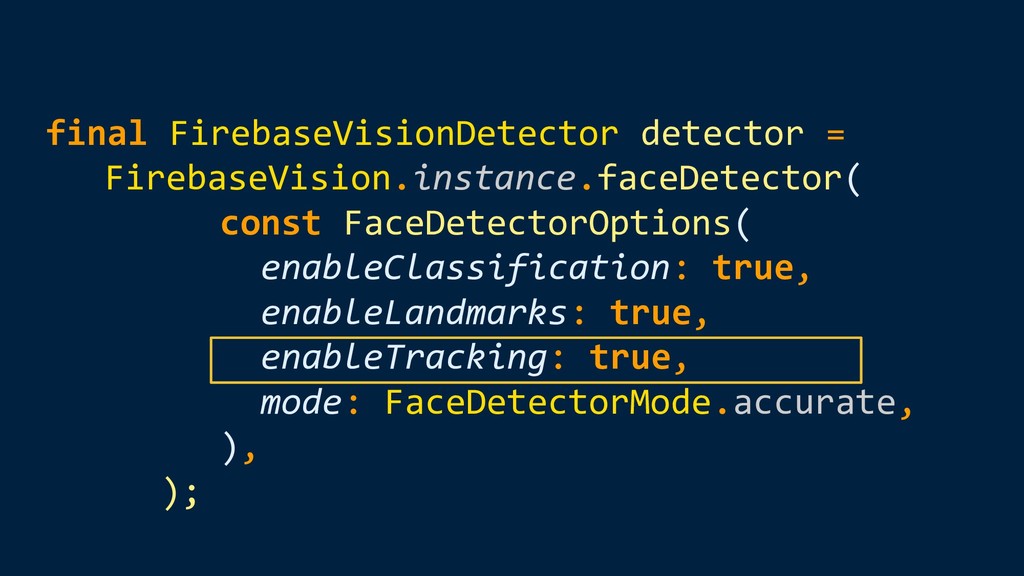
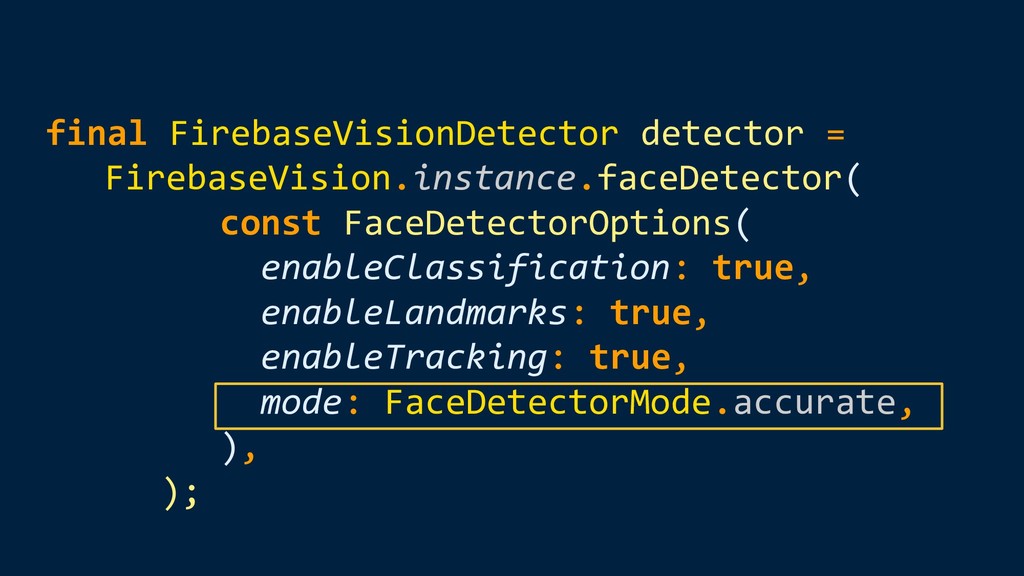
- Determining how to use Flutter to leverage ML Kit’s functionalities
- Exploring ML Kit’s on-device features that are currently available, which are text recognition, face detection, barcode scanning and image labeling.
- Equipping attendees with the knowledge they need to build a smart Flutter application with ML Kit.

Avatar for Ifeoma Okereke

Ifeoma Okereke

November 20, 2018

More Decks by Ifeoma Okereke

Other Decks in Technology

Transcript

  1. Flutter + MLKit Building smart cross-platform applications Ifeoma Okereke Android

    Engineer @ WW (formerly known as Weight Watchers) @IfeomaRO
  2. Objectives • Flutter ◦ Intro ◦ Writing a Flutter app

    ◦ Why use Flutter • ML Kit ◦ Intro ◦ ML Kit APIs
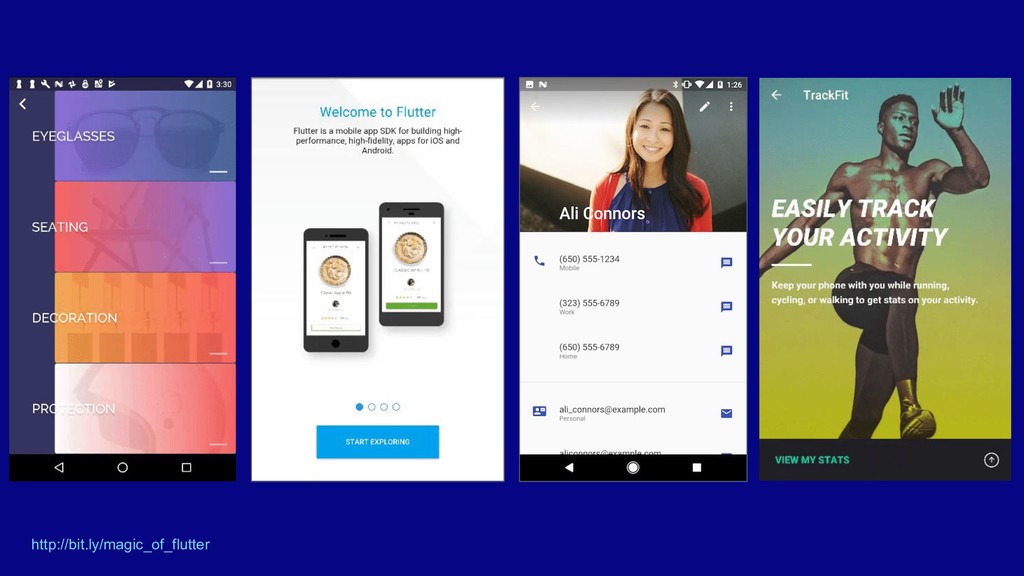
  3. What is Flutter? • Google’s mobile SDK • Create native

    interfaces on both iOS and Android • Single codebase • Build cross-platform apps in record time • Using Dart
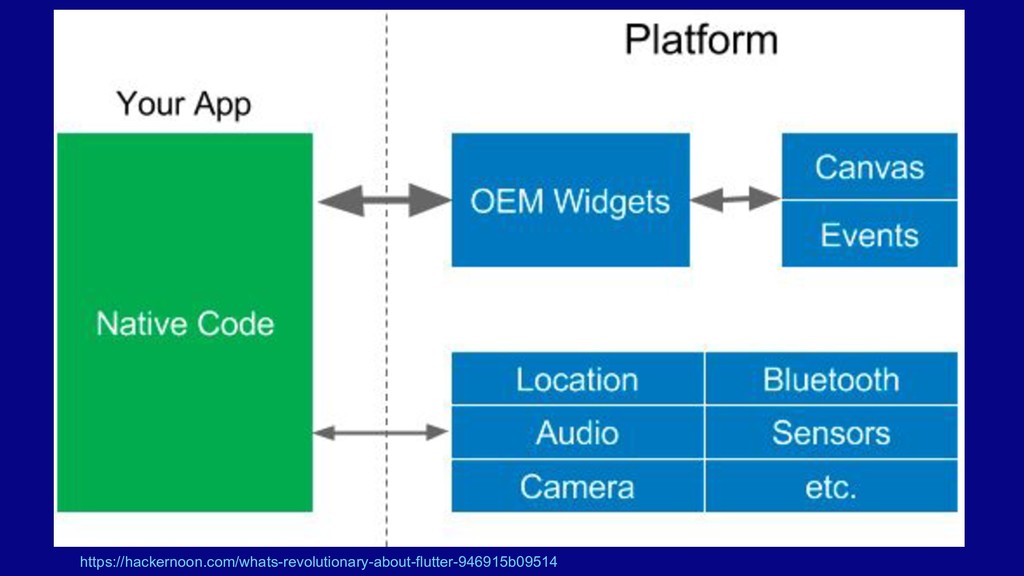
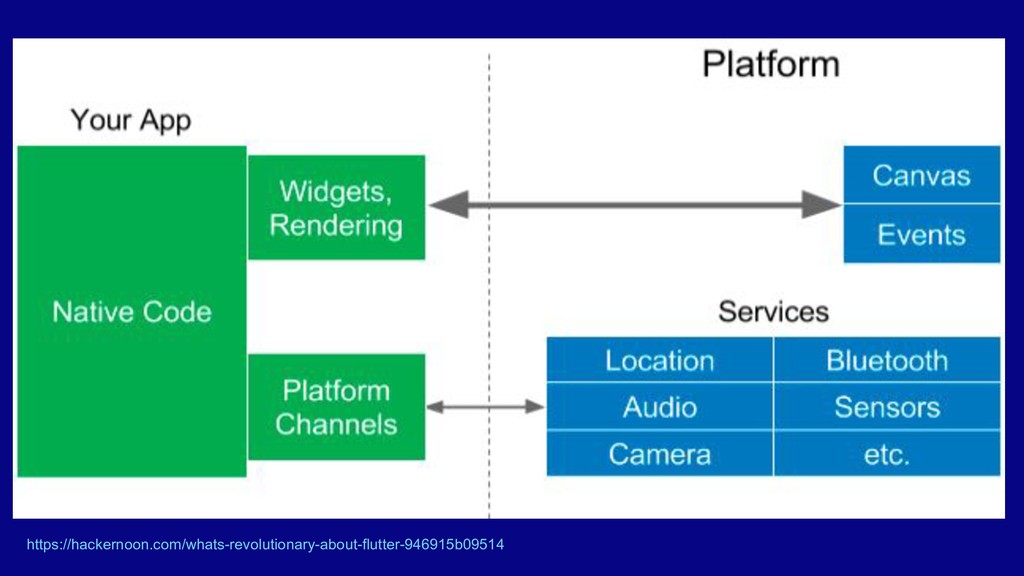
  4. What’s great about Flutter • Fast cross-platform development • Performant

    native experience • Lots of built-in widgets, not limited to OEM widgets • Platform specific code where needed • Android Jelly Bean, API 16 or newer, and iOS 8 or newer.
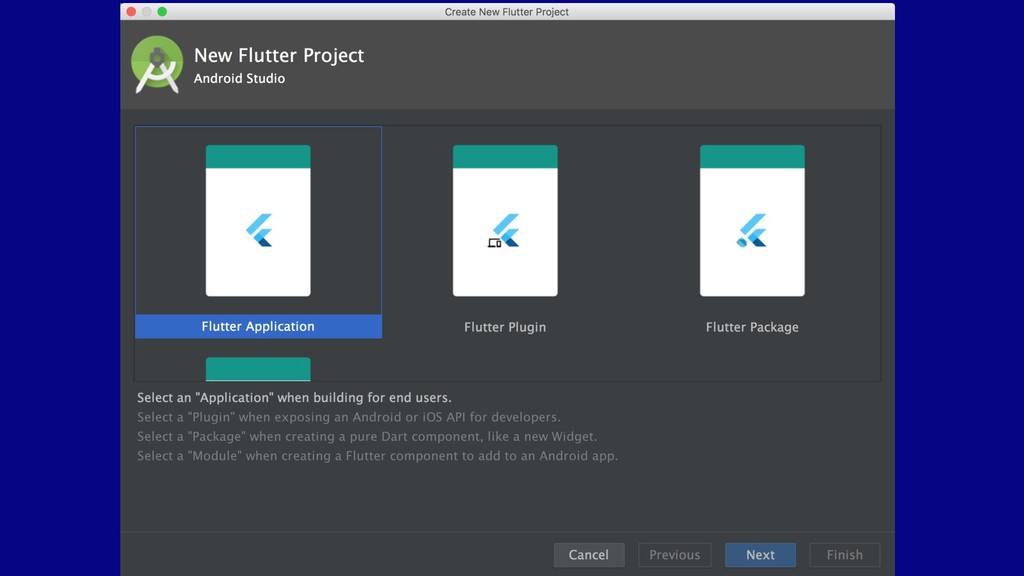
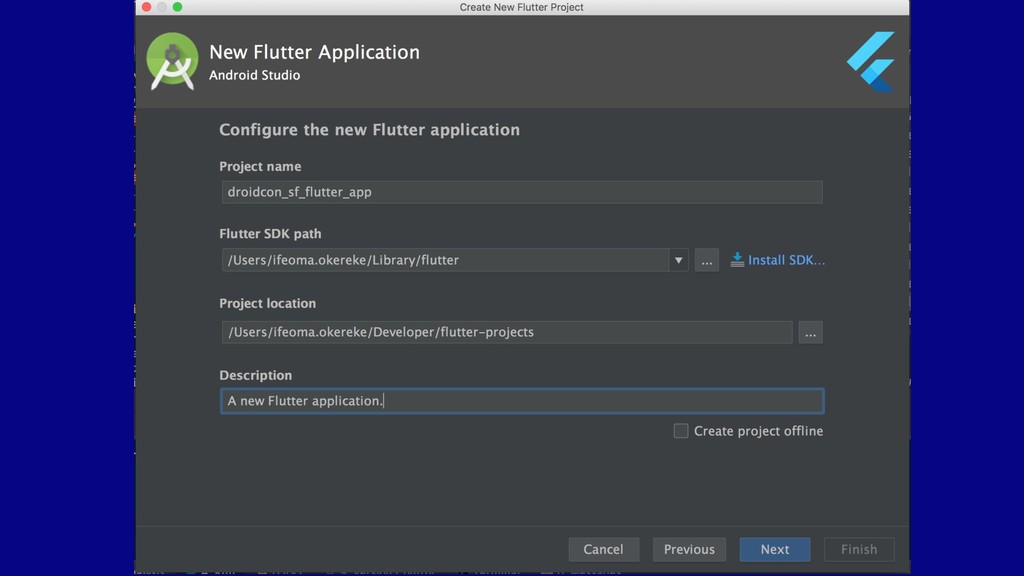
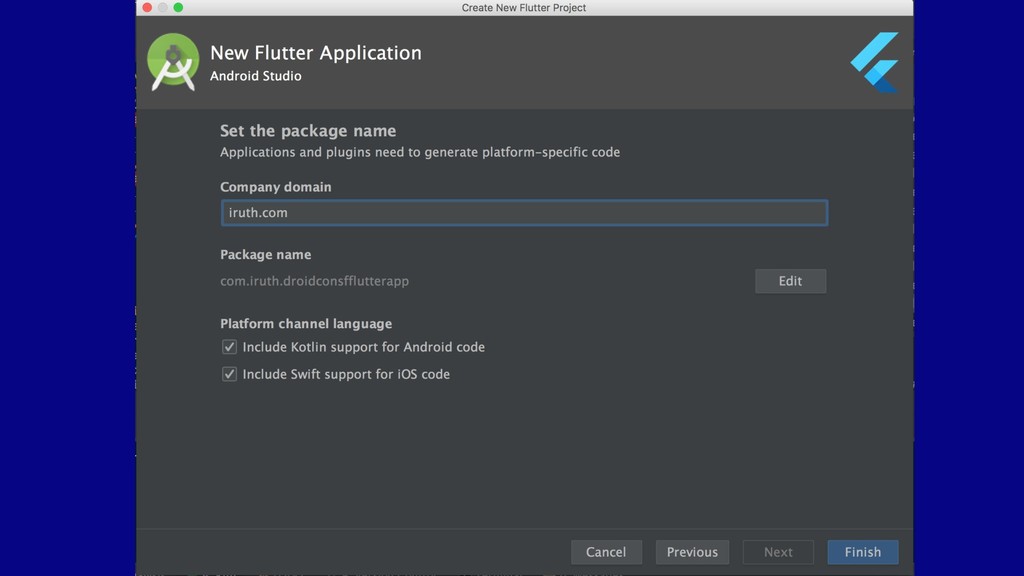
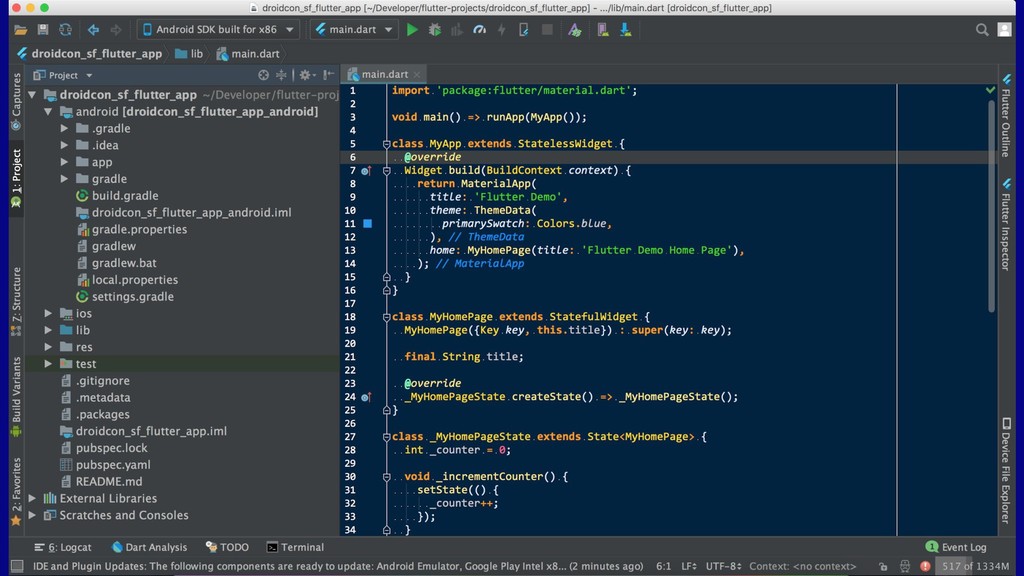
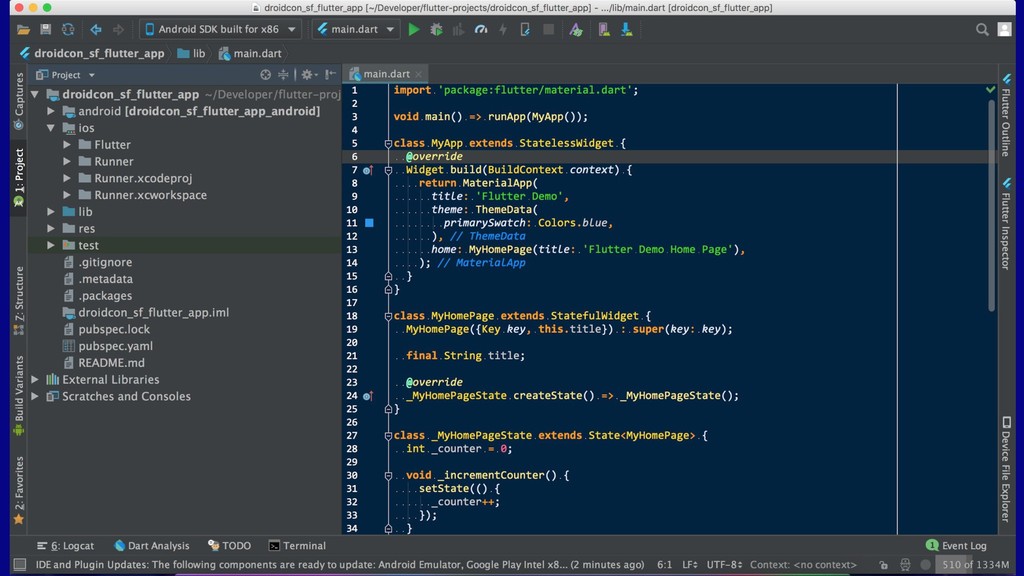
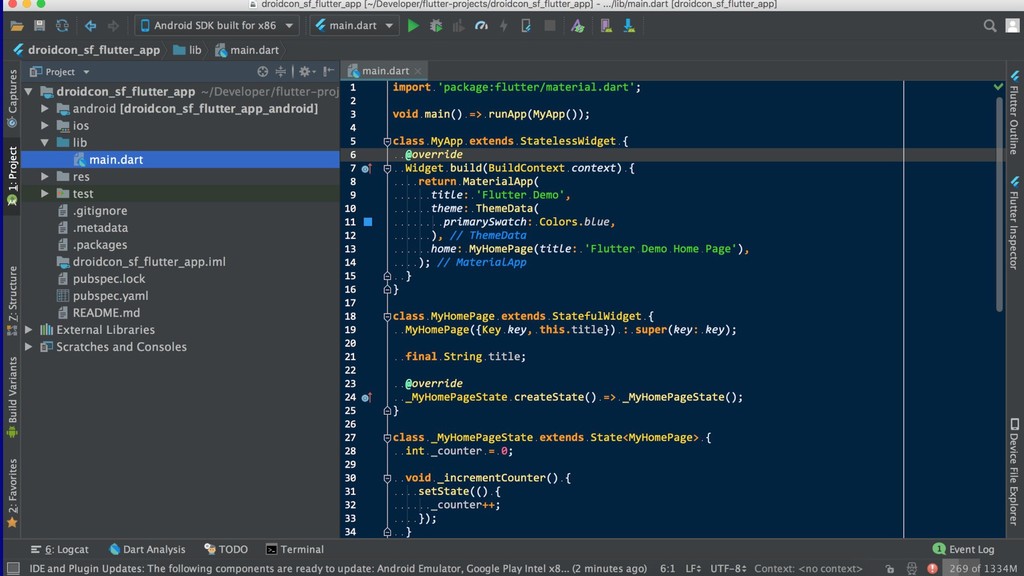
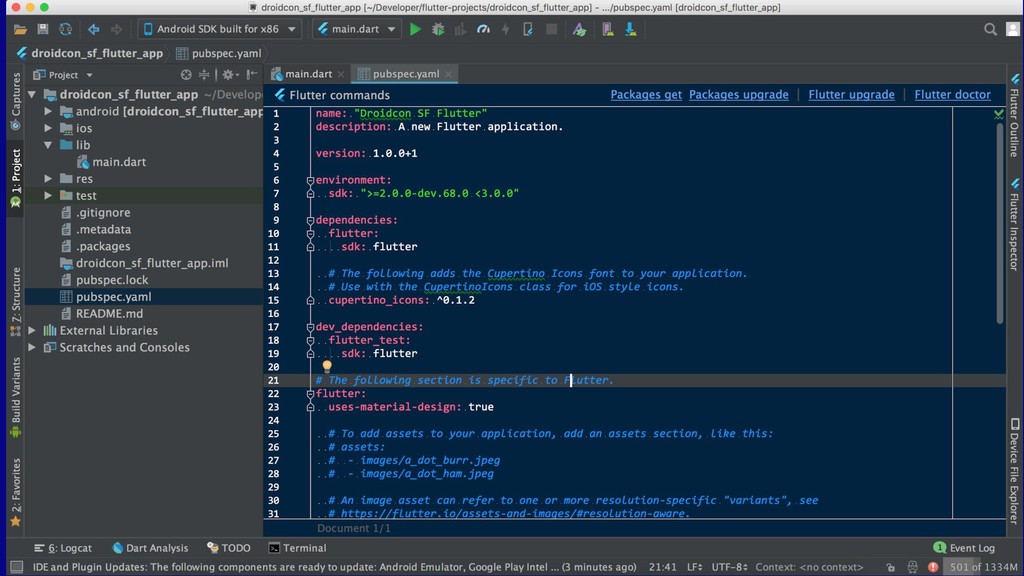
  5. How do I get started? • IDE ◦ Android Studio

    ◦ IntelliJ IDEA ◦ Visual Studio Code ◦ Command line • Download Dart and Flutter plugins • Download the Flutter SDK ◦ flutter.io/docs/get-started/install
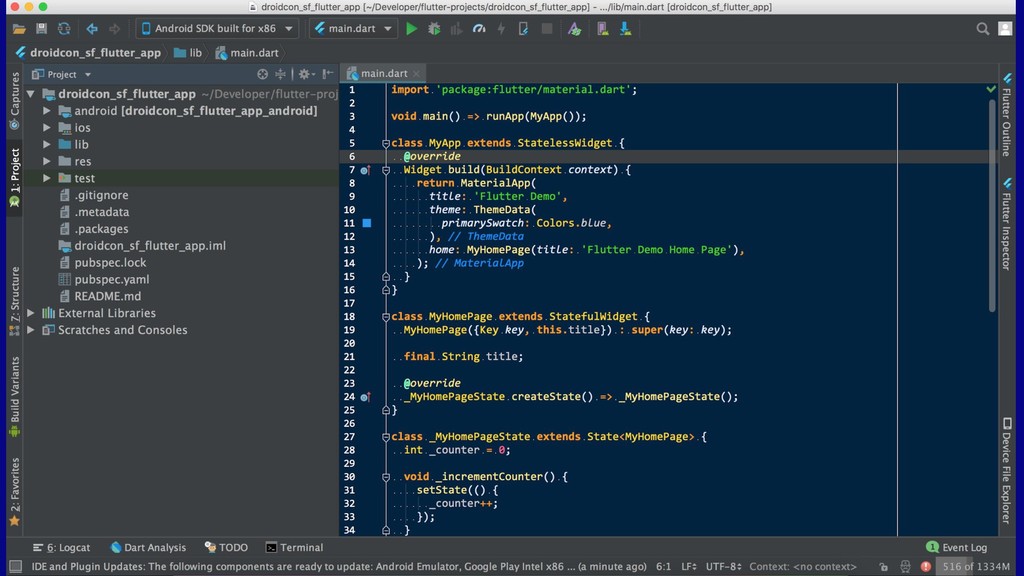
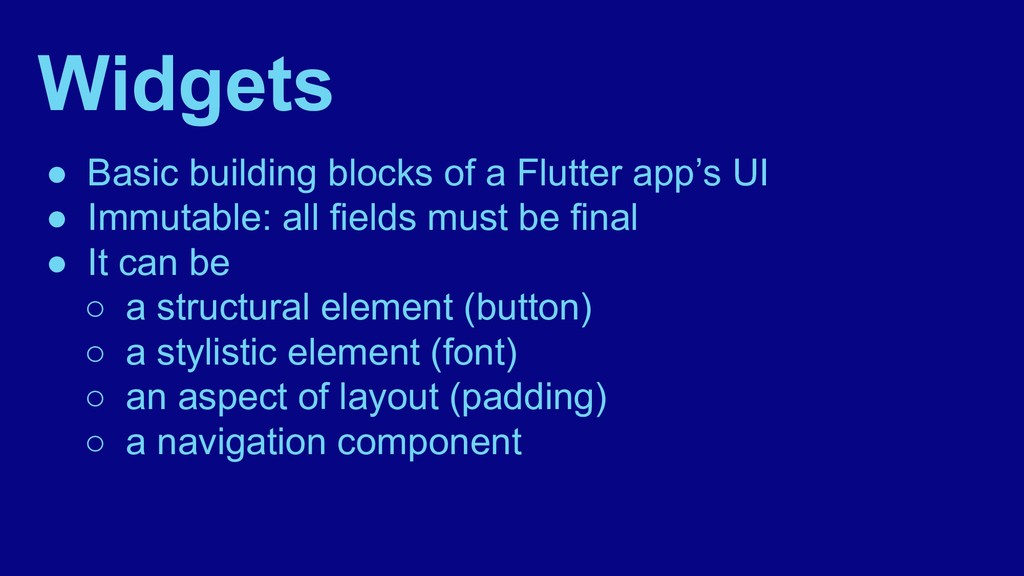
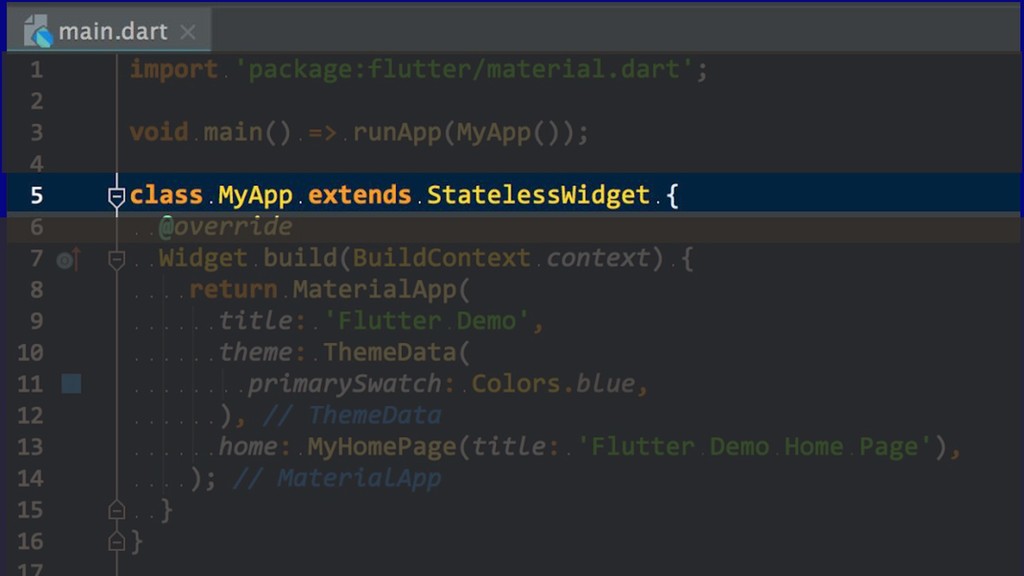
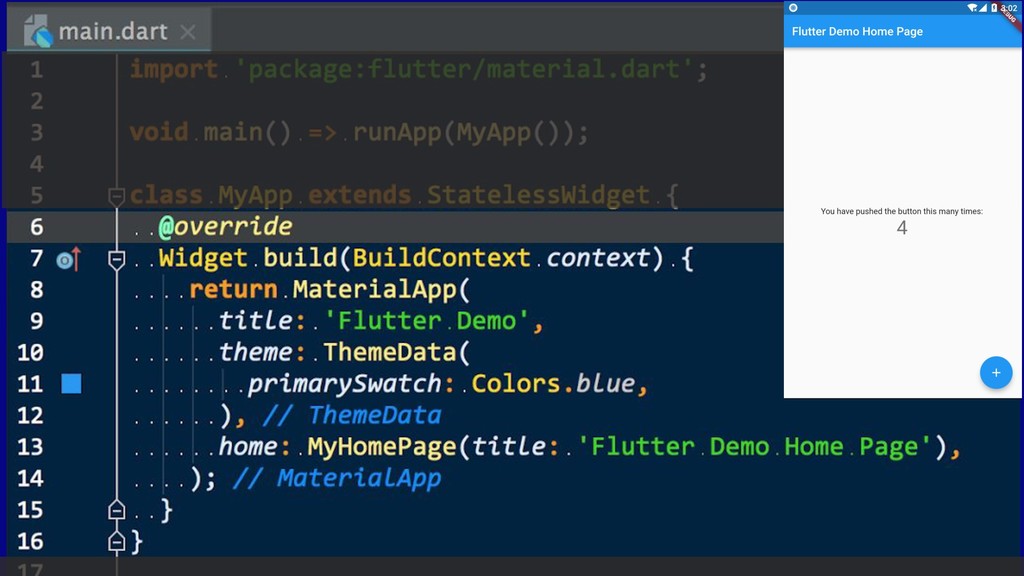
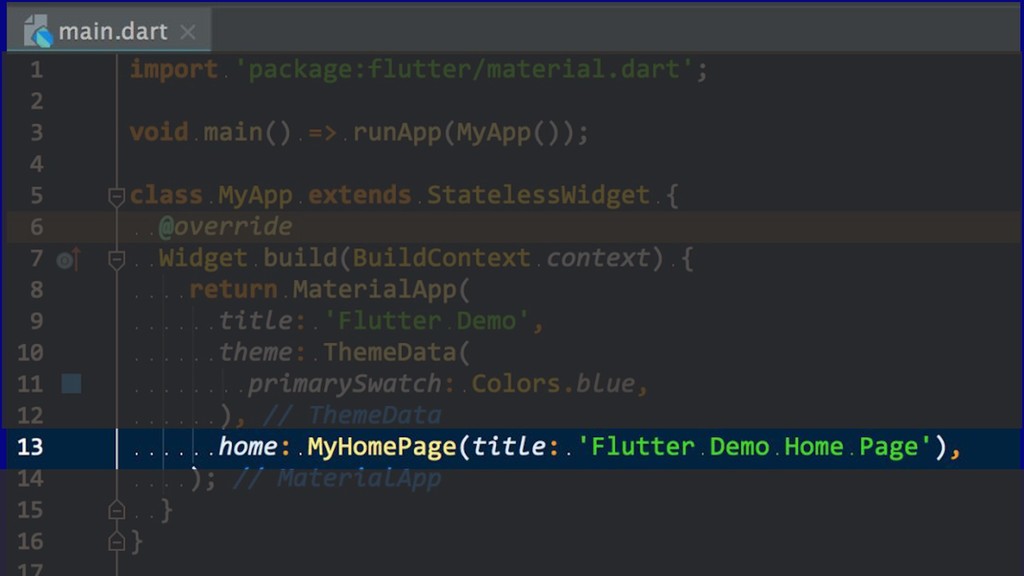
  6. Widgets • Basic building blocks of a Flutter app’s UI

    • Immutable: all fields must be final • It can be ◦ a structural element (button) ◦ a stylistic element (font) ◦ an aspect of layout (padding) ◦ a navigation component
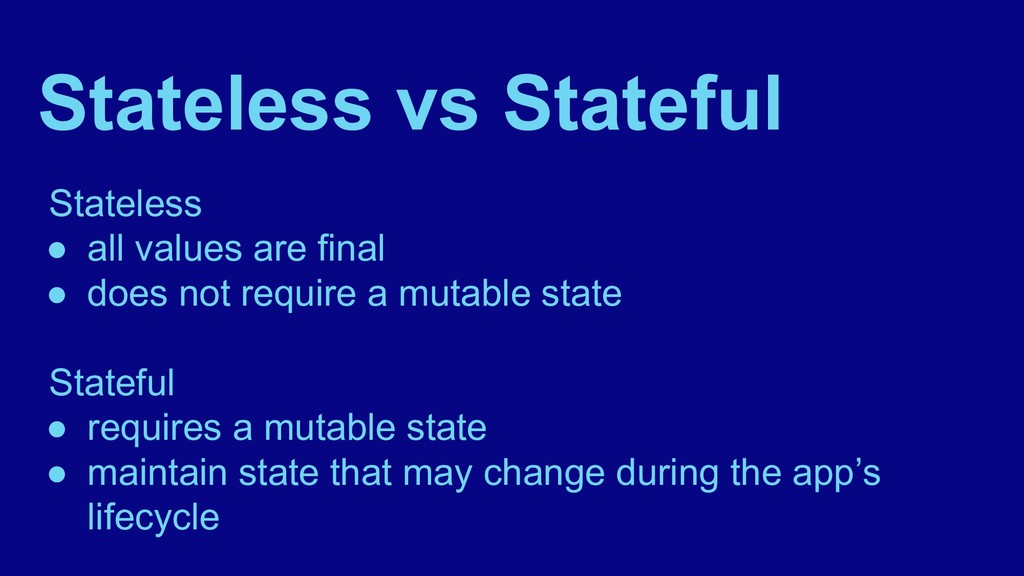
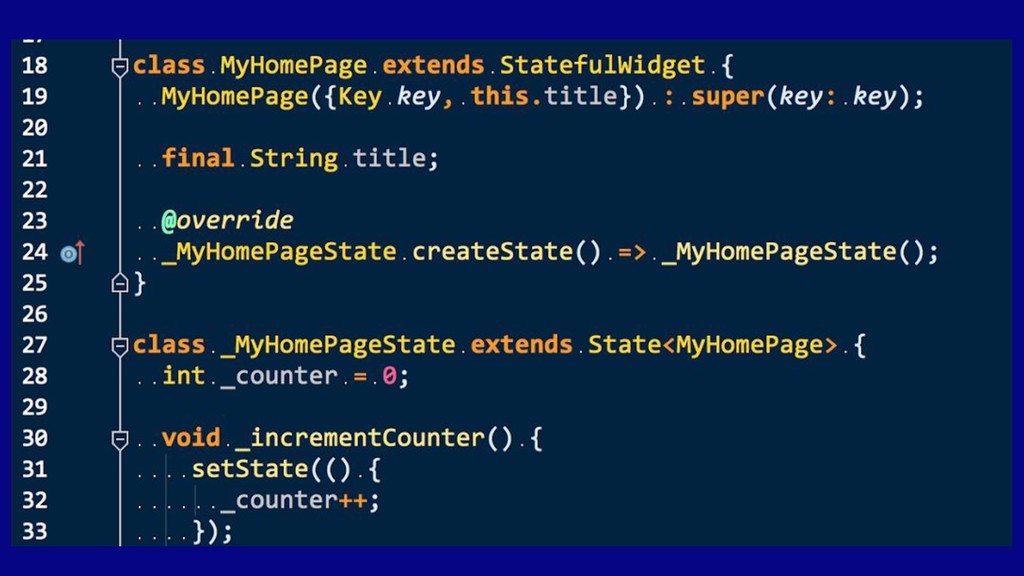
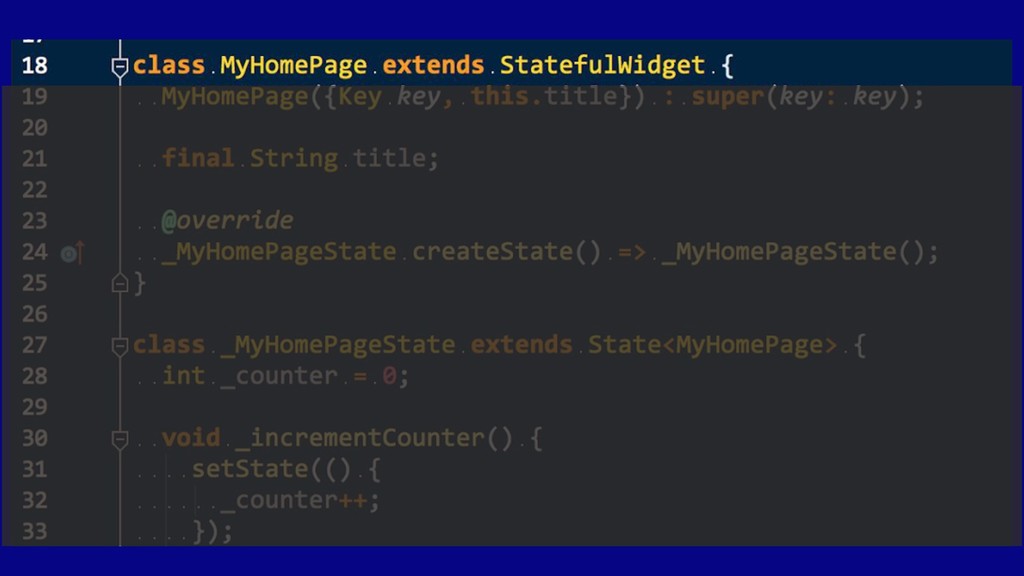
  7. Stateless vs Stateful Stateless • all values are final •

    does not require a mutable state Stateful • requires a mutable state • maintain state that may change during the app’s lifecycle
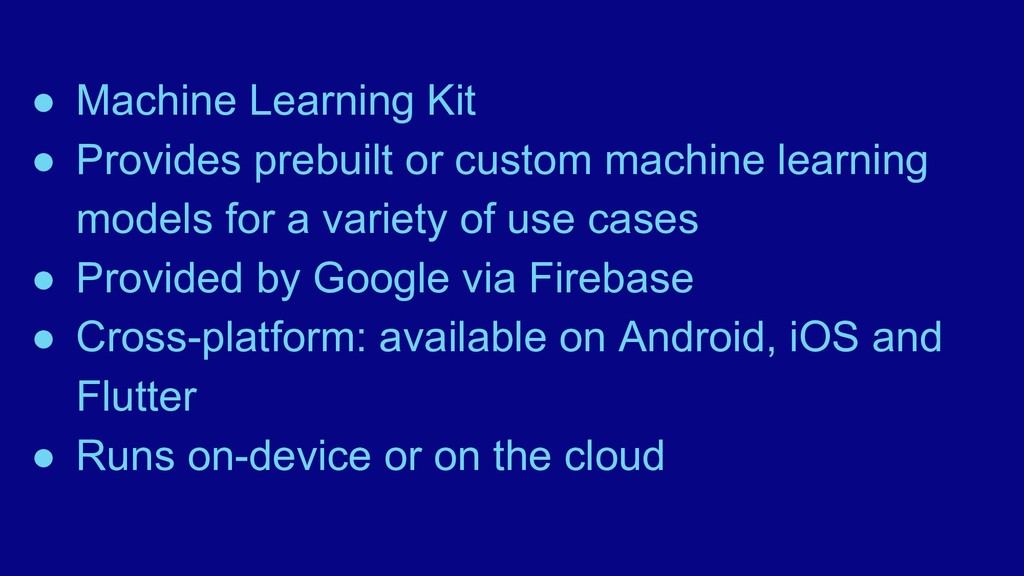
  8. • Machine Learning Kit • Provides prebuilt or custom machine

    learning models for a variety of use cases • Provided by Google via Firebase • Cross-platform: available on Android, iOS and Flutter • Runs on-device or on the cloud
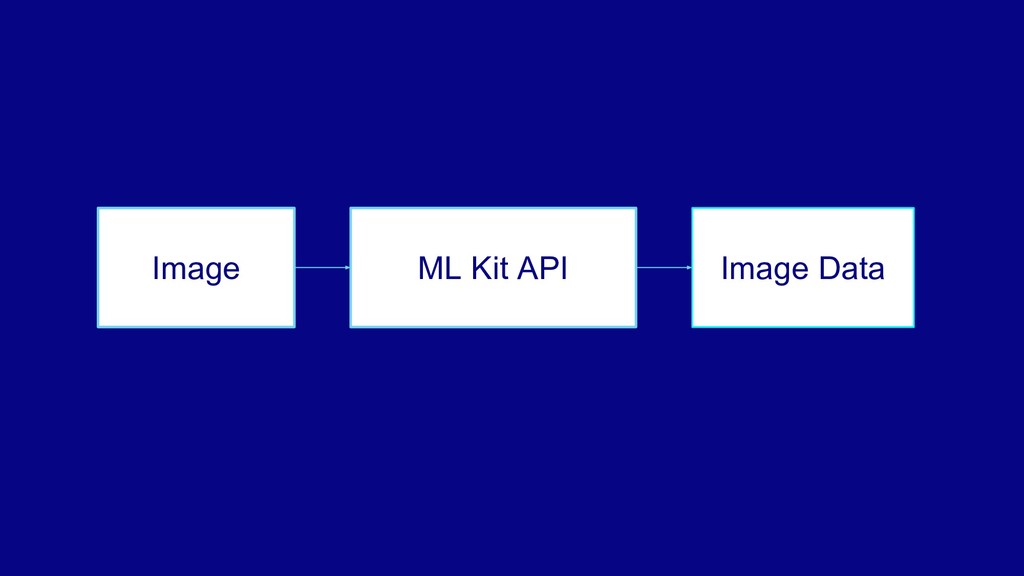
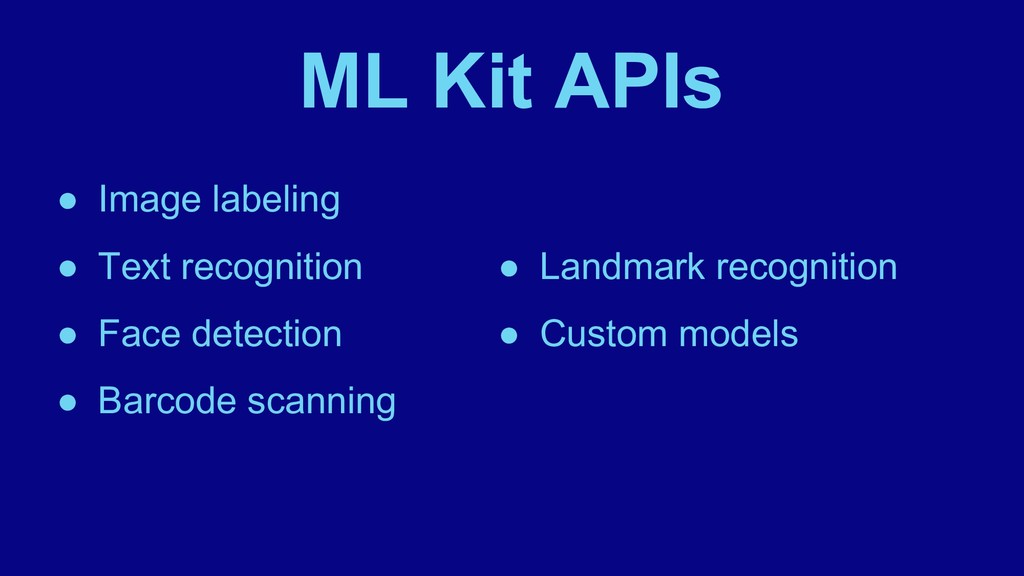
  9. ML Kit APIs • Image labeling • Text recognition •

    Face detection • Barcode scanning • Landmark recognition • Custom models
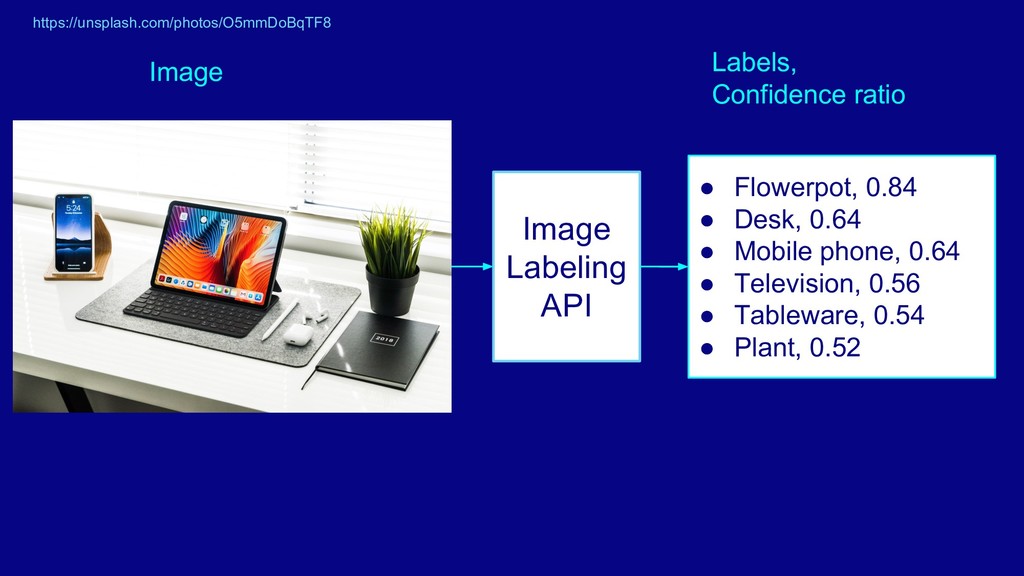
  10. Image Labeling API • Flowerpot, 0.84 • Desk, 0.64 •

    Mobile phone, 0.64 • Television, 0.56 • Tableware, 0.54 • Plant, 0.52 Image Labels, Confidence ratio https://unsplash.com/photos/O5mmDoBqTF8
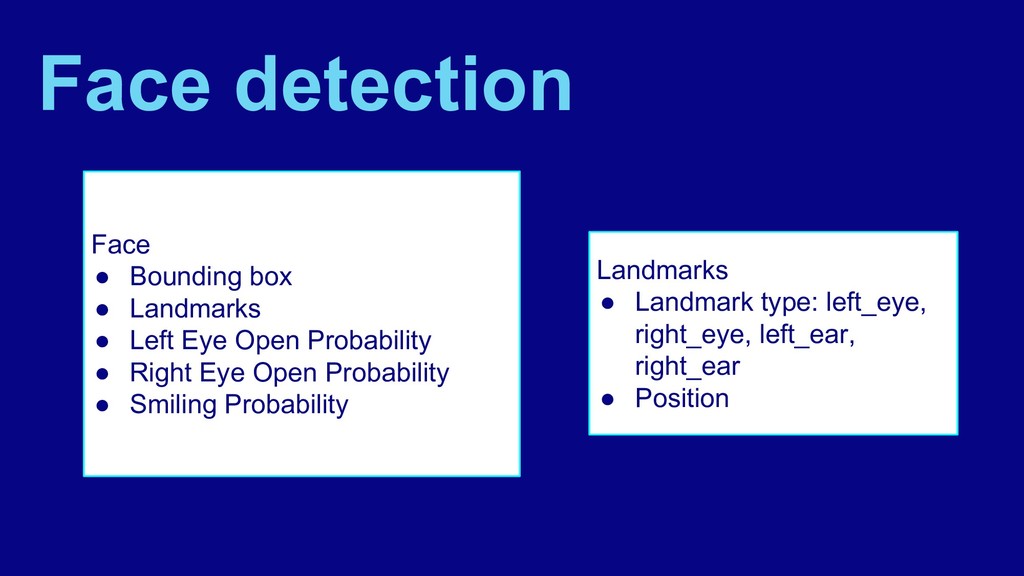
  11. Face • Bounding box • Landmarks • Left Eye Open

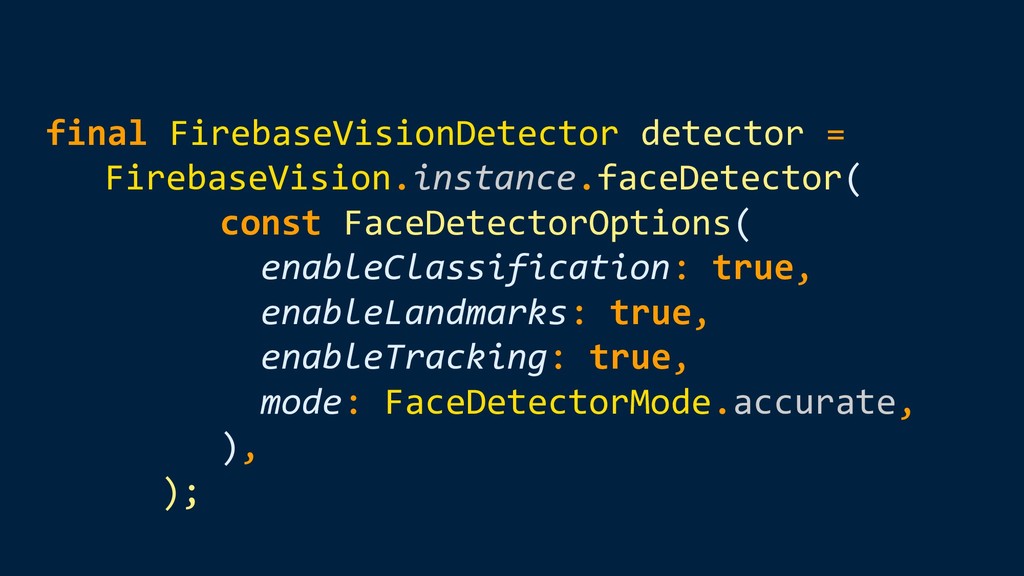
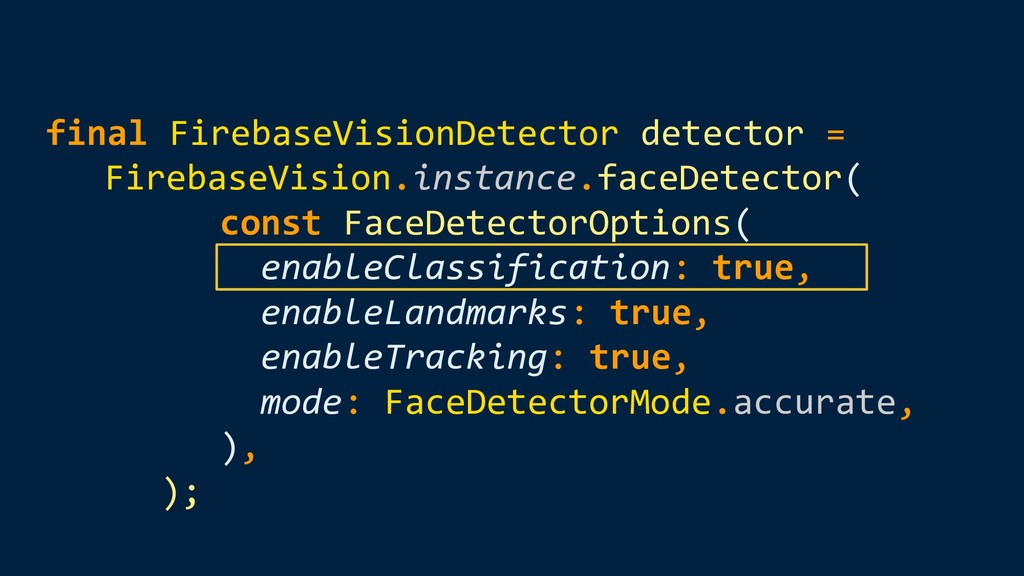
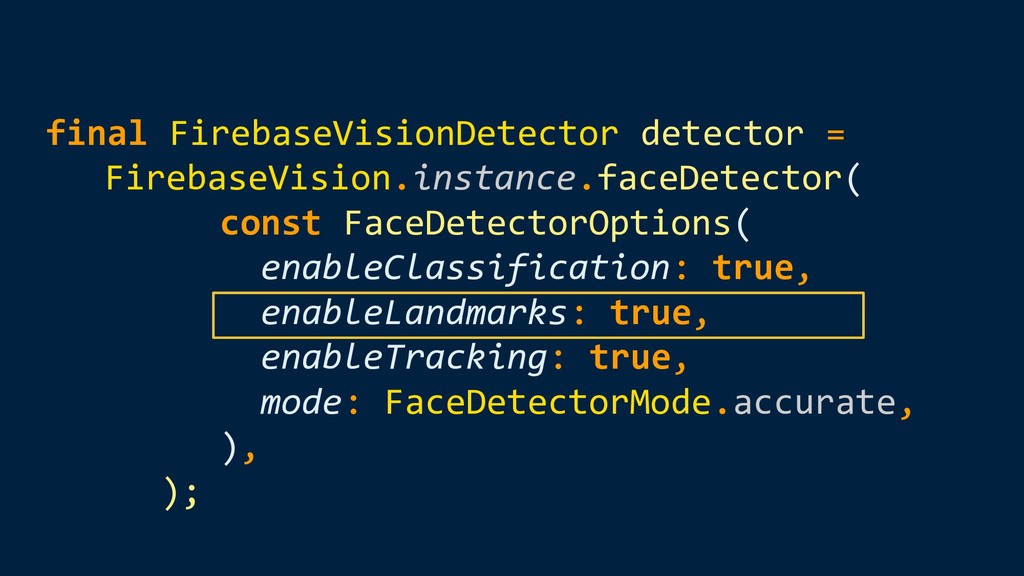
    Probability • Right Eye Open Probability • Smiling Probability Landmarks • Landmark type: left_eye, right_eye, left_ear, right_ear • Position Face detection
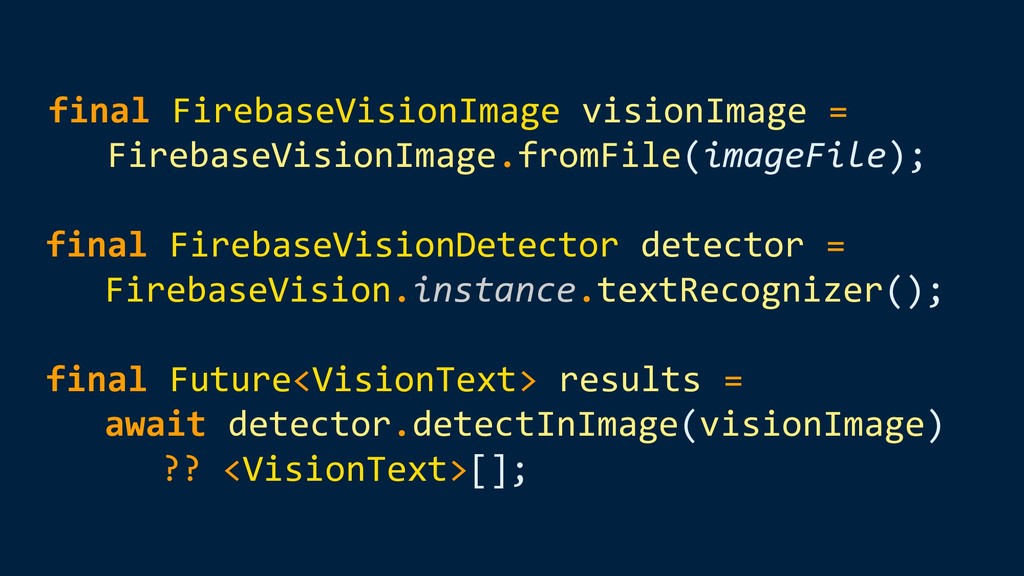
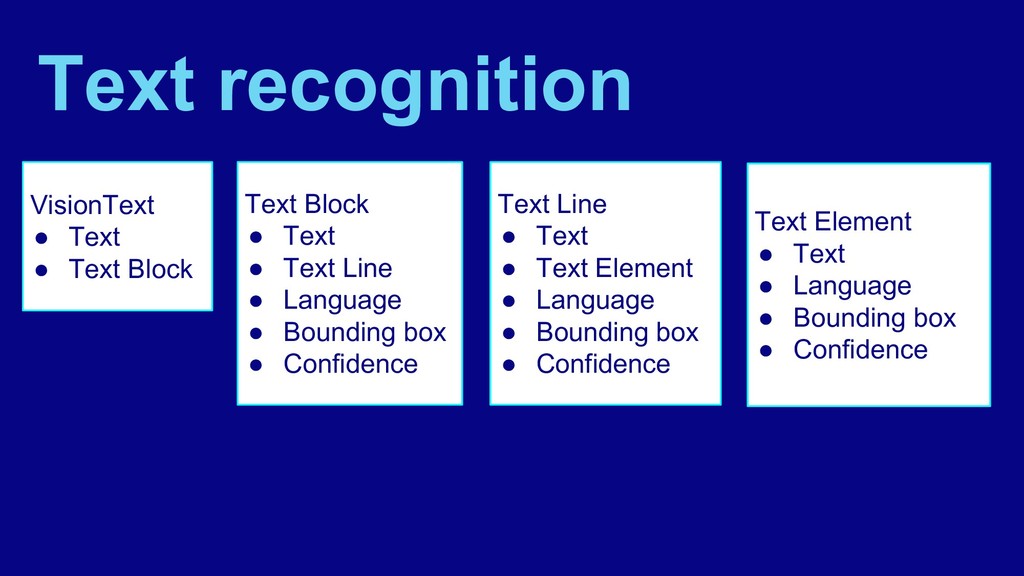
  12. VisionText • Text • Text Block Text recognition Text Block

    • Text • Text Line • Language • Bounding box • Confidence Text Line • Text • Text Element • Language • Bounding box • Confidence Text Element • Text • Language • Bounding box • Confidence
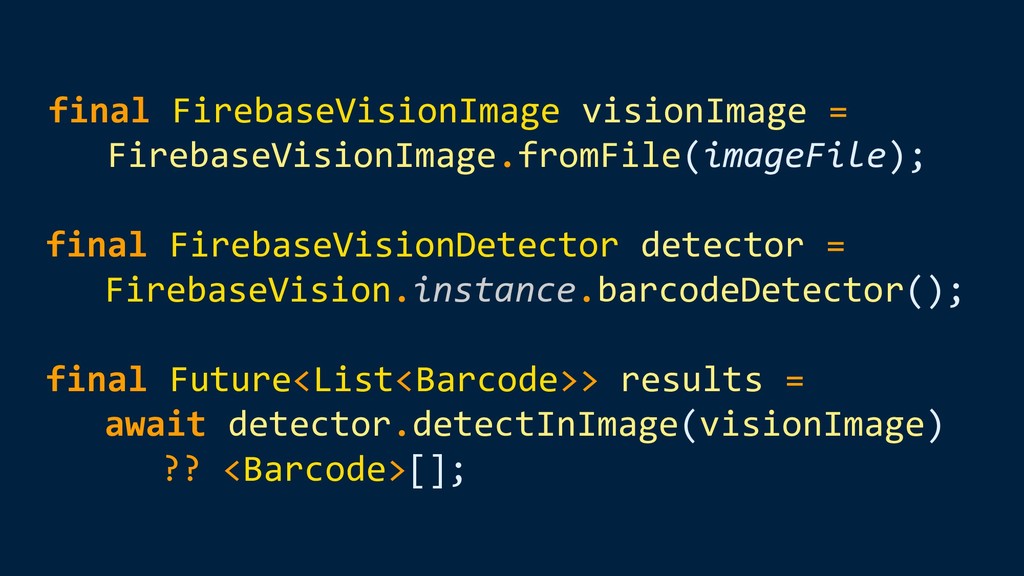
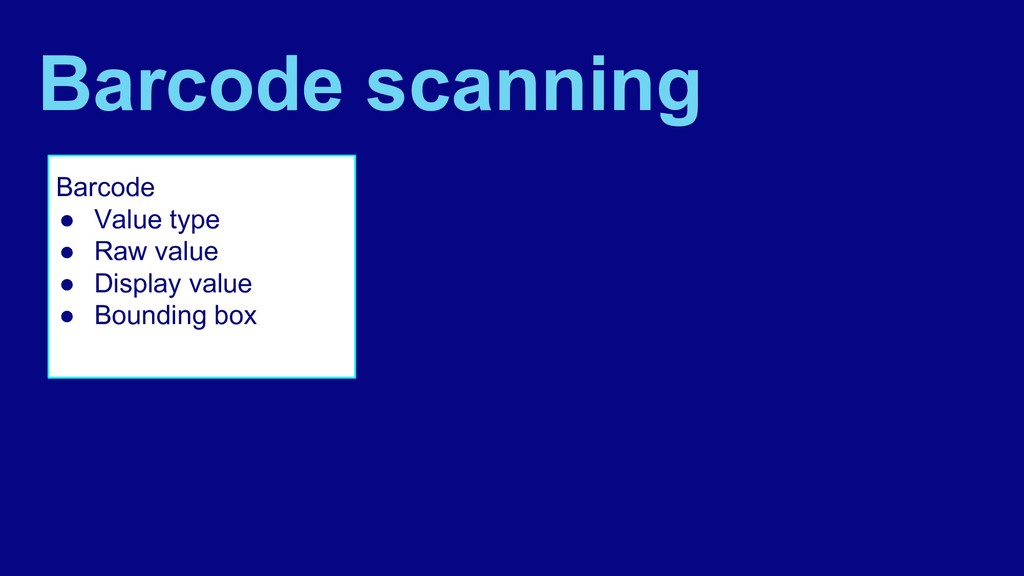
  13. Barcode • Value type • Raw value • Display value

    • Bounding box Barcode scanning
  14. Landscape detection • Recognize well-known landmarks in an image •

    API provides: ◦ name of the landmarks recognized ◦ its geographic coordinates ◦ the region of the image the landmark was found
  15. Custom models • Host your models using Firebase or package

    them in your app • Host models using Firebase to reduce your app’s binary size and to ensure that your app always uses the latest version of your model
  16. Custom models • Use the ML Kit SDK to perform

    inference using the best available version of your custom model • Configure automatic update conditions for your model
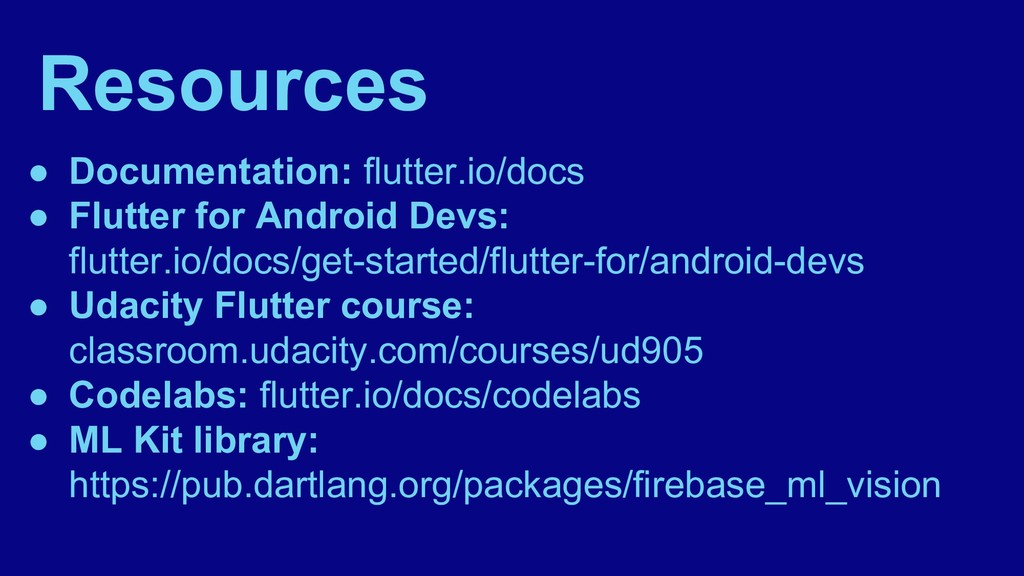
  17. Resources • Documentation: flutter.io/docs • Flutter for Android Devs: flutter.io/docs/get-started/flutter-for/android-devs

    • Udacity Flutter course: classroom.udacity.com/courses/ud905 • Codelabs: flutter.io/docs/codelabs • ML Kit library: https://pub.dartlang.org/packages/firebase_ml_vision