Upgrade to Pro — share decks privately, control downloads, hide ads and more …

Flutter + ML Kit: Building smart cross platform...

Flutter + ML Kit: Building smart cross platform apps

This was a talk given at #PhillyETE 2019.

Here's the YouTube video: https://bit.ly/phillyete19_flutter_mlkit_video

Here's the abstract:

Getting started with machine learning on the mobile platform can be daunting. From learning how to implement low-level models and use frameworks, to optimizing and adapting those models for mobile, it can be overwhelming. With ML Kit, regardless of one’s machine learning expertise, one can build compelling machine learning functionality into their mobile apps. Using ML Kit and Flutter, which is Google’s mobile SDK for building native Android and iOS apps from a single codebase, one can build apps with machine learning capabilities like face detection and image labeling, for both Android and iOS platforms in record time!

This talk will be guided by the following objectives:
- An introduction to Flutter and to ML Kit
- Determining how to use Flutter to leverage ML Kit’s functionalities
- Exploring ML Kit’s on-device features that are currently available, which are text recognition, face detection, barcode scanning and image labeling.
- Equipping attendees with the knowledge they need to build a smart Flutter application with ML Kit.

#flutter #mlkit #machinelearning

Avatar for Ifeoma Okereke

Ifeoma Okereke

April 24, 2019

More Decks by Ifeoma Okereke

Other Decks in Technology

Transcript

  1. Flutter + ML Kit Building smart cross-platform applications Ifeoma Okereke

    Sr Software Engineer @ WW (formerly known as Weight Watchers) @ifeomaro
  2. Objectives • Flutter ◦ Intro to Flutter ◦ Flutter widgets

    ◦ Explore Flutter demo app • ML Kit ◦ Intro to ML Kit ◦ Explore ML Kit APIs
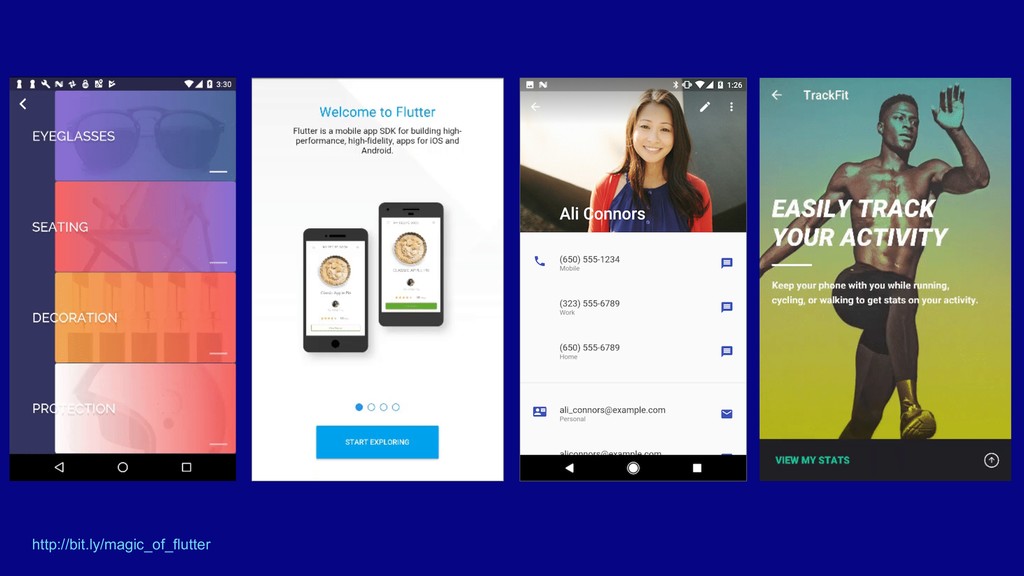
  3. What is Flutter? Google’s mobile SDK, used to create beautiful,

    native interfaces on both iOS and Android, from a single codebase, in record time
  4. What’s great about Flutter • Fast cross-platform development • Performant

    native experience • Lots of built-in widgets, not limited to OEM widgets
  5. What’s great about Flutter • Fast cross-platform development • Performant

    native experience • Lots of built-in widgets, not limited to OEM widgets • Platform specific code where needed
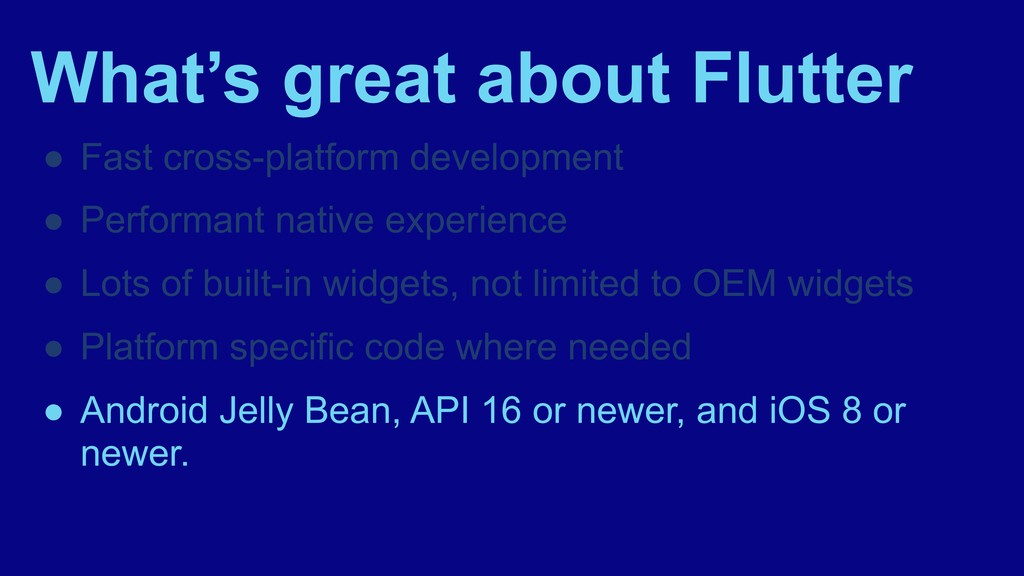
  6. What’s great about Flutter • Fast cross-platform development • Performant

    native experience • Lots of built-in widgets, not limited to OEM widgets • Platform specific code where needed • Android Jelly Bean, API 16 or newer, and iOS 8 or newer.
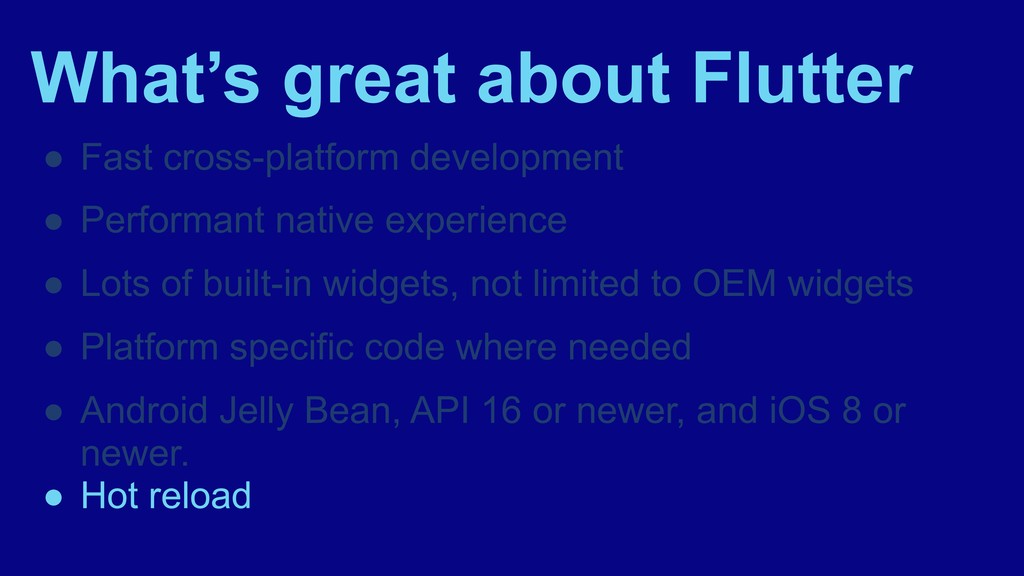
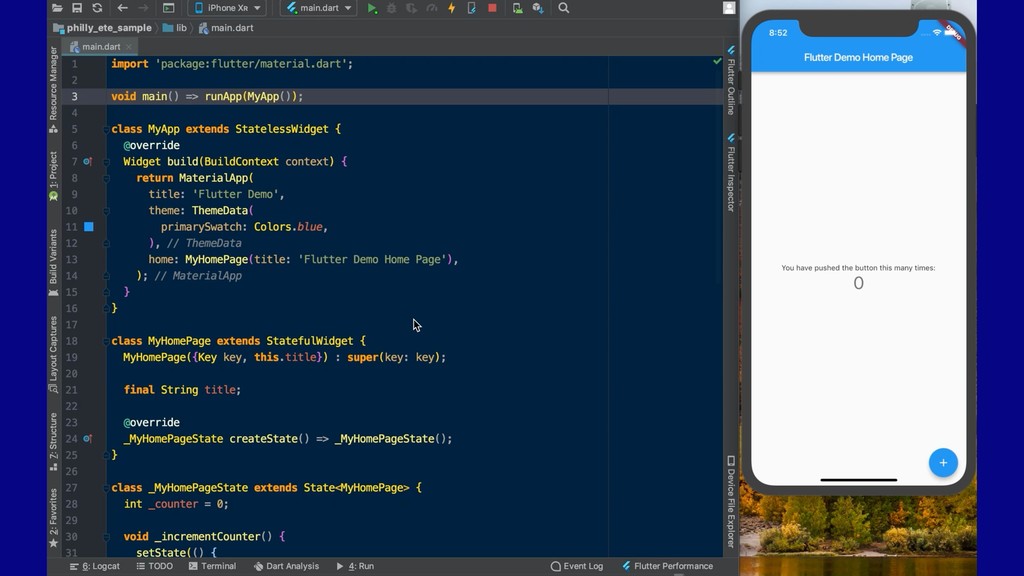
  7. What’s great about Flutter • Fast cross-platform development • Performant

    native experience • Lots of built-in widgets, not limited to OEM widgets • Platform specific code where needed • Android Jelly Bean, API 16 or newer, and iOS 8 or newer. • Hot reload
  8. What’s great about Flutter • Using Dart ◦ Ahead of

    time (AOT) compilation ◦ Just in time (JIT) compilation
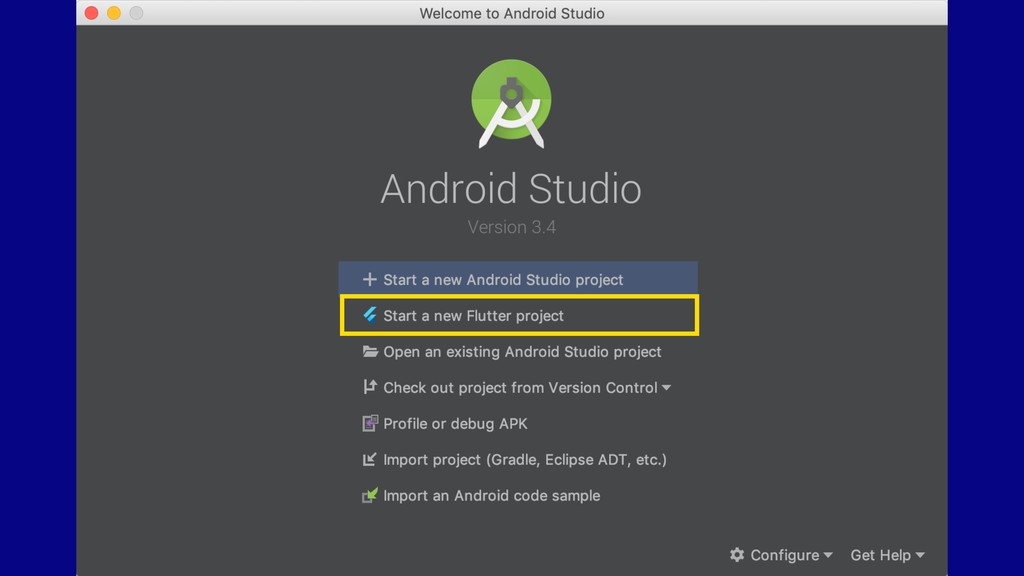
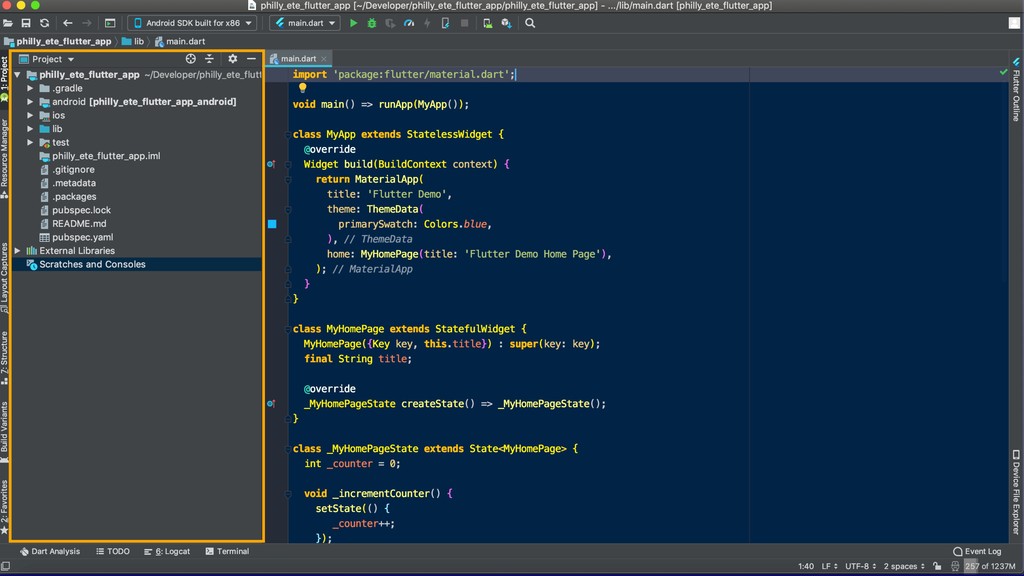
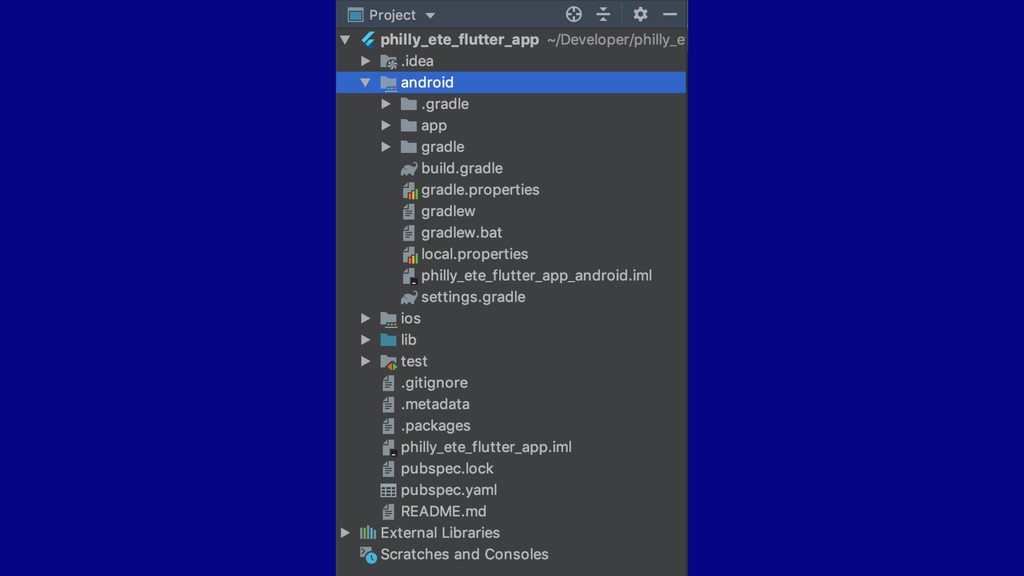
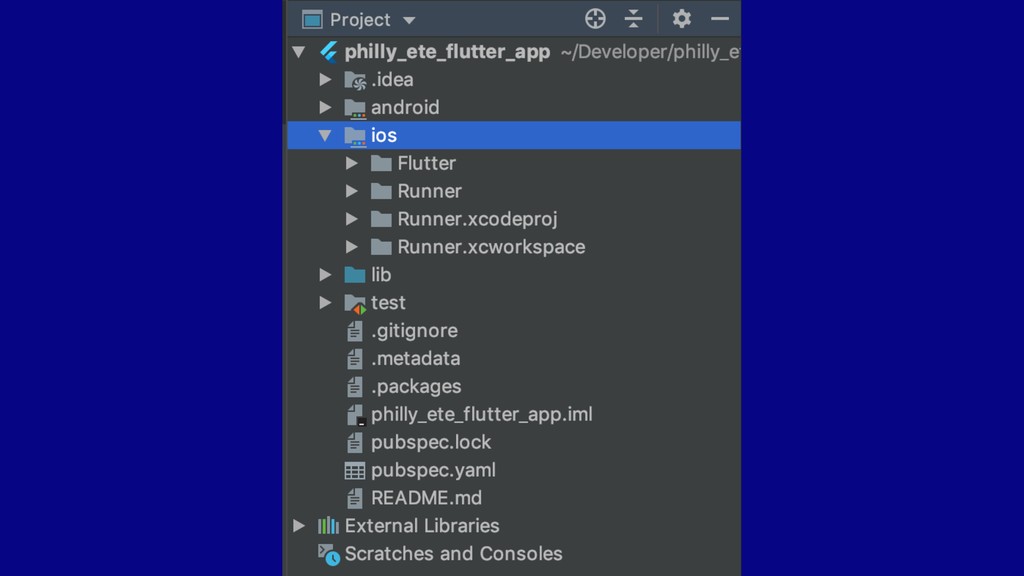
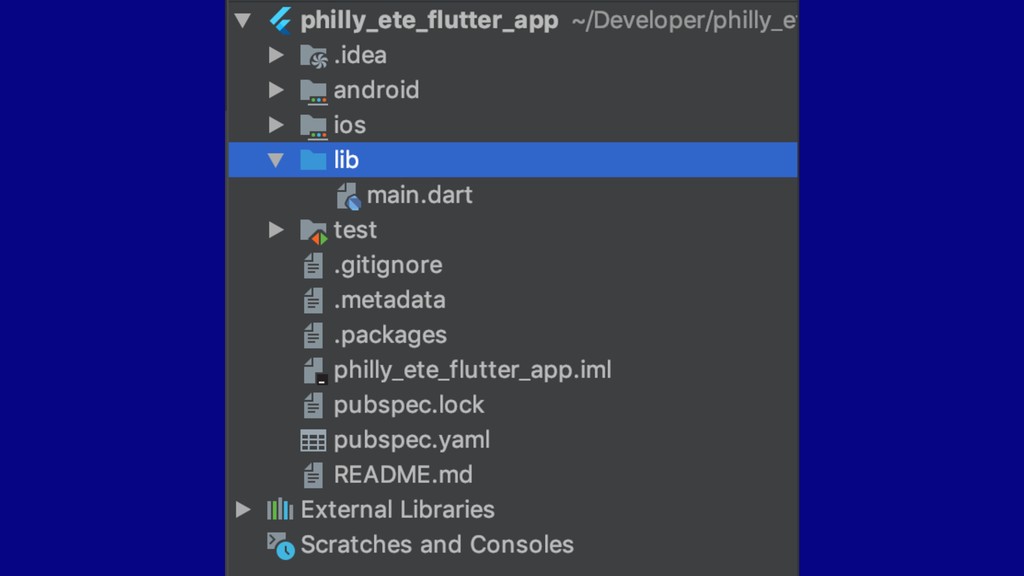
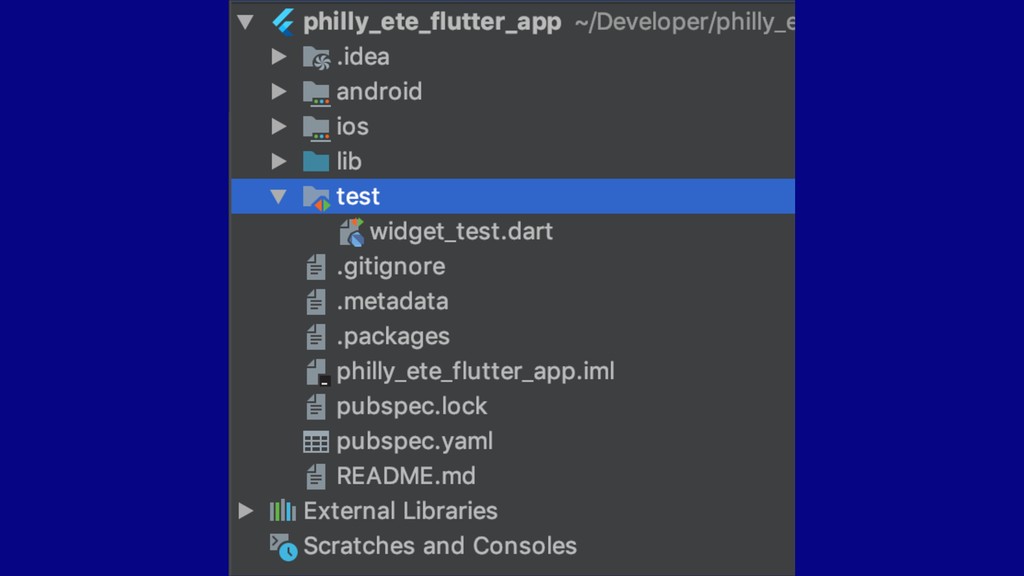
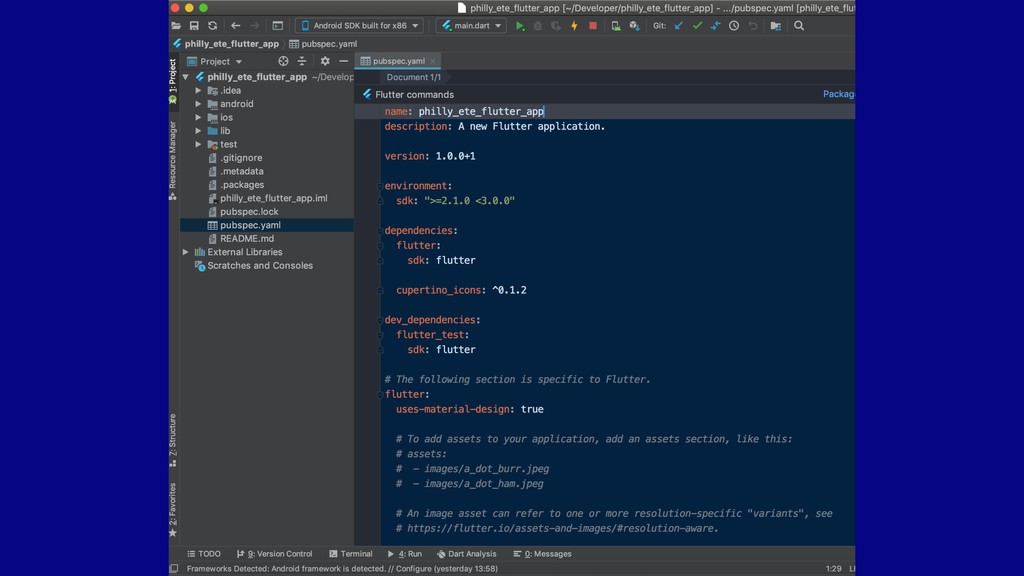
  9. How do I get started? • IDE ◦ Android Studio

    ◦ IntelliJ IDEA ◦ Visual Studio Code ◦ Also, command line
  10. How do I get started? • IDE ◦ Android Studio

    ◦ IntelliJ IDEA ◦ Visual Studio Code ◦ Also, command line • Download Dart and Flutter plugins
  11. How do I get started? • IDE ◦ Android Studio

    ◦ IntelliJ IDEA ◦ Visual Studio Code ◦ Also, command line • Download Dart and Flutter plugins • Download the Flutter SDK ◦ flutter.io/docs/get-started/install
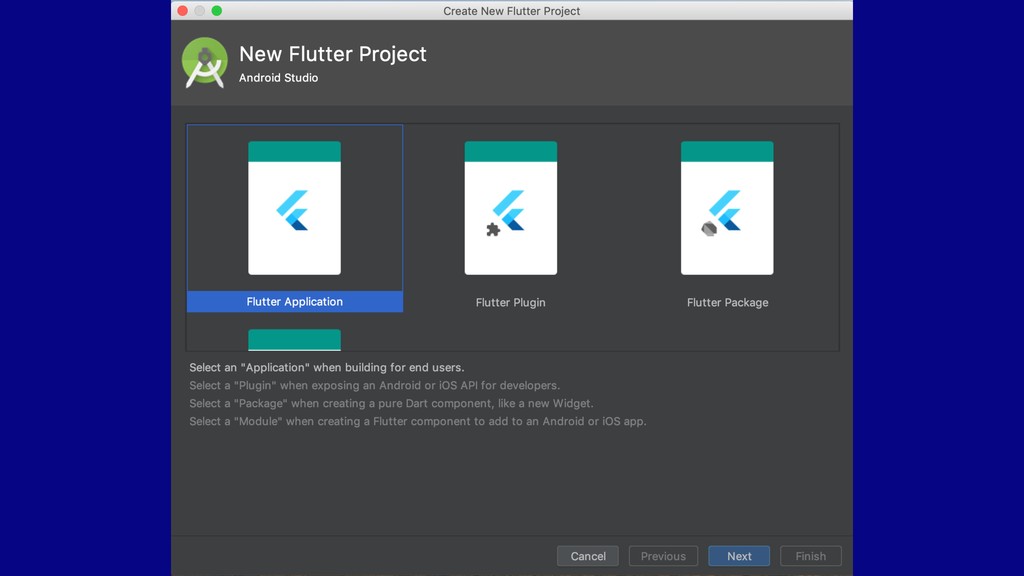
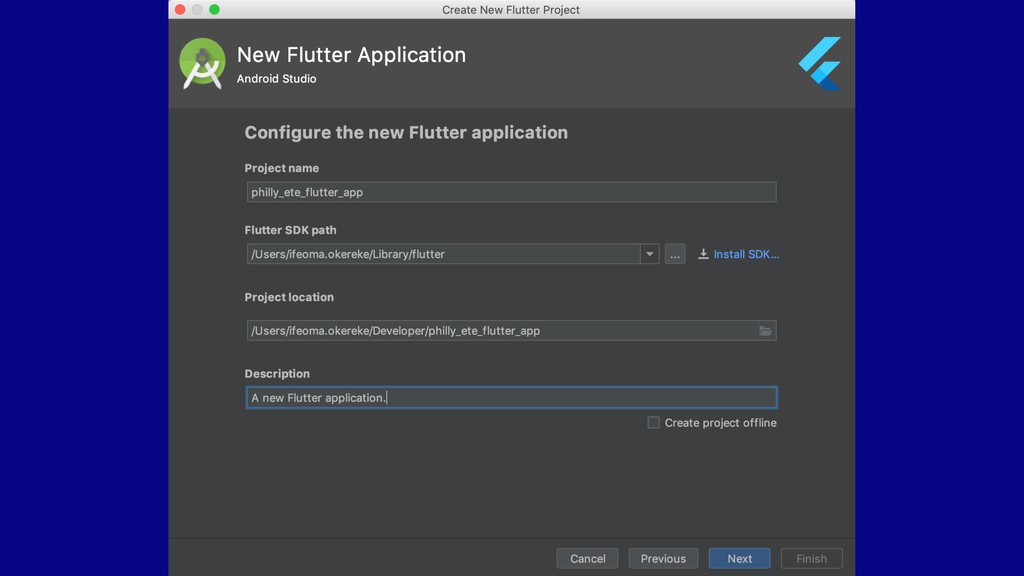
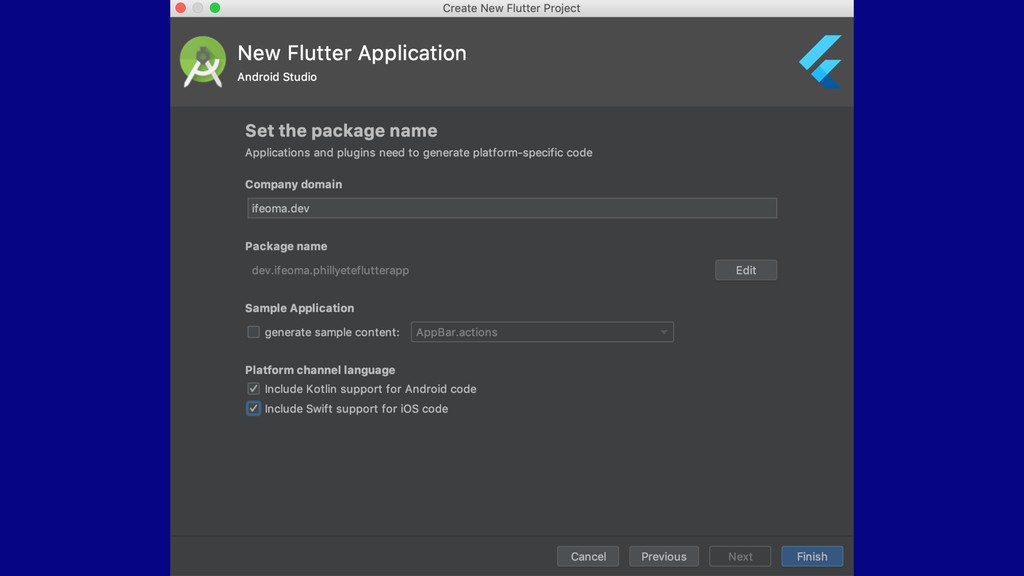
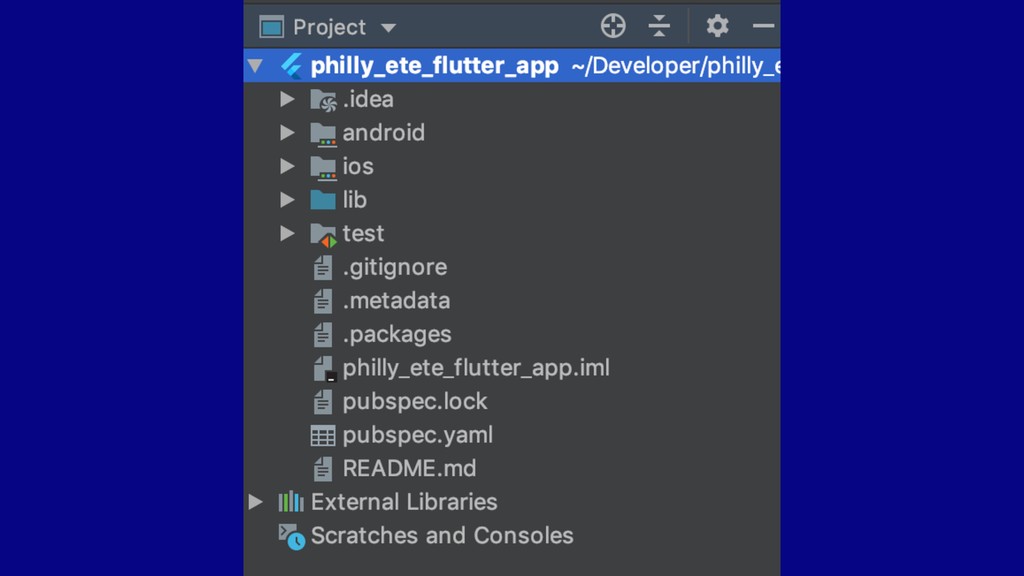
  12. How do I get started? • IDE ◦ Android Studio

    ◦ IntelliJ IDEA ◦ Visual Studio Code ◦ Also, command line • Download Dart and Flutter plugins • Download the Flutter SDK ◦ flutter.io/docs/get-started/install • Create a Flutter project
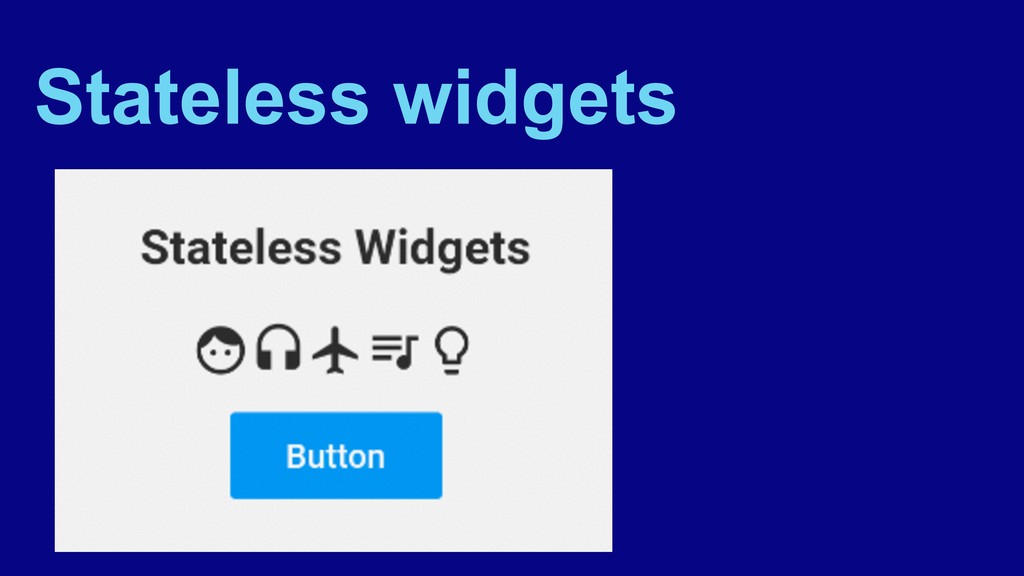
  13. Widgets • Basic building blocks of a Flutter app’s UI

    • A widget can be: ◦ a structural element (button)
  14. Widgets • Basic building blocks of a Flutter app’s UI

    • A widget can be: ◦ a structural element (button) ◦ an aspect of layout (padding)
  15. Widgets • Basic building blocks of a Flutter app’s UI

    • A widget can be: ◦ a structural element (button) ◦ an aspect of layout (padding) ◦ a navigation component
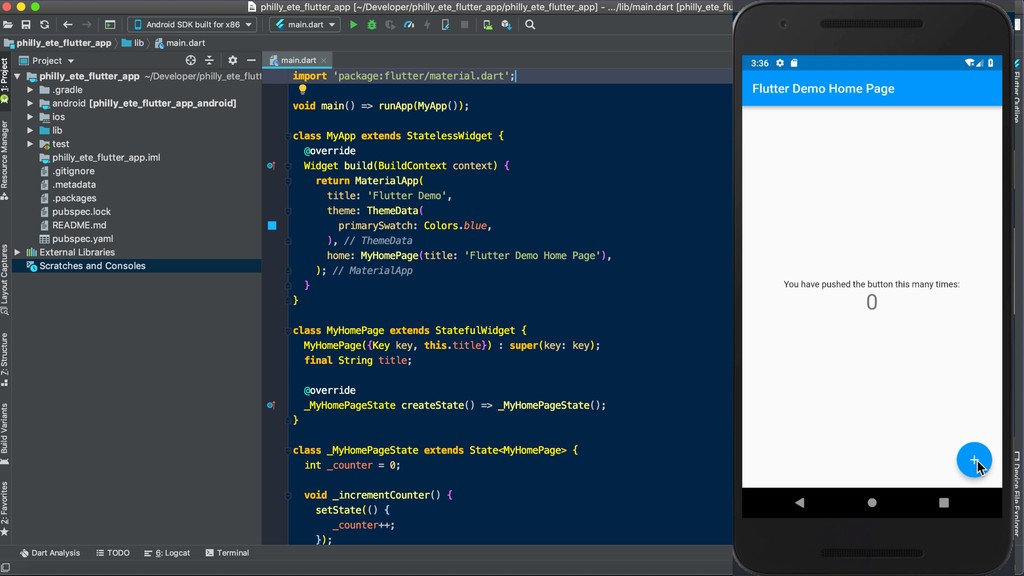
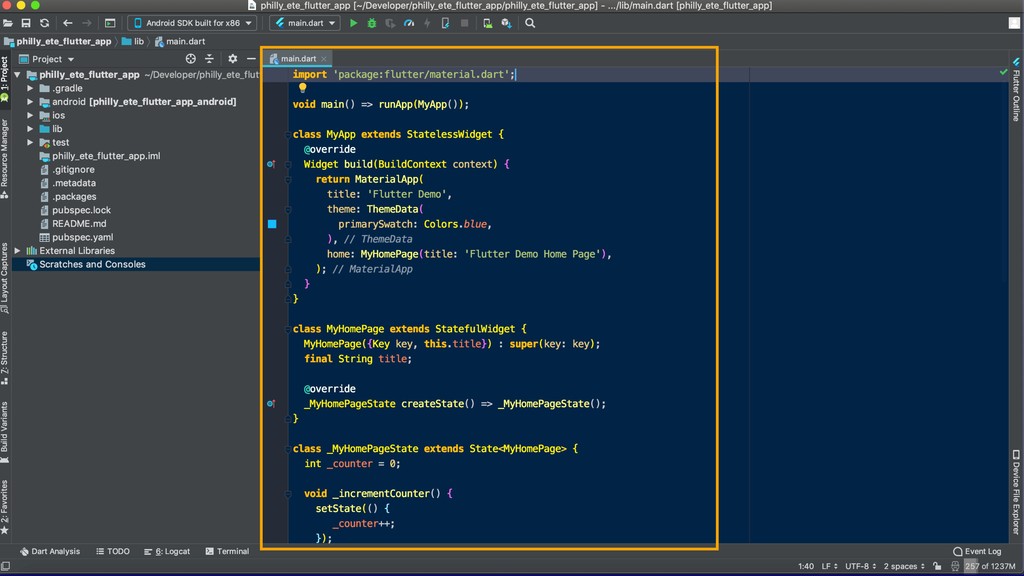
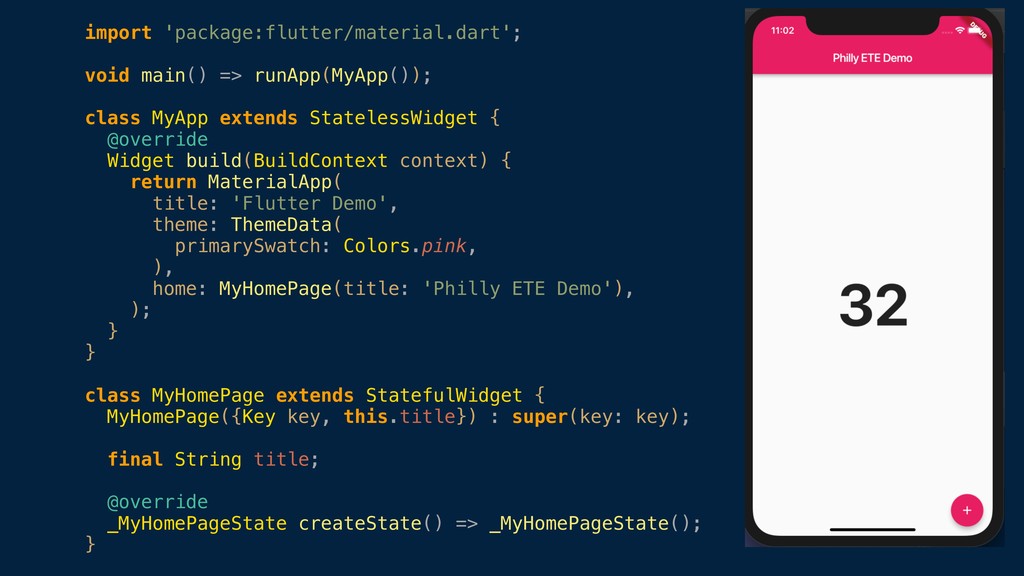
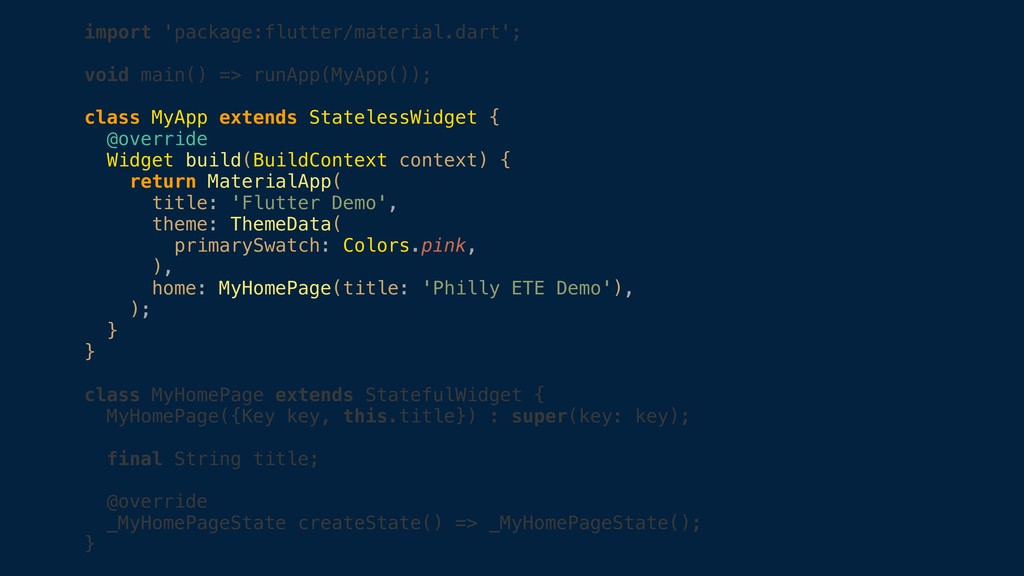
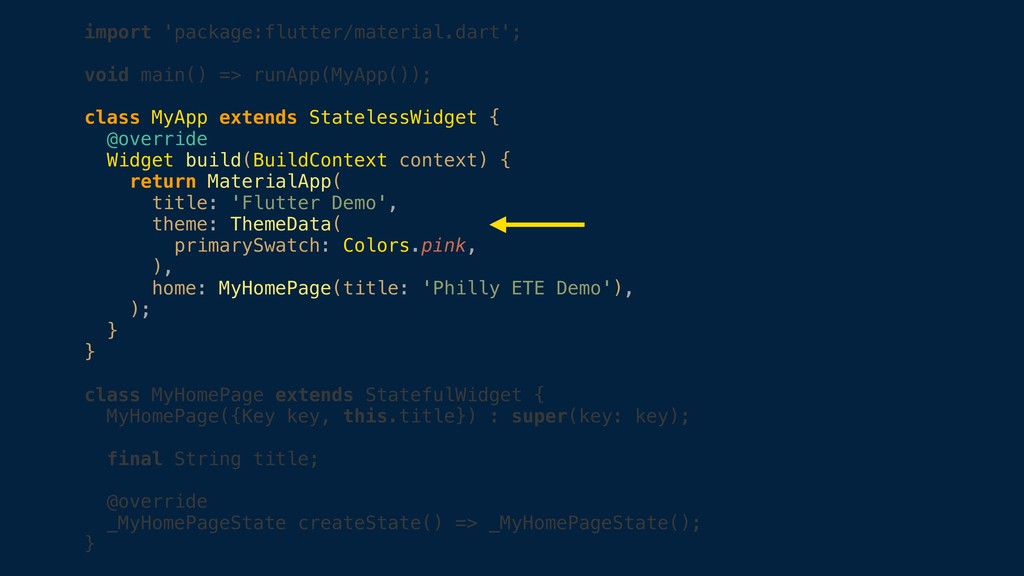
  16. import 'package:flutter/material.dart'; void main() => runApp(MyApp()); class MyApp extends StatelessWidget

    { @override Widget build(BuildContext context) { return MaterialApp( title: 'Flutter Demo', theme: ThemeData( primarySwatch: Colors.pink, ), home: MyHomePage(title: 'Philly ETE Demo'), ); } } class MyHomePage extends StatefulWidget { MyHomePage({Key key, this.title}) : super(key: key); final String title; @override _MyHomePageState createState() => _MyHomePageState(); }
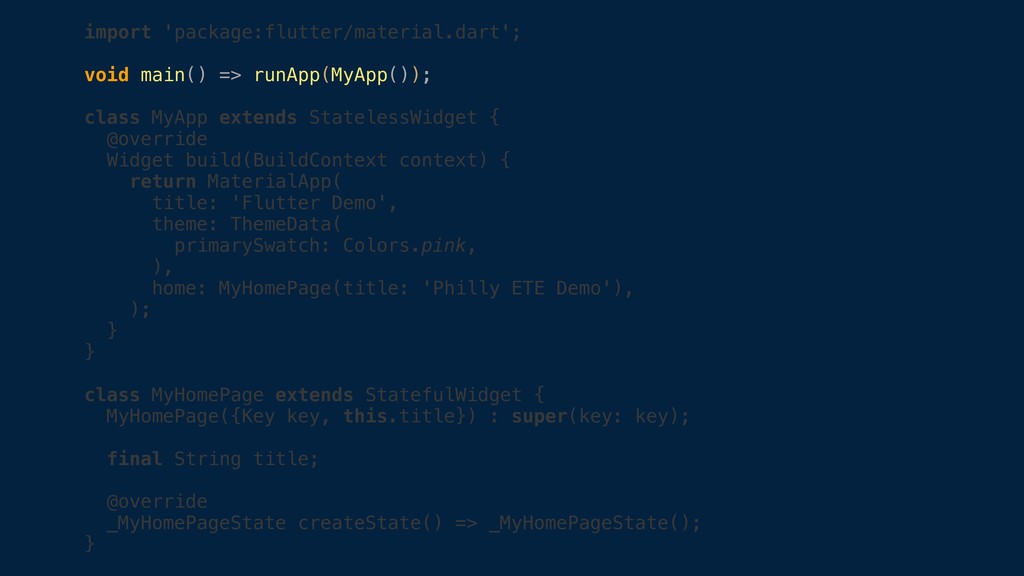
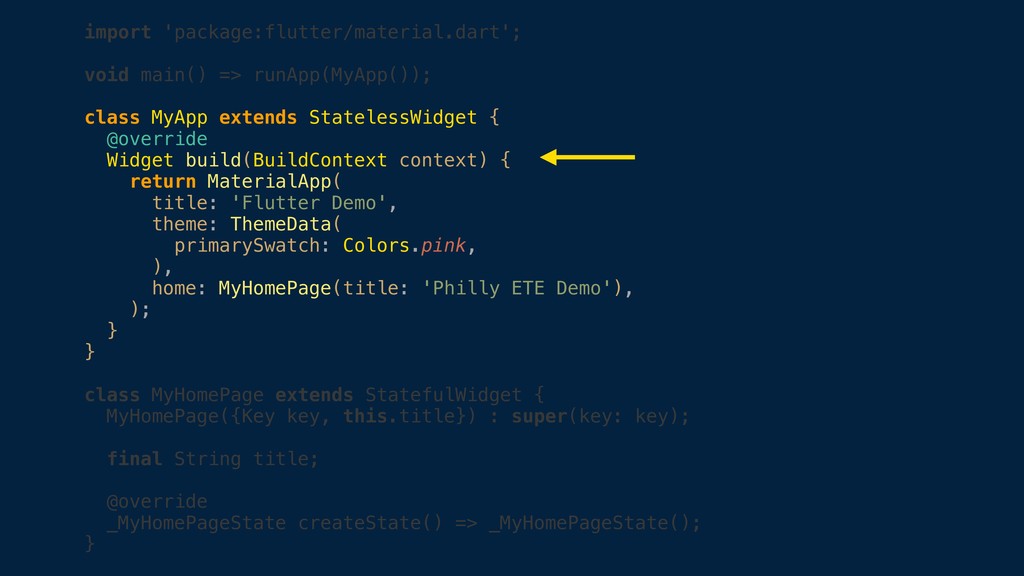
  17. import 'package:flutter/material.dart'; void main() => runApp(MyApp()); class MyApp extends StatelessWidget

    { @override Widget build(BuildContext context) { return MaterialApp( title: 'Flutter Demo', theme: ThemeData( primarySwatch: Colors.pink, ), home: MyHomePage(title: 'Philly ETE Demo'), ); } } class MyHomePage extends StatefulWidget { MyHomePage({Key key, this.title}) : super(key: key); final String title; @override _MyHomePageState createState() => _MyHomePageState(); }
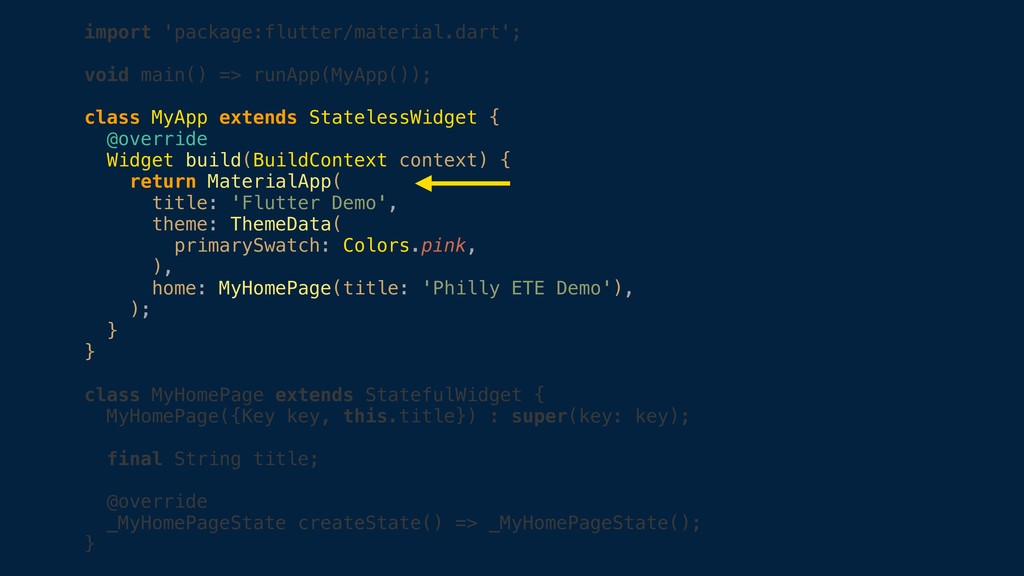
  18. import 'package:flutter/material.dart'; void main() => runApp(MyApp()); class MyApp extends StatelessWidget

    { @override Widget build(BuildContext context) { return MaterialApp( title: 'Flutter Demo', theme: ThemeData( primarySwatch: Colors.pink, ), home: MyHomePage(title: 'Philly ETE Demo'), ); } } class MyHomePage extends StatefulWidget { MyHomePage({Key key, this.title}) : super(key: key); final String title; @override _MyHomePageState createState() => _MyHomePageState(); }
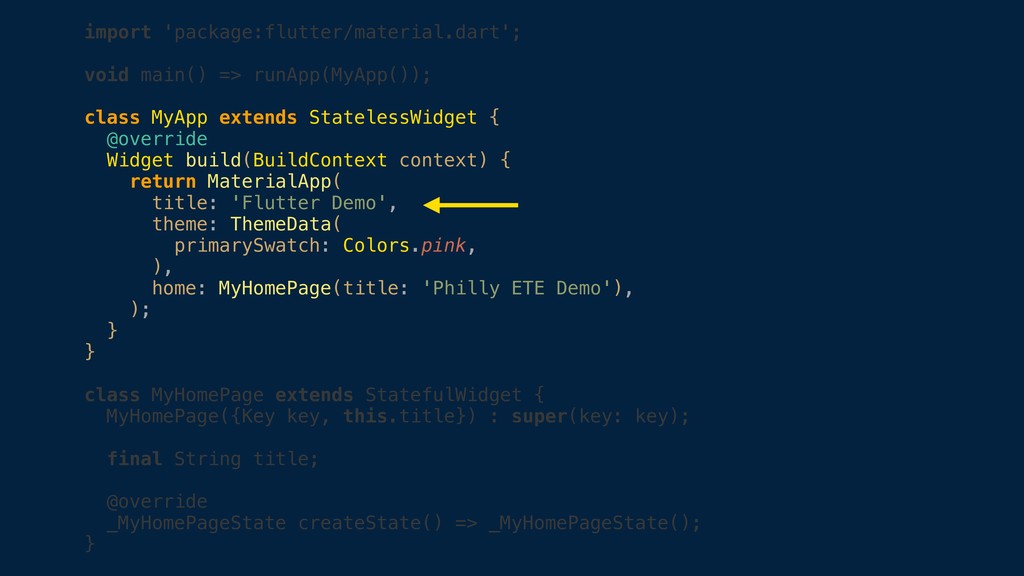
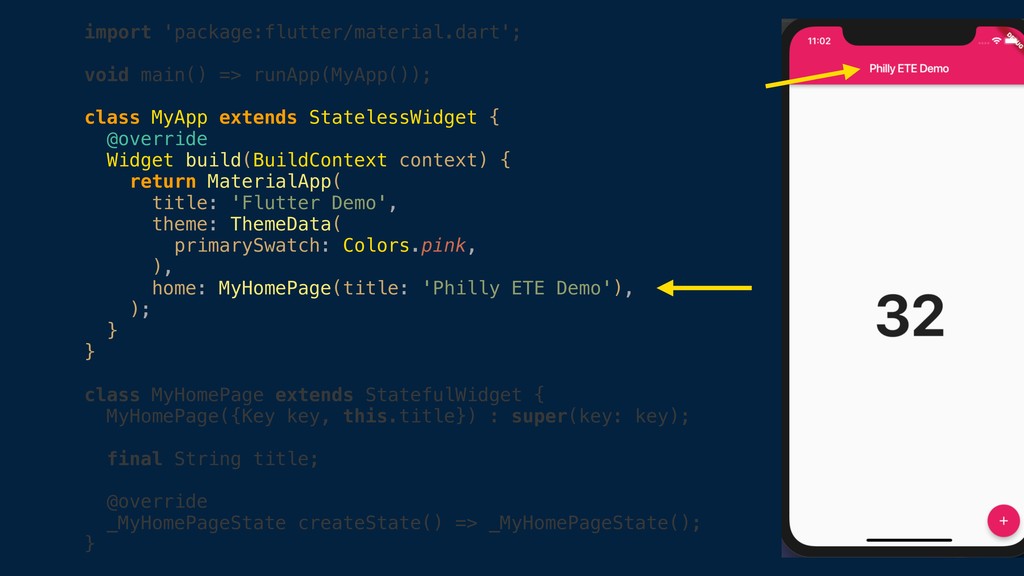
  19. import 'package:flutter/material.dart'; void main() => runApp(MyApp()); class MyApp extends StatelessWidget

    { @override Widget build(BuildContext context) { return MaterialApp( title: 'Flutter Demo', theme: ThemeData( primarySwatch: Colors.pink, ), home: MyHomePage(title: 'Philly ETE Demo'), ); } } class MyHomePage extends StatefulWidget { MyHomePage({Key key, this.title}) : super(key: key); final String title; @override _MyHomePageState createState() => _MyHomePageState(); }
  20. import 'package:flutter/material.dart'; void main() => runApp(MyApp()); class MyApp extends StatelessWidget

    { @override Widget build(BuildContext context) { return MaterialApp( title: 'Flutter Demo', theme: ThemeData( primarySwatch: Colors.pink, ), home: MyHomePage(title: 'Philly ETE Demo'), ); } } class MyHomePage extends StatefulWidget { MyHomePage({Key key, this.title}) : super(key: key); final String title; @override _MyHomePageState createState() => _MyHomePageState(); }
  21. import 'package:flutter/material.dart'; void main() => runApp(MyApp()); class MyApp extends StatelessWidget

    { @override Widget build(BuildContext context) { return MaterialApp( title: 'Flutter Demo', theme: ThemeData( primarySwatch: Colors.pink, ), home: MyHomePage(title: 'Philly ETE Demo'), ); } } class MyHomePage extends StatefulWidget { MyHomePage({Key key, this.title}) : super(key: key); final String title; @override _MyHomePageState createState() => _MyHomePageState(); }
  22. import 'package:flutter/material.dart'; void main() => runApp(MyApp()); class MyApp extends StatelessWidget

    { @override Widget build(BuildContext context) { return MaterialApp( title: 'Flutter Demo', theme: ThemeData( primarySwatch: Colors.pink, ), home: MyHomePage(title: 'Philly ETE Demo'), ); } } class MyHomePage extends StatefulWidget { MyHomePage({Key key, this.title}) : super(key: key); final String title; @override _MyHomePageState createState() => _MyHomePageState(); }
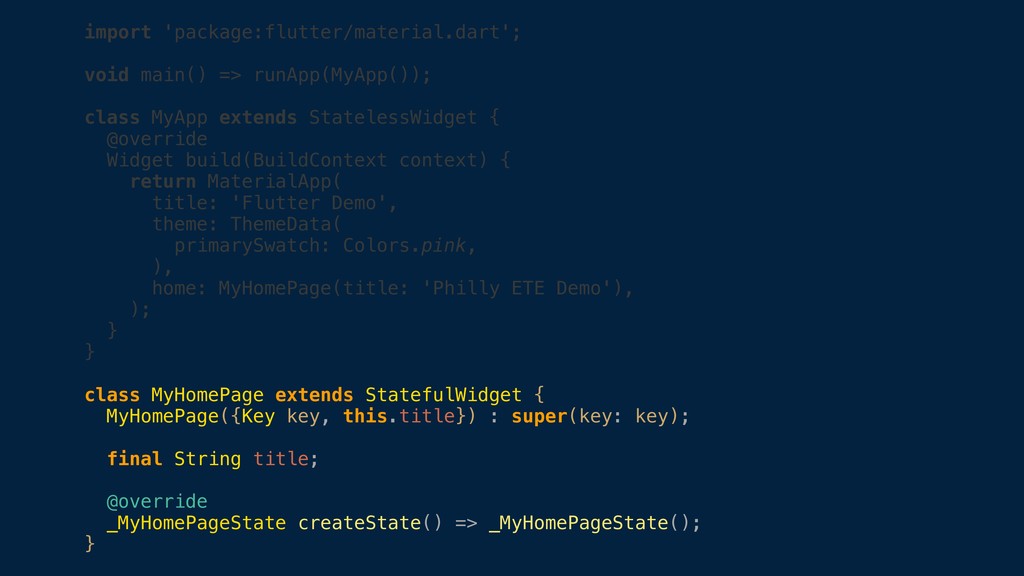
  23. import 'package:flutter/material.dart'; void main() => runApp(MyApp()); class MyApp extends StatelessWidget

    { @override Widget build(BuildContext context) { return MaterialApp( title: 'Flutter Demo', theme: ThemeData( primarySwatch: Colors.pink, ), home: MyHomePage(title: 'Philly ETE Demo'), ); } } class MyHomePage extends StatefulWidget { MyHomePage({Key key, this.title}) : super(key: key); final String title; @override _MyHomePageState createState() => _MyHomePageState(); }
  24. import 'package:flutter/material.dart'; void main() => runApp(MyApp()); class MyApp extends StatelessWidget

    { @override Widget build(BuildContext context) { return MaterialApp( title: 'Flutter Demo', theme: ThemeData( primarySwatch: Colors.pink, ), home: MyHomePage(title: 'Philly ETE Demo'), ); } } class MyHomePage extends StatefulWidget { MyHomePage({Key key, this.title}) : super(key: key); final String title; @override _MyHomePageState createState() => _MyHomePageState(); }
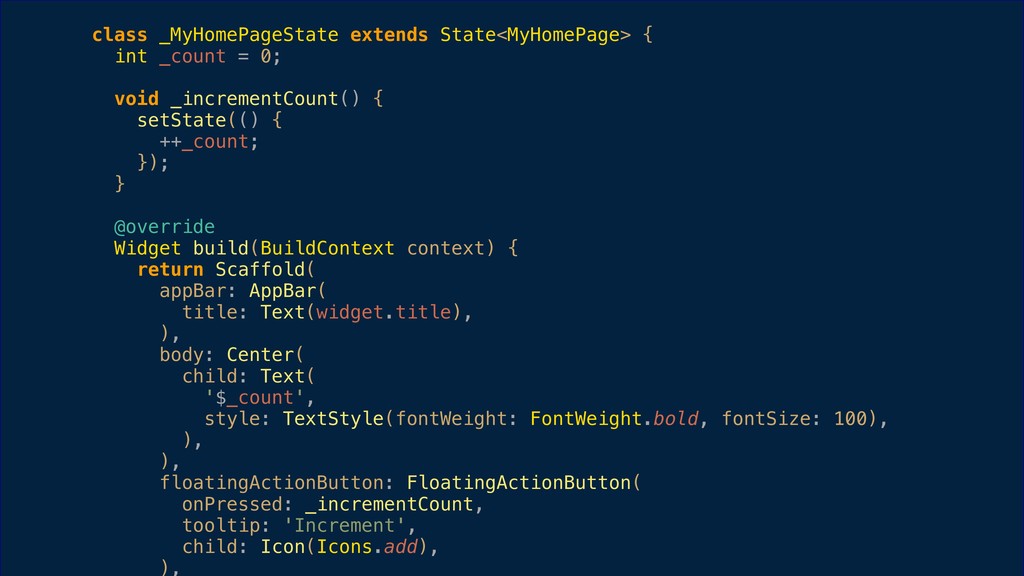
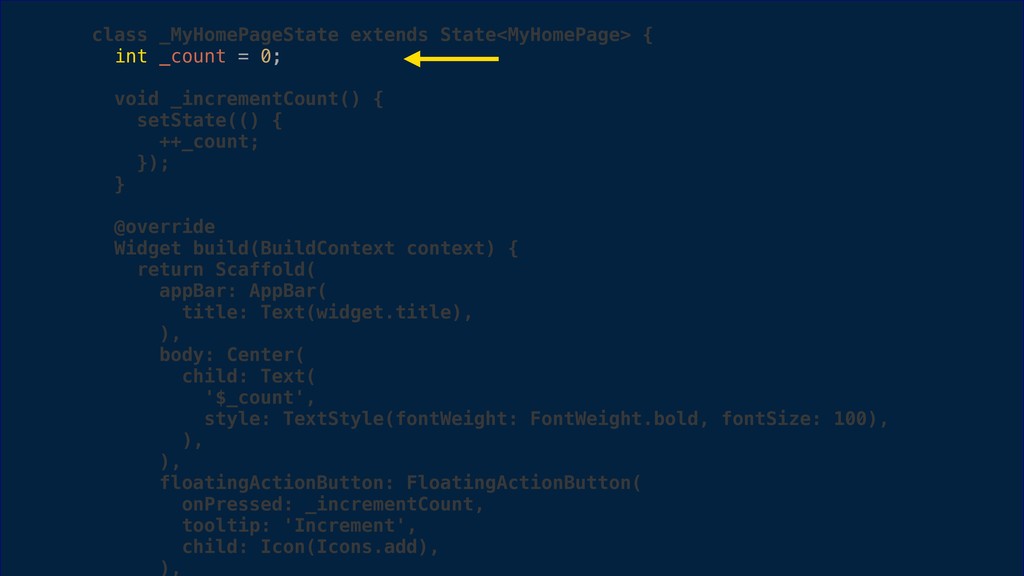
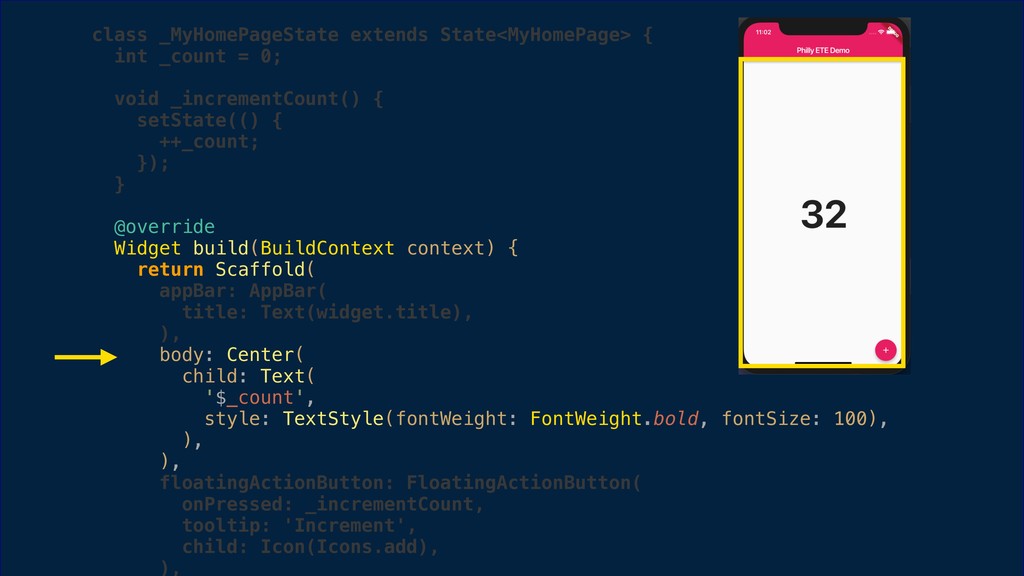
  25. class _MyHomePageState extends State<MyHomePage> { int _count = 0; void

    _incrementCount() { setState(() { ++_count; }); } @override Widget build(BuildContext context) { return Scaffold( appBar: AppBar( title: Text(widget.title), ), body: Center( child: Text( '$_count', style: TextStyle(fontWeight: FontWeight.bold, fontSize: 100), ), ), floatingActionButton: FloatingActionButton( onPressed: _incrementCount, tooltip: 'Increment', child: Icon(Icons.add), ),
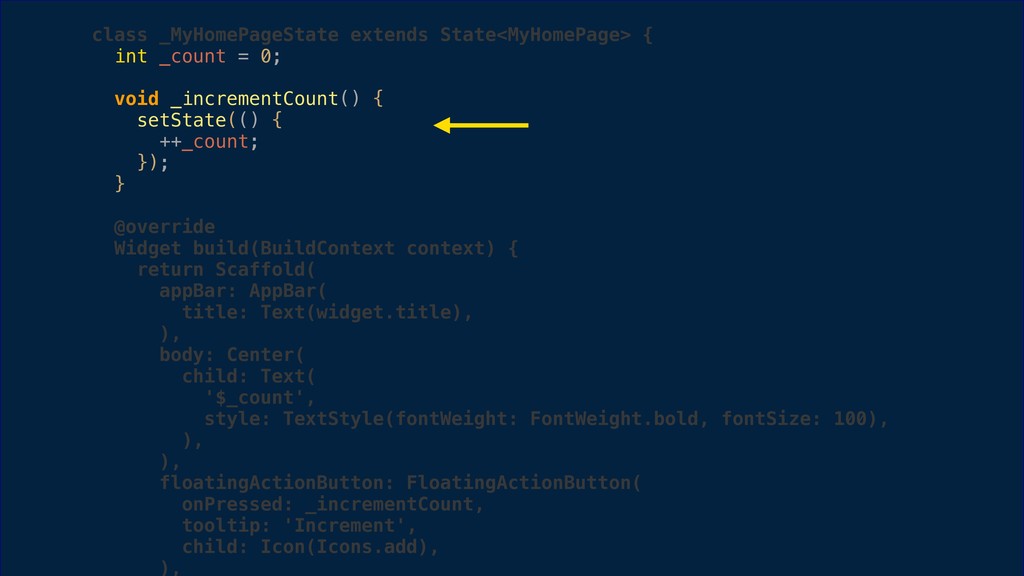
  26. class _MyHomePageState extends State<MyHomePage> { int _count = 0; void

    _incrementCount() { setState(() { ++_count; }); } @override Widget build(BuildContext context) { return Scaffold( appBar: AppBar( title: Text(widget.title), ), body: Center( child: Text( '$_count', style: TextStyle(fontWeight: FontWeight.bold, fontSize: 100), ), ), floatingActionButton: FloatingActionButton( onPressed: _incrementCount, tooltip: 'Increment', child: Icon(Icons.add), ),
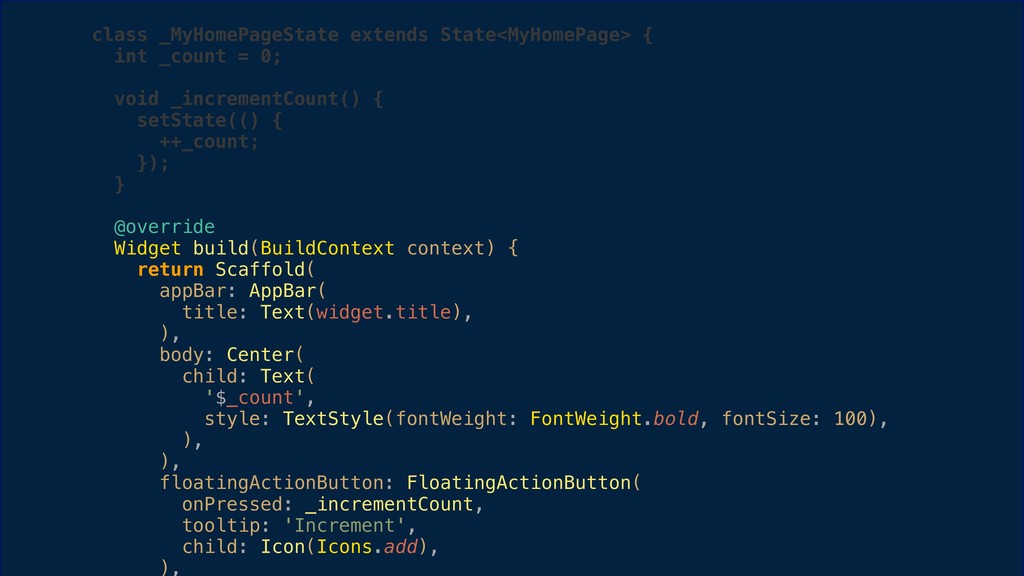
  27. class _MyHomePageState extends State<MyHomePage> { int _count = 0; void

    _incrementCount() { setState(() { ++_count; }); } @override Widget build(BuildContext context) { return Scaffold( appBar: AppBar( title: Text(widget.title), ), body: Center( child: Text( '$_count', style: TextStyle(fontWeight: FontWeight.bold, fontSize: 100), ), ), floatingActionButton: FloatingActionButton( onPressed: _incrementCount, tooltip: 'Increment', child: Icon(Icons.add), ),
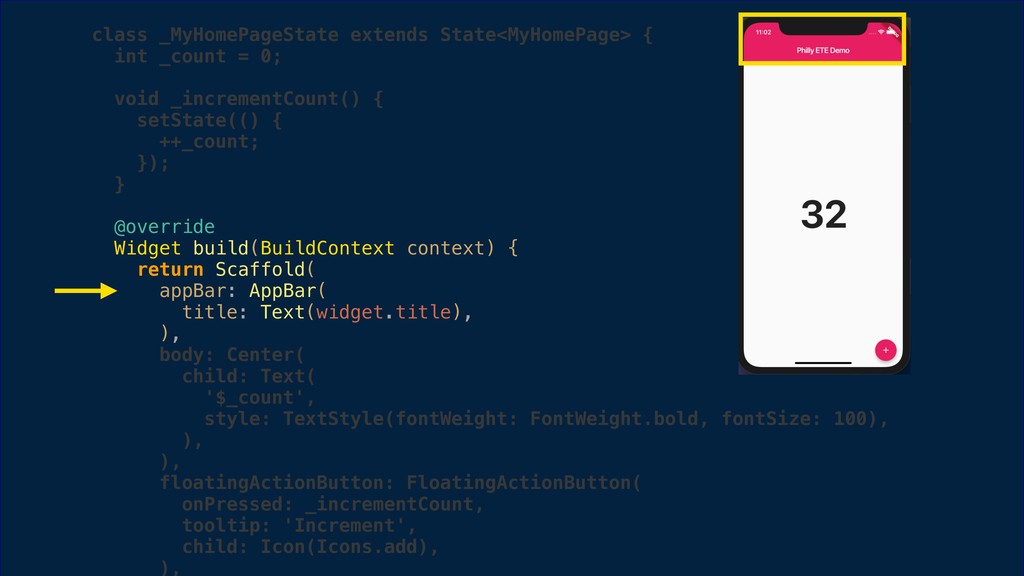
  28. class _MyHomePageState extends State<MyHomePage> { int _count = 0; void

    _incrementCount() { setState(() { ++_count; }); } @override Widget build(BuildContext context) { return Scaffold( appBar: AppBar( title: Text(widget.title), ), body: Center( child: Text( '$_count', style: TextStyle(fontWeight: FontWeight.bold, fontSize: 100), ), ), floatingActionButton: FloatingActionButton( onPressed: _incrementCount, tooltip: 'Increment', child: Icon(Icons.add), ),
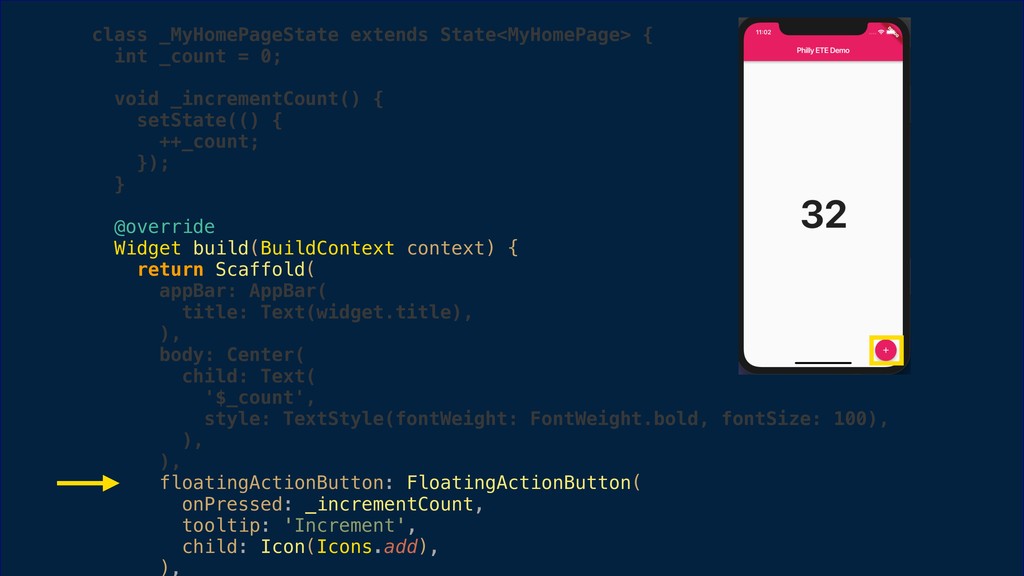
  29. class _MyHomePageState extends State<MyHomePage> { int _count = 0; void

    _incrementCount() { setState(() { ++_count; }); } @override Widget build(BuildContext context) { return Scaffold( appBar: AppBar( title: Text(widget.title), ), body: Center( child: Text( '$_count', style: TextStyle(fontWeight: FontWeight.bold, fontSize: 100), ), ), floatingActionButton: FloatingActionButton( onPressed: _incrementCount, tooltip: 'Increment', child: Icon(Icons.add), ),
  30. class _MyHomePageState extends State<MyHomePage> { int _count = 0; void

    _incrementCount() { setState(() { ++_count; }); } @override Widget build(BuildContext context) { return Scaffold( appBar: AppBar( title: Text(widget.title), ), body: Center( child: Text( '$_count', style: TextStyle(fontWeight: FontWeight.bold, fontSize: 100), ), ), floatingActionButton: FloatingActionButton( onPressed: _incrementCount, tooltip: 'Increment', child: Icon(Icons.add), ),
  31. class _MyHomePageState extends State<MyHomePage> { int _count = 0; void

    _incrementCount() { setState(() { ++_count; }); } @override Widget build(BuildContext context) { return Scaffold( appBar: AppBar( title: Text(widget.title), ), body: Center( child: Text( '$_count', style: TextStyle(fontWeight: FontWeight.bold, fontSize: 100), ), ), floatingActionButton: FloatingActionButton( onPressed: _incrementCount, tooltip: 'Increment', child: Icon(Icons.add), ),
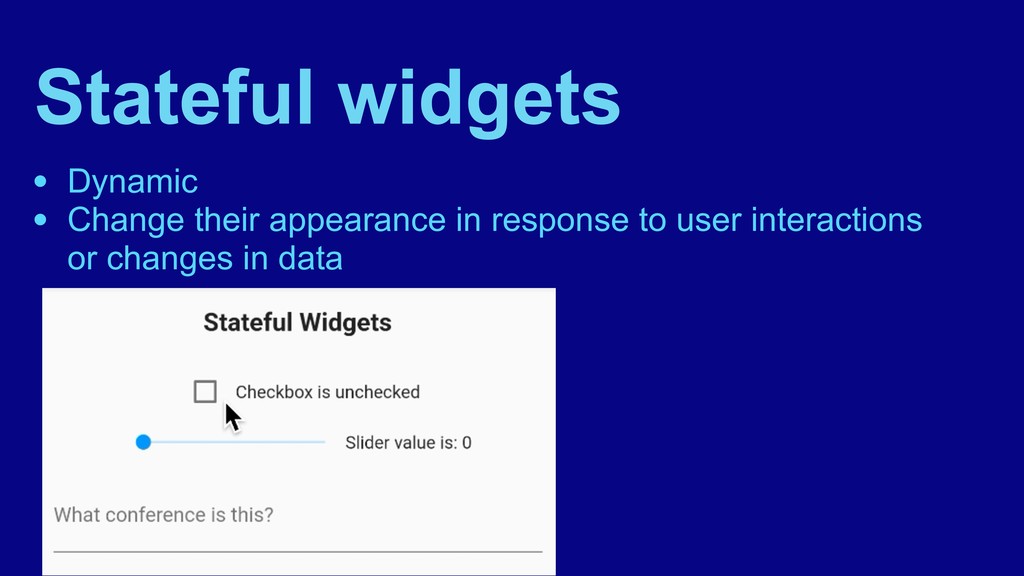
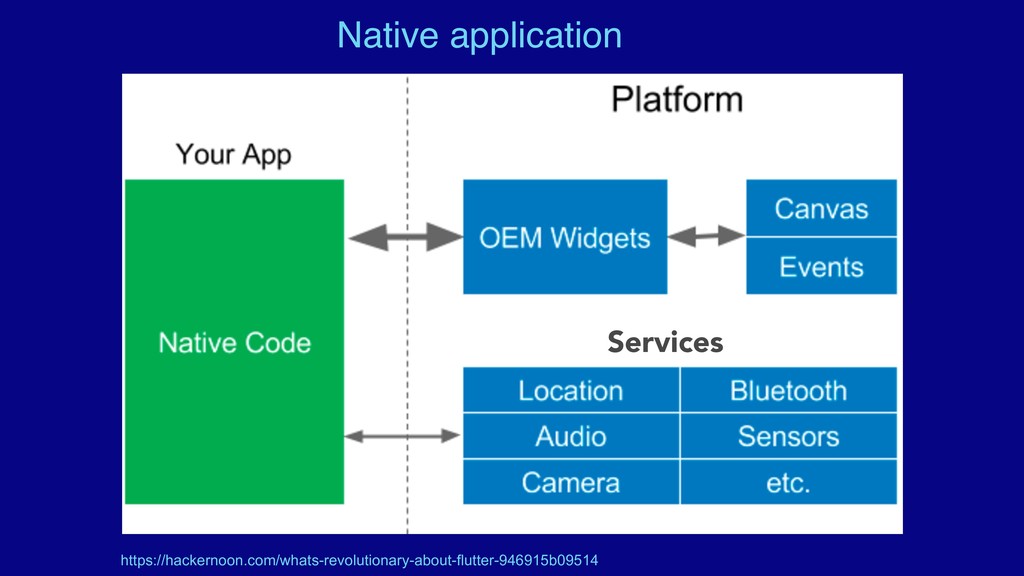
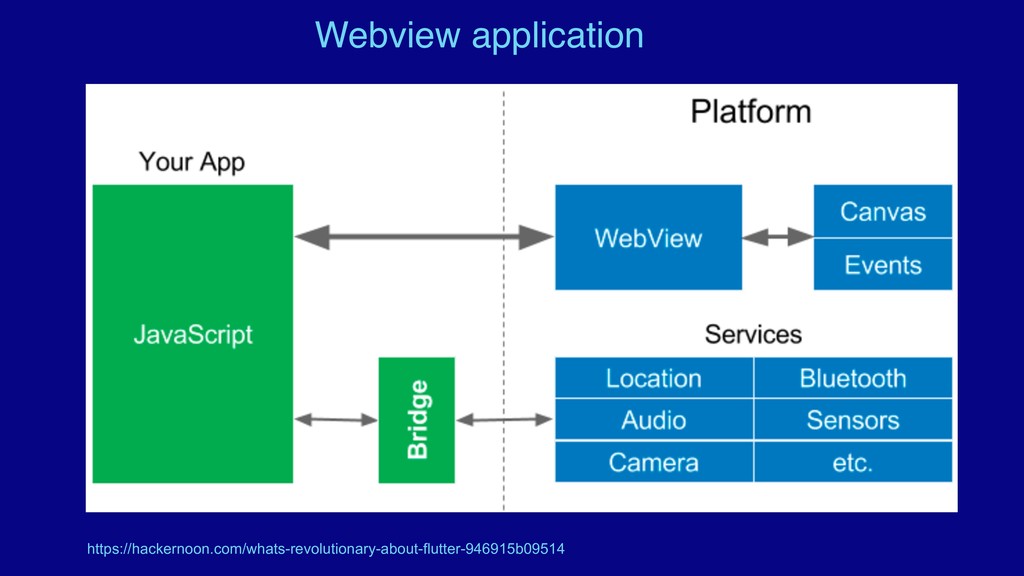
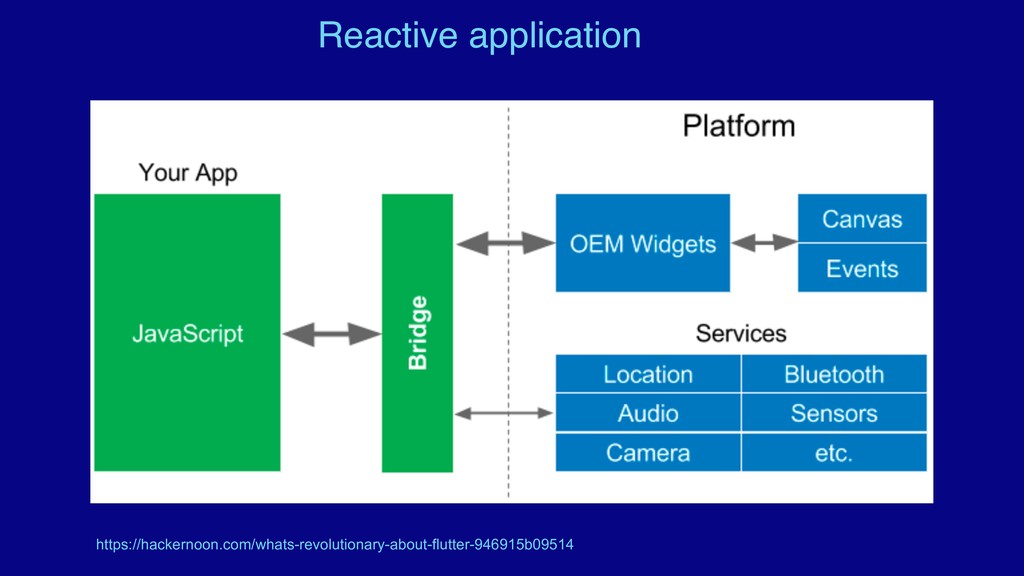
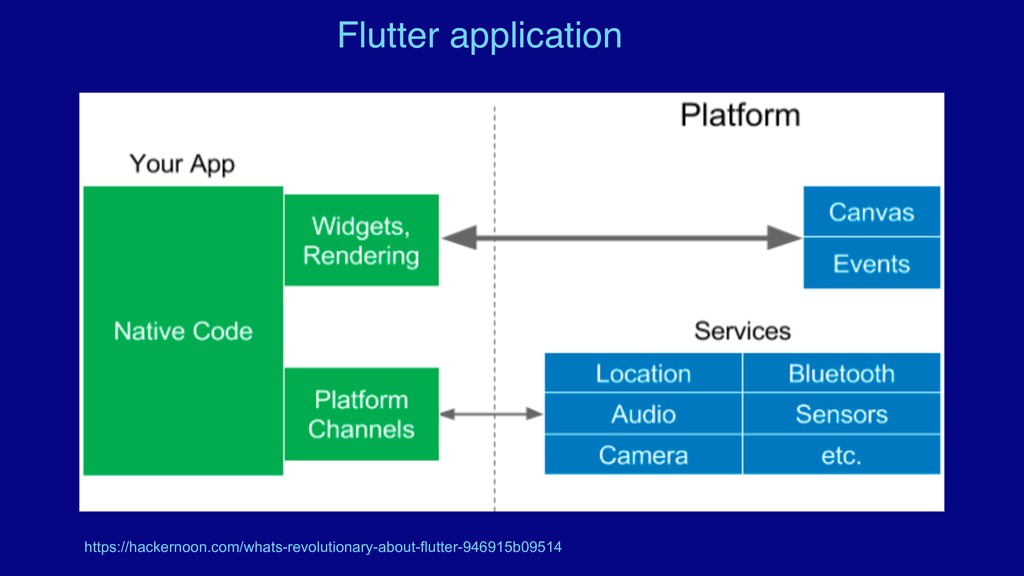
  32. In summary … • Intro to Flutter • What’s great

    about Flutter • Flutter Demo app • Widgets: stateless vs stateful • How Flutter compares to other cross-platform solutions • Cons of Flutter
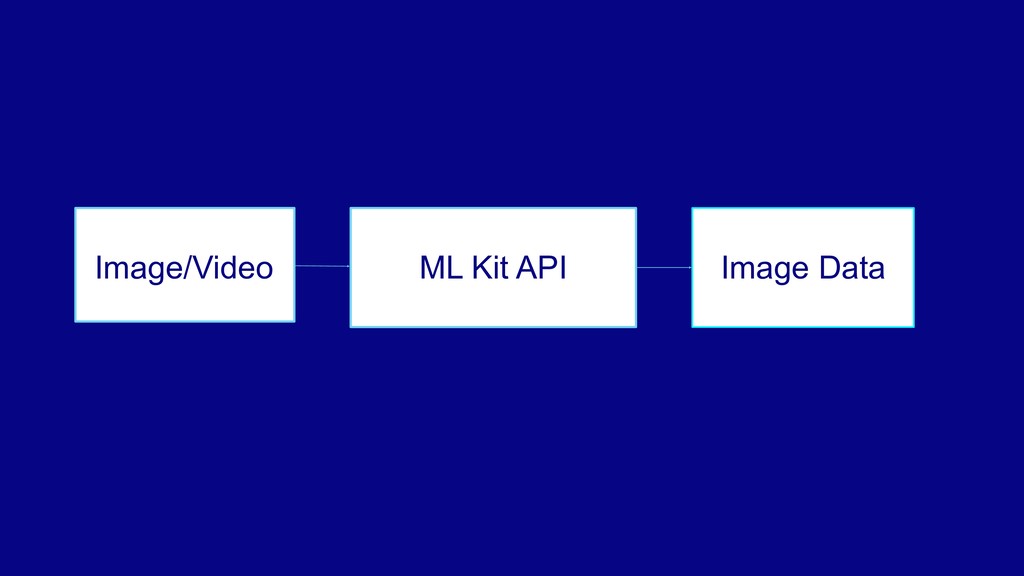
  33. • Machine Learning Kit • Provided by Google via Firebase

    • Provides prebuilt or custom machine learning models for a variety of use cases
  34. • Machine Learning Kit • Provided by Google via Firebase

    • Provides prebuilt or custom machine learning models for a variety of use cases • Cross-platform: available on Android, iOS and Flutter
  35. • Machine Learning Kit • Provided by Google via Firebase

    • Provides prebuilt or custom machine learning models for a variety of use cases • Cross-platform: available on Android, iOS and Flutter • Runs on-device or on the cloud
  36. • Machine Learning Kit • Provided by Google via Firebase

    • Provides prebuilt or custom machine learning models for a variety of use cases • Cross-platform: available on Android, iOS and Flutter • Runs on-device or on the cloud • Runs free on-device; partly free on the cloud
  37. Image labeling • Recognize the entities in an image without

    providing any additional context • Can be used for automatic metadata generation or content moderation
  38. Image labeling • Recognize the entities in an image without

    providing any additional context • Can be used for automatic metadata generation or content moderation • Free, on-device, and on the cloud (for the first 1000 uses)
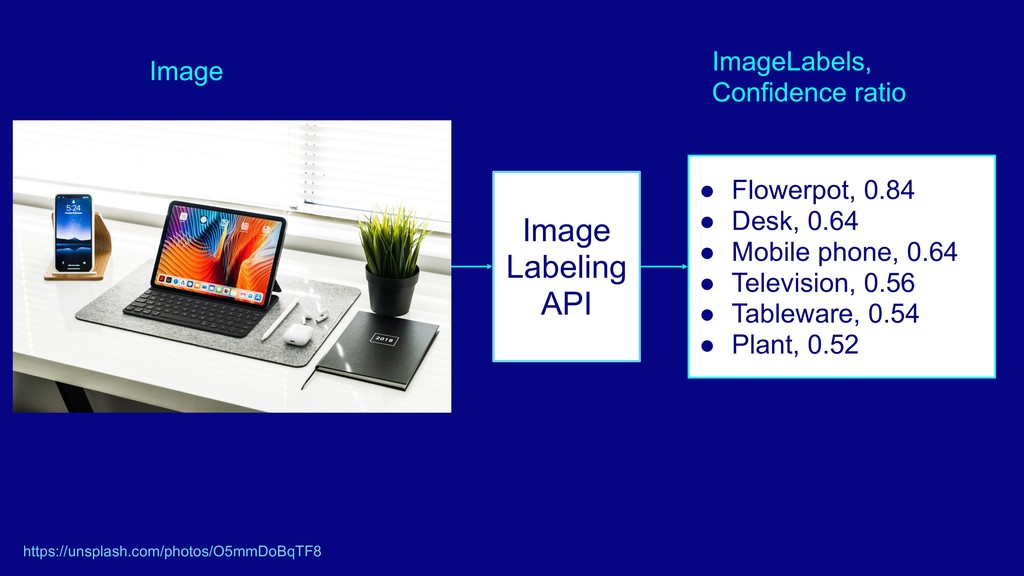
  39. Image Labeling API • Flowerpot, 0.84 • Desk, 0.64 •

    Mobile phone, 0.64 • Television, 0.56 • Tableware, 0.54 • Plant, 0.52 Image ImageLabels, Confidence ratio https://unsplash.com/photos/O5mmDoBqTF8
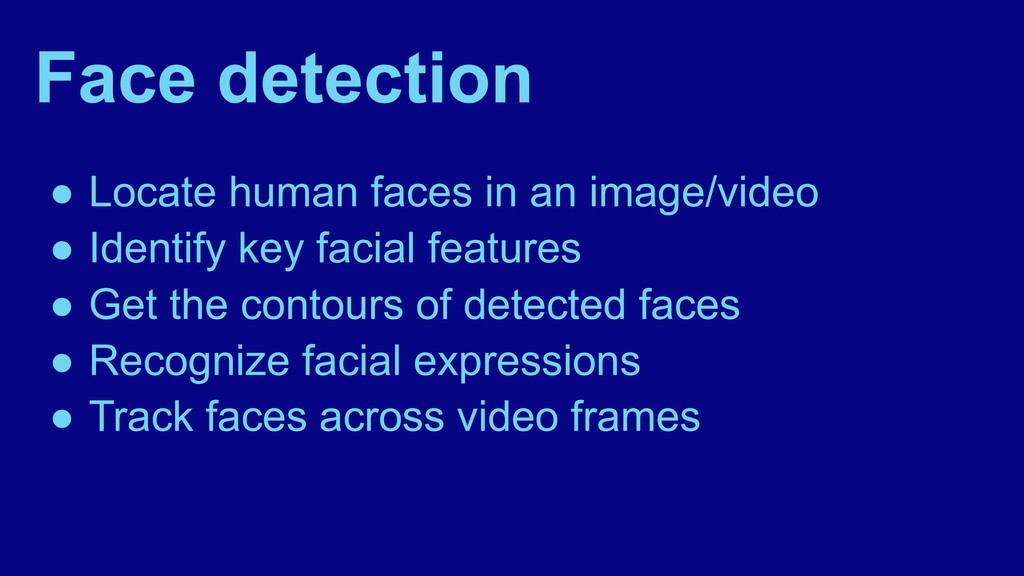
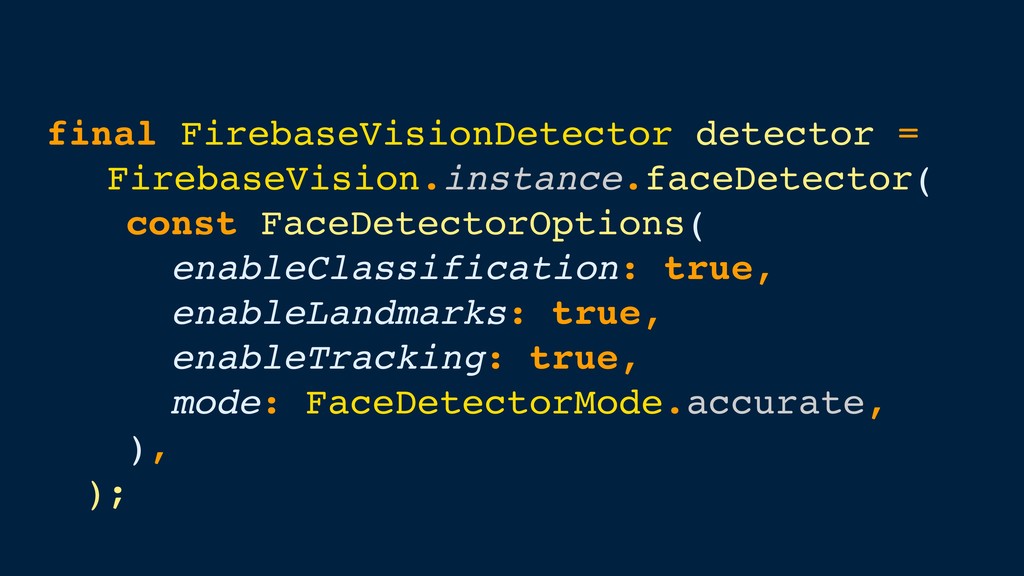
  40. Face detection • Locate human faces in an image/video •

    Identify key facial features • Get the contours of detected faces
  41. Face detection • Locate human faces in an image/video •

    Identify key facial features • Get the contours of detected faces • Recognize facial expressions
  42. Face detection • Locate human faces in an image/video •

    Identify key facial features • Get the contours of detected faces • Recognize facial expressions • Track faces across video frames
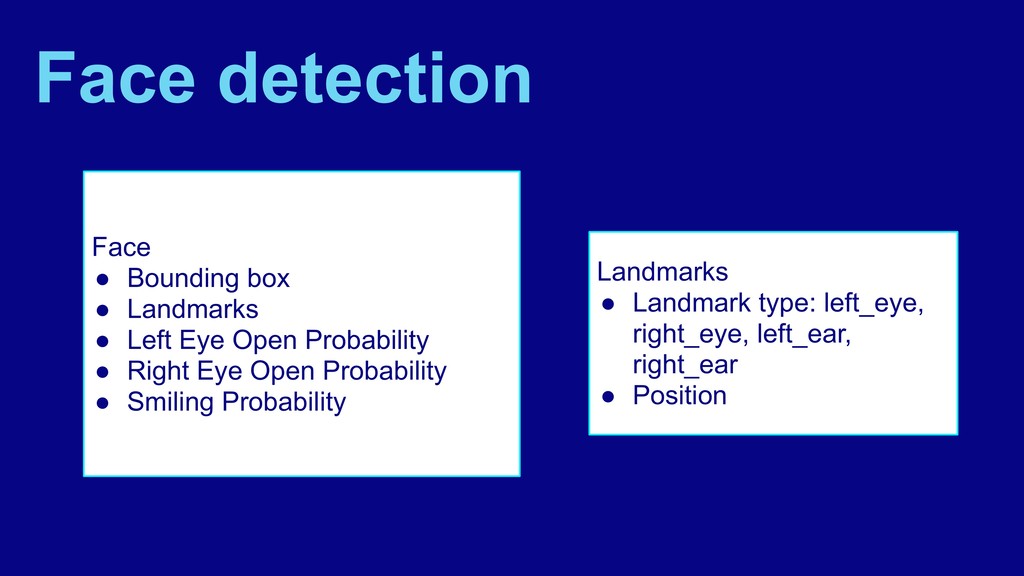
  43. Face • Bounding box • Landmarks • Left Eye Open
    Probability • Right Eye Open Probability • Smiling Probability Landmarks • Landmark type: left_eye, right_eye, left_ear, right_ear • Position Face detection
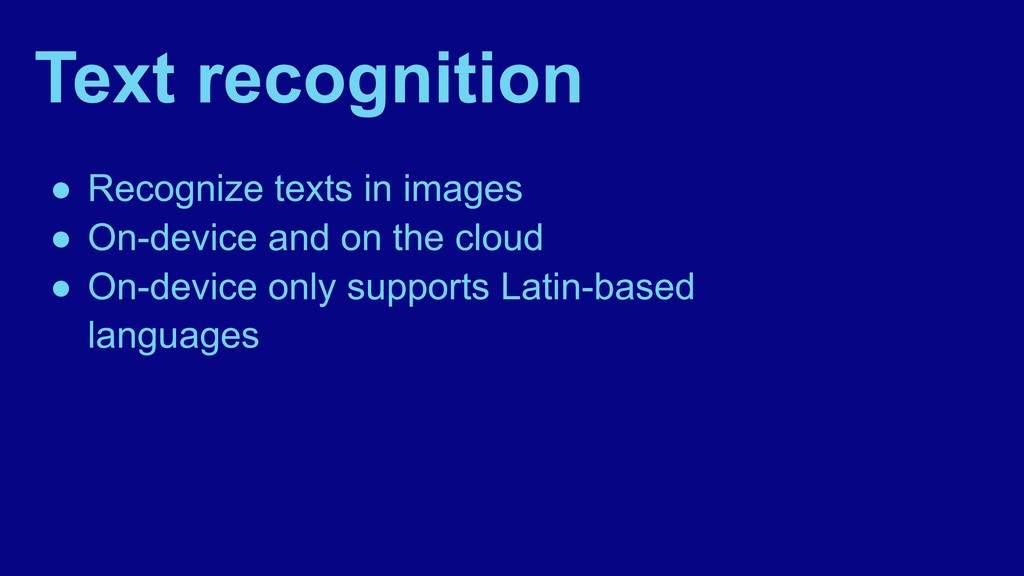
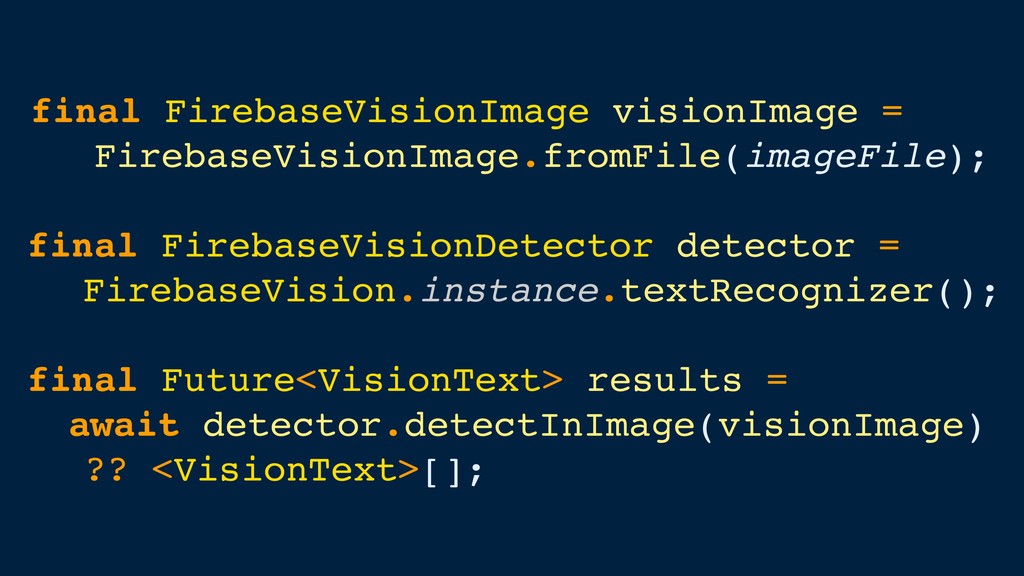
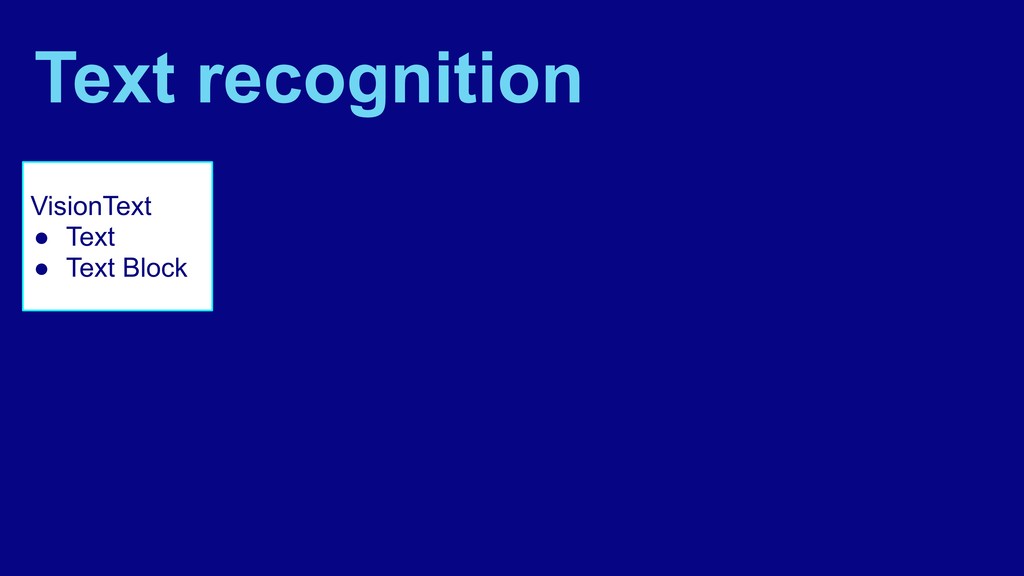
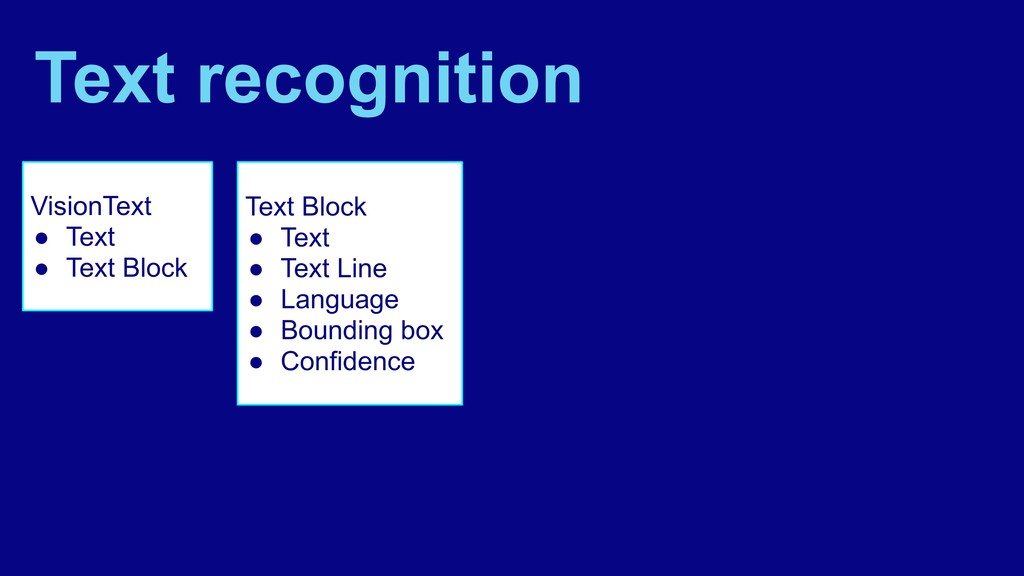
  44. Text recognition • Recognize texts in images • On-device and

    on the cloud • On-device only supports Latin-based languages
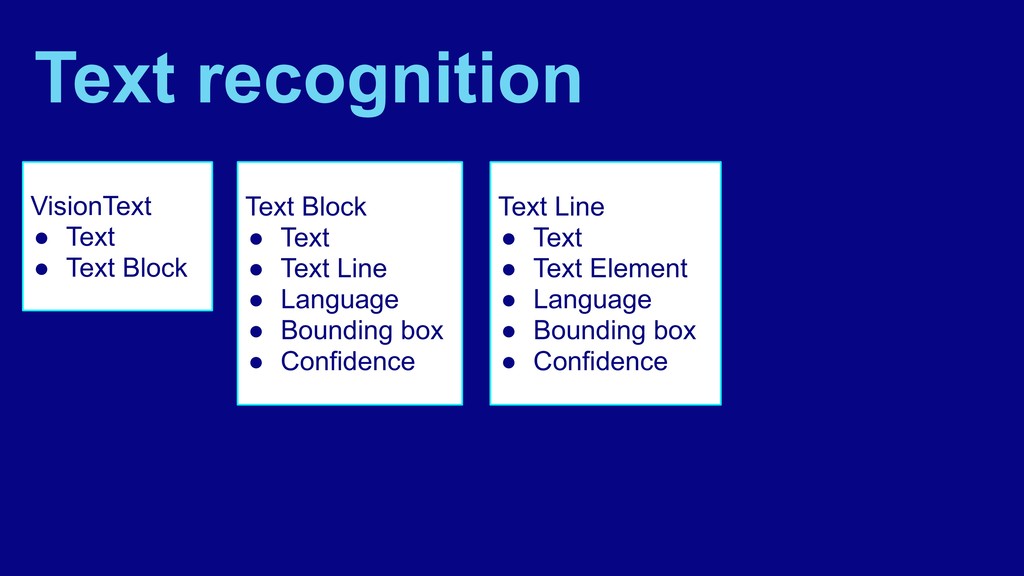
  45. VisionText • Text • Text Block Text recognition Text Block

    • Text • Text Line • Language • Bounding box • Confidence
  46. VisionText • Text • Text Block Text recognition Text Block

    • Text • Text Line • Language • Bounding box • Confidence Text Line • Text • Text Element • Language • Bounding box • Confidence
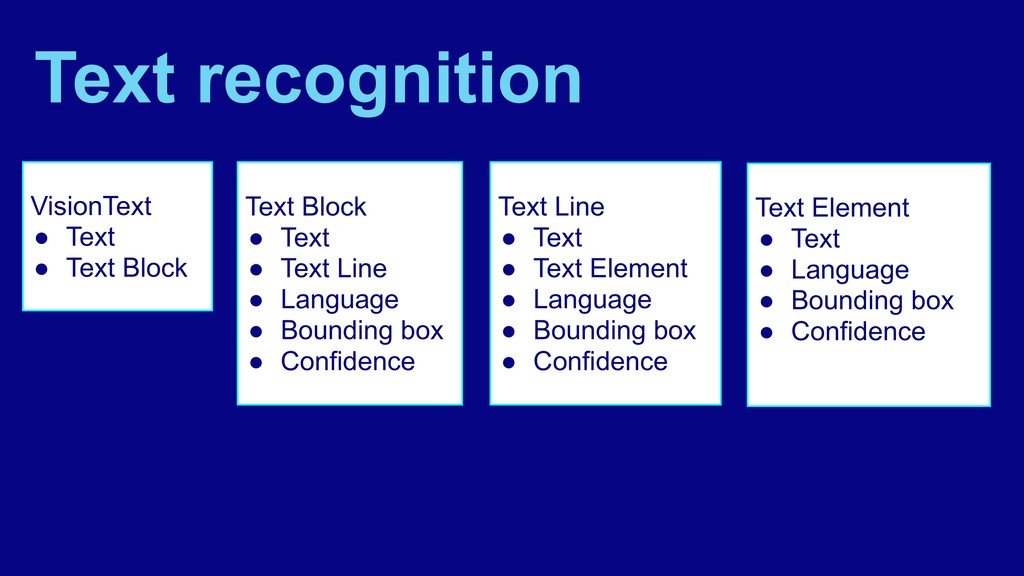
  47. VisionText • Text • Text Block Text recognition Text Block

    • Text • Text Line • Language • Bounding box • Confidence Text Line • Text • Text Element • Language • Bounding box • Confidence Text Element • Text • Language • Bounding box • Confidence
  48. Barcode scanning • Read data encoded using most standard barcode

    formats. • Works with any image orientation
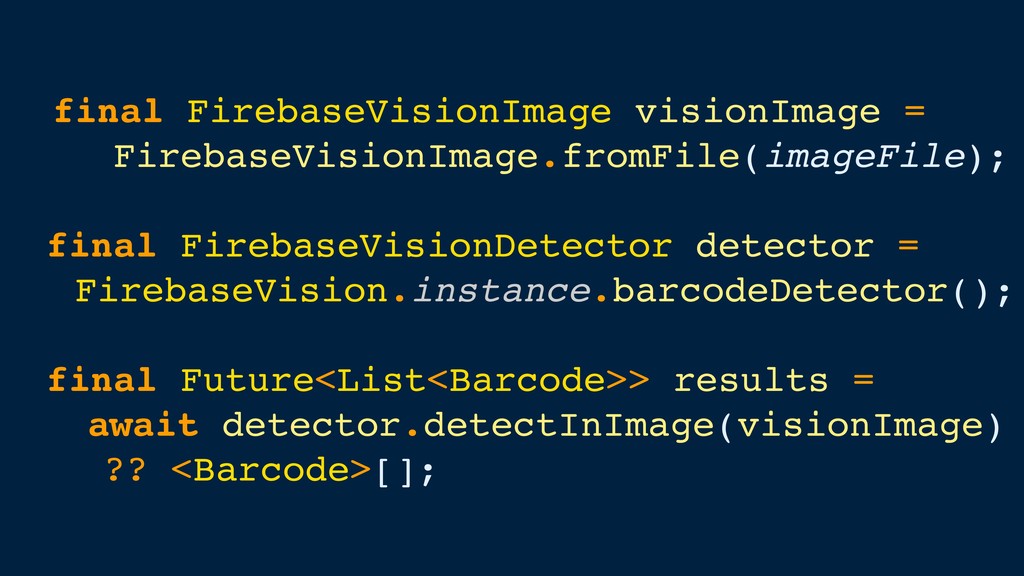
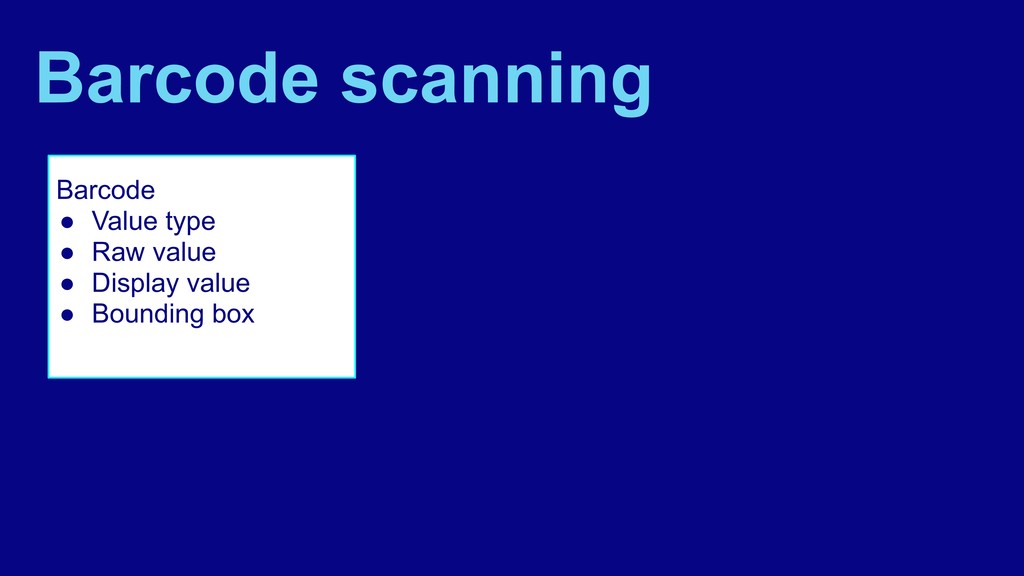
  49. Barcode • Value type • Raw value • Display value

    • Bounding box Barcode scanning
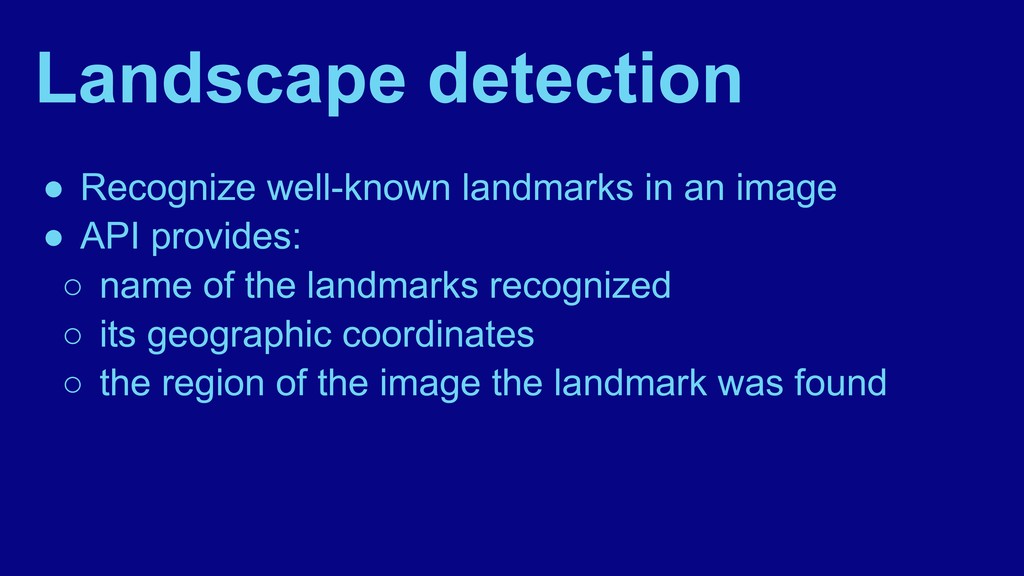
  50. Landscape detection • Recognize well-known landmarks in an image •

    API provides: ◦ name of the landmarks recognized ◦ its geographic coordinates ◦ the region of the image the landmark was found
  51. Custom models • Create models using TensorFlow Lite • Host

    your models using Firebase or package them in your app
  52. Custom models • Create models using TensorFlow Lite • Host

    your models using Firebase or package them in your app • Use the ML Kit SDK to perform inference of your custom model
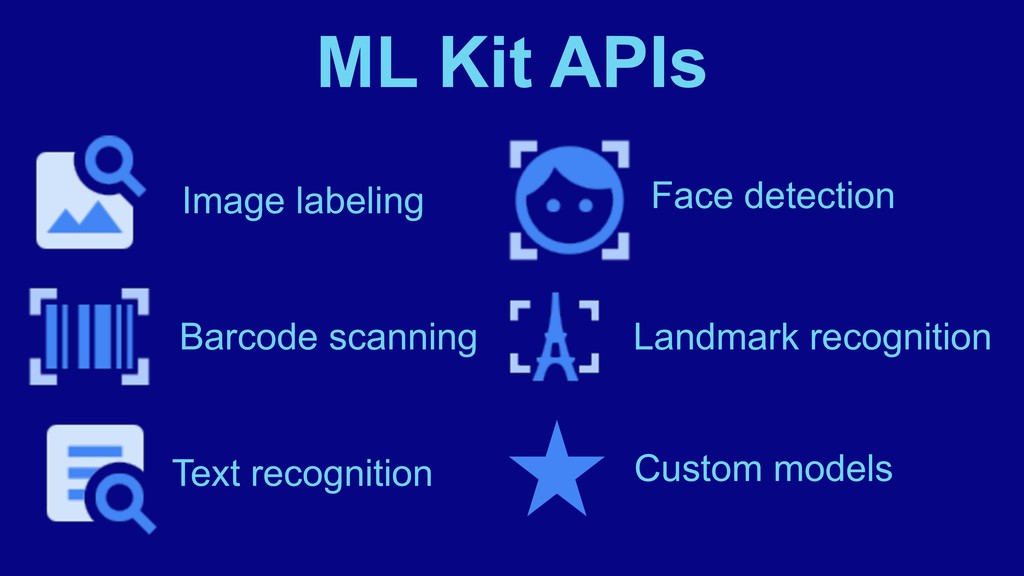
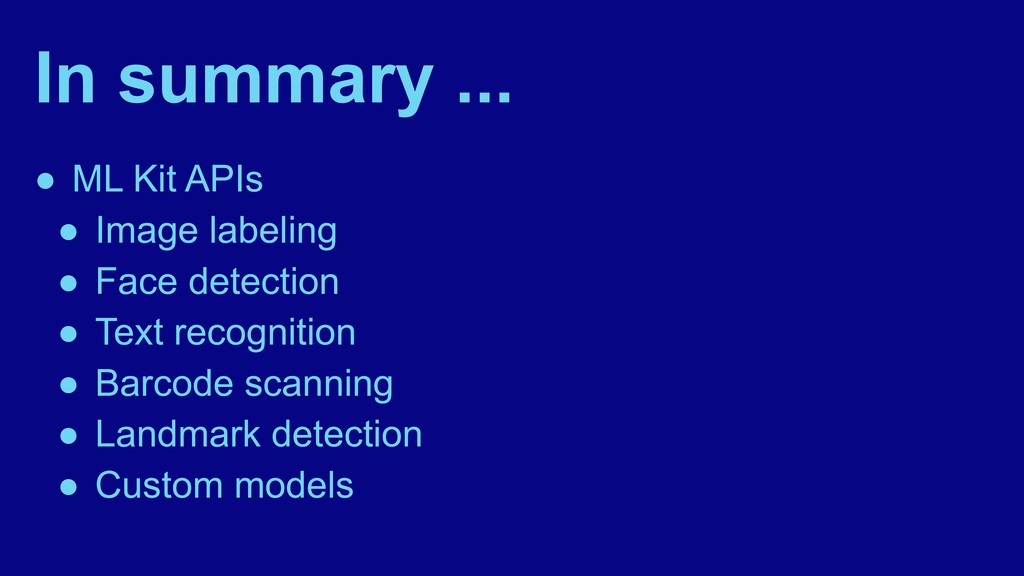
  53. In summary ... • ML Kit APIs • Image labeling

    • Face detection • Text recognition • Barcode scanning • Landmark detection • Custom models
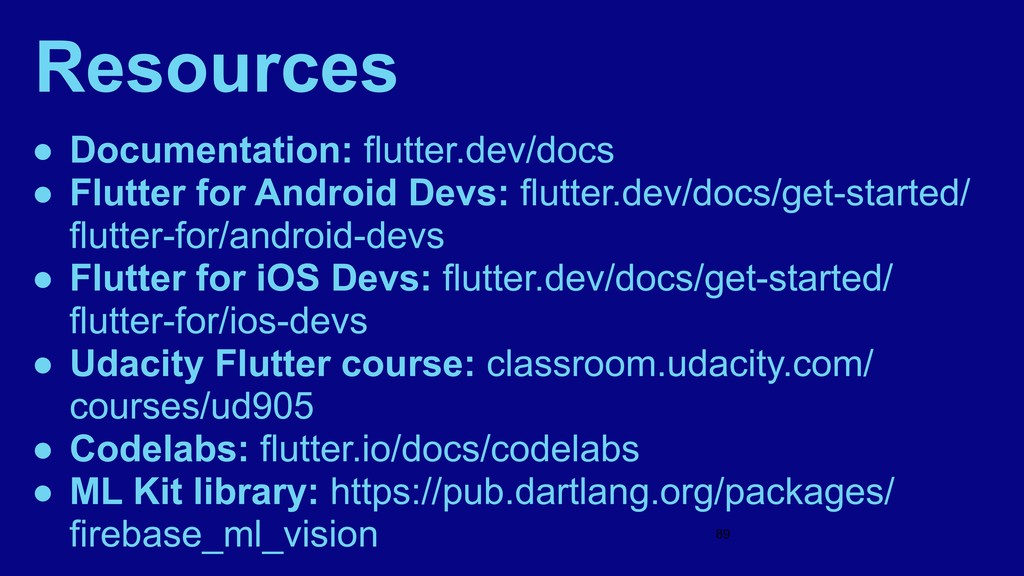
  54. Resources • Documentation: flutter.dev/docs • Flutter for Android Devs: flutter.dev/docs/get-started/

    flutter-for/android-devs • Flutter for iOS Devs: flutter.dev/docs/get-started/ flutter-for/ios-devs • Udacity Flutter course: classroom.udacity.com/ courses/ud905 • Codelabs: flutter.io/docs/codelabs • ML Kit library: https://pub.dartlang.org/packages/ firebase_ml_vision #89