Upgrade to Pro — share decks privately, control downloads, hide ads and more …

Website Development Accessibility

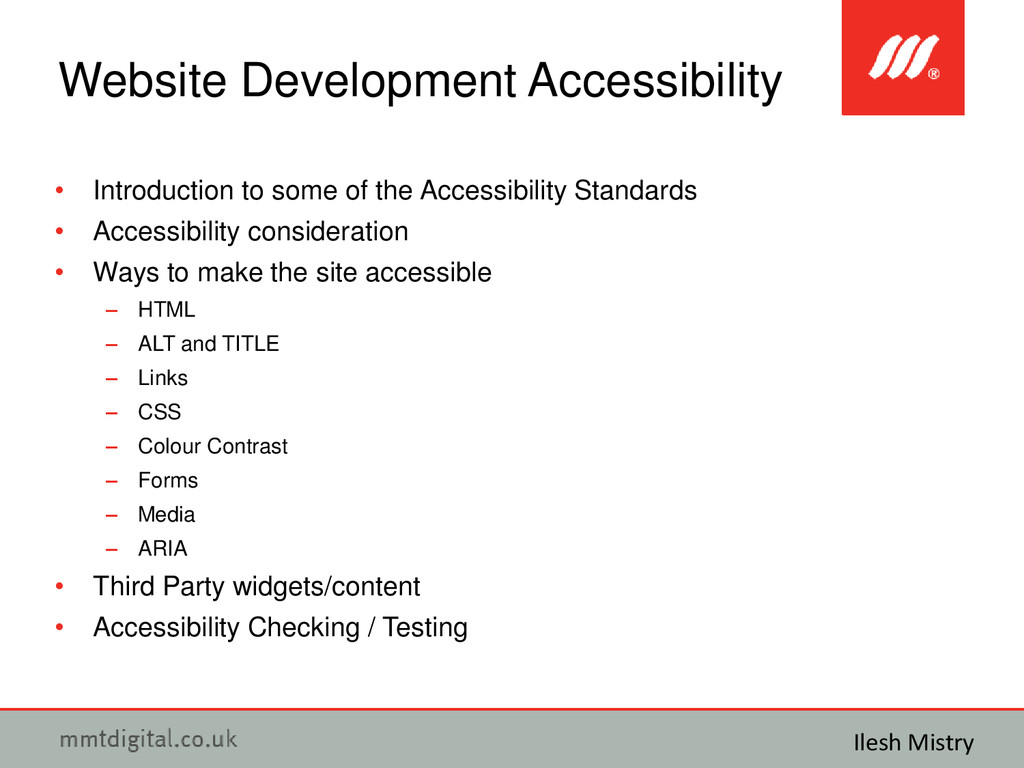
Website Development Accessibility

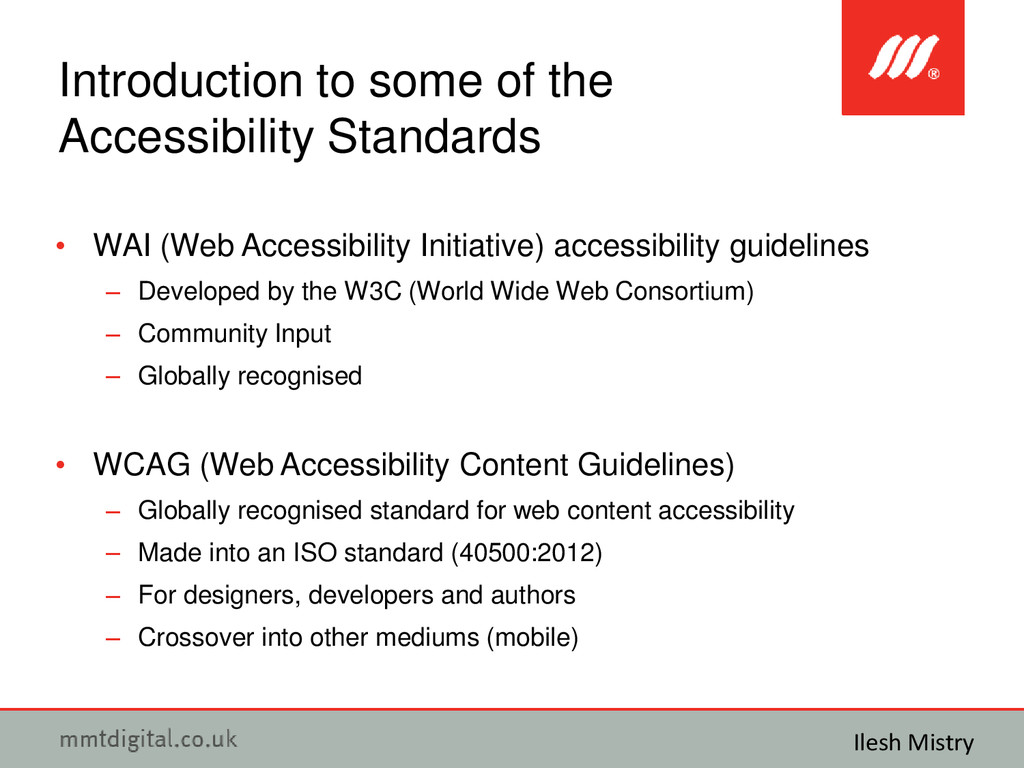
Introduction to some of the Accessibility Standards.
Accessibility consideration.
Ways to make the site accessible - HTML, ALT and TITLE, Links, CSS, Colour Contrast, Forms, Media and ARIA.
Third Party widgets/content.
Accessibility Checking / Testing.

Avatar for Ilesh Mistry

Ilesh Mistry

April 13, 2014

Other Decks in Technology

Transcript

  1. • Ilesh Mistry • Senior Kentico Developer @ MMT Digital

    Website Development Accessibility Ilesh Mistry http://www.mmtdigital.co.uk/Ilesh-Mistry https://twitter.com/ileshmistry https://www.facebook.com/ilesh.mistry https://www.linkedin.com/in/ileshmistry https://plus.google.com/+IleshMistry [email protected]
  2. • Introduction to some of the Accessibility Standards • Accessibility

    consideration • Ways to make the site accessible – HTML – ALT and TITLE – Links – CSS – Colour Contrast – Forms – Media – ARIA • Third Party widgets/content • Accessibility Checking / Testing Website Development Accessibility Ilesh Mistry
  3. • WAI (Web Accessibility Initiative) accessibility guidelines – Developed by

    the W3C (World Wide Web Consortium) – Community Input – Globally recognised • WCAG (Web Accessibility Content Guidelines) – Globally recognised standard for web content accessibility – Made into an ISO standard (40500:2012) – For designers, developers and authors – Crossover into other mediums (mobile) Introduction to some of the Accessibility Standards Ilesh Mistry
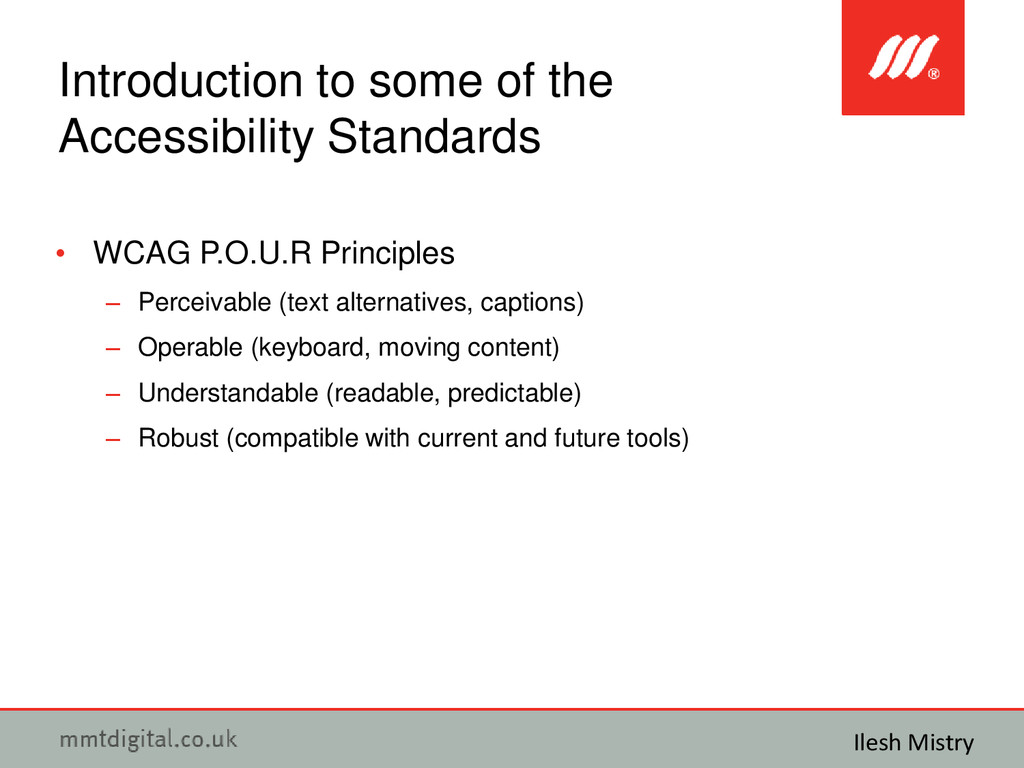
  4. • WCAG P.O.U.R Principles – Perceivable (text alternatives, captions) –

    Operable (keyboard, moving content) – Understandable (readable, predictable) – Robust (compatible with current and future tools) Introduction to some of the Accessibility Standards Ilesh Mistry
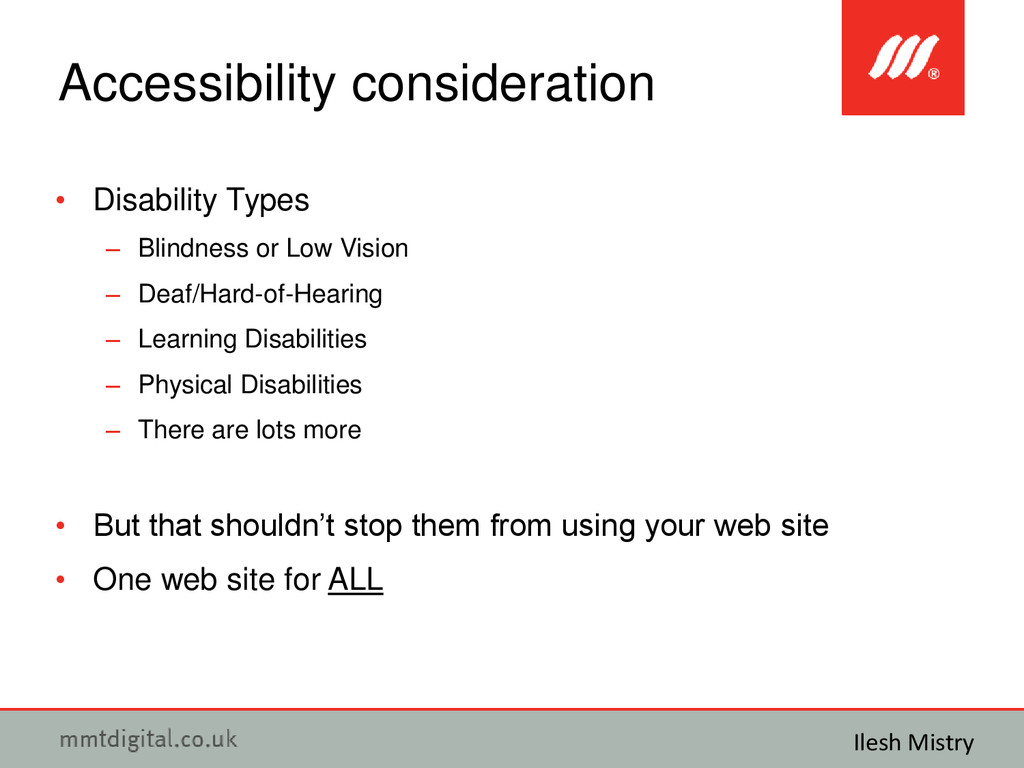
  5. • Disability Types – Blindness or Low Vision – Deaf/Hard-of-Hearing

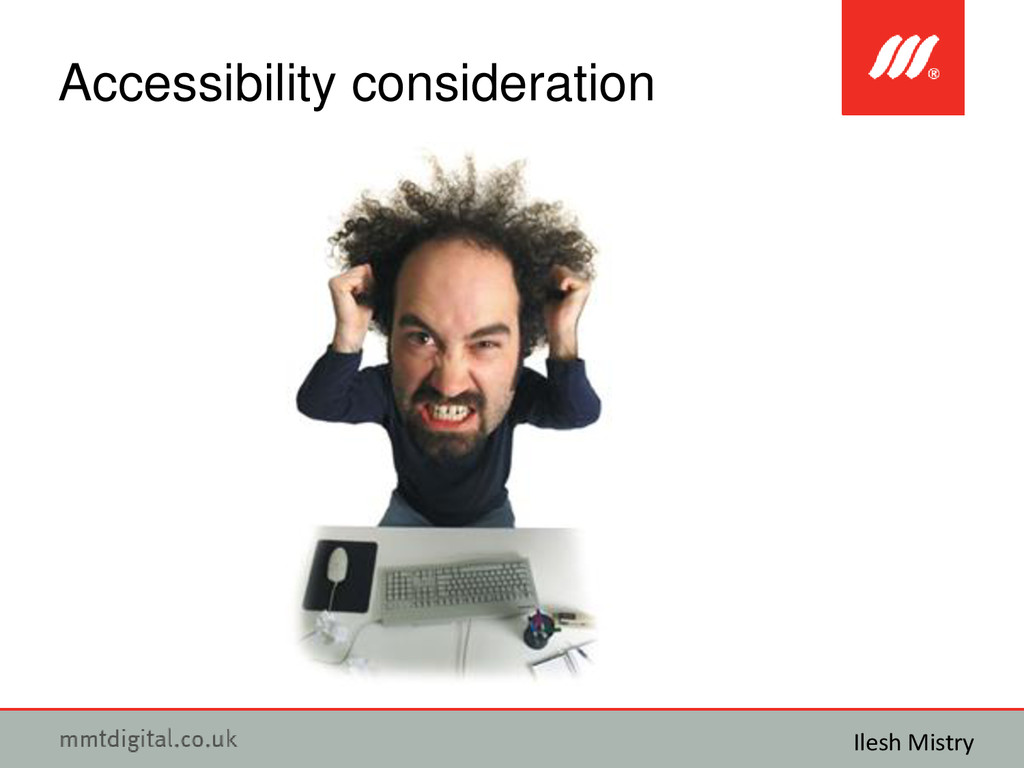
    – Learning Disabilities – Physical Disabilities – There are lots more • But that shouldn’t stop them from using your web site • One web site for ALL Accessibility consideration Ilesh Mistry
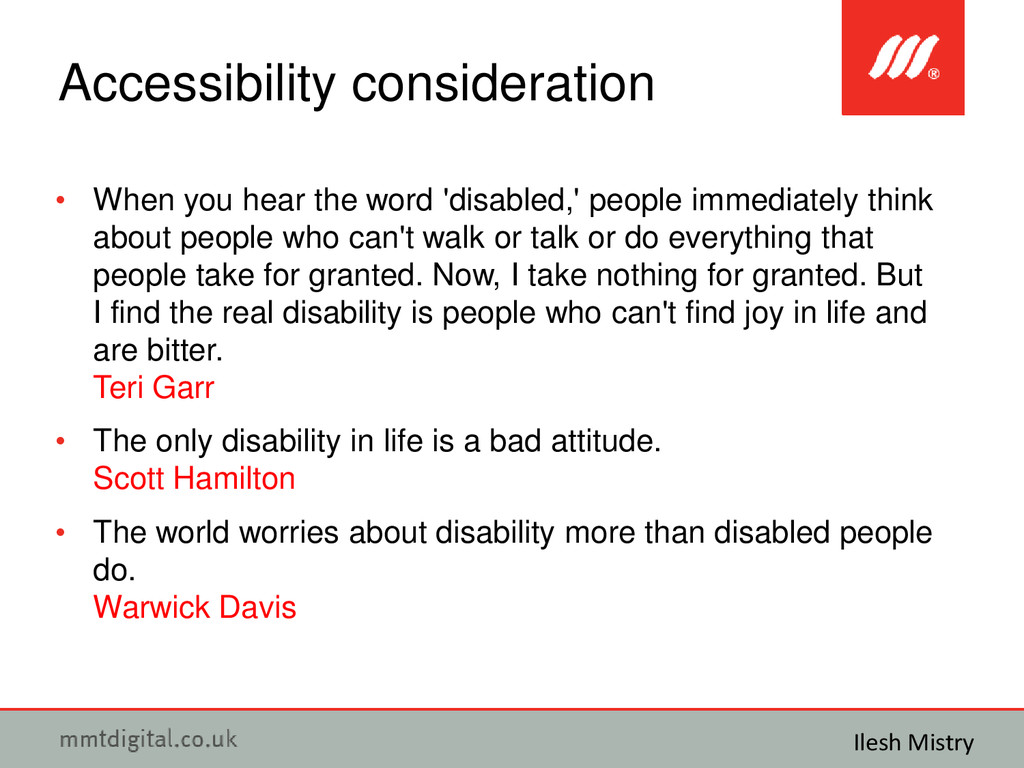
  6. • When you hear the word 'disabled,' people immediately think

    about people who can't walk or talk or do everything that people take for granted. Now, I take nothing for granted. But I find the real disability is people who can't find joy in life and are bitter. Teri Garr • The only disability in life is a bad attitude. Scott Hamilton • The world worries about disability more than disabled people do. Warwick Davis Accessibility consideration Ilesh Mistry
  7. • The issues disabled people face everyday using web sites

    – Alternative text for graphics not supplied or inappropriate – Video/Audio no transcript and captions provided – Focus highlighting – I don’t know where I am! – Increasing font size does not change anything for me – I can’t click on that button using my keyboard – Has something changed on the page? – I can’t see that text on that background – What’s that area to do with? – Why is everything mixed up? – Clicked on a link and where did it go? Accessibility consideration Ilesh Mistry
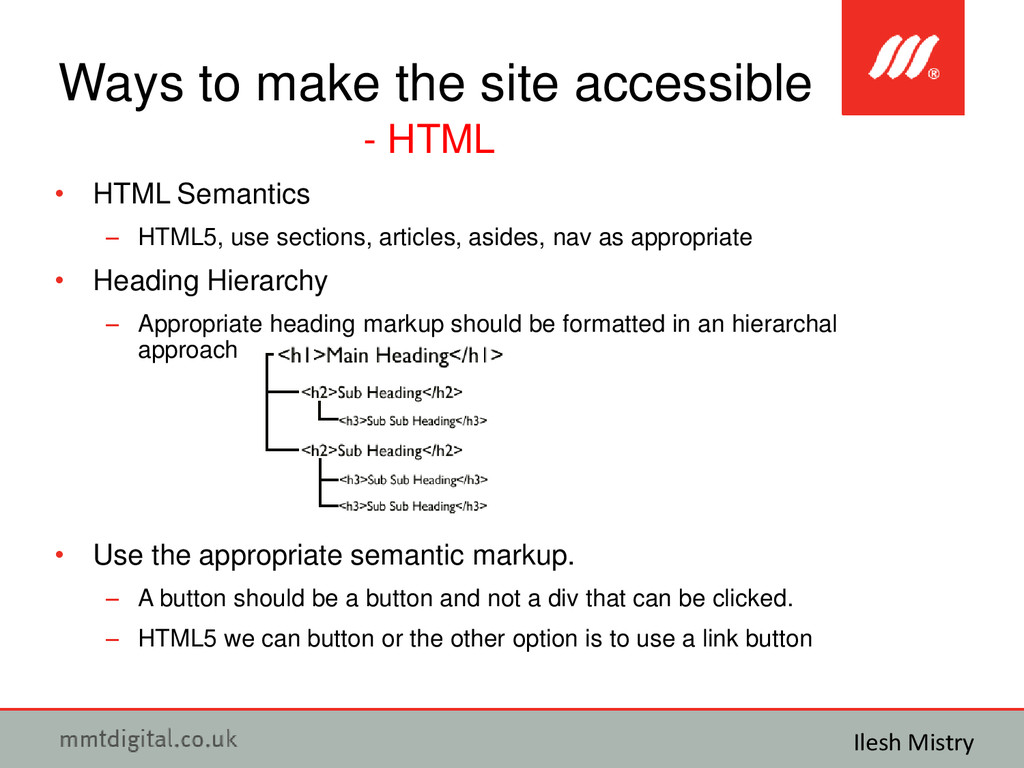
  8. • HTML Semantics – HTML5, use sections, articles, asides, nav

    as appropriate • Heading Hierarchy – Appropriate heading markup should be formatted in an hierarchal approach • Use the appropriate semantic markup. – A button should be a button and not a div that can be clicked. – HTML5 we can button or the other option is to use a link button Ways to make the site accessible - HTML Ilesh Mistry
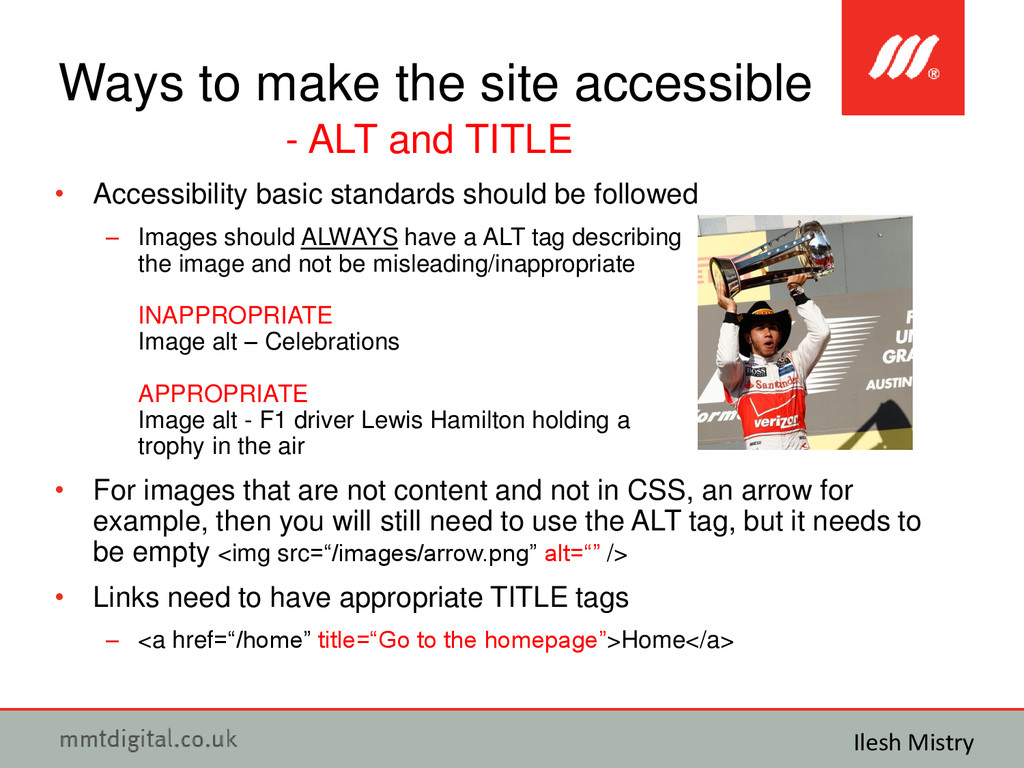
  9. • Accessibility basic standards should be followed – Images should

    ALWAYS have a ALT tag describing the image and not be misleading/inappropriate INAPPROPRIATE Image alt – Celebrations APPROPRIATE Image alt - F1 driver Lewis Hamilton holding a trophy in the air • For images that are not content and not in CSS, an arrow for example, then you will still need to use the ALT tag, but it needs to be empty <img src=“/images/arrow.png” alt=“” /> • Links need to have appropriate TITLE tags – <a href=“/home” title=“Go to the homepage”>Home</a> Ways to make the site accessible - ALT and TITLE Ilesh Mistry
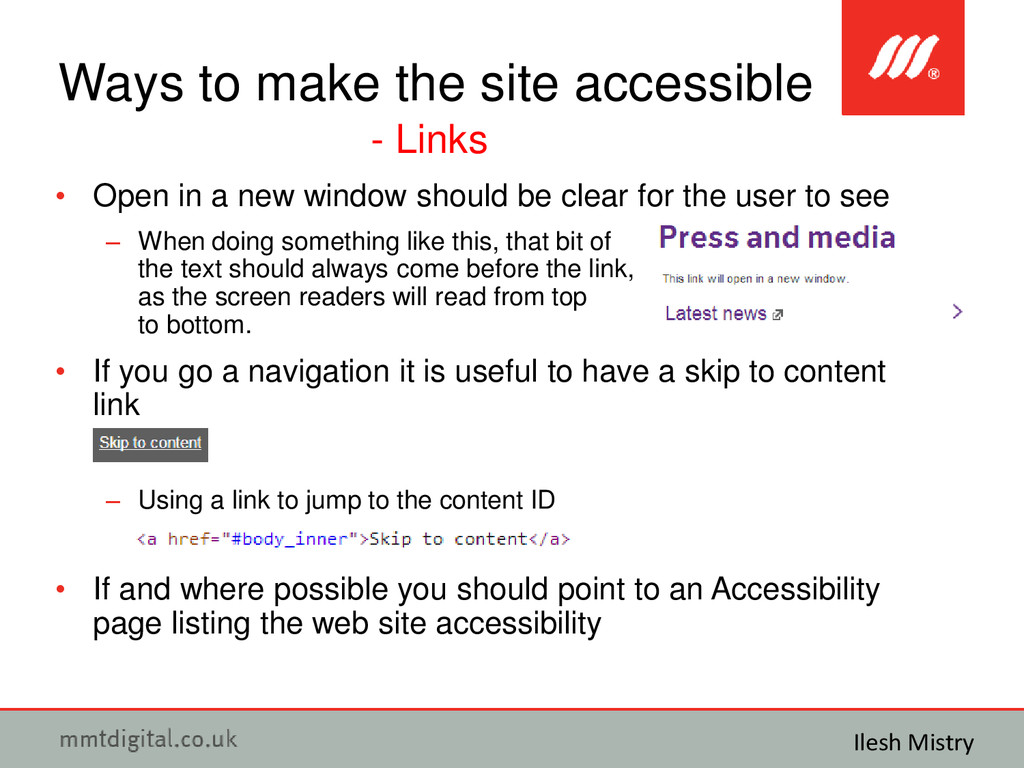
  10. • Open in a new window should be clear for

    the user to see – When doing something like this, that bit of the text should always come before the link, as the screen readers will read from top to bottom. • If you go a navigation it is useful to have a skip to content link – Using a link to jump to the content ID • If and where possible you should point to an Accessibility page listing the web site accessibility Ways to make the site accessible - Links Ilesh Mistry
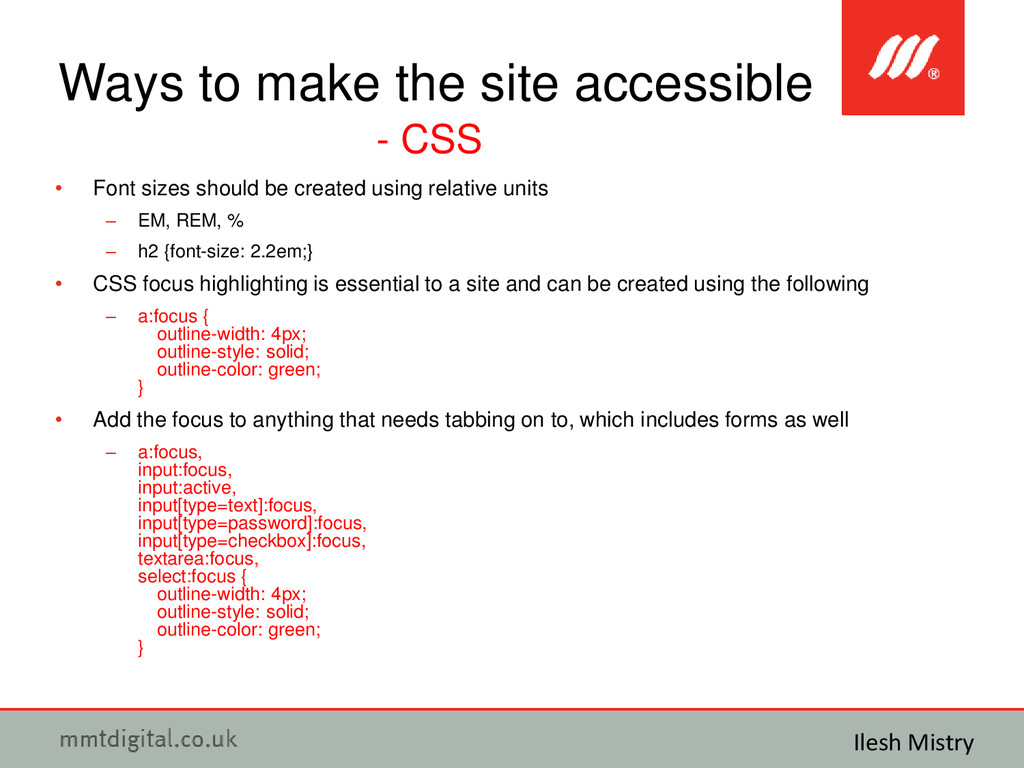
  11. • Font sizes should be created using relative units –

    EM, REM, % – h2 {font-size: 2.2em;} • CSS focus highlighting is essential to a site and can be created using the following – a:focus { outline-width: 4px; outline-style: solid; outline-color: green; } • Add the focus to anything that needs tabbing on to, which includes forms as well – a:focus, input:focus, input:active, input[type=text]:focus, input[type=password]:focus, input[type=checkbox]:focus, textarea:focus, select:focus { outline-width: 4px; outline-style: solid; outline-color: green; } Ways to make the site accessible - CSS Ilesh Mistry
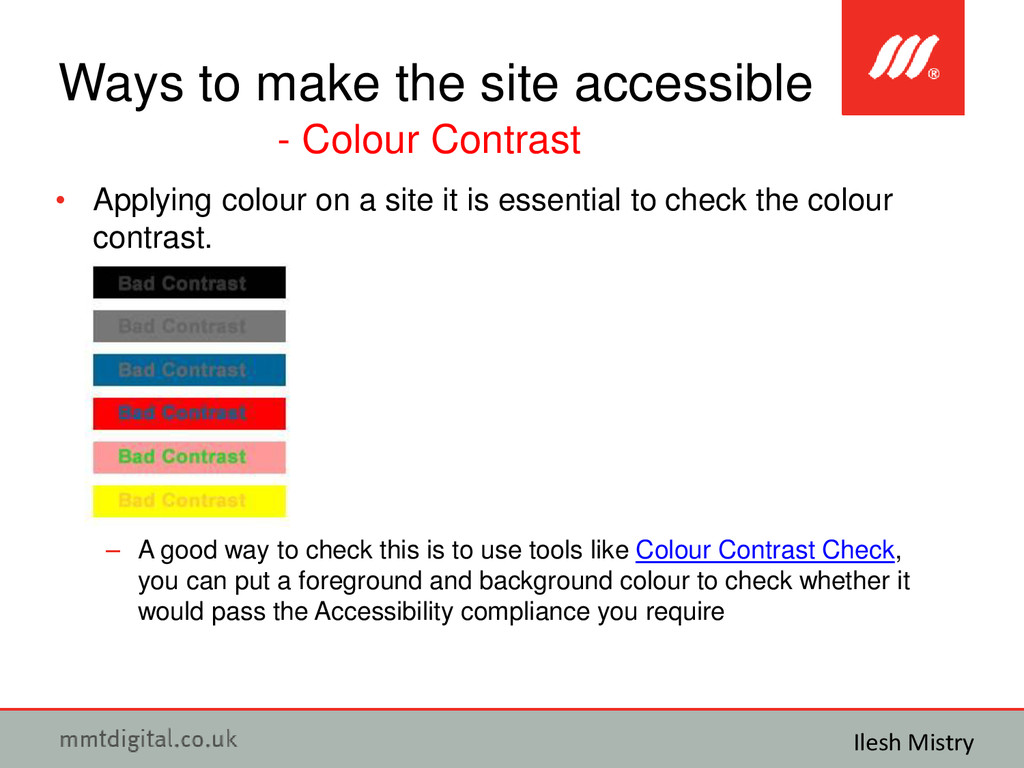
  12. • Applying colour on a site it is essential to

    check the colour contrast. – A good way to check this is to use tools like Colour Contrast Check, you can put a foreground and background colour to check whether it would pass the Accessibility compliance you require Ways to make the site accessible - Colour Contrast Ilesh Mistry
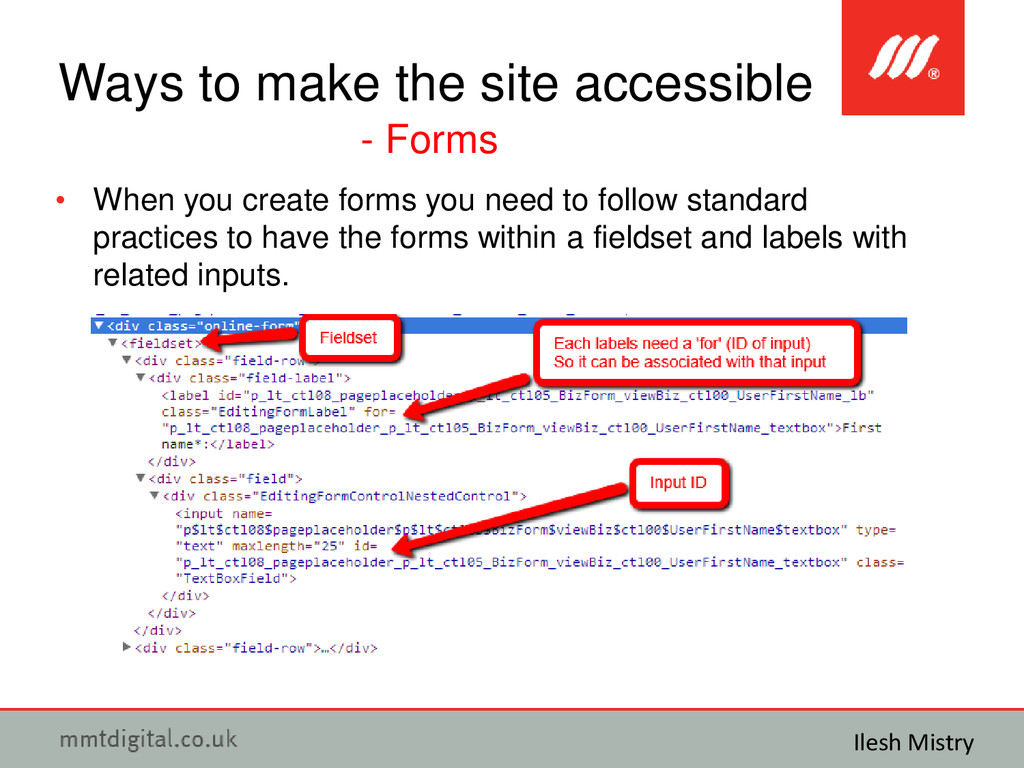
  13. • When you create forms you need to follow standard

    practices to have the forms within a fieldset and labels with related inputs. Ways to make the site accessible - Forms Ilesh Mistry
  14. • Some more examples are shown on this page with

    other form controls like radio buttons and check boxes • http://www.scope.org.uk/get-involved/challenge- events/event-registration-form Ways to make the site accessible - Forms Ilesh Mistry
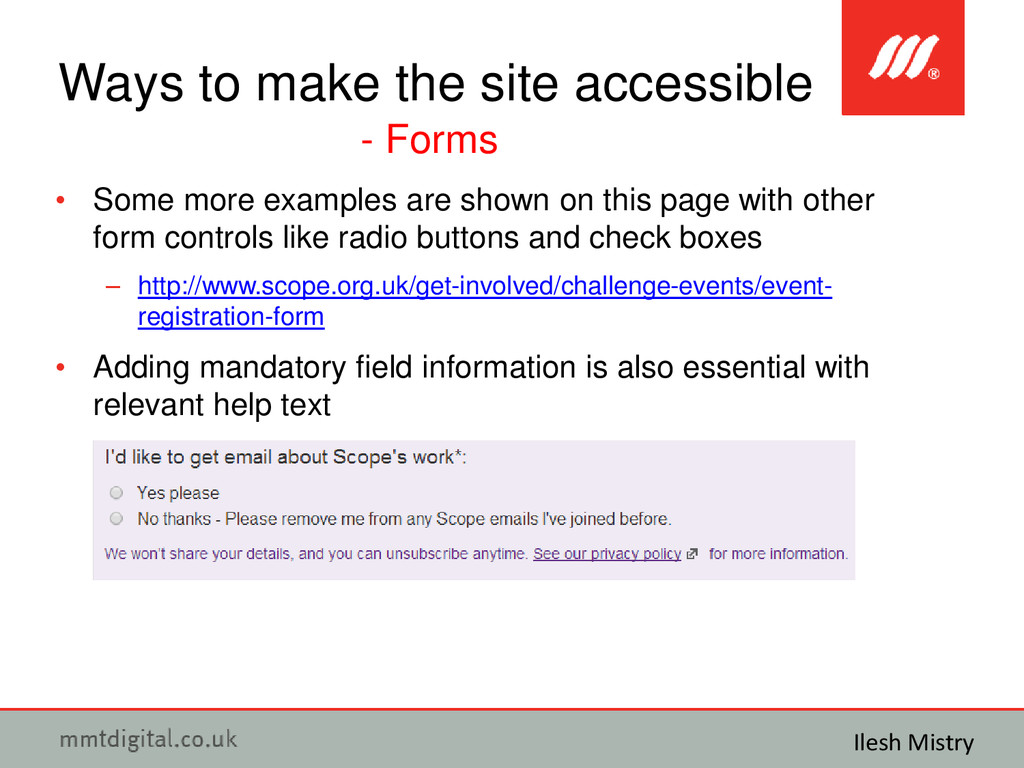
  15. • Some more examples are shown on this page with

    other form controls like radio buttons and check boxes – http://www.scope.org.uk/get-involved/challenge-events/event- registration-form • Adding mandatory field information is also essential with relevant help text Ways to make the site accessible - Forms Ilesh Mistry
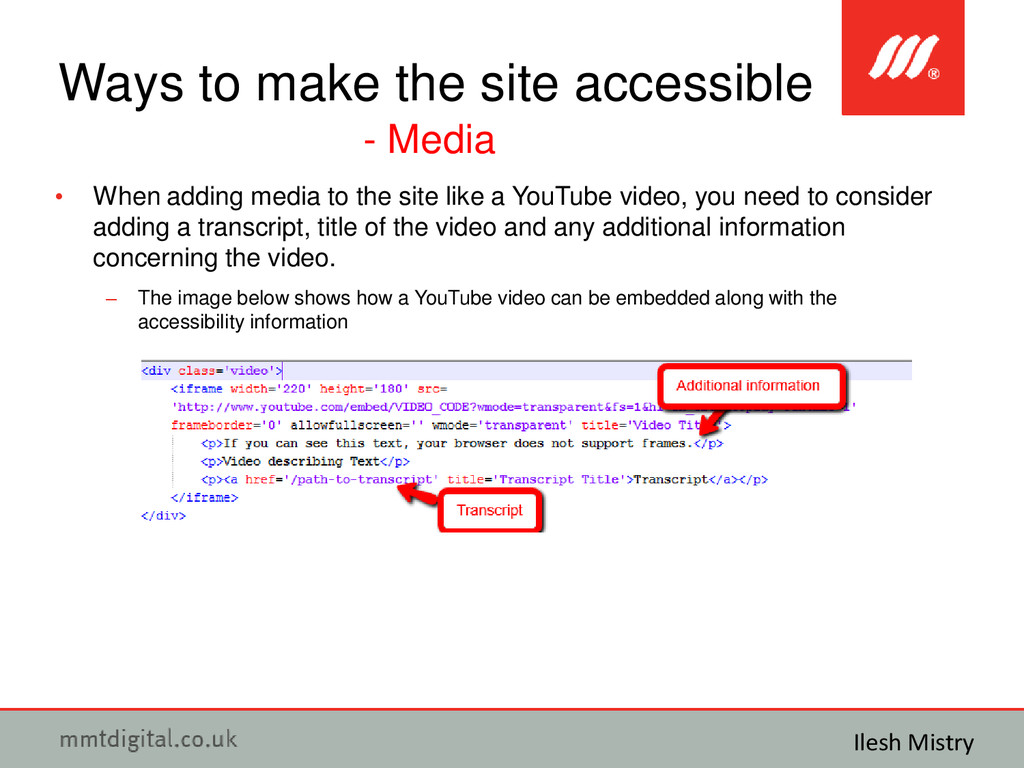
  16. • When adding media to the site like a YouTube

    video, you need to consider adding a transcript, title of the video and any additional information concerning the video. – The image below shows how a YouTube video can be embedded along with the accessibility information Ways to make the site accessible - Media Ilesh Mistry
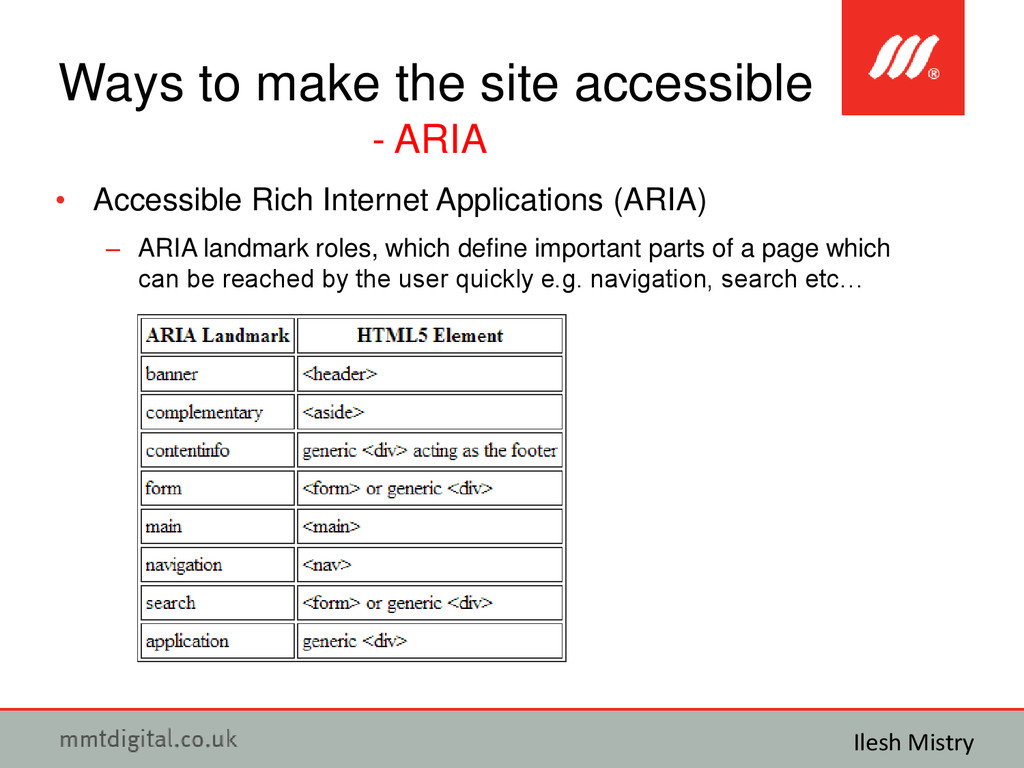
  17. • Accessible Rich Internet Applications (ARIA) – Defines way to

    make your web dynamic content/applications more accessible – WAI-ARIA attributes • Roles – <form role=”search”> purpose of element • States – <button aria-pressed=”true”> provides more information • Properties – <input aria-required=”true”> provides more information Ways to make the site accessible - ARIA Ilesh Mistry
  18. • Accessible Rich Internet Applications (ARIA) – ARIA landmark roles,

    which define important parts of a page which can be reached by the user quickly e.g. navigation, search etc… Ways to make the site accessible - ARIA Ilesh Mistry
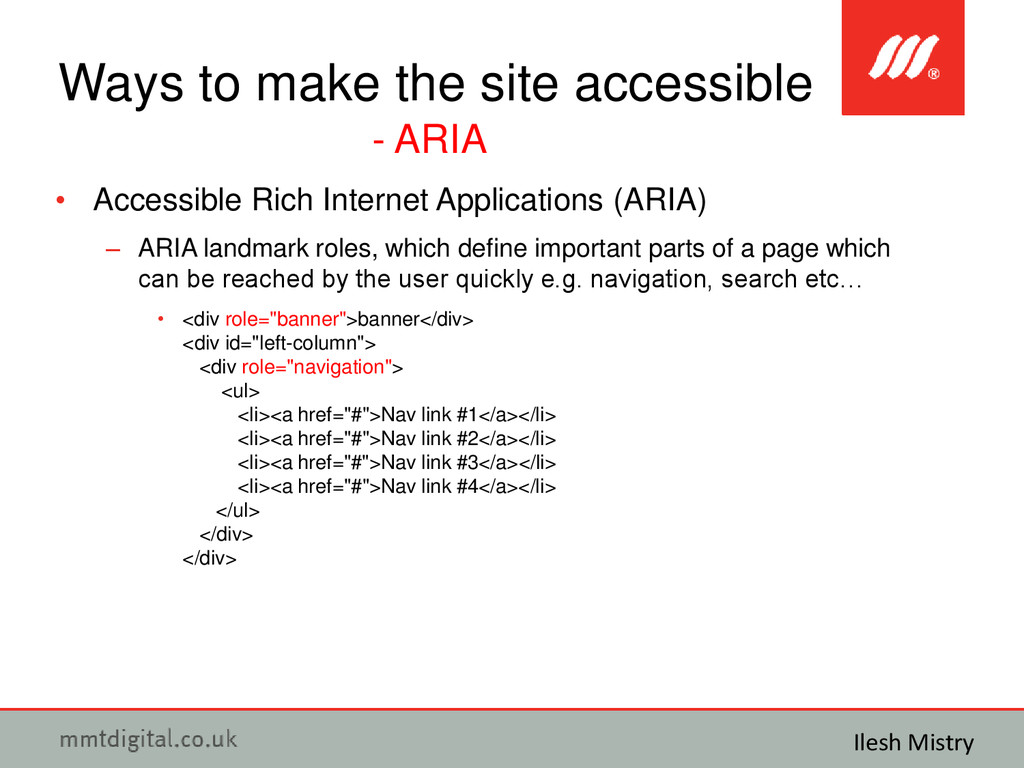
  19. • Accessible Rich Internet Applications (ARIA) – ARIA landmark roles,

    which define important parts of a page which can be reached by the user quickly e.g. navigation, search etc… • <div role="banner">banner</div> <div id="left-column"> <div role="navigation"> <ul> <li><a href="#">Nav link #1</a></li> <li><a href="#">Nav link #2</a></li> <li><a href="#">Nav link #3</a></li> <li><a href="#">Nav link #4</a></li> </ul> </div> </div> Ways to make the site accessible - ARIA Ilesh Mistry
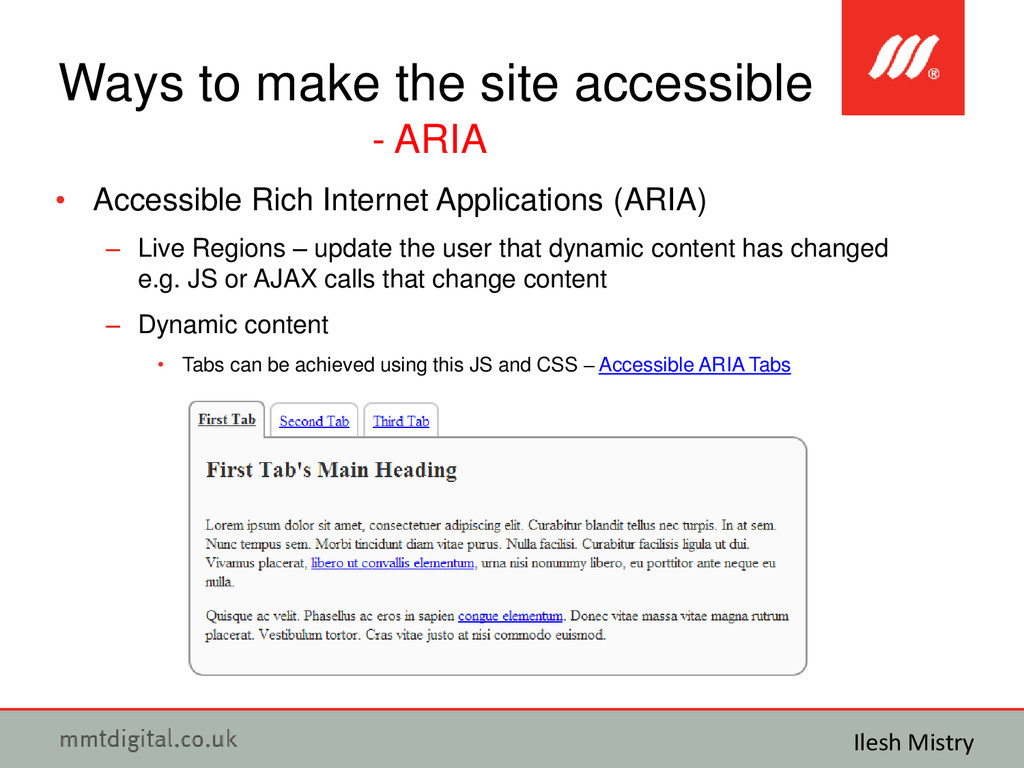
  20. • Accessible Rich Internet Applications (ARIA) – Live Regions –

    update the user that dynamic content has changed e.g. JS or AJAX calls that change content – Dynamic content • Tabs can be achieved using this JS and CSS – Accessible ARIA Tabs Ways to make the site accessible - ARIA Ilesh Mistry
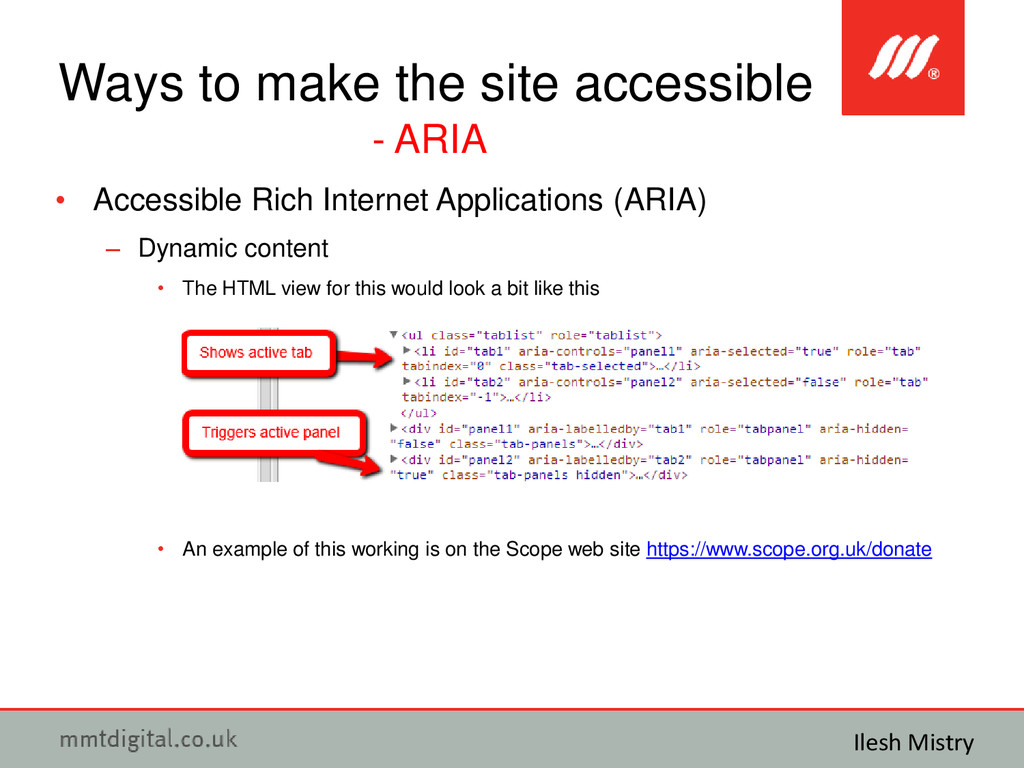
  21. • Accessible Rich Internet Applications (ARIA) – Dynamic content •

    The HTML view for this would look a bit like this • An example of this working is on the Scope web site https://www.scope.org.uk/donate Ways to make the site accessible - ARIA Ilesh Mistry
  22. • What happens when you use third party widgets/content, which

    you can’t make accessible? • Please don’t CRY! Third Party widgets/content Ilesh Mistry
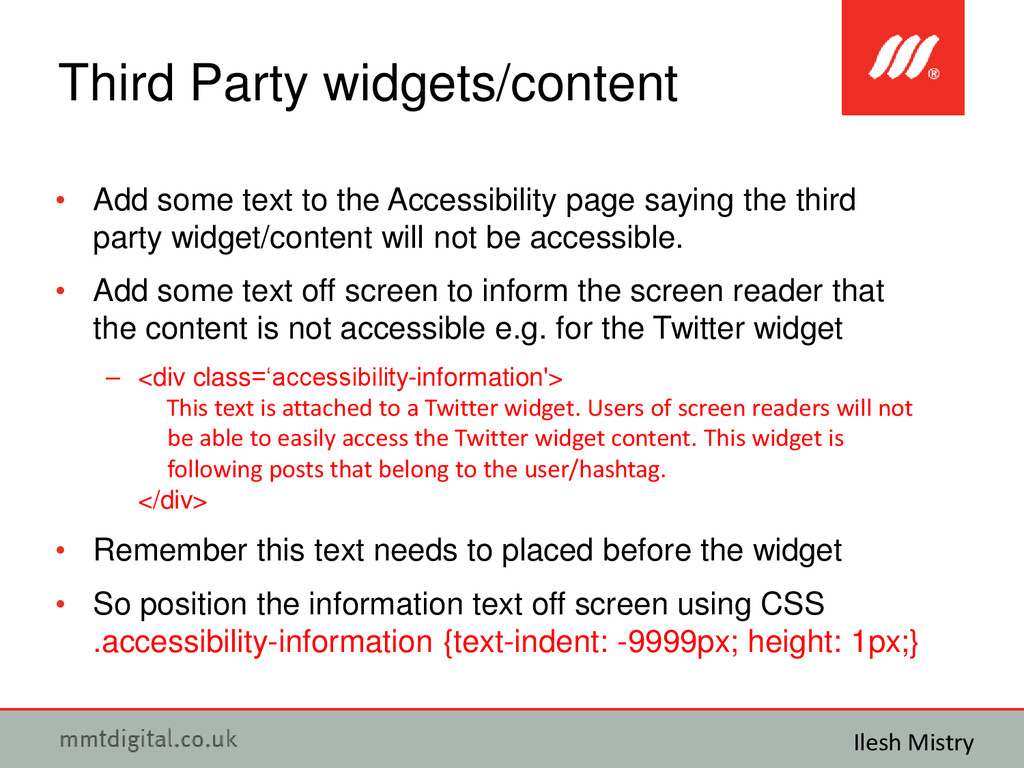
  23. • Add some text to the Accessibility page saying the

    third party widget/content will not be accessible. • Add some text off screen to inform the screen reader that the content is not accessible e.g. for the Twitter widget – <div class=‘accessibility-information'> This text is attached to a Twitter widget. Users of screen readers will not be able to easily access the Twitter widget content. This widget is following posts that belong to the user/hashtag. </div> • Remember this text needs to placed before the widget • So position the information text off screen using CSS .accessibility-information {text-indent: -9999px; height: 1px;} Third Party widgets/content Ilesh Mistry
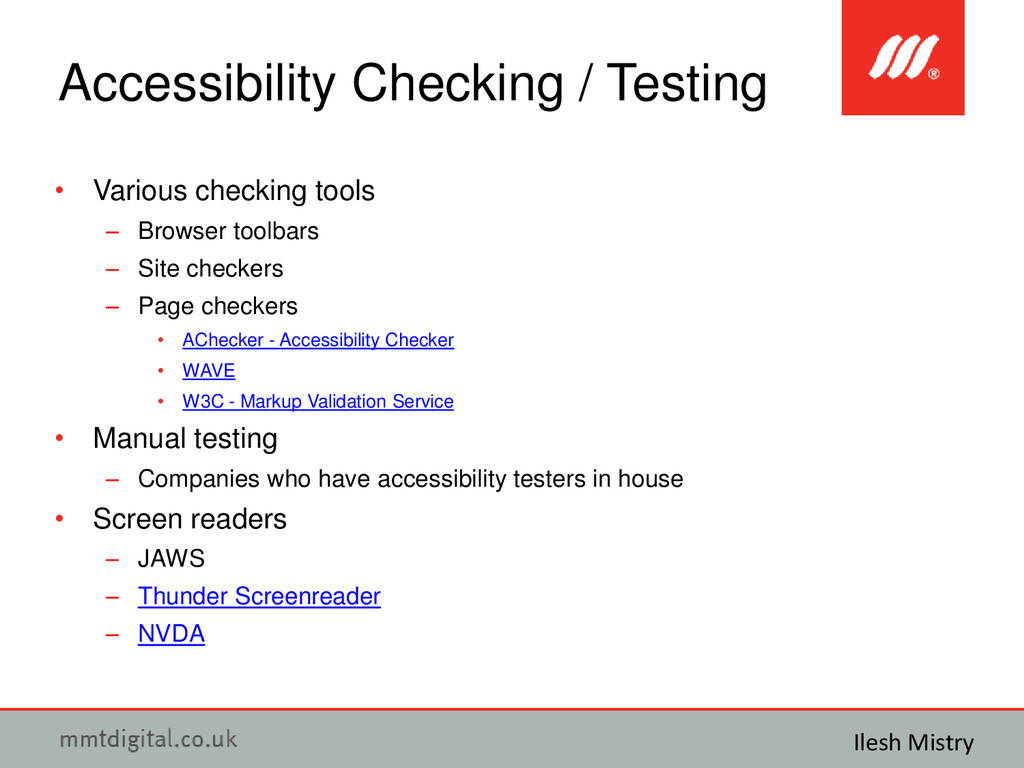
  24. • Various checking tools – Browser toolbars – Site checkers

    – Page checkers • AChecker - Accessibility Checker • WAVE • W3C - Markup Validation Service • Manual testing – Companies who have accessibility testers in house • Screen readers – JAWS – Thunder Screenreader – NVDA Accessibility Checking / Testing Ilesh Mistry